All guides
439 step-by-step guides, with real screenshots where available and links to the sources we used.
 Illustration
Device
Topic
439 guides
No guide matches. or browse iPhone, Android, Mac or Windows.
iPhone
84 guides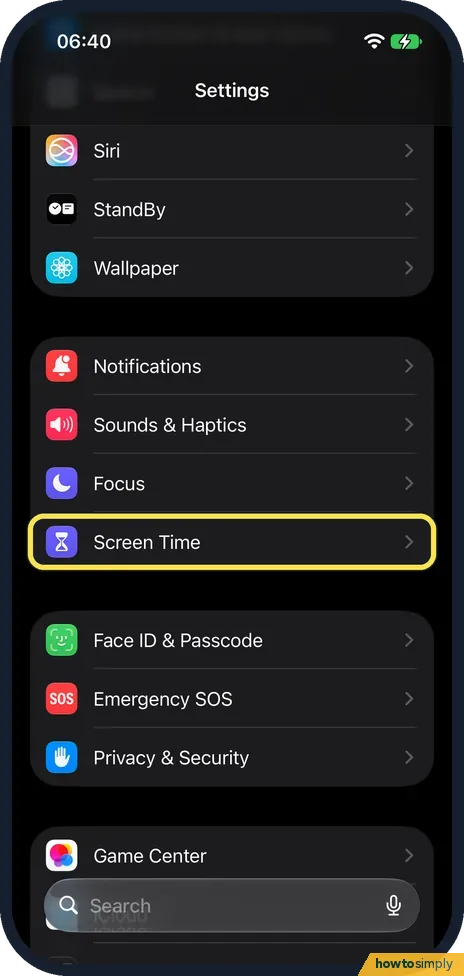 How to turn on Screen Time on iPhone ▶ Video
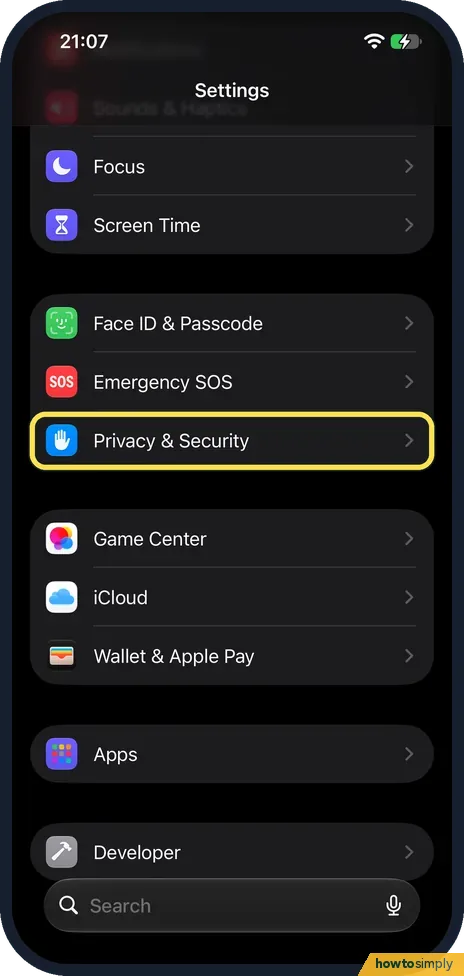 How to see which apps can access your contacts and location on iPhone ▶ Video
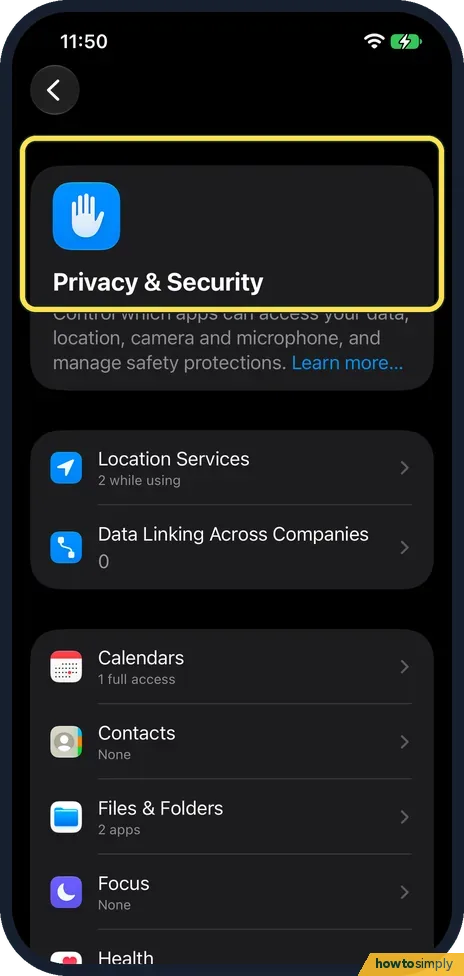 How to stop apps from tracking you on iPhone ▶ Video
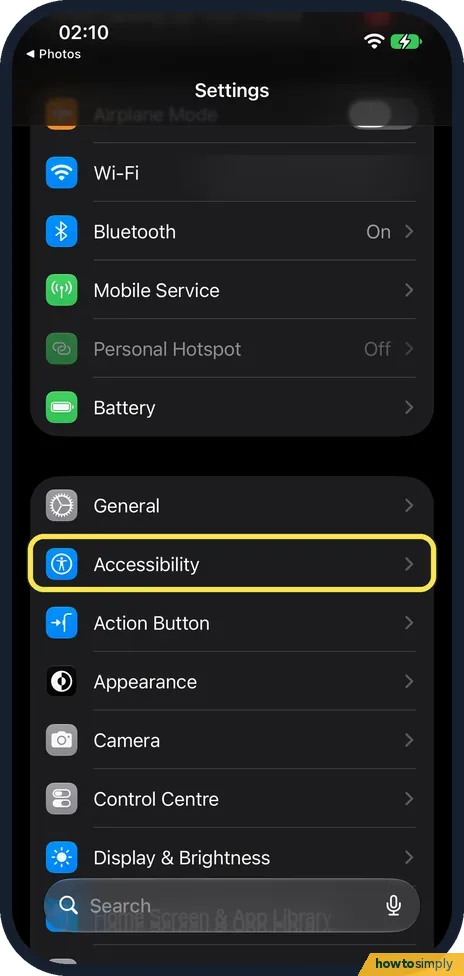 How to make your iPhone read text aloud
 How to turn off autocorrect on iPhone ▶ Video
 How to create text shortcuts on iPhone
 How to take a screenshot on an iPhone ▶ Video
 How to clear Safari history and website data on iPhone ▶ Video
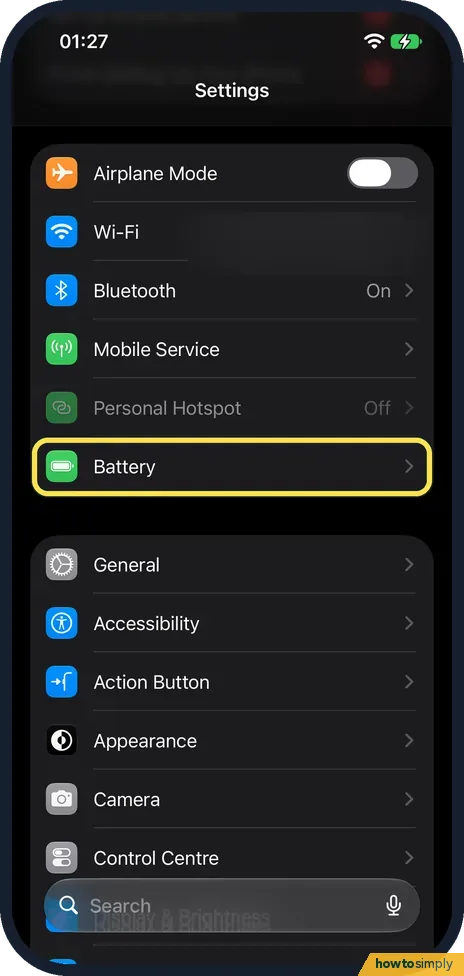 How to check battery health on an iPhone
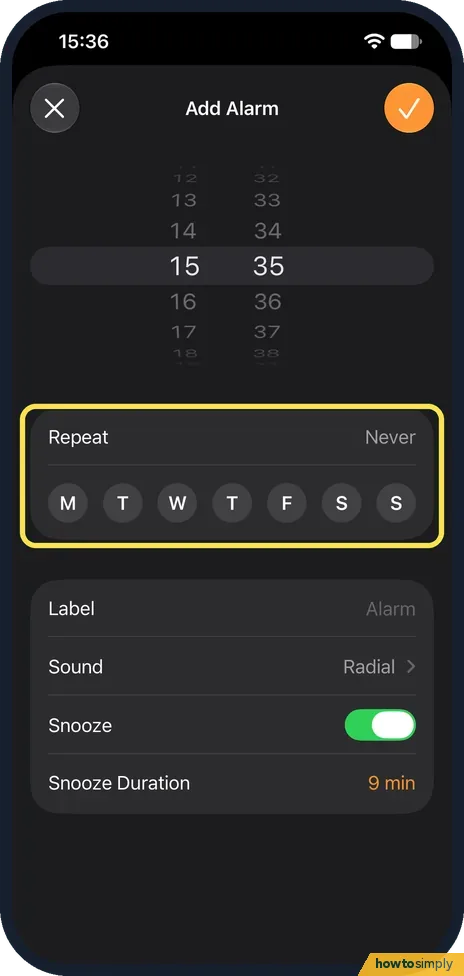 iPhone alarm not going off? 8 things to check ▶ Video
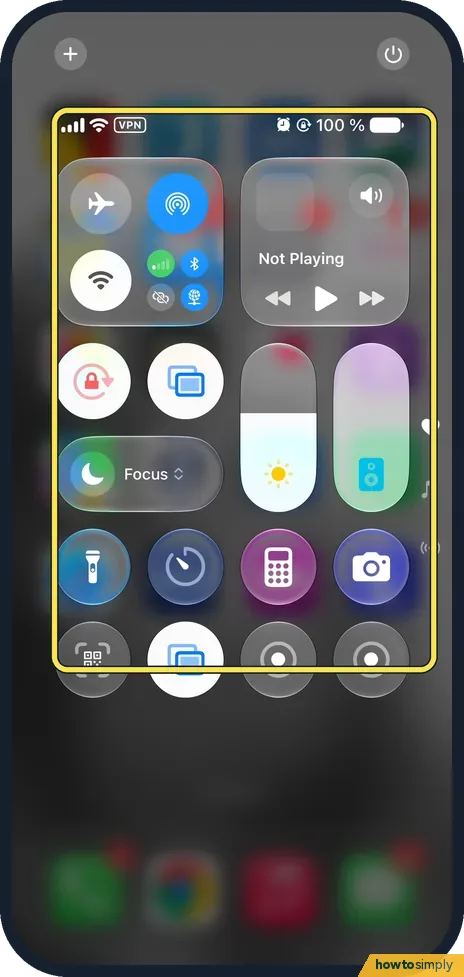 How to turn on Do Not Disturb on an iPhone
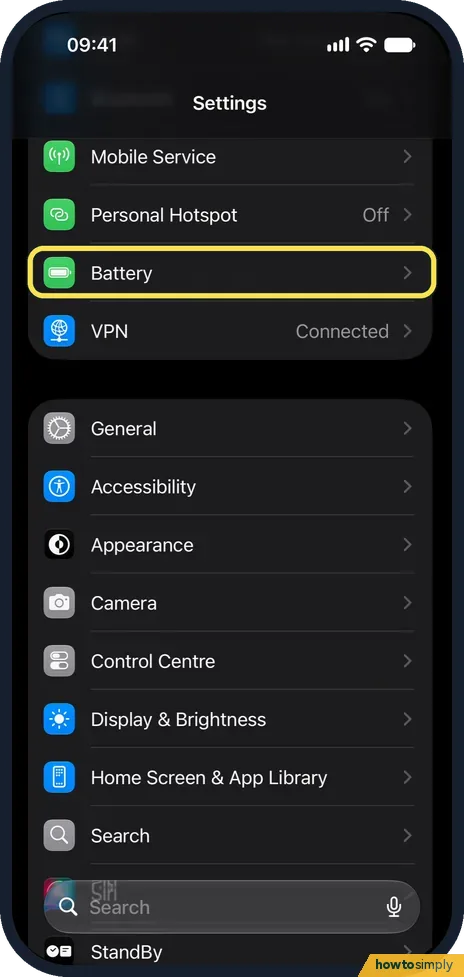 How to turn on Low Power Mode on an iPhone
 How to set up Medical ID and emergency contacts on an iPhone ▶ Video
 How to change the name of your iPhone ▶ Video
 How to turn off auto-brightness on an iPhone ▶ Video
 How to use AssistiveTouch if an iPhone button is broken
 How to use Private Browsing in Safari on an iPhone
 How to change what the Action button does on an iPhone
 How to turn on Sensitive Content Warning on an iPhone
 How to stop sharing analytics with Apple on an iPhone ▶ Video
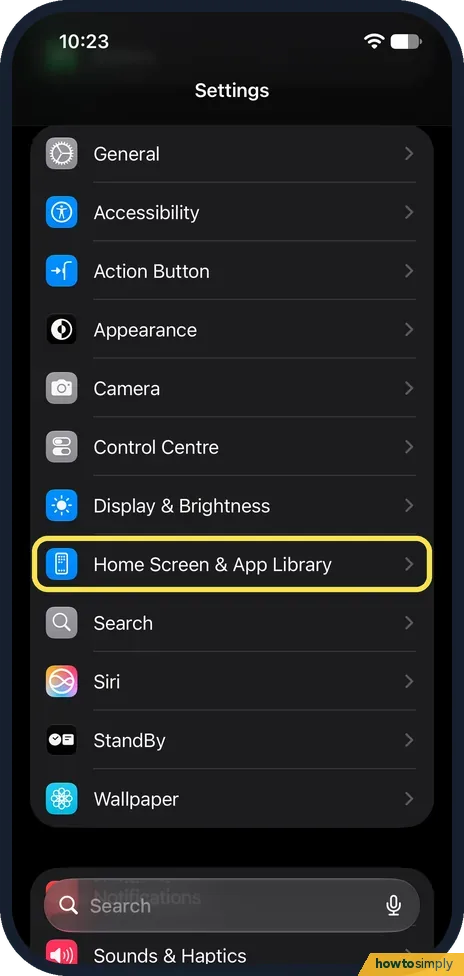 How to keep new apps off the iPhone Home Screen
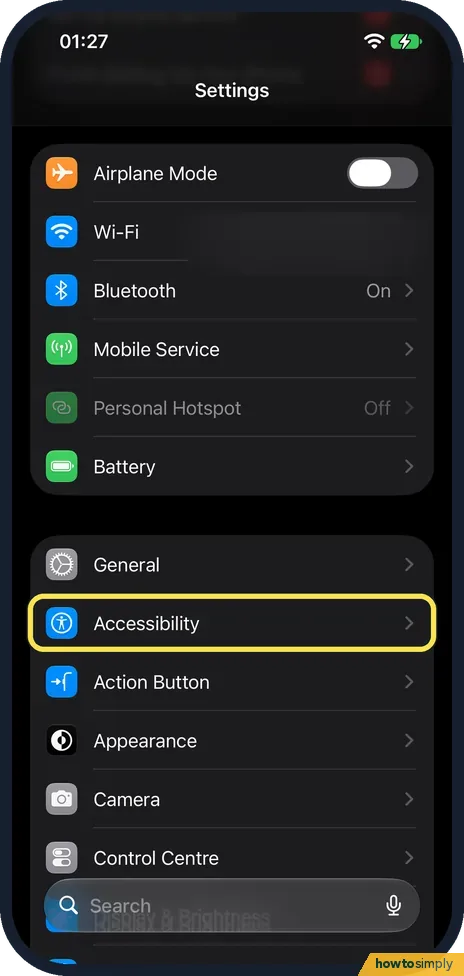 How to reduce transparency and increase contrast on an iPhone ▶ Video
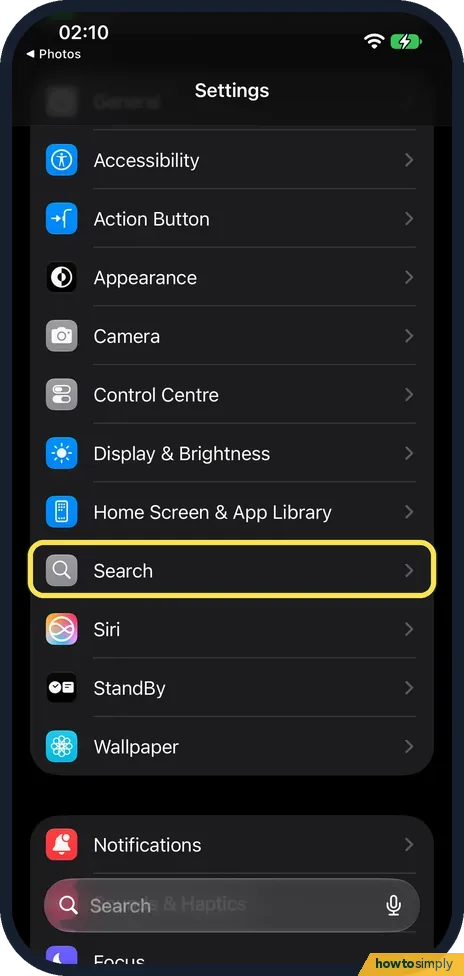 How to stop Apple storing your searches on an iPhone
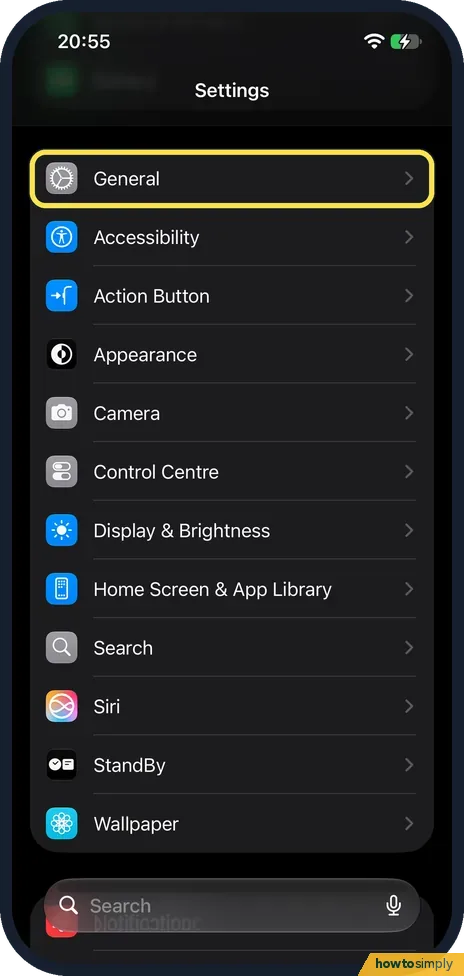 How to turn off full-screen screenshot previews on an iPhone
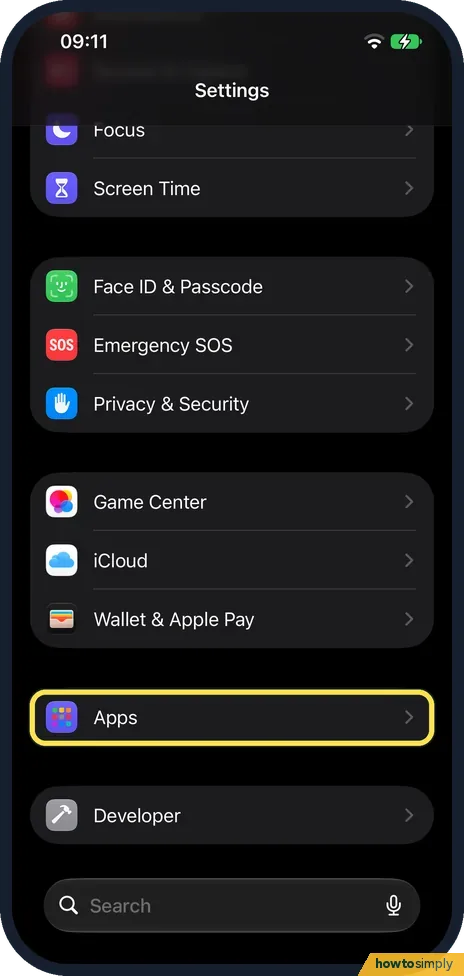 How to change the search engine in Safari on an iPhone ▶ Video
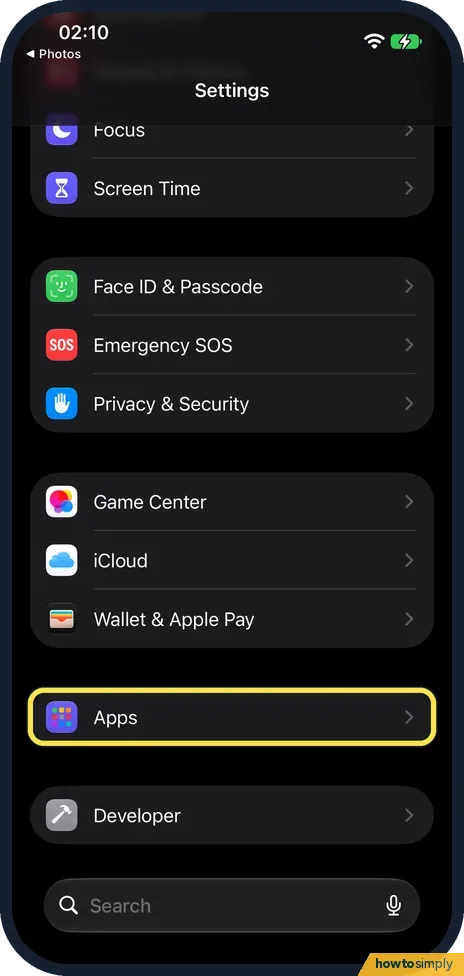 How to move the Safari address bar on an iPhone
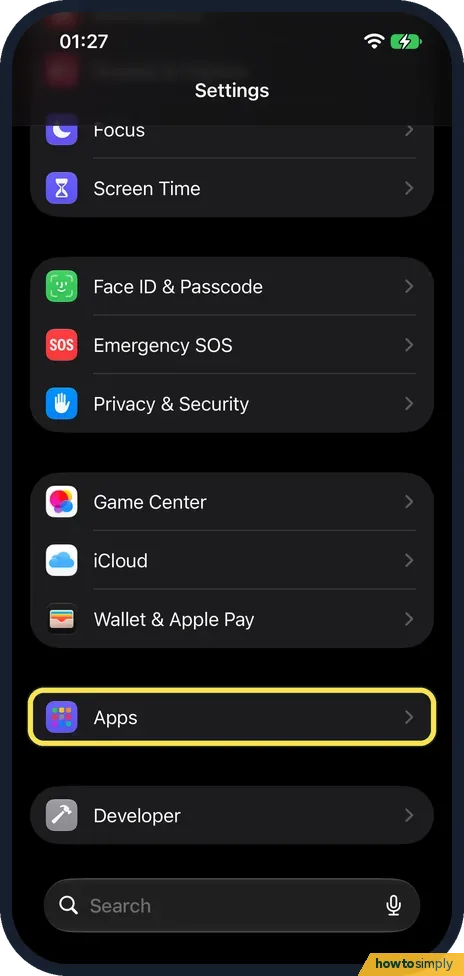 How to hide your IP address from trackers in Safari on an iPhone ▶ Video
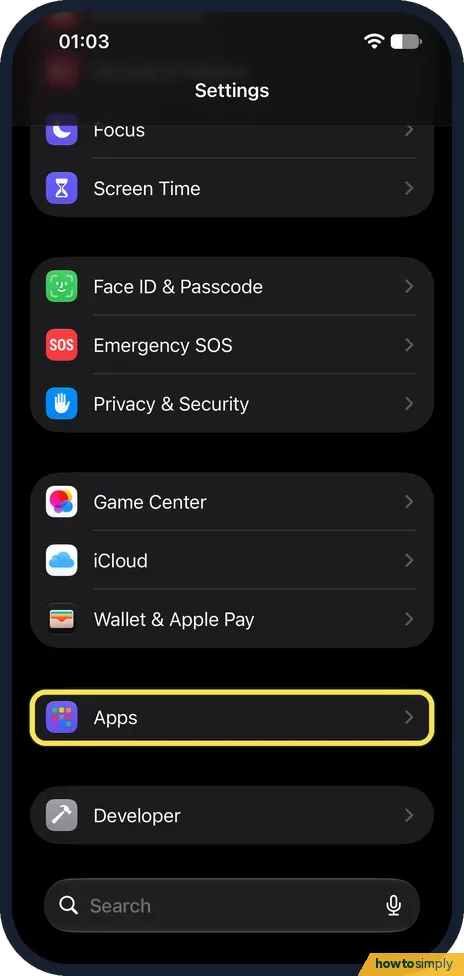 How to change the first day of the week in the iPhone Calendar ▶ Video
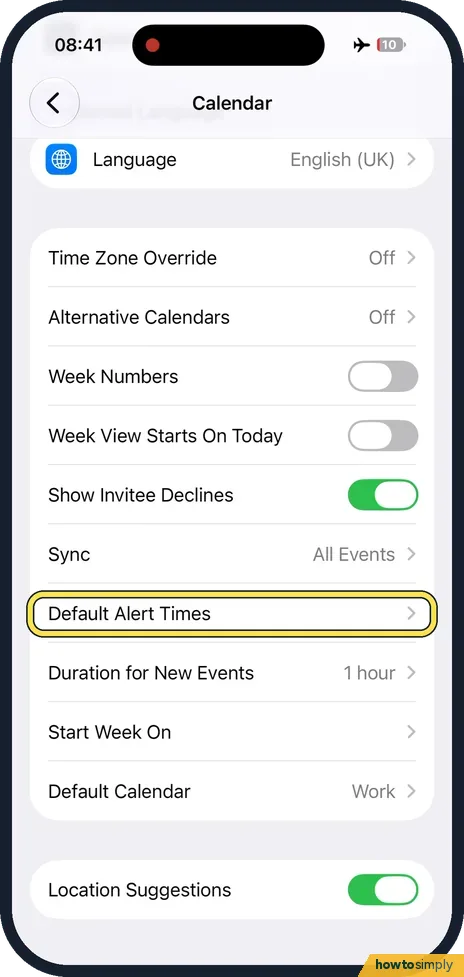 How to set default alert times for calendar events on an iPhone
 How to sort contacts by first name on an iPhone
 How to show full names instead of short names on an iPhone
 How to turn on subtitles and captions on an iPhone ▶ Video
 How to turn off Attention Aware Features on an iPhone
 How to see what you type in larger text on an iPhone ▶ Video
 How to make an iPhone speak words as you type ▶ Video
 How to show only capital letters on the iPhone keyboard
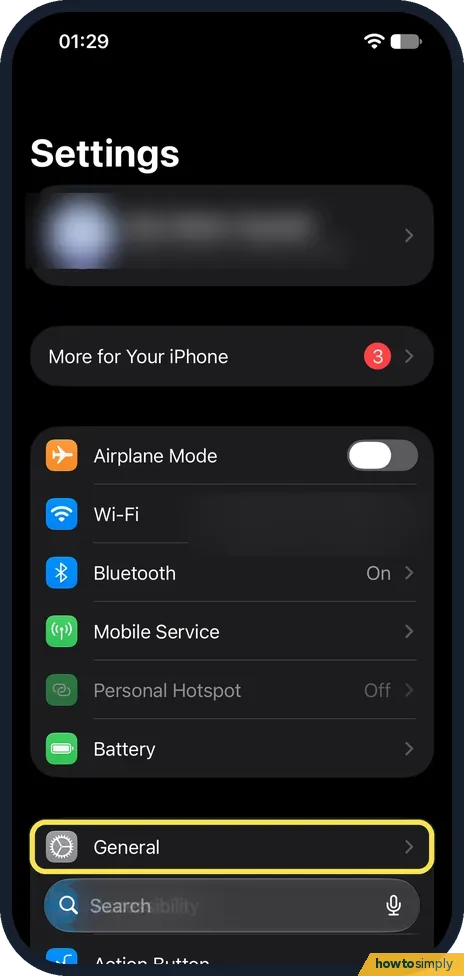 How to stop the iPhone typing a full stop after two spaces
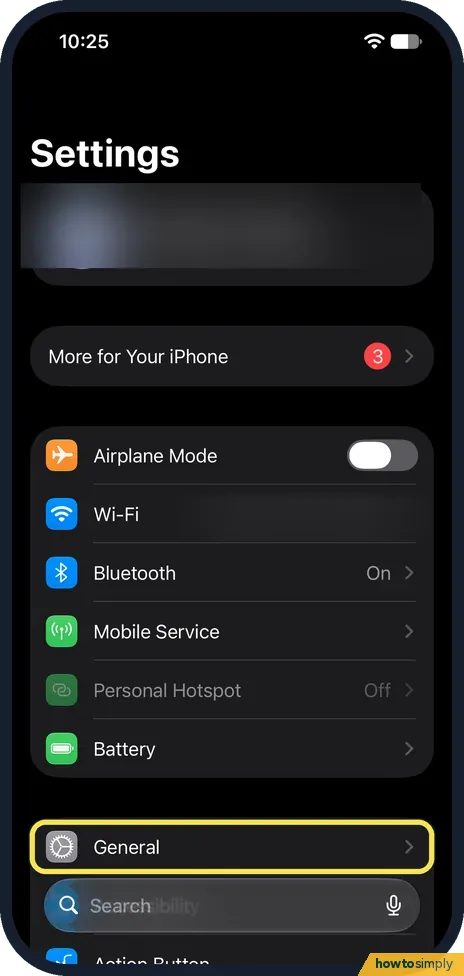 How to turn off swipe typing on an iPhone
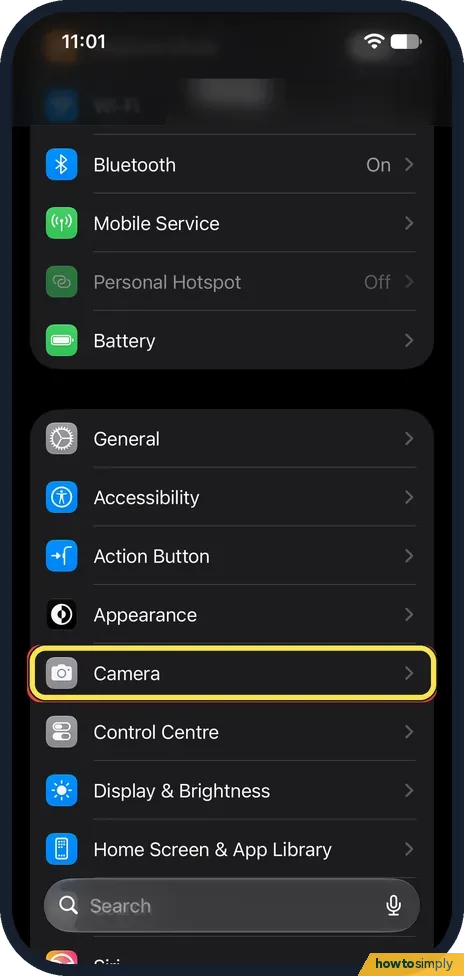 How to turn on the camera grid and level on an iPhone
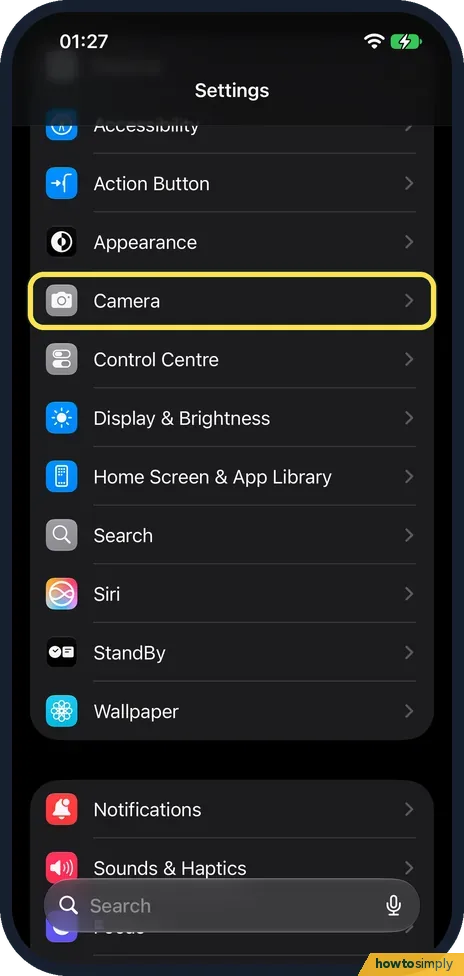 How to record video sound in stereo or mono on an iPhone ▶ Video
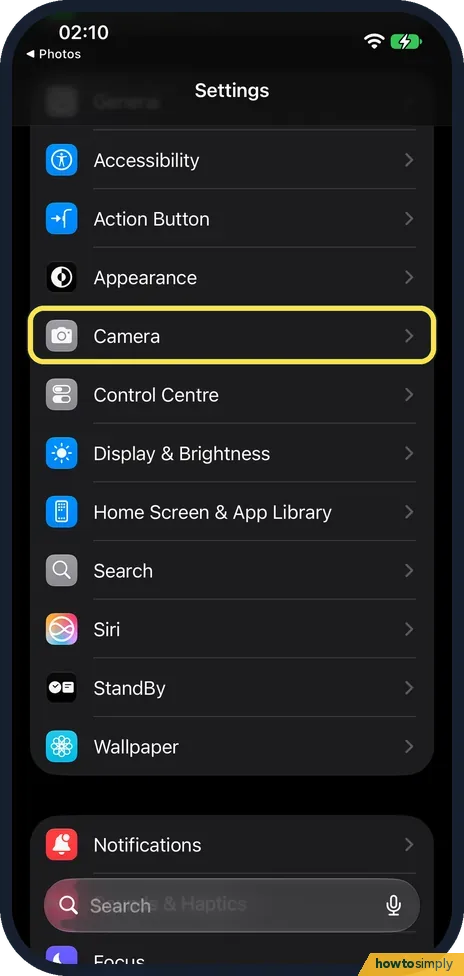 How to keep music playing while recording video on an iPhone
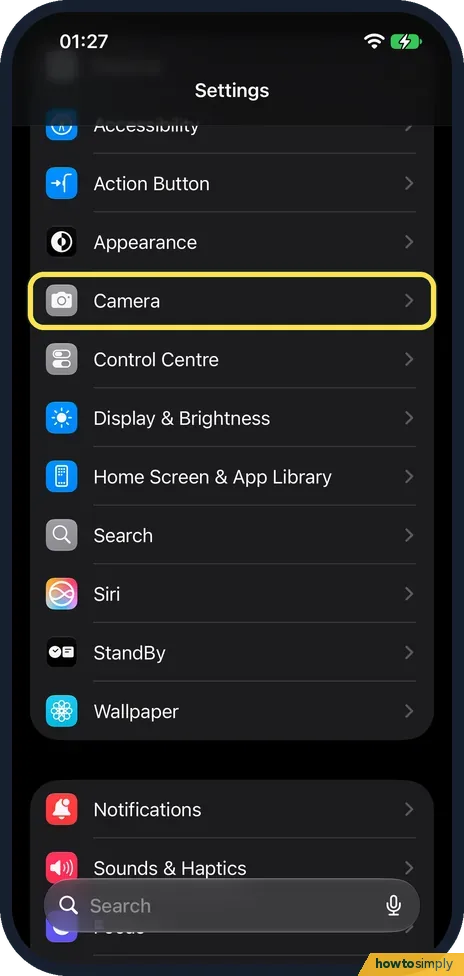 How to change the slow-motion frame rate on an iPhone
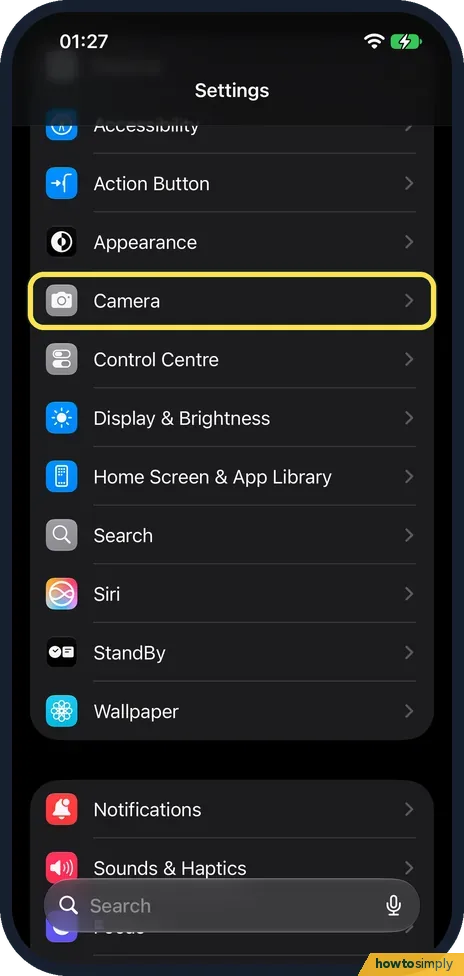 How to turn off Lens Correction on an iPhone camera
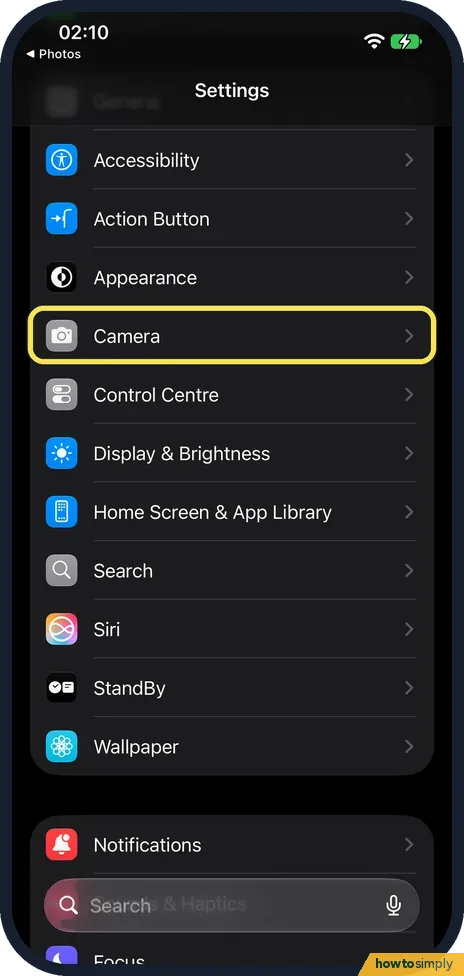 How to stop photos taken in Messages being saved to your library
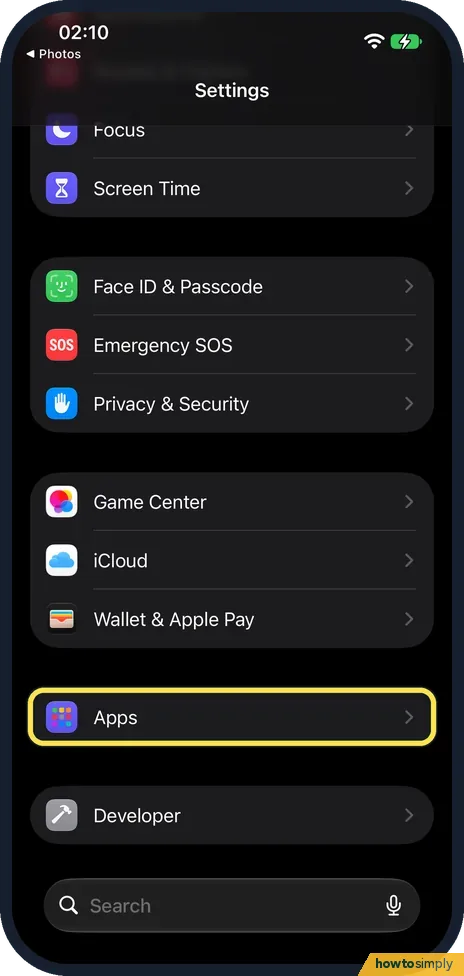 How to make Safari close old tabs automatically on an iPhone
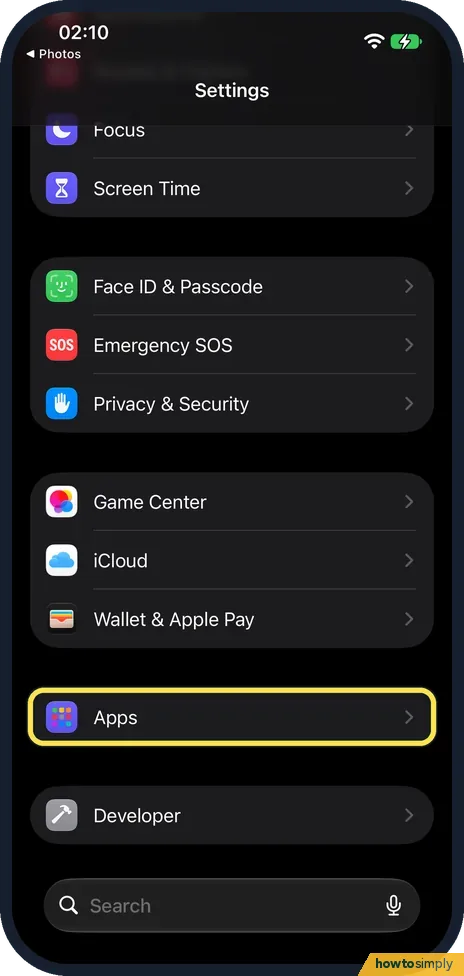 How to open Safari links in the background on an iPhone
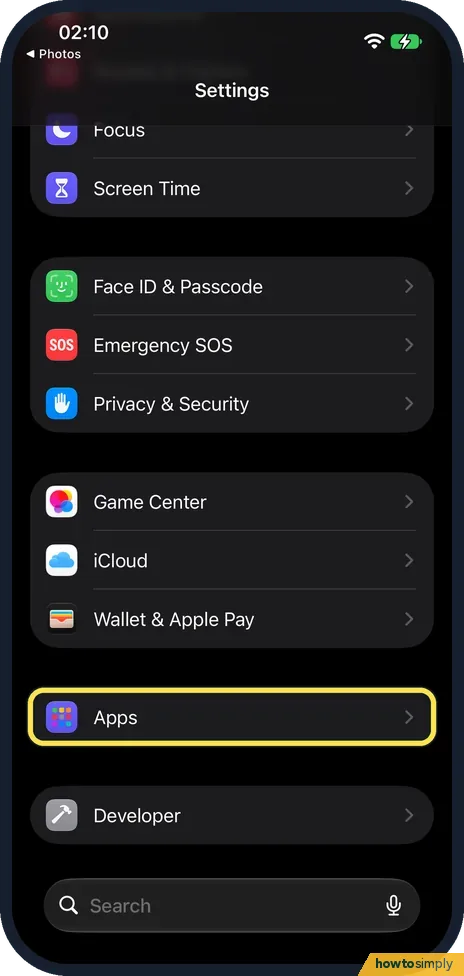 How to make all websites larger in Safari on an iPhone
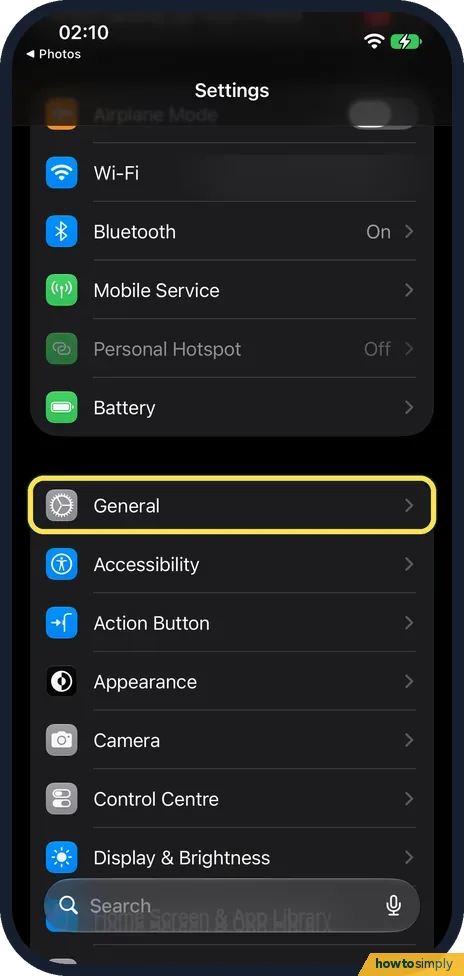 How to switch an iPhone between metric and imperial units
 How to turn off keyboard clicks on an iPhone
 How to show the location arrow in the iPhone status bar ▶ Video
 How to invert the colours on an iPhone with Smart Invert
 How to make an iPhone show information without relying on colour
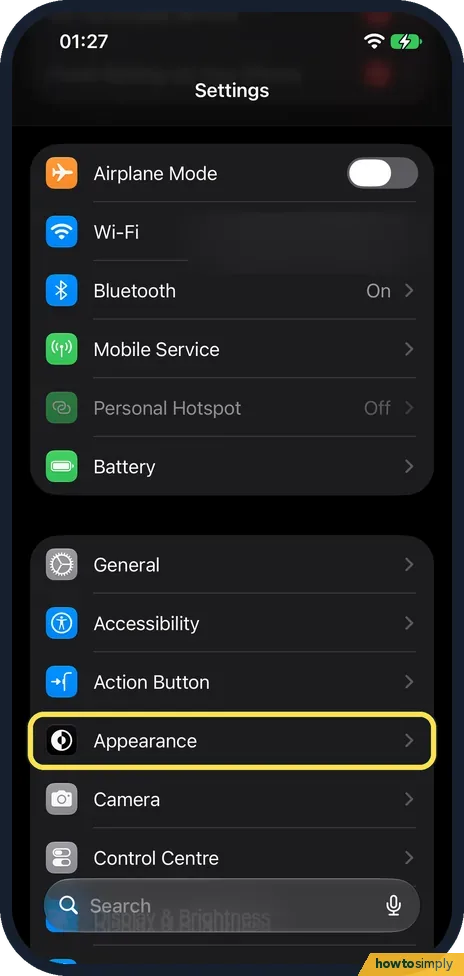 How to reduce the Liquid Glass effect on an iPhone ▶ Video
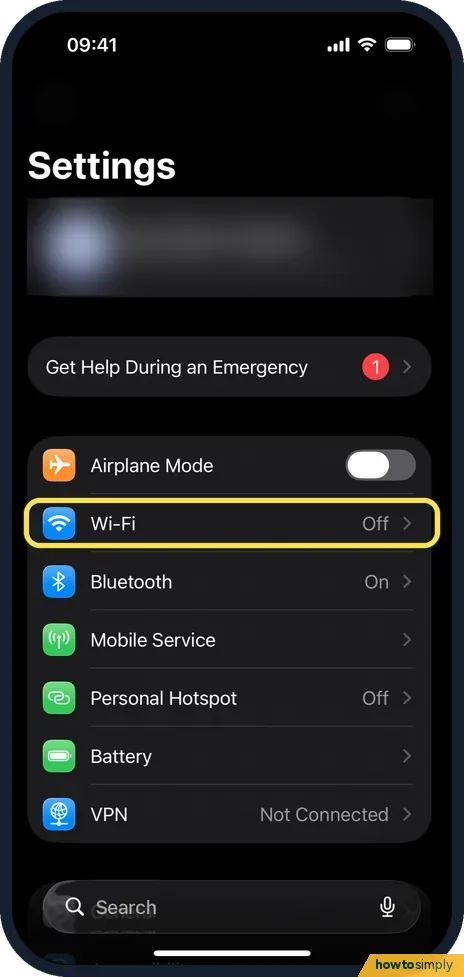 How to turn off Connectivity Assist (Wi-Fi Assist) on an iPhone
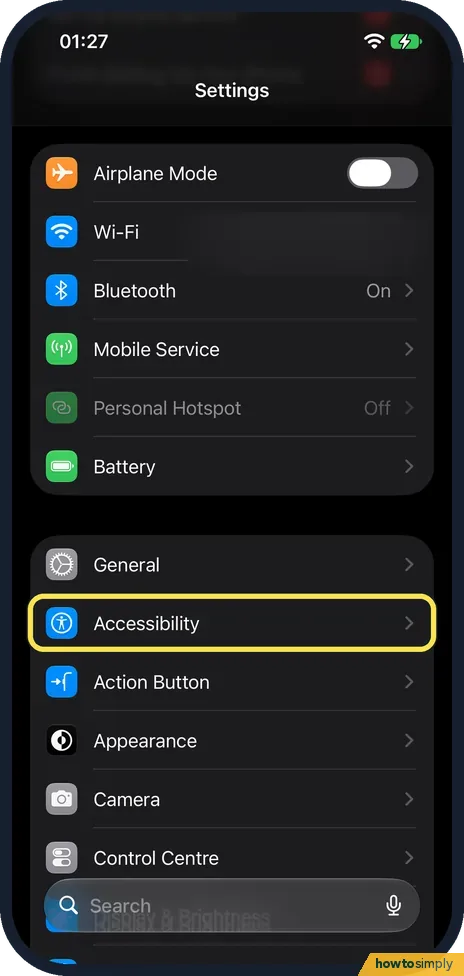 How to turn on Live Captions on an iPhone ▶ Video
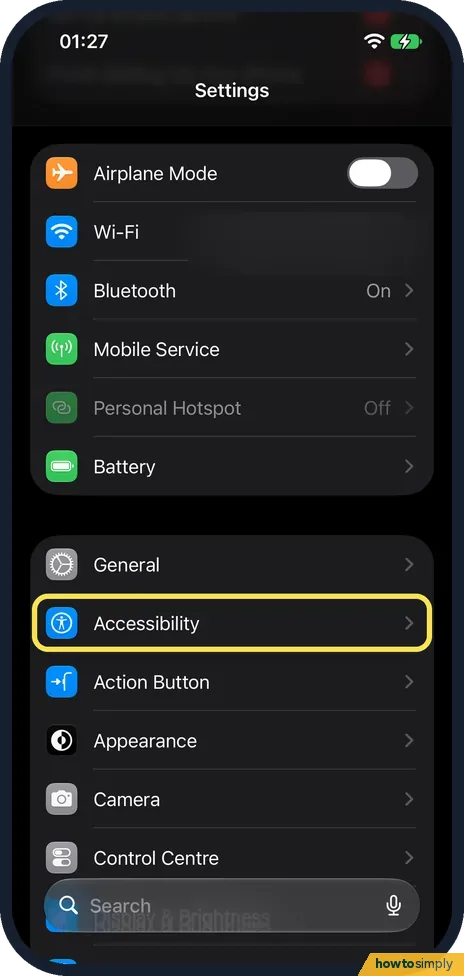 How to use Sound Recognition on an iPhone
 How to change Display Zoom on an iPhone ▶ Video
 iPhone screen zoomed in and stuck? How to turn Zoom off ▶ Video
 How to turn off iOS beta updates on an iPhone
 How to save a video frame as a photo on an iPhone
 How to play Background Sounds like rain on an iPhone ▶ Video
 How to use the iPhone space bar as a trackpad to move the cursor ▶ Video
 How to open and create ZIP files on an iPhone (iOS 27)
 How to set a charging limit on an iPhone (iOS 27)
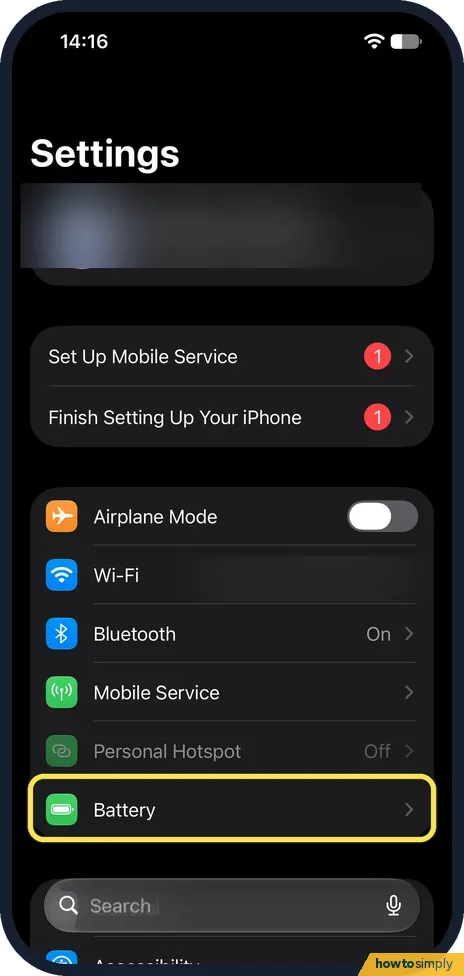 How to show the battery percentage on an iPhone (iOS 27)
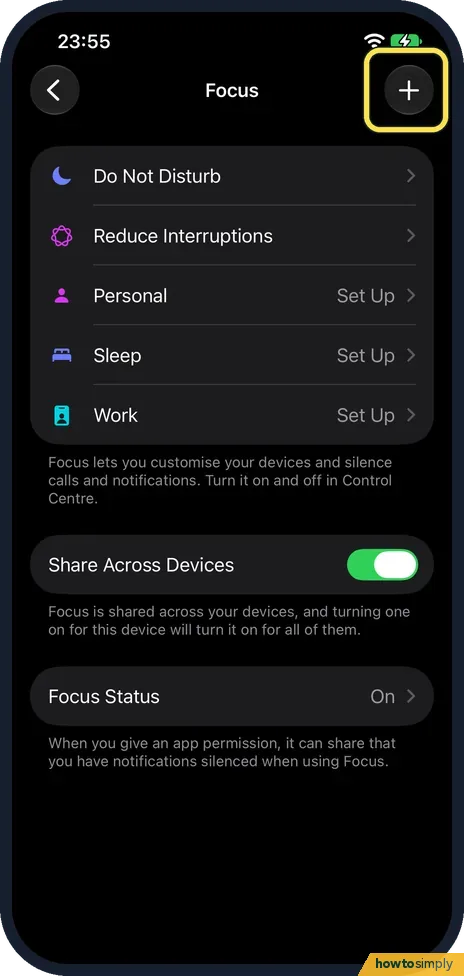 How to turn on the Driving Focus on an iPhone (iOS 27)
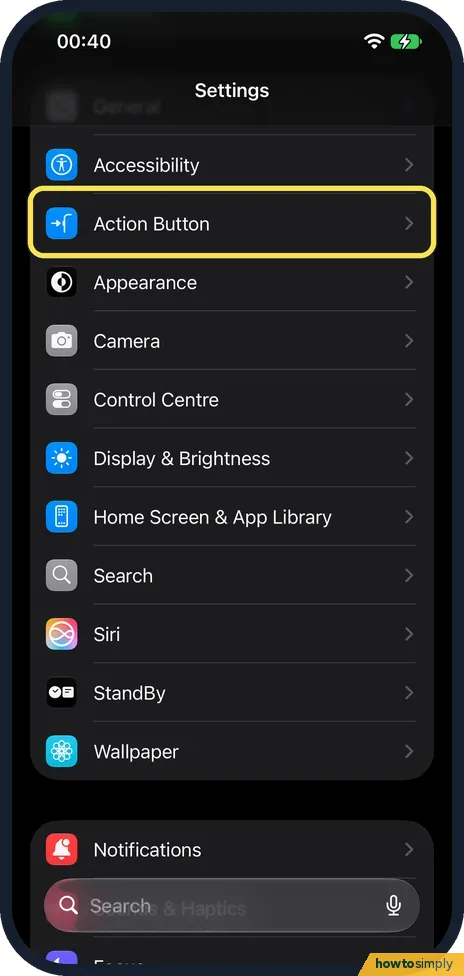 How to open Magnifier with the Action button on an iPhone
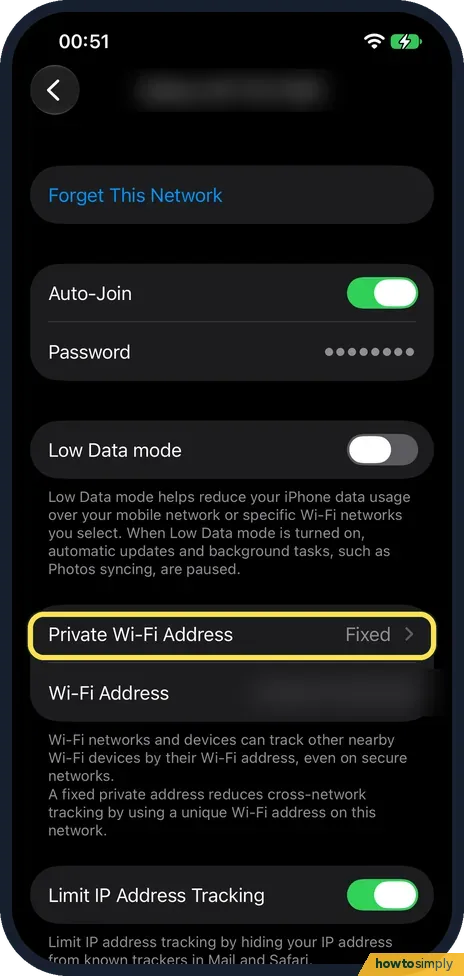 How to change the private Wi-Fi address on an iPhone (iOS 27)
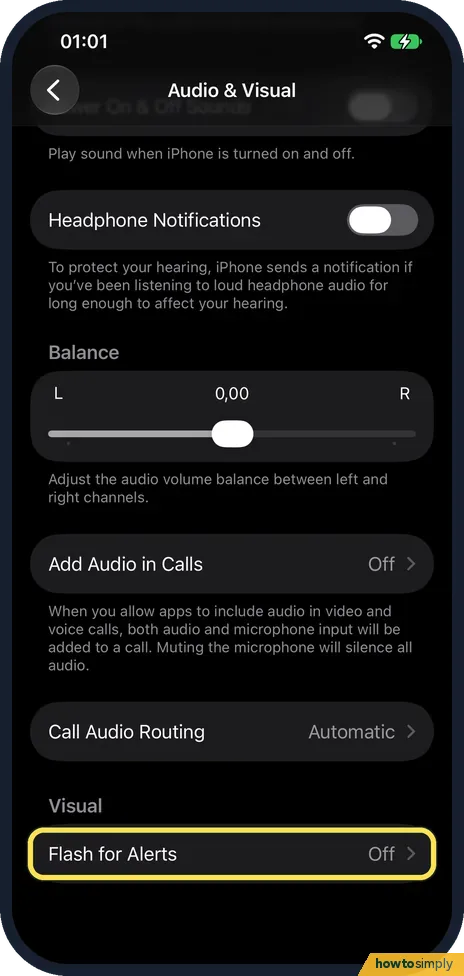 How to turn on Flash for Alerts on an iPhone (iOS 27)
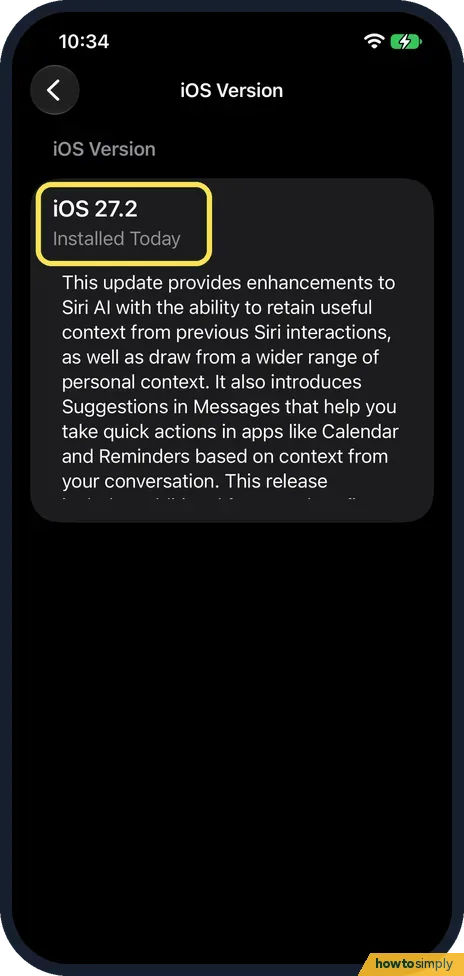 What's new in iOS 27.2 on an iPhone 17e
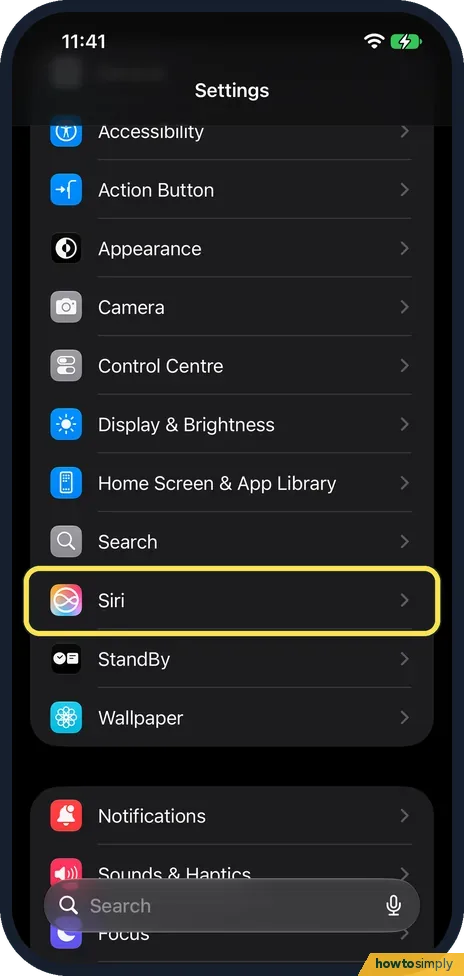 How to stop Siri using an app on an iPhone (Excluded Apps)
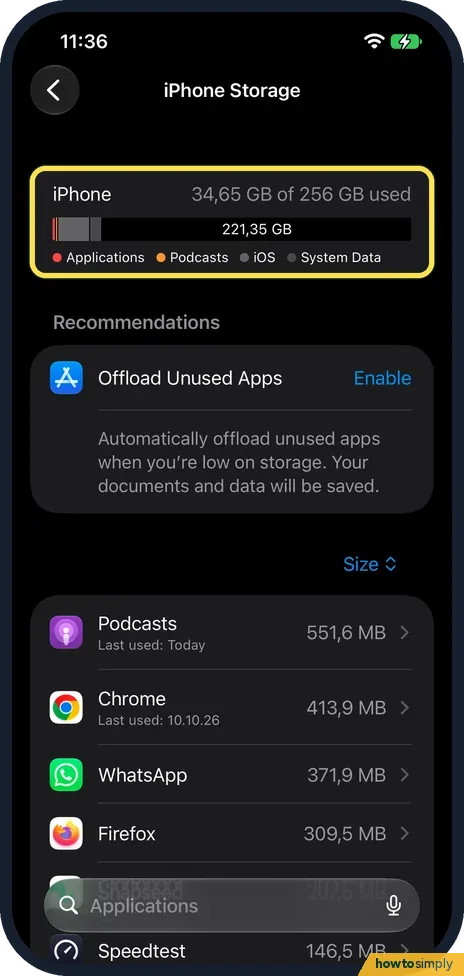 How to see how much space Safari website data uses on iPhone
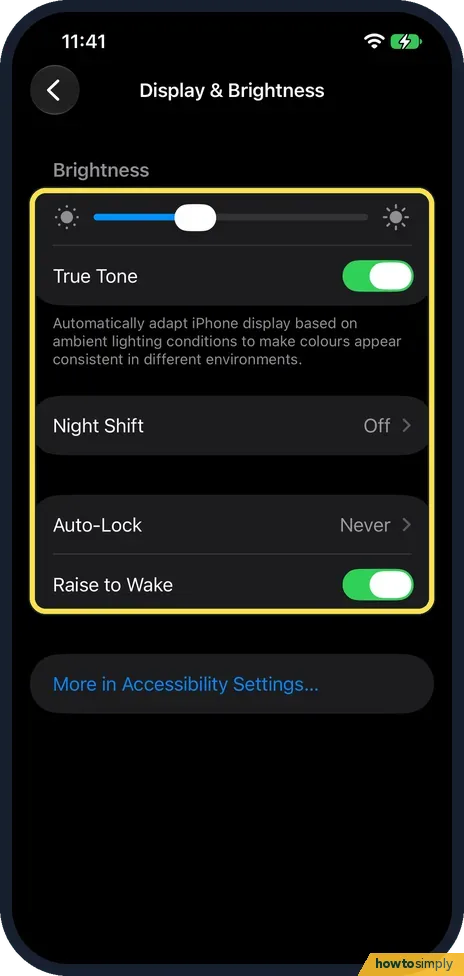 What the iPhone 17e can't do, and what it has instead
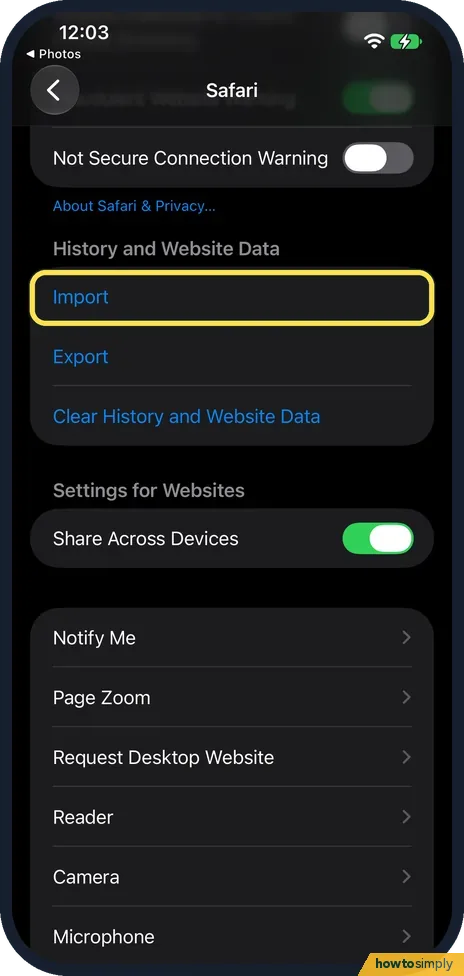 Safari import says No Compatible Web Browsers on iPhone
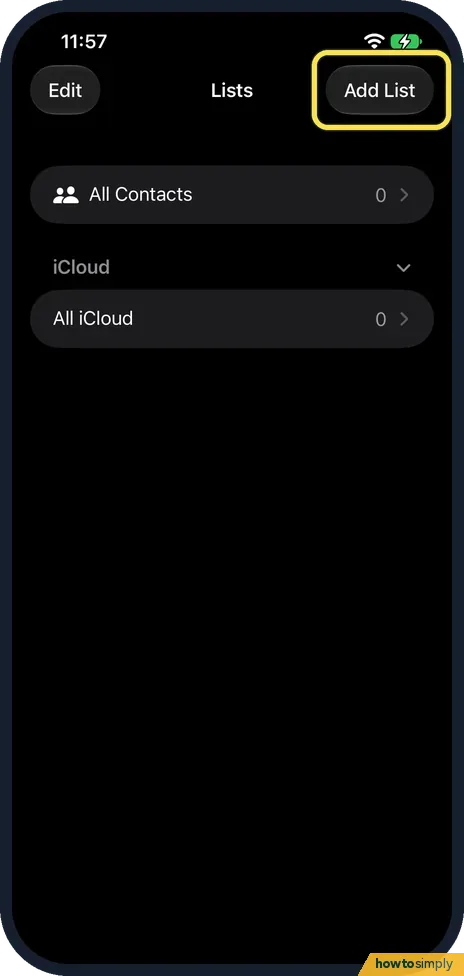 How to make a contact list on an iPhone, and delete it
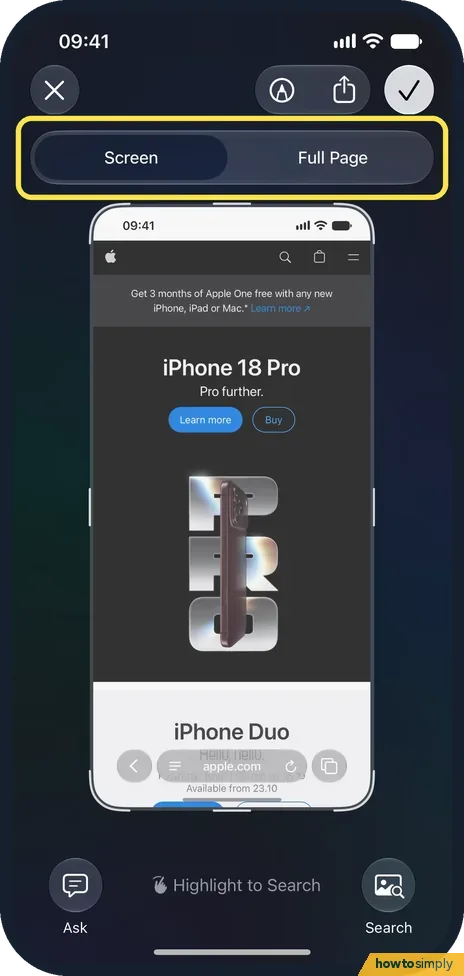 How to take a full-page screenshot on an iPhone ▶ Video
 How to change a slo-mo video to normal speed on an iPhone
 How to merge duplicate contacts on an iPhone
 How to transfer photos from an iPhone to a Mac
 How to AirDrop photos from an iPhone to a Google Pixel 10a
 How to view or turn off Significant Locations & Routes on iPhone
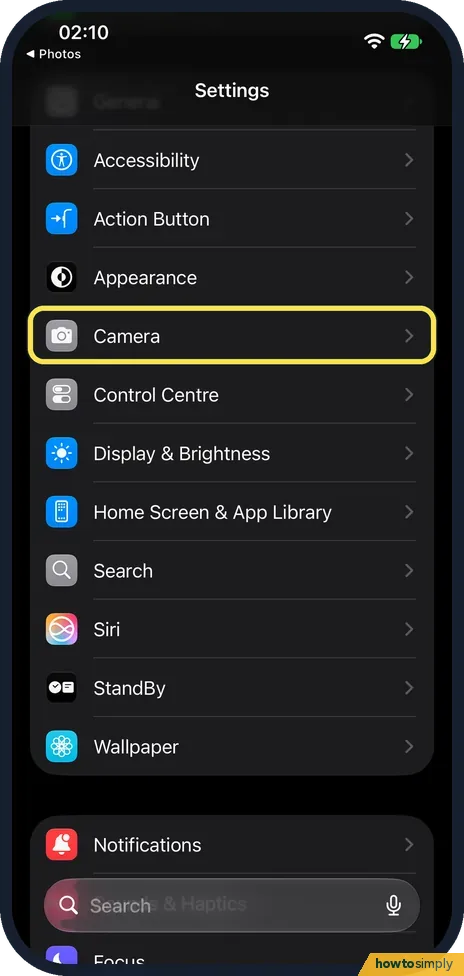 How to make an iPhone take JPG photos instead of HEIC
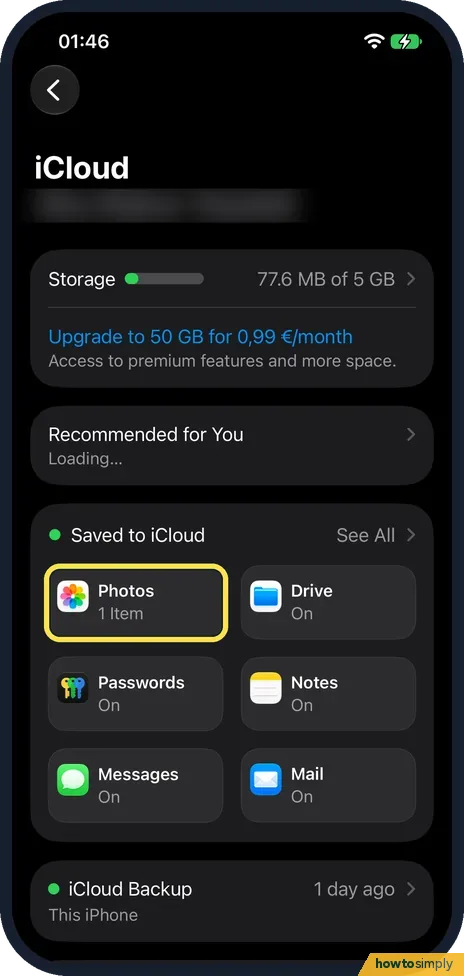 How to create a shared album on an iPhone ▶ Video
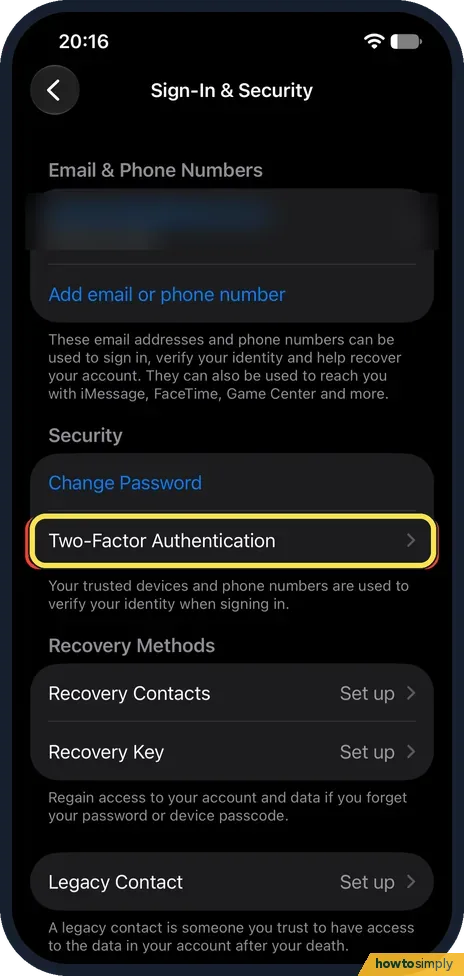 How to use Safety Check on an iPhone
Android
260 guides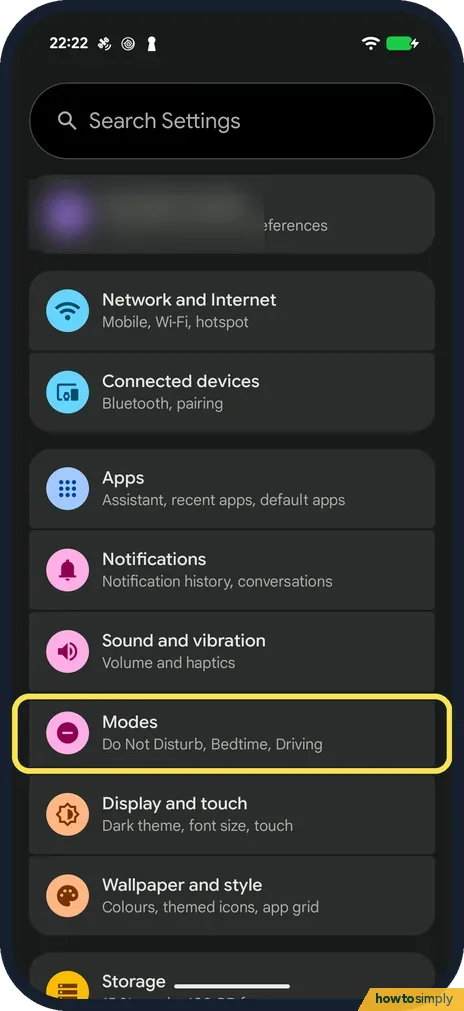 How to turn on Bedtime mode on Android
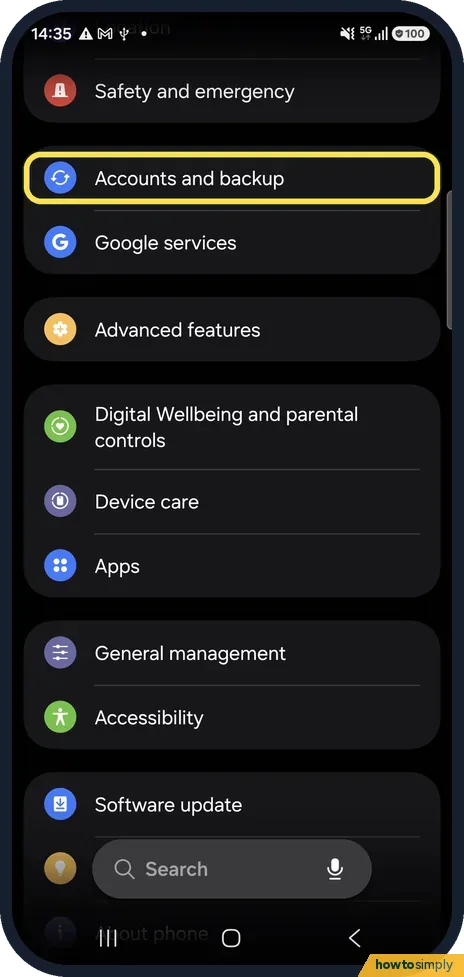 How to back up an Android phone to your Google Account
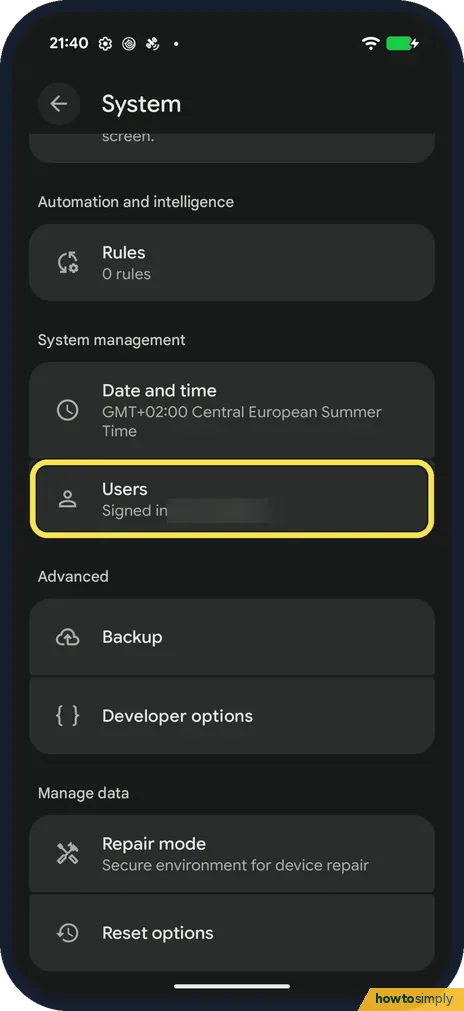 How to add a second user or a guest on Android
 How to limit charging to 80% on a Samsung Galaxy phone
 How to turn on Power saving on a Samsung Galaxy phone
 How to turn on dark mode on a Samsung Galaxy phone
 Samsung Galaxy battery draining fast? 6 fixes ▶ Video
 Samsung Galaxy notifications not showing? 5 settings to check ▶ Video
 How to check and free up storage on a Samsung Galaxy phone
 How to reset network settings on a Samsung Galaxy phone
 How to change the screen timeout on a Samsung Galaxy phone
 How to make text bigger on a Samsung Galaxy phone
 How to turn on Eye comfort shield on a Samsung Galaxy phone
 How to switch between buttons and swipe gestures on a Samsung Galaxy phone ▶ Video
 How to use Do not disturb on a Samsung Galaxy phone
 How to change default apps on a Samsung Galaxy phone
 How to turn Always On Display on or off on a Samsung Galaxy phone ▶ Video
 How to take a screenshot on a Samsung Galaxy phone ▶ Video
 How to put apps to sleep on a Samsung Galaxy phone
 How to use Maintenance mode on a Samsung Galaxy before a repair
 How to turn on Auto Blocker on a Samsung Galaxy phone
 How to check battery health on a Samsung Galaxy phone ▶ Video
 How to change what the side button does on a Samsung Galaxy
 How to use Extra dim on a Samsung Galaxy phone ▶ Video
 How to change the refresh rate on a Samsung Galaxy phone ▶ Video
 How to hide apps on a Samsung Galaxy phone ▶ Video
 How to record a phone call on a Samsung Galaxy
 How to show battery percentage on a Samsung Galaxy (One UI 8.5) ▶ Video
 How to clear an app's cache on a Samsung Galaxy
 How to turn on Developer options on a Samsung Galaxy ▶ Video
 How to see notification history on a Samsung Galaxy
 How to create text shortcuts on the Samsung Keyboard
 How to turn off autocorrect on a Samsung Galaxy ▶ Video
 How to combine the Samsung notification and quick panels
 How to edit the quick panel buttons on a Samsung Galaxy
 How to customise the Always On Display on a Samsung Galaxy
 How to change the lock screen shortcuts on a Samsung Galaxy
 How to turn off Bixby on a Samsung Galaxy ▶ Video
 Samsung Galaxy Wi-Fi keeps disconnecting? 6 things to check
 Why calls go straight to voicemail on a Samsung Galaxy
 Samsung Galaxy alarm not going off? 6 things to check ▶ Video
 How to record your screen on a Samsung Galaxy
 Samsung Galaxy keeps restarting? 7 things to check ▶ Video
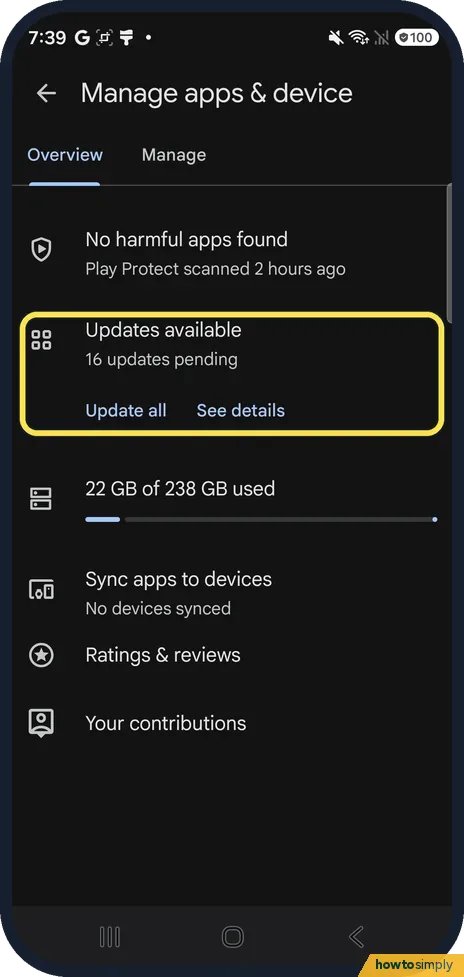 "Download pending" in Google Play? 6 fixes ▶ Video
 Samsung Galaxy screen brightness keeps changing? 5 causes ▶ Video
 Samsung Galaxy location not accurate? 5 settings to check ▶ Video
 Texts not sending on a Samsung Galaxy (Google Messages)? 5 fixes
 How to reset or delete the advertising ID on a Samsung Galaxy ▶ Video
 "Google keeps stopping" on a Samsung Galaxy? 6 fixes ▶ Video
 Samsung Galaxy won't charge to 100%? Battery protection explained ▶ Video
 How to turn off the Google Discover page on a Samsung Galaxy
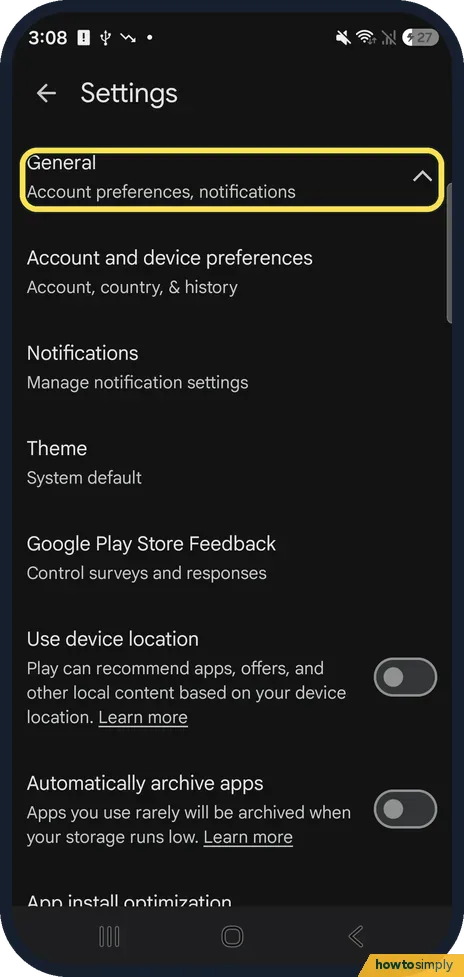 How to archive unused apps on a Samsung Galaxy
 How to sort apps alphabetically on a Samsung Galaxy
 How to change Screen mode (Vivid or Natural) on a Samsung Galaxy ▶ Video
 How to use Sleep mode on a Samsung Galaxy (Modes and Routines) ▶ Video
 How to check screen time on a Samsung Galaxy ▶ Video
 Samsung Galaxy not vibrating? 6 things to check ▶ Video
 Samsung screen recording has no sound? How to fix it ▶ Video
 How to turn on Wi-Fi Calling on a Samsung Galaxy ▶ Video
 Samsung Internet is now Samsung Browser: where things moved ▶ Video
 How to turn off TalkBack on a Samsung Galaxy
 Samsung Emergency SOS calling by accident? What to check
 Quick Share not working on a Samsung Galaxy? 6 fixes ▶ Video
 Samsung Galaxy screen turned black and white? How to fix it ▶ Video
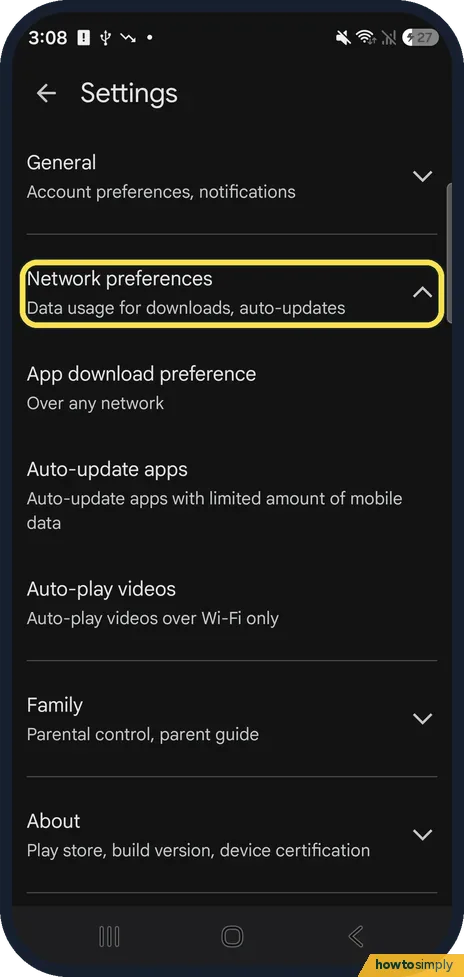 How to make Google Play update apps only on Wi-Fi ▶ Video
 Samsung Galaxy can't send picture messages (MMS)? Fixes
 How to turn off Edge panels on a Samsung Galaxy
 How to change the font size on a Samsung Galaxy ▶ Video
 Samsung Galaxy Wi-Fi turning on by itself? What to check ▶ Video
 Samsung lock screen notifications gone on One UI 8.5? Fix
 How to turn off keyboard sound and vibration on a Samsung Galaxy ▶ Video
 What changed in One UI 8.5: 6 settings that moved or were renamed
 Samsung Do not disturb turning on or off by itself? What to check ▶ Video
 How to turn on Live Caption on a Samsung Galaxy
 How to zoom in on a Samsung Galaxy screen with Magnification
 How to check a Samsung Galaxy for harmful apps with Play Protect ▶ Video
 Pop-up ads on a Samsung Galaxy? How to stop them
 How to translate a web page in Chrome on a Samsung Galaxy
 How to add an eSIM on a Samsung Galaxy
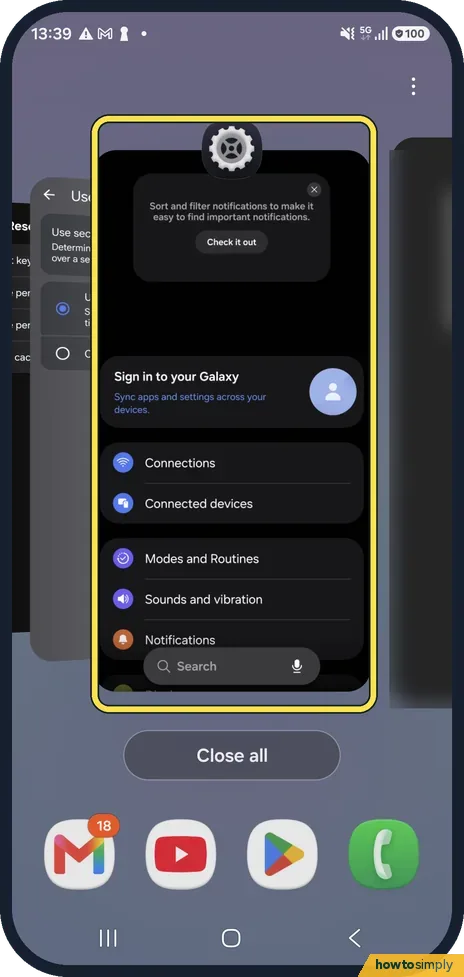 Apps keep crashing or closing on a Samsung Galaxy: fixes
 Samsung Galaxy photos blurry or out of focus: fixes
 NFC or tap to pay not working on a Samsung Galaxy: fixes
 Samsung phone not showing up on a computer: USB file transfer fixes
 Google Calendar events not showing in Samsung Calendar: how to sync
 Bluetooth audio cutting out or stuttering on a Samsung Galaxy: fixes
 Samsung Galaxy showing the wrong time or date: fix
 How to find the IMEI, model and serial number on a Samsung Galaxy
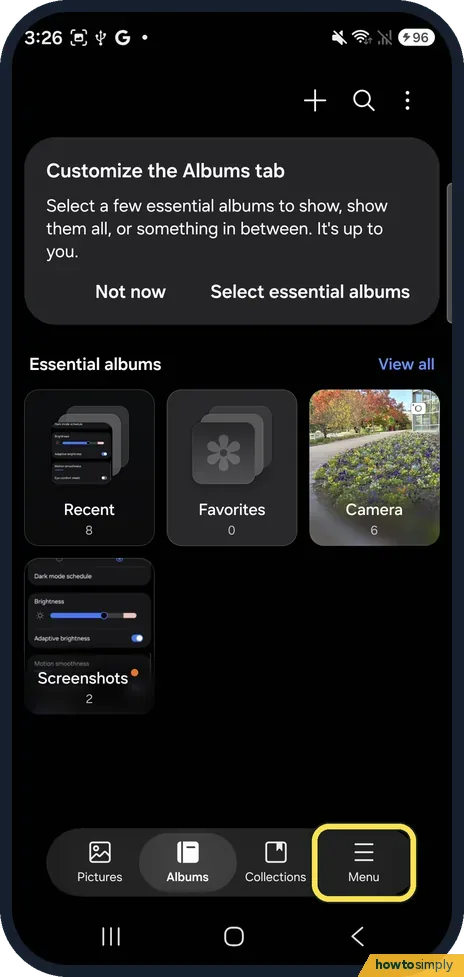 How to recover deleted photos on a Samsung Galaxy (Trash)
 How to use split screen and pop-up view on a Samsung Galaxy ▶ Video
 How to use Circle to Search on a Samsung Galaxy ▶ Video
 How to scan a QR code on a Samsung Galaxy
 How to turn on fast charging on a Samsung Galaxy
 How to update apps on a Samsung Galaxy
 How to switch audio between speaker, headphones and TV on a Samsung Galaxy (Media output) ▶ Video
 How to add a watermark to photos on a Samsung Galaxy camera
 How to hide albums in Samsung Gallery
 How to take a selfie by showing your palm on a Samsung Galaxy
 How to change an app's location permission on a Samsung Galaxy
 How to turn 5G on or off on a Samsung Galaxy (network mode)
 How to move phone contacts to your Google account on a Samsung Galaxy
 How to set a custom ringtone or notification sound on a Samsung Galaxy ▶ Video
 How to turn on call waiting and call forwarding on a Samsung Galaxy
 How to play one app's sound on a different device on a Samsung Galaxy ▶ Video
 How to add and resize widgets on a Samsung Galaxy home screen
 How to add medical info and emergency contacts on a Samsung Galaxy
 How to use Google Gemini on a Samsung Galaxy (side button and app)
 How to trim a video on a Samsung Galaxy
 How to see when and where a photo was taken on a Samsung Galaxy
 How to resize a photo on a Samsung Galaxy
 How to make a GIF from photos on a Samsung Galaxy
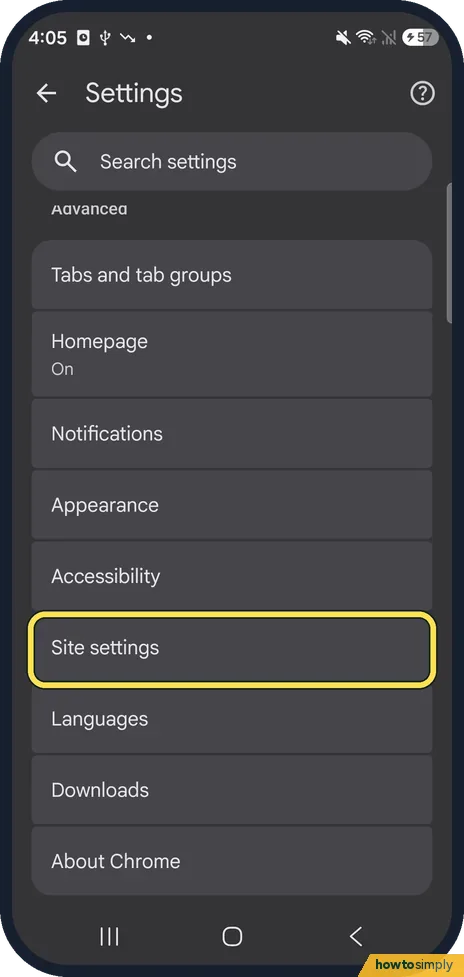 How to clear cookies for one website in Chrome on Android
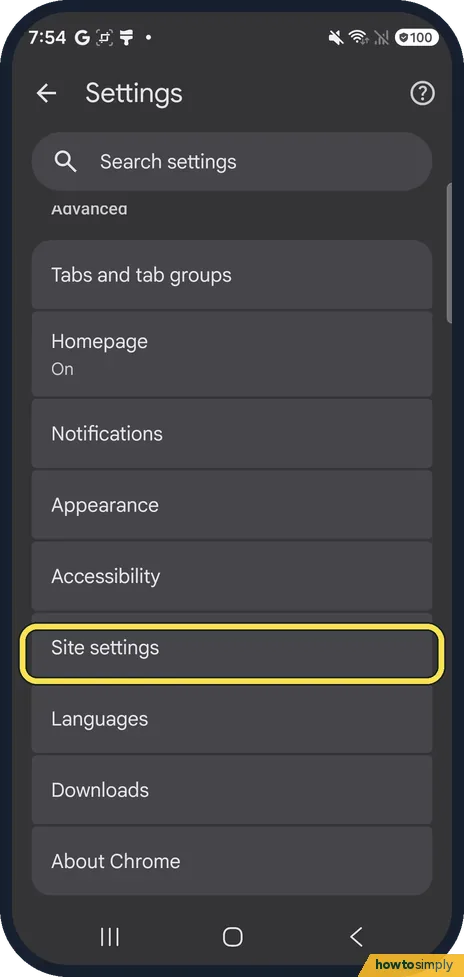 How to stop website notifications in Chrome on Android
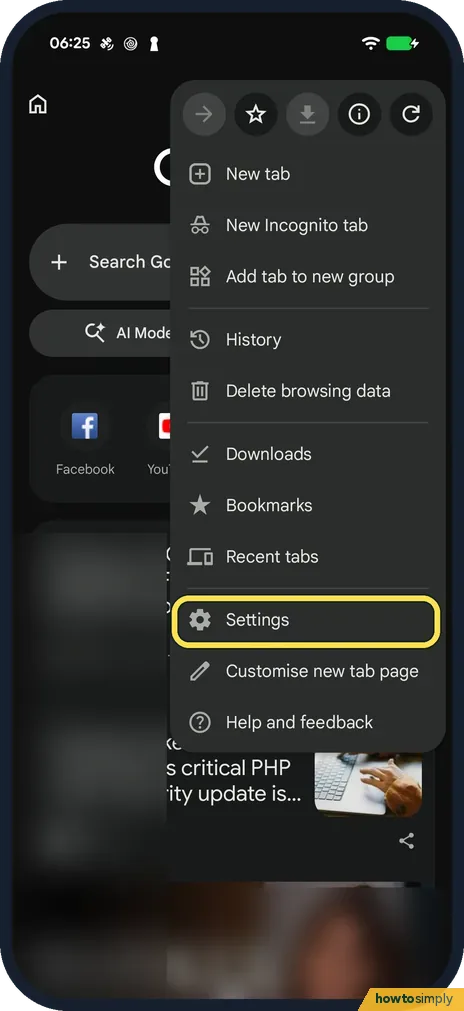 How to stop Chrome offering to save passwords on Android
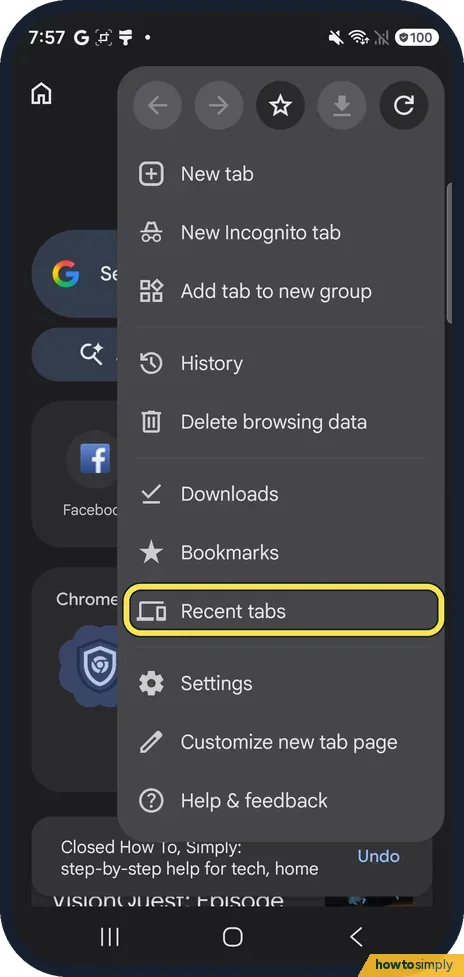 How to reopen closed tabs in Chrome on Android
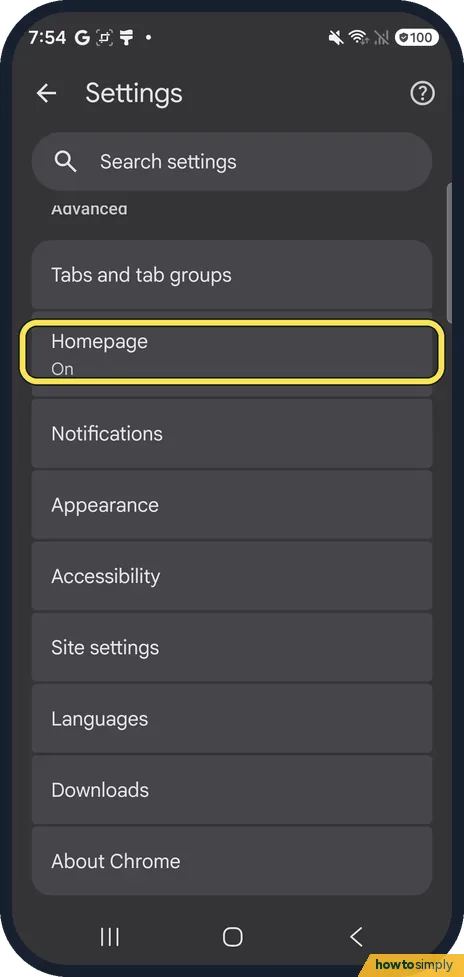 How to change the homepage in Chrome on Android
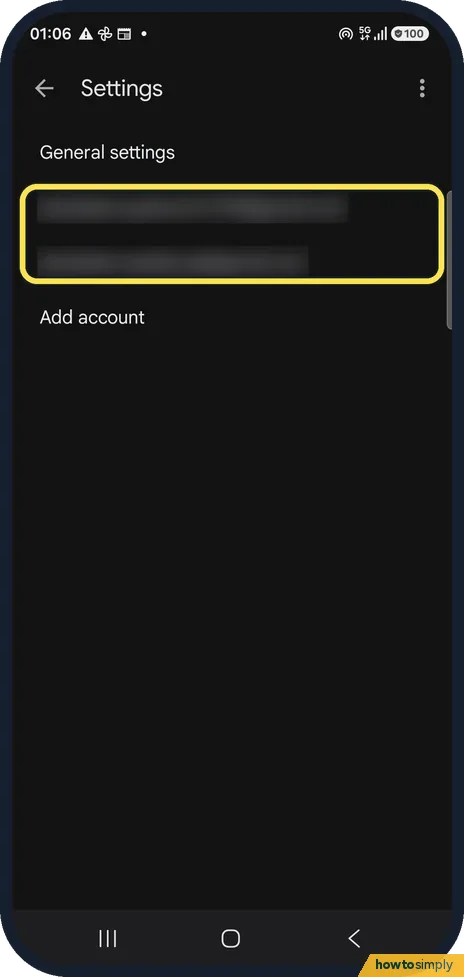 Gmail not getting new emails on Android? What to check
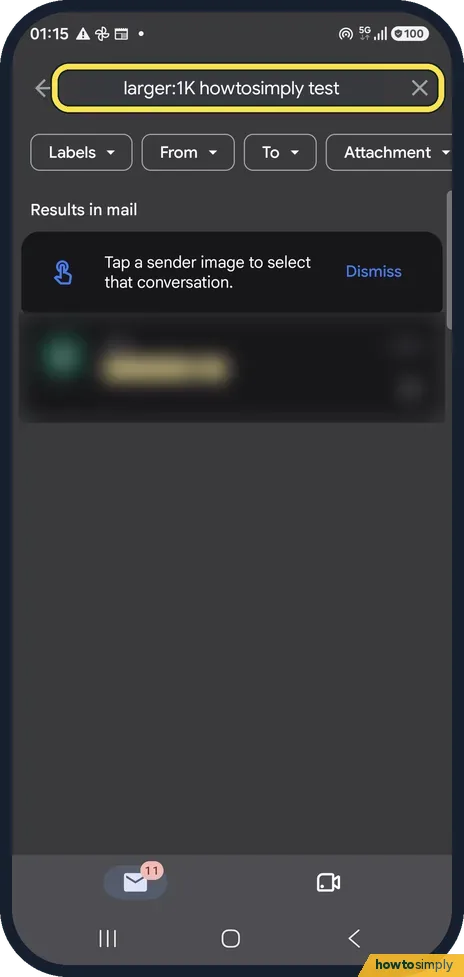 Gmail storage full on Android: how to find big emails
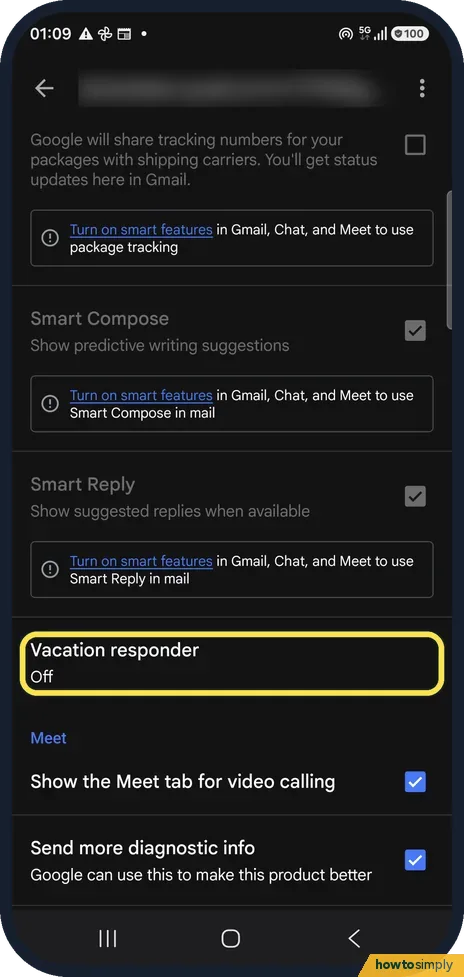 How to set an out-of-office reply in the Gmail app on Android
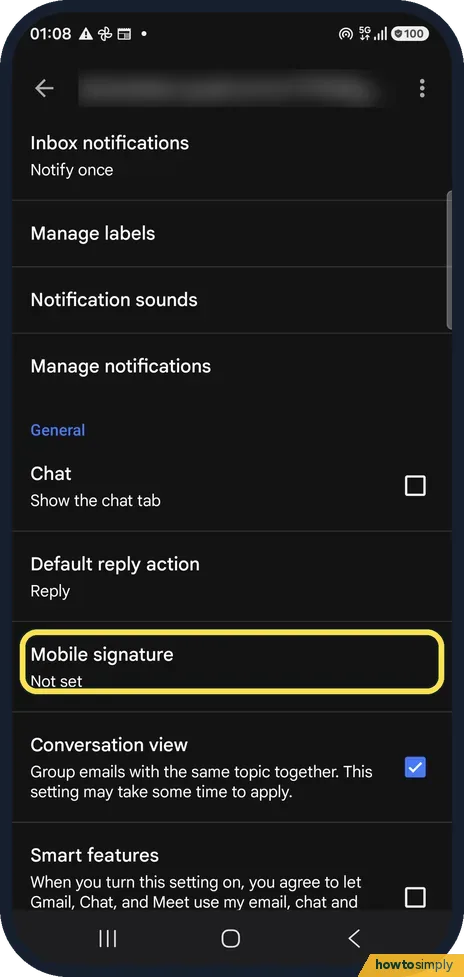 How to change your signature in the Gmail app on Android
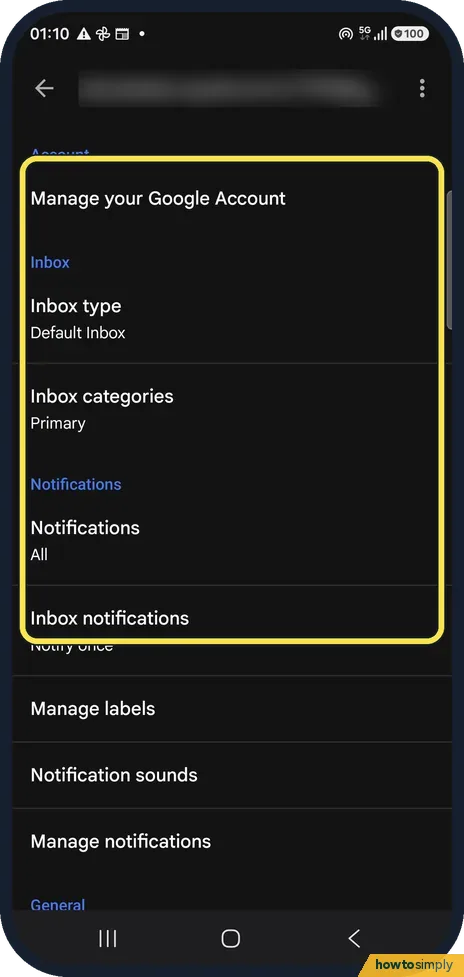 Can you make Gmail filters in the Android app? What to do instead
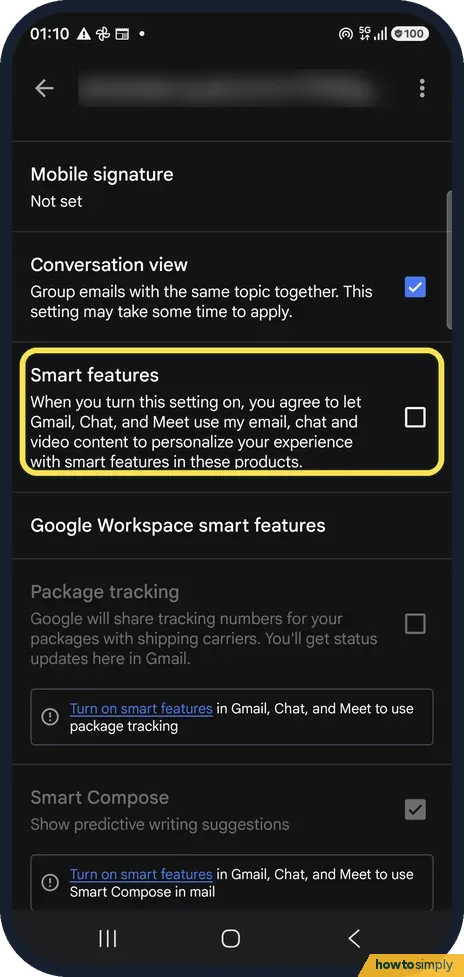 How to turn off smart features in the Gmail app on Android
 Samsung Galaxy status bar icons and what they mean (One UI 8.5)
 Samsung Weather showing the wrong location? How to fix it
 How to export contacts on a Samsung Galaxy (to a file or the SIM)
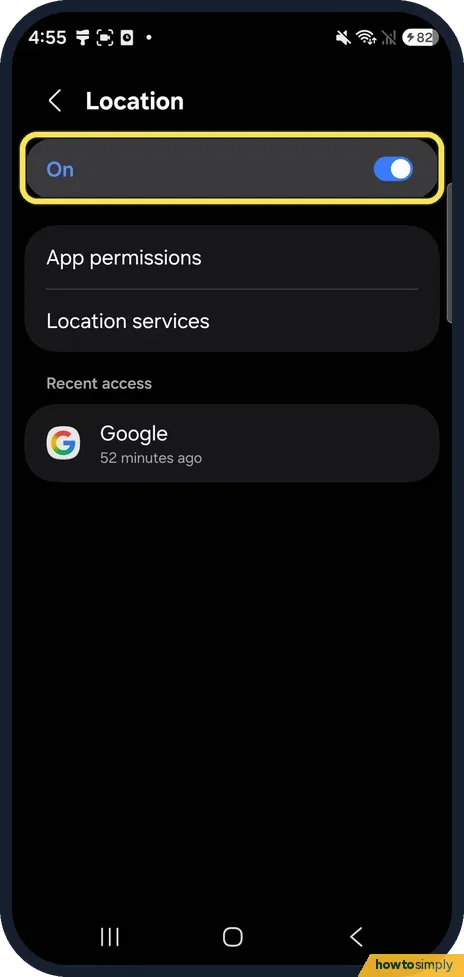 Google Maps showing the wrong location on Android? How to fix it
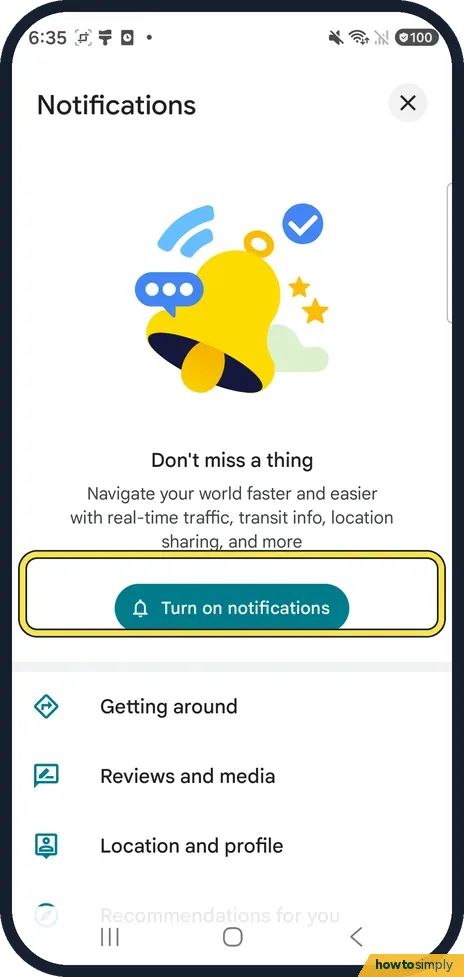 How to turn off Google Maps notifications on Android ▶ Video
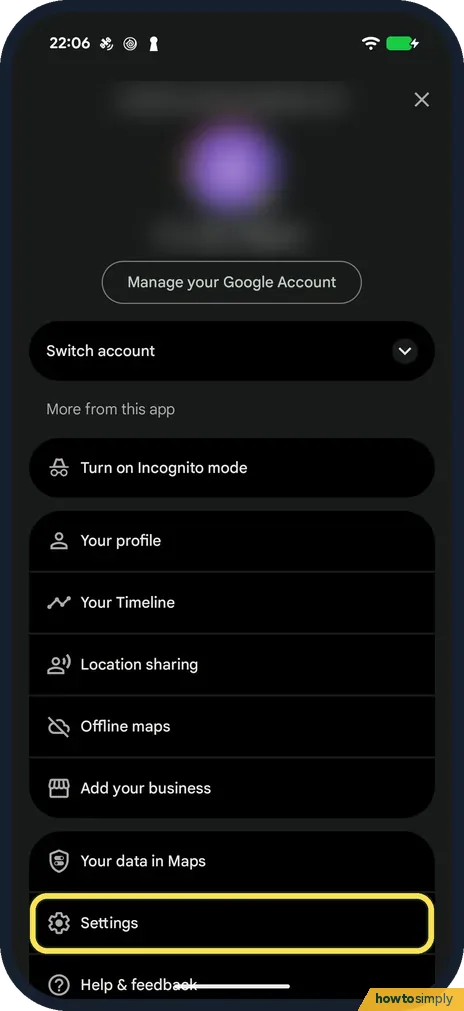 How to avoid tolls, highways or ferries in Google Maps on Android
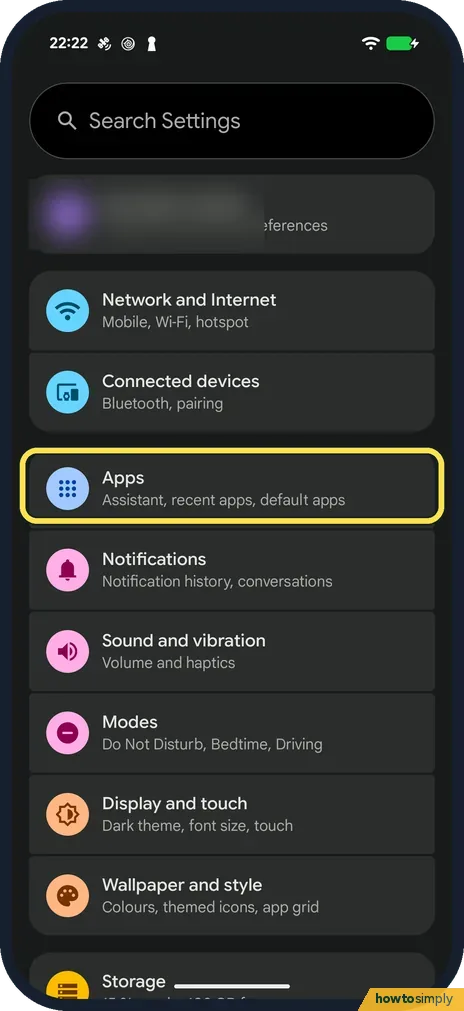 Google Maps keeps stopping or won't load on Android: what to check
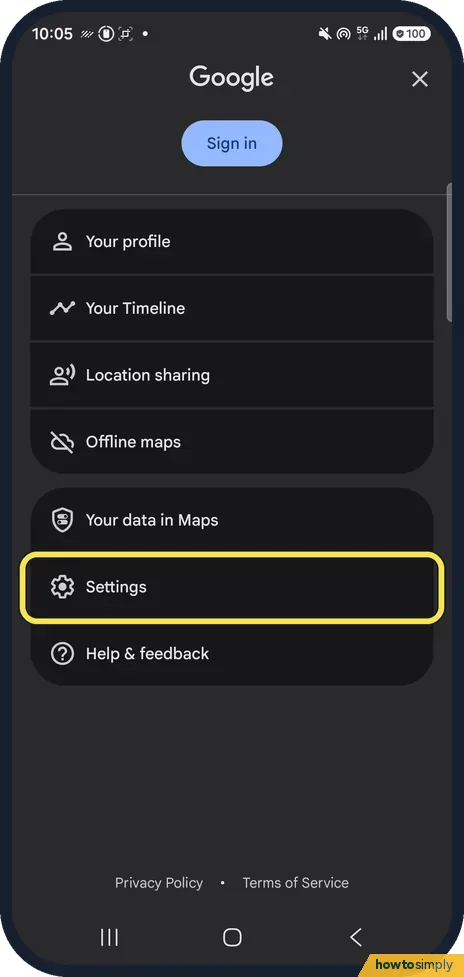 How to change the voice or mute voice navigation in Google Maps on Android ▶ Video
 How to measure distance in Google Maps on Android ▶ Video
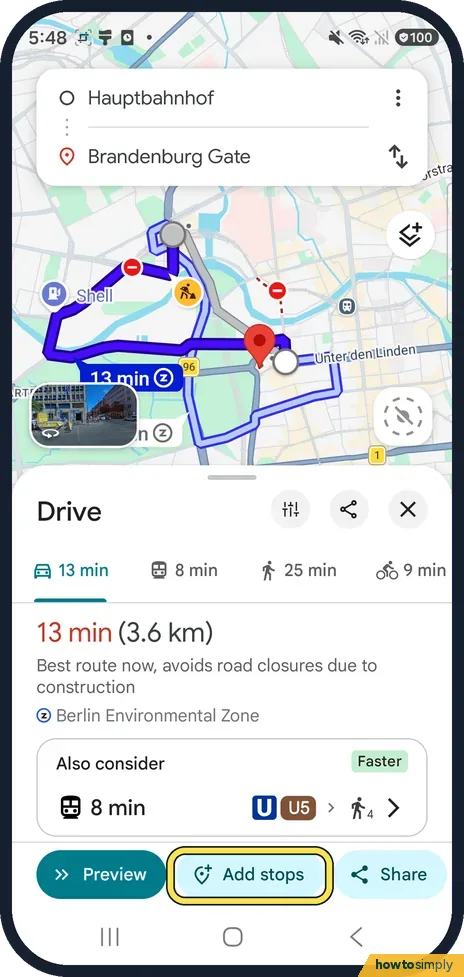 How to add a stop to a route in Google Maps on Android ▶ Video
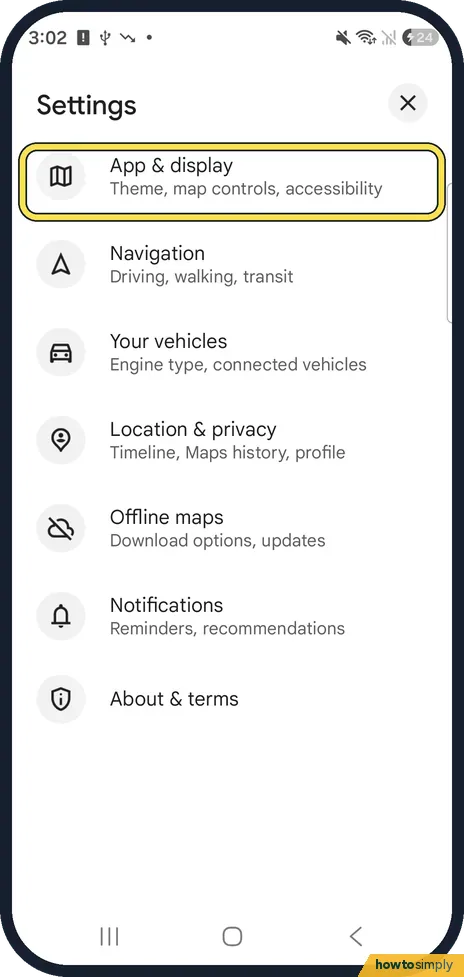 How to turn on dark mode in Google Maps on Android ▶ Video
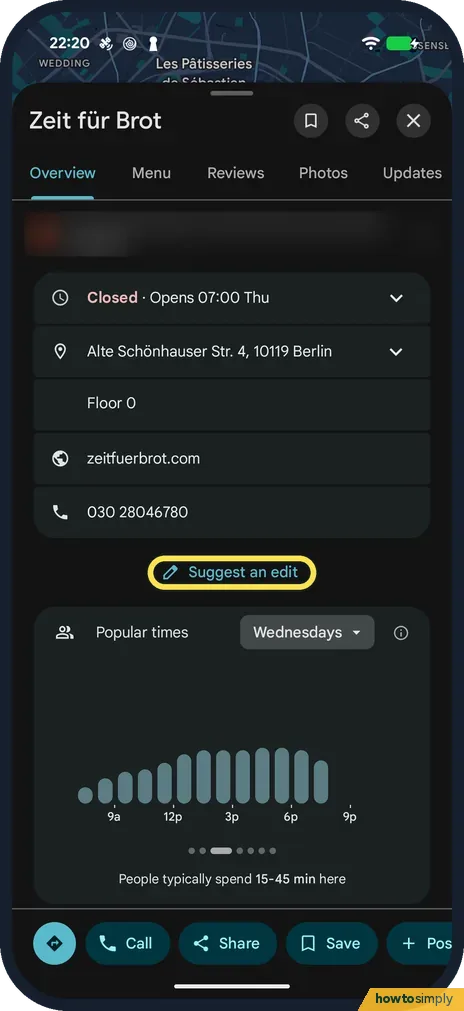 How to report a closed business or wrong place in Google Maps on Android
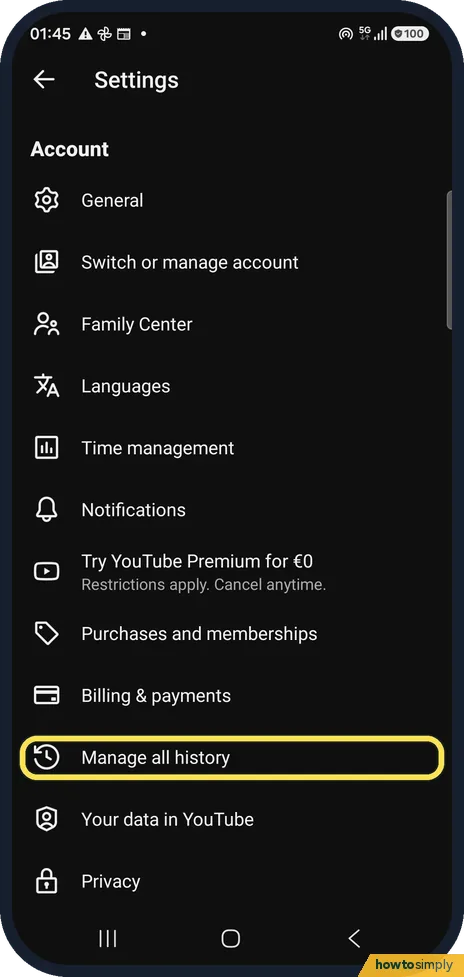 How to pause YouTube watch and search history on Android
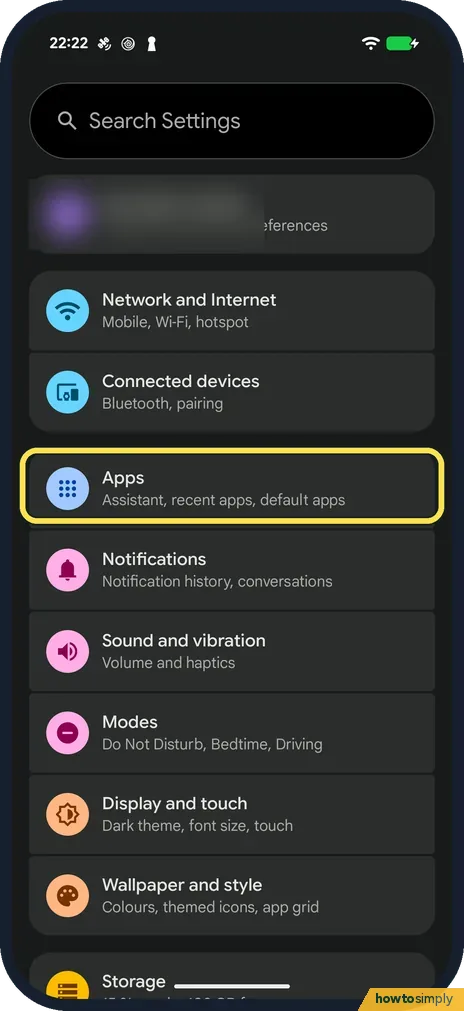 YouTube not working on Android? What to check
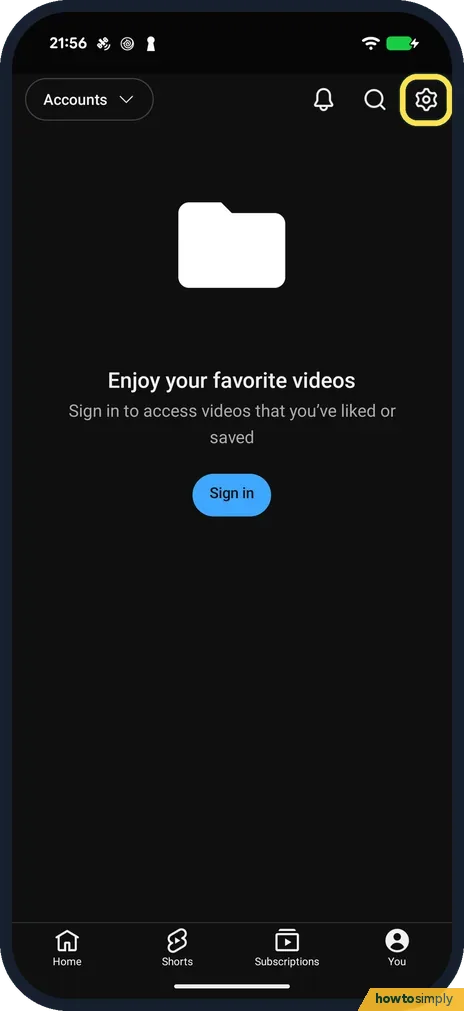 How to change the default video quality in YouTube on Android
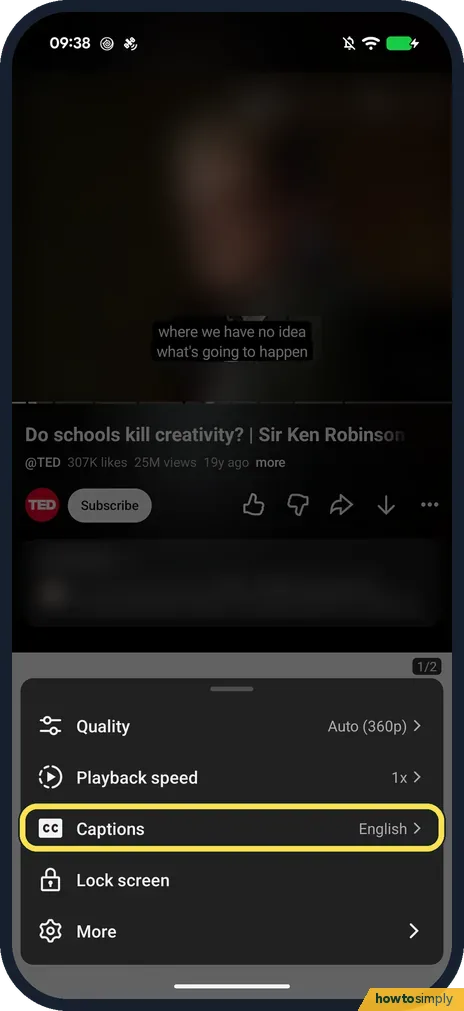 How to turn on captions and change caption size in YouTube on Android
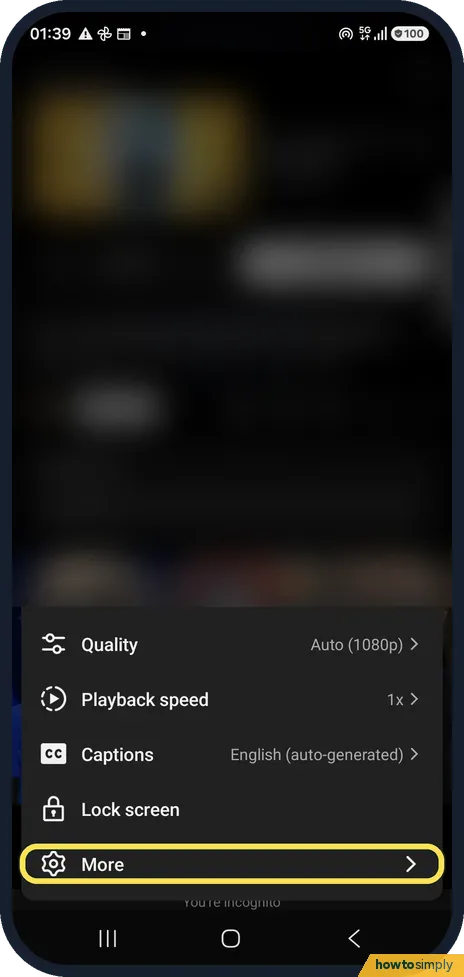 How to set a sleep timer in YouTube on Android ▶ Video
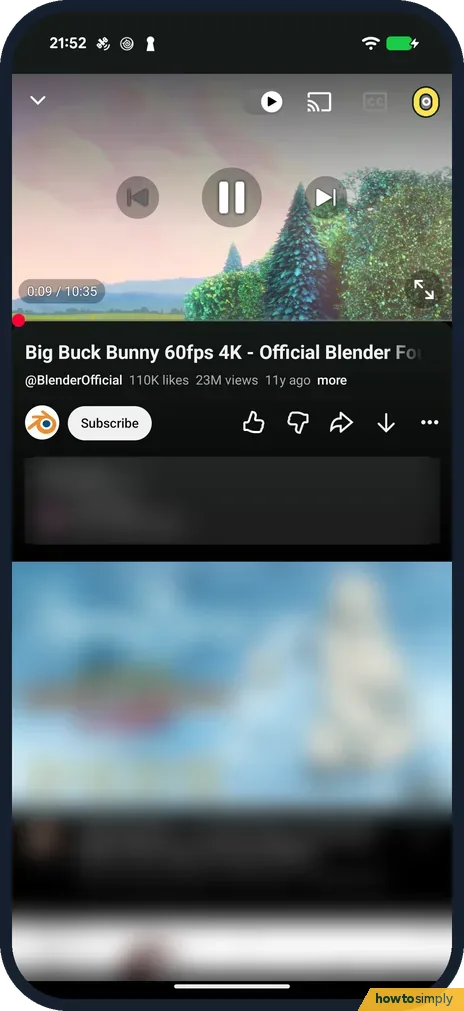 How to change playback speed in YouTube on Android ▶ Video
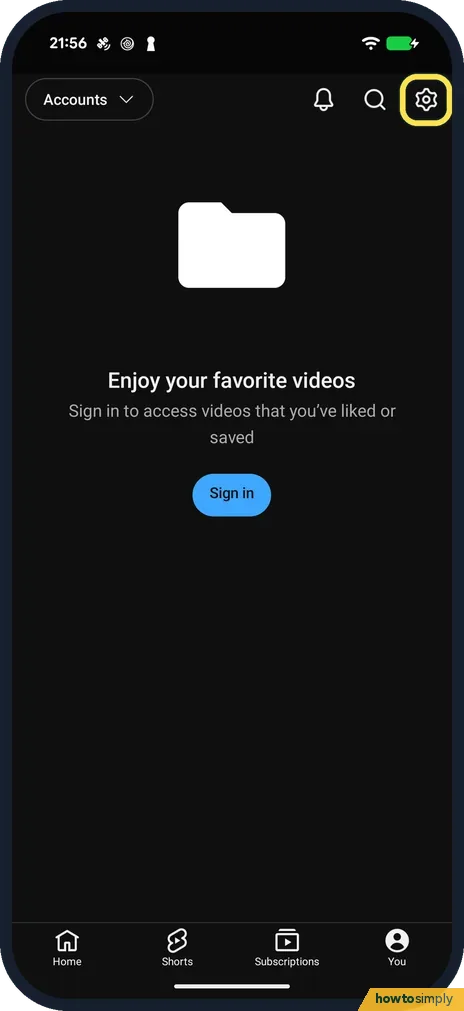 How to turn on Restricted Mode in YouTube on Android
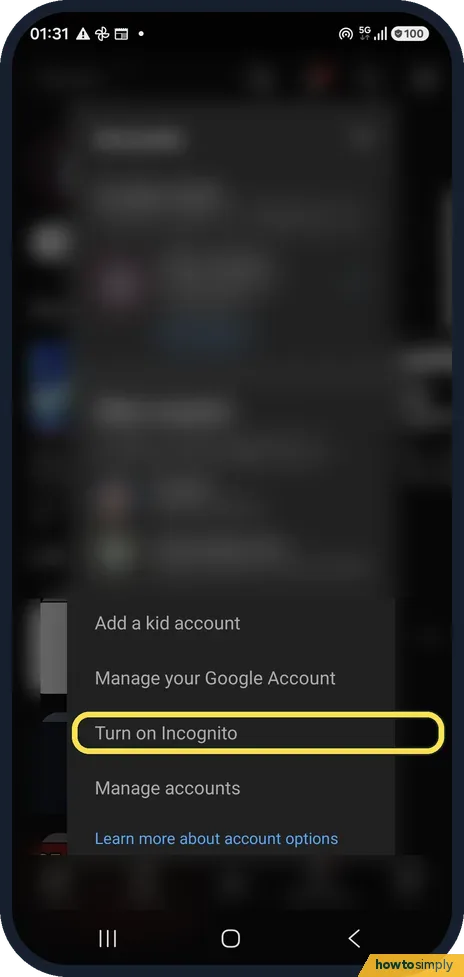 How to use Incognito mode in the YouTube app on Android
 What is RAM Plus on a Samsung Galaxy, and should you turn it off? ▶ Video
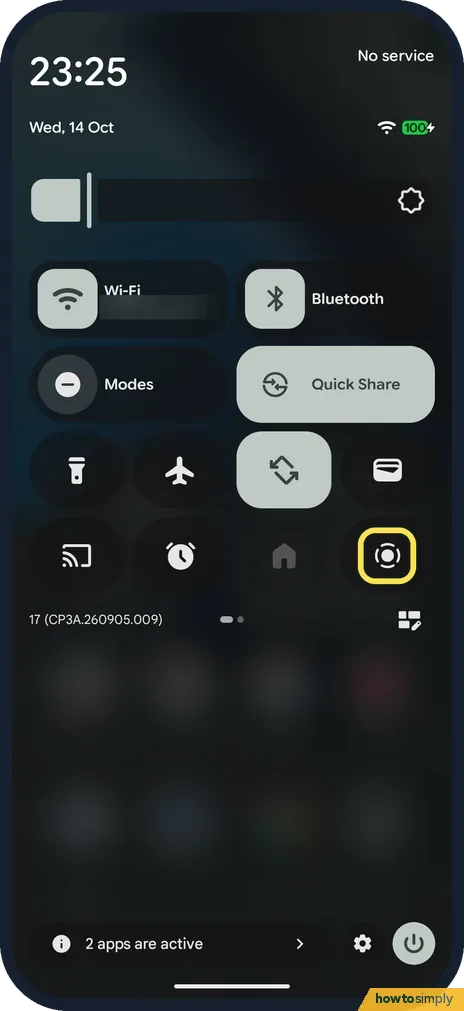 How to screen record on a Google Pixel (Android 17)
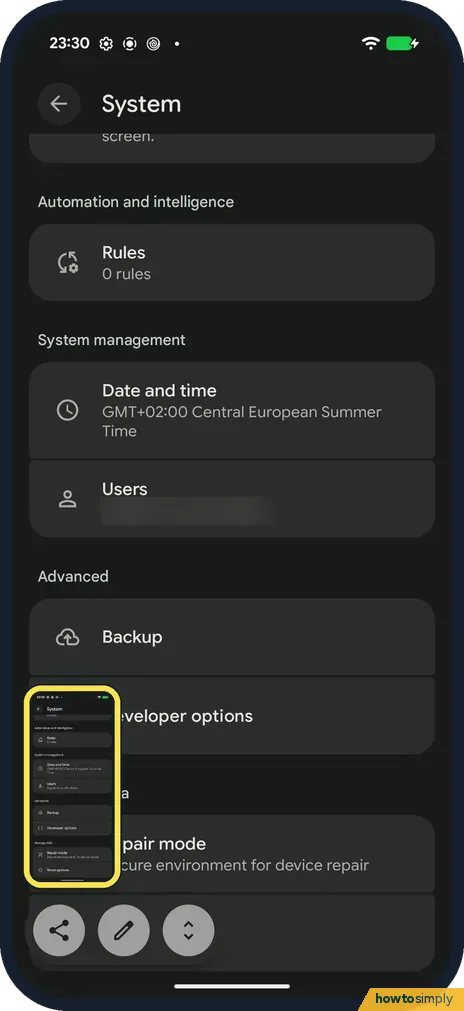 How to take a screenshot or a scrolling screenshot on a Google Pixel (Android 17)
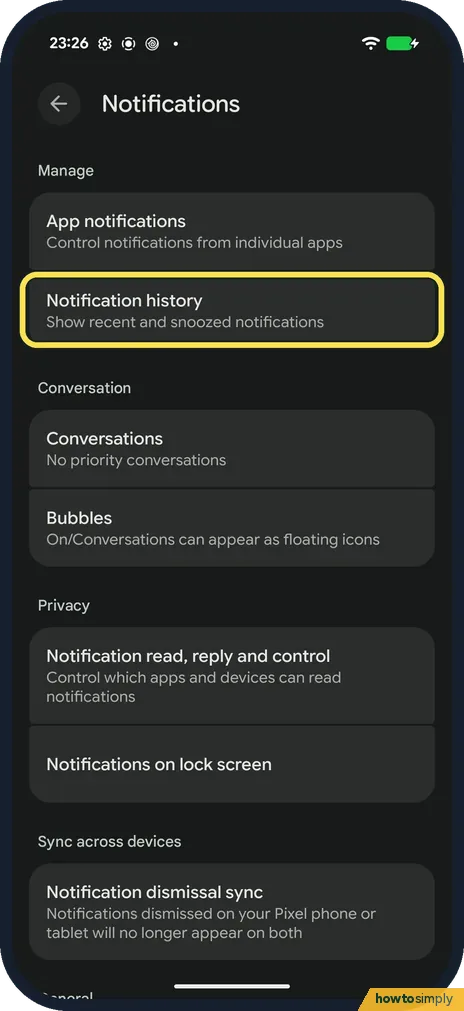 How to see notification history on a Google Pixel (Android 17)
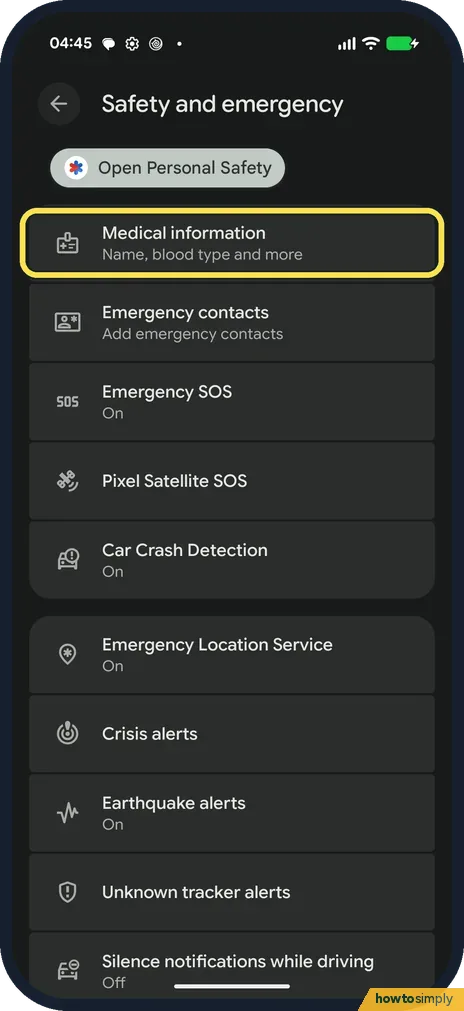 How to check Emergency SOS and safety settings on a Google Pixel (Android 17)
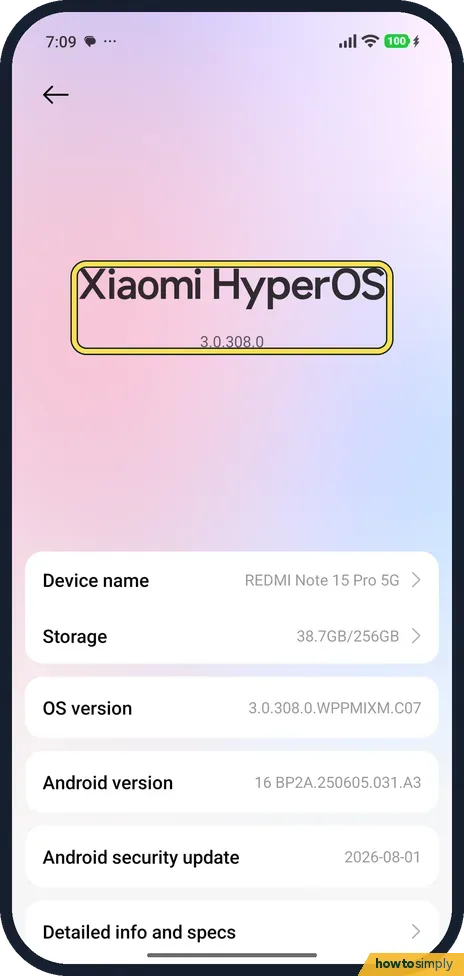 How to update a Xiaomi phone and check the HyperOS version (HyperOS 3)
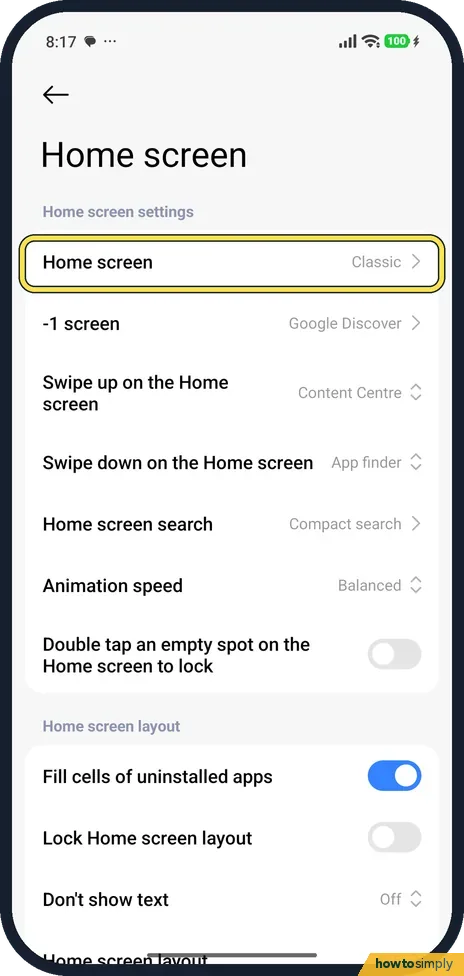 How to turn on the app drawer on a Xiaomi phone (HyperOS 3)
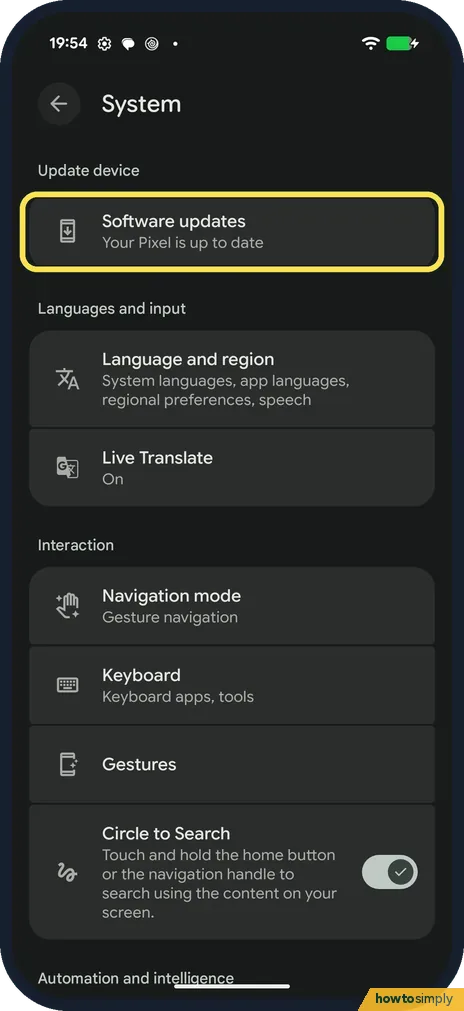 How to update a Google Pixel and its apps (Android 17)
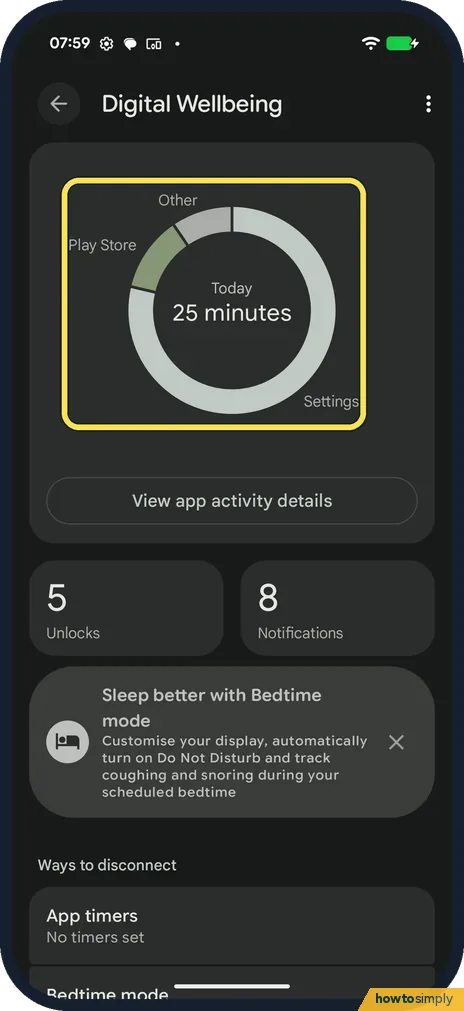 How to see screen time and set app timers on a Google Pixel (Android 17)
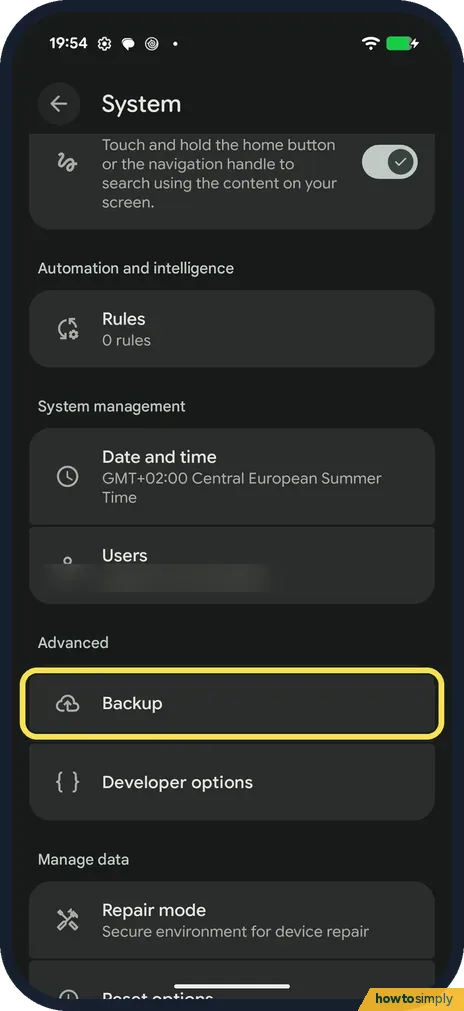 How to back up a Google Pixel (Android 17)
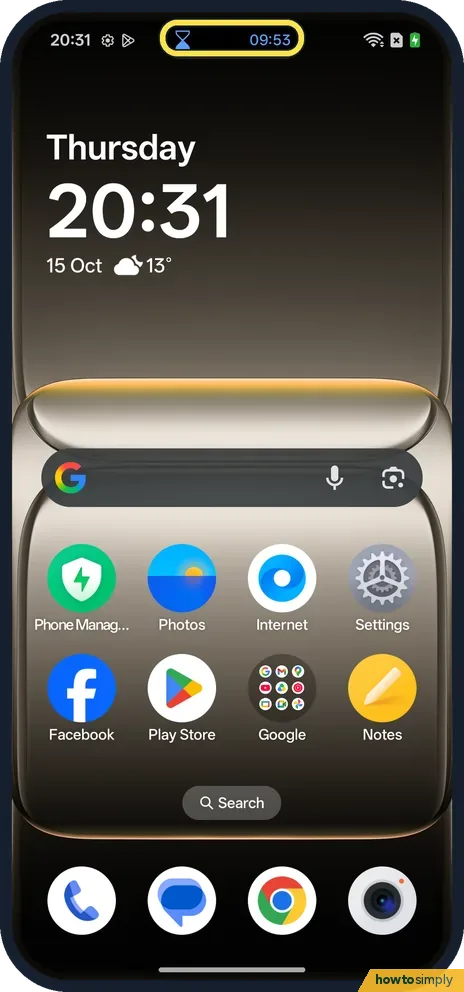 How to use Live Alerts on a OnePlus (OxygenOS 16)
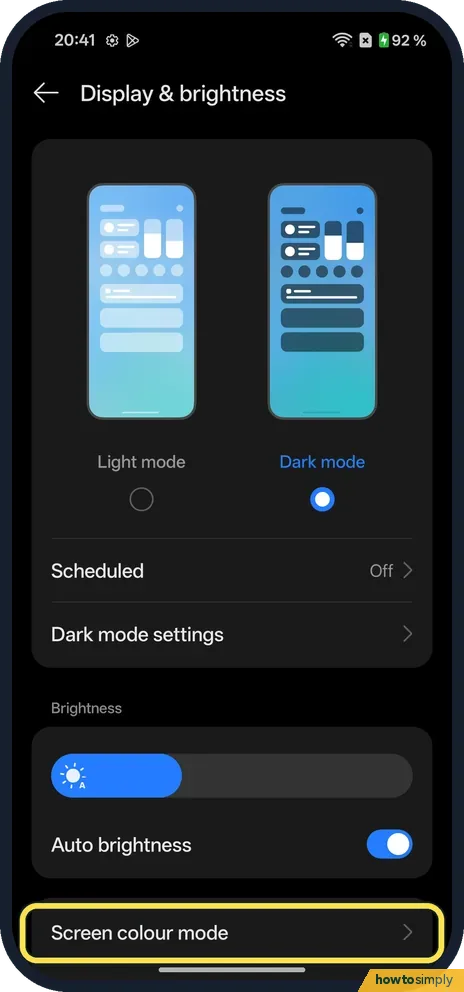 How to change screen colour and refresh rate on a OnePlus (OxygenOS 16)
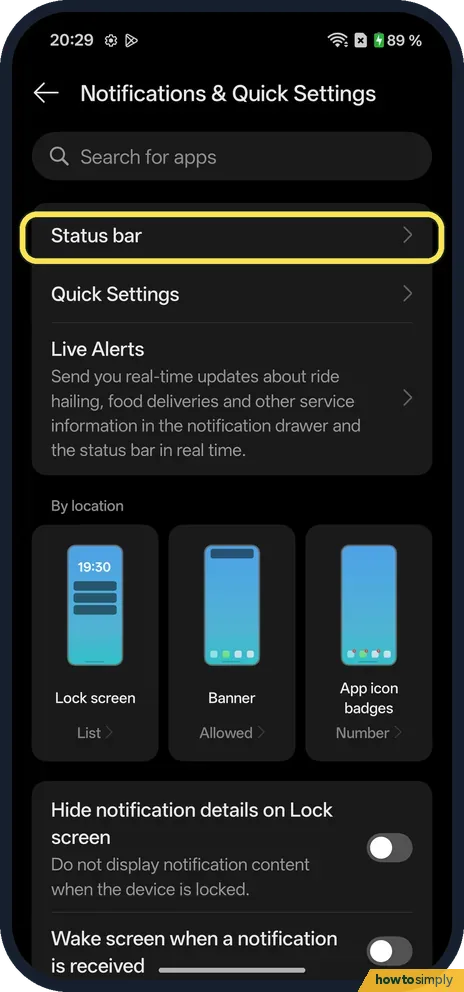 How to show network speed and battery percentage on a OnePlus (OxygenOS 16)
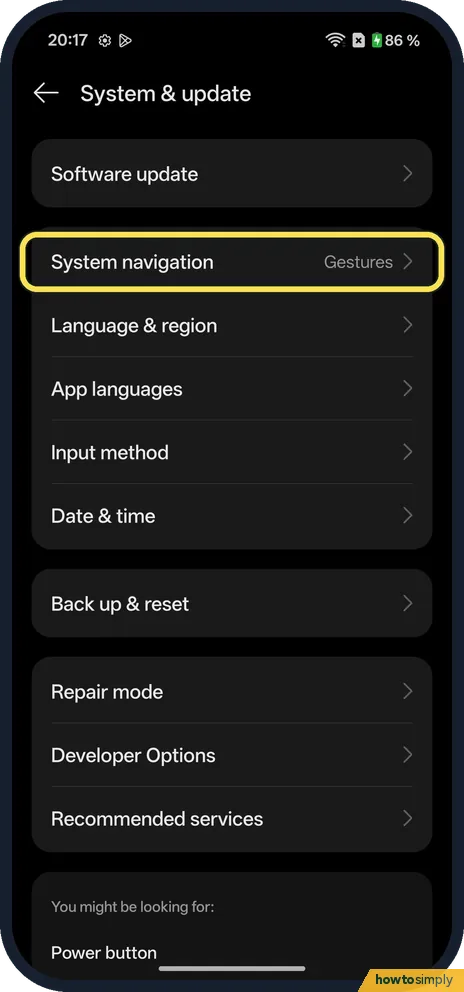 How to switch between gestures and buttons on a OnePlus (OxygenOS 16)
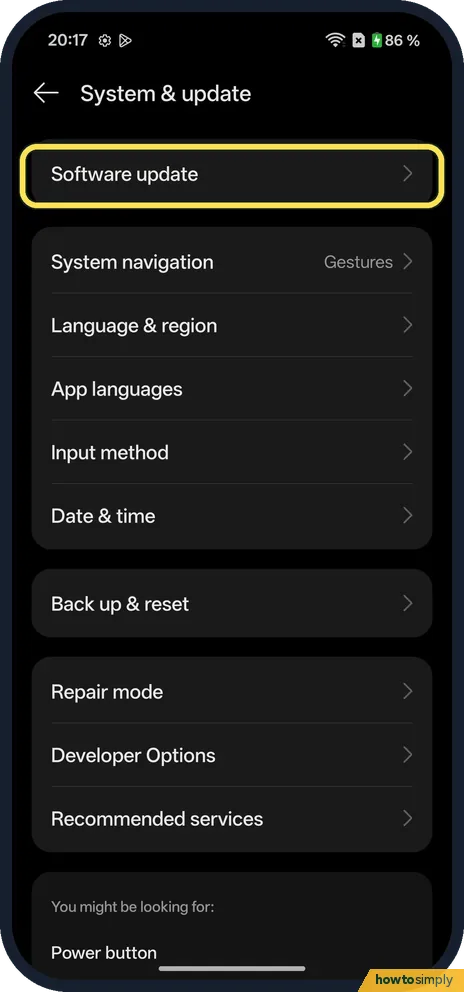 How to check for software updates on a OnePlus (OxygenOS 16)
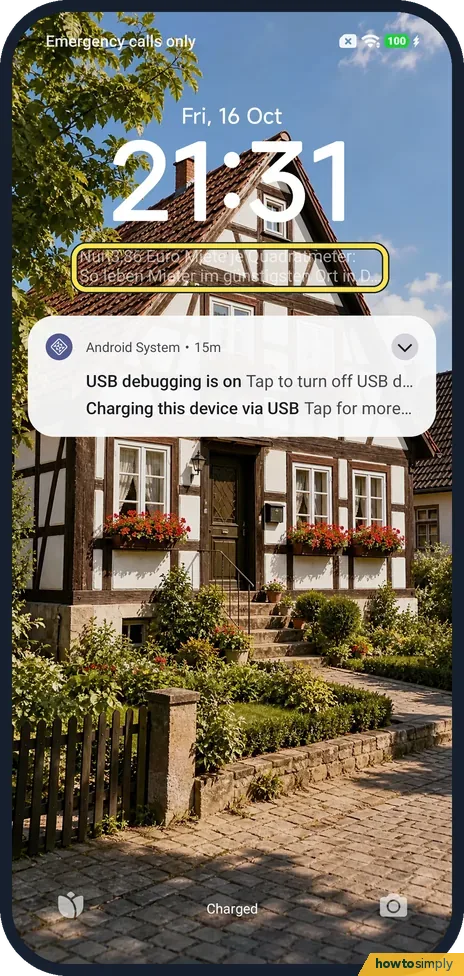 How to remove news and stories from the lock screen on a Xiaomi phone (HyperOS 3)
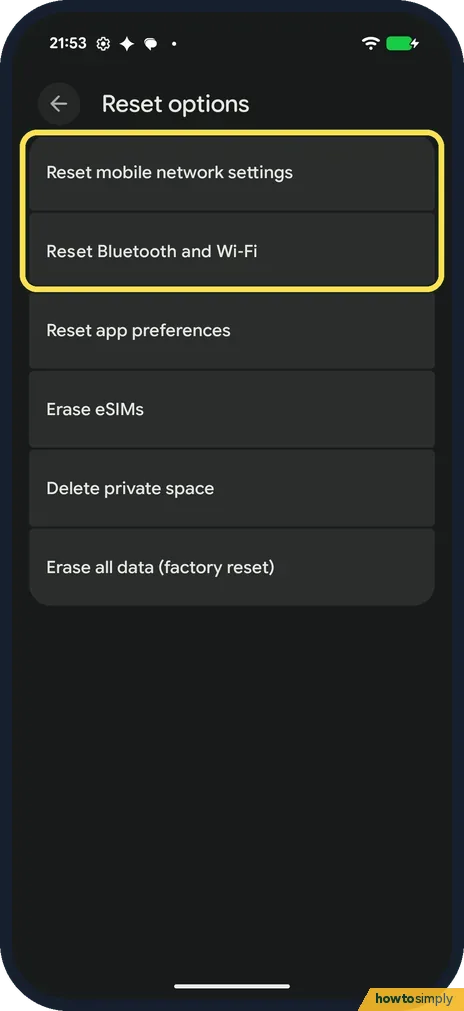 How to reset network settings on a Google Pixel (Android 17)
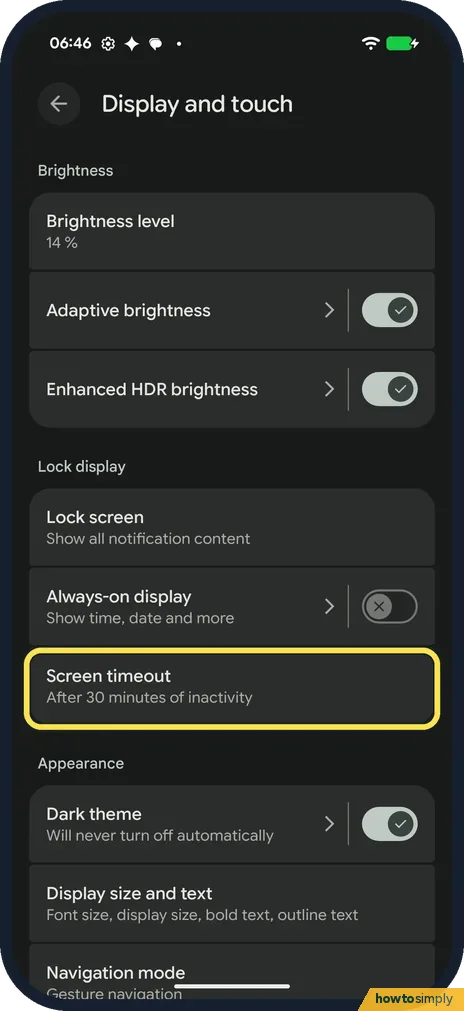 How to change the screen timeout on a Google Pixel (Android 17)
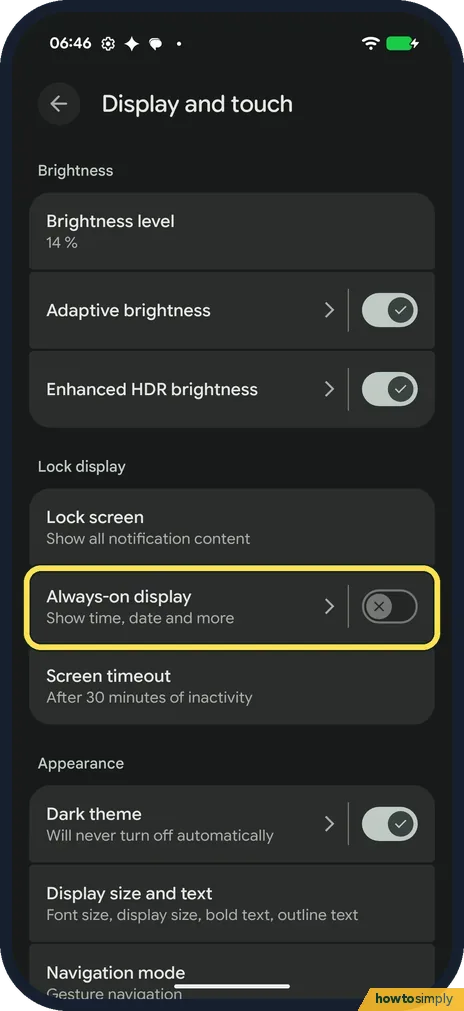 How to turn on Always-on display on a Google Pixel (Android 17)
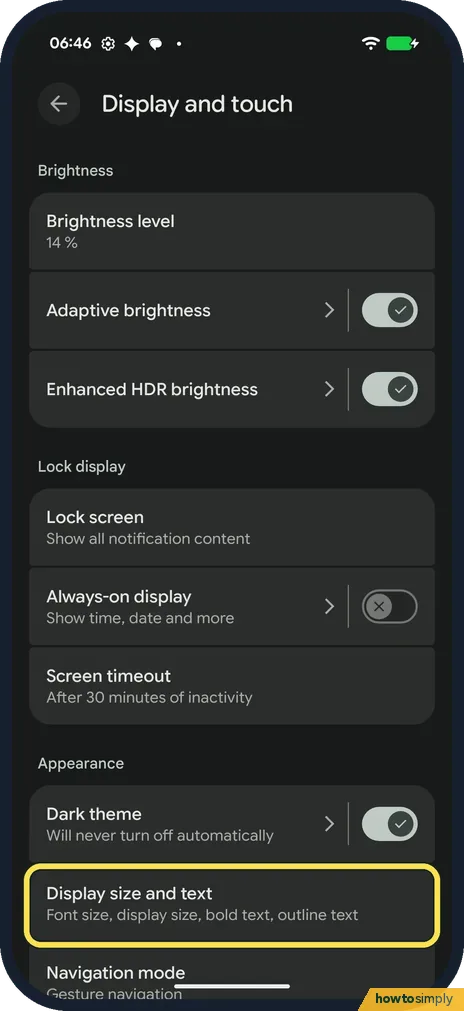 How to change text and display size on a Google Pixel (Android 17)
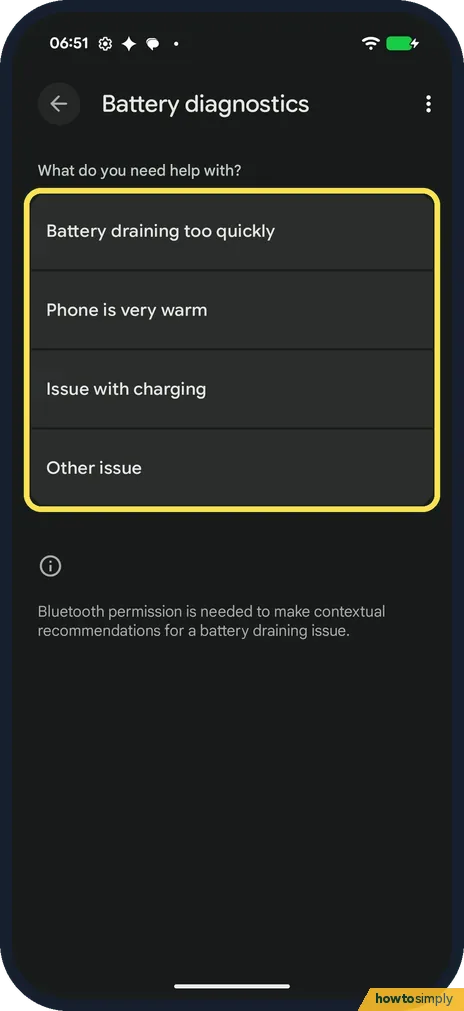 How to use Battery diagnostics on a Google Pixel (Android 17)
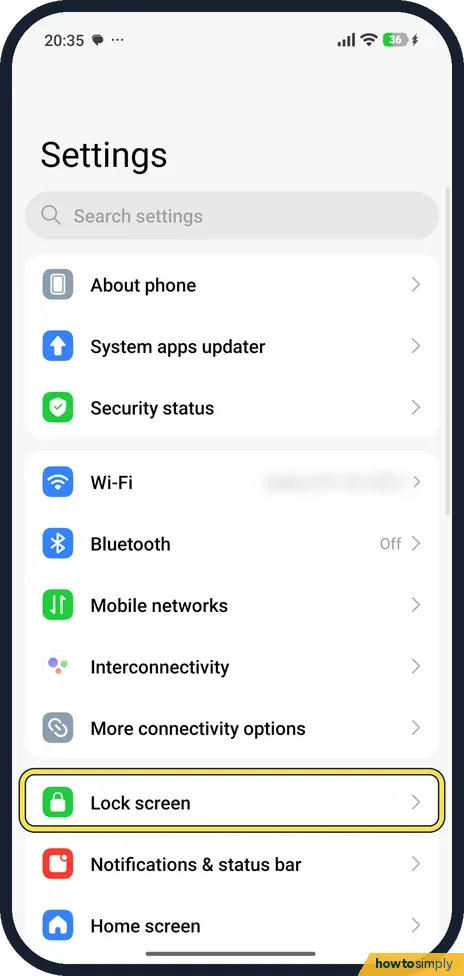 How to change the screen timeout on a Xiaomi phone (HyperOS 3)
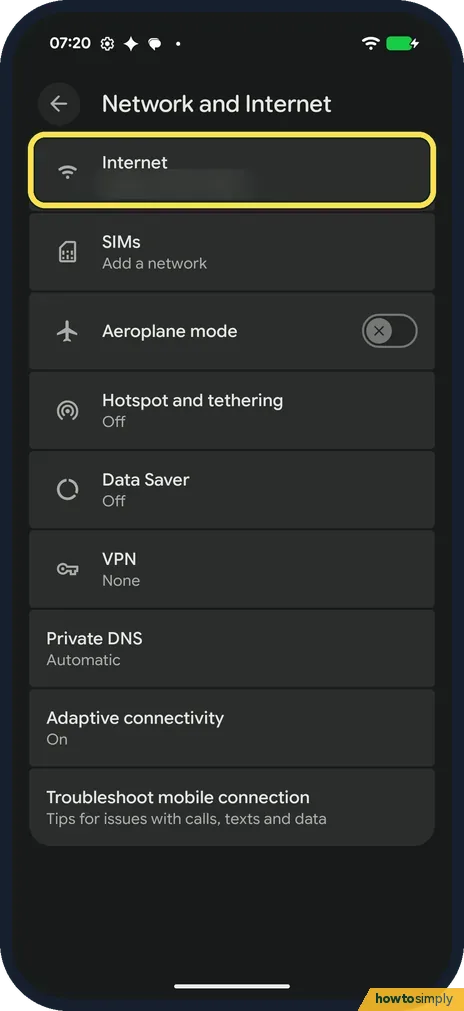 How to share a Wi-Fi password on a Google Pixel (Android 17)
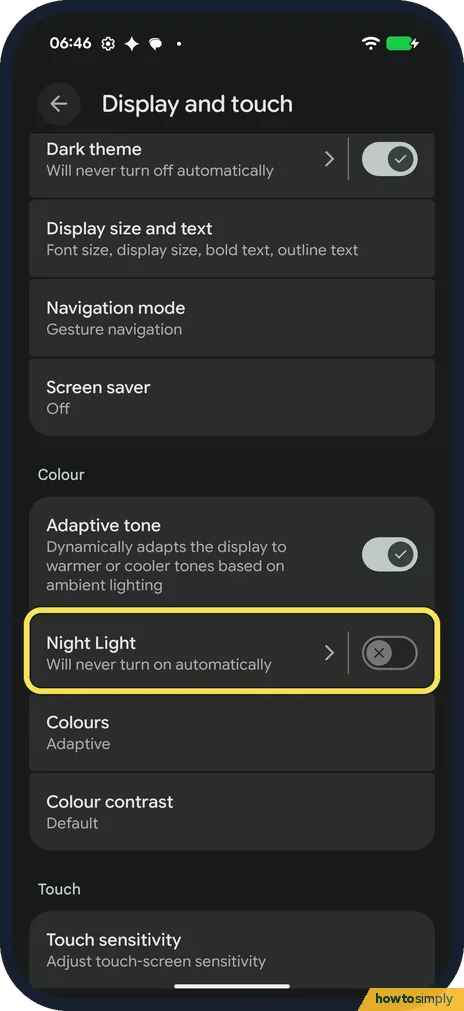 How to use Night Light on a Google Pixel (Android 17)
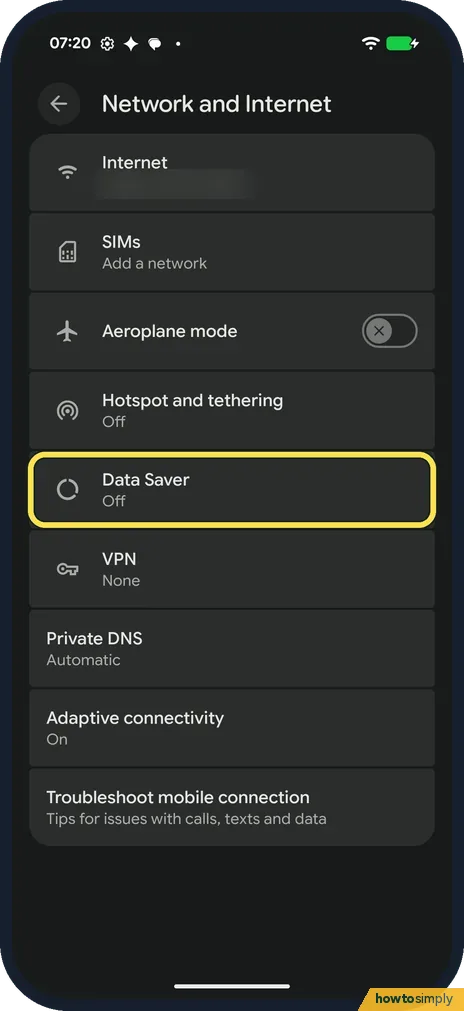 How to use Data Saver on a Google Pixel (Android 17)
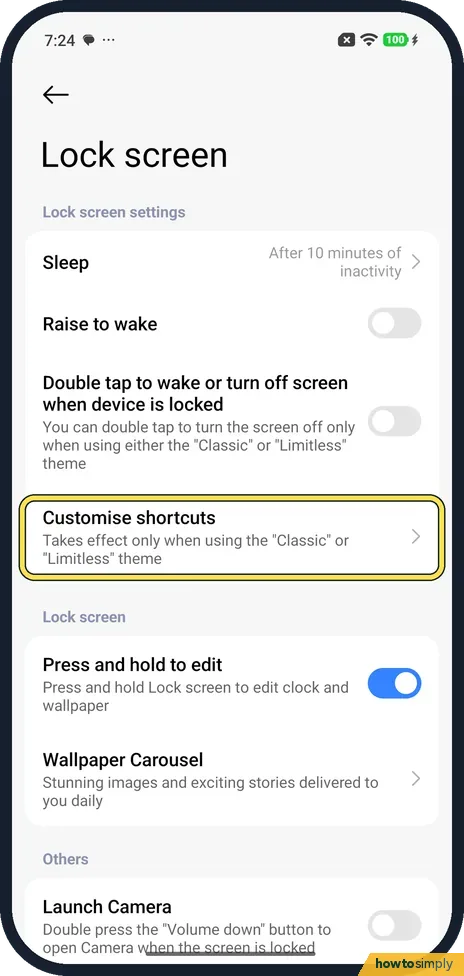 How to change the lock screen shortcuts on a Xiaomi phone (HyperOS 3)
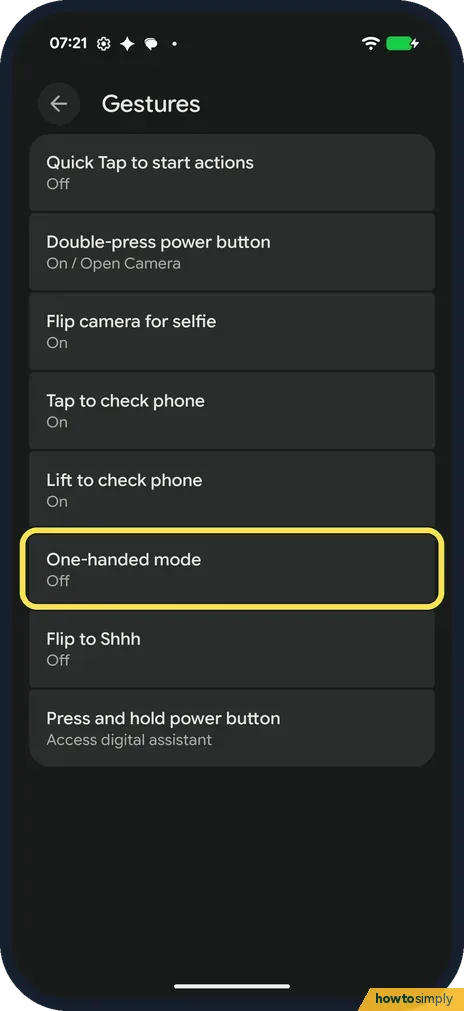 How to use one-handed mode on a Google Pixel (Android 17)
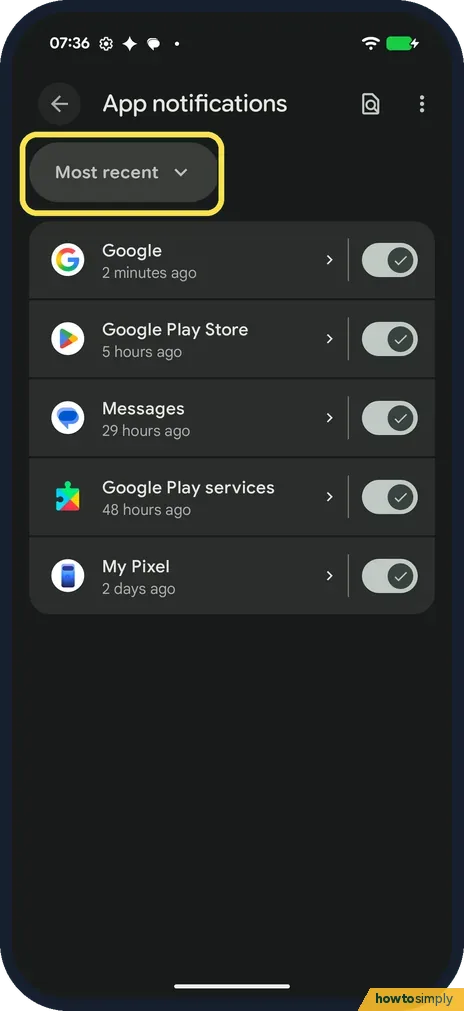 How to turn off notifications for one app on a Google Pixel (Android 17)
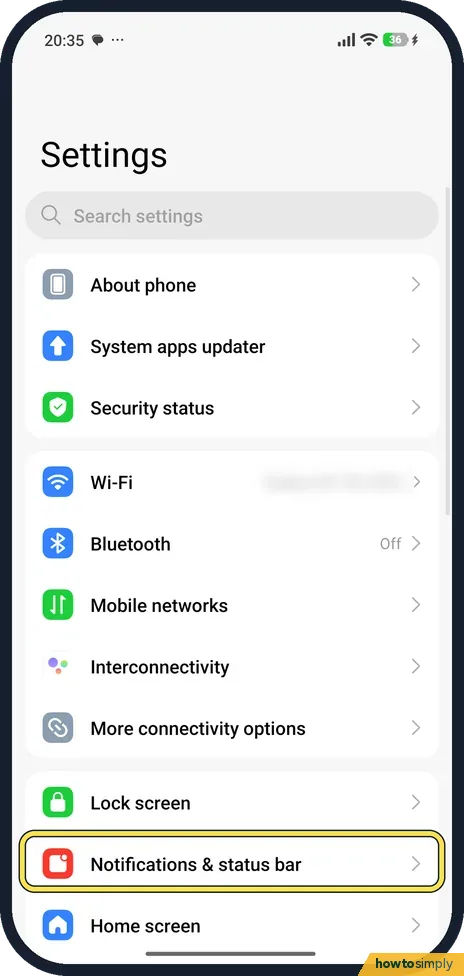 How to show battery percentage on a Xiaomi phone (HyperOS 3)
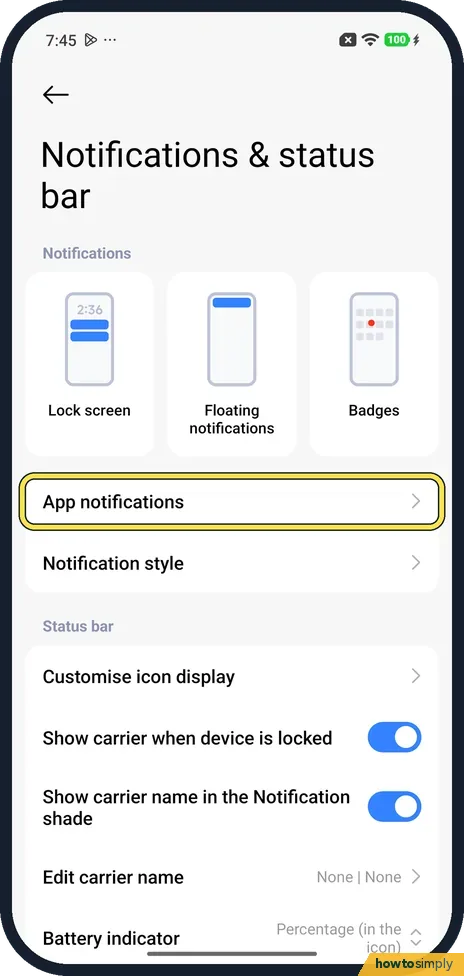 How to turn off notifications for an app on a Xiaomi phone (HyperOS 3)
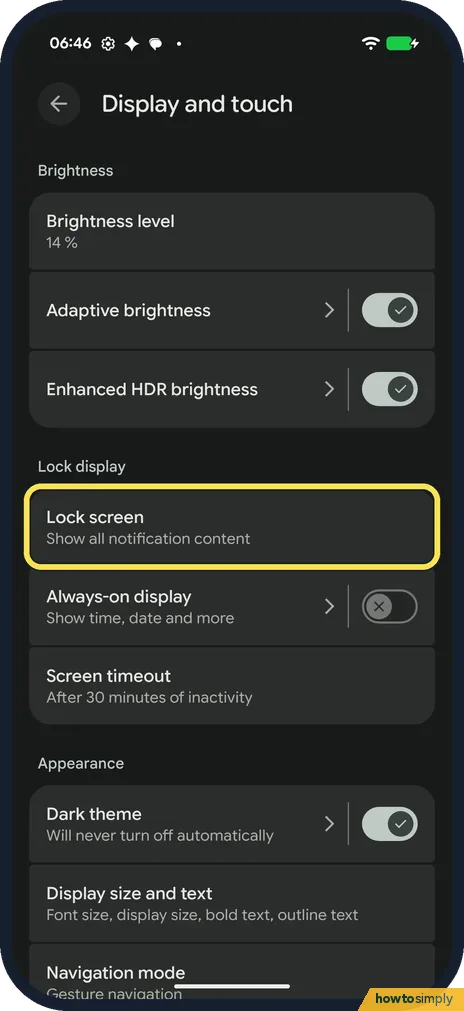 How to hide sensitive content on the lock screen on a Google Pixel (Android 17)
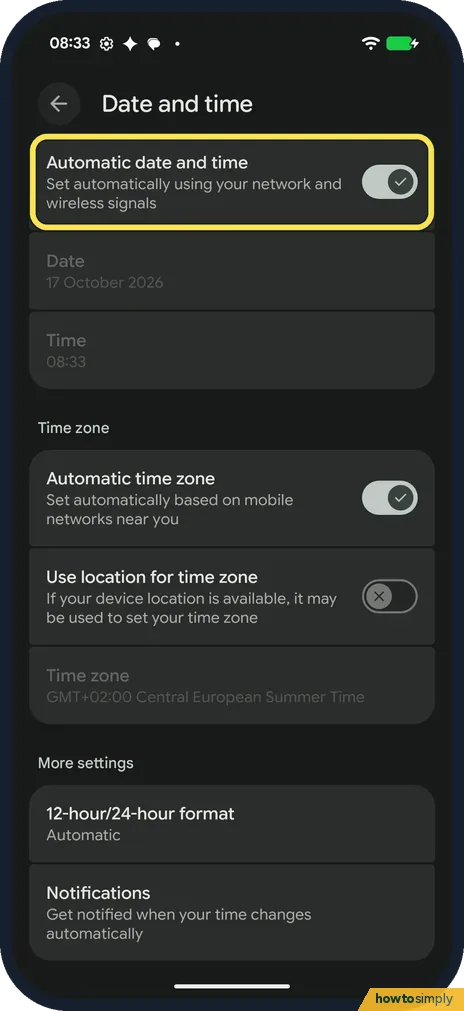 How to switch between 12-hour and 24-hour time on a Google Pixel (Android 17)
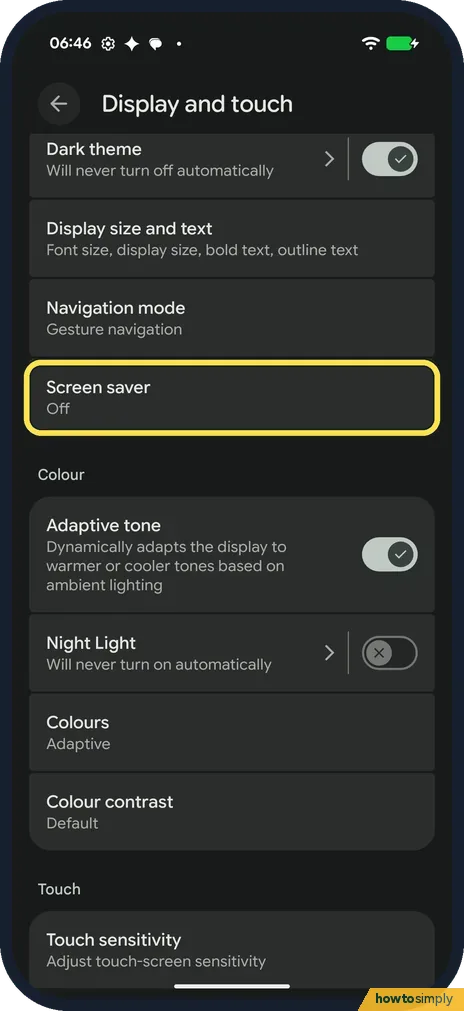 How to set up the screen saver on a Google Pixel (Android 17)
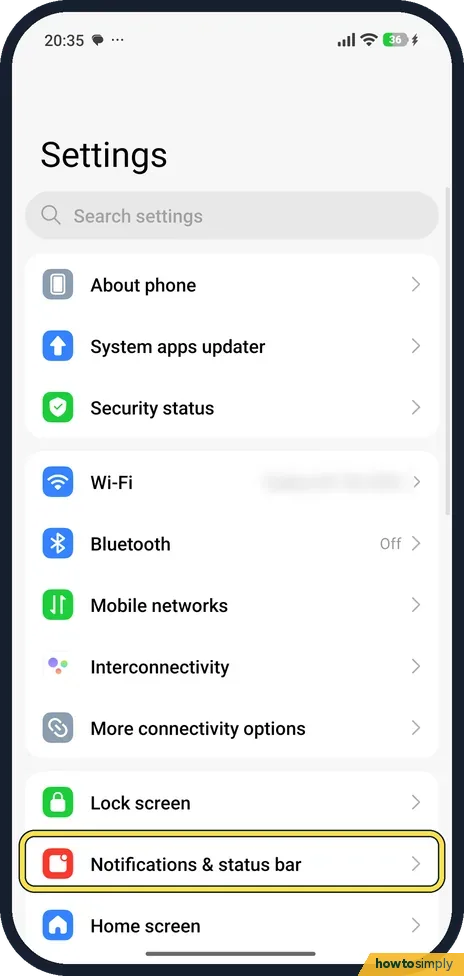 How to show network speed in the status bar on a Xiaomi phone (HyperOS 3)
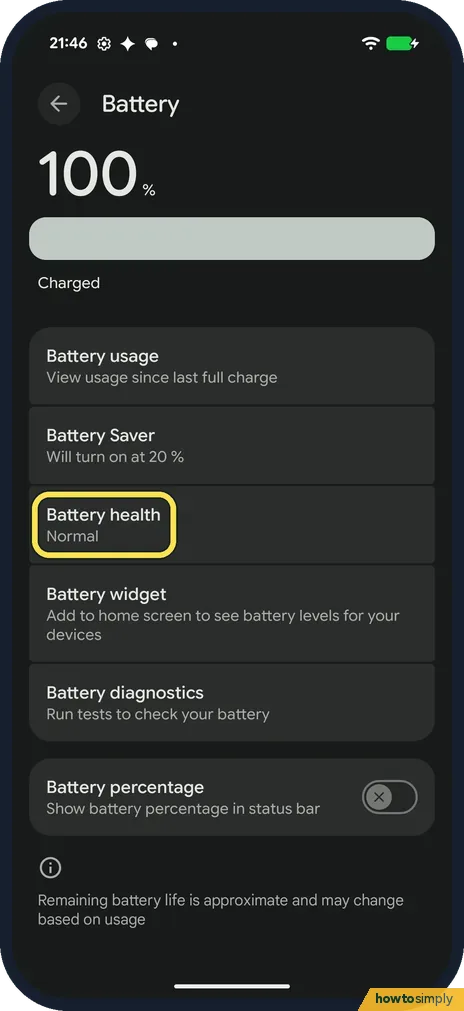 How to check battery health on a Google Pixel (Android 17)
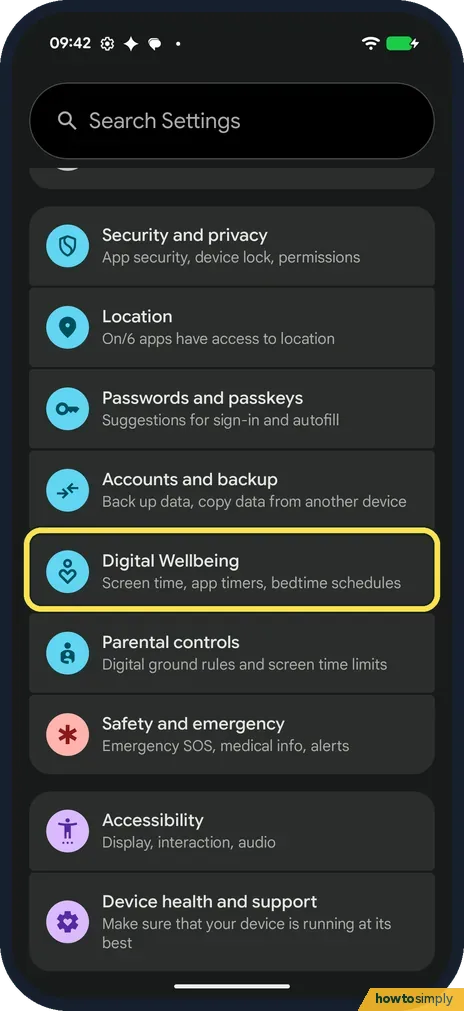 How to set up Bedtime mode on a Google Pixel (Android 17)
 Android GPS not accurate? 8 ways to fix your location
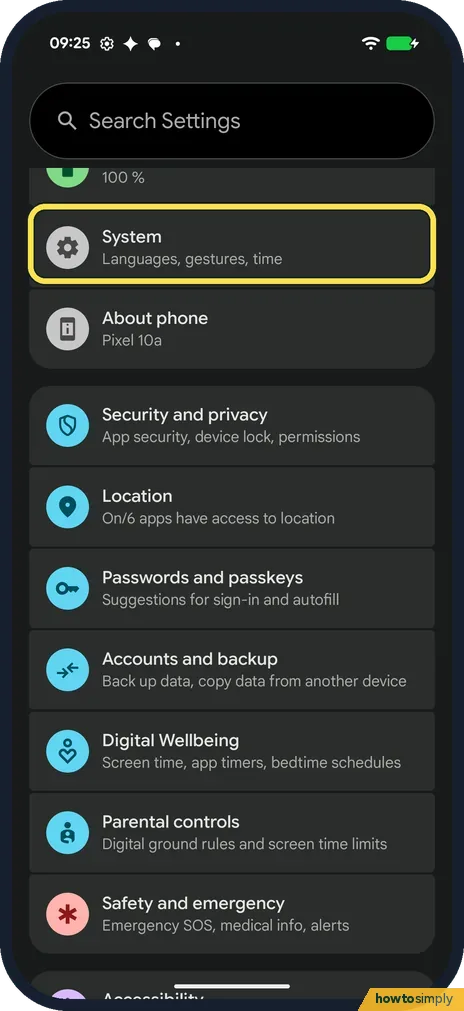 How to change the language of one app on a Google Pixel (Android 17)
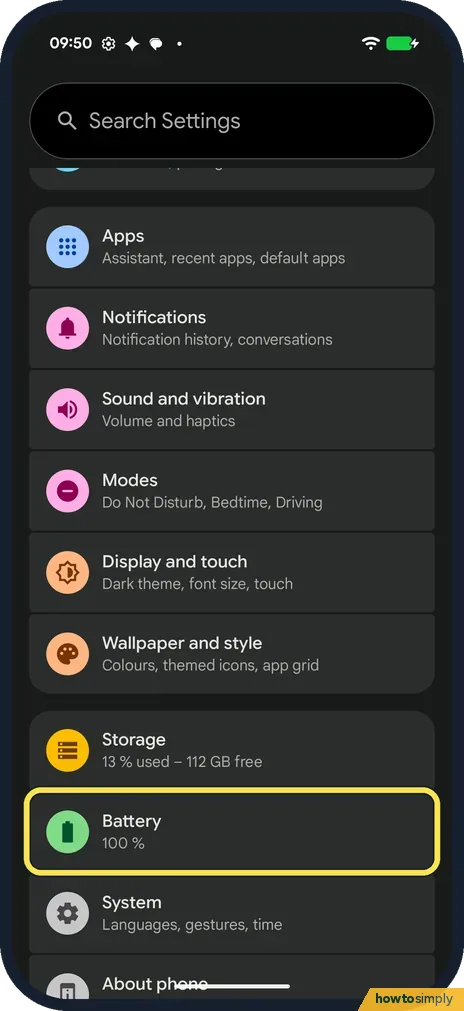 How to show battery percentage on a Google Pixel (Android 17)
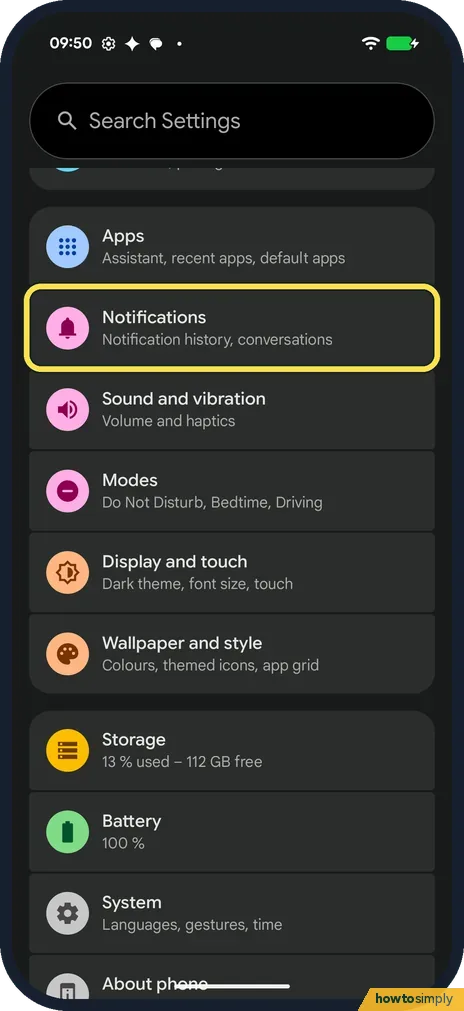 How to turn on flash notifications on a Google Pixel (Android 17)
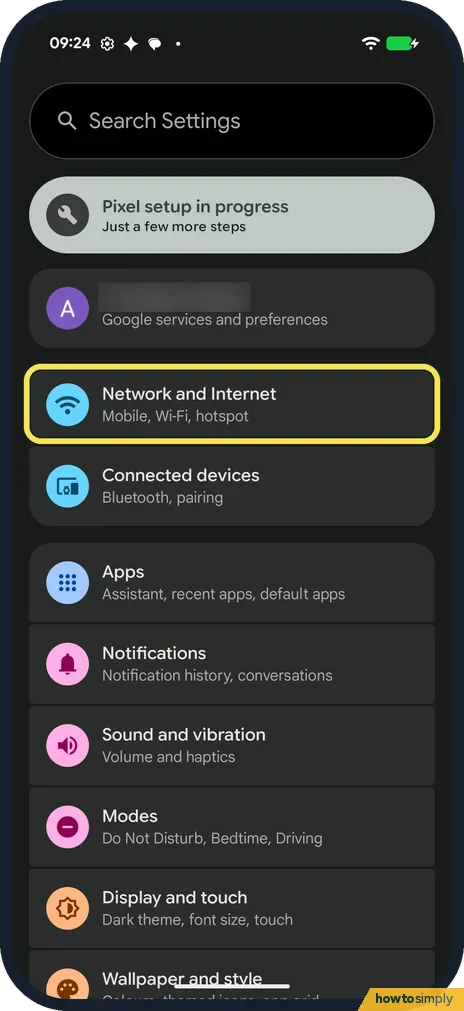 How to stop a Google Pixel switching to mobile data on weak Wi-Fi (Android 17)
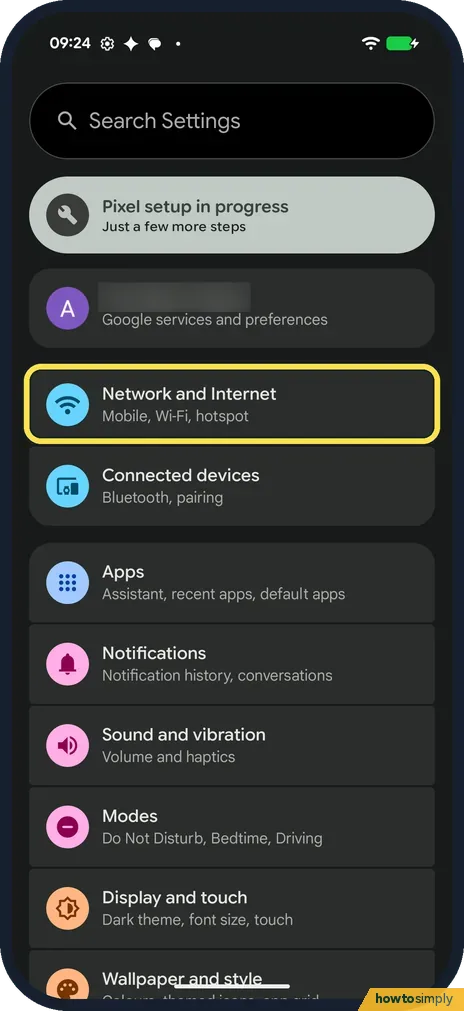 How to stop Wi-Fi turning on automatically on a Google Pixel (Android 17)
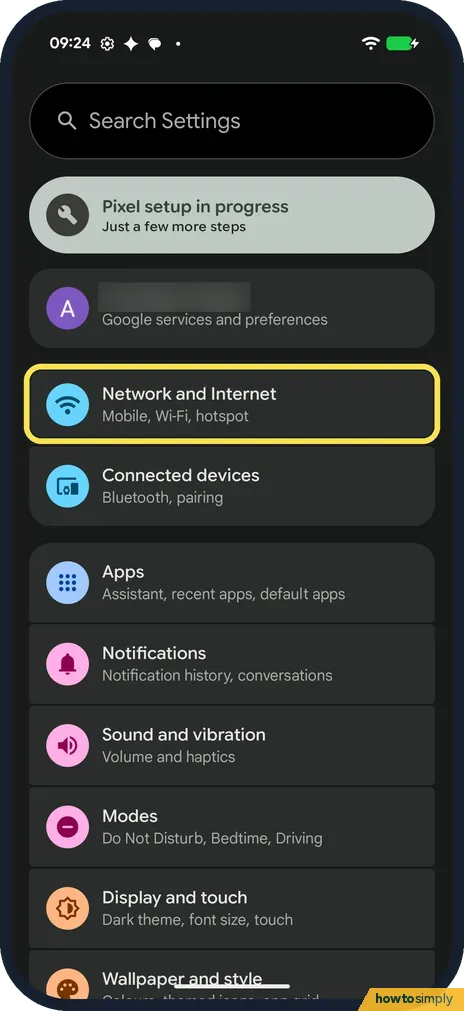 How to change Private DNS on a Google Pixel (Android 17)
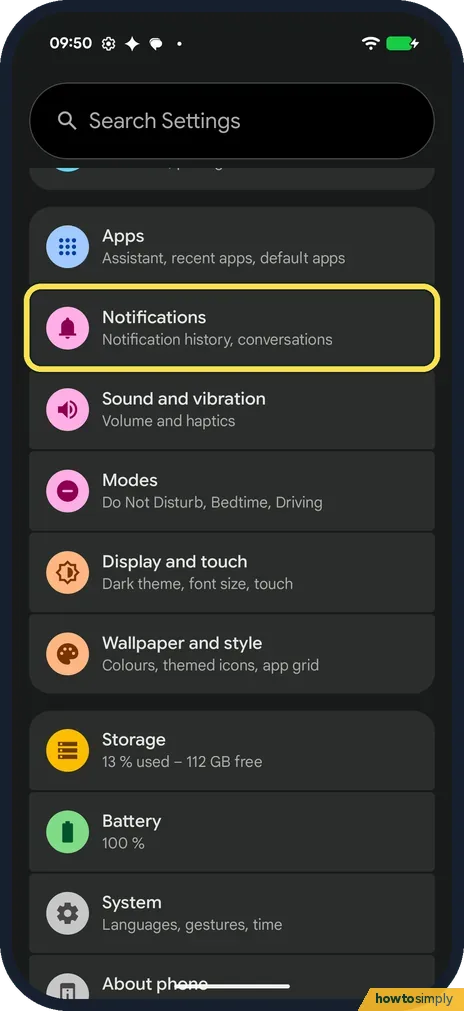 How to turn on notification cooldown on a Google Pixel (Android 17)
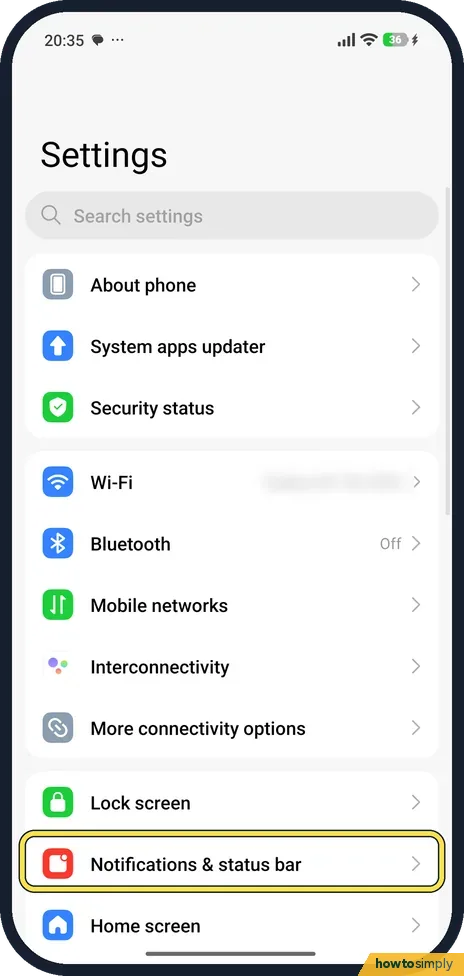 How to hide or show status bar icons on a Xiaomi phone (HyperOS 3)
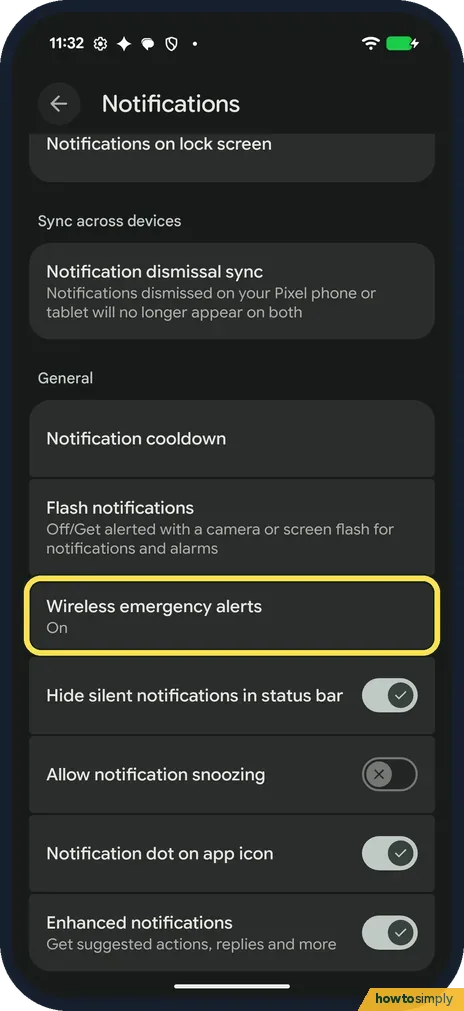 How to change wireless emergency alert settings on a Google Pixel (Android 17)
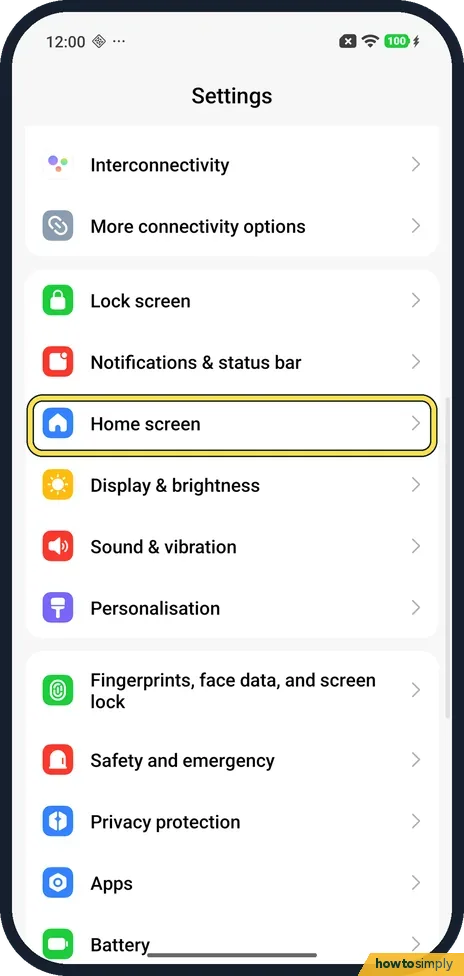 How to lock the home screen layout on a Xiaomi phone (HyperOS 3)
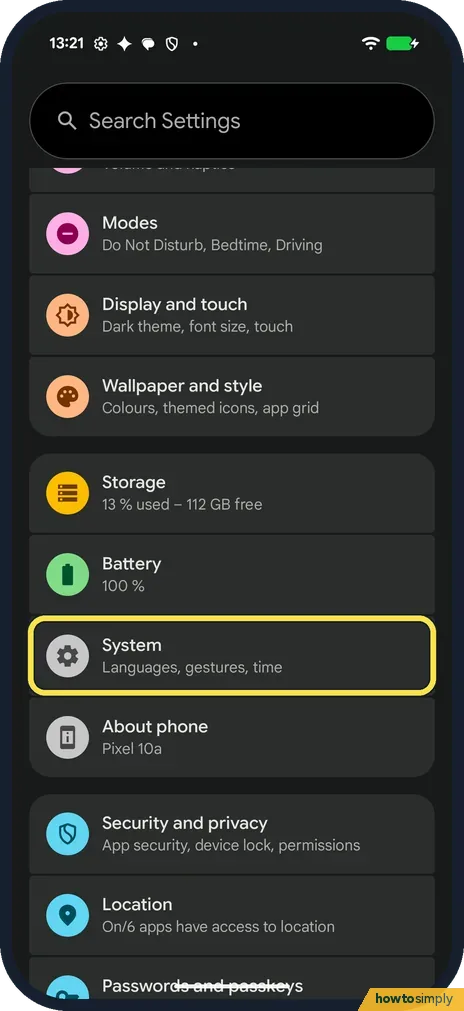 How to use Circle to Search on a Google Pixel (Android 17)
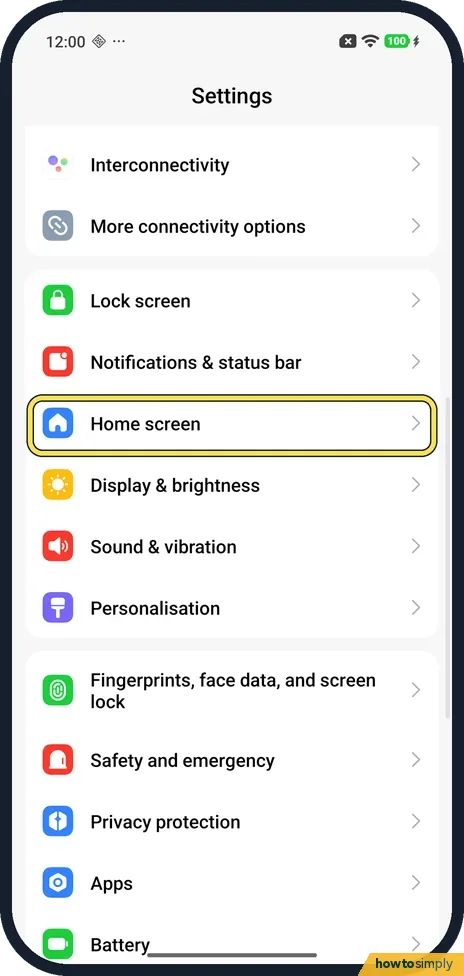 How to use Circle to Search on a Xiaomi phone (HyperOS 3)
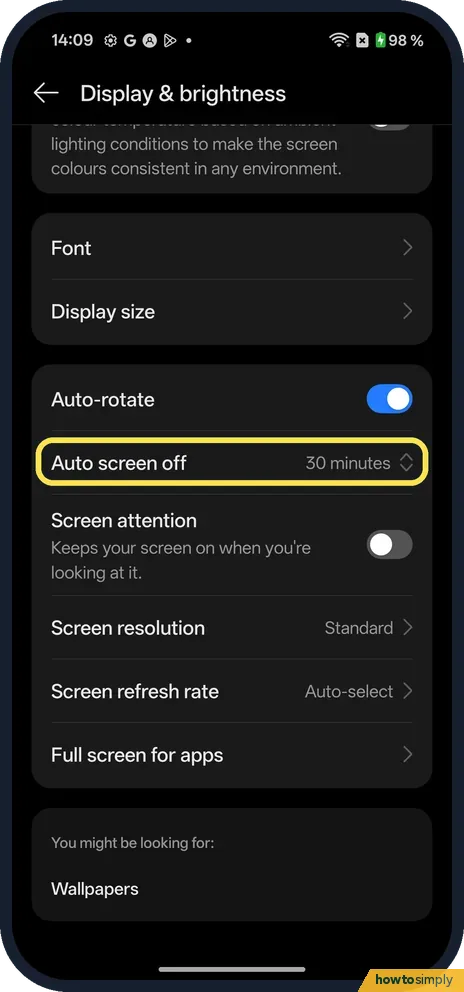 How to change the screen timeout on a OnePlus (OxygenOS 16)
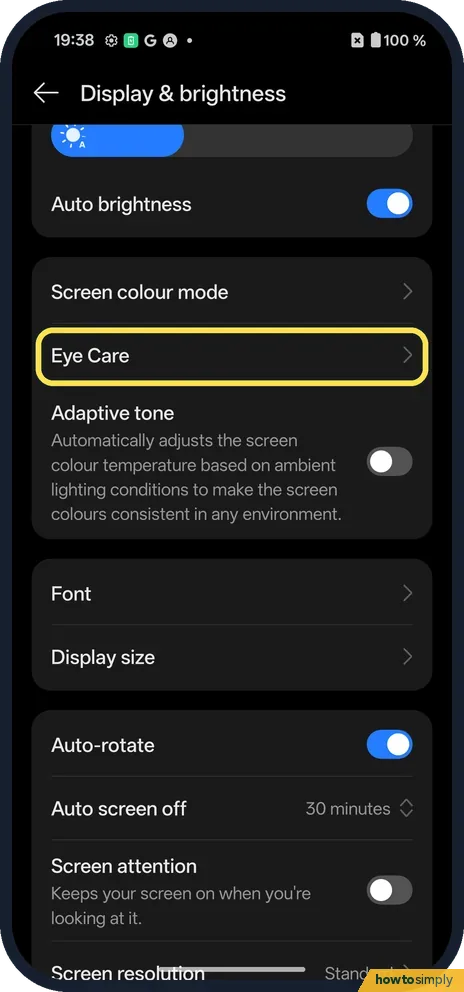 How to turn on Eye Comfort on a OnePlus (OxygenOS 16)
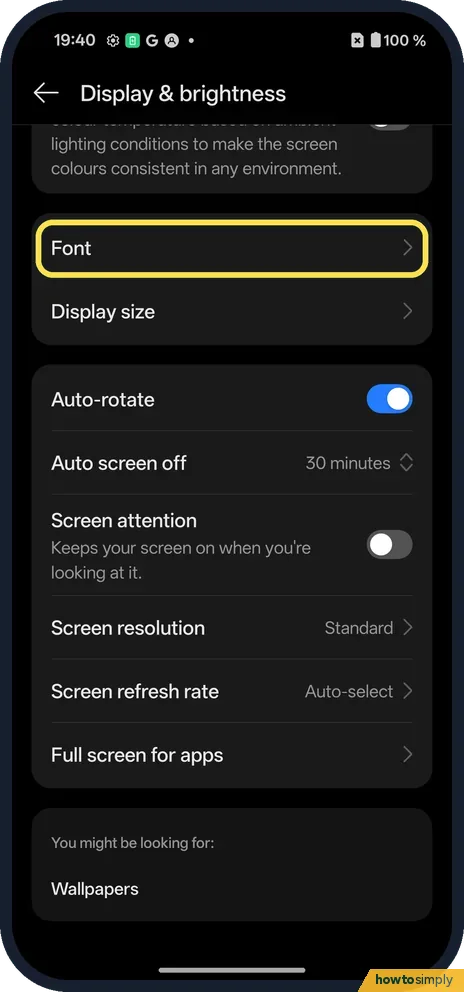 How to change the font size and display size on a OnePlus (OxygenOS 16)
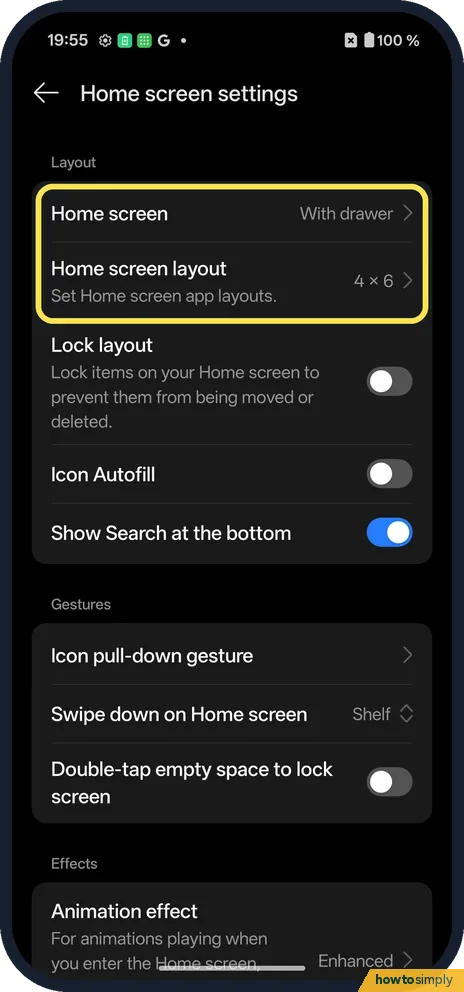 How to change the home screen layout on a OnePlus (OxygenOS 16)
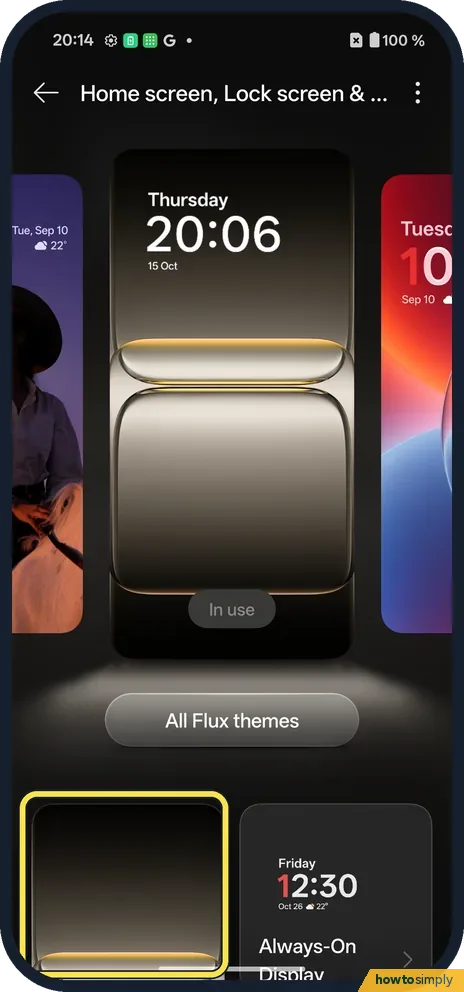 How to change the wallpaper on a OnePlus (OxygenOS 16)
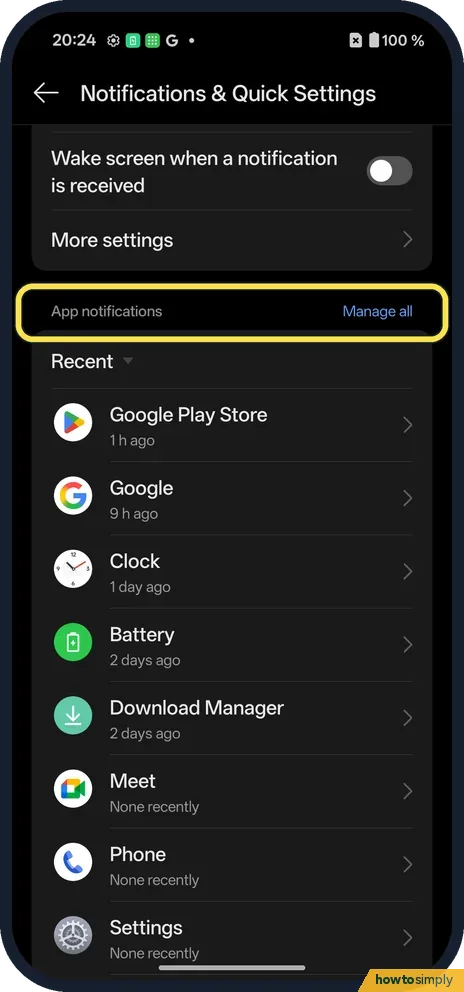 How to turn off notifications for one app on a OnePlus
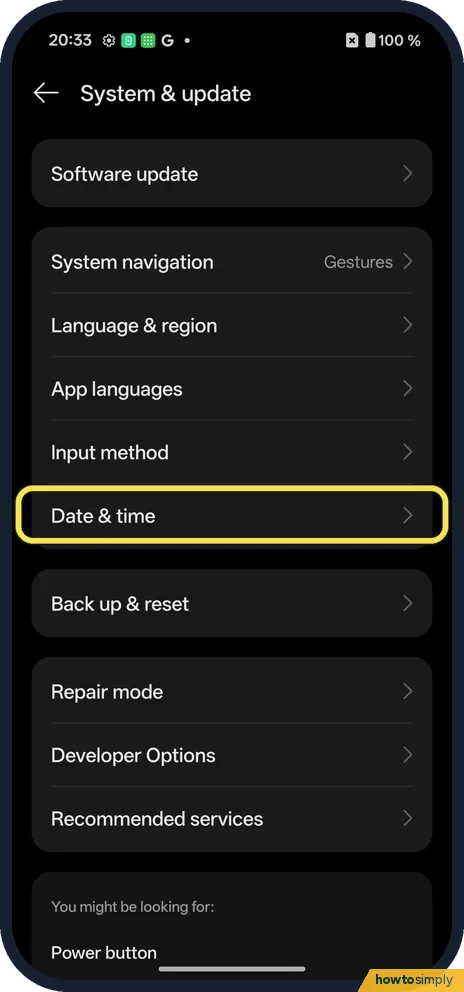 How to switch between 12-hour and 24-hour time on a OnePlus
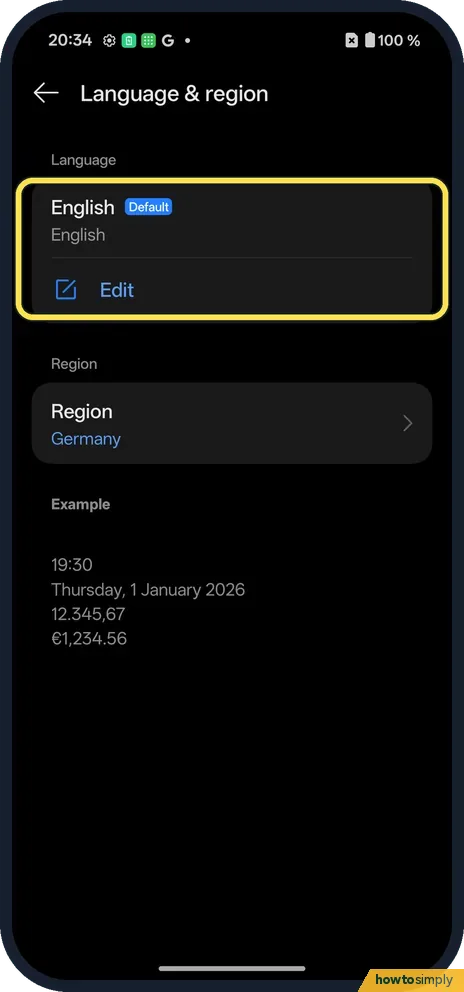 How to change the language on a OnePlus, for the phone or one app
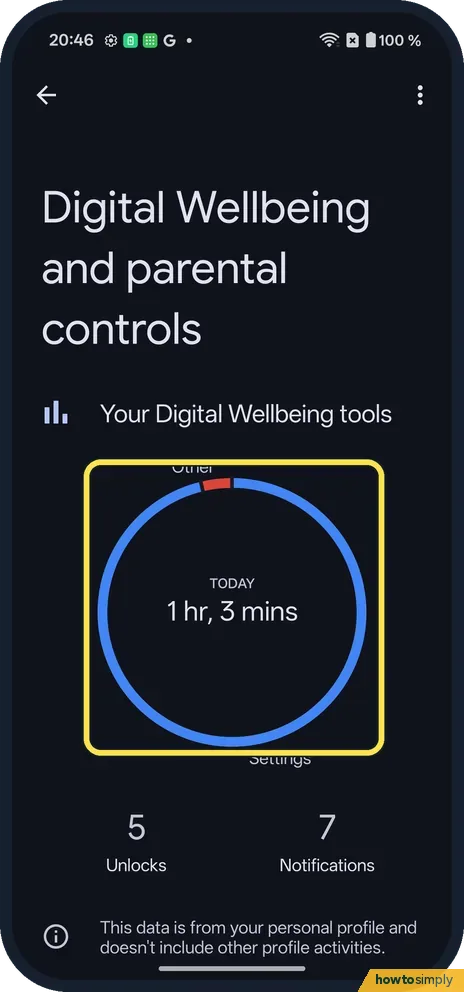 How to see screen time and set app timers on a OnePlus
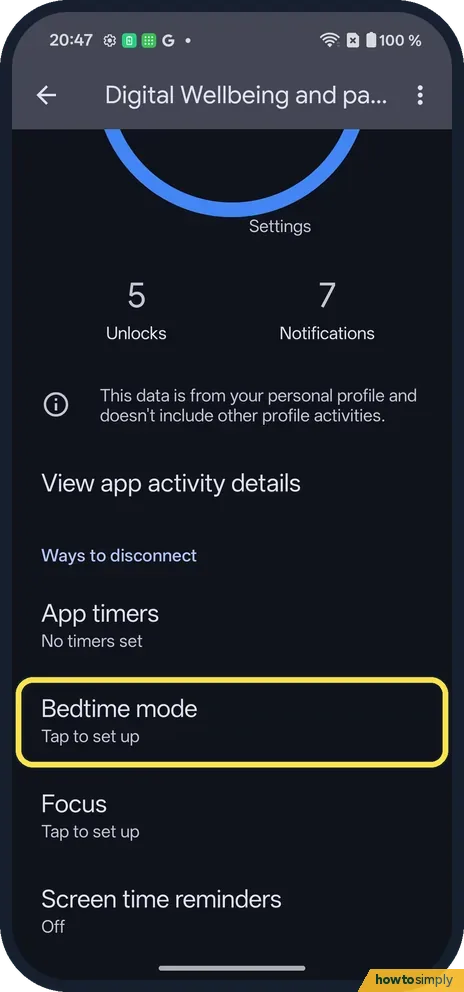 How to set up Bedtime mode on a OnePlus (OxygenOS 16)
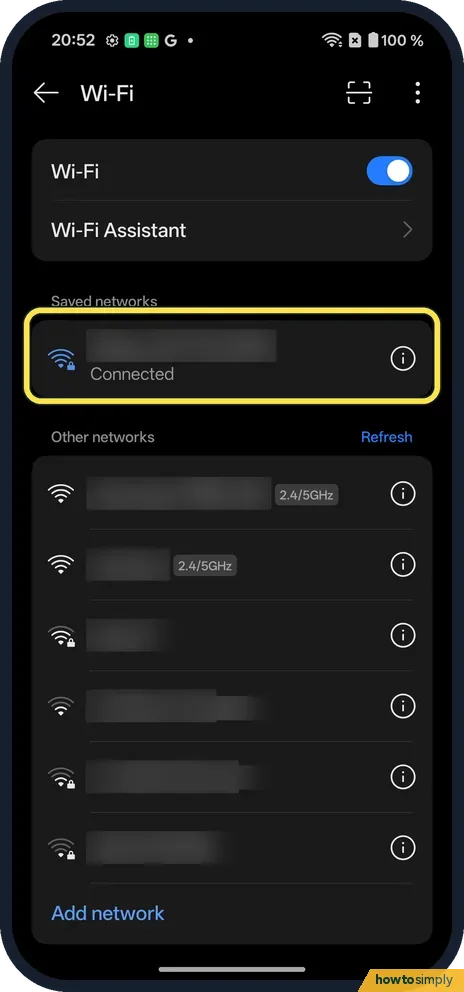 How to share a Wi-Fi password on a OnePlus (OxygenOS 16)
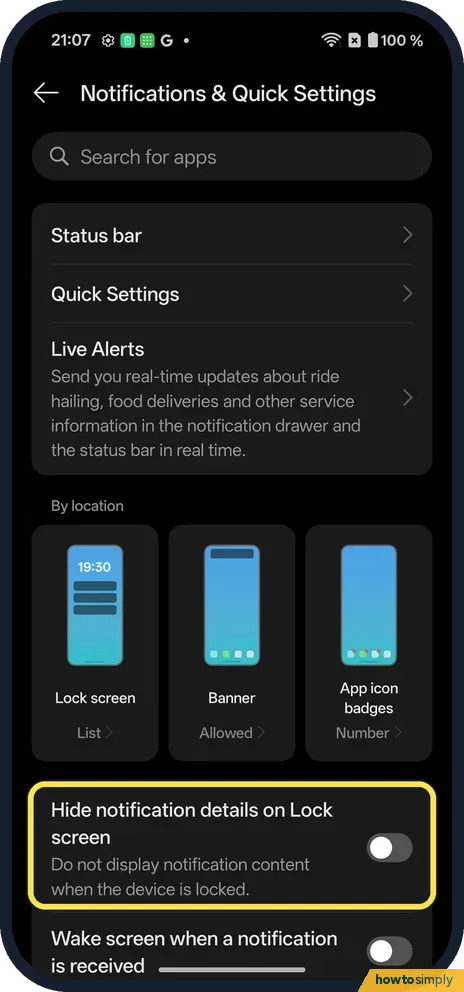 How to hide notifications on the lock screen on a OnePlus (OxygenOS 16)
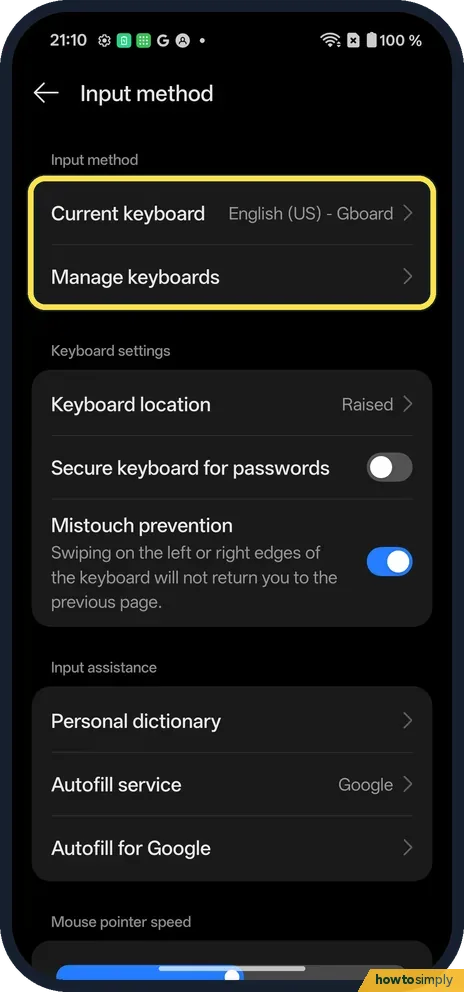 How to change keyboard and autocorrect settings on a OnePlus (OxygenOS 16)
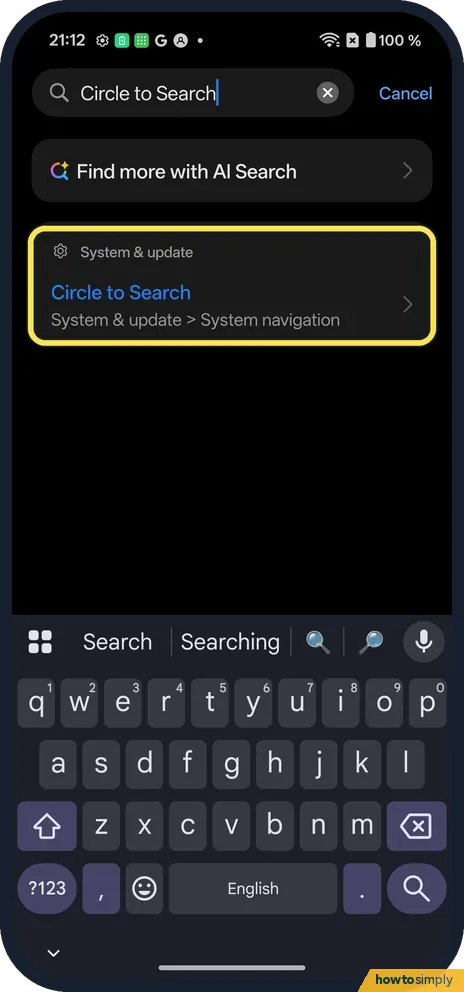 How to use Circle to Search on a OnePlus (OxygenOS 16)
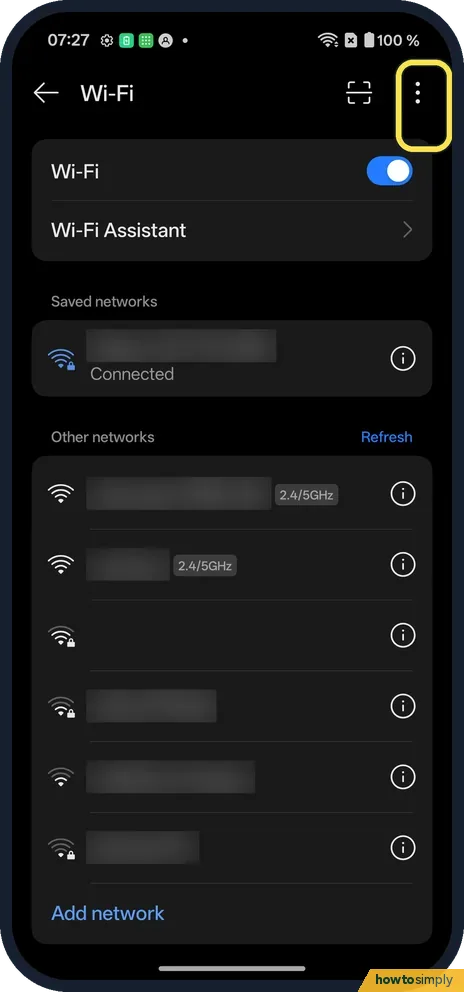 How to see Wi-Fi data usage by app on a OnePlus (OxygenOS 16)
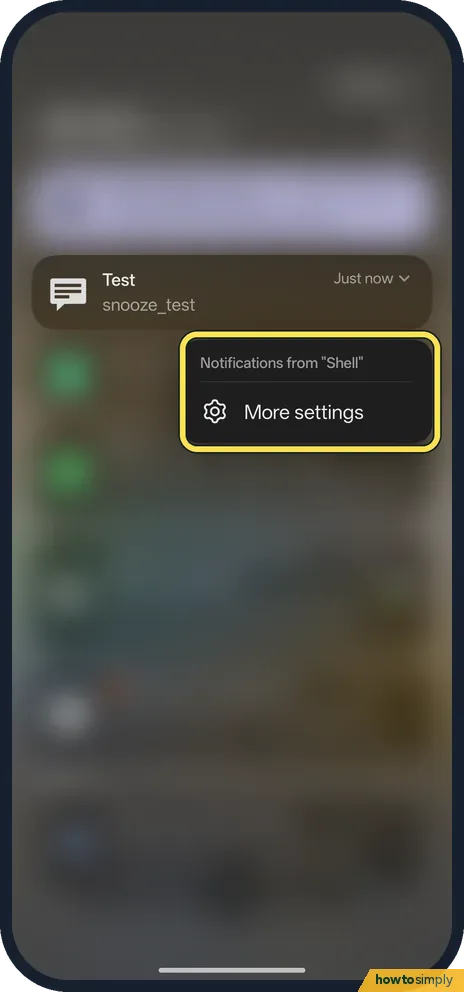 How to turn on notification snoozing on a OnePlus (OxygenOS 16)
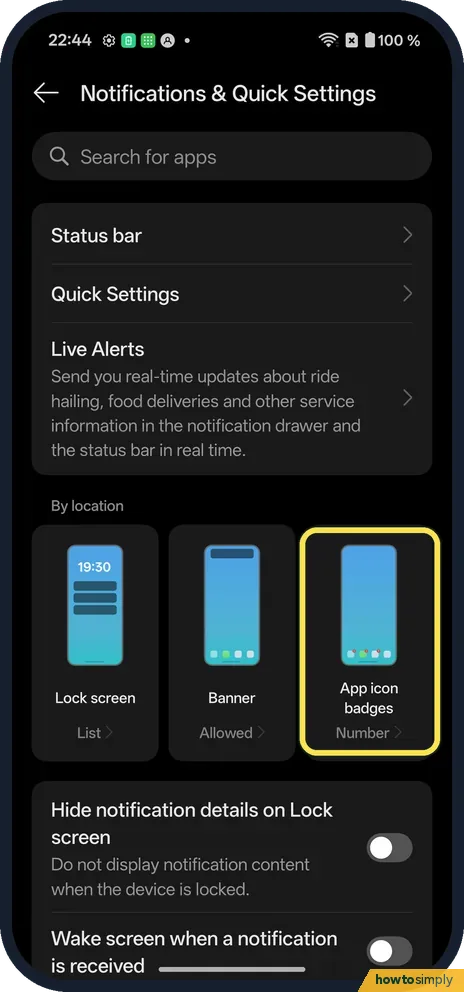 How to change app icon badges on a OnePlus (OxygenOS 16)
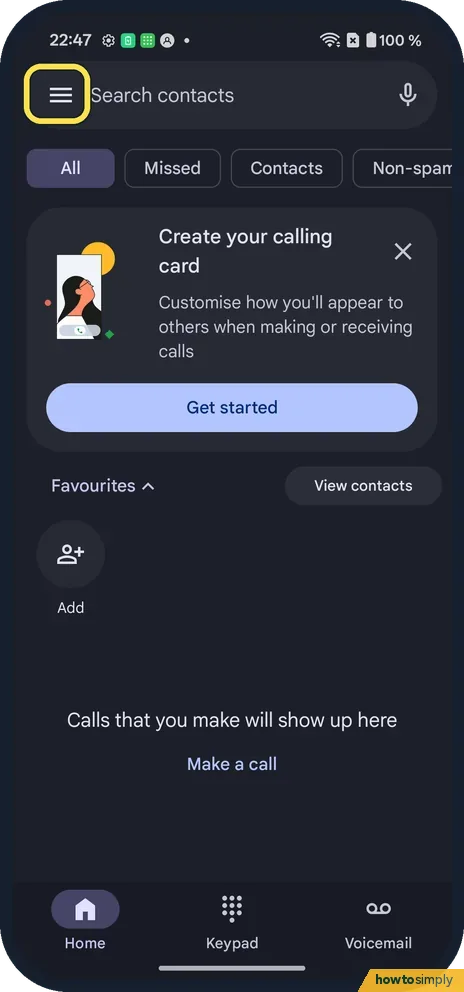 How to block a number on a OnePlus (OxygenOS 16)
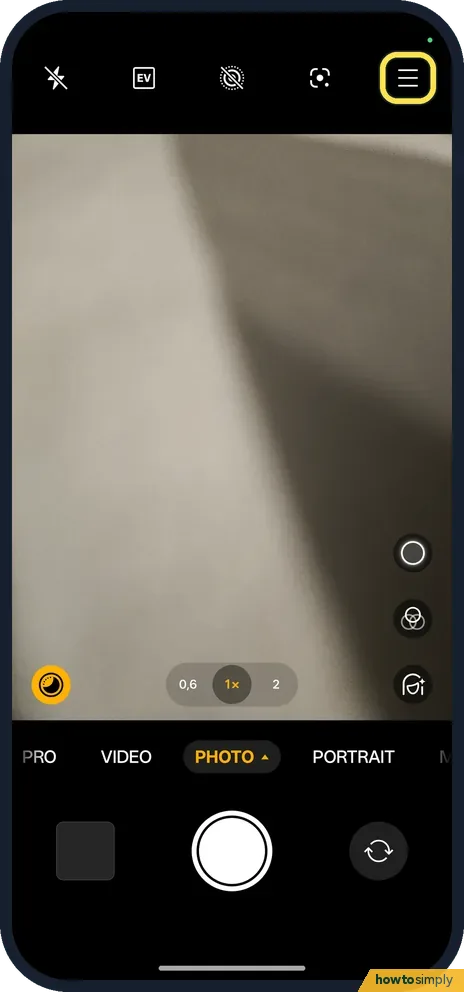 How to turn off the camera shutter sound on a OnePlus (OxygenOS 16)
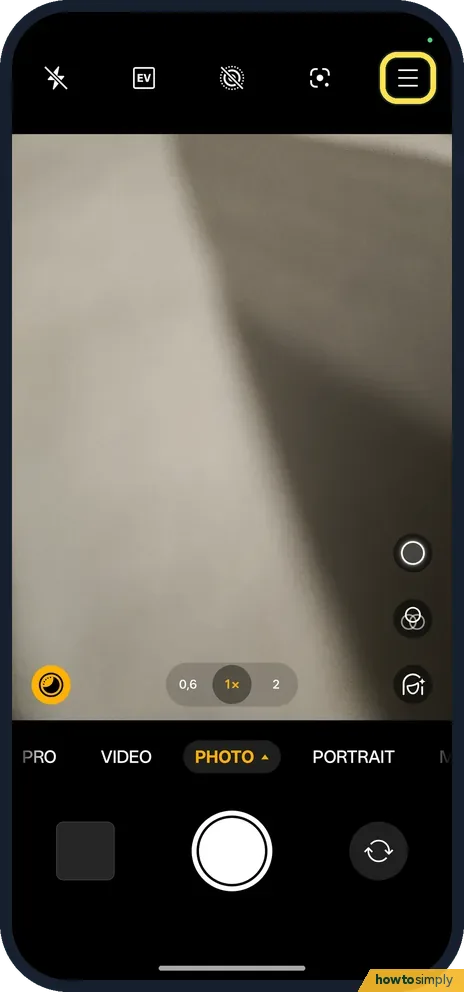 How to use the camera timer on a OnePlus (OxygenOS 16)
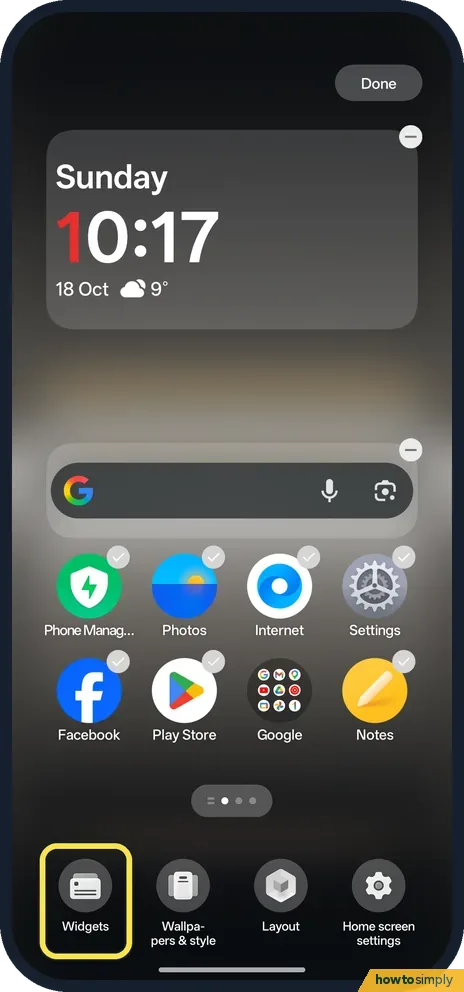 How to add and remove widgets on a OnePlus (OxygenOS 16)
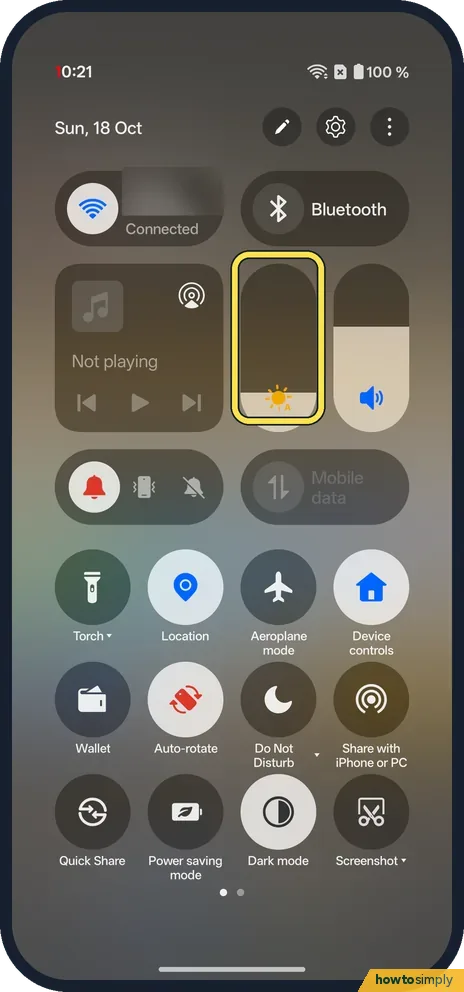 How to change the brightness on a OnePlus (OxygenOS 16)
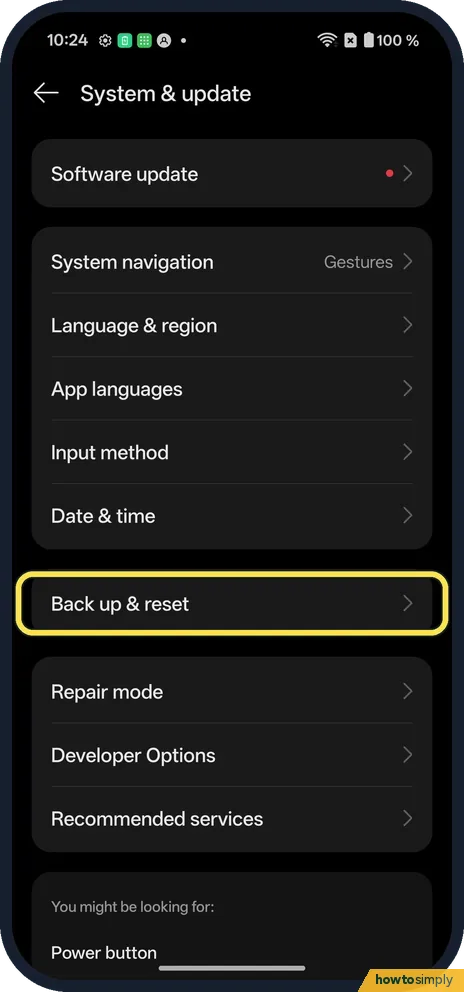 How to reset network settings on a OnePlus (OxygenOS 16)
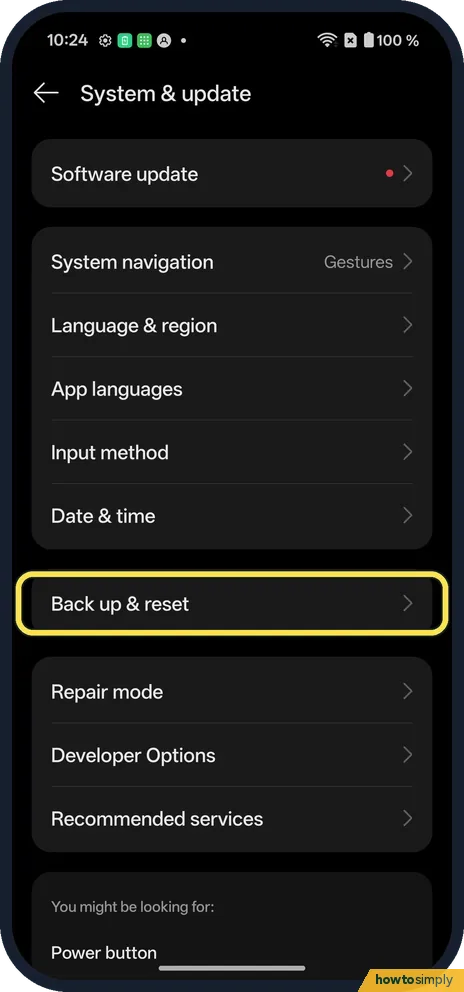 How to factory reset a OnePlus (OxygenOS 16)
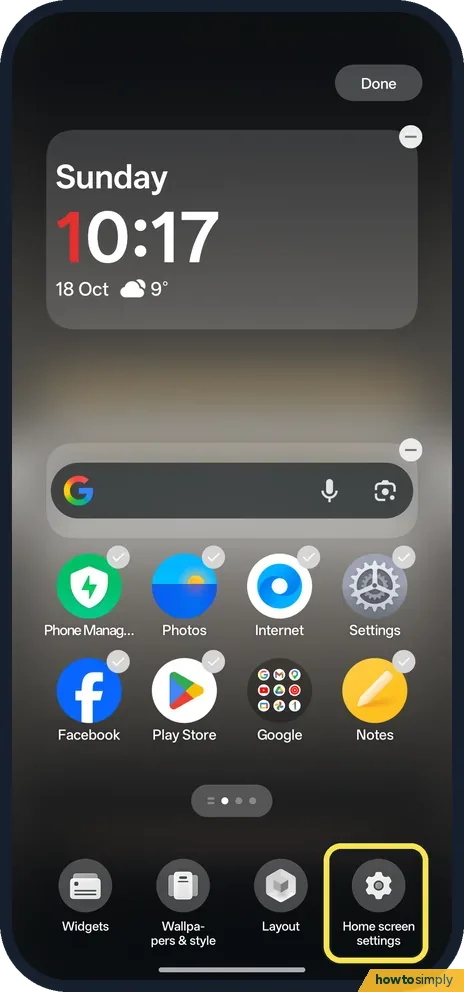 How to lock the home screen layout on a OnePlus (OxygenOS 16)
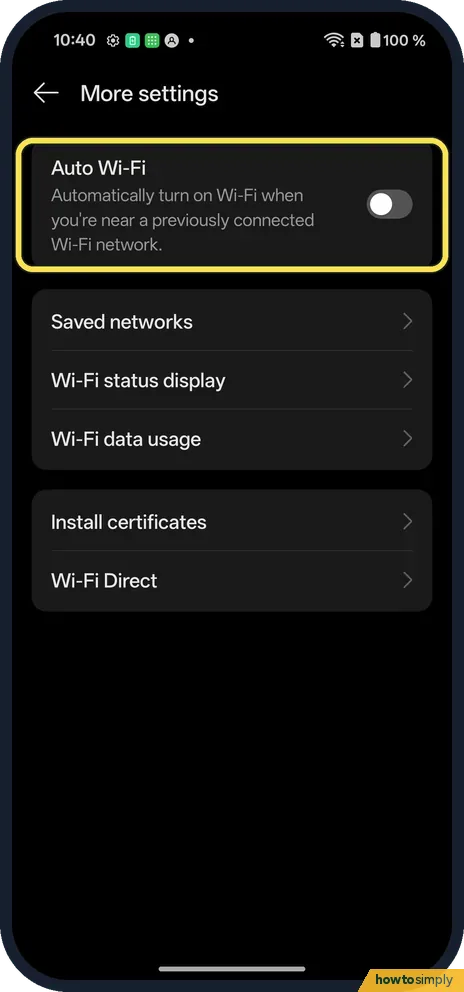 How to stop Wi-Fi turning on automatically on a OnePlus (OxygenOS 16)
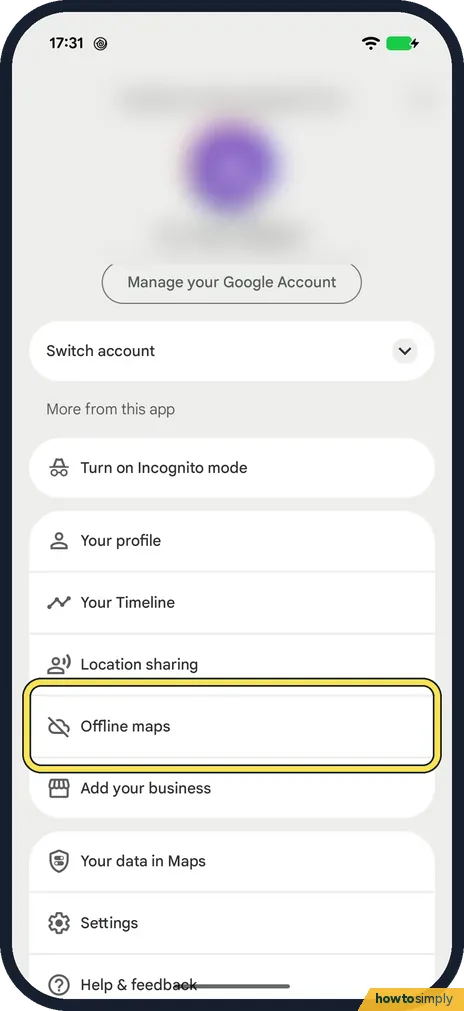 How to download offline maps in Google Maps on Android
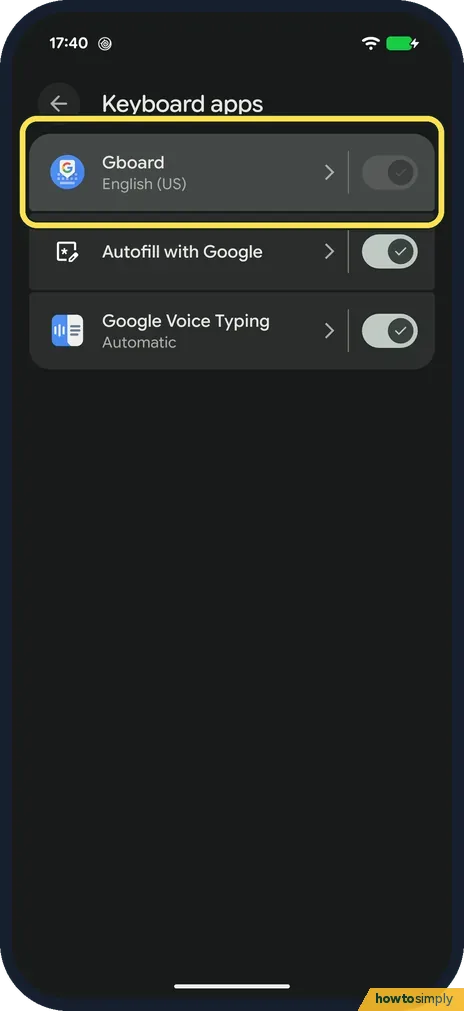 How to add a keyboard language on Android (Gboard)
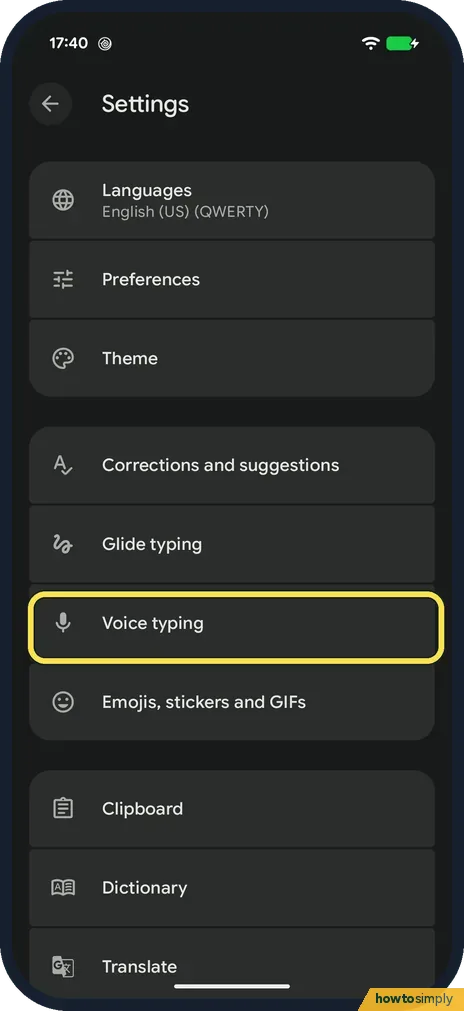 How to turn on voice typing on Android (Gboard)
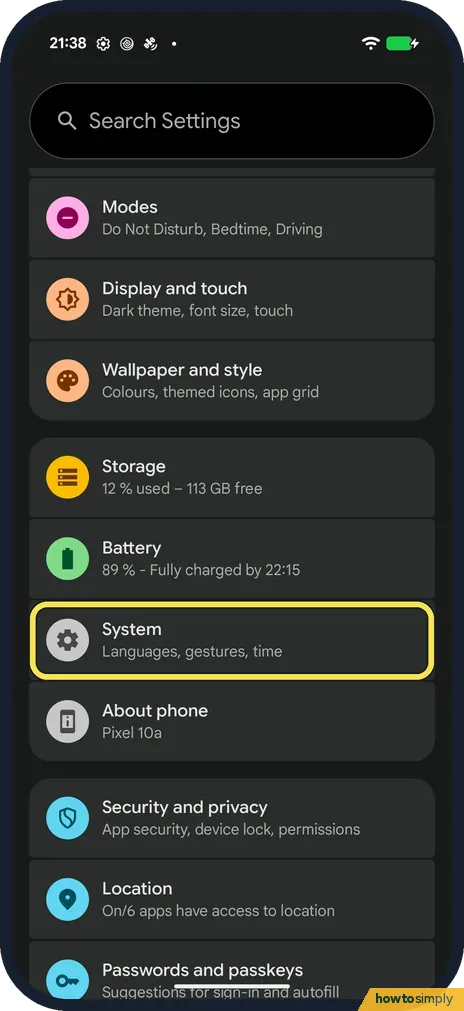 How to switch to 3-button navigation on Android
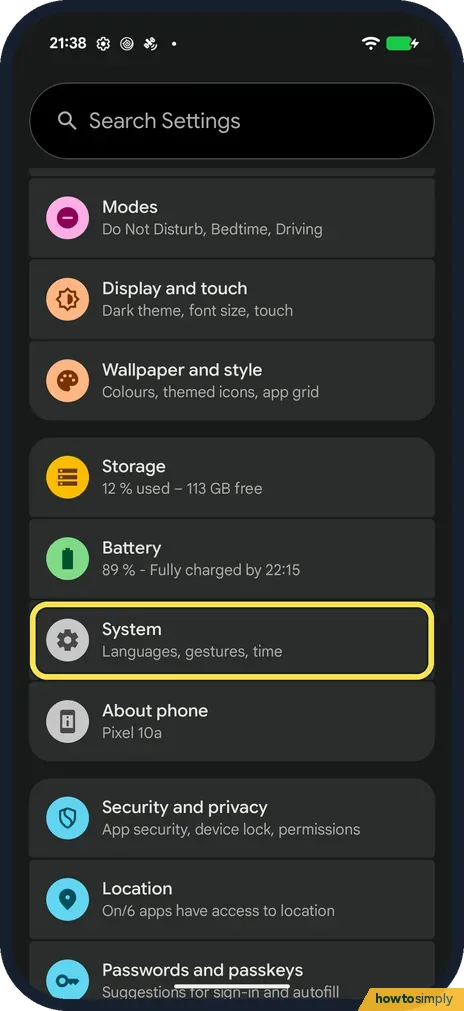 How to change the language of one app on Android
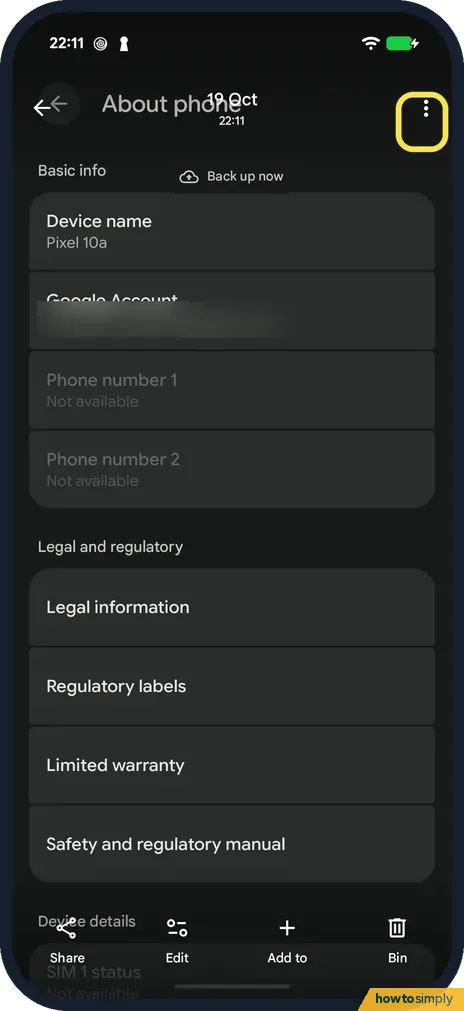 How to copy text from a photo on Android
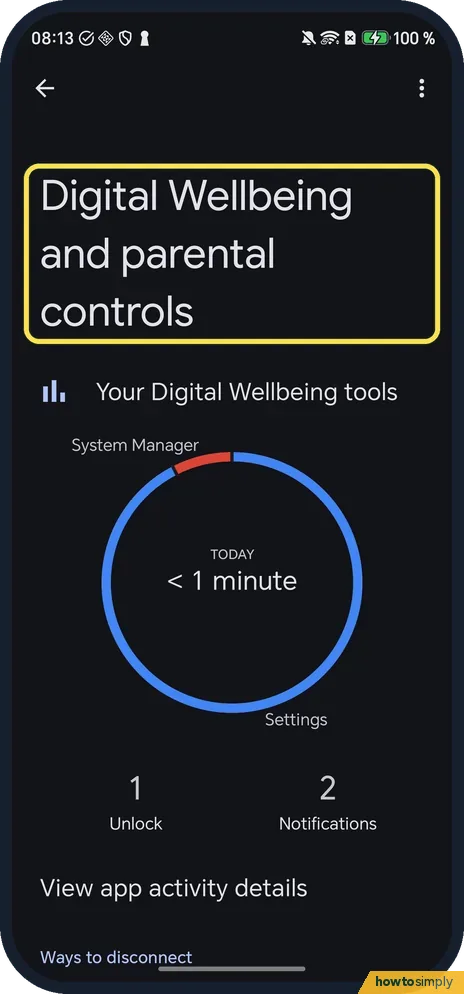 How to see screen time and set app timers on an HONOR phone (MagicOS 10)
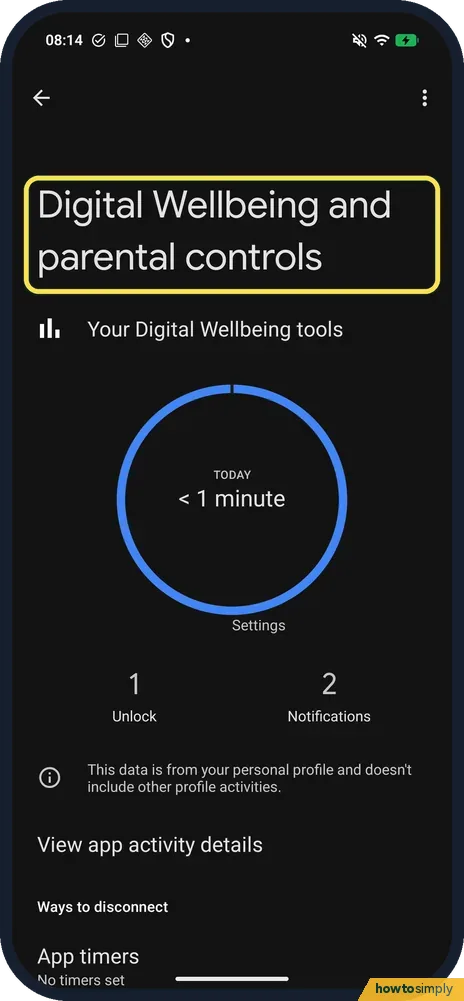 How to see screen time and set app timers on a Nothing Phone (Nothing OS 4.1)
 Galaxy A57 missing features: what it doesn't have next to the S26
 How to increase touch sensitivity on a Samsung Galaxy (One UI 9)
 Samsung AOD stuck on 24-hour time? How to fix it (One UI 9)
 How to stack notifications on a Samsung Galaxy (One UI 9)
 How to show or hide the Samsung navigation bar keyboard button
 How to remove the Google search bar from a Galaxy home screen
 How to turn off or restart a Samsung Galaxy (One UI 9)
 How to zip and unzip files on a Samsung Galaxy (One UI 9)
 How to restore deleted contacts on a Samsung Galaxy (One UI 9)
 How to merge duplicate contacts on a Samsung Galaxy (One UI 9)
 How to see who is connected to your Samsung Galaxy hotspot
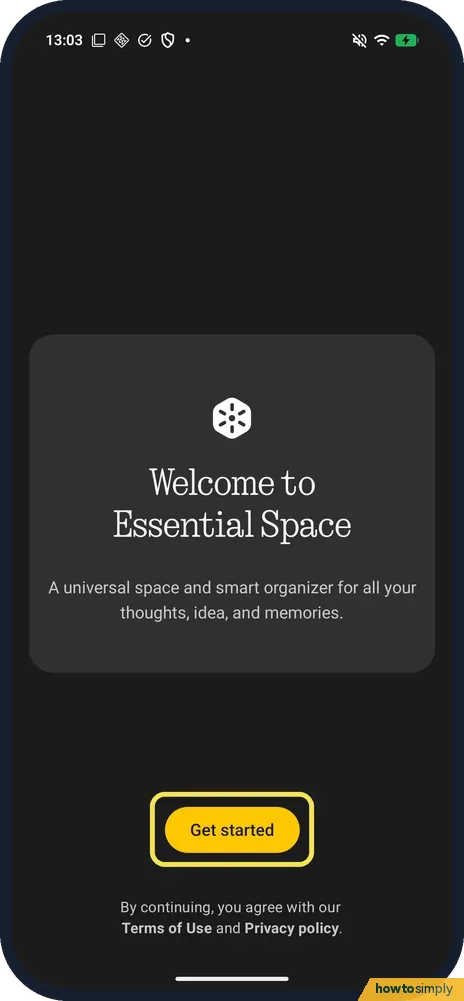 How to set up Essential Space on a Nothing Phone (4a) Pro
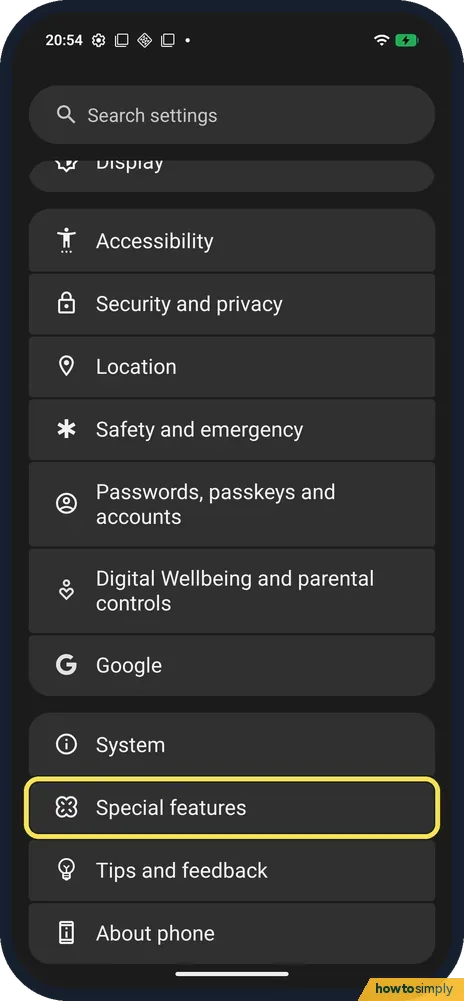 How to turn pocket mode on or off on a Nothing Phone
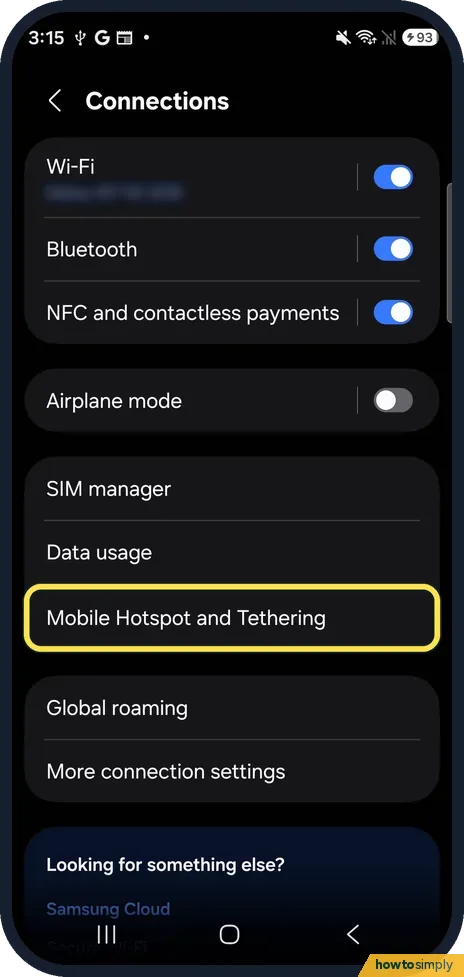 Change the hotspot name, password and band on a Samsung Galaxy
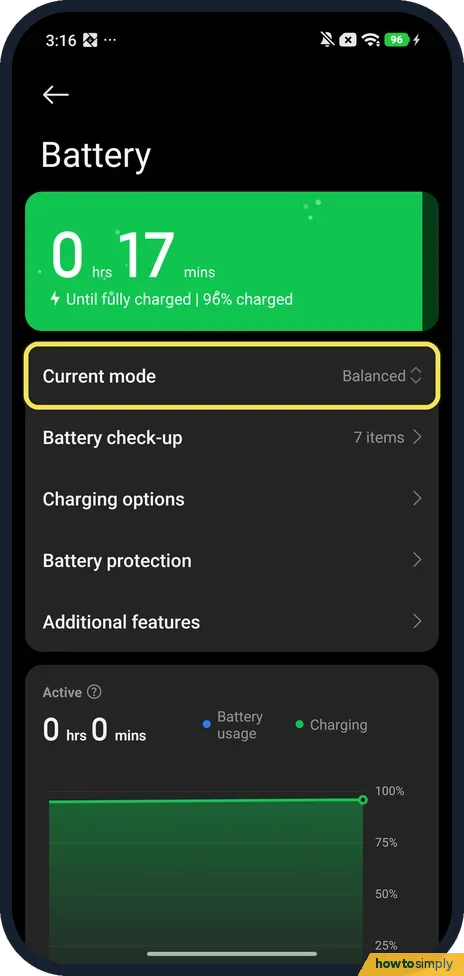 Xiaomi battery draining fast? What to check (HyperOS 3)
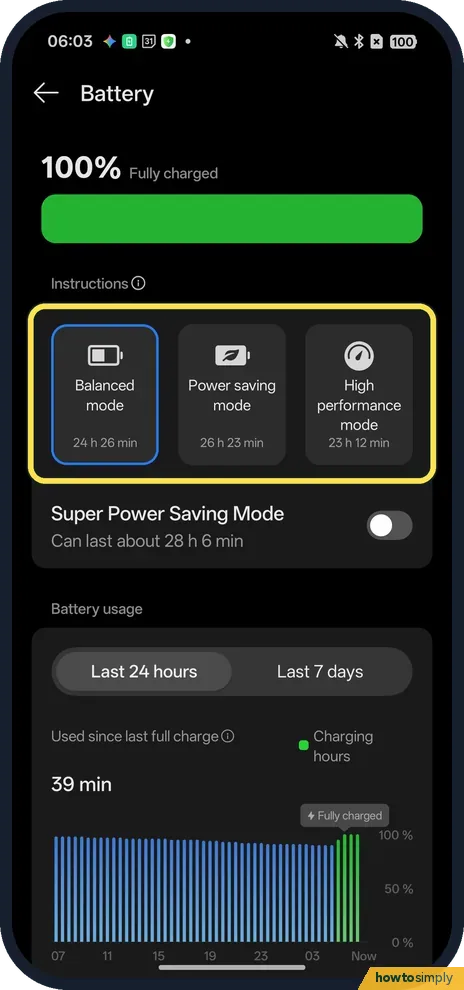 OPPO battery draining fast? What to check (ColorOS 16)
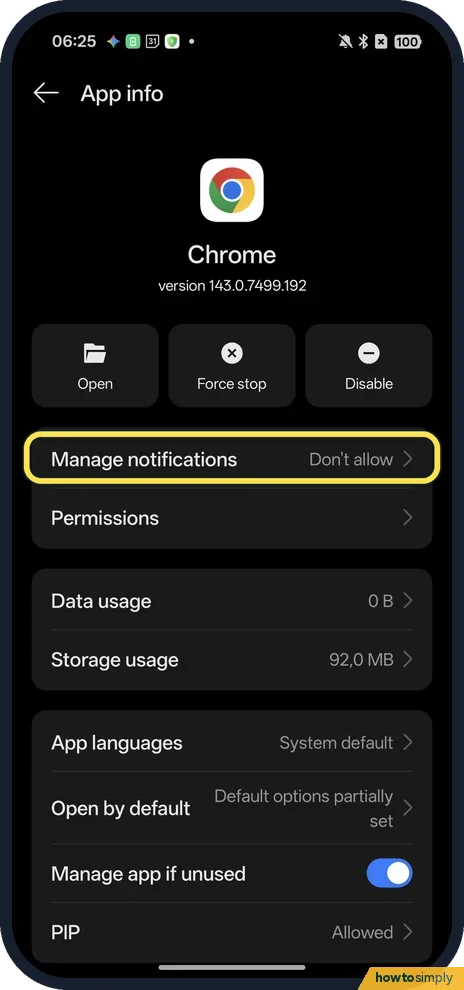 OPPO not getting notifications? What to check (ColorOS 16)
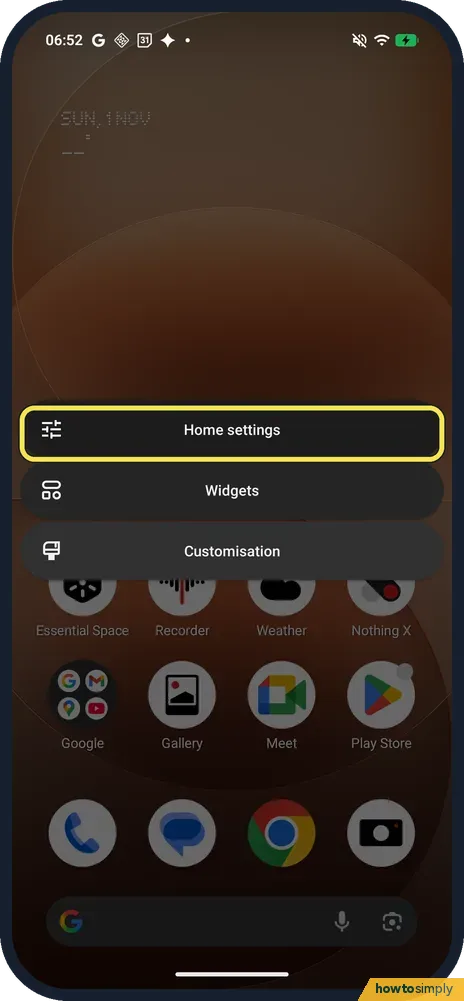 How to turn off Google Discover on a Nothing Phone (OS 4.1)
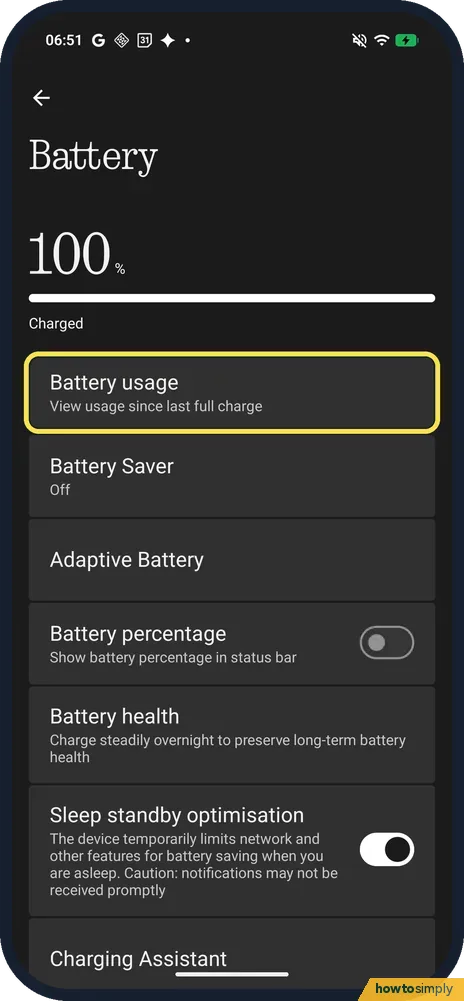 Nothing Phone battery draining fast? What to check (OS 4.1)
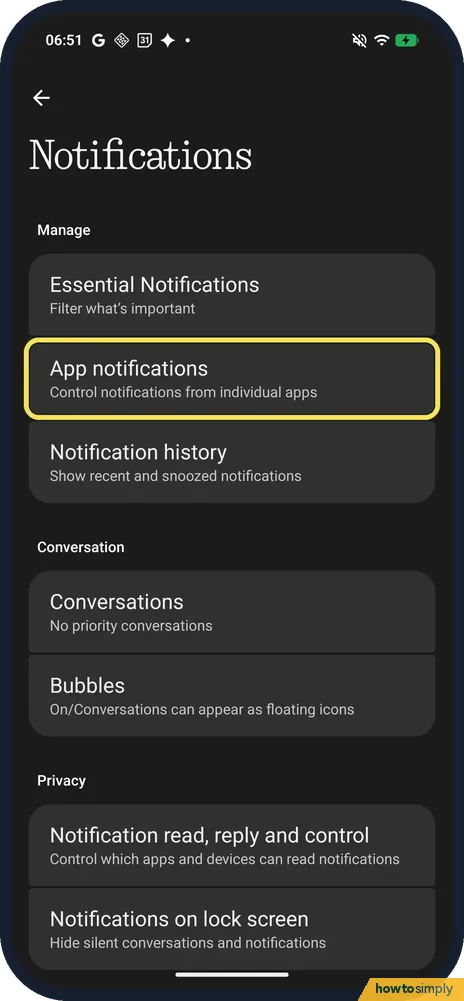 Nothing Phone not getting notifications? 7 settings to check
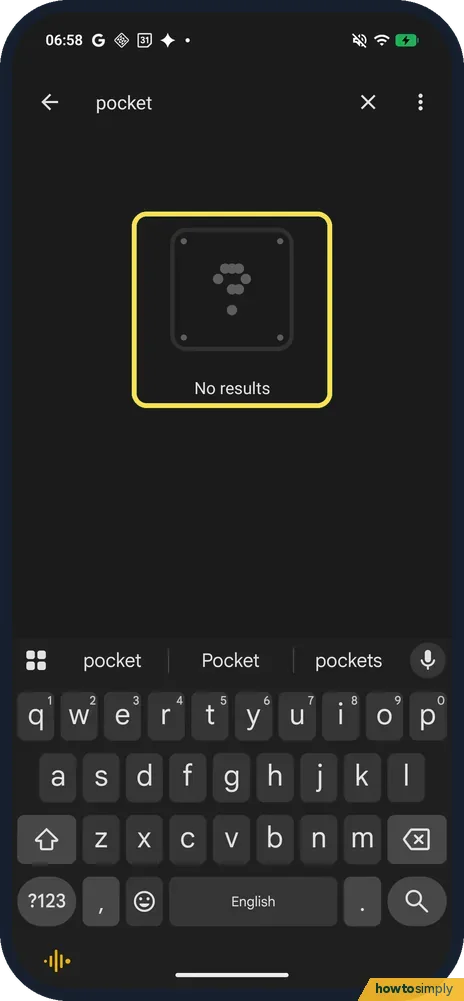 Nothing Phone (4a) Pro missing features: what ours doesn't have
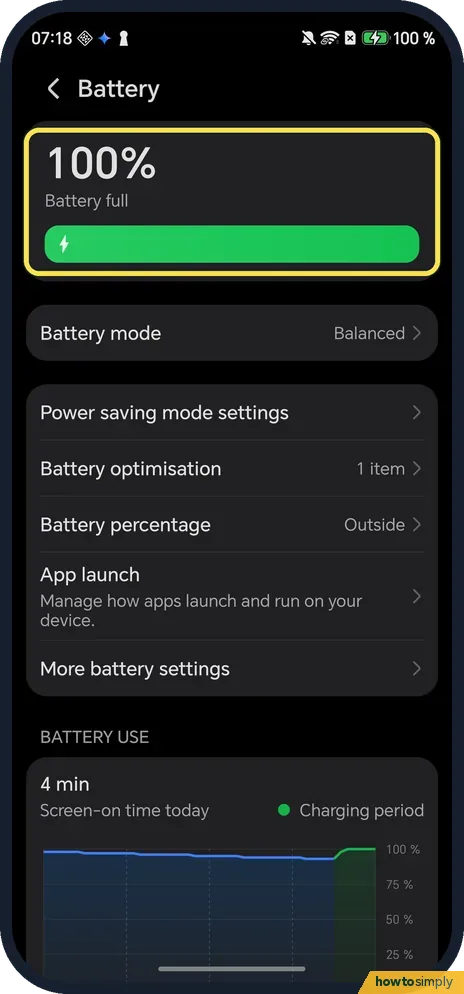 HONOR battery draining fast? What to check (MagicOS 10)
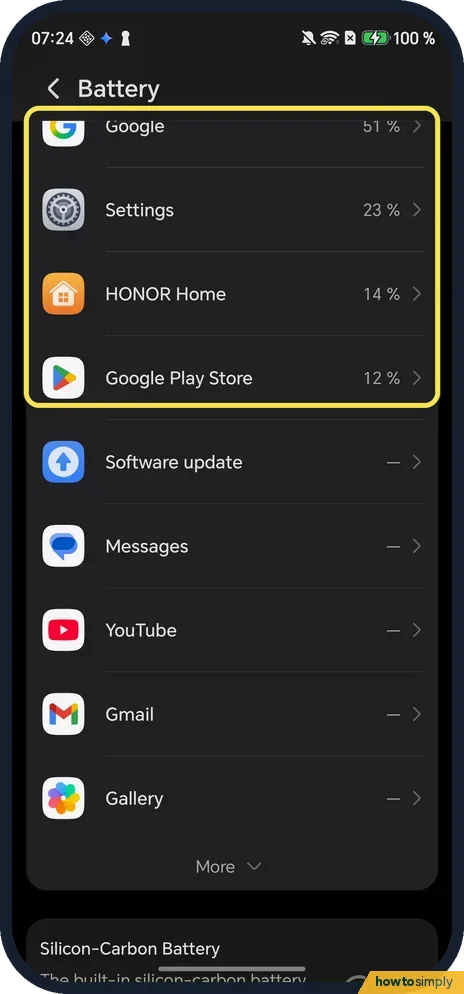 HONOR phone overheating? What to check (MagicOS 10)
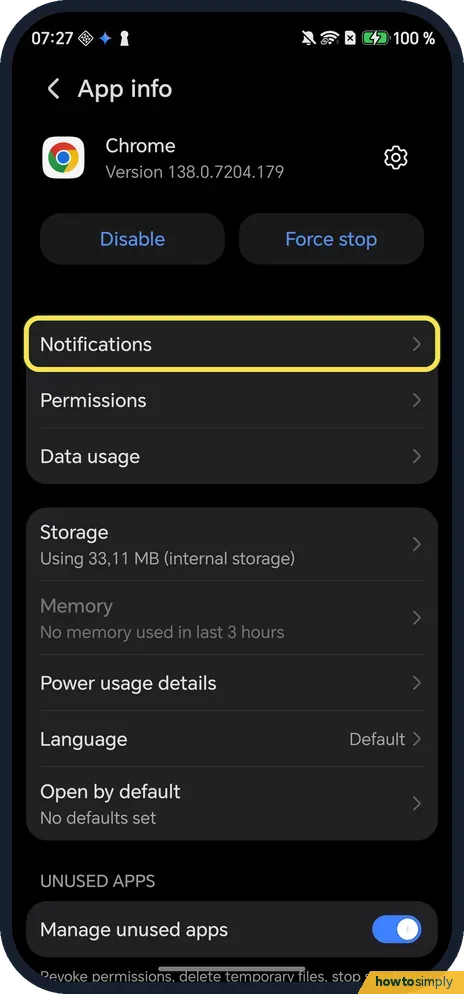 HONOR not getting notifications? Settings to check (MagicOS 10)
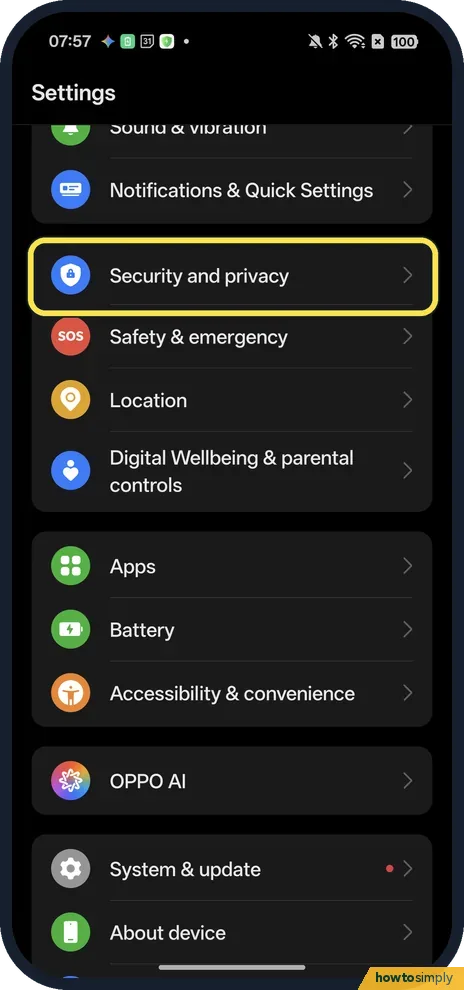 How to use app pinning on an OPPO phone (ColorOS 16)
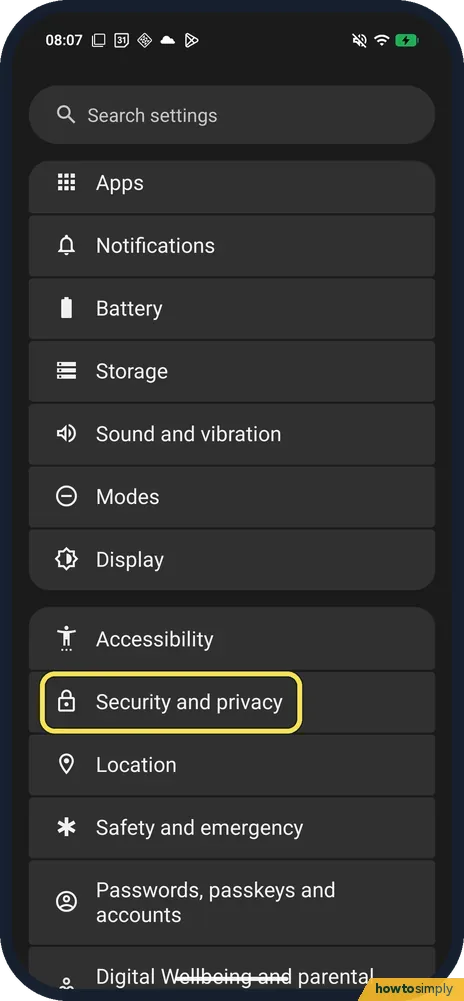 How to use app pinning on a Nothing phone (Nothing OS 4.1)
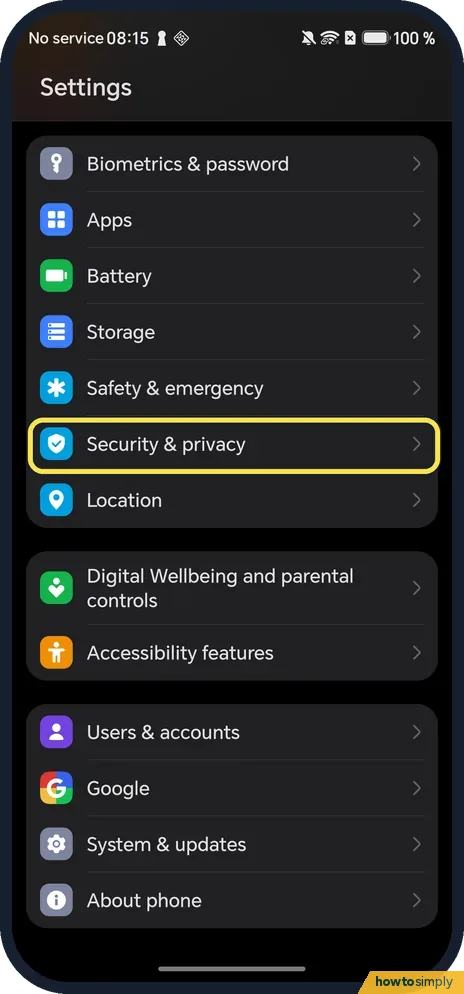 How to use screen pinning on an HONOR phone (MagicOS 10)
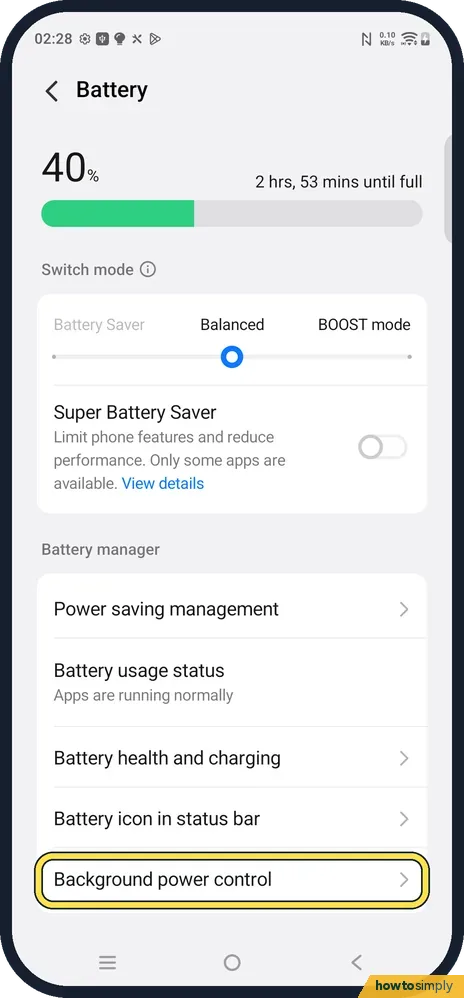 vivo notifications late or missing? Settings to check (OriginOS 6)
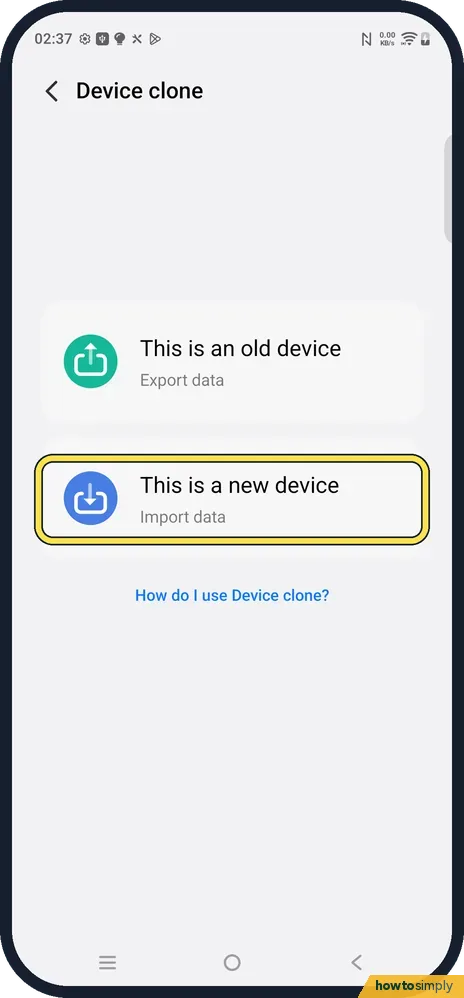 How to move to a vivo phone from an iPhone with Device clone
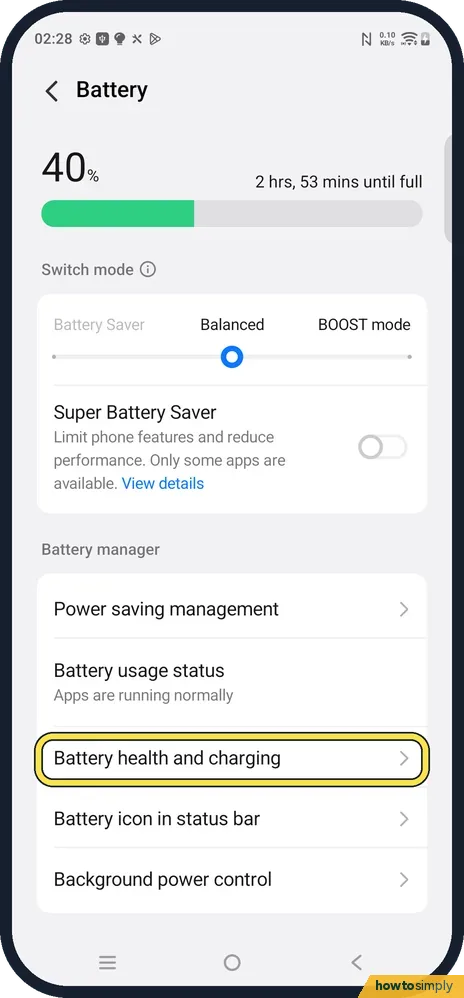 How to check battery health on a vivo phone (OriginOS 6)
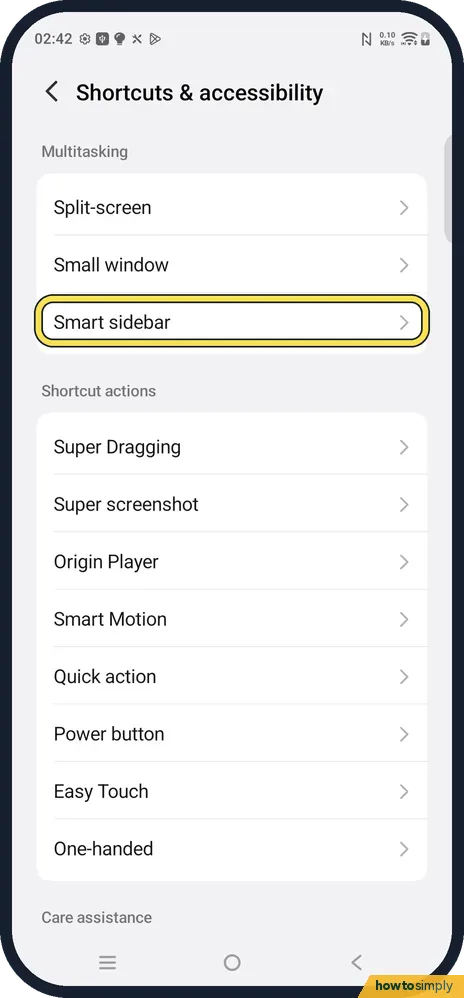 How to open an app in a small window on a vivo phone (Smart sidebar)
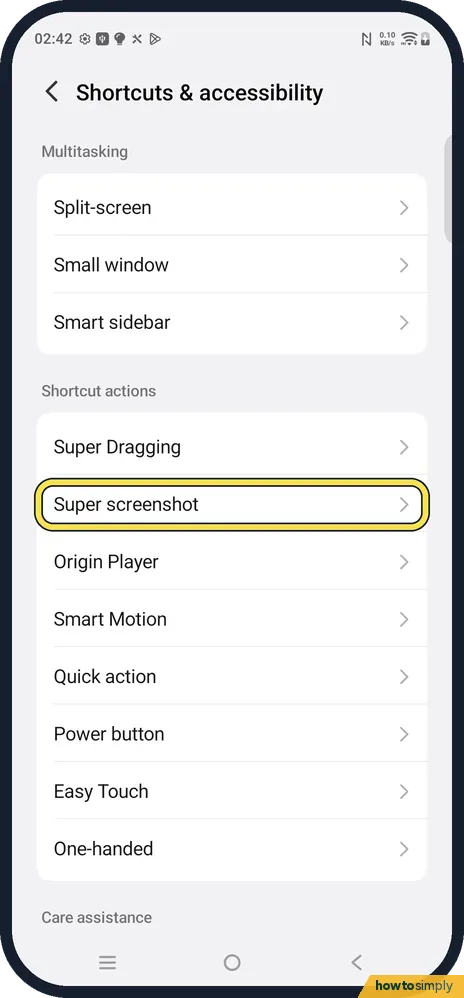 How to take a screenshot on a vivo phone (OriginOS 6)
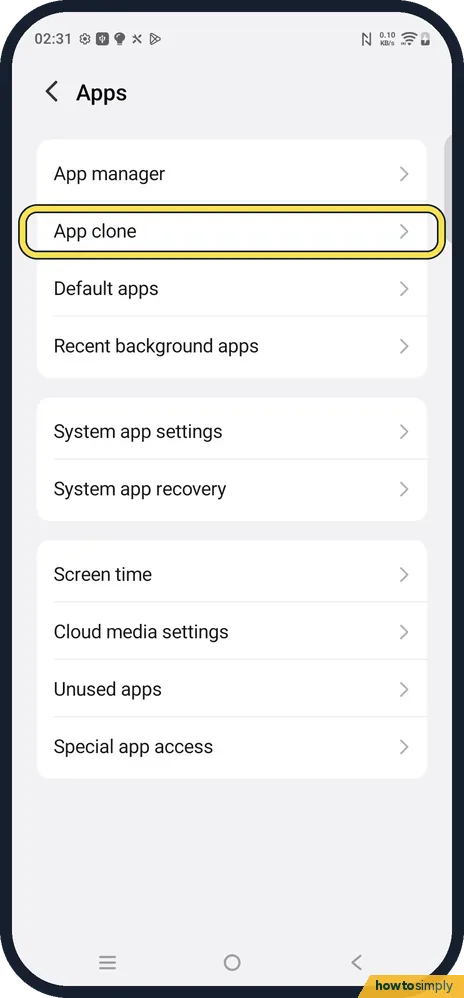 How to clone an app on a vivo phone (two accounts, OriginOS 6)
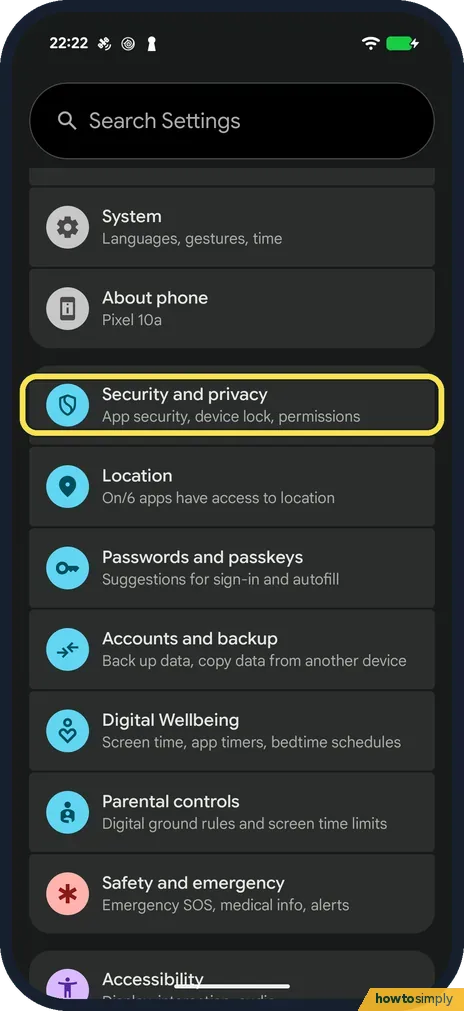 How to set or change the screen lock on an Android phone
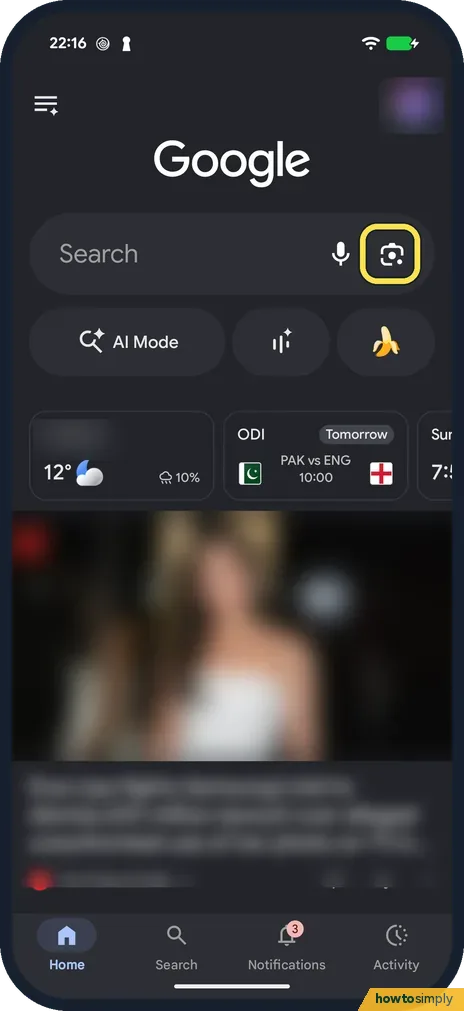 How to use Google Lens on Android to search with your camera
 How to use Focus mode on Android to pause distracting apps
Mac
65 guides How to take a screenshot on a Mac
 How to stop apps from opening at login on a Mac
 How to force quit a frozen app on a Mac
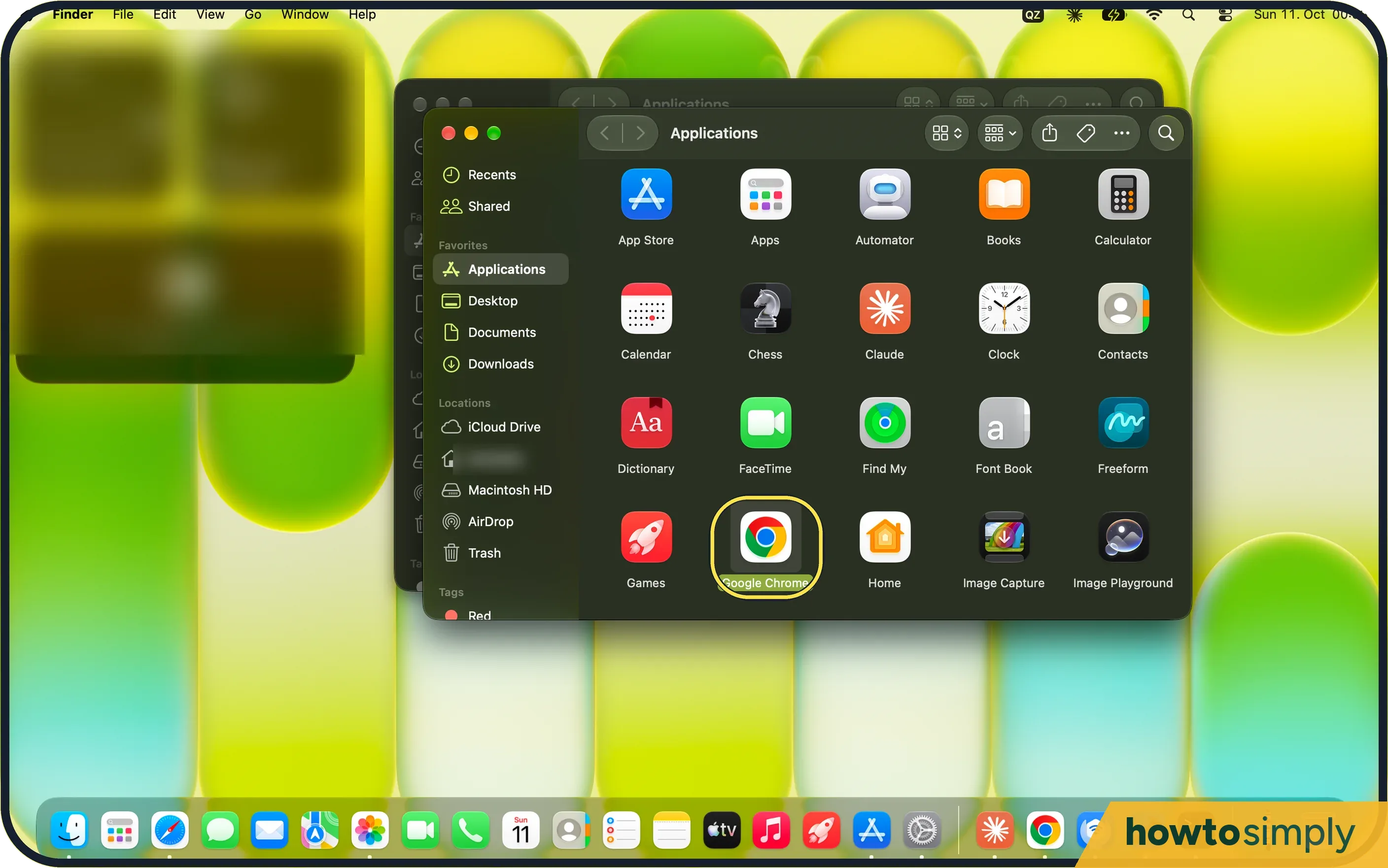 How to change the default browser on a Mac
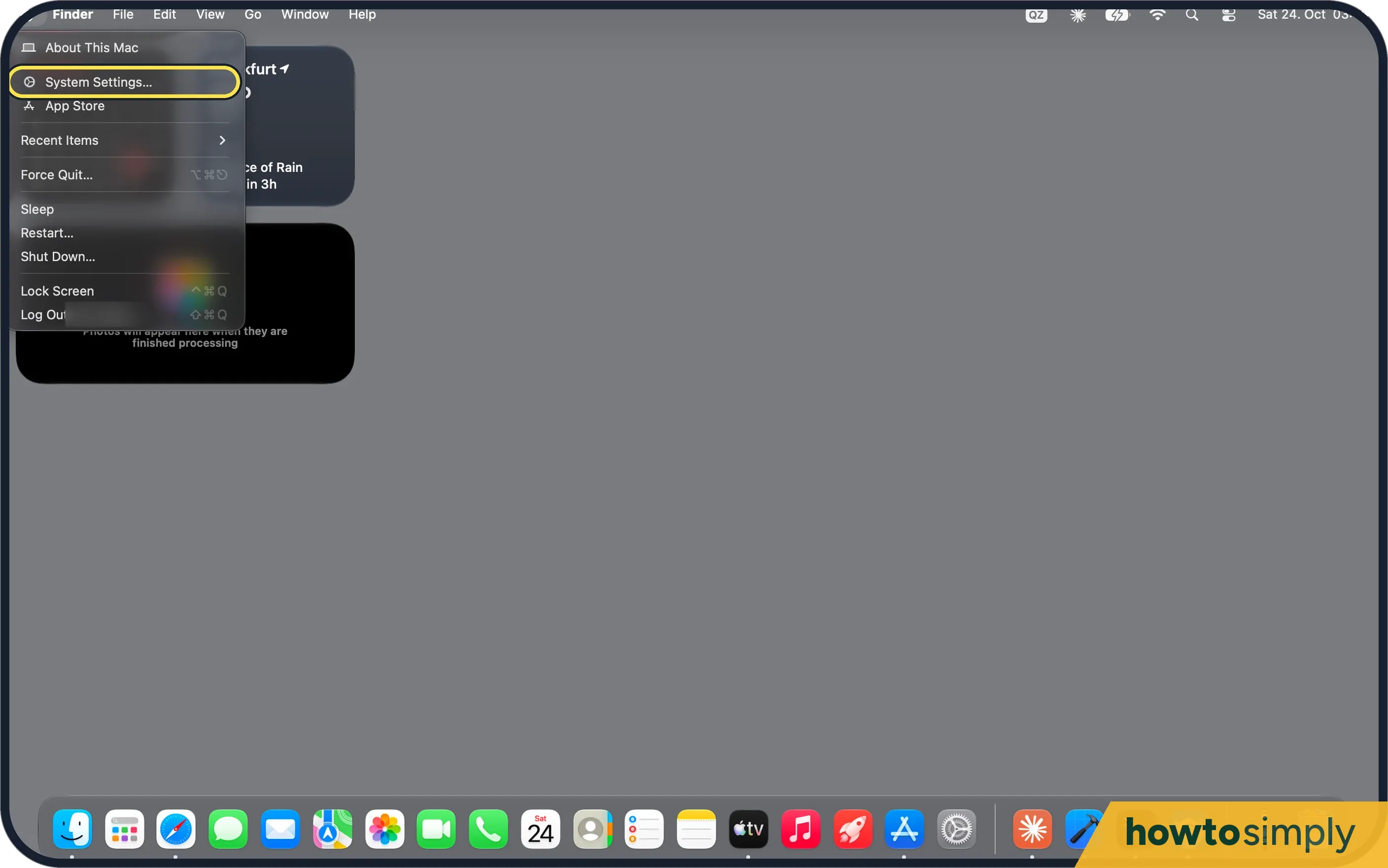 How to turn on dark mode on a Mac
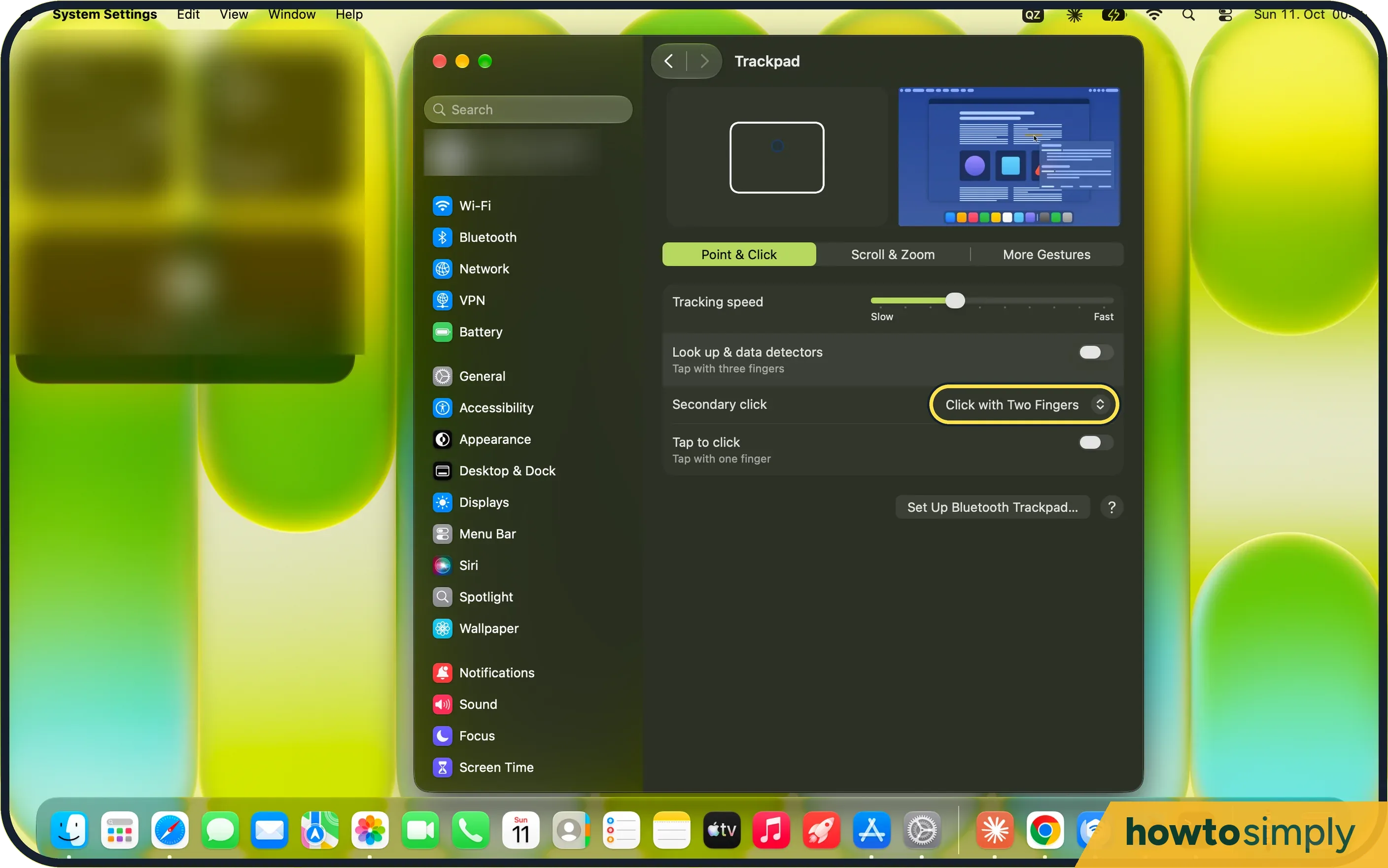 How to right-click on a Mac
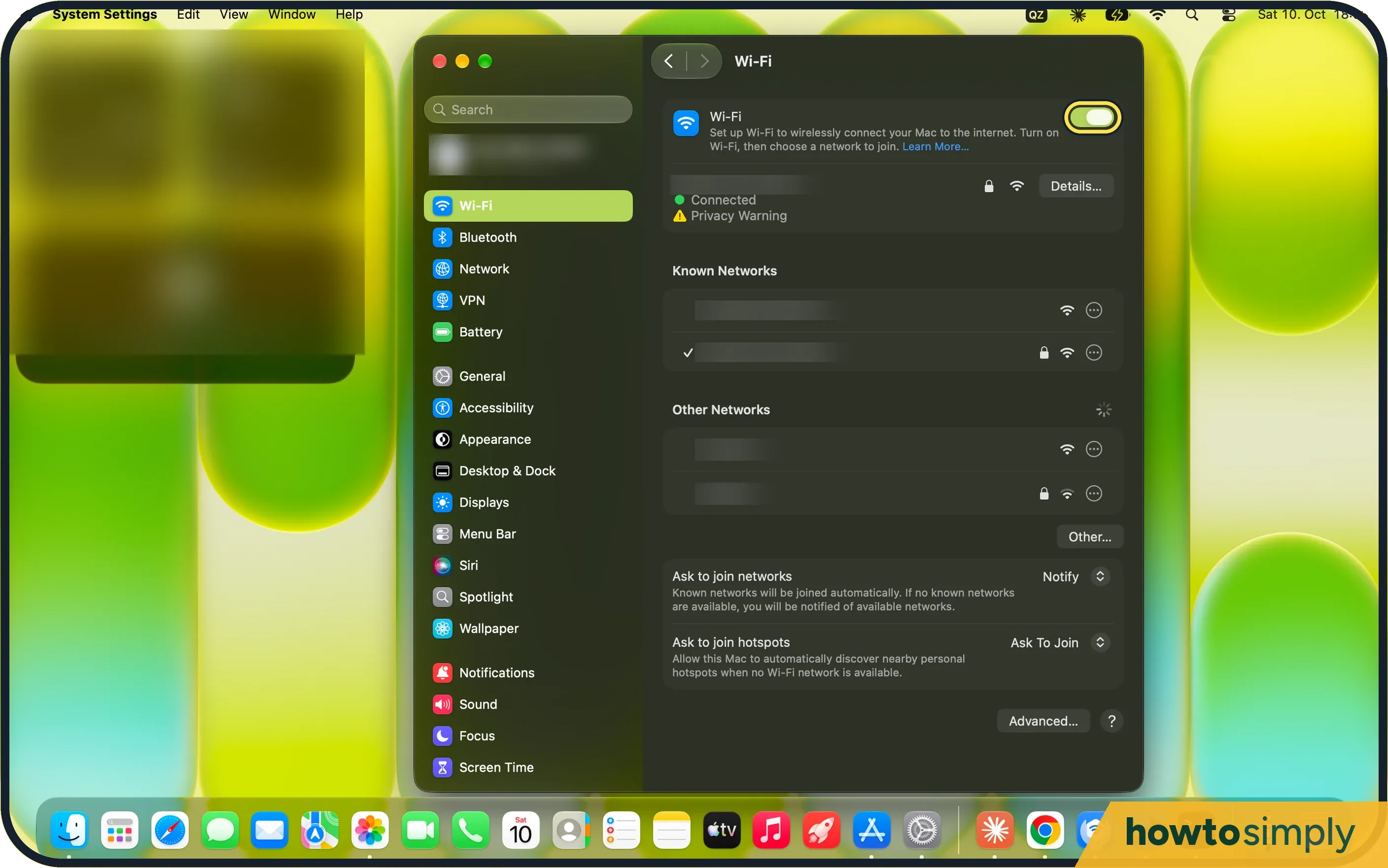 Mac won't connect to Wi-Fi? 5 fixes that work
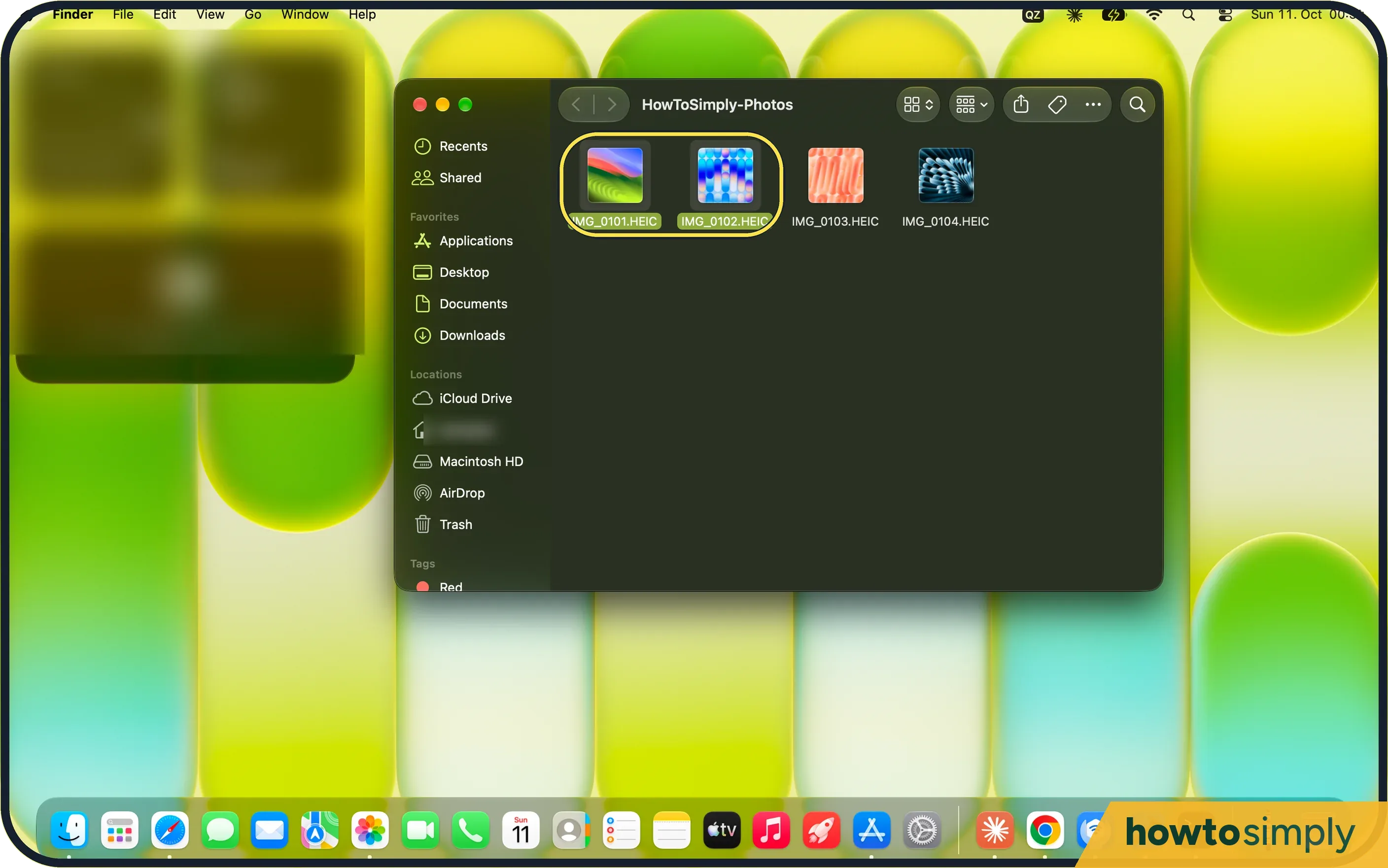 How to convert HEIC photos to JPG on a Mac
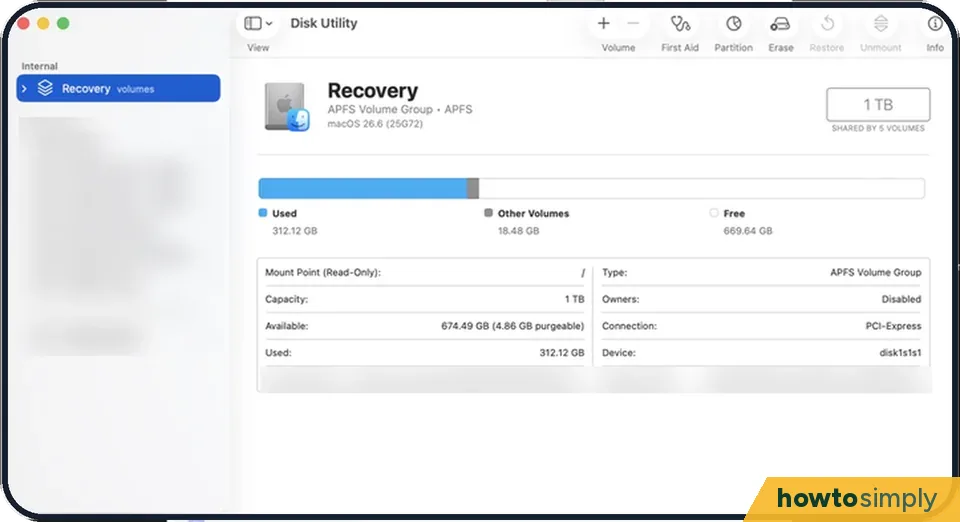 How to format an external drive on a Mac
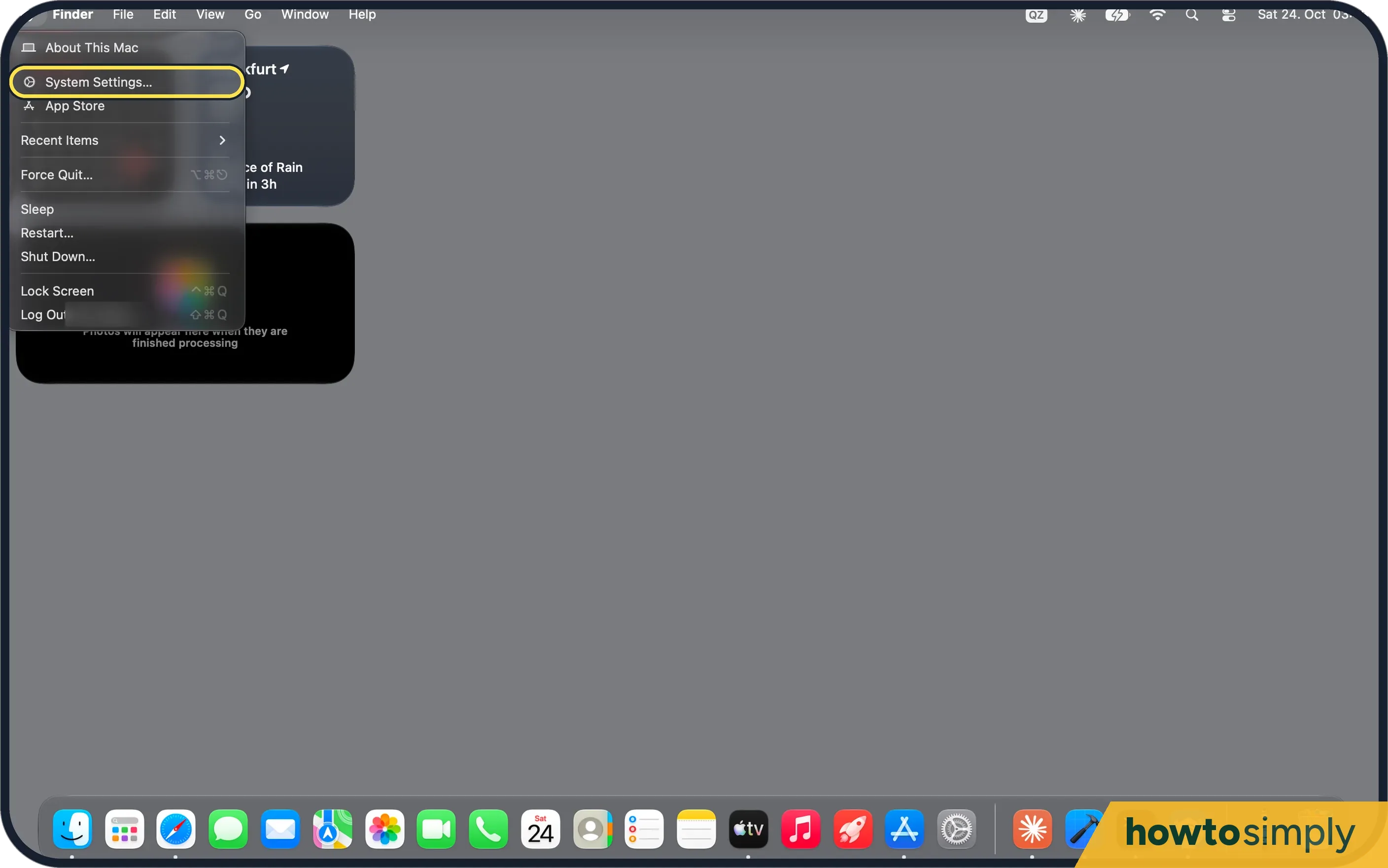 How to add a user account on a Mac
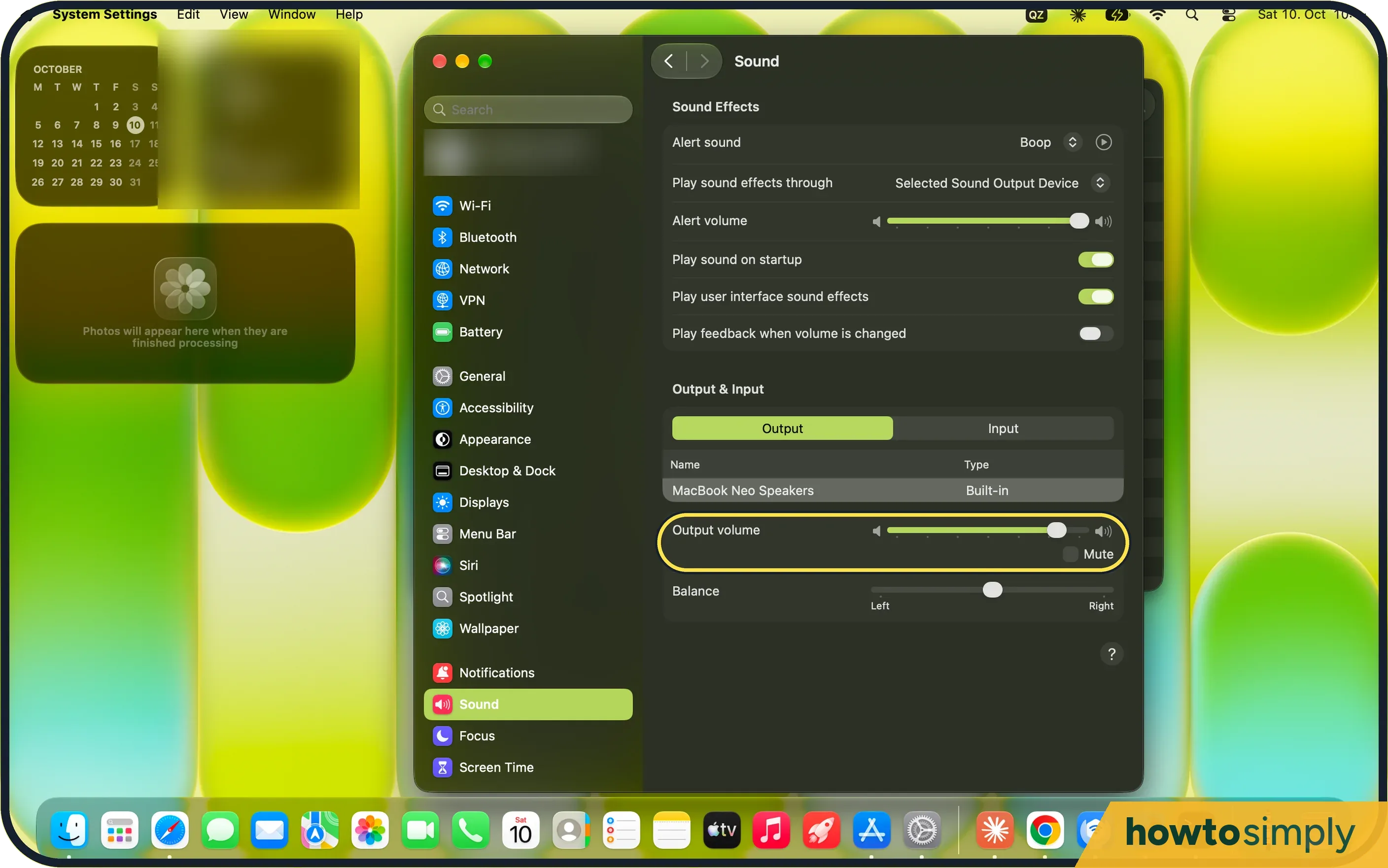 No sound on your Mac? 5 fixes to try
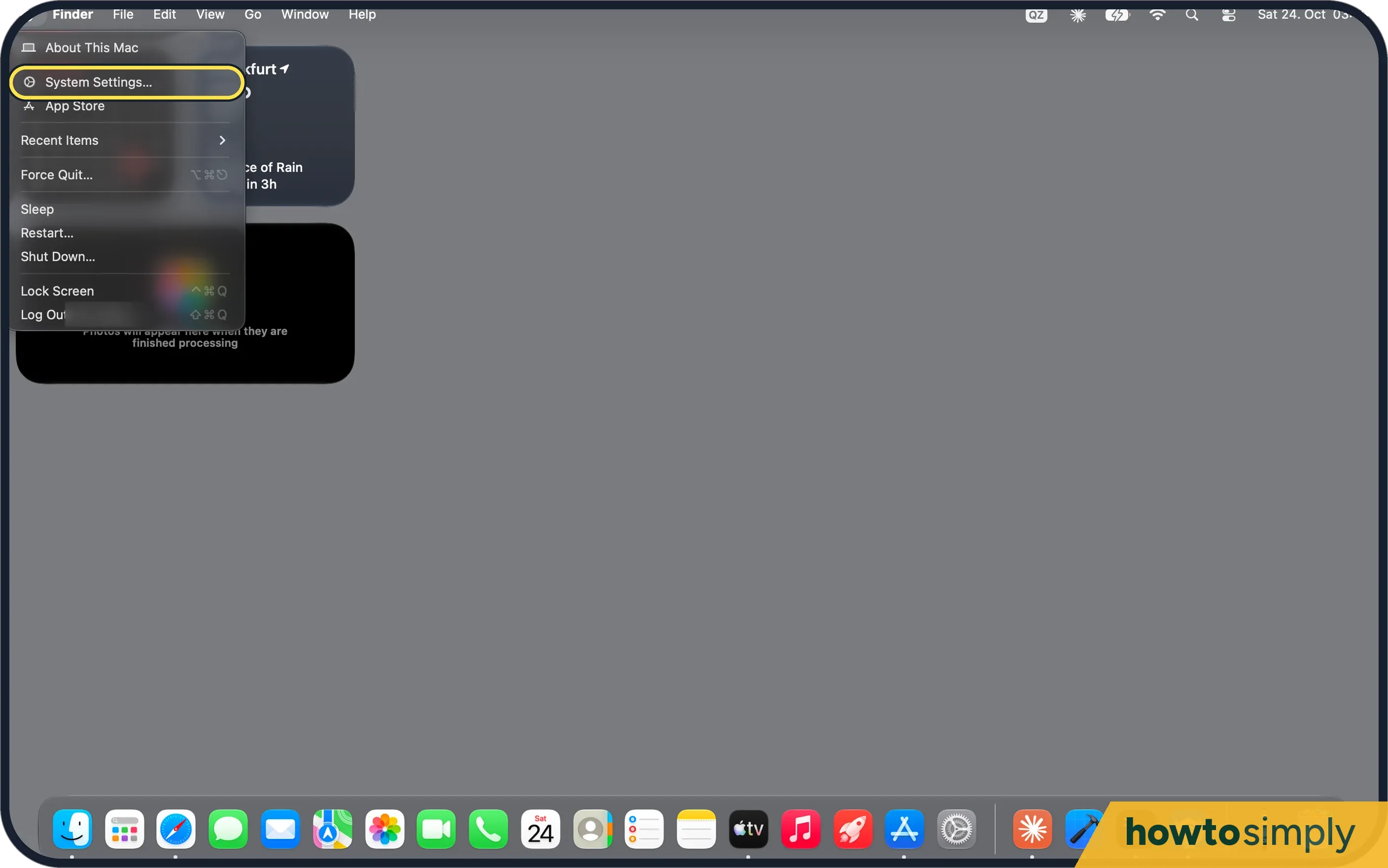 How to set up hot corners on a Mac
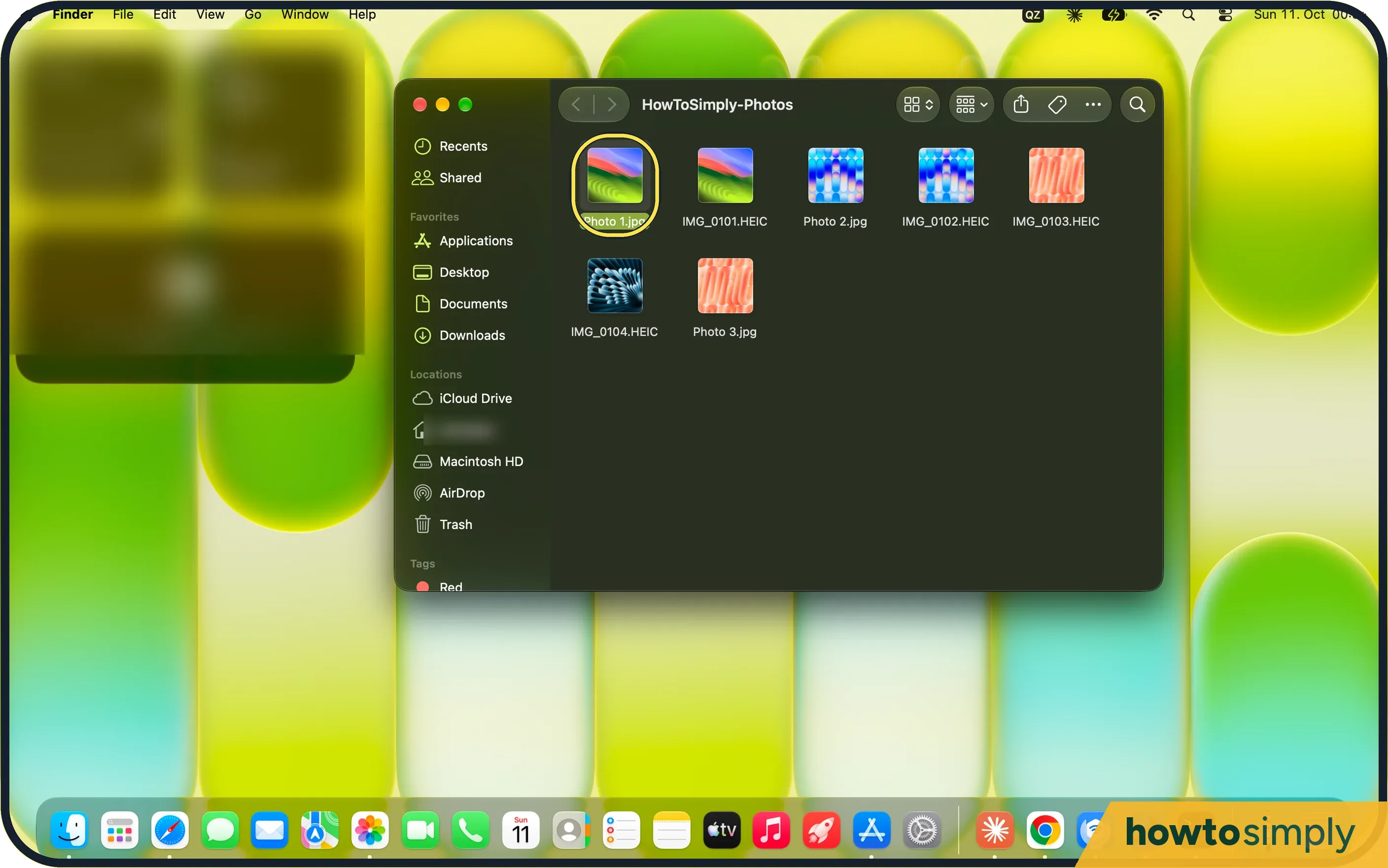 How to use Quick Look on a Mac
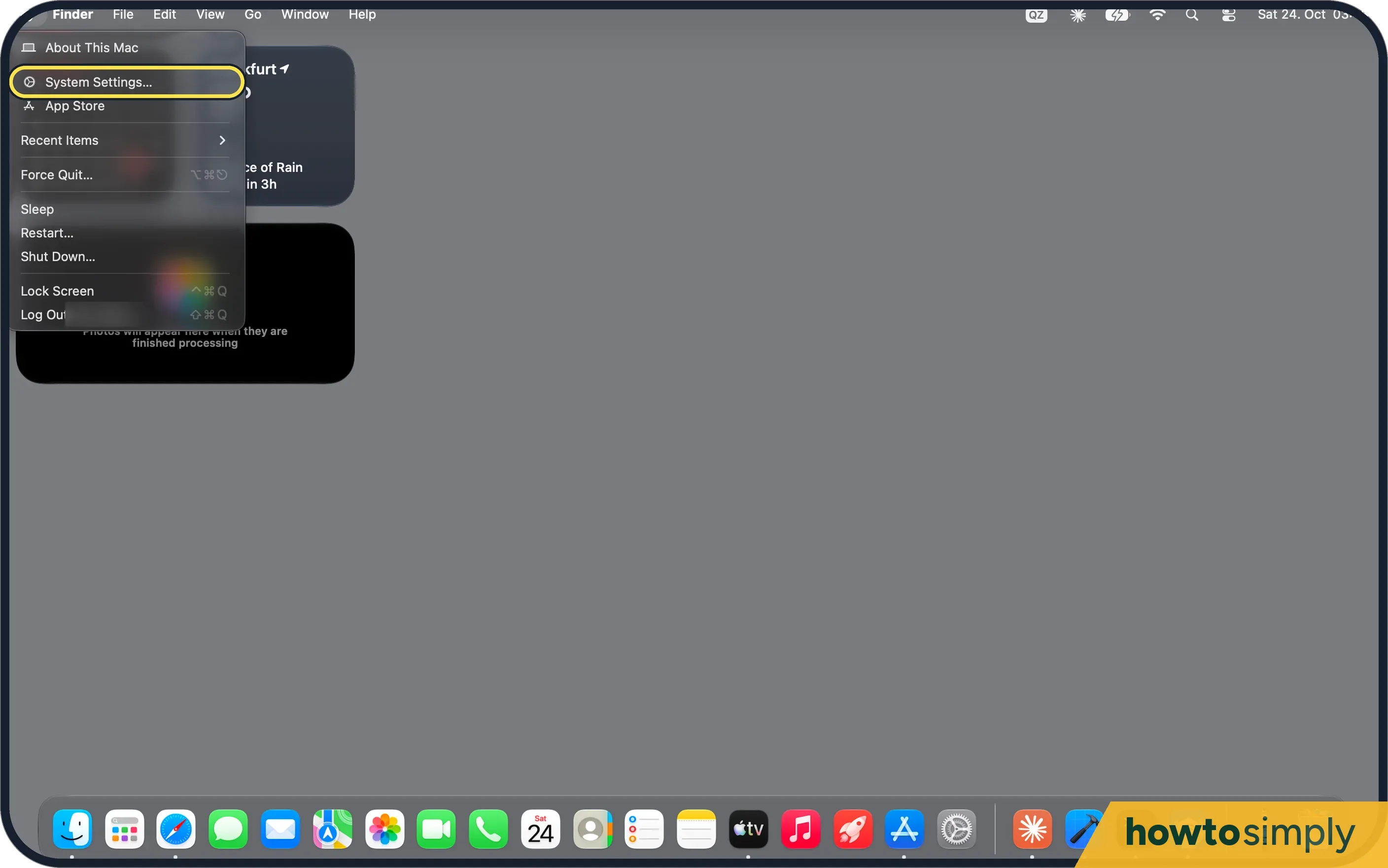 How to turn on the firewall on a Mac
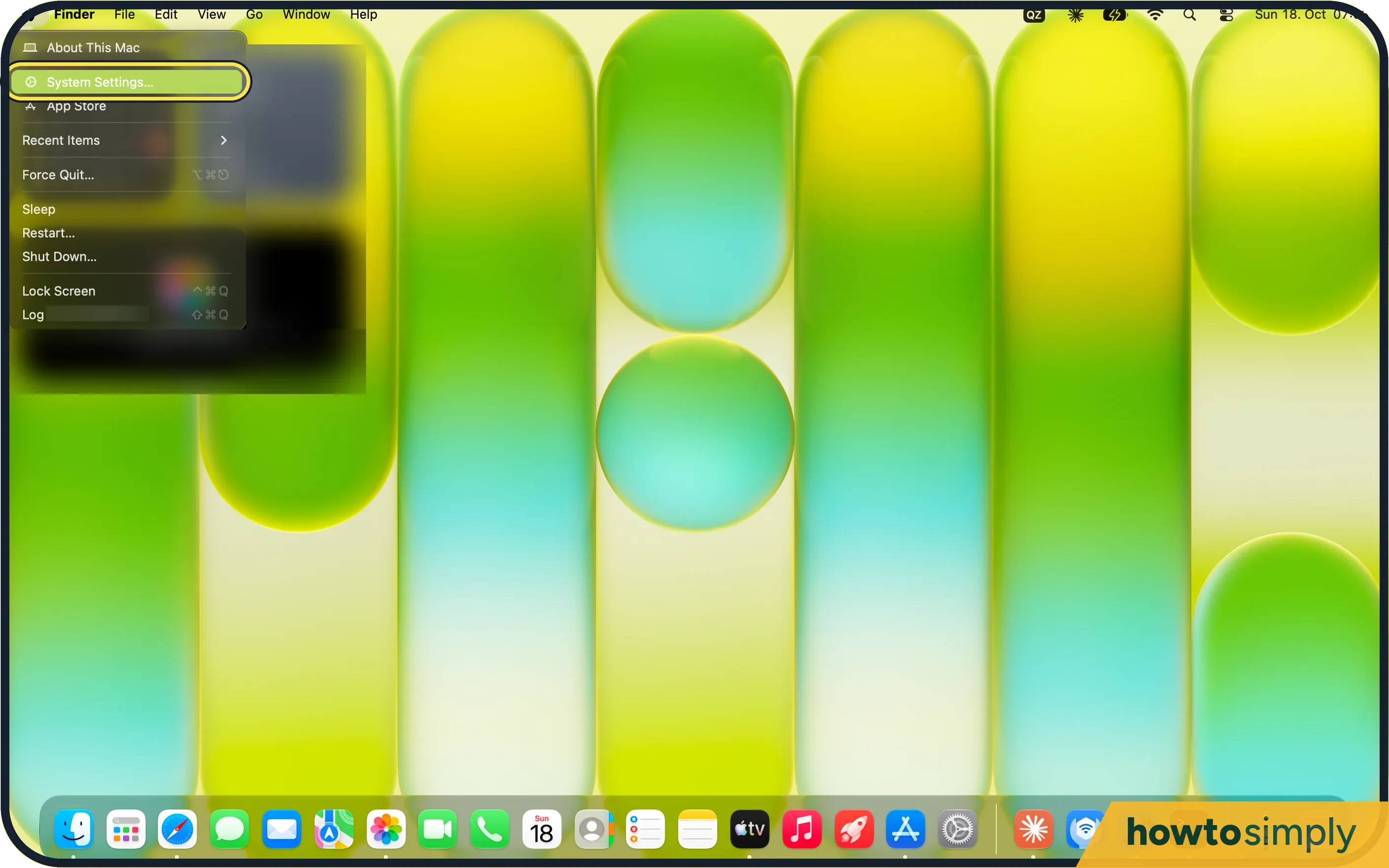 How to set up text replacements on a Mac
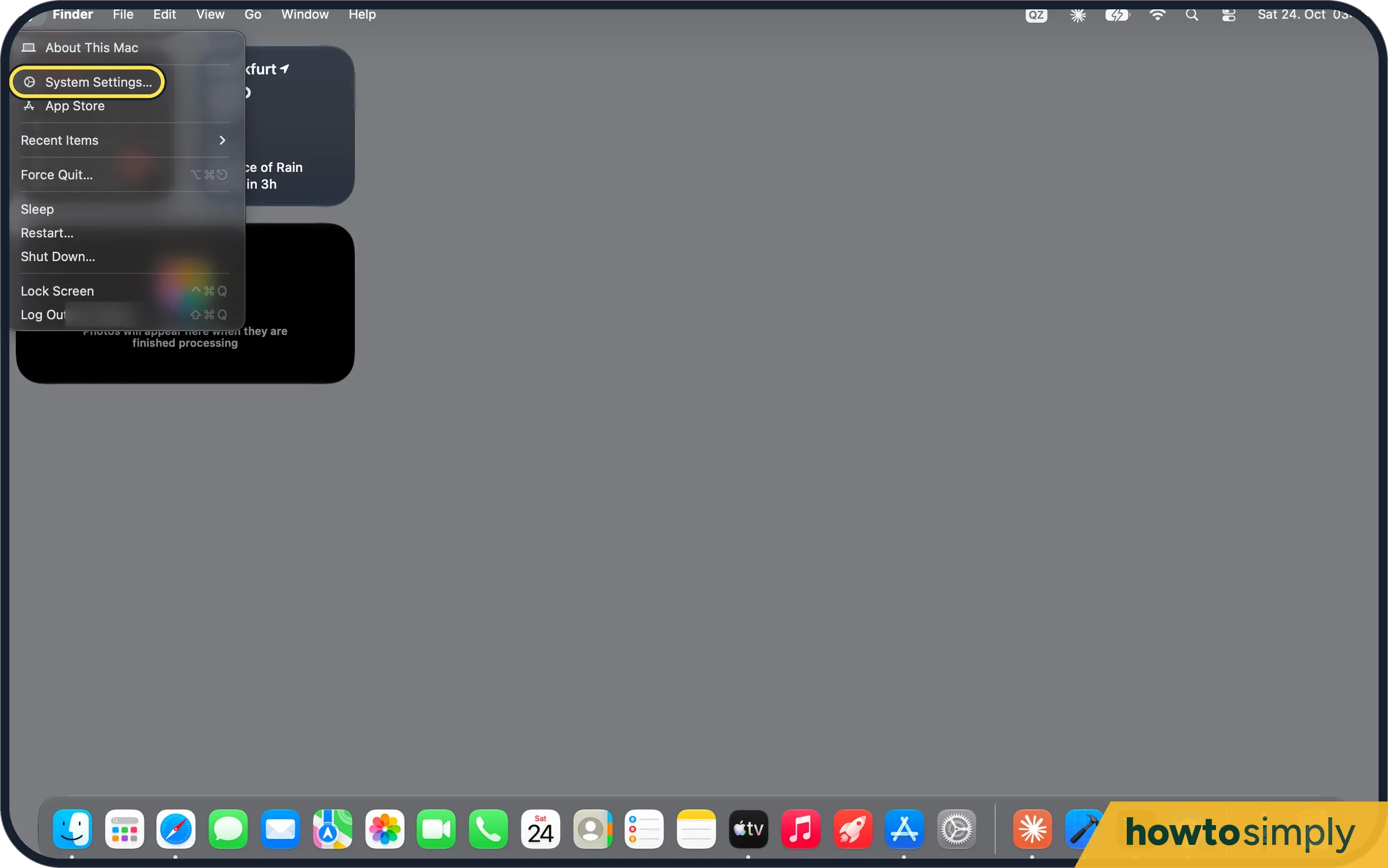 How to turn off autocorrect on a Mac
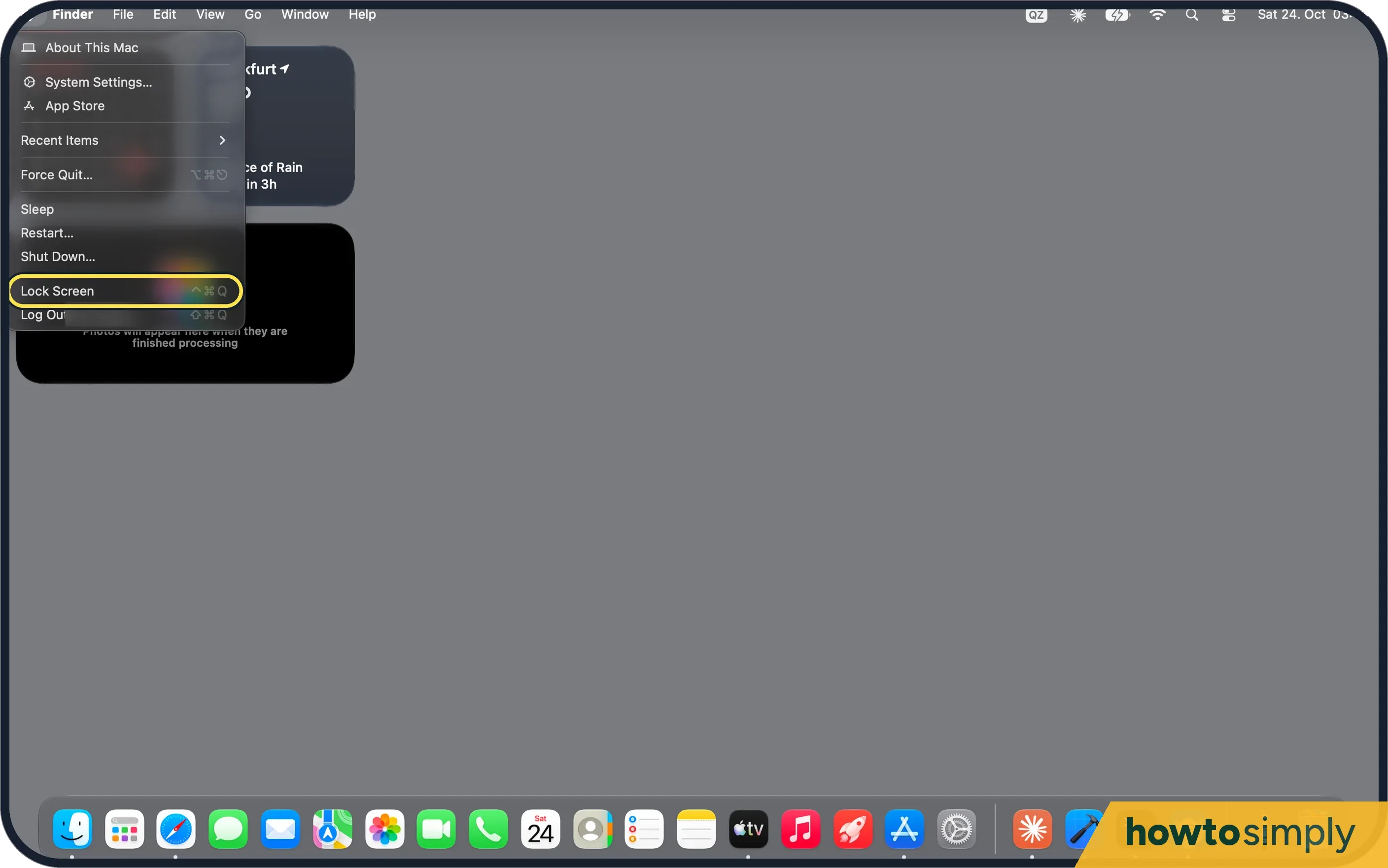 How to lock the screen on a Mac
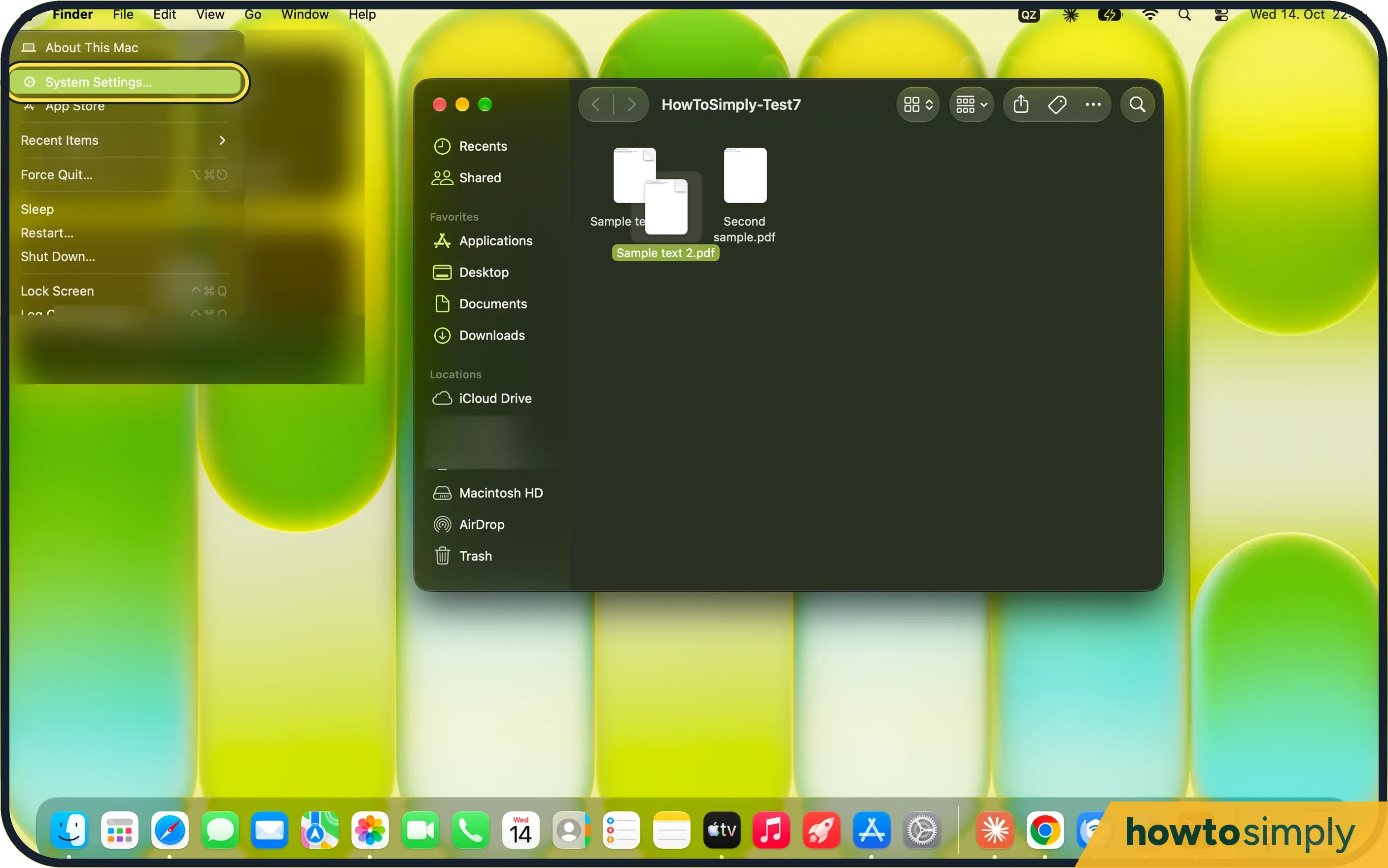 How to stop a Mac from going to sleep
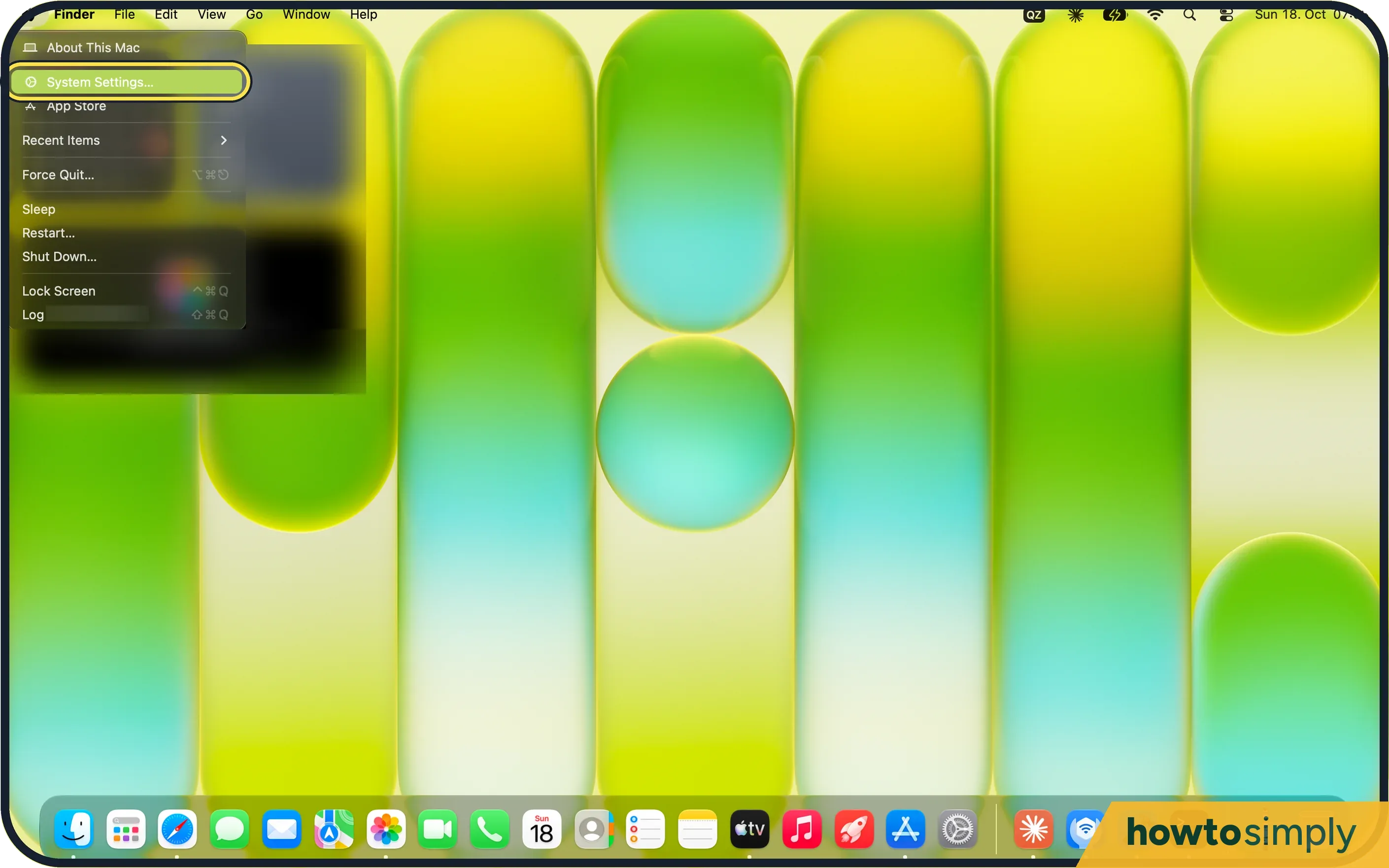 How to rename your Mac
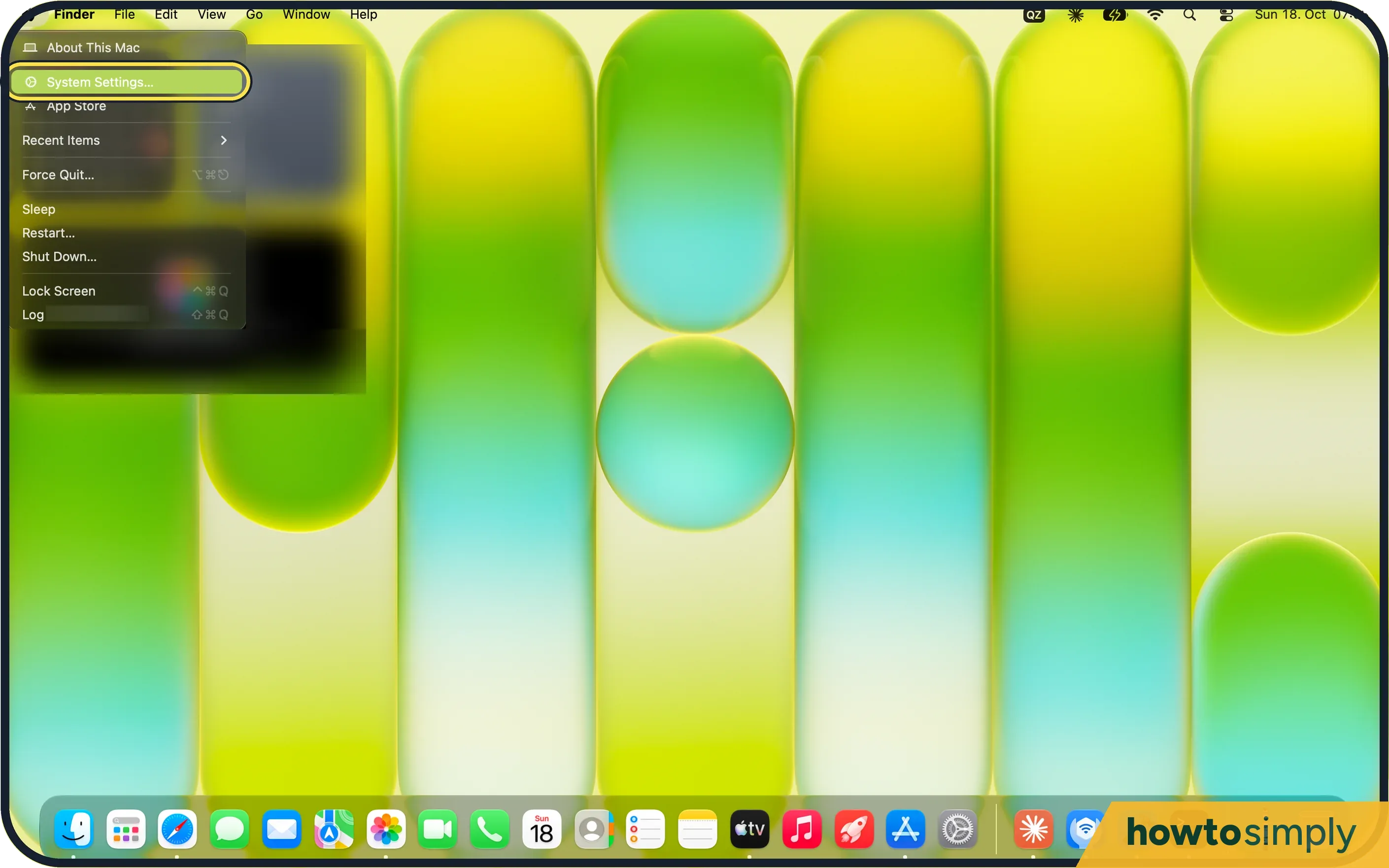 How to reduce motion and animations on a Mac
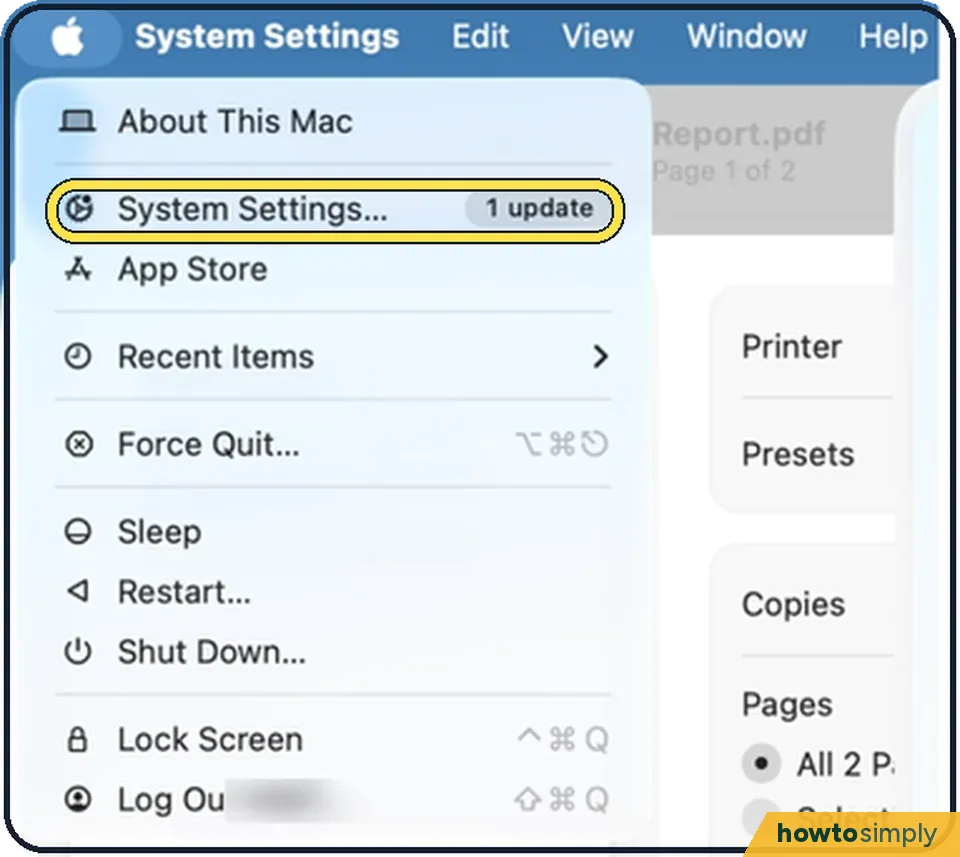 How to make the mouse pointer bigger on a Mac
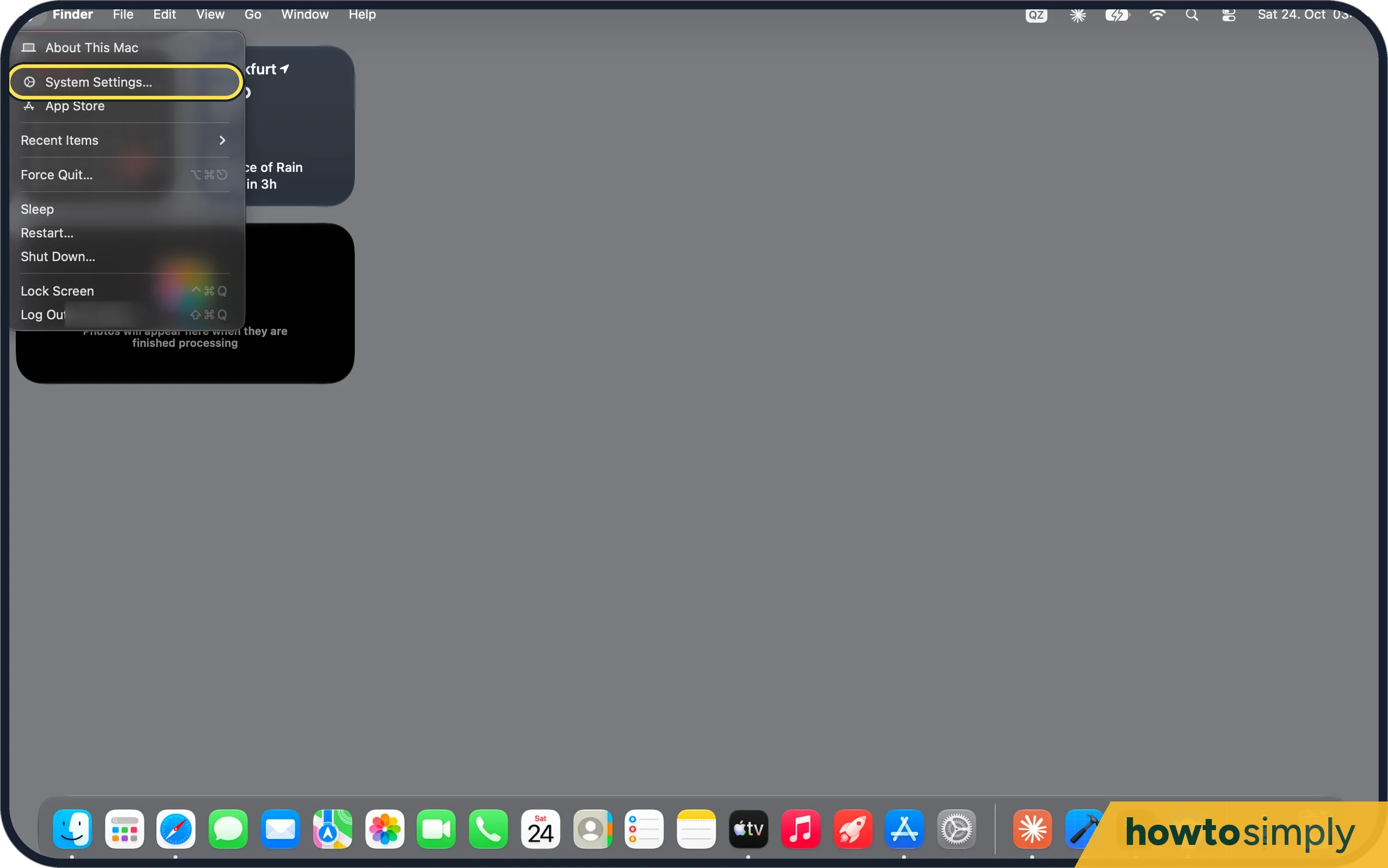 How to increase contrast and reduce transparency on a Mac
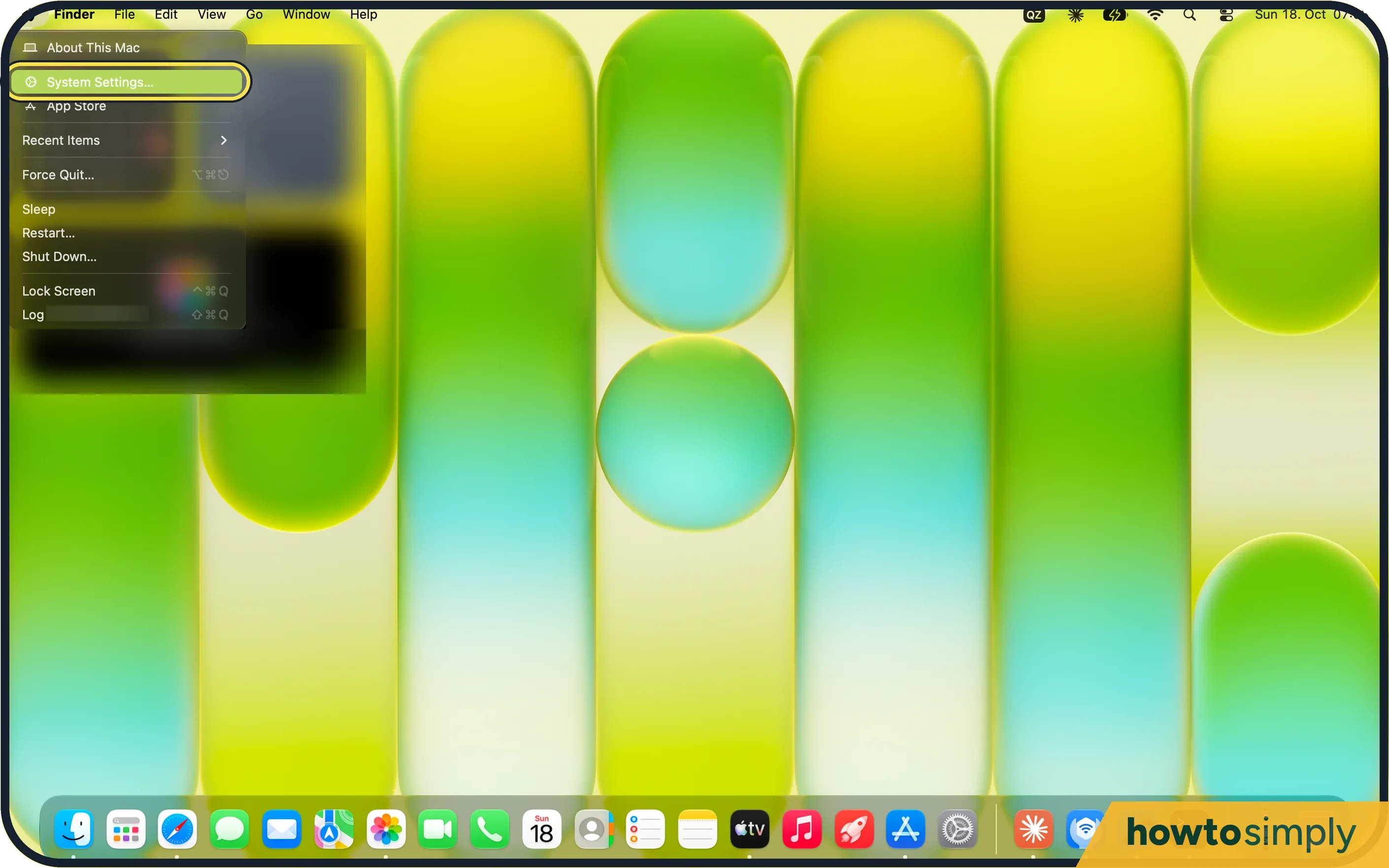 How to make the menu bar text bigger on a Mac
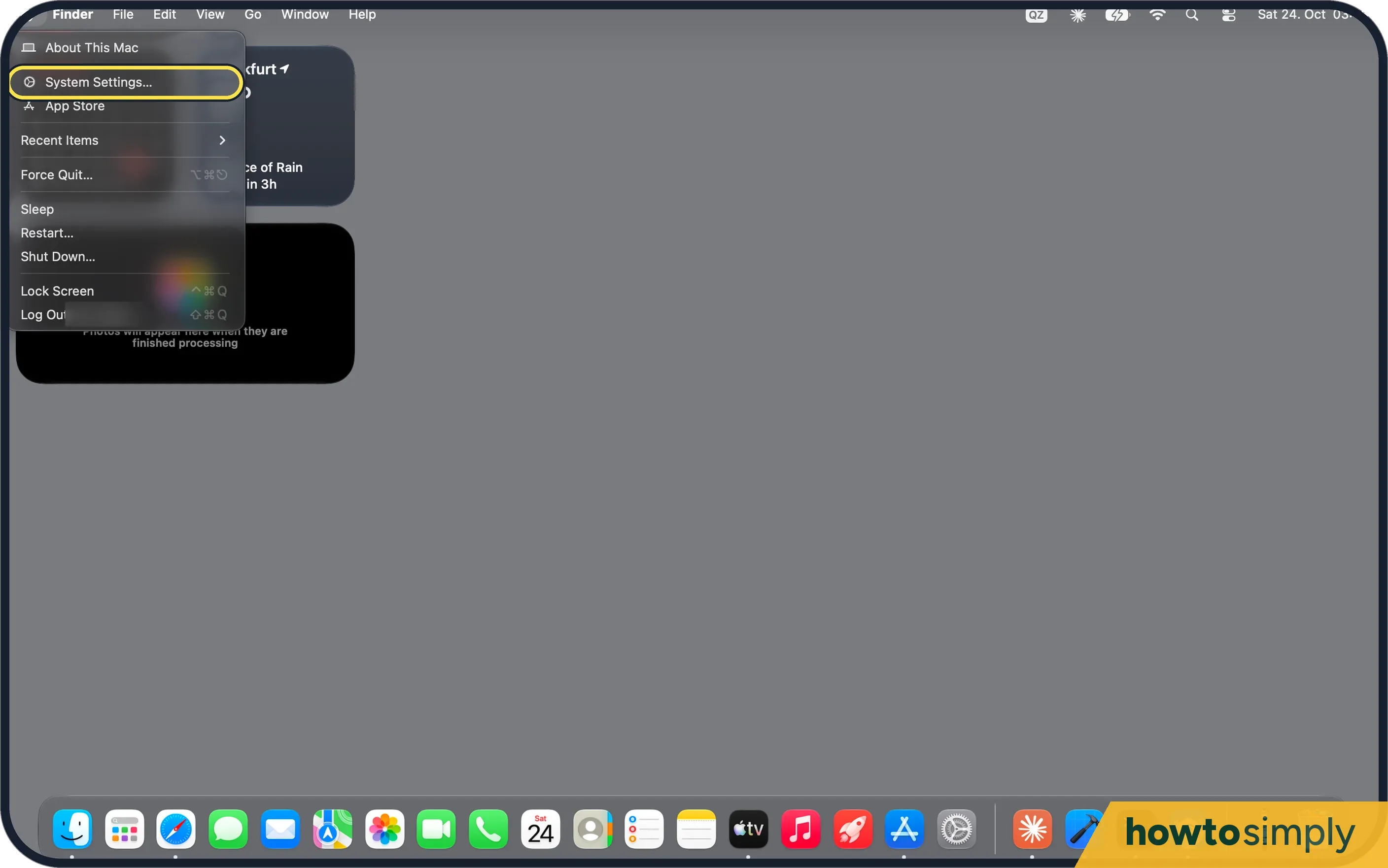 How to play background sounds like rain on a Mac
 How to make a Mac flash the screen for alerts
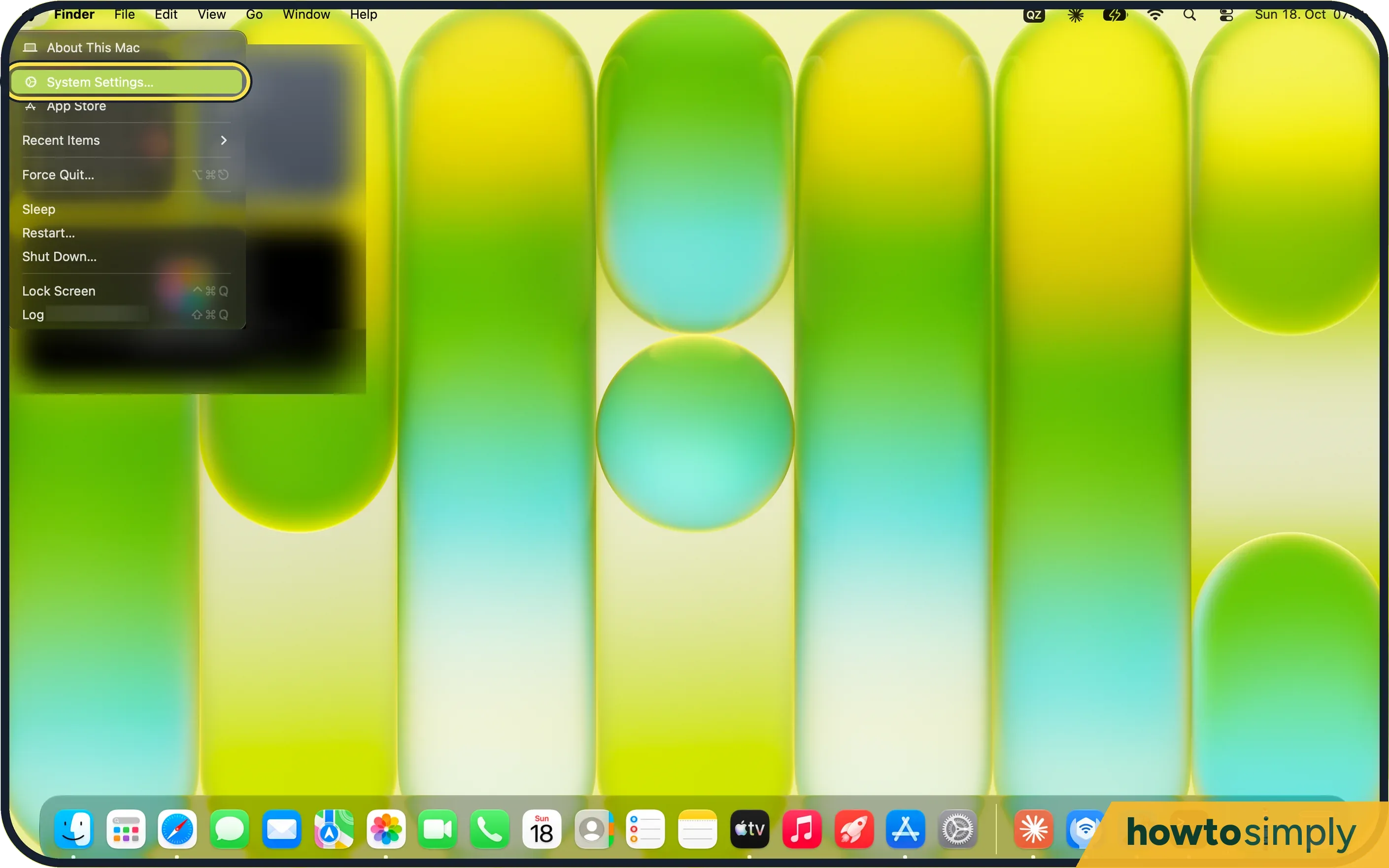 How to play stereo sound as mono on a Mac
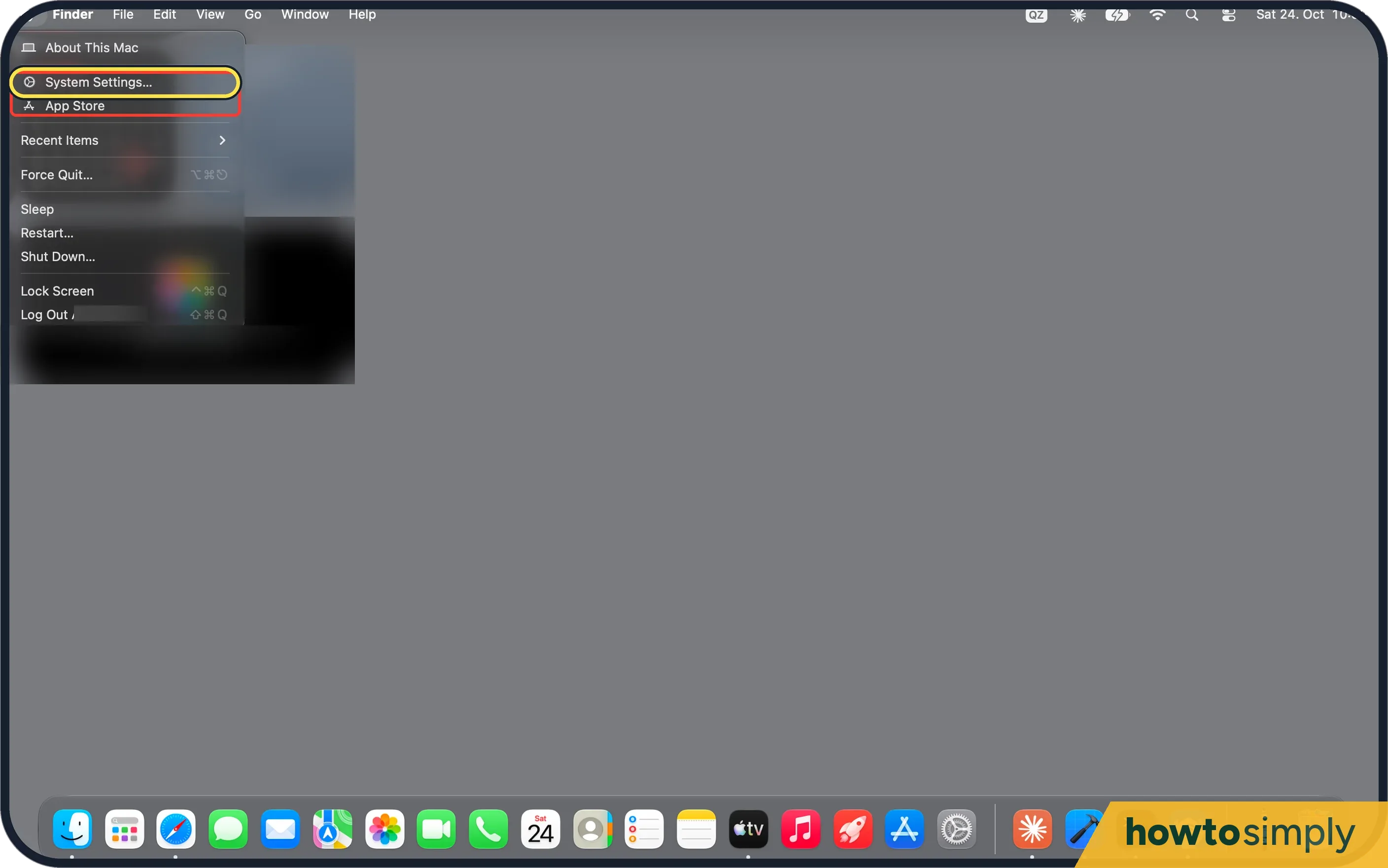 How to make a Mac read selected text aloud
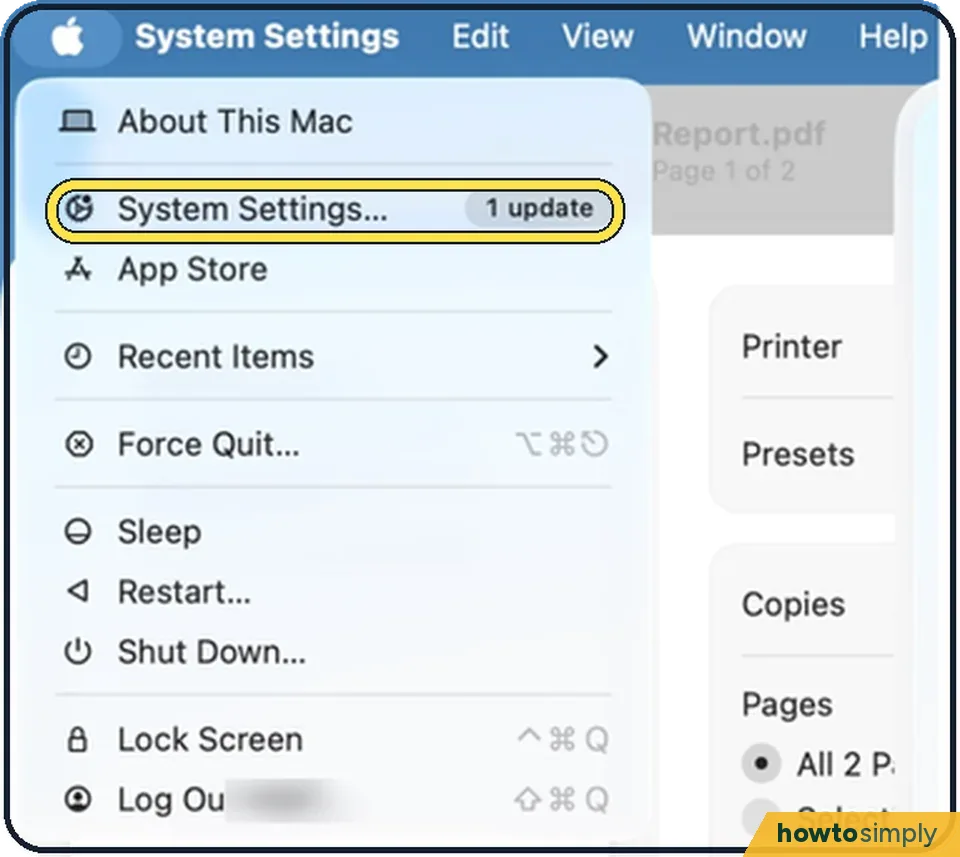 How to turn off the startup sound on a Mac
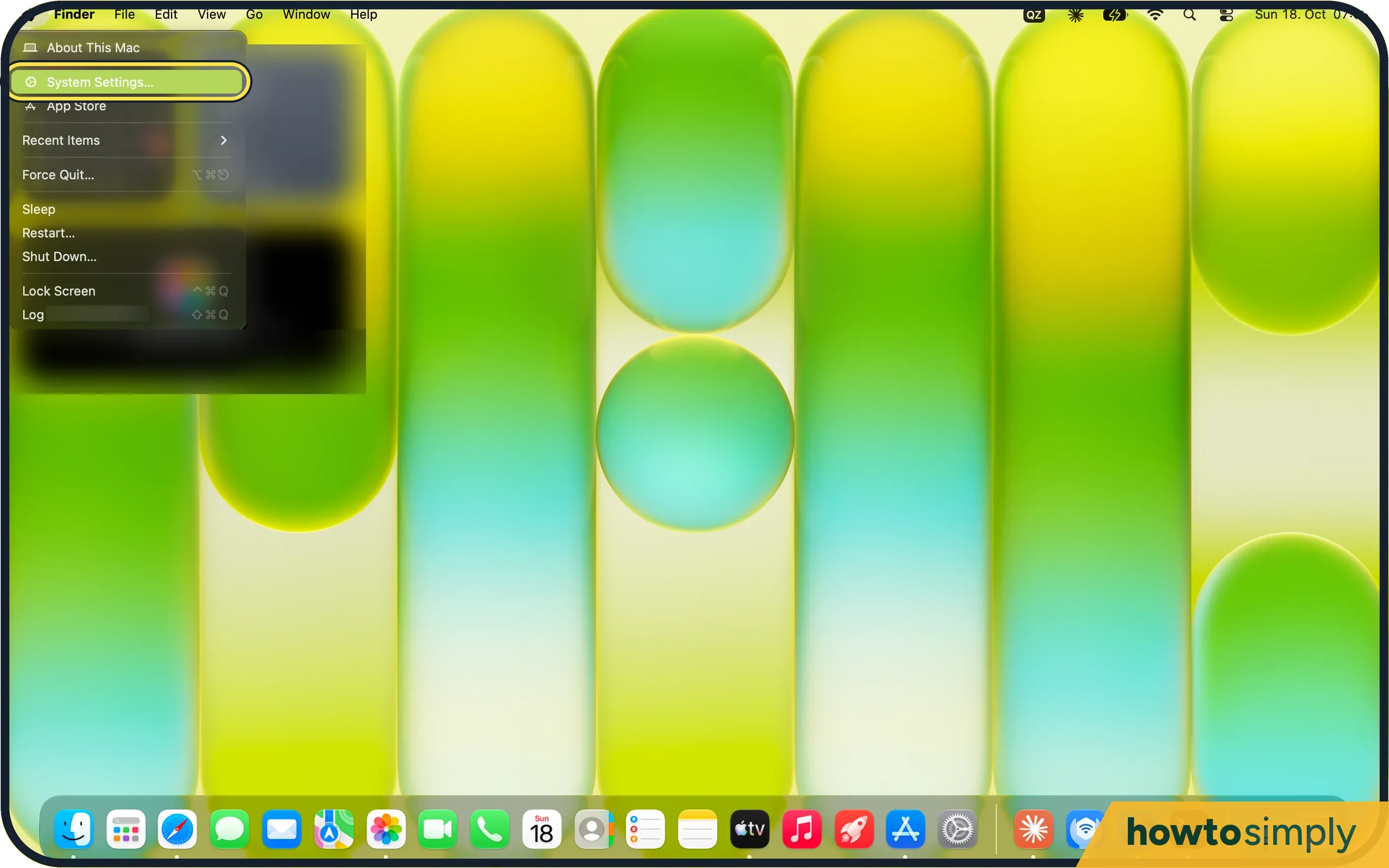 How to hide the Dock automatically on a Mac
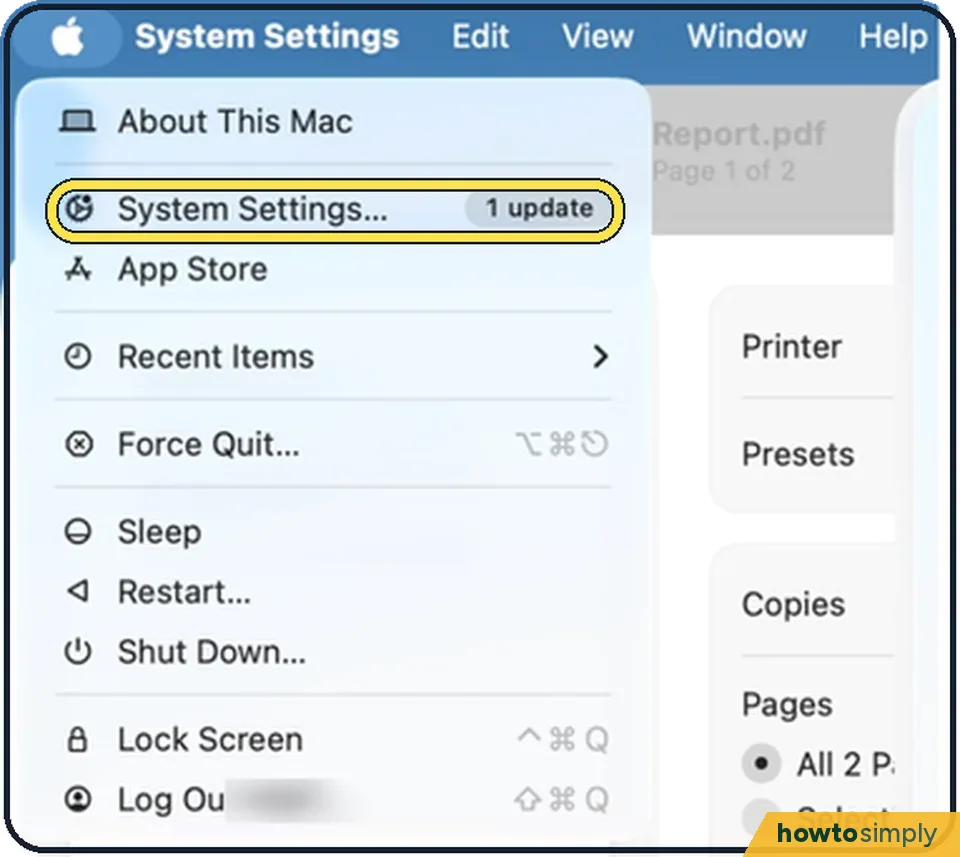 How to move the Dock to the side of the screen on a Mac
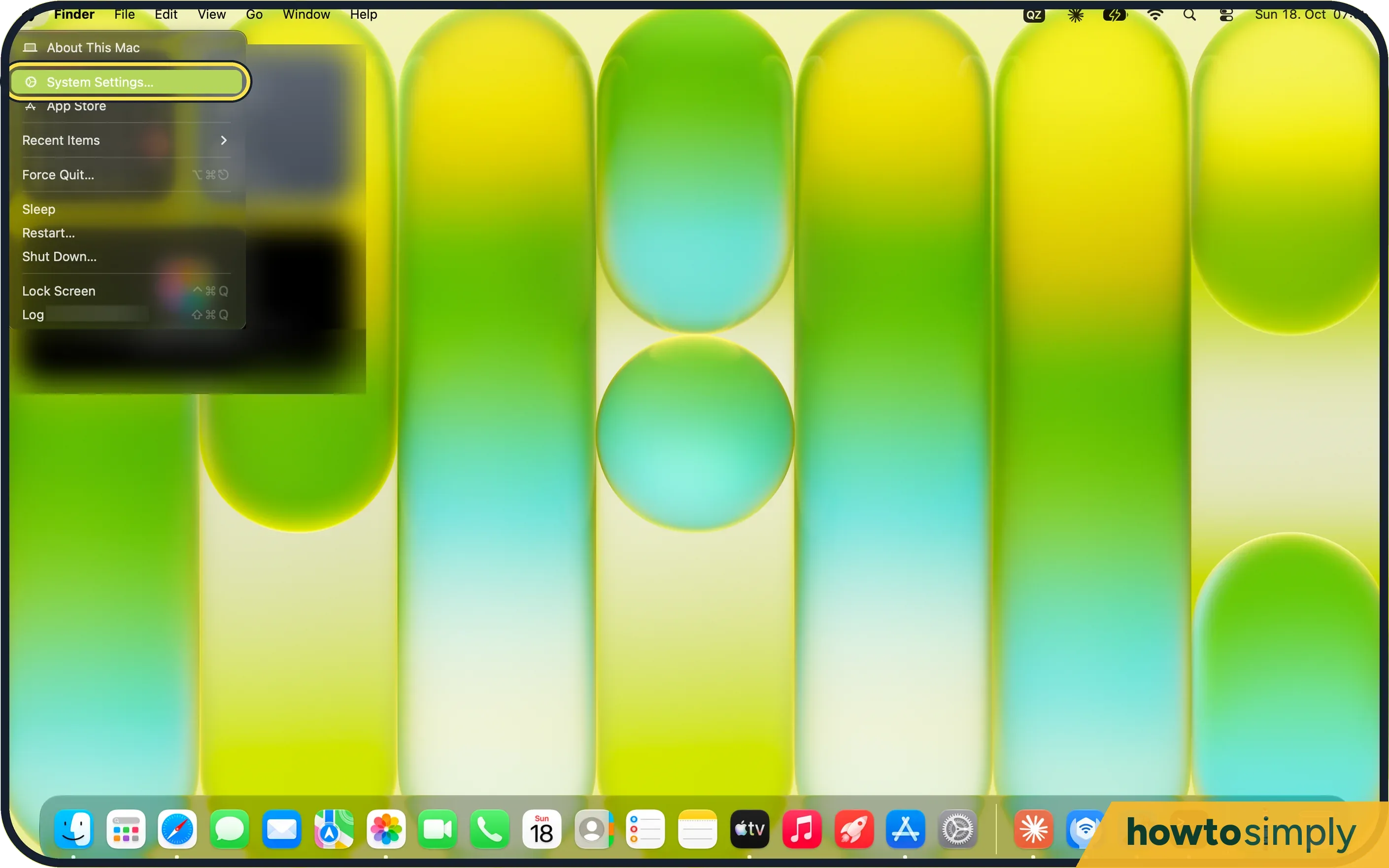 How to stop Dock icons bouncing on a Mac
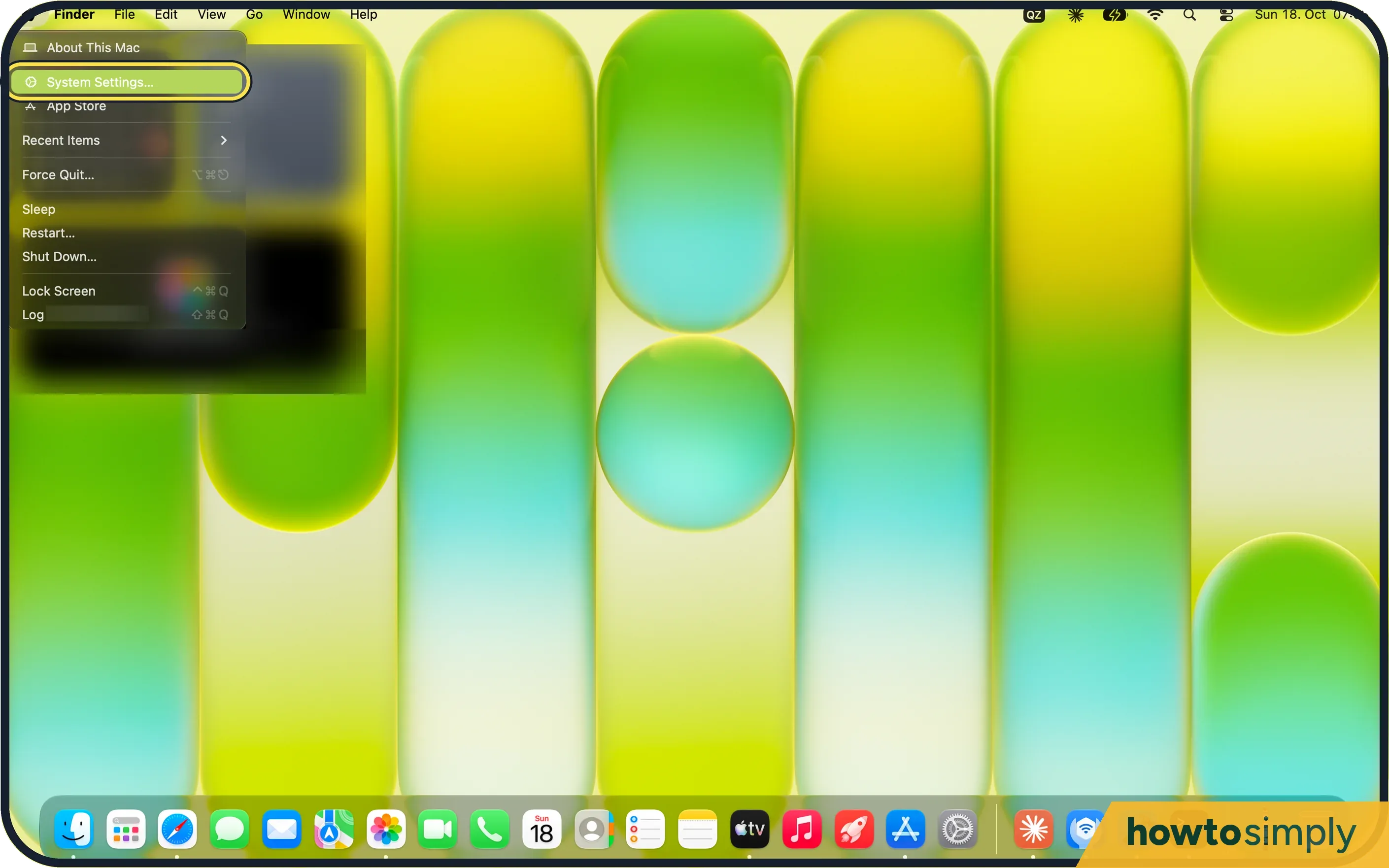 How to stop a click on the desktop hiding windows on a Mac
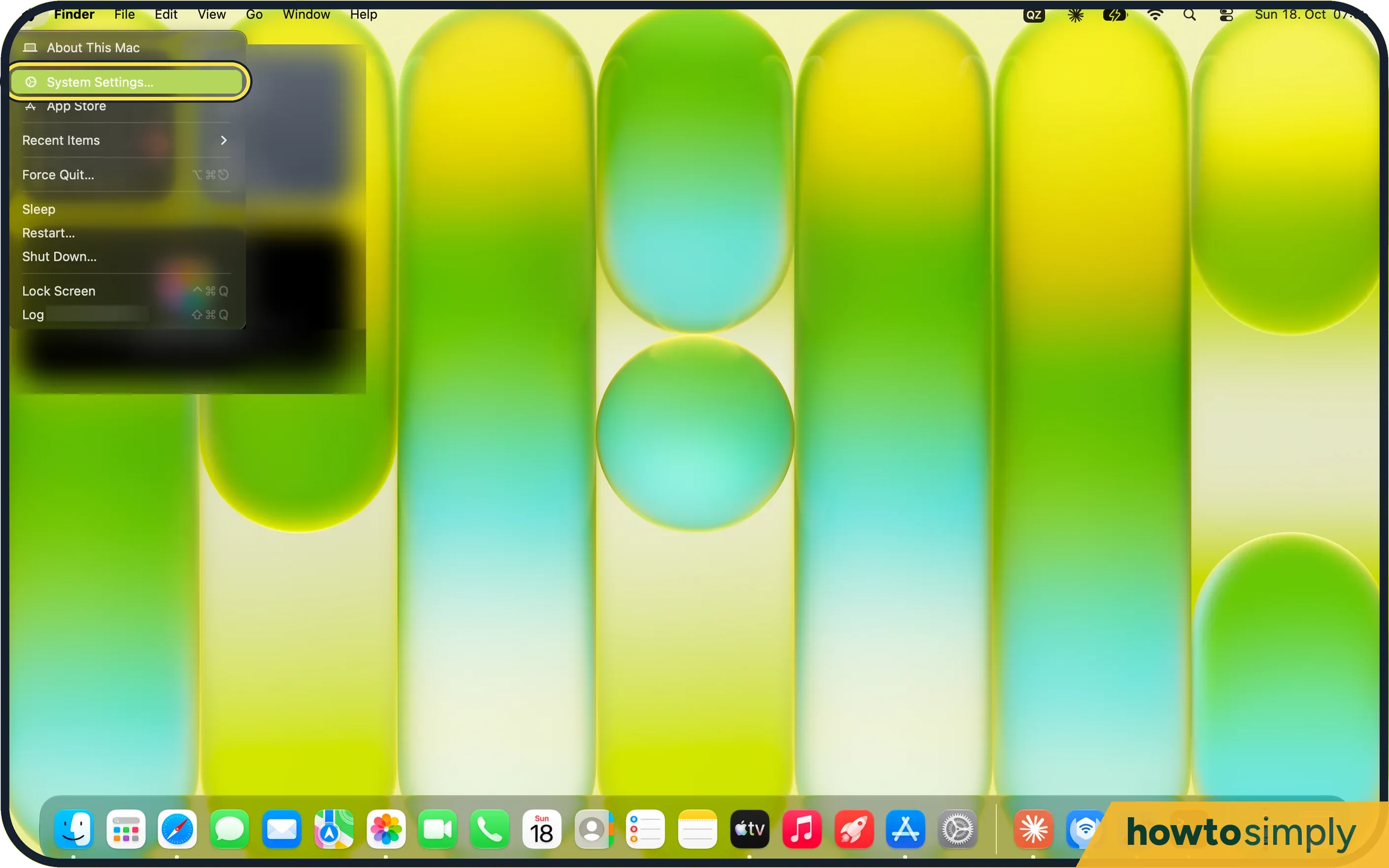 How to remove recent apps from the Dock on a Mac
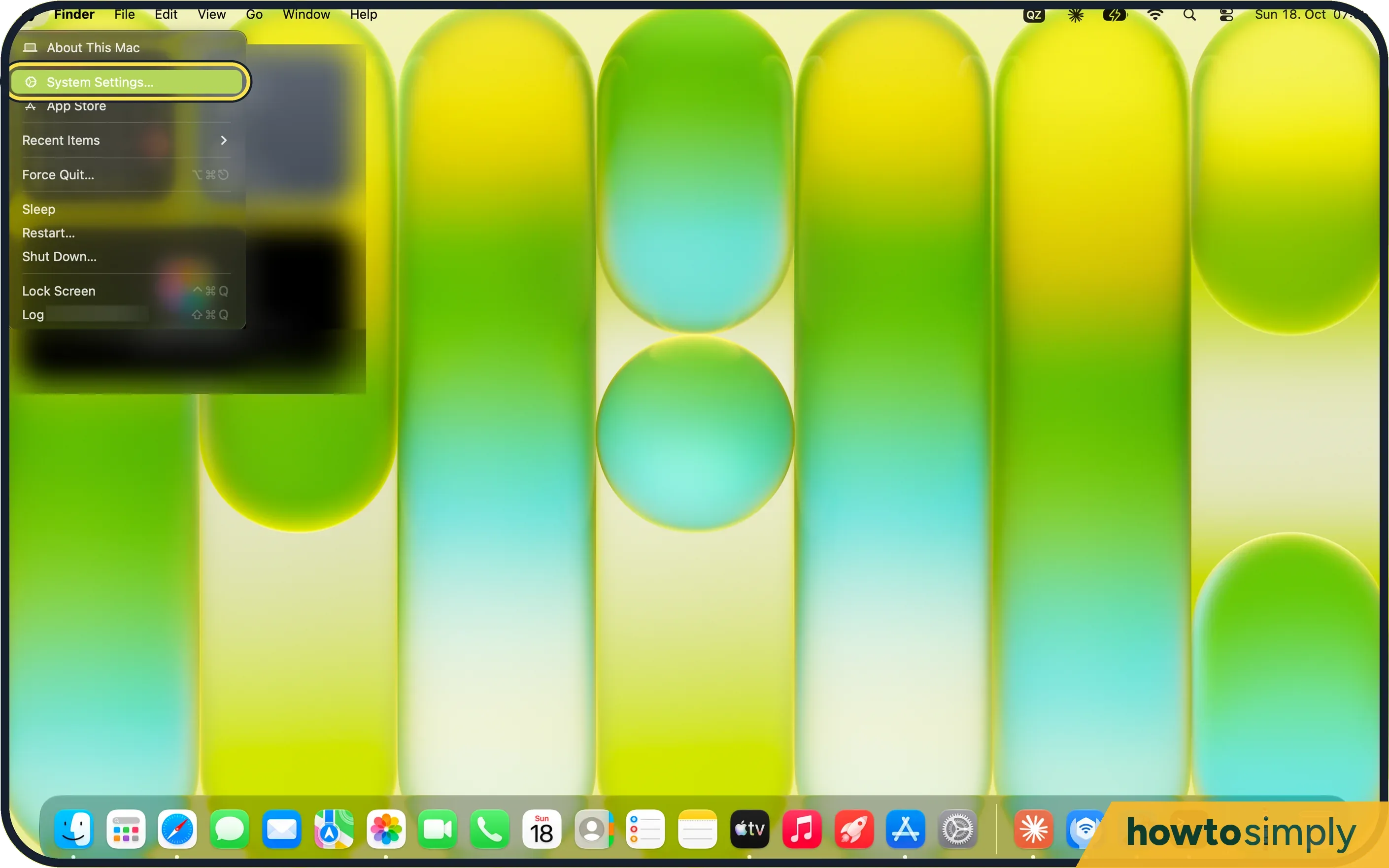 How to turn off window tiling when dragging on a Mac
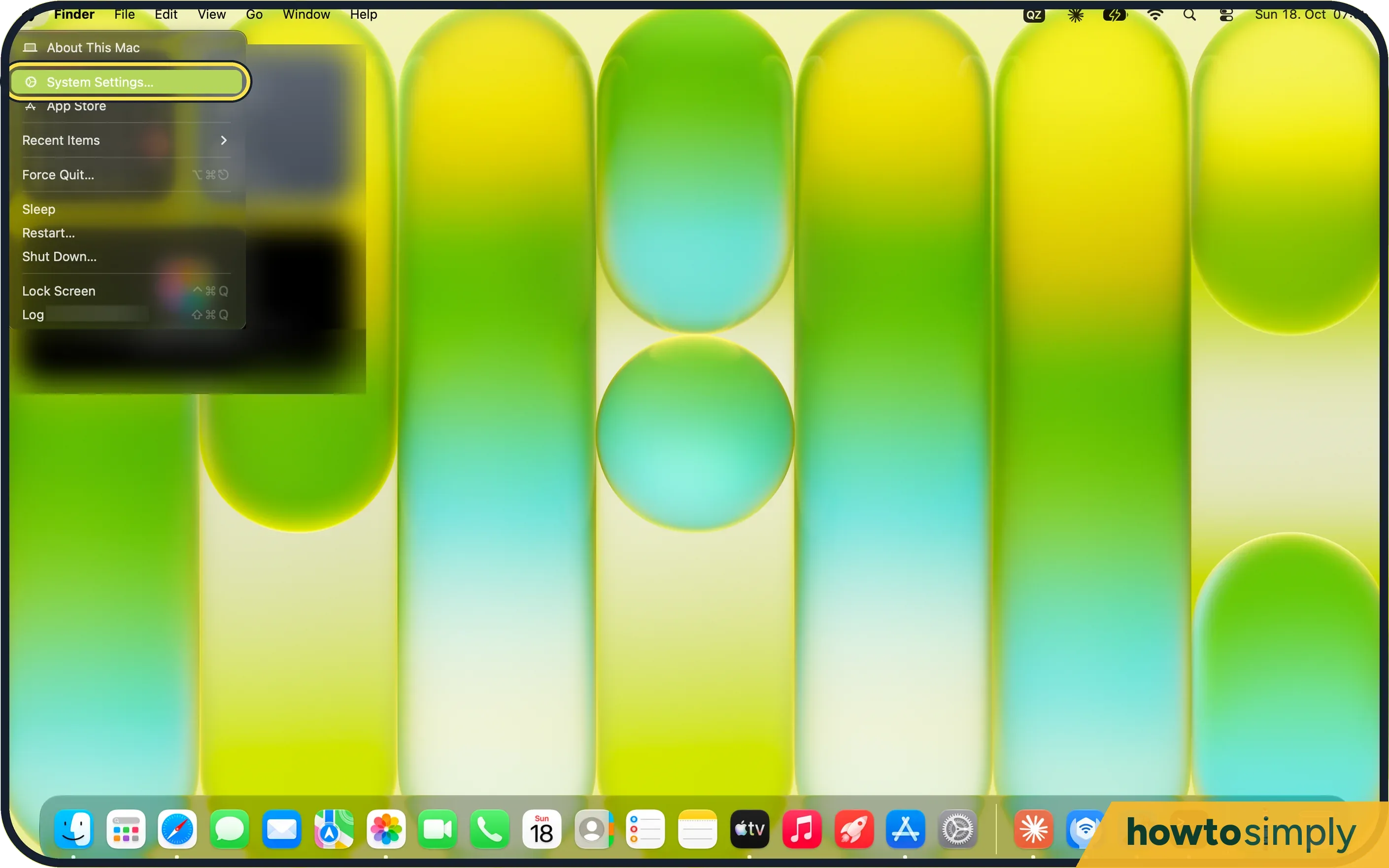 How to stop Spaces rearranging themselves on a Mac
 How to make a Mac ask before saving changes
 How to change the title bar double-click action on a Mac
 How to change the keyboard backlight on a MacBook
 How to move between buttons with the Tab key on a Mac
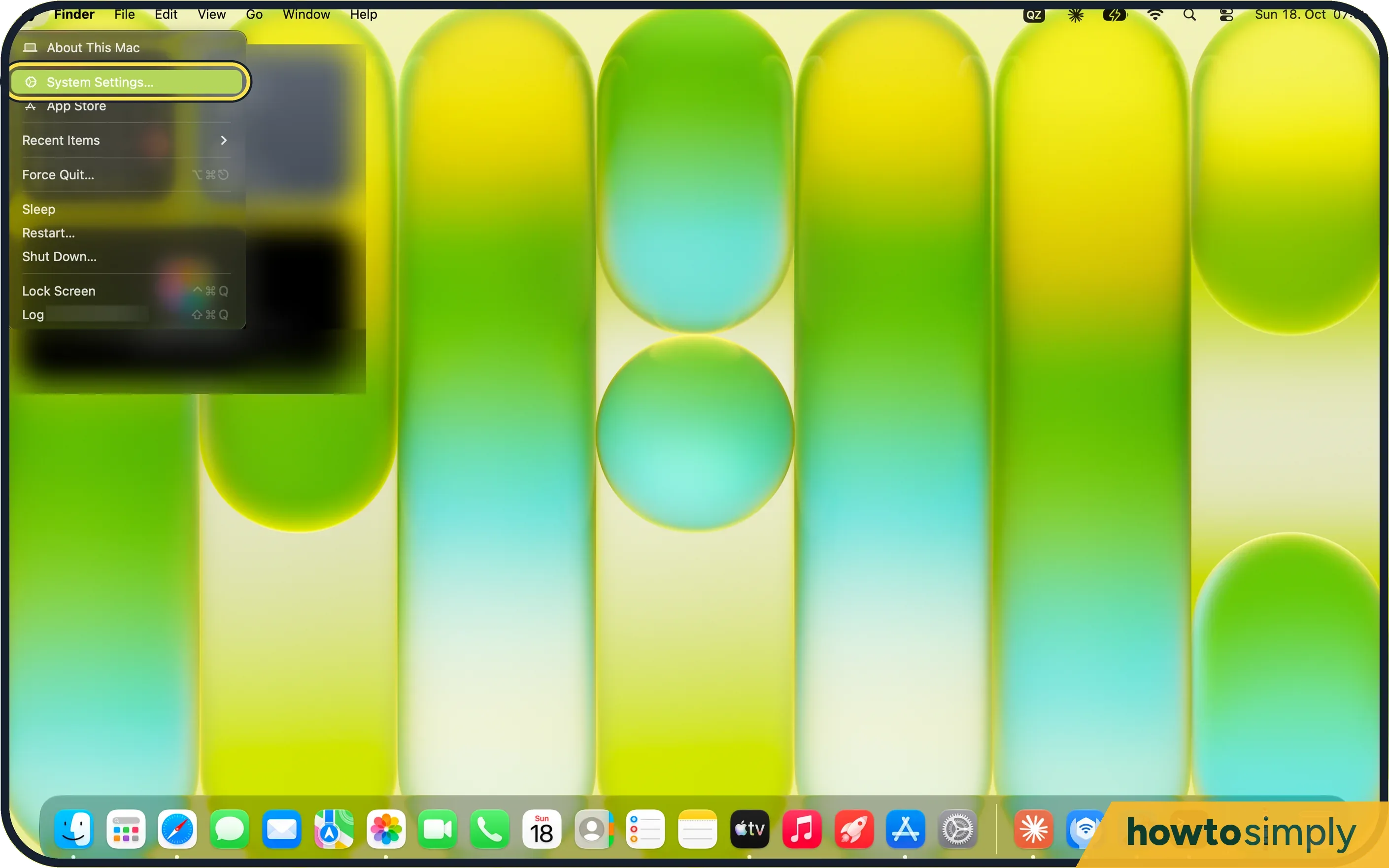 How to turn on tap to click on a Mac
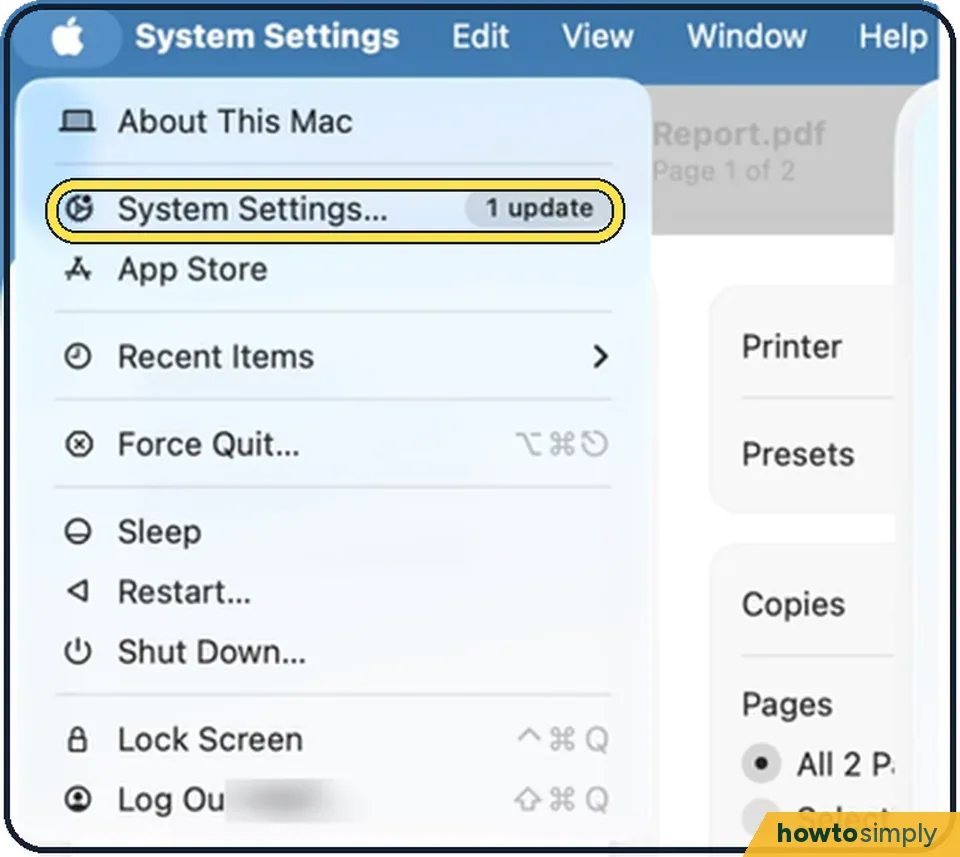 How to change the trackpad speed on a Mac
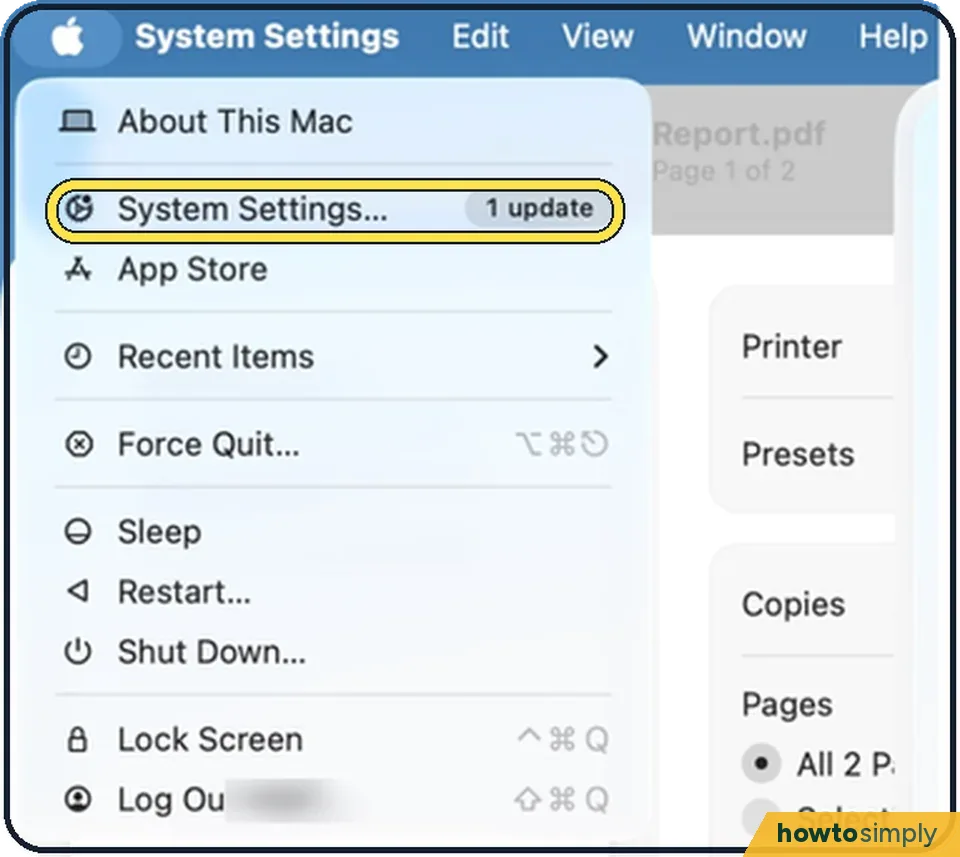 How to turn off Force Click on a Mac trackpad
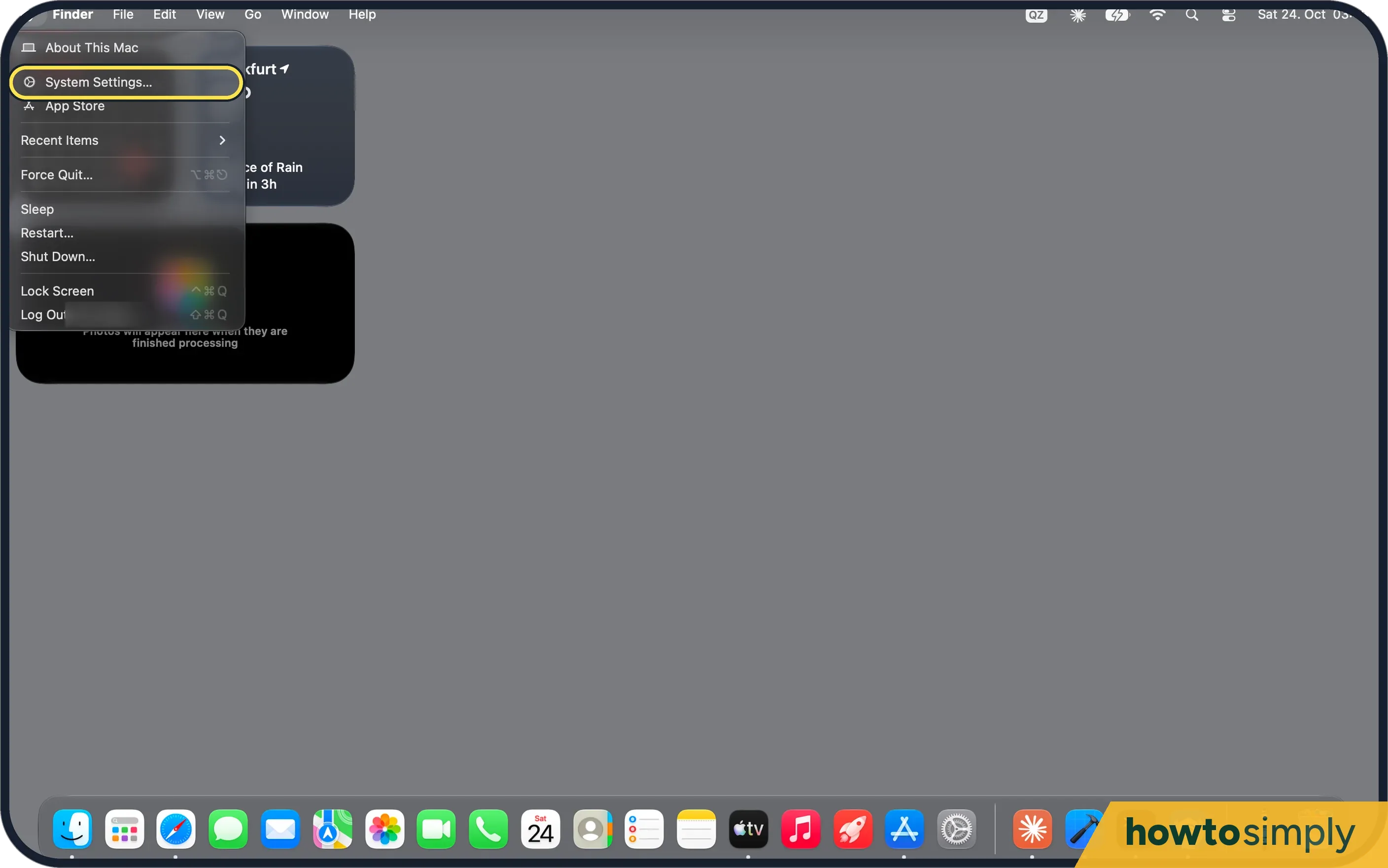 How to change the accent colour on a Mac
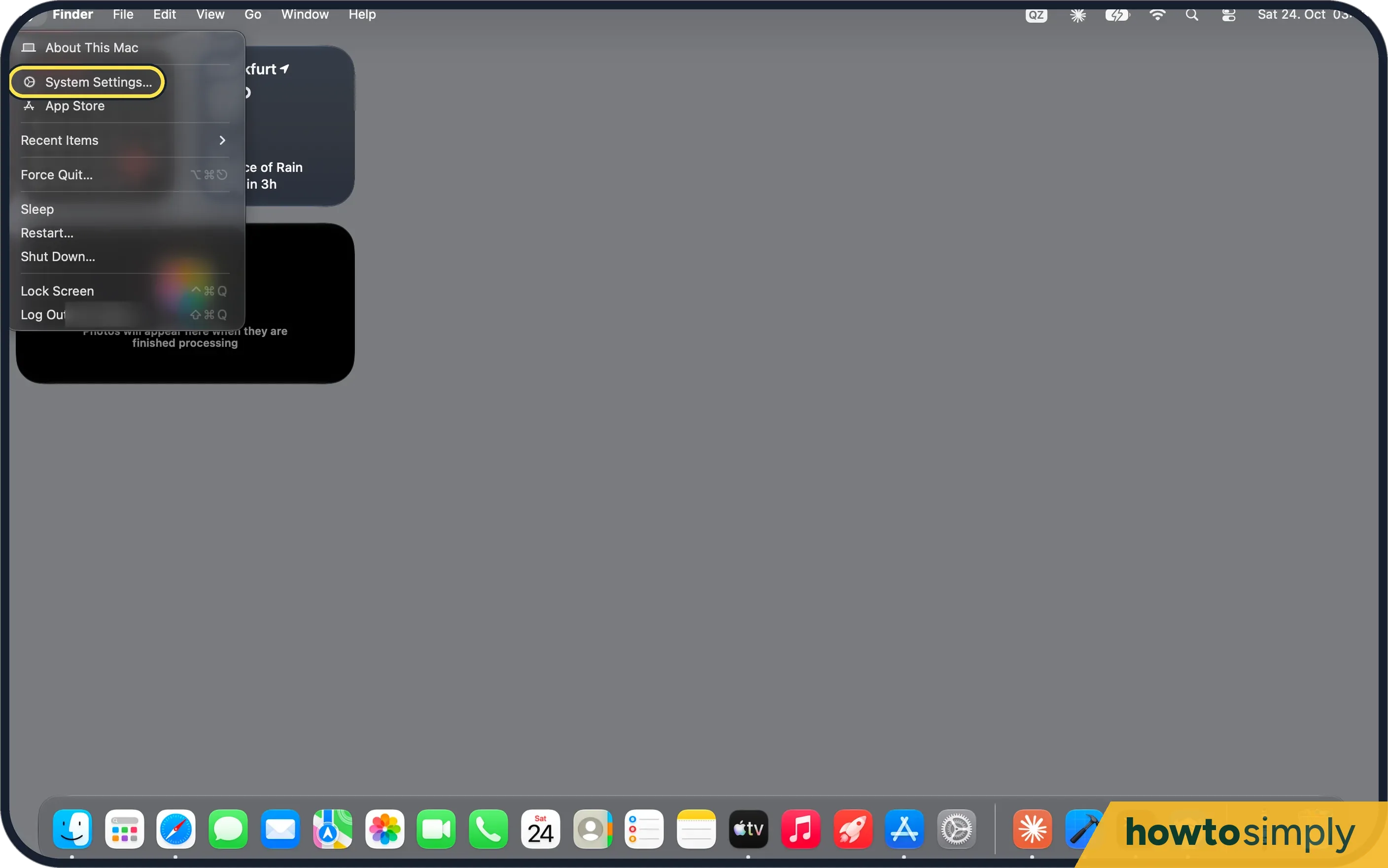 How to always show scroll bars on a Mac
 How to make sidebar icons and text bigger on a Mac
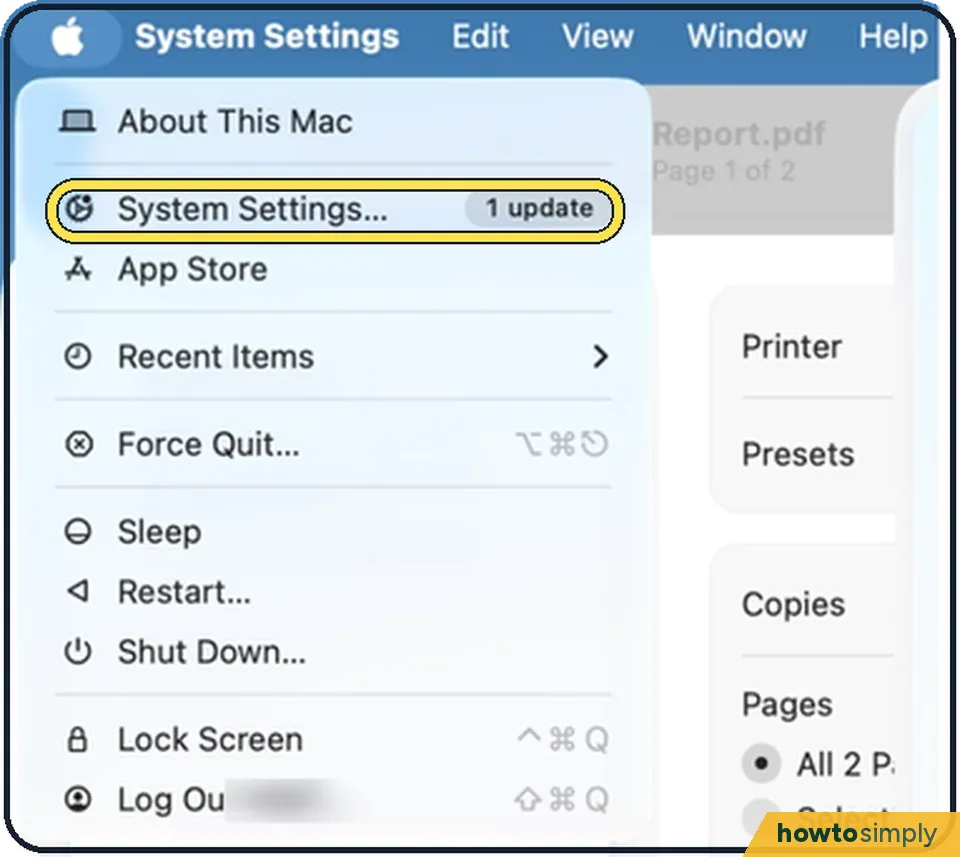 How to show a message on the Mac lock screen
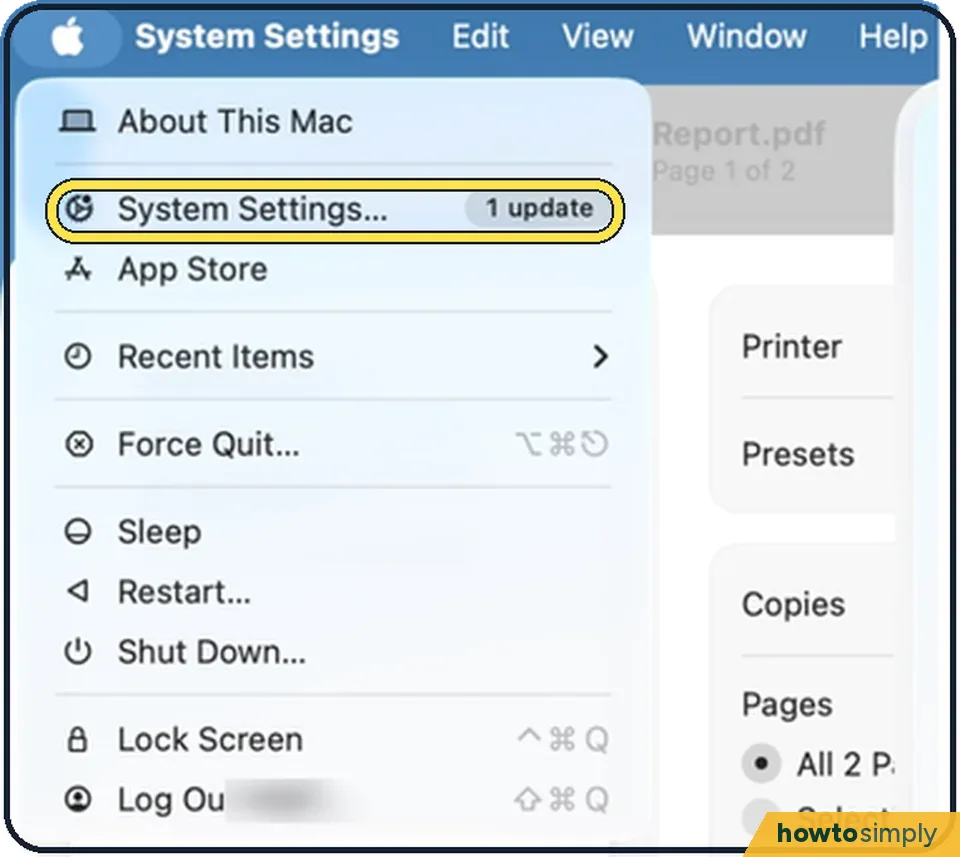 How to make a Mac ask for both name and password at login
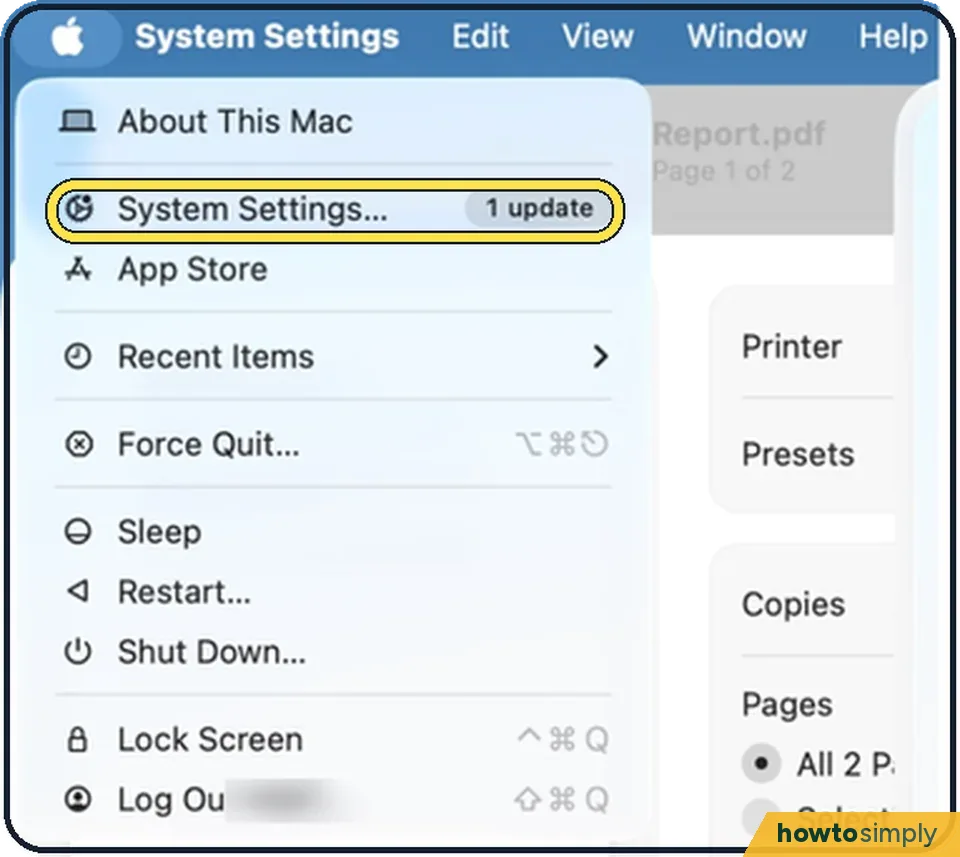 How to hide notification previews on a Mac
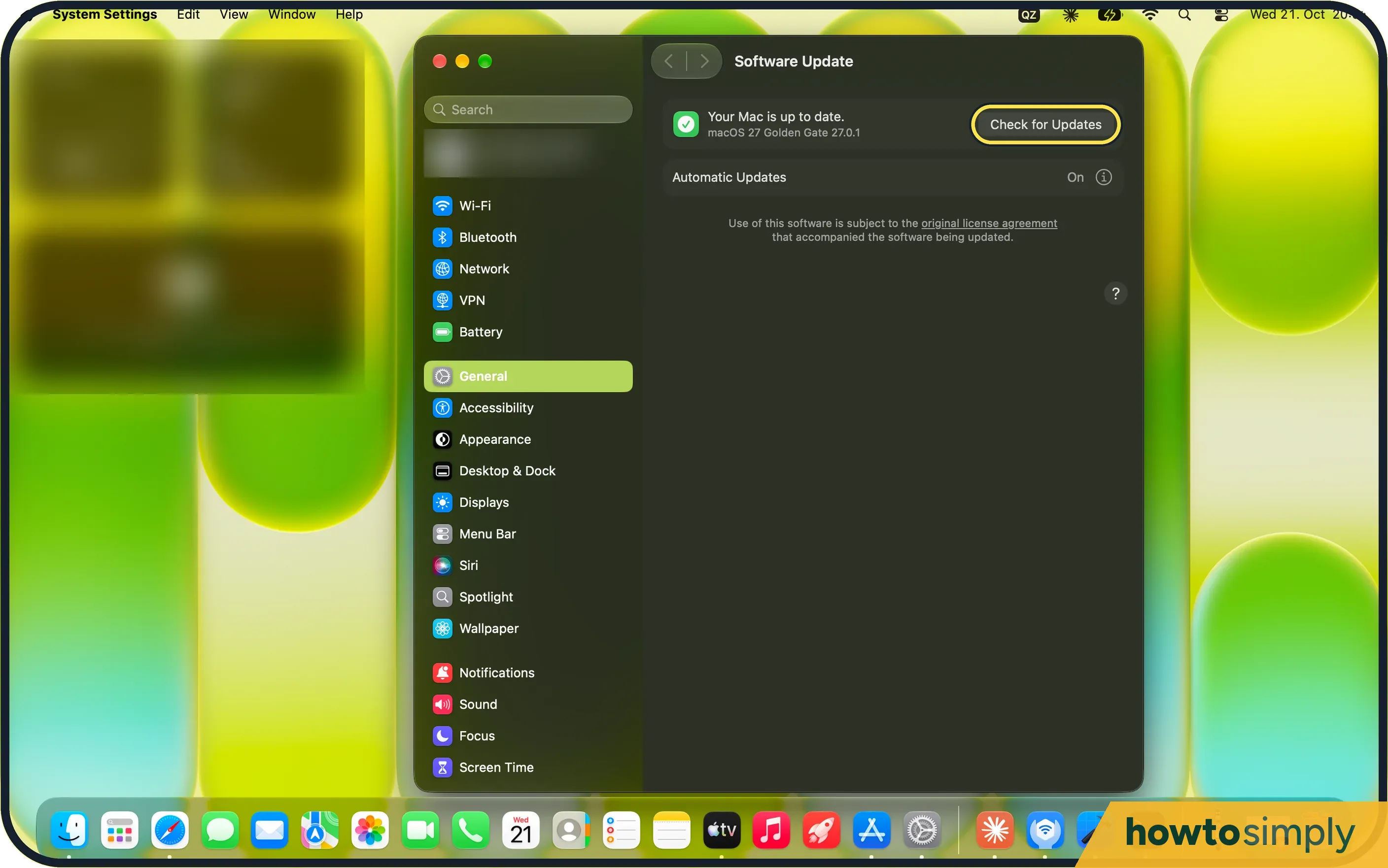 Mac camera not working? 6 fixes to try
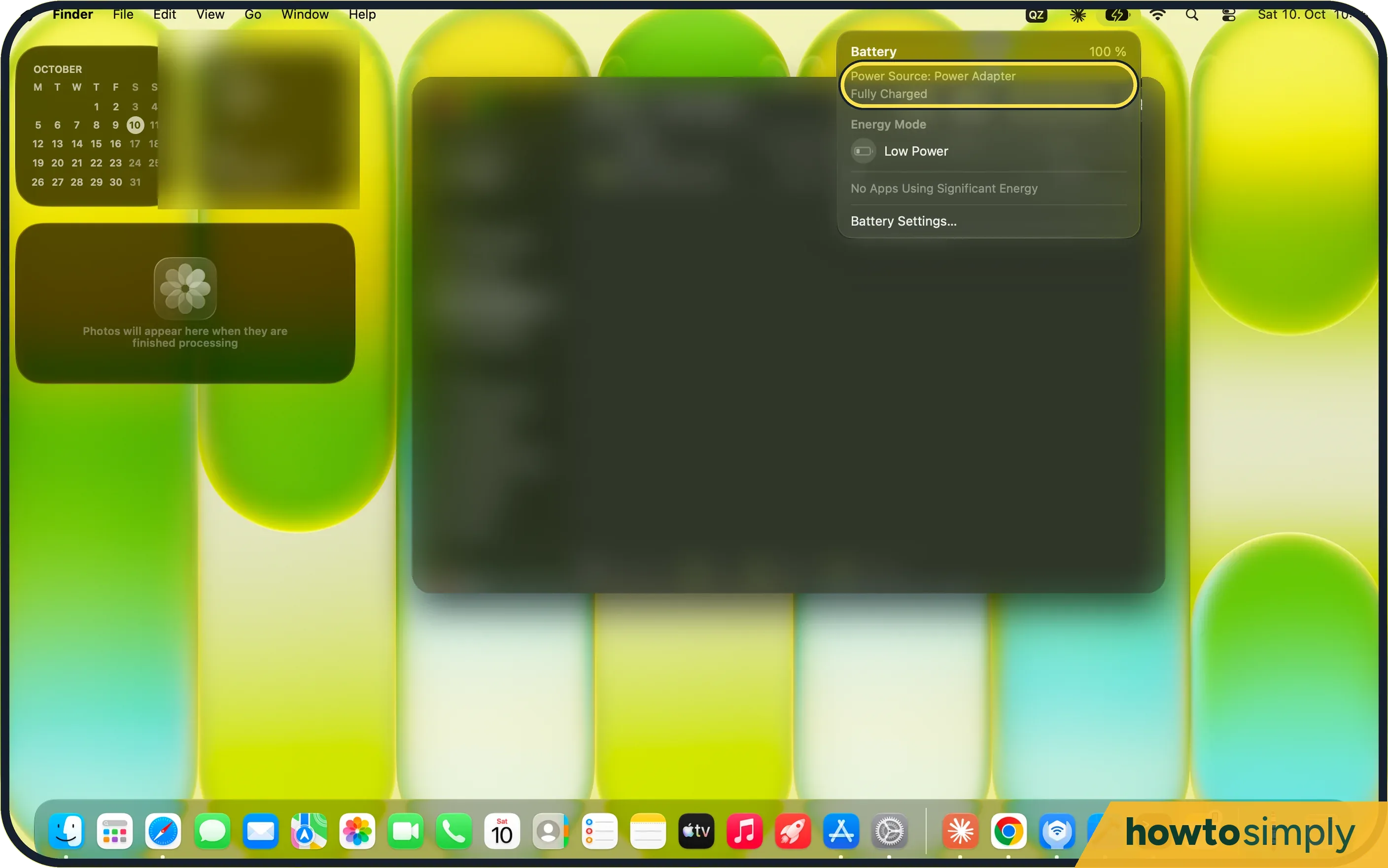 MacBook not charging? 4 fixes to try
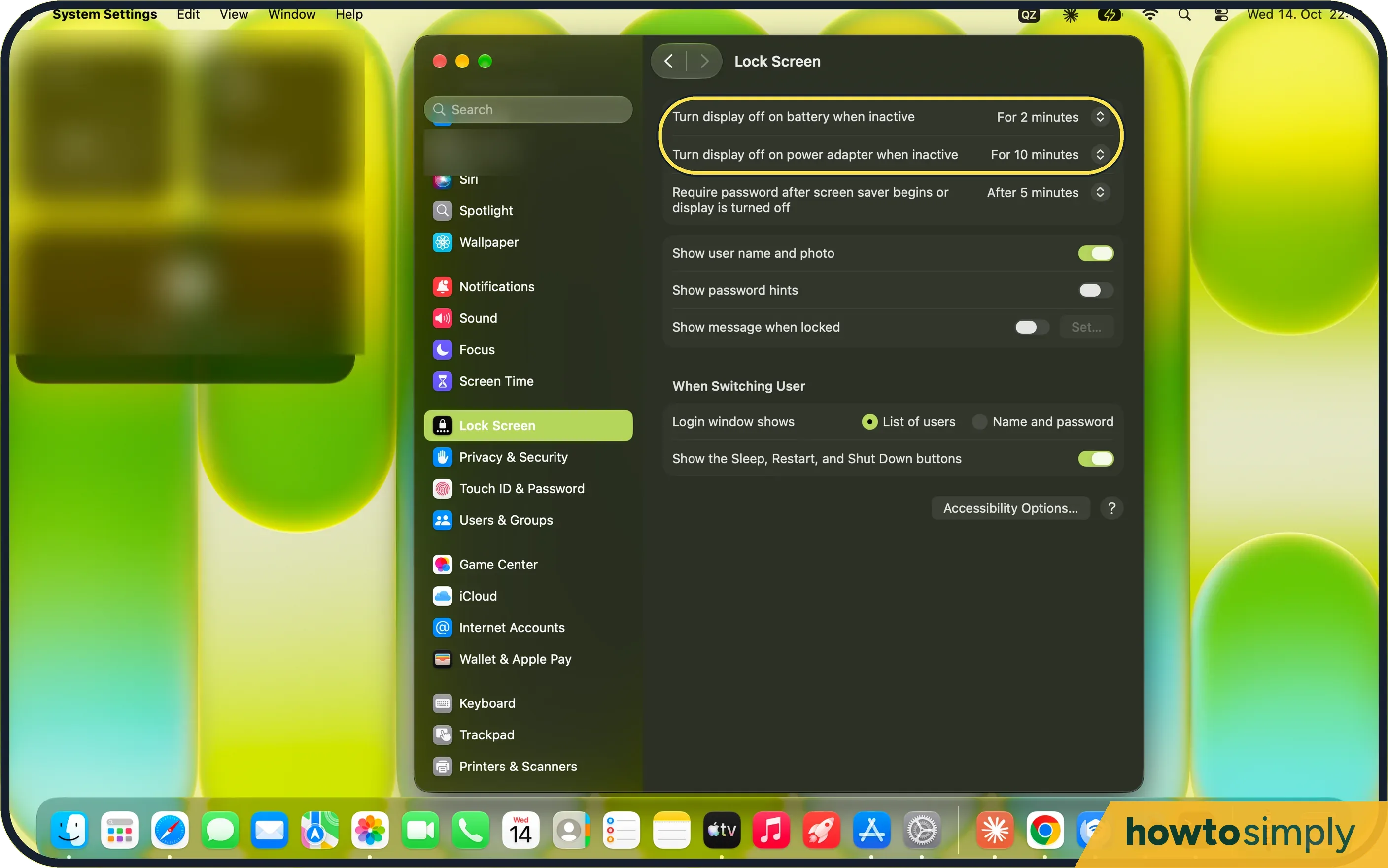 Mac won't sleep or wakes up by itself? 8 things to check
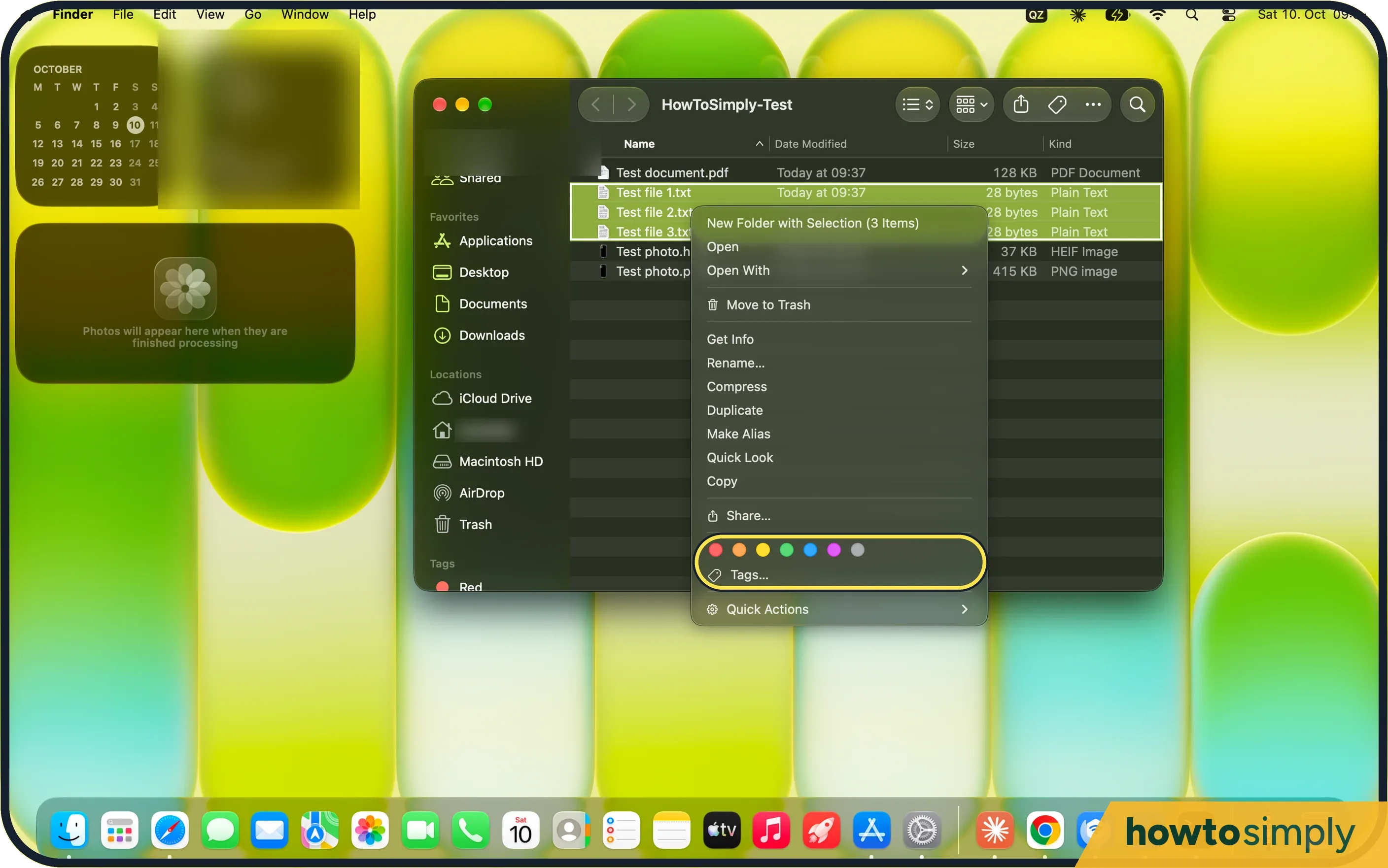 How to use tags in Finder on a Mac
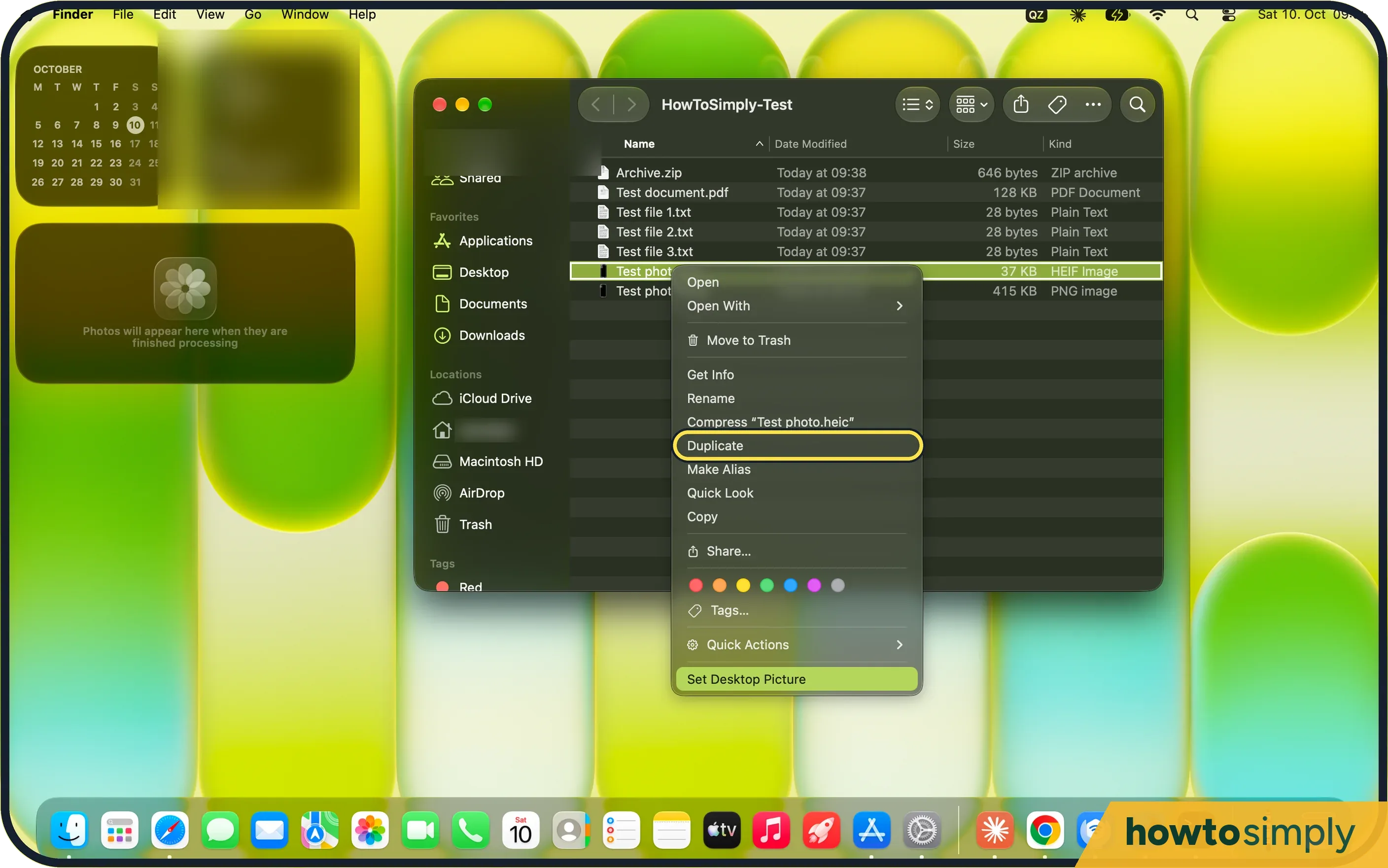 How to resize an image on a Mac with Preview
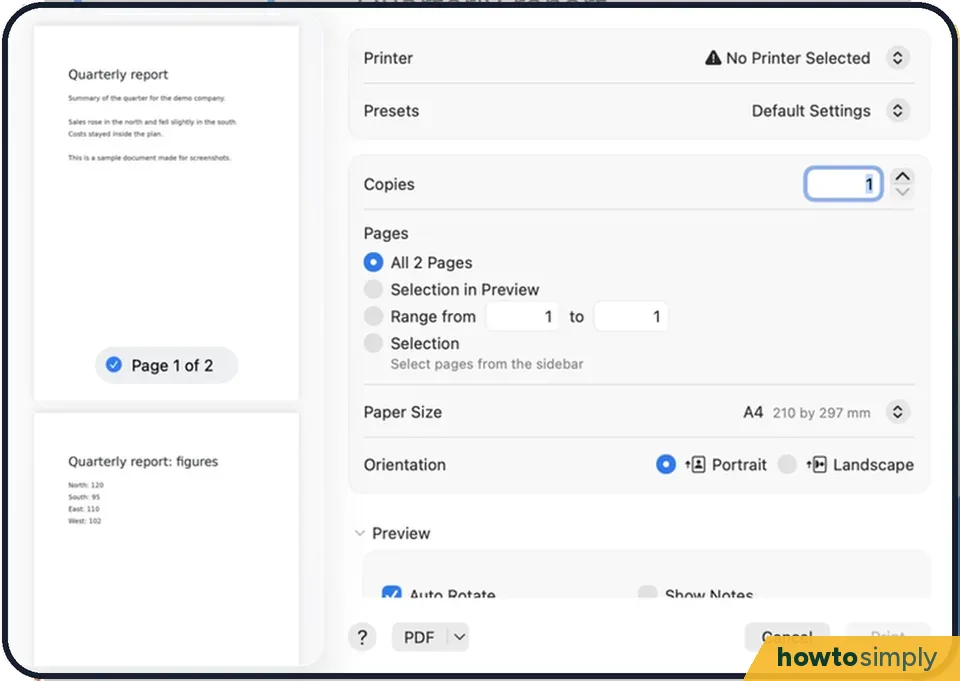 How to print double-sided on a Mac
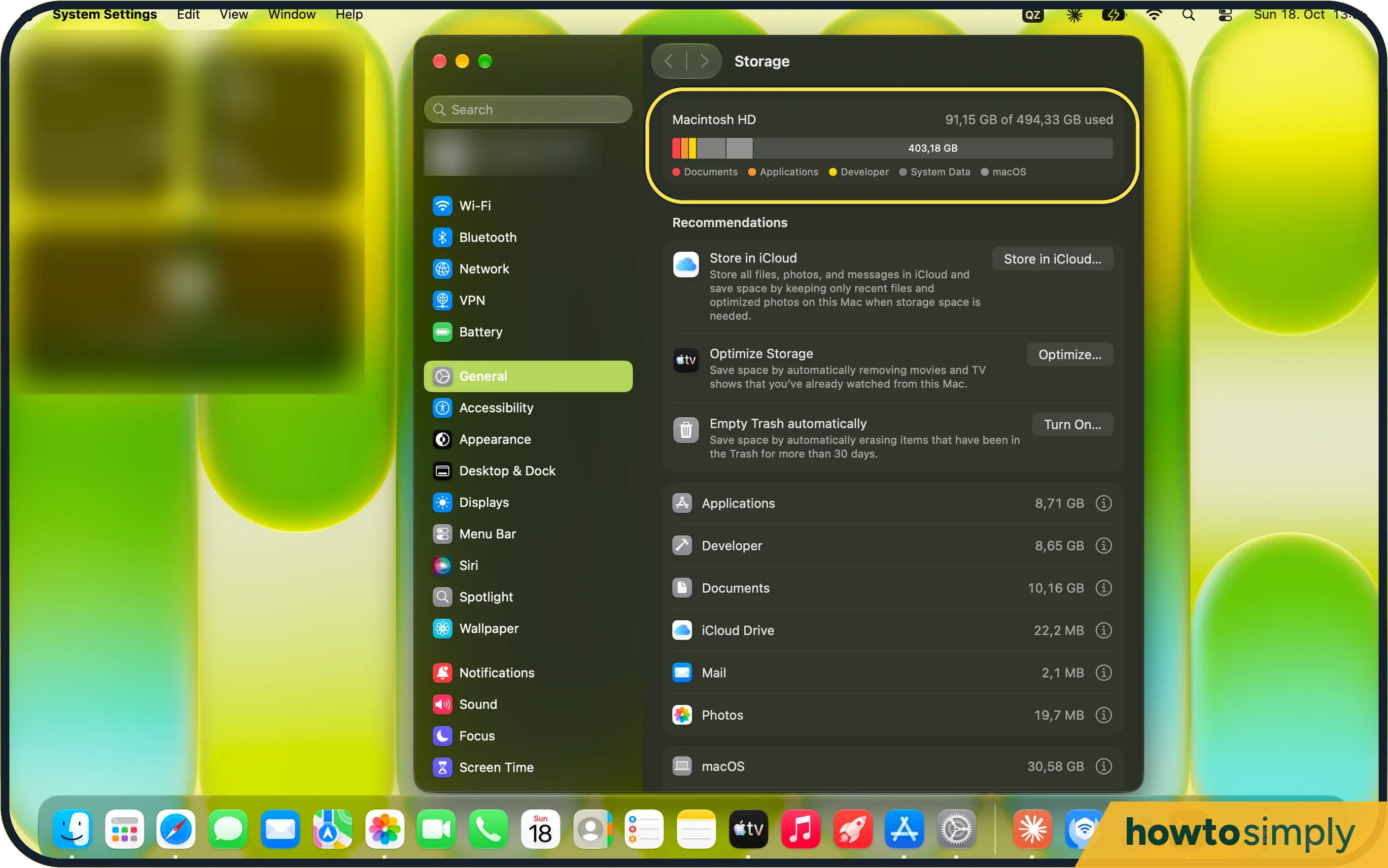 How to check and free up storage on a Mac (and what System Data is)
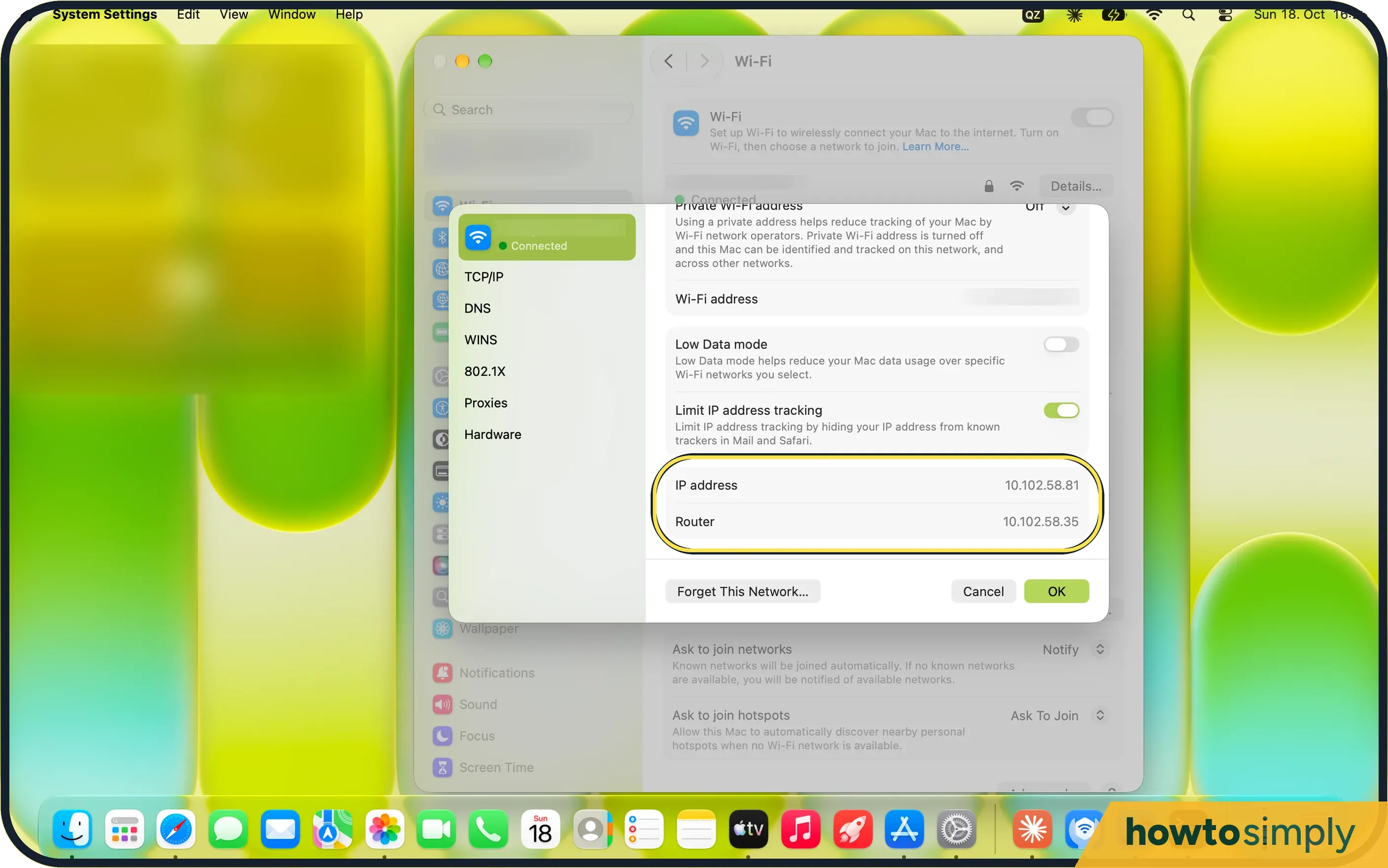 How to find your IP address on a Mac (macOS 27)
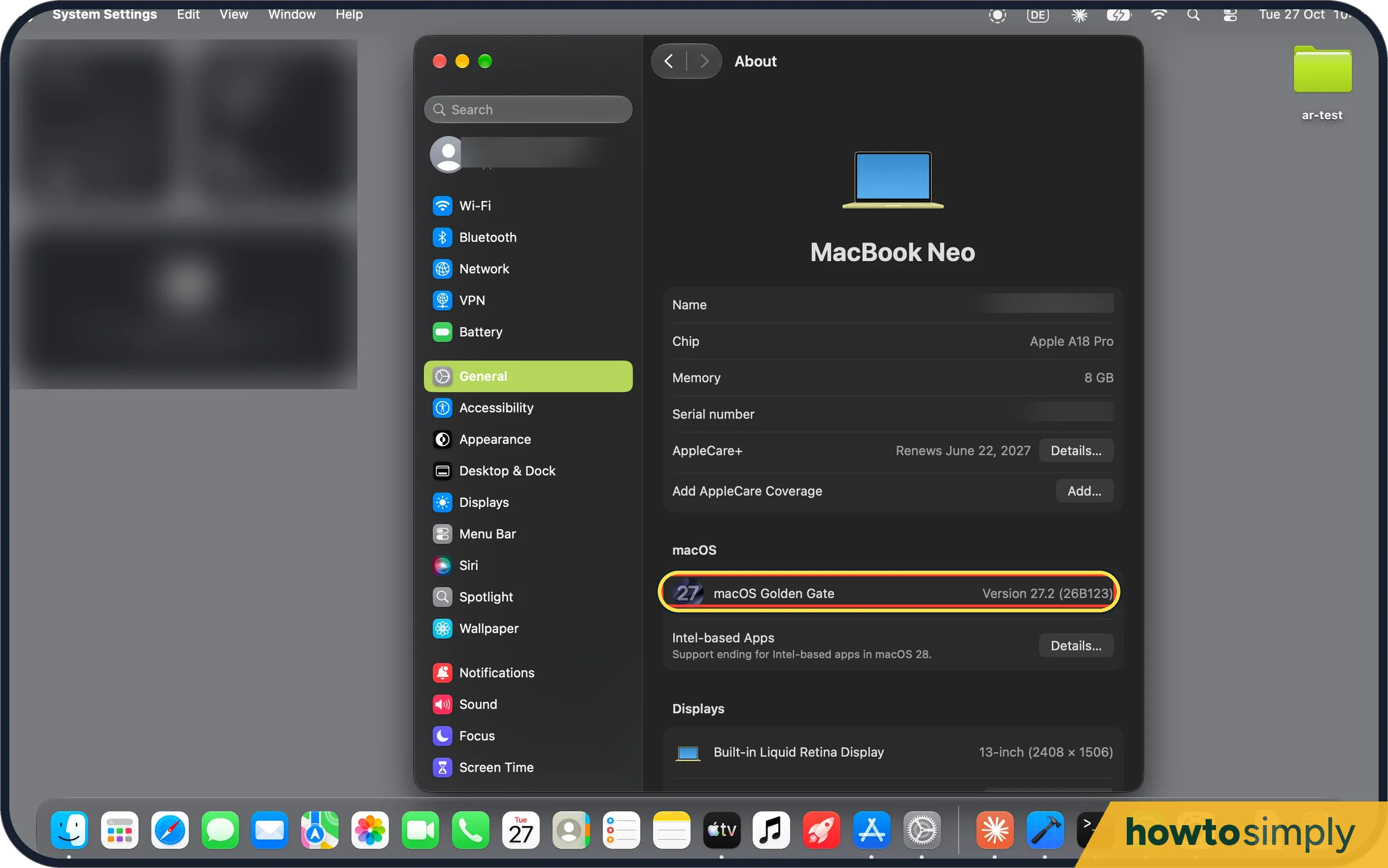
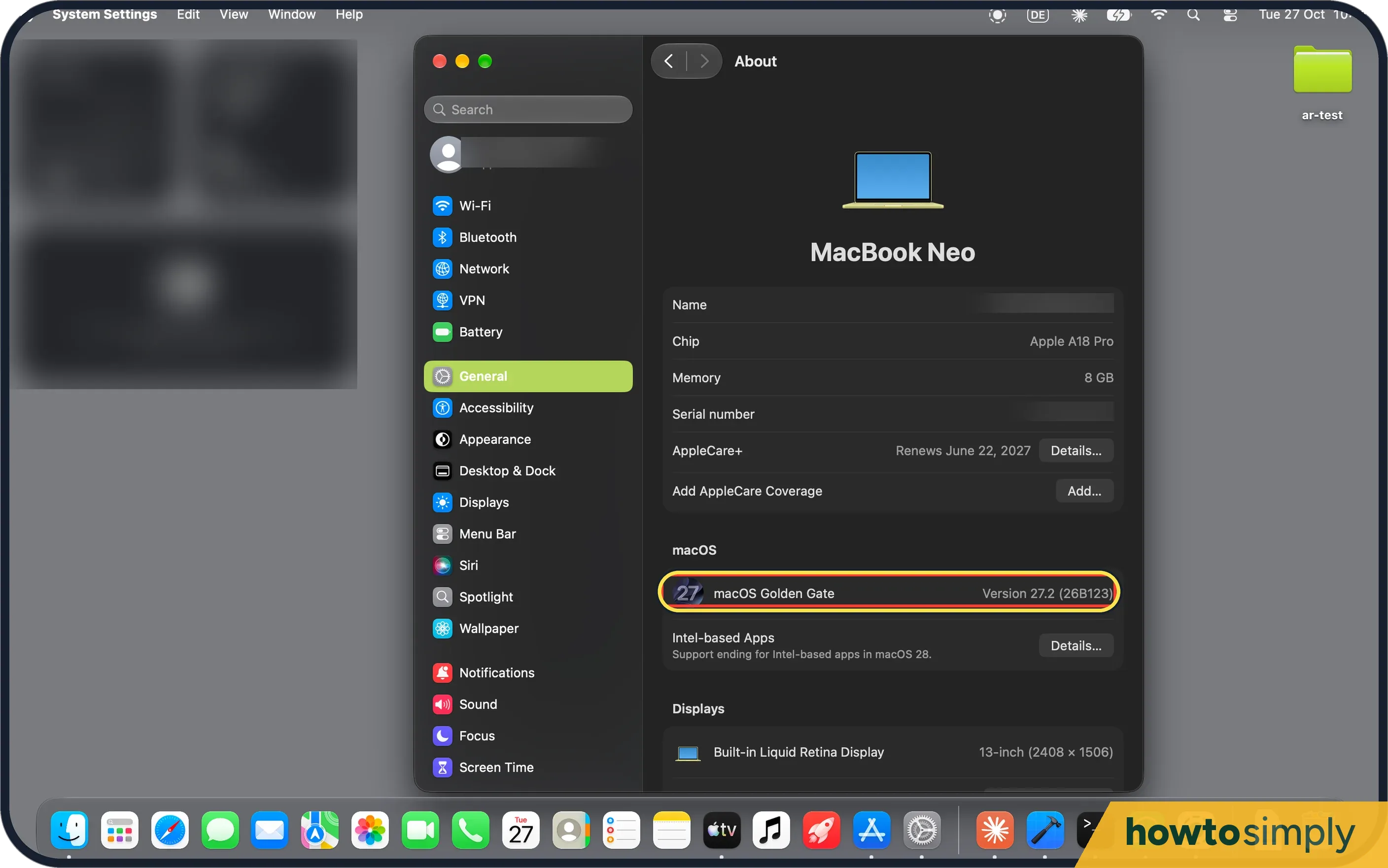 What's new in macOS 27.2 on a MacBook Neo
 How to stop Siri using an app on a Mac (Excluded Apps)
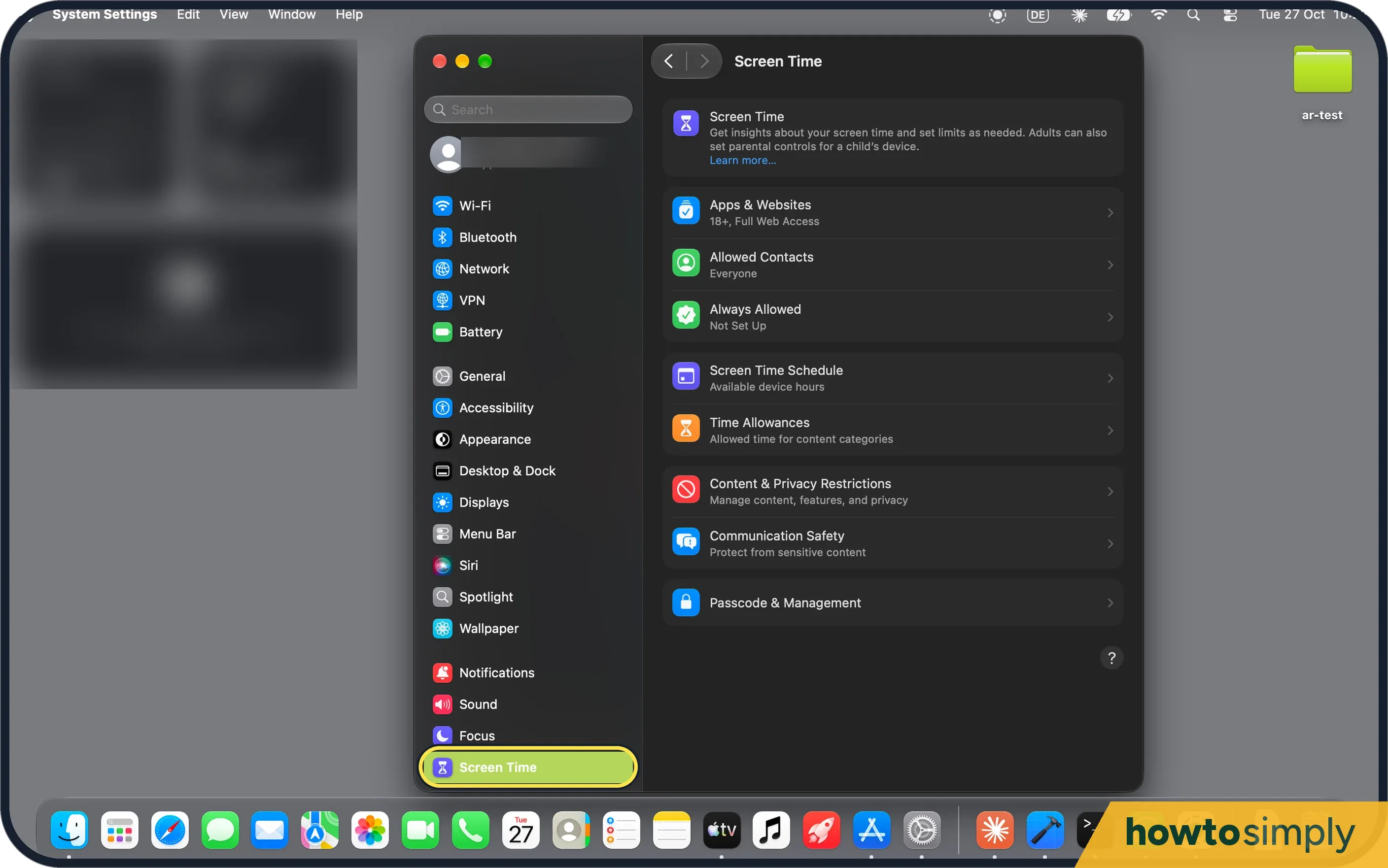 How to use Screen Time on a Mac
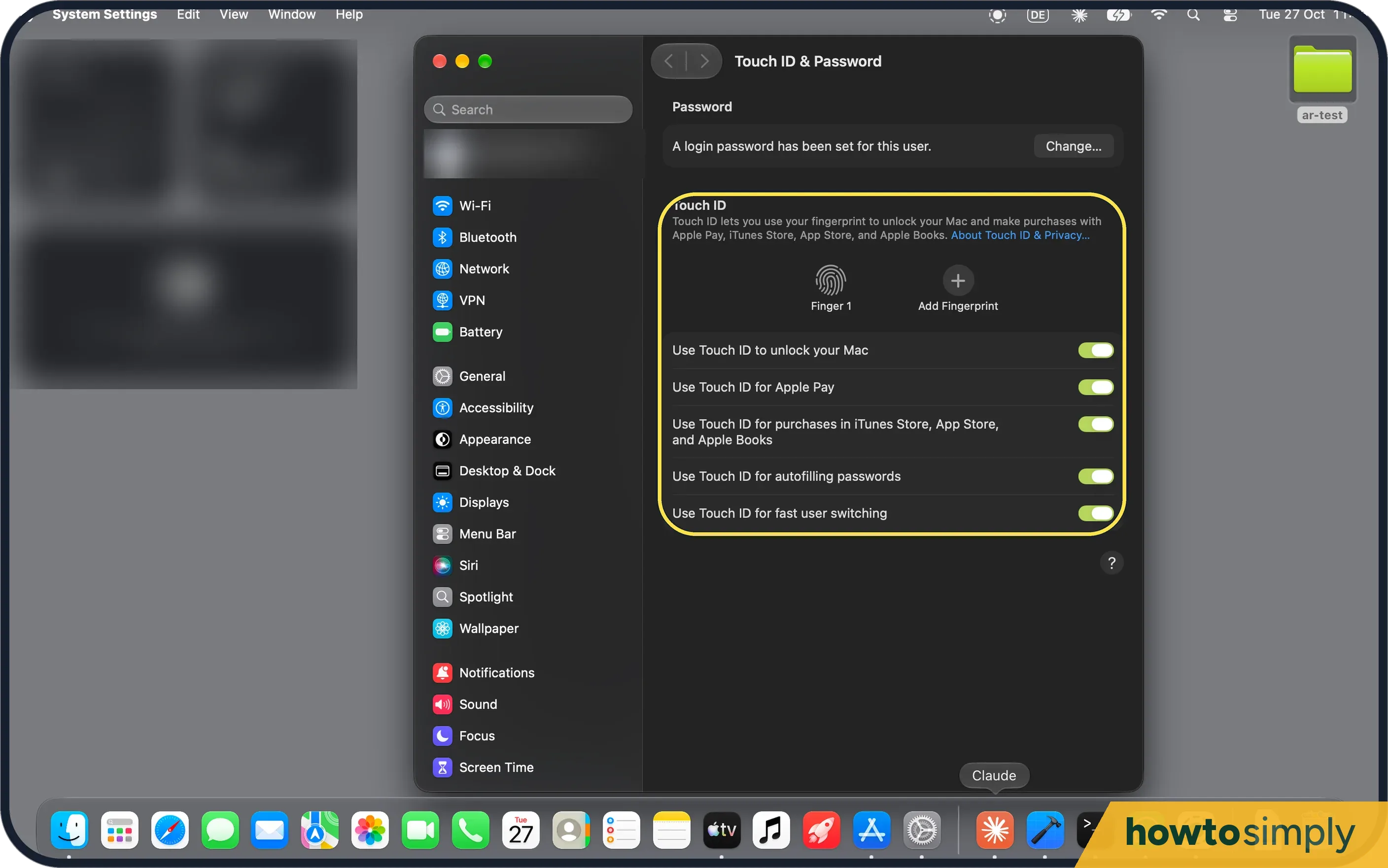 What the MacBook Neo can't do, and what it does have
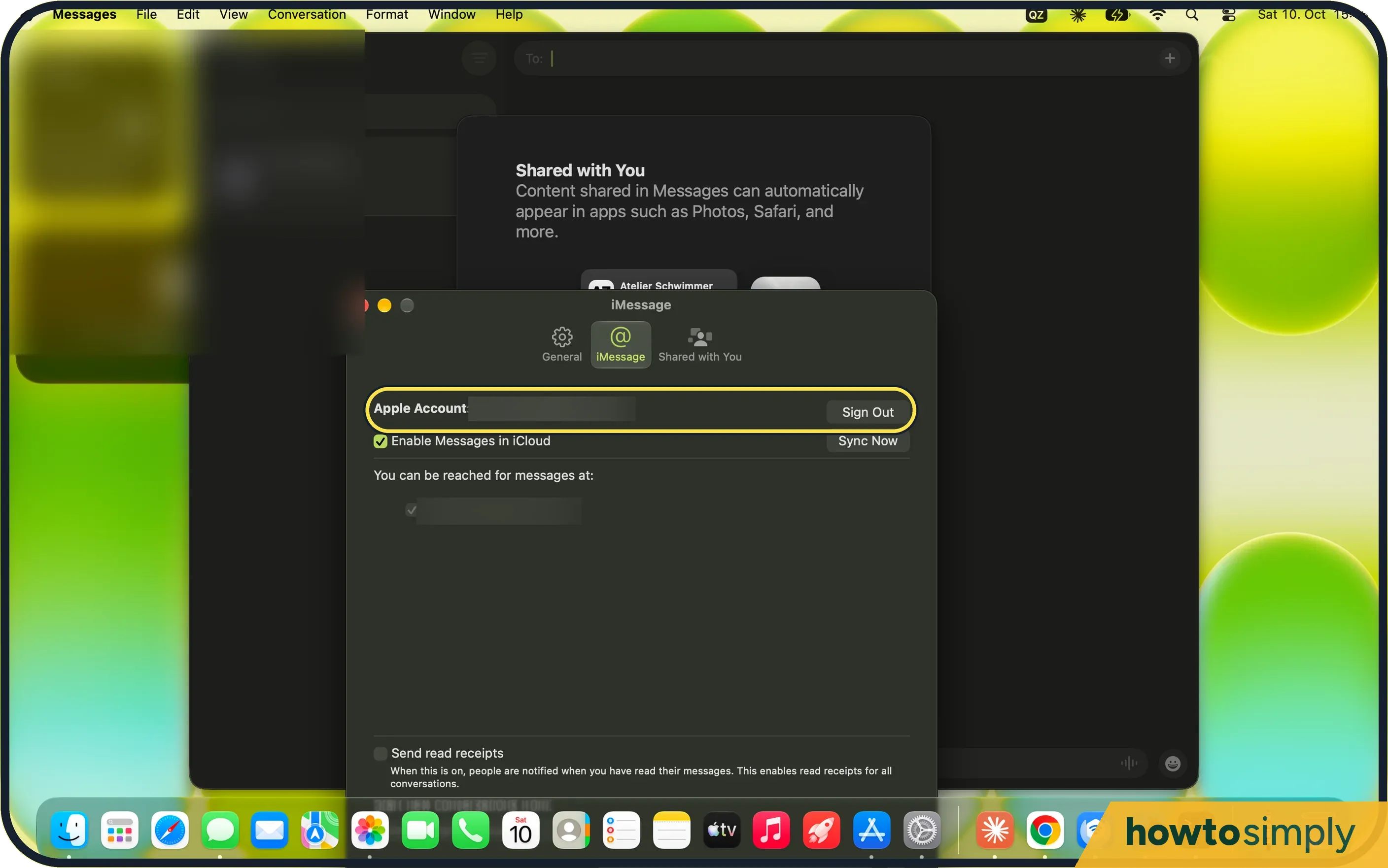 Messages not working on a Mac? 4 things to check
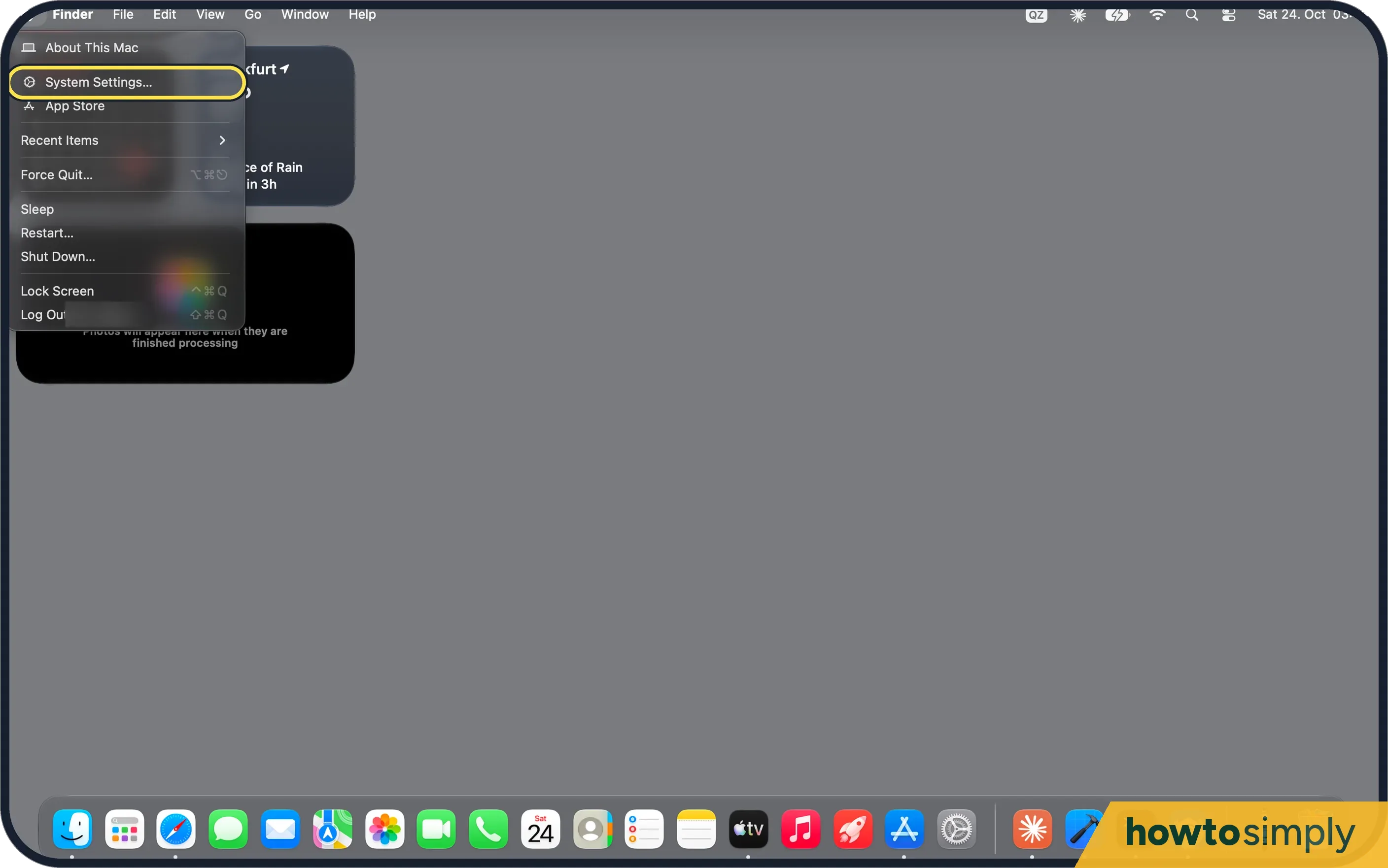 How to sync the Desktop and Documents folders with iCloud on a Mac
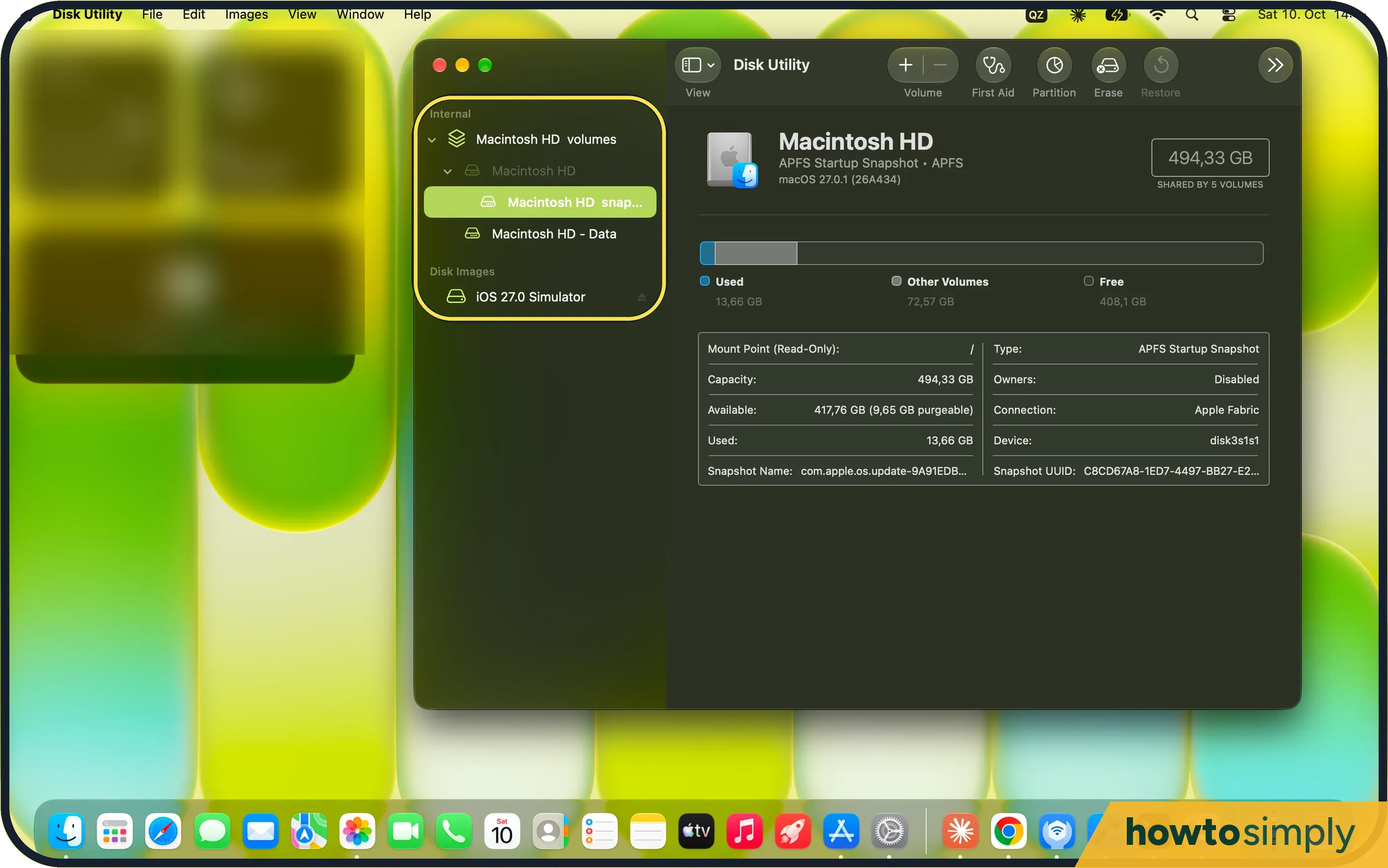 How to repair a disk on a Mac with Disk Utility First Aid
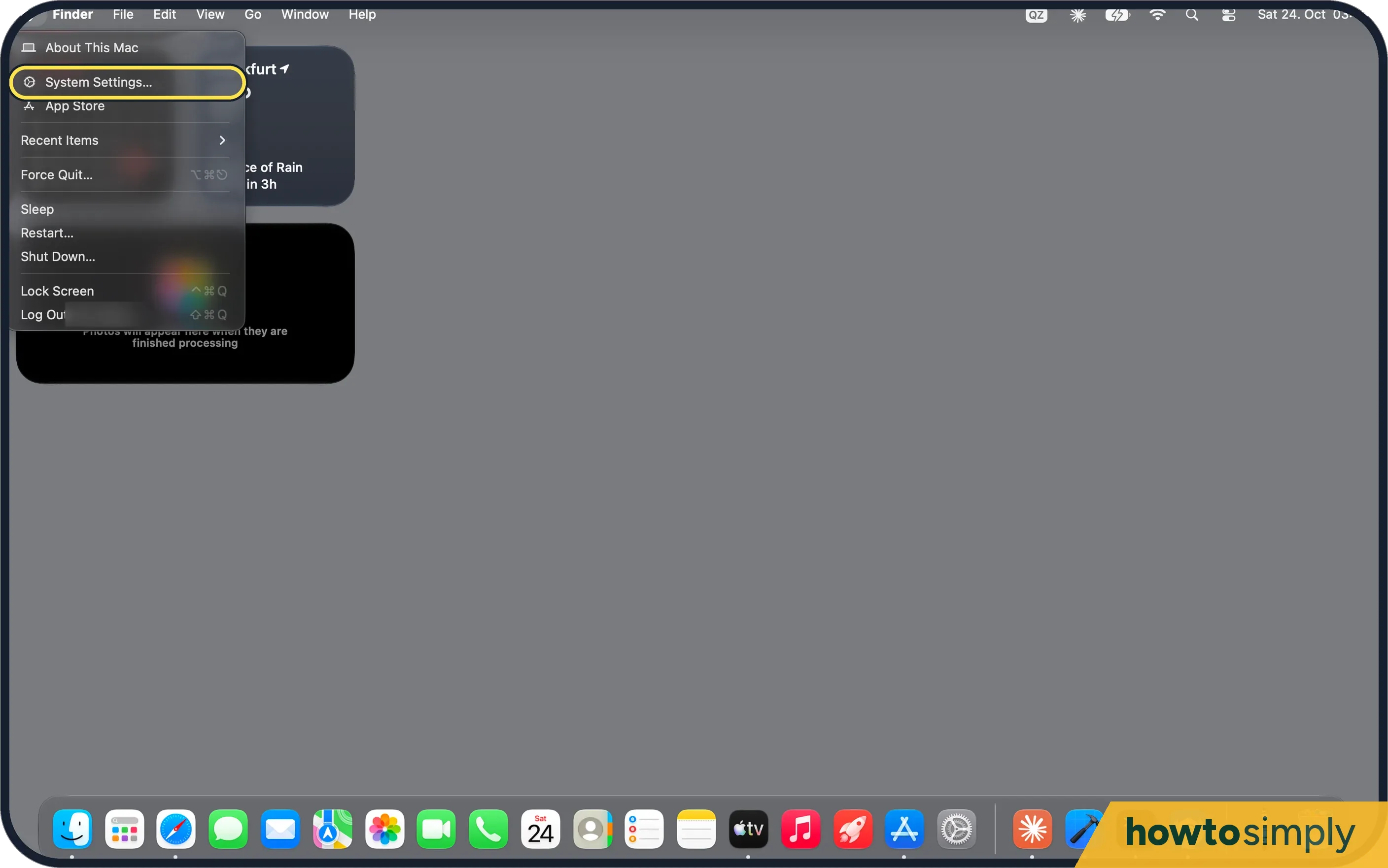 How to let someone use your Mac safely with the Guest User
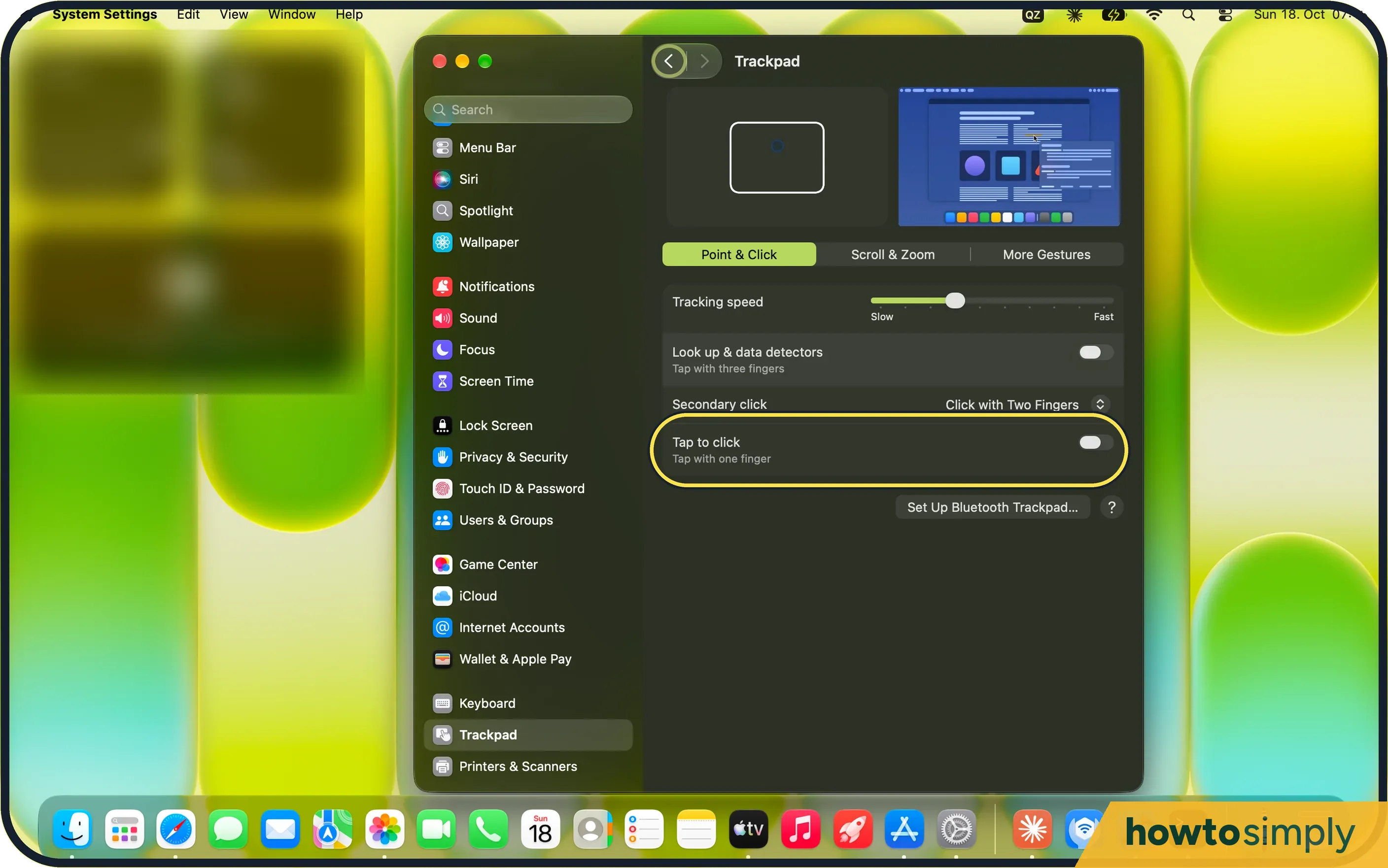 Mac trackpad gestures: the full list and how to change them
Windows
29 guides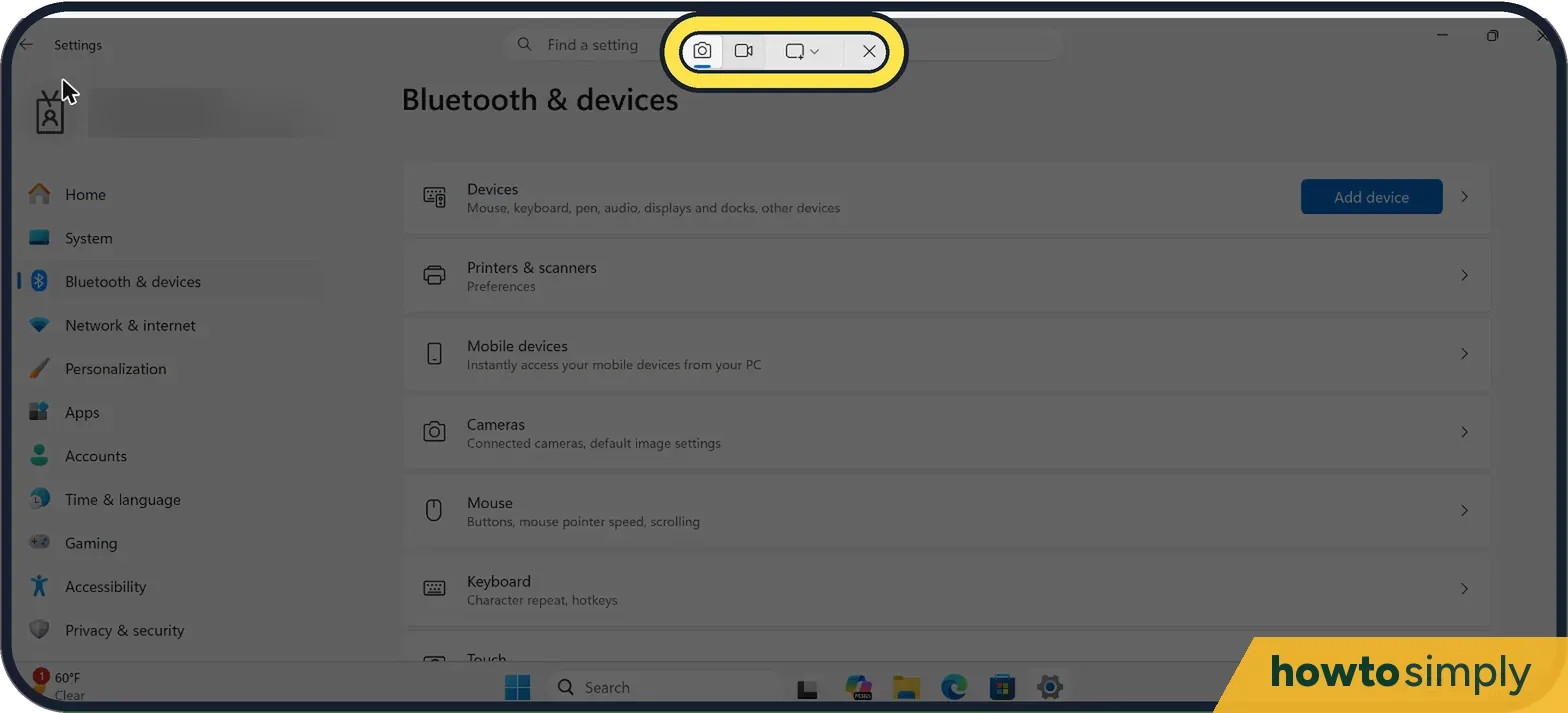 How to take a screenshot on Windows 11
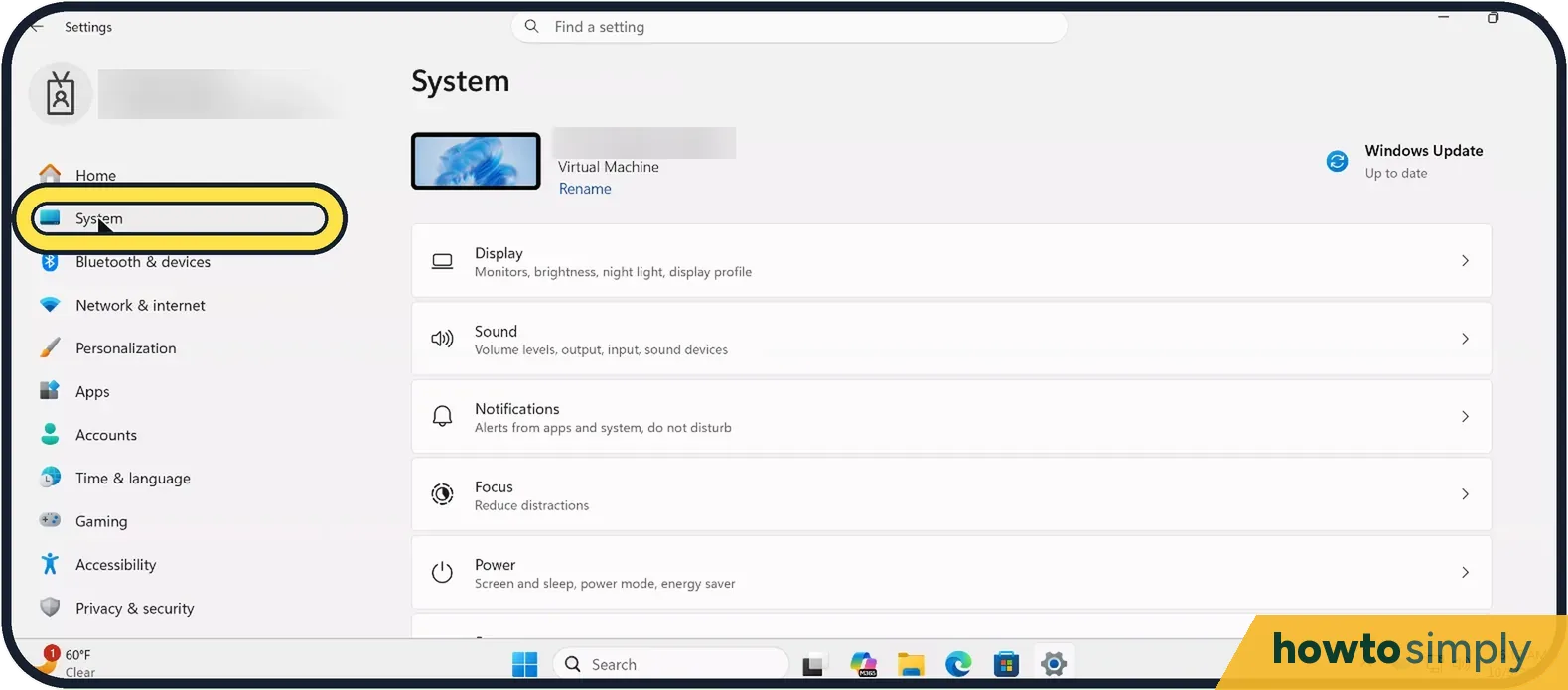 How to free up disk space on Windows 11 ▶ Video
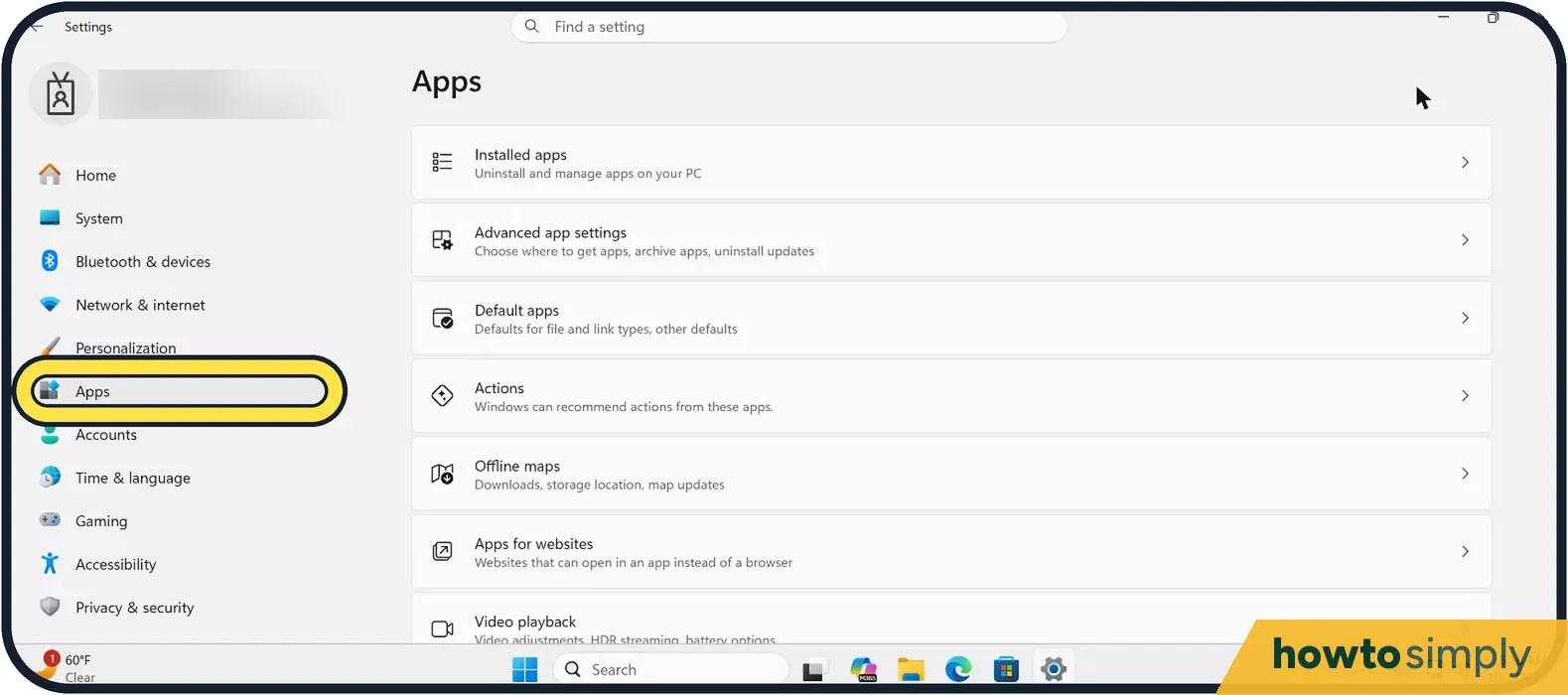 How to stop apps from opening at startup on Windows 11 ▶ Video
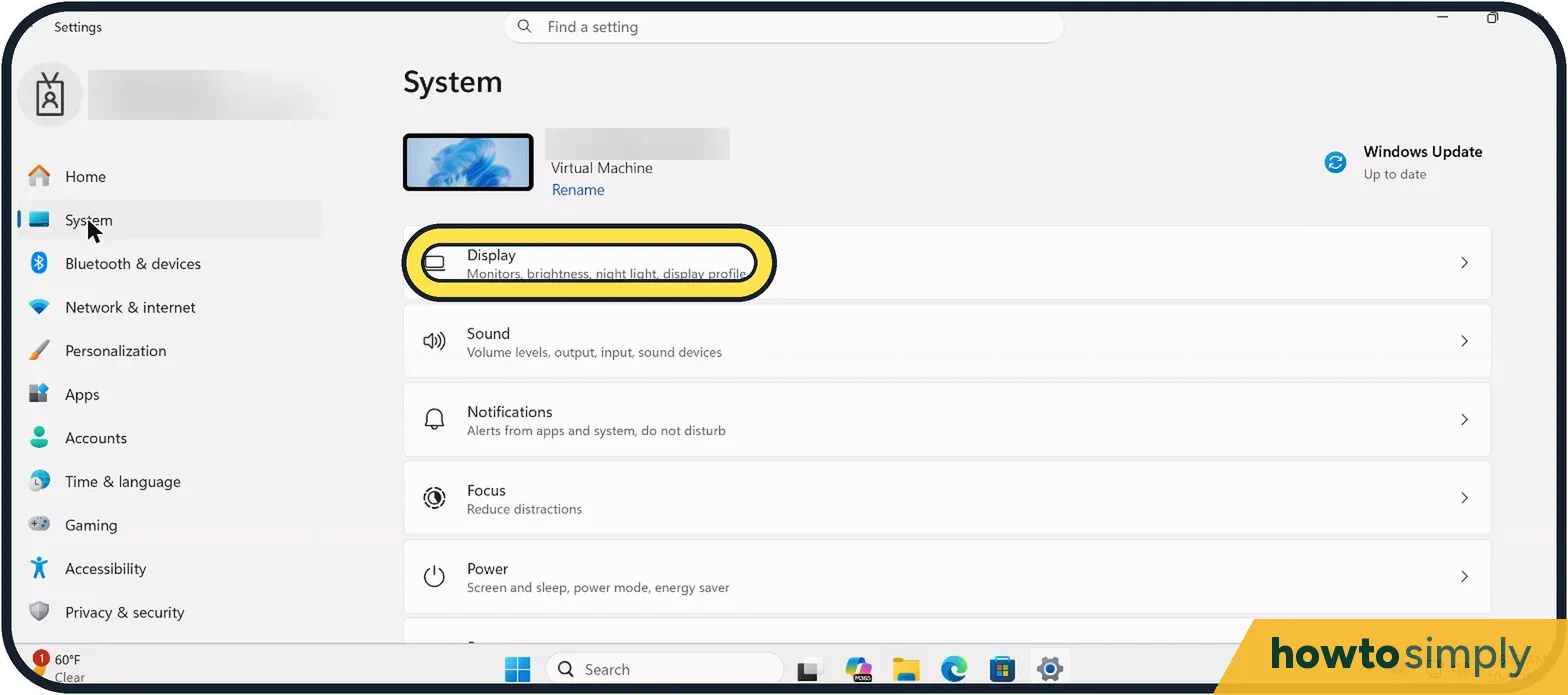 How to turn on Night light on Windows 11
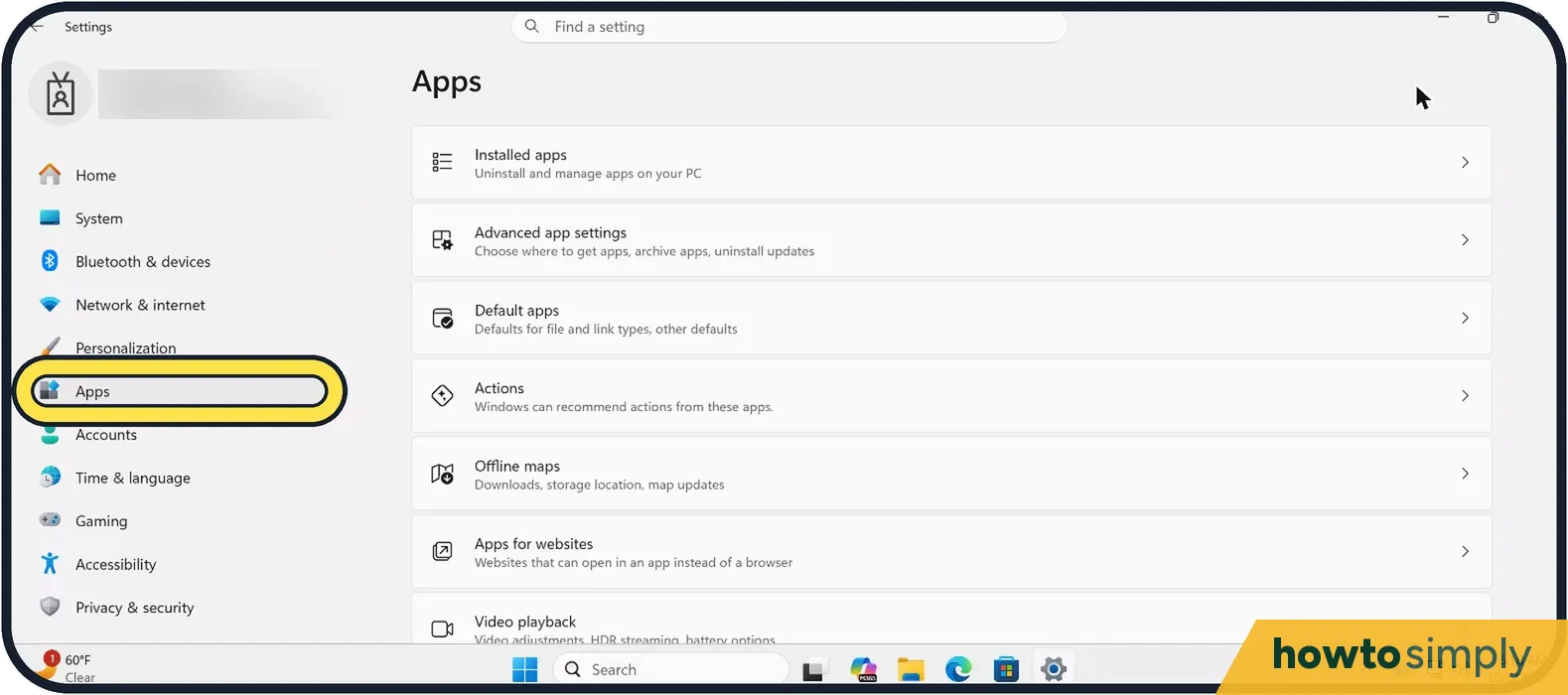 How to uninstall programs on Windows 11 ▶ Video
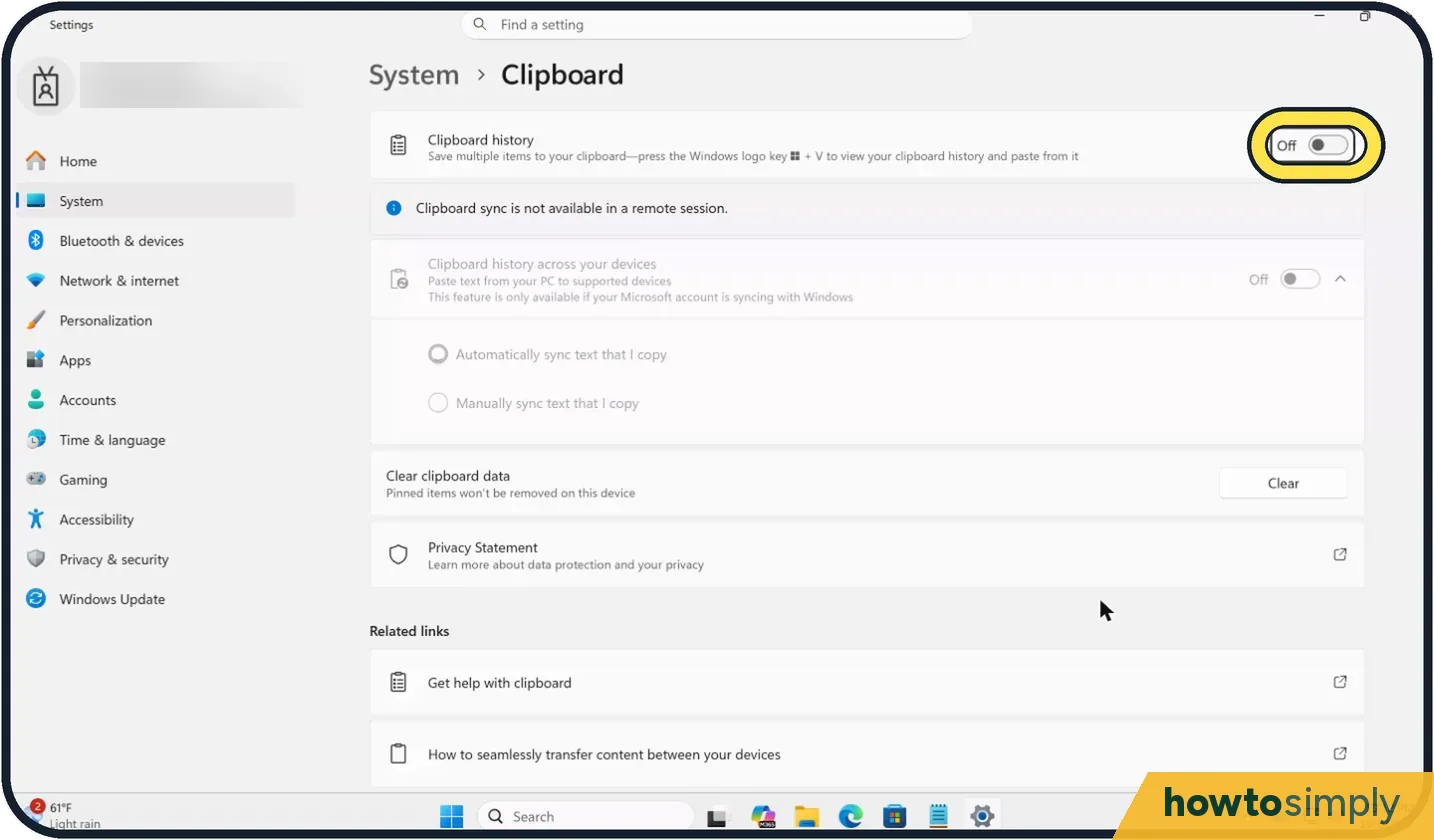 How to turn on clipboard history on Windows 11
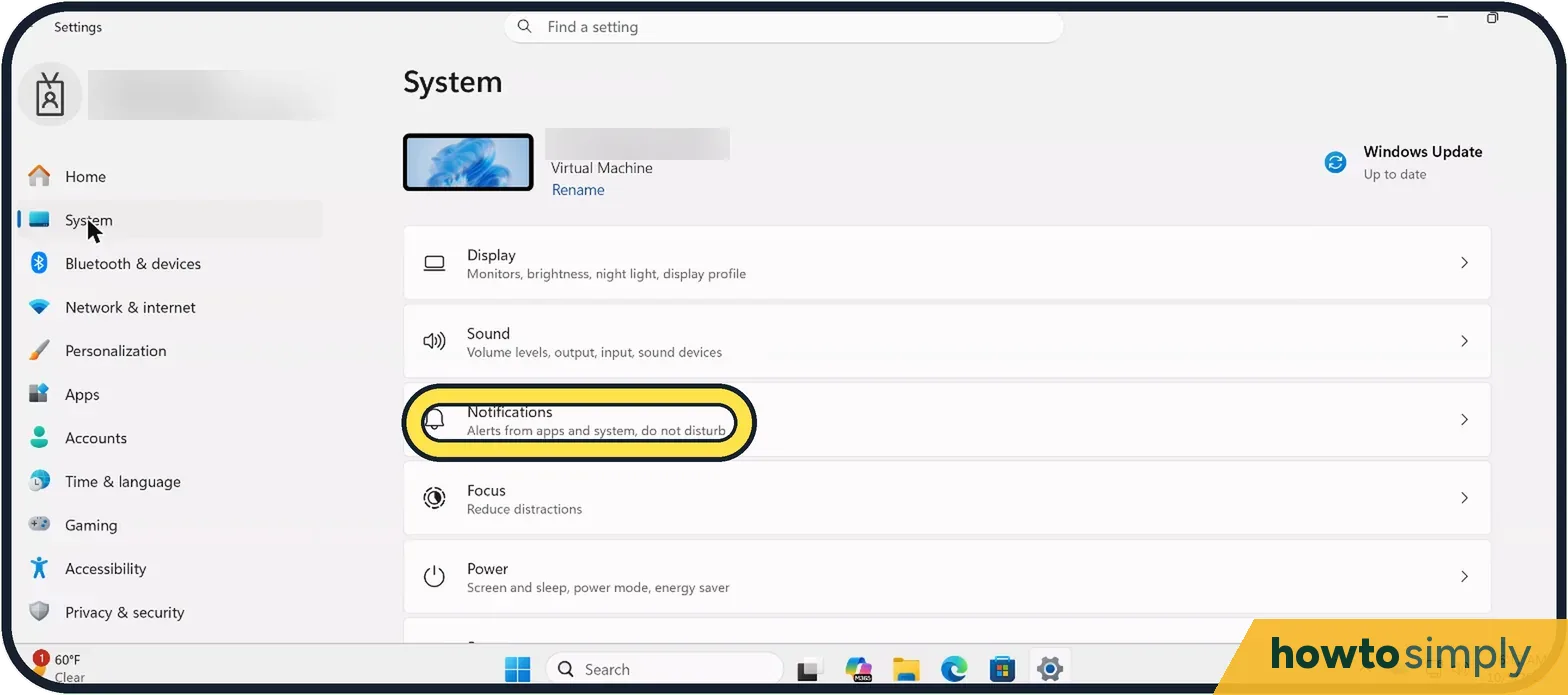 How to turn off notifications on Windows 11 ▶ Video
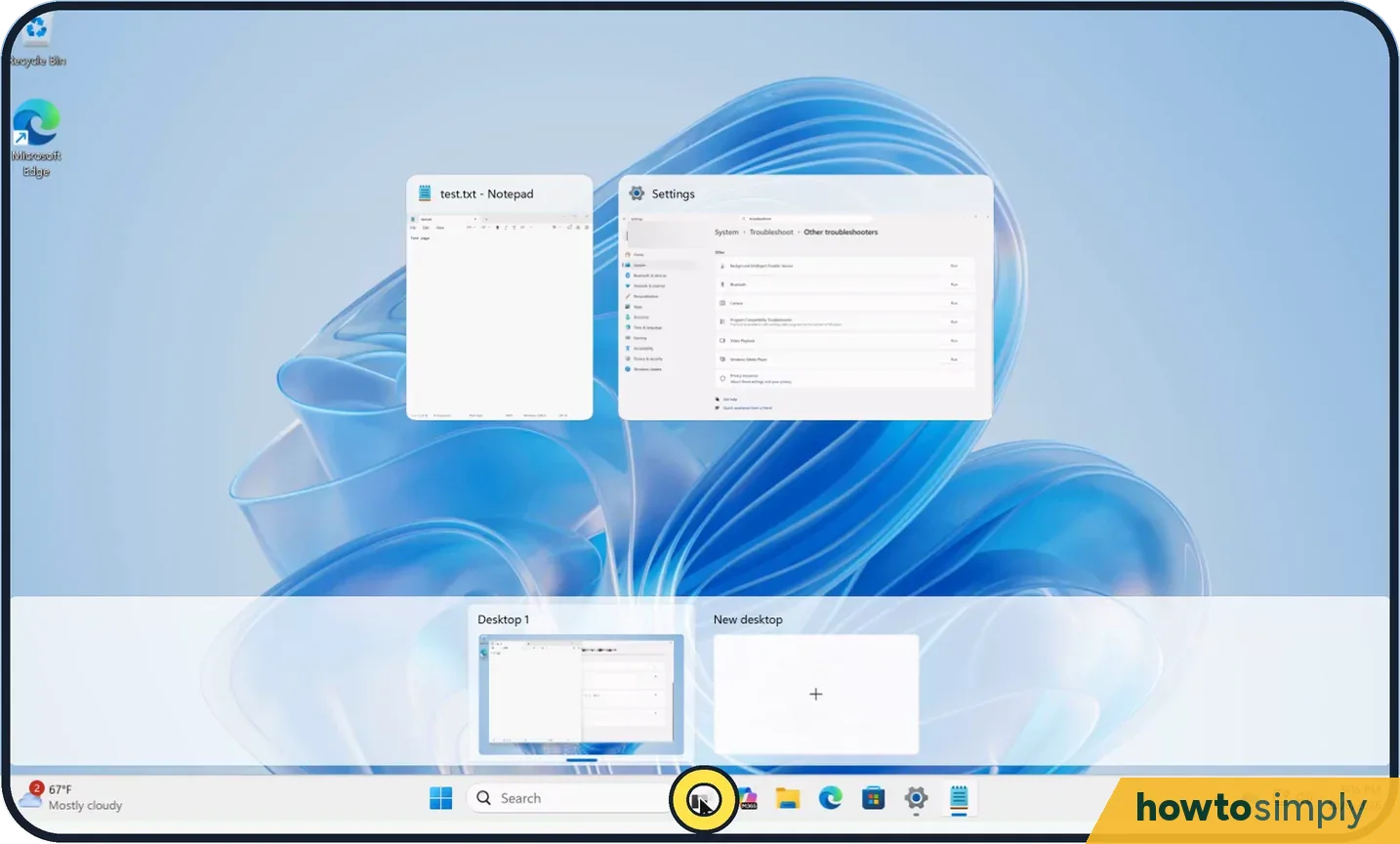 How to use multiple desktops on Windows 11
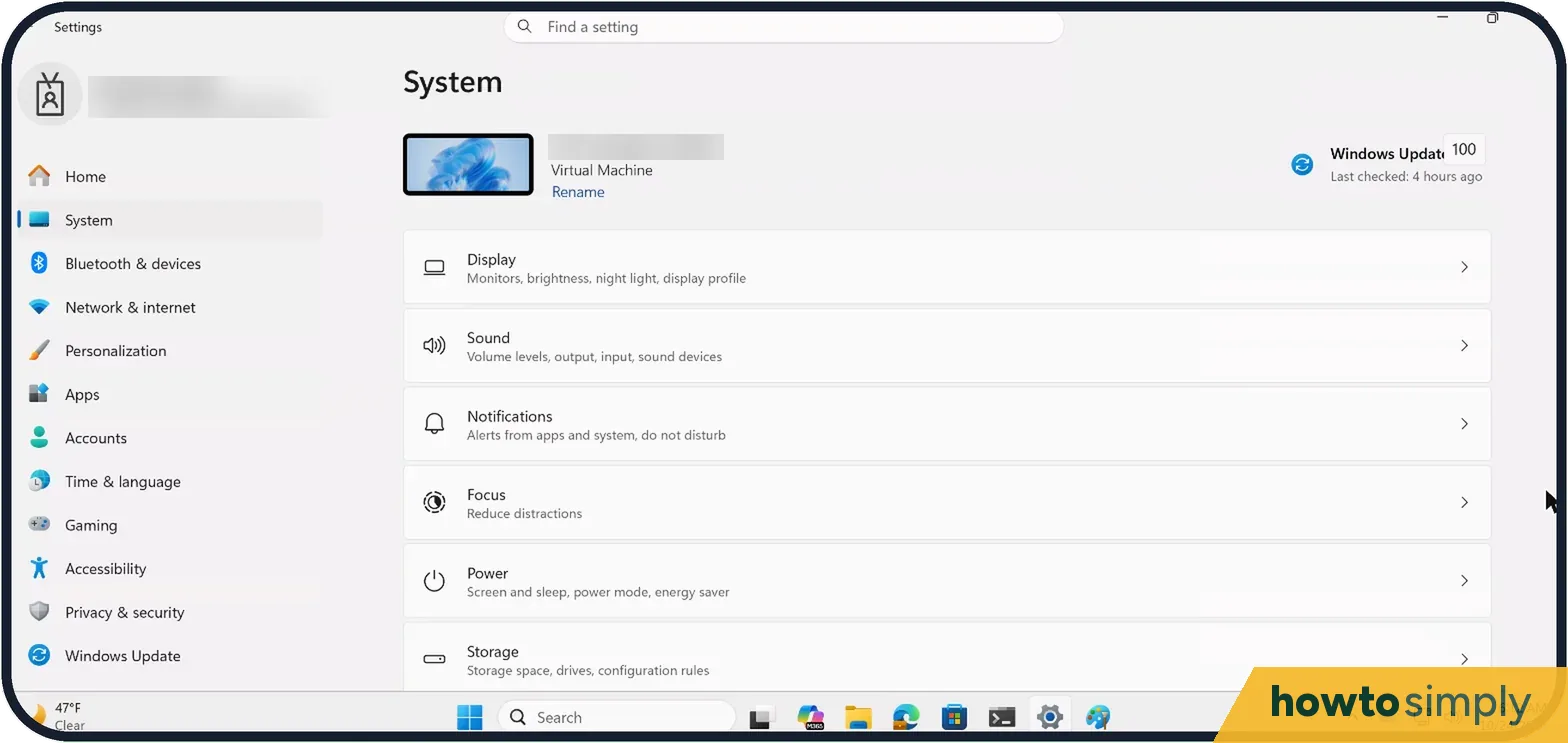 How to check the specs of a Windows 11 PC ▶ Video
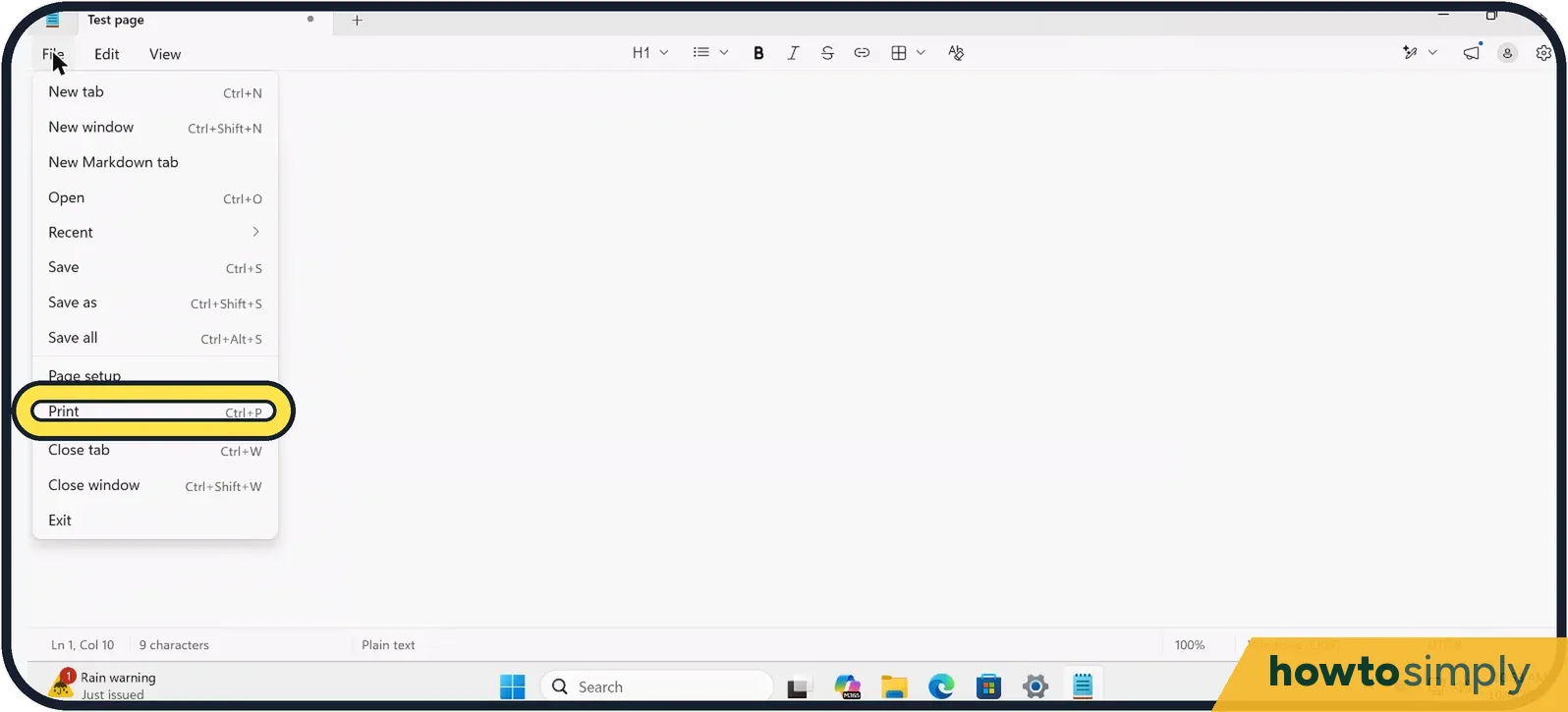 Print to PDF not showing the save window on Windows 11? Fix
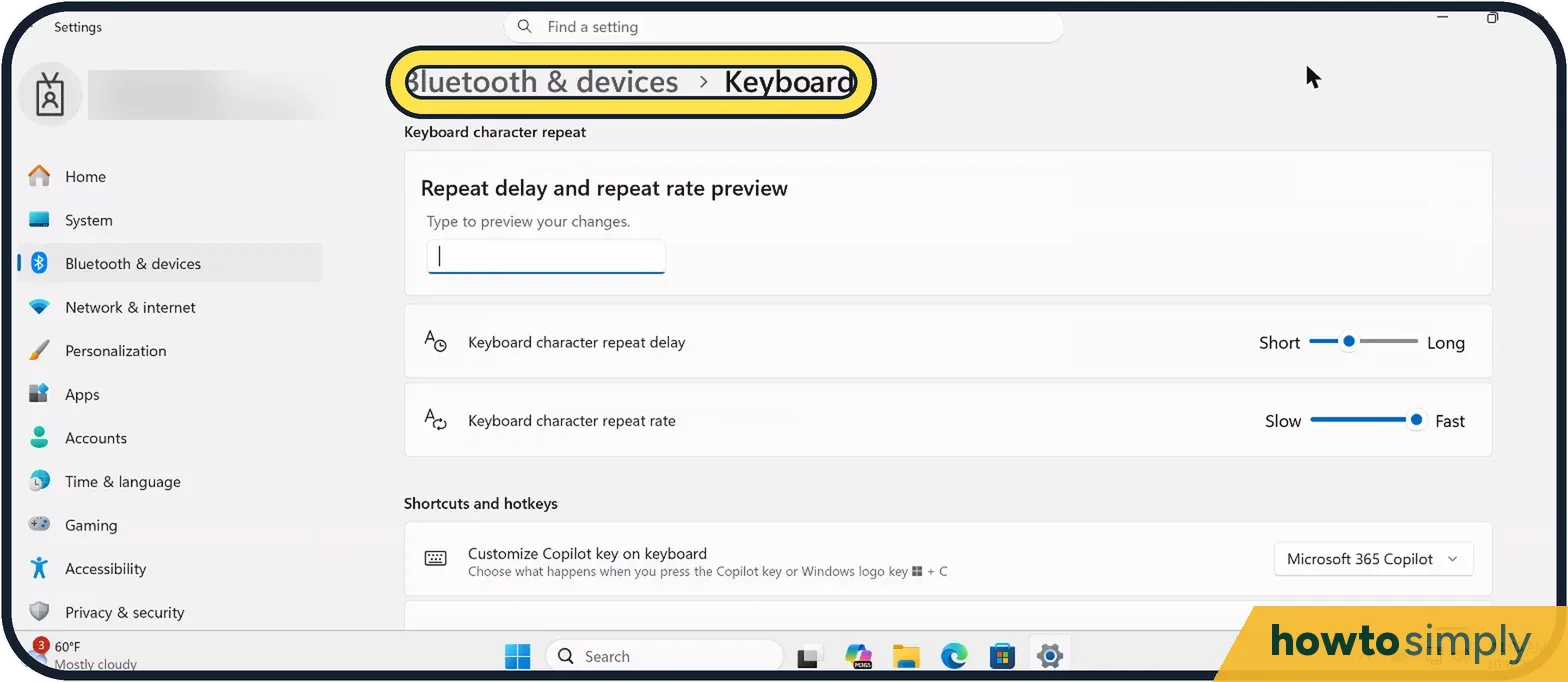 How to stop Print Screen opening Snipping Tool on Windows 11
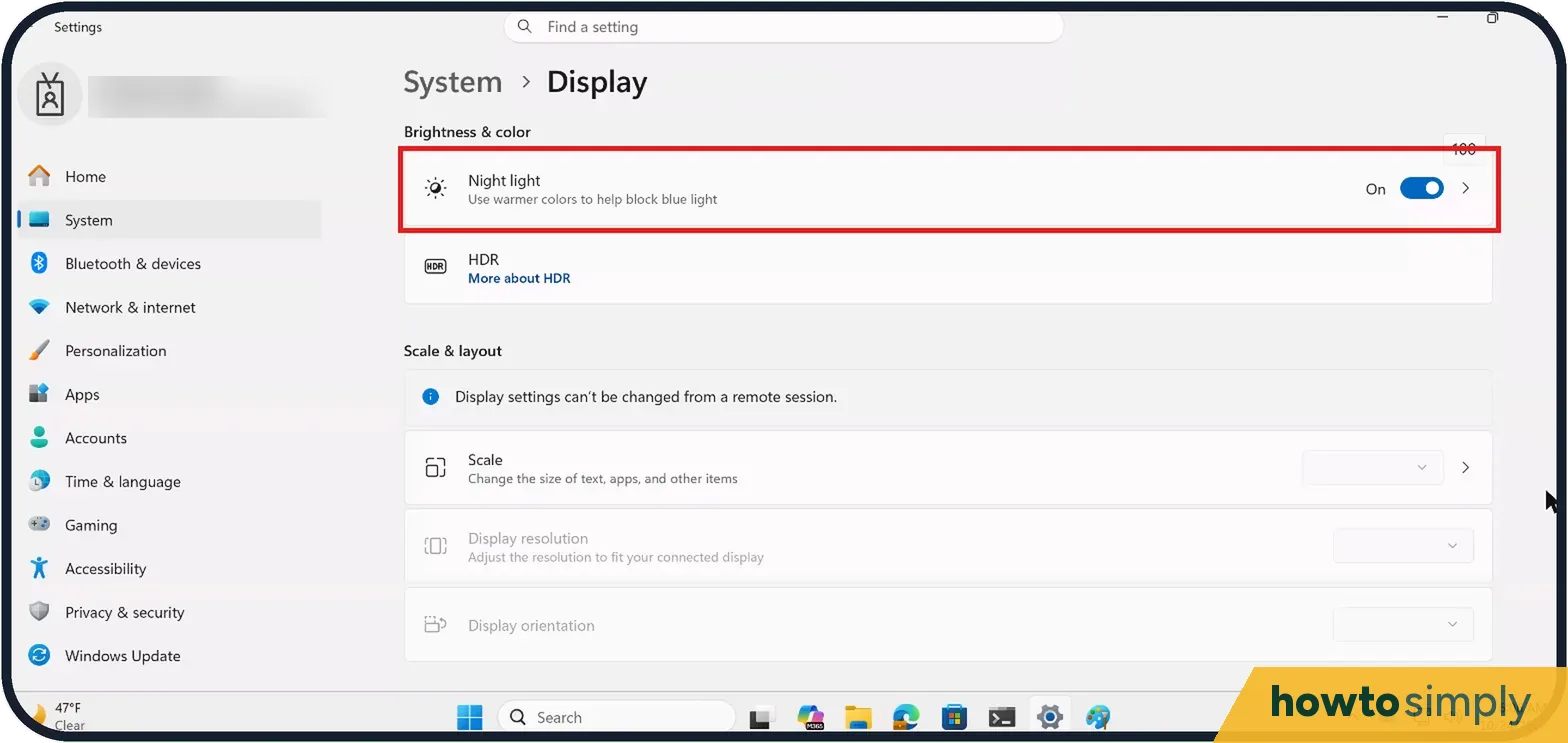 Windows 11 screen has a yellow or pink tint? How to fix it
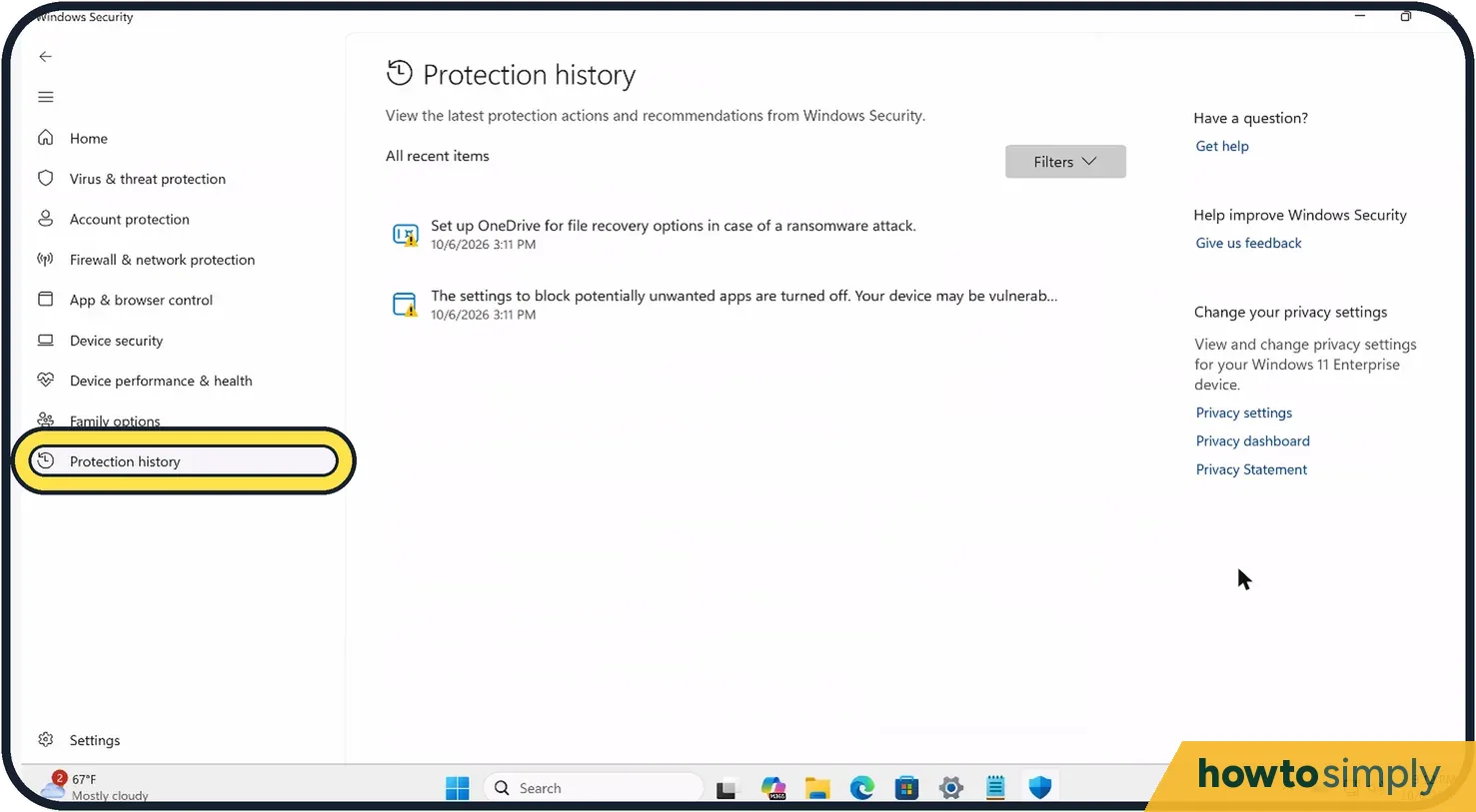 Windows Security or Smart App Control blocked an app? What to do
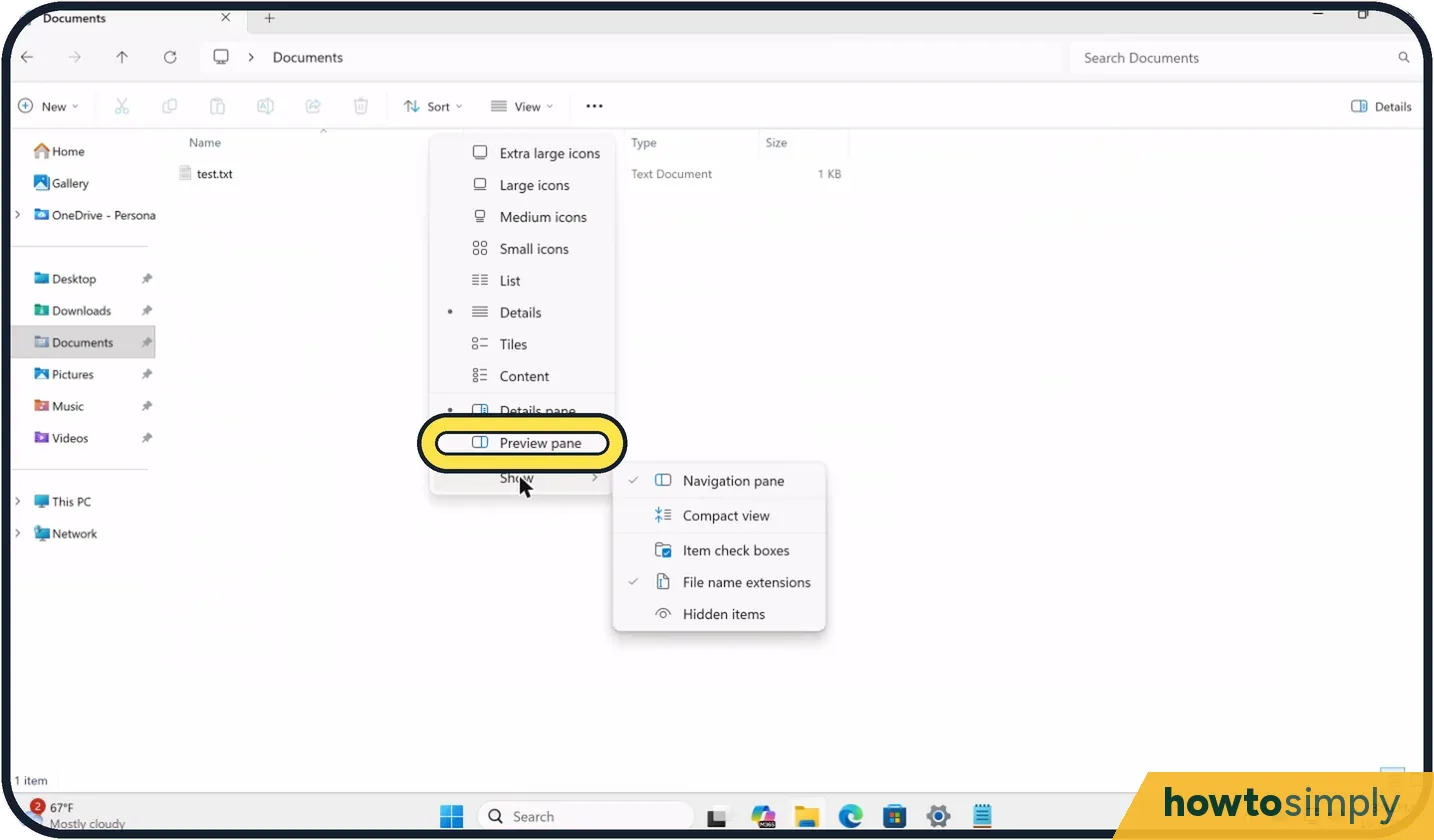 File Explorer preview pane not working on Windows 11? Fixes
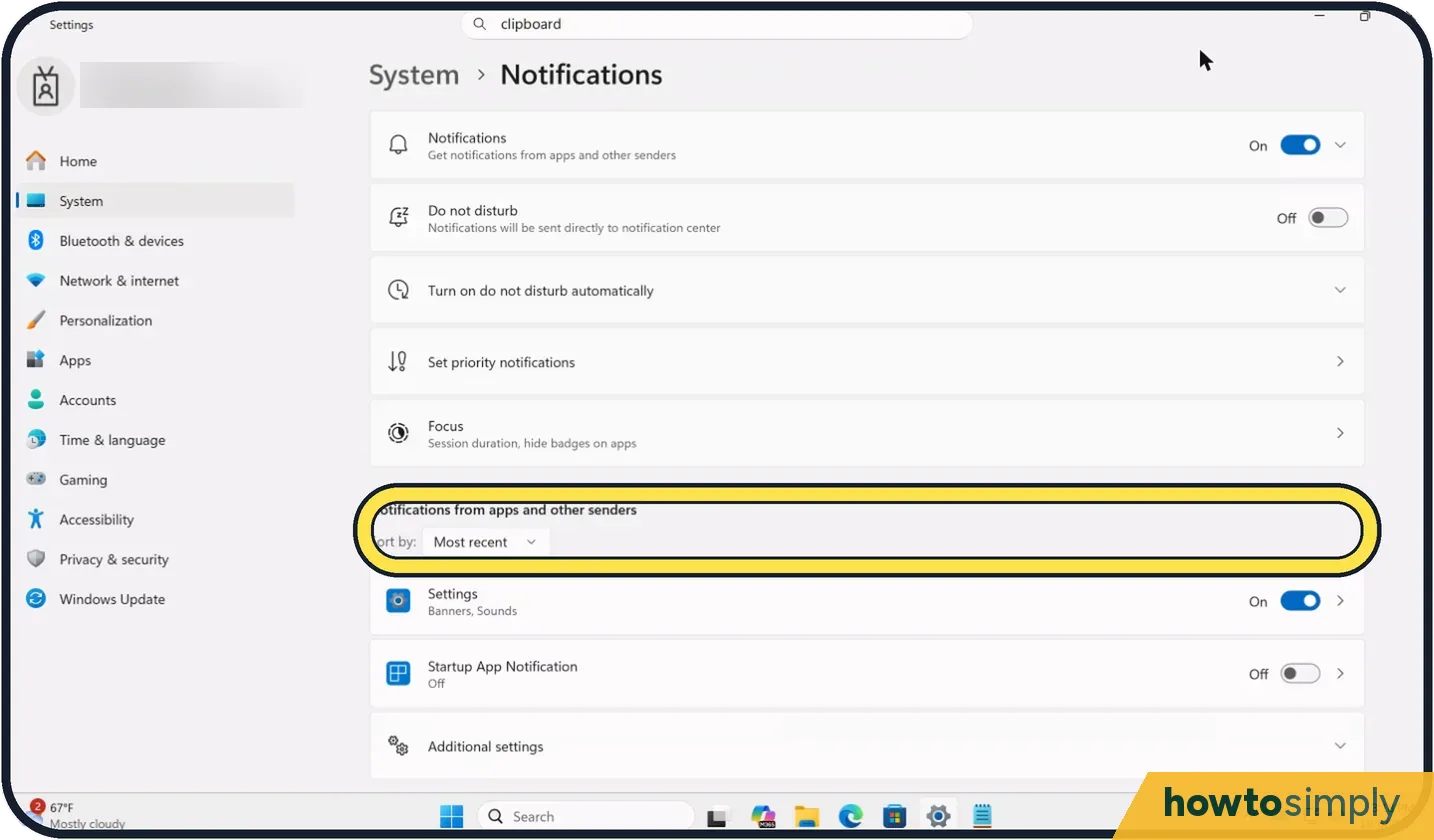 How to stop notifications popping up on Windows 11
 Taskbar Search box or icons missing on Windows 11? Get them back
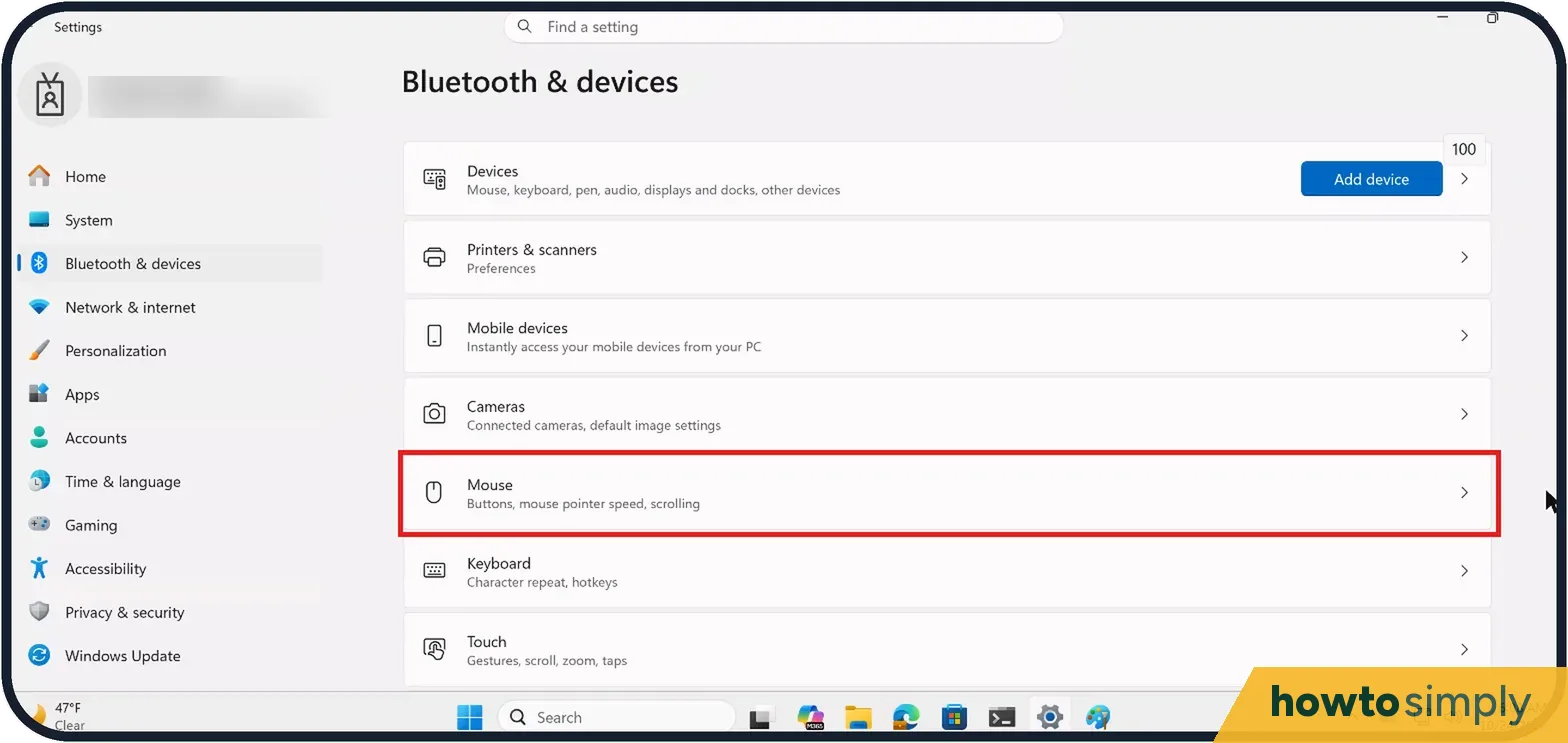 Mouse scrolling too fast or the wrong way on Windows 11? Fix it
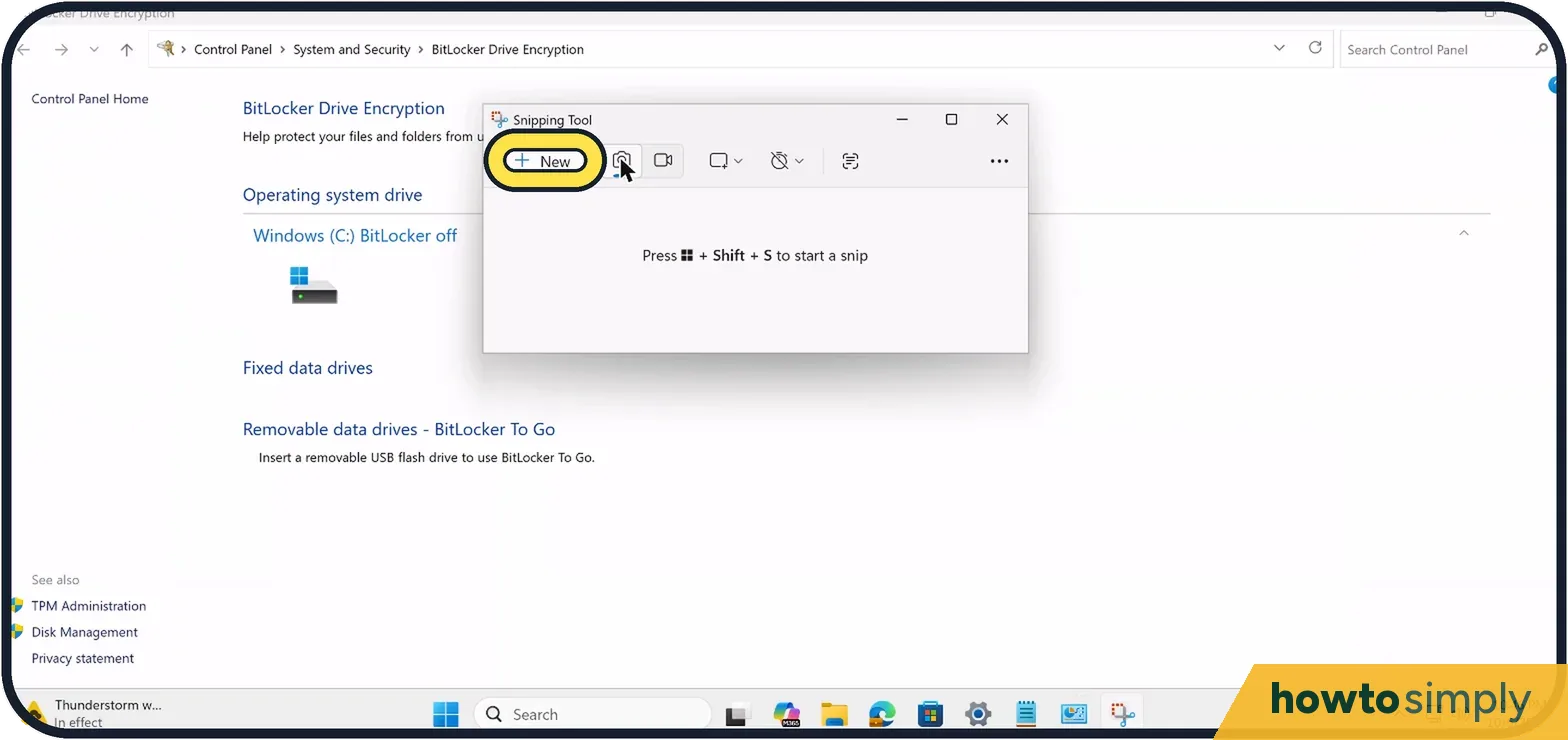 How to copy text from a screenshot on Windows 11 with Snipping Tool
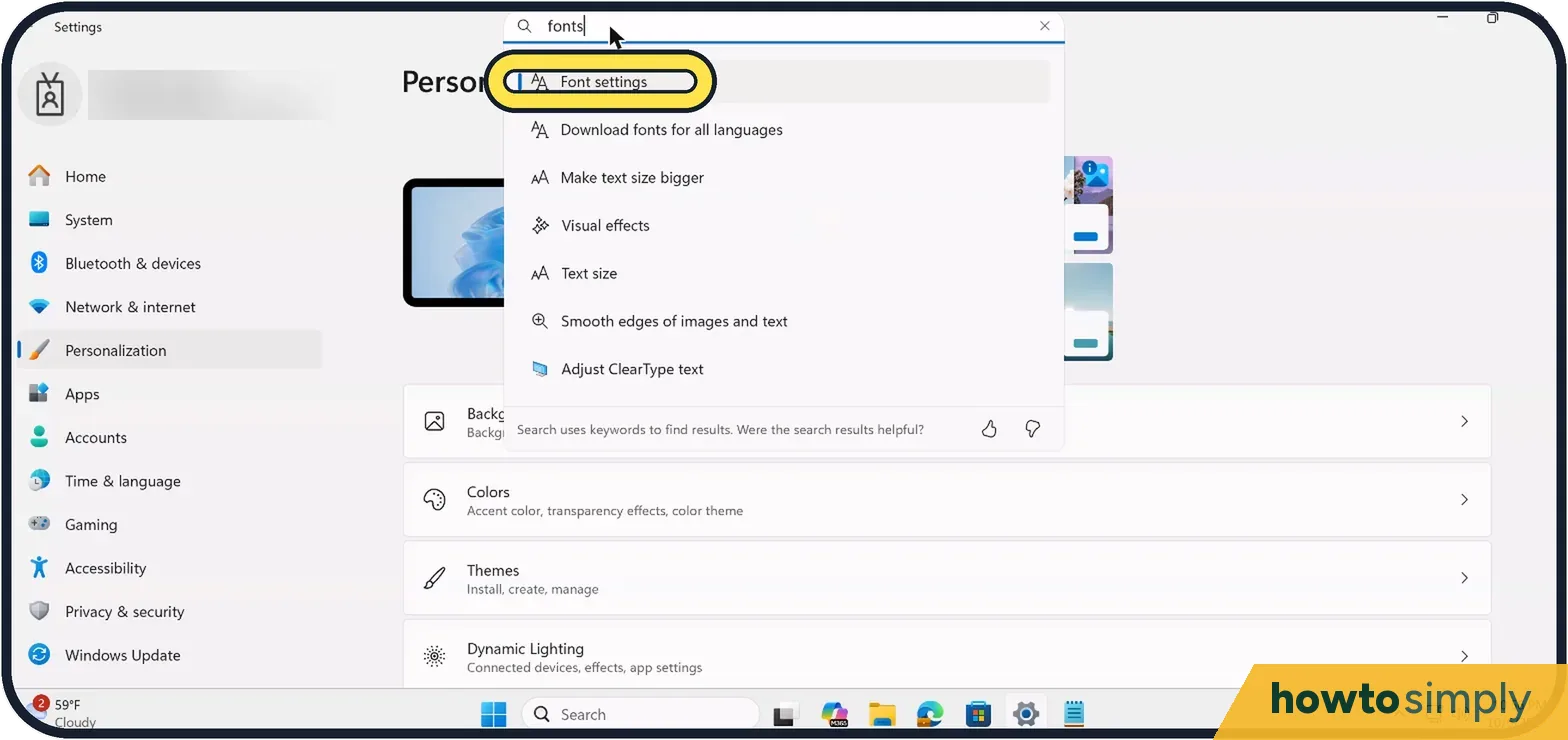 How to install fonts on Windows 11
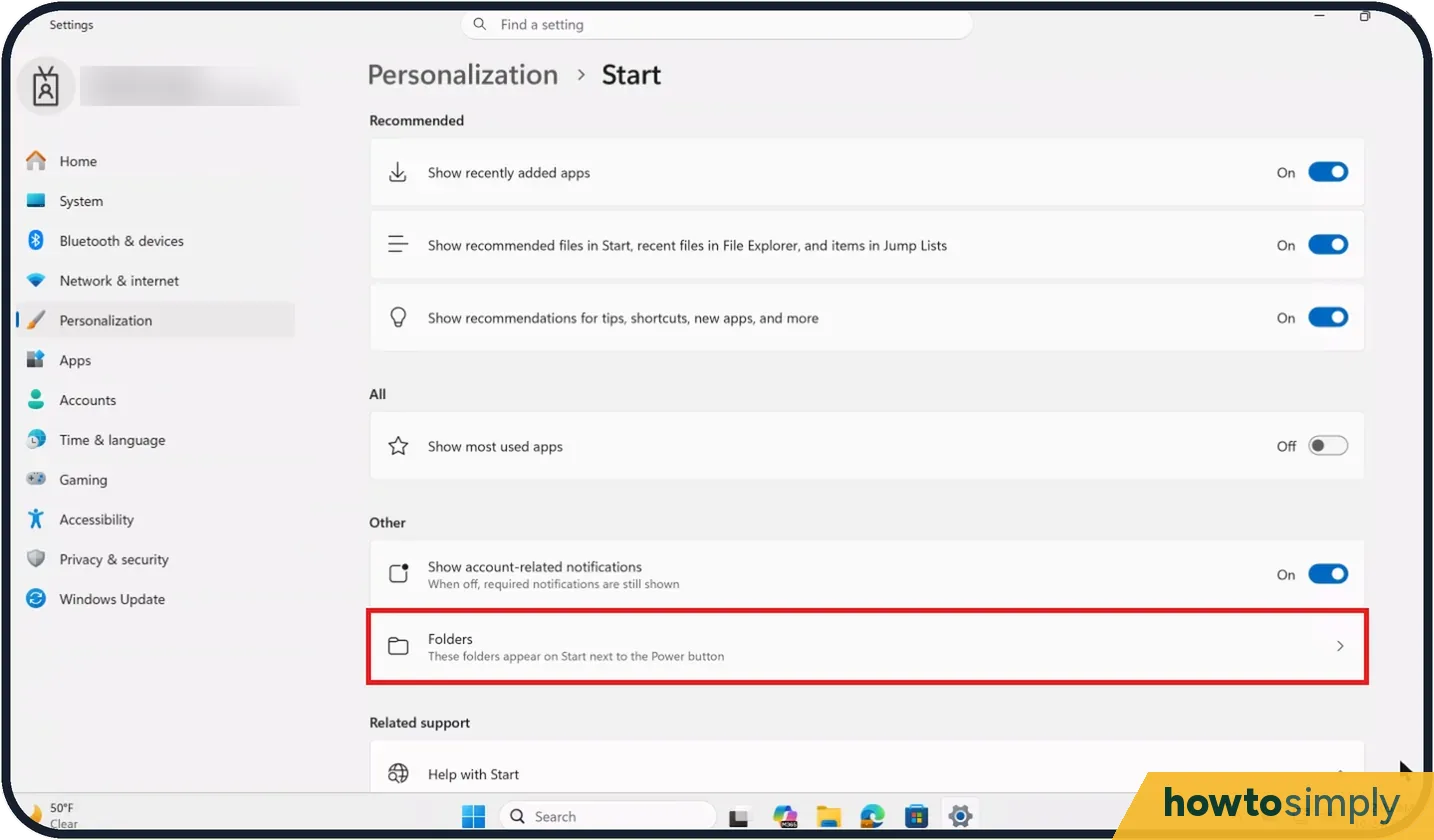 How to add Settings, File Explorer and other folders to the Start menu on Windows 11
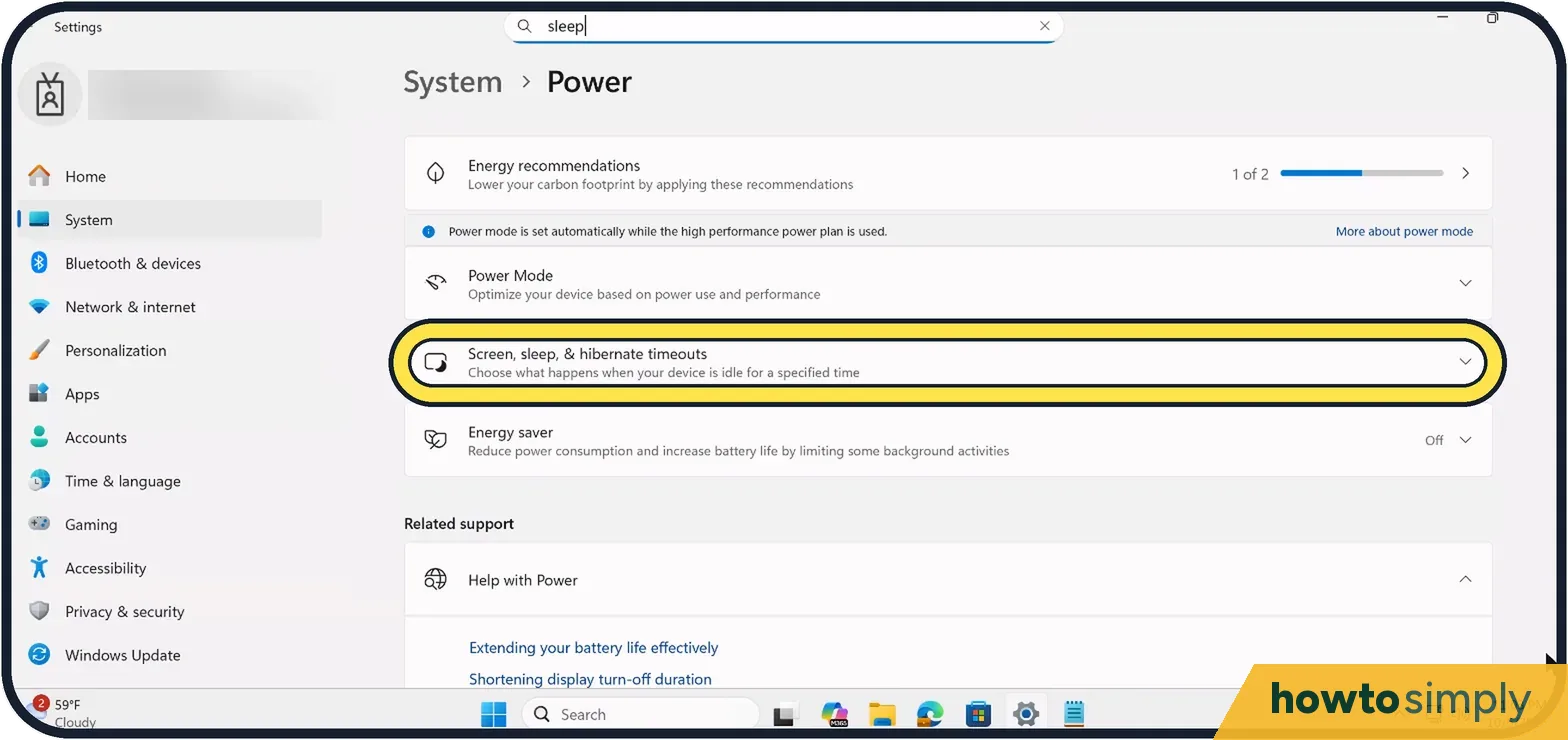 How to change when the screen turns off on Windows 11
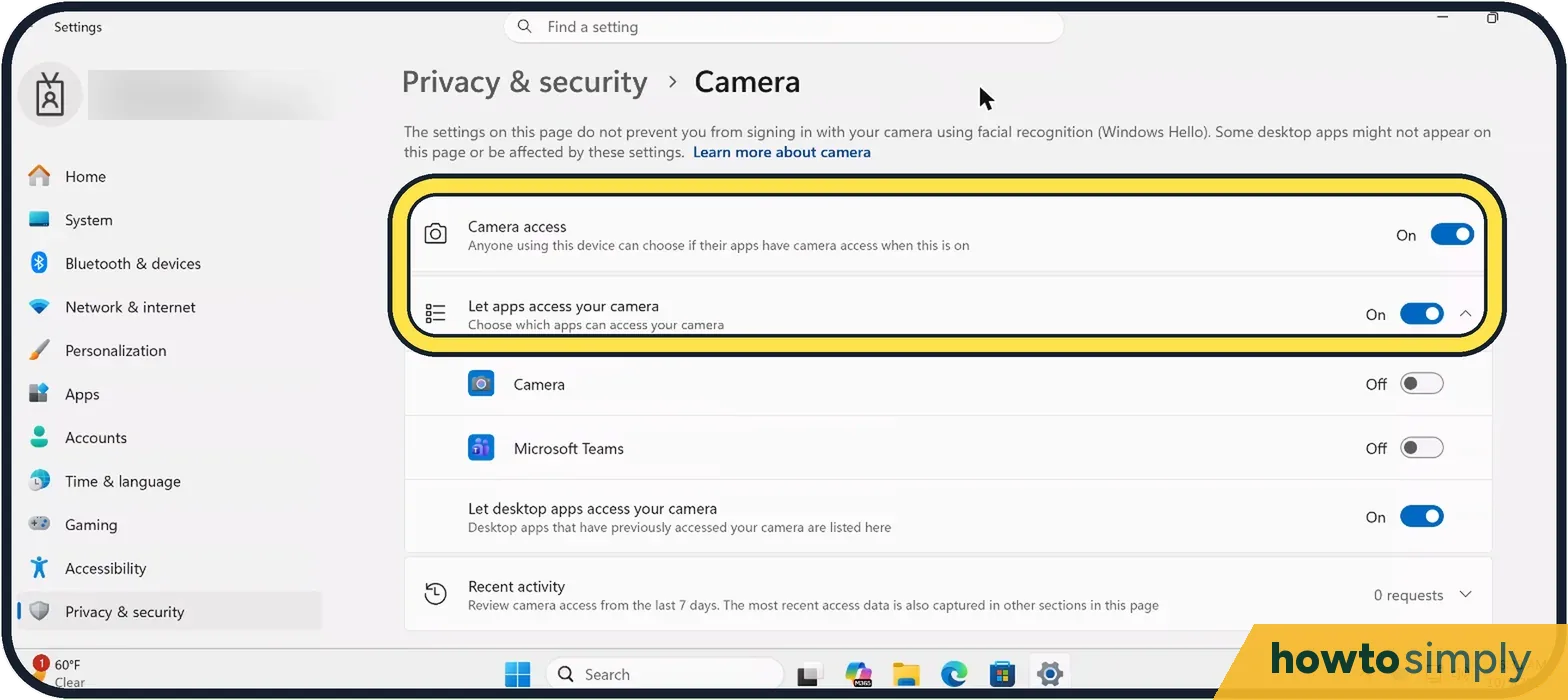 Windows 11 camera not working? 9 fixes to try
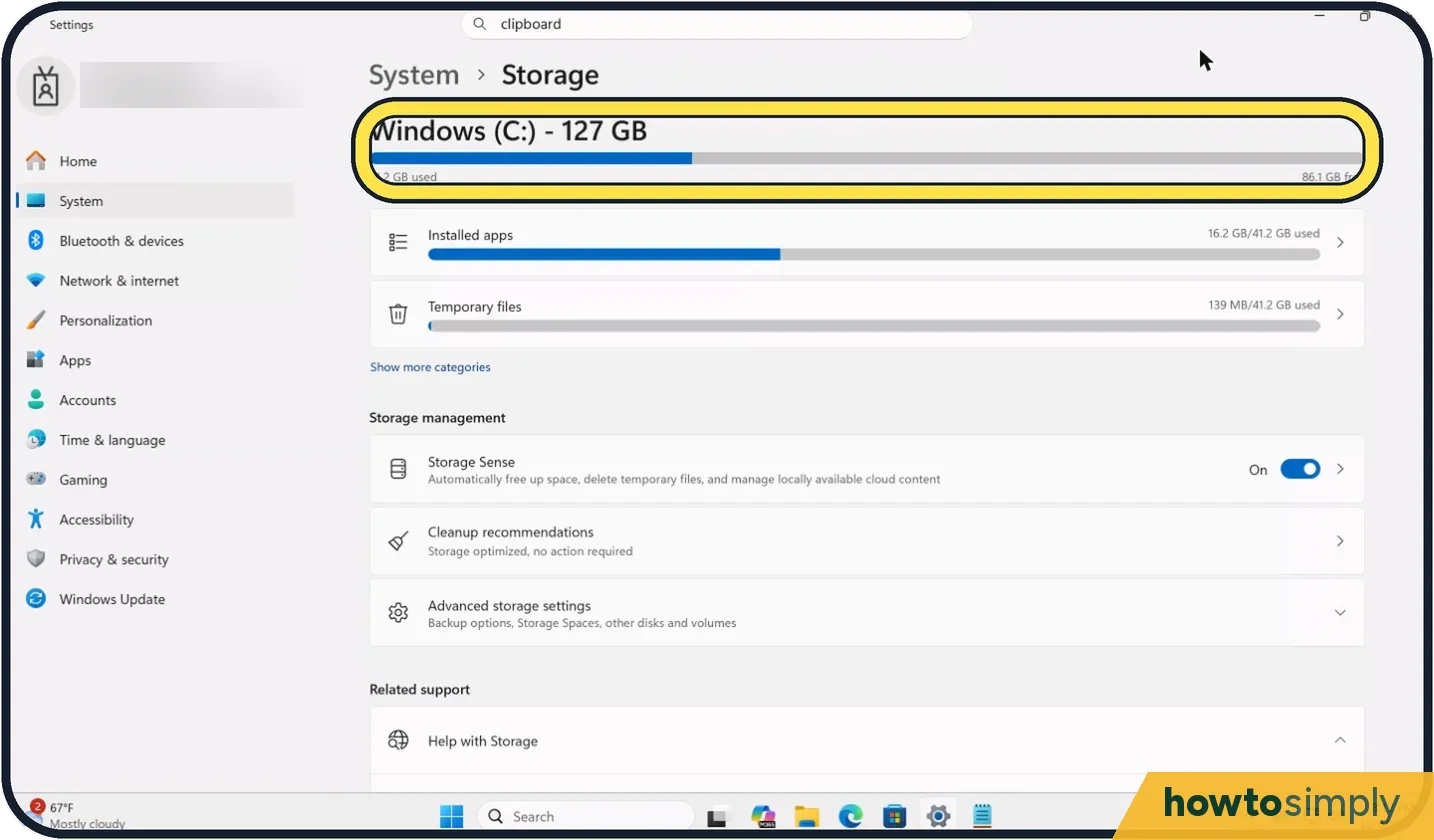 How to turn on Storage Sense on Windows 11
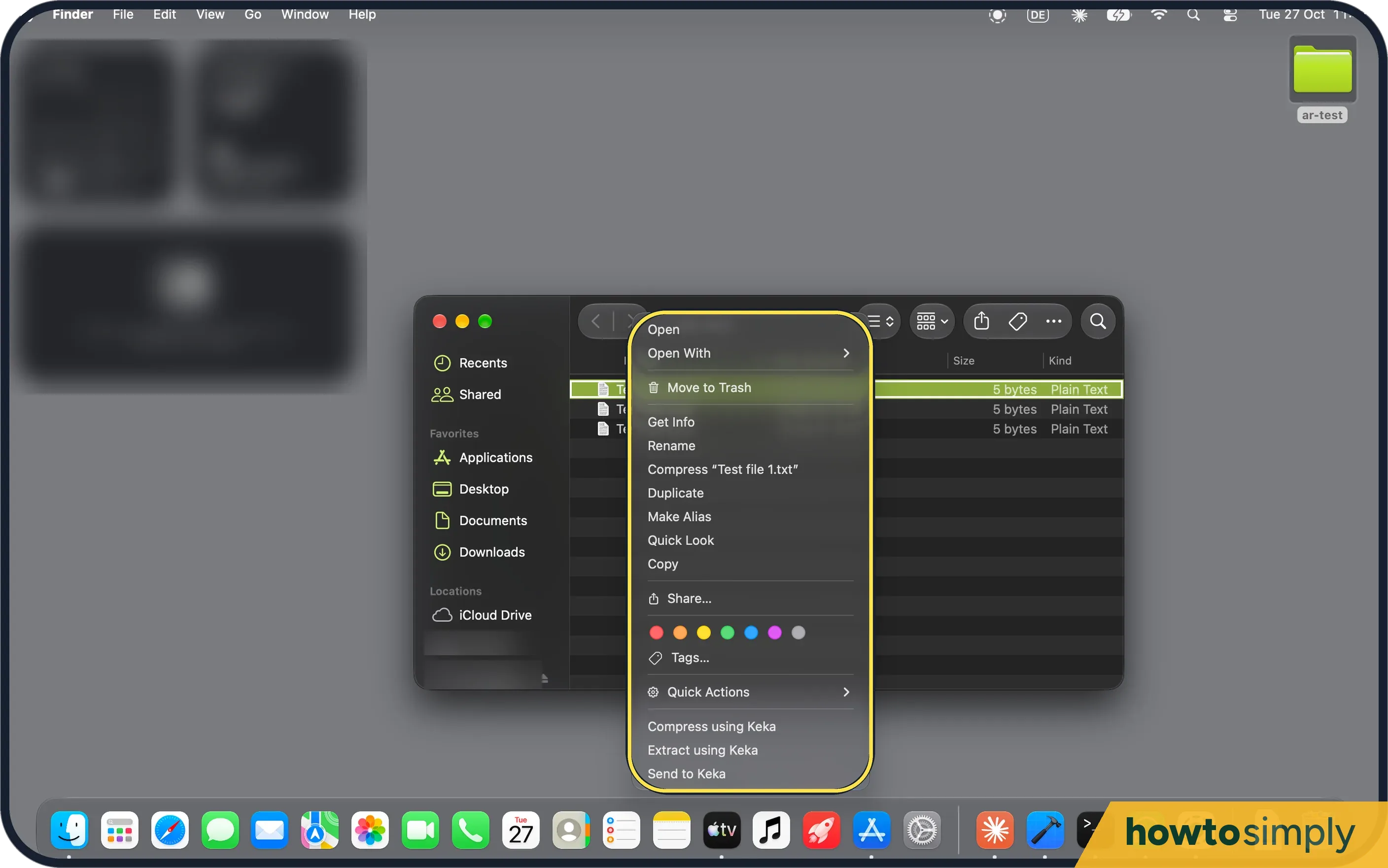 Coming from Windows: 10 habits and the Mac way
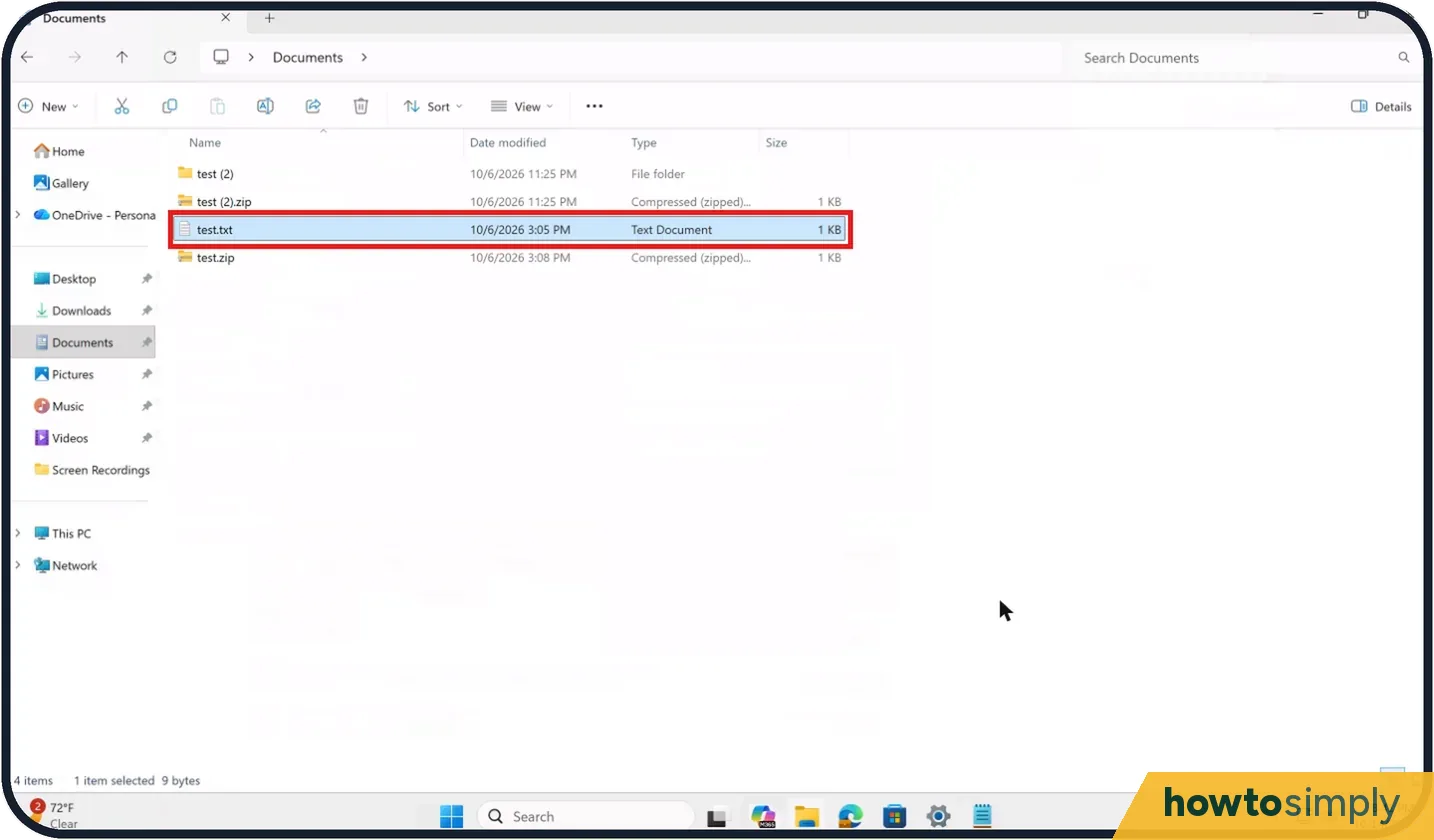 How to zip and unzip files on Windows 11 ▶ Video
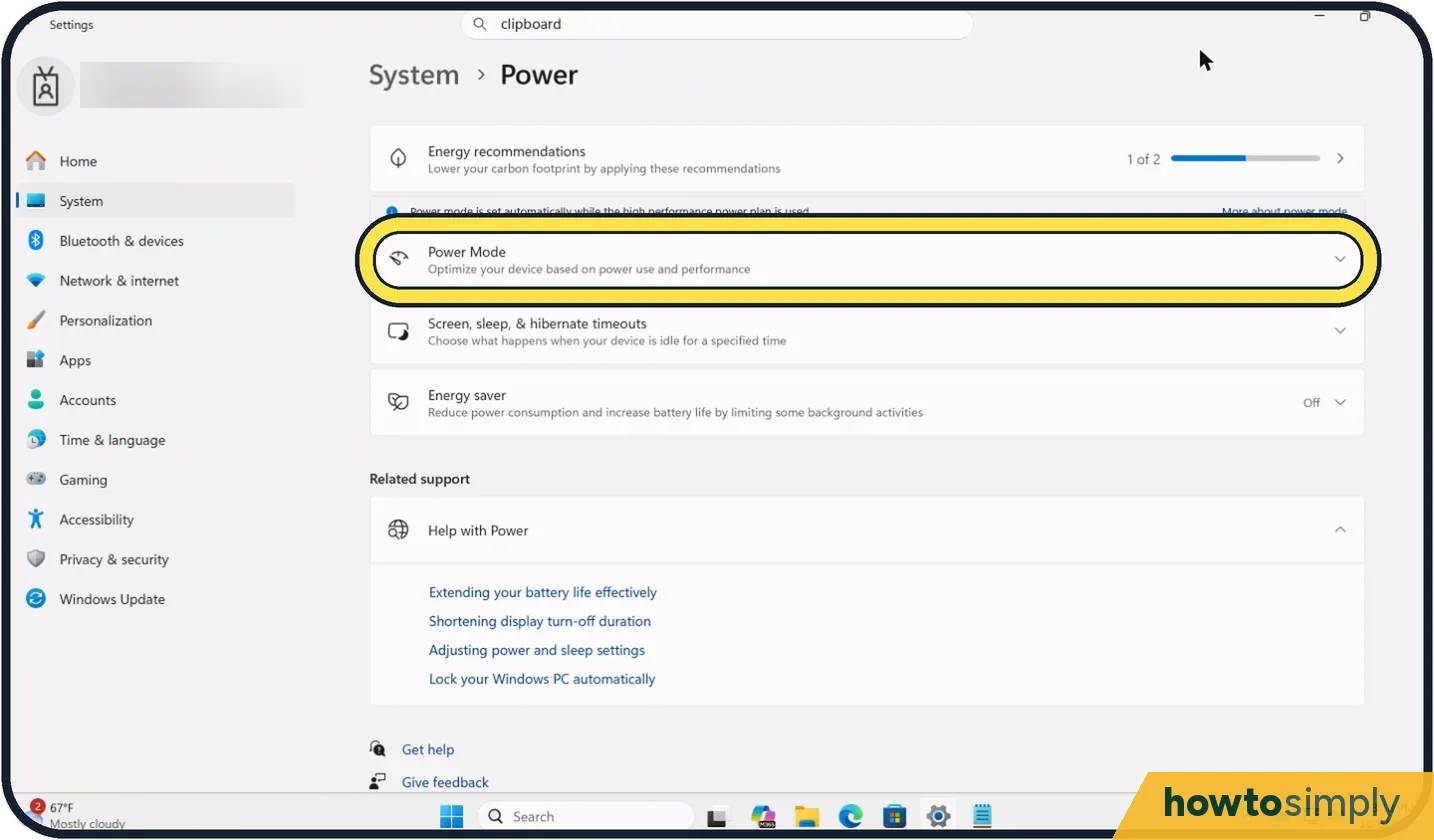 How to change the power mode on Windows 11
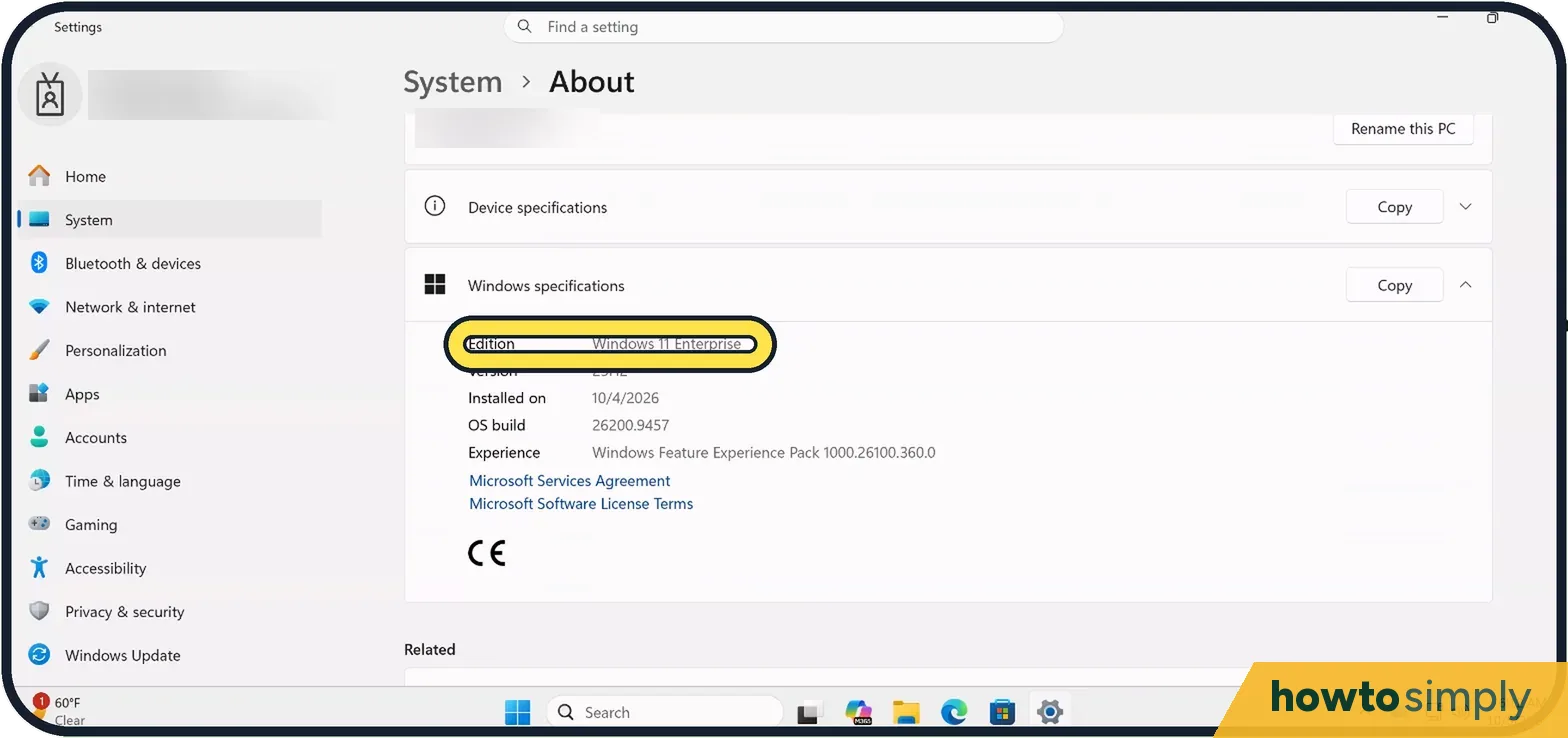 How to use Remote Desktop on Windows 11
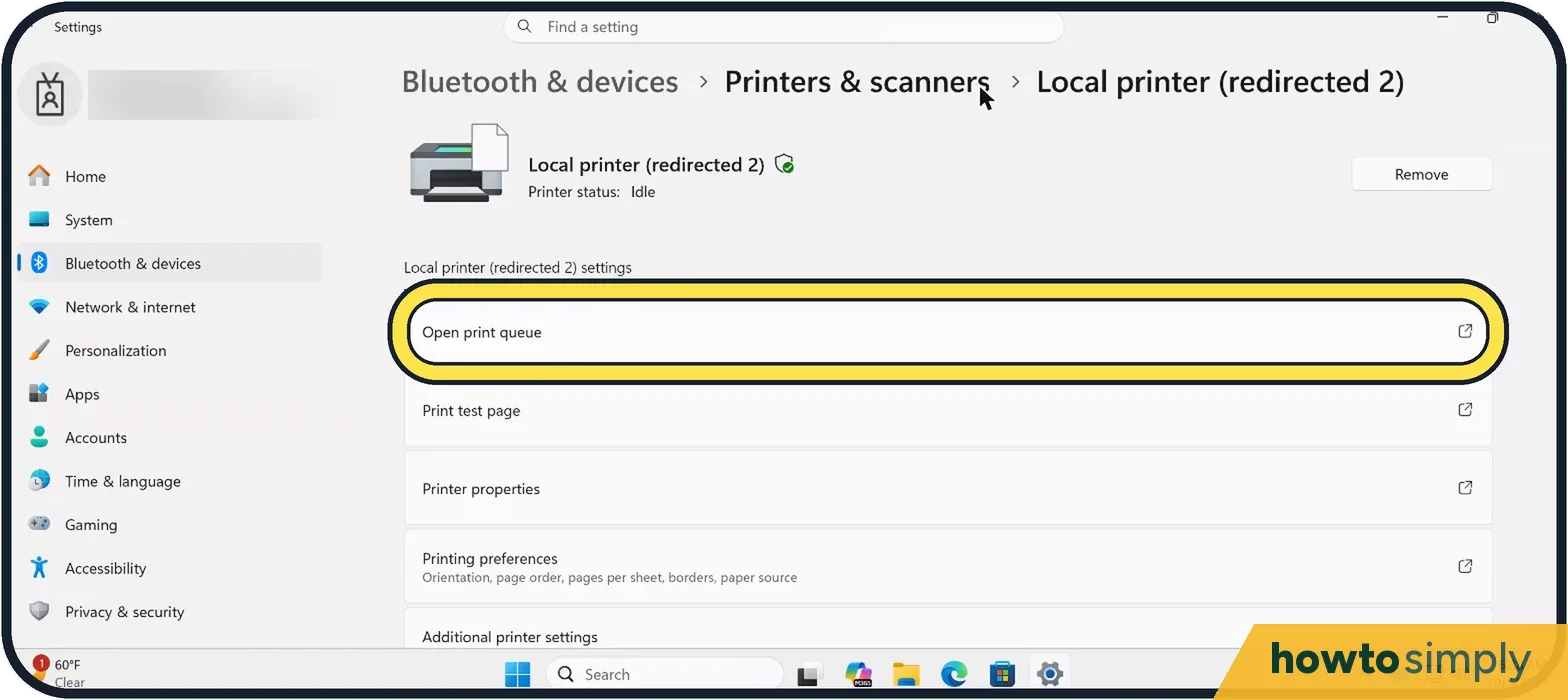 Print job stuck in the queue on Windows 11: 4 fixes to try
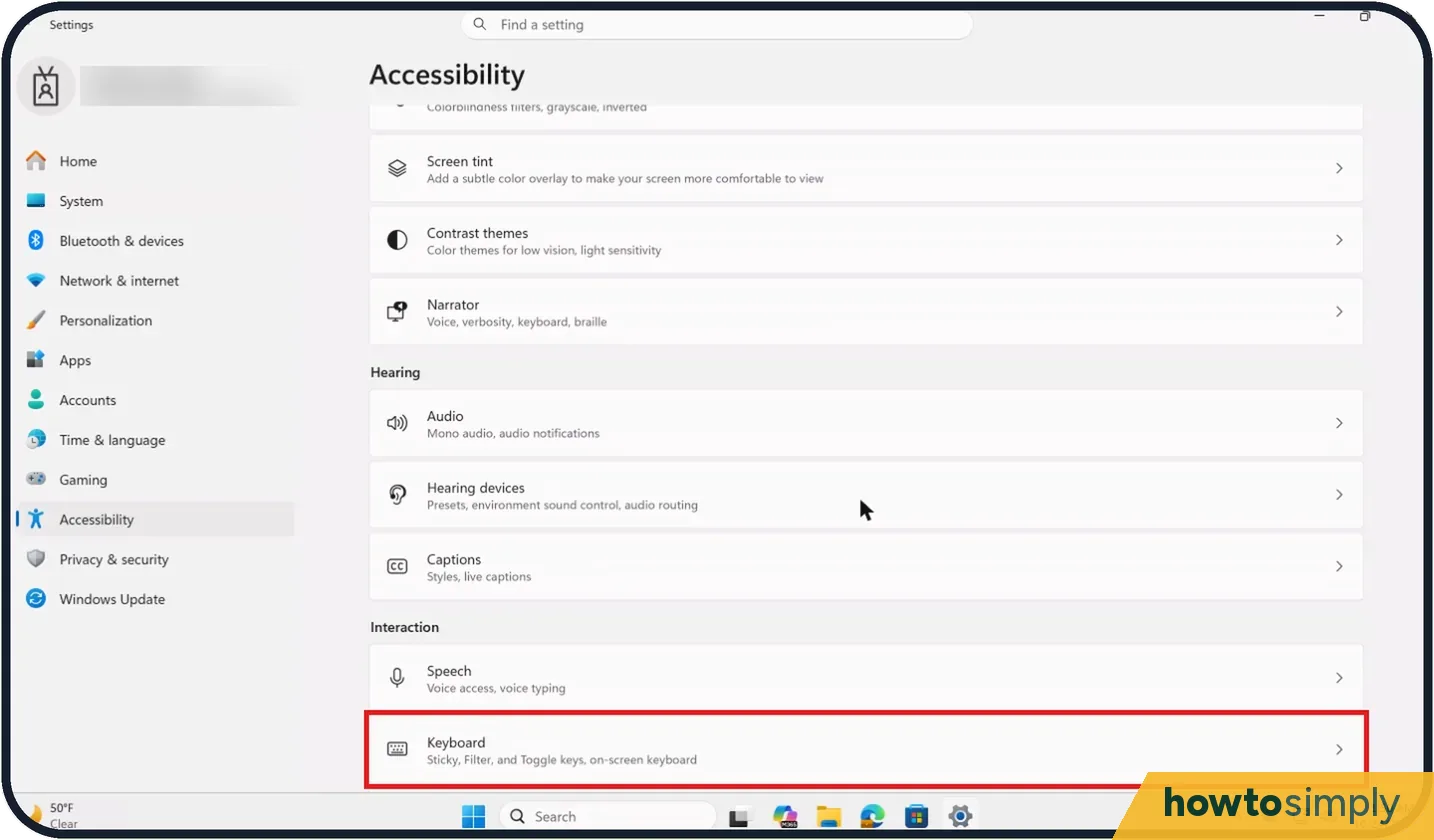 How to turn off Sticky Keys on Windows 11