Watch · Fix It Simply on YouTube
Less reading.
More doing.
Watch the steps from our guides as short videos, recorded on real phones and computers. Our channel is called Fix It Simply.
Subscribe on YouTube → Illustration
Easy to followThe same steps as the written guide
Real devicesRecorded on our own phones and Macs and a Windows 11 Cloud PC, not simulators
Version namedEach guide says which system it shows
All devicesiPhone, Android, Mac, Windows
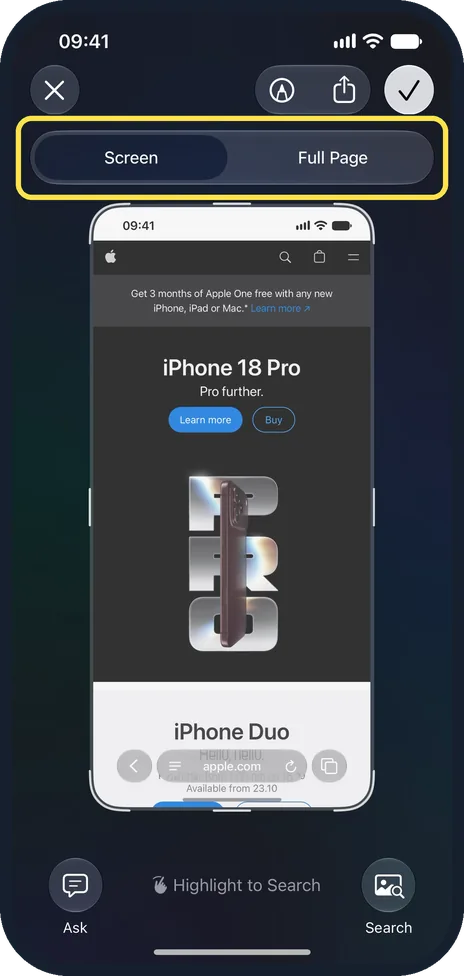
Featured video
How to take a full-page screenshot on an iPhone
Open the page in Safari and press the side button and volume up together. In the screenshot editor, tap Full Page at the top. Tap the tick, then Save PDF to…
Watch with the guide →Latest videos
View all on YouTubeHow to take a full-page screenshot on an iPhoneiPhone · watch with the steps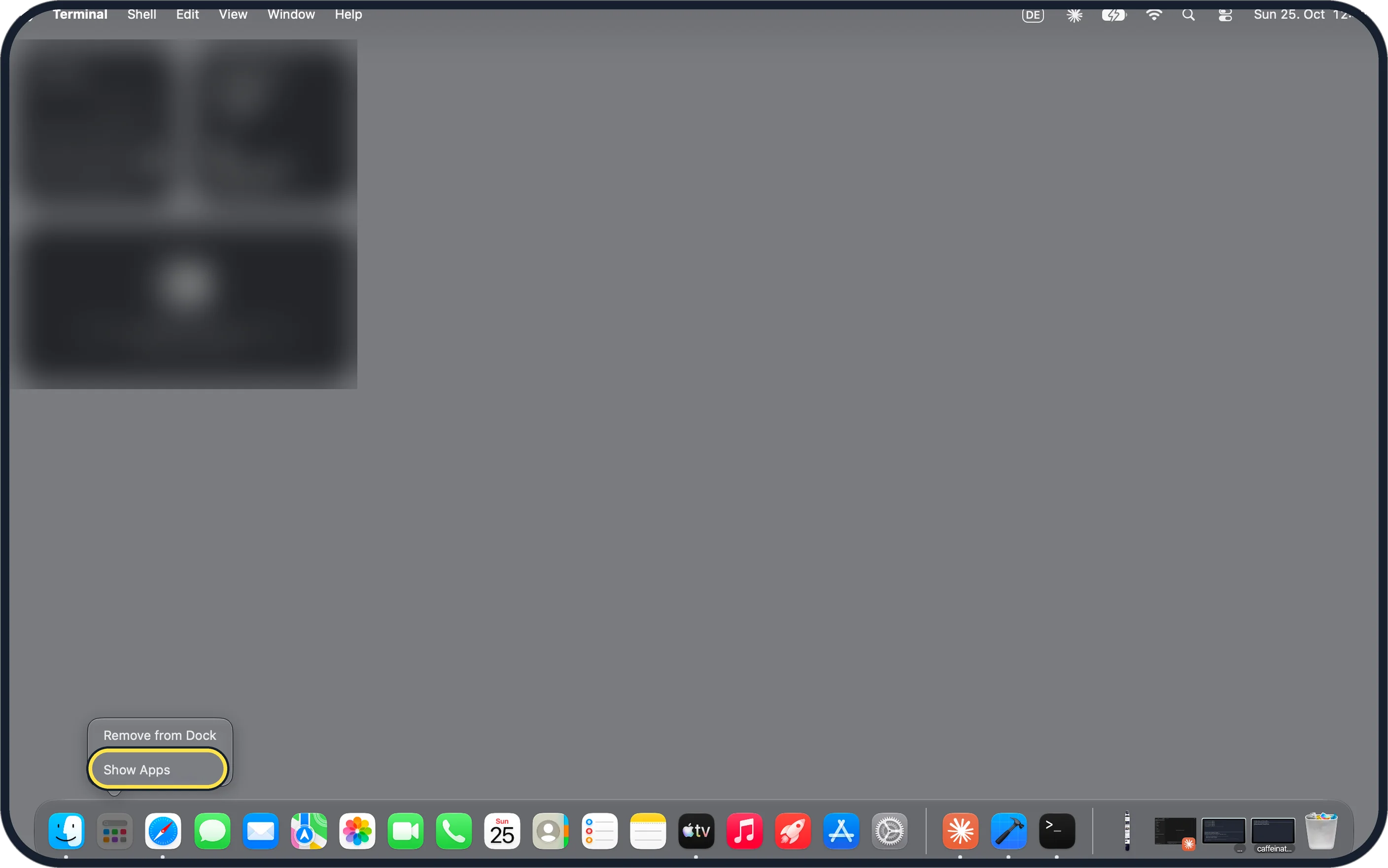 Where is Launchpad on a Mac? How to open your apps in macOS 27Mac · watch with the steps
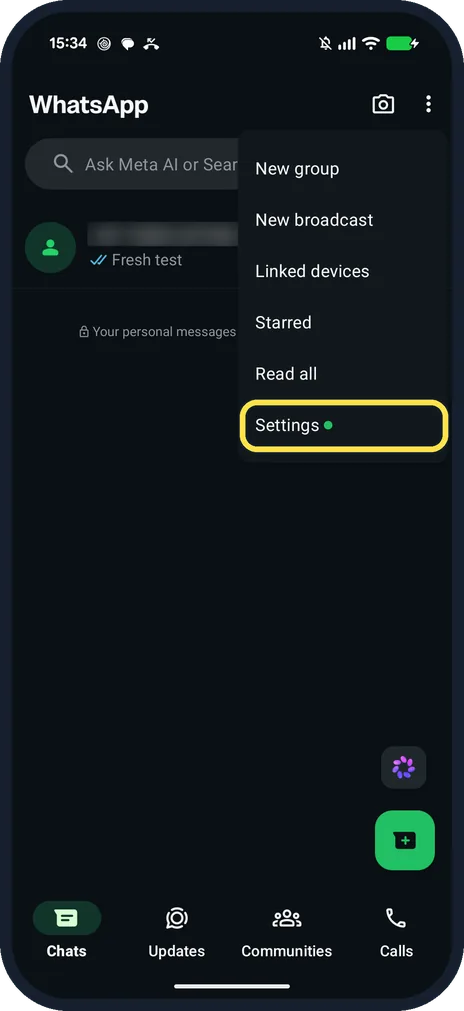 How to turn off read receipts on WhatsApp (Pixel 10a, v2.26)Android · watch with the steps
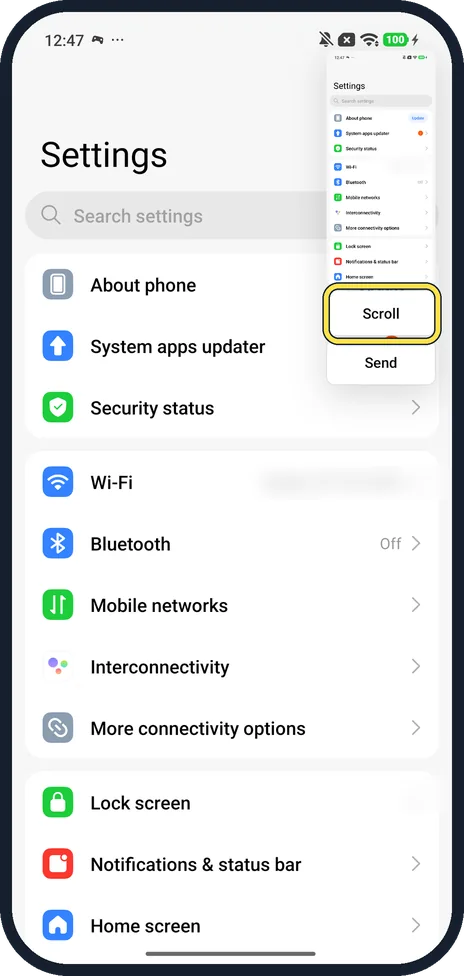 How to take a scrolling screenshot on a Xiaomi phone (HyperOS 3)Android · watch with the steps
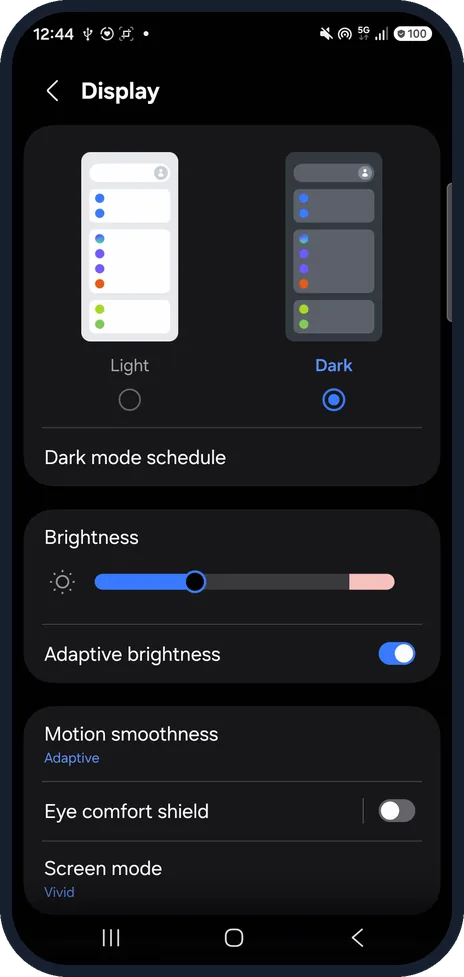 How to take a scrolling screenshot on a Samsung Galaxy (One UI 9)Android · watch with the steps
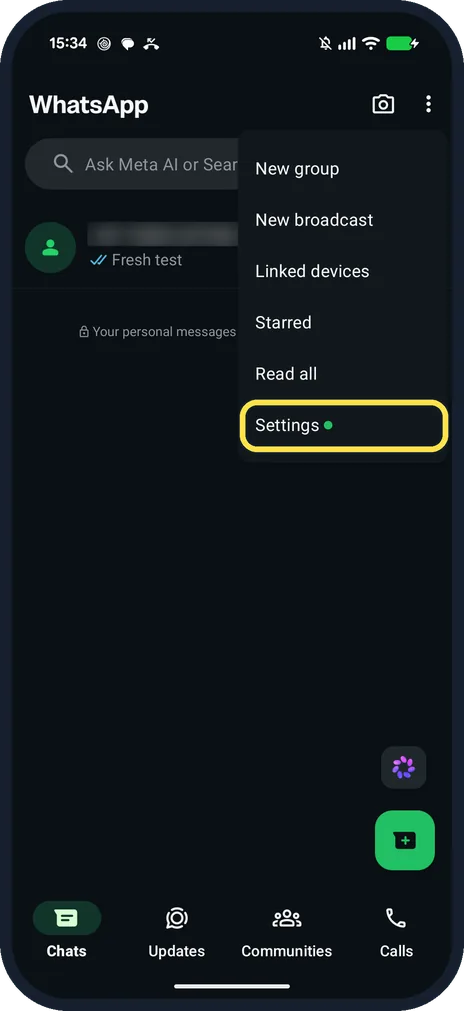 How to stop WhatsApp auto-downloading media (Pixel, v2.26)Android · watch with the steps
 How to hide your last seen on WhatsApp (Pixel 10a, WhatsApp 2.26)Android · watch with the steps
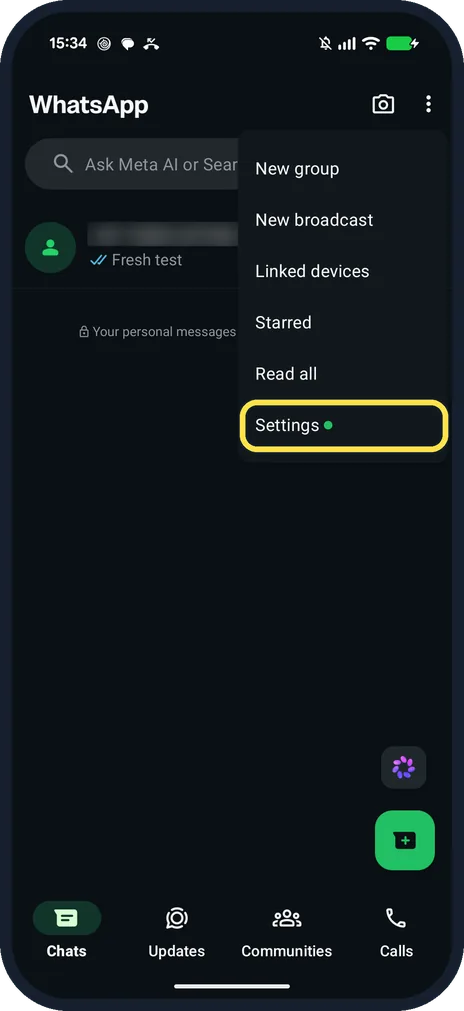 How to hide your WhatsApp profile picture (Pixel 10a, v2.26)Android · watch with the steps