About How To, Simply
Who makes How To, Simply: real screenshots from our test devices (iPhone, Galaxy, Pixel, Redmi, OnePlus, Mac and a Windows 11 Cloud PC), and how each guide is…
 Stock photo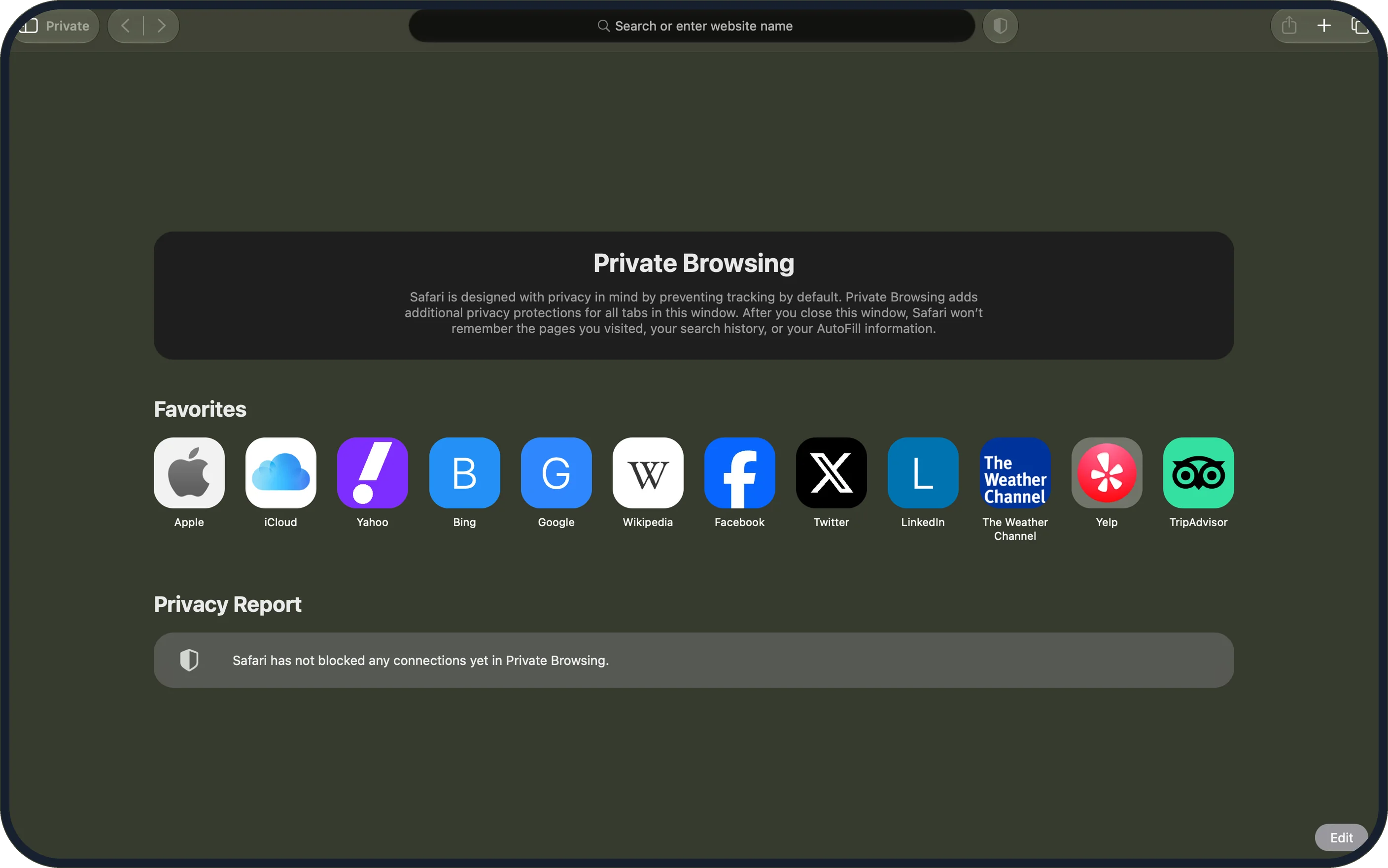
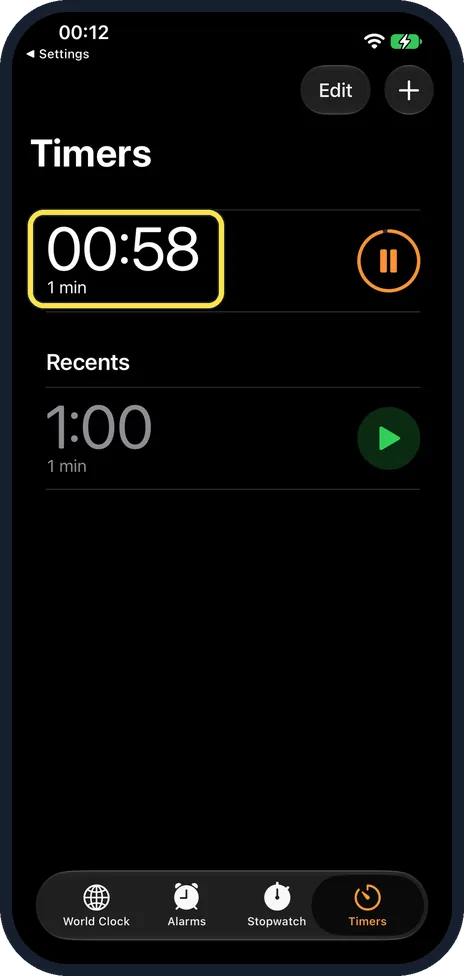
How To, Simply is a library of step-by-step guides for iPhone, Samsung Galaxy, Google Pixel, Xiaomi Redmi and OnePlus phones, Mac and Windows. Each guide shows the screens you will actually see, says which device and system version they come from, and links the maker's own instructions.
Every guide starts with a short answer, then the steps in order. Some guides also have a short demo video from our YouTube channel, Fix It Simply, recorded on our own devices.
Who is behind it



The guides are written by Abu Bakar Saadat, who has a master's degree in Electrical and Information Technology from the Karlsruhe Institute of Technology (KIT), Germany. Saadat Rafiq, an associate professor of political science at Govt. Ambala Muslim College, Sargodha, publishes How To, Simply. Saadat Rafiq is responsible for the site's content. If a step is wrong or out of date, tell us: hello@howtosimply.com.
Why you can check our work
- Real screens, labelled. Guides show our own screenshots from real devices, with the thing to tap or click marked, and the box at the top of each guide names the device and system version. Where we have no real screenshot yet, the step is text only.
- Named system. Each guide has a box that says which device and system version the screenshots show and the date it was last checked.
- Official sources, linked. We use the maker's or the platform's own documentation first, and every source we use is linked at the end of the guide.
- No pretend reviews. We do not claim to have tested a product when we have not.
How we write the guides
We check the steps against our own screenshots where we have them, and against official sources such as the support pages of Apple, Google, Samsung, Xiaomi, OnePlus and Microsoft. The sources are listed at the end of each guide. Most guides show our own screenshots. Where we have no real screenshot yet, the step is text only. When something changes, we update the guide and its date.
The devices in our screenshots
Each guide names the exact device and system version its screenshots come from. These are the devices we use:
- iPhone: iPhone 17e and iPhone 14 Pro
- Android: Samsung Galaxy A57, Google Pixel 10a, Xiaomi Redmi Note 15 Pro 5G and OnePlus Nord 5
- Mac: MacBook Neo, and a MacBook Pro for older macOS Tahoe 26 guides
- Windows: Windows 11 running as a Microsoft Cloud PC
A few small tools
Next to the guides there are two small tools for iPhone photos: HEIC to JPG and HEIC to PNG. They run entirely in your web browser, so your photos never leave your device.
Found a mistake or have a question we should answer? Write to hello@howtosimply.com.