OnePlus guides
OnePlus help,
made simple.
Simple, step-by-step answers for your OnePlus, with real screenshots and the exact OxygenOS version.
Browse all OnePlus guides → Illustration
Start here: OnePlus guides
See all How to turn off Google Discover on a OnePlus (OxygenOS 16)Open the Google app, tap your profile picture, then Settings, Other settings, and switch off…
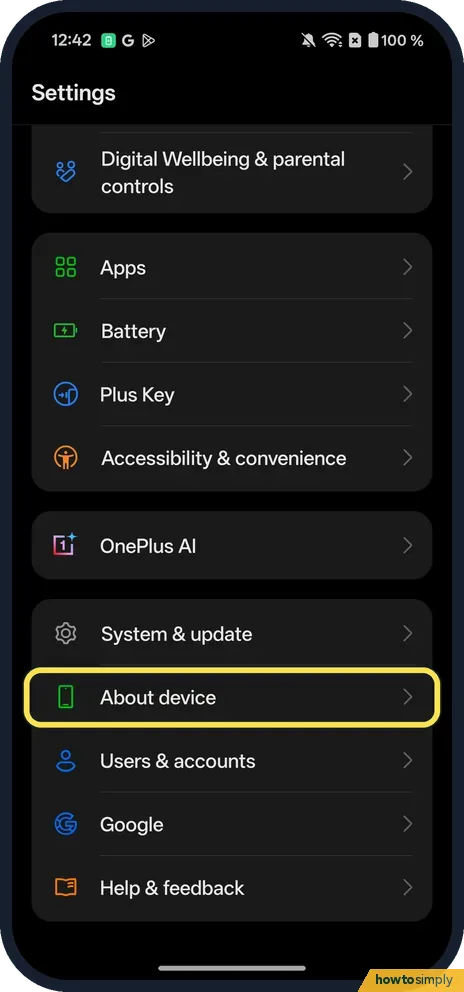 How to check the security patch on a OnePlus (OxygenOS 16)Open Settings, About device, scroll down and tap Version. Android security update, the last…
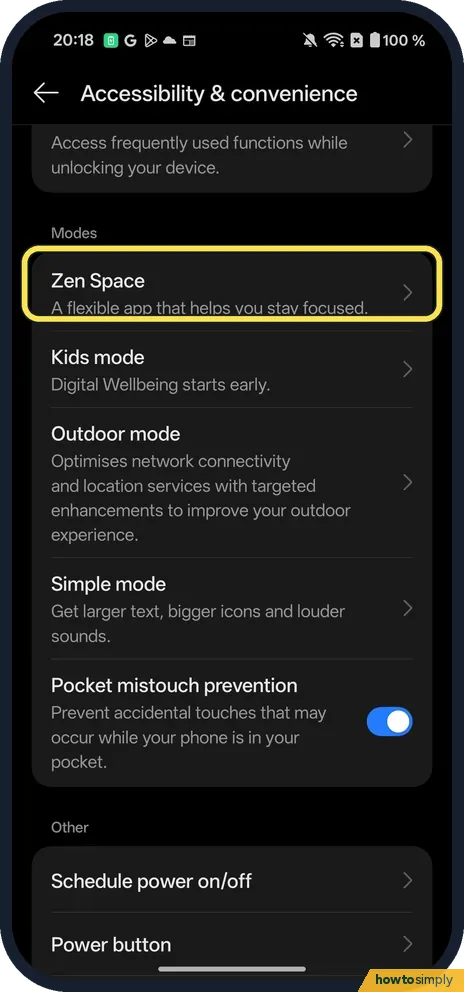 How to use Zen Space on a OnePlus (OxygenOS 16)Open Settings, Accessibility & convenience, Zen Space (under Modes), then tap Start next to…
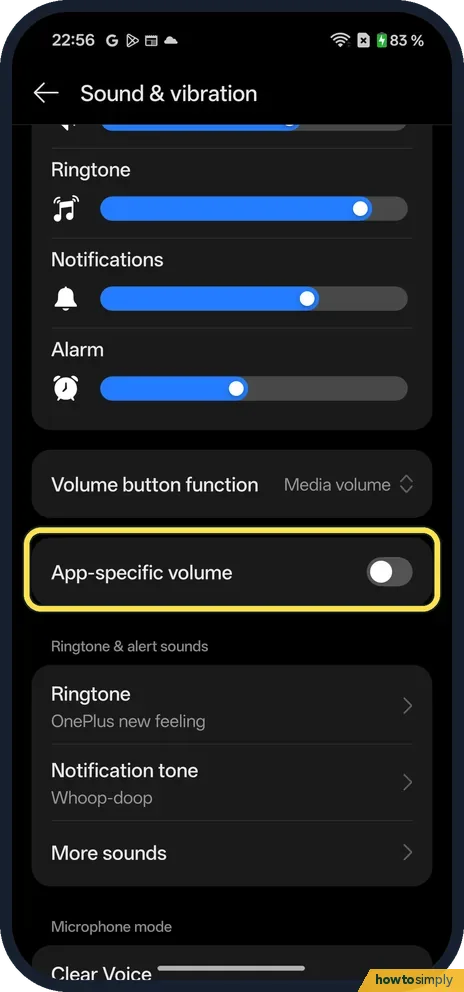 How to use App-specific volume on a OnePlus (OxygenOS 16)Open Settings, Sound & vibration and turn on App-specific volume, below Volume button…
All OnePlus guides by topic
Privacy & Security
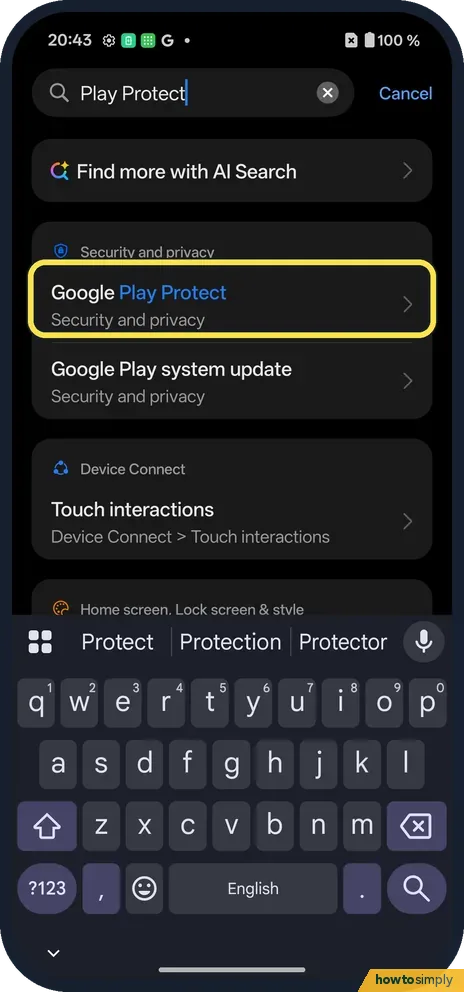
8 guidesHow to scan for harmful apps with Play Protect on a OnePlus
Go to Settings, Security and privacy, App security and tap Google Play Protect. Tap Scan. Ours said No harmful apps found, Play Protect scanned moments ago.
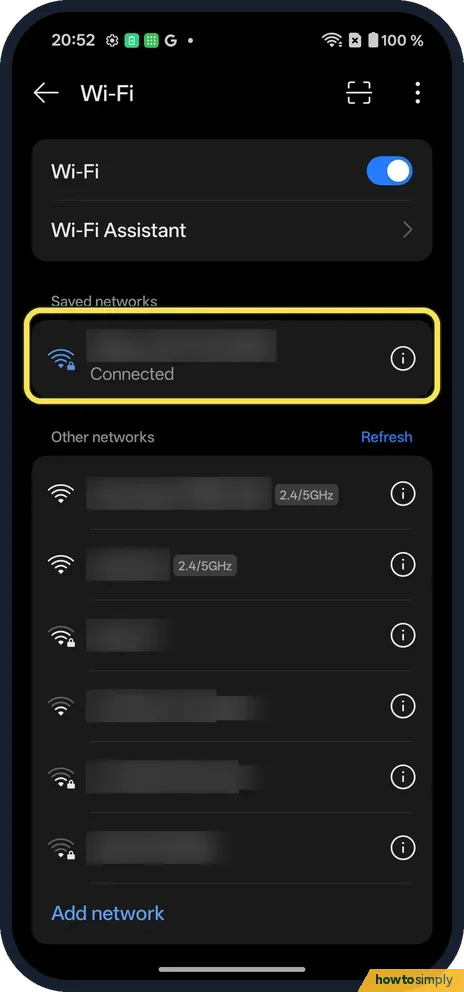
How to share a Wi-Fi password on a OnePlus (OxygenOS 16)
Go to Settings, Wi-Fi and tap the i next to the connected network. Tap Share. A QR code appears with the network name and the password written underneath; the other…
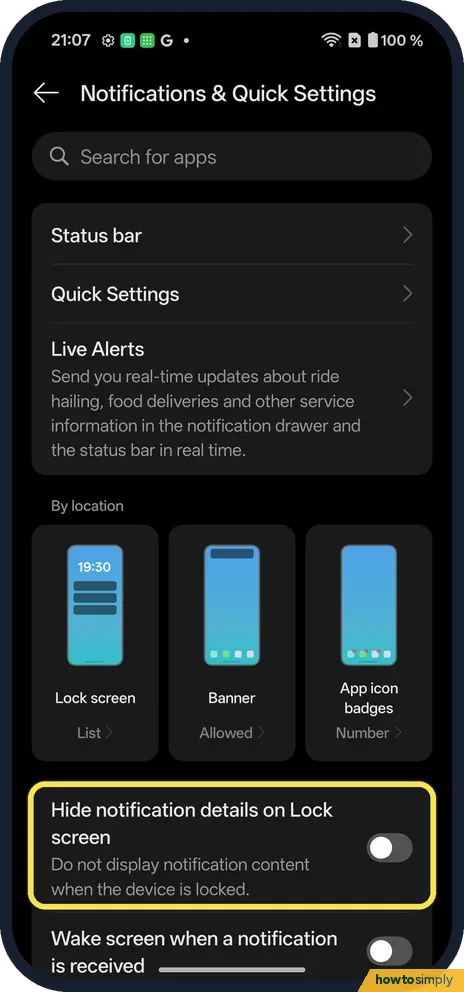
How to hide notifications on the lock screen on a OnePlus (OxygenOS 16)
Go to Settings, Notifications & Quick Settings. To hide the text, switch on Hide notification details on Lock screen. To hide them completely, tap the Lock screen tile…
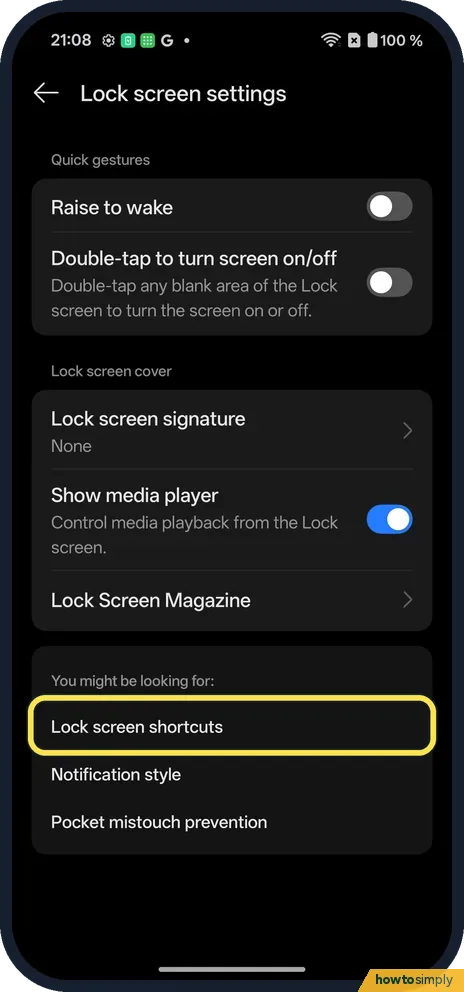
How to change the lock screen clock and shortcuts on a OnePlus (OxygenOS 16)
Open the lock screen editor (Settings, Lock screen settings, Lock screen shortcuts on ours). Tap the clock for Clock & colour, the corner icons for shortcuts, and Style…
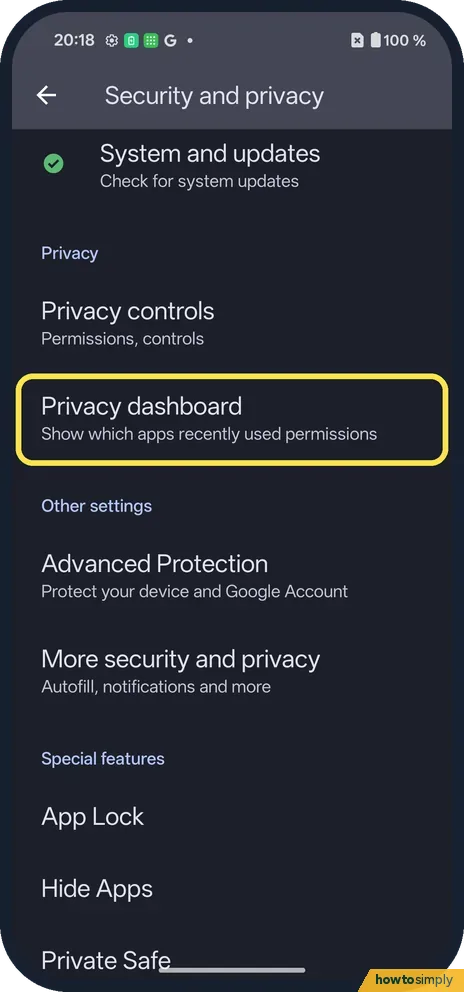
How to use the Privacy dashboard on a OnePlus (OxygenOS 16)
Go to Settings, Security and privacy, Privacy dashboard. It shows which apps used Location, Camera and Microphone in the past 24 hours. Tap one for a timeline.
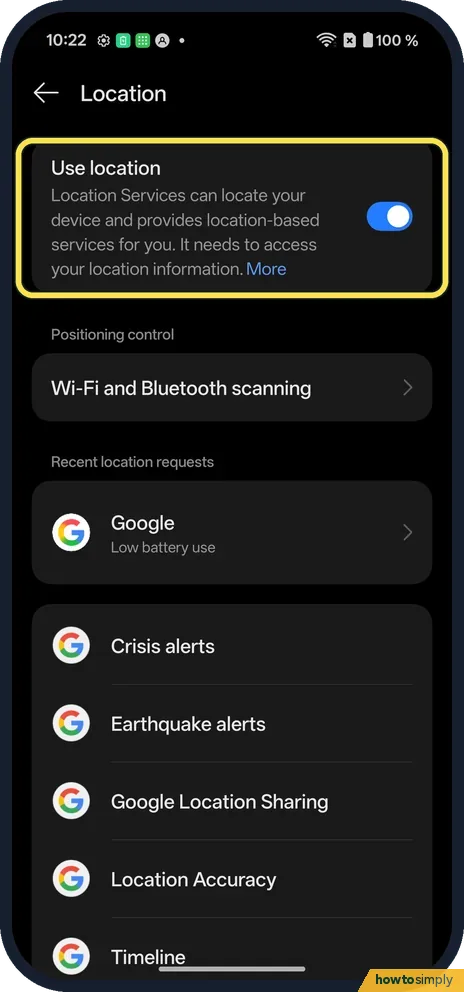
How to change location settings on a OnePlus (OxygenOS 16)
Open Settings, Location and switch Use location on or off. Wi-Fi and Bluetooth scanning are on the same page. Which apps may use your location is in Permission manager…
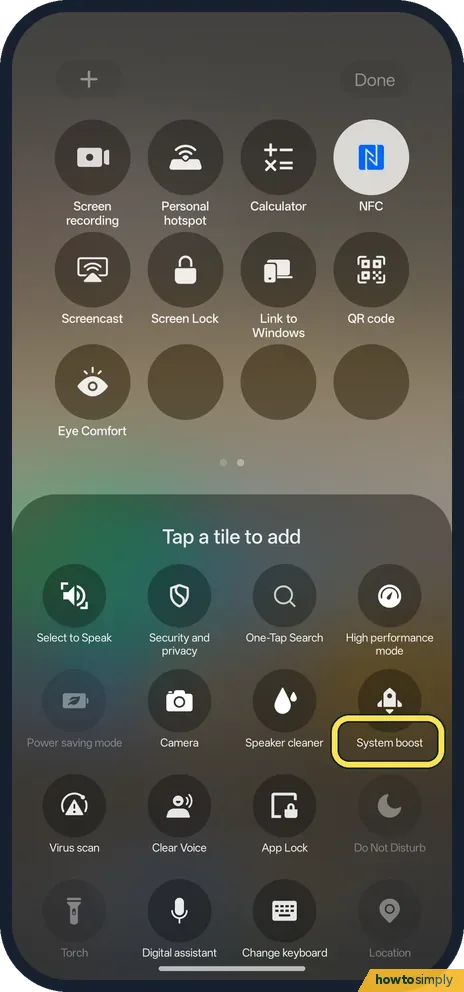
How to use the System boost and Virus scan tiles on a OnePlus (OxygenOS 16)
Swipe down twice, tap the pencil and add System boost or Virus scan from Tap a tile to add. System boost opens Phone Manager's memory page with Boost now. Virus scan…
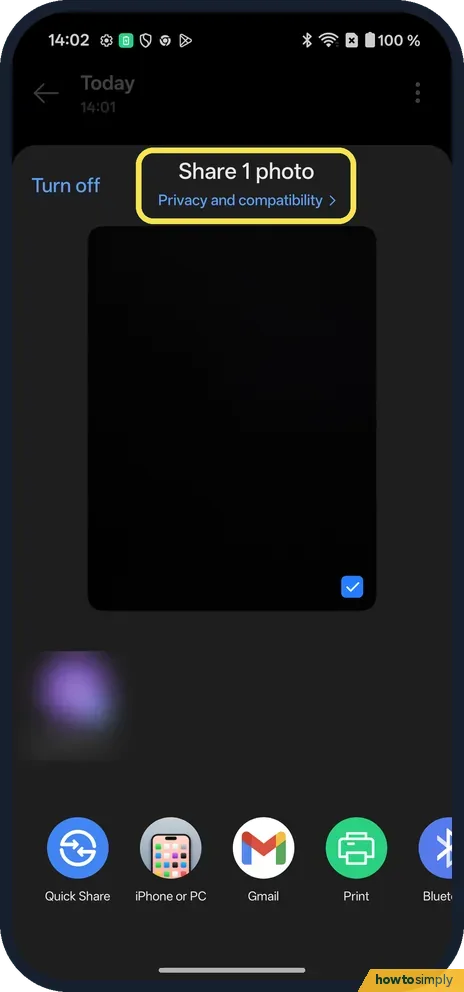
How to remove location from a photo before sharing on a OnePlus (OxygenOS 16)
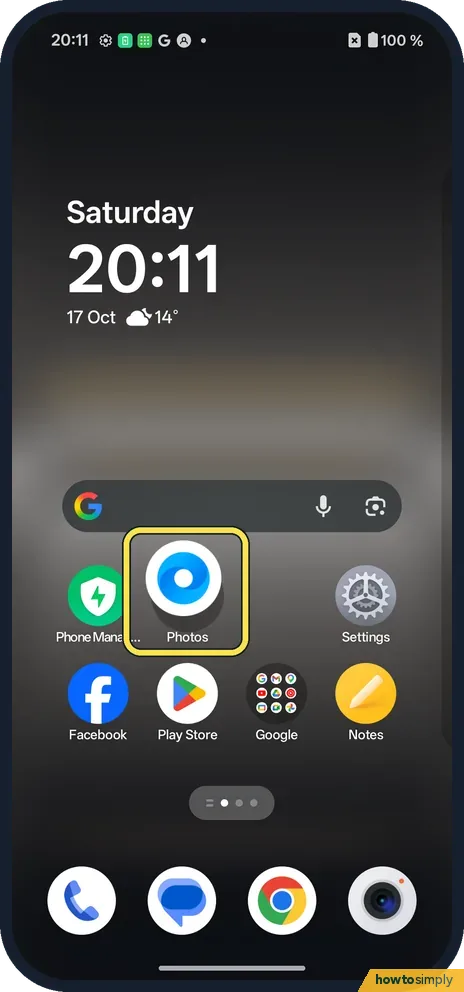
In Photos, open the photo and tap Share. Tap Privacy and compatibility under "Share 1 photo", tick Remove location (and Remove other properties if you like) and tap…
Camera, Photos & Screenshots
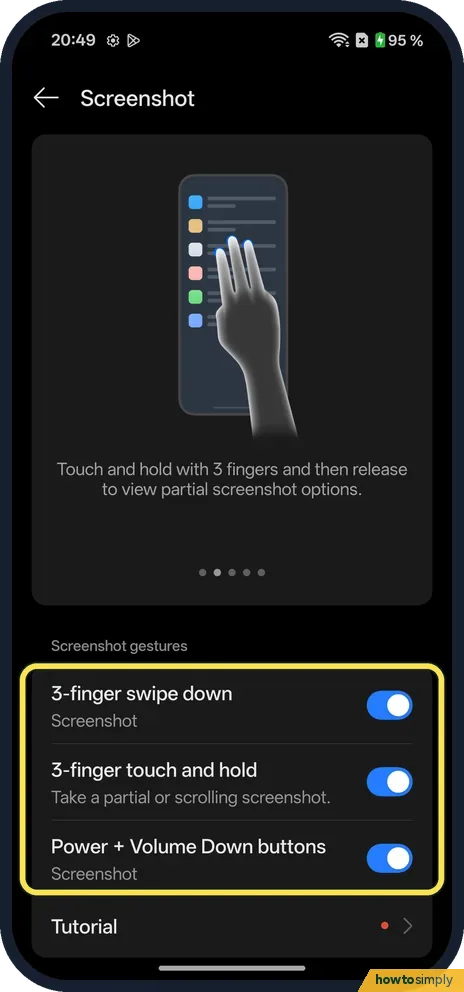
6 guidesHow to take a screenshot or record the screen on a OnePlus (OxygenOS 16)
Swipe down with three fingers, or press Power and Volume Down together. Touch and hold with three fingers for a partial or scrolling screenshot. To record the screen…
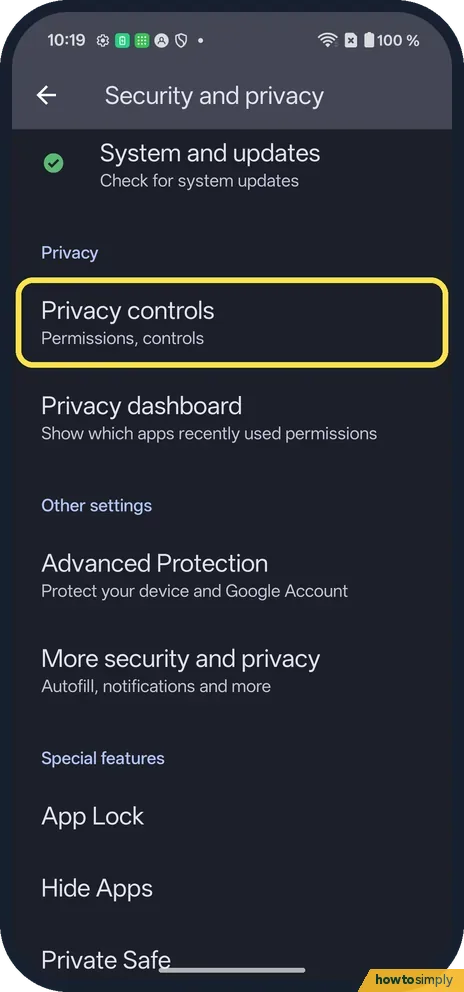
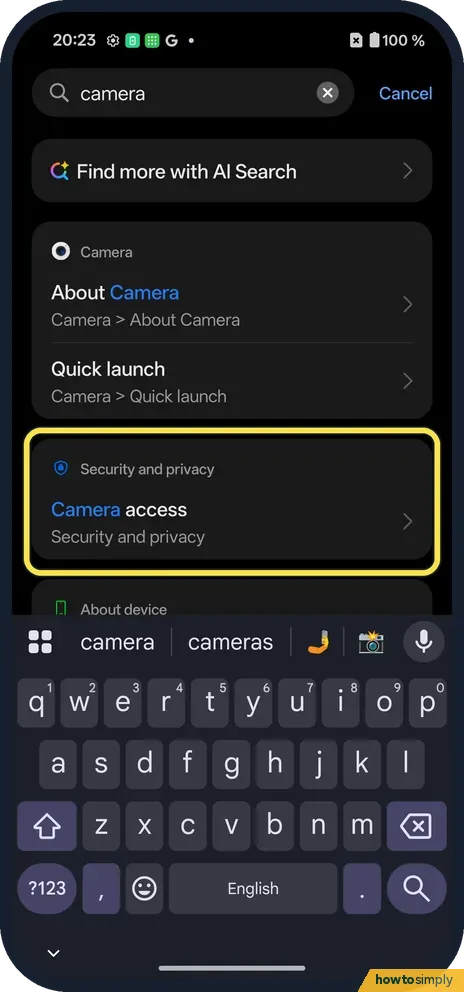
How to turn off camera and microphone access on a OnePlus
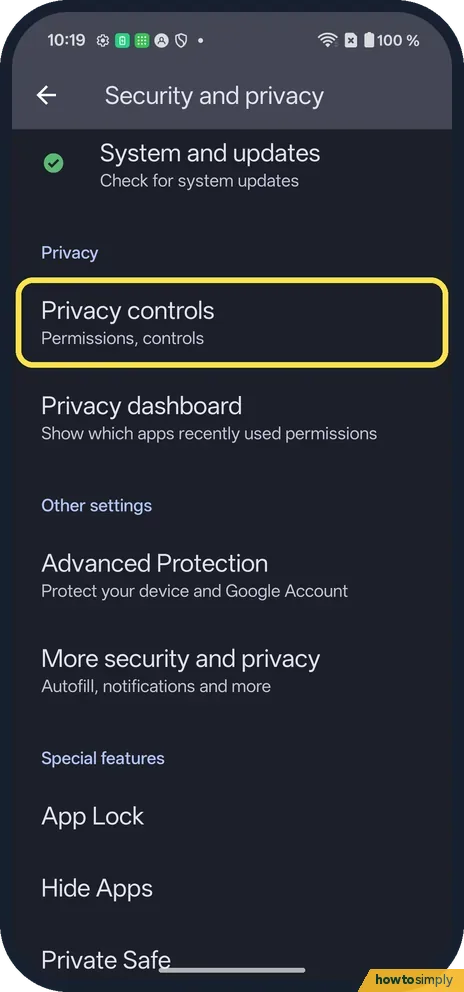
Go to Settings, Security and privacy, Privacy controls and switch off Camera access or Microphone access. That blocks every app. For a quicker switch, add the Camera…
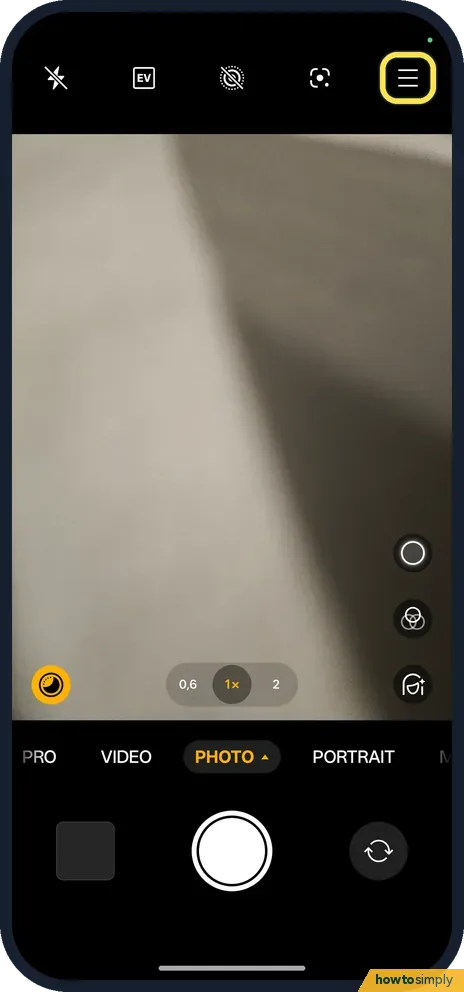
How to turn on camera grid lines on a OnePlus (OxygenOS 16)
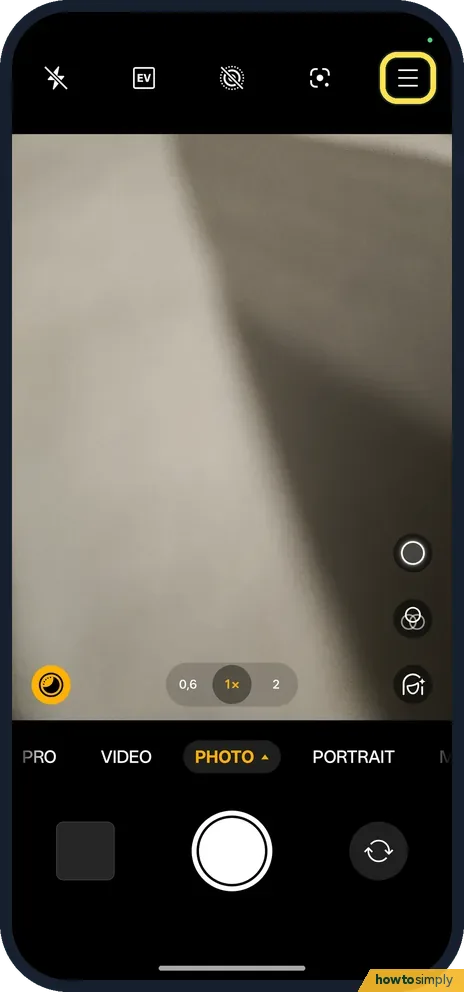
Open the Camera, tap the three lines at the top right, then Settings, Composition assistance. Tap Grid and guides and pick Grid. Diagonal lines and Golden spiral are…
How to turn off the camera shutter sound on a OnePlus (OxygenOS 16)
Open the Camera, tap the three lines at the top right, then Settings. Switch Shutter sound off.
How to record 4K or 60 fps video on a OnePlus (OxygenOS 16)
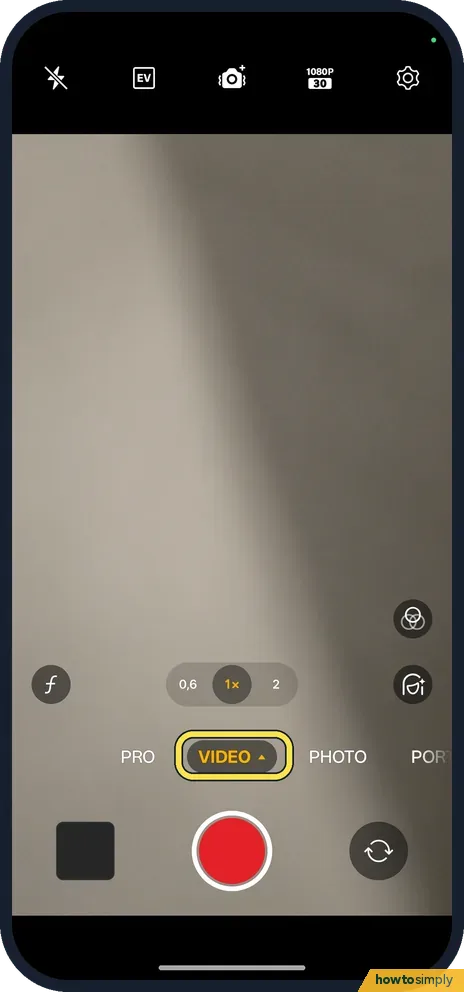
Open the Camera, tap Video, then tap the size button at the top (1080P on ours). Pick 720p, 1080p or 4K and 30 fps or 60 fps.
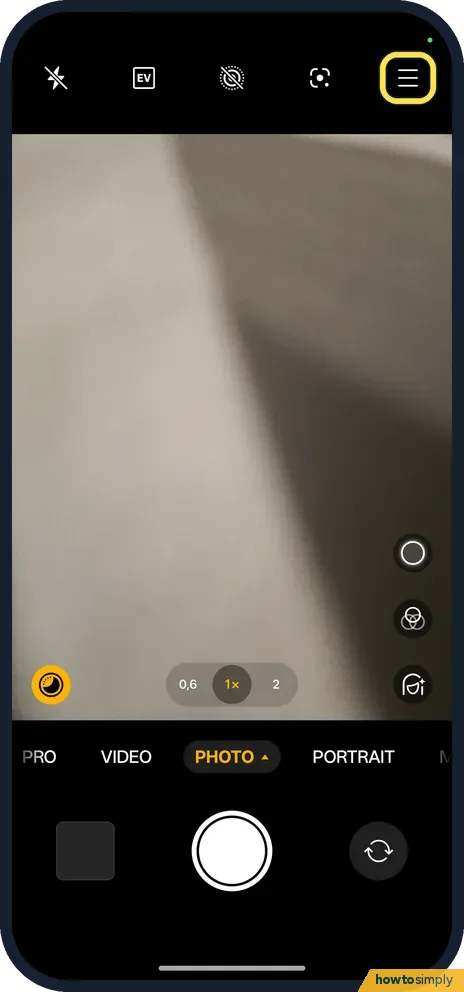
How to use the camera timer on a OnePlus (OxygenOS 16)
Open the Camera and tap the three lines at the top right. Set Timer to 3 s or 10 s, then tap the shutter. The same menu changes the aspect ratio.
Apps
6 guidesHow to clear an app's cache on a OnePlus (OxygenOS 16)
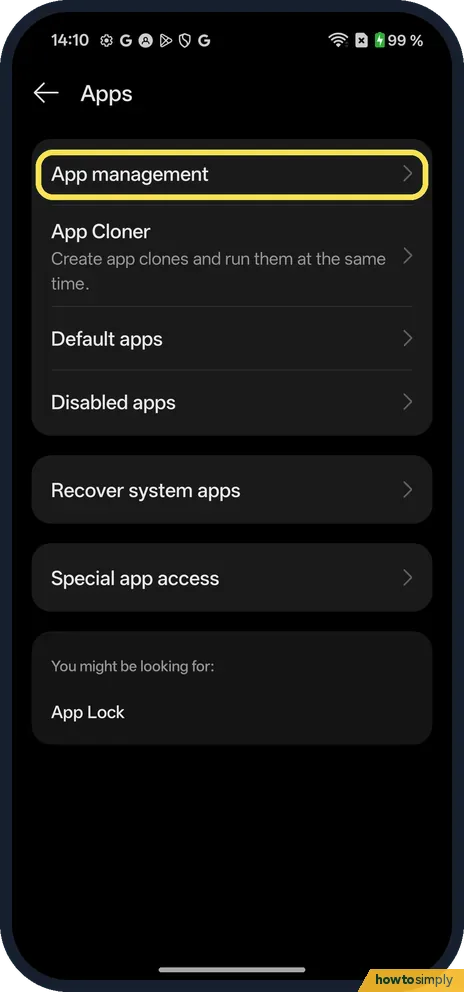
Go to Settings, Apps, App management and tap the app. On App info, tap Storage usage, then Clear cache. On ours Cache dropped to 0 B at once and the app's Data stayed…
How to change the home screen layout on a OnePlus (OxygenOS 16)
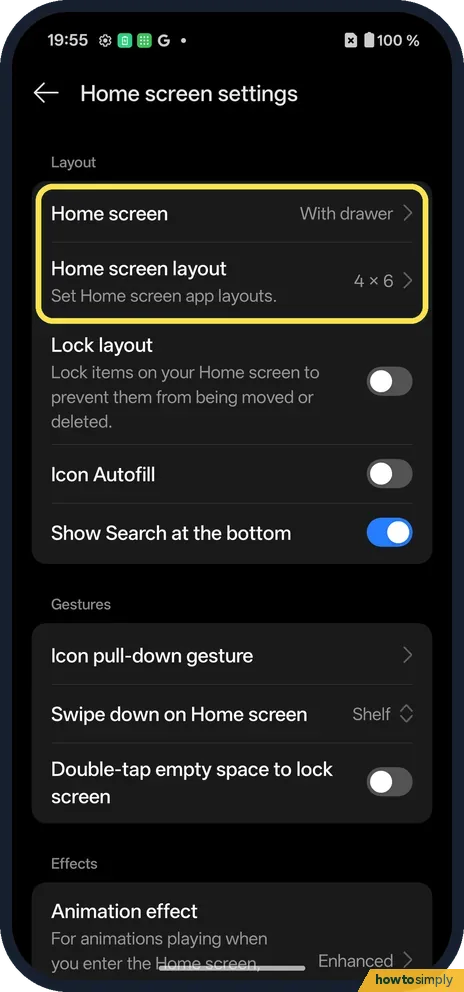
Open Home screen settings (from Settings, Home screen, Lock screen & style). Home screen sets Standard or With drawer, Home screen layout picks the grid (4×6, 5×6 or…
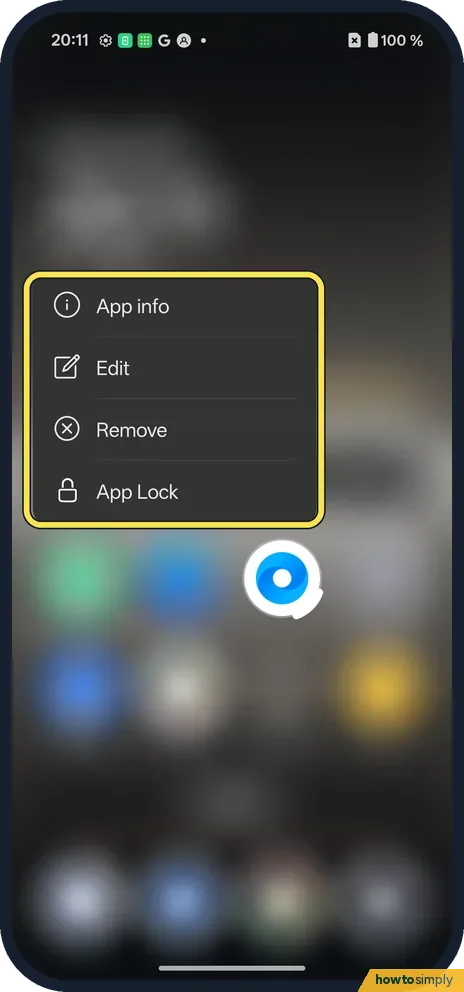
How to move or remove an app from the home screen on a OnePlus
Touch and hold the app. The menu has App info, Edit, Remove and App Lock: Remove takes it off the home screen. To move it, keep holding and drag it; drag to the screen…
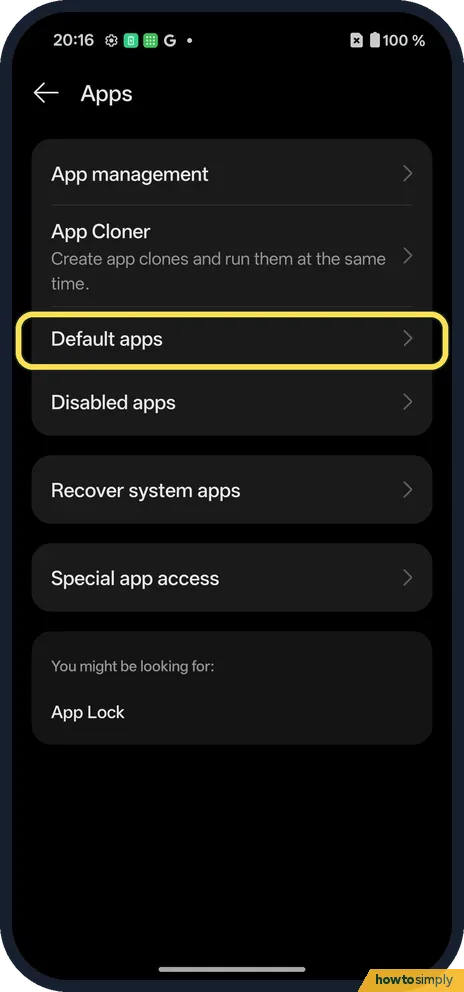
How to change default apps on a OnePlus (OxygenOS 16)
Go to Settings, Apps, Default apps. Tap Browser app, Home app, Phone app, SMS app, Digital assistant app or Wallet app and pick the one to use. Ours used Chrome for the…
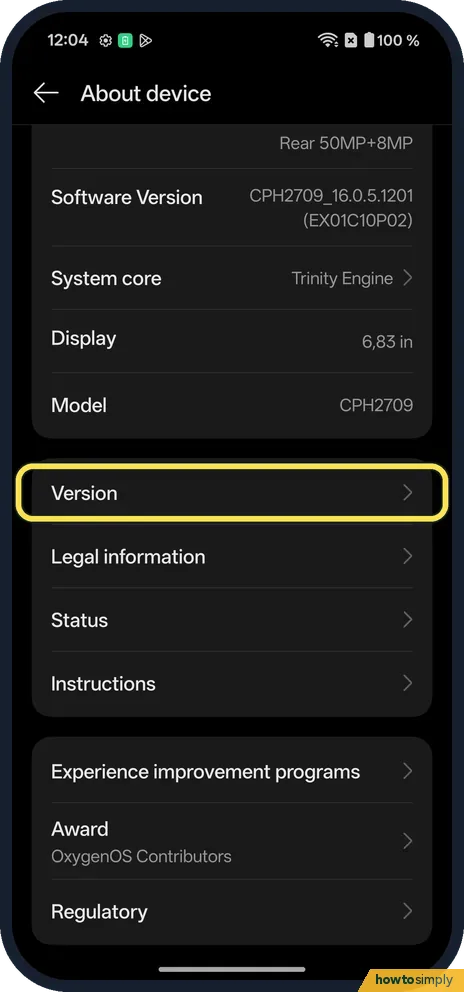
How to turn on Developer options on a OnePlus (OxygenOS 16)
Go to Settings, About device, Version, and tap Version No. seven times. Enter your screen lock if asked. On OxygenOS 16 the row is Version No., not Build number…
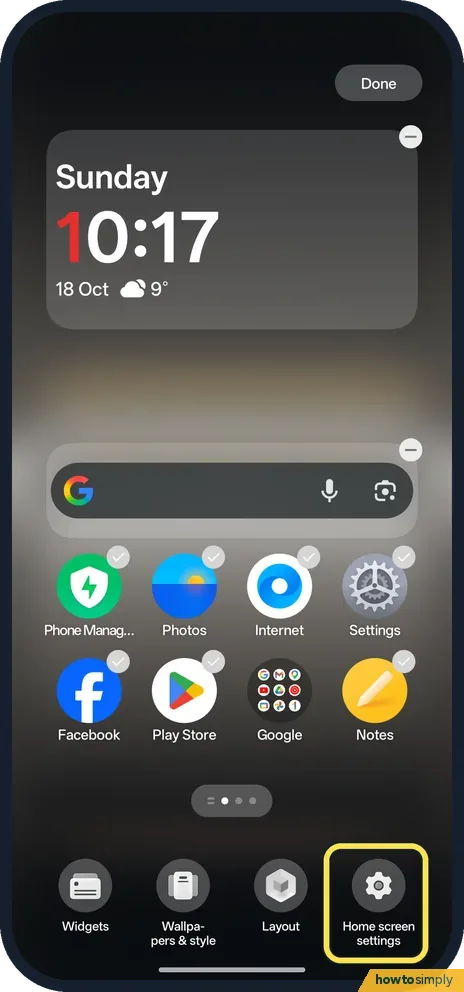
How to lock the home screen layout on a OnePlus (OxygenOS 16)
Touch and hold an empty spot on the home screen, tap Home screen settings and switch Lock layout on. Icons and widgets can no longer be moved or removed. Switch it off…
Display & Accessibility
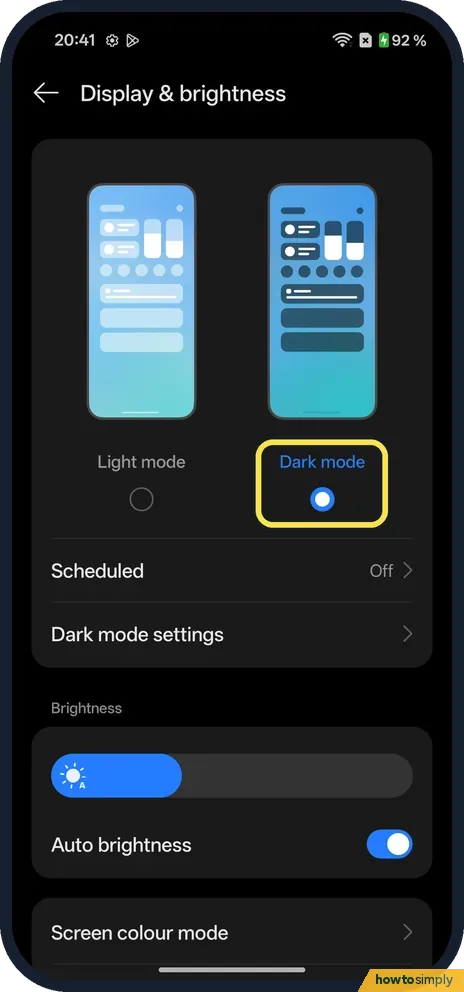
13 guidesHow to use Dark mode and its styles on a OnePlus (OxygenOS 16)
Go to Settings, Display & brightness and choose Dark mode. Then tap Dark mode settings to pick a style: Enhanced (darkest), Medium or Gentle. Dark mode for third-party…
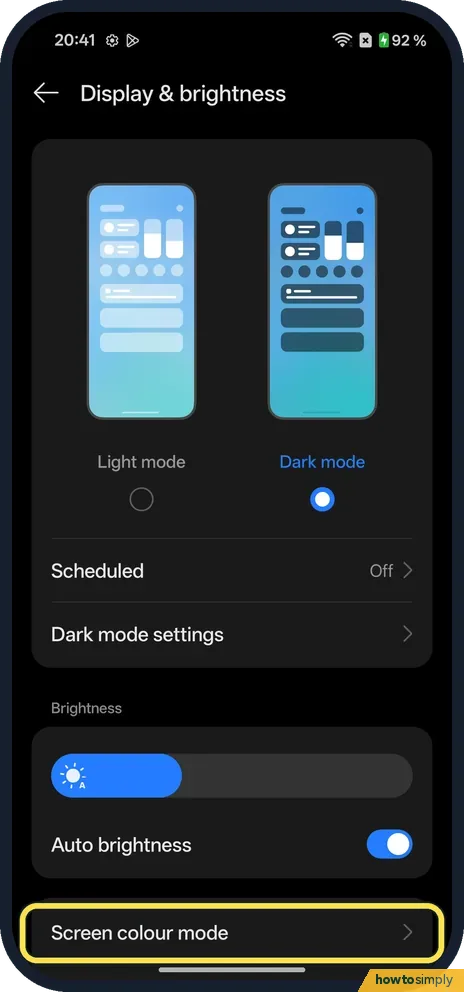
How to change screen colour and refresh rate on a OnePlus (OxygenOS 16)
Go to Settings, Display & brightness, Screen colour mode and choose Vivid, Natural or Pro modes. For smoothness, go to Settings, Display & brightness, Screen refresh…
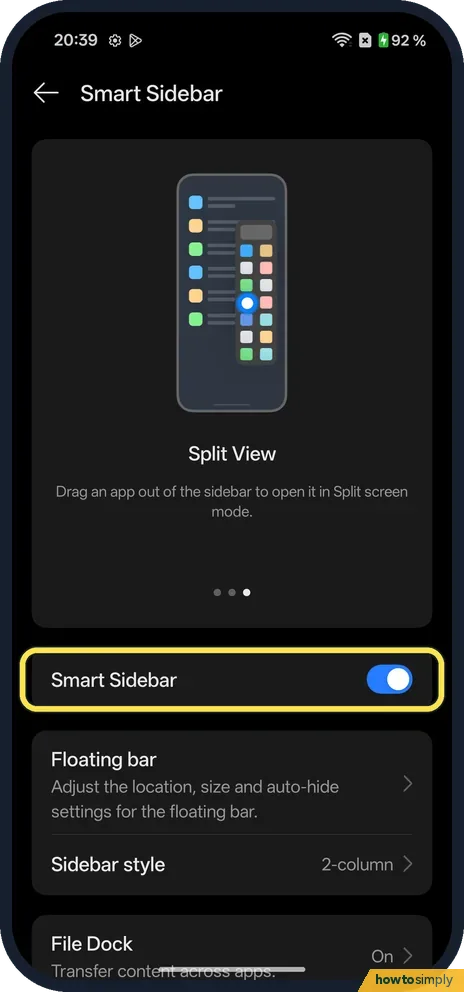
How to use the Smart Sidebar on a OnePlus (OxygenOS 16)
Search Settings for Smart Sidebar and turn it on. Swipe in from the bar at the edge of the screen to open it: File Dock, Screenshot, Screen recording and your apps. Tap…
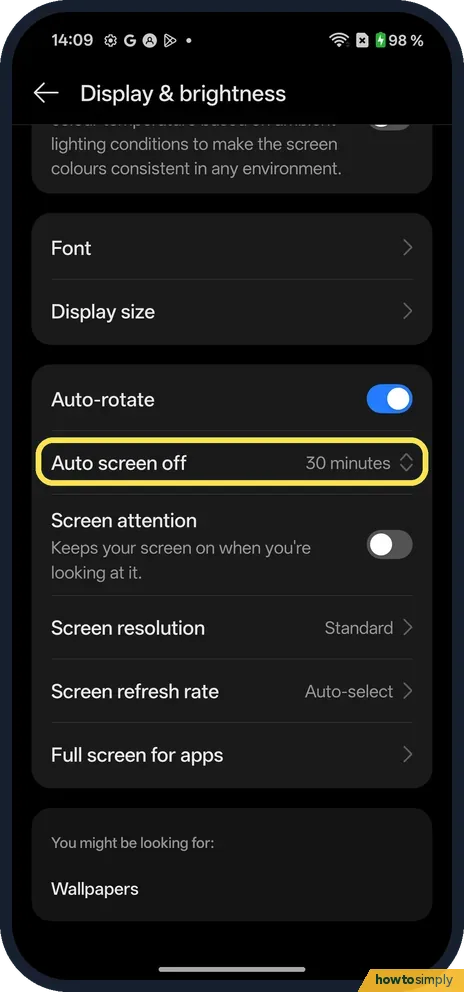
How to change the screen timeout on a OnePlus (OxygenOS 16)
Go to Settings, Display & brightness and tap Auto screen off. Pick 15 seconds, 30 seconds, 1, 2, 5, 10 or 30 minutes. On our Nord 5, 30 minutes was the longest choice…
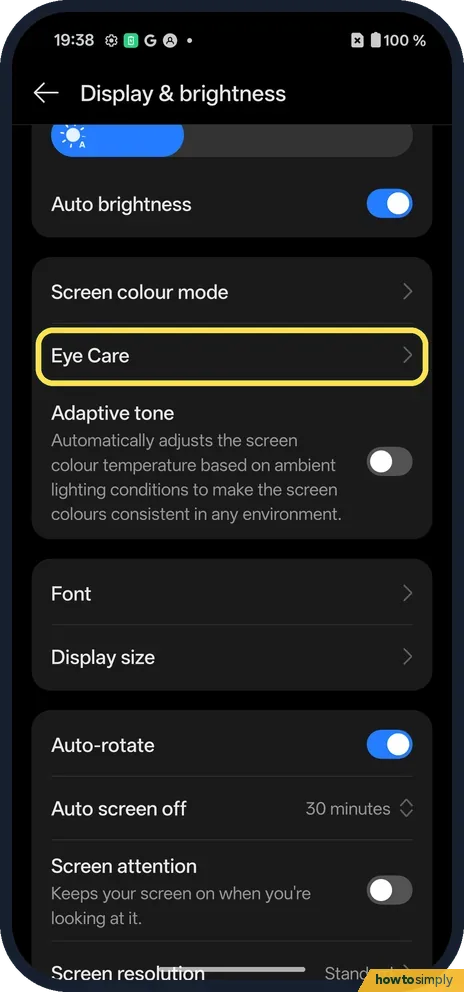
How to turn on Eye Comfort on a OnePlus (OxygenOS 16)
Go to Settings, Display & brightness, Eye Care and turn on Eye Comfort. Smart gives the screen a warm yellow tint; Custom adds a Low to High slider and a Schedule…
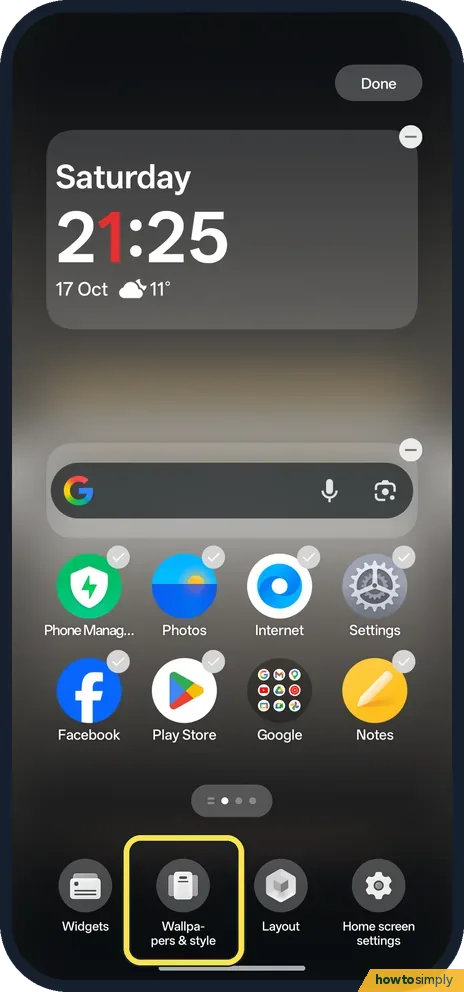
How to change icon shape and system colours on a OnePlus (OxygenOS 16)
Pinch in with two fingers on the home screen to edit it and tap Wallpapers & style. In the tabs at the bottom, System colours sets the accent colours and Icons (swipe…
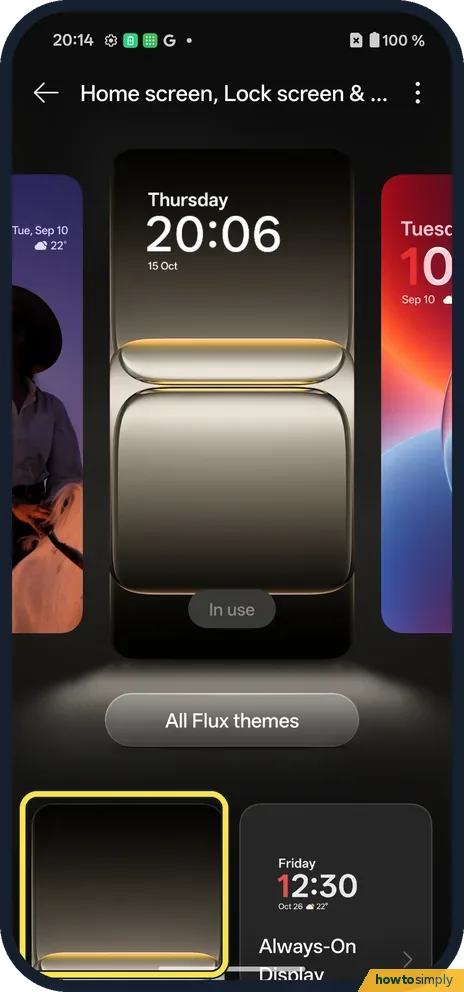
How to change the wallpaper on a OnePlus (OxygenOS 16)
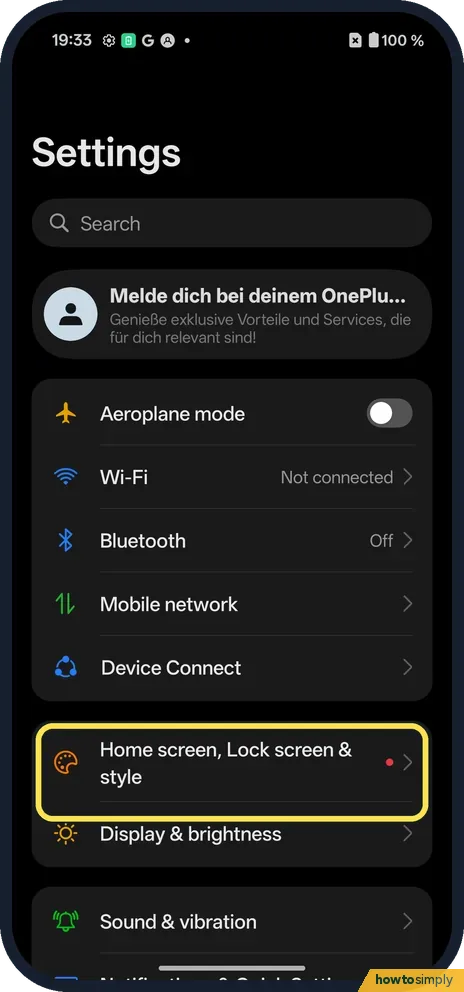
Go to Settings, Home screen, Lock screen & style and tap Wallpapers. Pick one, or Choose from album for your own photo, tap Apply to and choose Lock screen, Home…
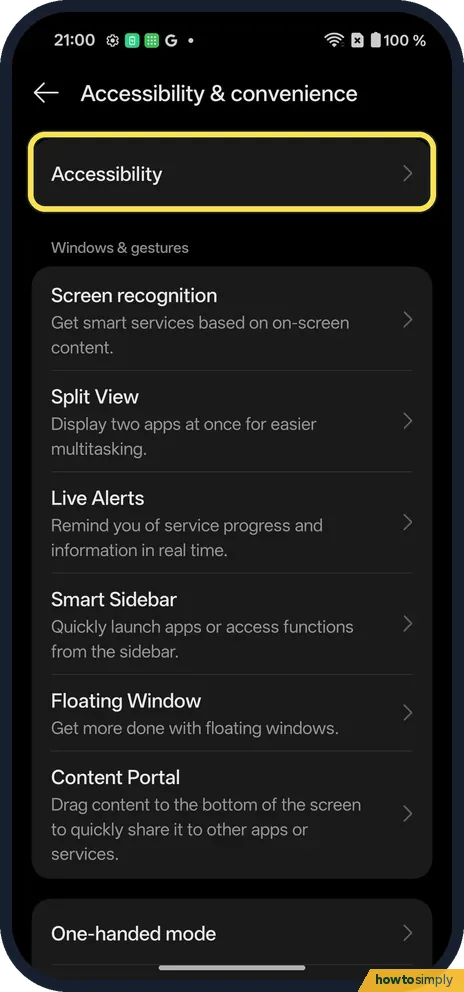
How to turn on colour correction or greyscale on a OnePlus (OxygenOS 16)
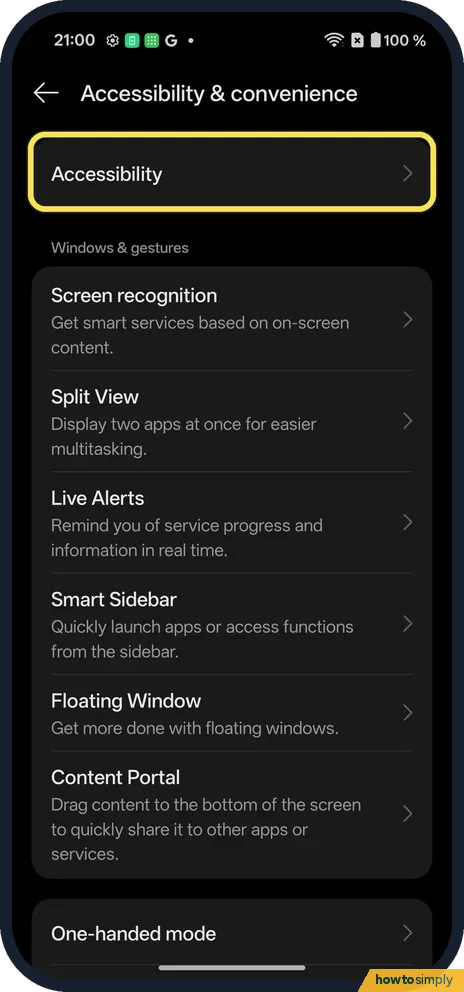
Go to Settings, Accessibility & convenience, Accessibility, open the Vision tab and tap Colour correction. Switch it on and pick Deuteranomaly, Protanomaly, Tritanomaly…
How to turn on mono audio on a OnePlus (OxygenOS 16)
Go to Settings, Accessibility & convenience, Accessibility, open the Hearing tab and switch on Mono audio. Channel volume balancing, below it, moves sound towards the…
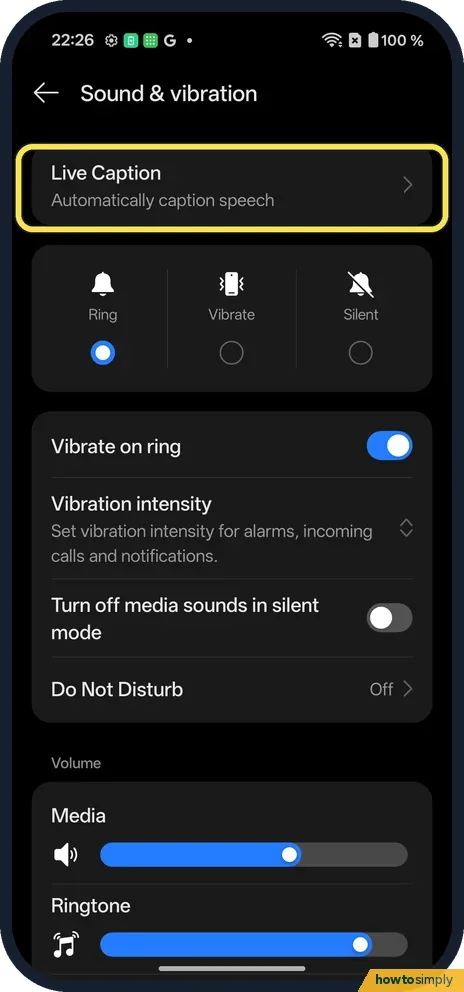
Why Live Caption is greyed out on a OnePlus (OxygenOS 16)
On our Nord 5 the Use Live Caption switch was greyed out with Update your software to enable this feature. It needs a software update first. Open Settings, Sound &…
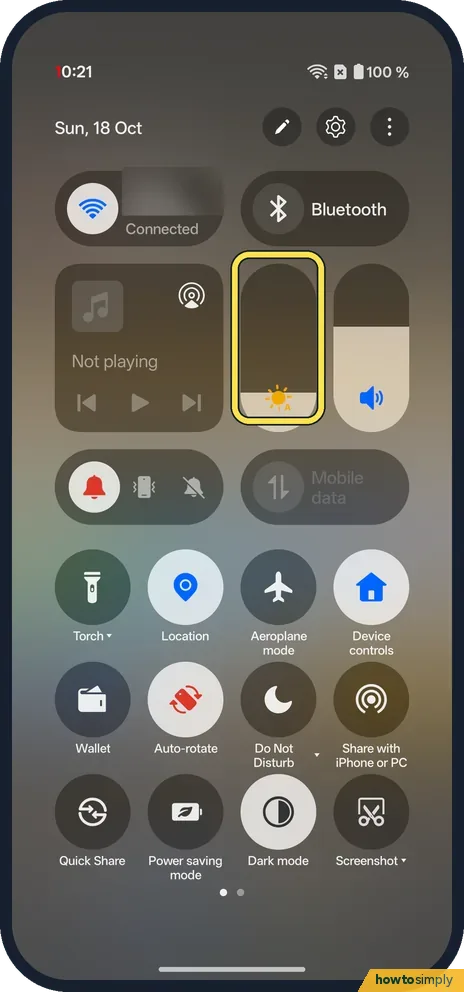
How to change the brightness on a OnePlus (OxygenOS 16)
Swipe down from the top and drag the brightness slider. In Settings, Display & brightness, there is the same slider and the Auto brightness switch, which sets the…
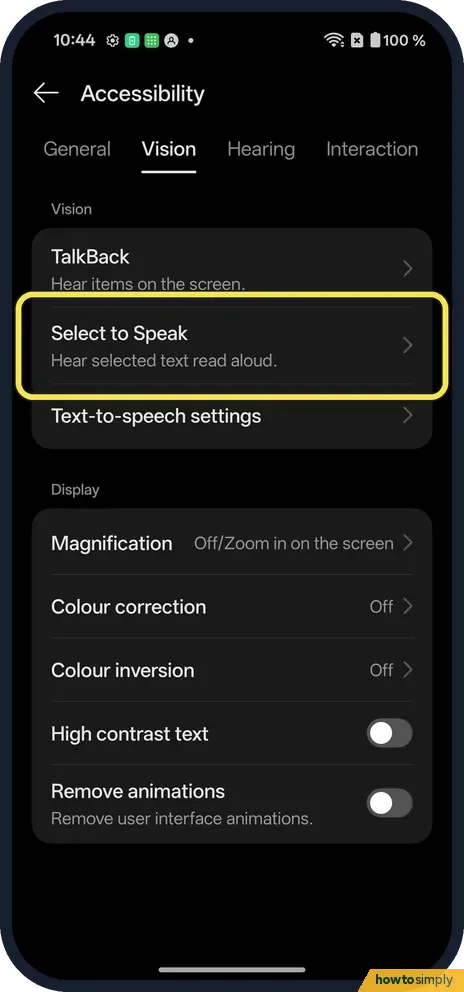
How to use Select to Speak and text-to-speech on a OnePlus (OxygenOS 16)
Go to Settings, Accessibility, Vision. Select to Speak reads selected text aloud once you turn on its shortcut. Text-to-speech settings sets the voice engine, speech…
How to turn auto-rotate on or off on a OnePlus (OxygenOS 16)
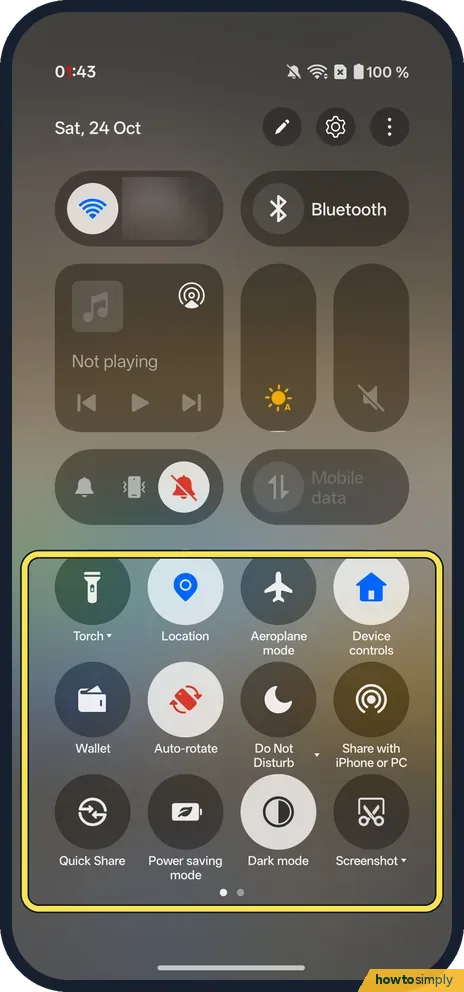
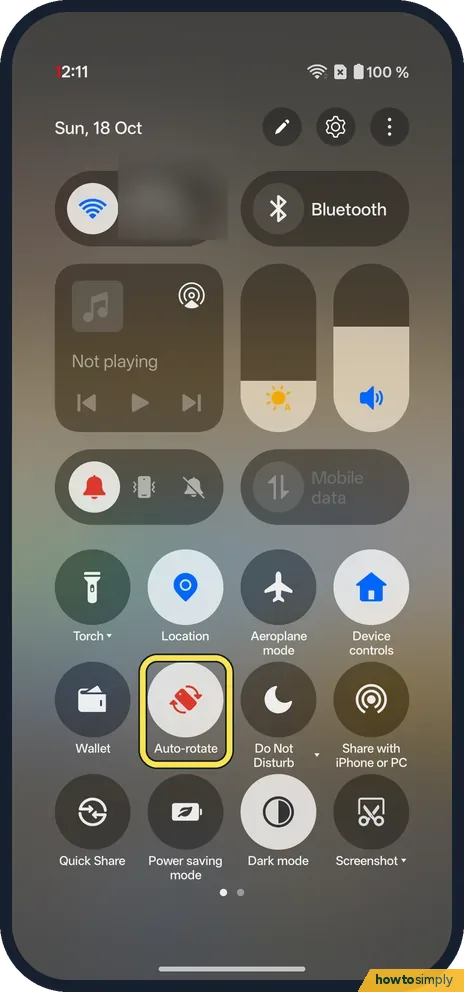
Swipe down from the top right and tap the Auto-rotate tile. When it is on, the screen turns with the phone. When off, the screen stays upright.
Wi-Fi & Connections
10 guidesHow to show network speed and battery percentage on a OnePlus (OxygenOS 16)
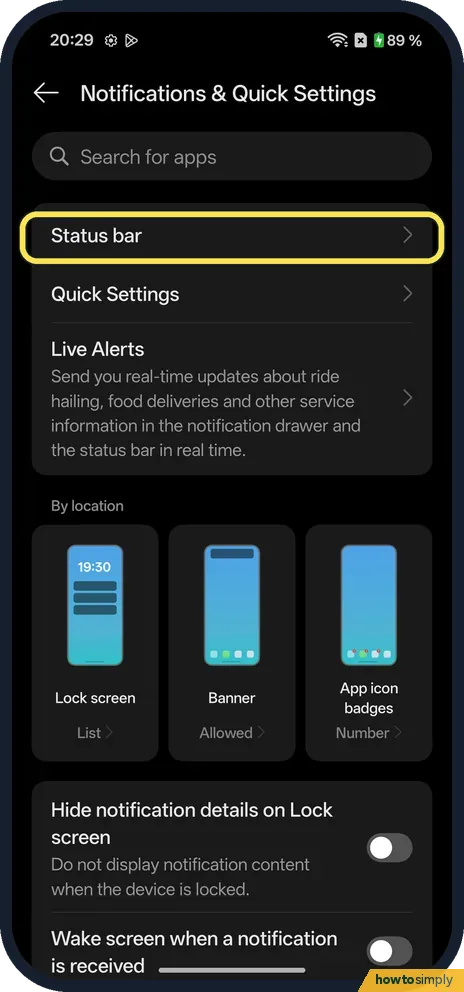
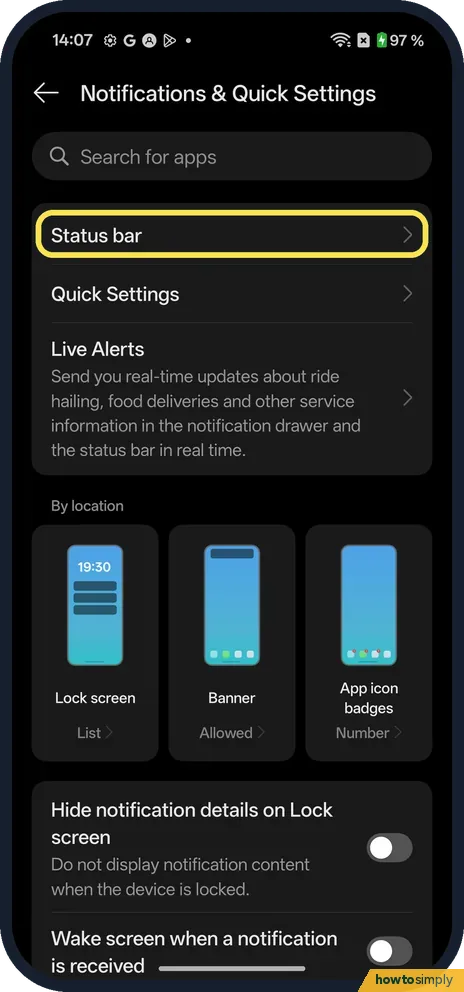
Go to Settings, Notifications & Quick Settings, Status bar. Turn on Real-time network speed to see the speed in KB/s next to the Wi-Fi icon. Battery percentage is on…
How to turn NFC on or off on a OnePlus (OxygenOS 16)
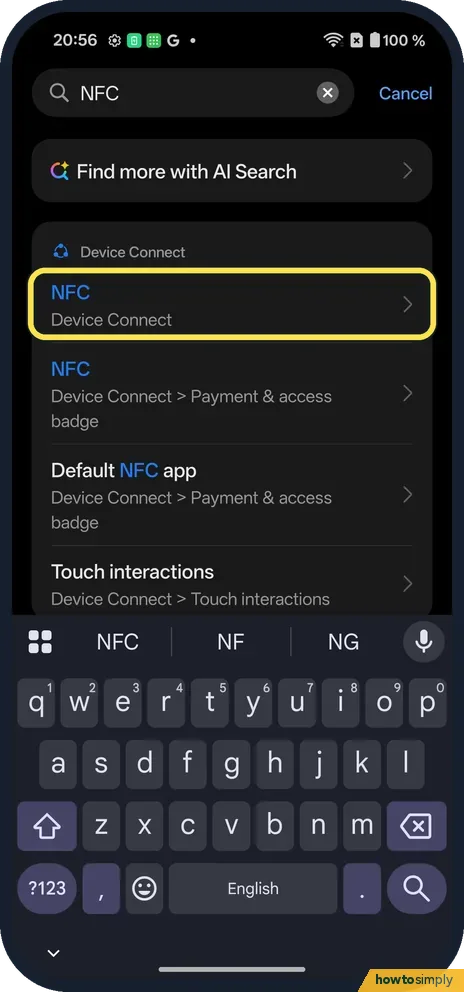
Go to Settings, Device Connect and switch NFC on under Touch. Payment & access badge, just below, sets the default payment app (Google Wallet on ours). There is no…
How to turn Bluetooth on or off on a OnePlus (OxygenOS 16)
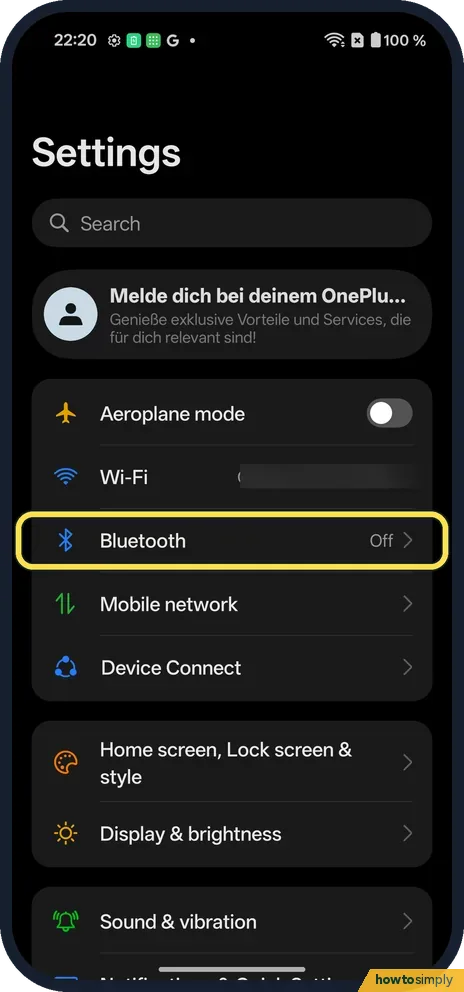
Open Settings, tap Bluetooth and switch it on. Nearby devices show under Available devices; tap one to pair. Switch it off on the same page, or tap the Bluetooth tile…
How to see Wi-Fi data usage by app on a OnePlus (OxygenOS 16)
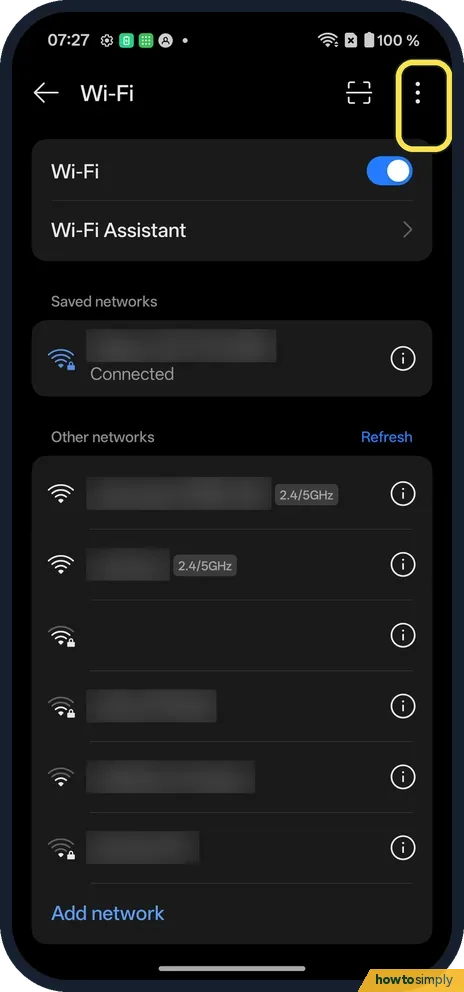
Open Settings, Wi-Fi, tap the three dots at the top right, then Wi-Fi data usage on the More settings page. It shows this month's total; tap Data usage by app for each…
How to change who can send you files with Quick Share on a OnePlus
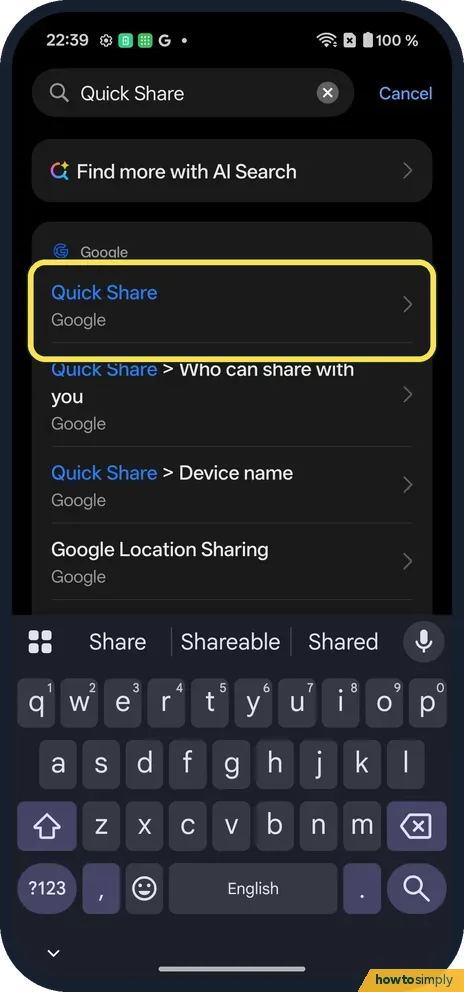
Search Settings for Quick Share, or open Settings, Google, Quick Share. Tap Who can share with you and turn on Visible to nearby devices. Then pick Your devices…
How to reset network settings on a OnePlus (OxygenOS 16)
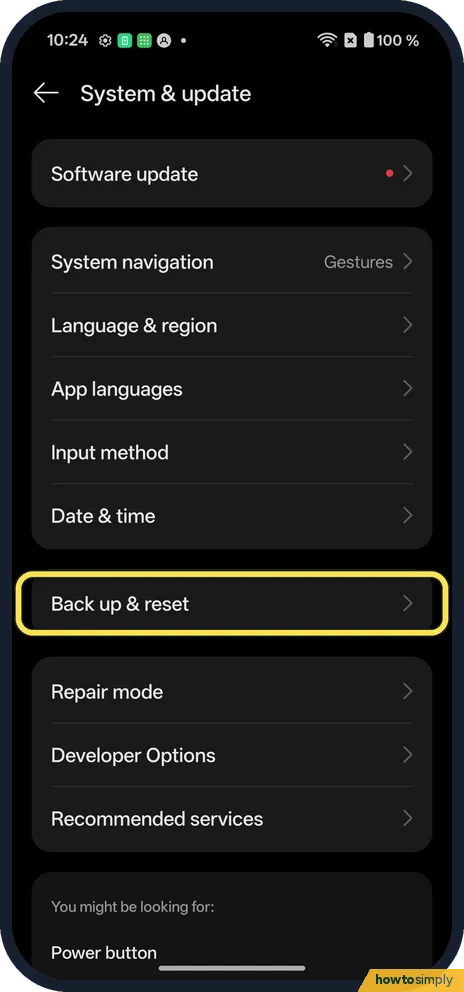
Go to Settings, System & update, Back up & reset, Reset phone, and tap Reset network and Bluetooth settings. Tap Reset to confirm. Wi-Fi, Bluetooth and mobile network…
How to turn on a hotspot on a OnePlus (OxygenOS 16)
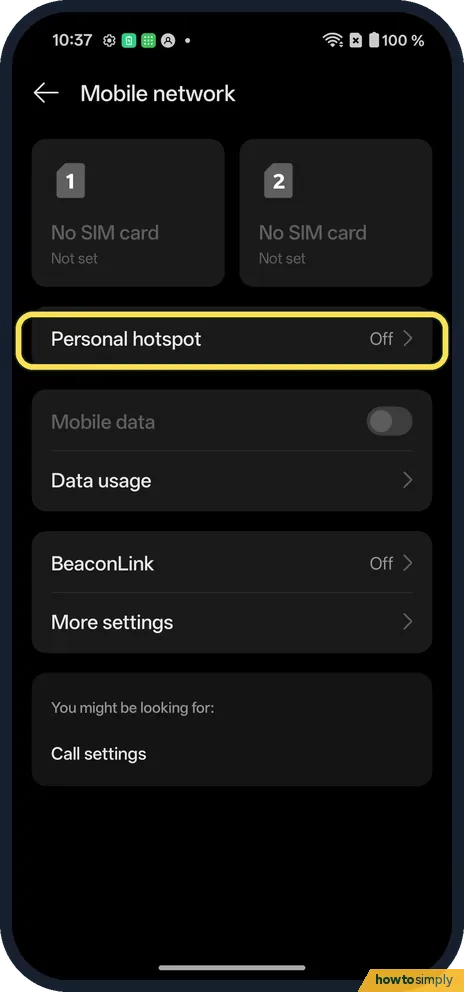
Go to Settings, Mobile network, Personal hotspot and switch it on. Hotspot settings has the name and password other devices use. The hotspot turns off by itself after…
How to stop an app using mobile data or Wi-Fi on a OnePlus (OxygenOS 16)
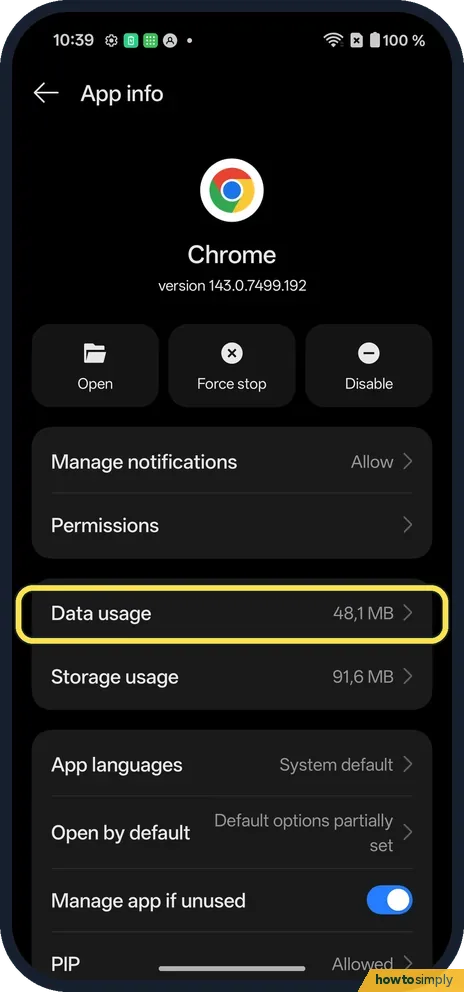
Open the app's App info and tap Data usage. Switch on Disable mobile data or Disable Wi-Fi. Switch Background data off to stop it using data when you're not using it.
How to stop Wi-Fi turning on automatically on a OnePlus (OxygenOS 16)
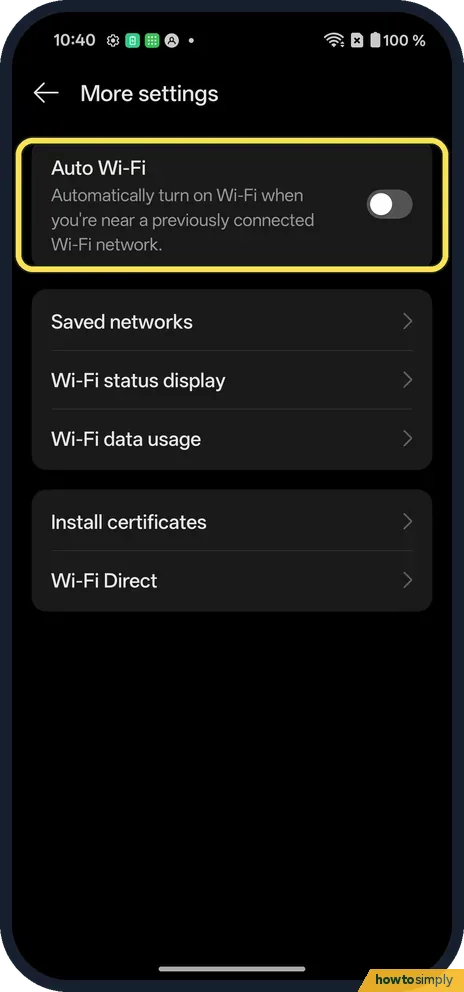
Go to Settings, Wi-Fi, tap the three dots, More settings, and switch Auto Wi-Fi off. Wi-Fi Assistant, on the Wi-Fi page, has Auto-connect to the best Wi-Fi.
How to see the 7-day forecast in Weather on a OnePlus (OxygenOS 16)
Open Weather and scroll to the Multi-day forecast card. Line, the default, draws daily highs and lows as two lines. Tap List for 7 rows, each with the date, day, icon…
Notifications & Focus
8 guidesHow to change the notification shade and Quick Settings on a OnePlus (OxygenOS 16)
OxygenOS 16 uses a Split shade: swipe down from the top left for notifications and from the top right for Quick Settings. To get both in one pull-down, go to Settings…
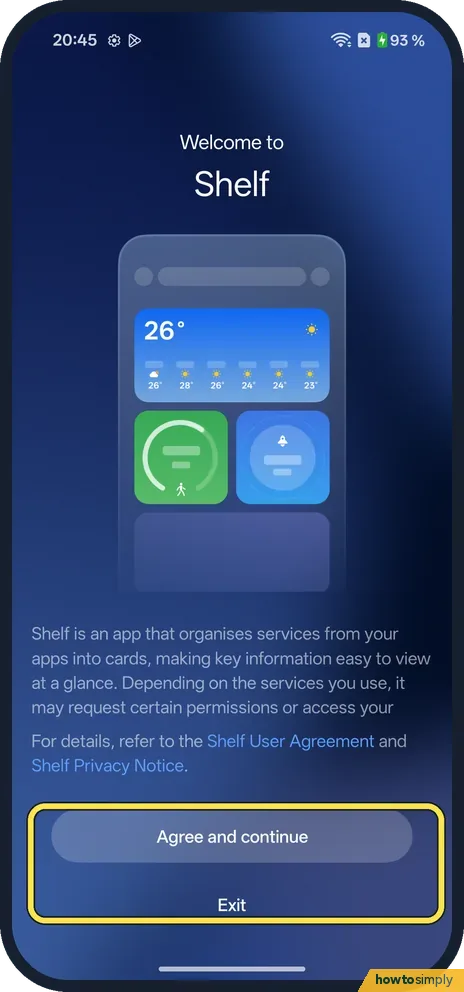
How to use Shelf on a OnePlus, or swipe down for notifications (OxygenOS 16)
Swipe down on the home screen to open Shelf, a page of cards such as steps, weather and storage. Tap + to add widgets. To make the swipe open notifications instead, go…
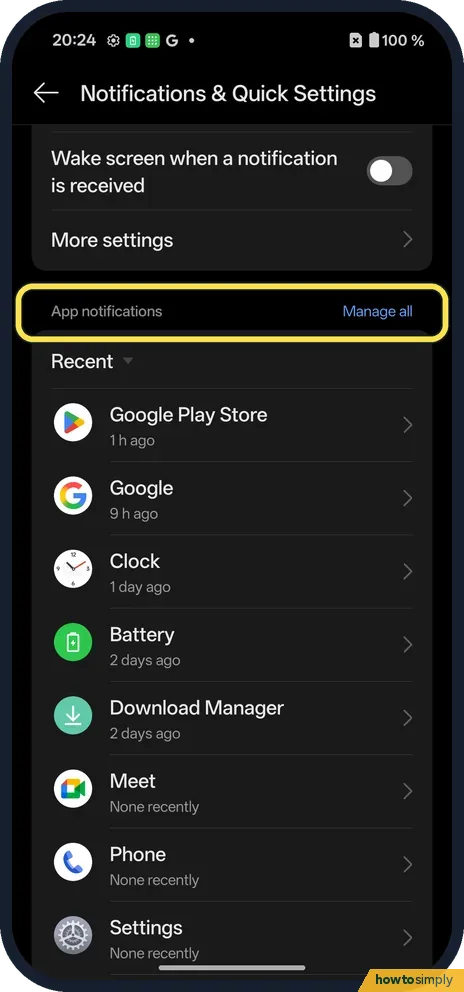
How to turn off notifications for one app on a OnePlus
Go to Settings, Notifications & Quick Settings, scroll to App notifications and tap Manage all. Switch off the app. Tap the app instead to keep it on but silent, or to…
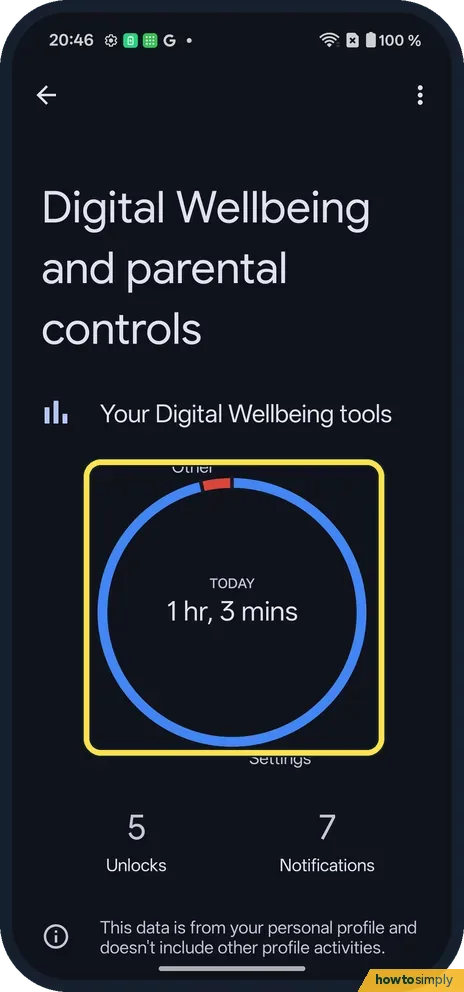
How to see screen time and set app timers on a OnePlus
Go to Settings, Digital Wellbeing & parental controls. The circle shows today's screen time; tap it for App activity details. Tap the hourglass next to an app to set a…
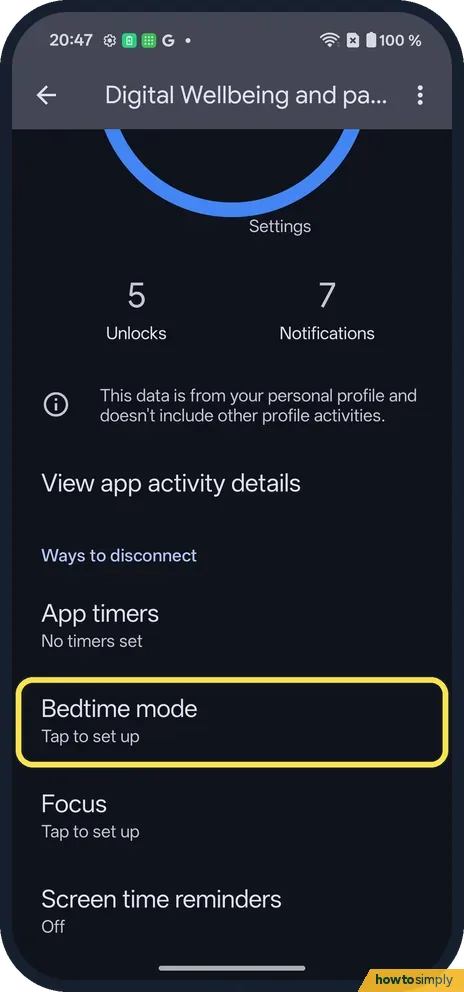
How to set up Bedtime mode on a OnePlus (OxygenOS 16)
Go to Settings, Digital Wellbeing & parental controls, Bedtime mode. The setup turns on Do Not Disturb for bedtime, then sets Start and End (23:00 to 07:00 by default)…
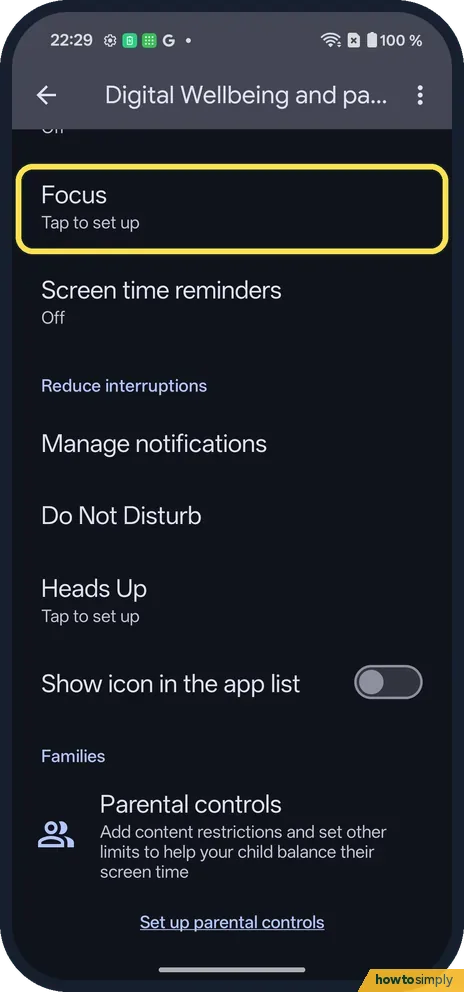
How to use Focus mode on a OnePlus (OxygenOS 16)
Go to Settings, Digital Wellbeing & parental controls, Focus. Tick your distracting apps and tap Turn on now. Opening a paused app shows Focus is on, with Use app for 5…
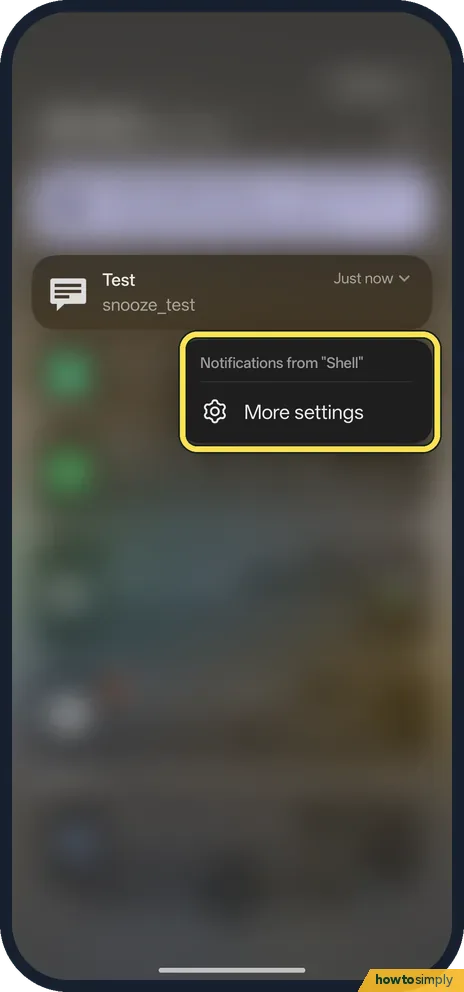
How to turn on notification snoozing on a OnePlus (OxygenOS 16)
Snoozing is off by default on OxygenOS 16. Go to Settings, Notifications & Quick Settings, More settings and turn on Notification snoozing, or search Settings for snooze.
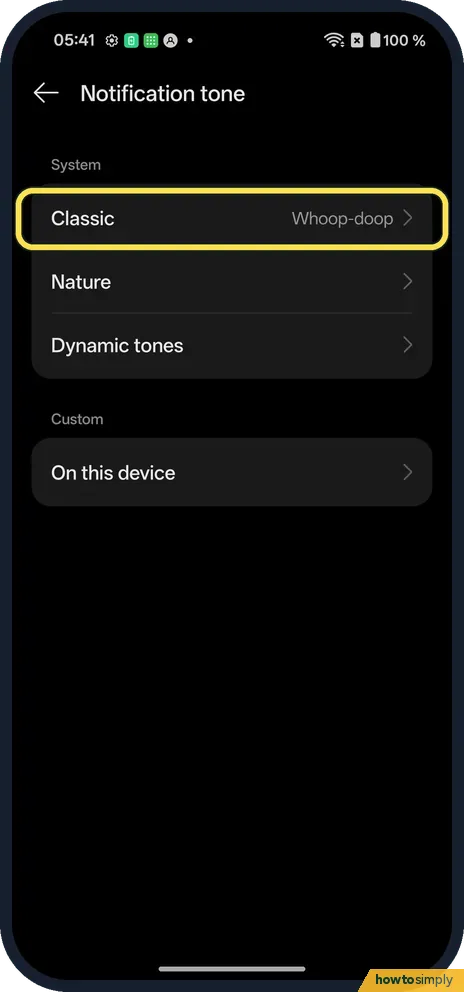
How to change the notification sound on a OnePlus (OxygenOS 16)
Open Settings, Sound & vibration, Notification tone. Pick a category such as Classic and tap a sound; it plays and its circle fills in.
Battery, Storage & Updates
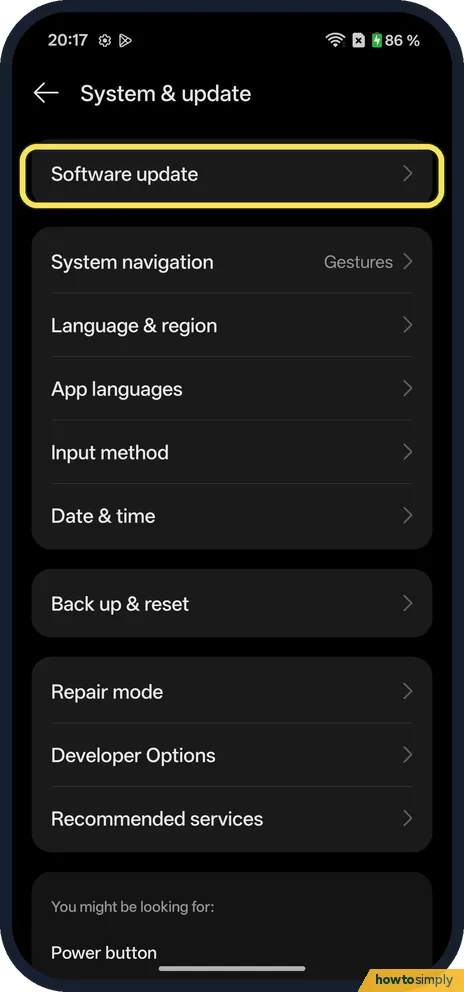
9 guidesHow to check for software updates on a OnePlus (OxygenOS 16)
Go to Settings, System & update, Software update. It shows Version up to date or offers the update. The menu at the top right has Auto update, Beta program and Local…
How to show battery percentage on a OnePlus (OxygenOS 16)
Go to Settings, Notifications & Quick Settings, Status bar and turn on Battery percentage. The number shows next to the battery icon at the top right. Battery style, on…
How to set a charging limit on a OnePlus (OxygenOS 16)
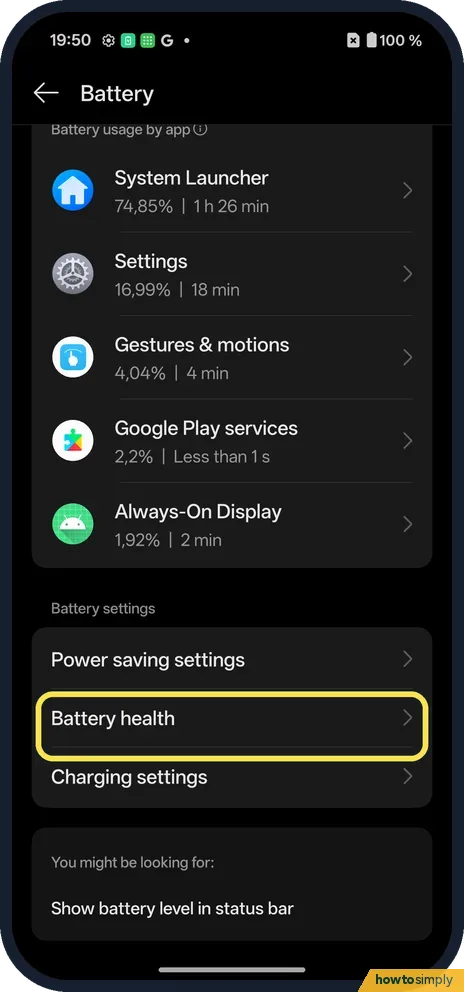
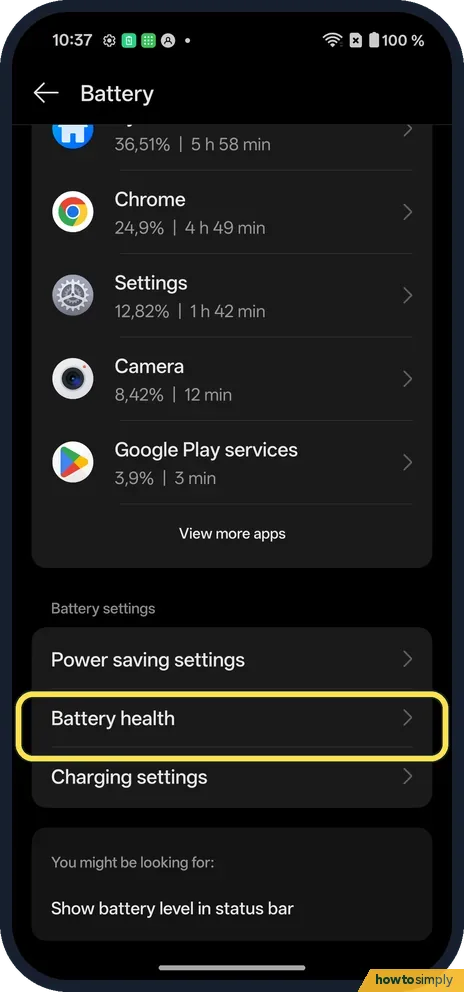
Go to Settings, Battery, Battery health. Turn on Custom charging limit to stop charging at a level you pick, or Smart charging to hold at 80% and finish shortly before…
How to free up storage on a OnePlus (OxygenOS 16)
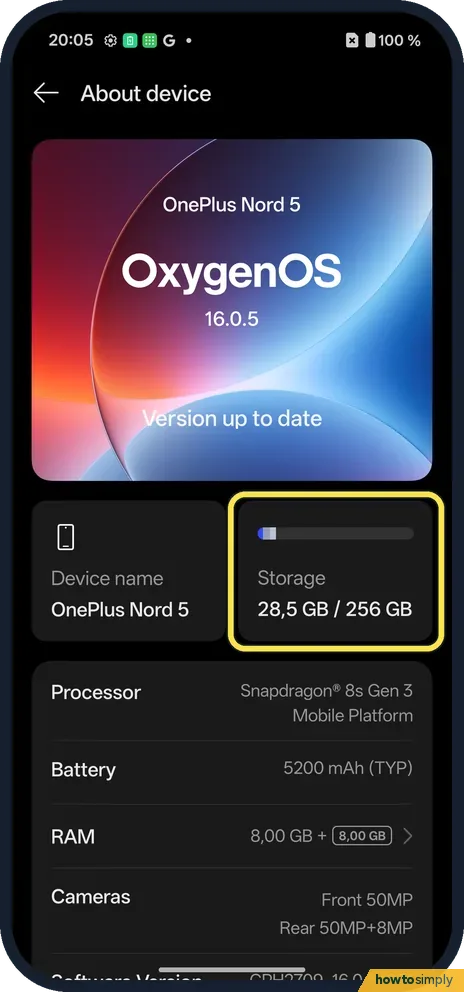
Go to Settings, About device, tap the Storage tile and tap Clean up. Phone Manager shows the junk files it found; tap Clean to delete them, or look through App cleanup…
How to see which apps use the most battery on a OnePlus (OxygenOS 16)
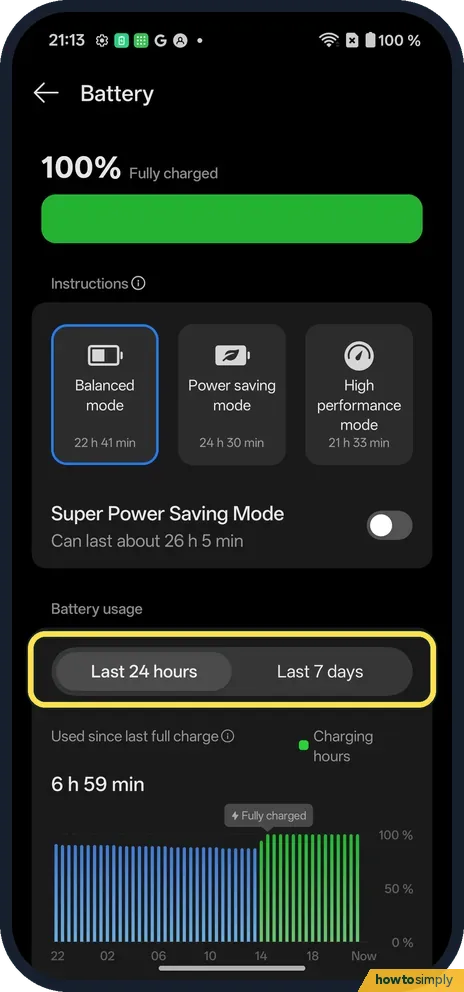
Go to Settings, Battery and scroll to the app list. Each app shows its share and screen time for the last 24 hours (or Last 7 days). Tap an app for mAh, foreground and…
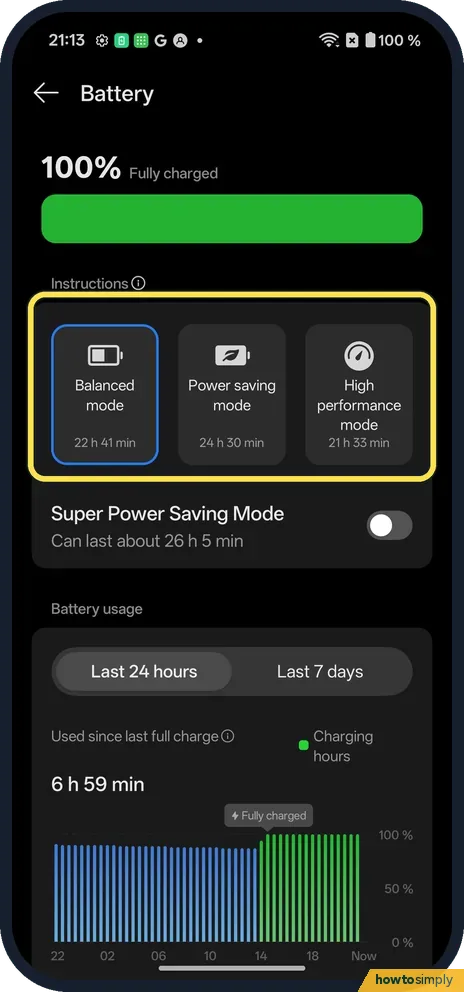
How to use power saving mode on a OnePlus (OxygenOS 16)
Go to Settings, Battery and tap the Power saving mode card. Customise, below it, picks what it changes: 15-second screen timeout, 60 Hz, no Always-On Display and more…
How to factory reset a OnePlus (OxygenOS 16)
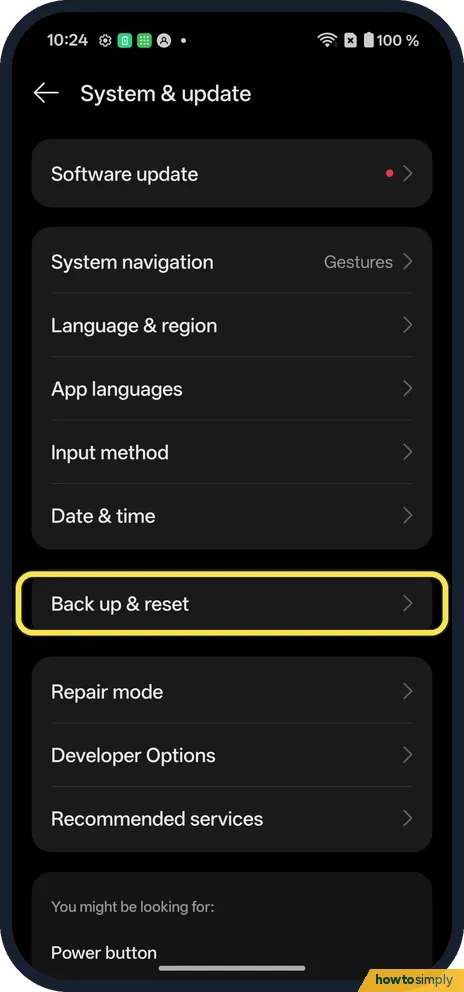
Back up first. Go to Settings, System & update, Back up & reset, Reset phone, and tap Erase all data. A box asks Permanently clear all data? Tap Clear and follow the…
How to check battery health on a OnePlus (OxygenOS 16)
Go to Settings, Battery, Battery health. Maximum capacity shows the battery's capacity compared to when it was new. The same page has Smart charging, Custom charging…
How to check the security patch on a OnePlus (OxygenOS 16)
Open Settings, About device, scroll down and tap Version. Android security update, the last row, shows the patch date: 1 August 2026 on our Nord 5 in late October. The…
Sound & Alerts
8 guidesHow to use Live Alerts on a OnePlus (OxygenOS 16)
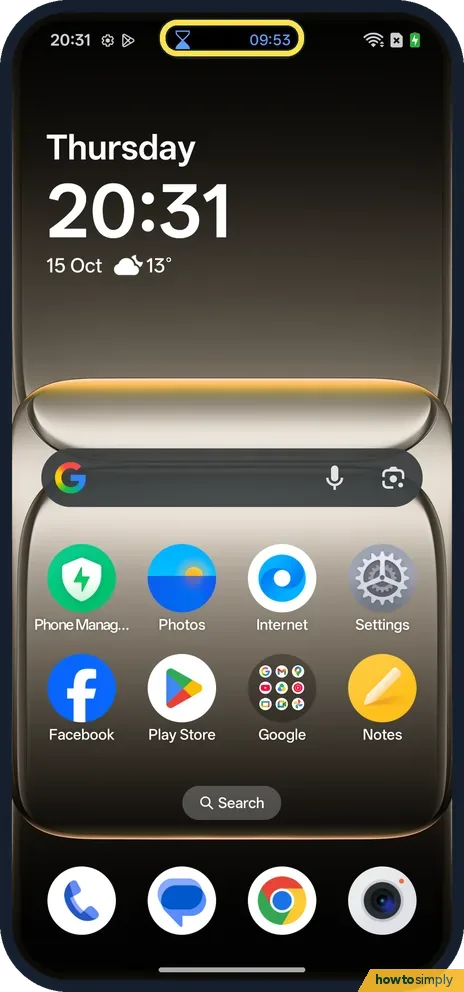
Live Alerts show a running timer, call or other live activity as a small capsule at the top of the screen. Tap the capsule to open it as a card with its controls. To…
How to change the ringtone and vibration on a OnePlus (OxygenOS 16)
Go to Settings, Sound & vibration. Ringtone (under Ringtone & alert sounds) picks the sound; ours was OnePlus new feeling. Vibration intensity has two sliders, Calls &…
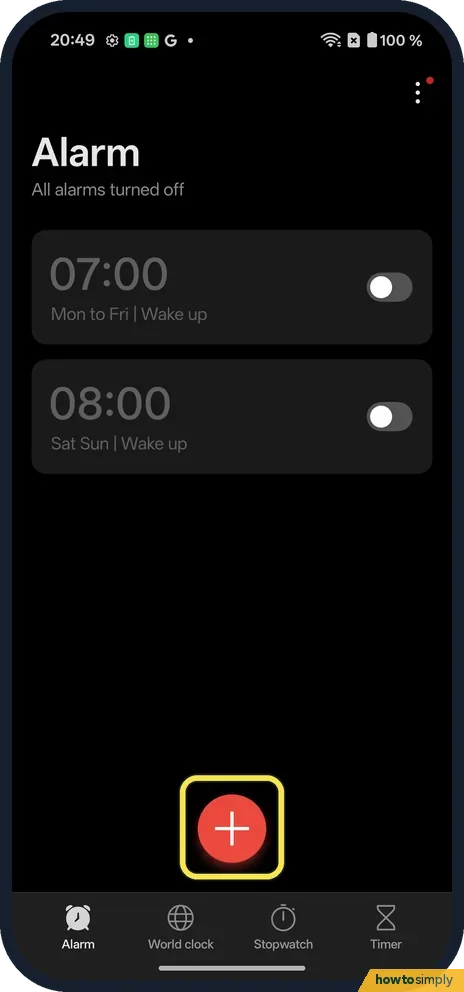
How to set and delete an alarm on a OnePlus (OxygenOS 16)
Open Clock, Alarm and tap +. Turn the hour and minute wheels, pick Ring once, Weekdays or Custom, and tap Done. To delete, touch and hold the alarm and tap Delete: it…
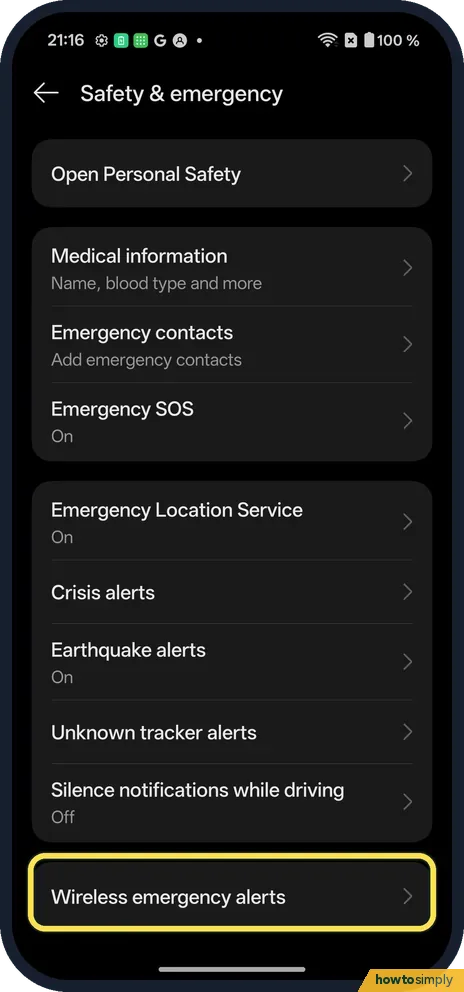
How to turn off emergency alerts on a OnePlus (OxygenOS 16)
Go to Settings, Safety & emergency, Wireless emergency alerts. Switch off Extreme threats, Severe threats, AMBER alerts or Test alerts, or Allow alerts for all of them…
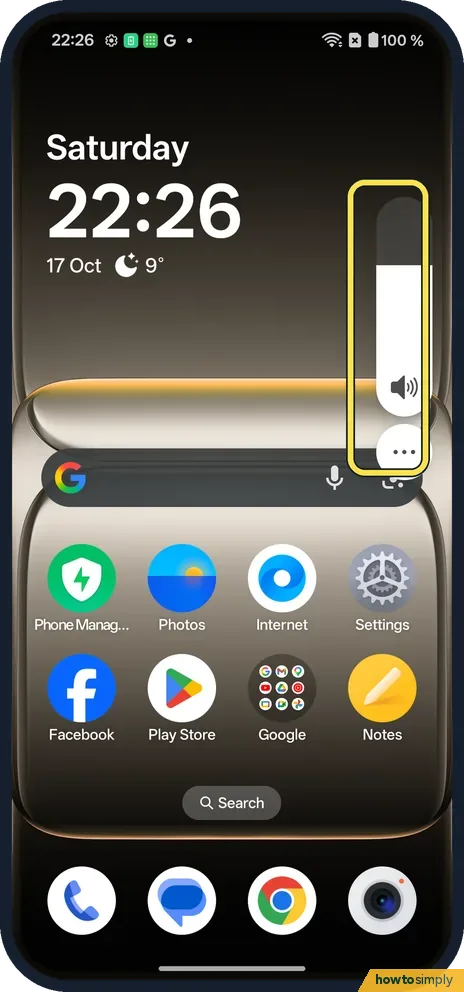
How to change the volume on a OnePlus (OxygenOS 16)
Press a volume button and drag the slider on the right. Tap the three dots under it to see four sliders: Media, Ring, Notification and Alarm. Settings, Sound &…
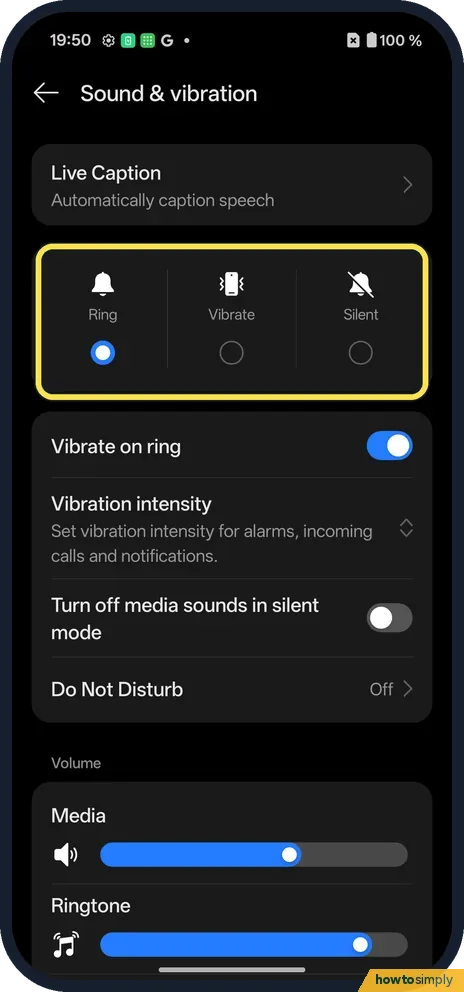
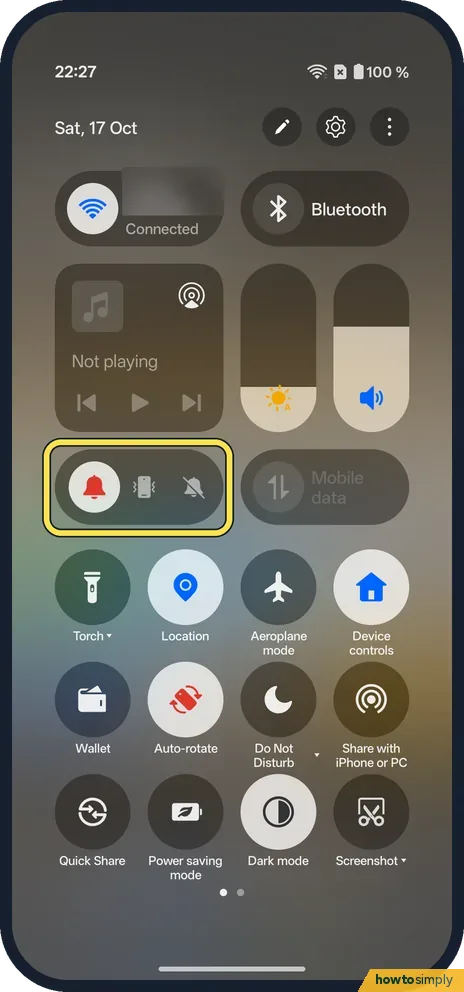
How to put a OnePlus on silent or vibrate (OxygenOS 16)
Swipe down twice. Under the sliders, a pill has three icons: bell (Ring), phone (Vibrate) and crossed-out bell (Silent). Tap one. Settings, Sound & vibration has the…
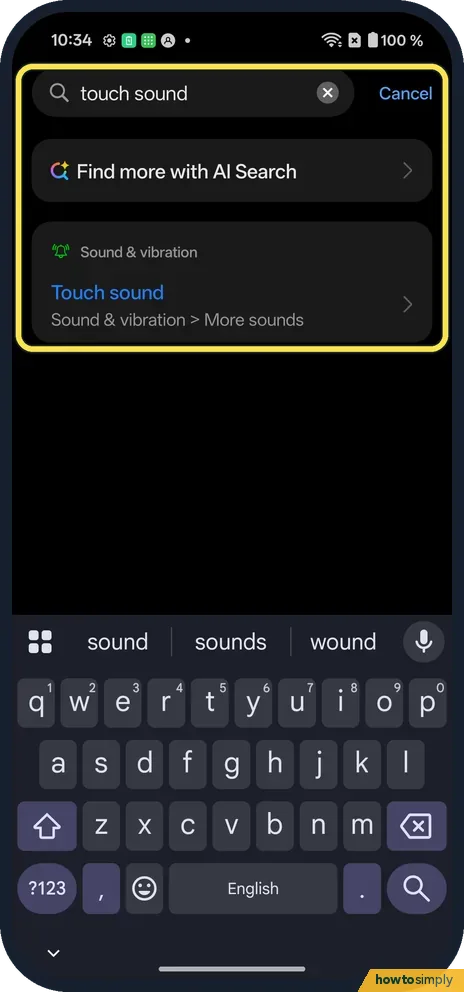
How to turn touch sounds on or off on a OnePlus (OxygenOS 16)
Go to Settings, Sound & vibration, More sounds and switch Touch sound on or off. The same page has Dial pad tone, Lock screen sound, Screenshot sound and Deletion sound.
How to use App-specific volume on a OnePlus (OxygenOS 16)
Open Settings, Sound & vibration and turn on App-specific volume, below Volume button function. Then, while an app plays sound, press a volume button and tap the mixer…
More settings
43 guidesHow to change what the power button does on a OnePlus (OxygenOS 16)
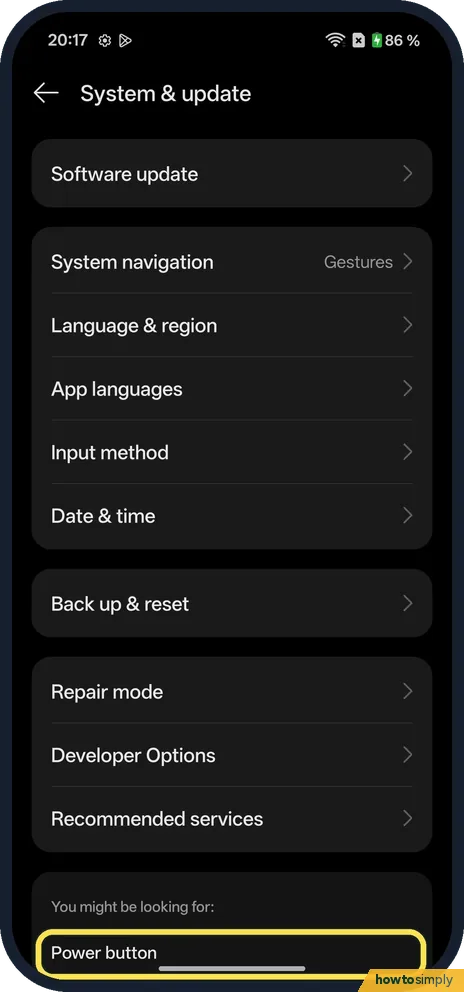
On our Nord 5, pressing and holding the Power button opened the digital assistant (Google). To get the power menu instead, go to Settings, search Power button, tap…
How to use Split View and floating windows on a OnePlus (OxygenOS 16)
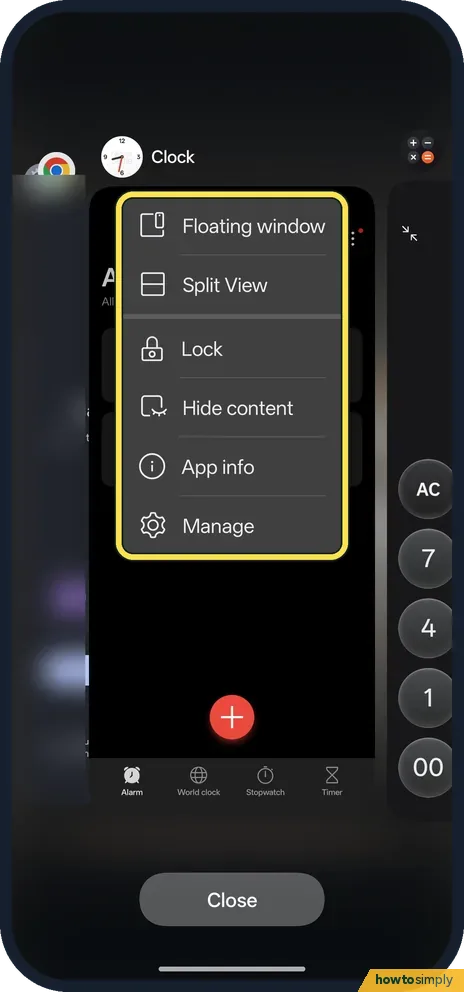
Open Recents, tap the three dots by an app and choose Split View or Floating window. For Split View, then open a second app. With gestures, you can also swipe up from…
How to clone an app with App Cloner on a OnePlus (OxygenOS 16)
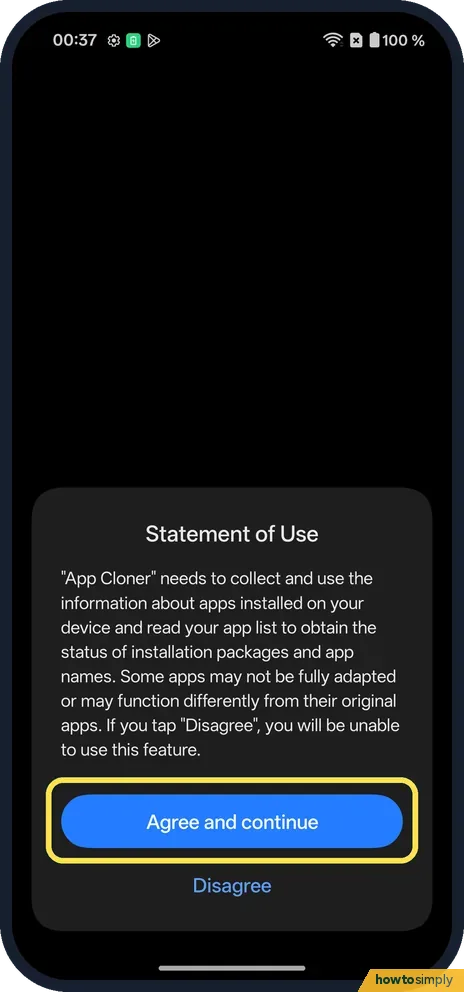
Go to Settings, Apps, App Cloner and agree to the Statement of Use. Tap a supported app, or Other apps, and turn on Create app clone. A second copy with a badge appears…
How to force stop an app on a OnePlus (OxygenOS 16)
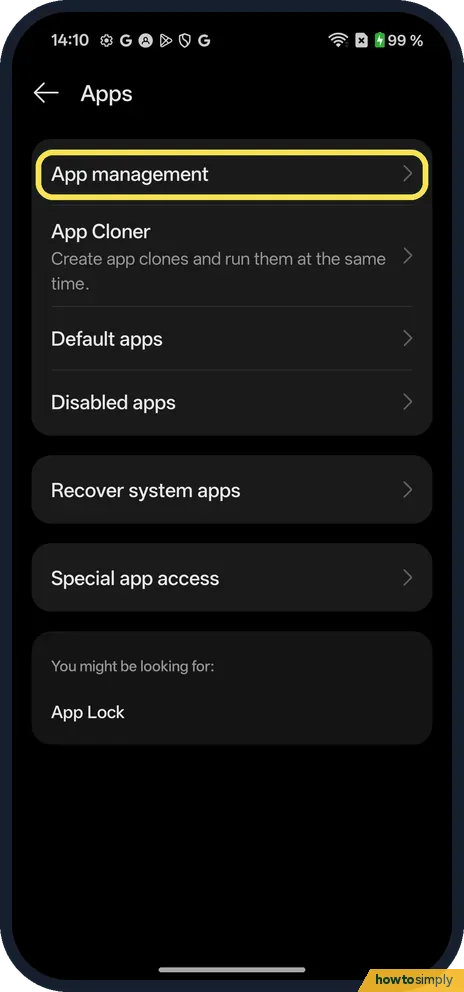
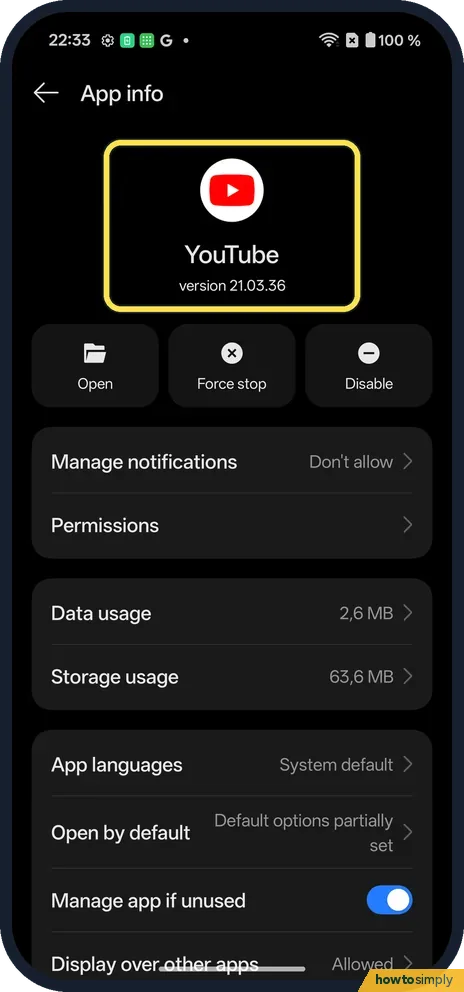
Go to Settings, Apps, App management and tap the app. On App info, tap Force stop, the middle button. A box warns: Exceptions may occur if an app is force stopped. Tap…
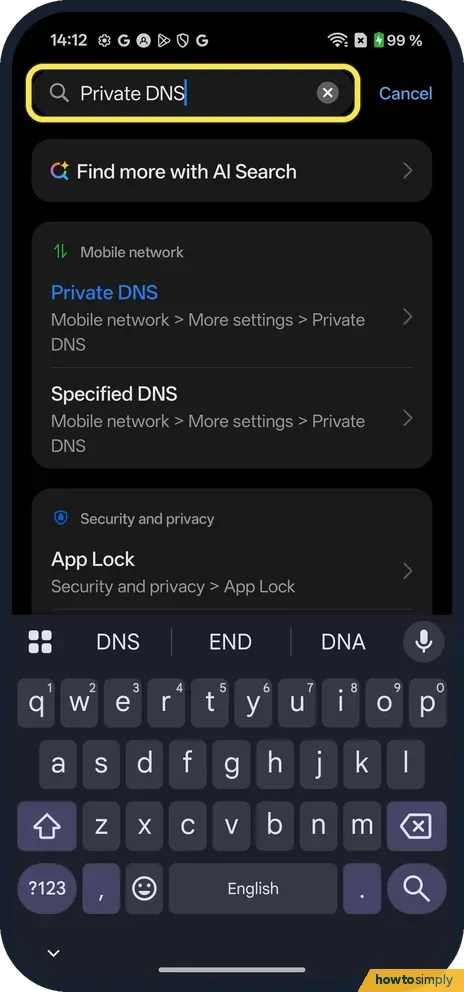
How to change Private DNS on a OnePlus (OxygenOS 16)
Search Settings for Private DNS; on our Nord 5 it is under Mobile network, More settings. Choose Off, Auto or Specified DNS. Auto was selected on ours: it encrypts…
How to turn on Always-On Display on a OnePlus (OxygenOS 16)
Go to Settings, Home screen, Lock screen & style, tap the Always-On Display tile at the bottom and turn on Always-On Display. Under Display settings, Display mode sets…
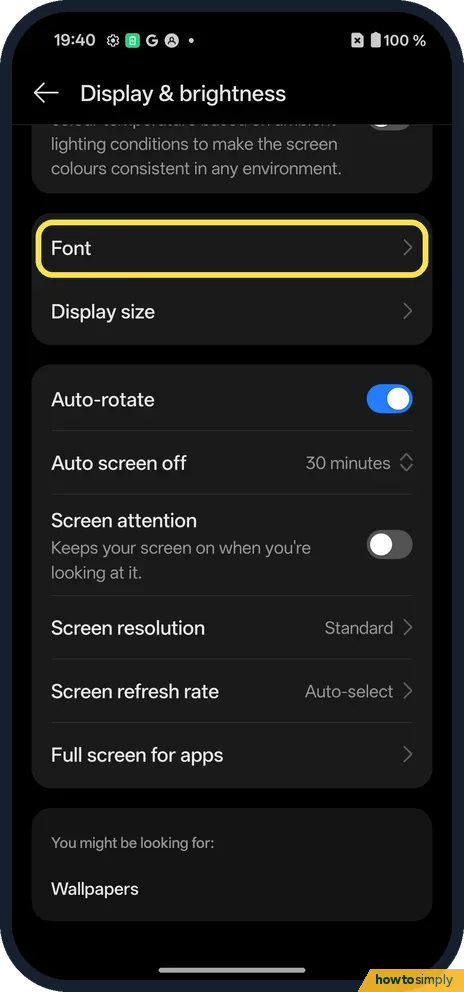
How to change the font size and display size on a OnePlus (OxygenOS 16)
Go to Settings, Display & brightness, Font. Drag the Font size slider (Default is the second of four steps) and tap Apply. For bigger icons and text together, tap…
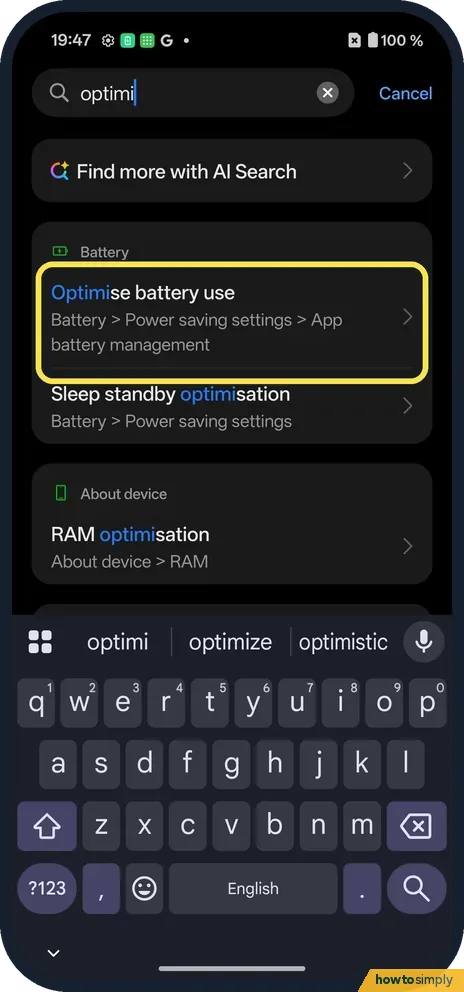
How to stop a OnePlus closing apps in the background
Go to Settings, Battery, Power saving settings, App battery management, tap the app and choose Allow background activity. Smart mode (Recommended), which was picked on…
How to make an app folder on a OnePlus (OxygenOS 16)
Touch and hold an app on the home screen and drop it on another app. A folder appears with a name chosen for you (ours was Tools). Open it and tap the name to rename…
How to switch between 12-hour and 24-hour time on a OnePlus
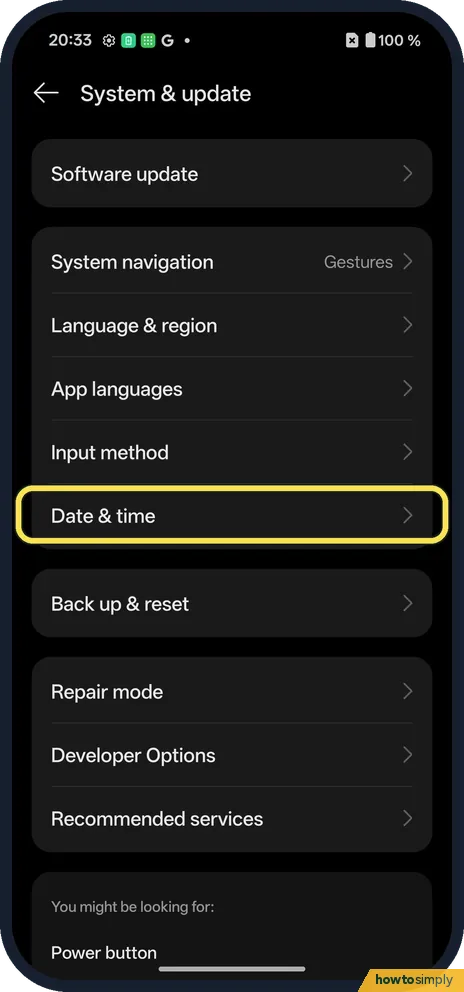
Go to Settings, System & update, Date & time and tap Time format. Choose 12-hour (1:00 PM) or 24-hour (13:00). The status bar clock changes at once.
How to change the language on a OnePlus, for the phone or one app
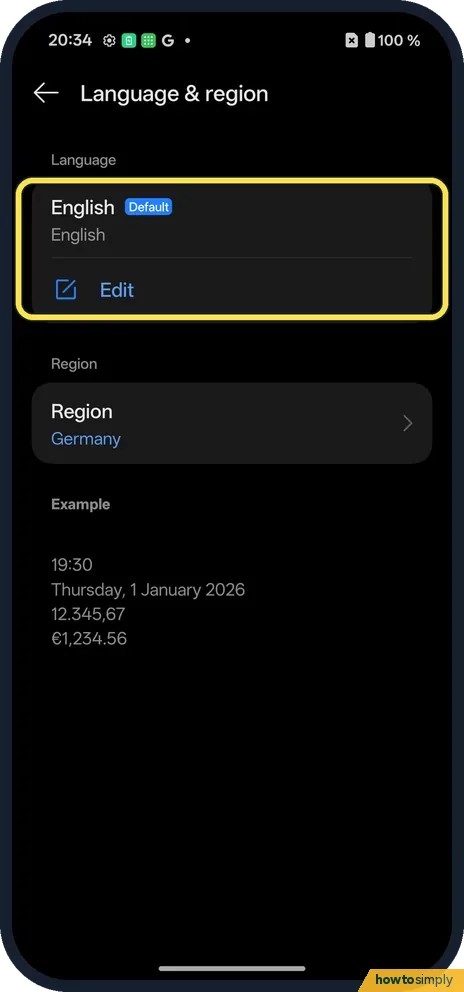
Go to Settings, System & update, Language & region and tap Edit. Add a language and drag it to the top. For one app, use System & update, App languages, the app, and…
How to change the device name on a OnePlus (OxygenOS 16)
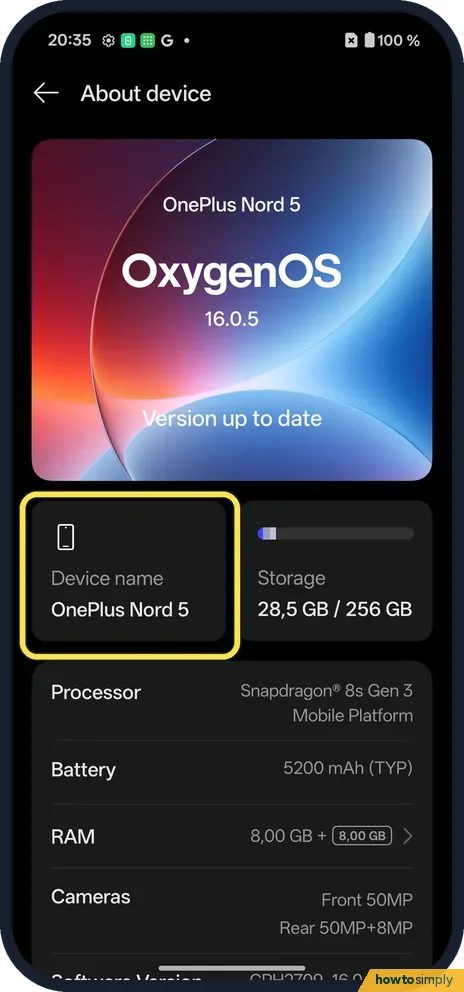
Go to Settings, About device and tap Device name. Type a new name (up to 32 characters) and tap Save. Others see it over Bluetooth and Wi-Fi Direct.
How to find the IMEI, model and build number on a OnePlus
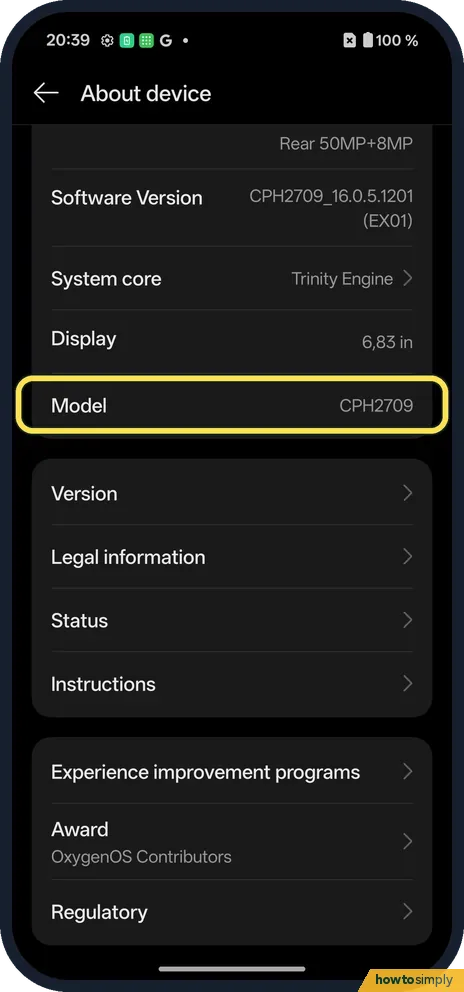
Go to Settings, About device. Model (ours CPH2709) is above Version; Version shows the build as Version No. Status shows IMEI 1, IMEI 2 and the serial number. You can…
How to allow installing apps from unknown sources on a OnePlus
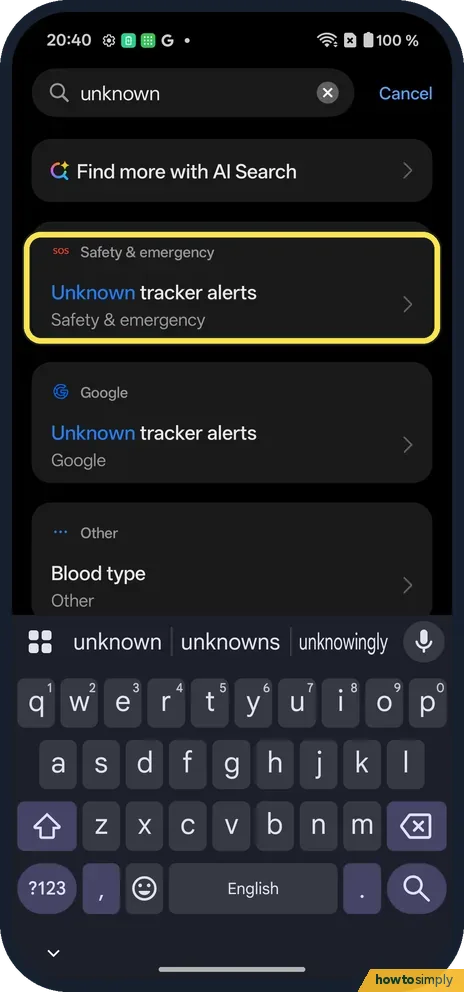
On OxygenOS 16 it is called Installation sources: Settings, Security and privacy, More security and privacy, Installation sources. Switch on only the app you will…
How to turn on magnification on a OnePlus (OxygenOS 16)
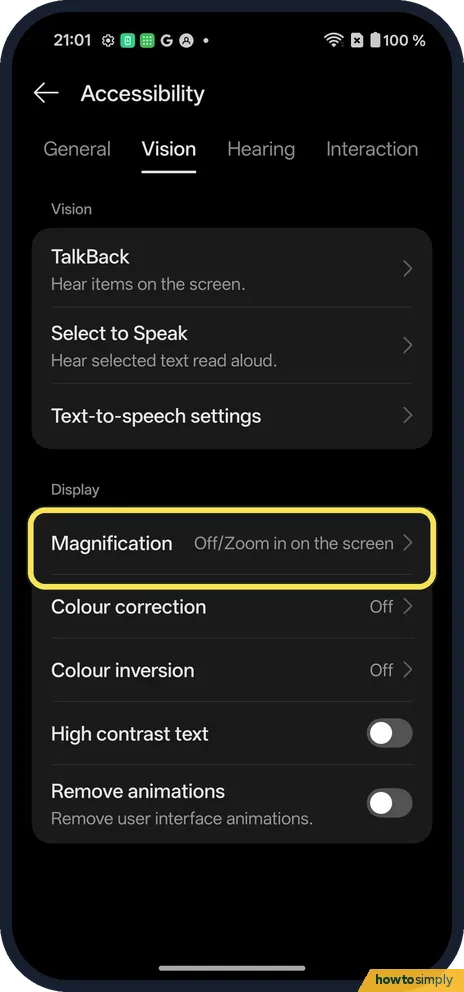
Go to Settings, Accessibility & convenience, Accessibility, Vision, Magnification and switch on Shortcut. Pick how to start it: Accessibility button, Swipe up with 2…
How to use the accessibility button and shortcuts on a OnePlus (OxygenOS 16)
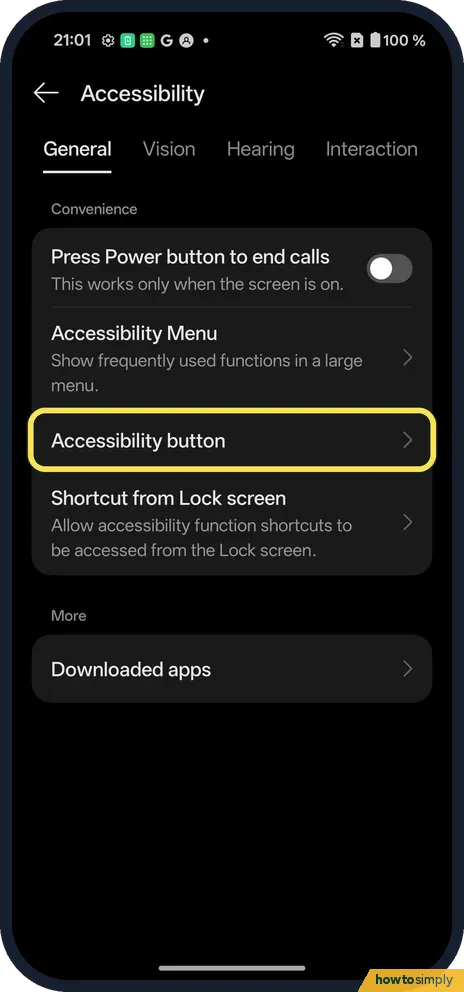
Go to Settings, Accessibility & convenience, Accessibility. On the General tab tap Accessibility button to set its Size, Fade when not in use and Transparency. Shortcut…
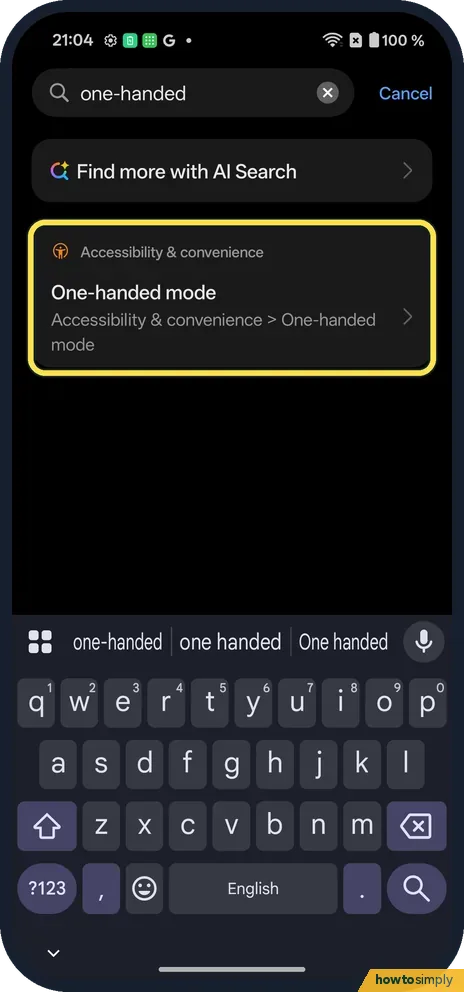
How to use one-handed mode on a OnePlus (OxygenOS 16)
Go to Settings, Accessibility & convenience, One-handed mode and switch it on. Then swipe down at the bottom of the screen: the screen drops to the lower half. Swipe up…
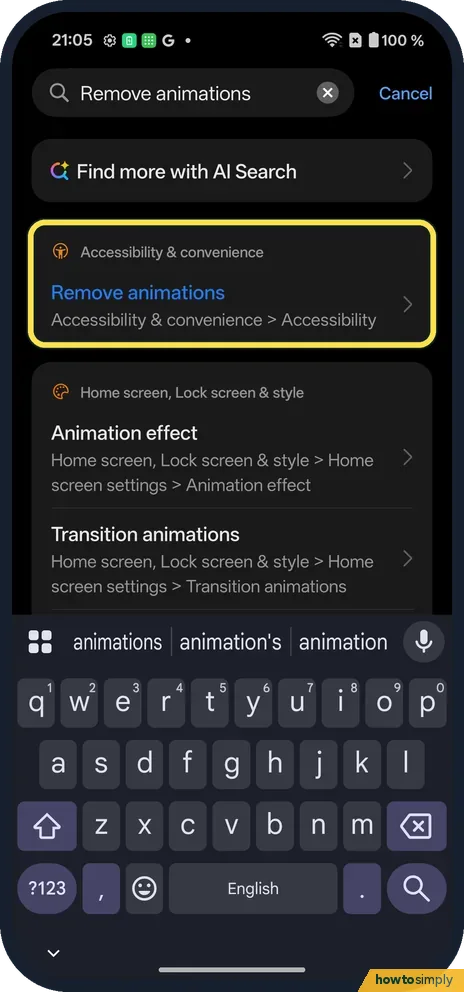
How to remove animations on a OnePlus (OxygenOS 16)
Go to Settings, Accessibility & convenience, Accessibility, open the Vision tab and switch on Remove animations. Searching Settings for remove animations finds it too.
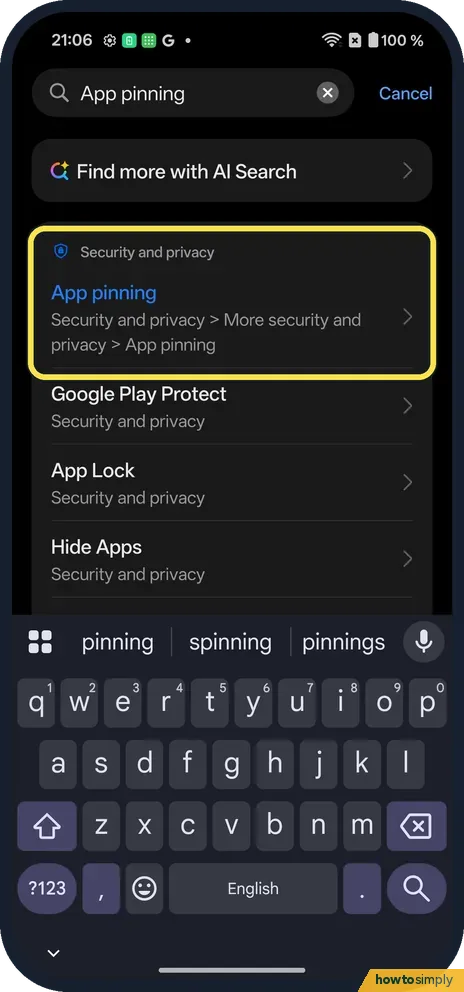
Why App pinning is greyed out on a OnePlus (OxygenOS 16)
On OxygenOS 16, App pinning is greyed out while gesture navigation is on. Switch System navigation to Buttons, then turn App pinning on in Security and privacy, More…
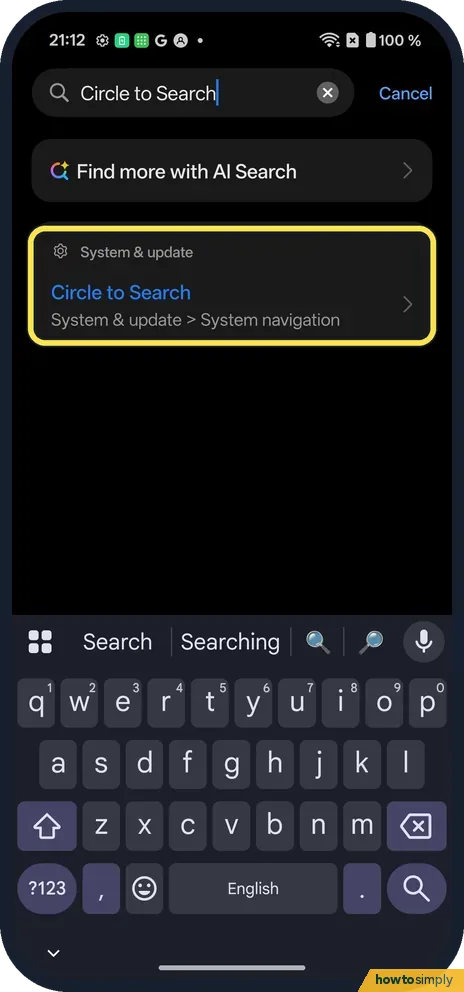
How to use Circle to Search on a OnePlus (OxygenOS 16)
Touch and hold the gesture bar at the bottom of the screen, then circle or tap what you want to search. The switch is in Settings, System & update, System navigation…
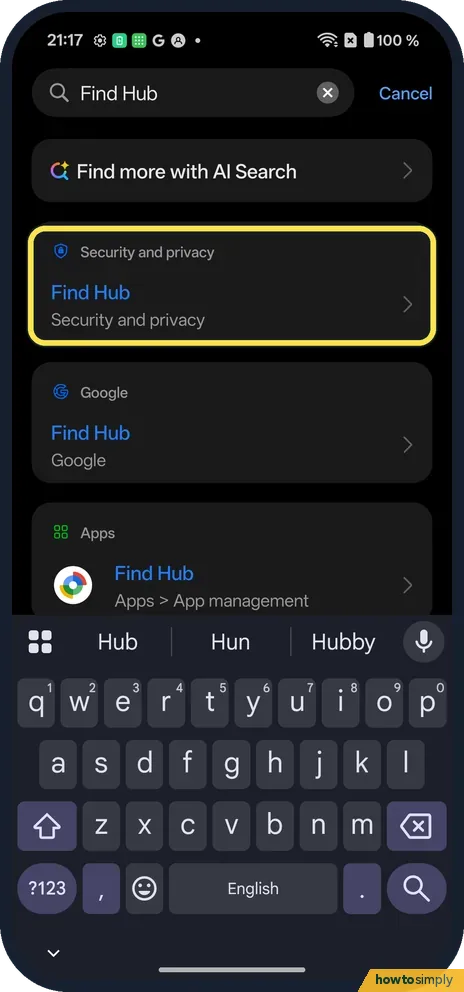
How to turn on Find Hub on a OnePlus (OxygenOS 16)
Go to Settings, Security and privacy, Device finders, Find Hub and switch on Allow device to be located. Find Hub (Google's Find My Device) then shows the phone on a…
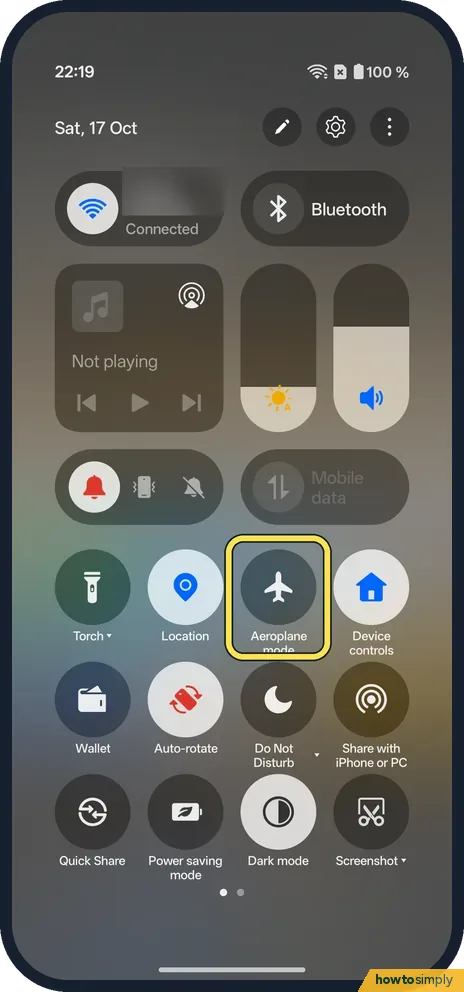
How to turn aeroplane mode on or off on a OnePlus (OxygenOS 16)
Swipe down twice from the top for Quick Settings and tap the Aeroplane mode tile. It turns orange and a plane shows in the status bar. Tap it again to turn it off.
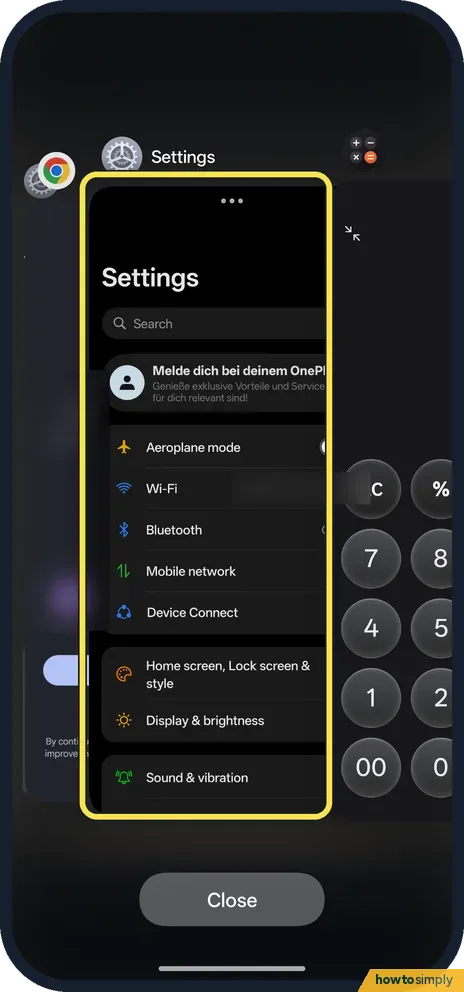
How to close all apps on a OnePlus (OxygenOS 16)
Swipe up from the bottom and hold to open recent apps, then tap Close at the bottom. The other unlocked apps close, and the app you were in stays, as Calculator did on…
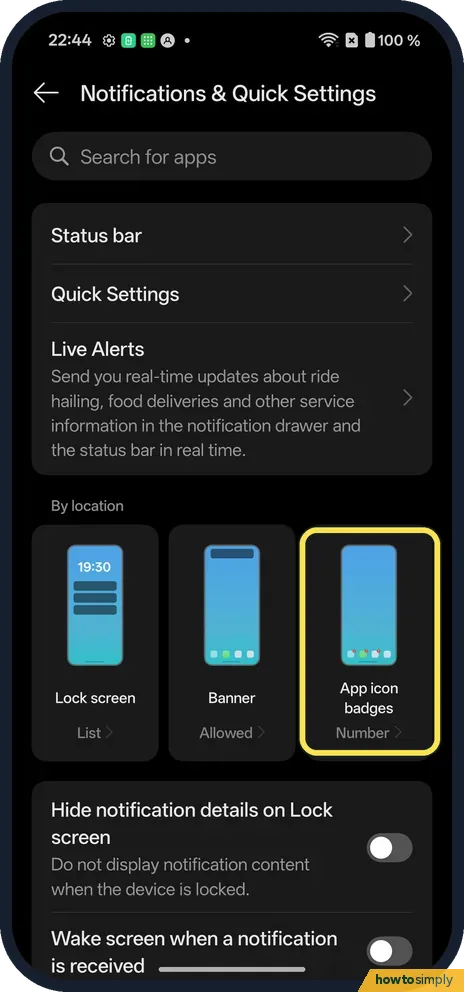
How to change app icon badges on a OnePlus (OxygenOS 16)
Go to Settings, Notifications & Quick Settings and tap the App icon badges tile. Turn Show app icon badges on or off, tap Badges to pick Number or Dot, and switch…
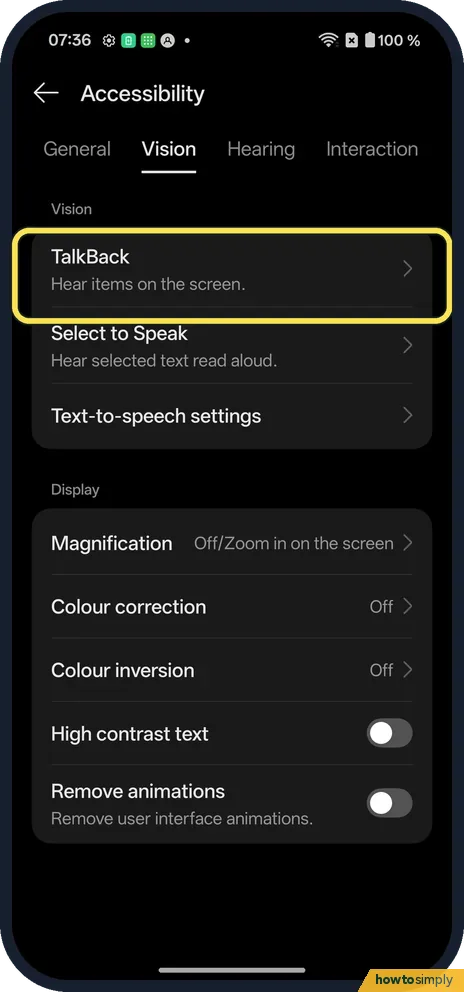
How to turn TalkBack on or off on a OnePlus (OxygenOS 16)
Press and hold both volume keys for a few seconds: on ours the TalkBack shortcut was set to Volume keys. Or go to Settings, Accessibility & convenience, Accessibility…
How to block a number on a OnePlus (OxygenOS 16)
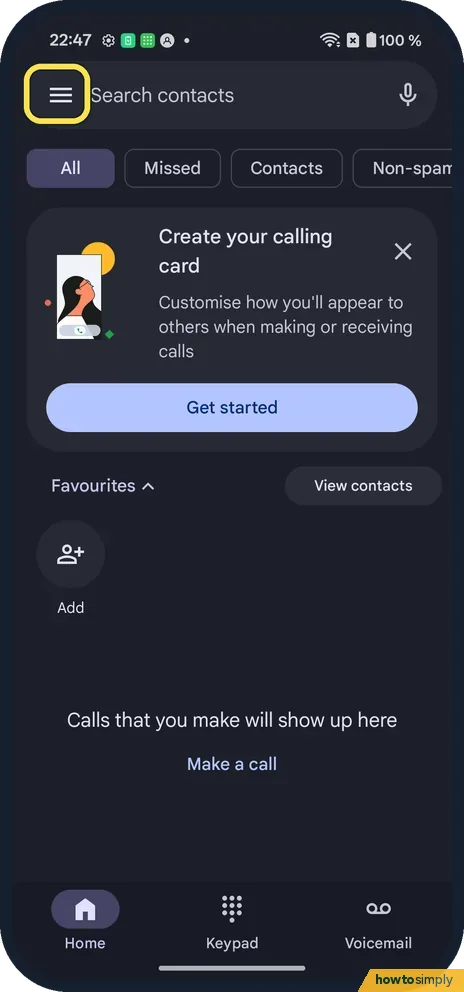
Open the Phone app, tap the menu (three lines) at the top left, then Settings, Blocked numbers. Tap Add a Phone Number, type the number and tap Block. Calls and texts…
How to set a timer on a OnePlus (OxygenOS 16)
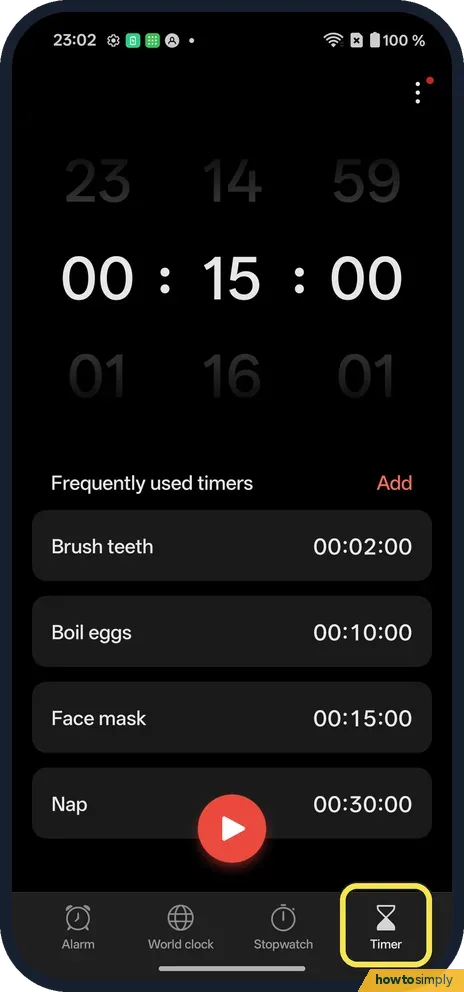
Open the Clock app and tap Timer at the bottom. Turn the hour, minute and second wheels, then tap the play button. Or tap a frequently used timer like Brush teeth.
How to add a world clock on a OnePlus (OxygenOS 16)
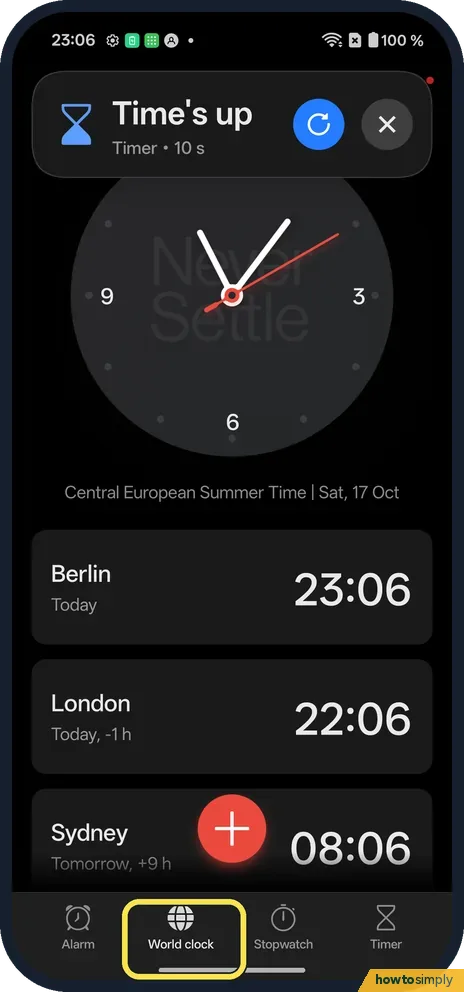
Open the Clock app, tap World clock, then +. Search for the city and tap it. To remove one, touch and hold it and tap Delete.
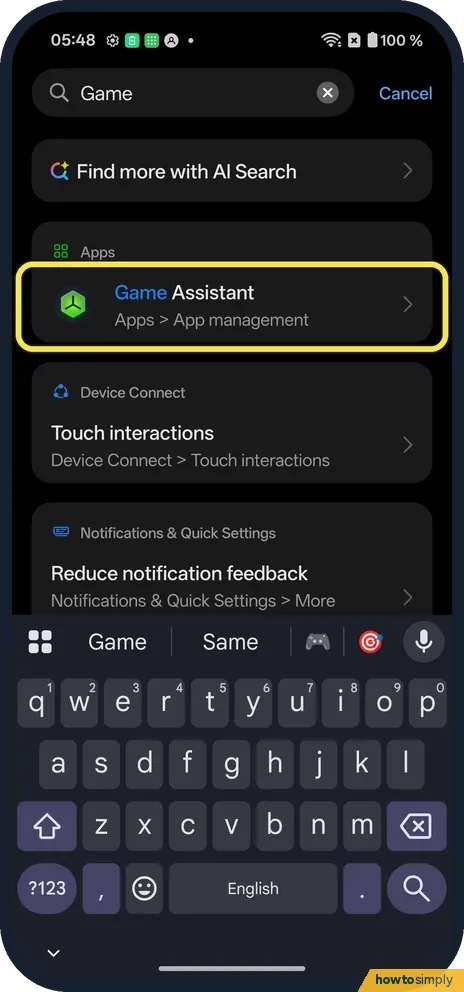
How to use Game Assistant on a OnePlus (OxygenOS 16)
Open the Game Assistant app and agree to its notice. Your games are listed; tap Launch to play. The menu at the top left has More settings.
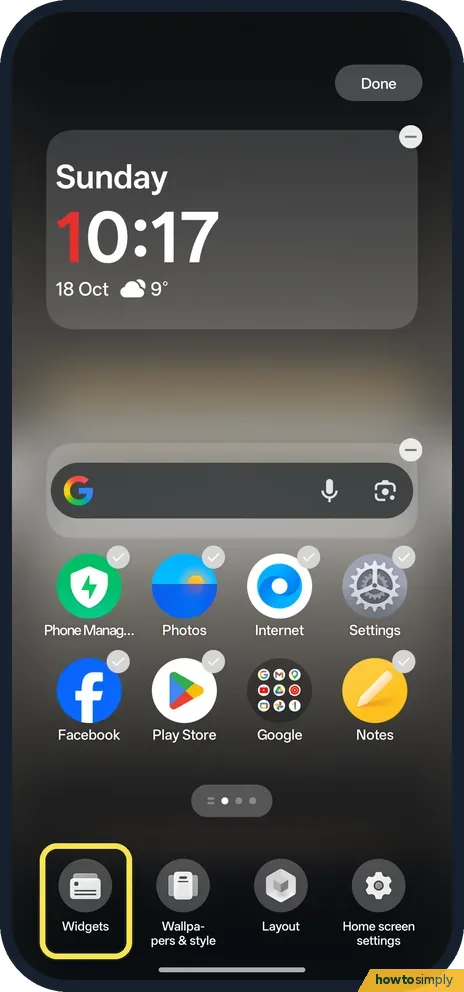
How to add and remove widgets on a OnePlus (OxygenOS 16)
Touch and hold an empty spot on the home screen and tap Widgets at the bottom. Tap an app, pick a widget and tap Add. To remove it, touch and hold the widget and tap…
How to change app permissions on a OnePlus (OxygenOS 16)
Go to Settings, Security and privacy, Privacy controls, Permission manager. Tap a permission such as Camera to see which apps have it, then tap an app to change it. For…
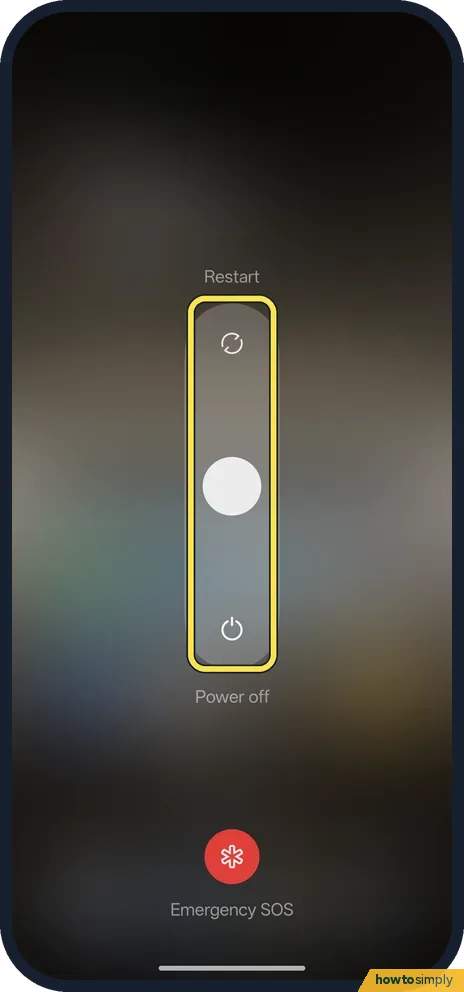
How to turn off or restart a OnePlus (OxygenOS 16)
Press Power and Volume Up together. Swipe the slider up to Restart or down to Power off. Holding Power on its own opens Gemini on the Nord 5; you can change that in…
How to reset or delete your advertising ID on a OnePlus (OxygenOS 16)
Go to Settings, Security and privacy, Privacy controls, Ads. Tap Reset advertising ID for a new one, or Delete advertising ID so apps can no longer use it for…
How to stop an app opening links on a OnePlus (OxygenOS 16)
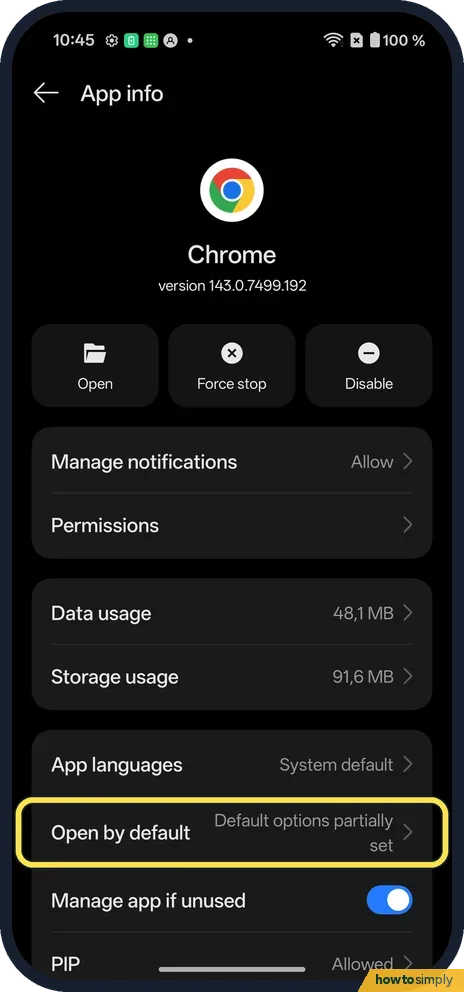
Open the app's App info and tap Open by default. Under Choose how to open web links for this app, tap In your browser. Links then open in your browser instead of the app.
How to change what the Plus Key does on a OnePlus Nord 5
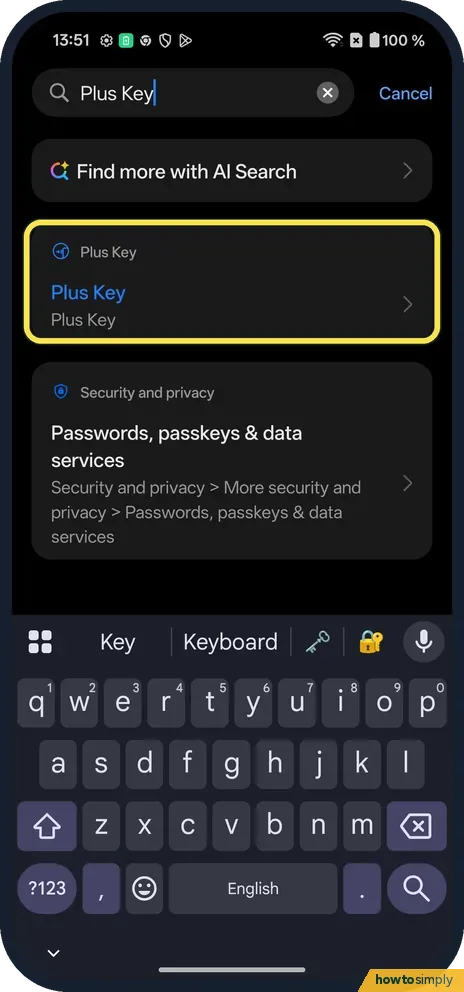
Open Settings and search for "Plus Key", or find it in the main list. Swipe or tap the icons along the bottom to pick Sound & vibration, Do Not Disturb, Camera, Torch…
How to turn off Google Discover on a OnePlus (OxygenOS 16)
Open the Google app, tap your profile picture, then Settings, Other settings, and switch off Discover. The Home tab then shows only search, with a Turn on Discover…
How to turn on Data saving on a OnePlus (OxygenOS 16)
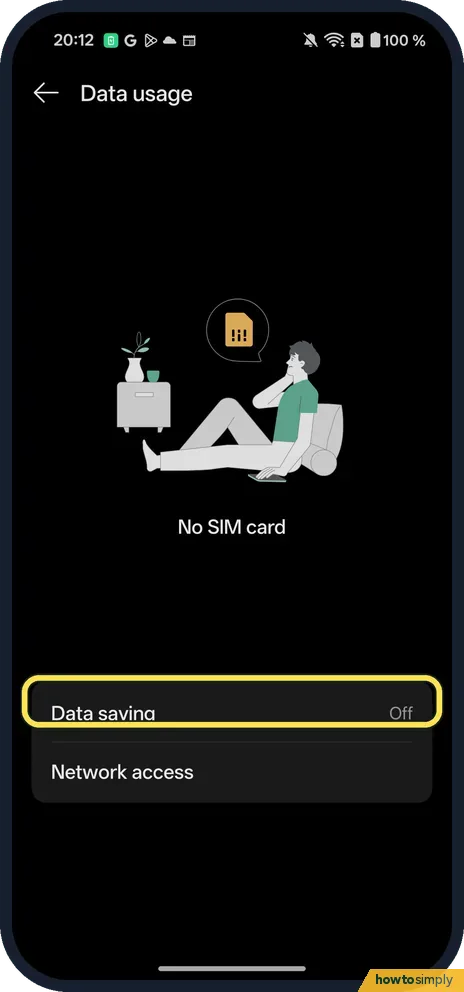
Go to Settings, Mobile network, Data usage, Data saving, turn on the Data saving switch and tap Turn On. OnePlus calls it Data saving, not Data Saver, and it turns off…
How to use Zen Space on a OnePlus (OxygenOS 16)
Open Settings, Accessibility & convenience, Zen Space (under Modes), then tap Start next to Deep Zen or a Light Zen space. Deep Zen cannot be stopped once it starts…
How to scan a QR code on a OnePlus (OxygenOS 16)
Swipe down from the top right, swipe left to the second page of Quick Settings and tap QR code. Point the phone at the code; the middle (picture) button at the bottom…
How to disable an app you can't uninstall on a OnePlus (OxygenOS 16)
Open the app's App info (Settings, Apps, App management). Apps that came with the phone show Disable where Uninstall would be. Tap it and confirm with Disable app. Tap…
How to change keyboard and autocorrect settings on a OnePlus (OxygenOS 16)
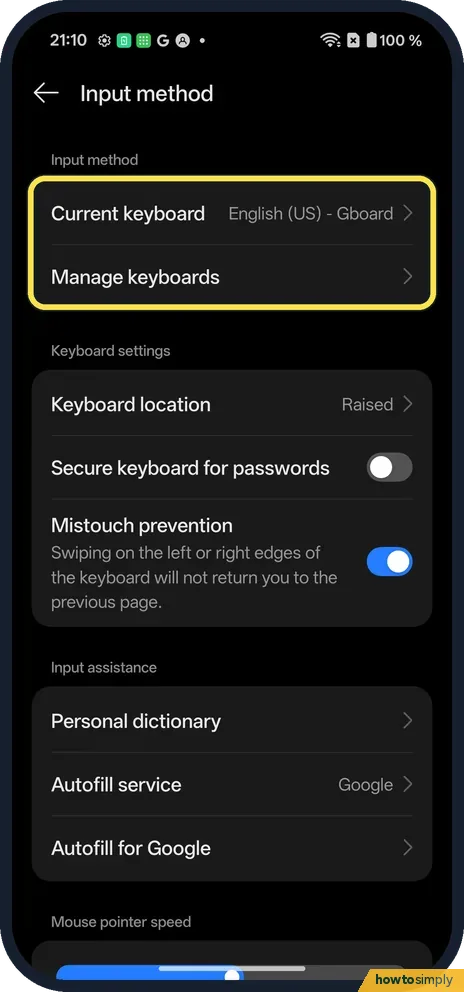
Go to Settings, System & update, Input method, Manage keyboards and tap Gboard. Corrections and suggestions has Auto-correction, Auto-capitalisation and spell check…
How to switch between gestures and buttons on a OnePlus (OxygenOS 16)
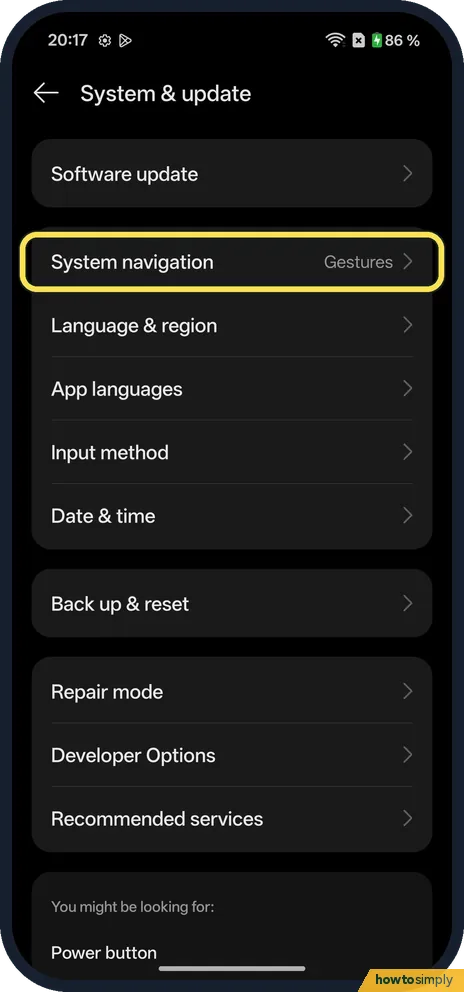
Go to Settings, System & update, System navigation and choose Buttons or Gestures. With Buttons, pick the order under Button layout. System navigation was set to…
How to use screen-off gestures and Raise to wake on a OnePlus
Go to Settings, Accessibility & convenience, Gestures & motions. Tap Screen-off gestures for Double tap to turn screen on/off and draw-to-open shortcuts (O for Camera…