Android Guides
Pick your phone for guides shot on that phone, or browse the steps below that work on any Android phone.
 Illustration
Pick your phone
 Illustration
 Illustration
 Illustration
 Illustration
What do you need help with?
View all topicsFix an Android problem
Quick solutions for the most common issues.
Latest Android guides
View all Android guides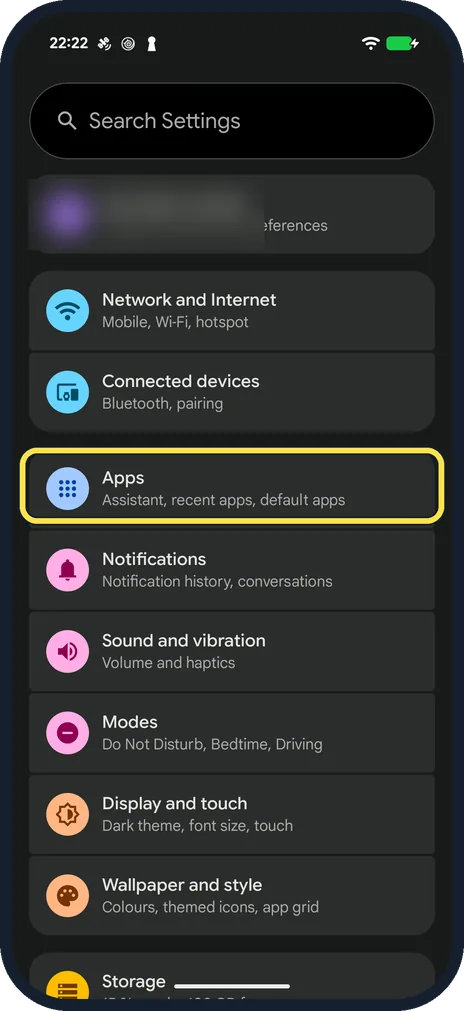 YouTube not working on Android? What to checkForce stop YouTube in Settings, Apps, See all apps, YouTube and open it again. Then tap…
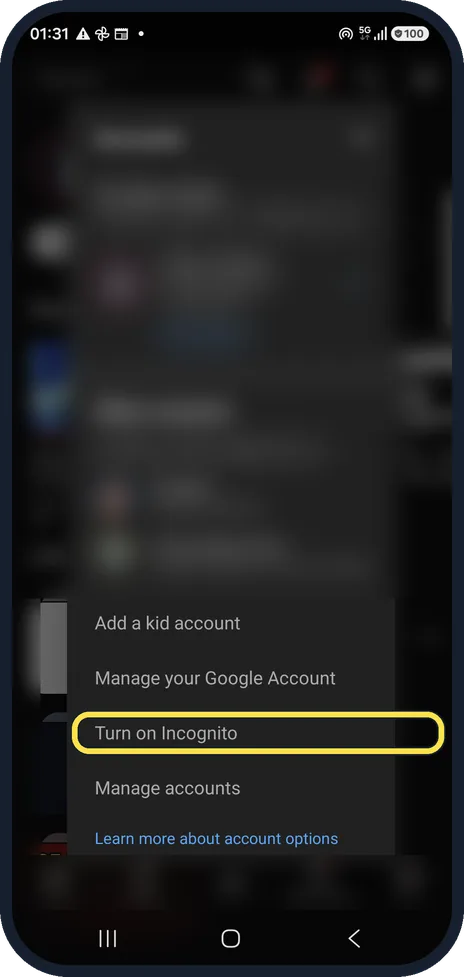 How to use Incognito mode in the YouTube app on AndroidTap your profile picture or You, open the account list and tap Turn on Incognito. YouTube does…
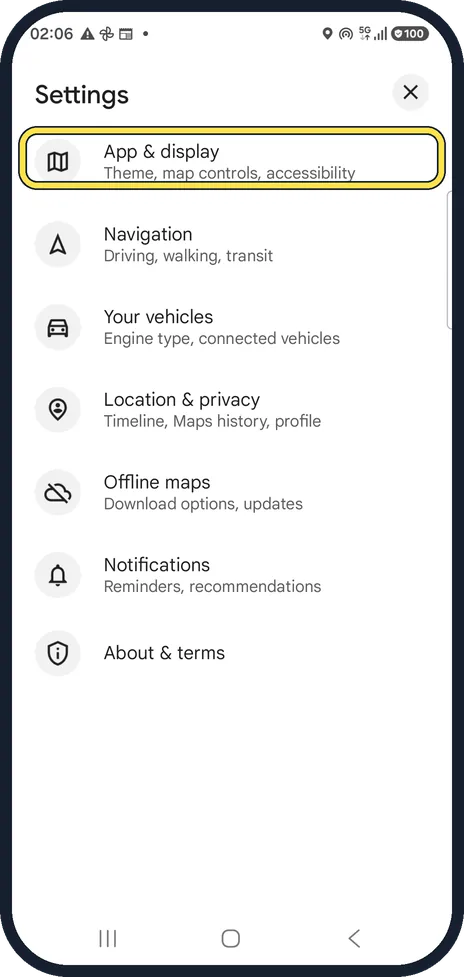 How to turn on dark mode in Google Maps on AndroidIn Google Maps tap your profile picture, Settings, App & display, Theme. Choose Always in dark…
 How to turn on captions and change caption size in YouTube on AndroidFor one video, tap the video, the gear and Captions, and pick a language. For their size, open…
Guides for any Android phone, by topic
Troubleshooting
7 guides"Download pending" in Google Play? 6 fixes
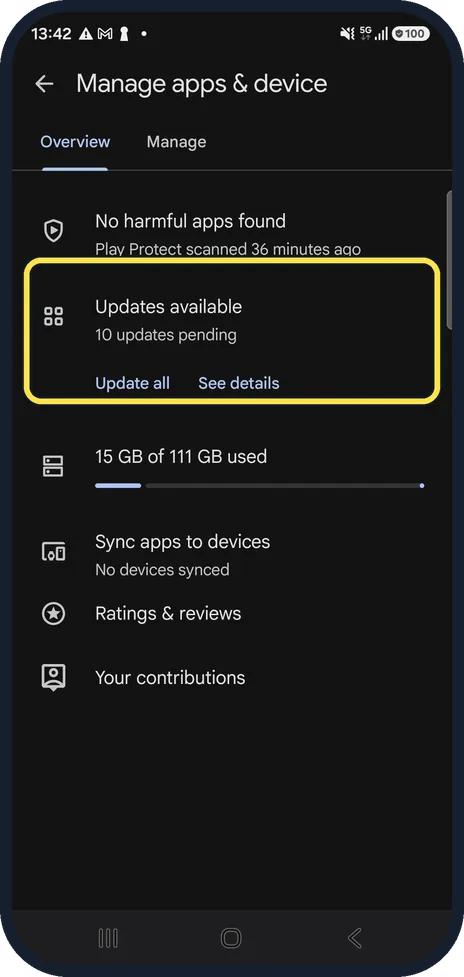
Google Play installs one app at a time, so pending usually means other downloads or updates are queued. Open your profile, Manage apps & device and finish or cancel the…
Gmail not getting new emails on Android? What to check
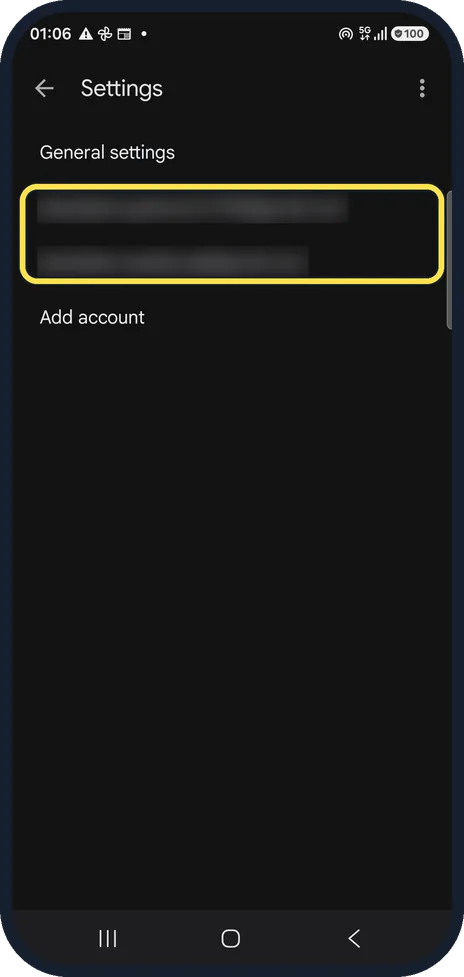
In the Gmail app open Settings, tap your account and check that Sync Gmail is ticked. Then check Notifications, the Spam folder and the phone's notification settings…
Can you make Gmail filters in the Android app? What to do instead
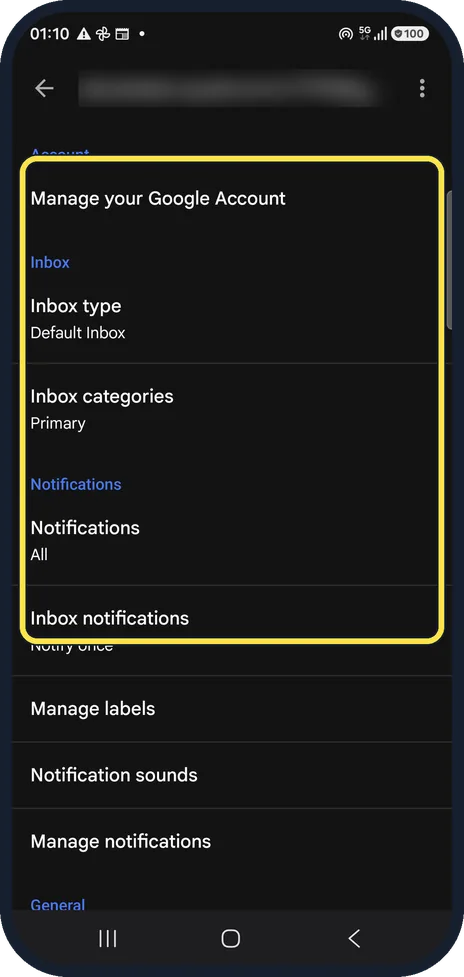
No. The Gmail app on Android has no option to create filters: its account settings offer Inbox type, Inbox categories, notifications and labels, and its menu offers…
Google Maps showing the wrong location on Android? How to fix it
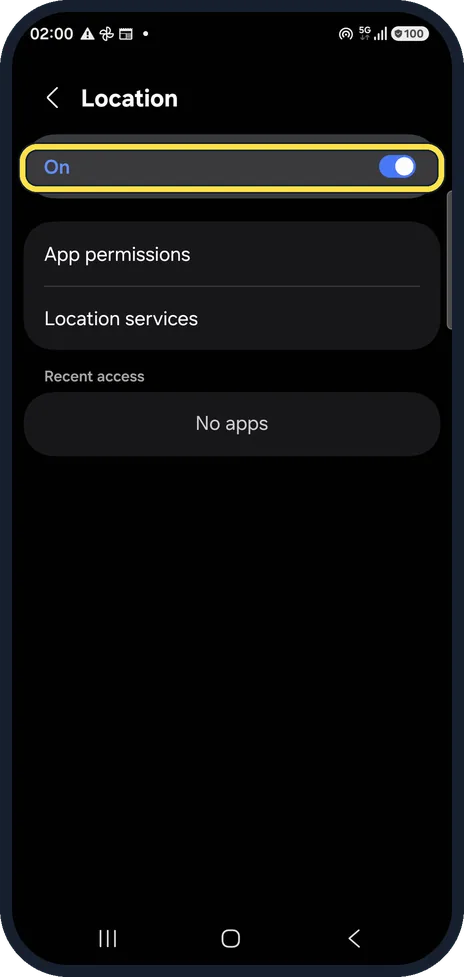
Open the phone's Settings, Location and make sure it is on. Then open Location services, Location Accuracy and switch on Improve Location Accuracy. Turn on Wi-Fi as…
Google Maps keeps stopping or won't load on Android: what to check
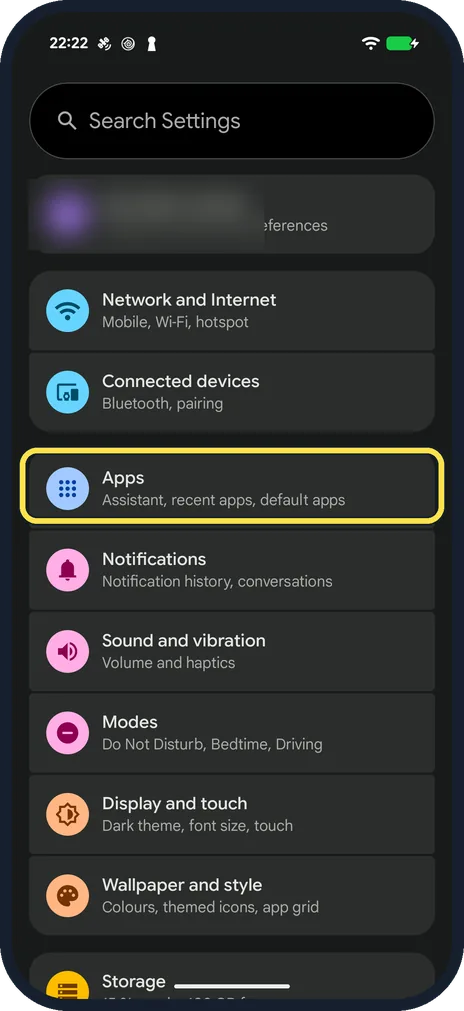
Force stop Maps in Settings, Apps, See all apps, Maps and open it again. If it still crashes or the map stays blank, tap Storage and cache, then Clear cache (not Clear…
YouTube not working on Android? What to check
Force stop YouTube in Settings, Apps, See all apps, YouTube and open it again. Then tap Storage and cache and Clear cache (not Clear storage), check that Wi-Fi or…
Android GPS not accurate? 8 ways to fix your location
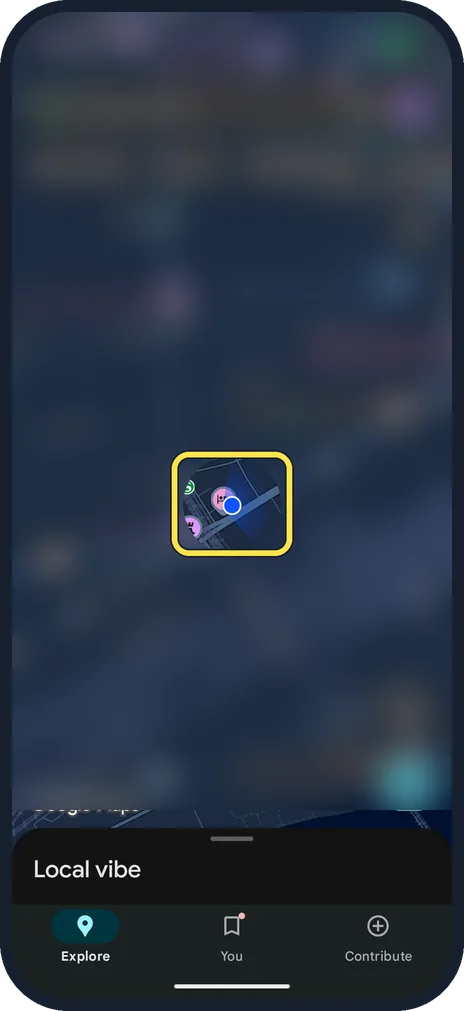
Turn on Location Accuracy and Wi-Fi scanning under Settings, Location, Location Services, switch on Wi-Fi and turn off Battery Saver. In Google Maps, tap the blue dot…
Browser & the web
5 guidesHow to clear cookies for one website in Chrome on Android
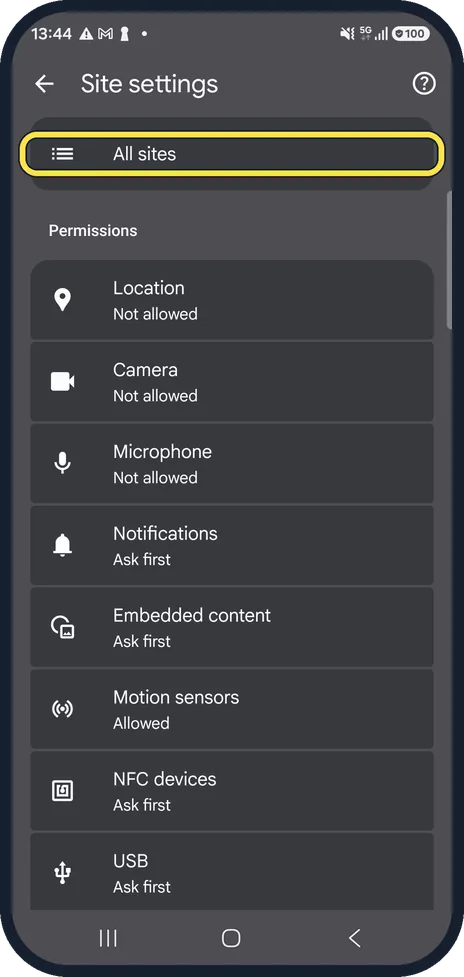
In Chrome, tap the three dots, Settings, Site settings, All sites. Find the website and tap the bin next to it, then Delete & reset. Only that site's cookies and data…
How to stop website notifications in Chrome on Android
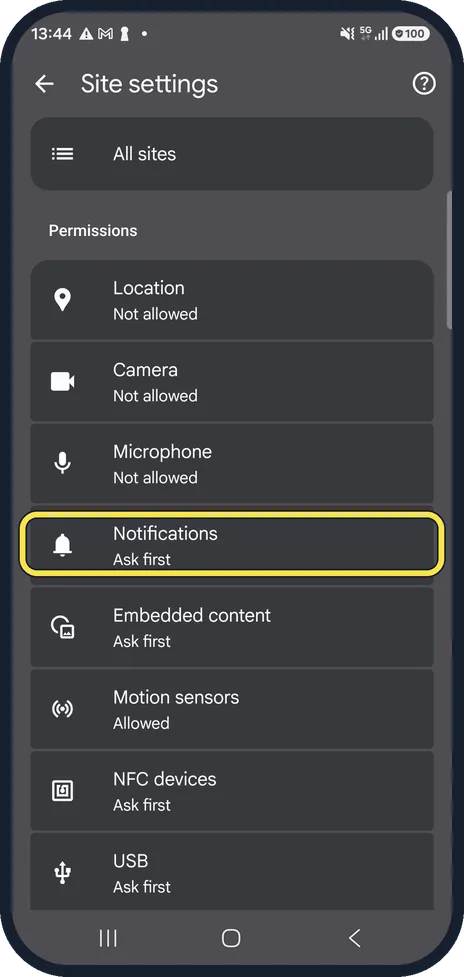
In Chrome, tap the three dots, Settings, Site settings, Notifications and choose Don't allow sites to send notifications. To silence all Chrome notifications, open the…
How to reopen closed tabs in Chrome on Android
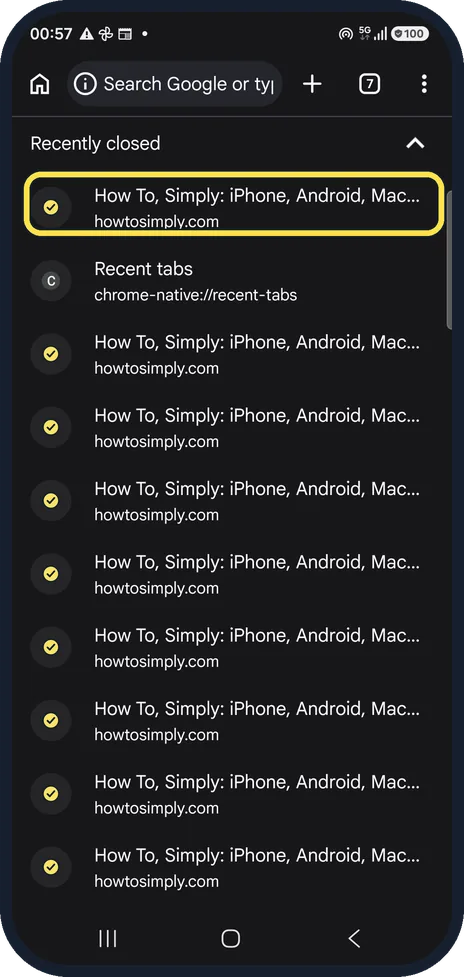
Tap the three dots in Chrome and choose Recent tabs. Under Recently closed, tap the tab you want back. Other devices on the same page shows open tabs from your computer…
How to find downloads in Chrome on Android
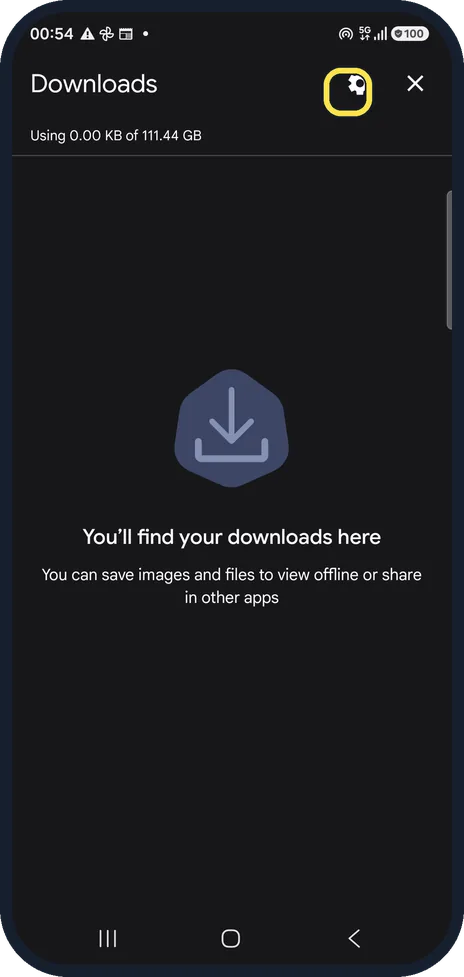
Tap the three dots in Chrome and choose Downloads: the list shows every file Chrome downloaded. Tap the gear at the top to see the Download location. On our Galaxy A57…
How to change the homepage in Chrome on Android
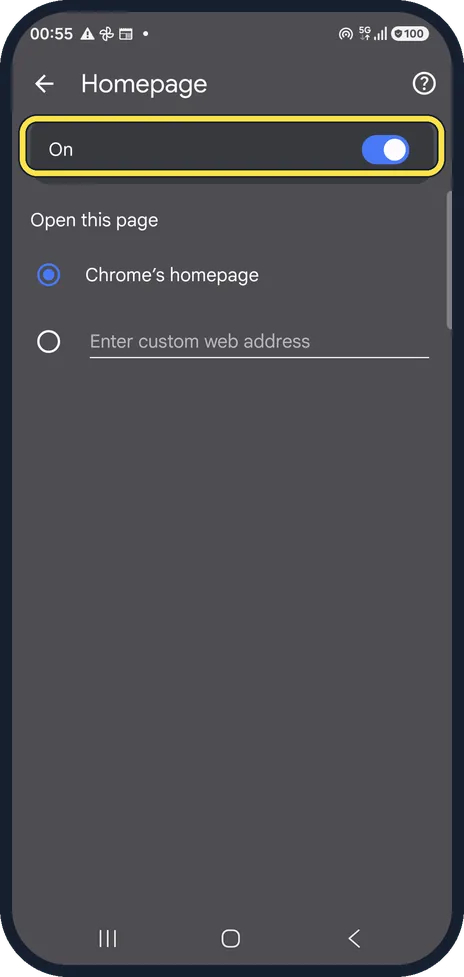
In Chrome, tap the three dots, Settings, Homepage. Keep the switch on, then choose Chrome's homepage or tap Enter custom web address and type the page you want. The…
Camera, Photos & Screenshots
4 guidesHow to recover deleted photos on Android
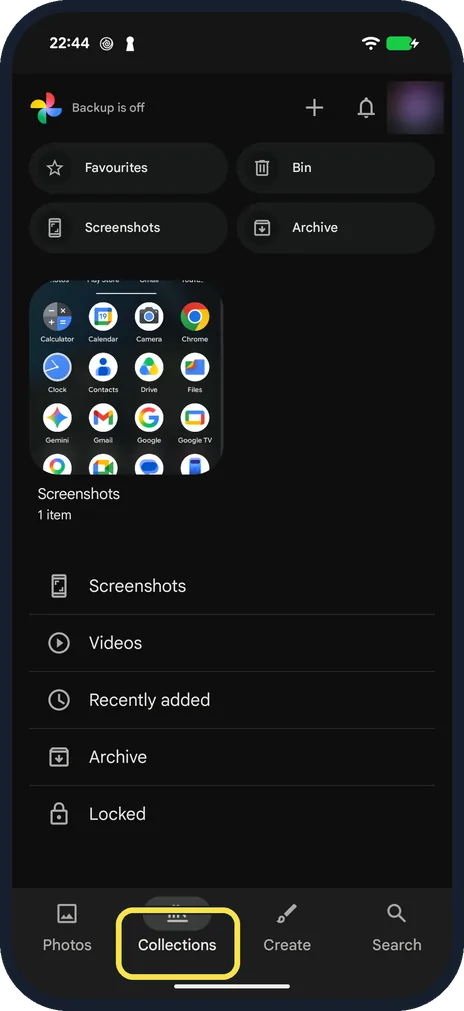
Open Google Photos, tap Collections, then Bin. Touch and hold the photo and tap Restore. Our Pixel's Bin says backed-up items are deleted after 60 days and items that…
How to change the default video quality in YouTube on Android
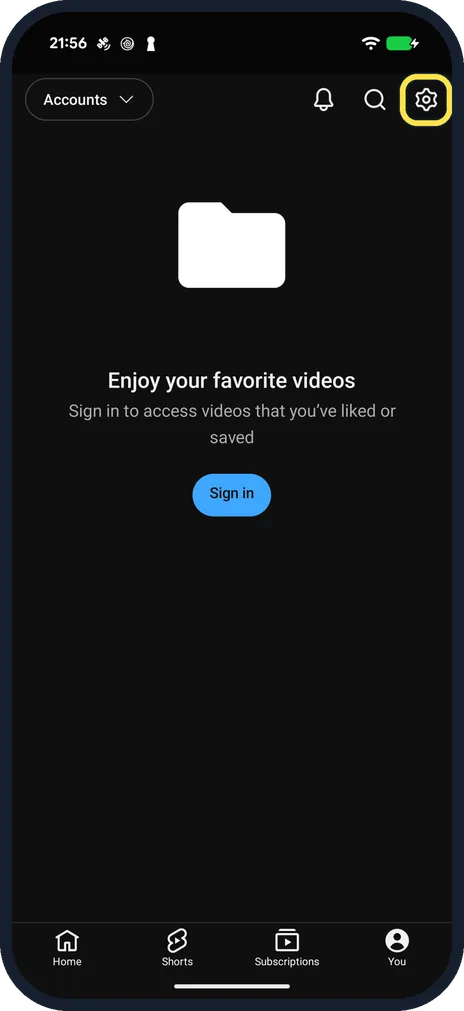
In YouTube tap You, the gear, Video quality preferences. Choose Auto, Higher picture quality or Data saver, separately for mobile networks and Wi-Fi. For one video, tap…
How to copy text from a photo on Android
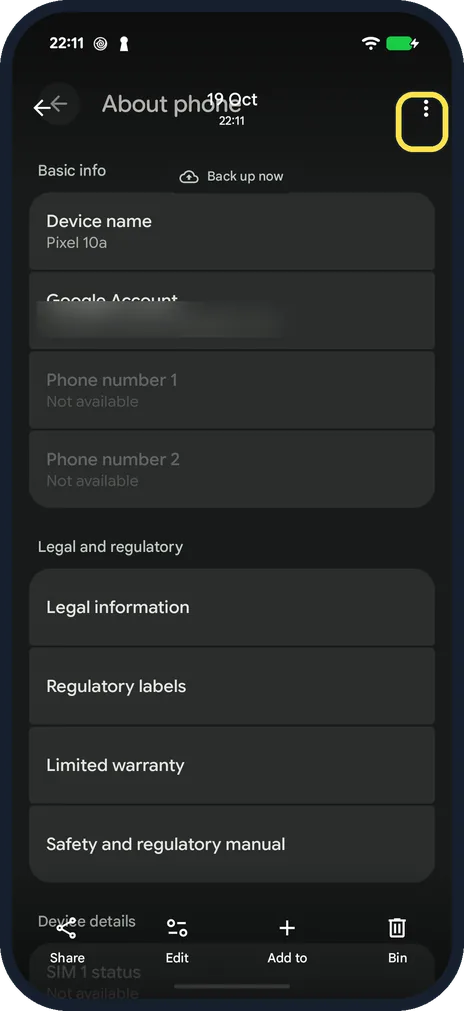
Open the photo in Google Photos, tap the three dots at the top right and tap Google Lens. Touch and hold a word, drag the handles over the text you want and tap Copy…
How to use Google Lens on Android to search with your camera
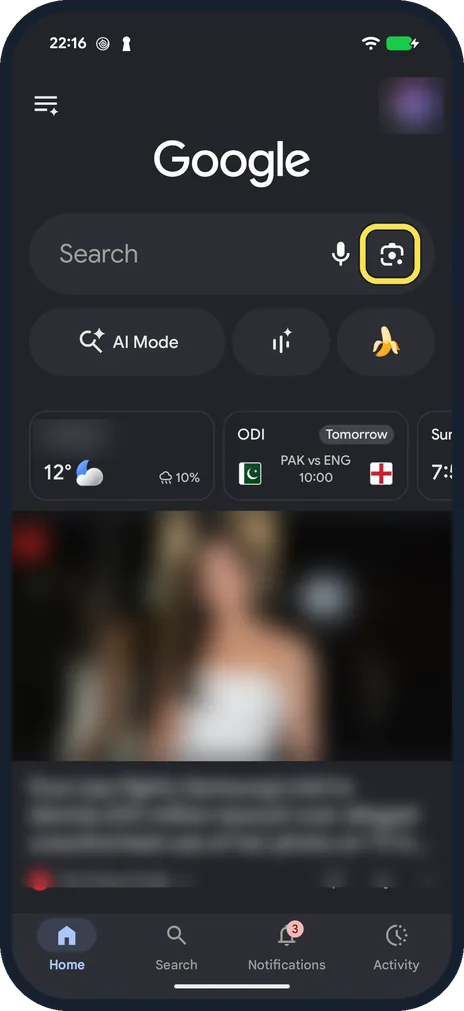
Open the Google app and tap the Lens icon at the right of the search bar. Point the camera at something and tap the search button, or tap the gallery button to search…
Apps
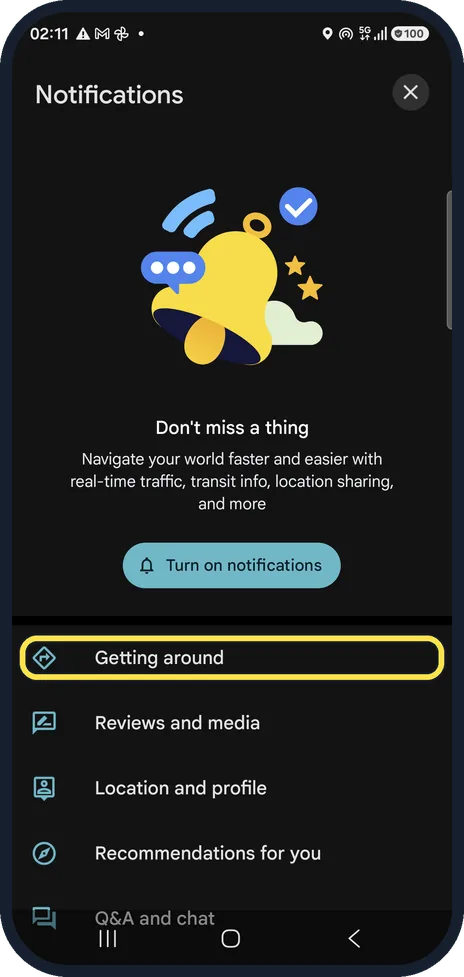
8 guidesHow to turn off Google Maps notifications on Android
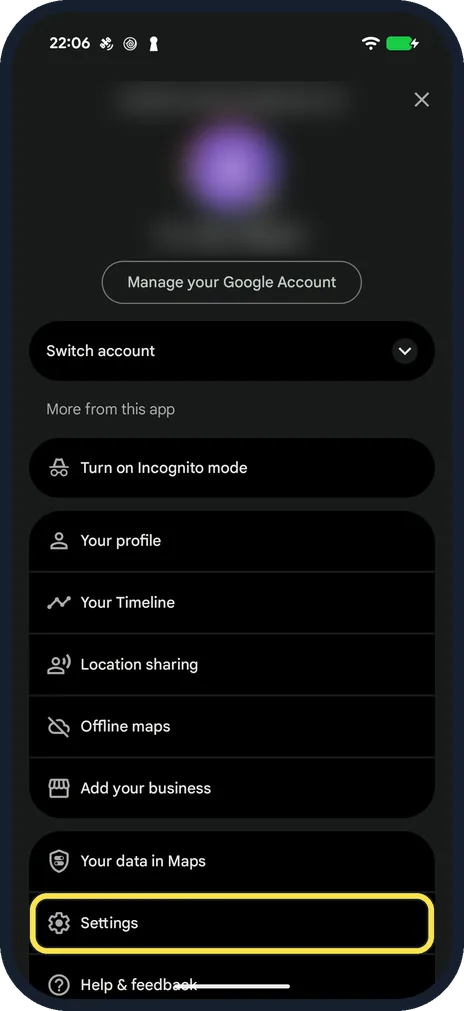
In Google Maps tap your profile picture, Settings, Notifications. Pick a group, such as Getting around, and switch off the alerts you do not want. To silence Maps…
How to avoid tolls, highways or ferries in Google Maps on Android
In Google Maps tap your profile picture, Settings, Navigation and switch on Avoid tolls, Avoid highways or Avoid ferries under Route options. With a route open, tap the…
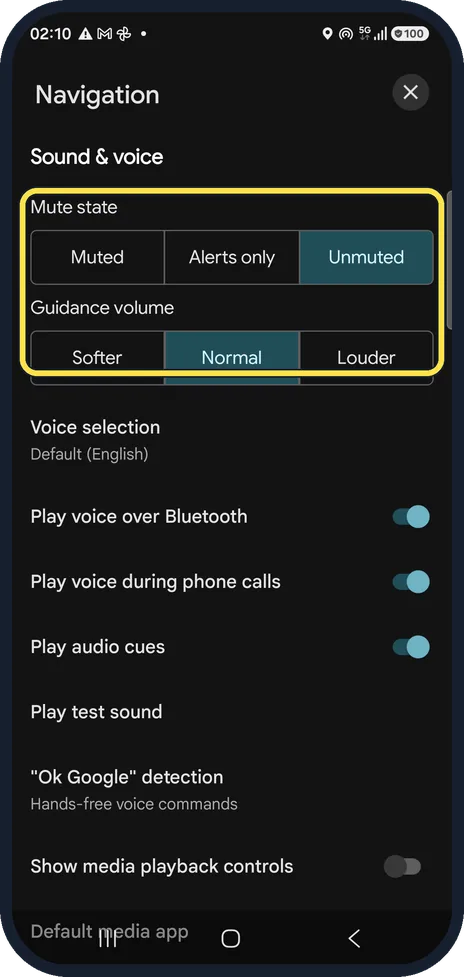
How to change the voice or mute voice navigation in Google Maps on Android
In Google Maps tap your profile picture, Settings, Navigation. Under Sound & voice choose Muted, Alerts only or Unmuted, and tap Voice selection to pick another voice…
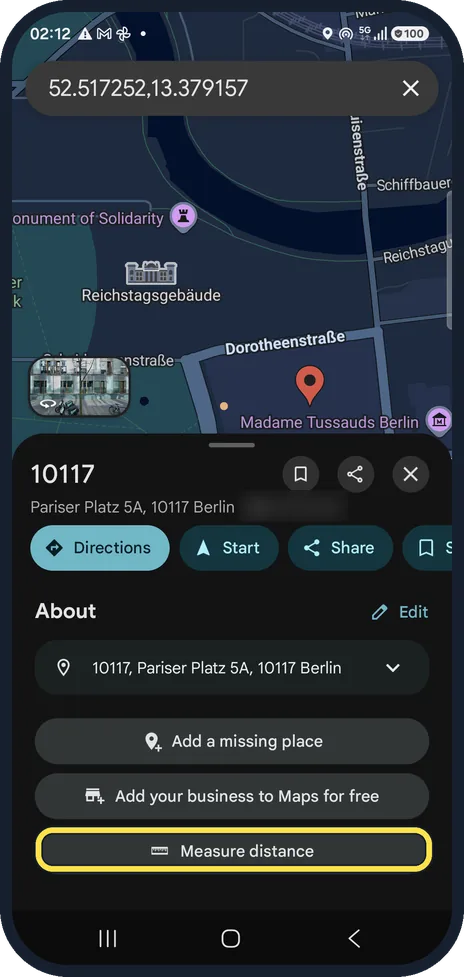
How to measure distance in Google Maps on Android
Touch and hold the map to drop a red pin, then tap Measure distance in the place card. Drag the map so the circle sits on the next point; the distance updates at the…
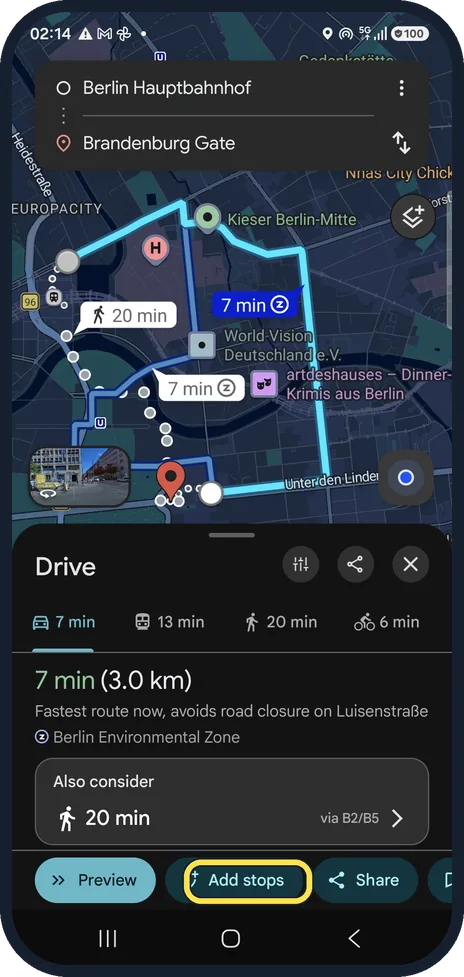
How to add a stop to a route in Google Maps on Android
Get directions, then tap Add stops below the route. Search along the route or pick a category such as Coffee shops, open a place and tap Add stop. Maps puts the stop in…
How to turn on dark mode in Google Maps on Android
In Google Maps tap your profile picture, Settings, App & display, Theme. Choose Always in dark theme or Same as device theme and tap Save.
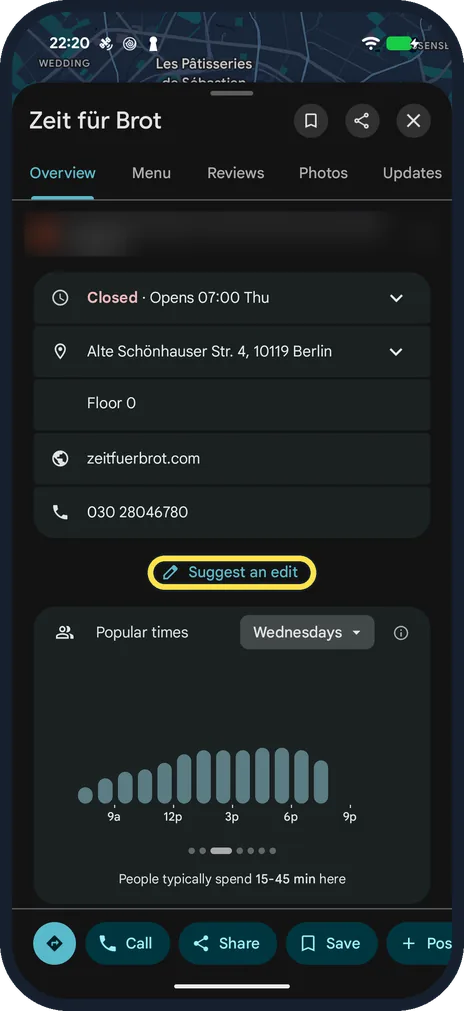
How to report a closed business or wrong place in Google Maps on Android
Open the place in Google Maps, scroll down and tap Suggest an edit. Tap Place is closed or not here, choose the reason (for example Permanently closed or Moved to a new…
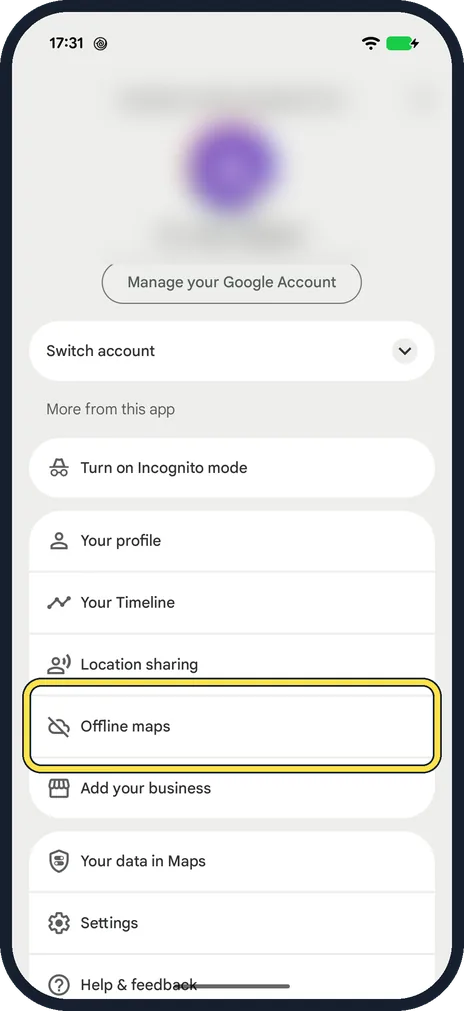
How to download offline maps in Google Maps on Android
In Google Maps, tap your profile picture, then Offline maps and Select your own map. Fit the area in the frame and tap Download. The size estimate can be far too low…
Battery, Storage & Updates
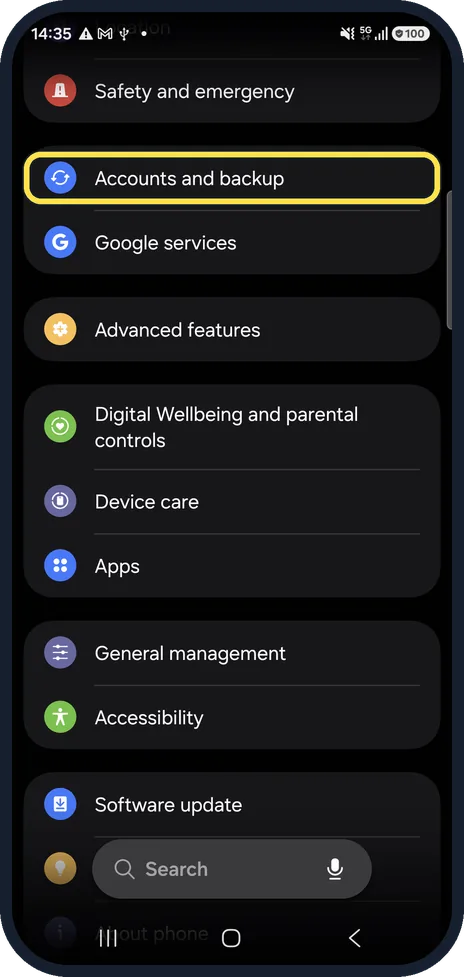
3 guidesHow to back up an Android phone to your Google Account
On a Samsung Galaxy, open Settings, tap Accounts and backup and, under Google Drive, tap Back up data. Then tap Back up now. On a Google Pixel and most other phones…
Gmail storage full on Android: how to find big emails
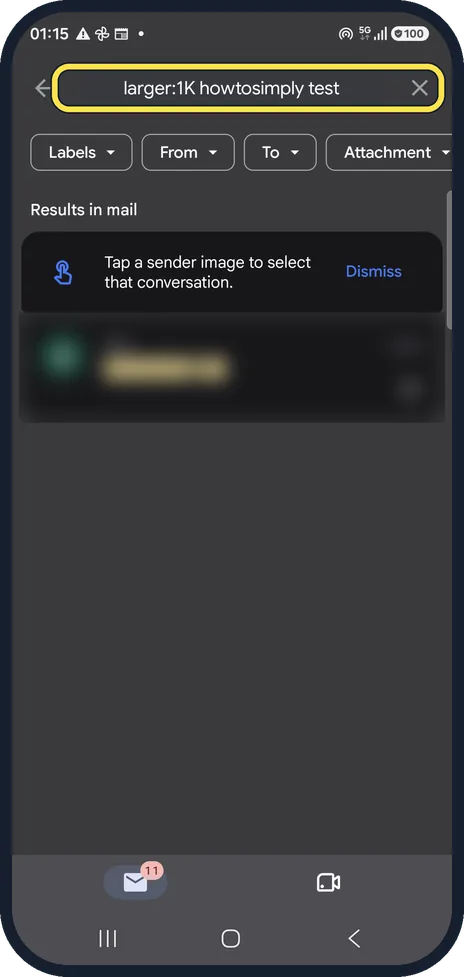
In the Gmail app search for larger:10M to list emails bigger than 10 MB. Open the ones you do not need, delete them, then empty the Trash. Your storage is shared with…
How to set a sleep timer in YouTube on Android
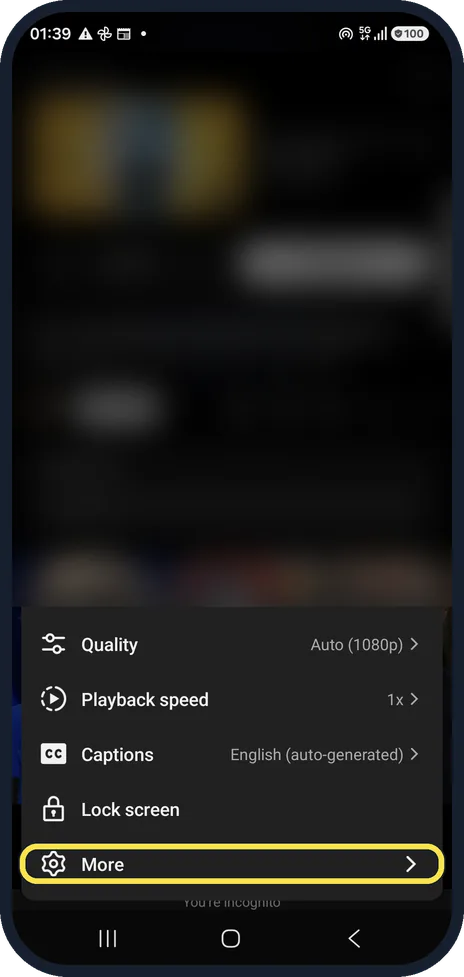
Tap the video, the gear, More and Sleep timer, then choose 10 minutes up to 1 hour or End of video. For a general nudge, YouTube Settings, Time management has Remind me…
More settings
20 guidesHow to add a second user or a guest on Android
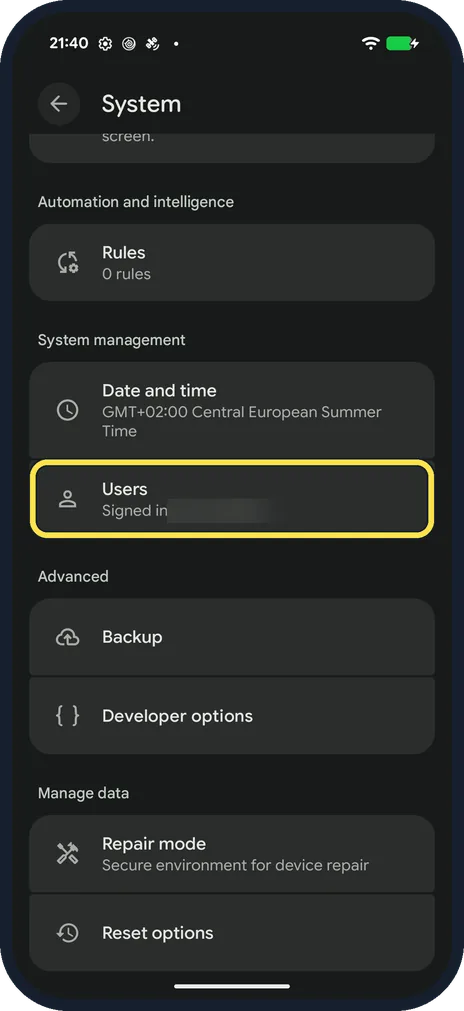
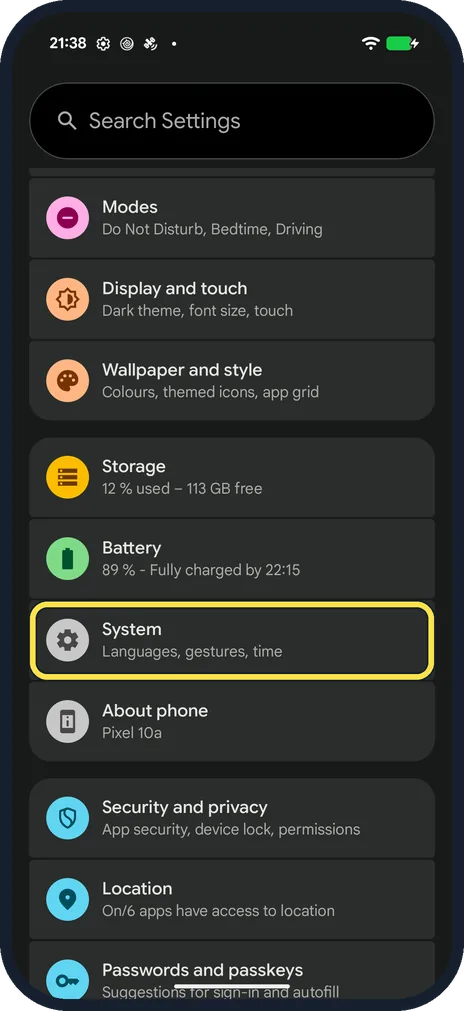
Open Settings, tap System, then Users. Tap Add user to give someone their own space, or Add guest and then Switch to Guest to lend the phone briefly. Switch users from…
How to set an out-of-office reply in the Gmail app on Android
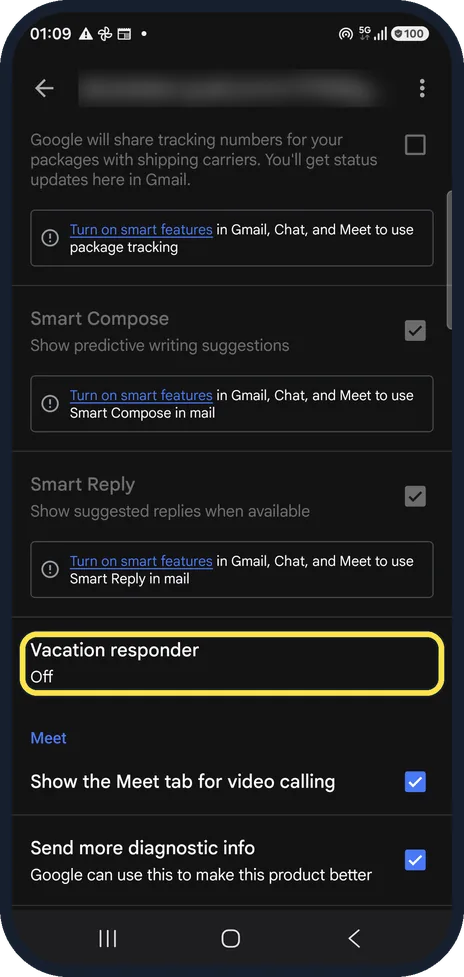
In Gmail open Settings, tap your account and tap Vacation responder. Switch it on, set the first and last day, type a subject and message and tap Done. Send only to my…
How to recover deleted emails in the Gmail app on Android
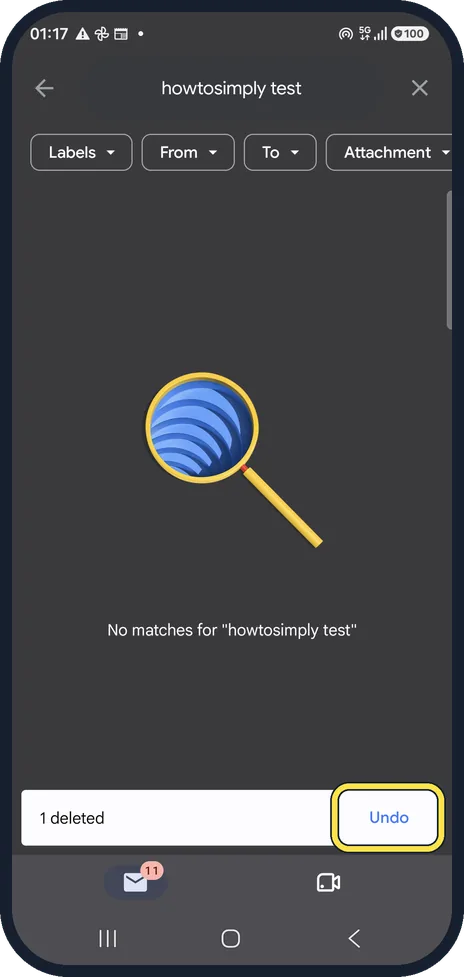
Tap Undo right after deleting. Later, open Trash from the Gmail menu (or search in:trash), open the mail, tap the three dots and choose Move to Inbox. Gmail keeps…
How to change your signature in the Gmail app on Android
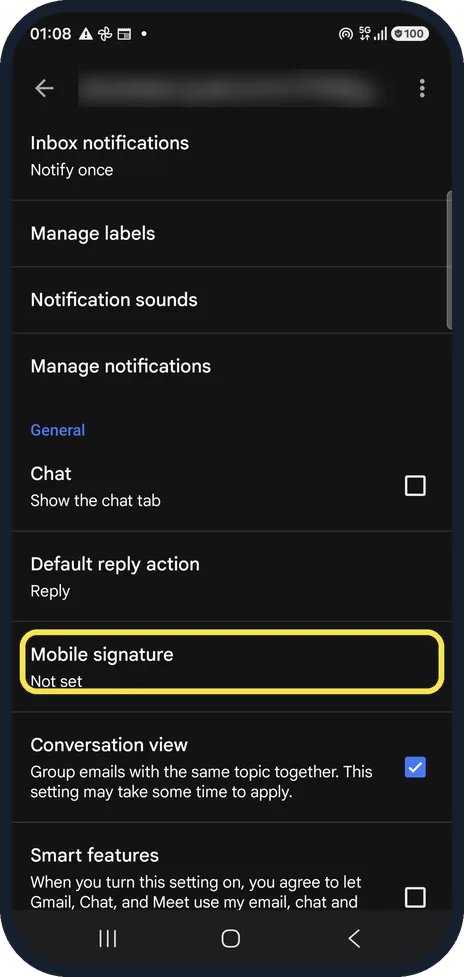
In Gmail open Settings, tap your account and tap Mobile signature. Type the signature and tap OK. It is used only for mail sent from the app; leave it blank and the app…
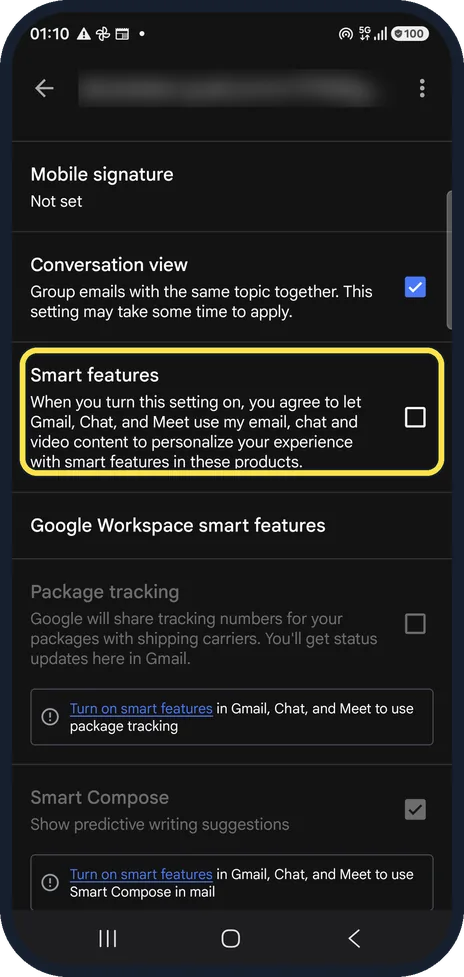
How to turn off smart features in the Gmail app on Android
In Gmail open Settings, tap your account and untick Smart features. Then tap Google Workspace smart features and untick the two boxes there. Smart Compose, Smart Reply…
How to turn off autoplay in YouTube on Android
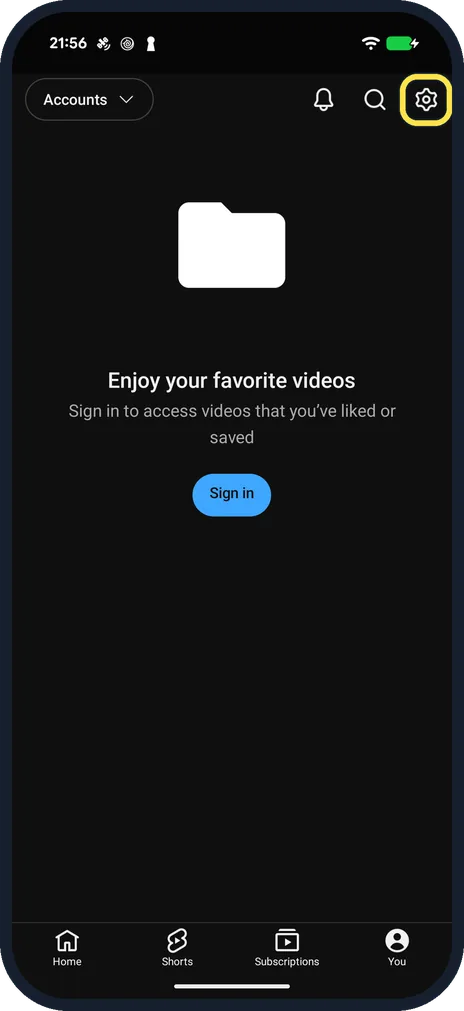
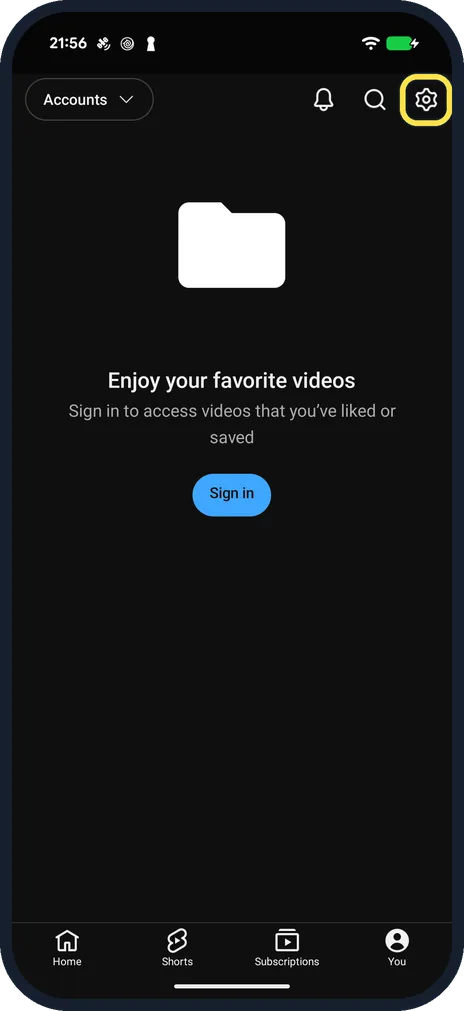
In YouTube tap You, the gear at the top right, Playback and switch off Autoplay next video. The next video no longer starts by itself when one ends.
How to pause YouTube watch and search history on Android
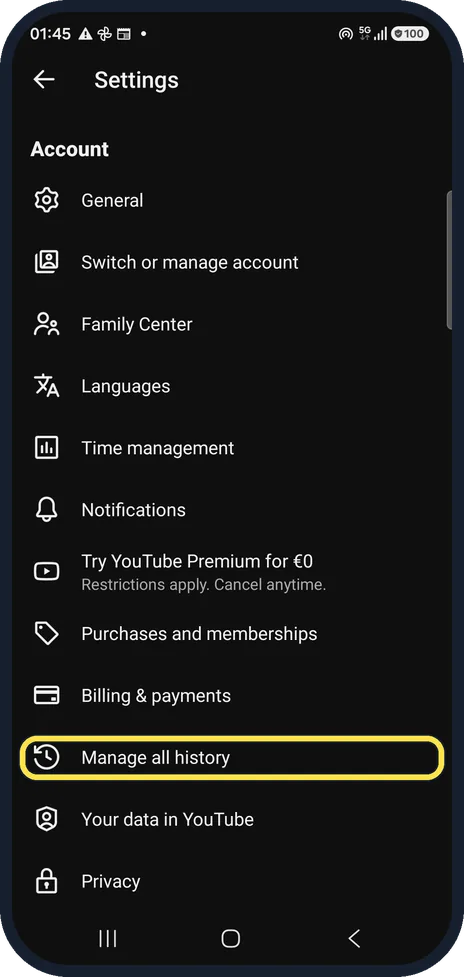
In YouTube tap You, the gear, Manage all history and open the Controls tab. Tap Turn off, read the dialog and tap Pause. YouTube stops saving new history on every…
How to change playback speed in YouTube on Android
Tap the video, the gear at the top right and Playback speed. Tap 0.25, 1.0 (Normal), 1.25, 1.5 or 2.0, or use the minus and plus buttons or the slider for steps in between.
How to turn on Restricted Mode in YouTube on Android
In YouTube tap You, the gear, General and switch on Restricted Mode. It hides potentially mature videos and comments, only in this app on this phone.
How to use Incognito mode in the YouTube app on Android
Tap your profile picture or You, open the account list and tap Turn on Incognito. YouTube does not link what you watch or search to your account until you turn it off…
How to switch to 3-button navigation on Android
Open Settings, tap System, then Navigation mode, and choose 3-button navigation. On a Samsung Galaxy it is Settings, Display, Navigation bar, Buttons. The Back, Home…
How to change the language of one app on Android
Open Settings, tap System, then Language and region, then App languages. Tap the app and choose the language. On a Samsung Galaxy it is Settings, General management…
How to stop Chrome offering to save passwords on Android
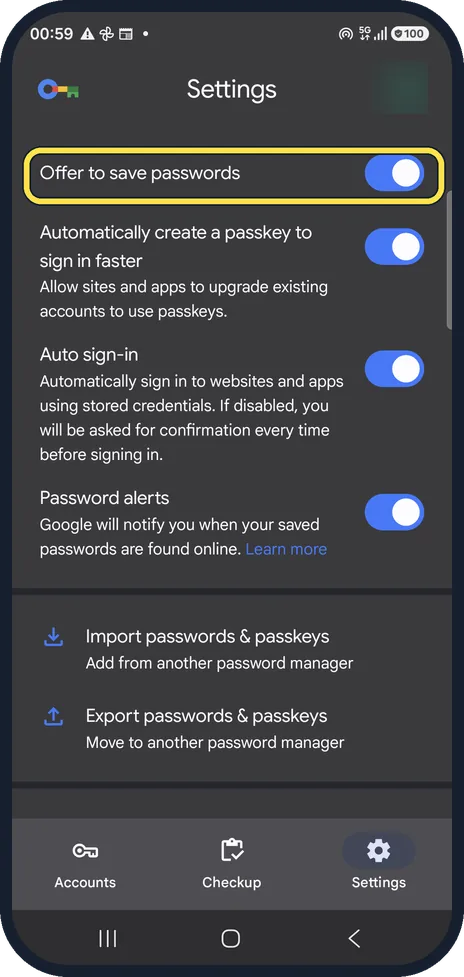
In Chrome, tap the three dots, then Google Password Manager, and tap Settings at the bottom right. Switch off Offer to save passwords. Auto sign-in on the same page…
How to set or change the screen lock on an Android phone
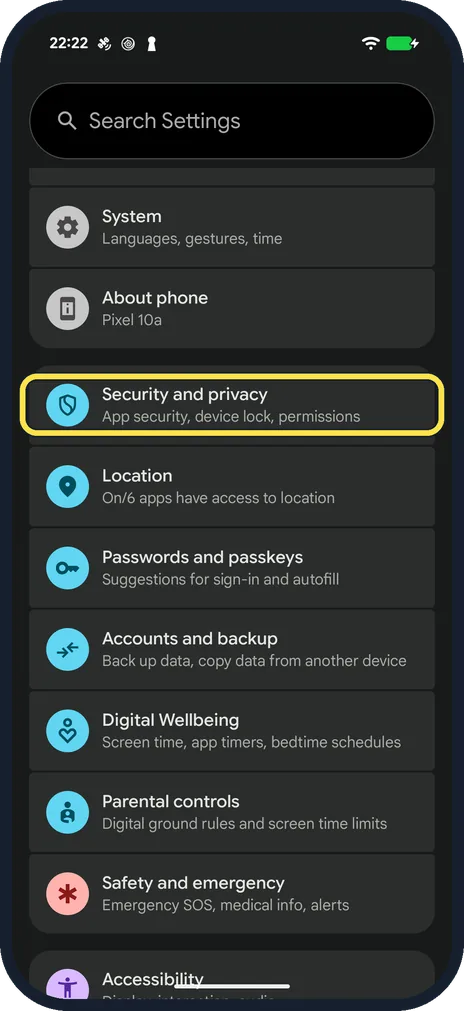
On a Google Pixel, open Settings, Security and privacy, Device unlock, Screen lock. On a Samsung Galaxy, open Settings, Lock screen and AOD, Screen lock and biometrics…
How to turn on captions and change caption size in YouTube on Android
For one video, tap the video, the gear and Captions, and pick a language. For their size, open YouTube Settings, Captions: it opens Android's Caption preferences, where…
How to make Google Play update apps only on Wi-Fi
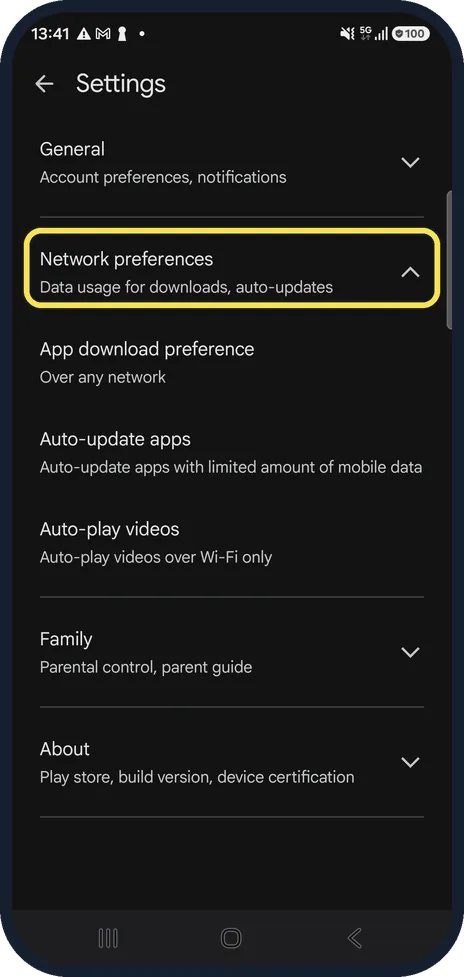
Open the Play Store, tap your profile picture, Settings, Network preferences, Auto-update apps and choose Update over Wi-Fi only. App download preference on the same…
How to add a keyboard language on Android (Gboard)
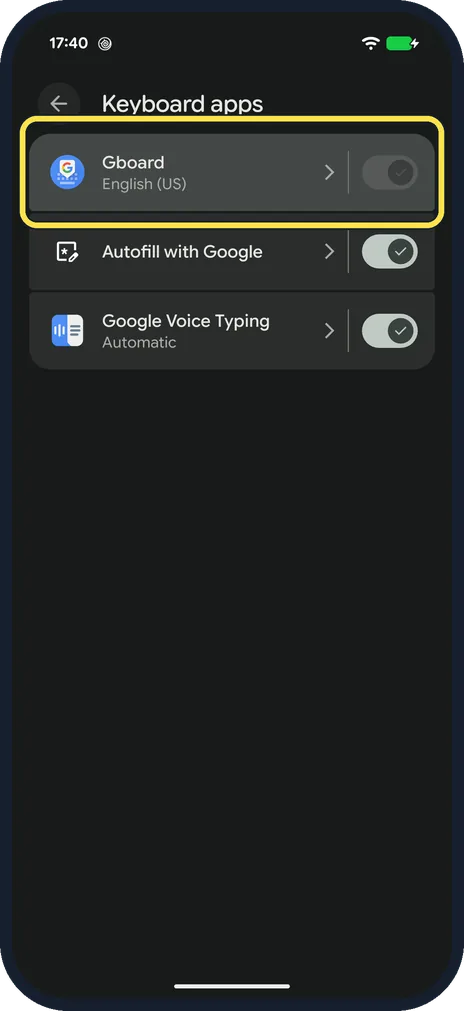
Open Gboard settings (Settings, System, Keyboard, Keyboard apps, Gboard), tap Languages, then Add keyboard. Pick the language, choose a layout and tap Done. The space…
How to turn on voice typing on Android (Gboard)
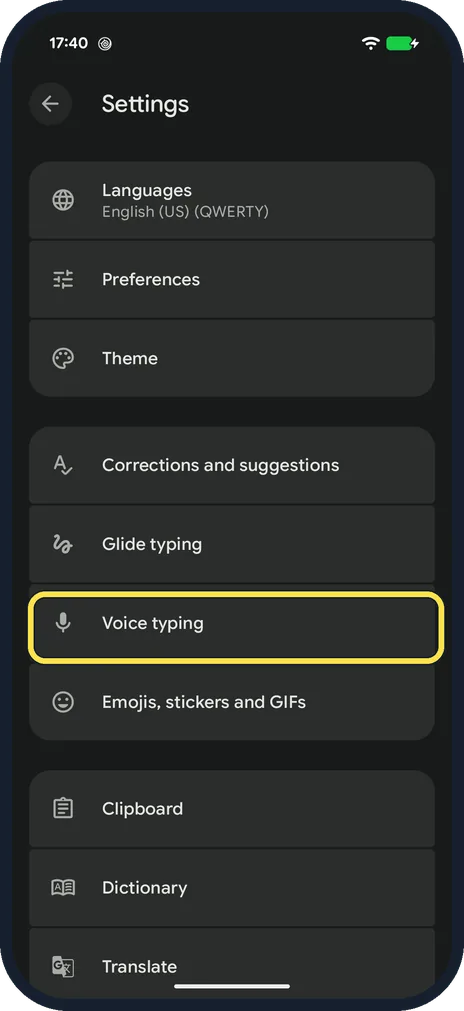
Open Gboard settings, tap Voice typing and switch on Use voice typing. Then tap the microphone at the top right of the keyboard, allow Gboard to record audio the first…
How to turn on Bedtime mode on Android
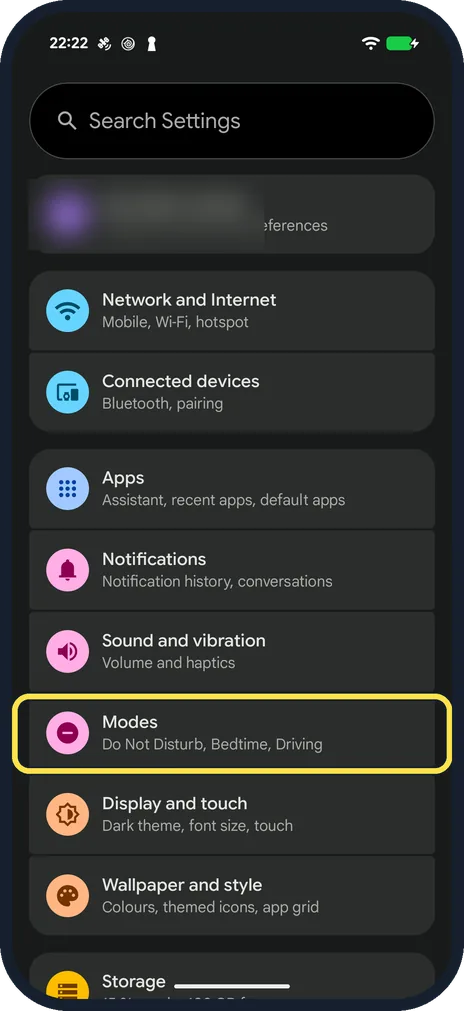
On a Google Pixel with Android 17, open Settings, Modes, Bedtime and tap Bedtime routine to set the hours and days. On a Samsung Galaxy the feature is called Sleep…
How to use Focus mode on Android to pause distracting apps
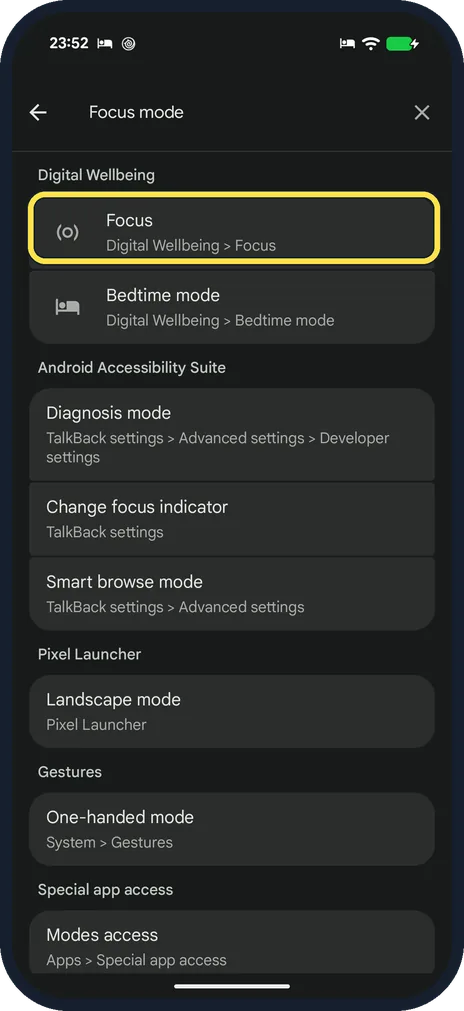
Search Settings for Focus, or open Digital Wellbeing and tap Focus. Tick the apps that distract you, then tap Turn on now. A notification says Distracting apps are…