Mac Guides
Simple, step-by-step answers for your Mac, with real screenshots and the exact macOS version.
 Illustration
What do you need help with?
View all topicsFix a Mac problem
Quick solutions for the most common issues.
Latest Mac guides
View all Mac guides NewMac typing the wrong characters? Check the keyboard layoutOpen System Settings, Keyboard and click Edit next to Input Sources. If Y and Z or symbols are…
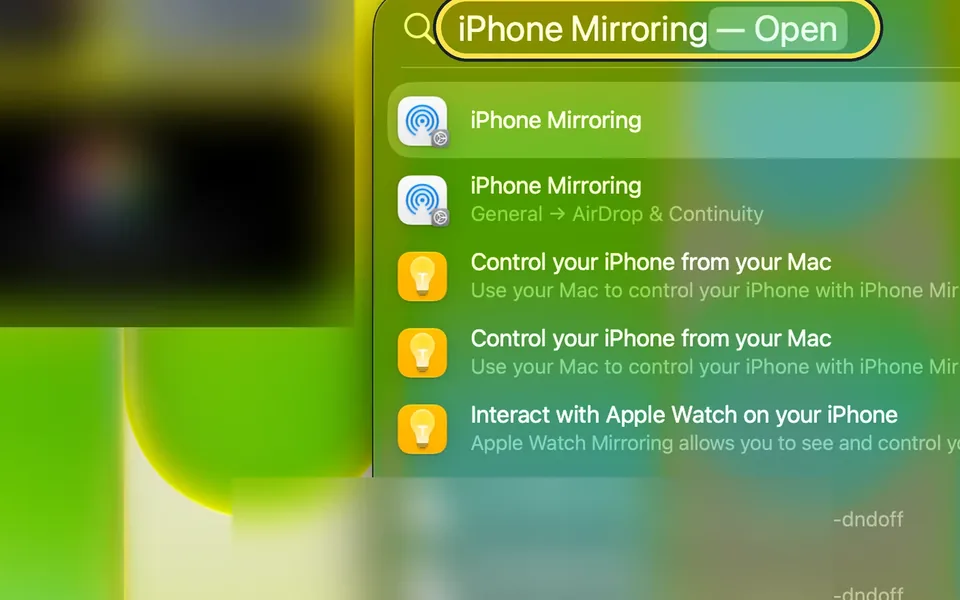 NewMac says "iPhone Mirroring is not available in your country or region"iPhone Mirroring is not available in the EU. Our Mac in Germany showed "Unable to Connect to…
 NewHow to turn on three-finger drag on a Mac (macOS 27)Open System Settings, Accessibility, Pointer Control and click Trackpad Options. Turn on Use…
 NewHow to redact a PDF properly on a Mac (a black box is not enough)In Preview, choose Tools, Redact, drag over the text and save. Do not just draw a black…
All Mac guides by topic
Troubleshooting
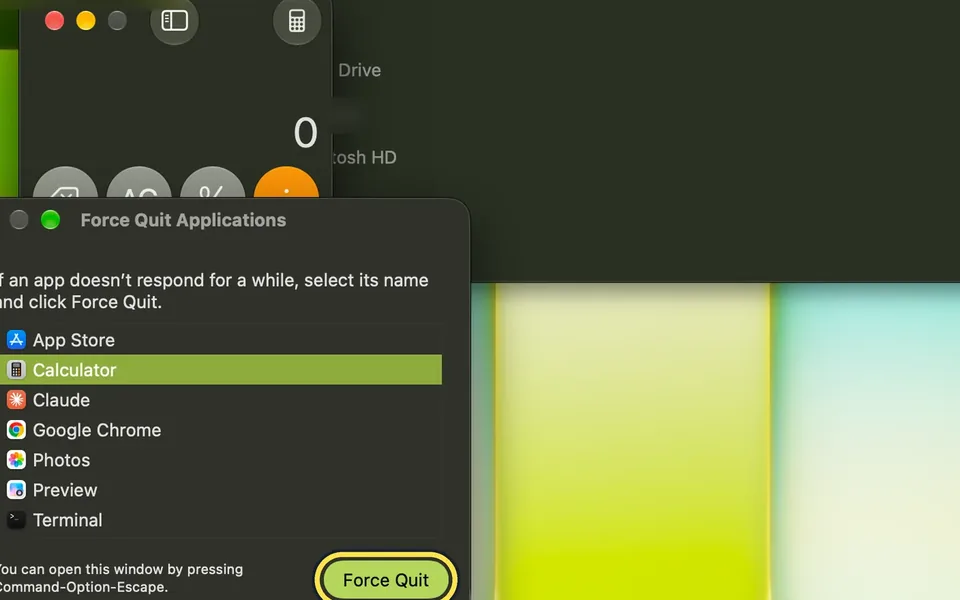
25 guidesHow to force quit a frozen app on a Mac
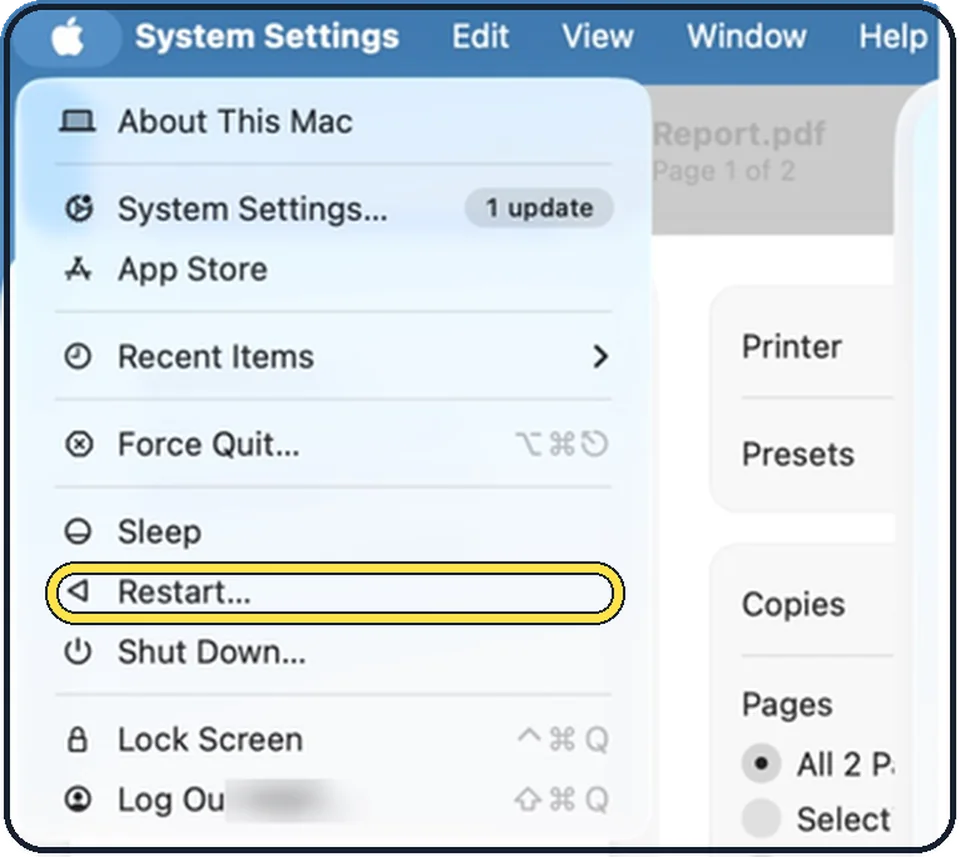
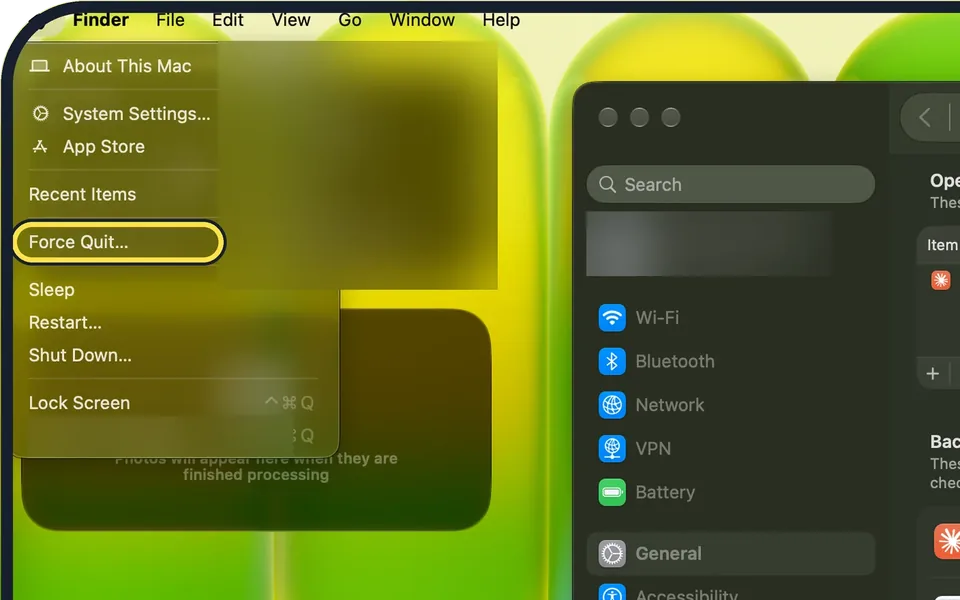
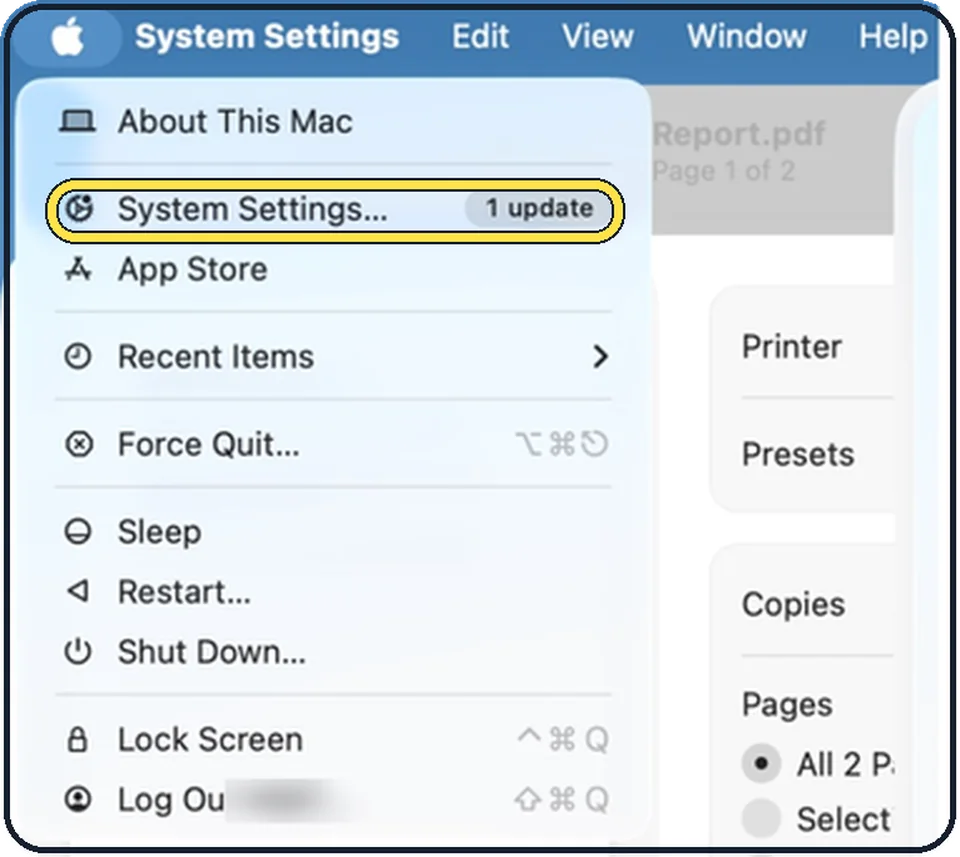
Press Option + Command + Esc (or choose Apple menu > Force Quit…), select the frozen app and click Force Quit, then click Force Quit again to confirm.
Mac running slow? 8 fixes to try
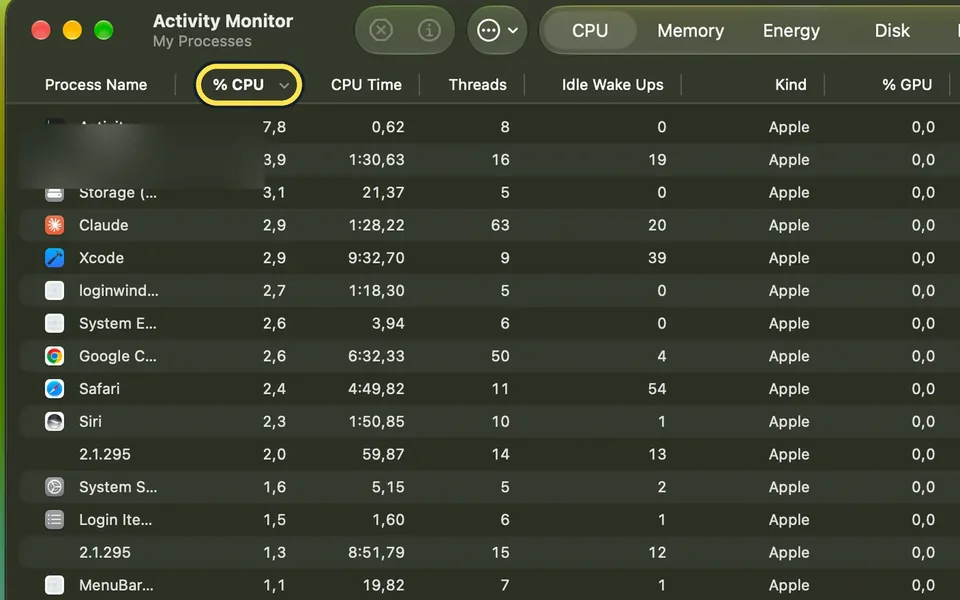
Restart the Mac, check Activity Monitor for an app using too much memory or processor, free up storage until at least 10% of the disk is empty, and remove apps that…
Mac won't connect to Wi-Fi? 5 fixes that work
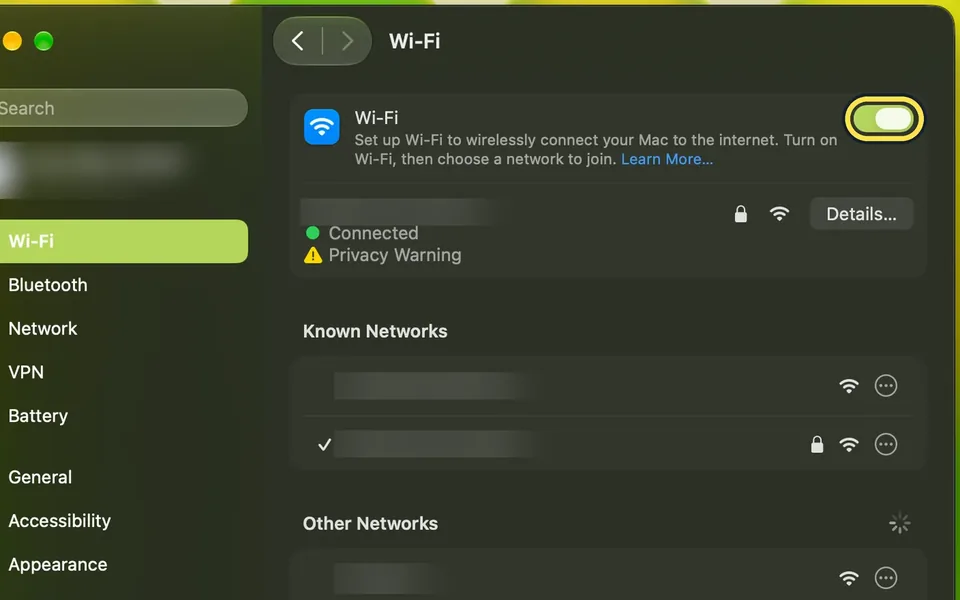
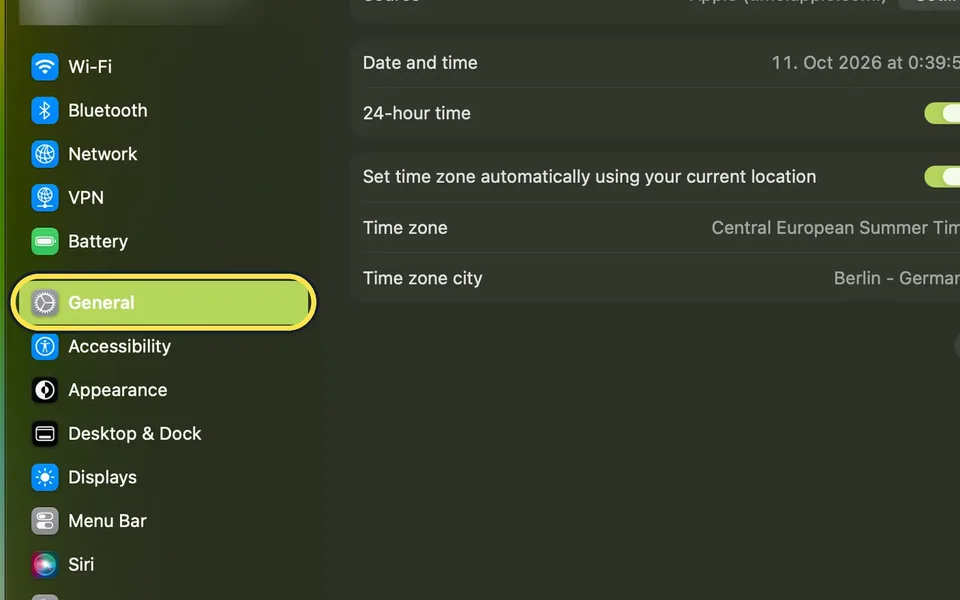
Switch Wi-Fi off and on under System Settings, Wi-Fi, and restart the Mac. Then check that the date and time are set automatically, disconnect any VPN for a test and…
MacBook battery draining fast? 6 ways to make it last
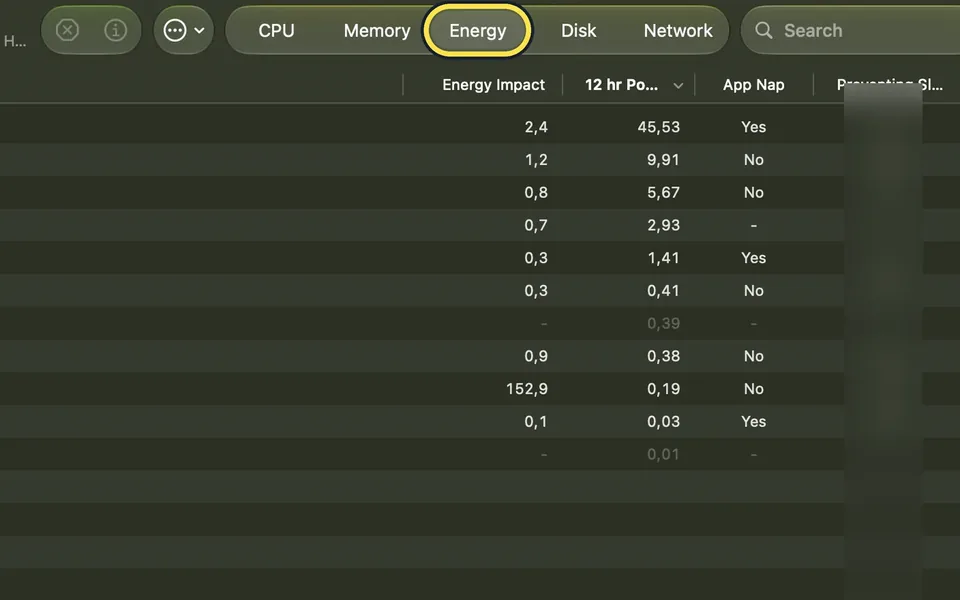
Open Activity Monitor, click Energy and quit apps you do not need. Lower the screen brightness, set Low Power Mode under System Settings, Battery, and check Battery…
No sound on your Mac? 5 fixes to try
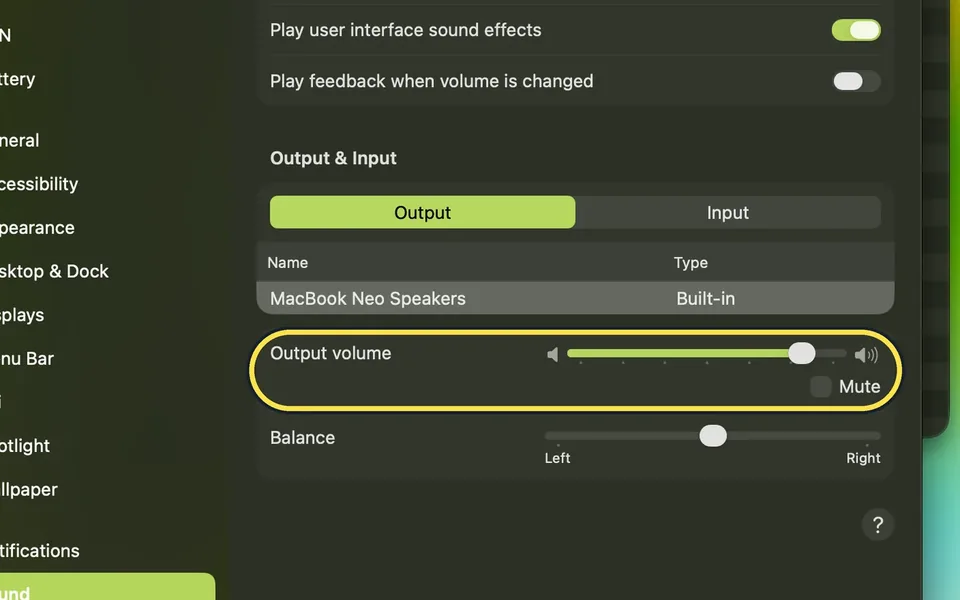
Press the volume up key and check that Mute is not ticked, then open System Settings, Sound, Output and select the built-in speakers or your headphones. Disconnect…
Mac keeps freezing or showing the spinning wheel? 7 fixes
Force quit the frozen app with Option + Command + Esc, then restart the Mac. If it keeps happening, free up storage, check Activity Monitor for an app using too much…
How to fix sound that is louder on one side on a Mac
Open System Settings, click Sound, and under Output drag the Balance slider back to the middle. Balance adjusts the output volume between the left and right channels…
AirDrop not working on a Mac? 4 fixes to try
Bring the two devices within 10 metres, switch on Wi-Fi and Bluetooth on both, and check who may send to you under System Settings, General, AirDrop & Continuity. If…
Mac camera not working? 6 fixes to try
Update macOS, make sure Camera is Allowed in Screen Time's Content & Privacy Restrictions, and allow the app in System Settings > Privacy & Security > Camera. Then…
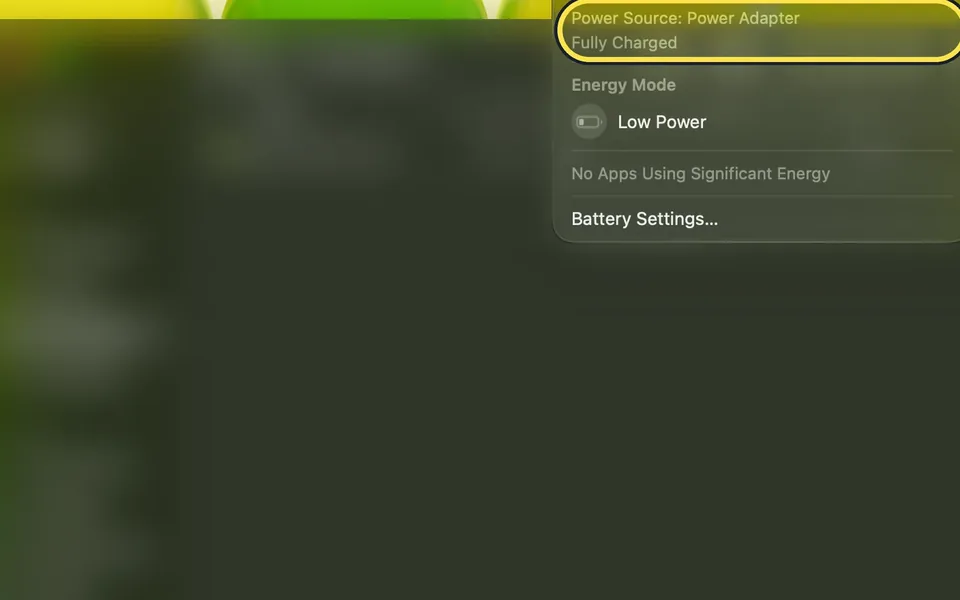
MacBook not charging? 4 fixes to try
Unplug the power adapter from the socket, wait 30 seconds and plug it in again, then try another socket and another USB-C cable. Restart the MacBook, read the charge…
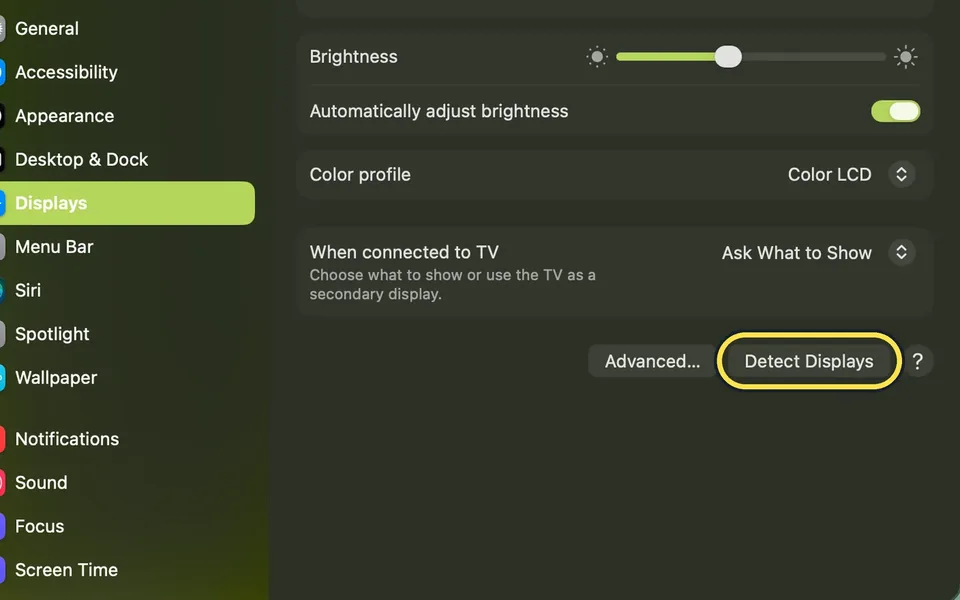
External monitor not detected on a Mac? 7 fixes to try
Check the cables and the display's input. Then open System Settings, Displays, hold Option so Night Shift… becomes Detect Displays, and click it. If the screen stays…
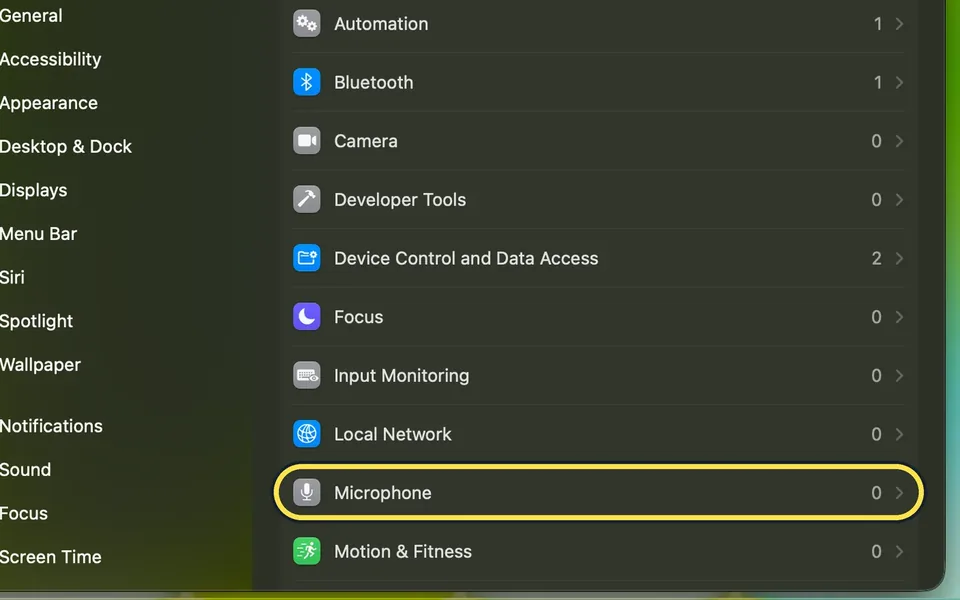
Mac microphone not working? 5 fixes to try
Quit the app, open System Settings, Privacy & Security, Microphone and switch the app on. Open the app again. Then check under System Settings, Sound, Input that the…
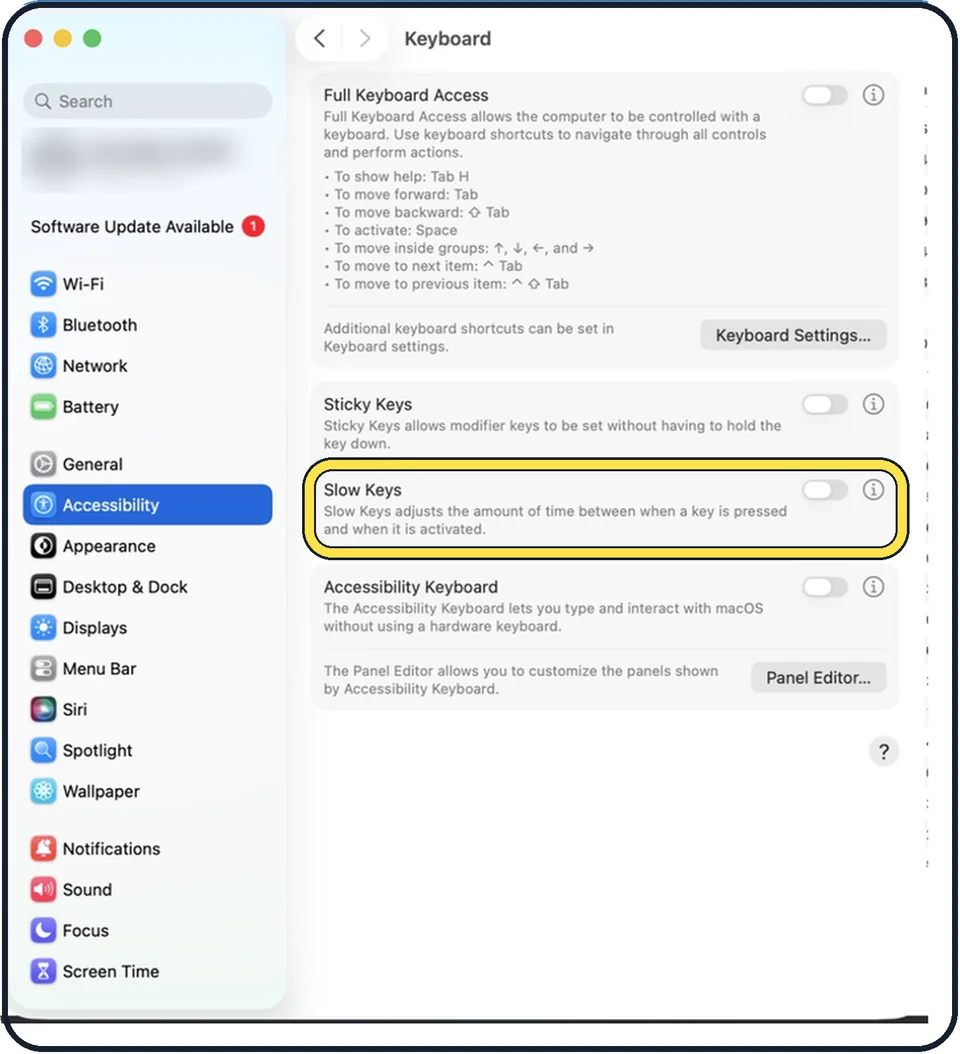
Mac keyboard not working? 7 fixes to try
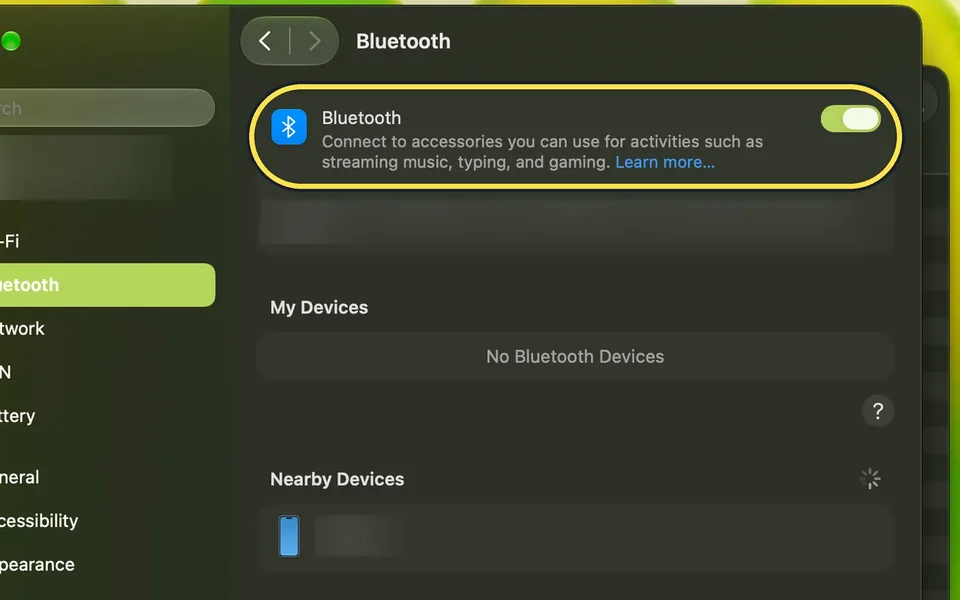
For a wireless keyboard, check that it is switched on, charged and that Bluetooth is on. For a MacBook, connect the charger. If keys react slowly or type the wrong…
Mac keeps restarting? 3 things to check
Install all macOS and app updates, then shut the Mac down and unplug every device except the display, keyboard and mouse. If the restarts stop, plug devices back in one…
Touch ID not working on a Mac? 7 fixes to try
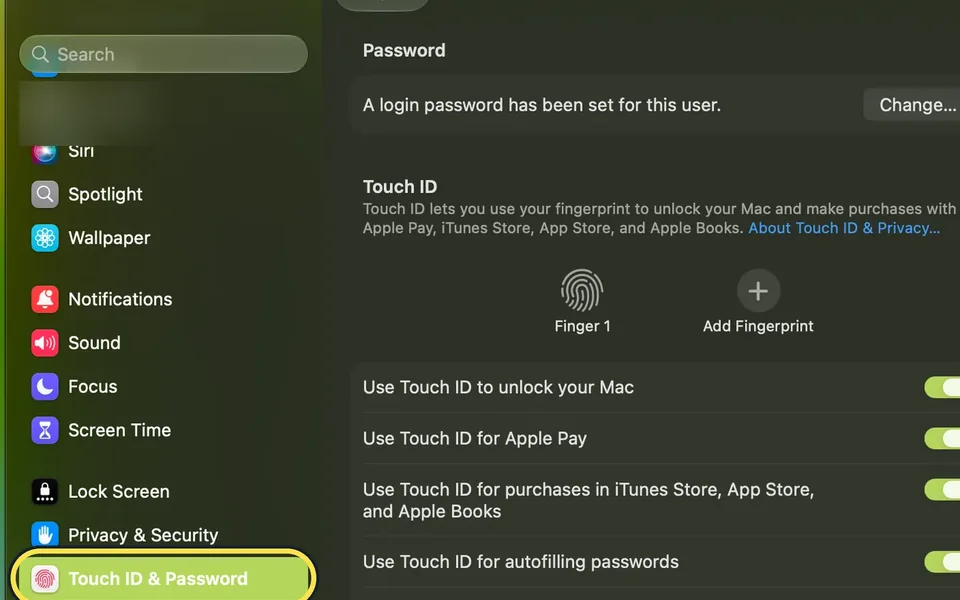
Clean and dry your finger and the Touch ID button, then restart the Mac and sign in with your password once. If it still fails, open System Settings, Touch ID &…
Mac won't sleep or wakes up by itself? 8 things to check
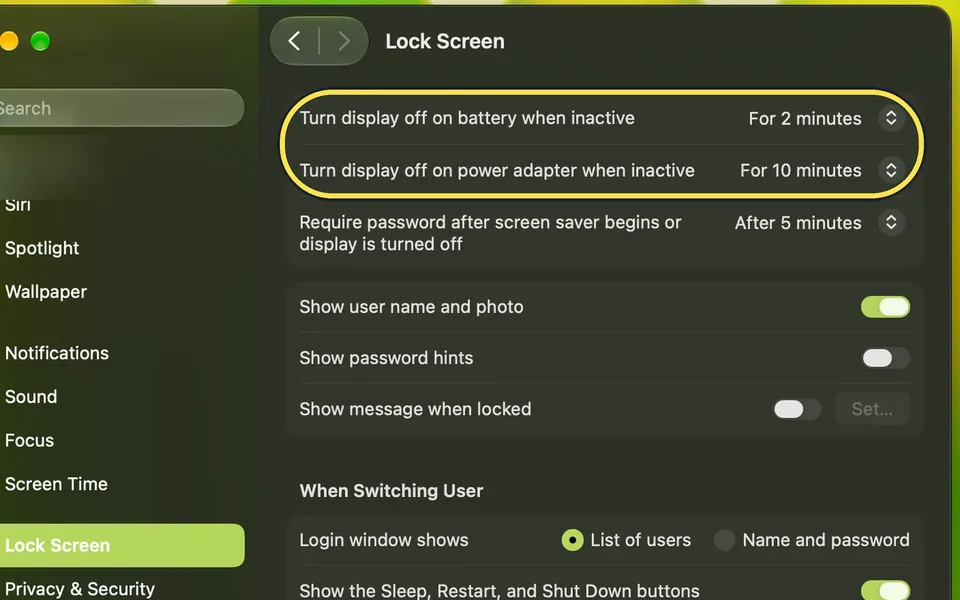
Open System Settings > Lock Screen and set the two Turn display off times. On a MacBook, click Battery > Options… and set Wake for network access to Never. Then switch…
Mac app keeps crashing or freezing? 5 fixes to try
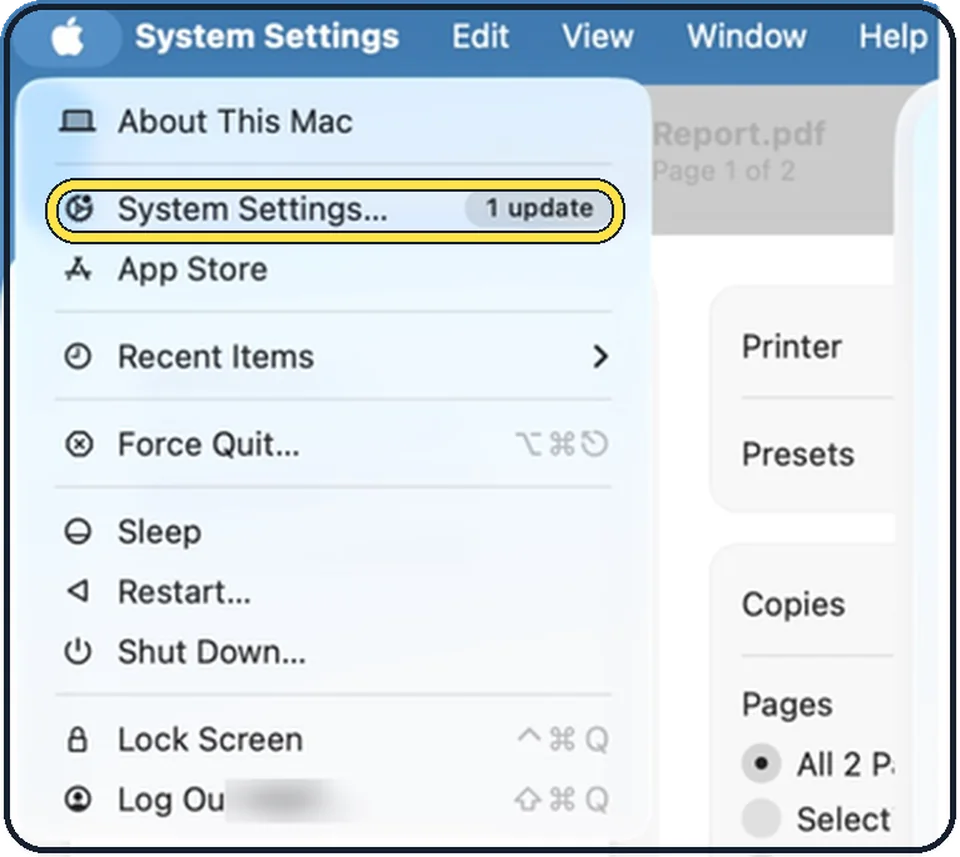
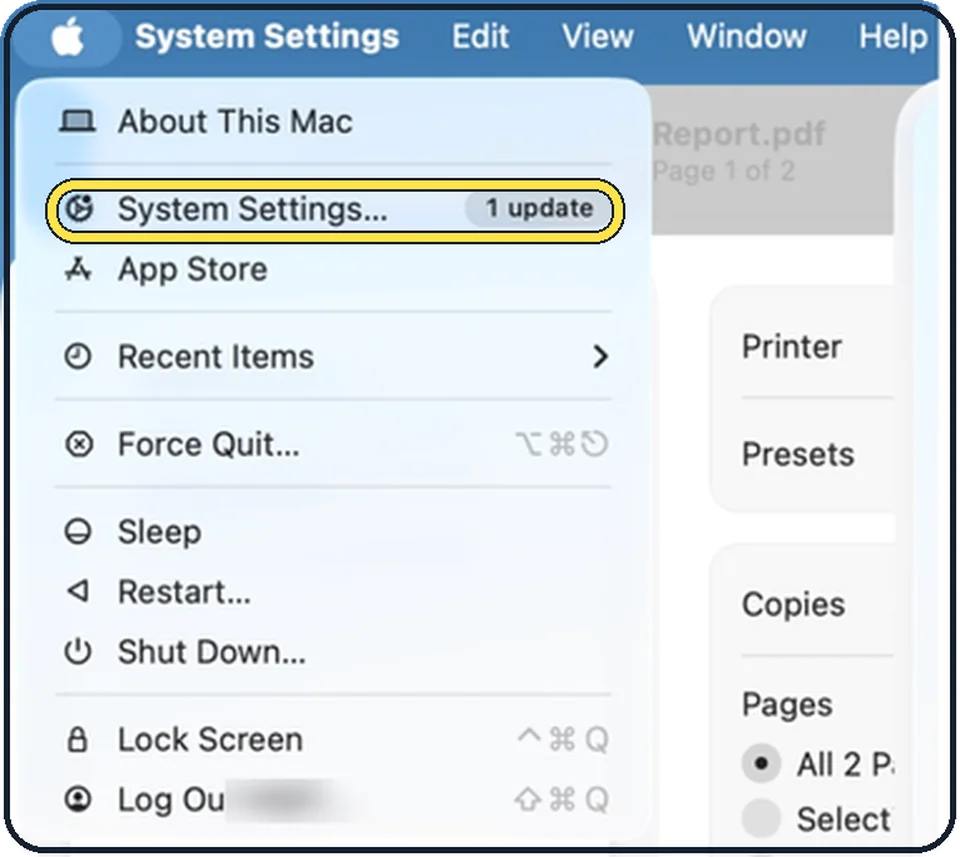
Choose Apple menu, Force Quit…, select the app and click Force Quit, then open the app again. If it keeps happening, restart the Mac, update the app and macOS, and…
Mac typing the wrong characters? Check the keyboard layout
Open System Settings, Keyboard and click Edit next to Input Sources. If Y and Z or symbols are swapped, the active layout does not match the keys, for example German…
Spotlight search not working on a Mac? How to rebuild the index
Open System Settings, click Spotlight and click Search Privacy at the bottom. Add your disk, usually Macintosh HD, to the list with the plus button, wait a few seconds…
Safari not working on a Mac? 6 fixes to try
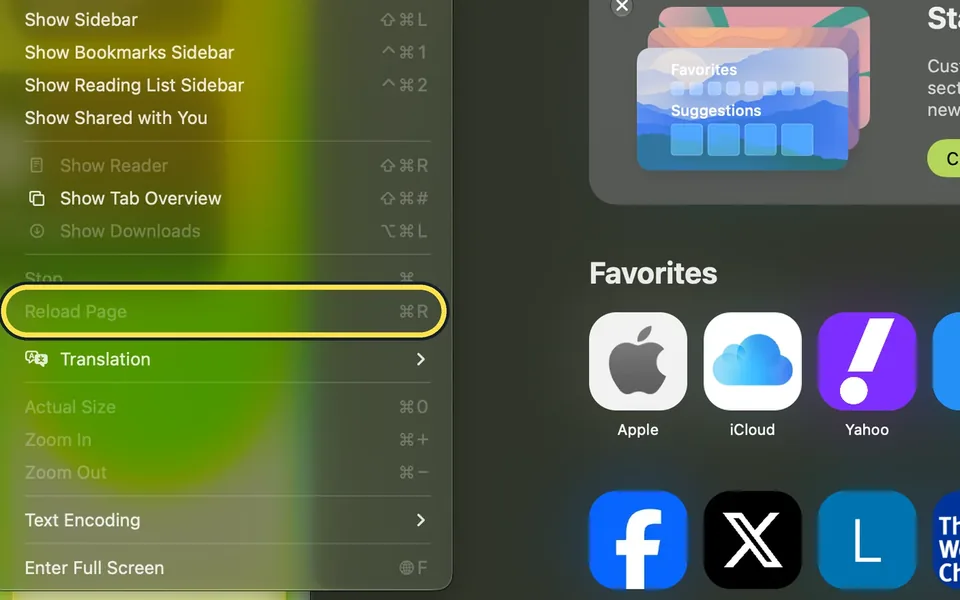
Reload the page with Command-R, or force quit Safari with Option-Command-Esc and open it again. Then update macOS, switch off Safari extensions under Safari, Settings…
Messages not working on a Mac? 4 things to check
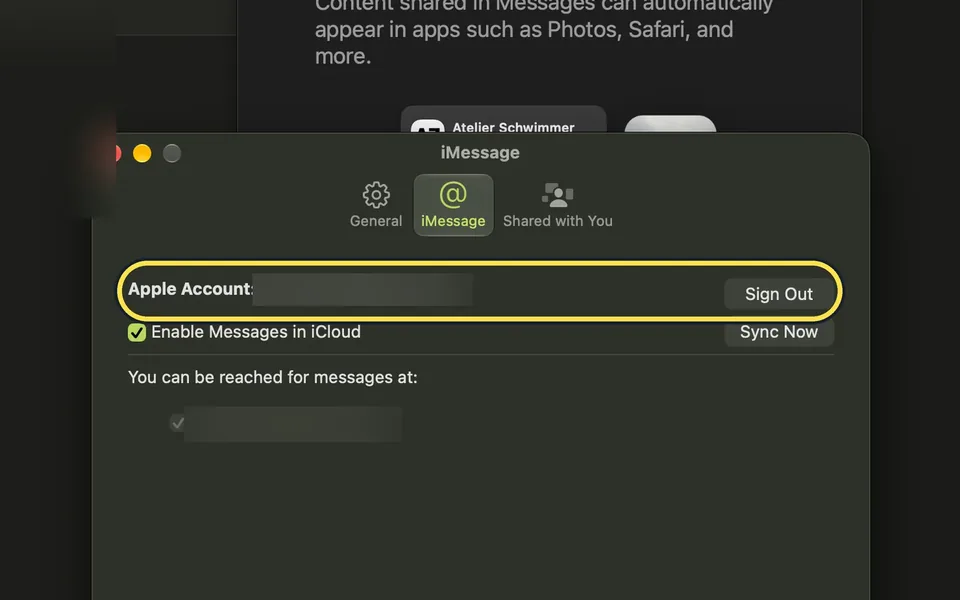
Check that the Mac is online and signed in under Messages, Settings, iMessage, restart it and install the latest macOS update. Make sure the date and time are set…
Apple Watch won't unlock your Mac? 6 fixes to try
Wear the unlocked watch close to the Mac, with Wi-Fi and Bluetooth on and the same Apple Account on both. In System Settings > Touch ID & Password, switch the Apple…
MacBook getting hot? 4 things to check
Put the MacBook on a hard, flat surface, not on a bed or cushion, and keep it out of direct sun. Then open Activity Monitor, click CPU and look for an app that uses a…
Mac showing the wrong time or date? How to fix it
Open System Settings, click General, then Date & Time. Switch on Set time and date automatically and Set time zone automatically using your current location, and…
How to repair a disk on a Mac with Disk Utility First Aid
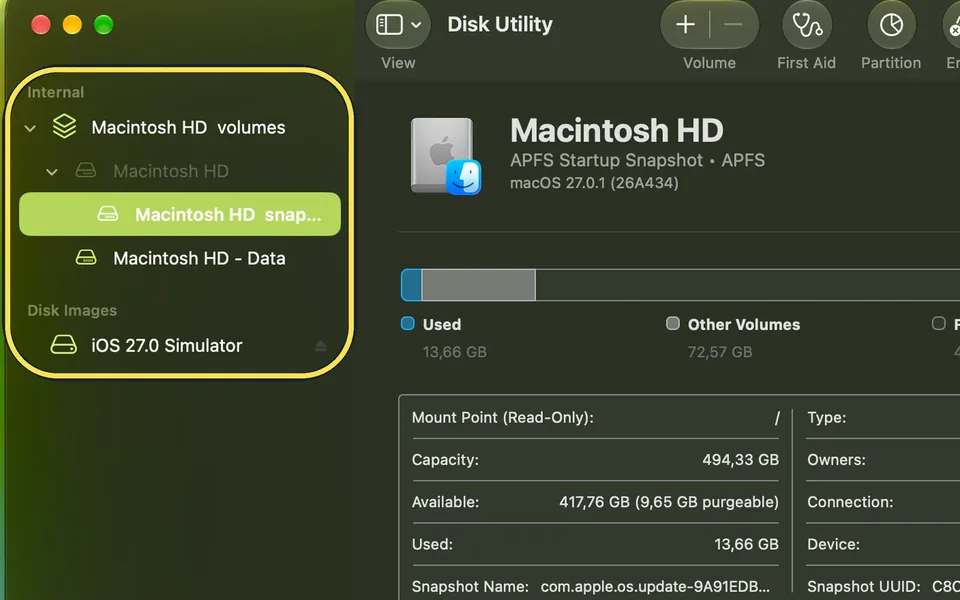
Open Disk Utility, choose View, Show All Devices, and select the last volume shown under the disk. Click First Aid and Run. Then do the same for each item above it…
Privacy & Security
11 guidesHow to change your password on a Mac
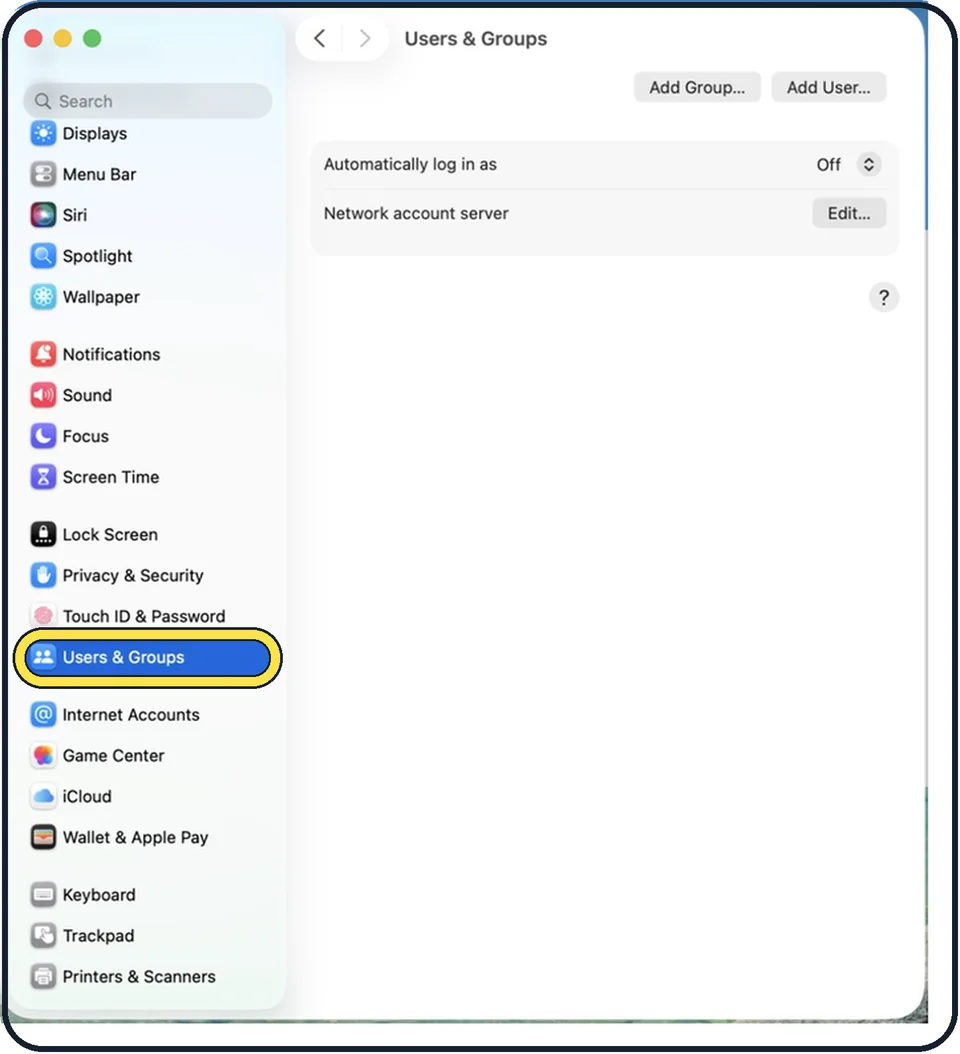
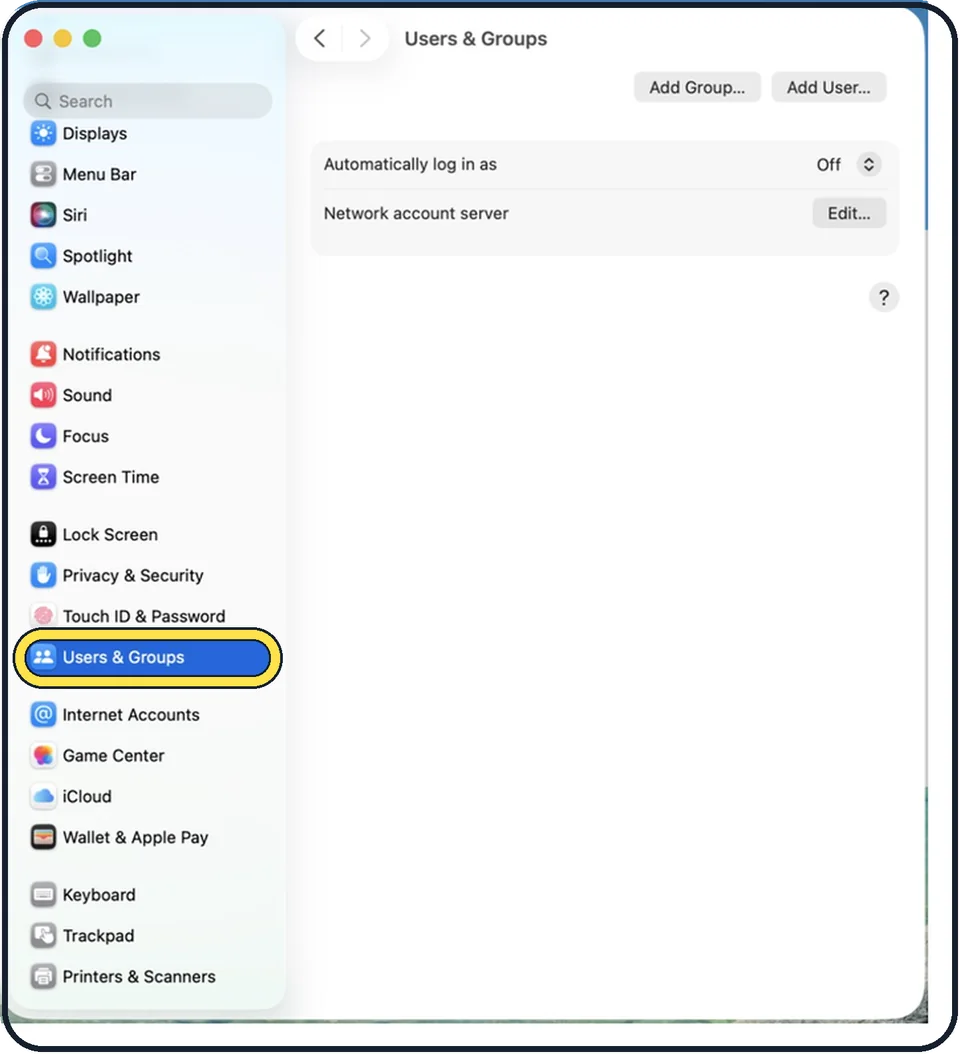
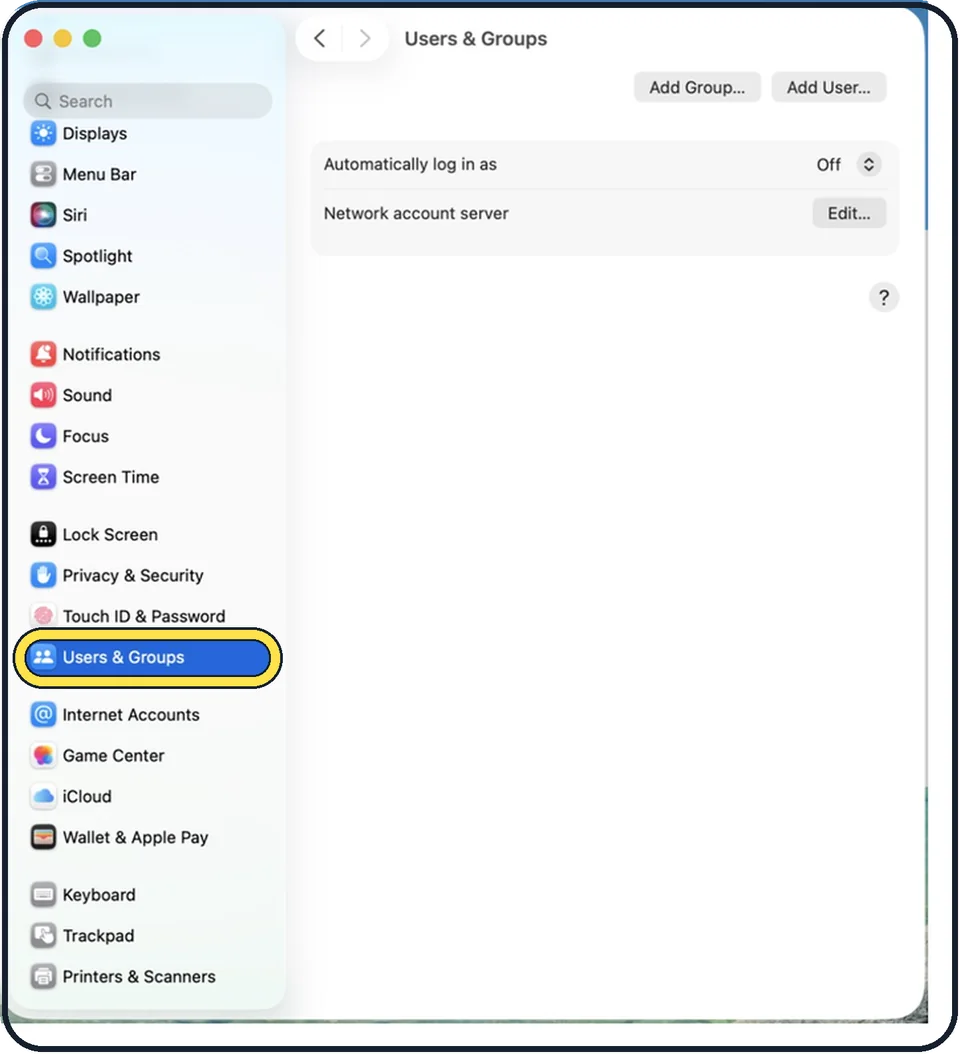
Open System Settings, click Users & Groups, click the i next to your name and click Change next to Password. Enter the old password, then the new one twice.
How to turn on FileVault on a Mac
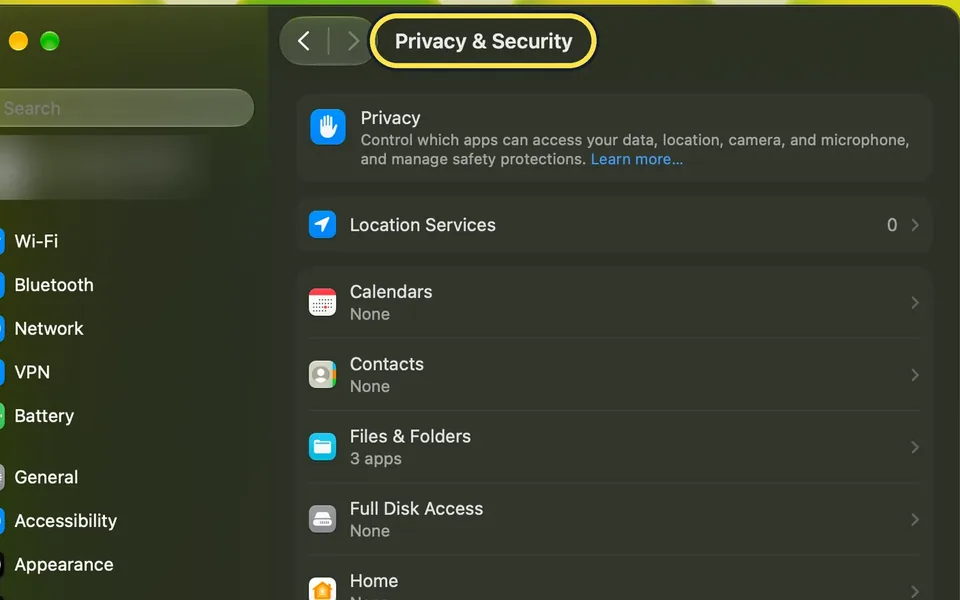
Open System Settings, click Privacy & Security, scroll down to Security and click FileVault, then turn on the FileVault switch. Apple says you then enter your password…
How to turn on the firewall on a Mac
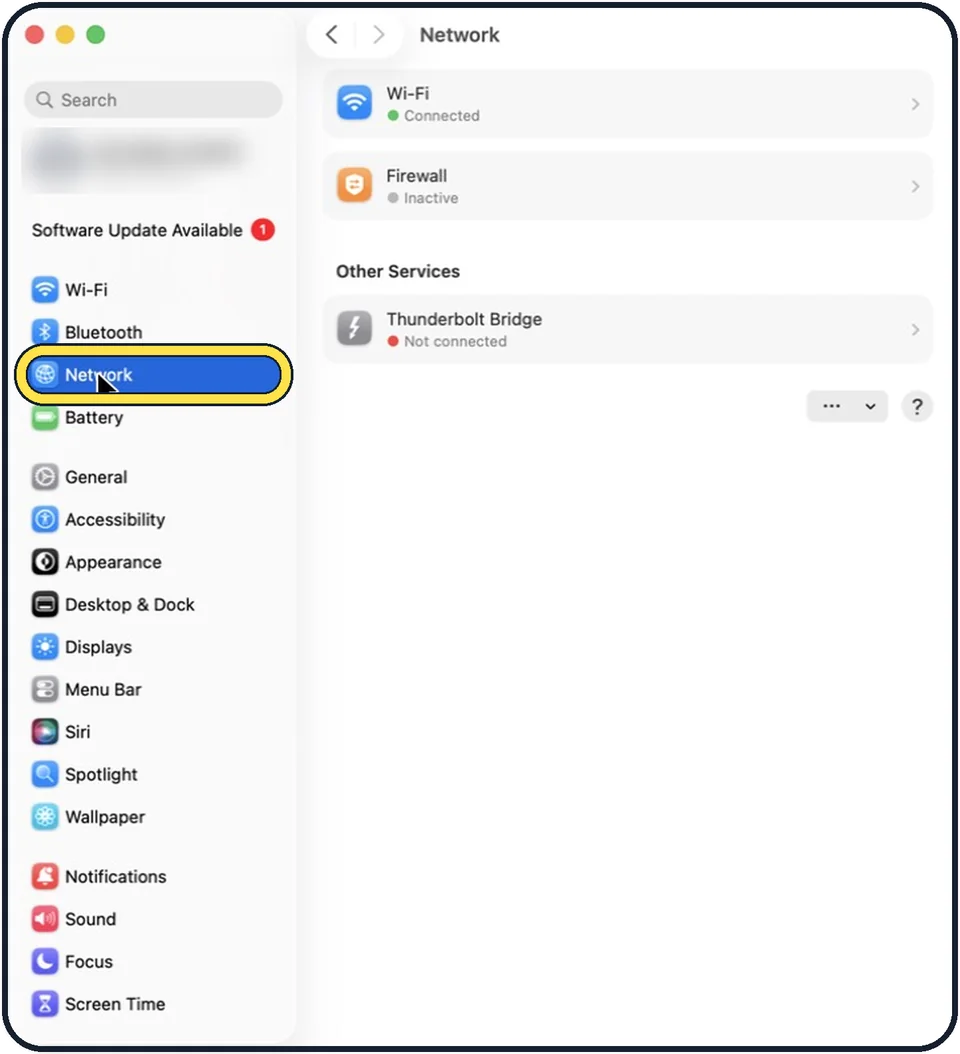
Open System Settings, click Network in the sidebar, click Firewall and switch Firewall on. Click Options if you want stricter rules such as stealth mode.
How to lock the screen on a Mac
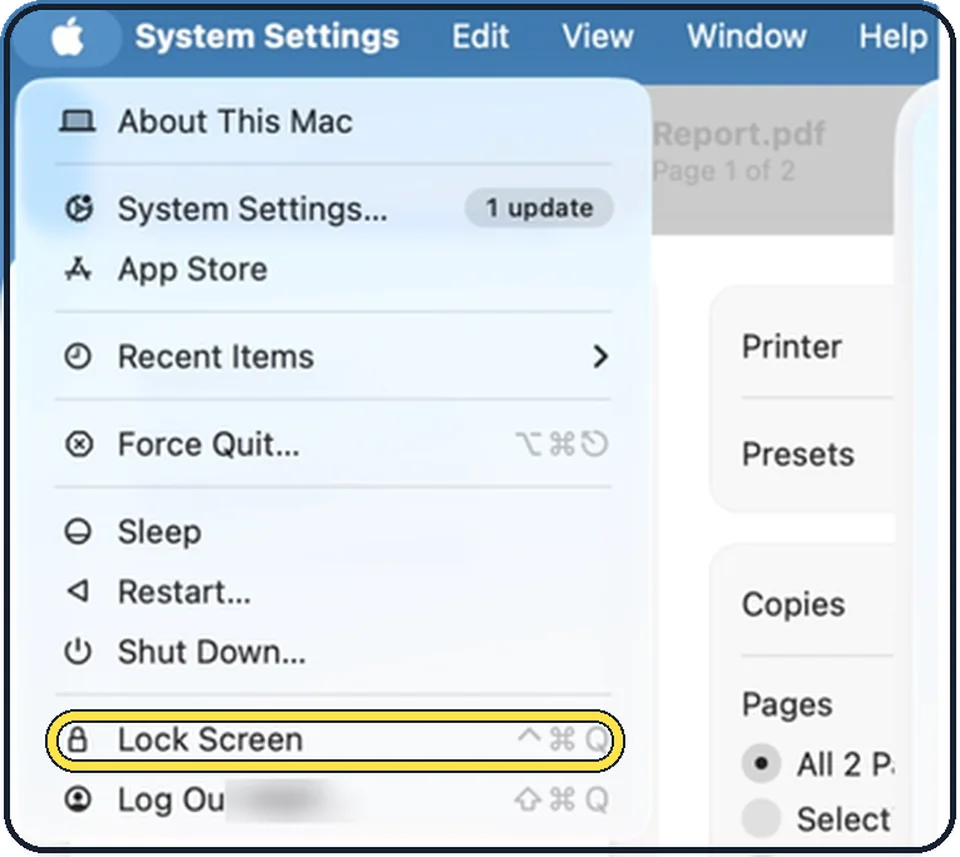
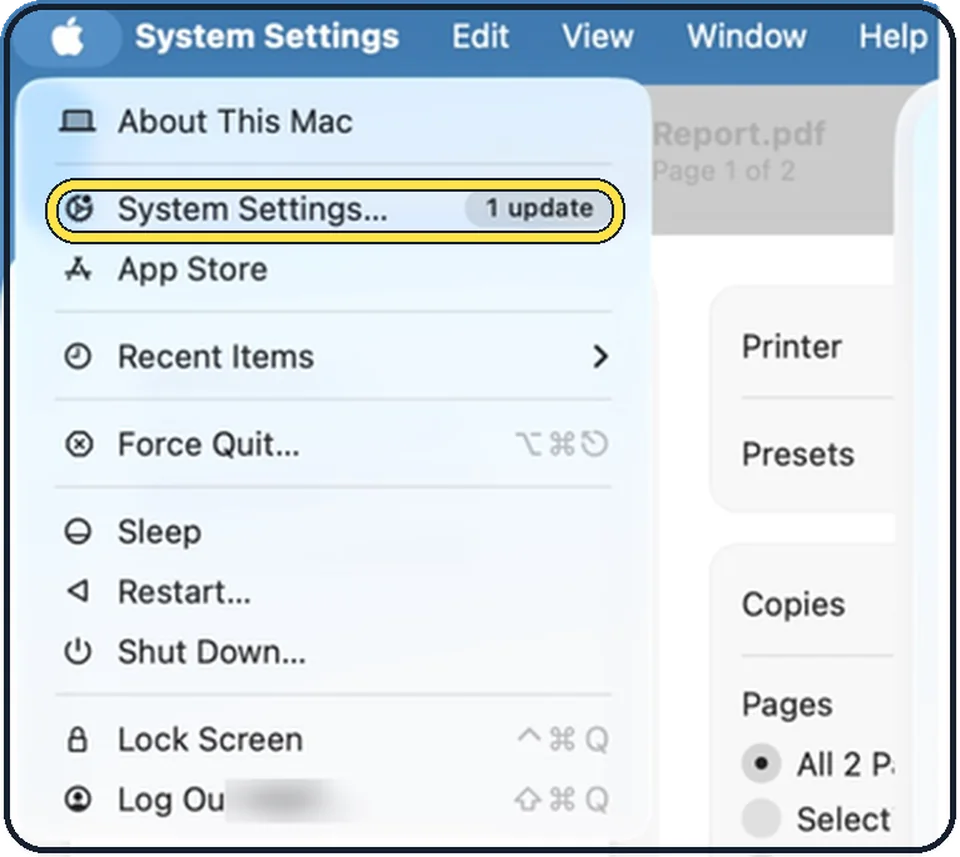
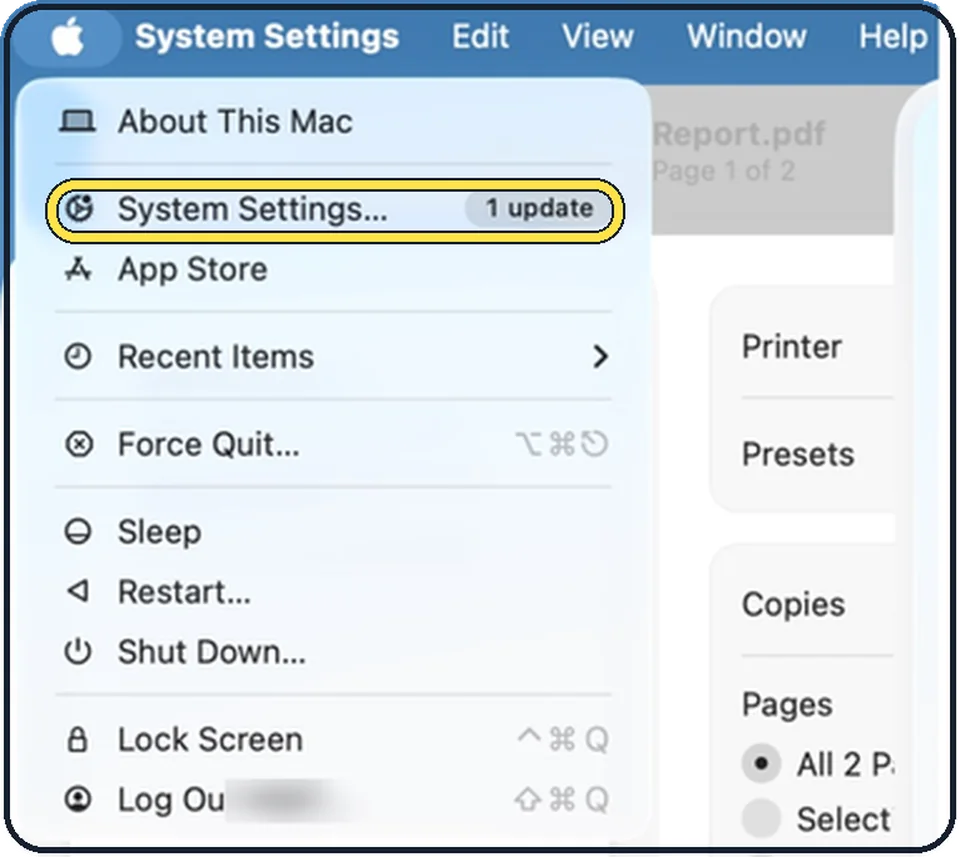
Press Control, Command and Q together, or click the Apple menu and choose Lock Screen. To make the Mac lock itself, open System Settings, Lock Screen and set Require…
How to set up Touch ID on a Mac
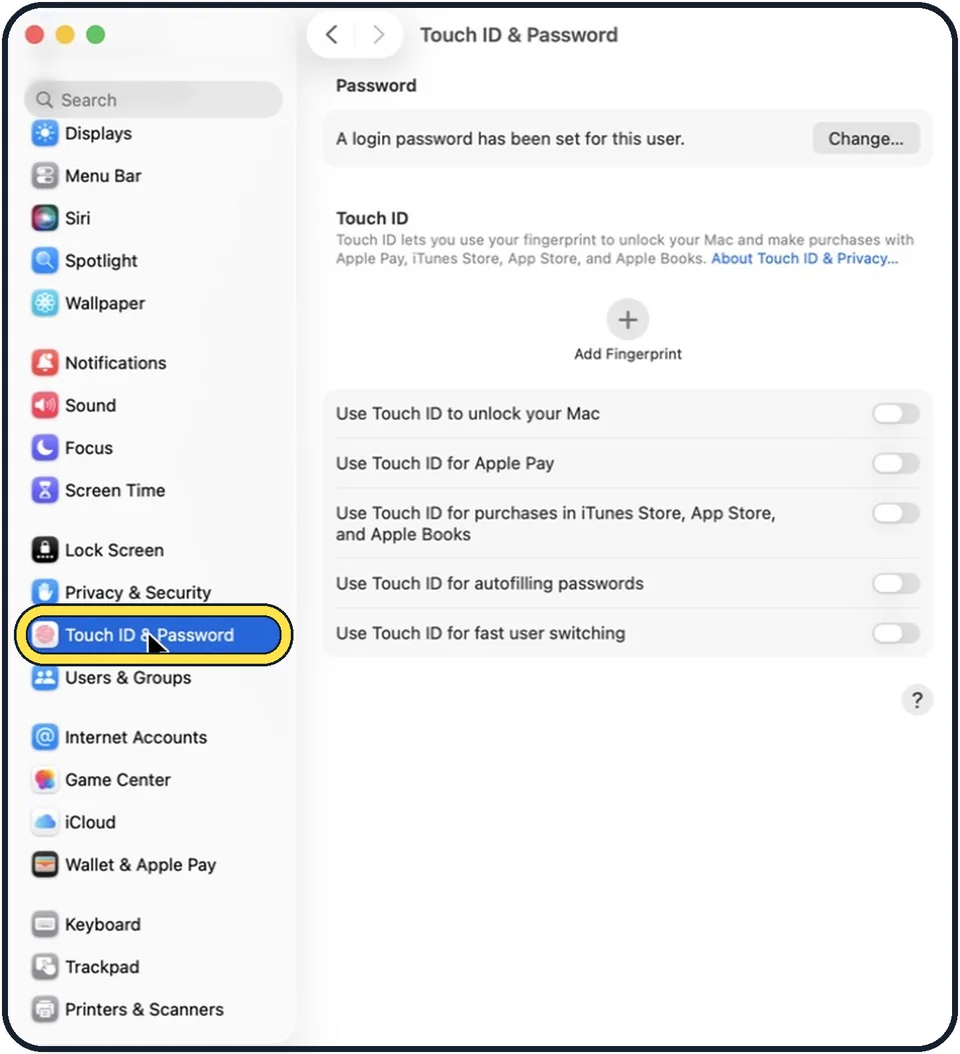
Open System Settings, click Touch ID & Password, click Add Fingerprint, enter your password and follow the instructions on screen. You can add up to three fingerprints…
How to show a message on the Mac lock screen
Open System Settings, click Lock Screen, switch on Show message when locked and click Set to type the message. The message appears in the login window when the Mac is…
How to make a Mac ask for both name and password at login
Open System Settings, click Lock Screen, and under When Switching User set Login window shows to Name and password. The login window then no longer lists the users of…
How to hide notification previews on a Mac
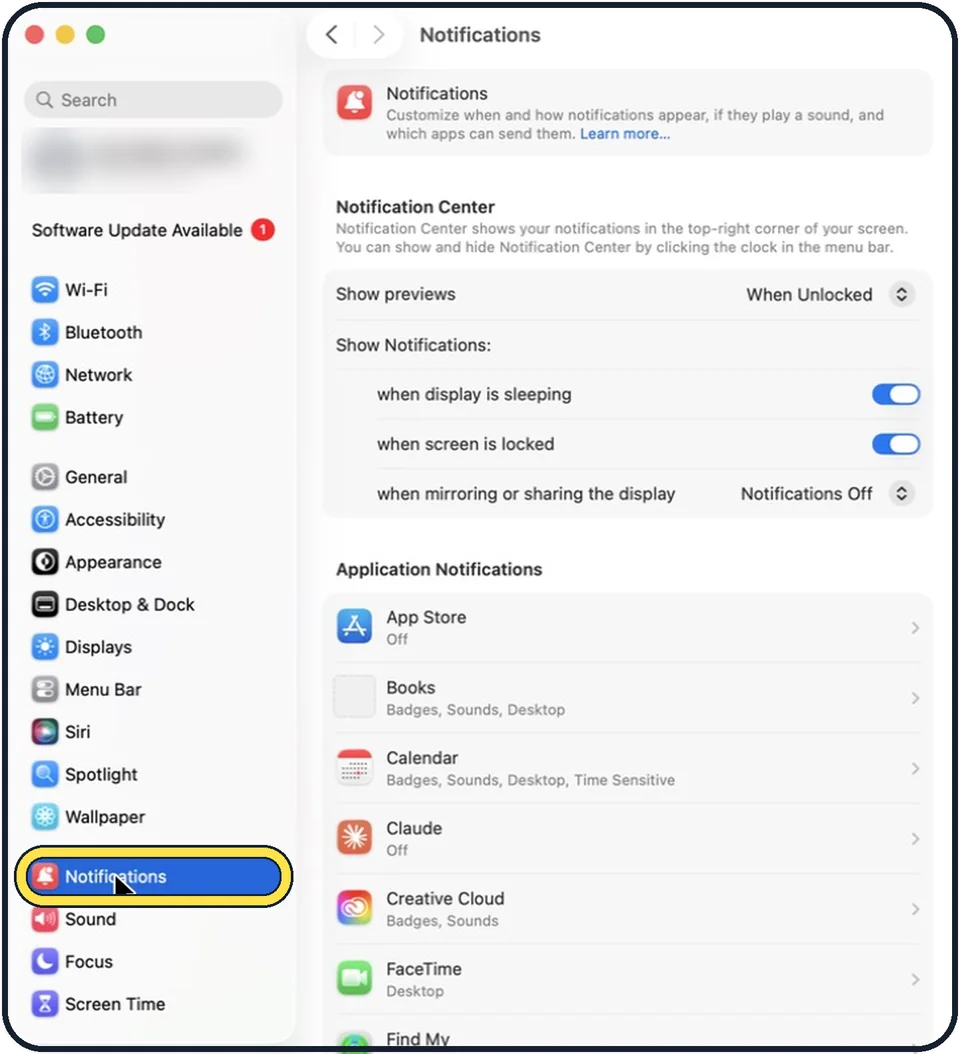
Open System Settings, click Notifications, and set Show previews to Never, or to When Unlocked. The menu decides when previews are shown: Always, When Unlocked or Never.
How to find your IP address on a Mac (macOS 27)
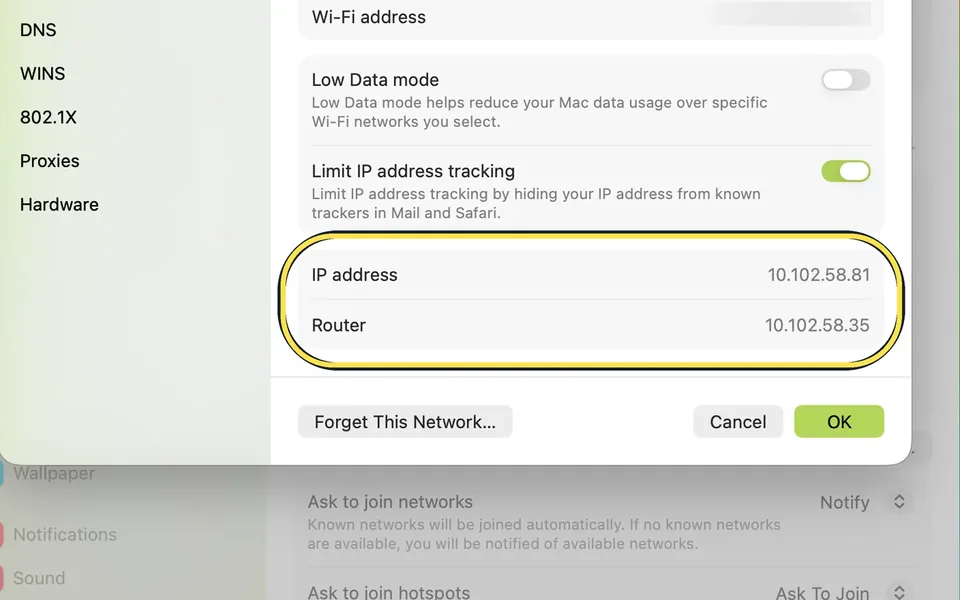
Open System Settings, Wi-Fi and click Details next to your network. The IP address and Router rows are near the bottom; TCP/IP shows the subnet mask too. That is the…
How to let someone use your Mac safely with the Guest User
Open System Settings, click Users & Groups and click the info button next to Guest User. Turn on Allow guests to log in to this computer. A guest logs in without a…
How to make a Mac log in automatically without a password
Open System Settings, click Users & Groups, and choose your account from the Automatically log in as menu. Enter the password to confirm. The option is greyed out while…
Camera, Photos & Screenshots
4 guidesHow to take a screenshot on a Mac
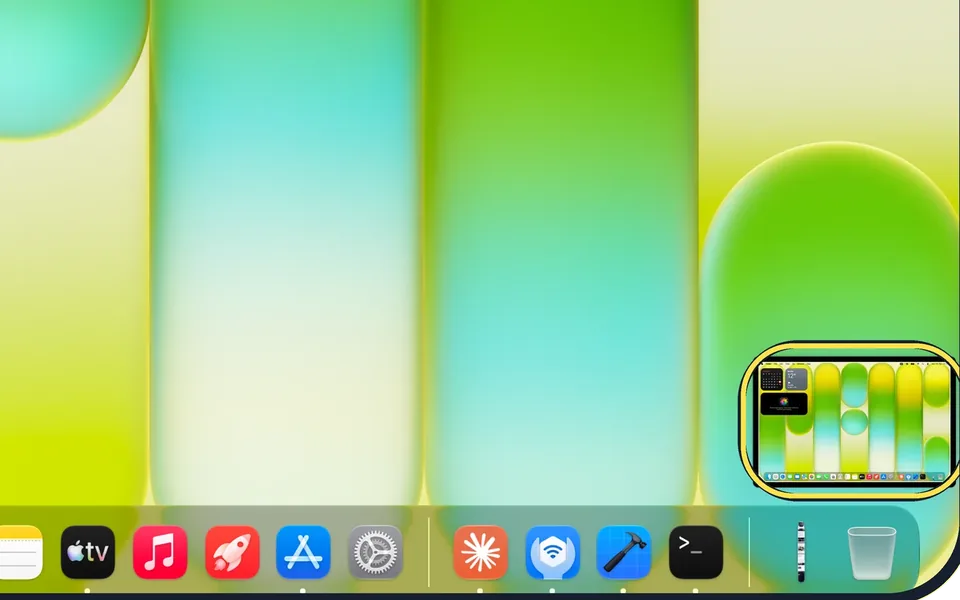
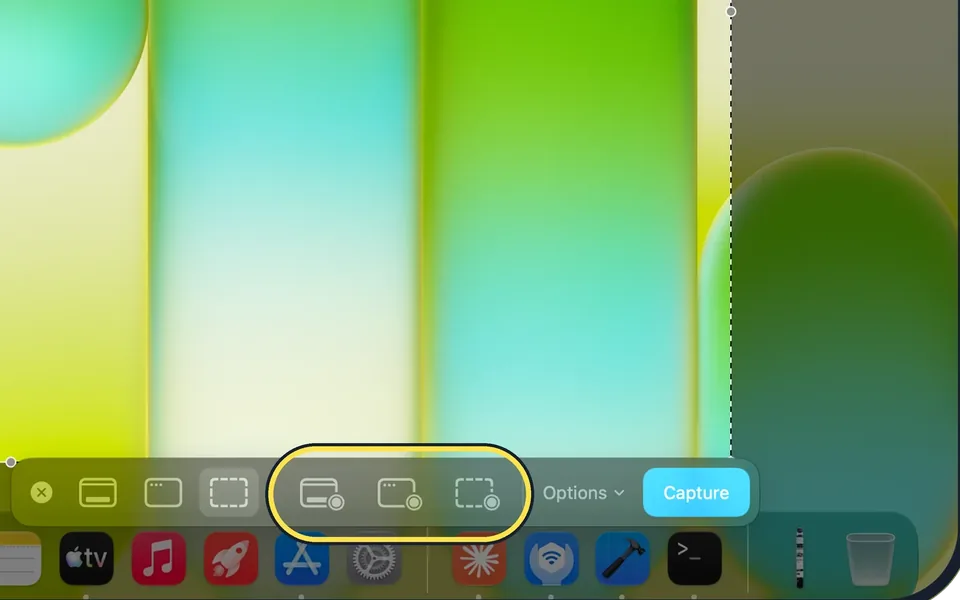
Press Shift + Command + 3 for the whole screen, Shift + Command + 4 to drag over part of it (then Space for one window), or Shift + Command + 5 for a toolbar with…
How to record your screen on a Mac
Press Shift + Command + 5, click one of the three record buttons in the toolbar, then click Record. Click the stop button in the menu bar to finish; the video is saved…
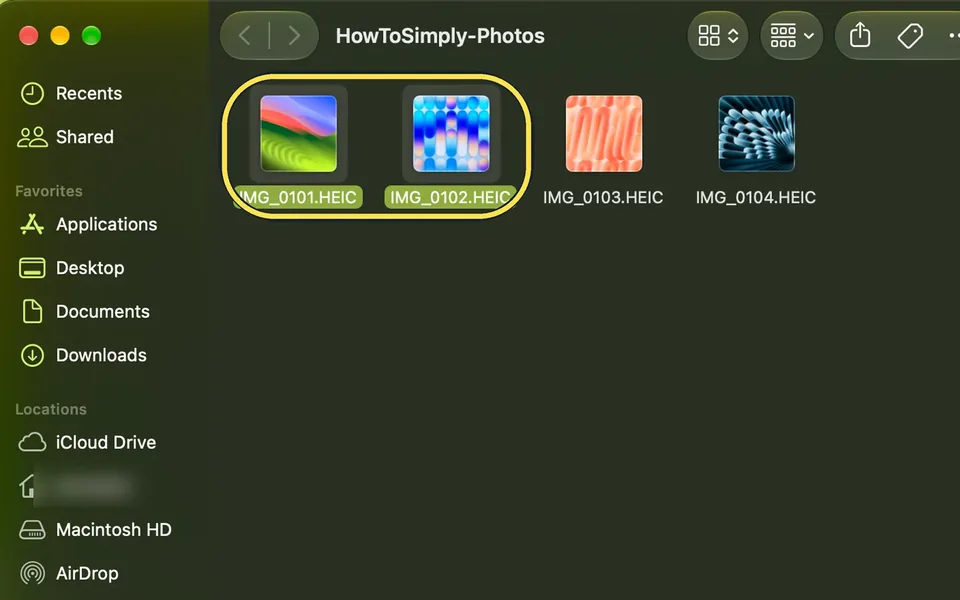
How to convert HEIC photos to JPG on a Mac
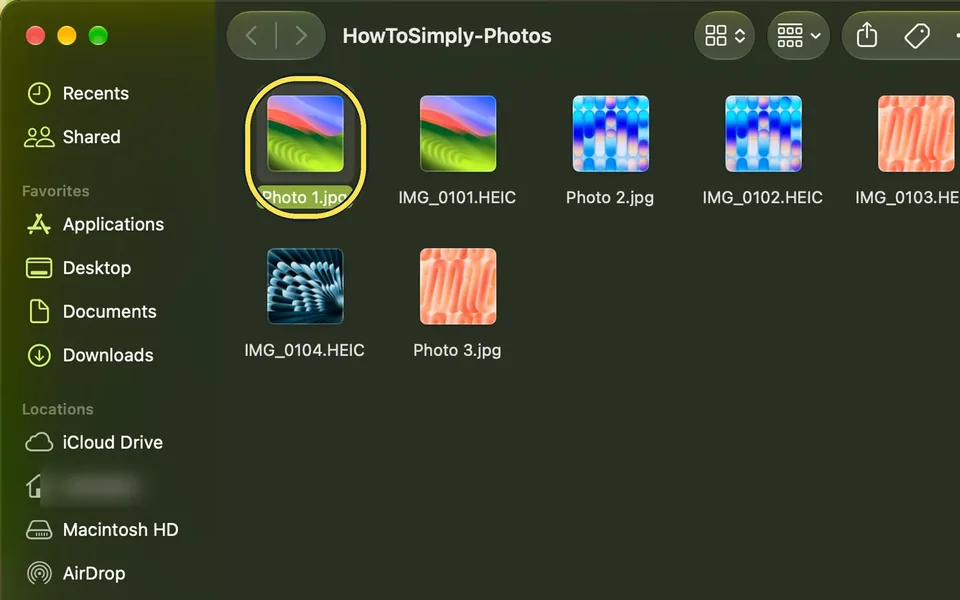
Select the HEIC photos in Finder, right-click and choose Quick Actions > Convert Image. Check that Format is JPEG, pick an Image Size and click Convert to JPEG. The…
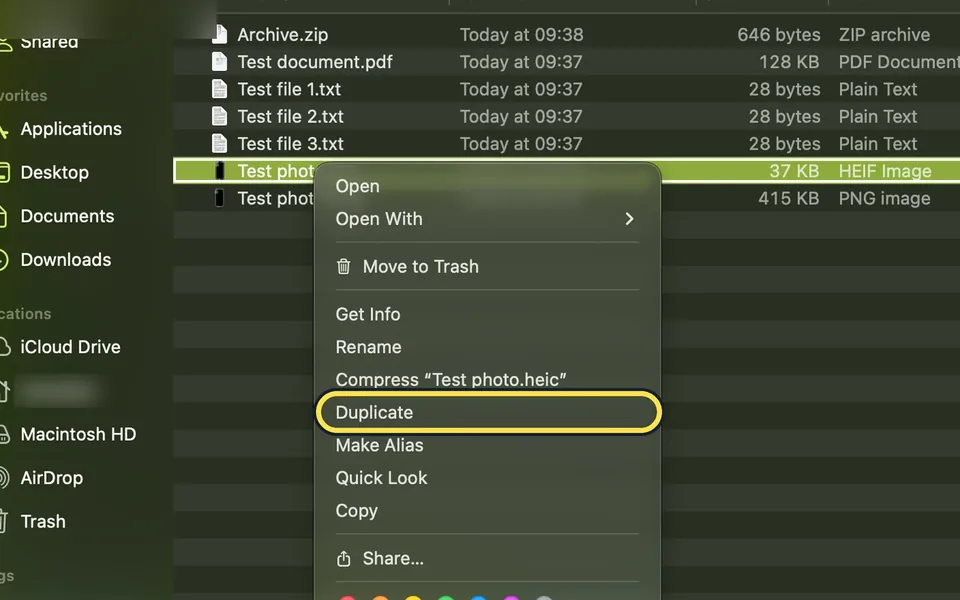
How to resize an image on a Mac with Preview
Open the picture in Preview, choose Tools, Adjust Size, type a new width or height and click OK. Keep Scale proportionally ticked so the picture is not stretched. The…
Apps
3 guidesHow to uninstall apps on a Mac
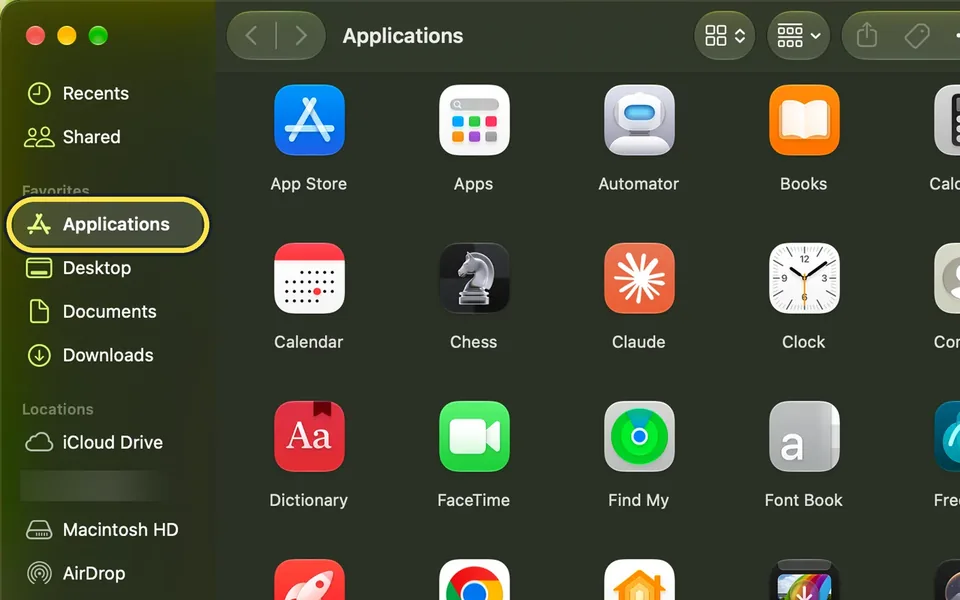
Quit the app, open Finder, click Applications, Control-click the app and choose Move to Trash, or press Command + Delete. Then Control-click the Trash in the Dock and…
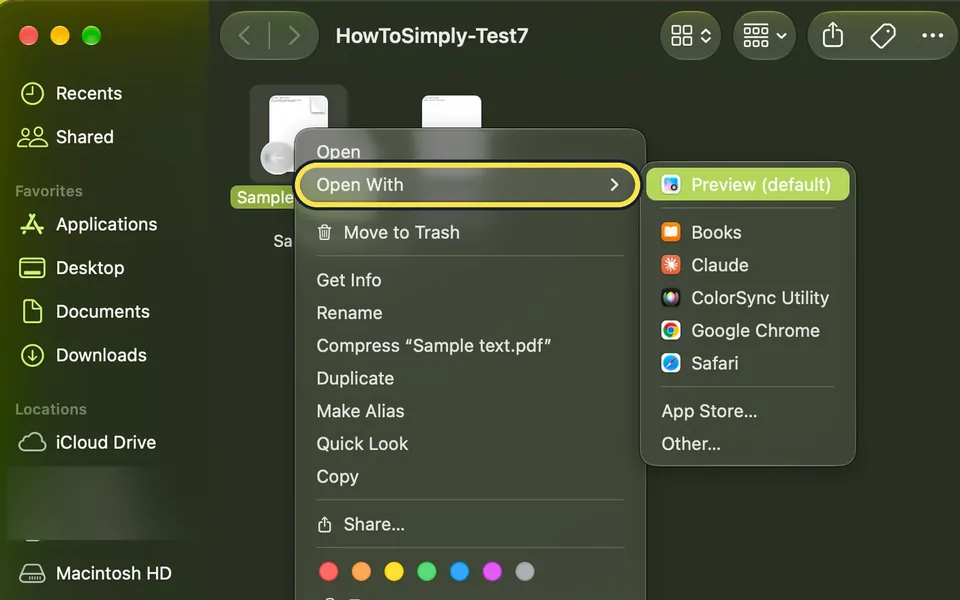
How to change which app opens a file type on a Mac
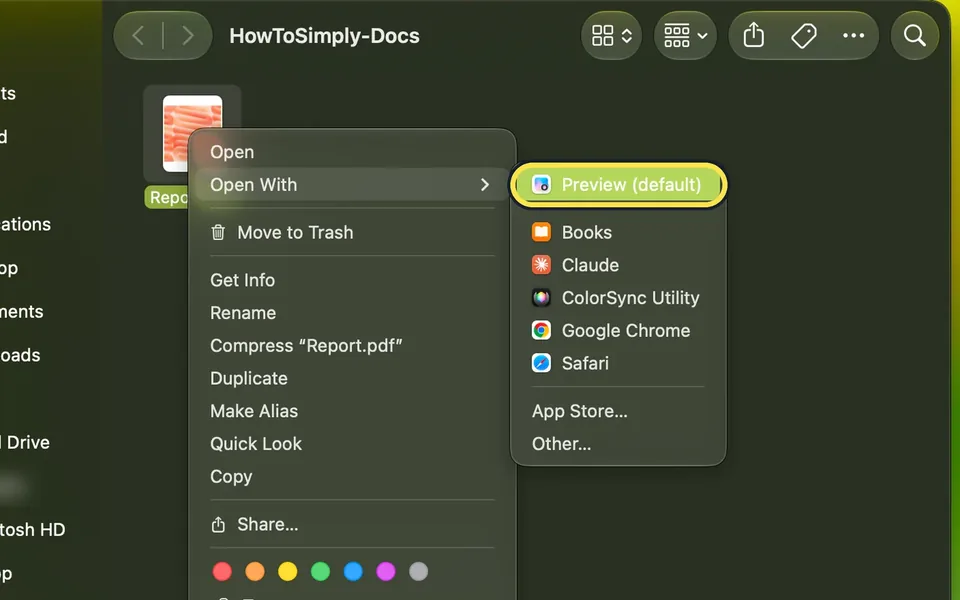
Control-click a file of that type in Finder and choose Get Info. Under Open with, choose the app, click Change All… and then Continue. Every file with that extension…
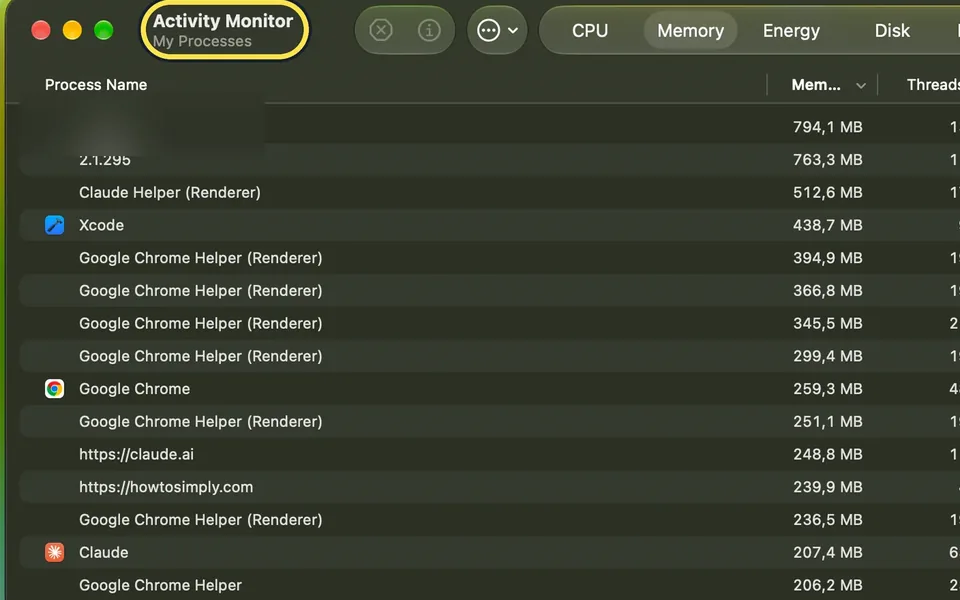
How to use Activity Monitor on a Mac
Open Activity Monitor from Applications, Utilities, or search for it with Spotlight. The tabs CPU, Memory, Energy, Disk and Network show what each app is using right…
Display & Accessibility
18 guidesHow to turn on Night Shift on a Mac
Open System Settings, click Displays, then Night Shift. Set Schedule to Sunset to Sunrise, or choose your own times, and move the slider to make the screen warmer.
How to turn on dark mode on a Mac
Open System Settings, click Appearance and choose Dark, the middle option in the Appearance row. Or choose Auto, on the right, to let the Mac switch between light and…
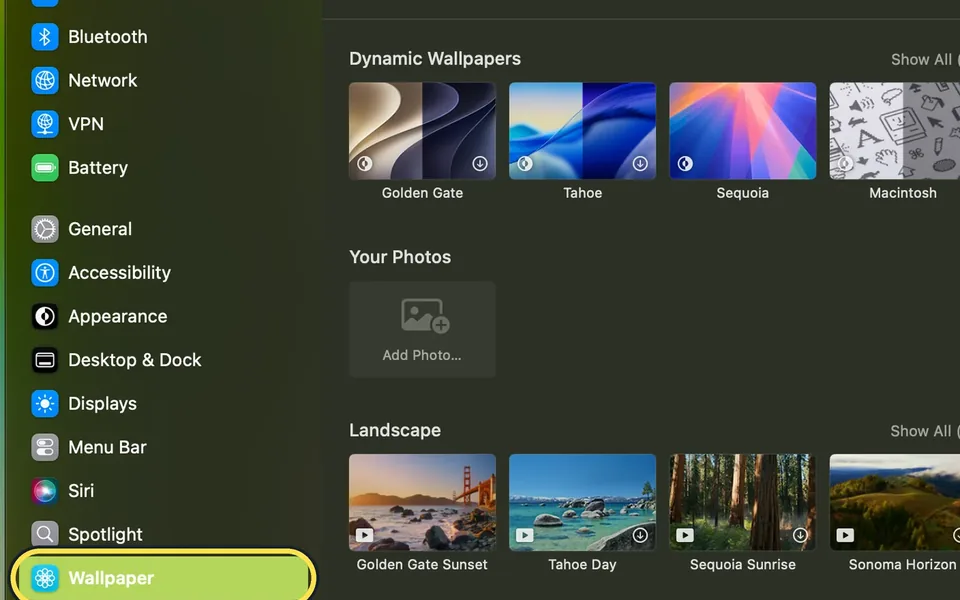
How to change the wallpaper on a Mac
Open System Settings, click Wallpaper and click a picture. To use your own, click Add Photo… under Your Photos, or Control-click an image in Finder and choose Set…
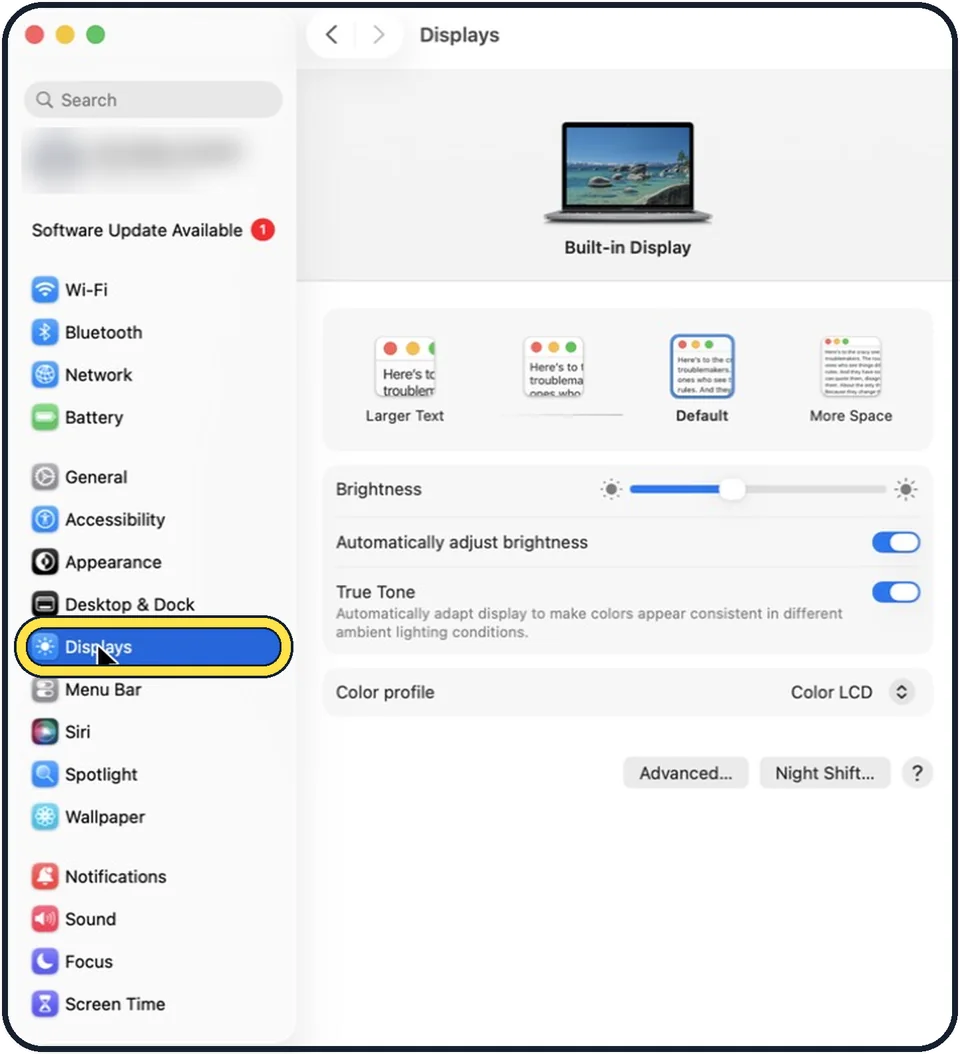
How to change the screen resolution on a Mac
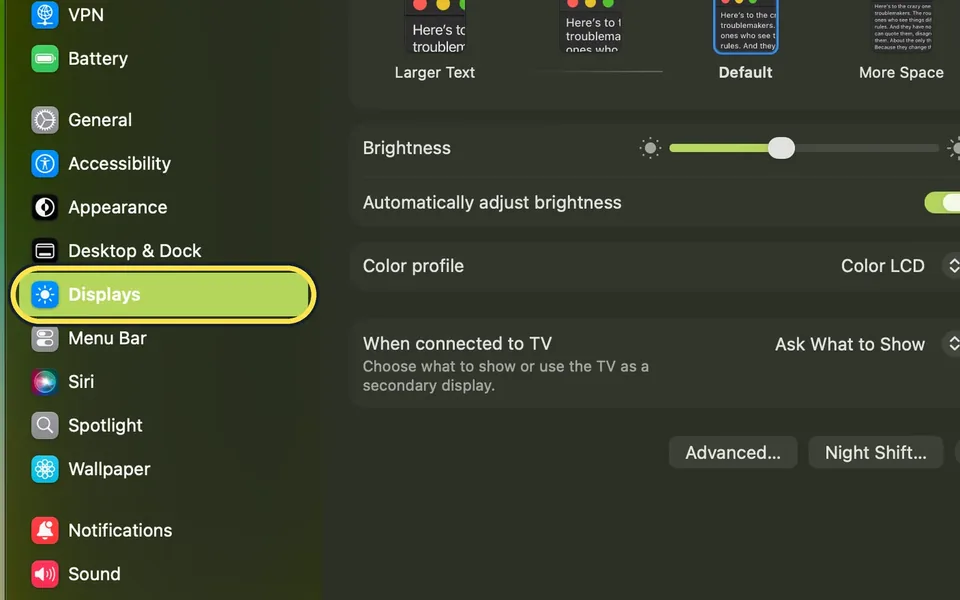
Open System Settings and click Displays, then click one of the four pictures between Larger Text and More Space. Larger Text makes everything bigger; More Space fits…
How to reduce motion and animations on a Mac
Open System Settings, click Accessibility, then Motion, and switch on Reduce motion. On the same page you can also switch off Auto-play animated images and switch on…
How to zoom in on the screen on a Mac
Open System Settings, click Accessibility, then Zoom, and switch on Use keyboard shortcuts to zoom. Then press Option, Command and 8 to switch zoom on or off, Option…
How to make the mouse pointer bigger on a Mac
Open System Settings, click Accessibility, then Display, and drag the Pointer size slider to the right. To find a lost pointer quickly, keep Shake mouse pointer to…
How to increase contrast and reduce transparency on a Mac
Open System Settings, click Accessibility, then Display, and switch on Increase contrast, Reduce transparency or both. Increase contrast makes borders around buttons…
How to make the menu bar text bigger on a Mac
Open System Settings, click Accessibility, then Display, and under Text select Large next to Menu bar size. Log out and log in again if the change does not show. Select…
How to play background sounds like rain on a Mac
Open System Settings, click Accessibility, then Audio, and switch on Background sounds. Click Choose next to Background sound to pick a sound such as Rain or Balanced…
How to make a Mac flash the screen for alerts
Open System Settings, click Accessibility, then Audio, and switch on Flash the screen when an alert sound occurs. The screen then flashes when you receive an alert, so…
How to play stereo sound as mono on a Mac
Open System Settings, click Accessibility, then Audio under Hearing, and switch on Play stereo audio as mono. Apple says the Mac then plays stereo tracks as mono in…
How to make a Mac read selected text aloud
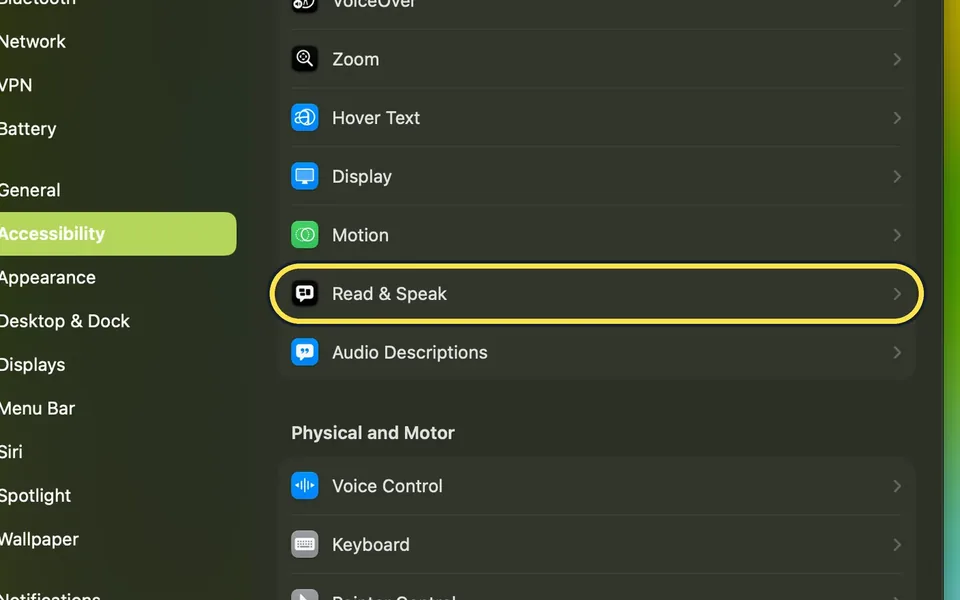
Open System Settings, click Accessibility, then Read & Speak, and switch on Speak selection. Then select text in any app and press Option+Esc, the shortcut shown on our…
How to change the subtitle style on a Mac
Open System Settings, click Accessibility, then Captions, and click a style in the list: Transparent Background, Classic, Large Text or Outline Text. The preview at the…
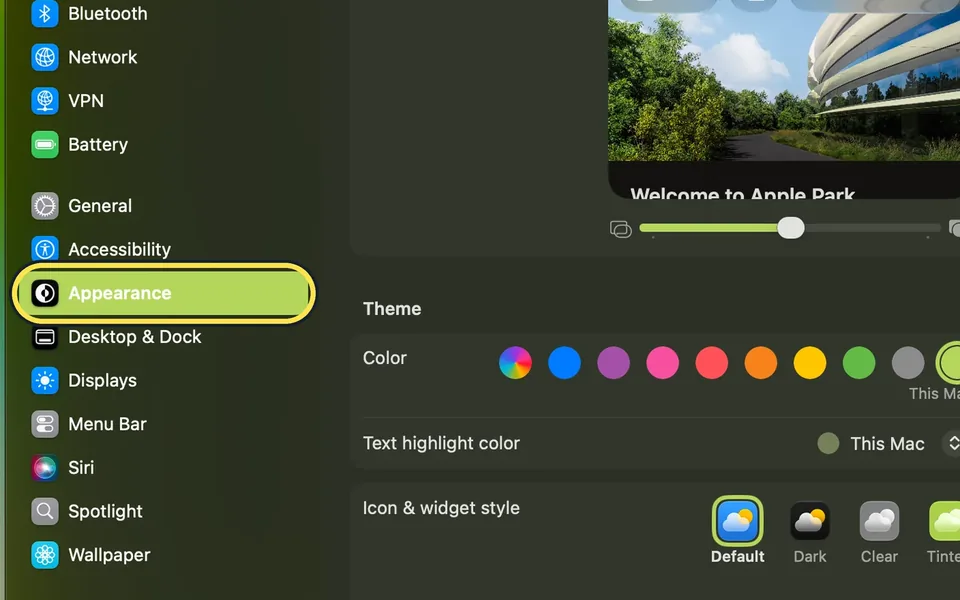
How to change the accent colour on a Mac
Open System Settings, click Appearance, and click a colour under Theme. Buttons, pop-up menus and other controls then use that colour. Multicolor, the first circle…
How to always show scroll bars on a Mac
Open System Settings, click Appearance, and under Show scroll bars select Always. Scroll bars are then always shown in windows whose content does not fit, not only…
How to make sidebar icons and text bigger on a Mac
Open System Settings, click Appearance, and set Sidebar icon size to Large. The icons in the Finder sidebar, and in the sidebar of apps such as Mail, News and Photos…
How to stop the wallpaper tinting windows on a Mac
Open System Settings, click Appearance, and switch off Tint window background with wallpaper color. Window areas such as toolbars and status bars then no longer take on…
Keyboard & Typing
8 guidesHow to use dictation on a Mac
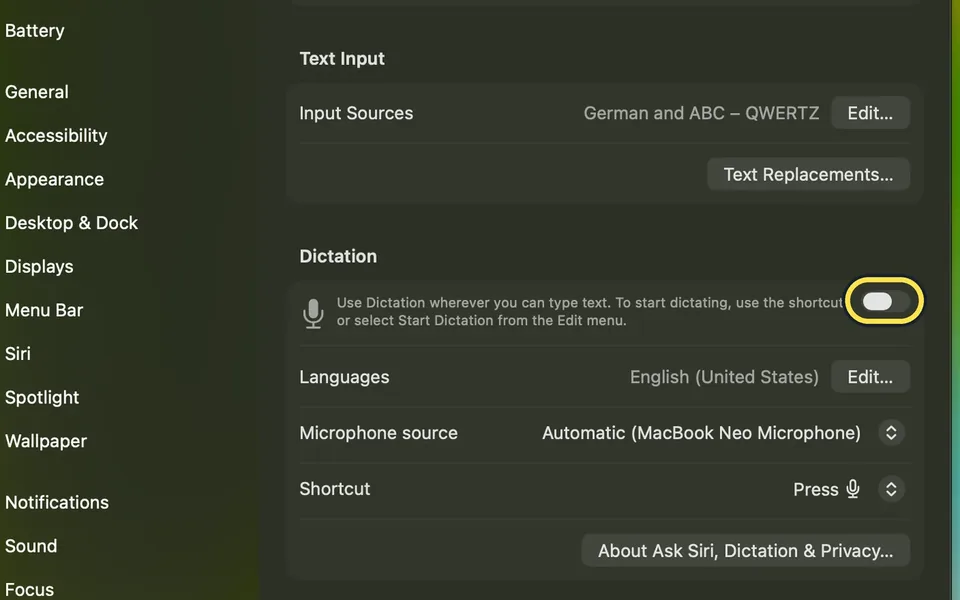
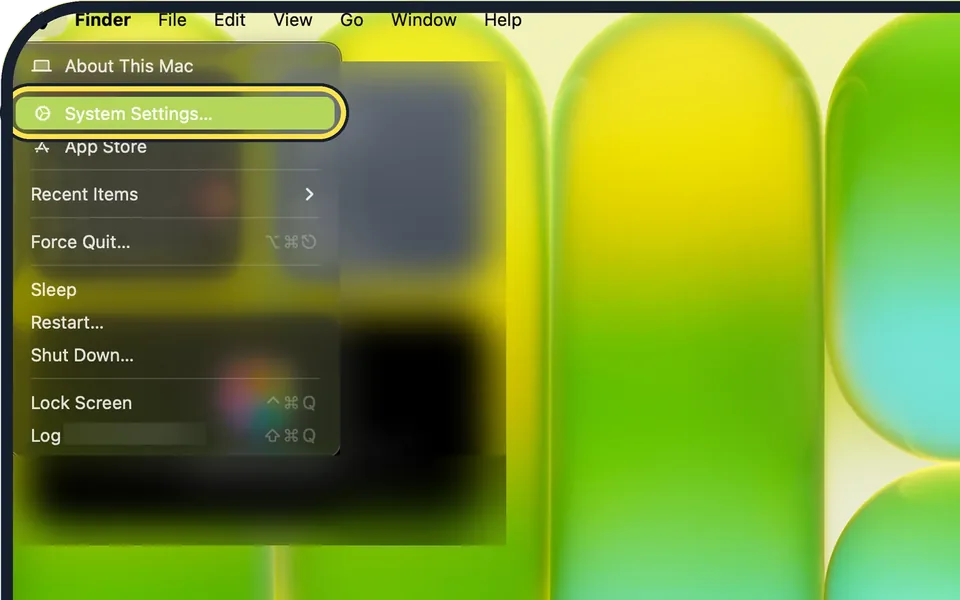
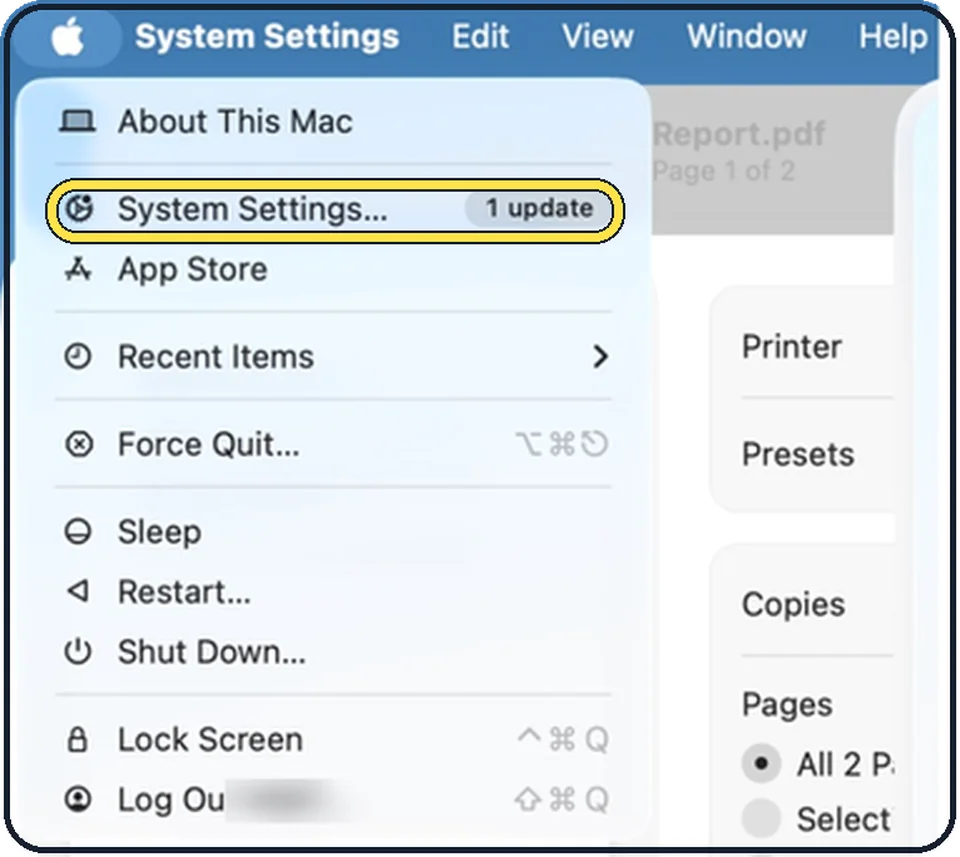
Open System Settings, click Keyboard, scroll down to Dictation, turn on the switch and click Enable. Then click where you want to type, press the microphone key (or…
How to set up text replacements on a Mac
Open System Settings, click Keyboard, then Text Replacements…. Click +, type the short code under Replace and the full text under With, click Add, then Done. Typing the…
How to turn off autocorrect on a Mac
Open System Settings, click Keyboard, and click Edit in the Text Input section. Switch off Correct spelling automatically and click Done.
How to create your own keyboard shortcuts on a Mac
Open System Settings, Keyboard, and click Keyboard Shortcuts. Choose App Shortcuts, click the add button, pick the app, type the menu command exactly as it is written…
How to make keys repeat faster on a Mac
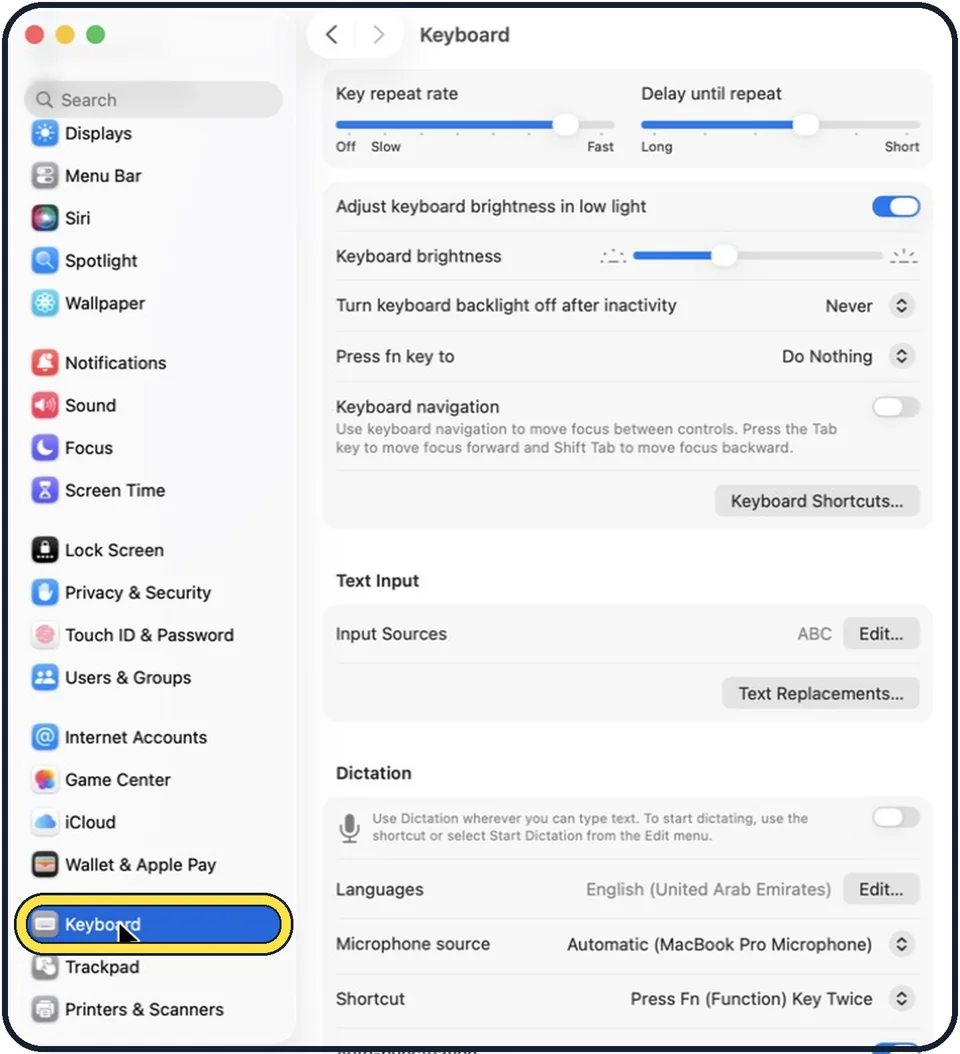
Open System Settings, click Keyboard, and drag the Key repeat rate slider toward Fast and the Delay until repeat slider toward Short. A held key, such as an arrow key…
How to change the keyboard backlight on a MacBook
Open System Settings, click Keyboard, and drag the Keyboard brightness slider. Adjust keyboard brightness in low light lets the Mac set the level by itself. Turn…
How to change what the fn or Globe key does on a Mac
Open System Settings, click Keyboard, and choose from the Press fn key to menu: Change Input Source, Show Emoji & Symbols, Start Dictation or Do Nothing. On keyboards…
How to move between buttons with the Tab key on a Mac
Open System Settings, click Keyboard in the sidebar and switch on Keyboard navigation. Then press Tab to move the focus forward between controls, and Shift Tab to move…
Notifications & Focus
3 guidesHow to turn off notifications on a Mac
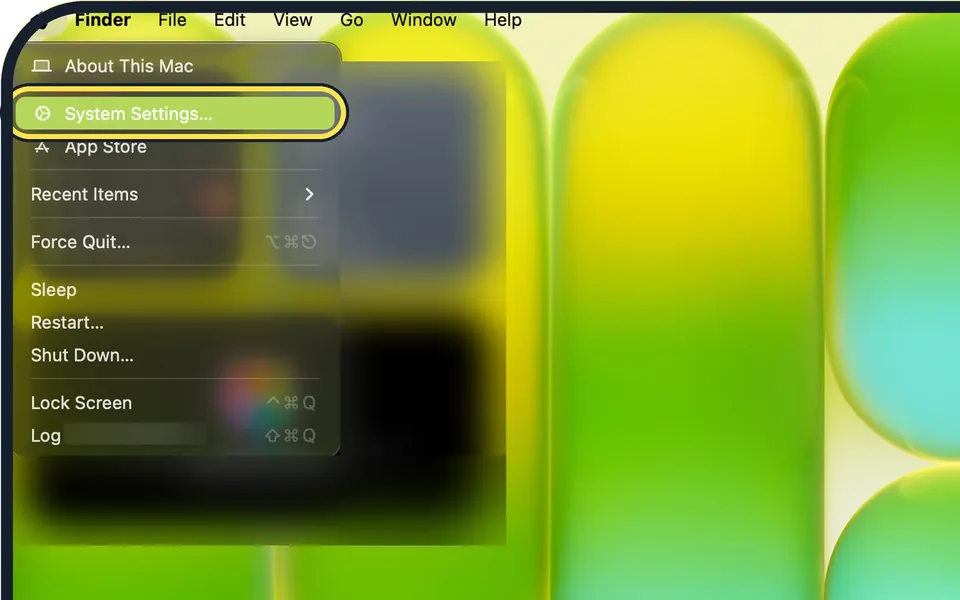
Open System Settings and click Notifications. Under Application Notifications, click the app or website and switch off Allow notifications. For a short break from all…
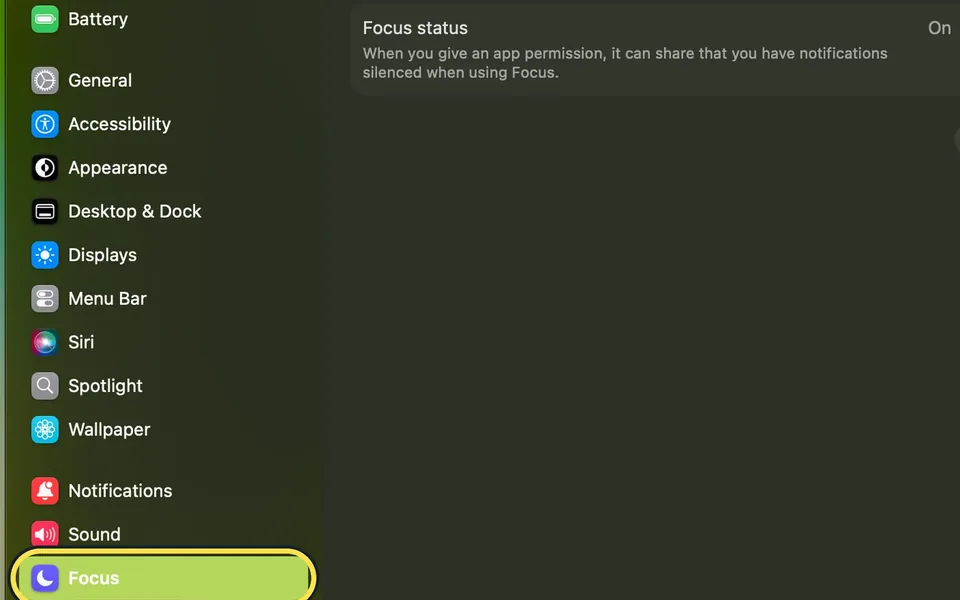
How to use Focus and Do Not Disturb on a Mac
Apple says you turn Do Not Disturb on or off by clicking Control Centre in the menu bar, clicking Focus and clicking Do Not Disturb. To choose who may still reach you…
How to set up Screen Time on a Mac
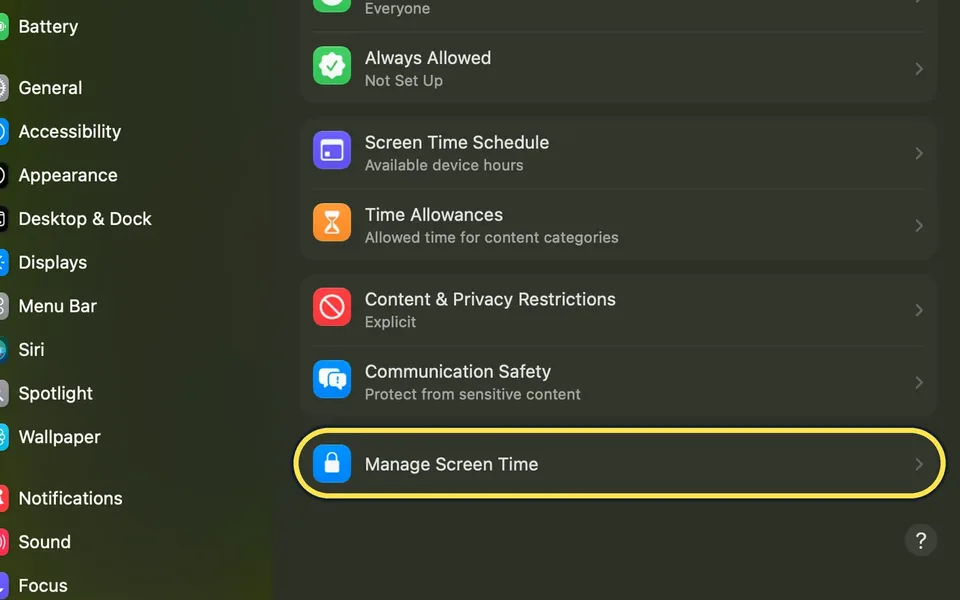
Open System Settings, click Screen Time, then Manage Screen Time, switch on App & Website Activity and click Turn on Screen Time Activity. Back on the Screen Time page…
Battery, Storage & Updates
9 guidesHow to stop apps from opening at login on a Mac
Open System Settings, click General, then Login Items & Extensions. Select an app under Open at Login and click the minus button. Below that, switch off background…
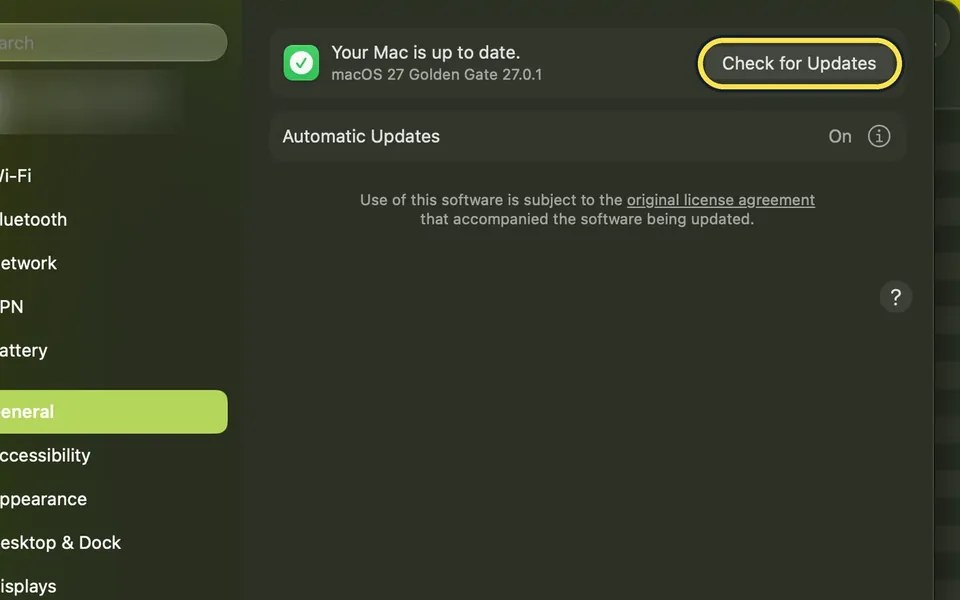
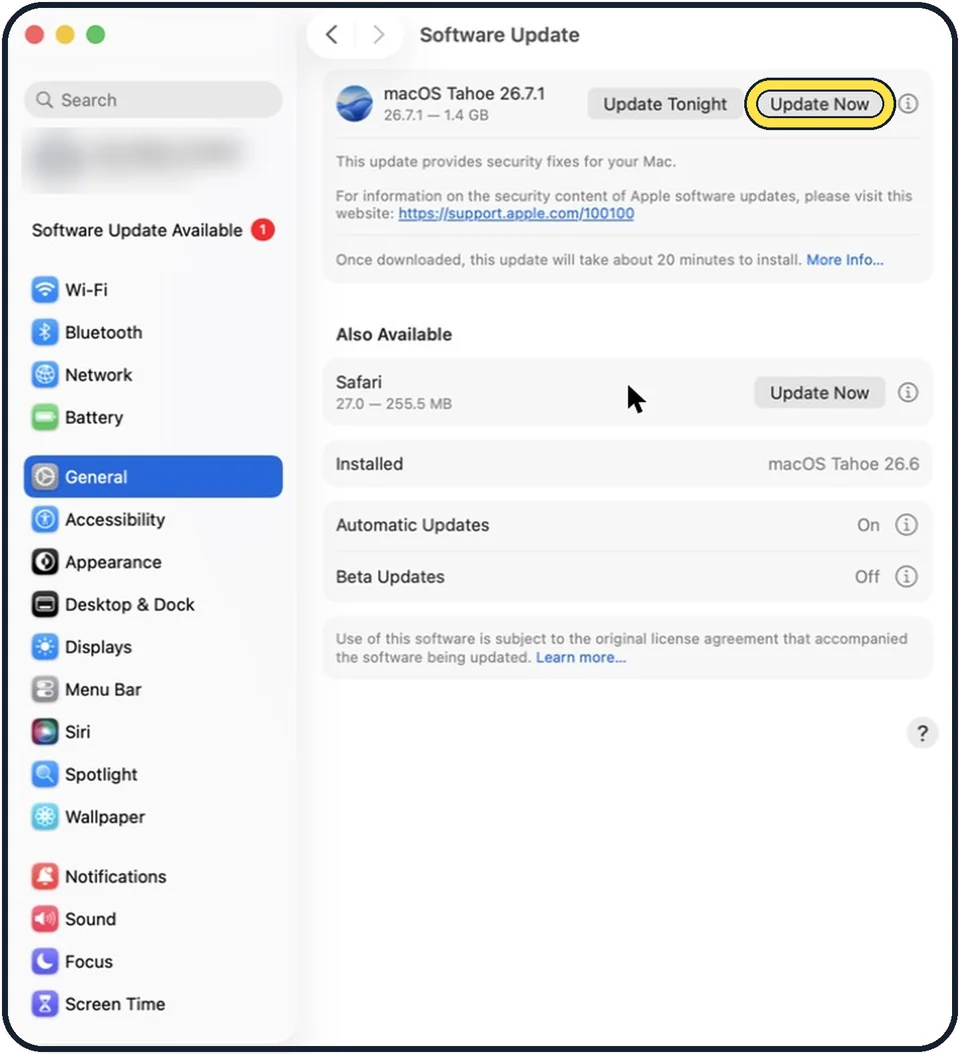
How to update macOS on your Mac
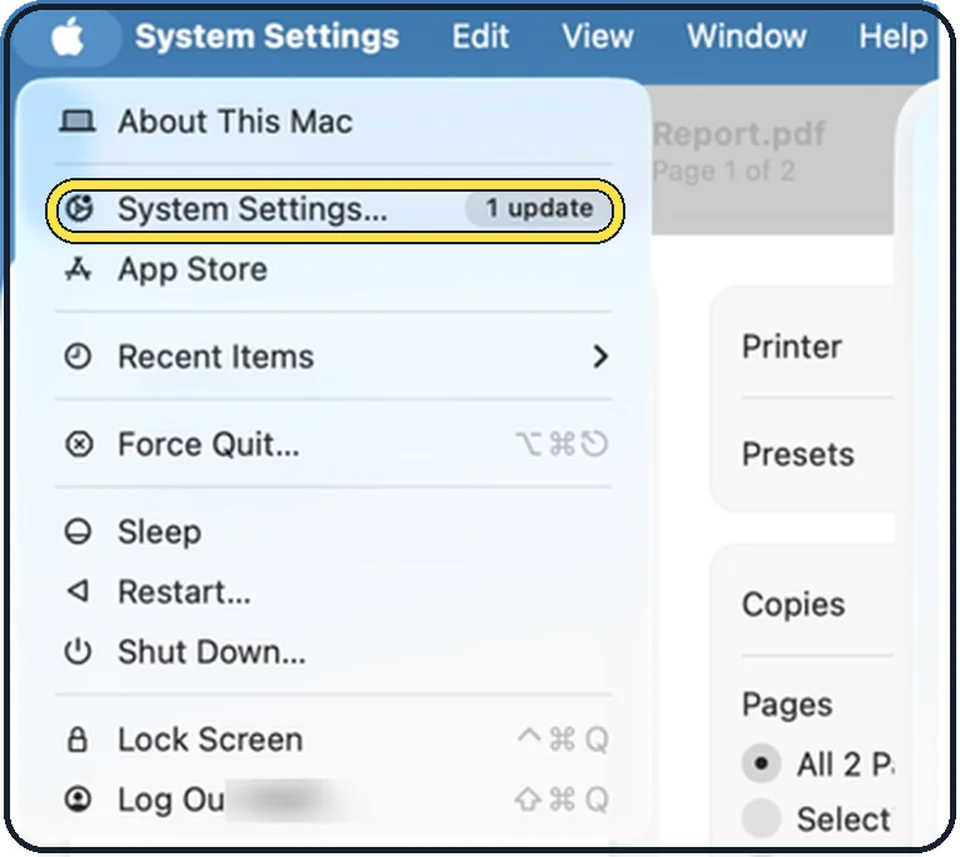
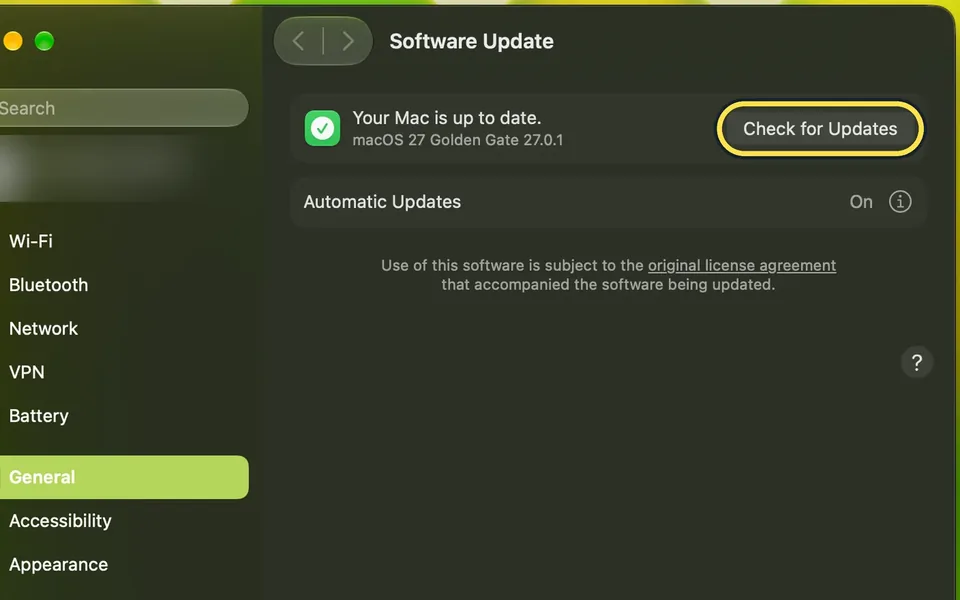
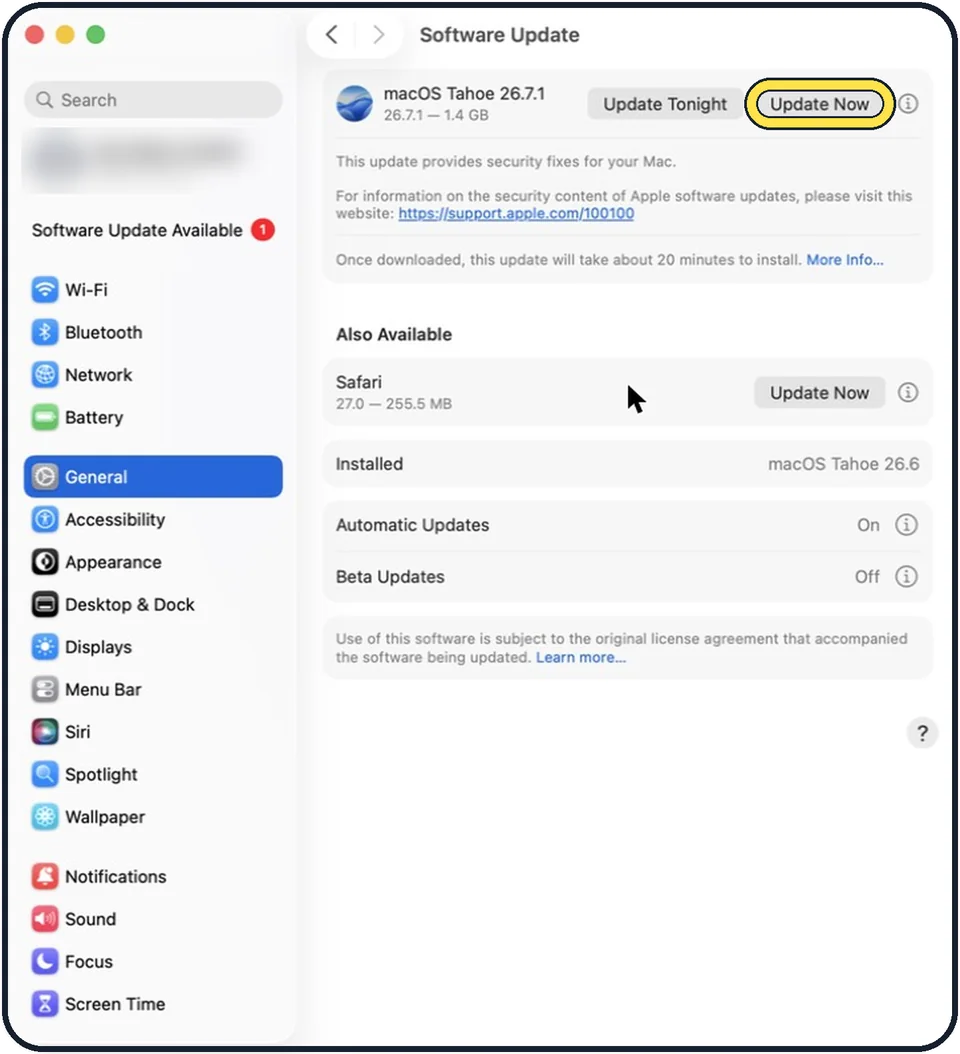
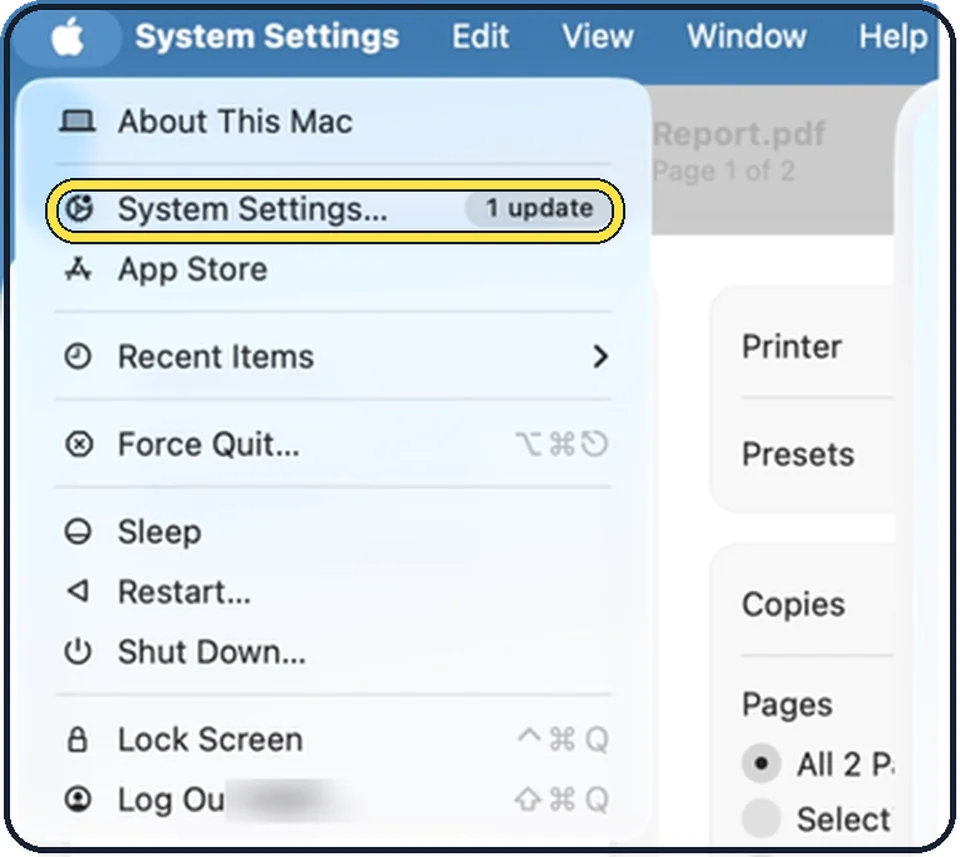
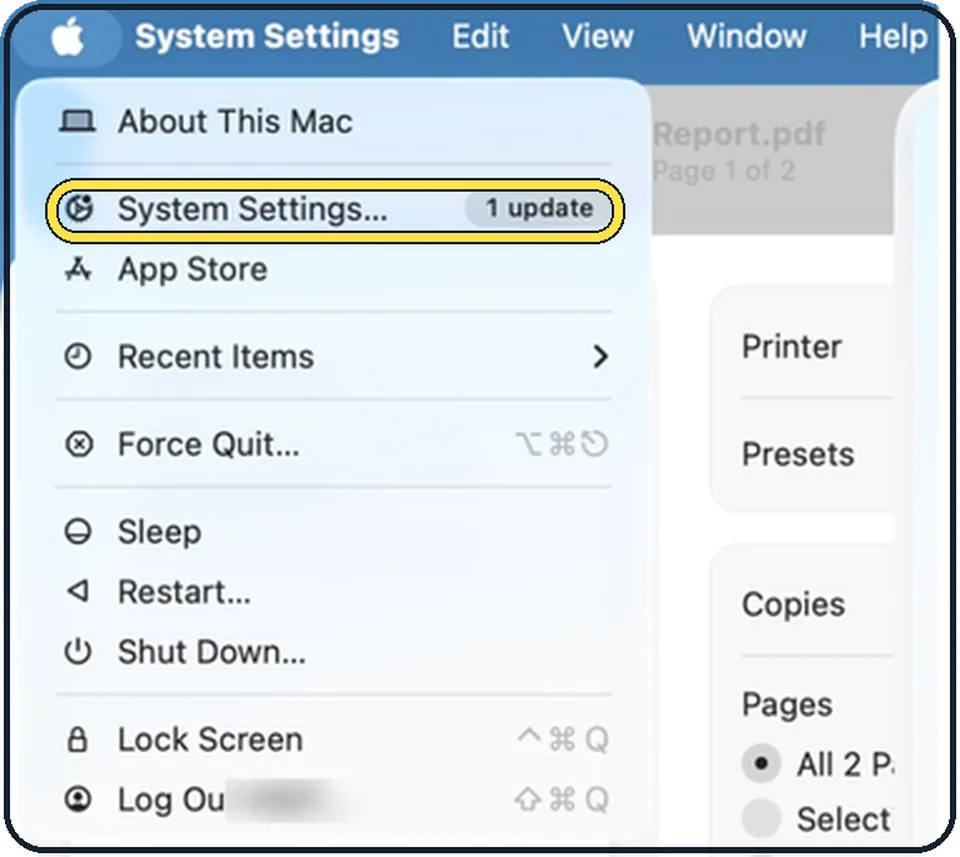
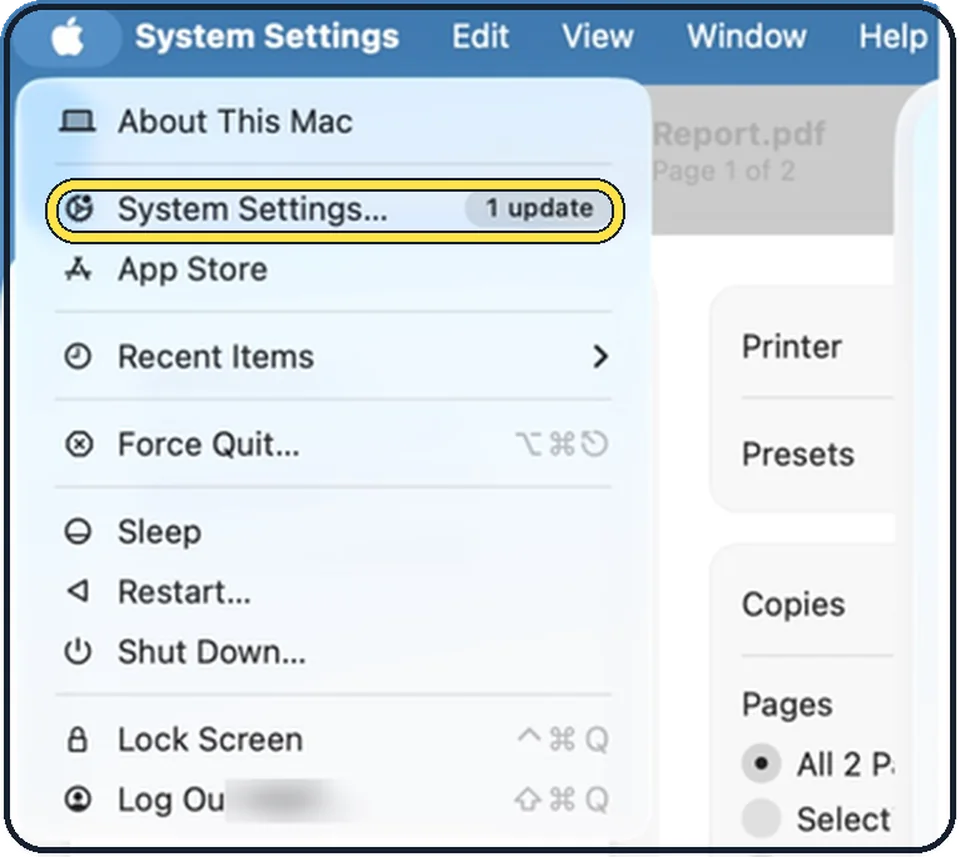
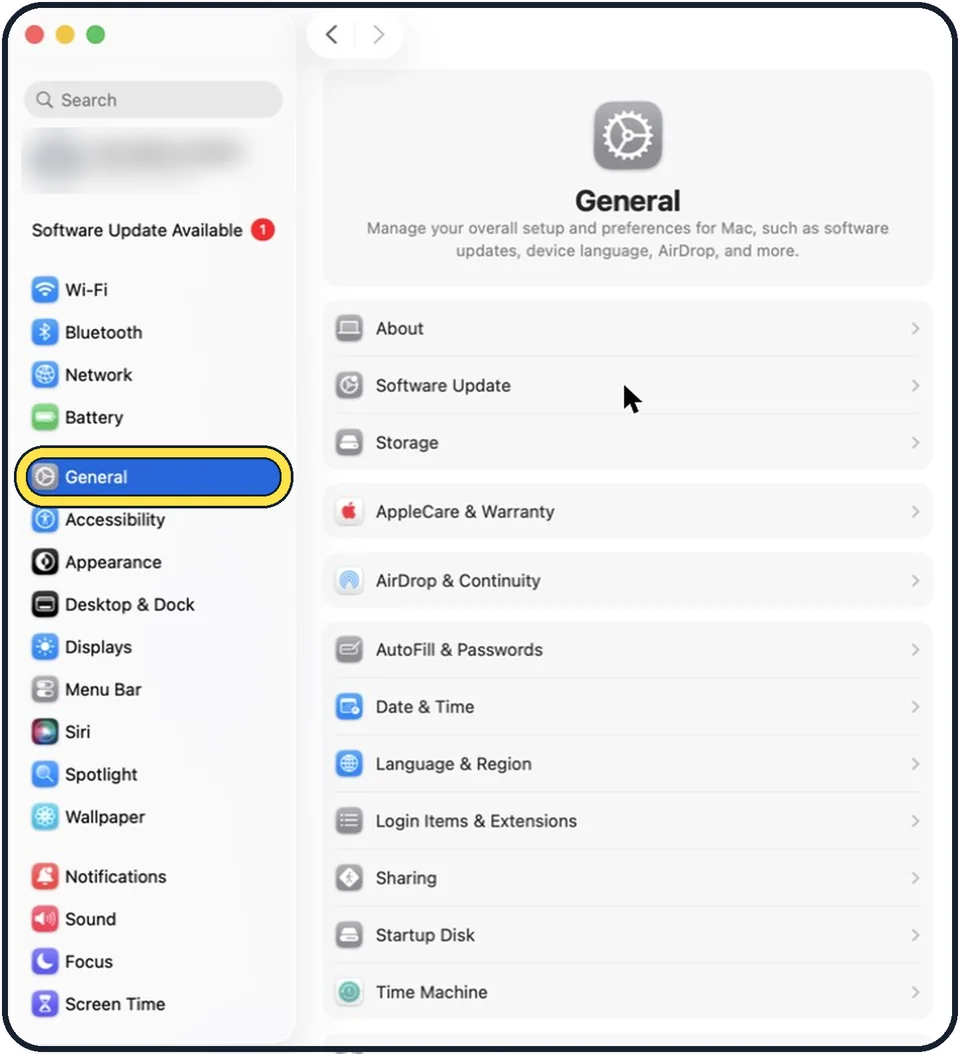
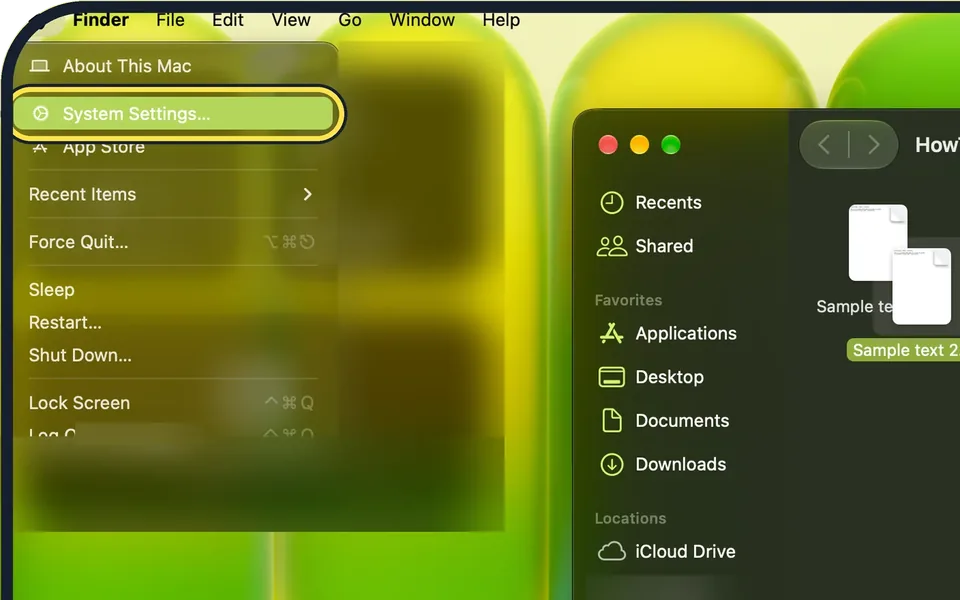
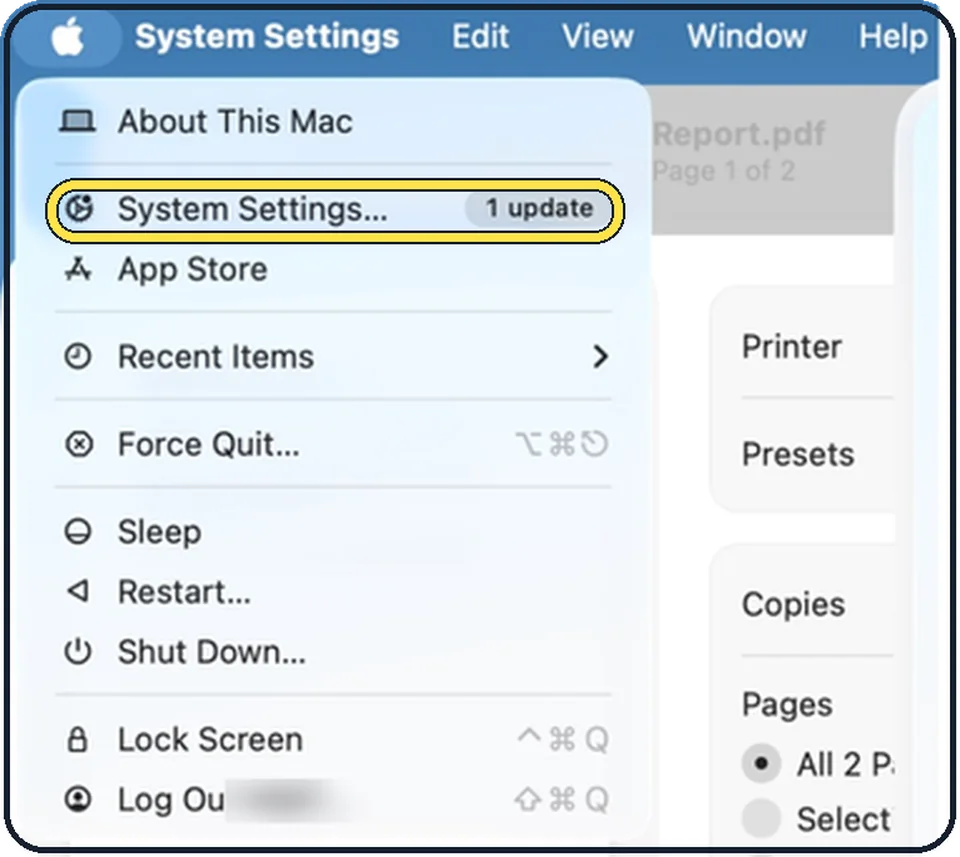
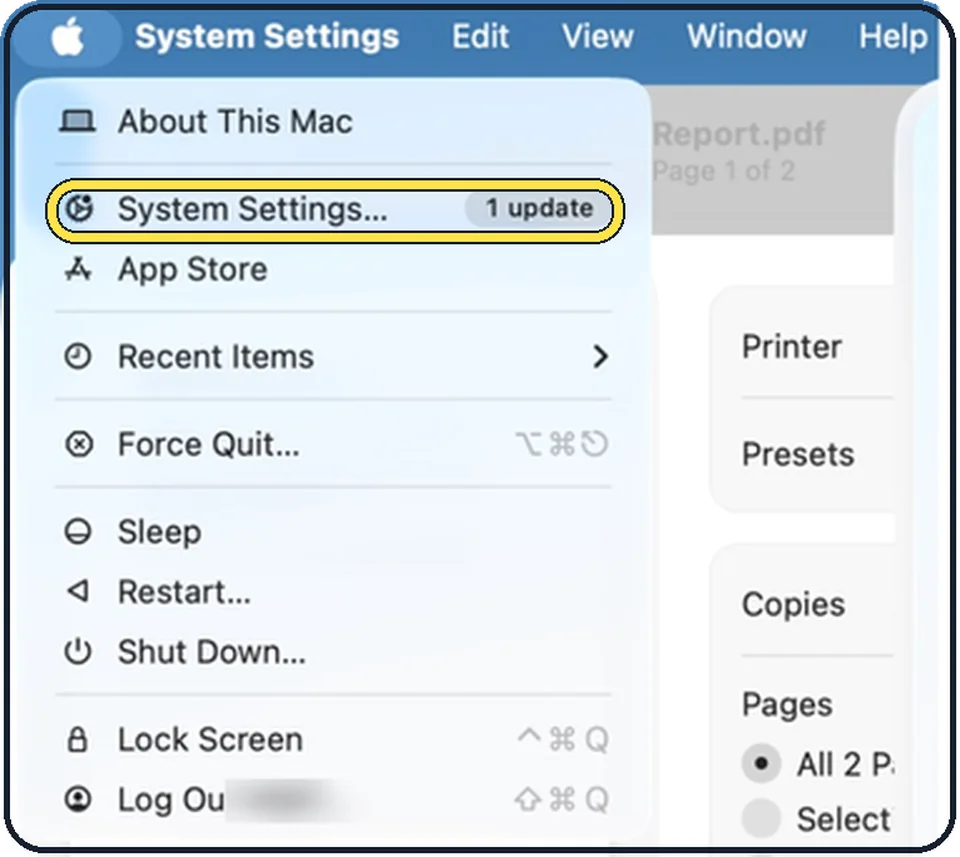
Open System Settings, click General, then Software Update. If an update is shown, click Update Now or Upgrade Now and leave the Mac plugged in until it restarts.
How to check battery health on a MacBook
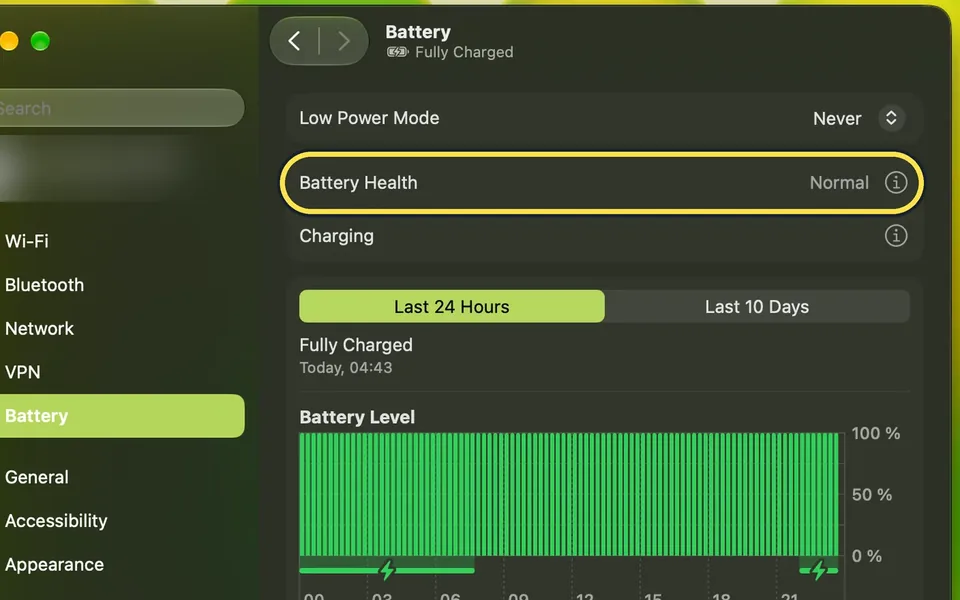
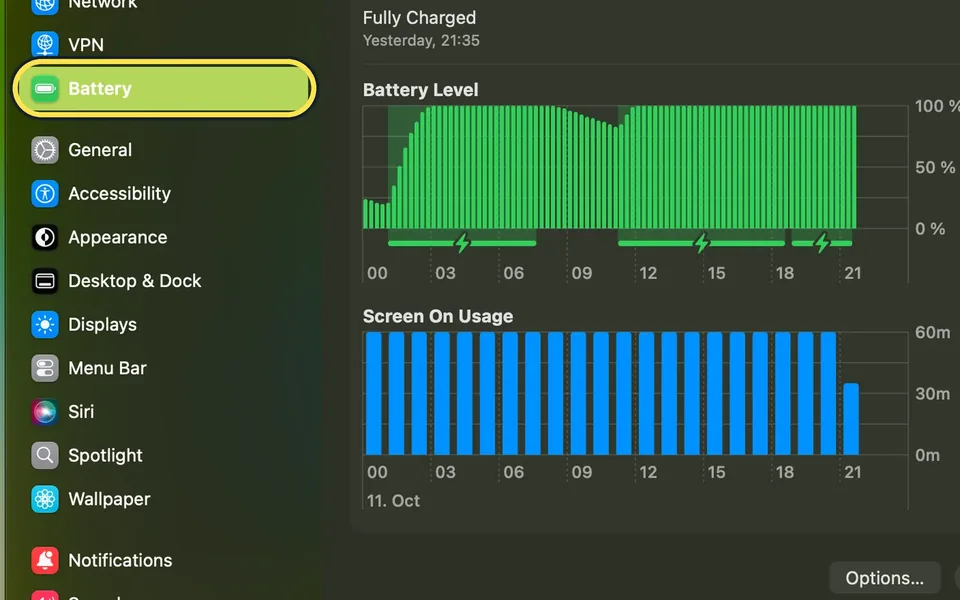
Open System Settings, click Battery and click the i next to Battery Health. Battery Condition Normal means the battery is fine; Maximum Capacity shows how much charge…
How to use Low Power Mode on a Mac
Open System Settings, click Battery and set the Low Power Mode menu to Always, Only on Battery or Only on Power Adapter, then confirm with your password or Touch ID…
How to stop a Mac from going to sleep
Open System Settings, click Lock Screen and set Turn display off on power adapter when inactive to Never or a longer time. On a MacBook, Apple says to also switch on…
How to turn off the startup sound on a Mac
Open System Settings, click Sound, and switch off Play sound on startup. The Mac then starts without the startup chime. Switch it on again to hear the chime when you restart.
How to factory reset a Mac
Back up the Mac, then open System Settings, click General, then Transfer or Reset, and click Erase All Content and Settings. Enter your Mac password and your Apple…
How to check and free up storage on a Mac (and what System Data is)
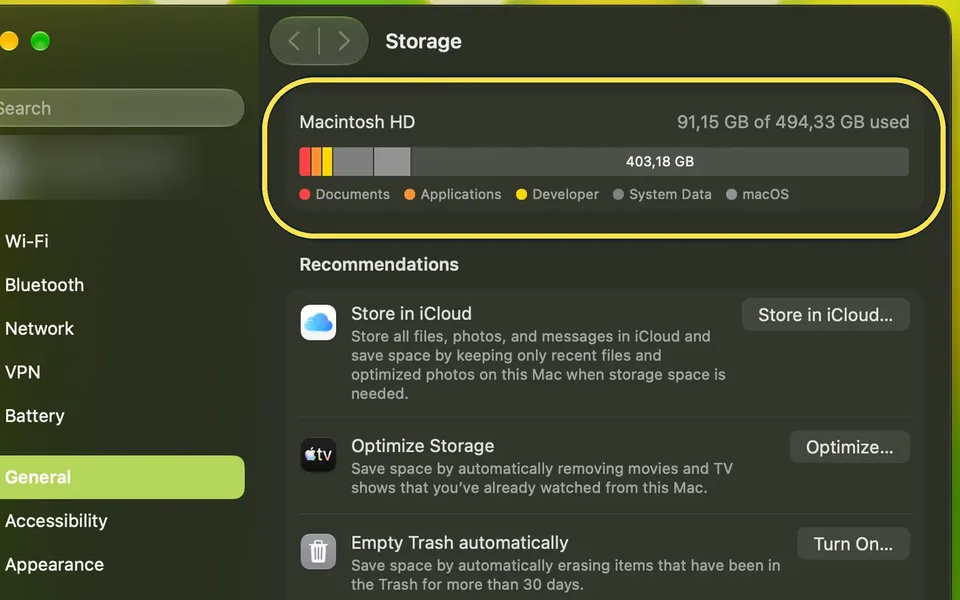
Open System Settings, General, Storage. The bar shows what fills the disk; Recommendations and the (i) buttons free space. System Data is the last row and has no (i)…
How to go back to an earlier version of a document on a Mac
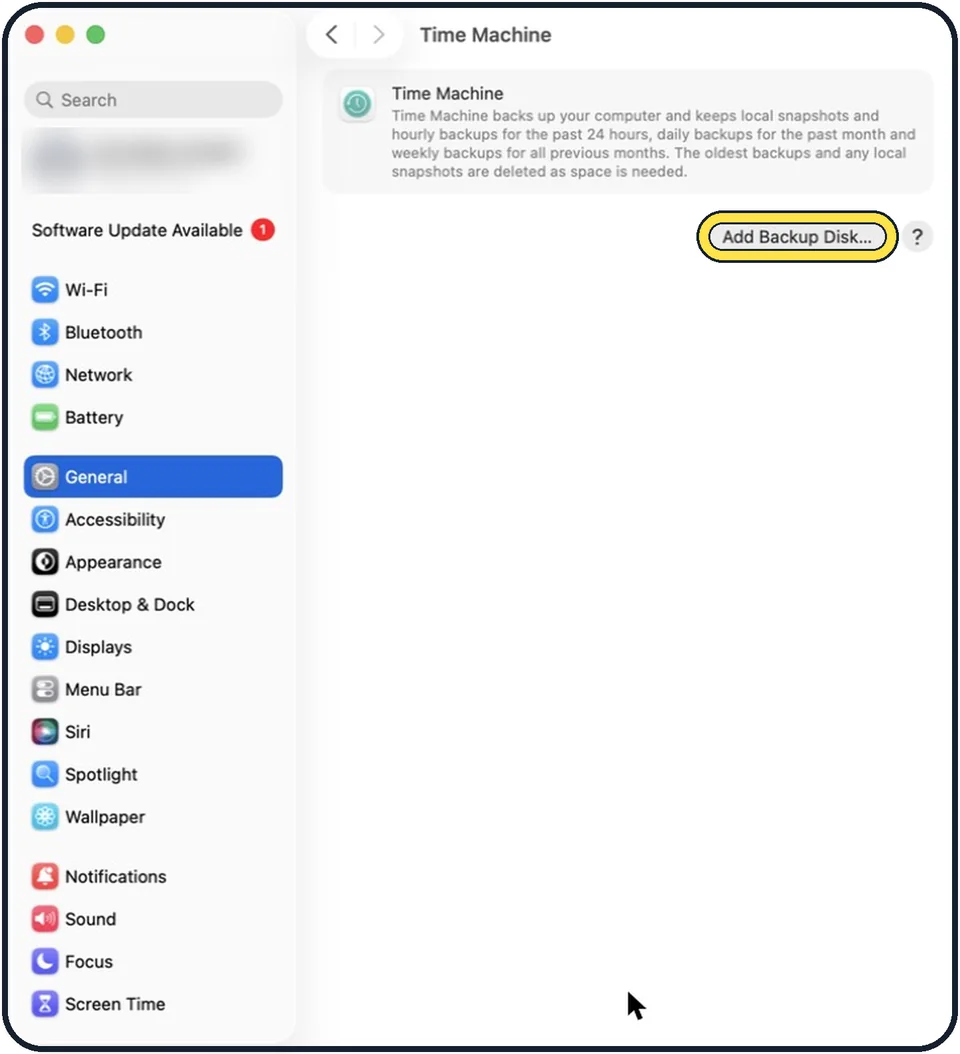
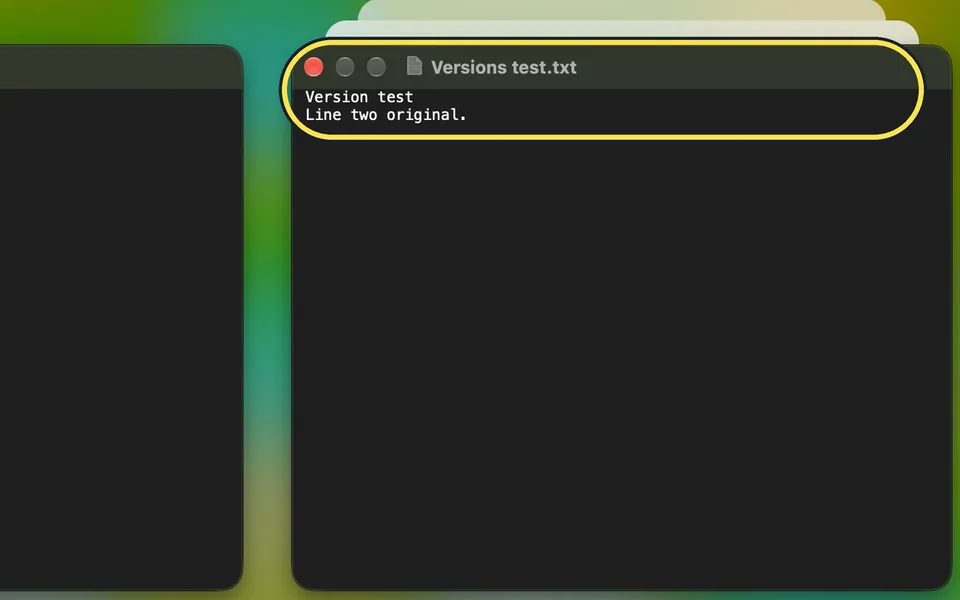
In TextEdit, Pages, Preview and other Apple apps, choose File, Revert To, Browse All Versions. Pick the older version on the right and click Restore.
Dock, Windows & Finder
19 guidesHow to show hidden files on a Mac
In a Finder window, press Shift + Command + . (full stop). Hidden files and folders, such as Library and .zshrc, appear dimmed. Press the same keys again to hide them.
How to rename several files at once on a Mac
Select the files in Finder, right-click and choose Rename. Pick Replace Text, Add Text or Format, fill in the fields and click Rename. Command + Z undoes it.
How to set up hot corners on a Mac
Open System Settings, click Desktop & Dock, scroll to the bottom and click Hot Corners. Click the menu for a corner, choose an action such as Lock Screen or Mission…
How to use Quick Look on a Mac
Click a file once in the Finder or on the desktop and press the Space bar. A Quick Look preview opens without starting an app. Press the Space bar again, or Esc, to close it.
How to customise the menu bar on a Mac
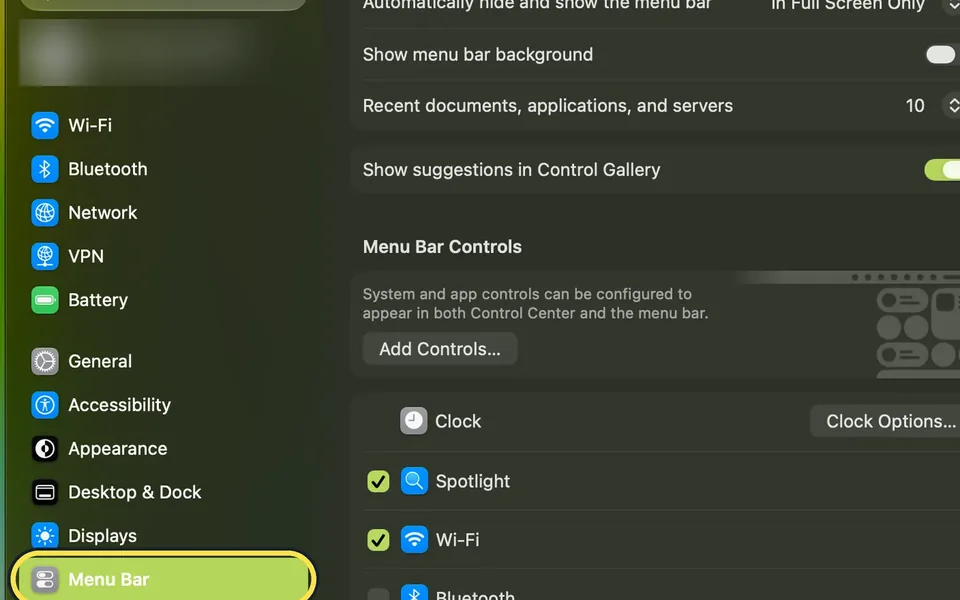
Open System Settings and click Menu Bar. Tick the icons you want at the top of the screen and untick the rest. To add more controls, click Add Controls… on the same page.
How to add widgets to the desktop on a Mac
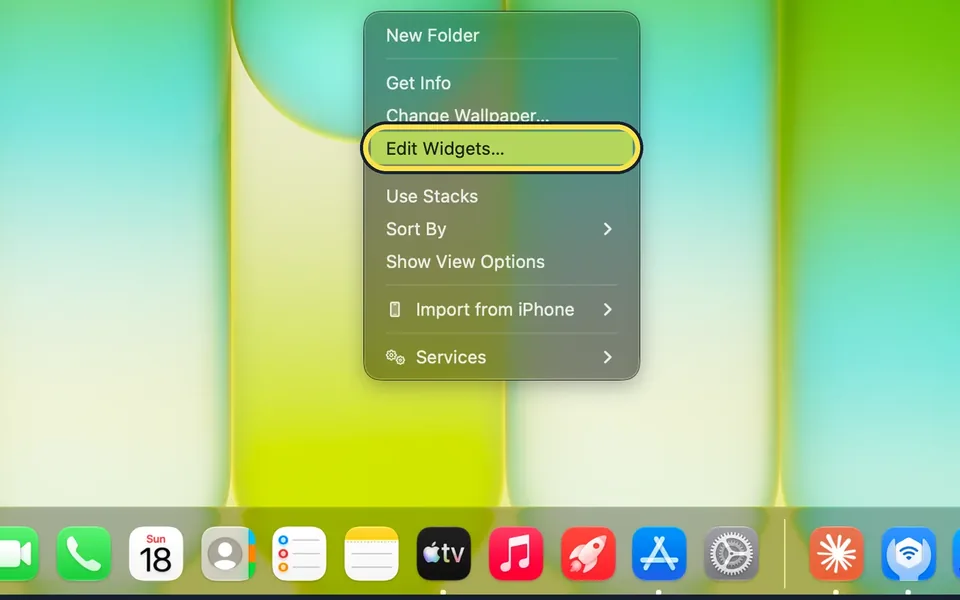
Control-click an empty part of the desktop and choose Edit Widgets…. Drag a widget from the gallery onto the desktop, then click Done.
How to rename your Mac
Open System Settings, click General, then About. Click Name, enter your password and click Modify Settings, then type the new name and press Return.
How to use Handoff between a Mac and an iPhone
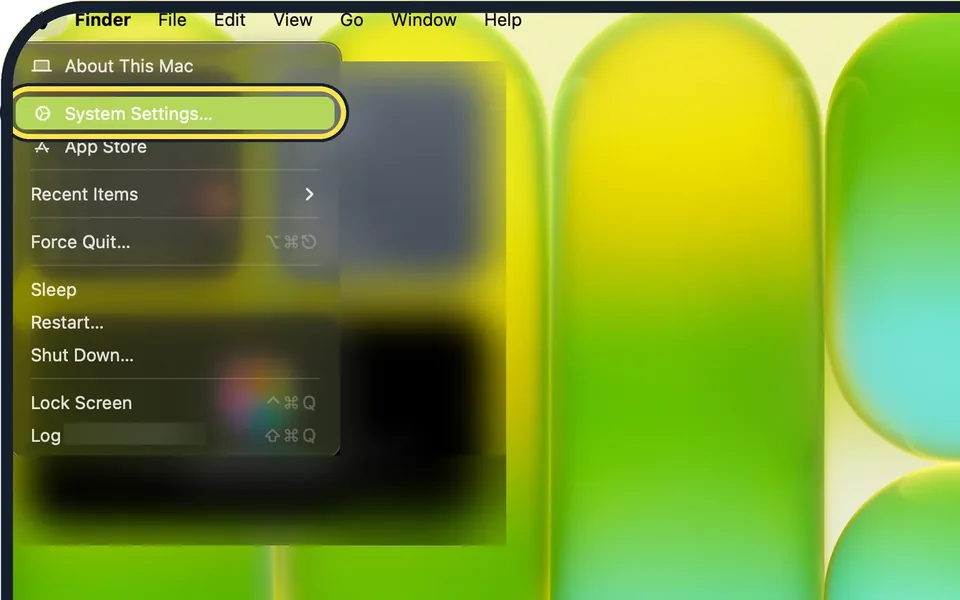
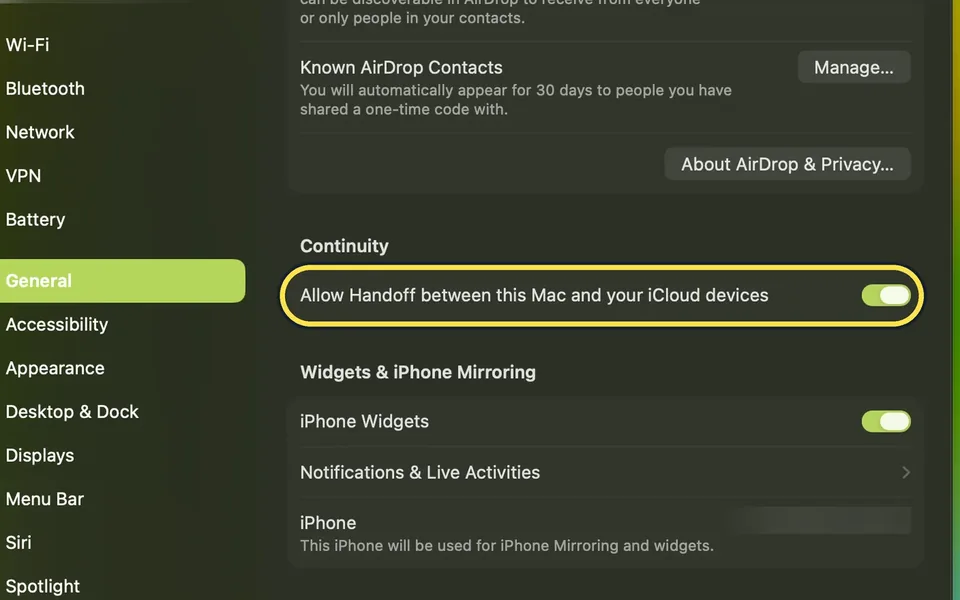
On the Mac, open System Settings, General, AirDrop & Continuity and turn on Allow Handoff. On the iPhone, open Settings, General, AirPlay & Continuity and turn on…
How to hide the Dock automatically on a Mac
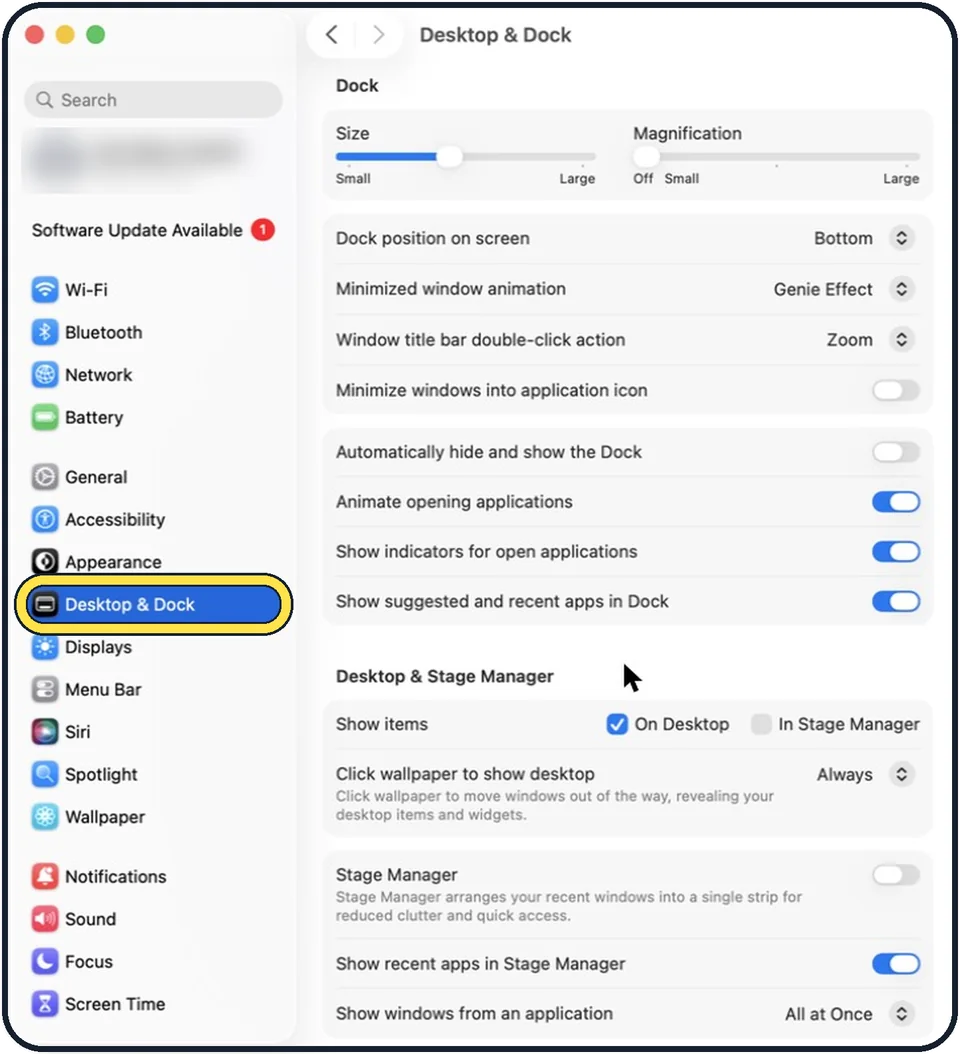
Open System Settings, click Desktop & Dock, and switch on Automatically hide and show the Dock. To bring the hidden Dock back, move the pointer to the edge of the…
How to move the Dock to the side of the screen on a Mac
Open System Settings, click Desktop & Dock, and set Dock position on screen to Left or Right. The Dock can sit along the left, bottom or right edge of the screen.
How to stop Dock icons bouncing on a Mac
Open System Settings, click Desktop & Dock, and switch off Animate opening applications in the Dock group. Dock icons then no longer bounce when you open apps.
How to stop a click on the desktop hiding windows on a Mac
Open System Settings, click Desktop & Dock, and under Desktop & Stage Manager set Click wallpaper to show desktop to Only in Stage Manager. A click on the wallpaper…
How to remove recent apps from the Dock on a Mac
Open System Settings, click Desktop & Dock and switch off Show suggested and recent apps in Dock, the last switch in the Dock group. Apple says apps you put in the Dock…
How to turn off window tiling when dragging on a Mac
Open System Settings, click Desktop & Dock, scroll to Windows and switch off Drag windows to left or right edge of screen to tile. Also switch off Drag windows to menu…
How to stop Spaces rearranging themselves on a Mac
Open System Settings, click Desktop & Dock, then under Mission Control switch off Automatically rearrange Spaces based on most recent use. Your desktops then stay in…
How to make a Mac ask before saving changes
Open System Settings, click Desktop & Dock, scroll to Windows and switch on Ask to keep changes when closing documents. By default, unsaved changes are saved…
How to make Mac apps reopen their windows
Open System Settings, click Desktop & Dock, scroll to Windows and switch off Close windows when quitting an application. Apps then restore their open documents and…
How to change the title bar double-click action on a Mac
Open System Settings, click Desktop & Dock, then choose Fill, Zoom, Minimize or No Action from the menu in the Window title bar double-click action row.
How to use tags in Finder on a Mac
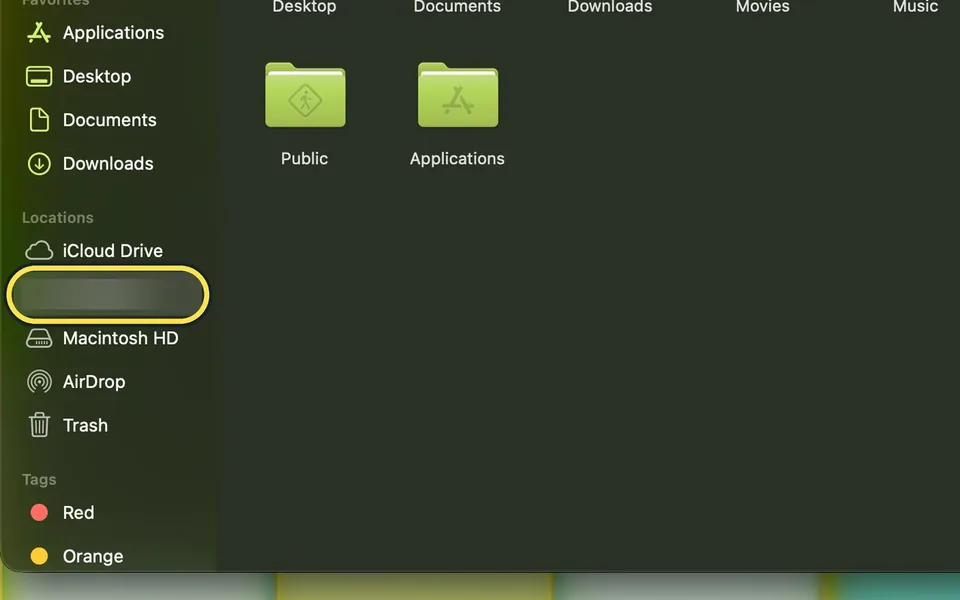
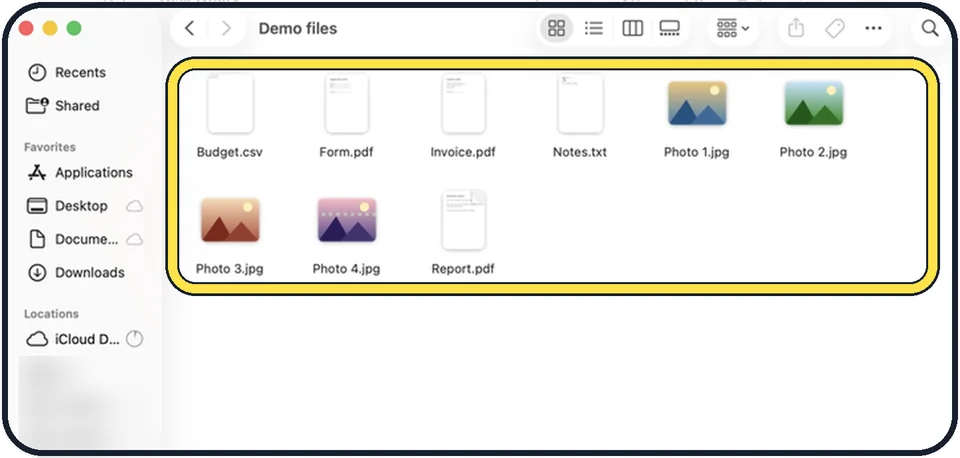
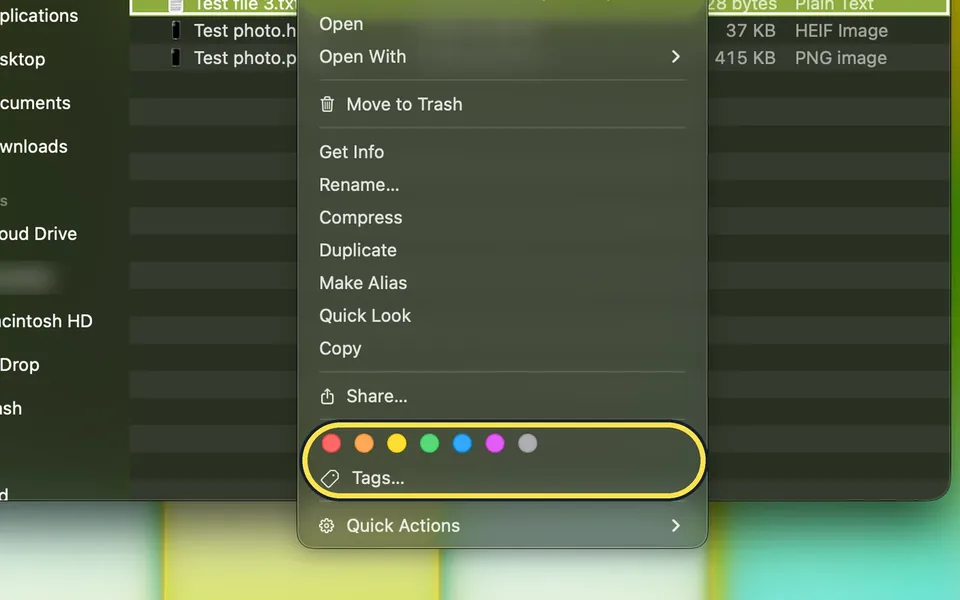
Control-click a file in Finder and click one of the coloured dots above Tags, or click Tags to type a name of your own. To see everything with a tag, click the tag in…

Trackpad & Mouse
6 guidesHow to right-click on a Mac
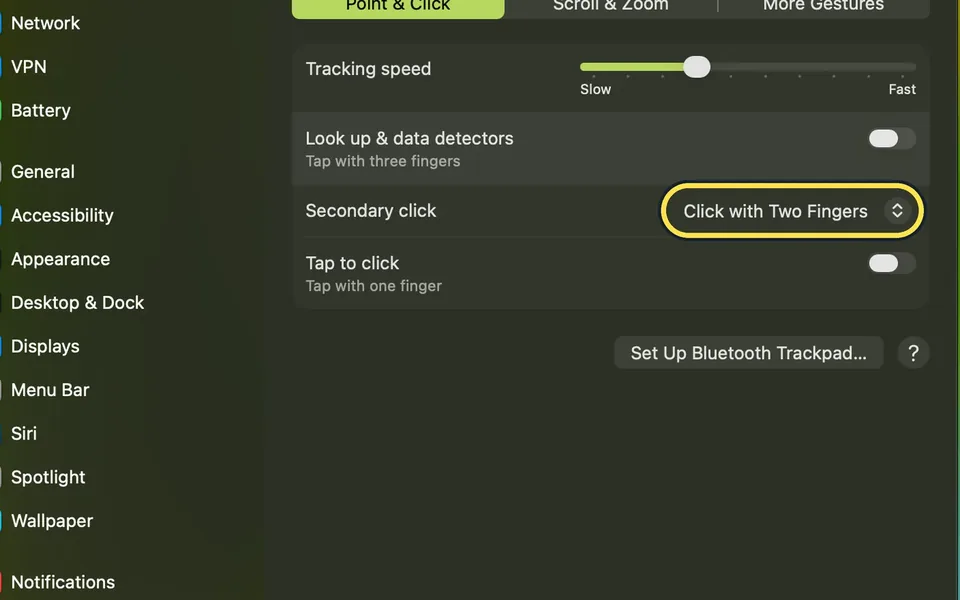
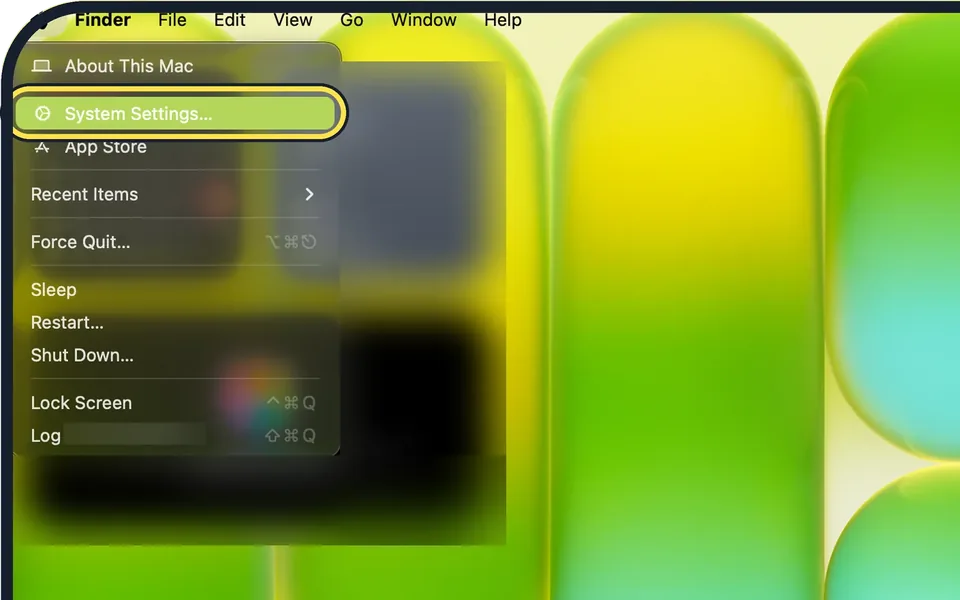
Click with two fingers on the trackpad, or hold the Control key and click. To change how the trackpad does it, open System Settings, click Trackpad, then Point & Click…
How to change the scroll direction on a Mac
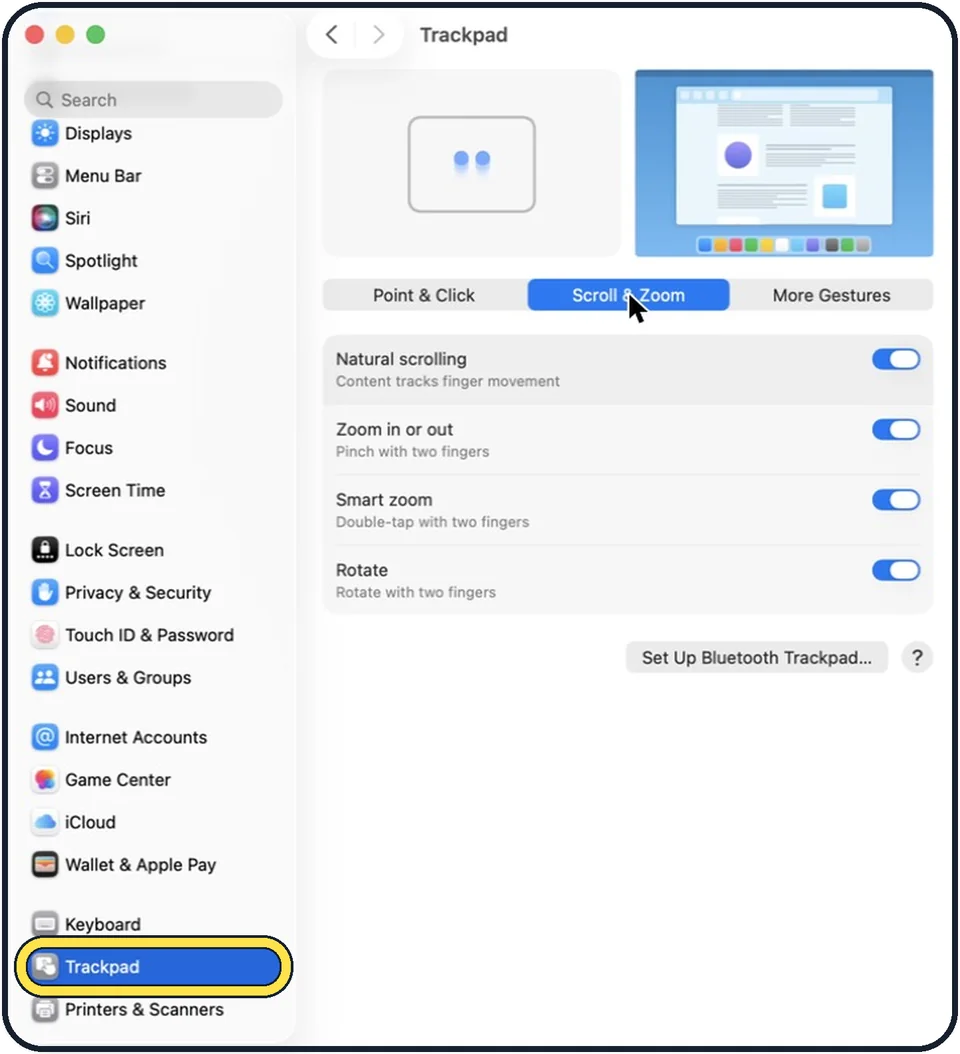
Open System Settings, click Trackpad, open the Scroll & Zoom tab and switch Natural scrolling off or on. For a mouse, the same switch is under Mouse.
How to turn on tap to click on a Mac
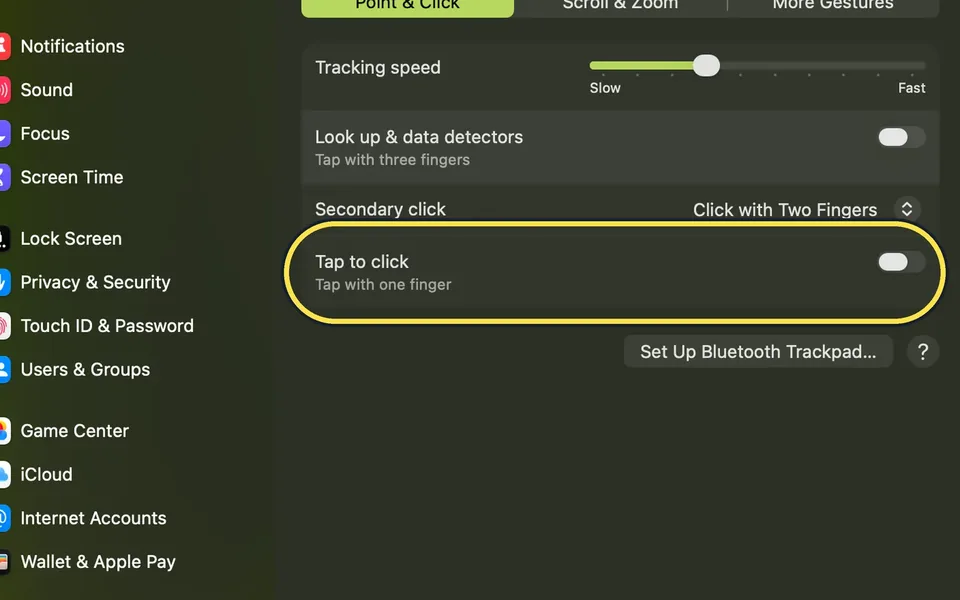
Open System Settings, click Trackpad in the sidebar and, on the Point & Click tab, switch on Tap to click. A light tap with one finger then counts as a click, so you no…
How to change the trackpad speed on a Mac
Open System Settings, click Trackpad, and drag the Tracking speed slider toward Fast or Slow. It sets how fast the pointer moves across the screen when you move your…
How to turn off Force Click on a Mac trackpad
Open System Settings, click Trackpad, and switch off Force Click and haptic feedback. A firm press on the trackpad then no longer triggers Quick Look, Look up and the…
Mac trackpad gestures: the full list and how to change them
Click with two fingers to right-click, slide two fingers to scroll and pinch to zoom. Swipe up with three fingers for Mission Control and sideways with three fingers to…
Files & Printing
8 guidesHow to zip and unzip files on a Mac
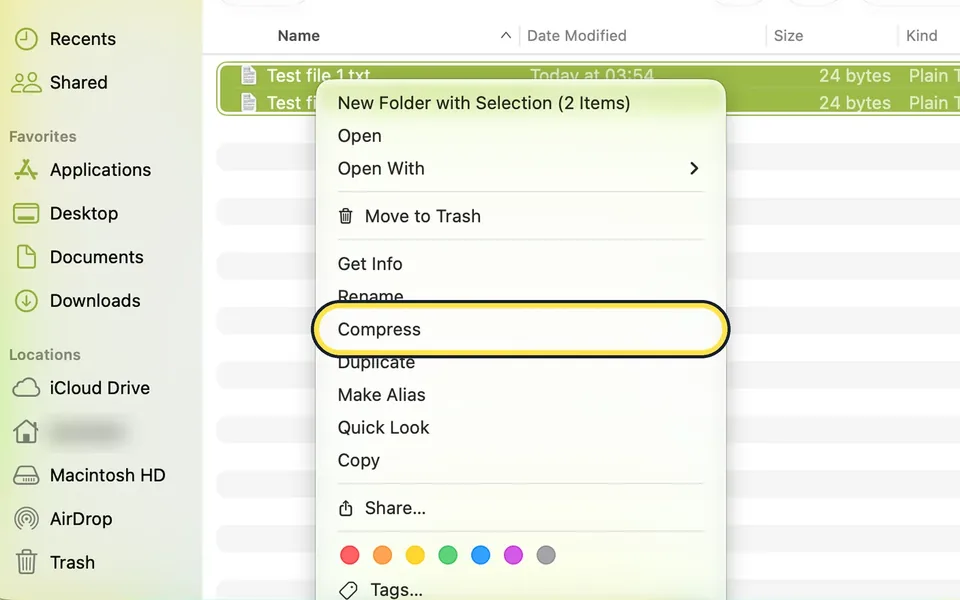
To zip, select the files in Finder, Control-click one of them and choose Compress. Several items become Archive.zip in the same folder. To unzip, double-click the .zip…
How to combine PDF files on a Mac
Open the first PDF in Preview and choose View > Thumbnails. Choose Edit > Insert > Page from File…, pick the other PDF and click Open. Then choose File > Export… and…
How to sign a PDF on a Mac
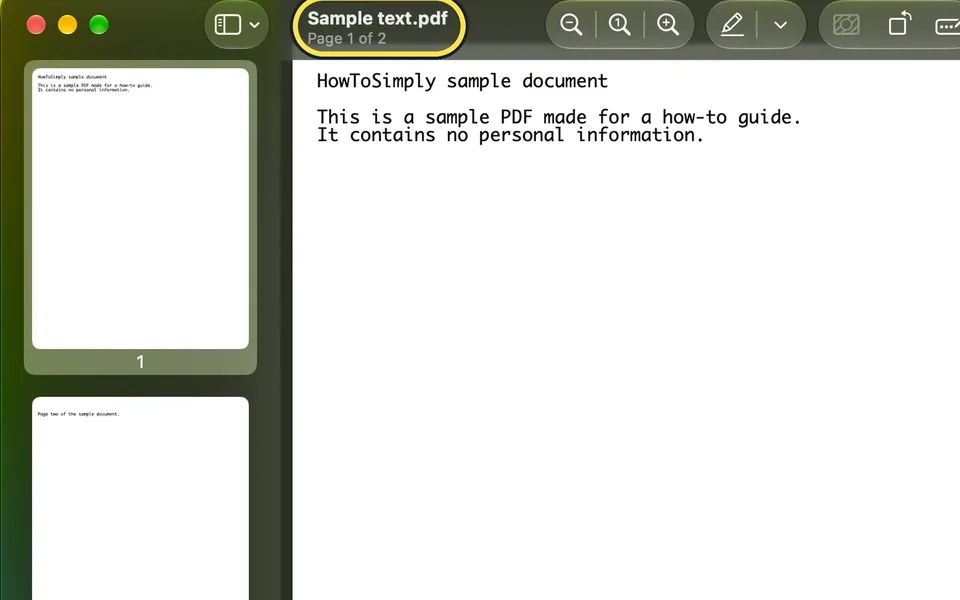
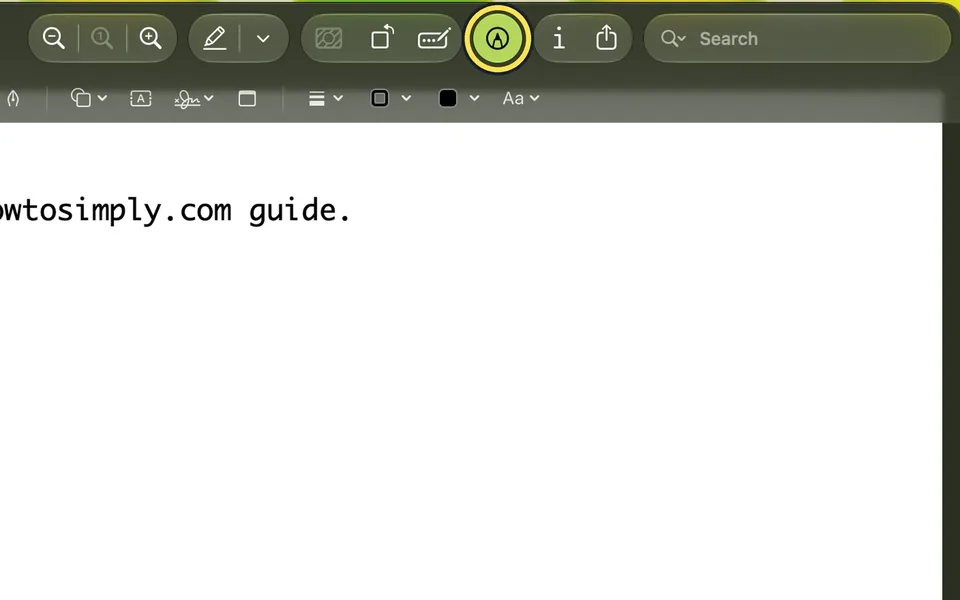
Open the PDF in Preview, click the Markup button, then Sign. Sign your name with the trackpad, camera or iPhone, click Done, place the signature on the line and press…
How to format an external drive on a Mac
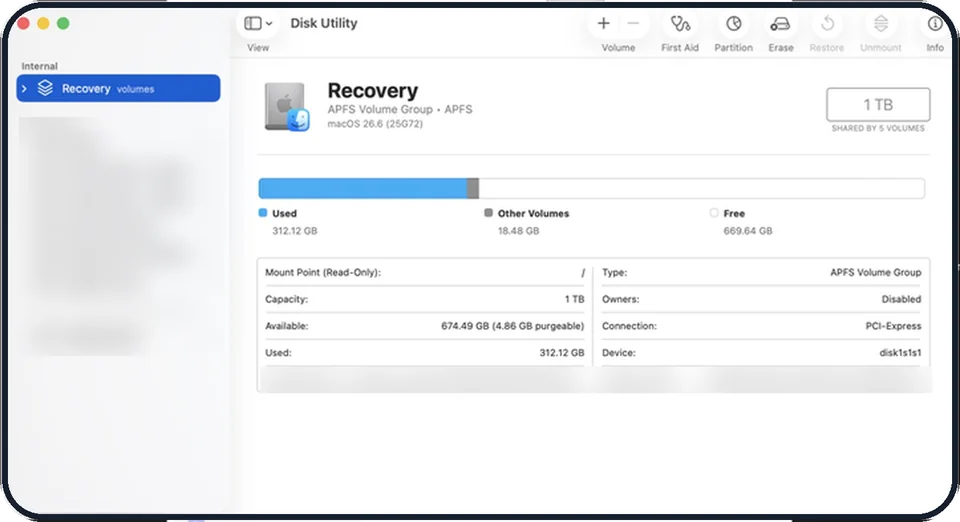
Back up anything on the drive first, because formatting erases it. Open Disk Utility, choose View, Show All Devices, select the drive at the top level, click Erase…
How to print double-sided on a Mac
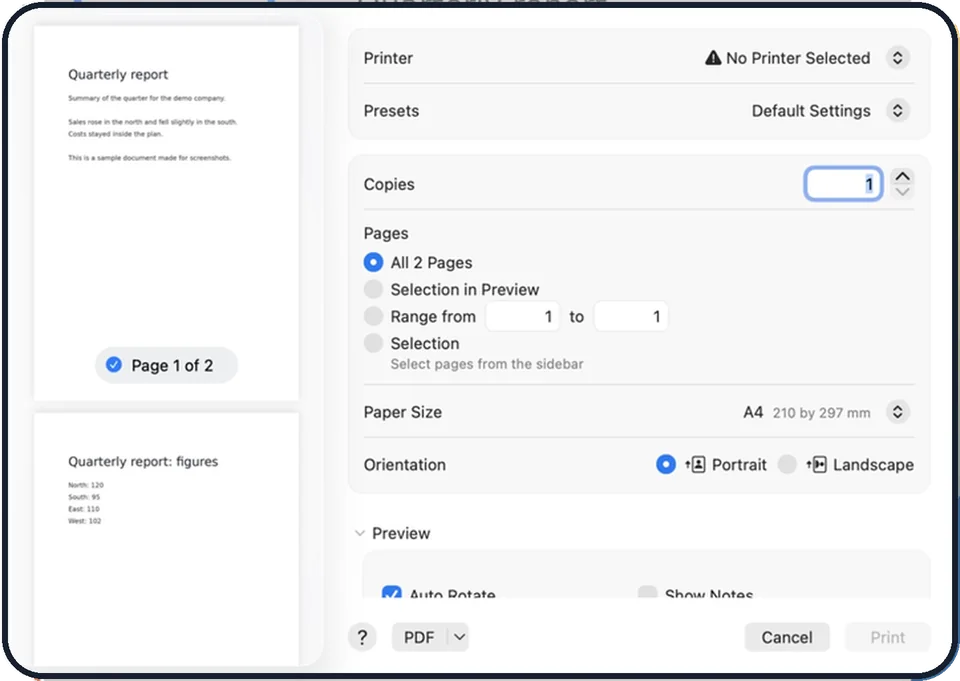
Choose File, Print in the app, open the Double-sided menu in the print window and choose On. For pages that should flip like a notepad, choose On (Short Edge). Then…
How to redact a PDF properly on a Mac (a black box is not enough)
In Preview, choose Tools, Redact, drag over the text and save. Do not just draw a black rectangle with Markup: when we tried it, the number under the box could still be…
How to keep iCloud Drive files downloaded on a Mac
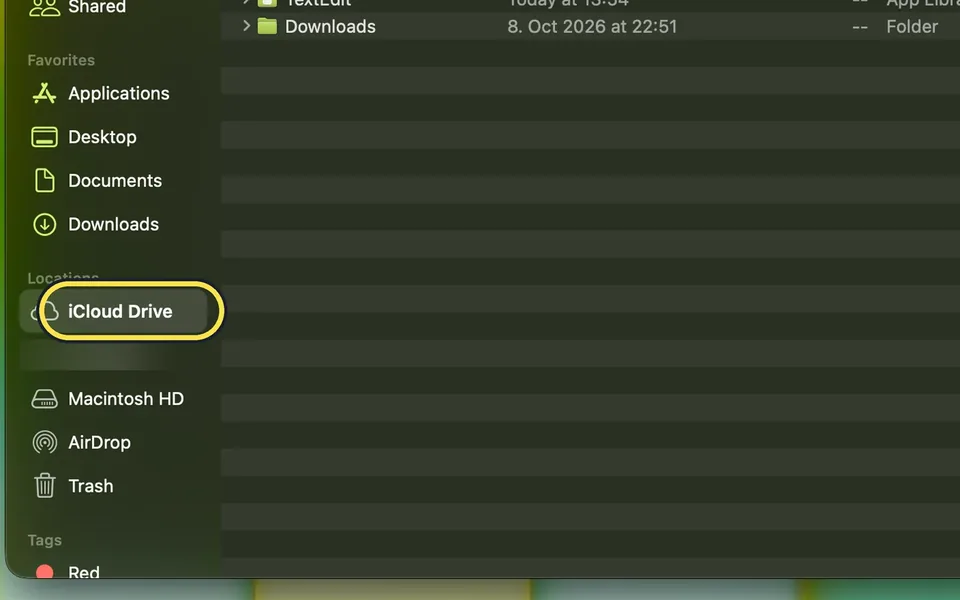
In Finder, Control-click the file or folder in iCloud Drive and choose Keep Downloaded. To keep everything, open System Settings, your name, iCloud, Drive and turn off…
How to make a PDF smaller on a Mac with Preview
Open the PDF in Preview, choose File > Export, set Quartz Filter to Reduce File Size and tick Optimize images for screen and Save images as JPEG. Type a new name and…
More settings
7 guidesHow to tile windows side by side on a Mac
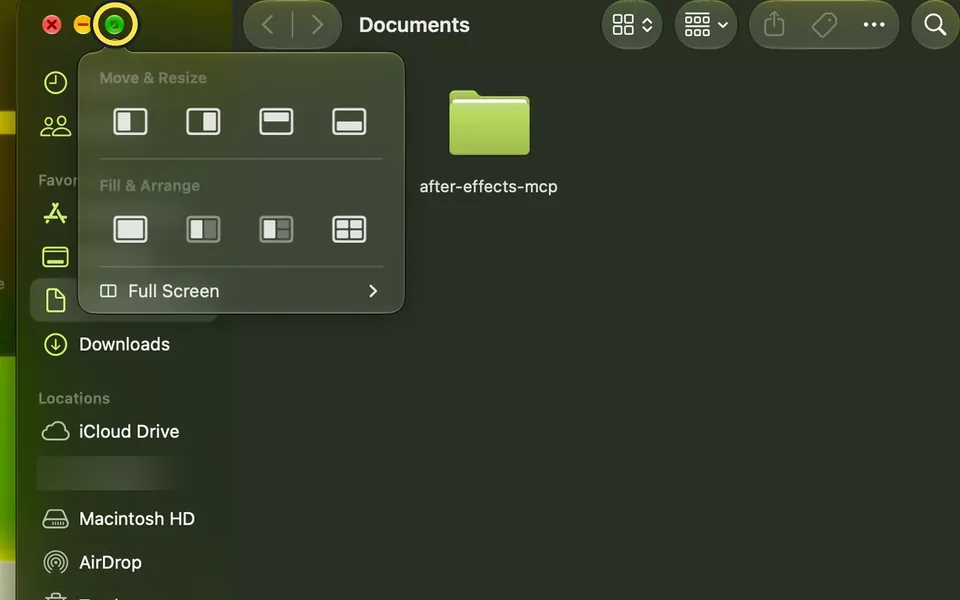
Hover over the green button at the top left of a window and pick a layout under Move & Resize or Fill & Arrange. Or drag the window to the left or right edge of the…
How to add a user account on a Mac
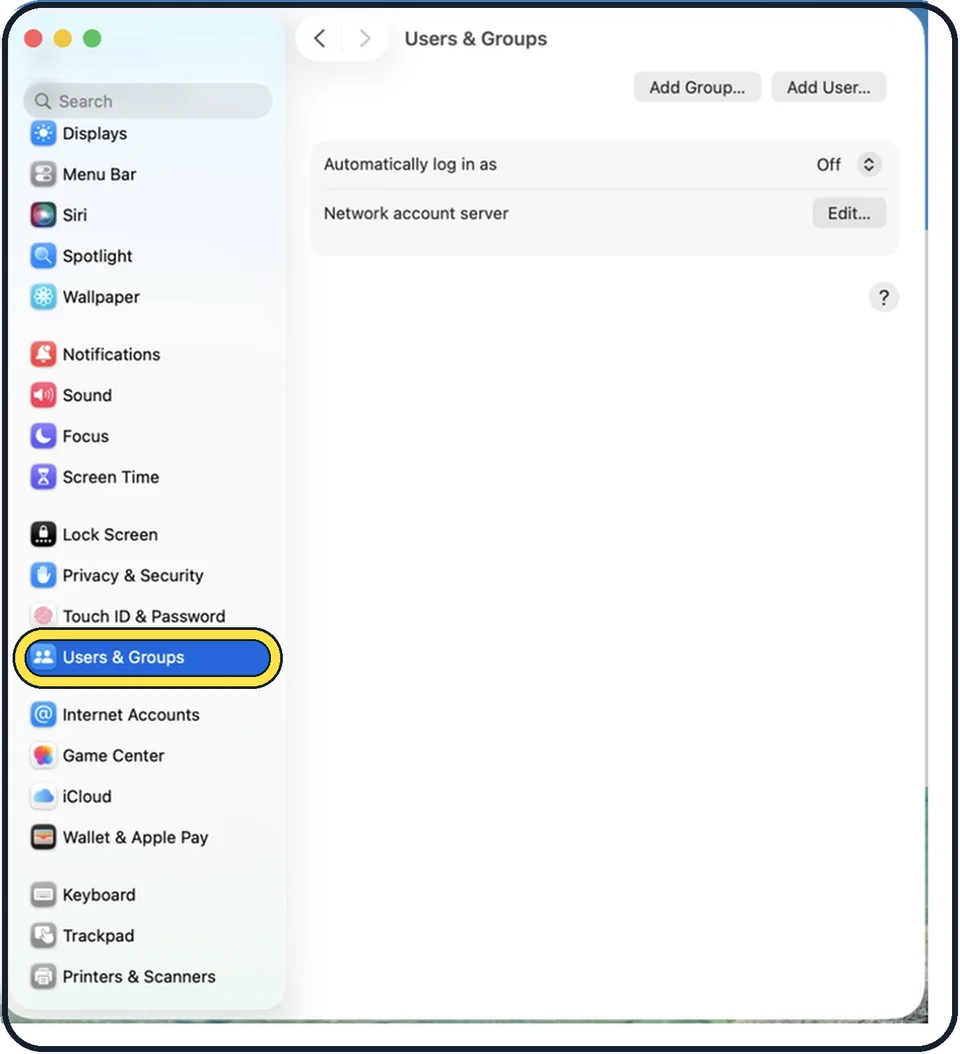
Open System Settings, click Users & Groups and click Add User. Enter your password, choose Standard, fill in the name and a password for the new person, and click Create User.
How to check for Intel-based apps on a Mac (macOS 27)
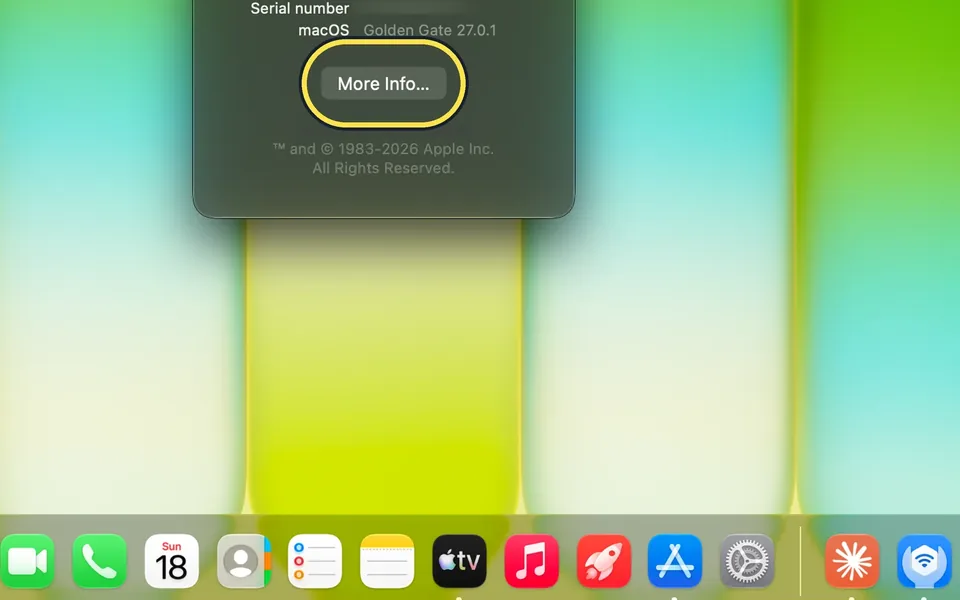
Open System Settings, General, About and click Details next to Intel-based Apps. macOS 27 says Intel-based apps running on Rosetta will not open in macOS 28, and lists…
Mac says "iPhone Mirroring is not available in your country or region"
iPhone Mirroring is not available in the EU. Our Mac in Germany showed "Unable to Connect to iPhone" with that message, and only OK. iPhone widgets on the Mac still…
How to turn on three-finger drag on a Mac (macOS 27)
Open System Settings, Accessibility, Pointer Control and click Trackpad Options. Turn on Use trackpad for dragging, set Dragging style to Three Finger Drag and click…
How to change the default browser on a Mac
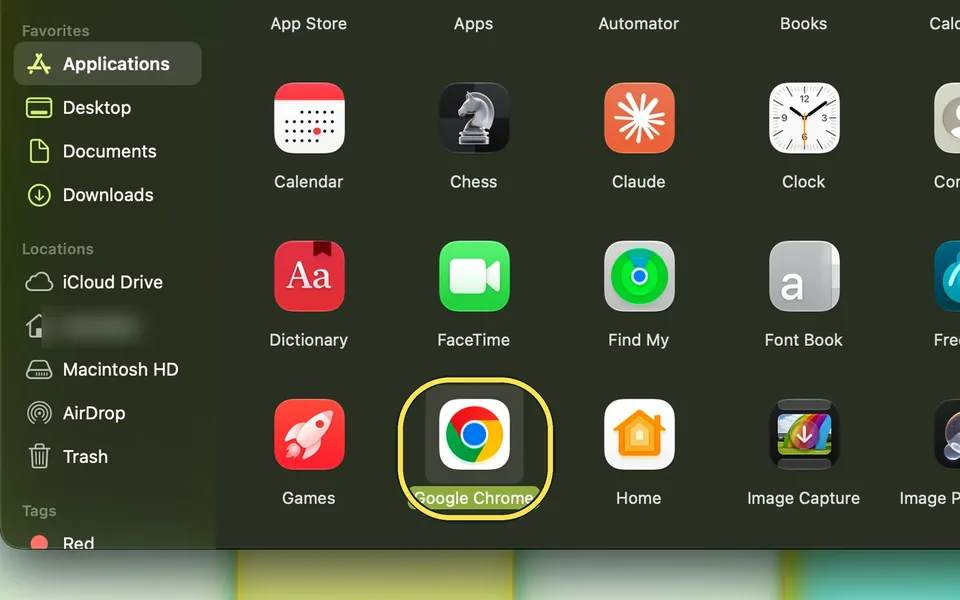
Open System Settings, click Desktop & Dock, scroll down to Default web browser in the Widgets section and choose Google Chrome or another installed browser from the menu.
How to change the alert sound and its volume on a Mac
Open System Settings and click Sound. Under Sound Effects, choose a sound from the Alert sound menu. It plays when you select it, so you hear what it sounds like. Drag…
Guides in other categories that also involve Mac
1 guideHow to AirPlay from an iPhone to a Mac
On the Mac, open System Settings, General, AirDrop & Continuity and switch on AirPlay Receiver. On the iPhone, open the photo, tap Share, tap AirPlay and choose the…