
macOS 27 compared with macOS 26: We rewrote steps 1, 2, 3, 4, 5 and 6 to match the macOS 27 screens. The macOS 26 page keeps the steps and screenshots as they were.
howtosimply.com/guides/mac-camera-not-working-6-fixes-to-try/ · Checked October 2026 · MacBook Neo · macOS 27.0.1
In this guide
Update macOS, make sure Camera is Allowed in Screen Time's Content & Privacy Restrictions, and allow the app in System Settings > Privacy & Security > Camera. Then restart. Apple says a flashing green camera light means the Mac might need service.
3 of 6 steps with real screenshots · 2 official sources below
- Device
- Mac
- Shown on
- macOS 27.0.1 (MacBook Neo)
- App
- System Settings
- Real screenshots
- 3 of 6 steps
- Checked
- October 2026
- Sources
- 2 official, linked below
Step by step
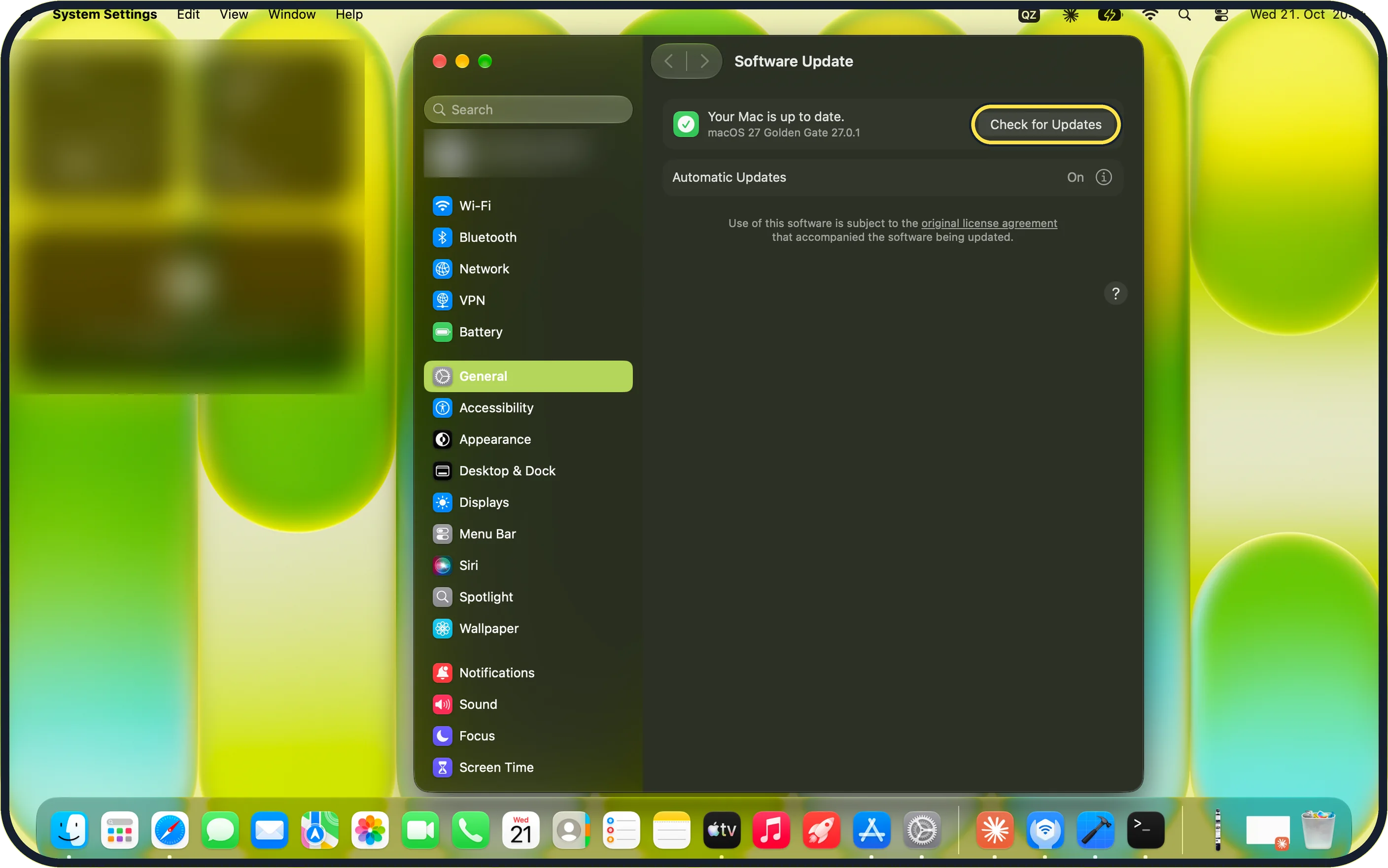
Zoomed in on the setting. Tap to see the whole screenTap the picture to see it full size Update macOS
Apple's first step is to make sure the software is up to date. Open System Settings, General, Software Update and click Check for Updates.
On our MacBook Neo it said "Your Mac is up to date." with "macOS 27 Golden Gate 27.0.1", and Automatic Updates was On.
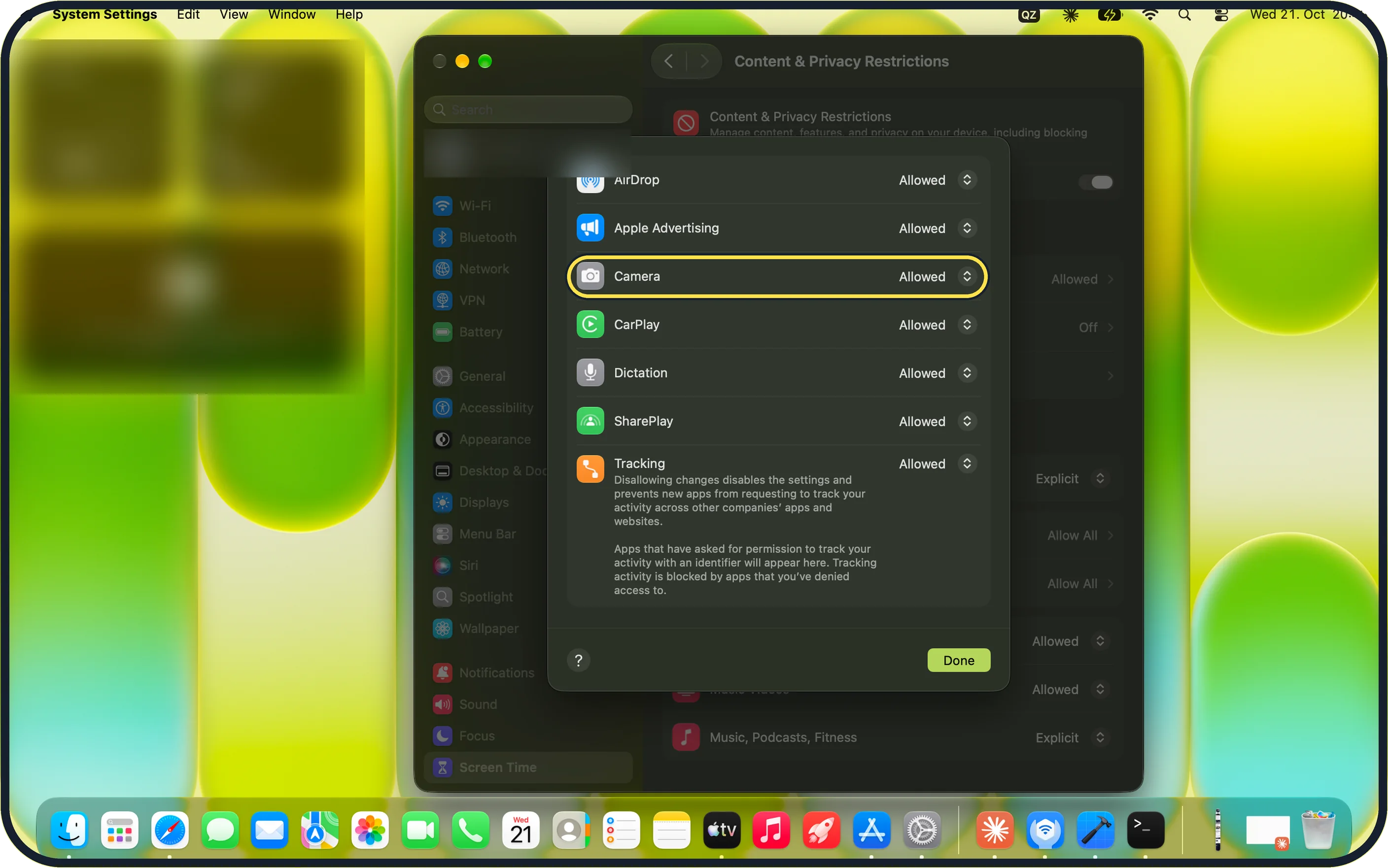
Zoomed in on the setting. Tap to see the whole screenTap the picture to see it full size Check that Screen Time allows the camera
If Screen Time is in use, open System Settings, Screen Time, Content & Privacy Restrictions and make sure Camera is set to Allowed, then click Done.
On our MacBook Neo, Camera is listed with AirDrop, Apple Advertising, CarPlay, Dictation, SharePlay and Tracking. Apple also advises checking that the app is not blocked by an app limit.
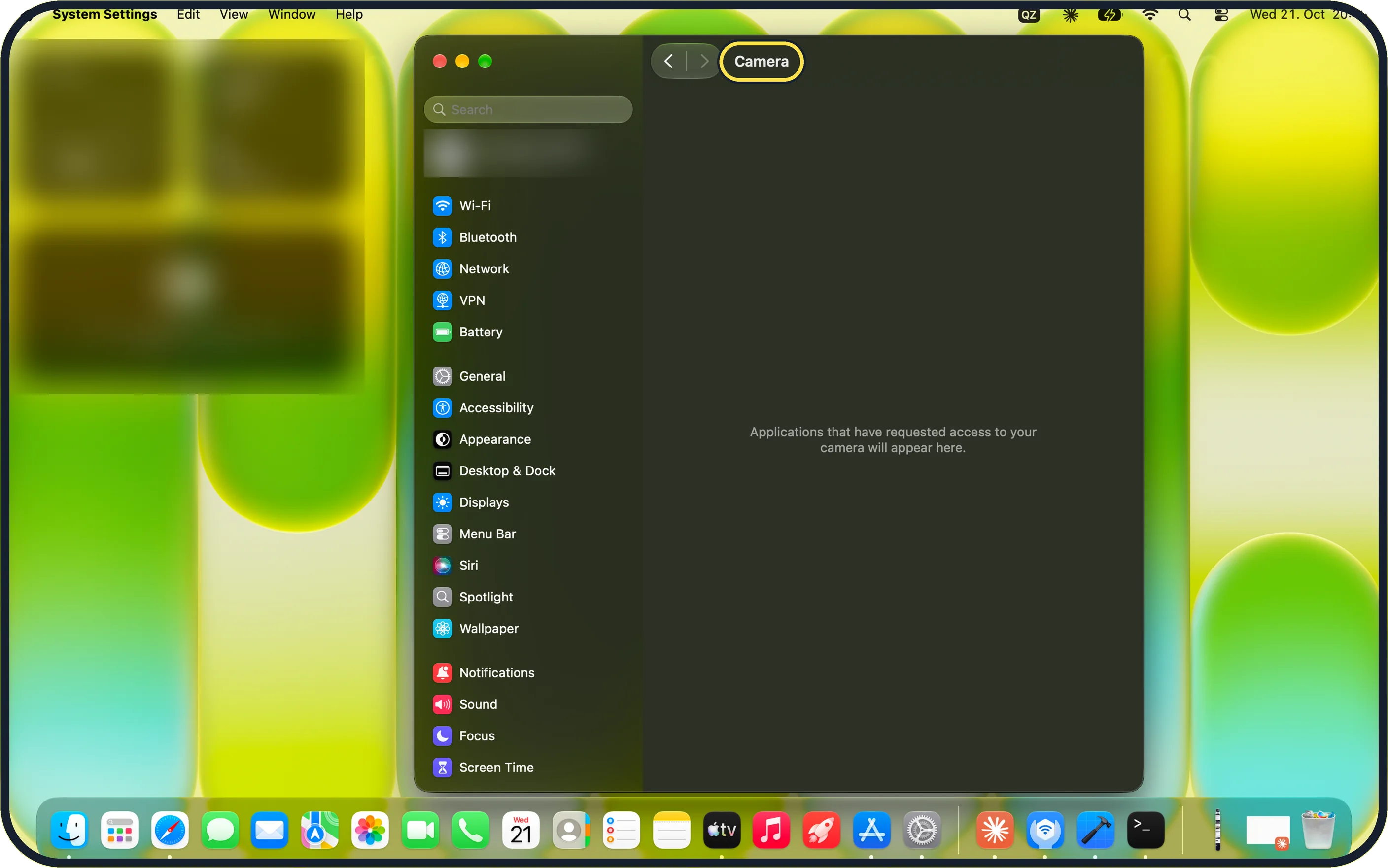
Zoomed in on the setting. Tap to see the whole screenTap the picture to see it full size Allow the app to use the camera
Open System Settings, Privacy & Security, Camera. Apple says to switch on the app that needs the camera. You might then be asked to quit the app and open it again.
On our MacBook Neo the list was empty and only said "Applications that have requested access to your camera will appear here."
Apple's own apps are not listed: on our Mac, Photo Booth had used the camera and the list was still empty. Apps from other makers that ask for the camera appear here.
Restart the Mac
Apple says to restart a Mac with Apple silicon; on an Intel Mac, reset the SMC, the controller that manages power.
Try a different app
Open Photo Booth or FaceTime. If the camera works there, the fault is in the settings of the first app, which may have its own camera menu with the wrong camera selected.
Watch the light next to the camera
A steady green light means the camera is on. If the light flashes green, Apple says your Mac might need service. Contact Apple Support.
If you do not see this option
- No apps in the Camera list The page lists only apps that have asked for the camera, as it says: "Applications that have requested access to your camera will appear here." Open the app and start its camera once, then check again. Apple's own apps, such as Photo Booth and FaceTime, did not appear in the list on our Mac.
- No App Restrictions in Screen Time In macOS 27, Camera sits under Content & Privacy Restrictions, with an Allowed menu next to it.
If this does not work
- An update is offered Install it first. Apple lists updating macOS as the first fix. Source: If the built-in camera isn't working on your Mac
- The camera light flashes green Apple says your Mac might need service. Contact Apple Support. Source: If the built-in camera isn't working on your Mac
- The fault continues on an Intel Mac Apple says to reset the SMC on an Intel Mac. Source: If the built-in camera isn't working on your Mac
About this guide
When the built-in camera shows a black picture in FaceTime, Zoom or Teams, an app is usually not allowed to use it, or another app is still holding it.
Screenshots: MacBook Neo, macOS 27.0.1, dark mode.
Good to know
Only one app at a time shows the camera picture reliably. Quit other video apps before a call.
Do not close a MacBook with a camera cover fitted. Apple warns that this can damage the display, because the gap between screen and keyboard is very small.
An iPhone makes a better webcam than the built-in camera: how to use an iPhone as a webcam for a Mac.
In short: System Settings > General > Software Update; Screen Time > Content & Privacy Restrictions > Camera; Privacy & Security > Camera; restart; test another app; watch the light.
- Apple Support: If the built-in camera isn't working on your Mac
- Apple Support: Don't close your MacBook with a cover over the camera
Links checked in October 2026. Menus and features can change after software updates. These steps match the version named at the top.
Did this guide work for you?
Sorry about that. What happened?