Samsung Galaxy guides
Galaxy help,
made simple.
Simple, step-by-step answers for your Samsung Galaxy, with real screenshots and the exact One UI version.
Browse all Galaxy guides → Illustration
Popular Galaxy guides
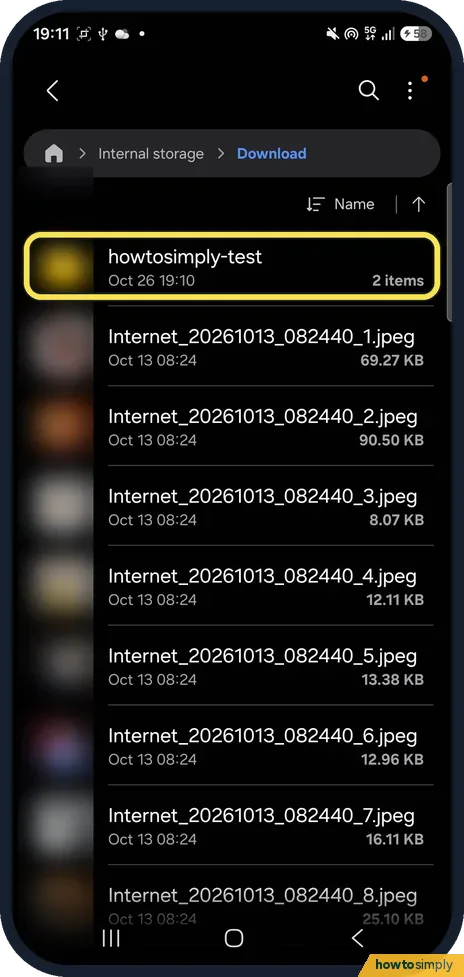
See all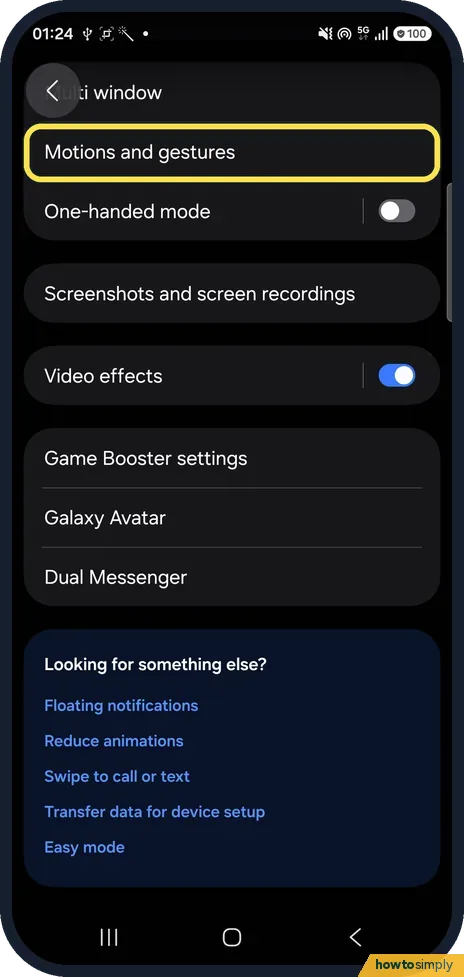 How to take a screenshot on a Samsung Galaxy phonePress the Side button and the Volume down button together and release them; the screen…
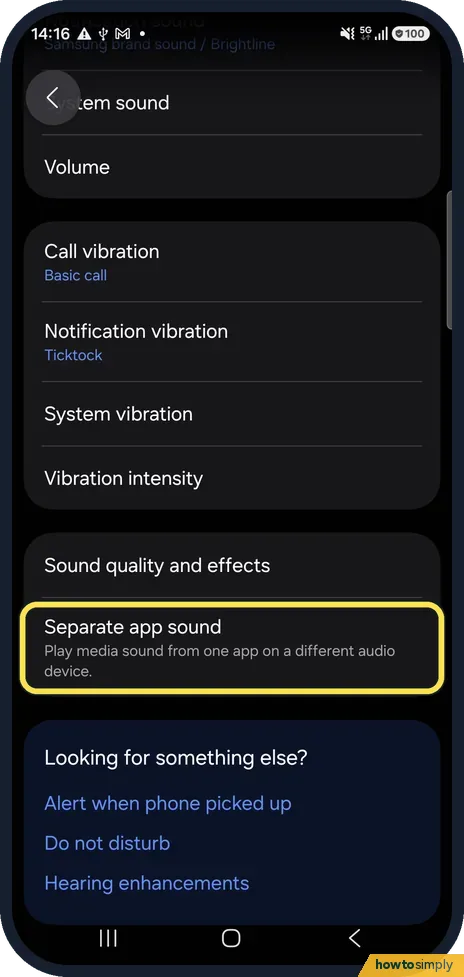 How to play one app's sound on a different device on a Samsung GalaxyOpen Settings, Sounds and vibration, Separate app sound and tap Turn on now. Choose the App…
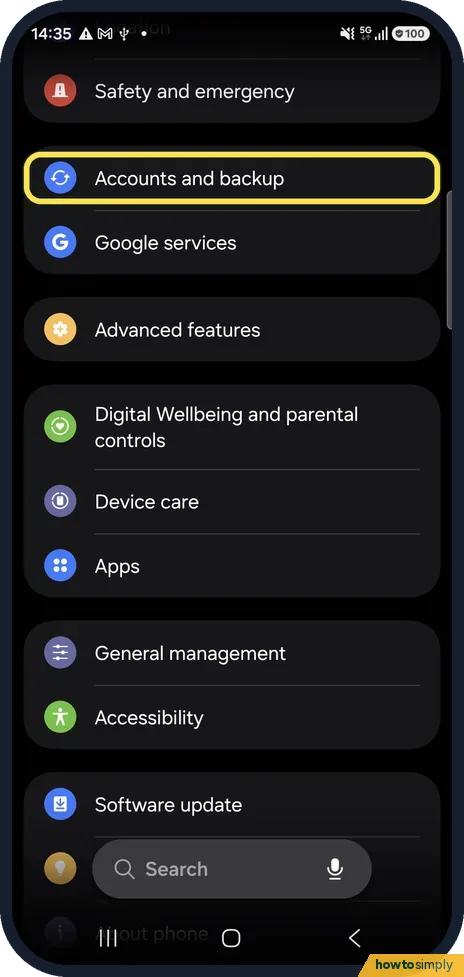 How to back up an Android phone to your Google AccountOn a Samsung Galaxy, open Settings, tap Accounts and backup and, under Google Drive, tap Back…
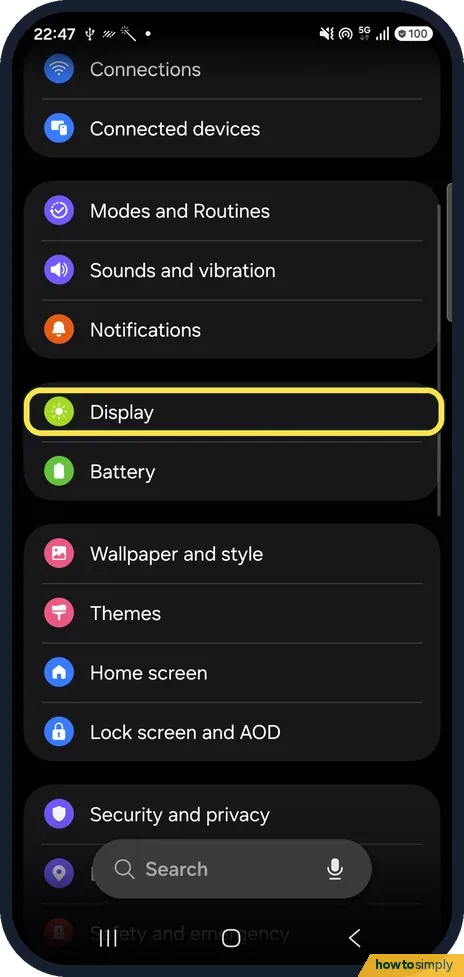 How to change Screen mode (Vivid or Natural) on a Samsung GalaxyOpen Settings, Display, Screen mode and choose Vivid or Natural. Vivid gives stronger, more…
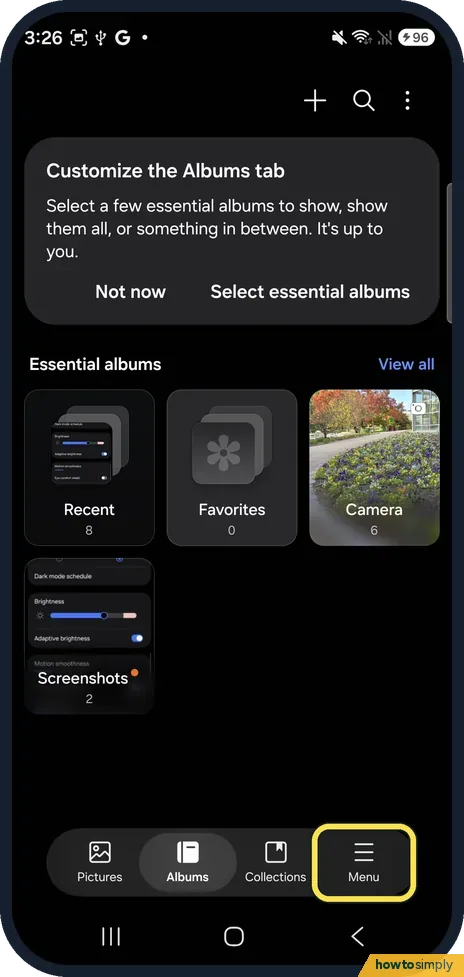 How to recover deleted photos on a Samsung Galaxy (Trash)Open Gallery, tap Menu at the bottom right, then Trash. Tap Select, tick the photos you want…
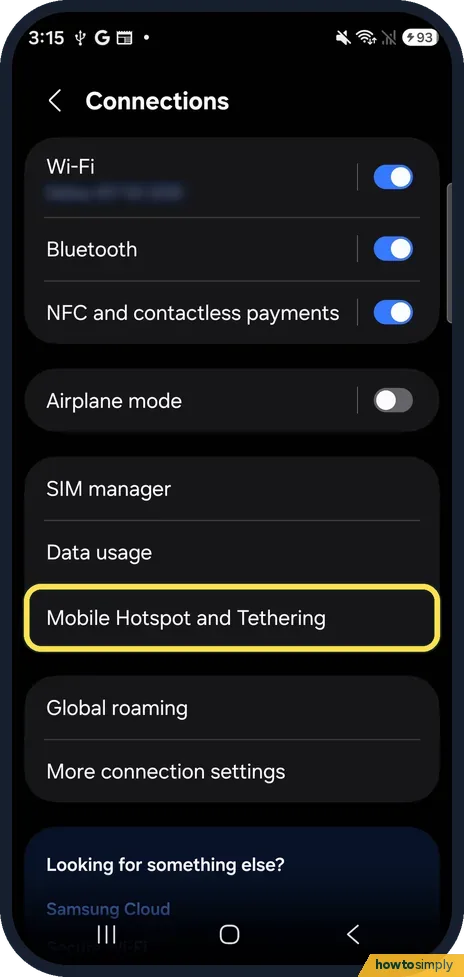 Change the hotspot name, password and band on a Samsung GalaxyOpen Settings, Connections, Mobile Hotspot and Tethering, tap the words Mobile Hotspot, then…
All Samsung Galaxy guides by topic
Troubleshooting
48 guidesSamsung Galaxy battery draining fast? 6 fixes
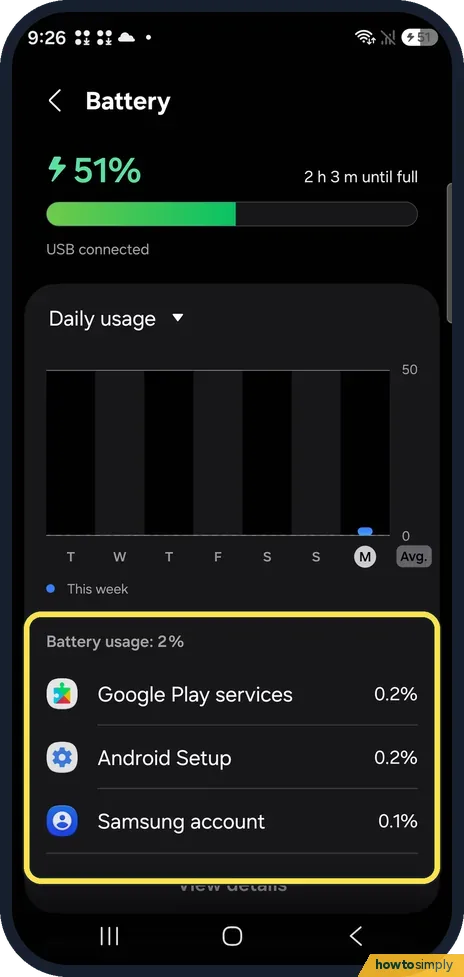
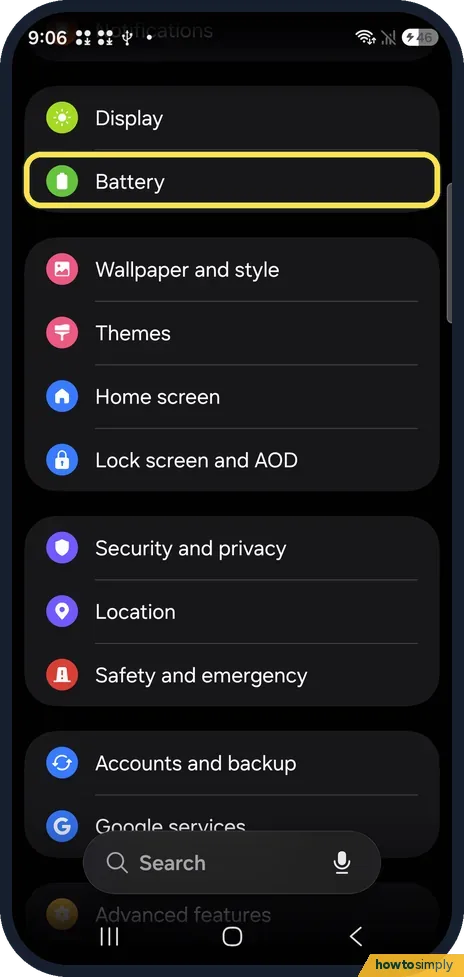
Open Settings, Battery and see which apps used the most. Then put unused apps to sleep under Background usage limits, clean memory in Device care, turn on Power saving…
Samsung Galaxy mobile data not working? 7 fixes
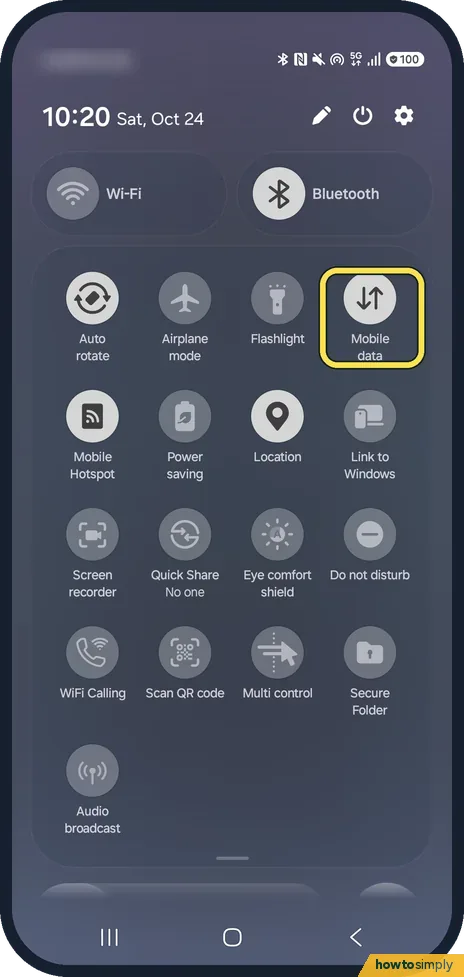
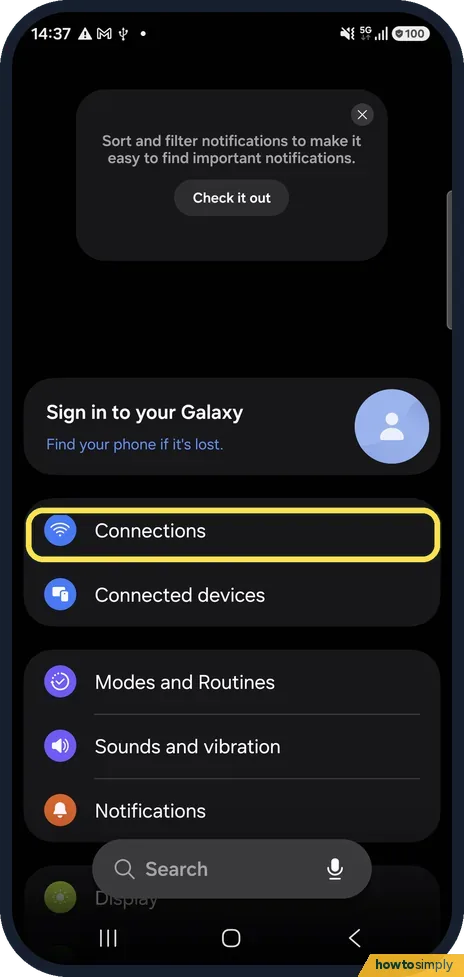
Swipe down from the top and check that Mobile data is on and Airplane mode is off. Then check Settings, Connections, Data usage, Mobile data, and Data roaming if you…
Samsung Galaxy notifications not showing? 5 settings to check
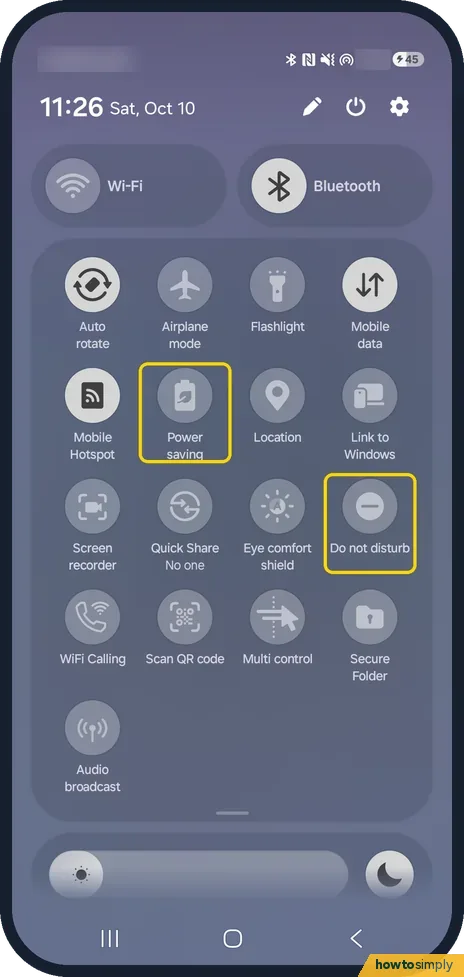
Turn off Do not disturb and Power saving in the quick panel, then open Settings, Notifications, App notifications and make sure the app's switch is on. If the app is in…
No sound on a Samsung Galaxy phone? 7 things to check
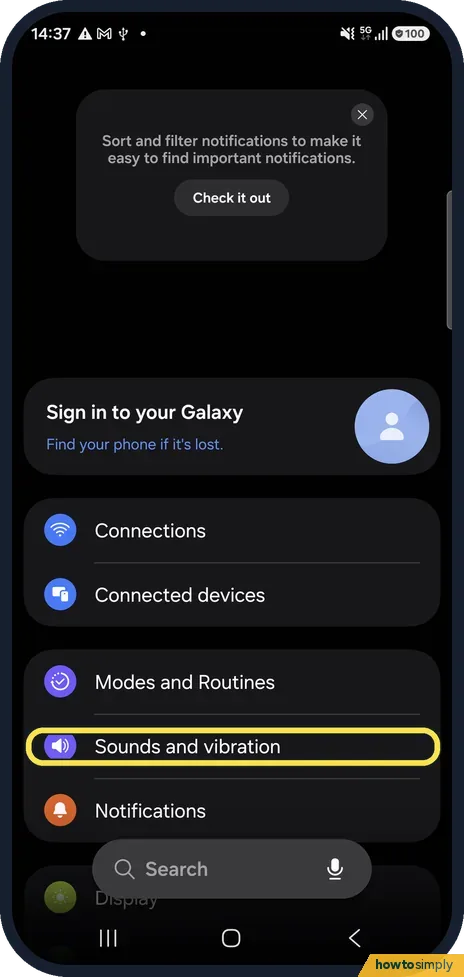
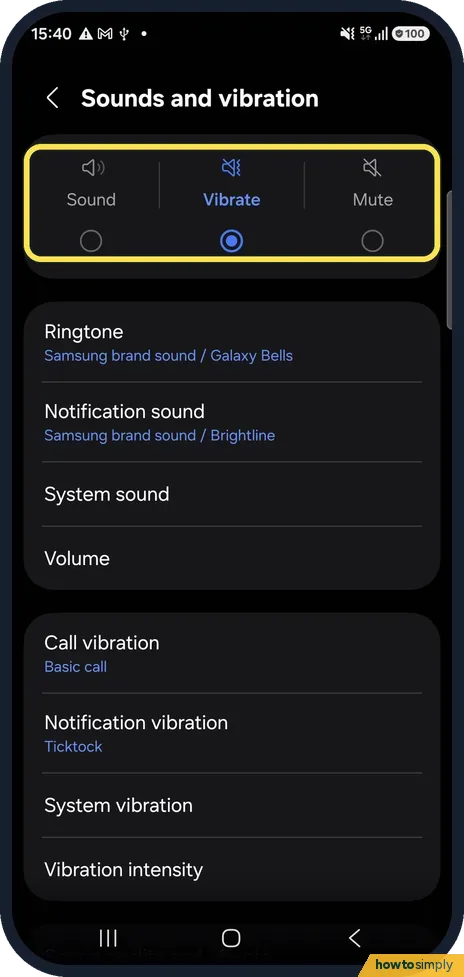
Check that the sound mode is Sound, not Vibrate or Mute, under Settings, Sounds and vibration, and raise the sliders under Volume. Then check that the audio is not…
Samsung Galaxy Wi-Fi keeps disconnecting? 6 things to check
Open Settings, Connections, Wi-Fi, the three dots and Intelligent Wi-Fi, and turn off Switch to mobile data and Switch to better Wi-Fi networks to see whether they…
Samsung Galaxy not ringing? 7 things to check
Check that Sounds and vibration is set to Sound, not Vibrate or Mute, and that the Ringtone slider under Volume is up. Then check Do not disturb and Modes, Bluetooth…
Samsung Galaxy alarm not going off? 6 things to check
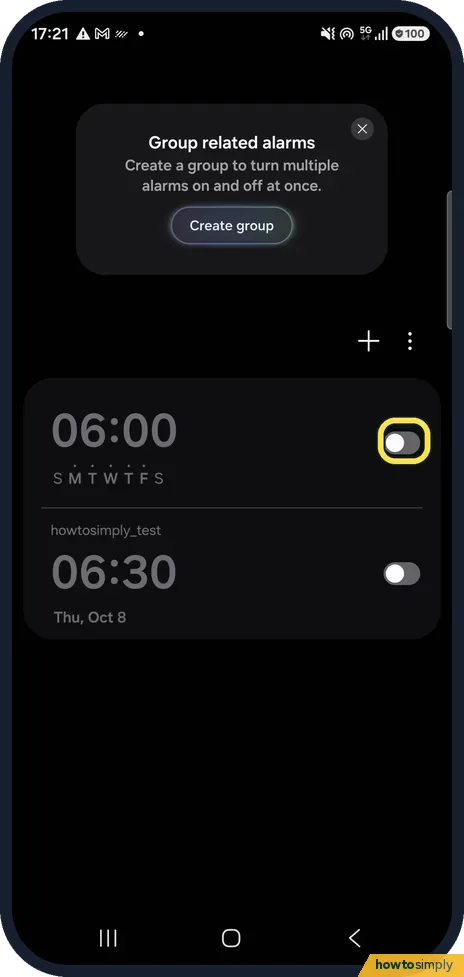
In the Clock app, check the alarm is switched on and set for the right days. Open the alarm, tap Sound and turn up its slider. Then turn off Silence alarms when system…
Samsung Galaxy keeps restarting? 7 things to check
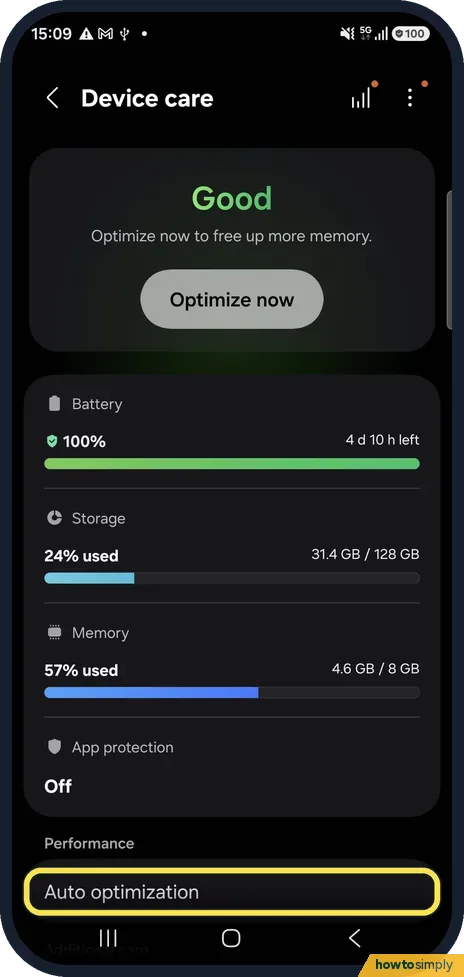
Often the phone restarts on purpose. Check Settings, Device care, Auto optimization, Auto restart, and Settings, Security and privacy, More security settings…
"Connected, no internet" on a Samsung Galaxy? 6 fixes
Restart the phone, then forget the network and join it again. In Settings, Connections, More connection settings, Private DNS, choose Automatic (recommended): a custom…
"Download pending" in Google Play? 6 fixes
Google Play installs one app at a time, so pending usually means other downloads or updates are queued. Open your profile, Manage apps & device and finish or cancel the…
Samsung Galaxy touchscreen not responding? 6 fixes
Clean the screen and remove a thick or non-genuine screen protector or case. Turn on Settings, Display, Touch sensitivity if you use a protector. Then check…
Samsung Galaxy screen brightness keeps changing? 5 causes
Adaptive brightness changes the screen with the light around you; turn it off under Settings, Display. Power saving, a hot phone and a nearly empty battery also dim the…
Samsung Galaxy Bluetooth not connecting? 6 fixes
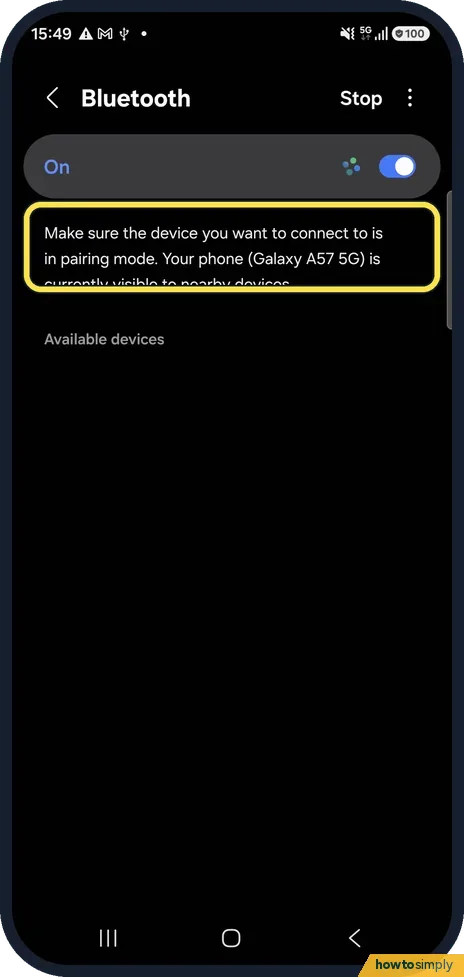
Put the accessory in pairing mode and keep it close. Then forget it under Settings, Connections, Bluetooth (gear, Forget device) and pair again. Check three dots…
Samsung Galaxy location not accurate? 5 settings to check
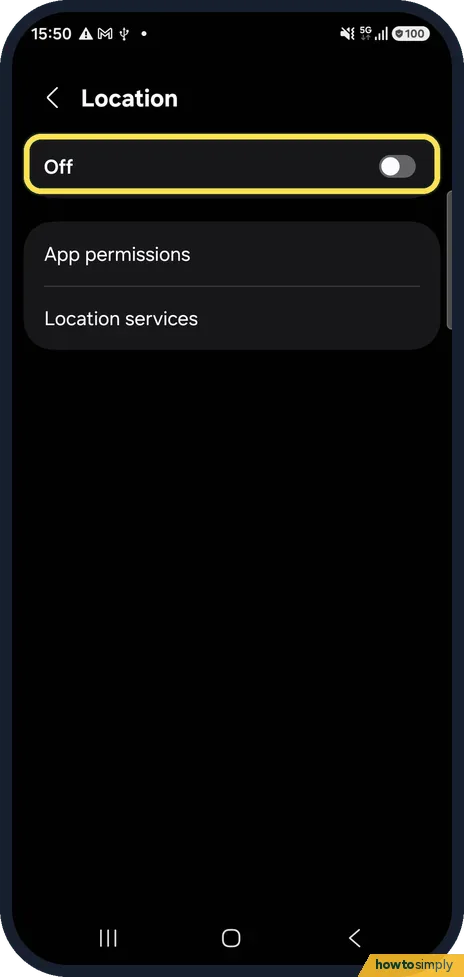
Turn on Location, then open Settings, Location, Location services, Location Accuracy and switch on Improve Location Accuracy. Wi-Fi scanning and Bluetooth scanning on…
Texts not sending on a Samsung Galaxy (Google Messages)? 5 fixes
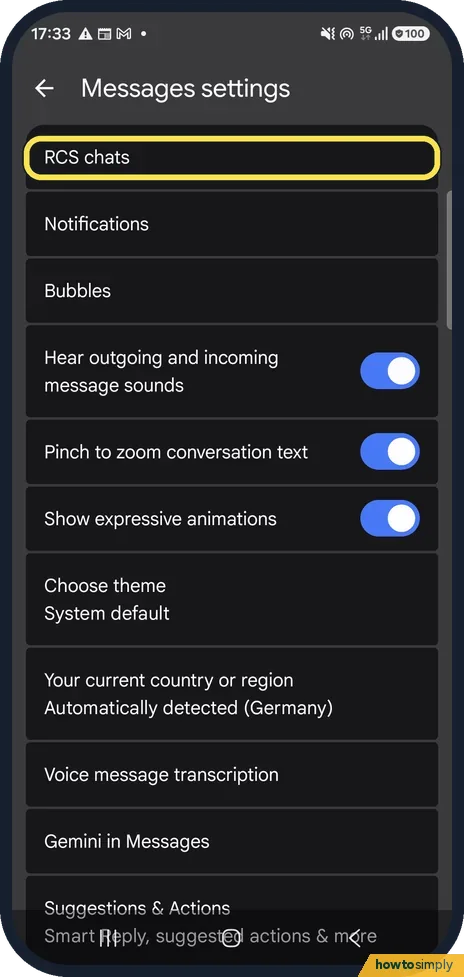
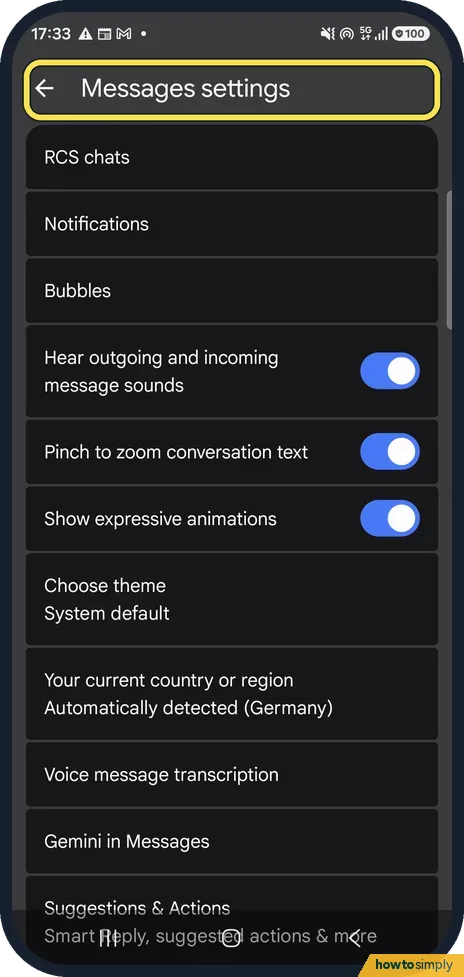
In Google Messages, tap your profile picture, Messages settings, RCS chats and check the status. If it is not Connected, check your internet. For a failed message, use…
"Google keeps stopping" on a Samsung Galaxy? 6 fixes
Restart the phone first. If the message comes back, open Settings, Apps, Google, tap Force stop, then Storage, Clear cache. Update the Google app and Android System…
Samsung Galaxy won't charge to 100%? Battery protection explained
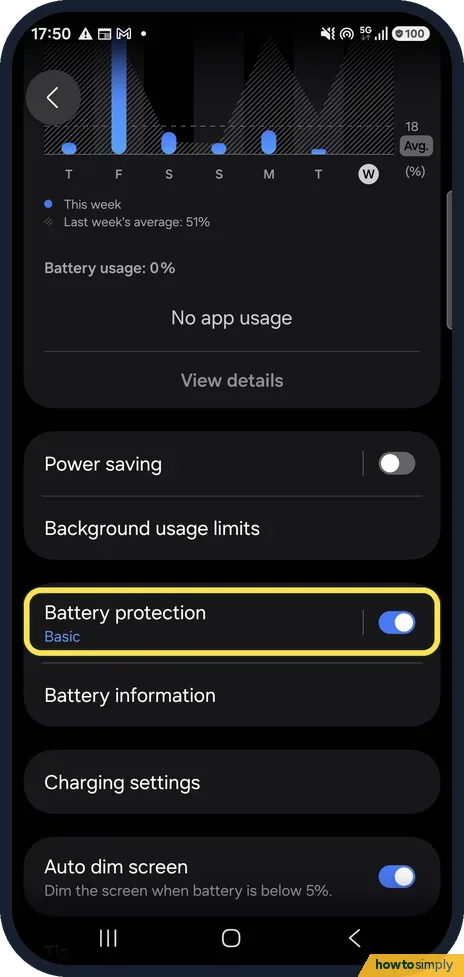
A Galaxy that stops at 80%, 85% or 95% is usually doing it on purpose. Open Settings, Battery, Battery protection. Basic lets the level drop to 95% before charging…
Samsung Galaxy overheating? 7 things to check
Some warmth during charging, games, video calls or navigation is normal. If the phone gets hot at other times, close apps with Device care, Optimize now, take off the…
Samsung Galaxy screen won't rotate? 5 fixes
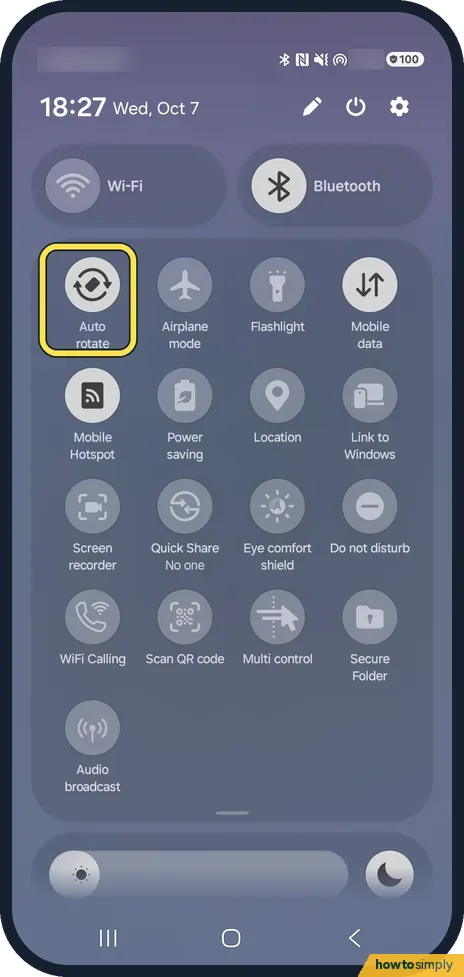
Swipe down twice and tap Auto rotate (it shows Portrait when rotation is locked). Touch and hold the button to choose which screens may rotate: on One UI 8.5 the Home…
Samsung Keyboard lagging? 6 fixes
Restart the phone, then open Settings, General management, Samsung Keyboard settings. Switch off Suggest emojis and Suggest stickers, check for a keyboard update under…
Samsung Galaxy not vibrating? 6 things to check
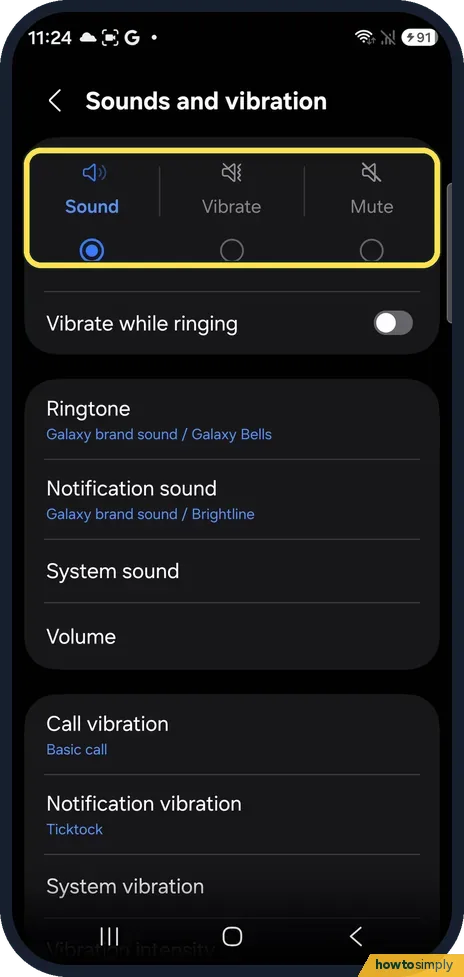
Open Settings, Sounds and vibration. Choose Sound or Vibrate, not Mute, and switch on Vibrate while ringing if calls should vibrate as well as ring. Then raise the…
Samsung Galaxy microphone not working? 6 fixes
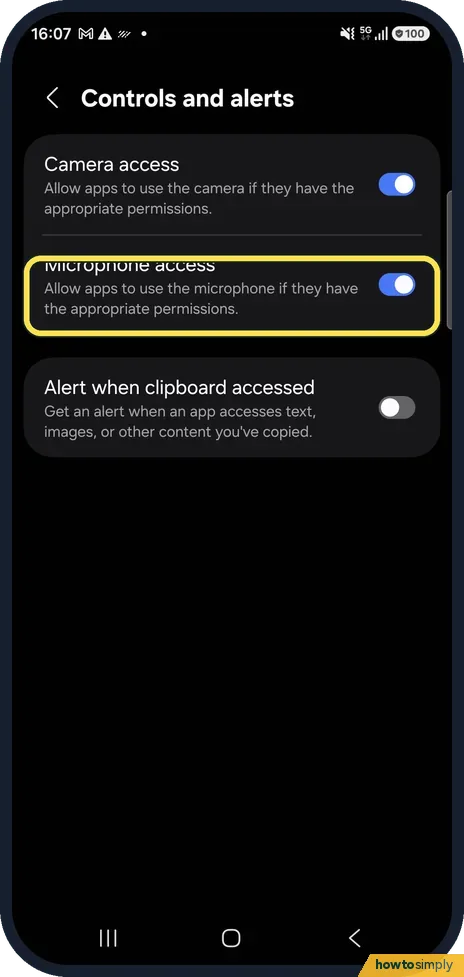
Open Settings, Security and privacy, Privacy, Controls and alerts and make sure Microphone access is on. Then allow the app under Permission manager, Microphone, switch…
"Camera failed" on a Samsung Galaxy? 6 fixes
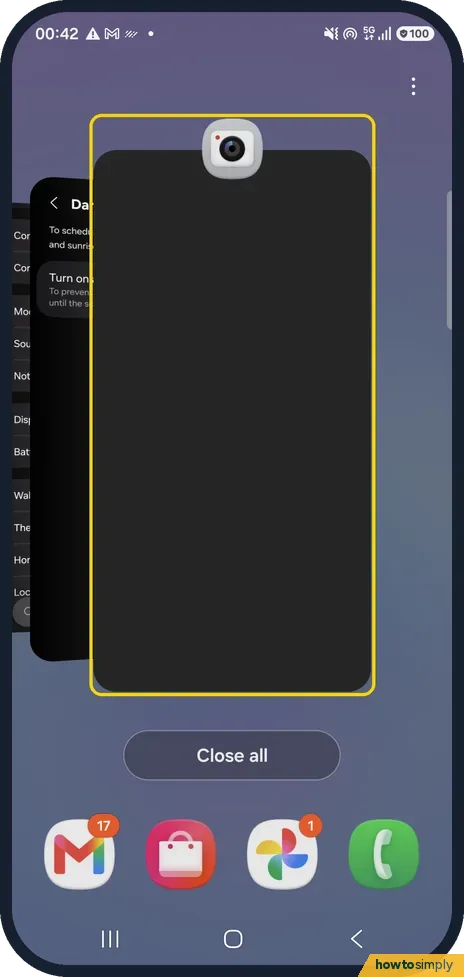
Close the Camera app and restart the phone. If the warning stays, check that Camera access is on under Settings, Security and privacy, Privacy, Controls and alerts…
Samsung Galaxy says "No service"? 6 fixes
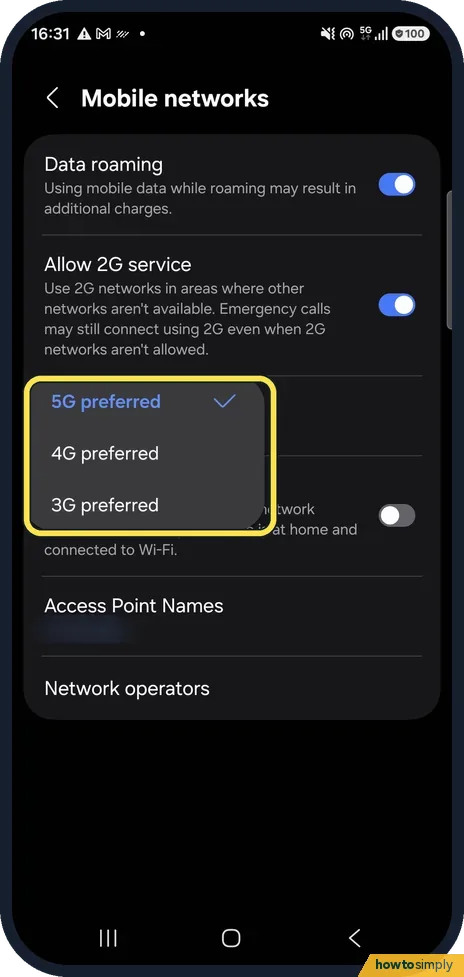
Turn Airplane mode on and off, then open Settings, Connections, Mobile networks. Set Network mode to 5G or 4G preferred, tap Network operators and switch on Select…
Samsung screen recording has no sound? How to fix it
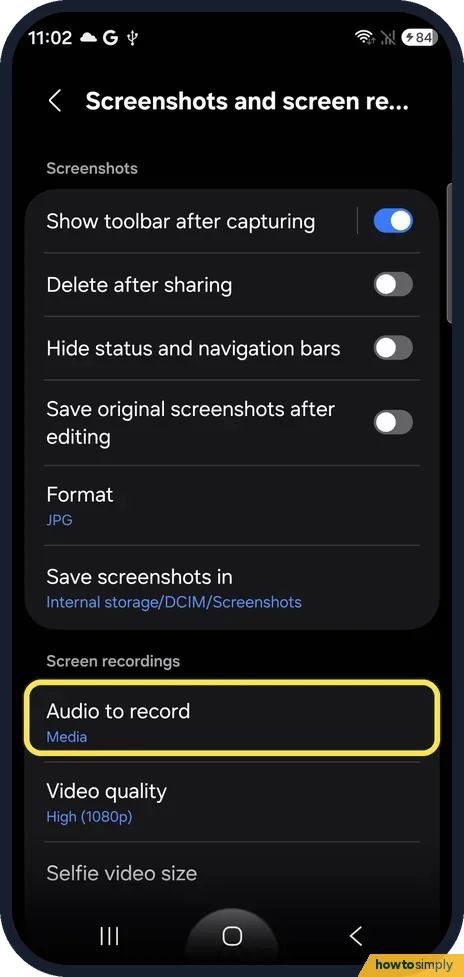
Open Settings, Advanced features, Screenshots and screen recordings and tap Audio to record, or pick the sound on the Screen recorder start sheet. Choose Media for the…
Samsung Galaxy notifications delayed? 6 fixes
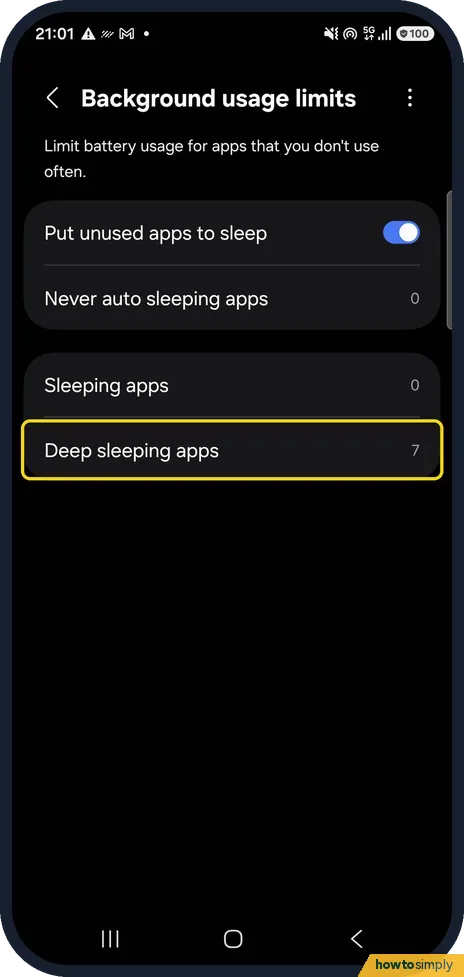
Open Settings, Battery, Background usage limits. Take the app out of Sleeping apps and Deep sleeping apps, add it to Never auto sleeping apps, or switch off Put unused…
Samsung Galaxy hotspot not working? 6 fixes
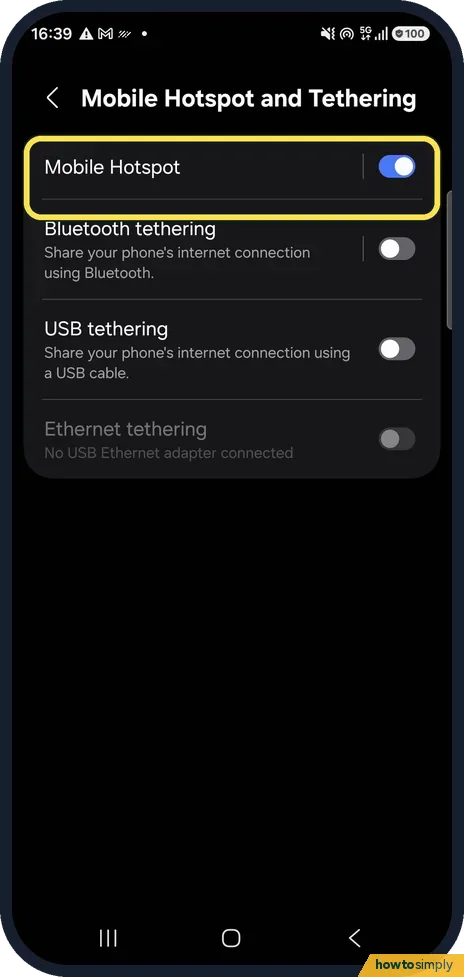
Check that mobile data is on, Data saver is off and no VPN is running, then open Settings, Connections, Mobile Hotspot and Tethering, Mobile Hotspot. Check the network…
Where is Customization Service on One UI 8.5?
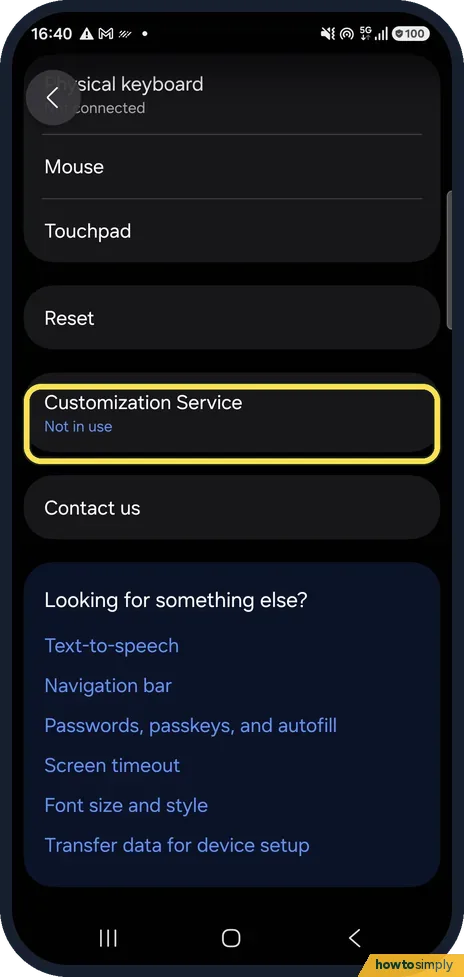
On One UI 8.5, Customization Service is under Settings, General management, near the bottom of the page. Samsung's privacy notice still says Settings, Privacy, but on…
Samsung Galaxy charging slowly? 6 fixes
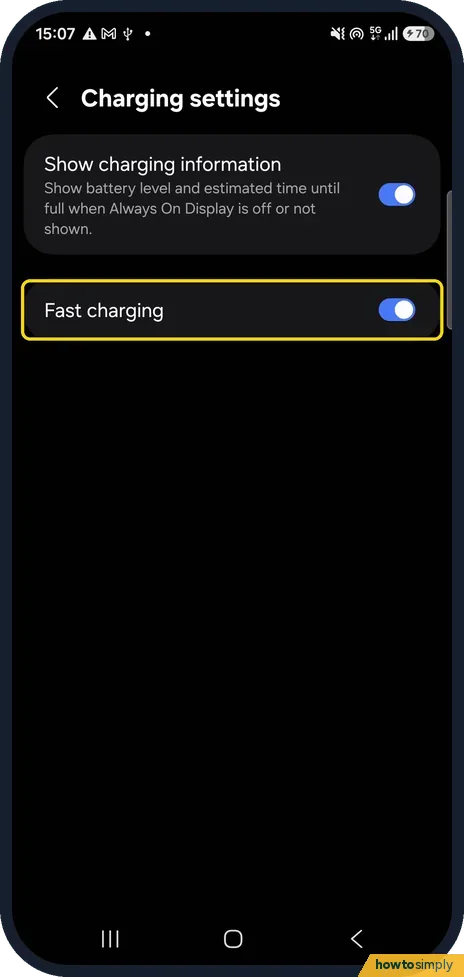
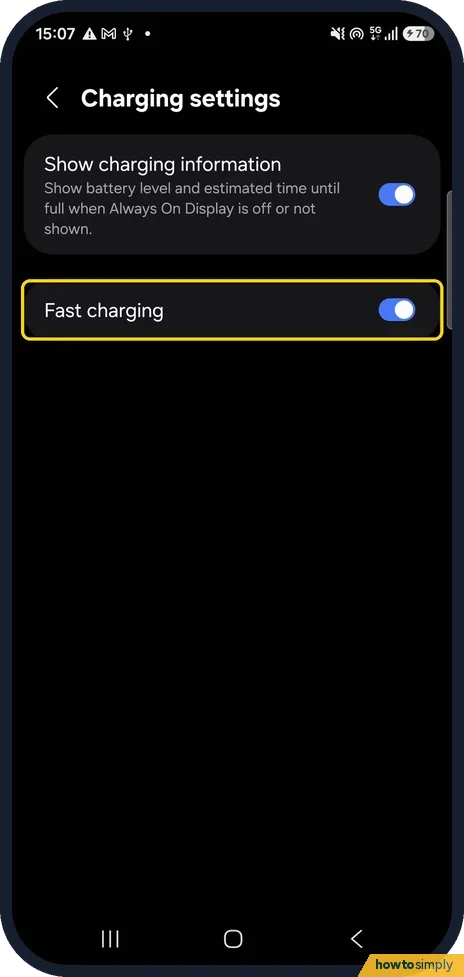
Open Settings, Battery, Charging settings and make sure Fast charging is on. Then reconnect the cable firmly, clean the USB-C port without metal or liquid, check…
Samsung Galaxy running slow? 6 fixes
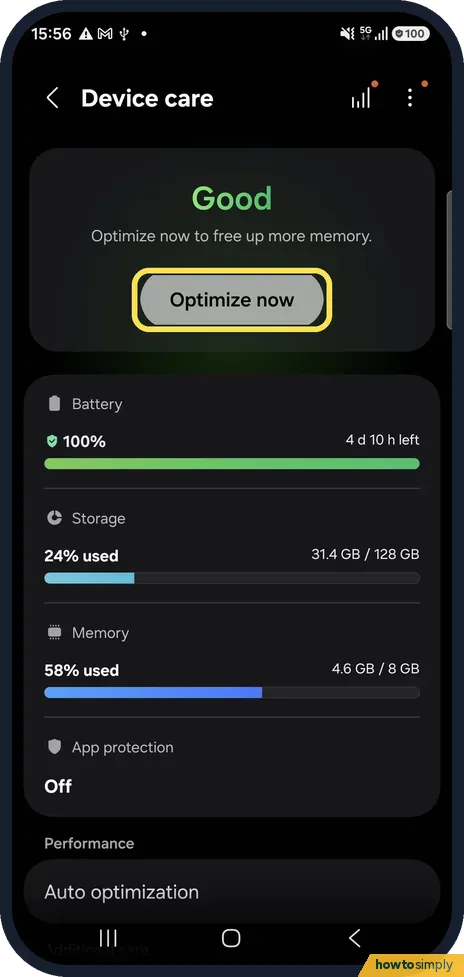
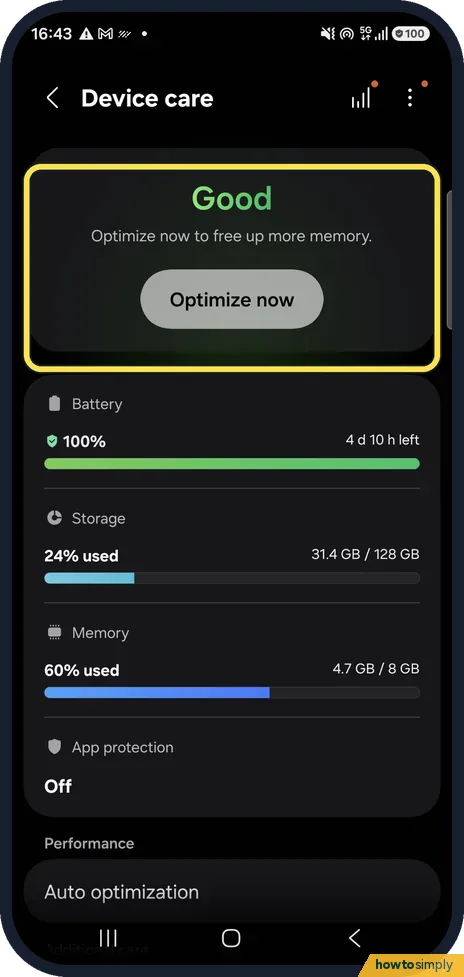
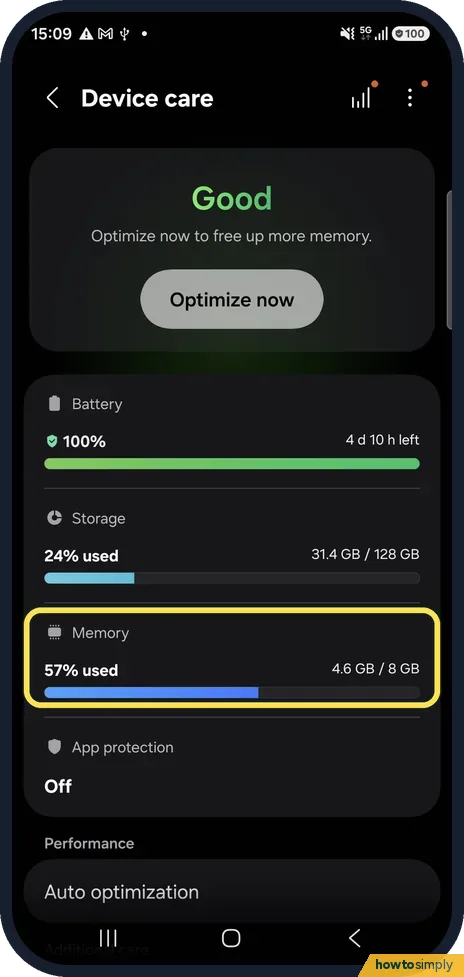
Open Settings, Device care and tap Optimize now. Then check Storage and Memory on the same page, turn on Auto restart under Auto optimization, install any software…
Android Auto not working on a Samsung Galaxy? 6 fixes
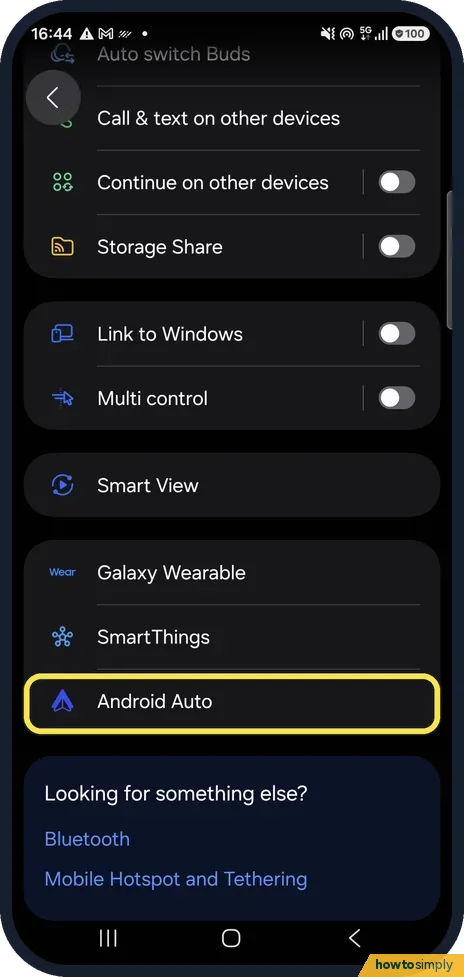
Use a short, good USB cable, ideally the one from the phone box, and check that Android Auto is on in the car. On the phone, open Settings, Connected devices, Android…
Samsung Galaxy volume too low? 6 fixes
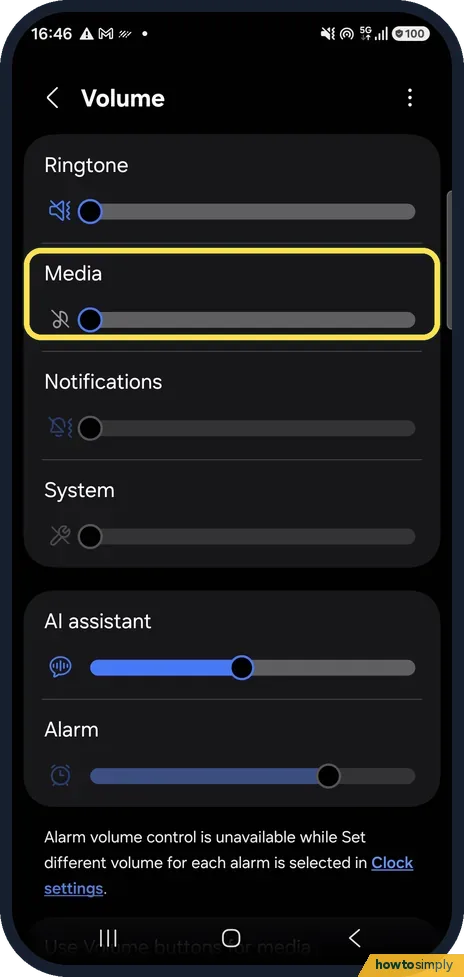
Open Settings, Sounds and vibration, Volume and raise the Media slider. Turn on Use Volume buttons for media, check that the left/right balance under Accessibility…
Samsung Emergency SOS calling by accident? What to check
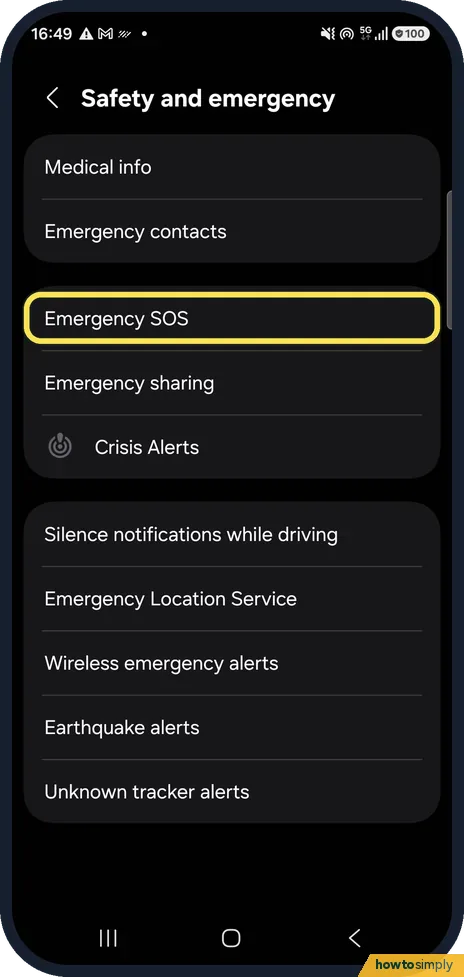
Open Settings, Safety and emergency, Emergency SOS and make sure Require swipe to call is on, so pressing the Side button 5 times only shows a Call button you must…
Quick Share not working on a Samsung Galaxy? 6 fixes
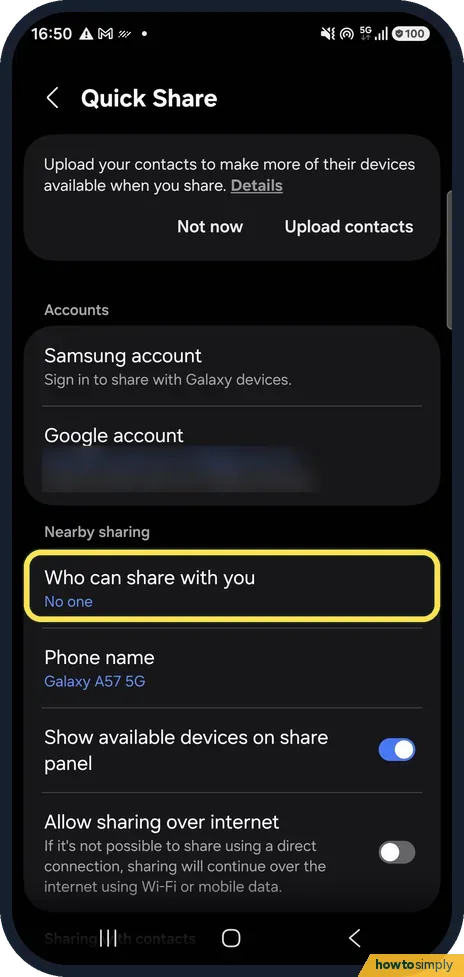
Turn on Bluetooth and Wi-Fi on both phones, then open Settings, Connected devices, Quick Share and set Who can share with you to Your devices, Contacts or Everyone…
Samsung Galaxy screen turned black and white? How to fix it
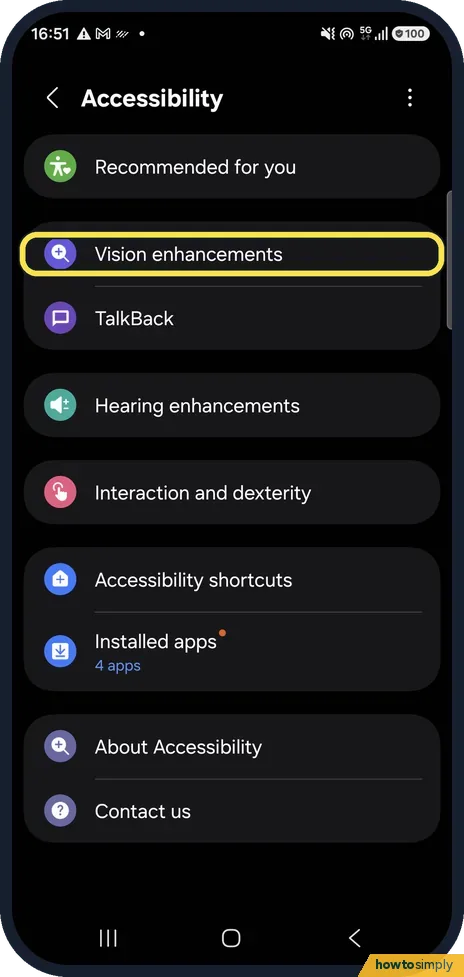
Open Settings, Accessibility, Vision enhancements, Color correction and switch it off, or pick a mode other than Grayscale. Then check Color filter on the same page…
Samsung Galaxy can't send picture messages (MMS)? Fixes
In Google Messages, tap your profile picture, Messages settings, Advanced. If it says MMS turned off because your carrier doesn't allow outgoing MMS, the block is on…
Samsung Galaxy Wi-Fi turning on by itself? What to check
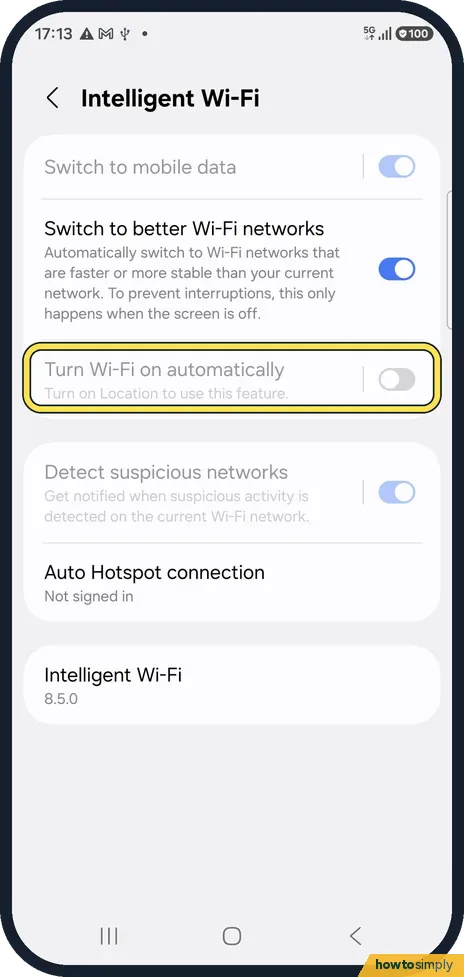
Open Settings, Connections, Wi-Fi, tap the three dots, Intelligent Wi-Fi and switch off Turn Wi-Fi on automatically. Also check Wi-Fi scanning under Location, Location…
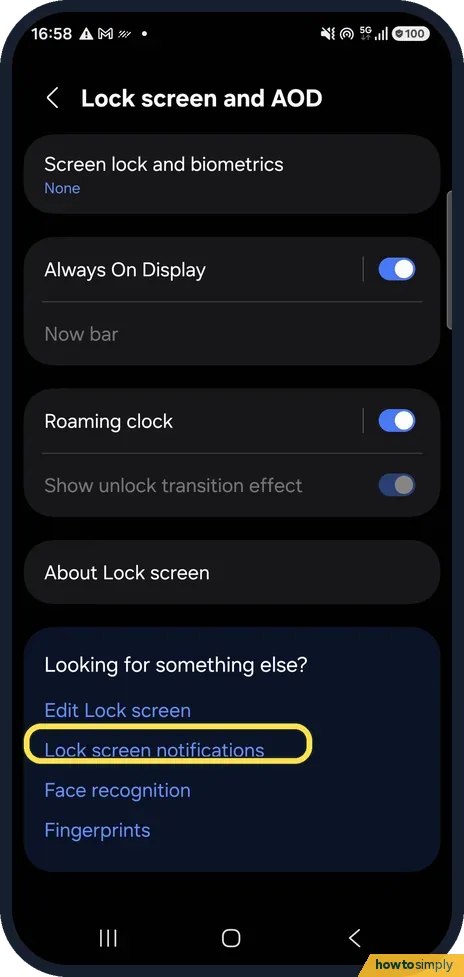
Samsung lock screen notifications gone on One UI 8.5? Fix
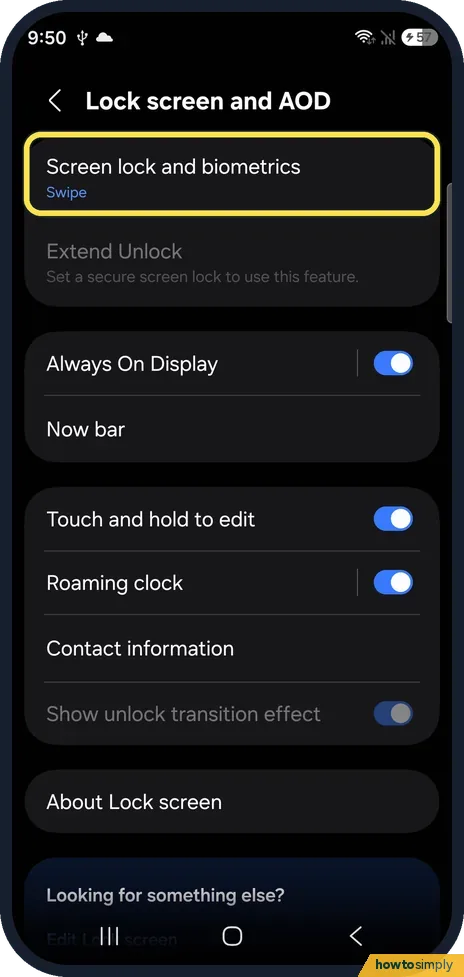
On One UI 8.5 the Lock screen and AOD page has no Notifications row. Tap Lock screen notifications at the bottom of that page, keep Show notifications on, and switch…
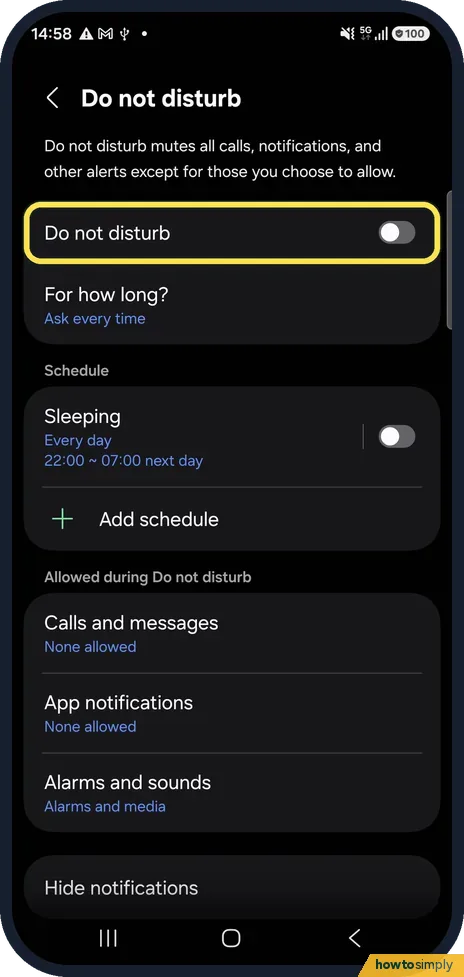
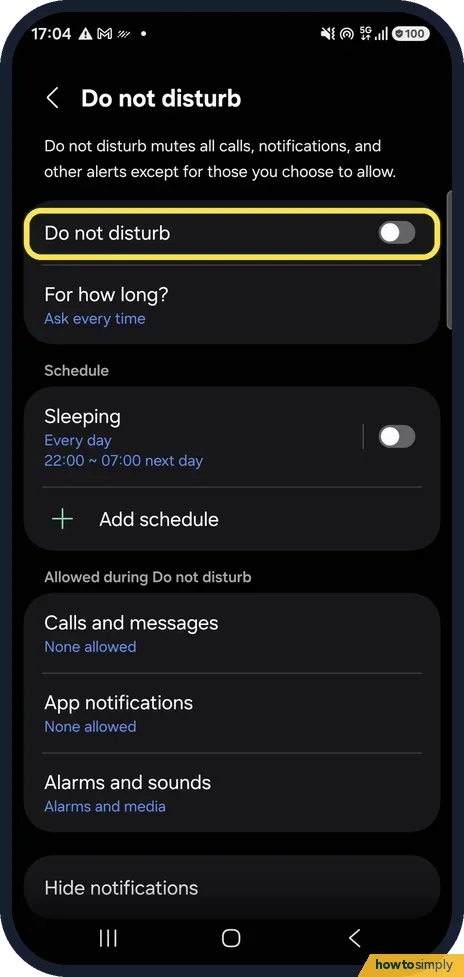
Samsung Do not disturb turning on or off by itself? What to check
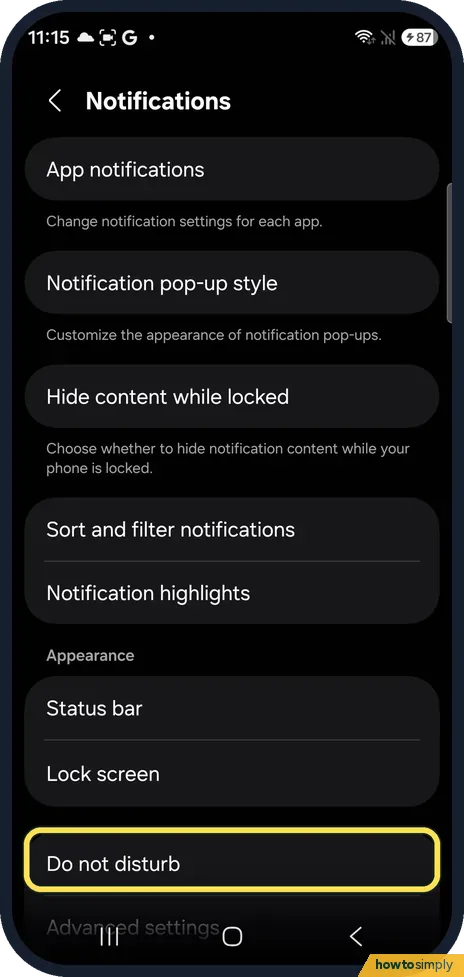
Open Settings, Notifications, Do not disturb. A schedule such as Sleeping switches it on and off at set times, and For how long decides when a manual Do not disturb…
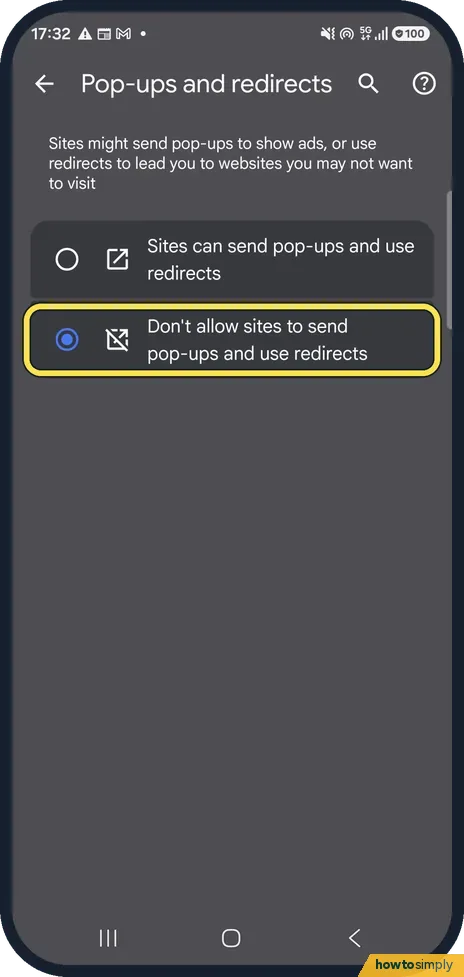
Pop-up ads on a Samsung Galaxy? How to stop them
Pop-ups inside Chrome: Chrome, three dots, Settings, Site settings, Pop-ups and redirects, choose Don't allow. Ads over other apps: Settings, Apps, Appear on top…
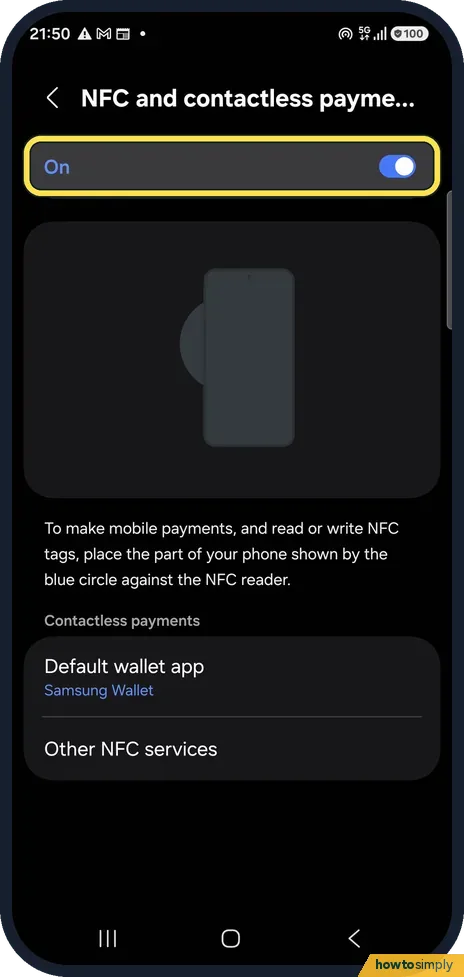
NFC or tap to pay not working on a Samsung Galaxy: fixes
Open Settings, Connections, NFC and contactless payments and check it is On. Under Contactless payments, make sure your payment app is the Default wallet app. Then hold…
Samsung Galaxy showing the wrong time or date: fix
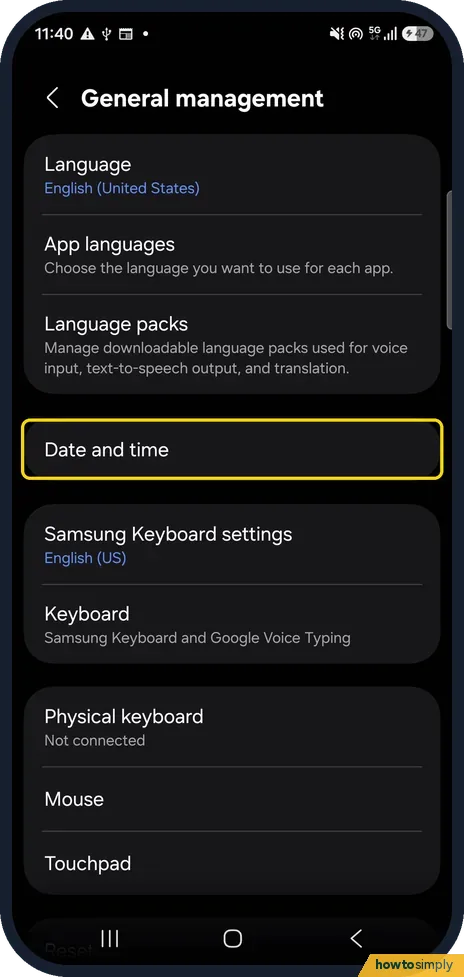
Open Settings, General management, Date and time and turn on Automatic date and time and Automatic time zone. Samsung says the phone then sets the date, time and time…
Gmail not getting new emails on Android? What to check
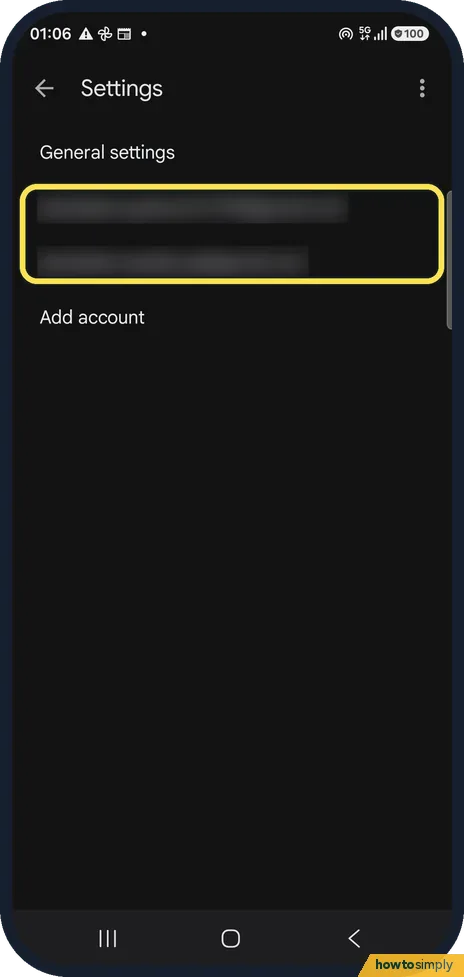
In the Gmail app open Settings, tap your account and check that Sync Gmail is ticked. Then check Notifications, the Spam folder and the phone's notification settings…
Can you make Gmail filters in the Android app? What to do instead
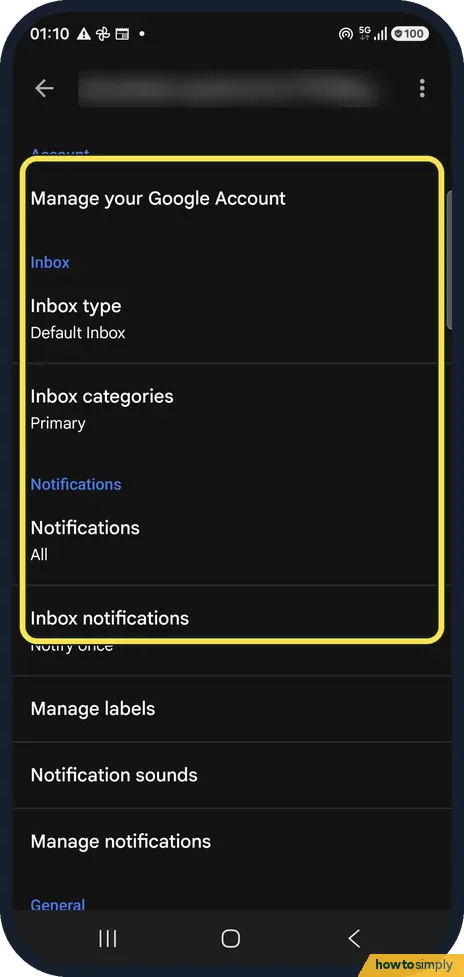
No. The Gmail app on Android has no option to create filters: its account settings offer Inbox type, Inbox categories, notifications and labels, and its menu offers…
Samsung Weather showing the wrong location? How to fix it
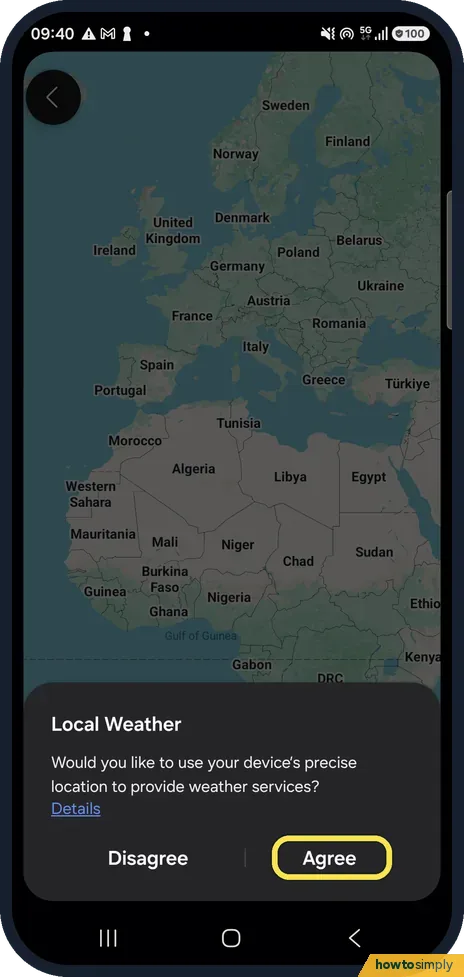
Open the Weather app and tap Agree when it asks to use your precise location, then Turn on for Location Accuracy and Change to precise location. The place at the top of…
Google Maps showing the wrong location on Android? How to fix it
Open the phone's Settings, Location and make sure it is on. Then open Location services, Location Accuracy and switch on Improve Location Accuracy. Turn on Wi-Fi as…
What is RAM Plus on a Samsung Galaxy, and should you turn it off?
RAM Plus uses part of the phone's storage as extra, slower memory so that more apps can stay open in the background. Leave it on unless you are short of storage space…
Samsung AOD stuck on 24-hour time? How to fix it (One UI 9)
The Always On Display page has no clock-format option. The AOD follows the phone's clock: open Settings, General management, Date and time and turn Use 24-hour format…
Privacy & Security
7 guidesHow to turn on Auto Blocker on a Samsung Galaxy phone
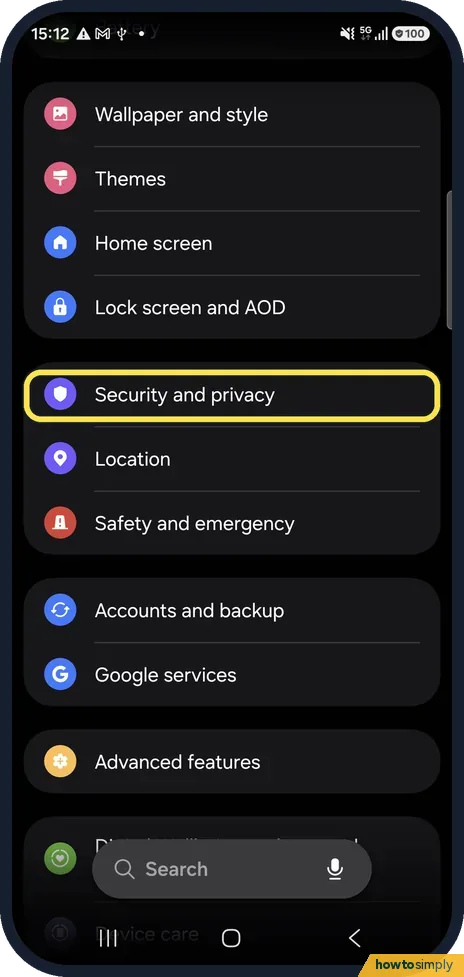
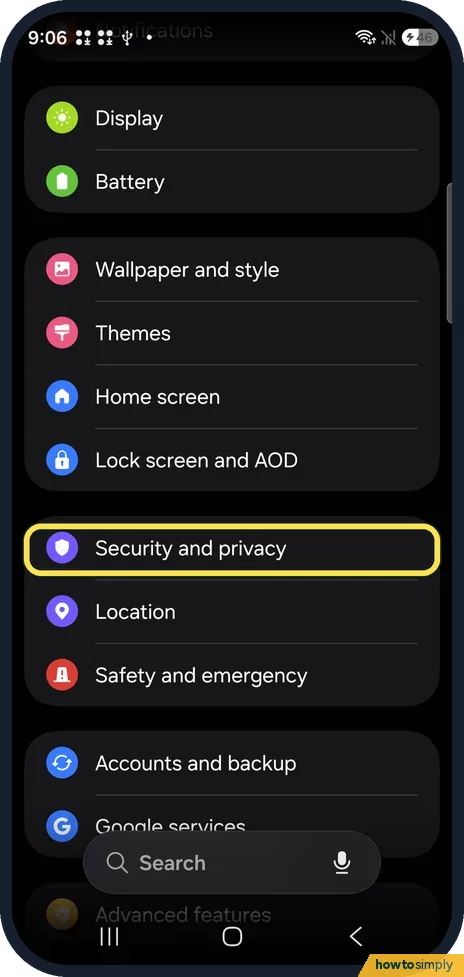
Open Settings, Security and privacy, Auto Blocker and tap the switch at the top. It blocks apps from unauthorized sources, commands sent over a USB cable, malware…
How to hide apps on a Samsung Galaxy phone
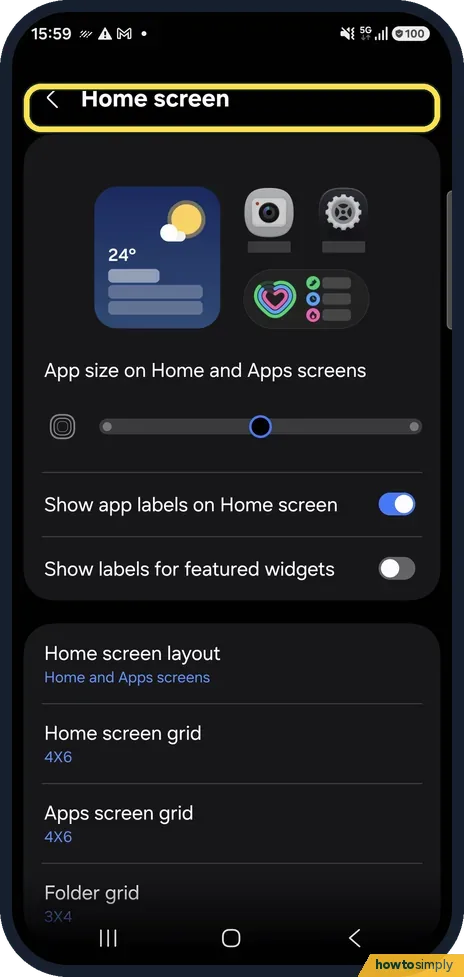
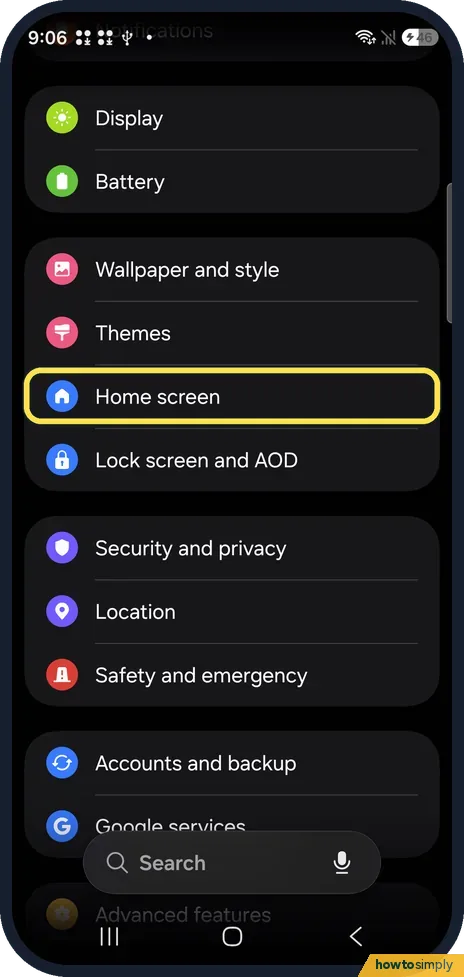
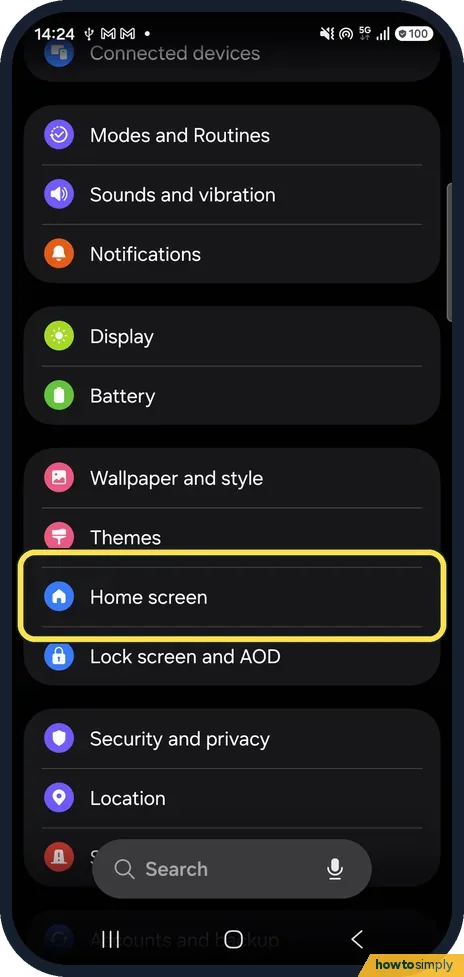
Open Settings, Home screen, scroll down and tap Hide apps on Home and Apps screens. Tick the apps to hide and tap Done. To show an app again, open the same page, untick…
How to block numbers and spam calls on a Samsung Galaxy
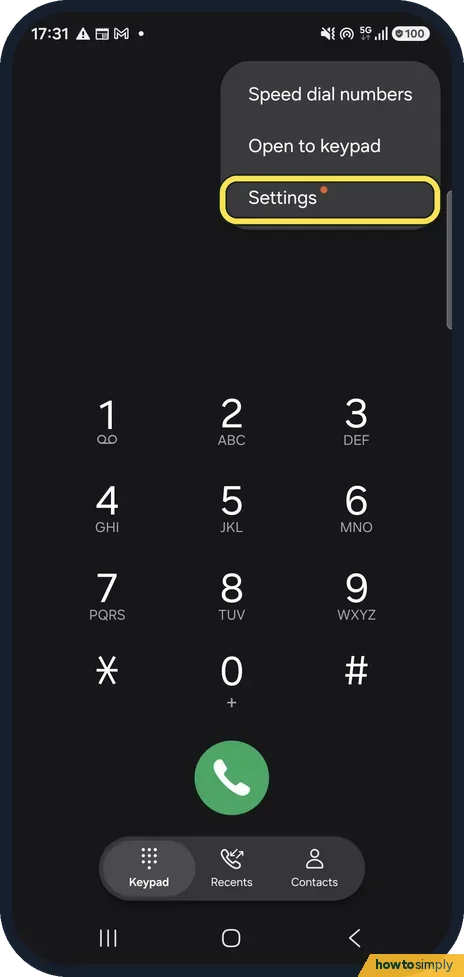
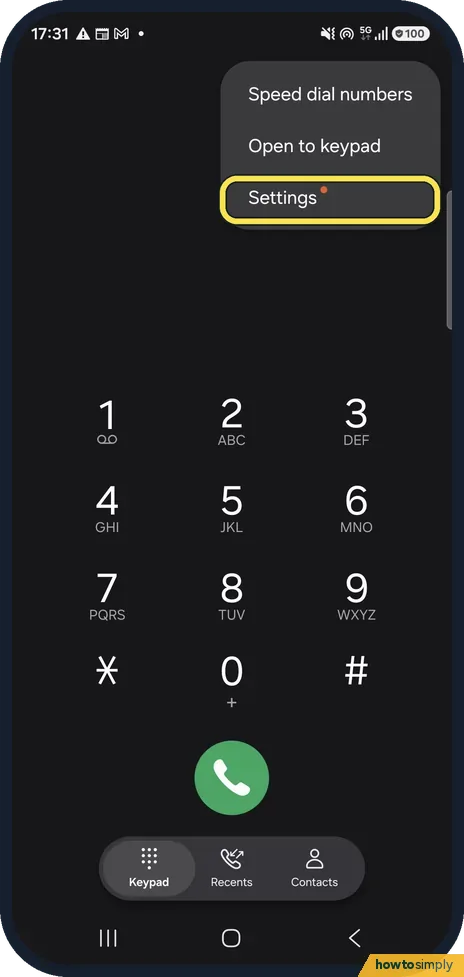
Open the Phone app, tap More options, Settings, Block numbers. Type a number and tap +, or pick one from Recents or Contacts. Switch on Block calls from unknown numbers…
How to change the lock screen shortcuts on a Samsung Galaxy
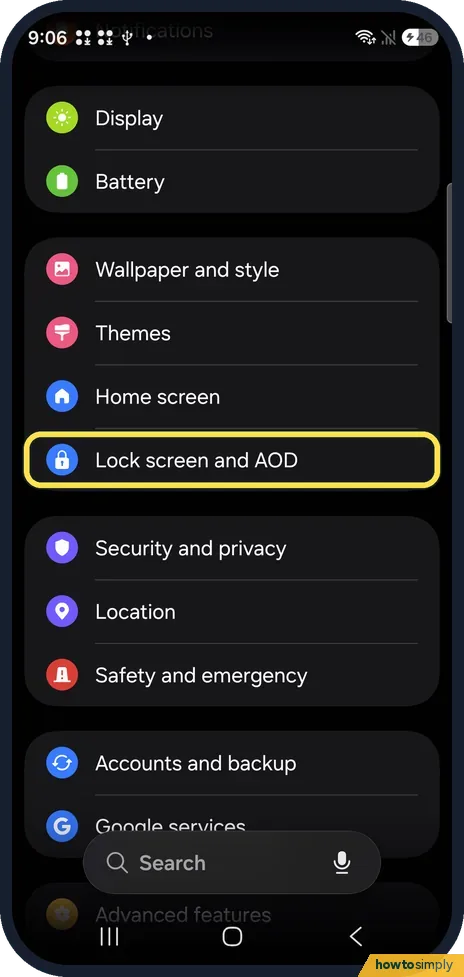
Open Settings, Lock screen and AOD and tap Edit Lock screen, or touch and hold the lock screen. Tap the shortcut at the bottom left or right, pick an action or app…
How to check a Samsung Galaxy for harmful apps with Play Protect
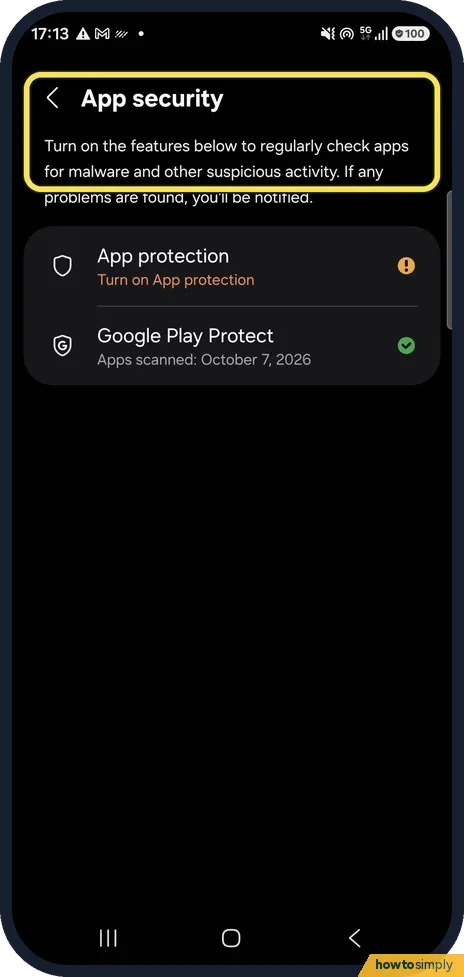
Open Settings, Security and privacy, App security and tap Google Play Protect. It shows when your apps were last scanned; tap Scan to check again now. Samsung's own App…
How to change an app's location permission on a Samsung Galaxy
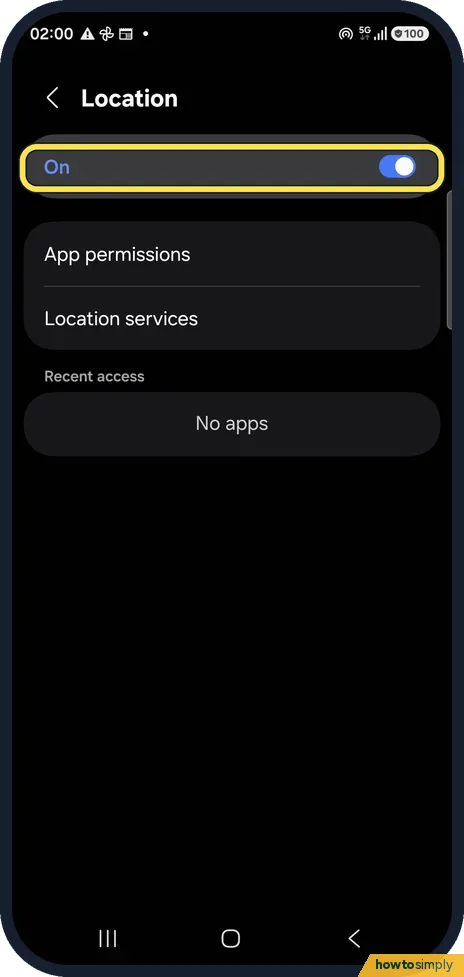
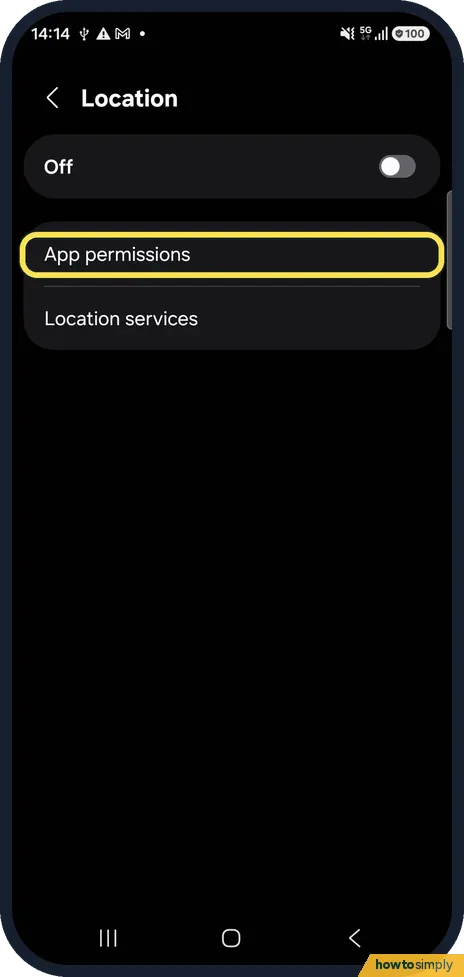
Open Settings, Location, App permissions. Apps are grouped by what they are allowed: all the time, only while in use, or not allowed. Tap an app and choose a new level…
Change the hotspot name, password and band on a Samsung Galaxy
Open Settings, Connections, Mobile Hotspot and Tethering, tap the words Mobile Hotspot, then the Network name, Password and Band section. Configure Mobile Hotspot has…
Browser & the web
6 guidesSamsung Internet is now Samsung Browser: where things moved
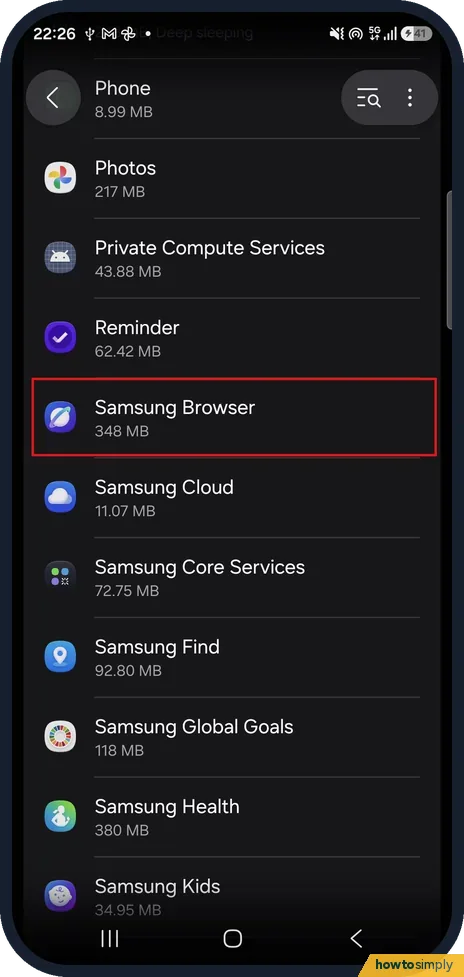
On One UI 8.5, Samsung Internet is called Samsung Browser. Find it under Settings, Apps, Samsung Browser. In the browser's settings, Personal browsing data has Delete…
How to translate a web page in Chrome on a Samsung Galaxy
Open the page in Chrome, tap the three dots at the top right and choose Translate… Chrome translates the page into your phone's language. Tap the translate bar at the…
How to clear cookies for one website in Chrome on Android
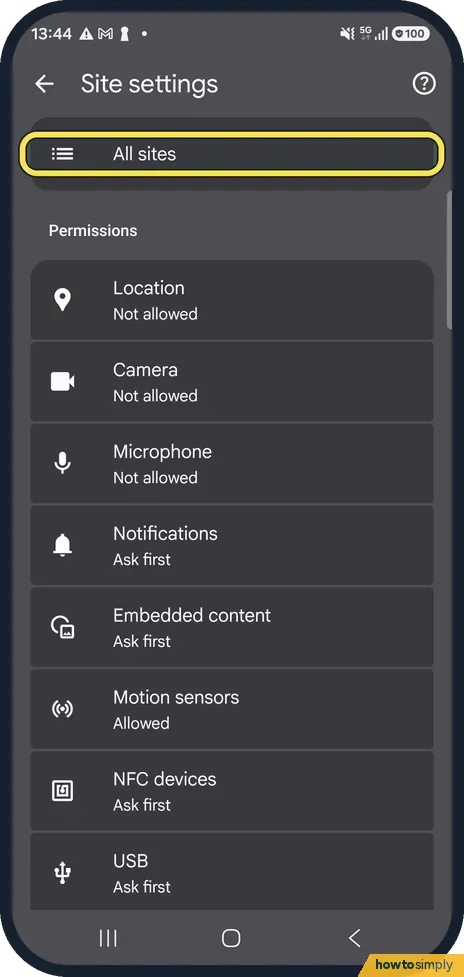
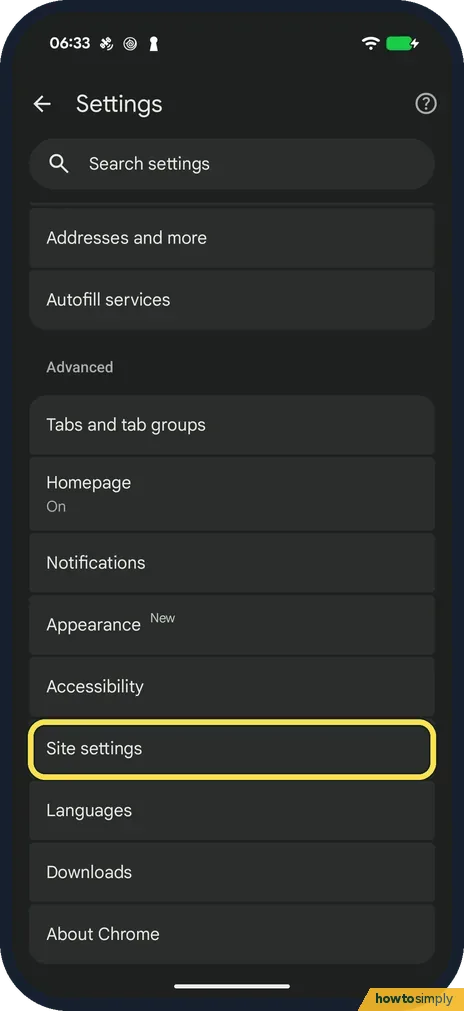
In Chrome, tap the three dots, Settings, Site settings, All sites. Find the website and tap the bin next to it, then Delete & reset. Only that site's cookies and data…
How to stop website notifications in Chrome on Android
In Chrome, tap the three dots, Settings, Site settings, Notifications and choose Don't allow sites to send notifications. To silence all Chrome notifications, open the…
How to reopen closed tabs in Chrome on Android
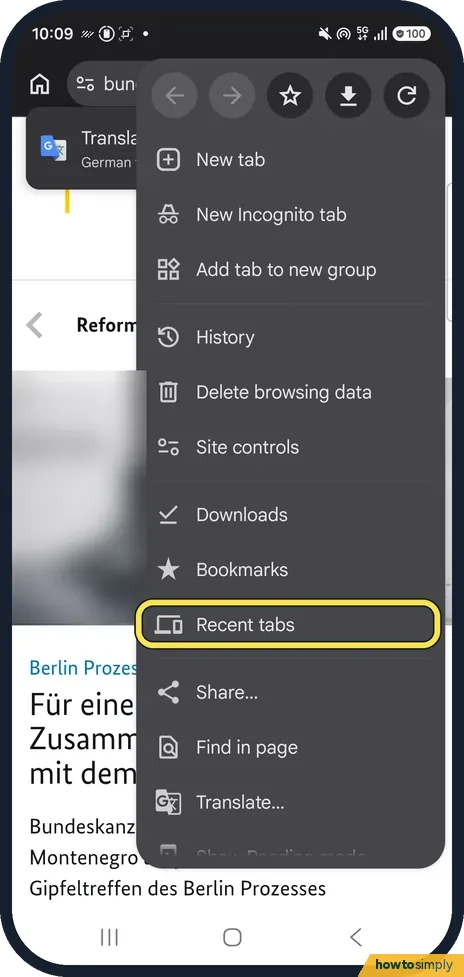
Tap the three dots in Chrome and choose Recent tabs. Under Recently closed, tap the tab you want back. Other devices on the same page shows open tabs from your computer…
How to change the homepage in Chrome on Android
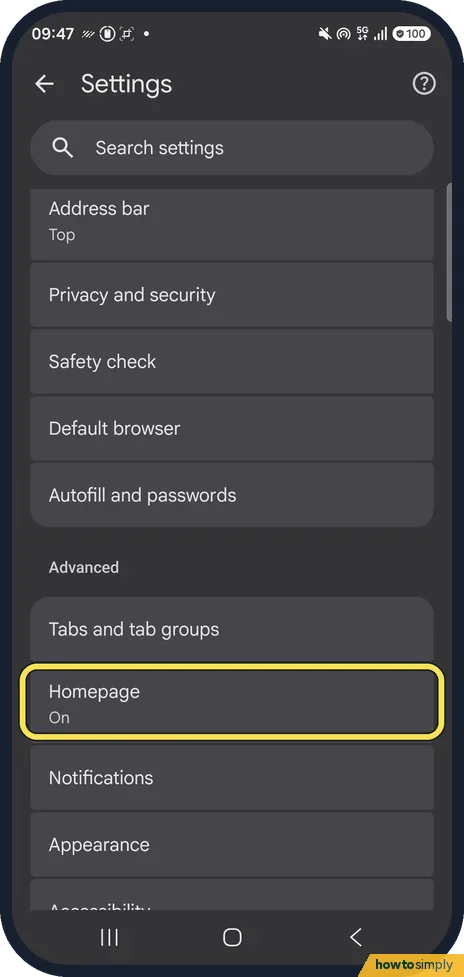
In Chrome, tap the three dots, Settings, Homepage. Keep the switch on, then choose Chrome's homepage or tap Enter custom web address and type the page you want. The…
Camera, Photos & Screenshots
15 guidesHow to take a screenshot on a Samsung Galaxy phone
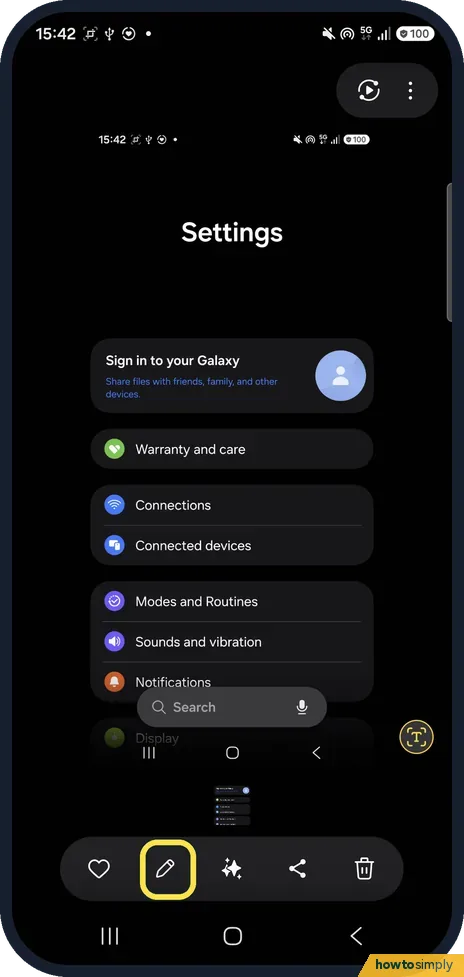
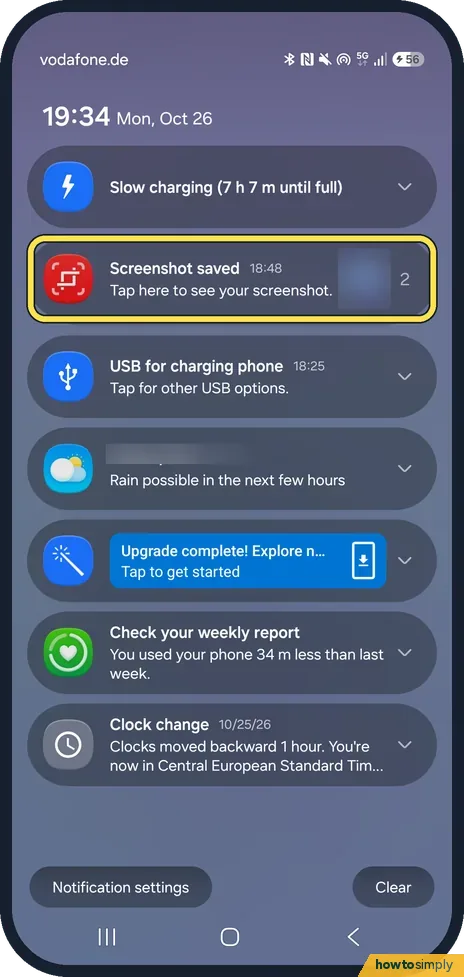
Press the Side button and the Volume down button together and release them; the screen flashes. Or switch on Palm swipe to capture under Settings, Advanced features…
How to record your screen on a Samsung Galaxy
Swipe down from the top right and tap Screen recorder, choose the sound (None, Media, or Media and mic), then tap Start recording. If the button is missing, add it with…
Samsung Galaxy photos blurry or out of focus: fixes
Wipe the camera lens, tap the subject on the screen to focus, hold the phone still and step back if you are very close. If photos stay blurry, open Camera, Settings and…
How to recover deleted photos on a Samsung Galaxy (Trash)
Open Gallery, tap Menu at the bottom right, then Trash. Tap Select, tick the photos you want back and tap Restore. Deleted pictures and videos stay in Trash for 30…
How to add a watermark to photos on a Samsung Galaxy camera
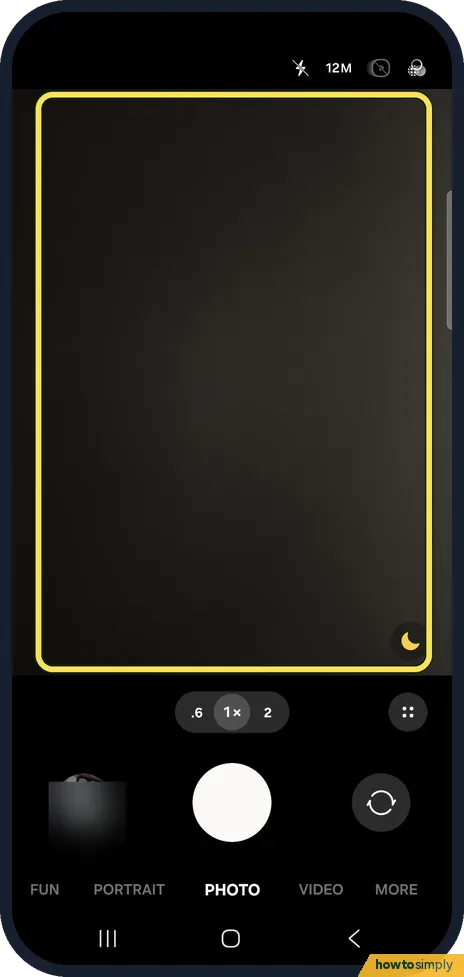
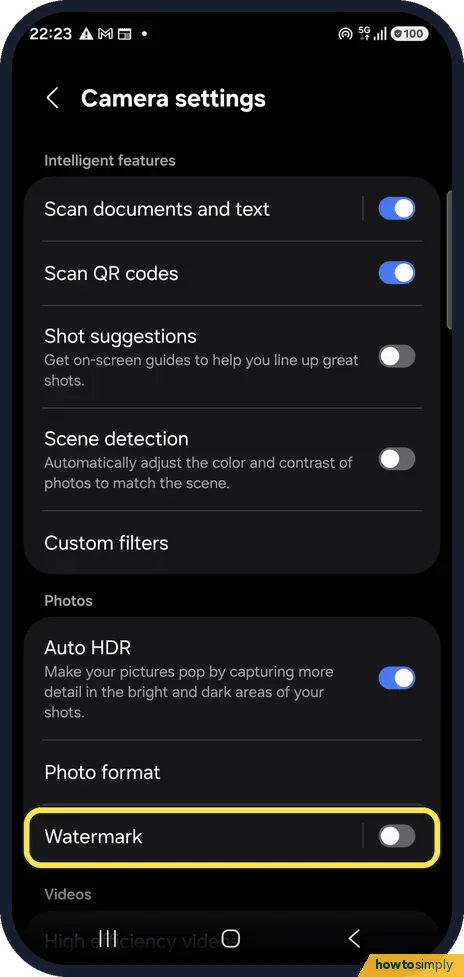
Open Camera, the settings gear, Watermark and turn it on. The model name is added to the corner of every new photo; you can edit the text and add the date and time. A…
How to trim a video on a Samsung Galaxy
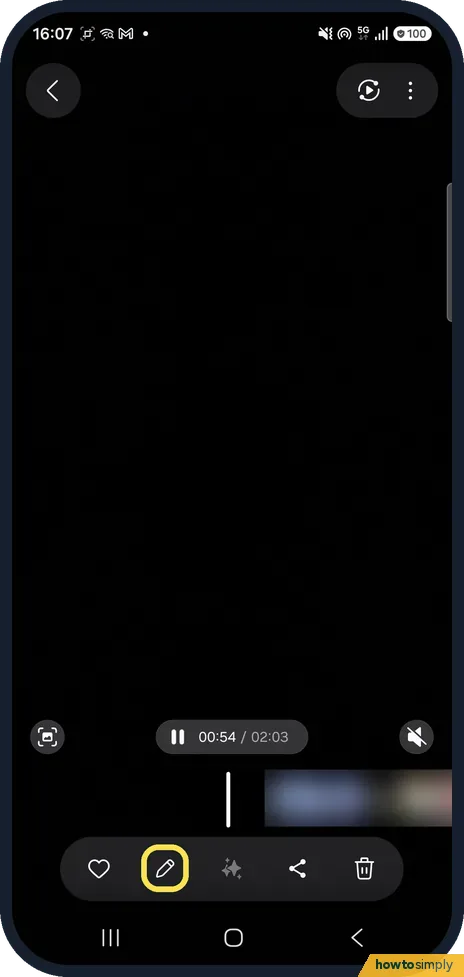
Open the video in Gallery and tap the pencil (Edit). The editor opens with the scissors (Trim) selected. Drag the white handles at each end of the timeline to the new…
How to see when and where a photo was taken on a Samsung Galaxy
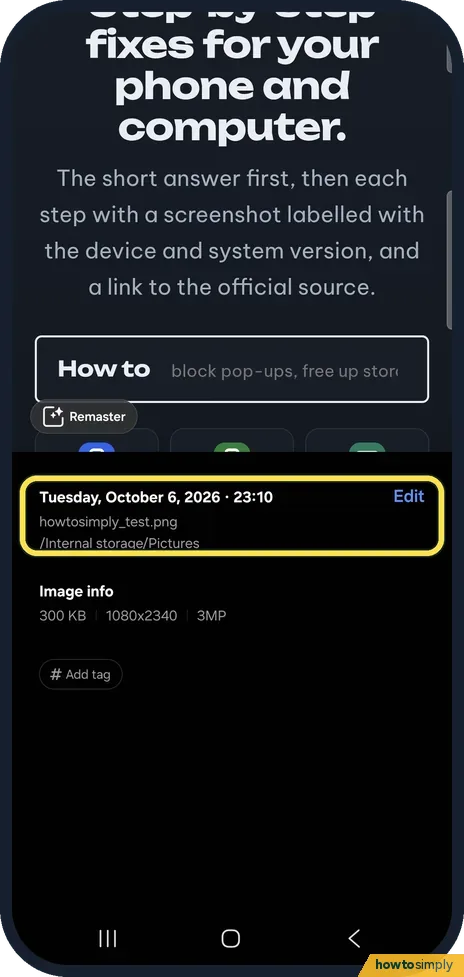
Open the photo in Gallery and swipe up on it. The details show the date and time, the file name, the folder it is saved in, its size in KB or MB, its resolution and…
How to resize a photo on a Samsung Galaxy
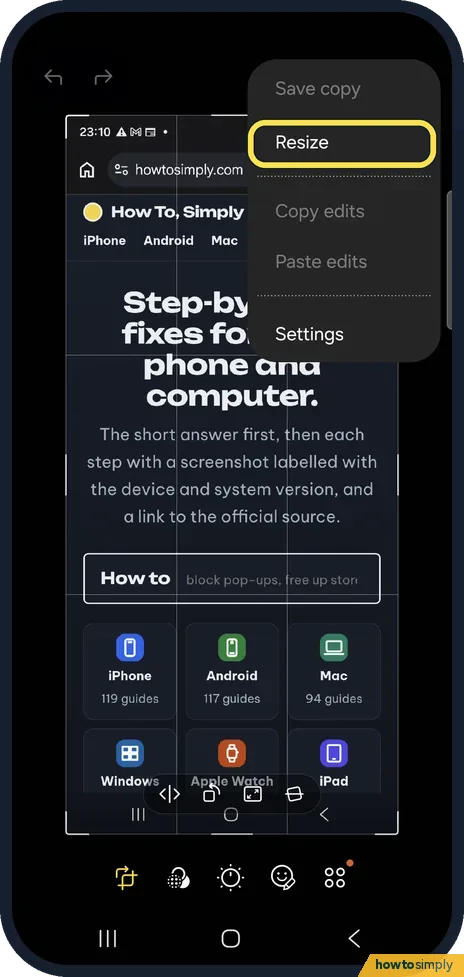
Open the photo in Gallery, tap the pencil (Edit), then the three dots at the top right and Resize. Pick 20, 40, 60 or 80 percent, tap Done, then save it. Samsung warns…
How to make a GIF from photos on a Samsung Galaxy
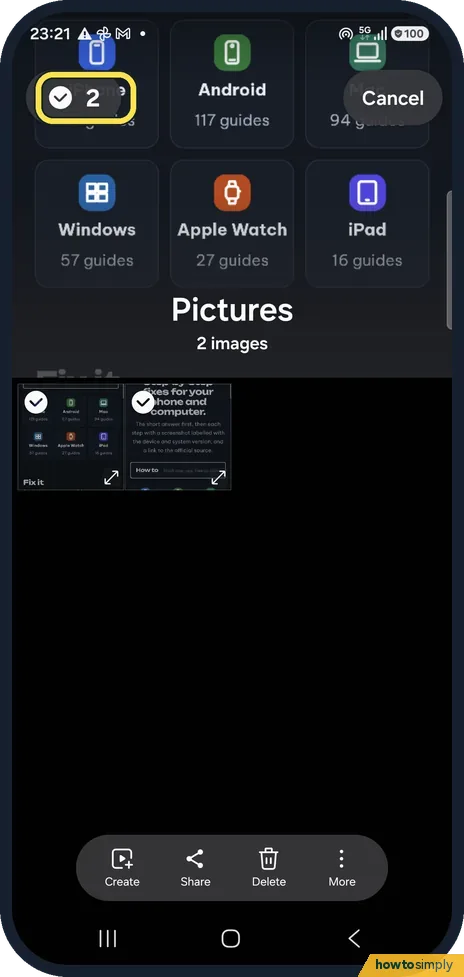
In Gallery, touch and hold a photo, tap the others you want, then tap Create and GIF. Check the preview, add or remove pictures if needed, and tap Save. The GIF is…
How to turn on the camera grid on a Samsung Galaxy (One UI 9)
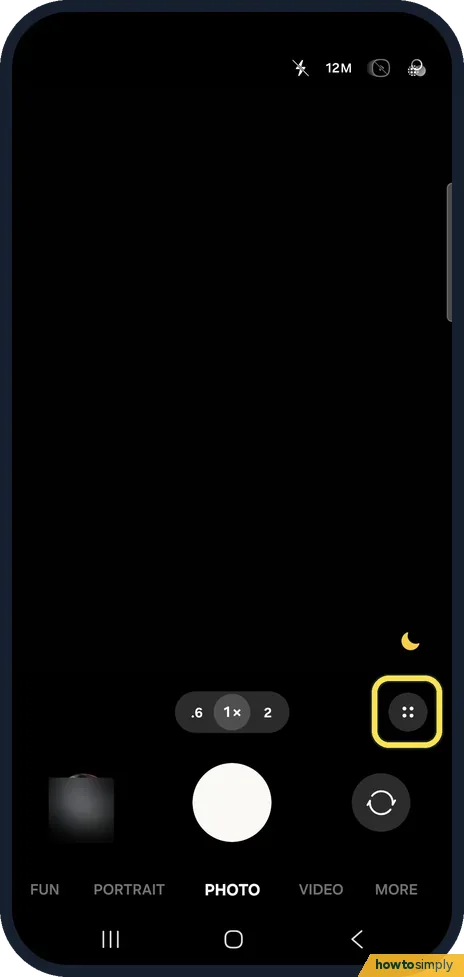
Open Camera, tap the Quick controls button (four dots) next to the zoom, then the gear. In Camera settings, under General, turn on Composition guide. Choose Grid lines…
How to turn off camera access on a Samsung Galaxy (One UI 9)
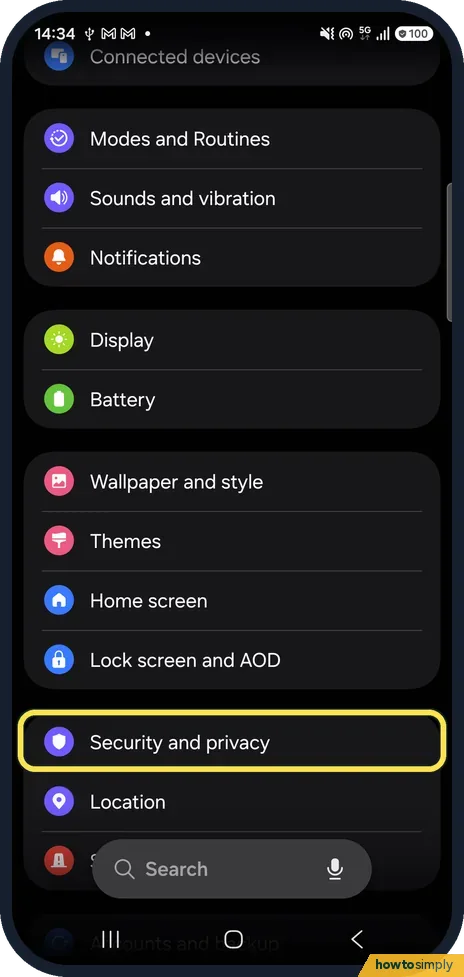
Open Settings, Security and privacy, scroll to Privacy and tap Controls and alerts. Turn off Camera access and tap Block. No app can then use the camera. Opening Camera…
How to save a still photo from a video on a Samsung Galaxy (One UI 9)
Open the video in Gallery, pause on the frame you want and tap the capture icon at the bottom left of the player. The still is saved straight away; on ours it went to…
How to take a scrolling screenshot on a Samsung Galaxy (One UI 9)
Take a screenshot, then tap Scroll capture, the first icon (two arrows pointing down) in the toolbar at the bottom. Each tap scrolls the page and adds the next part…
How to blur part of a photo on a Samsung Galaxy (Mosaic pen)
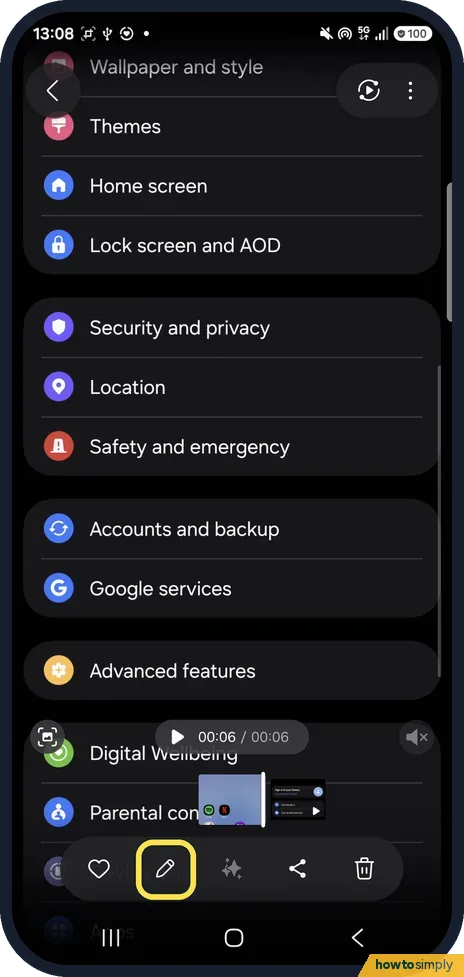
Open the photo in Gallery, tap the pencil (Edit), the smiley face (Decorations), then Draw. Pick the Mosaic pen, the third pen, and paint over what you want hidden, then Save.
How to edit a video on a Samsung Galaxy (speed, filters, sound)
Open the video in Gallery and tap the pencil. The editor has tools along the bottom: speed (the gauge next to the time), filters, and the speaker icon for video sound…
Apps
20 guidesHow to change default apps on a Samsung Galaxy phone
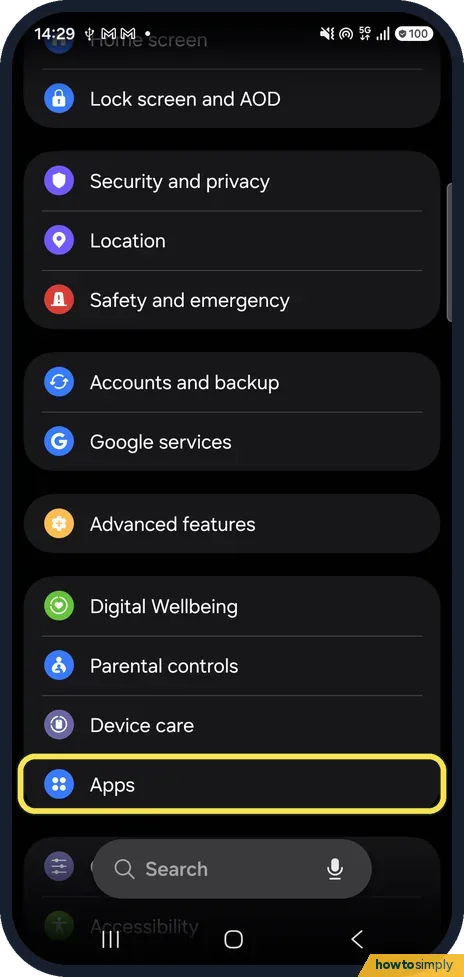
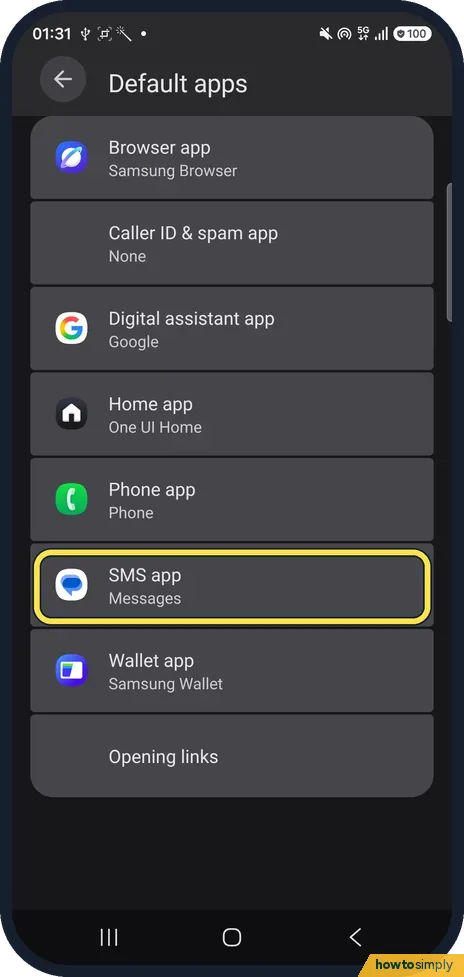
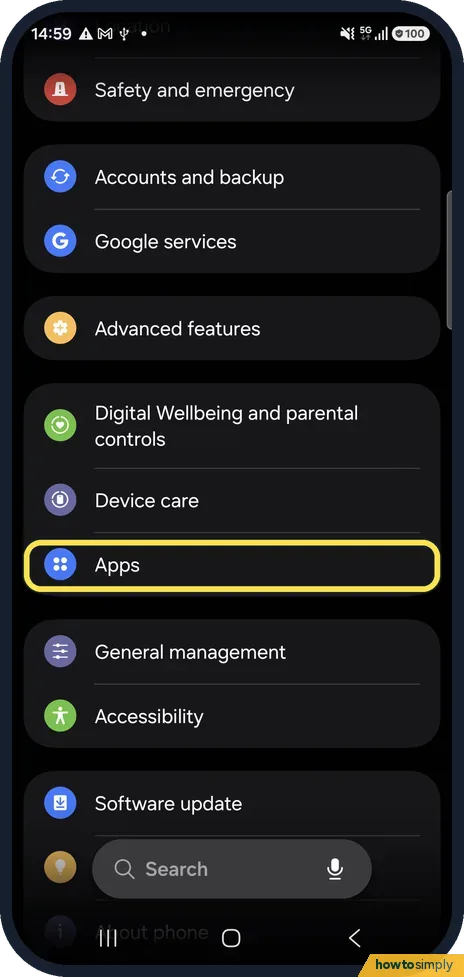
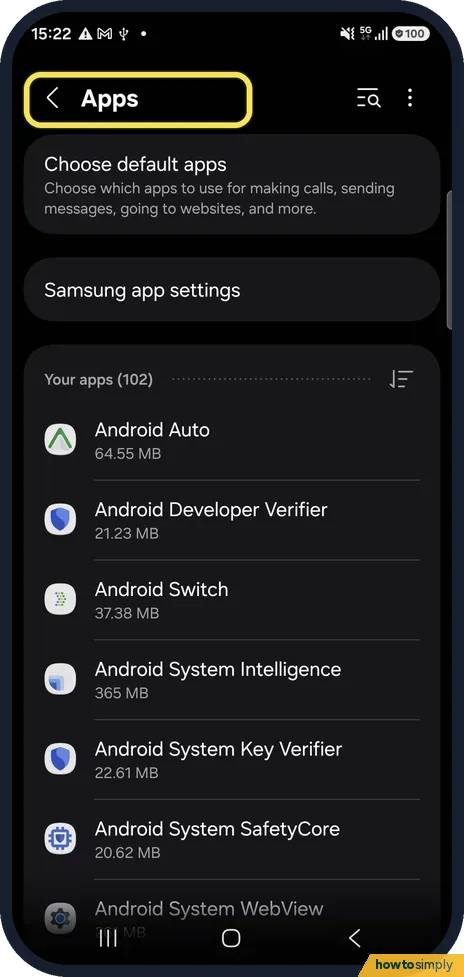
Open Settings, Apps, Choose default apps. Tap a category such as Browser app, Phone app or SMS app and pick the app you want to use from now on.
How to use Maintenance mode on a Samsung Galaxy before a repair
Open Settings, Device care, Maintenance mode and tap Turn on. The phone needs a screen lock first; Swipe does not count. Samsung says the phone then restarts with your…
How to record a phone call on a Samsung Galaxy
During a call in the Samsung Phone app, tap the Record button. Everyone on the call hears that recording has started. Recordings are under Phone, More options…
How to clear an app's cache on a Samsung Galaxy
Open Settings, Apps, tap the app, then Storage, and tap Clear cache at the bottom. This removes temporary files and keeps your login and data. Clear data resets the app…
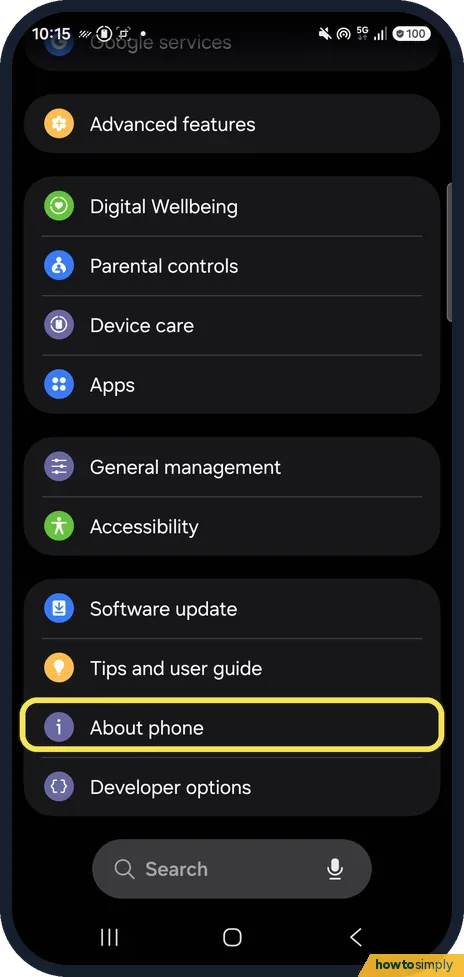
How to turn on Developer options on a Samsung Galaxy
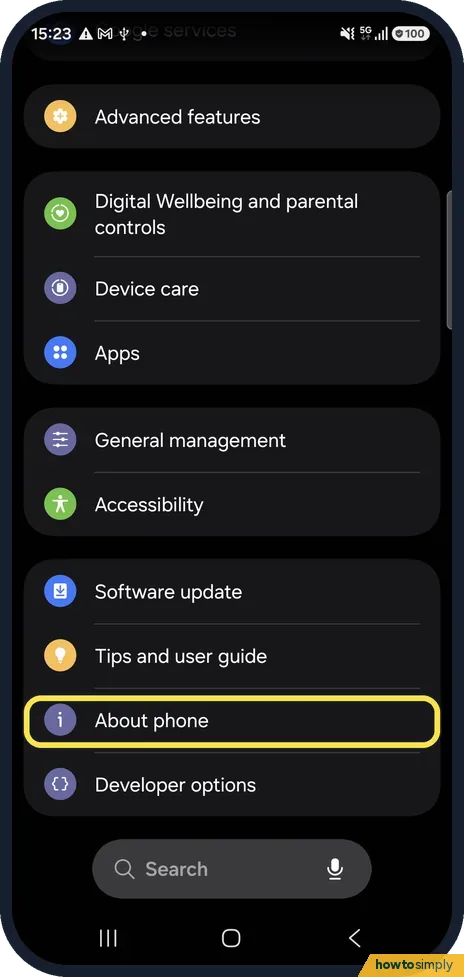
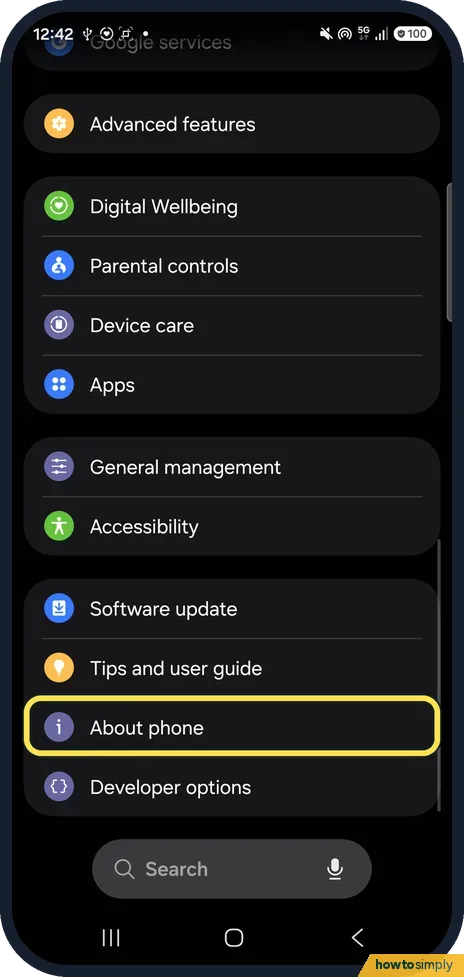
Open Settings, About phone, Software information and tap Build number seven times. Enter your PIN or pattern if asked. Developer options then appears at the very bottom…
Google Calendar events not showing in Samsung Calendar: how to sync
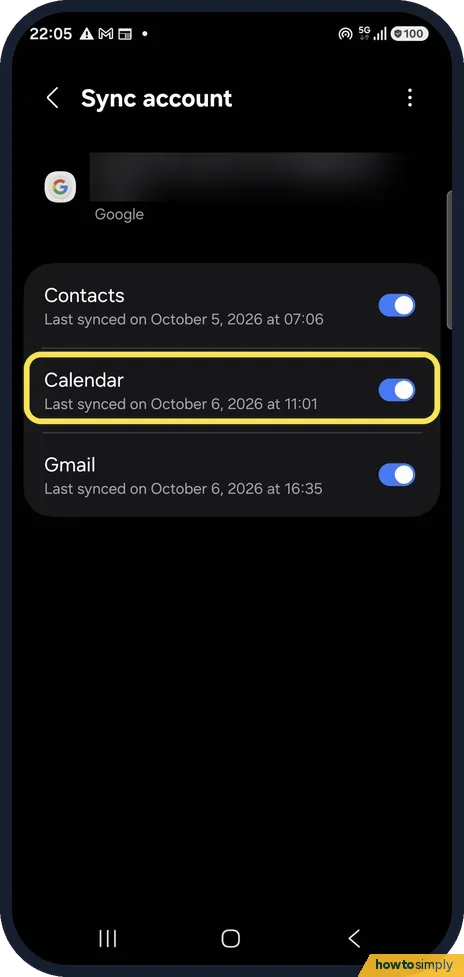
Open Settings, Accounts and backup, Manage accounts, your Google account, Sync account and check Calendar is on. Then open Samsung Calendar, tap the three lines, tap…
How to move phone contacts to your Google account on a Samsung Galaxy
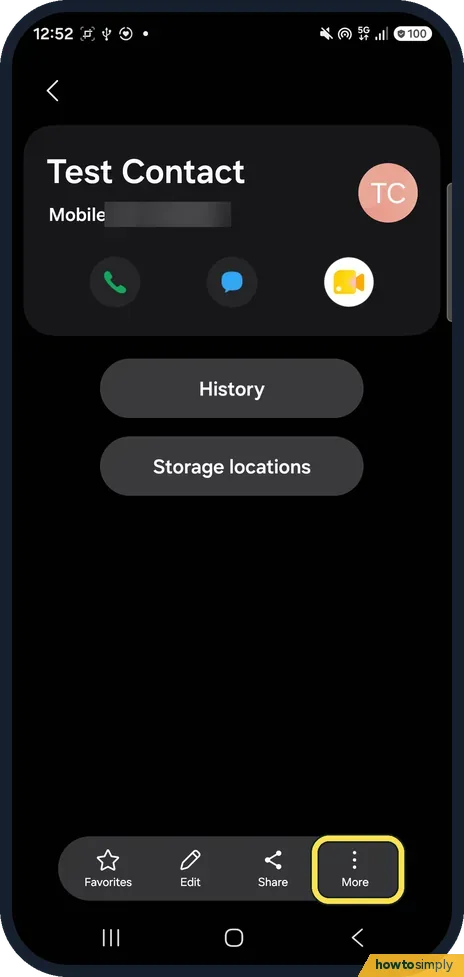
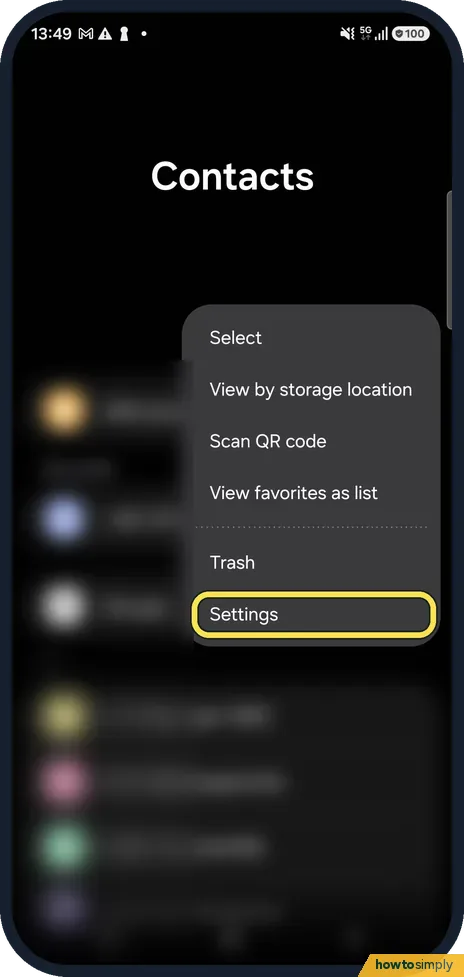
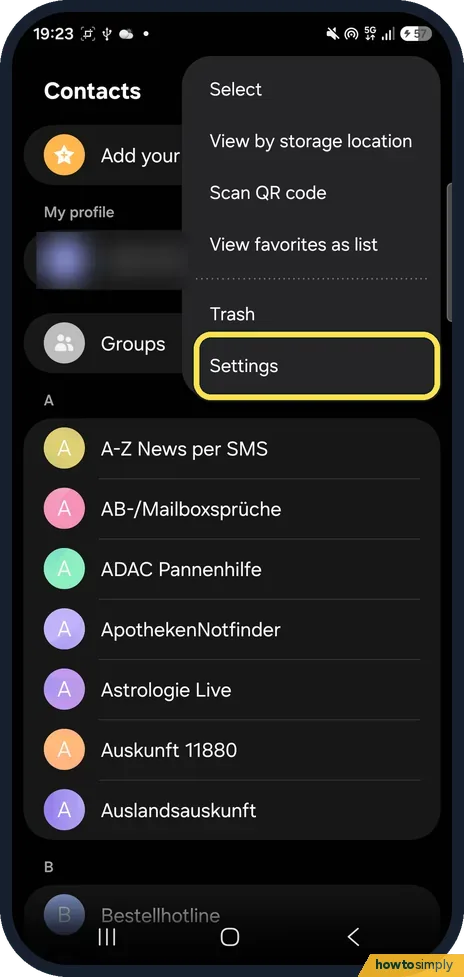
Open Contacts, tap the three dots, then Settings, then Move contacts to other storage location and choose your Google account. Then set Default storage location to…
How to add and resize widgets on a Samsung Galaxy home screen
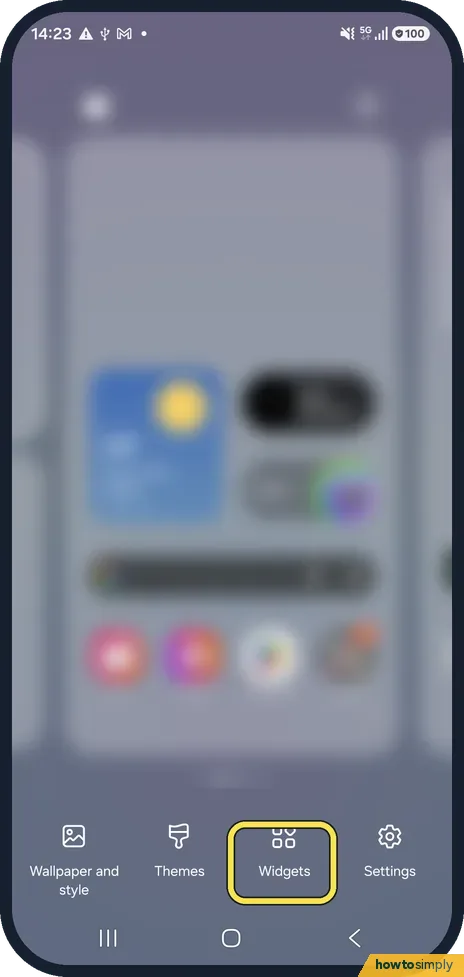
Touch and hold an empty spot on the home screen, tap Widgets, choose an app and a widget size, and tap Add. To resize, touch and hold the widget and drag the edges of…
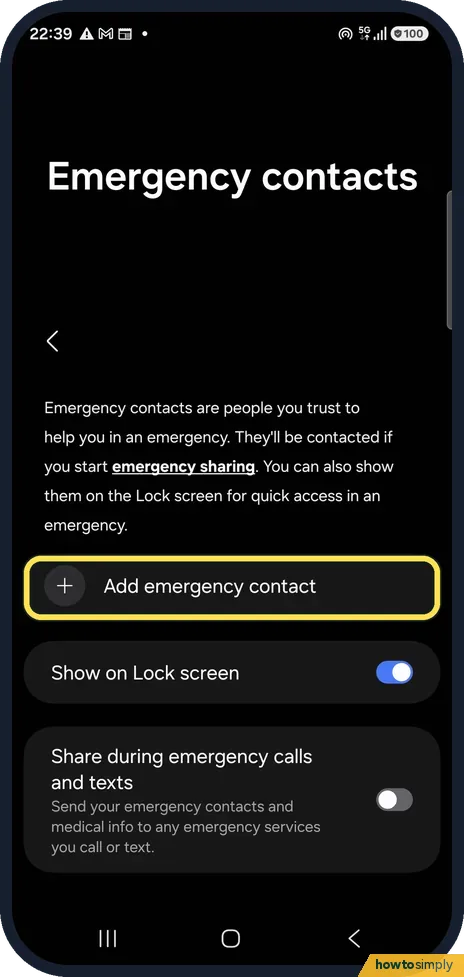
How to add medical info and emergency contacts on a Samsung Galaxy
Open Settings, Safety and emergency. Tap Emergency contacts, Add emergency contact, and keep Show on Lock screen on. Tap Medical info to add allergies, medicines and…
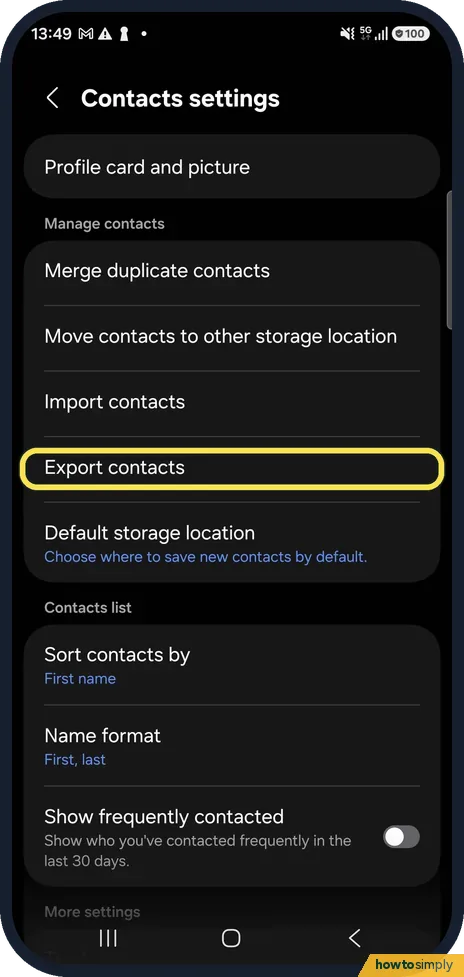
How to export contacts on a Samsung Galaxy (to a file or the SIM)
Open Contacts, tap the three dots, then Settings and Export contacts. Check what is selected under From, pick Internal storage or SIM 1 under To, then tap the Export…
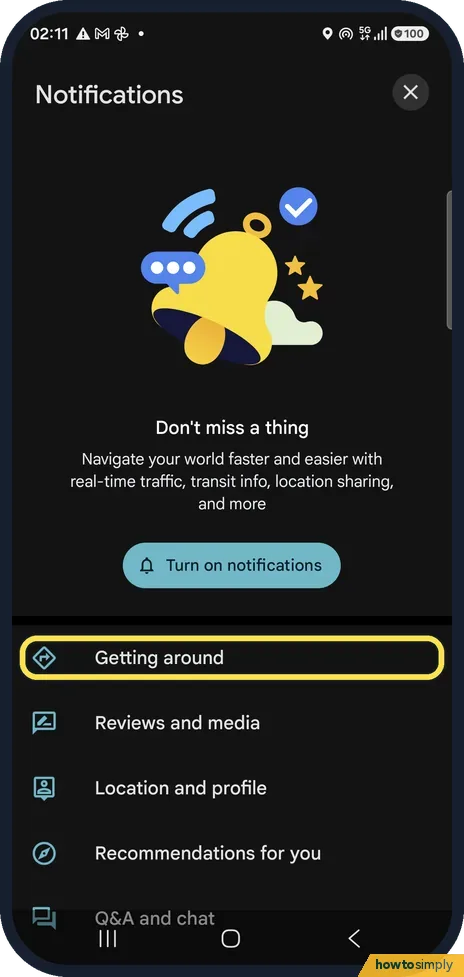
How to turn off Google Maps notifications on Android
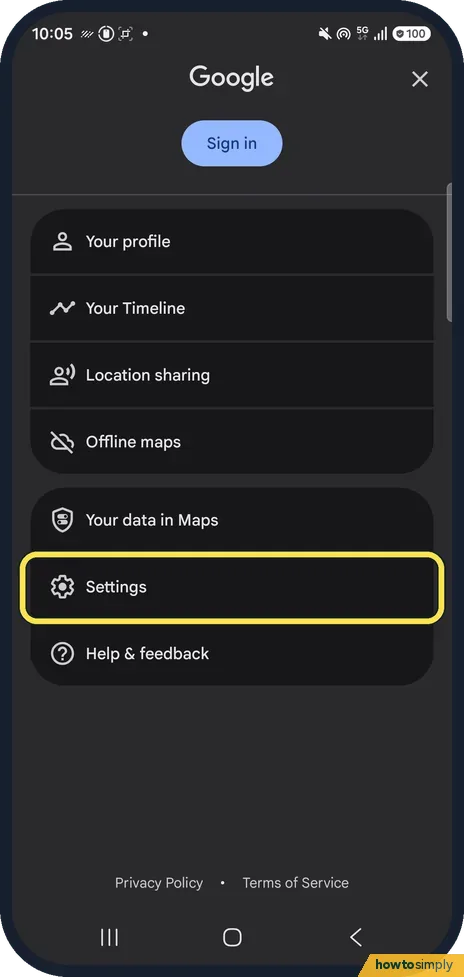
In Google Maps tap your profile picture, Settings, Notifications. Pick a group, such as Getting around, and switch off the alerts you do not want. To silence Maps…
How to change the voice or mute voice navigation in Google Maps on Android
In Google Maps tap your profile picture, Settings, Navigation. Under Sound & voice choose Muted, Alerts only or Unmuted, and tap Voice selection to pick another voice…
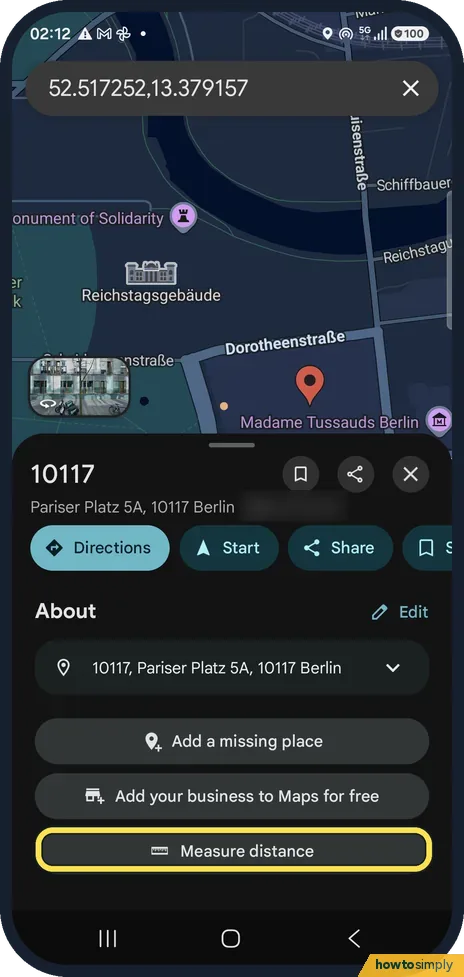
How to measure distance in Google Maps on Android
Touch and hold the map to drop a red pin, then tap Measure distance in the place card. Drag the map so the circle sits on the next point; the distance updates at the…
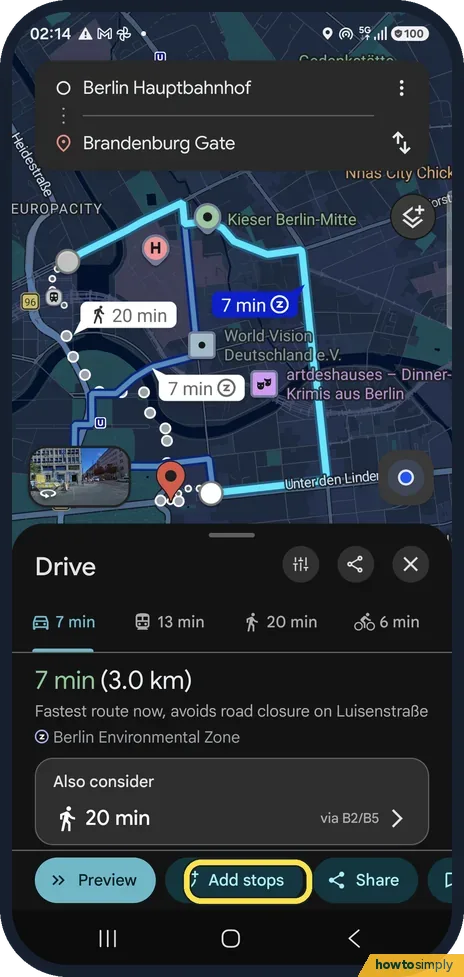
How to add a stop to a route in Google Maps on Android
Get directions, then tap Add stops below the route. Search along the route or pick a category such as Coffee shops, open a place and tap Add stop. Maps puts the stop in…
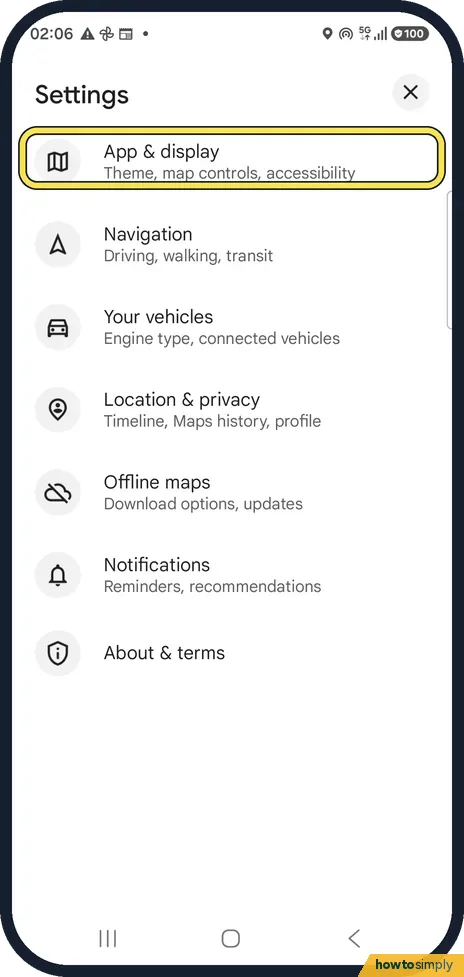
How to turn on dark mode in Google Maps on Android
In Google Maps tap your profile picture, Settings, App & display, Theme. Choose Always in dark theme or Same as device theme and tap Save.
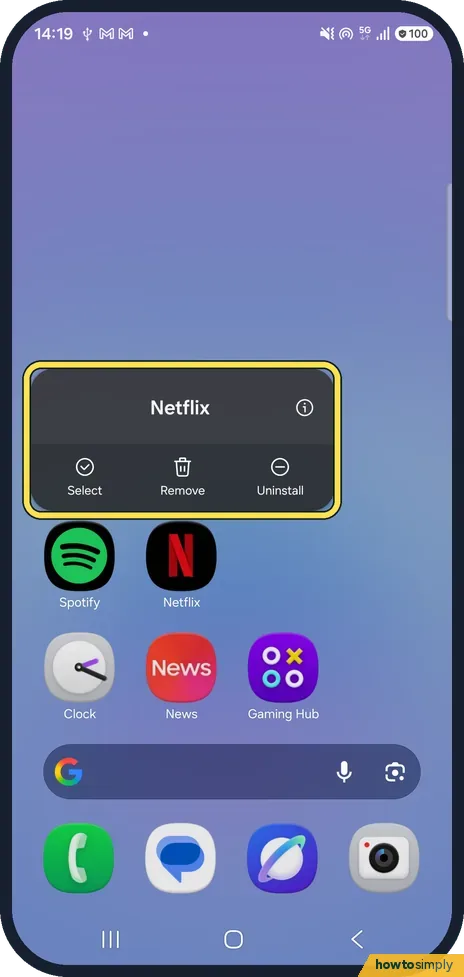
How to move or remove an app from the home screen on a Samsung Galaxy (One UI 9)
Touch and hold the app and drag it to a new spot. To take it off the home screen, touch and hold it and tap Remove, not Uninstall. Ours vanished at once, with no…
How to lock the home screen layout on a Samsung Galaxy (One UI 9)
Open Settings, Home screen and switch on Lock Home screen layout. Icons can then not be removed or moved: trying shows Home screen layout is locked. You can unlock it…
How to remove the Google search bar from a Galaxy home screen
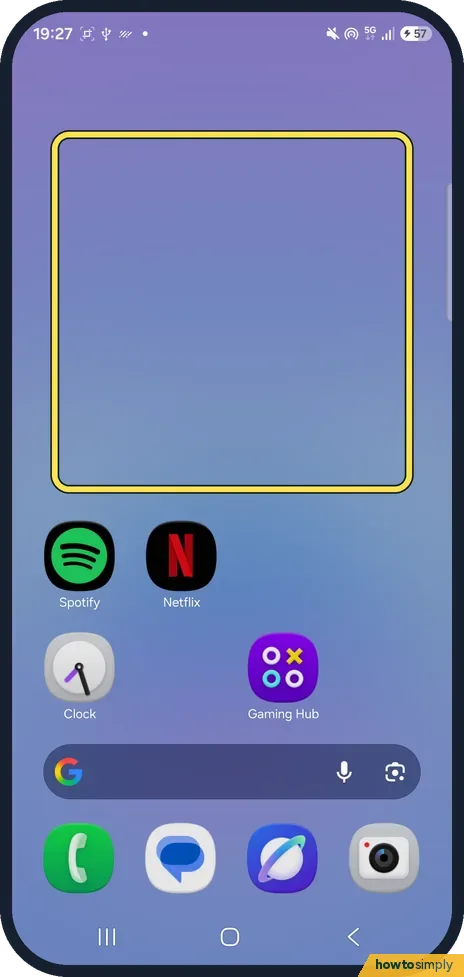
On One UI 9 the search bar is not a widget. Touch and hold an empty part of the Home screen, tap Settings, then Show search on Home screen, and turn off Search. The bar…
How to restore deleted contacts on a Samsung Galaxy (One UI 9)
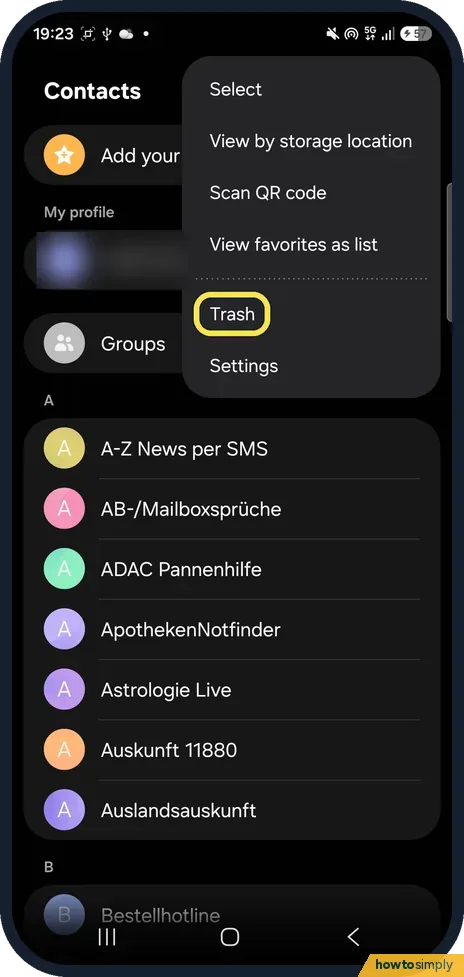
Open Contacts, tap the menu and then Trash. Tap the contact and tap Restore at the bottom. Deleted contacts stay in the Trash for 30 days; after that they are deleted…
How to merge duplicate contacts on a Samsung Galaxy (One UI 9)
Open Contacts, tap the three dots, then Settings and Merge duplicate contacts. Pick Number, Email or Name, tick the duplicates and tap Merge. Check the preview and tap…
Display & Accessibility
13 guidesHow to turn on dark mode on a Samsung Galaxy phone
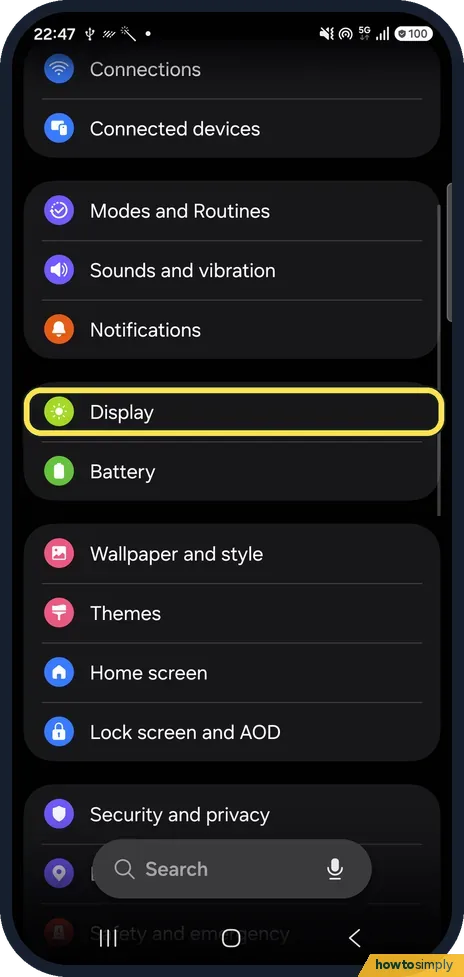
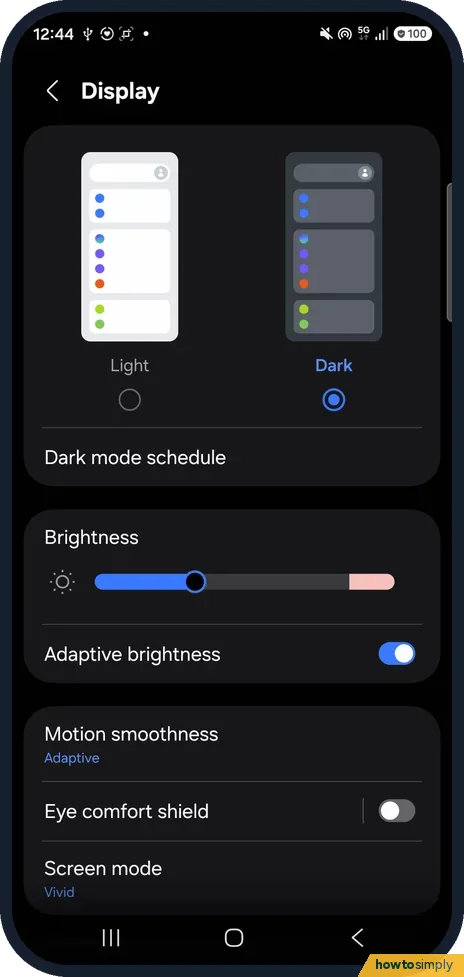
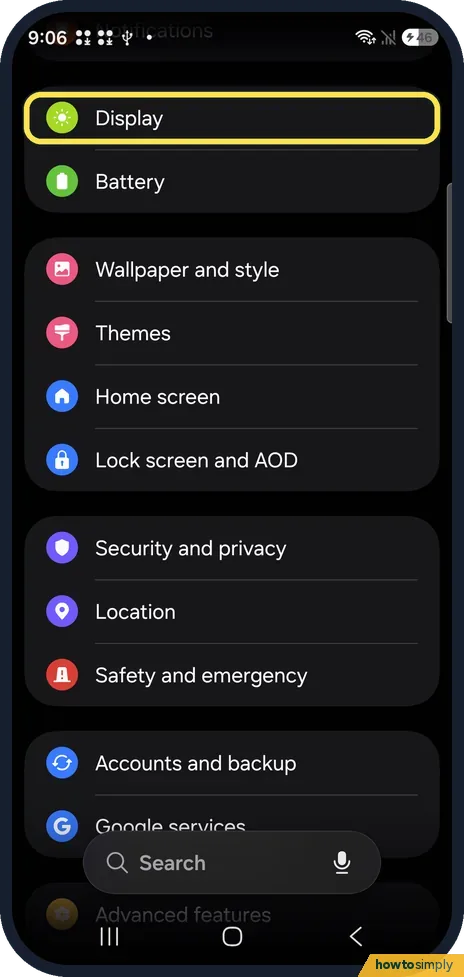
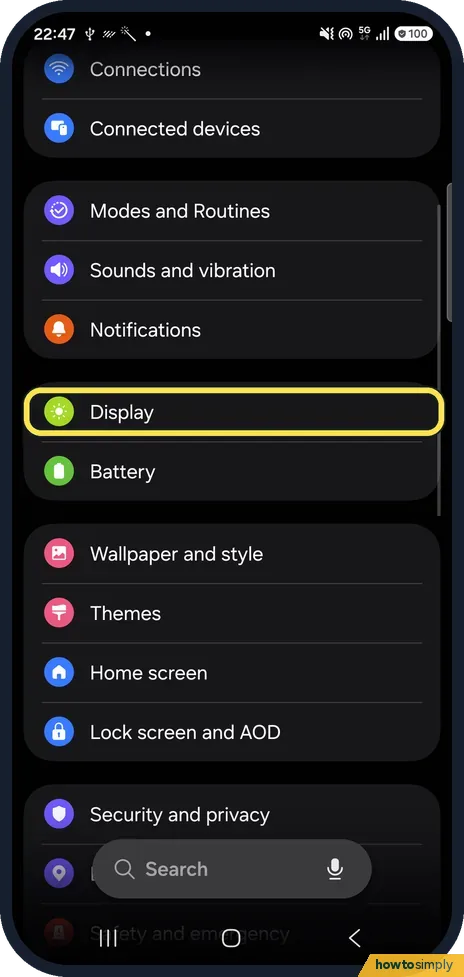
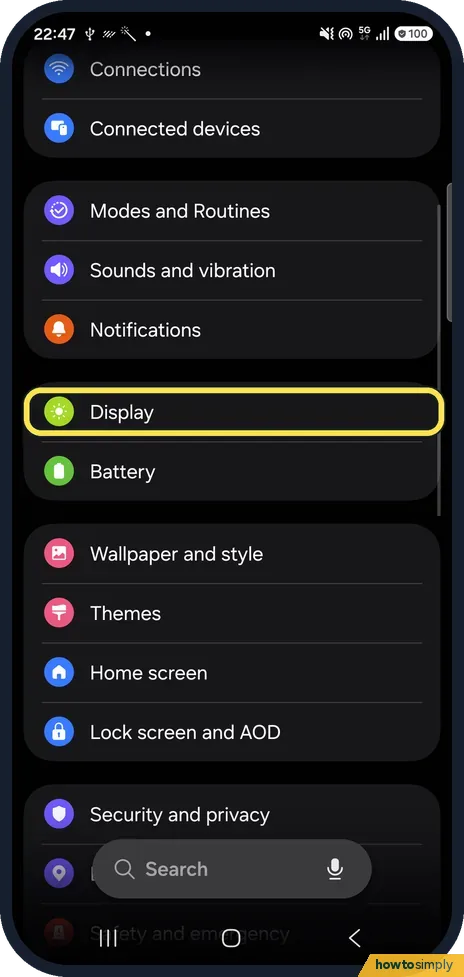
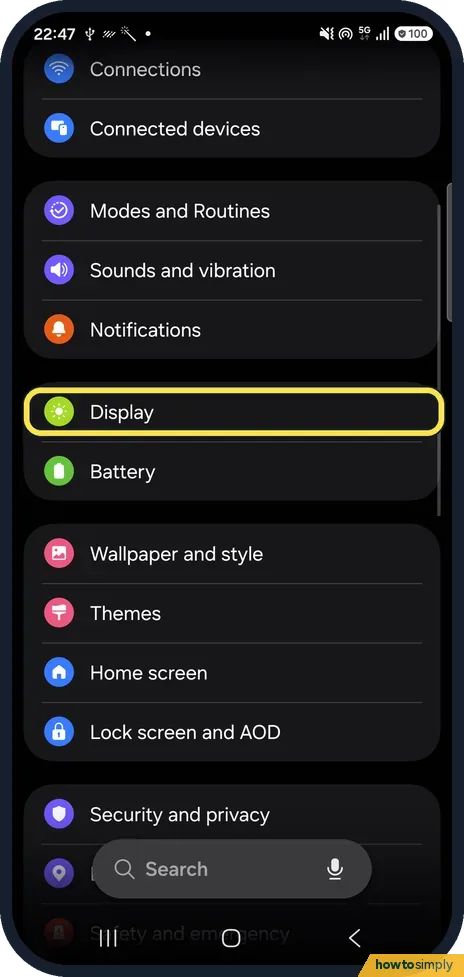
Open Settings, tap Display and tap Dark at the top of the page. To switch it on and off automatically, tap Dark mode schedule and turn on Turn on as scheduled. Tap…
How to change the screen timeout on a Samsung Galaxy phone
Open Settings, Display, Screen timeout and pick a time from 15 seconds to 10 minutes. Keep screen on while viewing, on the same page, uses the front camera to keep the…
How to make text bigger on a Samsung Galaxy phone
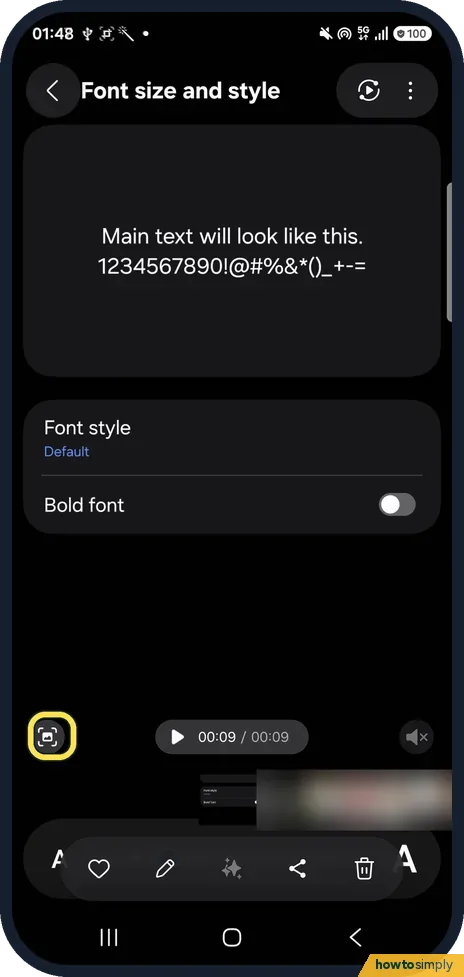
Open Settings, Display, Font size and style and drag the slider at the bottom to the right. Switch on Bold font for thicker letters, and tap Font style to choose…
How to turn on Eye comfort shield on a Samsung Galaxy phone
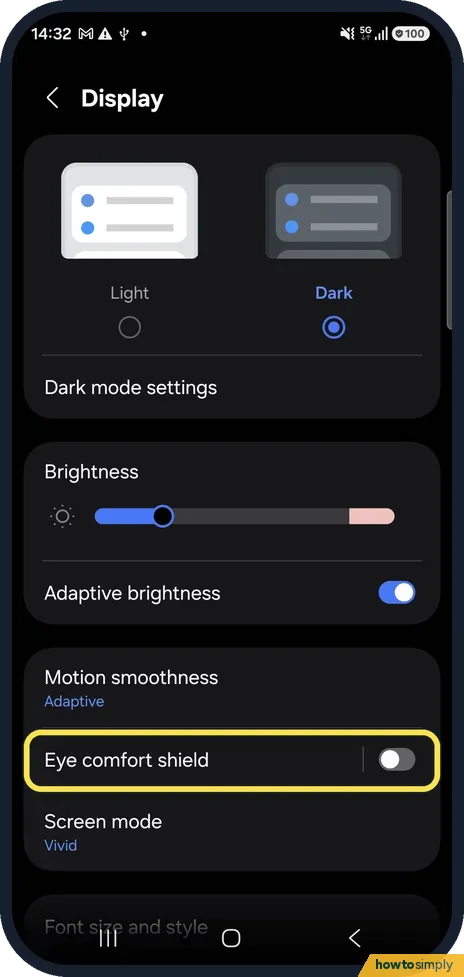
Open Settings, Display and tap the switch next to Eye comfort shield. Tap the words to open its page and choose Adaptive or Custom. You can also turn it on or off with…
How to turn Always On Display on or off on a Samsung Galaxy phone
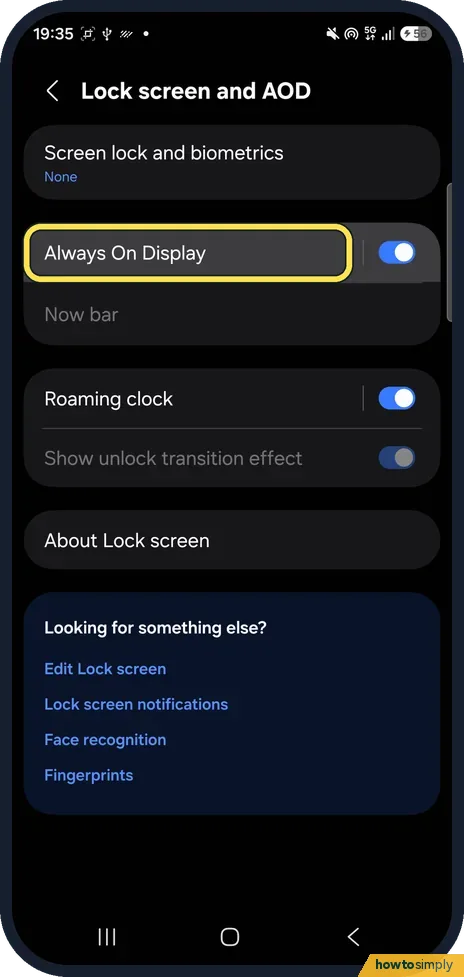
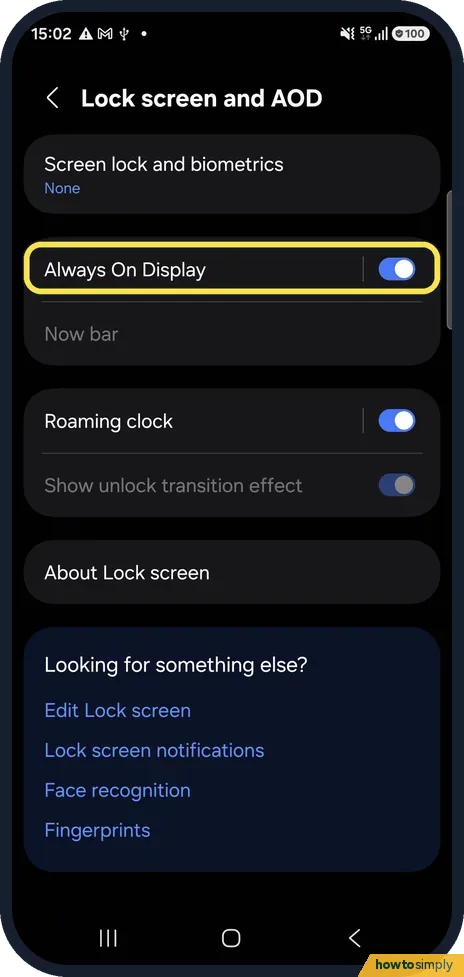
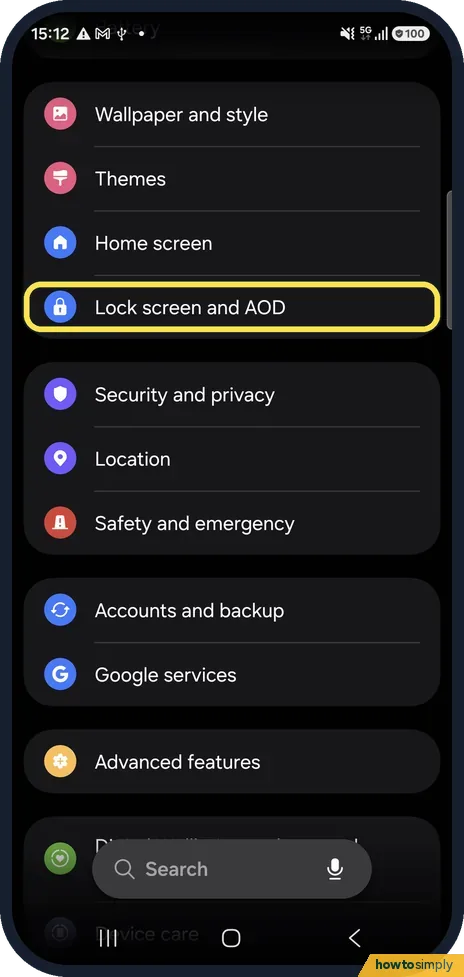
Open Settings, Lock screen and AOD, Always On Display and tap the switch. When to show sets whether it appears always, only when you tap the screen, on a schedule, or…
How to use Extra dim on a Samsung Galaxy phone
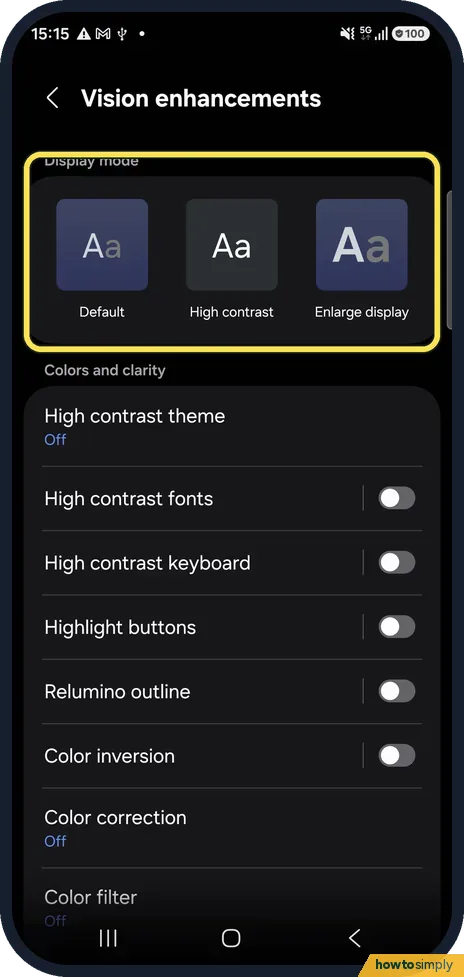
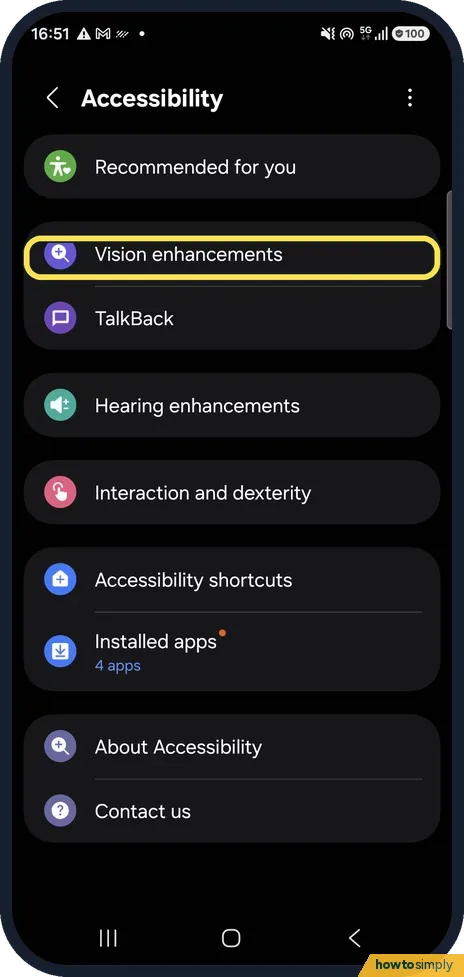
Open Settings, Accessibility, Vision enhancements, scroll down and switch on Extra dim. The screen goes darker than the lowest brightness setting allows. It can also be…
How to change the refresh rate on a Samsung Galaxy phone
Open Settings, Display, Motion smoothness. Choose Adaptive for smoother scrolling at up to 120 Hz, or Standard for 60 Hz and longer battery life, then tap Apply.
How to customise the Always On Display on a Samsung Galaxy
Open Settings, Lock screen and AOD and tap Always On Display. Choose When to show (for example Tap to show or Always) and switch Show Now bar on or off. Samsung says…
How to turn on Live Caption on a Samsung Galaxy
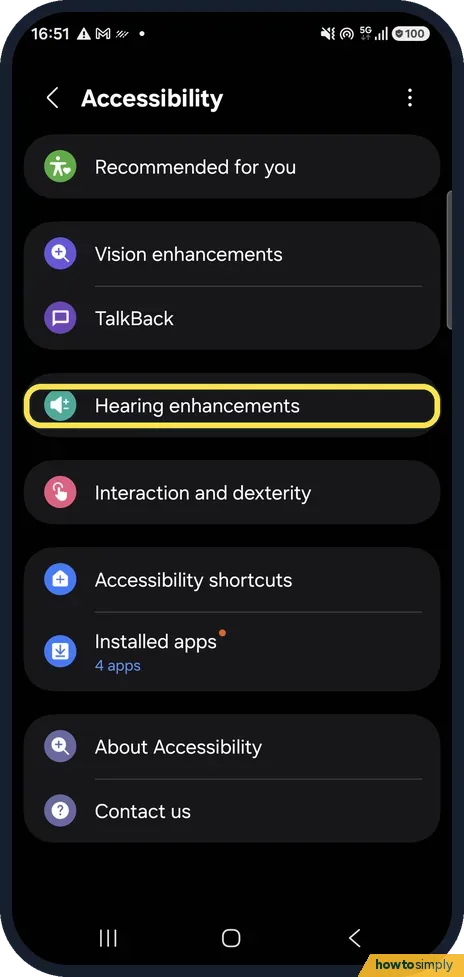
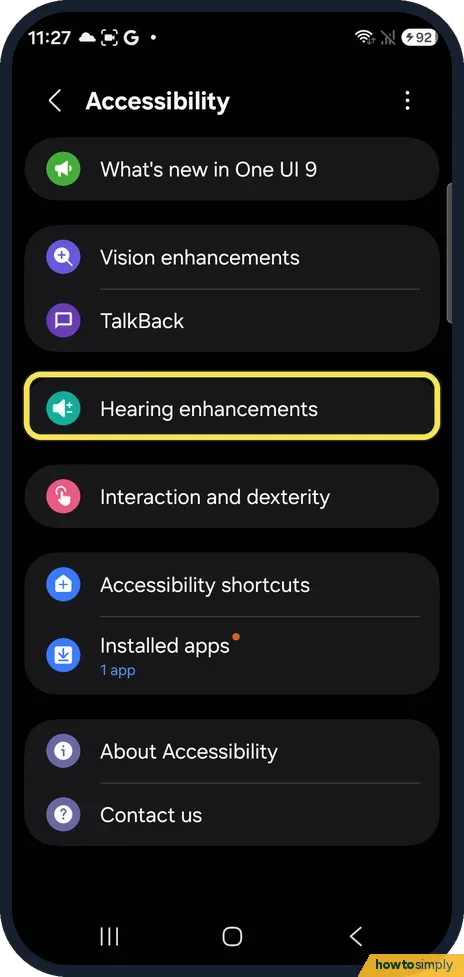
Open Settings, Accessibility, Hearing enhancements, Live Caption and switch on Use Live Caption. Your Galaxy then writes captions for speech in videos, podcasts and…
How to zoom in on a Samsung Galaxy screen with Magnification
Open Settings, Accessibility, Vision enhancements, Magnification and switch on Magnification shortcut. Then use the shortcut, tap inside the outline to zoom, pinch to…
How to switch audio between speaker, headphones and TV on a Samsung Galaxy (Media output)
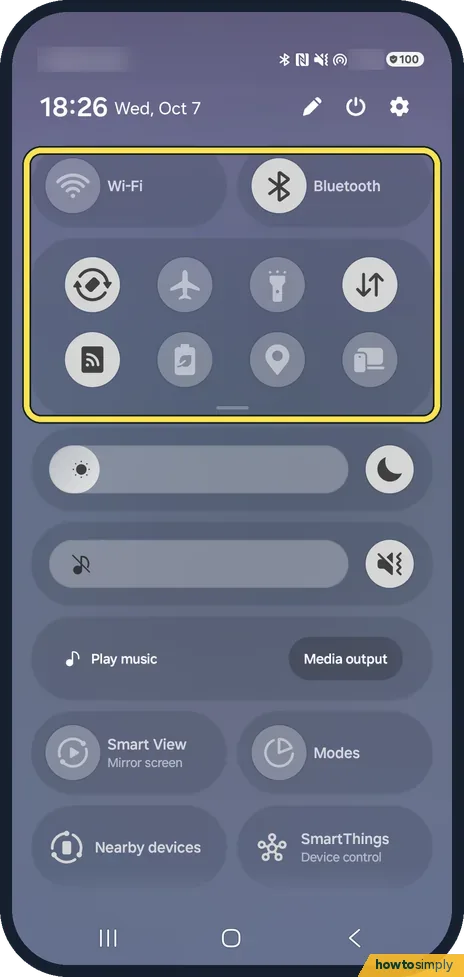
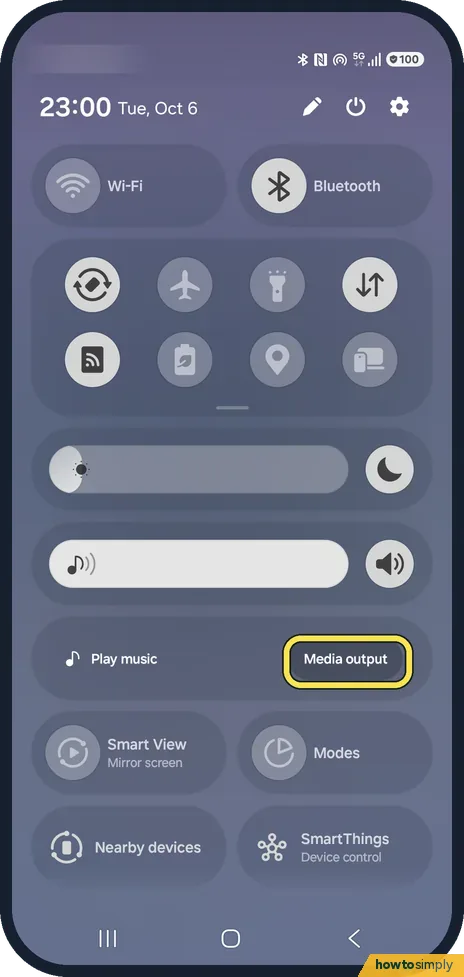
Swipe down to open the quick panel and tap Media output. Choose where the sound should play: the phone speaker, connected Bluetooth headphones or speakers, or another…
How to change the wallpaper on a Samsung Galaxy (One UI 9)
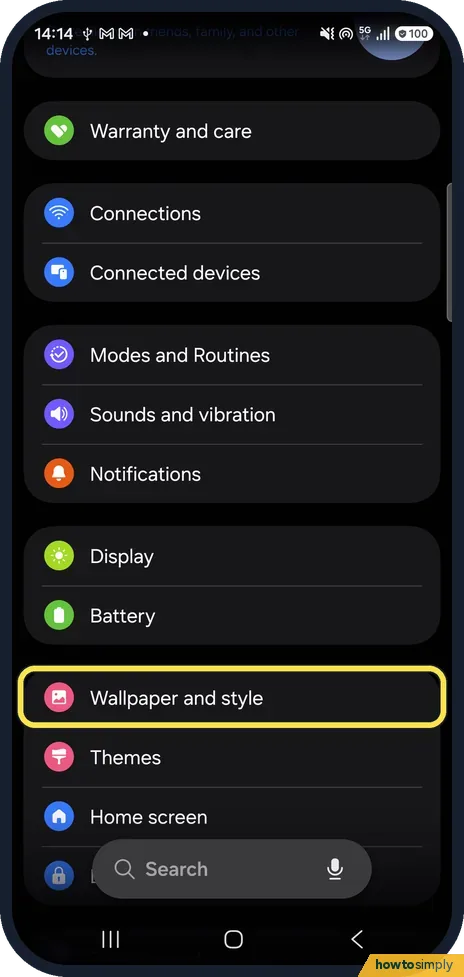
Open Settings, Wallpaper and style and tap Change wallpapers. Pick a group such as Graphical, tap a wallpaper, then under Choose where to apply tick Lock screen, Home…
How to turn on Lift to wake and double tap to wake on a Samsung Galaxy (One UI 9)
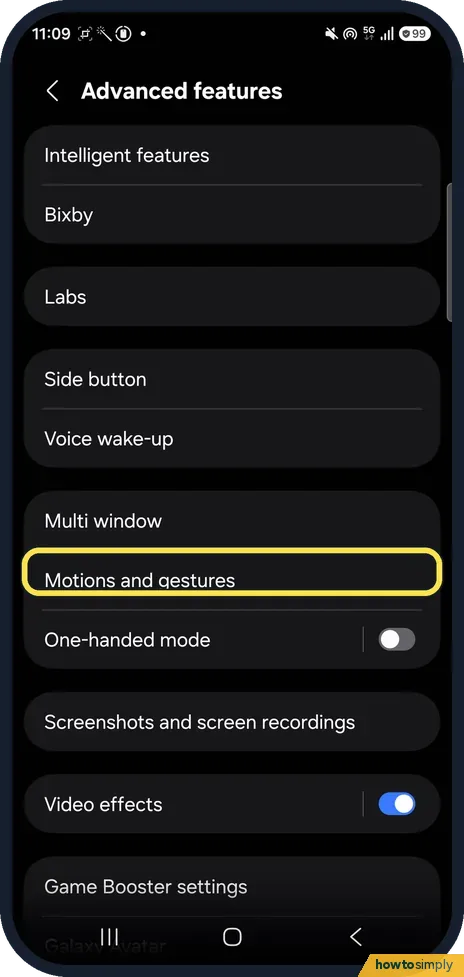
Go to Settings, Advanced features, Motions and gestures and turn on Lift to wake to light up the screen when you pick the phone up, or Double tap to turn on screen to…
Wi-Fi & Connections
8 guidesHow to reset network settings on a Samsung Galaxy phone
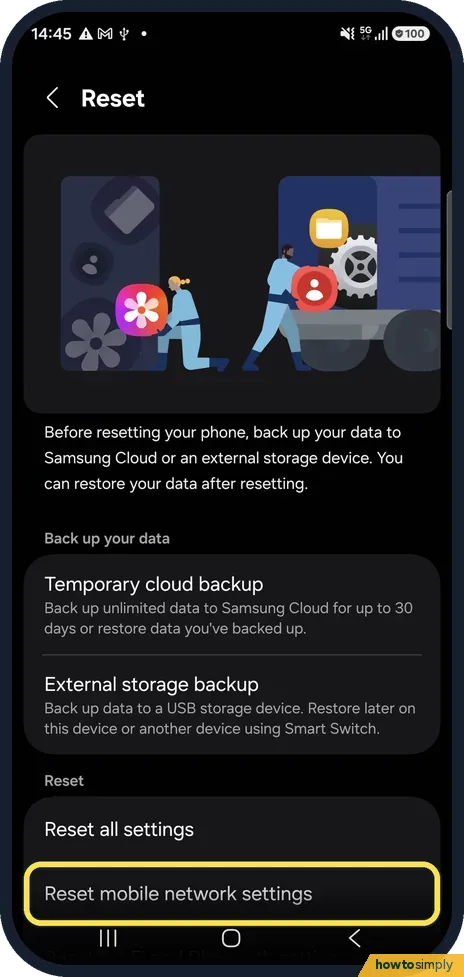
Open Settings, General management, Reset. One UI 8.5 has two network resets: Reset Wi-Fi and Bluetooth settings, and Reset mobile network settings. Tap the one that…
How to turn on Wi-Fi Calling on a Samsung Galaxy
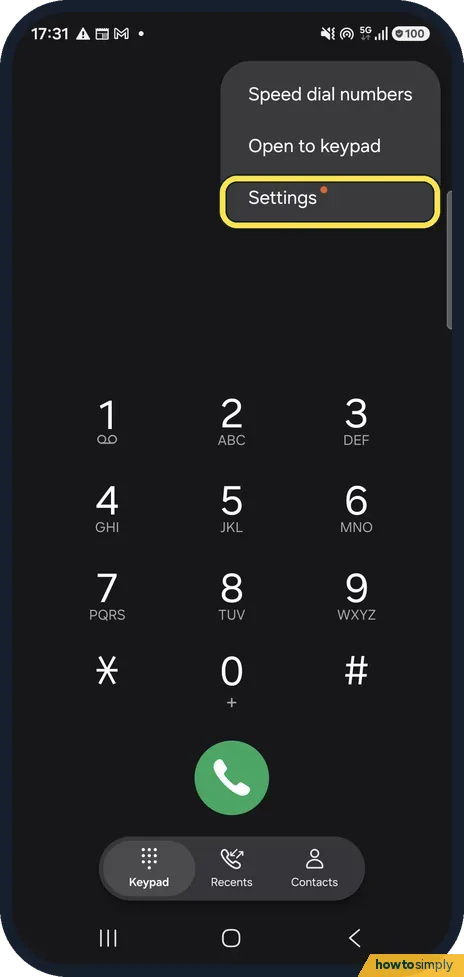
Open the Phone app, tap the three dots, Settings, and switch on Wi-Fi Calling. The switch only appears if your carrier supports Wi-Fi Calling on your plan. Your phone…
How to make Google Play update apps only on Wi-Fi
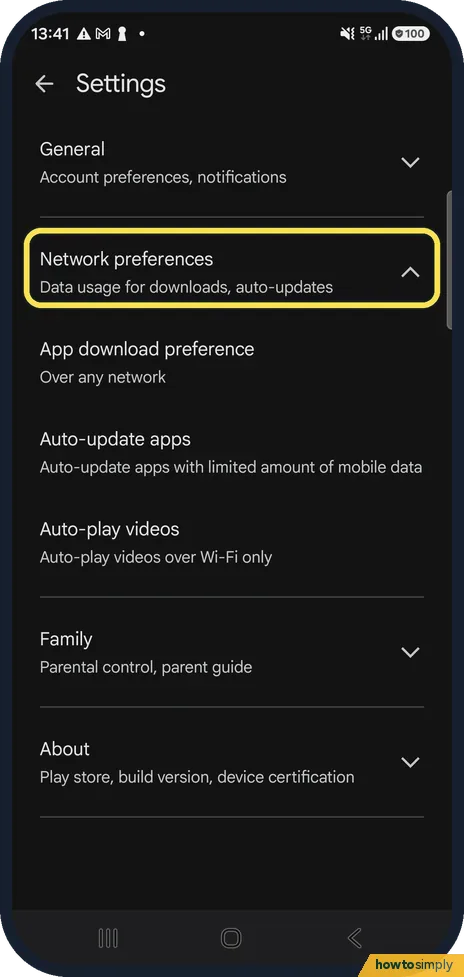
Open the Play Store, tap your profile picture, Settings, Network preferences, Auto-update apps and choose Update over Wi-Fi only. App download preference on the same…
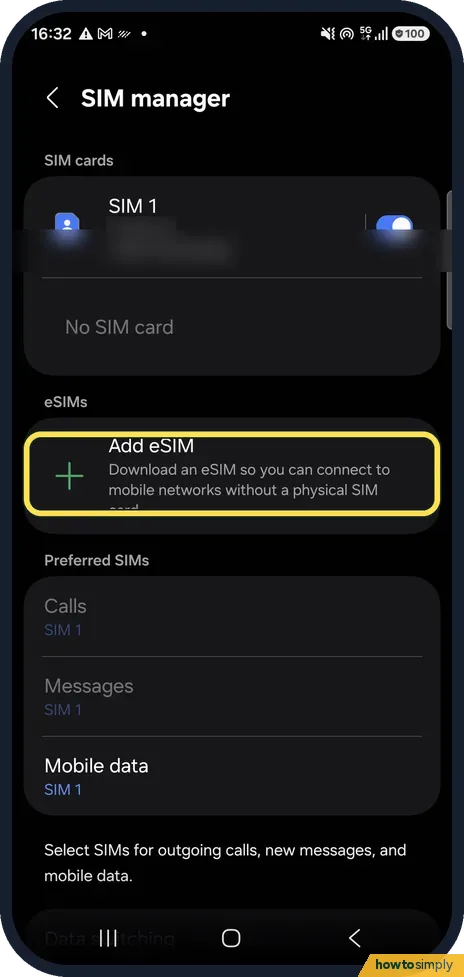
How to add an eSIM on a Samsung Galaxy
Open Settings, Connections, SIM manager and tap Add eSIM. Choose Transfer SIM from Galaxy/Android phone, Transfer SIM from iPhone, or Scan QR code for a code from your…
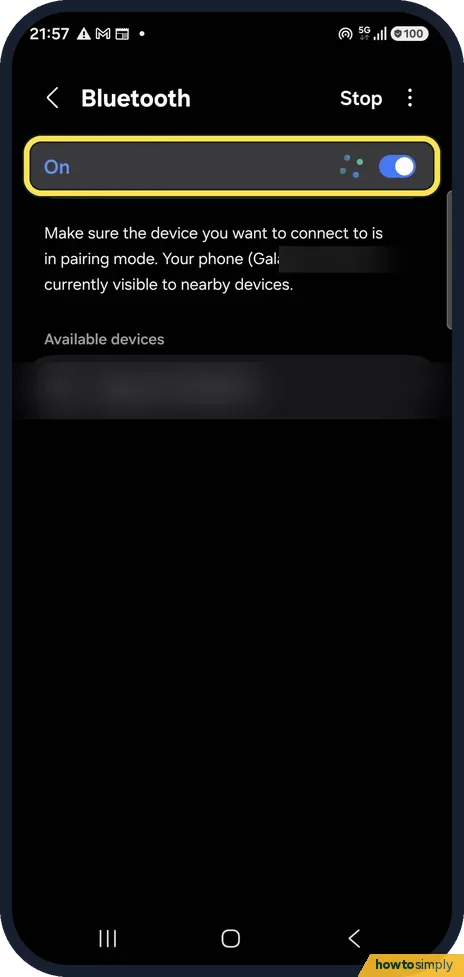
Bluetooth audio cutting out or stuttering on a Samsung Galaxy: fixes
Keep the phone and headphones close with nothing between them, turn Bluetooth off and on, then forget the headphones and pair them again. If it still stutters, close…
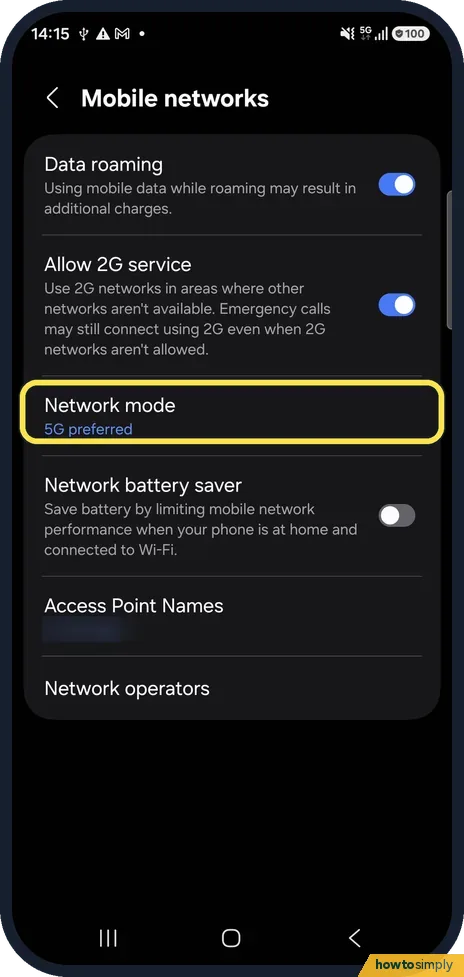
How to turn 5G on or off on a Samsung Galaxy (network mode)
Open Settings, Connections, Mobile networks, Network mode. Choose 5G preferred to use 5G where available, or 4G preferred to turn 5G off.
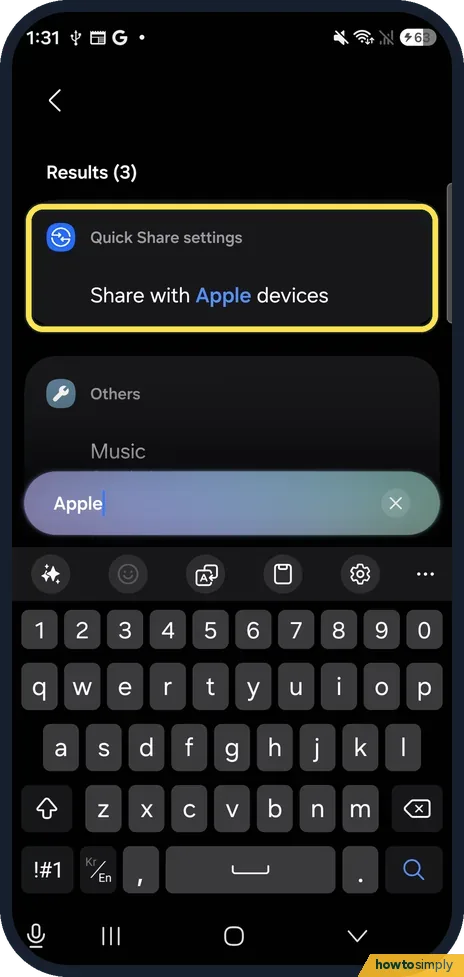
How to share files between a Samsung Galaxy and an iPhone with Quick Share (S26, One UI 9)
Open Settings, Connected devices, Quick Share and check that Share with Apple devices is on. To send, the iPhone must have AirDrop set to Everyone. To receive, tap…
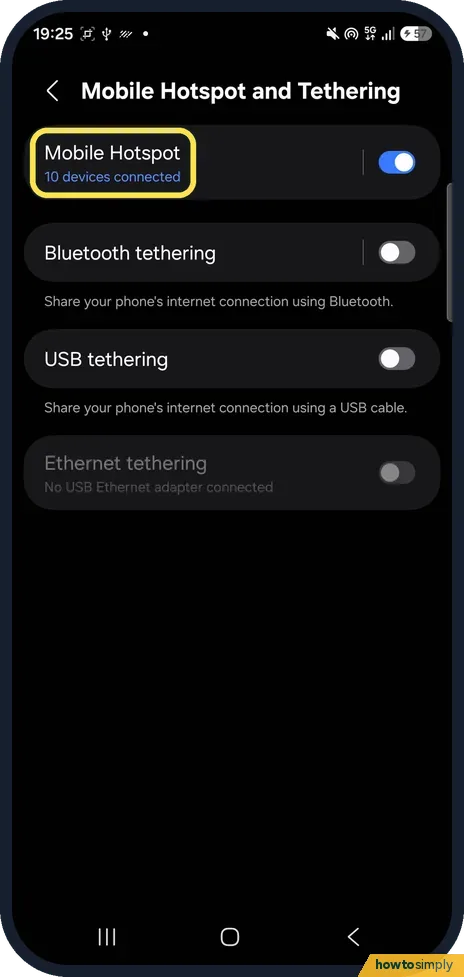
How to see who is connected to your Samsung Galaxy hotspot
Open Settings, Connections, Mobile Hotspot and Tethering and tap the words Mobile Hotspot. Tap the devices connected line to open Manage Mobile Hotspot: Connected…
Keyboard & Typing
6 guidesHow to create text shortcuts on the Samsung Keyboard
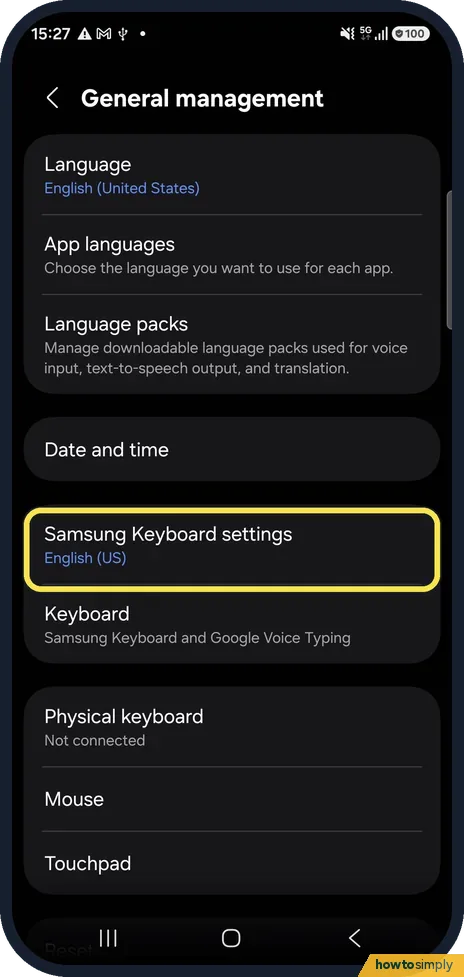
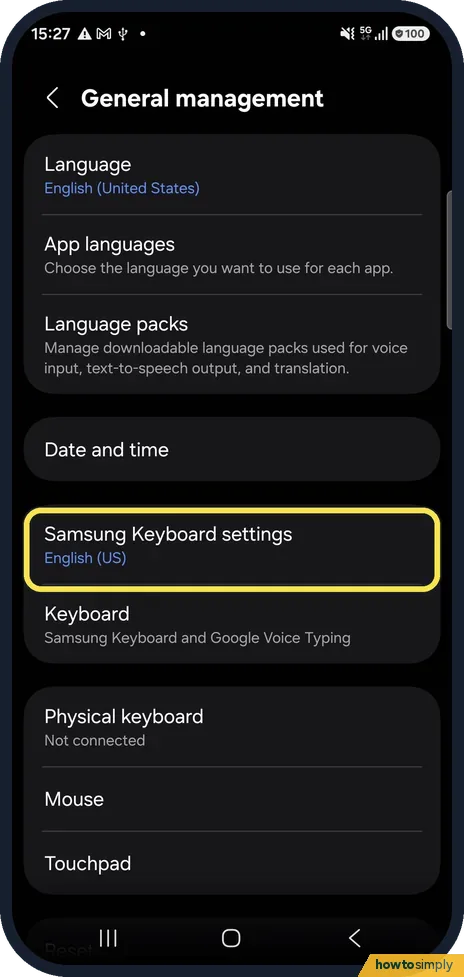
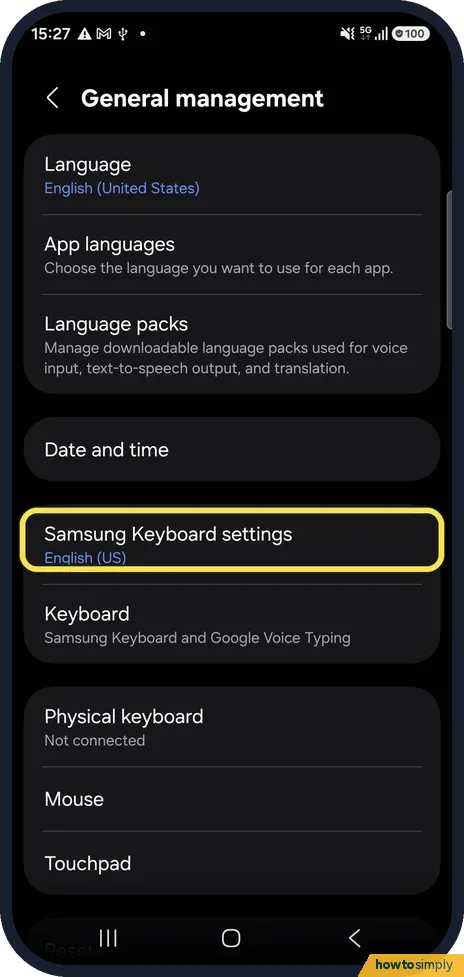
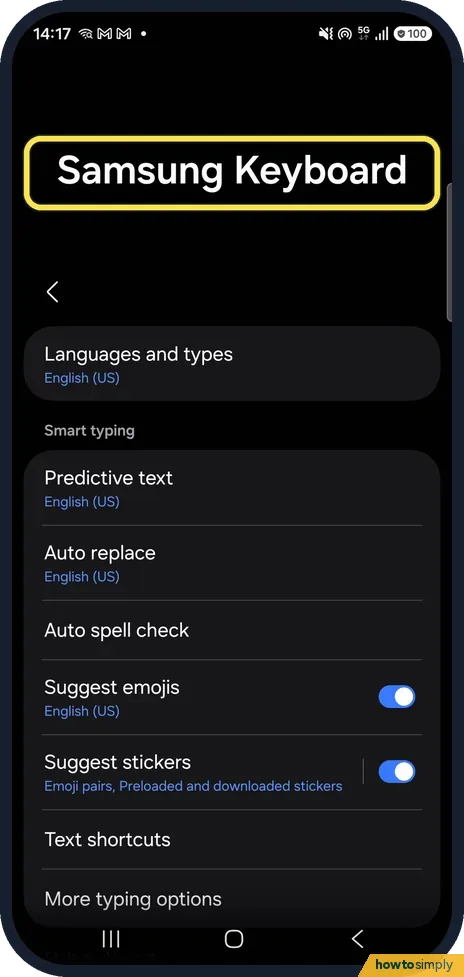
Open Settings, General management, Samsung Keyboard settings, Text shortcuts and tap +. Type a short code and the full phrase. When you type the code, the phrase…
How to turn off autocorrect on a Samsung Galaxy
Open Settings, General management, Samsung Keyboard settings and tap Auto replace. Switch it off. The keyboard then stops changing words by itself. Turn off Predictive…
How to turn off keyboard sound and vibration on a Samsung Galaxy
Open Settings, General management, Samsung Keyboard settings, Swipe, touch, and feedback, Touch feedback, and switch off Sound and Vibration. The typing sound also has…
How to use the clipboard on a Samsung Galaxy keyboard (One UI 9)
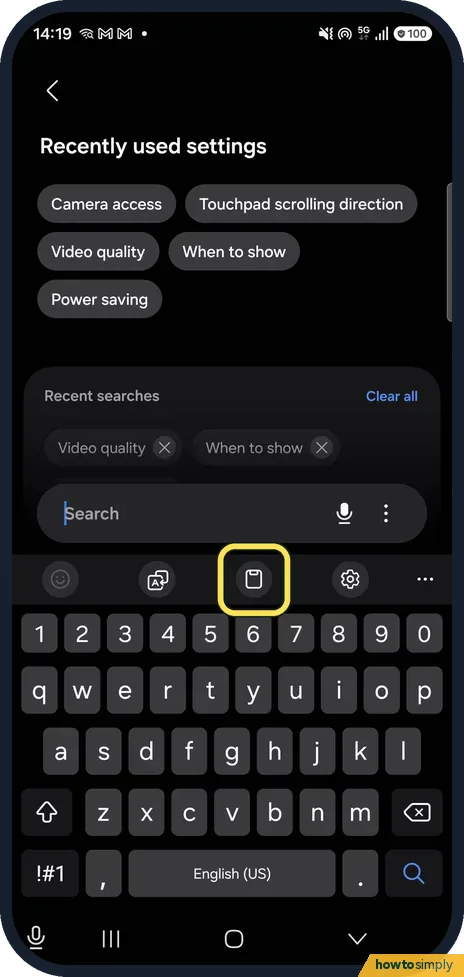
Open the keyboard in any text box and tap the clipboard icon in the toolbar above the keys. The Clipboard panel lists what you copied, with pin and delete buttons. If…
How to change voice input on the Samsung Keyboard (One UI 9)
Open Settings, General management, Samsung Keyboard settings and tap Voice input. Choose Samsung voice input, Google Voice Typing or None. Samsung voice input was…
How to show or hide the Samsung navigation bar keyboard button
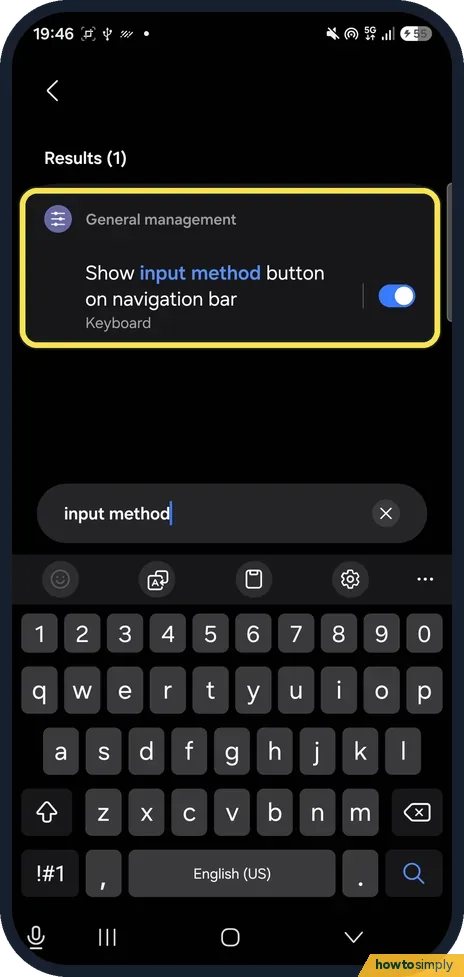
Open Settings, General management, Keyboard and turn off Show input method button on navigation bar. The extra button at the left of the navigation bar disappears while…
Notifications & Focus
8 guidesHow to use Do not disturb on a Samsung Galaxy phone
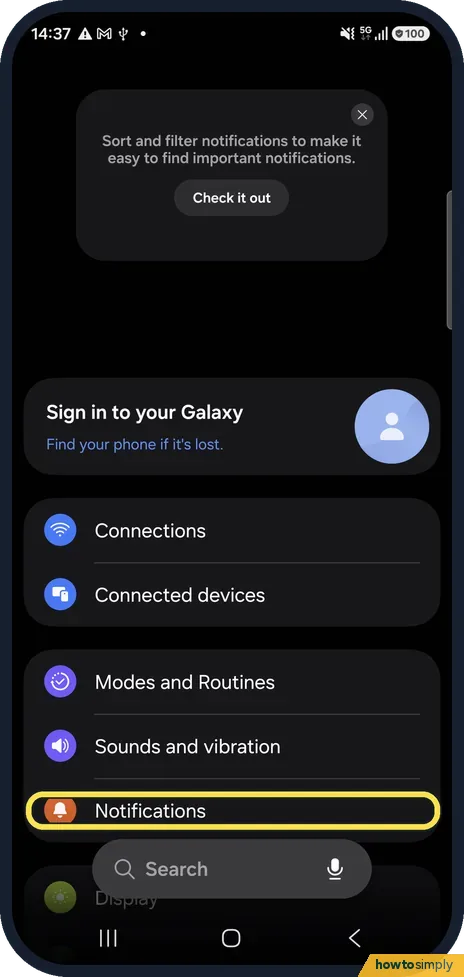
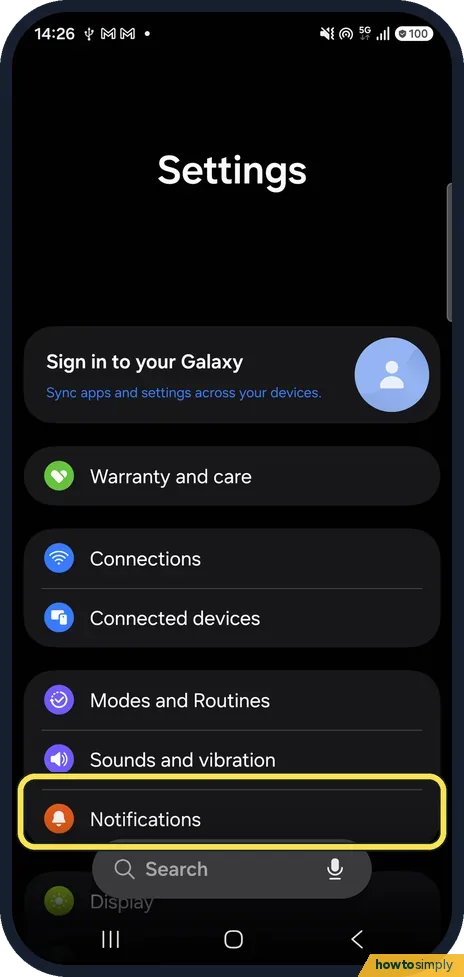
Open Settings, Notifications, Do not disturb and switch it on, then choose how long. Under Schedule, switch on Sleeping or tap Add schedule. Allowed during Do not…
How to see notification history on a Samsung Galaxy
Open Settings, Notifications, Advanced settings, Notification history and switch it on. From then on, notifications from the last 24 hours are kept, including ones you…
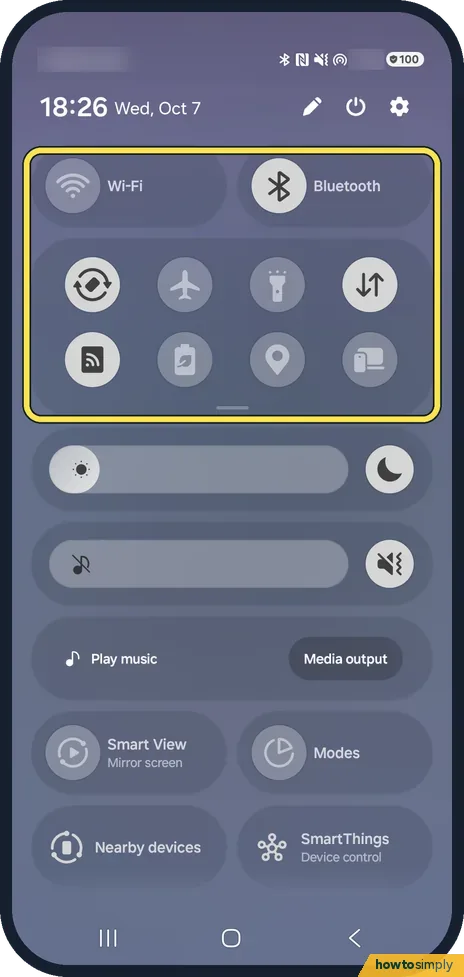
How to combine the Samsung notification and quick panels
Swipe down from the top right of the screen, tap the pencil, then Panel settings, and choose Together if your phone lets you. Notifications and quick settings then open…
How to check screen time on a Samsung Galaxy
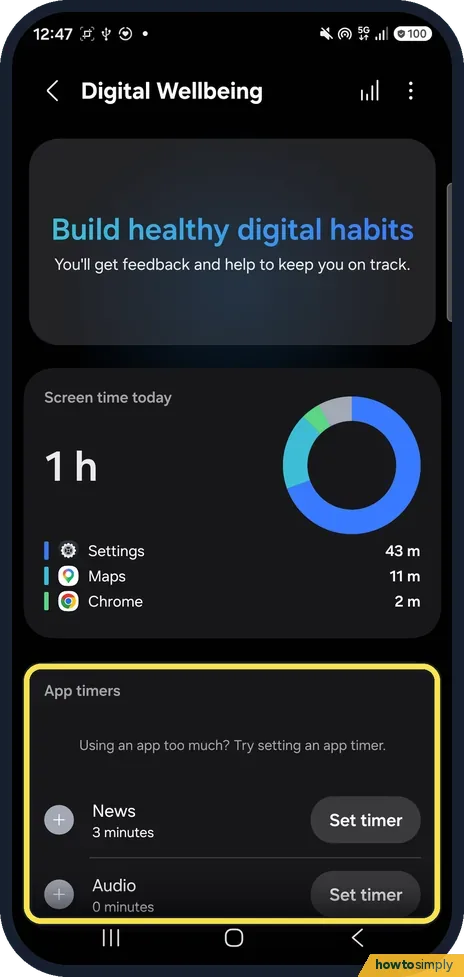
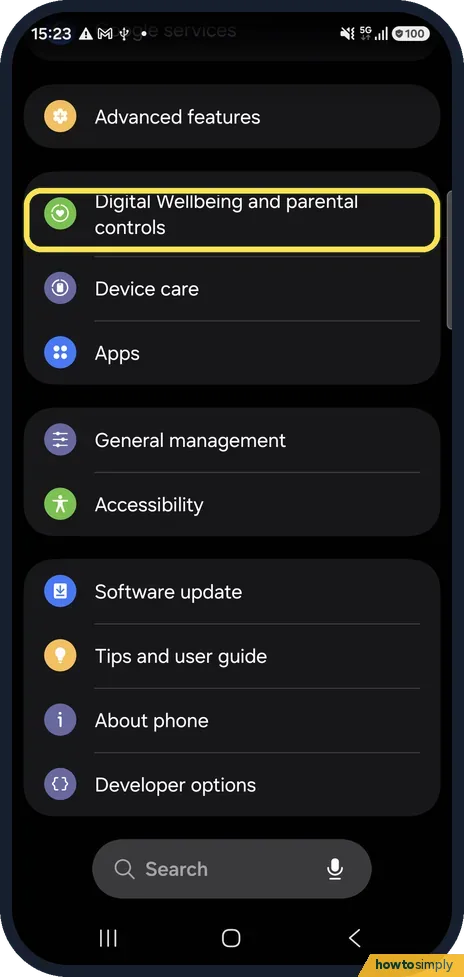
Open Settings, Digital Wellbeing and parental controls. Screen time today shows the total and the apps you used most. Below, App timers lets you set a daily limit for an app.
How to set a custom ringtone or notification sound on a Samsung Galaxy
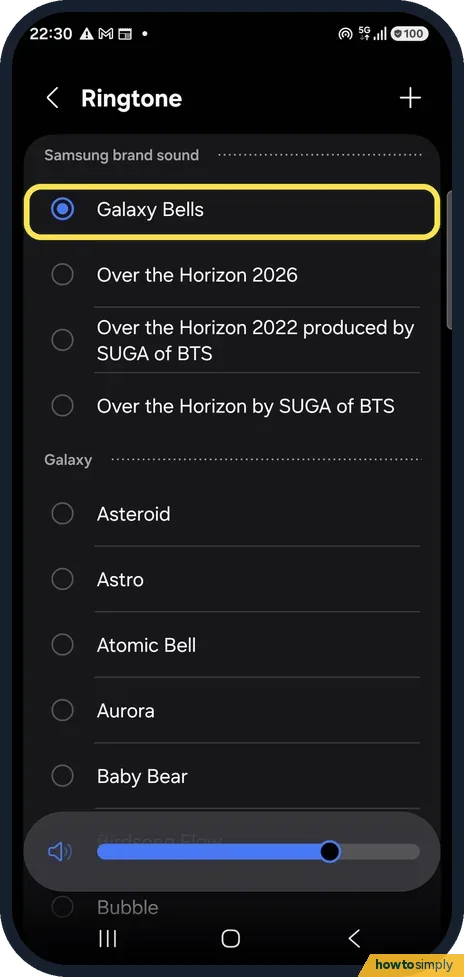
Open Settings, Sounds and vibration, Ringtone and tap the + at the top right to choose a song or sound saved on the phone. Notification sound, on the same page, sets…
How to turn on flash notifications on a Samsung Galaxy
Open Settings, Accessibility, Hearing enhancements and tap Flash notification. Turn on Camera flash notification to flash the camera light, or Screen flash notification…
How to turn off notifications for one app on a Samsung Galaxy (One UI 9)
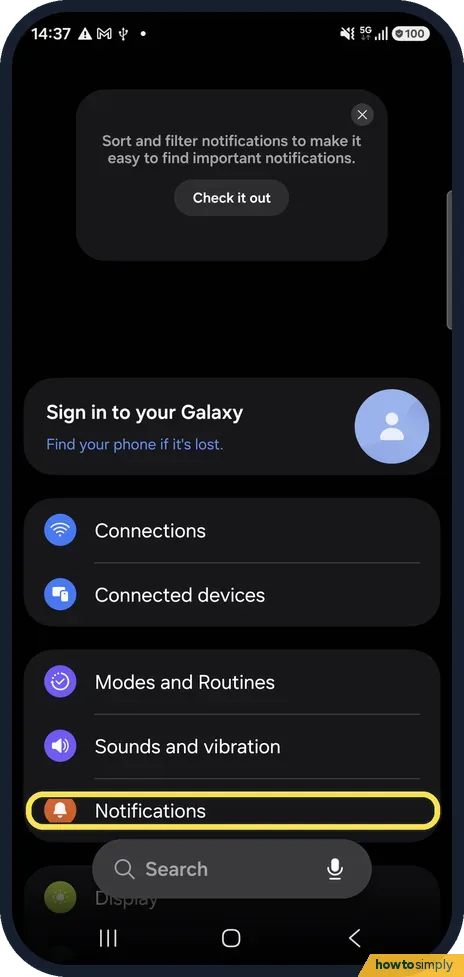
Open Settings, Notifications, App notifications and turn off the switch next to the app. Or tap the app's name to turn off Allow notifications, or choose where its…
How to stack notifications on a Samsung Galaxy (One UI 9)
There is no stacking switch in One UI 9: notifications from the same app stack by themselves. Swipe down and tap the number on a stacked card to open the group; tap the…
Battery, Storage & Updates
16 guidesHow to back up an Android phone to your Google Account
On a Samsung Galaxy, open Settings, tap Accounts and backup and, under Google Drive, tap Back up data. Then tap Back up now. On a Google Pixel and most other phones…
How to limit charging to 80% on a Samsung Galaxy phone
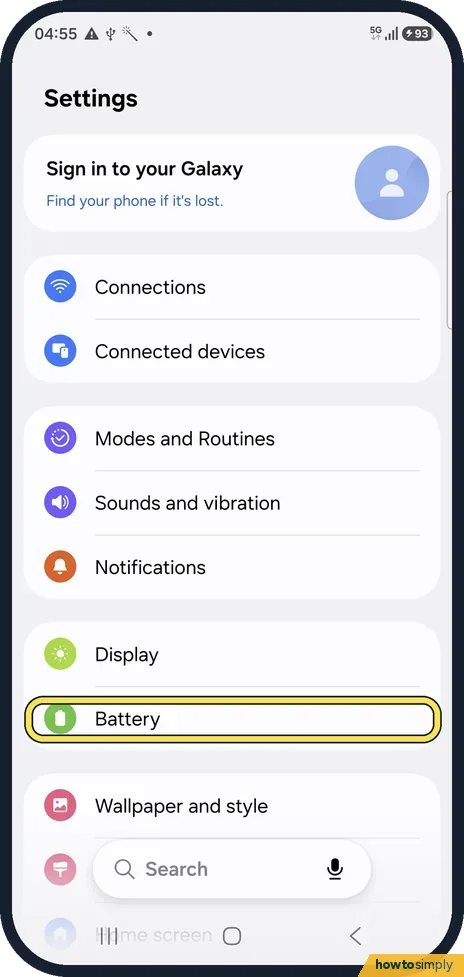
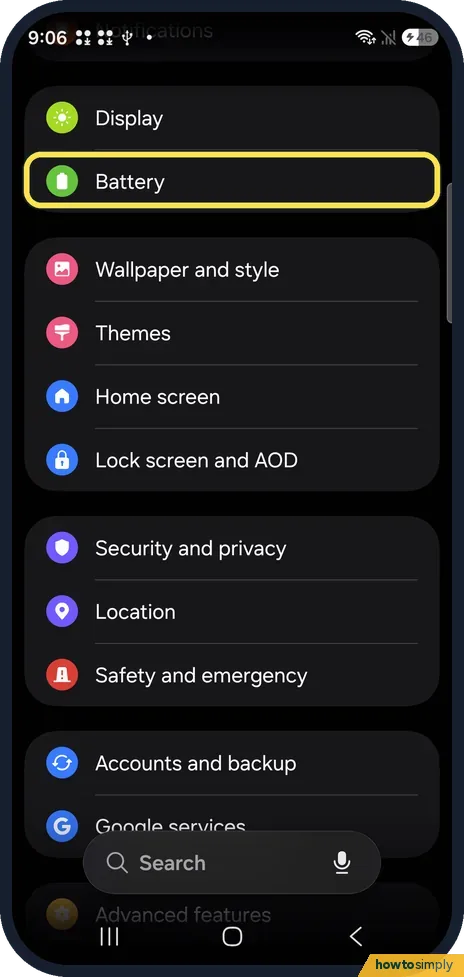
Open Settings, Battery, Battery protection and switch it on. Choose Maximum and drag the slider to the level where charging should stop, for example 80%. Basic instead…
How to turn on Power saving on a Samsung Galaxy phone
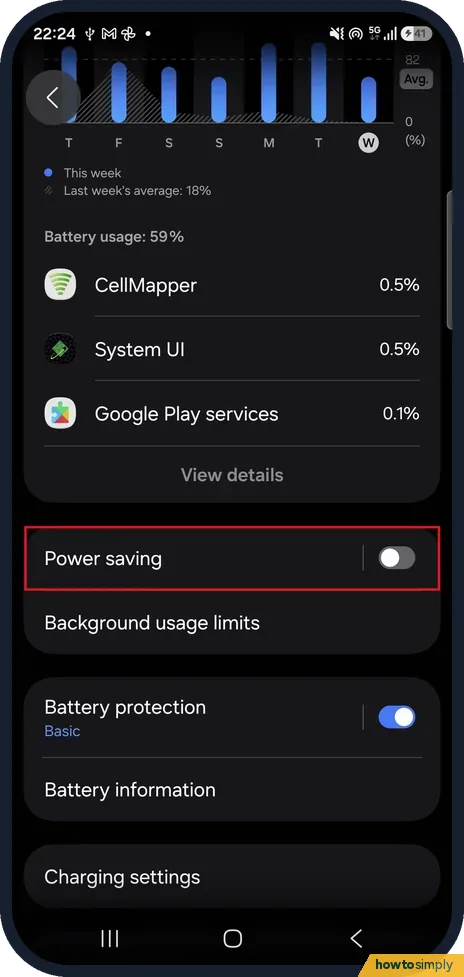
Open Settings, Battery, Power saving and tap the switch so it shows On, then pick a mode. Standard limits CPU speed to 70% and dims the screen by 10%. Maximum limits…
How to check and free up storage on a Samsung Galaxy phone
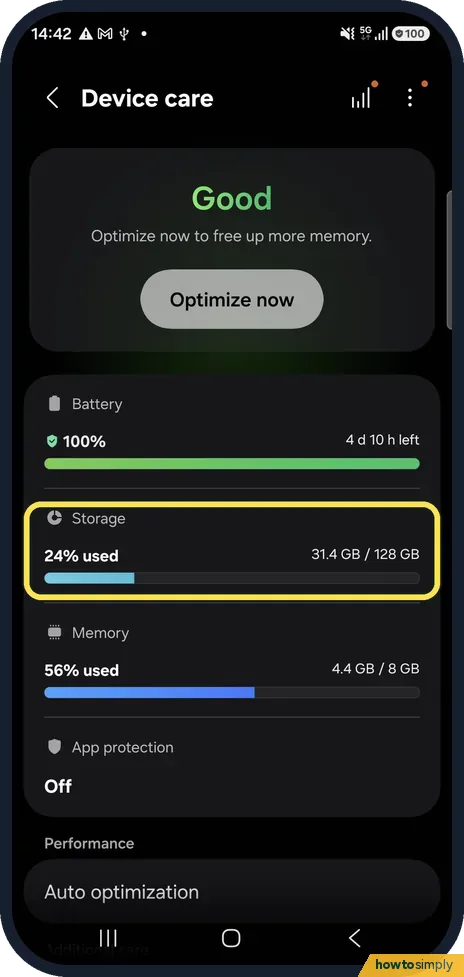
Open Settings, Device care and tap Storage to see how much is used and what takes the space. Delete large files and duplicates from there, follow the suggestions…
How to check the One UI and Android version on a Samsung Galaxy phone
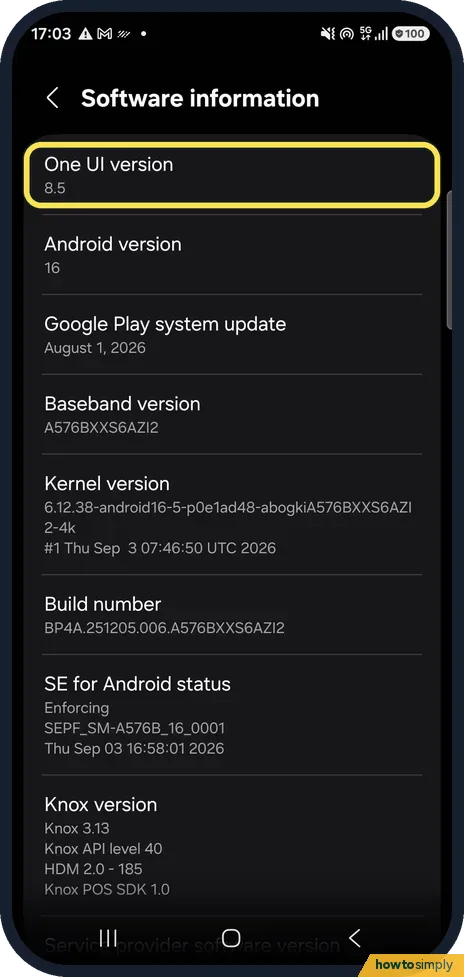
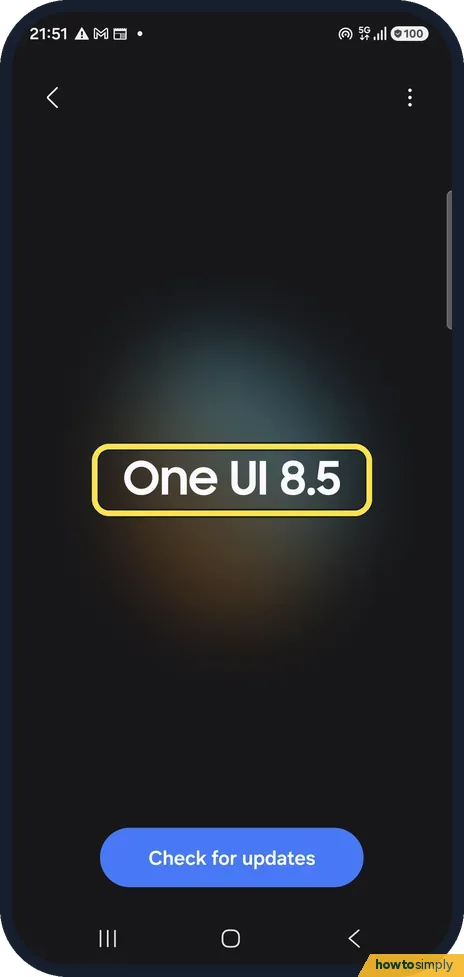
Open Settings, About phone, Software information. The first two lines show the One UI version and the Android version. To see whether a newer one is available, go back…
How to put apps to sleep on a Samsung Galaxy phone
Open Settings, Battery, Background usage limits. Leave Put unused apps to sleep on, then tap Deep sleeping apps, the + button, tick apps and tap Add. Apps that must…
How to check battery health on a Samsung Galaxy phone
Open Settings, Battery, Battery information for the status, level and typical capacity. Our Galaxy S26 on One UI 9 showed no health percentage there, so use Samsung…
How to show battery percentage on a Samsung Galaxy (One UI 8.5)
On One UI 8.5 the battery percentage is always shown as a number inside the battery icon. The old Show battery percentage switch is gone. Settings, Notifications…
How to use Sleep mode on a Samsung Galaxy (Modes and Routines)
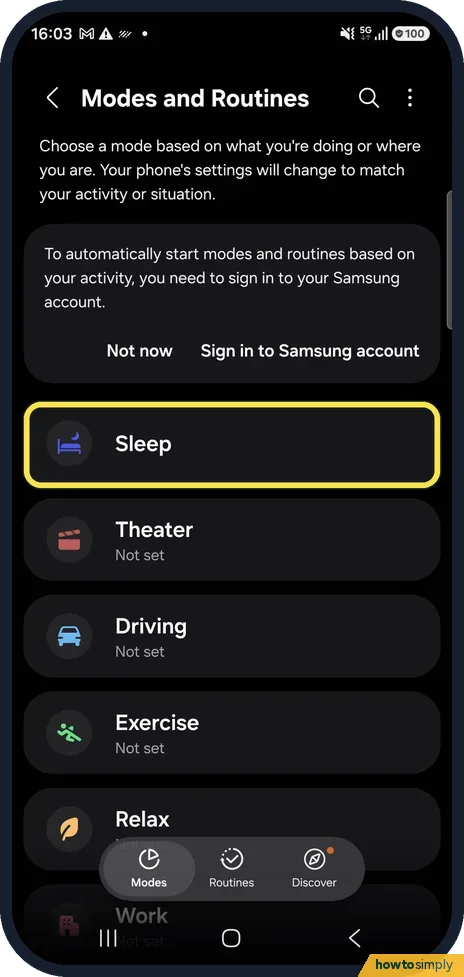
Open Settings, Modes and Routines, tap Sleep, then Turn on. Under Choose what this mode does, set Stay focused to silence distractions and Change appearance to dim the…
How to check for and schedule software updates on a Samsung Galaxy
Open Settings, Software update and tap Check for updates. If an update is found, download it and install it now or schedule it for later, for example overnight. The…
How to factory reset a Samsung Galaxy (and what to do first)
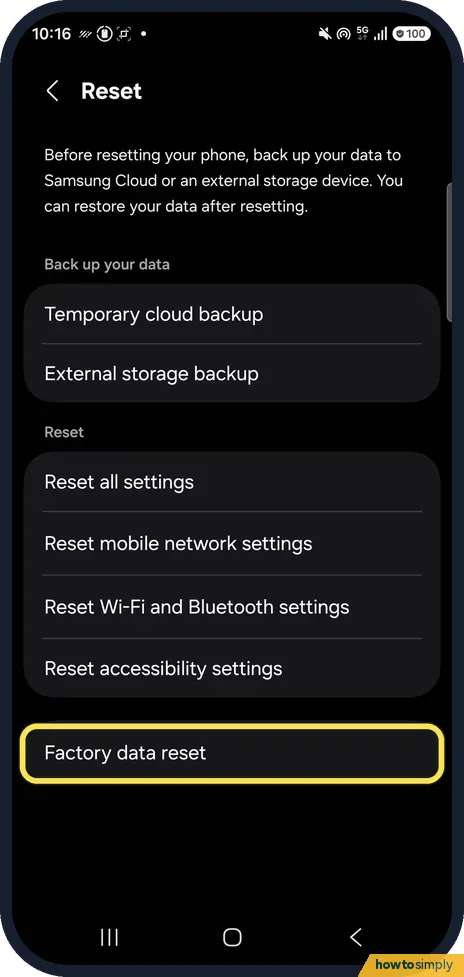
Back up first, then open Settings, General management, Reset, Factory data reset, read the list and tap Reset and Delete all. Enter your screen lock if asked…
How to turn on fast charging on a Samsung Galaxy
Open Settings, Battery, Charging settings and turn on Fast charging. Samsung says it needs a compatible charger and cable, and that Super fast charging may not be…
How to update apps on a Samsung Galaxy
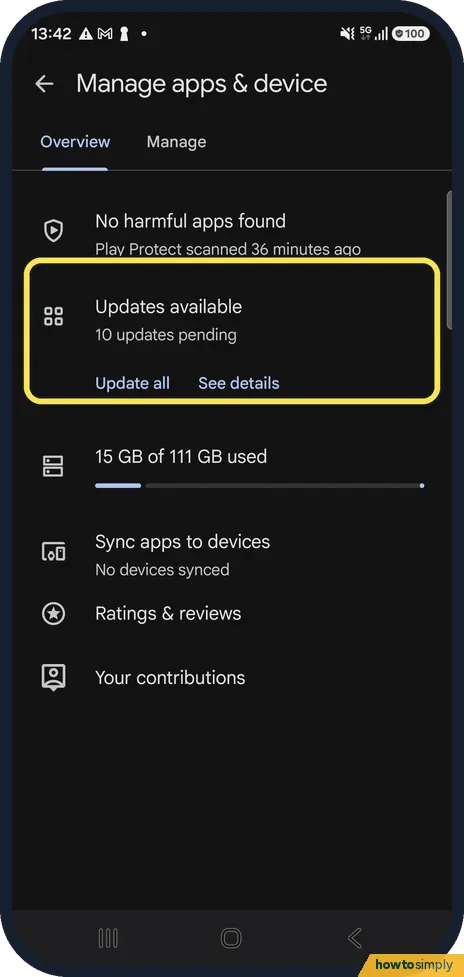
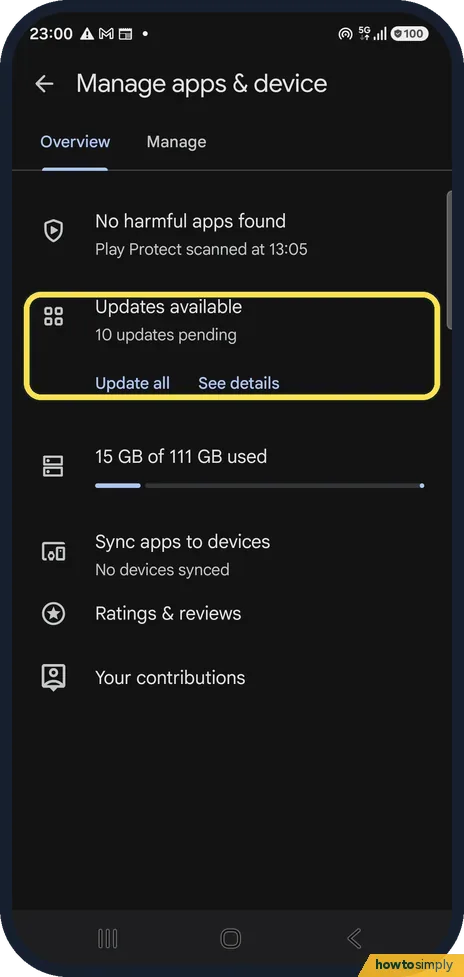
Open the Play Store, tap your profile picture, Manage apps & device, and tap Update all, or See details to update one app. Samsung's own apps can also update through…
Gmail storage full on Android: how to find big emails
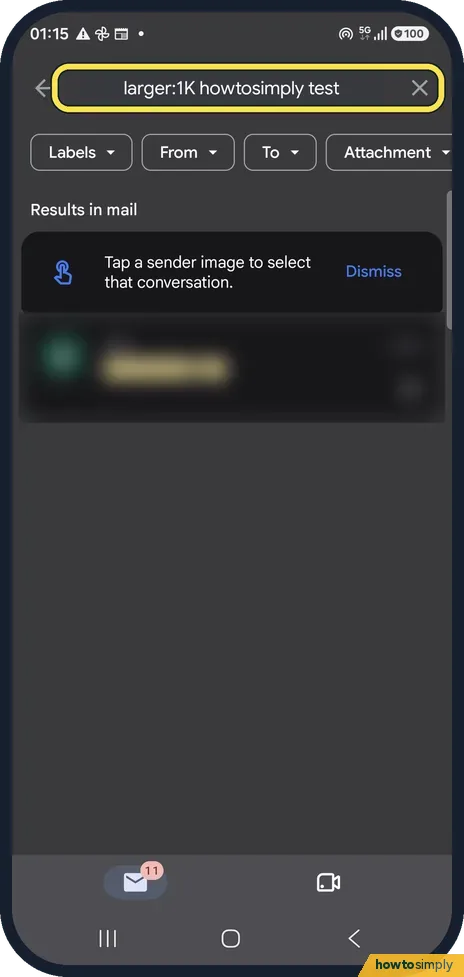
In the Gmail app search for larger:10M to list emails bigger than 10 MB. Open the ones you do not need, delete them, then empty the Trash. Your storage is shared with…
How to set a sleep timer in YouTube on Android
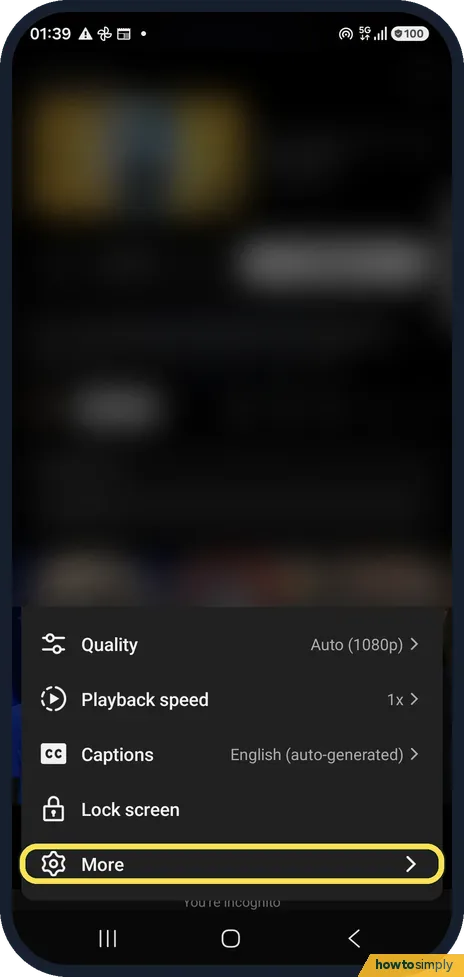
Tap the video, the gear, More and Sleep timer, then choose 10 minutes up to 1 hour or End of video. For a general nudge, YouTube Settings, Time management has Remind me…
How to check the security patch on a Samsung Galaxy (One UI 9)
Open Settings, About phone, Software information and scroll to the bottom: Android security patch level shows the date, 5 September 2026 on our Galaxy A57 in late…
Buttons & Gestures
3 guidesHow to switch between buttons and swipe gestures on a Samsung Galaxy phone
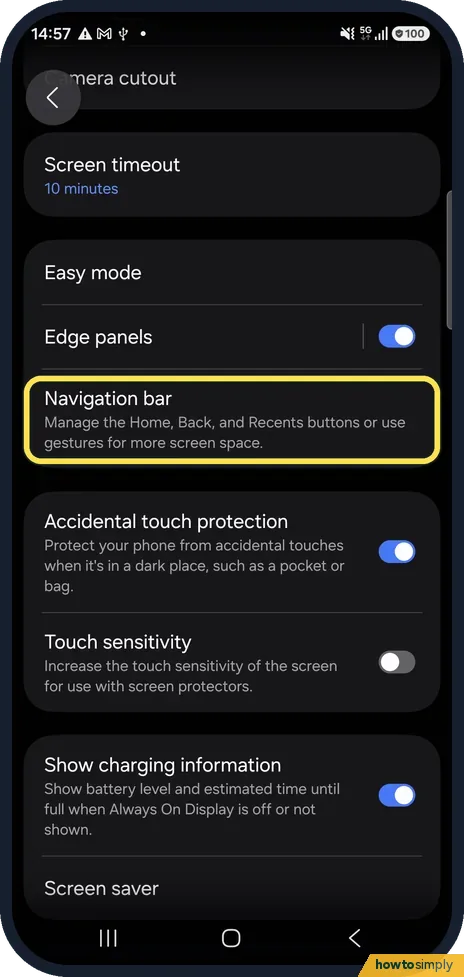
Open Settings, Display, Navigation bar and choose Buttons or Swipe gestures. With Buttons you get Recents, Home and Back at the bottom; with Swipe gestures, you swipe…
How to change what the side button does on a Samsung Galaxy
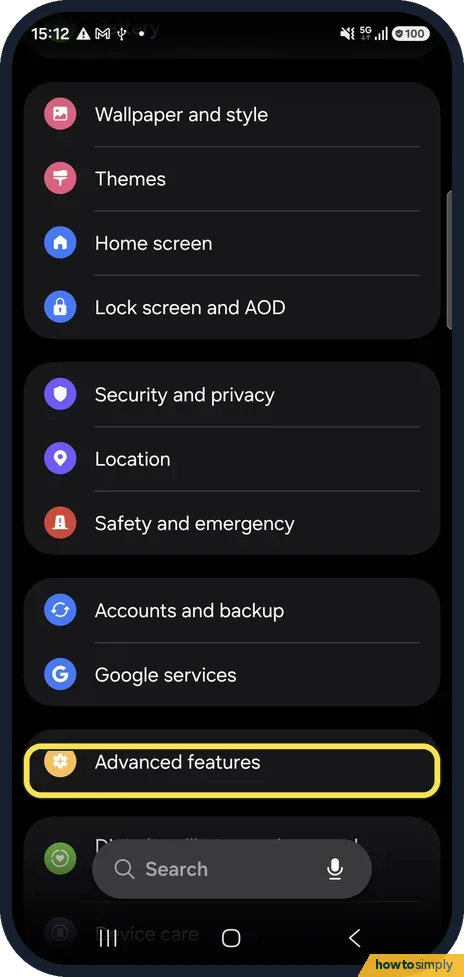
Open Settings, Advanced features, Side button. Under Double press, choose what it opens, for example Camera. Under Long press, choose the digital assistant, Bixby or…
How to use Google Gemini on a Samsung Galaxy (side button and app)
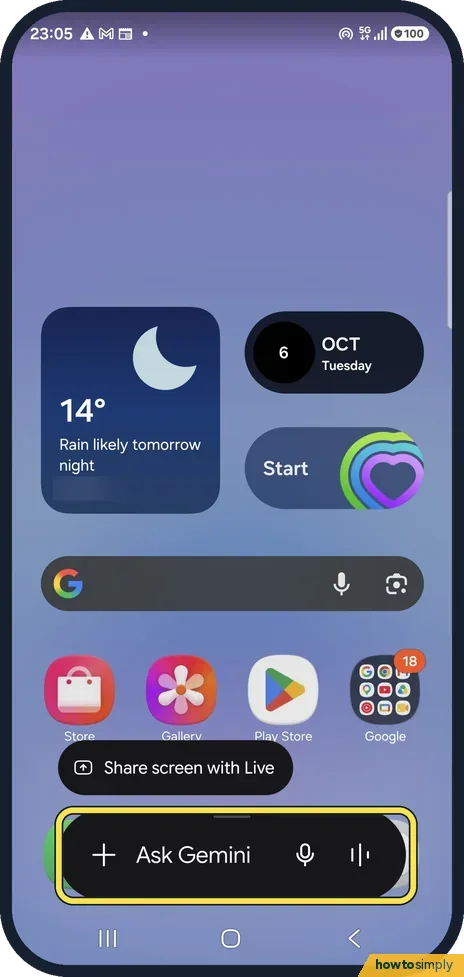
Press and hold the side button to open Gemini, then type or speak your question in Ask Gemini. If the side button opens Bixby or the power menu instead, open Settings…
More settings
59 guidesHow to add a second user or a guest on Android
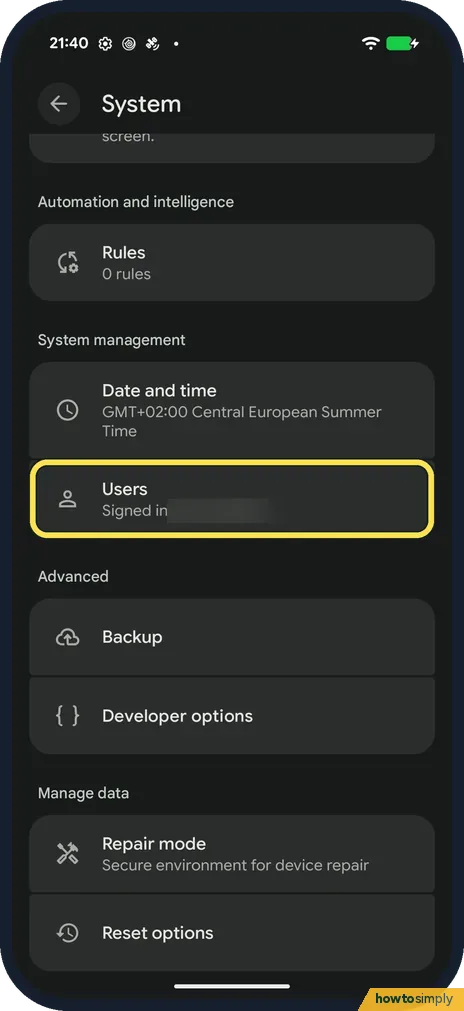
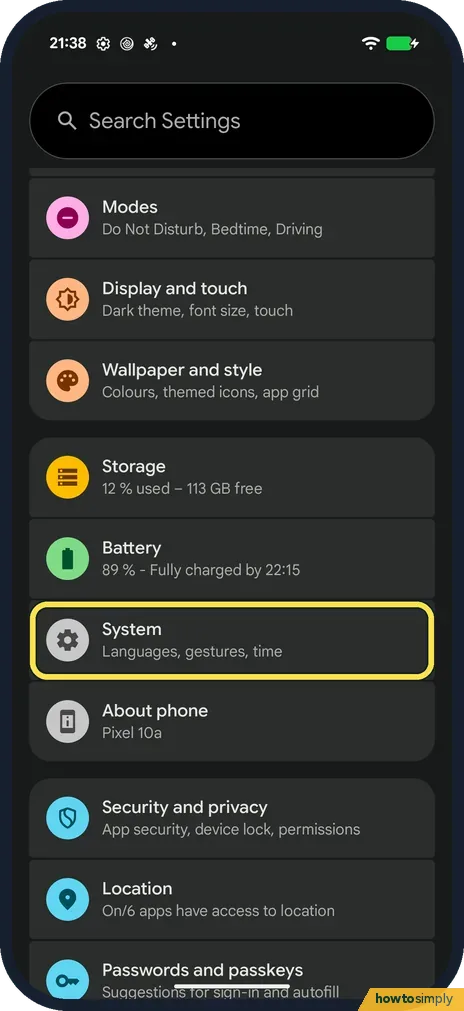
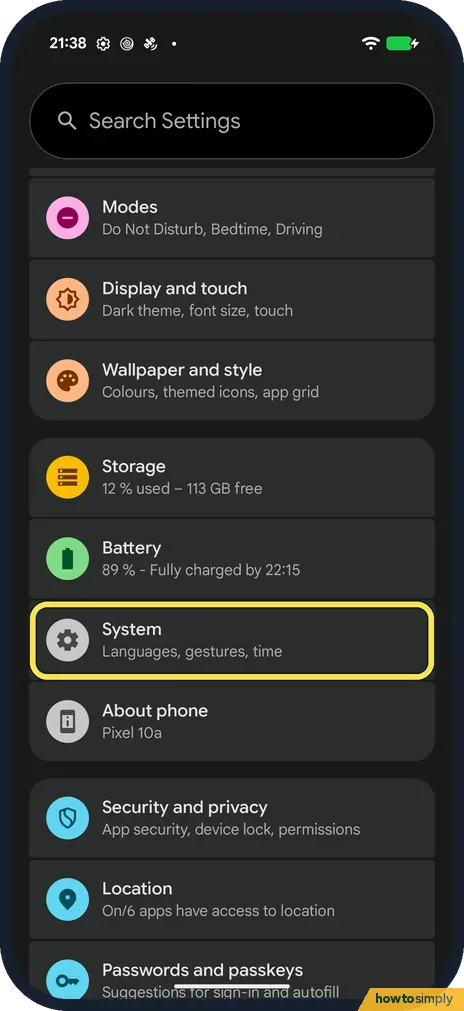
Open Settings, tap System, then Users. Tap Add user to give someone their own space, or Add guest and then Switch to Guest to lend the phone briefly. Switch users from…
How to edit the quick panel buttons on a Samsung Galaxy
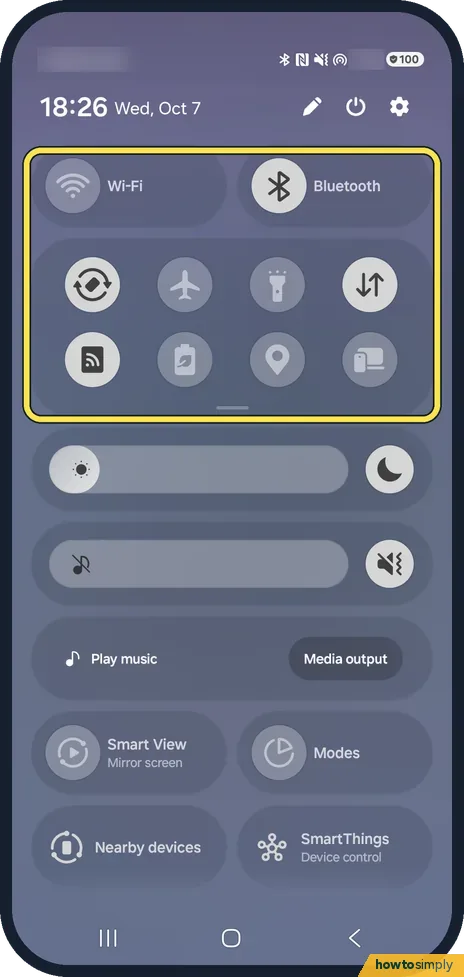
Swipe down from the top right, tap the pencil, then touch and hold a button to move it, tap the minus at its top left to remove it, or tap Add a control at the bottom…
How to turn off Bixby on a Samsung Galaxy
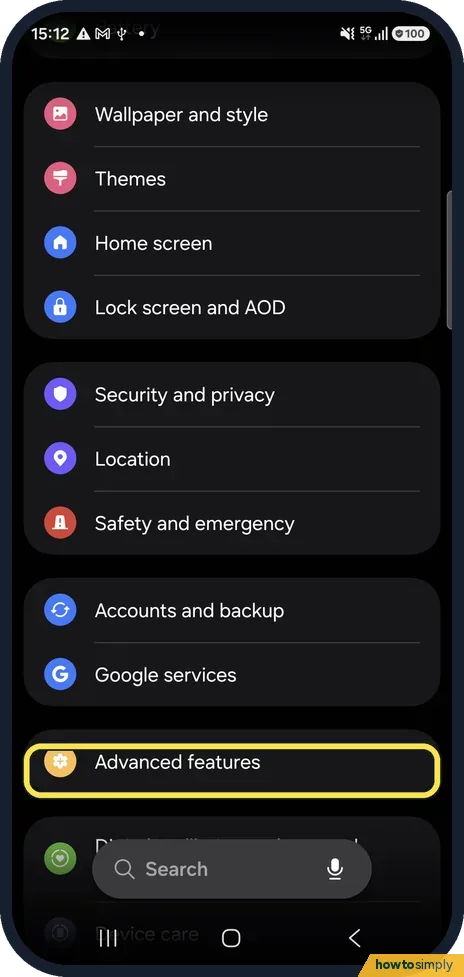
Open Settings, Advanced features, Side button and set Long press to Power off menu, so the button no longer starts Bixby. To sign out of Bixby itself, open Advanced…
How to disable preinstalled apps on a Samsung Galaxy
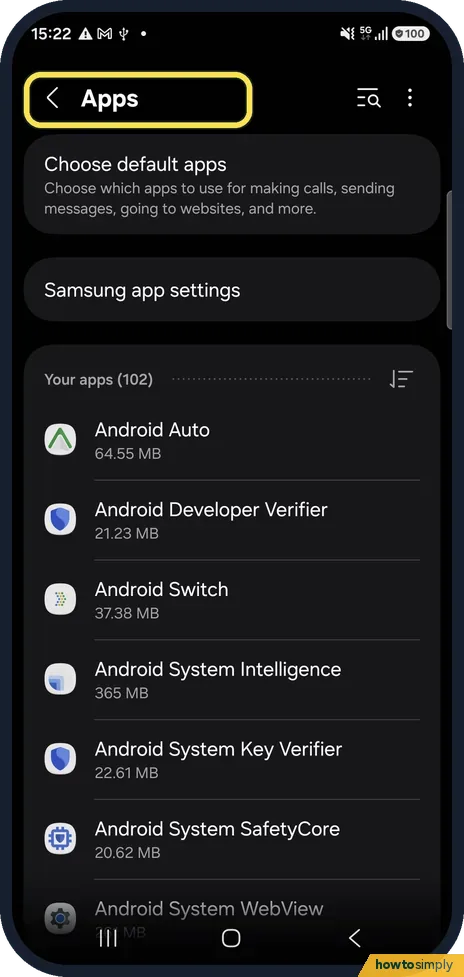
Open Settings, Apps and tap the app. If the bottom bar shows Uninstall, you can remove it. If it shows Disable, tap it and confirm: the app stops running and disappears…
Why calls go straight to voicemail on a Samsung Galaxy
Usually Do not disturb, a blocked number, call forwarding or no signal. Check Settings, Notifications, Do not disturb, the Phone app's Block numbers list, and Phone…
How to reset or delete the advertising ID on a Samsung Galaxy
Open Settings, Security and privacy, More privacy settings and tap Ads. Reset advertising ID gives apps a new ID from now on; Delete advertising ID removes it, so apps…
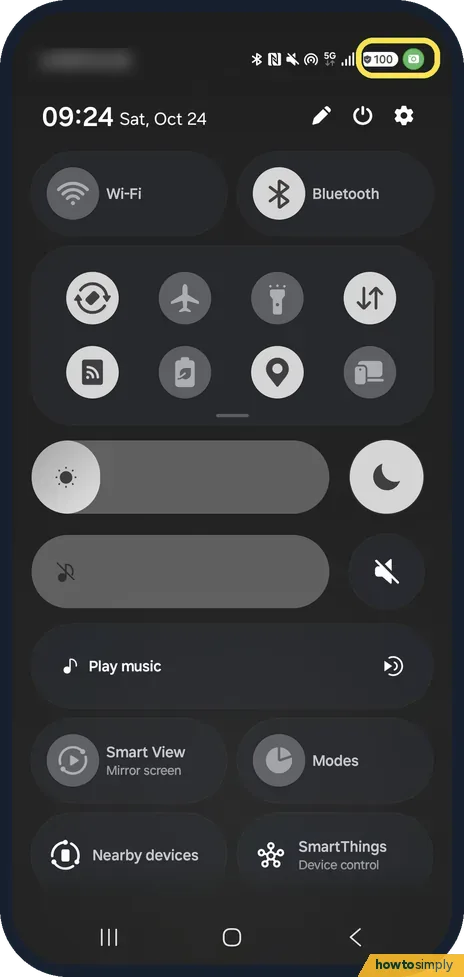
Green dot on a Samsung Galaxy: what it means
The green dot at the top right means an app is using the camera or microphone right now. Swipe down to see which app. To check the last 24 hours, open Settings…
How to turn off the Google Discover page on a Samsung Galaxy
Open Settings, Home screen, scroll down and switch off Add media page to Home screen. Swiping right from the first Home screen then no longer opens Google Discover…
How to archive unused apps on a Samsung Galaxy
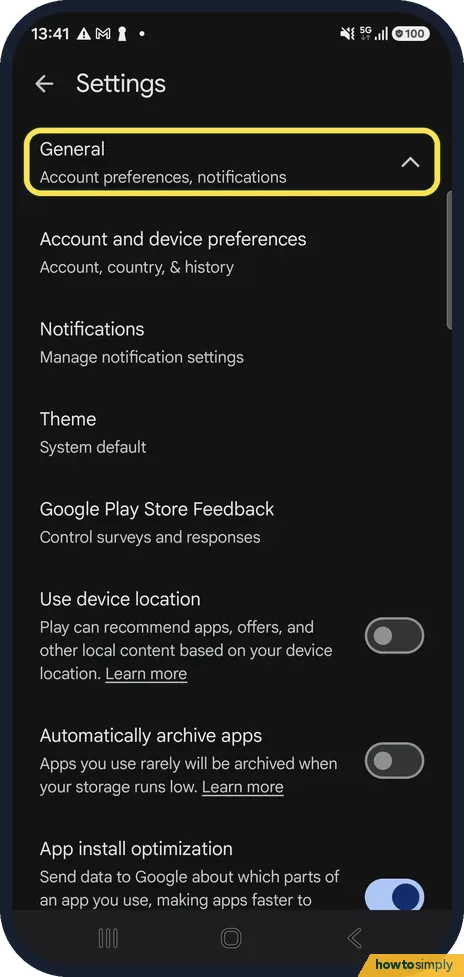
Open the Play Store, tap your profile picture, Settings, General, and switch on Automatically archive apps. When storage runs low, apps you rarely use are removed but…
How to sort apps alphabetically on a Samsung Galaxy
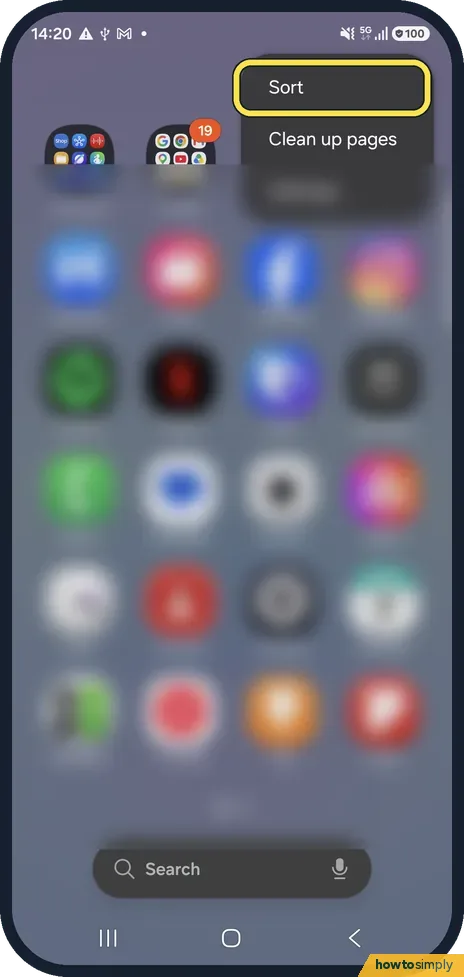
Swipe up on the Home screen to open the Apps screen, tap the three dots at the top right, tap Sort and choose Alphabetical order. Custom order puts the apps back where…
How to change Screen mode (Vivid or Natural) on a Samsung Galaxy
Open Settings, Display, Screen mode and choose Vivid or Natural. Vivid gives stronger, more saturated colours; Natural looks closer to real life. With Vivid, the White…
How to turn off TalkBack on a Samsung Galaxy
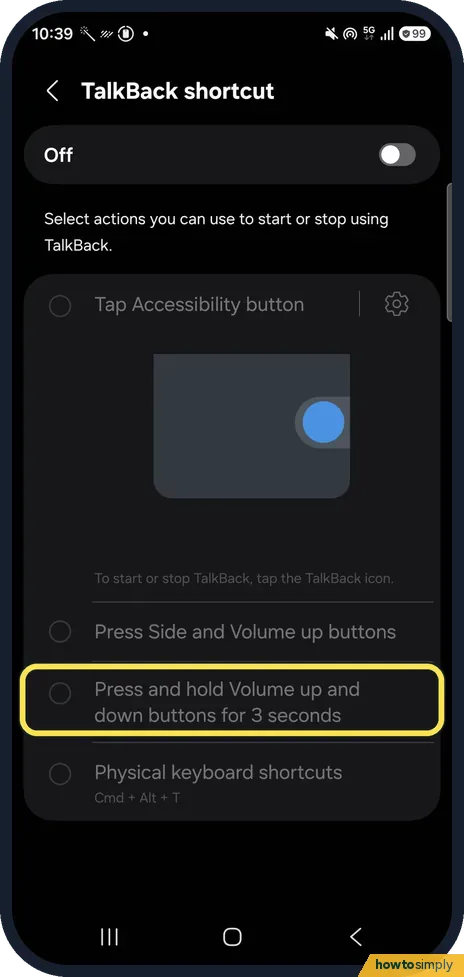
Open Settings, Accessibility, TalkBack and switch it off. While TalkBack is on, tap once to select, double-tap to activate and scroll with two fingers. If a volume-key…
How to turn on Data saver on a Samsung Galaxy
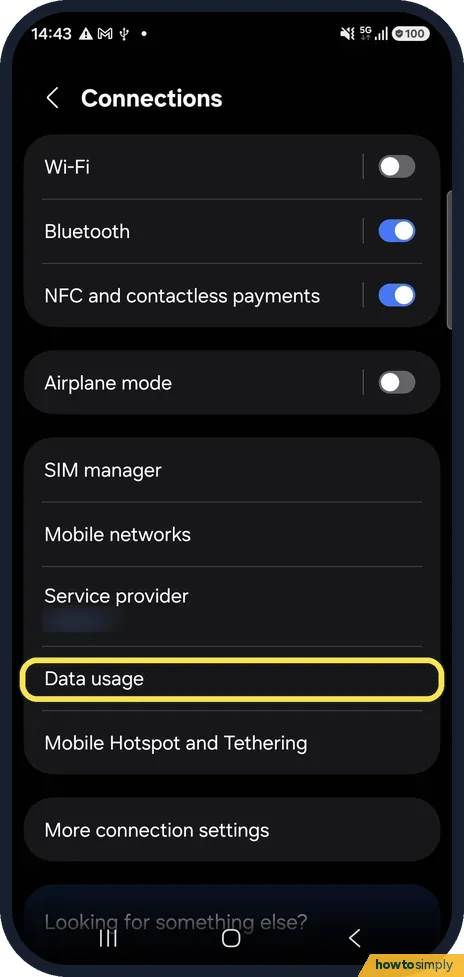
Open Settings, Connections, Data usage, tap Data saver and switch on Turn on now. Apps then cannot use mobile data in the background, except the ones you add under Apps…
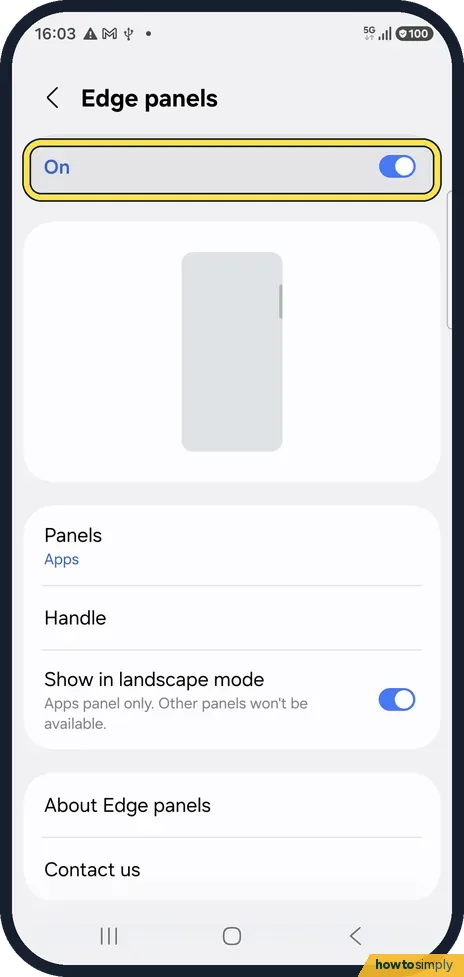
How to turn off Edge panels on a Samsung Galaxy
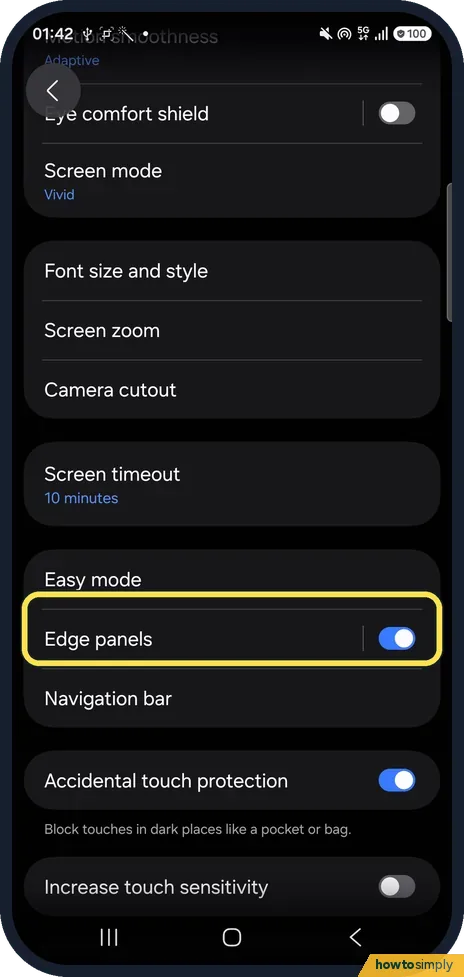
Open Settings, Display, Edge panels and switch it off at the top. The small handle at the side of the screen disappears. To keep it but move it out of the way, open…
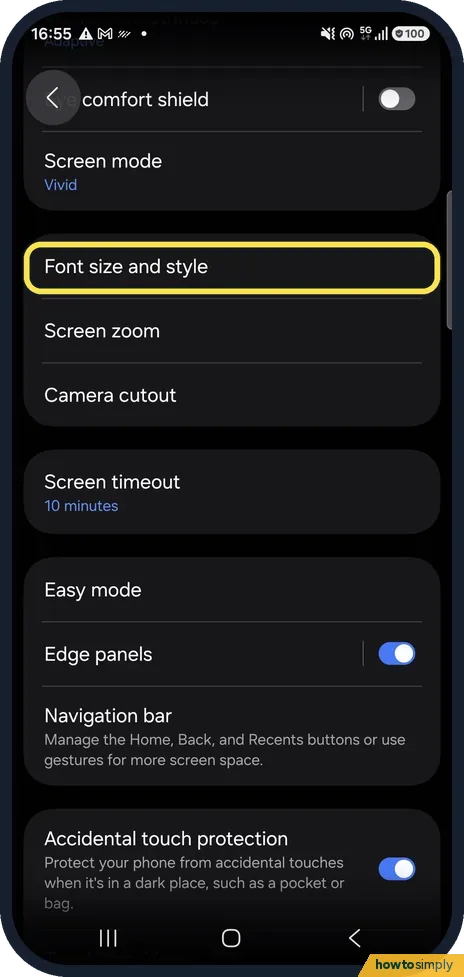
How to change the font size on a Samsung Galaxy
Open Settings, Display, Font size and style and drag the slider at the bottom. Bold font on the same page makes text heavier. To make everything bigger, not just text…
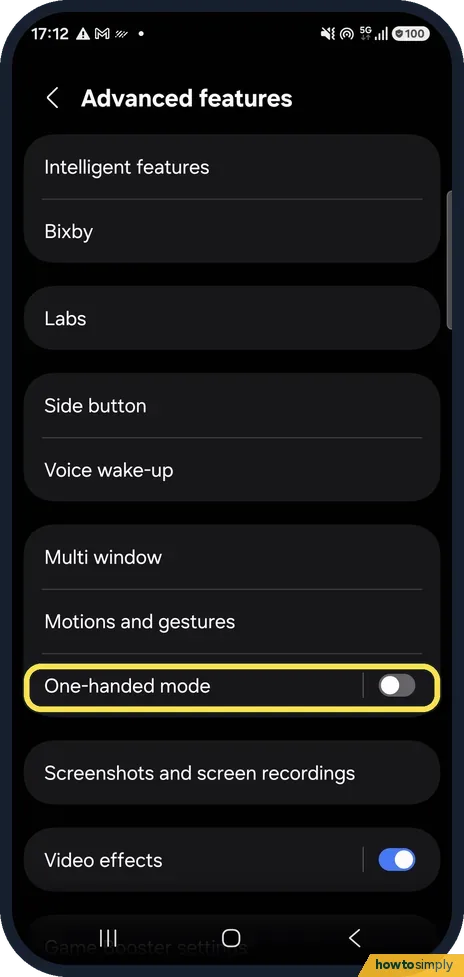
How to use one-handed mode on a Samsung Galaxy
Open Settings, Advanced features, One-handed mode and switch it on. Then choose Gesture (swipe down in the centre of the bottom edge) or Button (double tap the Home…
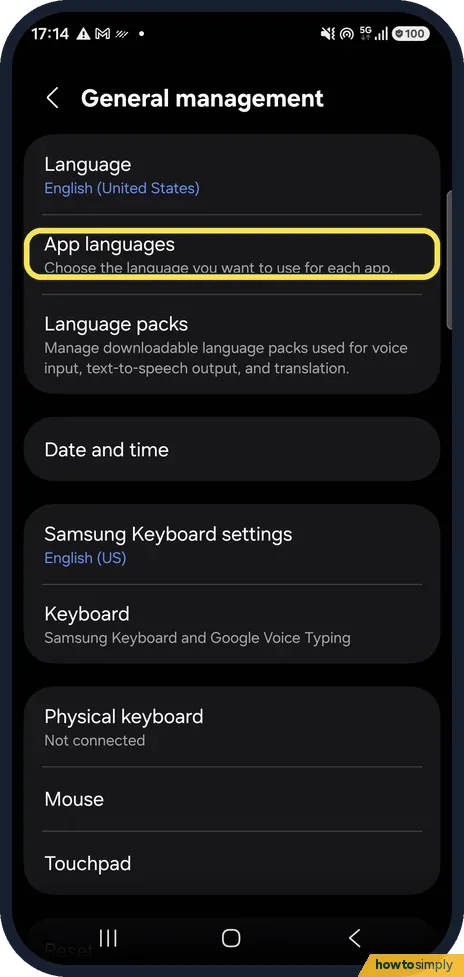
How to change the language of one app on a Samsung Galaxy
Open Settings, General management, App languages, tap the app and choose a language. Only apps that support their own language choice are listed. The rest of the phone…
Apps keep crashing or closing on a Samsung Galaxy: fixes
Close the app from Recents and open it again, then update it in the Play Store. If it still closes, open Settings, Apps, the app, Storage and tap Clear cache. Restart…
Play Store not downloading apps on a Samsung Galaxy: fixes
Check that the Play Store's App download preference is not set to Over Wi-Fi only while you are on mobile data, and that the phone has free storage. Then open Settings…
Samsung Galaxy says No SIM card: fixes
Switch Airplane mode on and off, then restart the phone from the power icon in the quick panel. If it still says No SIM card, open Settings, Connections, SIM manager…
Samsung phone not showing up on a computer: USB file transfer fixes
Connect the phone, unlock it, pull down the notification panel and tap the USB notification. Under Use USB for, choose Transferring files / Android Auto. The default…
How to find the IMEI, model and serial number on a Samsung Galaxy
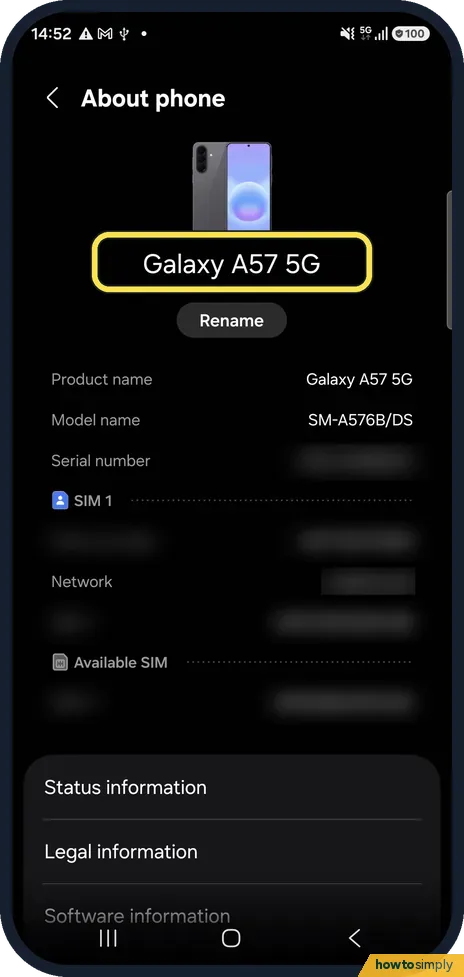
Open Settings, About phone. The model name, serial number and IMEI are listed there. You can also dial *#06# in the Phone app to show the IMEI.
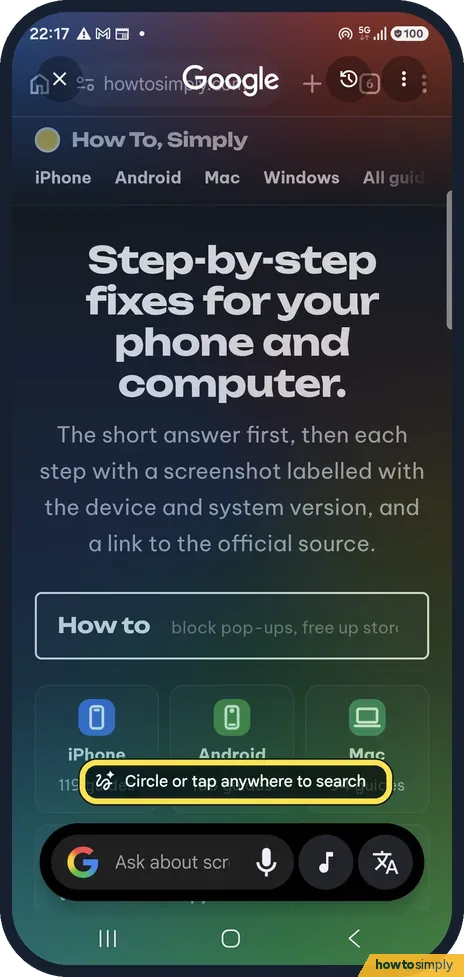
How to use Circle to Search on a Samsung Galaxy
On any screen, touch and hold the Home button (or the handle at the bottom if you use swipe gestures). Then circle, tap or scribble on what you want to search. Google's…
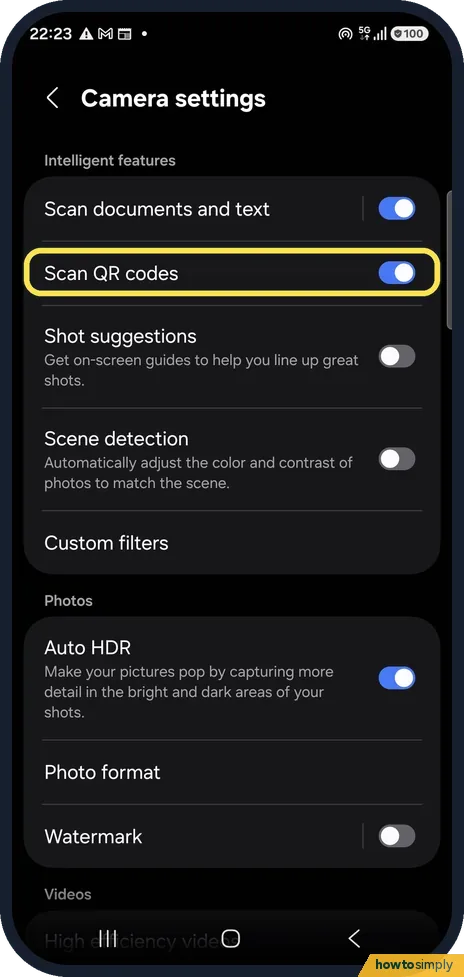
How to scan a QR code on a Samsung Galaxy
Open Camera settings and turn on Scan QR codes, then point the camera at the code: Samsung says this gives access to the link, contact or location in it. Or swipe down…
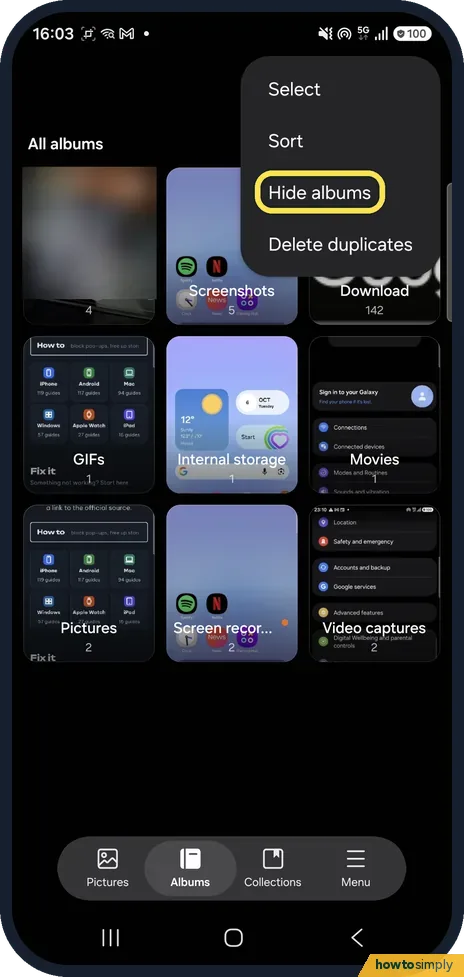
How to hide albums in Samsung Gallery
Open Gallery, tap Albums, the three dots and Hide albums. Switch on the albums you do not want to see in Gallery. Hidden albums can still appear in other apps; to hide…
How to take a selfie by showing your palm on a Samsung Galaxy
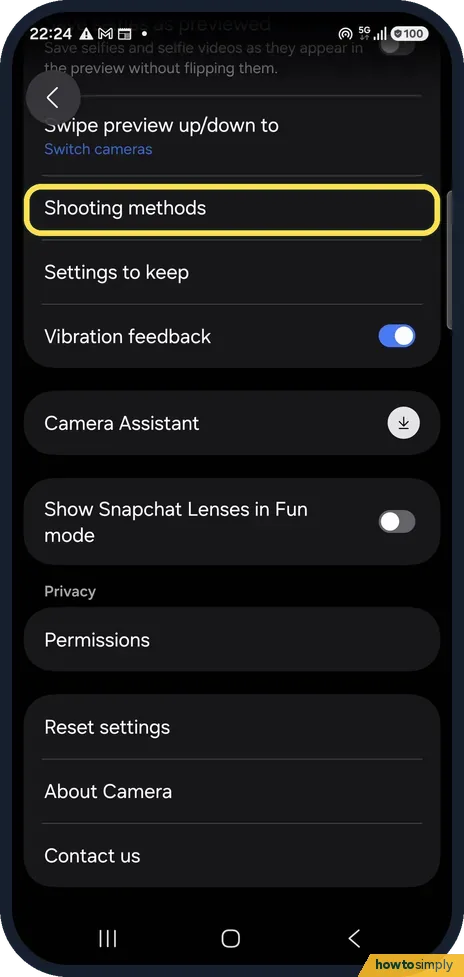
Open Camera, the settings gear, Shooting methods and turn on Show palm. Switch to the front camera and hold your open palm towards it; a short countdown starts and the…
How to turn on call waiting and call forwarding on a Samsung Galaxy
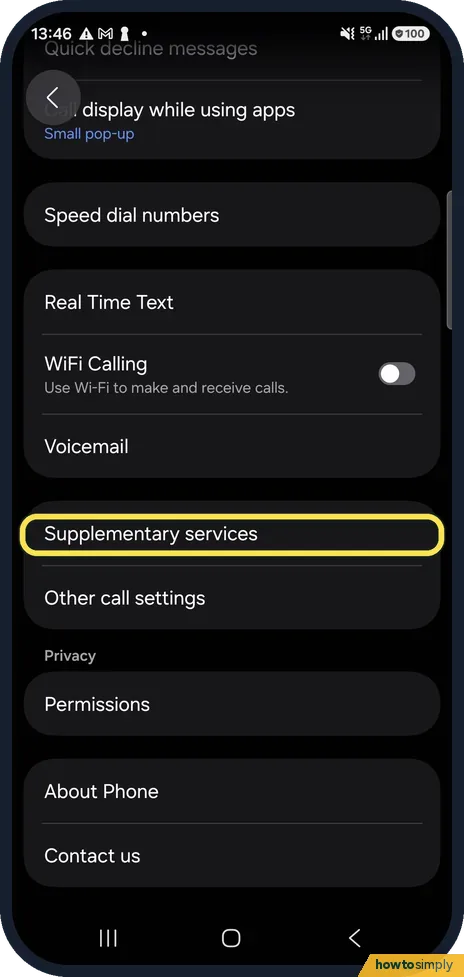
Open the Phone app, tap the three dots, Settings, Supplementary services. Turn on Call waiting to hear a second call during a call. Tap Call forwarding to send calls to…
How to set a call background on a Samsung Galaxy
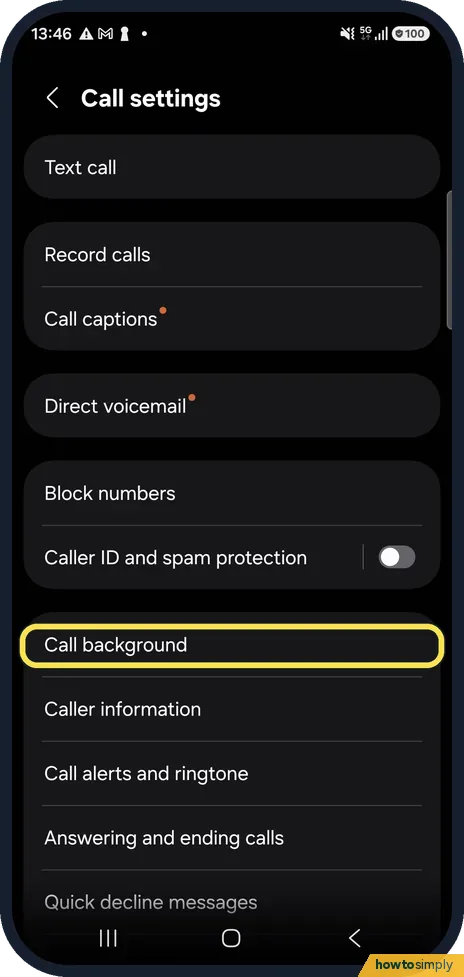
Open the Phone app, tap the three dots, Settings, Call background, then tap Background and choose a picture or video. It shows full screen when you make or receive calls.
How to create a routine in Modes and Routines on a Samsung Galaxy
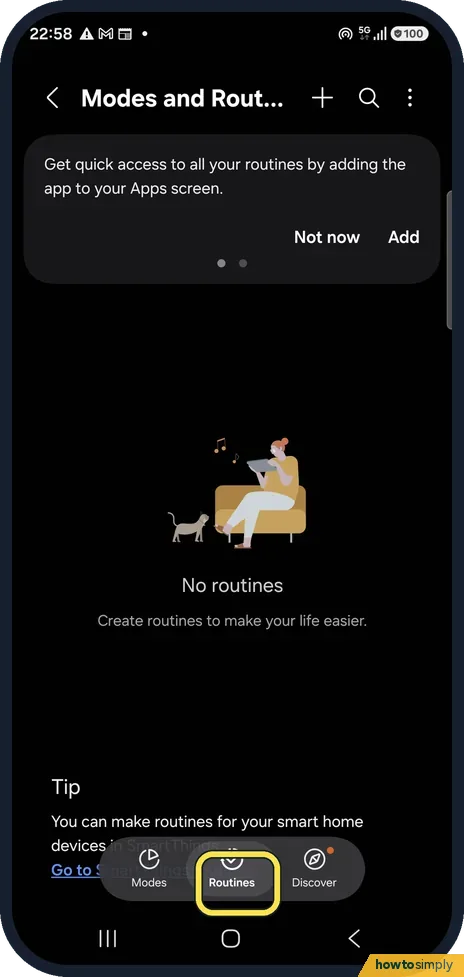
Open Settings, Modes and Routines, the Routines tab and tap +. Add an If (what starts the routine, such as a time or a place) and a Then (what it does, such as turning…
How to set an out-of-office reply in the Gmail app on Android
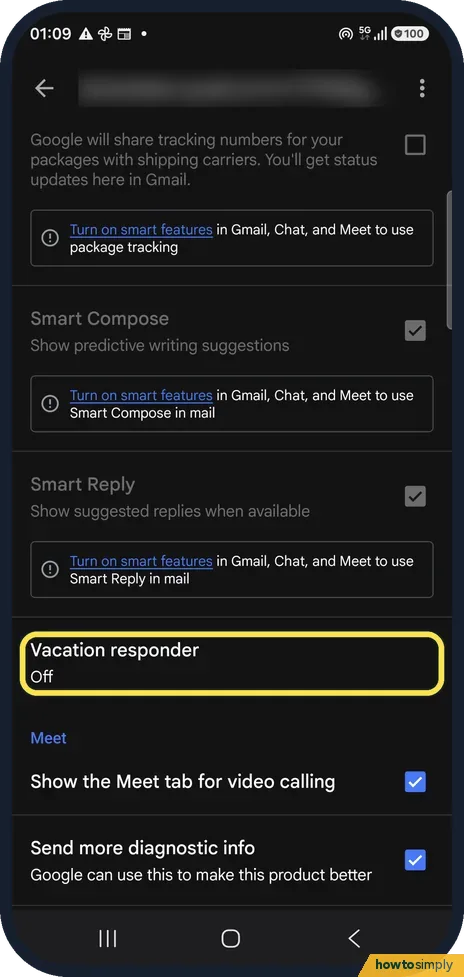
In Gmail open Settings, tap your account and tap Vacation responder. Switch it on, set the first and last day, type a subject and message and tap Done. Send only to my…
How to recover deleted emails in the Gmail app on Android
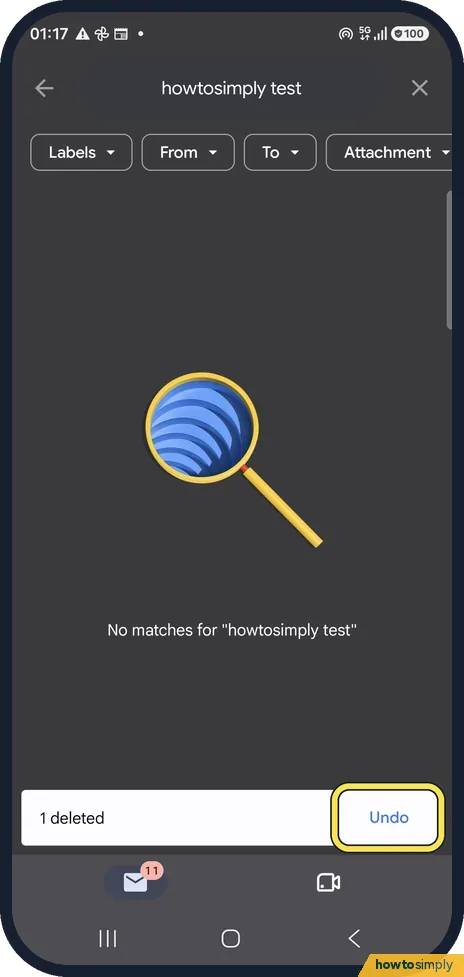
Tap Undo right after deleting. Later, open Trash from the Gmail menu (or search in:trash), open the mail, tap the three dots and choose Move to Inbox. Gmail keeps…
How to change your signature in the Gmail app on Android
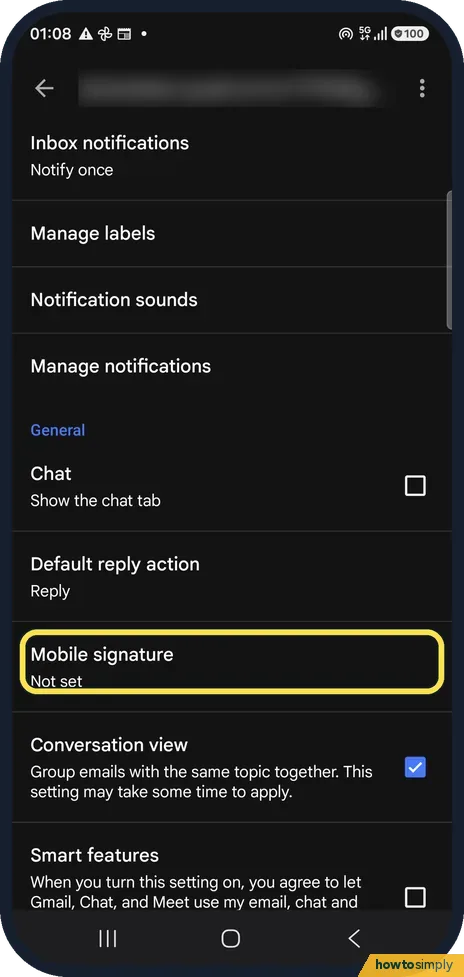
In Gmail open Settings, tap your account and tap Mobile signature. Type the signature and tap OK. It is used only for mail sent from the app; leave it blank and the app…
How to turn off smart features in the Gmail app on Android
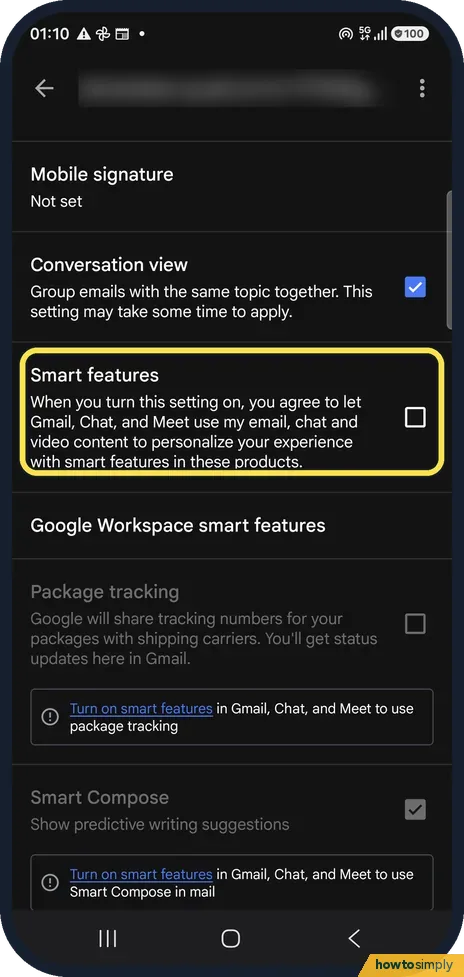
In Gmail open Settings, tap your account and untick Smart features. Then tap Google Workspace smart features and untick the two boxes there. Smart Compose, Smart Reply…
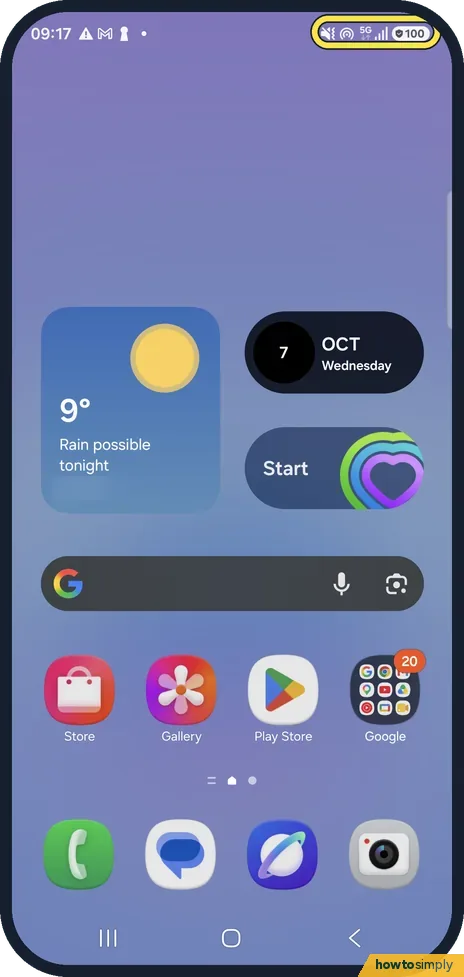
Samsung Galaxy status bar icons and what they mean (One UI 8.5)
The right of the status bar shows the phone's own state: sound mode, Mobile Hotspot, network, signal and battery. The left shows apps with notifications. When we tried…
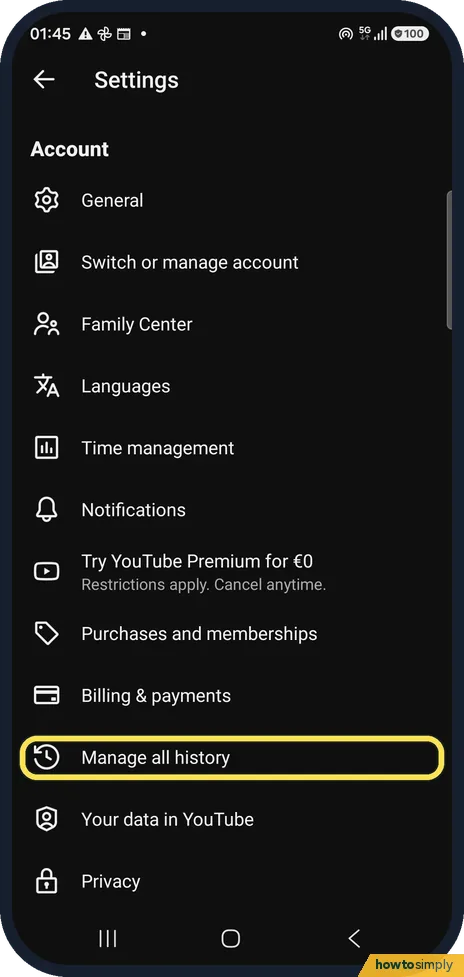
How to pause YouTube watch and search history on Android
In YouTube tap You, the gear, Manage all history and open the Controls tab. Tap Turn off, read the dialog and tap Pause. YouTube stops saving new history on every…
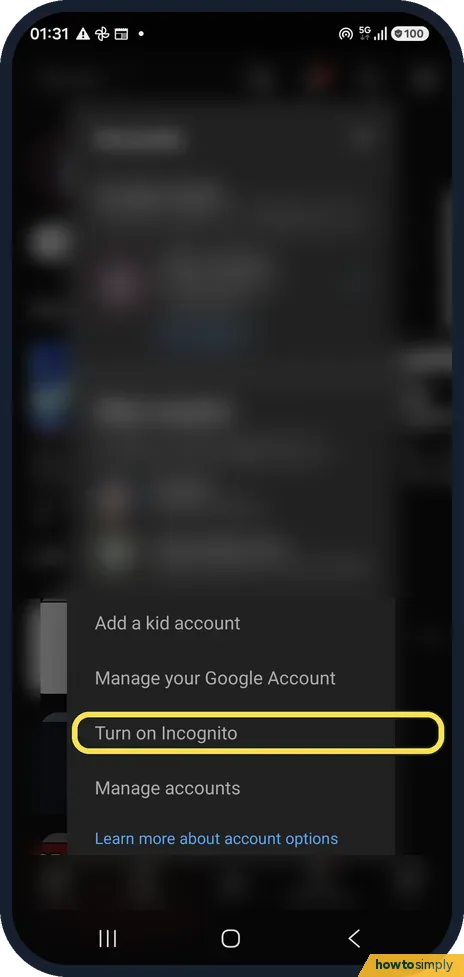
How to use Incognito mode in the YouTube app on Android
Tap your profile picture or You, open the account list and tap Turn on Incognito. YouTube does not link what you watch or search to your account until you turn it off…
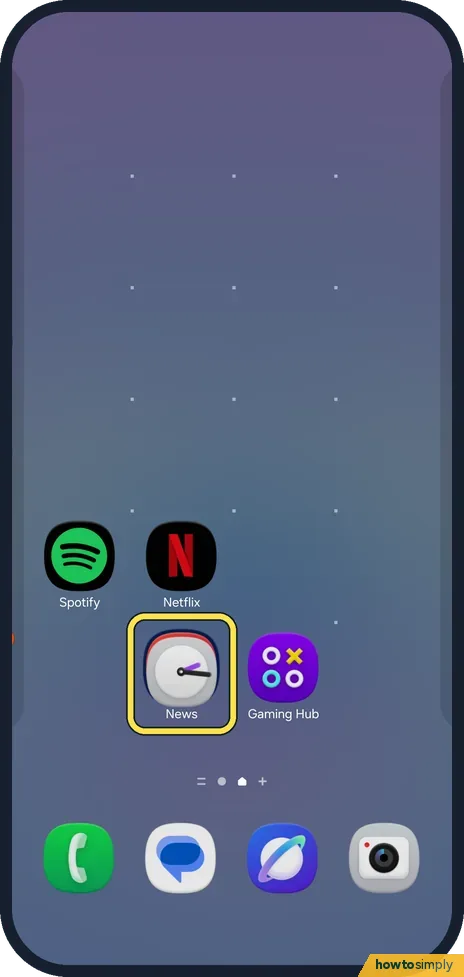
How to make an app folder on a Samsung Galaxy (One UI 9)
Touch and hold an app on the home screen and drag it onto another app. A folder opens with a Folder name field and a + button. To change its colour, touch and hold the…
How to force stop an app on a Samsung Galaxy (One UI 9)
Open Settings, Apps and tap the app. On its App info page tap Force stop at the bottom, then OK. One UI 9 warns: If you force stop an app, it may cause errors.
How to switch to 3-button navigation on Android
Open Settings, tap System, then Navigation mode, and choose 3-button navigation. On a Samsung Galaxy it is Settings, Display, Navigation bar, Buttons. The Back, Home…
How to change the language of one app on Android
Open Settings, tap System, then Language and region, then App languages. Tap the app and choose the language. On a Samsung Galaxy it is Settings, General management…
How to start a Samsung Galaxy in Safe mode (One UI 9)
Swipe down from the top right, tap the power icon, touch and hold Power off, then tap the green Safe mode button. To leave, tap the Safe mode is on notification and…
How to make Galaxy AI process data only on your Samsung Galaxy (S26, One UI 9)
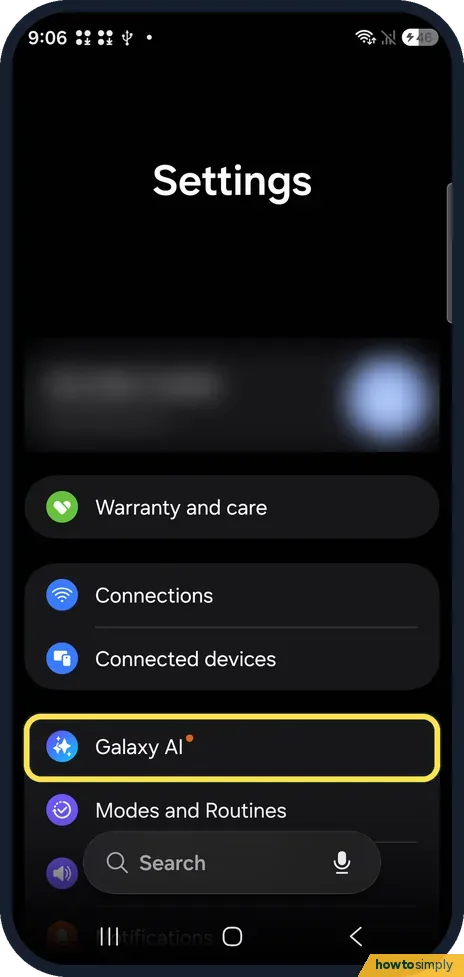
Open Settings, tap Galaxy AI, scroll to the bottom and turn on Process data only on device. Samsung calls it the master switch for cloud processing. Features that need…
How to turn off Now brief on a Samsung Galaxy (S26, One UI 9)
Open Settings, Lock screen and AOD, Now bar, scroll down and turn off Now brief. On our Galaxy S26 the off switch is there; Galaxy AI, Now brief only sets what the…
How to use the Interpreter app on a Samsung Galaxy S26 (One UI 9)
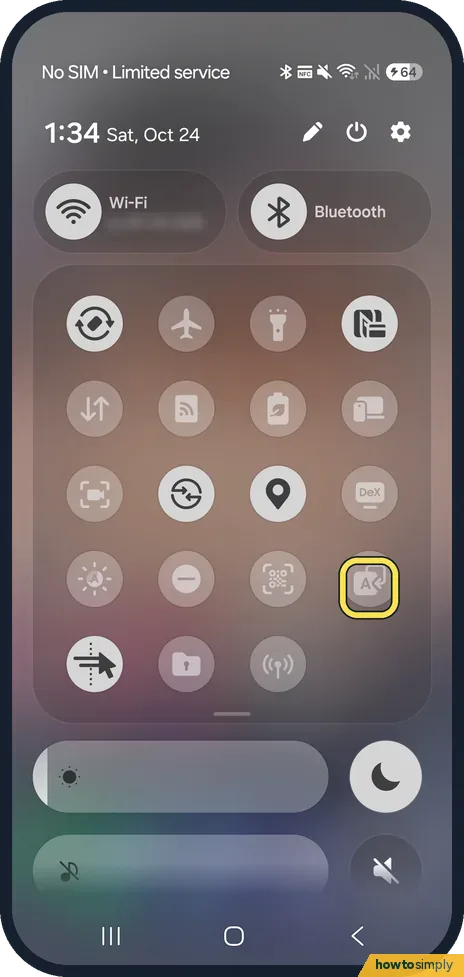
Swipe down and tap Interpreter in the quick panel, tap Continue and allow the microphone, pick the two languages at the top, then tap the mic button to talk or the…
How to turn on Dolby Atmos and use the equaliser on a Samsung Galaxy (S26, One UI 9)
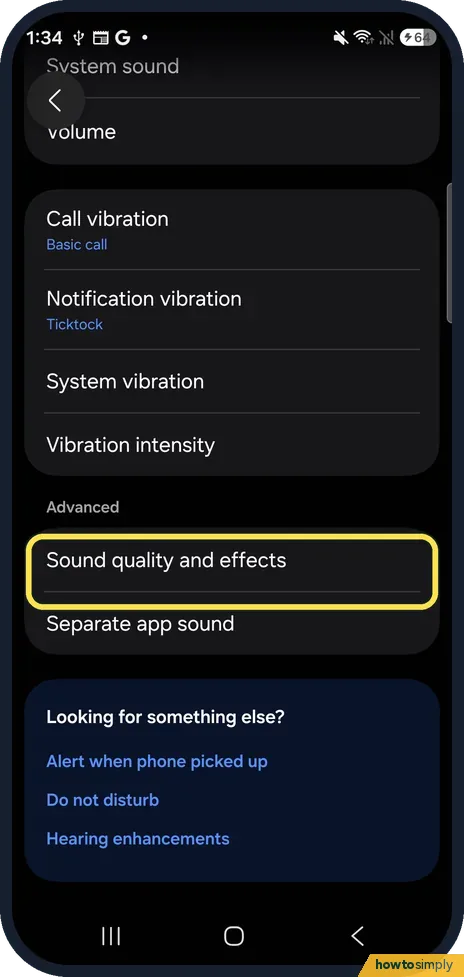
Open Settings, Sounds and vibration, Sound quality and effects. Turn on Dolby Atmos and pick Auto, Movie, Music or Voice; tap Equalizer for presets like Bass boost…
How to turn on RCS chats on a Samsung Galaxy (Google Messages, One UI 9)
Make sure Messages is your SMS app, then in Google Messages tap your profile icon, Messages settings, RCS chats, and turn on Turn on RCS chats. When it works, the page…
How to add and change Edge panels on a Samsung Galaxy (One UI 9)
Go to Settings, Display, Edge panels, tap Panels and tick the ones you want (Apps, People, Tasks, Weather, Tools, Clipboard, Reminder). Handle position and style moves…
How to set an app timer on a Samsung Galaxy (One UI 9)
Open Settings, Digital Wellbeing, and tap Set timer under App timers. Pick the app, tap Add schedule, choose the days and set the hours and minutes, then Save. Set the…
How to set a text tone for one contact on a Samsung Galaxy
Not in Contacts: on One UI 9 a contact only has Ringtone and Call vibration. Open the chat in Google Messages, tap the three dots, Details, Notifications, then Sound…
How to make a Samsung Galaxy read out who is calling (One UI 9)
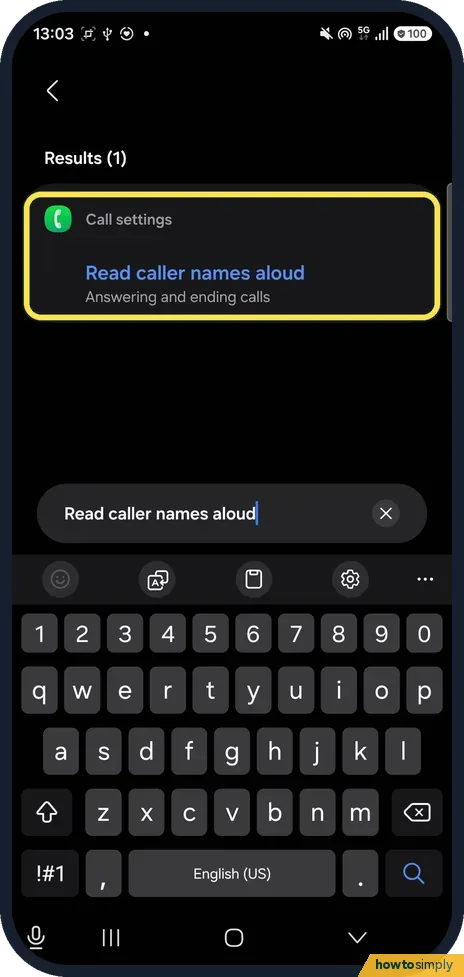
Turn on Read caller names aloud: search Settings for it, or open the Phone app, three dots, Settings, Answering and ending calls. Then choose Over Bluetooth and…
How to create a contact group on a Samsung Galaxy (One UI 9)
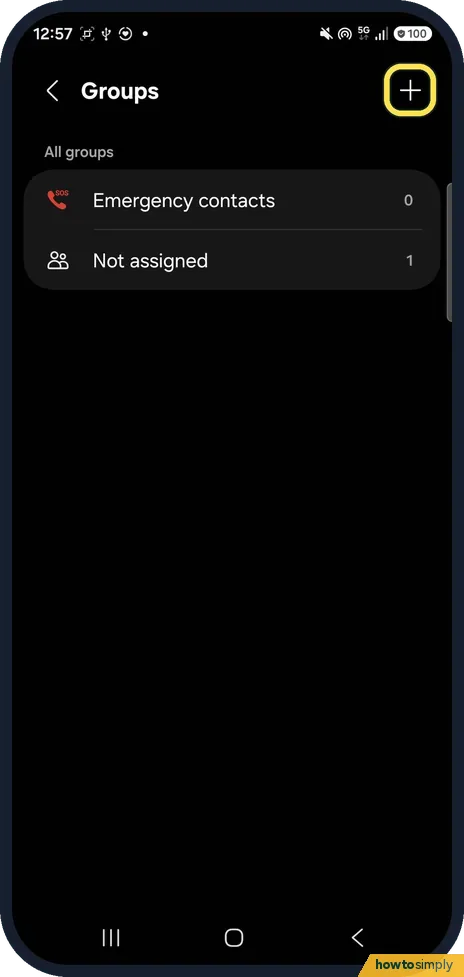
Open Contacts, tap the menu, then Groups and the plus. Name the group, tap Add member, tick the contacts and tap Done, then Save. The group's three dots menu has Send…
Galaxy A57 missing features: what it doesn't have next to the S26
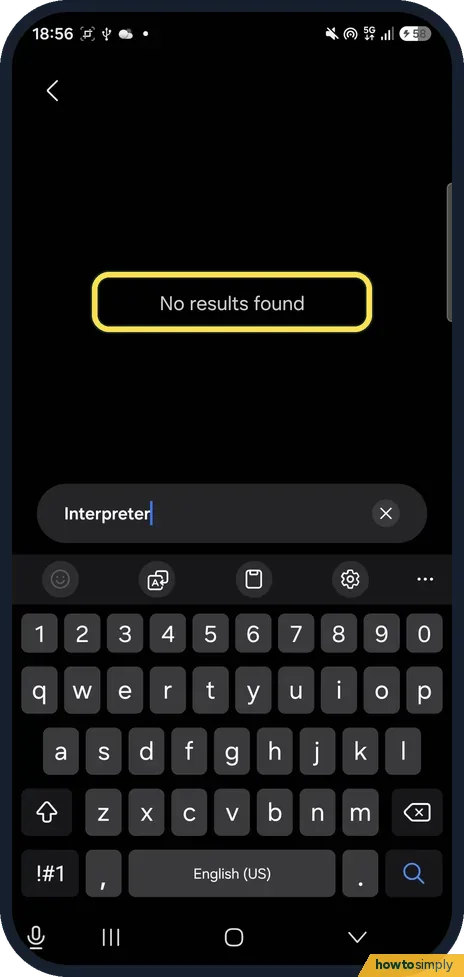
Settings search on our Galaxy A57 (One UI 9) found no Interpreter, Live translate, Note, Photo, Writing, Browsing or Transcript assist, Audio eraser, Now brief, DeX…
How to increase touch sensitivity on a Samsung Galaxy (One UI 9)
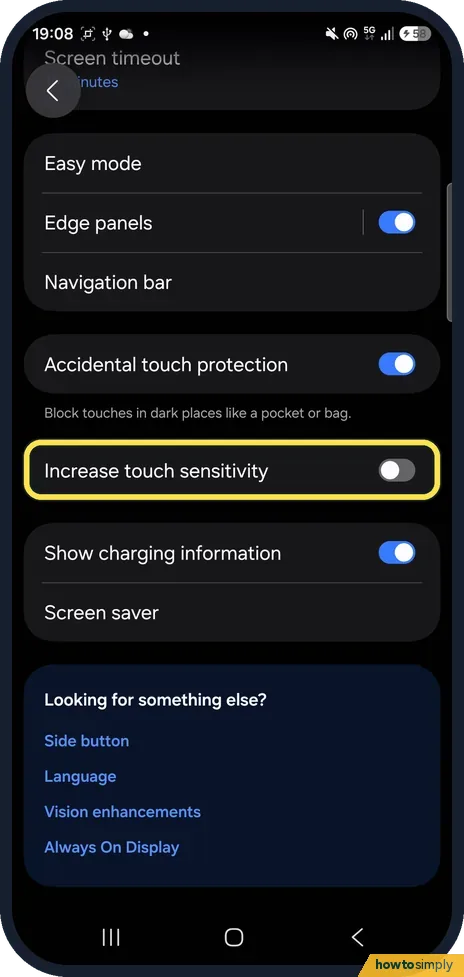
Open Settings, Display and turn on Increase touch sensitivity, near the bottom below Accidental touch protection. Samsung suggests it when a screen protector is fitted…
How to turn off or restart a Samsung Galaxy (One UI 9)
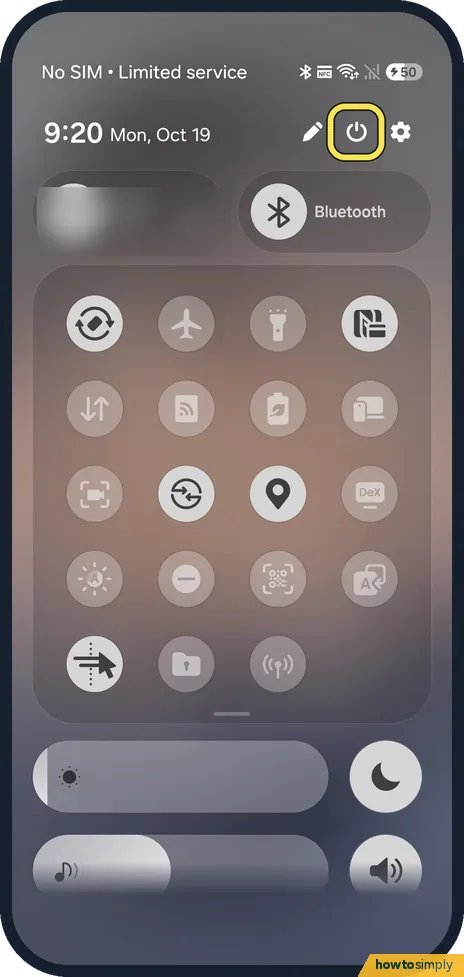
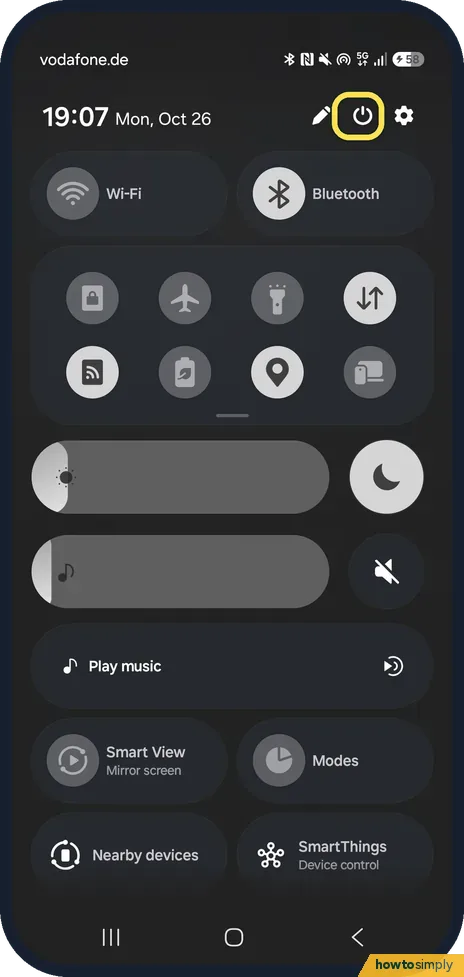
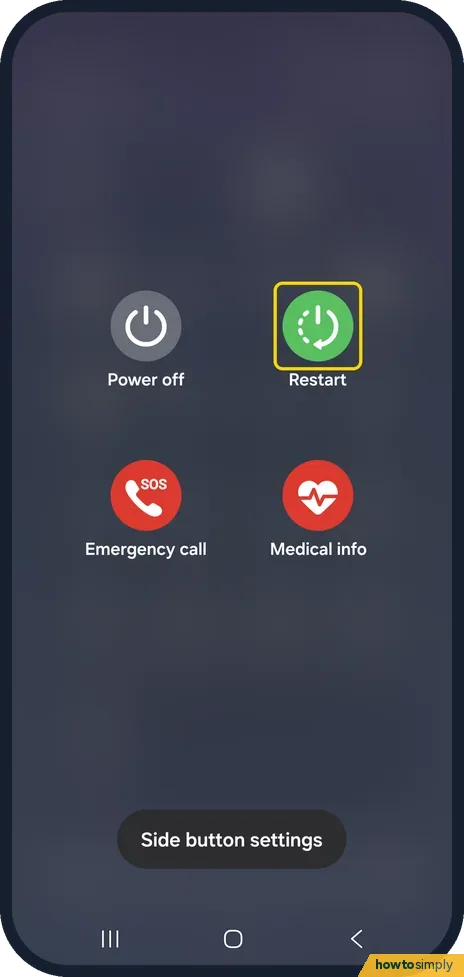
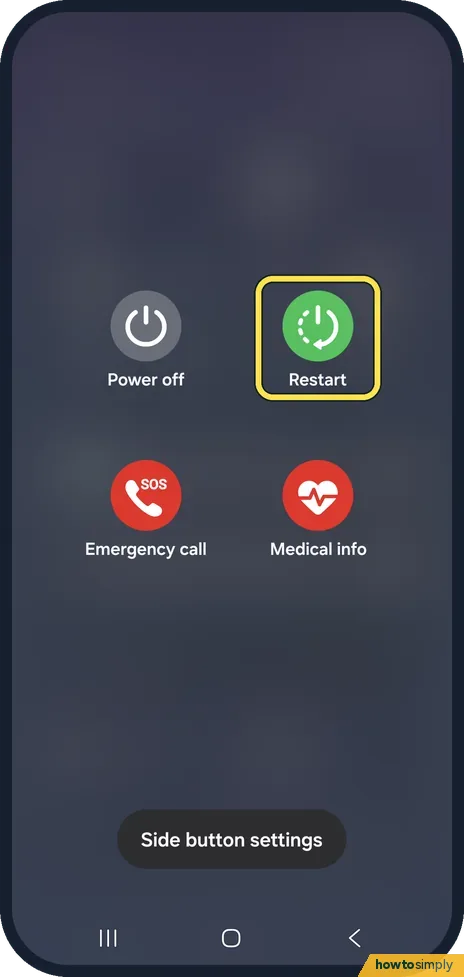
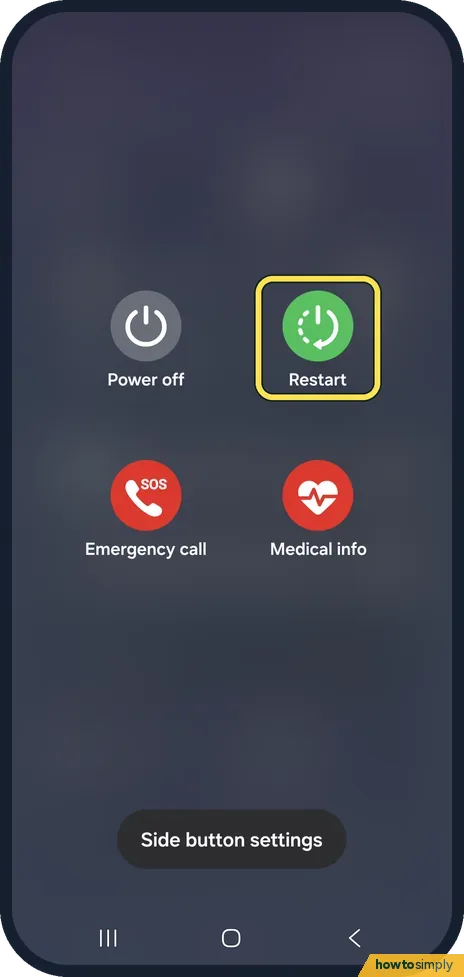
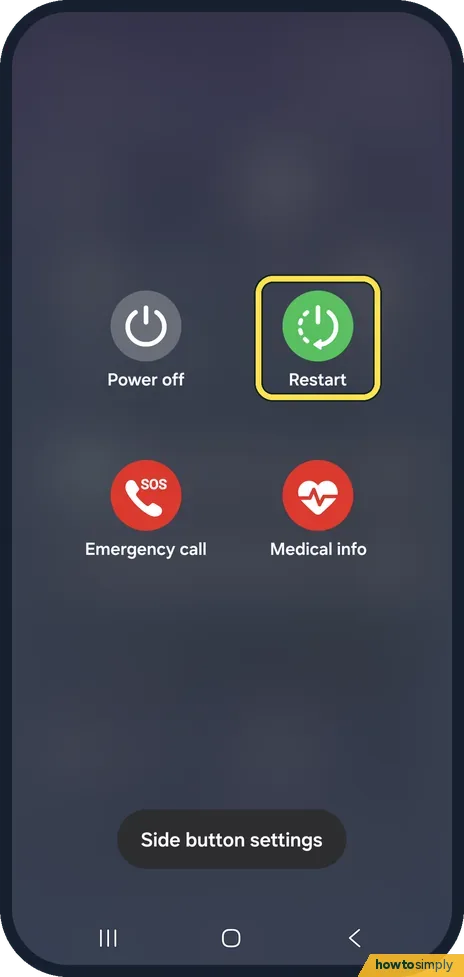
Swipe down to open the Quick panel and tap the power icon at the top right, next to Settings. Tap Power off or Restart, then tap it again to confirm. Or press and hold…
How to use two Facebook or WhatsApp accounts on a Samsung Galaxy with Dual Messenger (One UI 9)
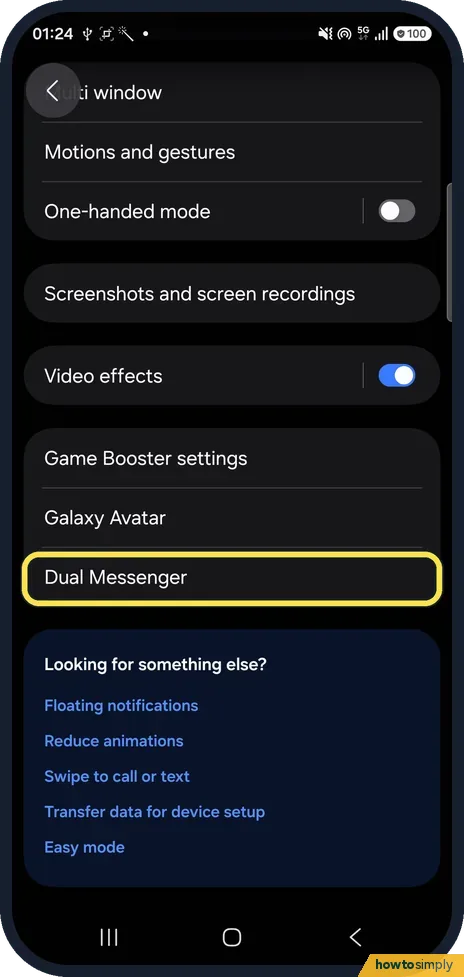
Go to Settings, Advanced features, Dual Messenger and turn on the switch next to the app. Tap Install, Confirm, choose your contacts option, and a second copy with a…
What changed in One UI 8.5: 6 settings that moved or were renamed
On One UI 8.5, Samsung Internet is called Samsung Browser, lock screen notifications are reached from a link at the bottom of Lock screen and AOD, Customization Service…
How to use split screen and pop-up view on a Samsung Galaxy
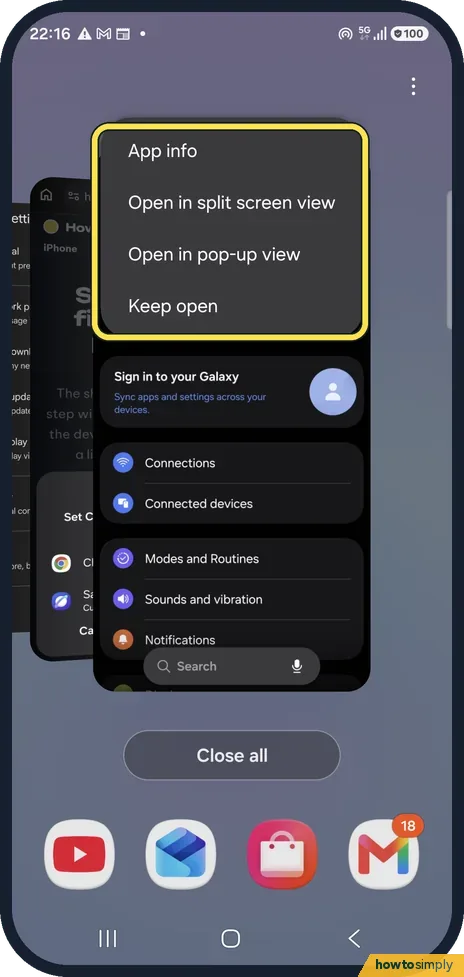
Open Recents, tap the app's icon above its preview and choose Open in split screen view, then pick the second app. Choose Open in pop-up view instead to float the app…
How to zip and unzip files on a Samsung Galaxy (One UI 9)
In My Files, long-press a folder or file, tap More, then Compress. Name it, keep Zip and tap Compress. To open a ZIP, tap it, tick what you want, tap Extract, then…
How to play one app's sound on a different device on a Samsung Galaxy
Open Settings, Sounds and vibration, Separate app sound and tap Turn on now. Choose the App whose sound should go elsewhere and the Audio device, for example a…