iPhone Guides
Simple, step-by-step answers for your iPhone, with real screenshots and the exact iOS version.
 Illustration
What do you need help with?
View all topicsFix an iPhone problem
Quick solutions for the most common issues.
What's new in iOS 27?
Apple moved, renamed or changed several familiar settings.
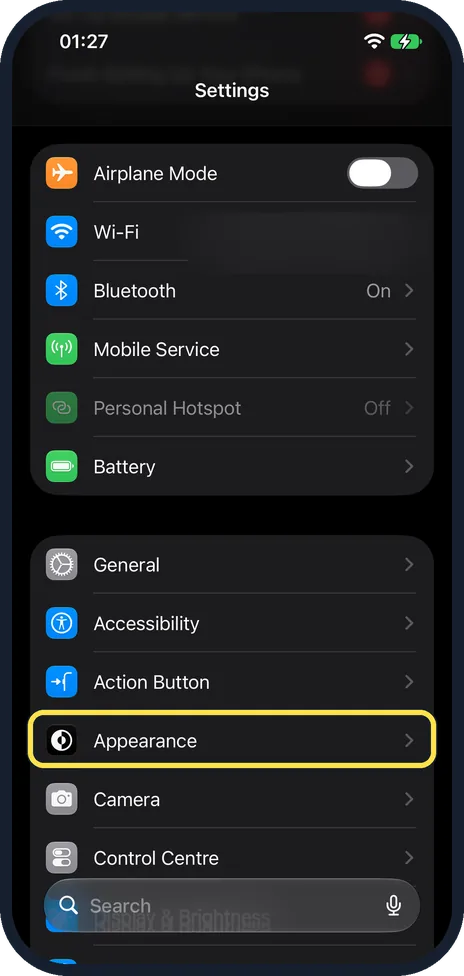 How to turn on Dark Mode on an iPhoneDark Mode moved to the new Settings > Appearance page
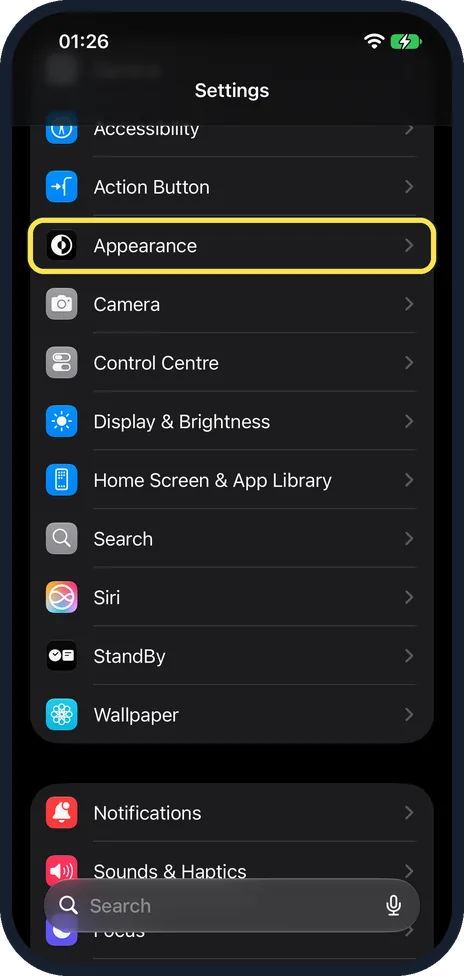 How to make text bigger on an iPhoneText Size moved to Settings > Appearance
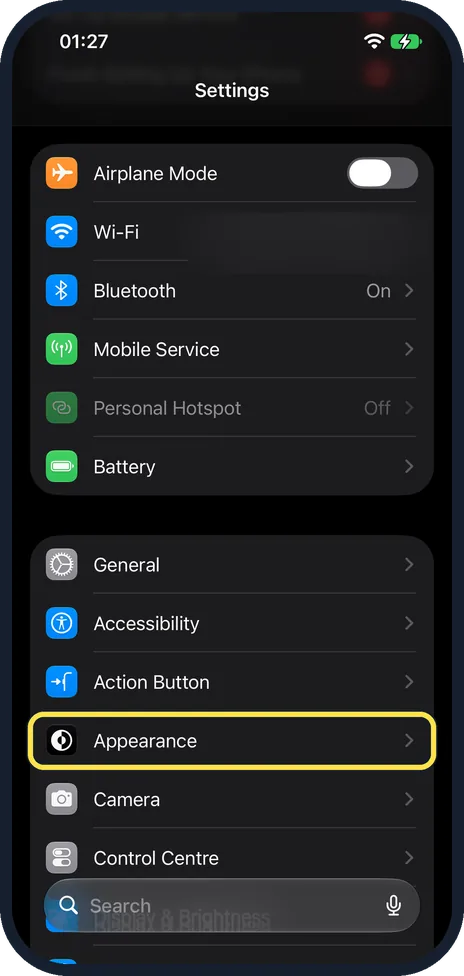 How to change Display Zoom on an iPhoneDisplay Zoom moved to Settings > Appearance
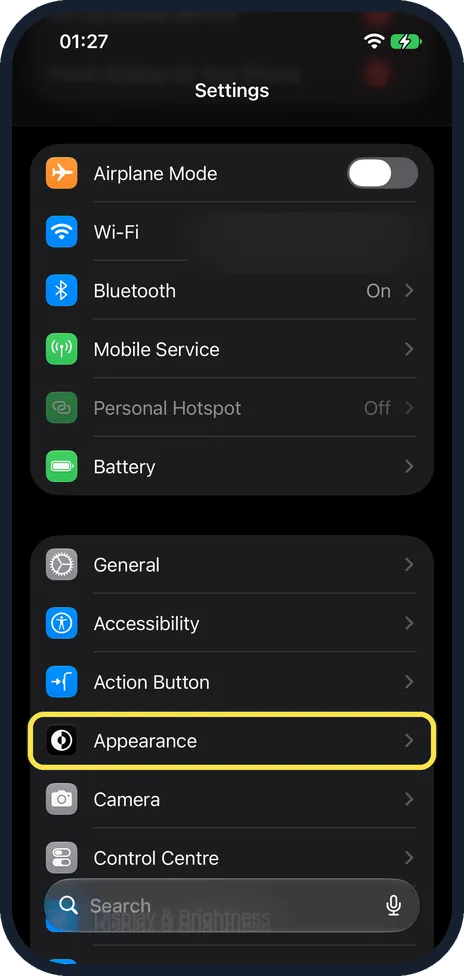 How to reduce the Liquid Glass effect on an iPhoneNew Liquid Glass slider, from Clear to Tinted
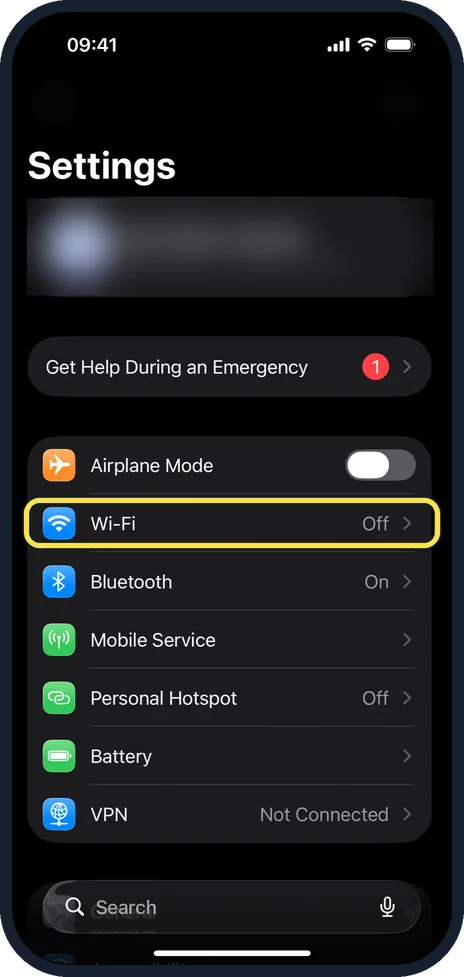 How to turn off Connectivity Assist (Wi-Fi Assist) on an iPhoneWi-Fi Assist is now Connectivity Assist, under Wi-Fi
 iPhone showing the wrong time? How to fix the date and timeSet Automatically is now two switches: time and time zone
Latest iPhone guides
View all iPhone guides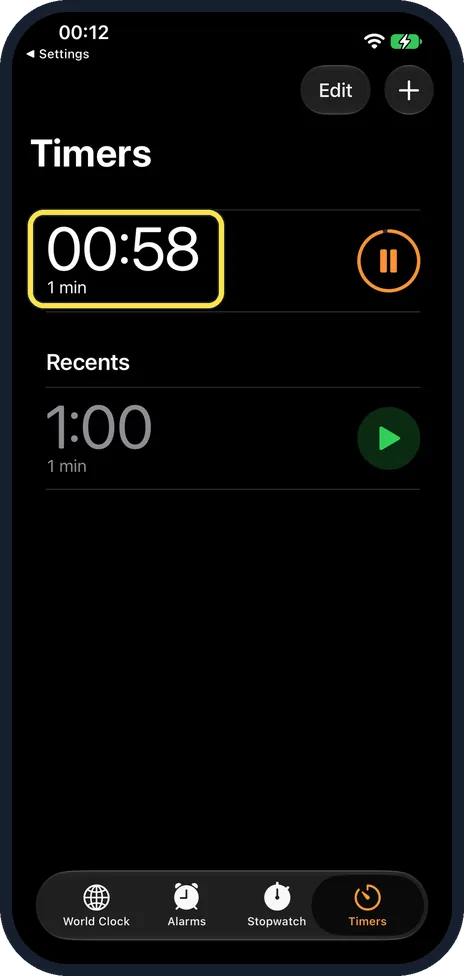 NewWhere Live Activities show on an iPhone 17e without a Dynamic IslandThe iPhone 17e has no Dynamic Island, so a Live Activity such as a running timer does not show…
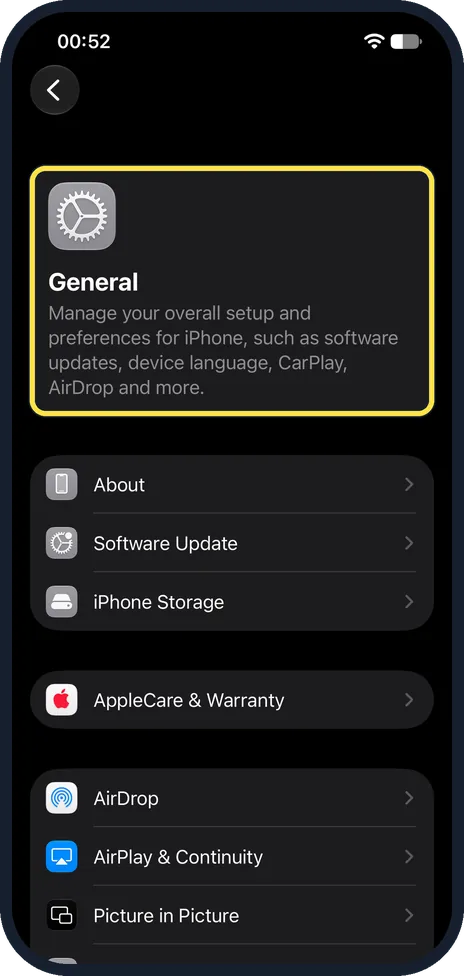
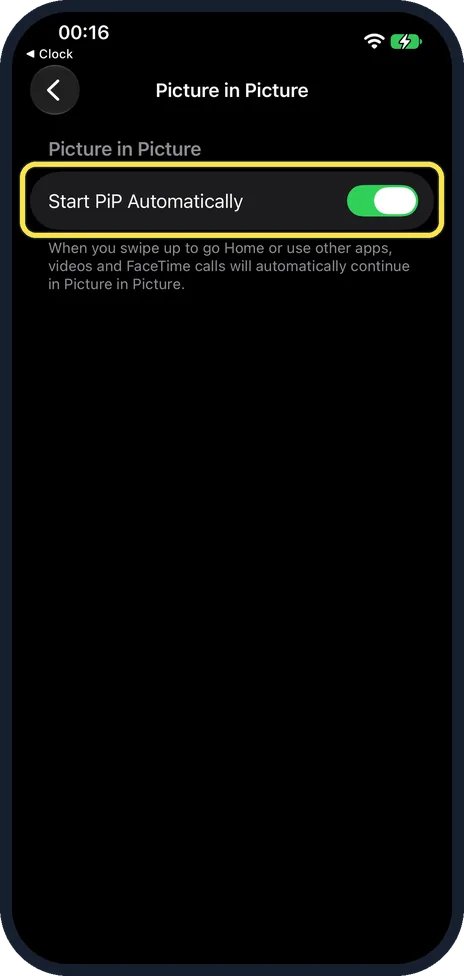 NewHow to use Picture in Picture on an iPhone (iOS 27)Check that Start PiP Automatically is on in Settings, General, Picture in Picture. Play a…
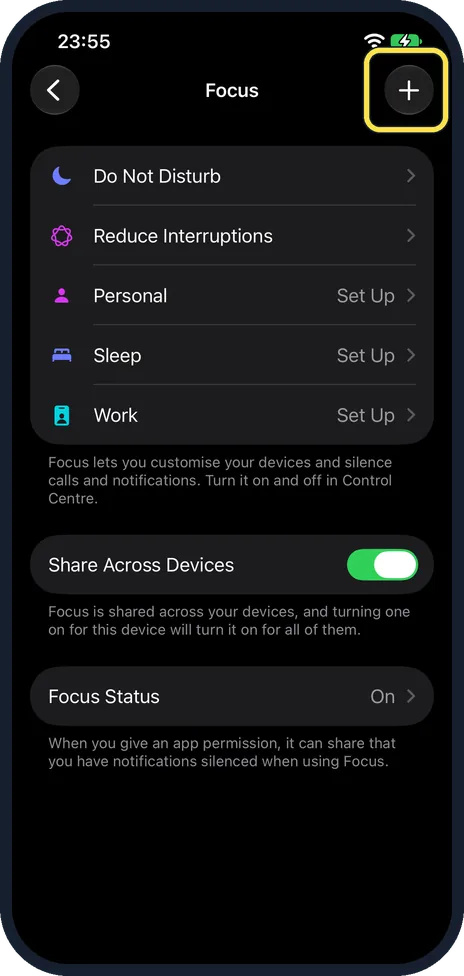 NewHow to turn on the Driving Focus on an iPhone (iOS 27)Open Settings, tap Focus, then Driving. If it is not listed, as on our iPhone 17e, tap + at…
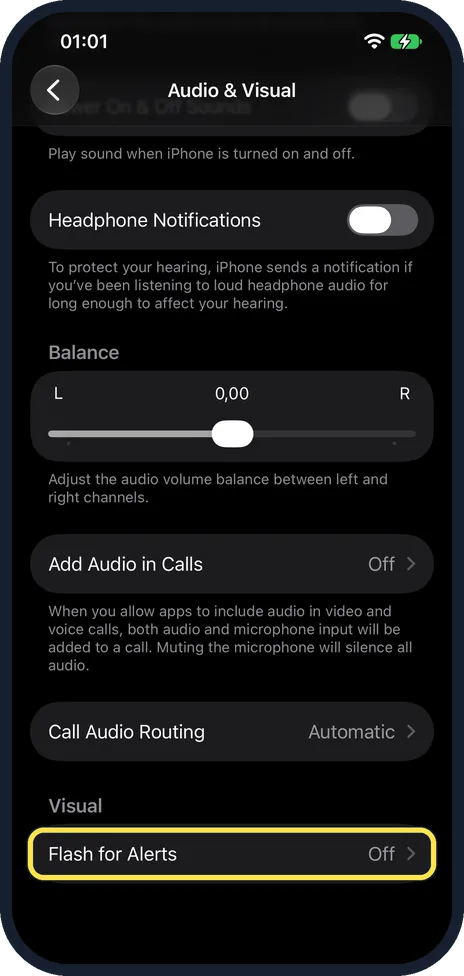 NewHow to turn on Flash for Alerts on an iPhone (iOS 27)Open Settings, Accessibility, Audio & Visual and tap Flash for Alerts at the bottom. Turn on…
All iPhone guides by topic
Troubleshooting
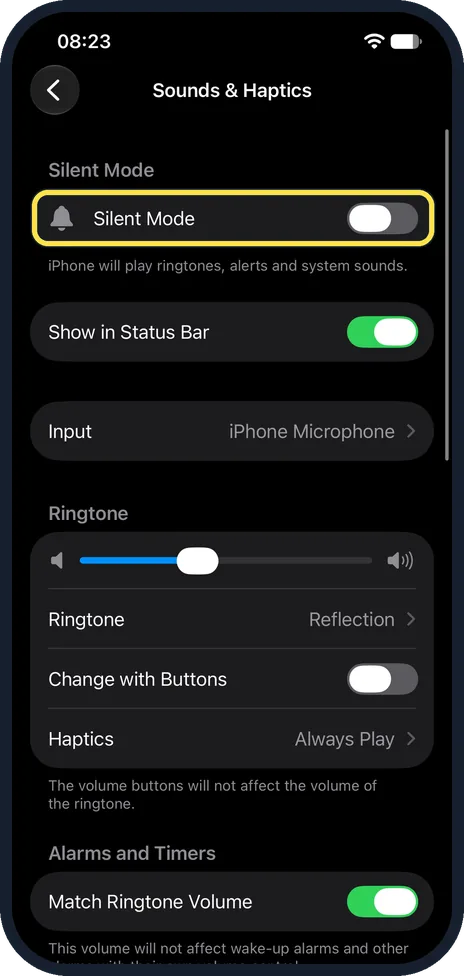
12 guidesiPhone not ringing for calls? 7 settings to check
Check the Silent mode switch or Action button, turn off any Focus such as Do Not Disturb, and raise the ringer volume under Settings, Sounds & Haptics. Then make sure…
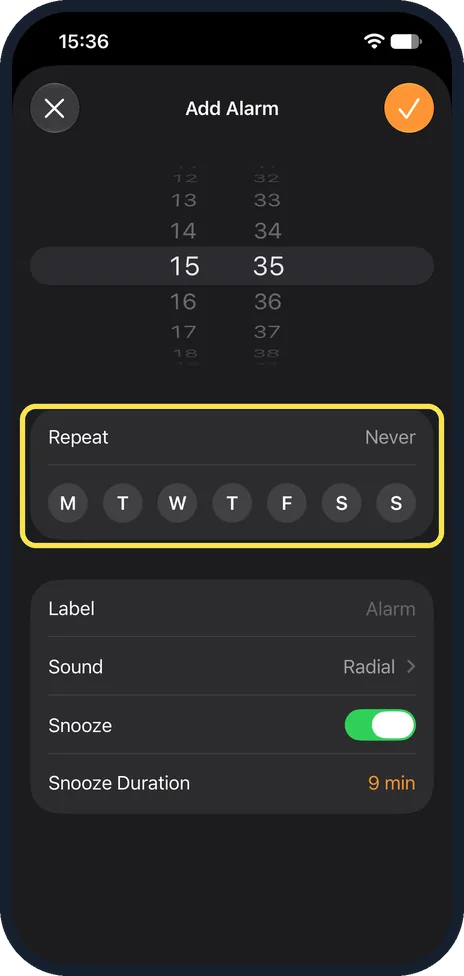
iPhone alarm not going off? 8 things to check
Open the Clock app and check the alarm is switched on, set for the right days and has a sound that is not None. Then raise the Ringtone slider under Settings, Sounds &…
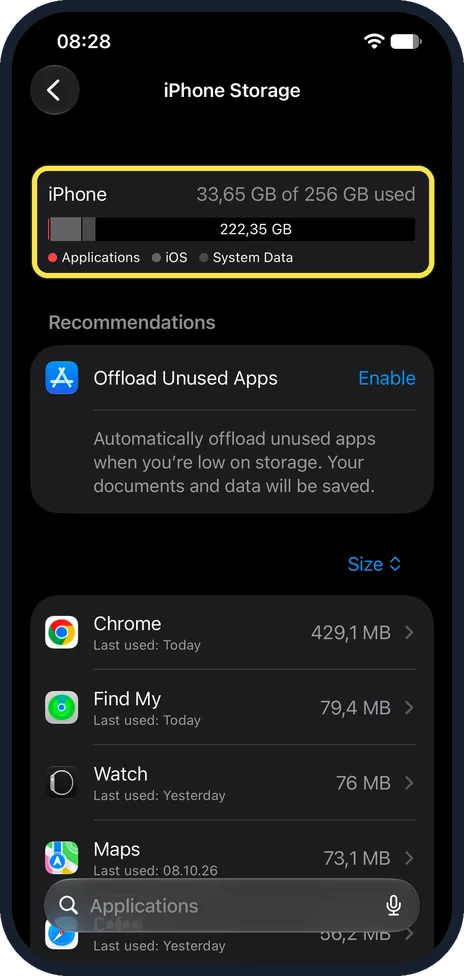
iPhone storage full? 7 ways to free up space fast
Open Settings, General, iPhone Storage to see what is using the space. Delete large videos, clear Recently Deleted in Photos, offload apps you rarely use, and remove…
iPhone notifications not showing? 5 settings to check
Turn off Focus and Do Not Disturb, then open Settings, Notifications, choose the app and make sure Allow Notifications is on with Lock Screen, Notification Centre and…
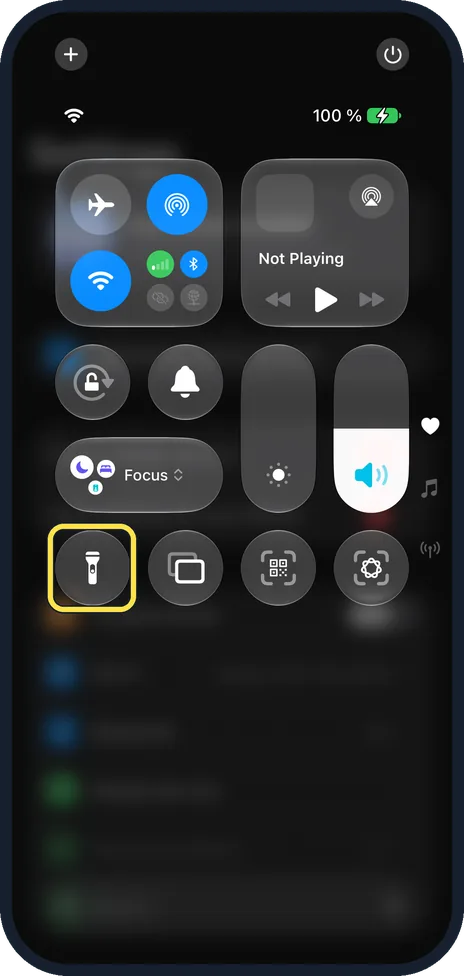
iPhone camera or flash not working? 6 fixes to try
Remove any case or accessory that covers the camera or flash, then restart the iPhone and install the latest iOS. To test the flash, open Control Centre and tap the…
iPhone software update failed or stuck? 7 fixes to try
Connect to Wi-Fi and a charger, and make sure there is enough free space under Settings, General, iPhone Storage. If the update still fails, delete it from that storage…
iPhone iMessage "Waiting for activation"? 6 fixes to try
Check the iPhone is online, iOS is updated and the date and time are correct. Then turn iMessage and FaceTime off in Settings, Apps, restart and turn both back on. If…
iPhone screen zoomed in and stuck? How to turn Zoom off
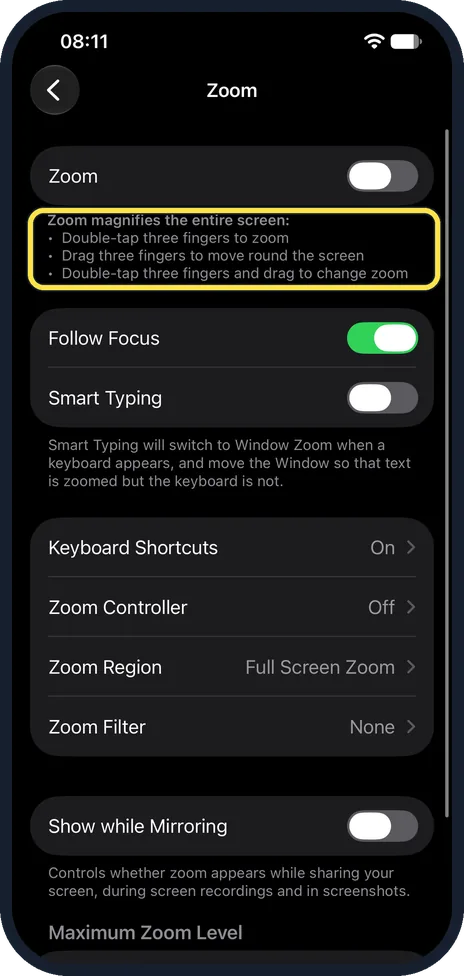
Double-tap the screen with three fingers. The picture returns to normal size. Then open Settings, Accessibility, Zoom and switch Zoom off. The three-finger gestures…
iPhone showing the wrong time? How to fix the date and time
Open Settings, tap General, tap Date & Time and switch on Set Time Automatically and Set Time Zone Automatically. Up to iOS 26 this is one switch, Set Automatically. If…
FaceTime not working on an iPhone? 8 fixes to try
Open Settings, tap Apps, then FaceTime, switch FaceTime off and on again, and check that your number or email address is ticked. Then make sure Screen Time allows…
AirDrop not working on an iPhone? 7 fixes to try
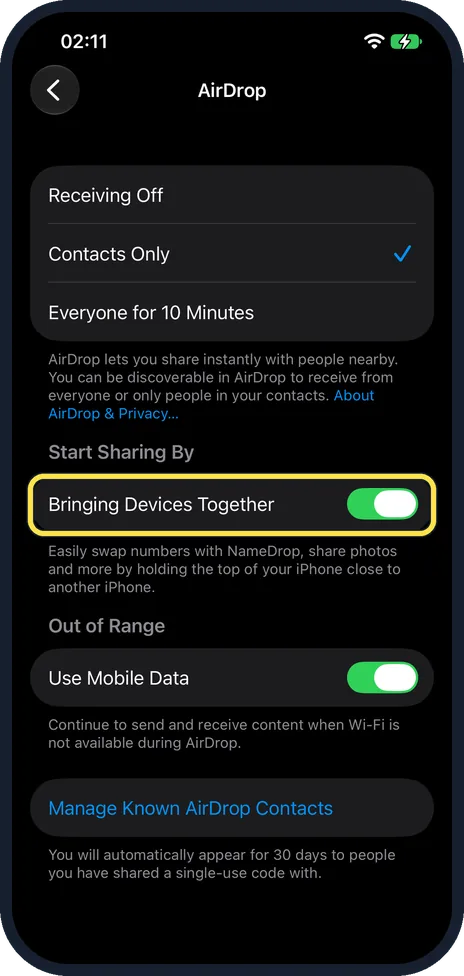
Bring the two devices close together, switch on Wi-Fi and Bluetooth on both and turn off Personal Hotspot. On the receiving iPhone, open Control Centre, touch and hold…
iPhone screen keeps dimming? 7 settings to check
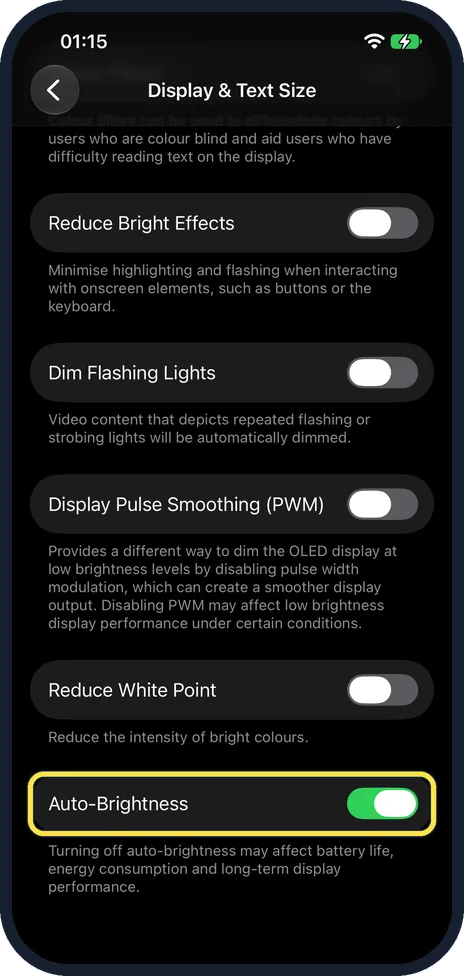
Open Settings, tap Accessibility, tap Display & Text Size, scroll to the bottom and switch off Auto-Brightness. If the screen still dims, check True Tone and Night…
Privacy & Security
16 guidesHow to see which apps can access your contacts and location on iPhone
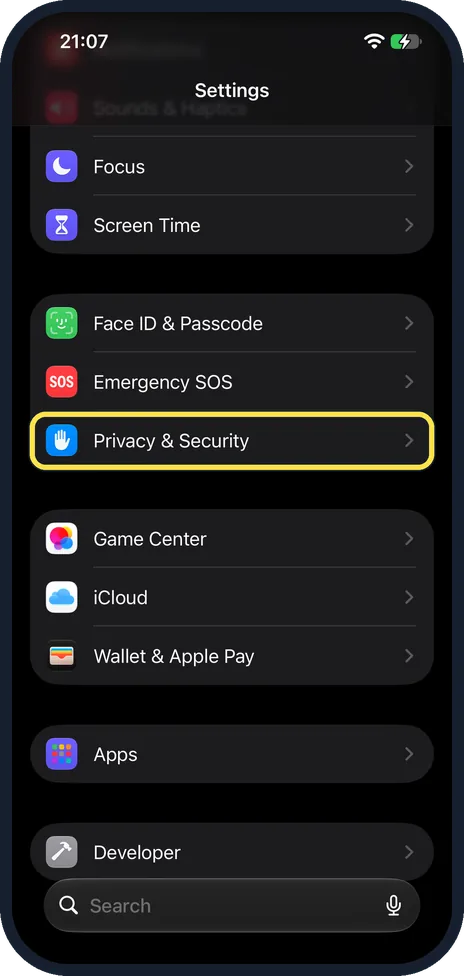
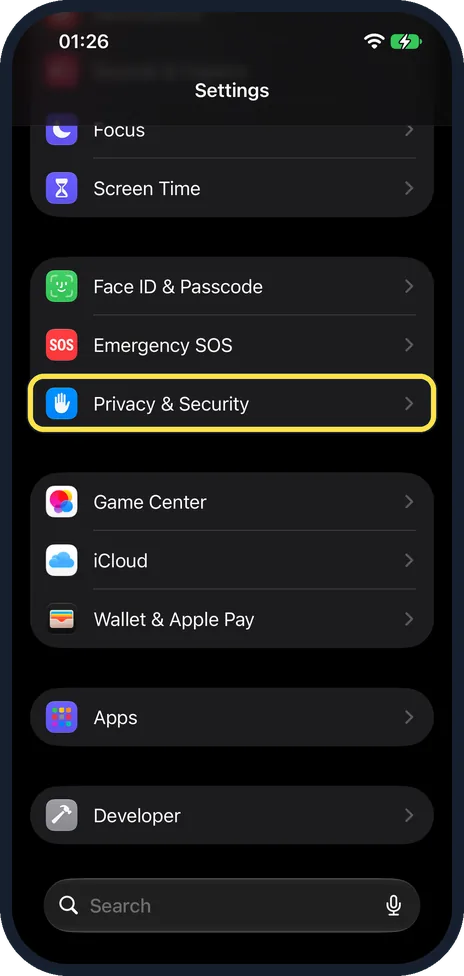
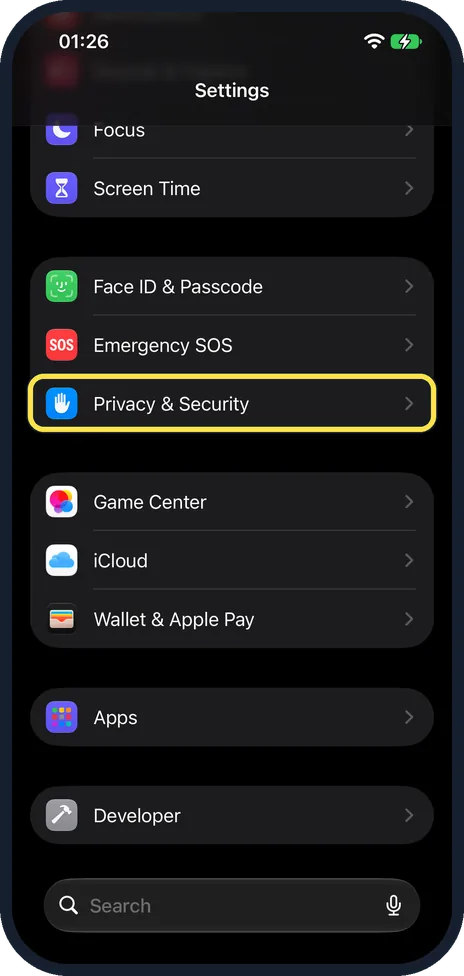
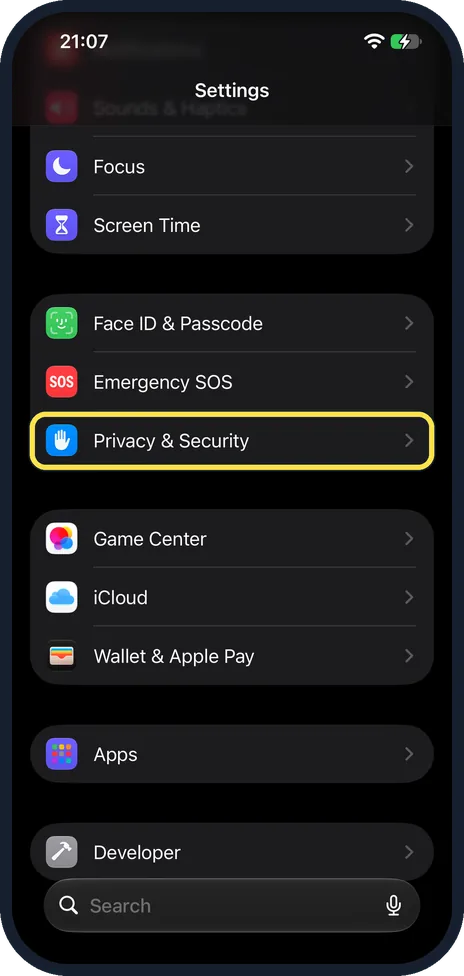
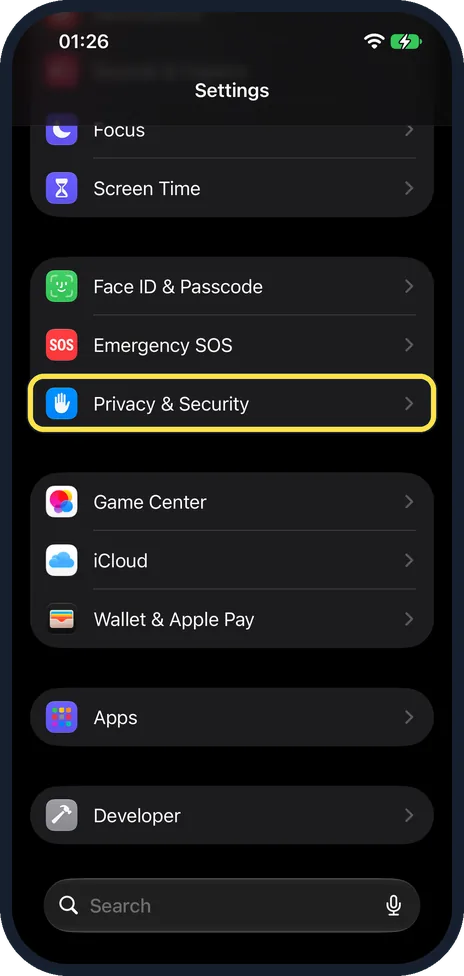
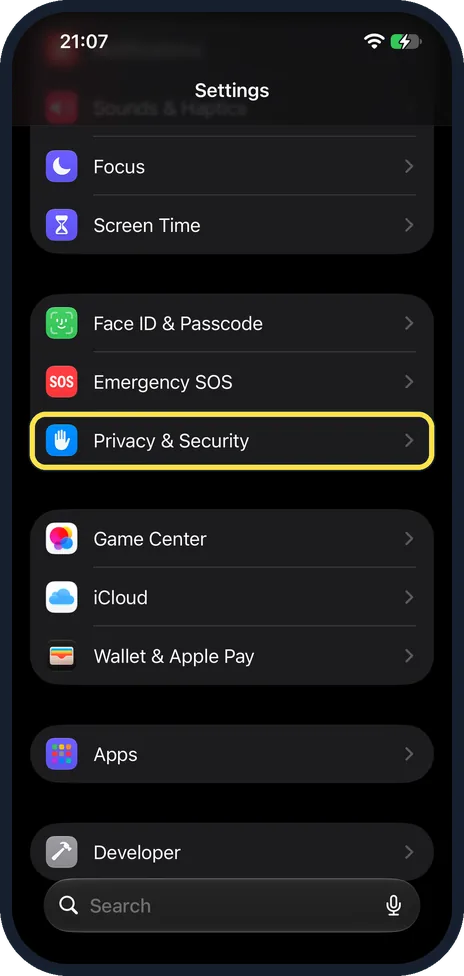
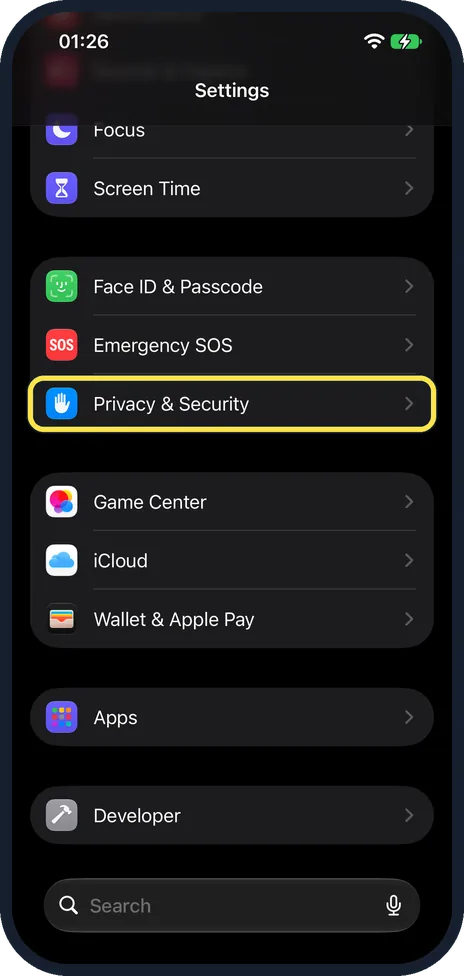
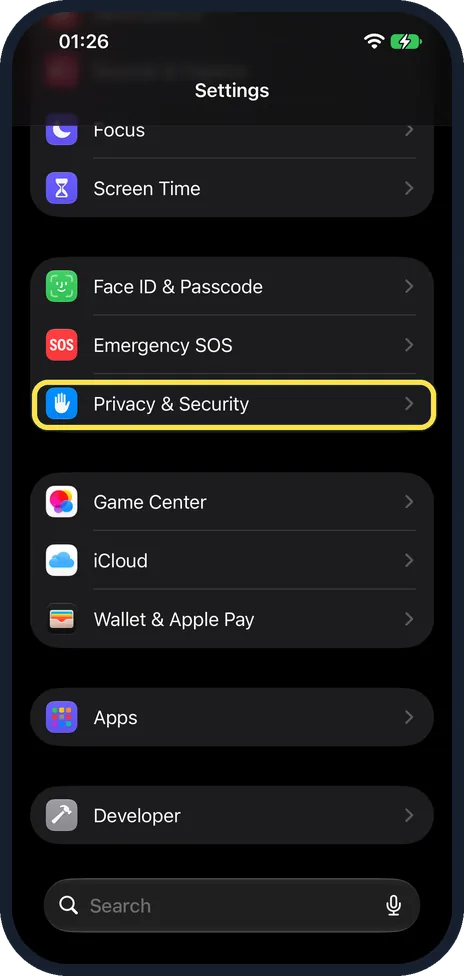
Open Settings and tap Privacy & Security. Tap a category such as Location Services, Contacts or Photos to see every app that asked for it, and tap an app to change its…
How to stop apps from tracking you on iPhone
Open Settings, tap Privacy & Security, then Tracking, and switch off Allow Apps to Request to Track. New tracking requests are then denied automatically. You can also…
How to turn Location Services on or off on iPhone
Open Settings, tap Privacy & Security, then Location Services. The switch at the top turns location on or off for the whole phone. The choices depend on the app: Camera…
How to set up Medical ID and emergency contacts on an iPhone
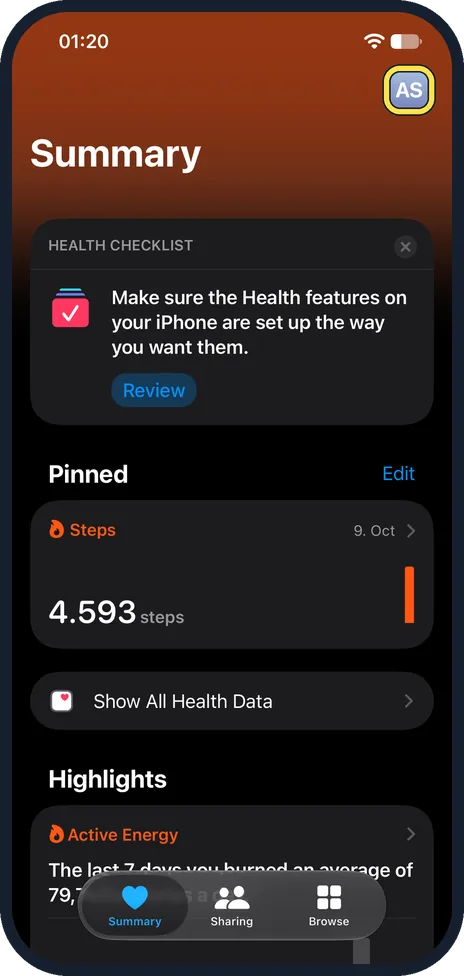
Open the Health app, tap your picture, then Medical ID. If none is set up, tap Get Started, add your name and date of birth and tap the tick. Then tap Add next to…
How to hide photos on an iPhone
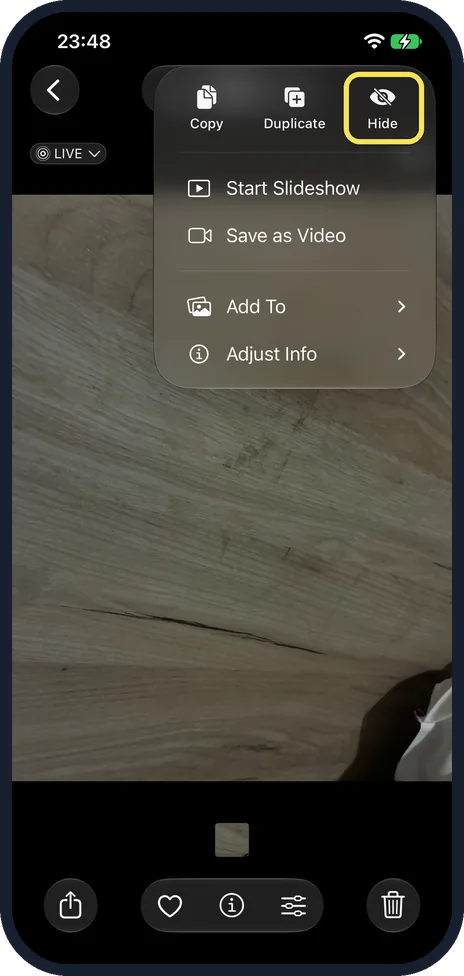
Open the photo in Photos, tap the three dots, tap Hide and confirm with Hide Photo. The photo moves to the Hidden album, which is locked with Face ID, Touch ID or your…
How to turn on Sensitive Content Warning on an iPhone
Open Settings, tap Privacy & Security, scroll down, tap Sensitive Content Warning and switch it on. Apple says the iPhone then warns you about photos and videos that…
How to stop sharing analytics with Apple on an iPhone
Open Settings, tap Privacy & Security, scroll down and tap Analytics & Improvements. Switch off Share iPhone Analytics. With an Apple Watch paired, the switch is called…
How to turn off personalised ads from Apple on an iPhone
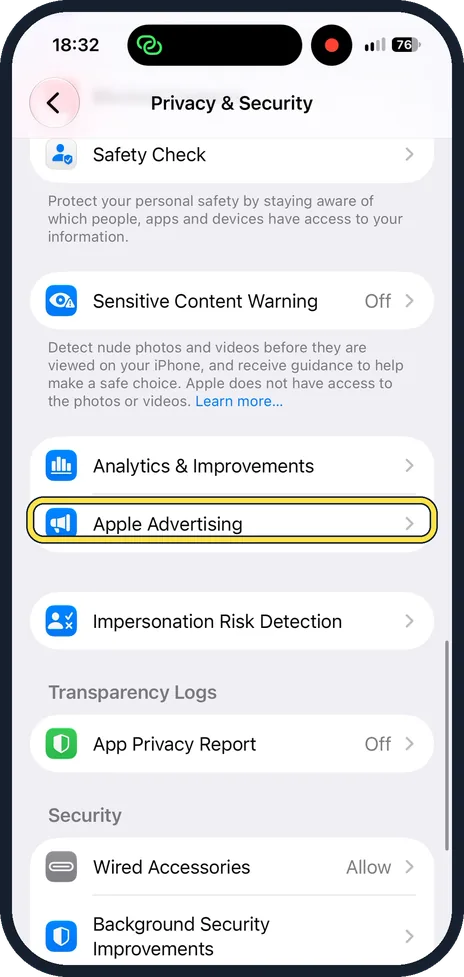
Open Settings, tap Privacy & Security, scroll down and tap Apple Advertising. Switch off Personalised Ads (Apple's US article spells it Personalized Ads). You still see…
How to stop Apple storing your searches on an iPhone
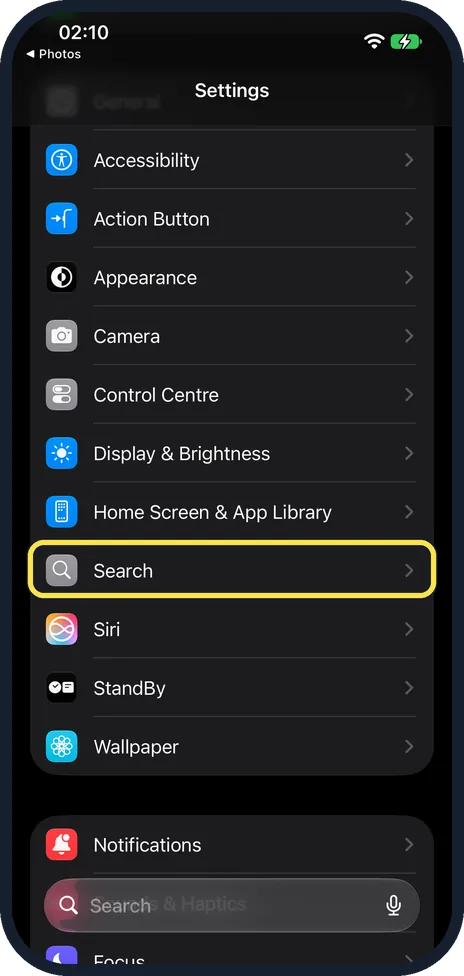
Open Settings, tap Search and switch off Help Apple Improve Search. Apple then no longer stores the searches you type into Safari, Siri and Spotlight. To stop search…
How to hide your IP address from trackers in Safari on an iPhone
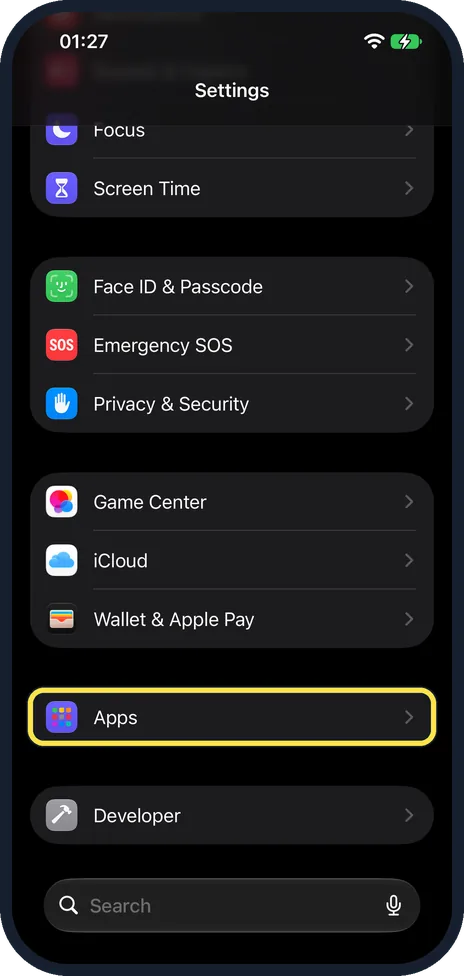
Open Settings, tap Apps, then Safari, scroll to Privacy & Security, tap Hide IP Address and choose From Trackers. Safari then hides your IP address from known trackers…
How to change when an app may use your location on an iPhone
Open Settings, tap Privacy & Security, then Location Services, and tap the app. Choose when it may use your location, such as Never or While Using the App. The app's…
How to show the location arrow in the iPhone status bar
Open Settings, tap Privacy & Security, then Location Services, then System Services, scroll to the bottom and switch on Status Bar Icon. The location arrow then appears…
How to turn off location for system services on an iPhone
Open Settings, tap Privacy & Security, then Location Services, then System Services, and switch off the services you do not want to use your location. On our iPhone 17e…
How to change your Apple Account password on an iPhone
Open Settings, tap your name, tap Sign-In & Security and tap Change Password. Then follow the onscreen instructions. On our iPhone 17e with iOS 27, Change Password was…
How to use Safety Check on an iPhone
Open Settings, tap Privacy & Security and tap Safety Check. Emergency Reset stops all sharing with people and apps at once and lets you change your password. Manage…
How to turn off in-app purchases on an iPhone
Open Settings and tap Screen Time. Tap Manage Screen Time, then Turn On App & Website Activity. Then tap Apps & Websites, App Store and In-app Purchases, and choose…
Safari & the web
13 guidesHow to clear Safari history and website data on iPhone
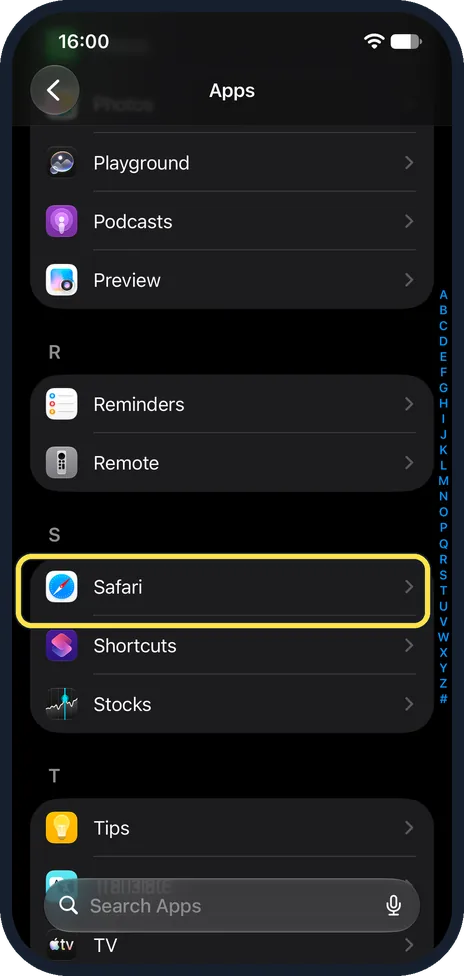
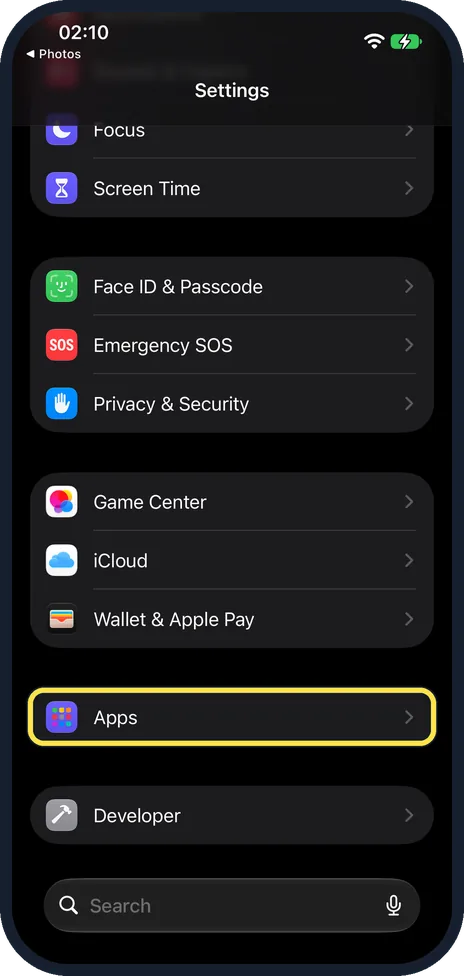
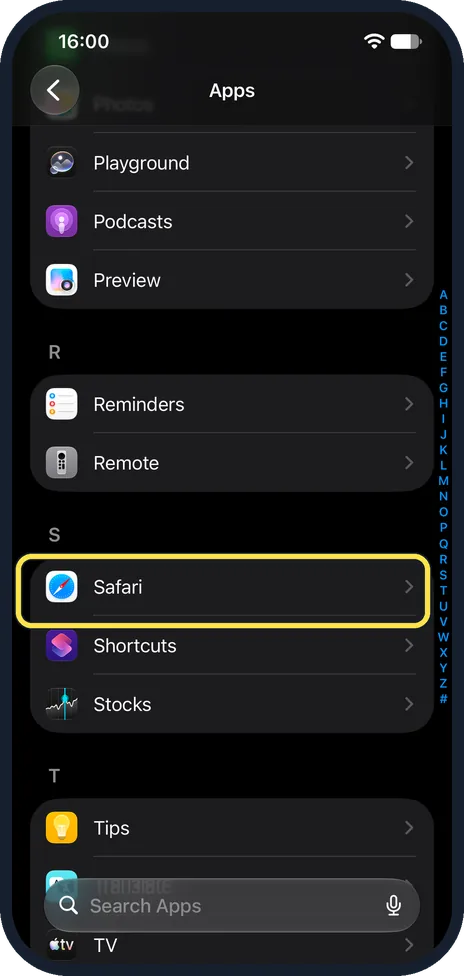
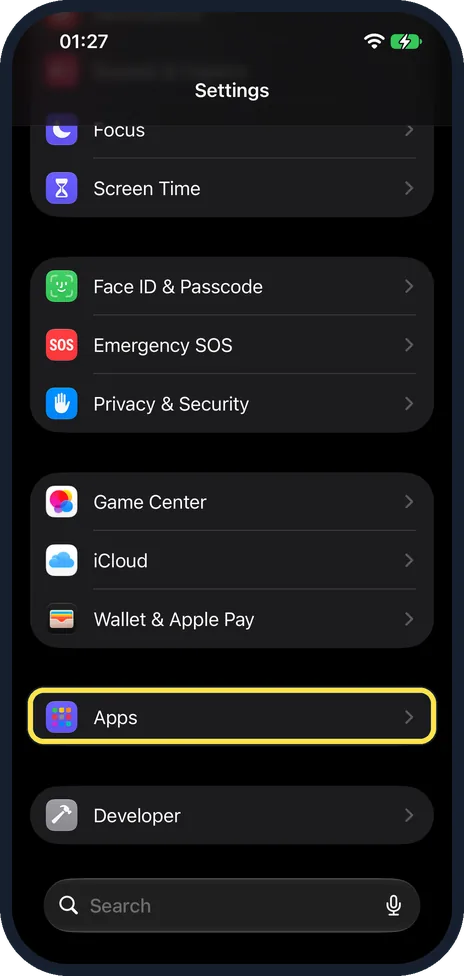
Open Settings, tap Apps, then Safari, and tap Clear History and Website Data. Choose how far back to clear under Clear Timeframe and tap Clear History. Apple says this…
How to use Private Browsing in Safari on an iPhone
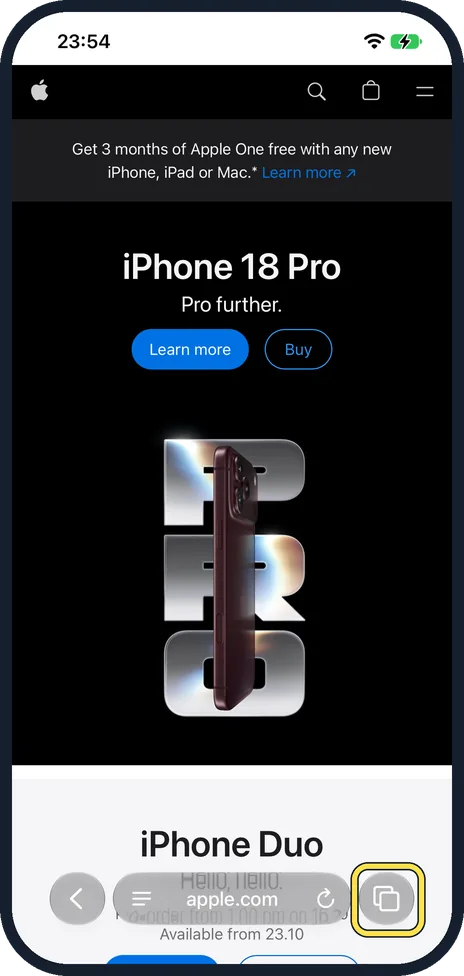
Open Safari, touch and hold the Tabs button in the bottom right corner and tap New Private Tab. A Private Browsing page opens. To go back, touch and hold the Tabs…
How to change the search engine in Safari on an iPhone
Open Settings, tap Apps, then Safari, then Search Engine, and tap the one you want: Google, Yahoo, Bing, DuckDuckGo or Ecosia. Searches typed into the Safari address…
How to move the Safari address bar on an iPhone
Open Settings, tap Apps, then Safari, and scroll to Tabs. Choose Compact, Bottom or Top. Top puts the address bar at the top of the screen, as in older versions. Bottom…
How to change where Safari saves downloads on an iPhone
Open Settings, tap Apps, then Safari, then Downloads, and choose On My iPhone, iCloud Drive or Other. On My iPhone keeps downloaded files in the Downloads folder on the…
How to make Safari close old tabs automatically on an iPhone
Open Settings, tap Apps, then Safari, scroll to Tabs and tap Close Tabs. Choose After One Day, After One Week or After One Month. Safari then closes tabs that have not…
How to open Safari links in the background on an iPhone
Open Settings, tap Apps, then Safari, tap Open Links and choose In Background. When you then touch and hold a link and open it in a new tab, you stay on the page you…
How to make all websites larger in Safari on an iPhone
Open Settings, tap Apps, then Safari, scroll to Settings for Websites and tap Page Zoom. Under Other Websites, tap a value above 100%, for example 125%. Every website…
How to change the default browser and other default apps on an iPhone
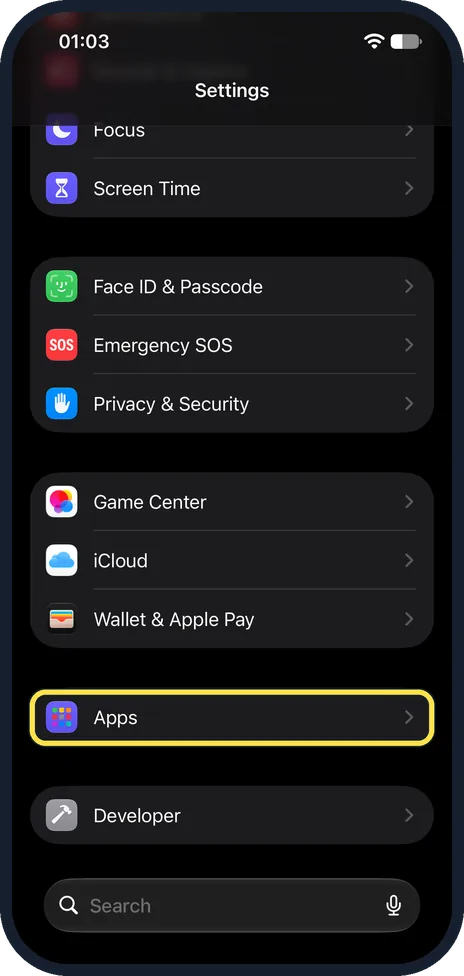
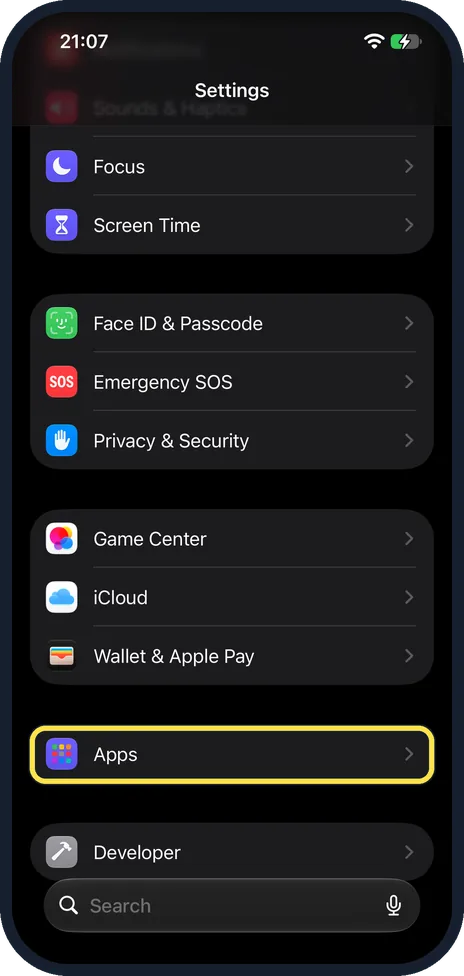
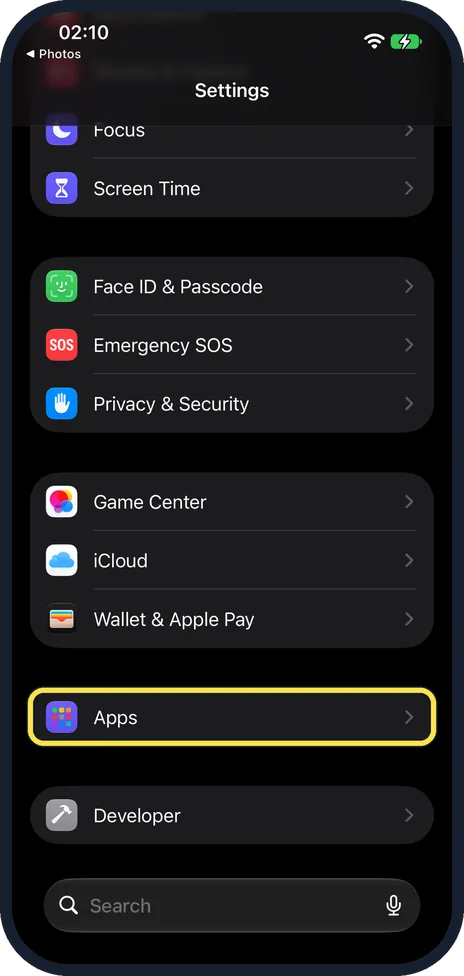
Open Settings, tap Apps and tap Default Apps at the top of the list. Tap Browser App and choose the browser you want, for example Chrome or Firefox. The same page…
How to block pop-ups in Safari on an iPhone
Open Settings, tap Apps, tap Safari and switch on Block Pop-ups. Switch on Fraudulent Website Warning in the same list. If a pop-up will not close, do not tap its…
How to download a PDF from Safari on an iPhone (iOS 27)
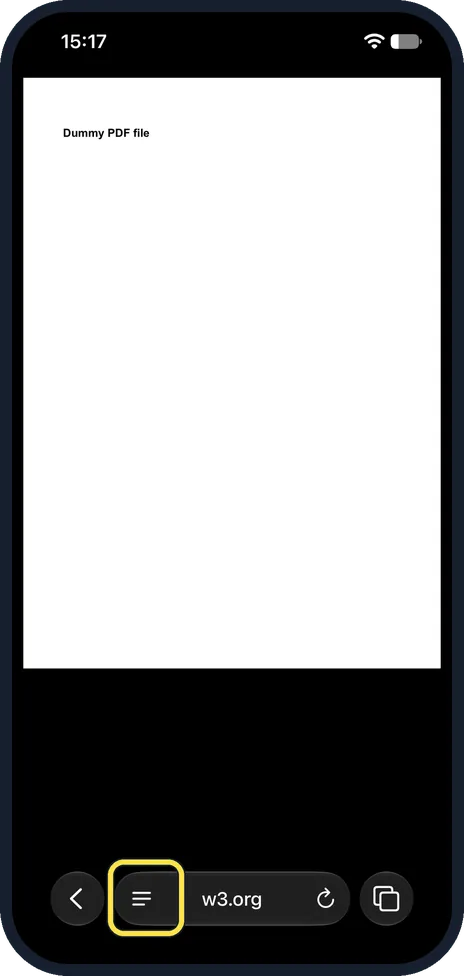
With the PDF open in Safari, tap the page menu button left of the address, tap Share, then Save to Files and Save. On our iPhone 17e Save to Files was not in the first…
How to add a website to the Home Screen on an iPhone (web app)
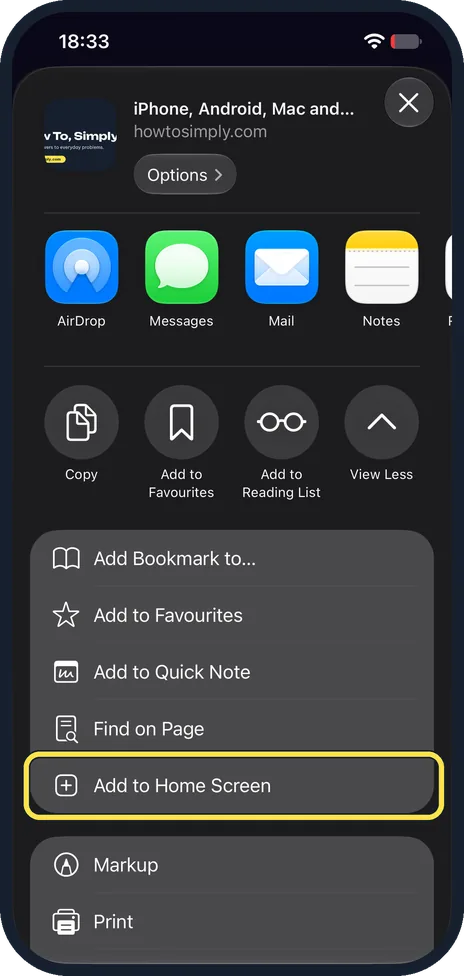
In Safari, tap the page menu button, Share, then Add to Home Screen in the list. Leave Open as Web App on and tap Add. The icon opens the site in its own window. To…
How to create and delete Safari profiles on an iPhone (iOS 27)
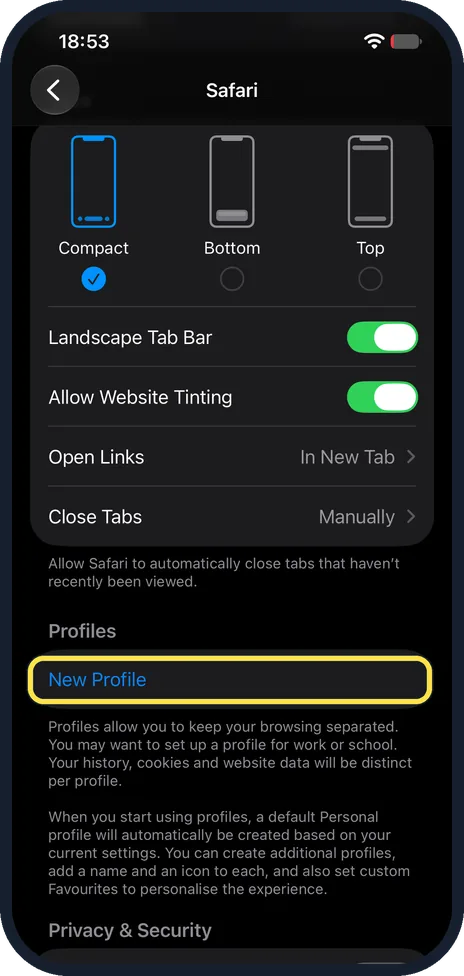
Go to Settings, Apps, Safari and tap New Profile under Profiles. Type a name, pick an icon and colour, then tap the tick. To delete one, tap it, tap Delete Profile…
Camera, Photos & Screenshots
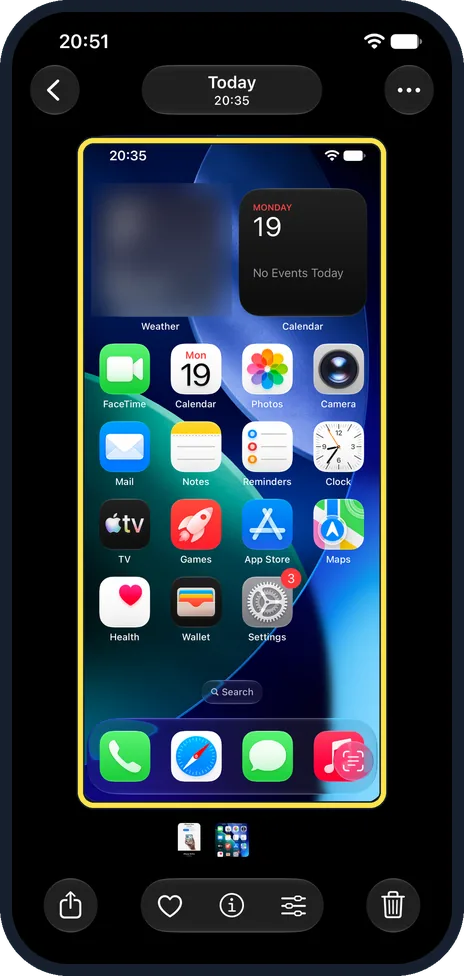
13 guidesHow to take a screenshot on an iPhone
On an iPhone with Face ID, press the side button and the volume up button at the same time and let go. On an iPhone with a Home button, press the side or top button and…
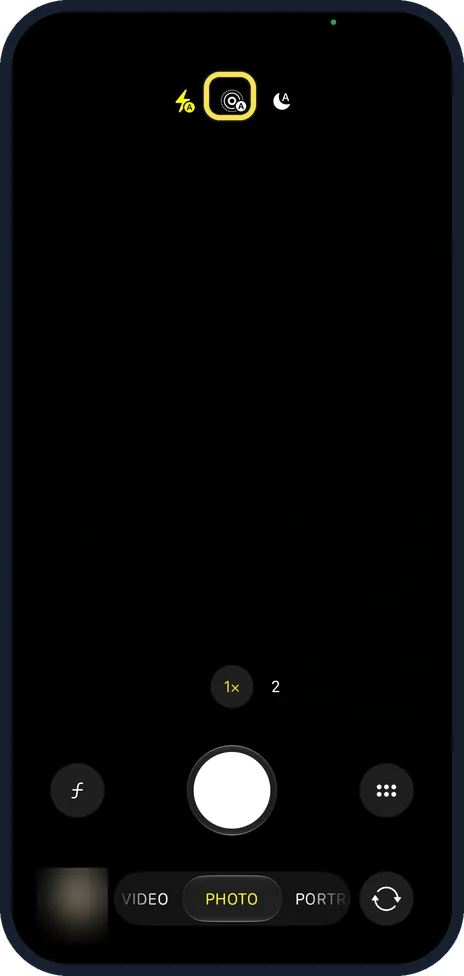
How to turn off Live Photos on an iPhone
Open the Camera app and tap the Live Photos button, the circles icon, so it shows a line through it. To keep it off, open Settings, Camera, Preserve Settings and switch…
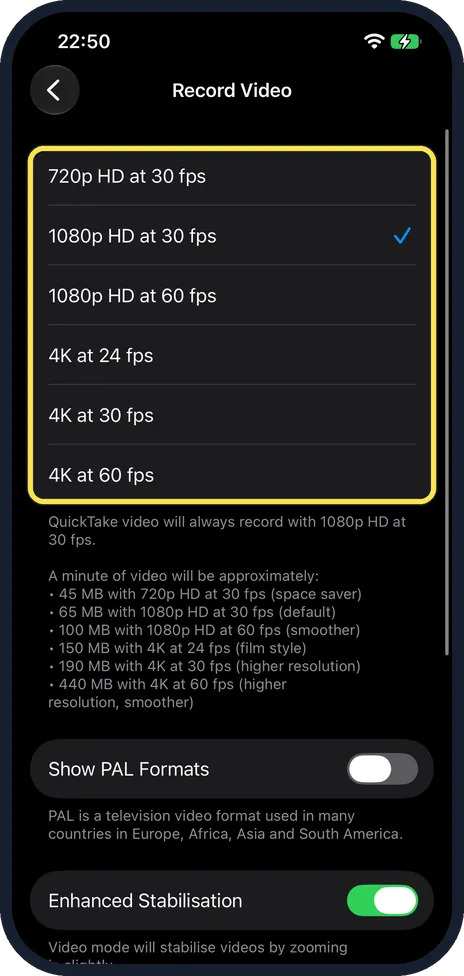
How to change the video resolution and frame rate on an iPhone
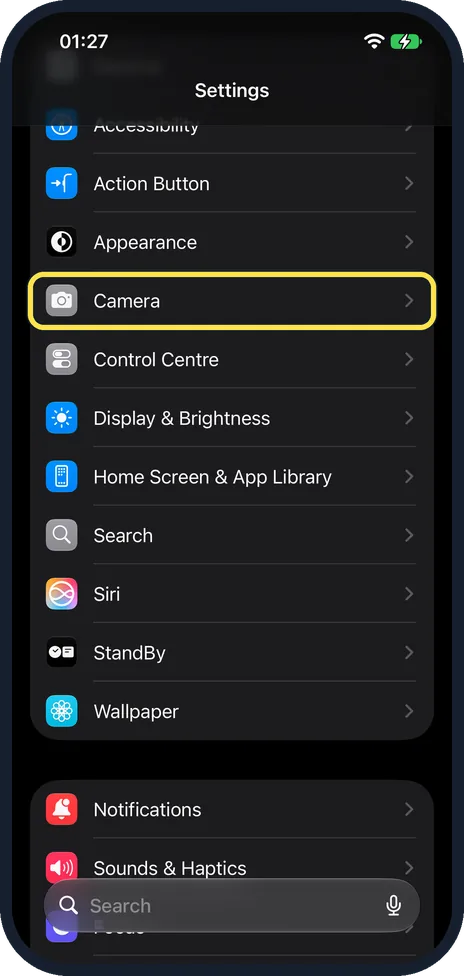
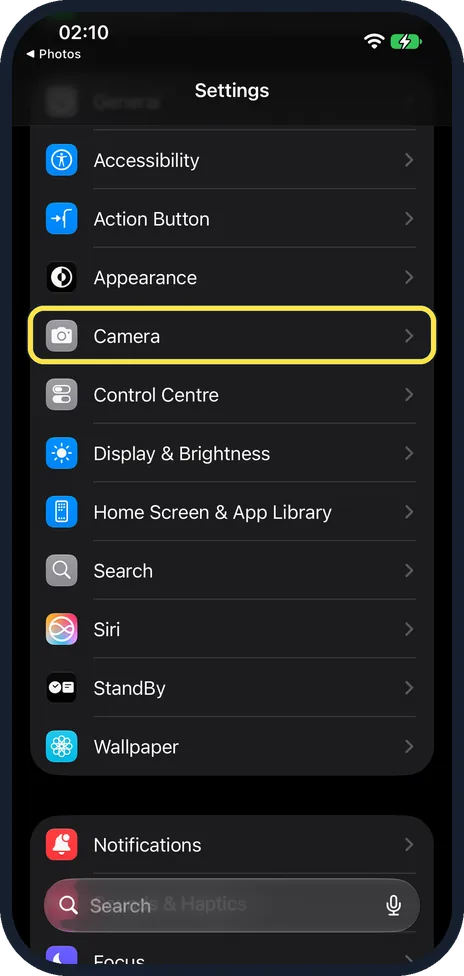
Open Settings, tap Camera, then Record Video, and tap the resolution and frame rate you want, for example 4K at 30 fps. The page shows how much storage one minute of…
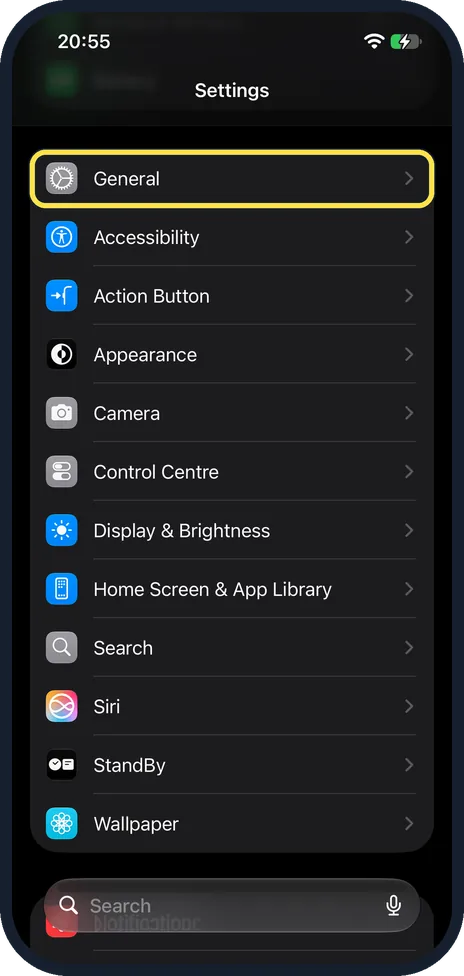
How to turn off full-screen screenshot previews on an iPhone
Open Settings, tap General, then Screen Capture, and switch off Full-Screen Previews. A screenshot then shows as a small thumbnail in the lower-left corner again, as on…
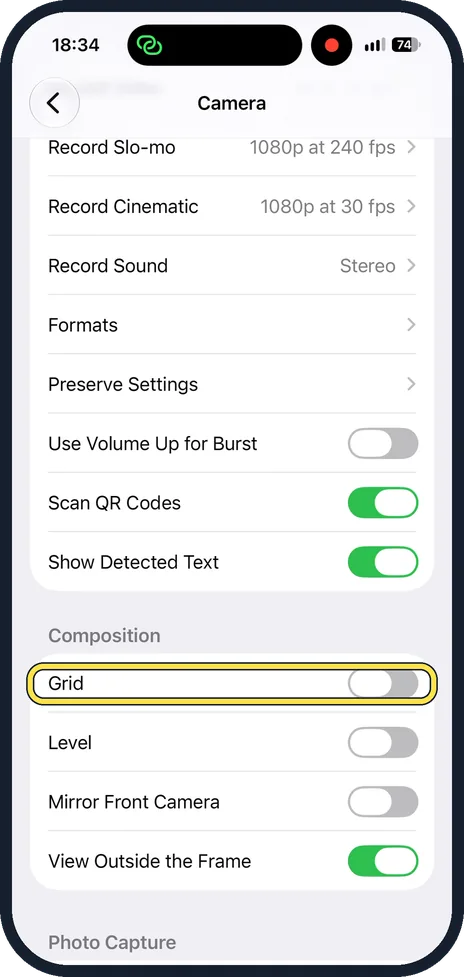
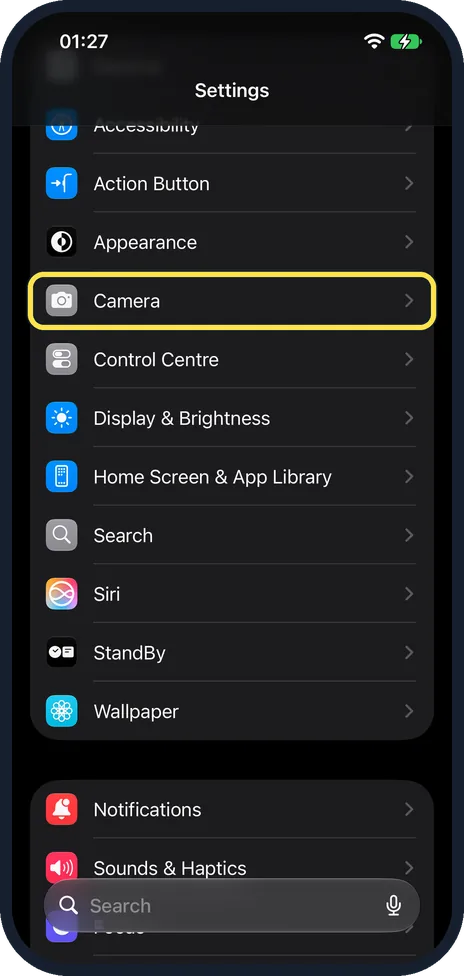
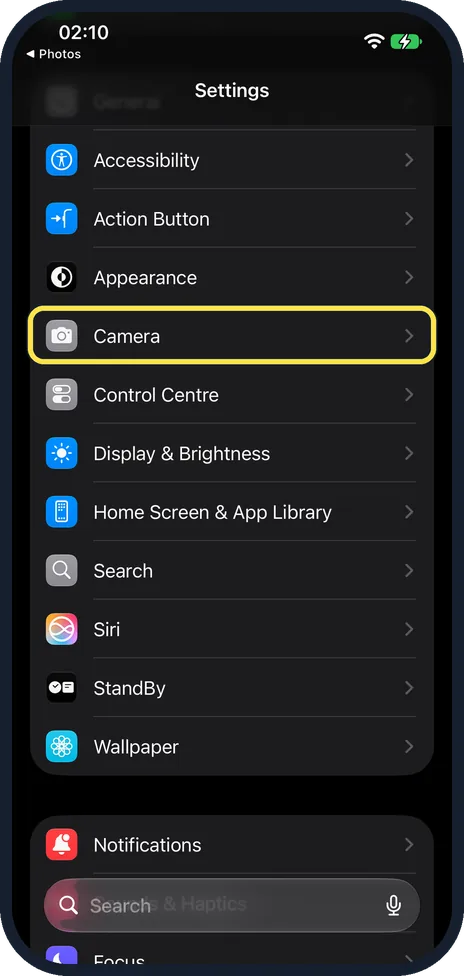
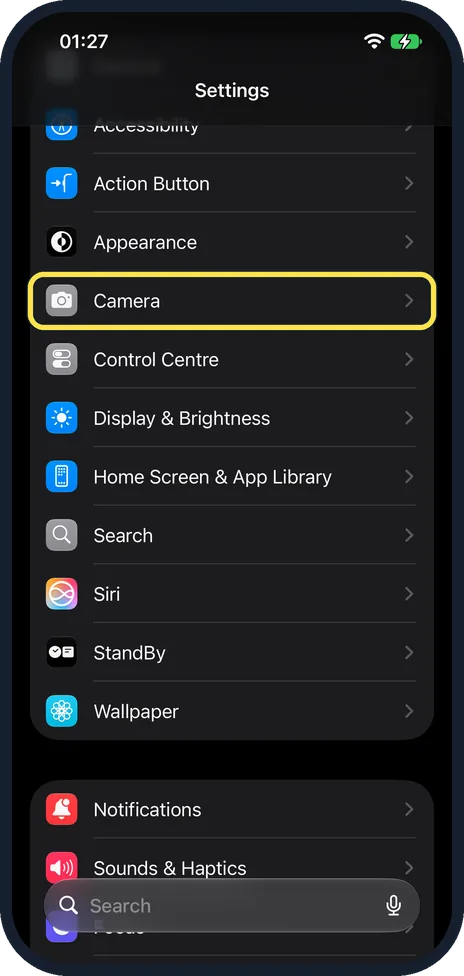
How to turn on the camera grid and level on an iPhone
Open Settings, tap Camera, and under Composition switch on Grid and Level. The camera screen then displays a grid and a level that help you straighten and compose the…
How to record video sound in stereo or mono on an iPhone
Open Settings, tap Camera, then Record Sound, and tap Stereo or Mono. iPhone 16 and later can also record Spatial Audio, which is then a third choice on the same page.
How to keep music playing while recording video on an iPhone
Open Settings, tap Camera, then Record Sound, and switch on Allow Audio Playback. Music or a podcast then does not pause by itself when you start recording video. The…
How to change the slow-motion frame rate on an iPhone
Open Settings, tap Camera, then Record Slo-mo, and tap 1080p HD at 120 fps or 1080p HD at 240 fps. At 240 fps, the default, a minute of slo-mo needs about 480 MB. At…
How to turn off Lens Correction on an iPhone camera
Open Settings, tap Camera, scroll down to Photo Capture and switch off Lens Correction. The iPhone then no longer adjusts photos taken with the front camera or the…
How to stop photos taken in Messages being saved to your library
Open Settings, tap Camera, scroll to the bottom and switch off Save Captures to Photo Library under Messages. Photos you take with the camera inside the Messages app…
How to save a video frame as a photo on an iPhone
On iOS 27, open the video in Photos, pause it on the moment you want, tap the three dots at the top right and choose Save Video Frame as Photo. A short Saved Video…
How to keep your camera settings on an iPhone (Preserve Settings)
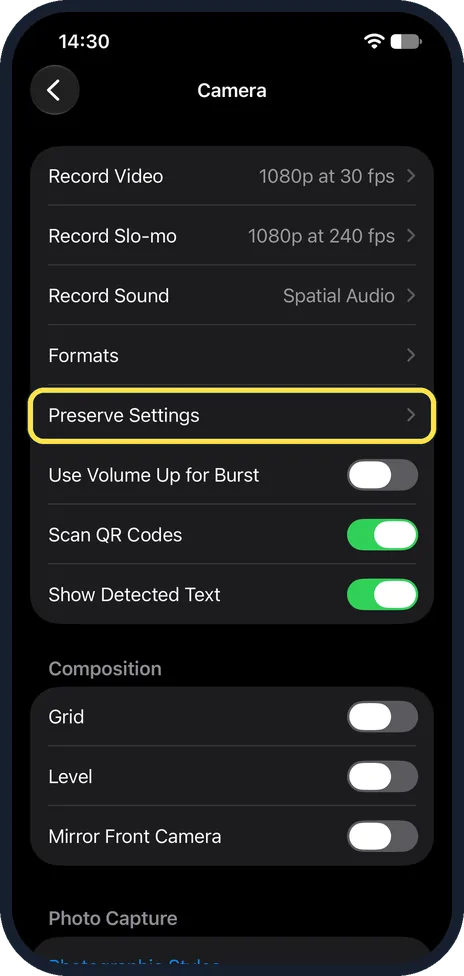
Open Settings, Apps, Camera, Preserve Settings and turn on what the Camera should remember, such as Camera Mode or Night Mode. Otherwise the Camera resets them each…
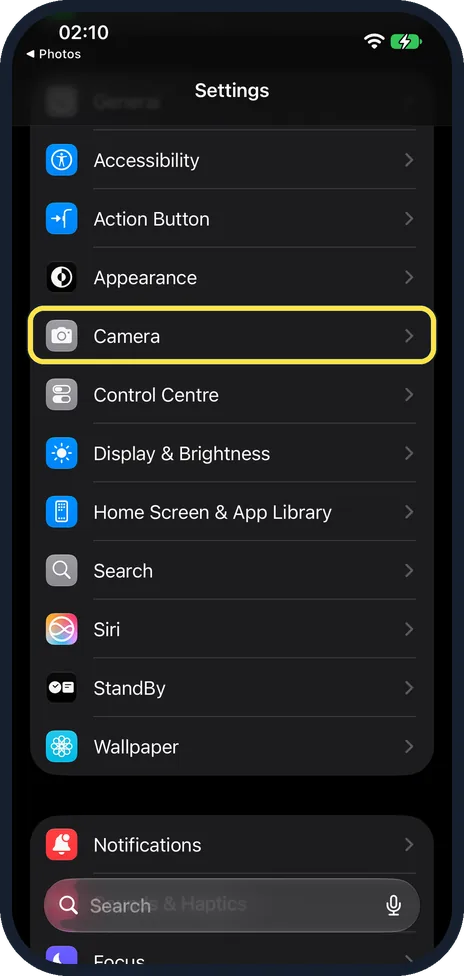
How to make an iPhone take JPG photos instead of HEIC
Open Settings, tap Camera, tap Formats and choose Most Compatible. From then on the iPhone saves new photos as JPEG and new videos as H.264. Photos you have already…
Apps
13 guidesHow to download offline maps on an iPhone
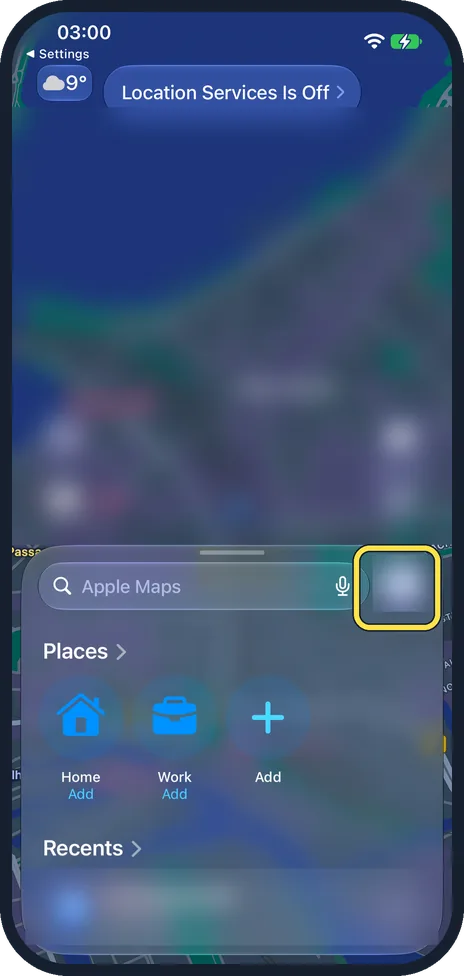
Open Apple Maps, tap your picture next to the search field, tap Offline Maps, then Download Map. Search for the place, adjust the frame and tap Download. The map then…
How to keep new apps off the iPhone Home Screen
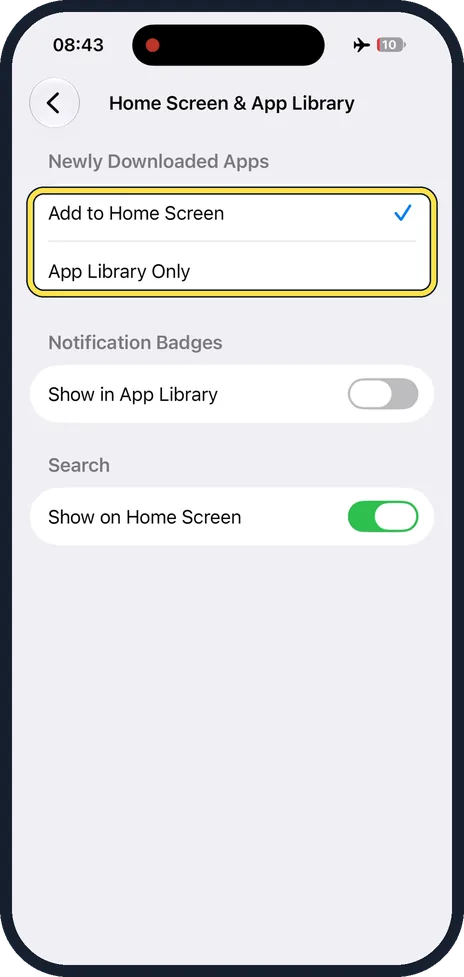
Open Settings, tap Home Screen & App Library and choose App Library Only. New apps are then installed without adding an icon to the Home Screen. You find them in the…
How to show week numbers in the Calendar on an iPhone
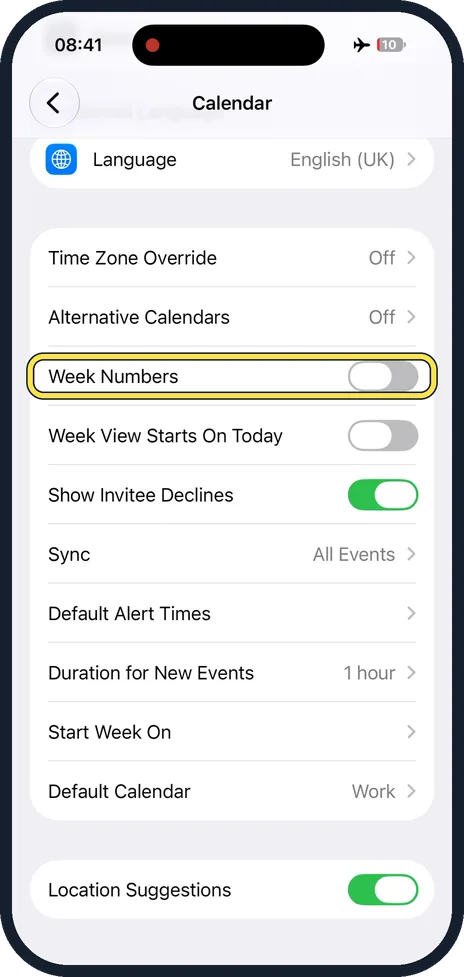
Open Settings, tap Apps, then Calendar, and switch on Week Numbers. The Calendar then displays the week number next to every week of the year. The switch is off at…
How to change the first day of the week in the iPhone Calendar
Open Settings, tap Apps, then Calendar, scroll down and tap Start Week On. Tap a weekday under Calendar App Only. On our iPhone 17e the tick was on System Setting…
How to set default alert times for calendar events on an iPhone
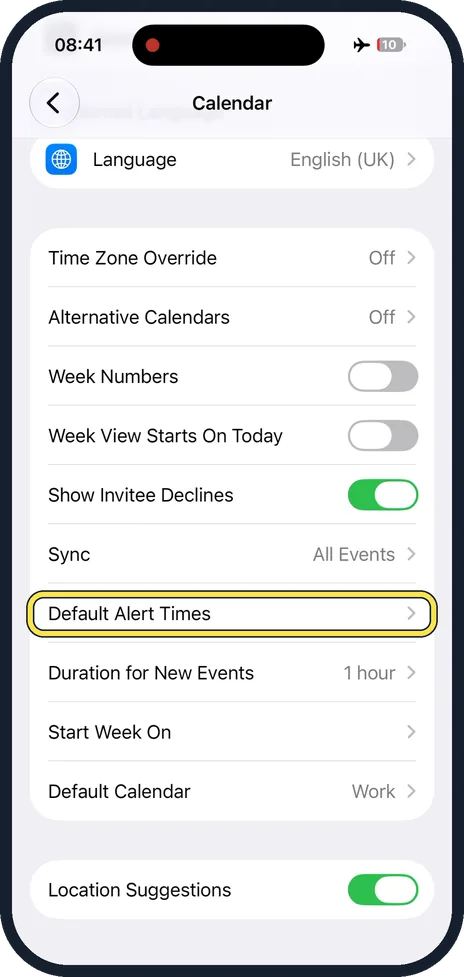
Open Settings, tap Apps, then Calendar, scroll down and tap Default Alert Times. Tap Birthdays, Events or All-Day Events and choose when the alert should come. All…
How to avoid tolls and highways in Apple Maps on an iPhone
Open Settings, tap Apps, then Maps, and tap Driving under Directions. Under Avoid, switch on Tolls, Motorways or both. Maps then plans driving routes around them, and…
How to set your usual type of travel in Apple Maps on an iPhone
Open Settings, tap Apps, then Maps, and under Preferred Type of Travel tap Walking, Public Transport or Cycling. Driving is selected at first. Maps then uses your…
How to sort contacts by first name on an iPhone
Open Settings, tap Apps, then Contacts, scroll down and tap Sort Order. Tap First, Last. The contact list is then in alphabetical order by first name. Last, First sorts…
How to show last names first in Contacts on an iPhone
Open Settings, tap Apps, then Contacts, scroll down and tap Display Order. Tap Last, First. Contacts are then written with the last name before the first name. First…
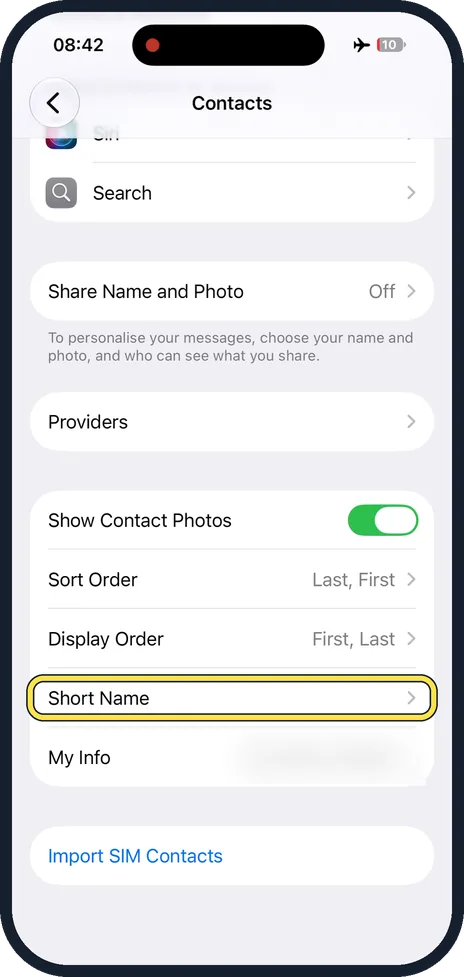
How to show full names instead of short names on an iPhone
Open Settings, tap Apps, then Contacts, scroll down and tap Short Name. Switch off Short Name to see full names, or choose which short form is used: first name and last…
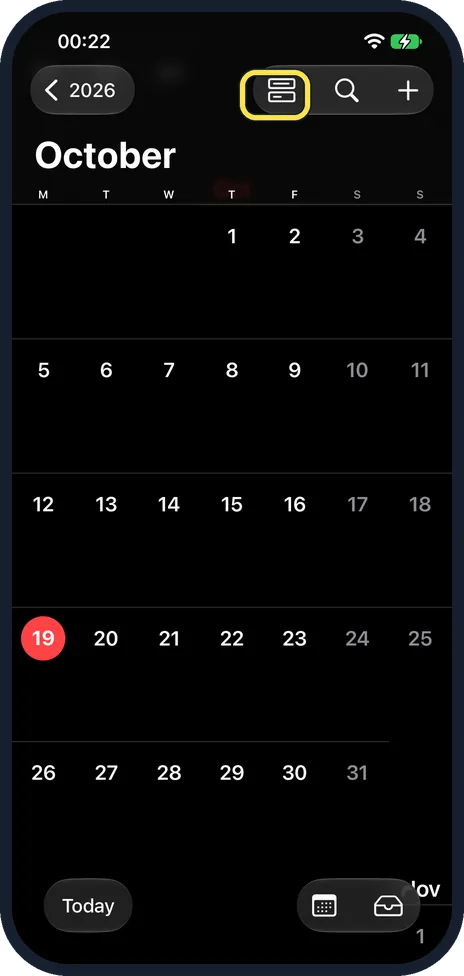
How to add a holiday calendar on an iPhone (iOS 27)
In Calendar, tap the Calendars button at the top, then Add Calendar at the bottom and Add Holiday Calendar. Pick a country from the list. Our iPhone 17e had no Holidays…
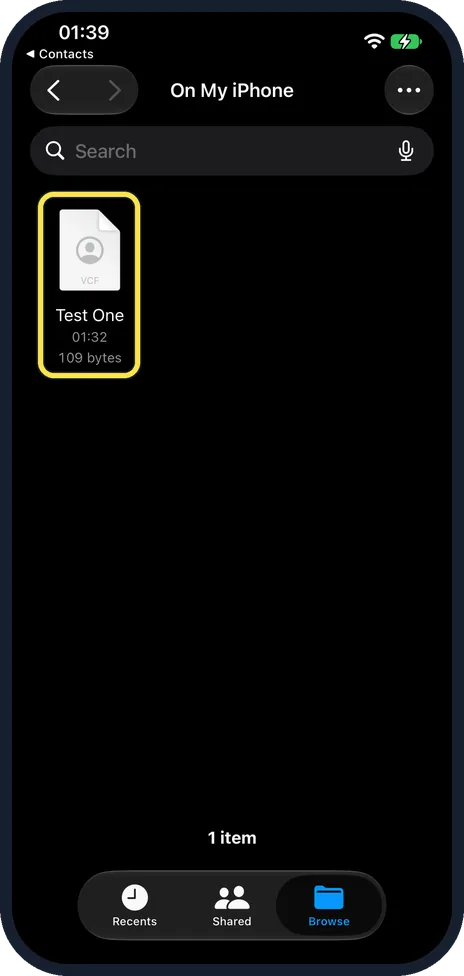
How to import contacts from a .vcf file on an iPhone (iOS 27)
Open the .vcf file in Files, tap the share button at the top right and choose Contacts. A card opens: tap Save, or Create New Contact. The preview itself has no Add…
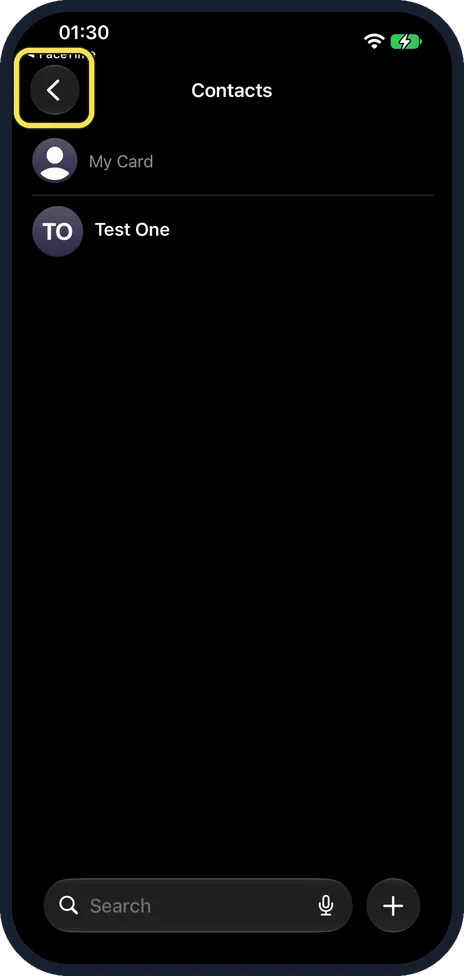
How to export contacts from an iPhone (iOS 27)
In Contacts, tap the back arrow at the top left to reach Lists. Touch and hold All Contacts, tap Export, choose the fields to include and tap the tick. Then send the…
Display & Accessibility
22 guidesHow to turn on Screen Distance on iPhone
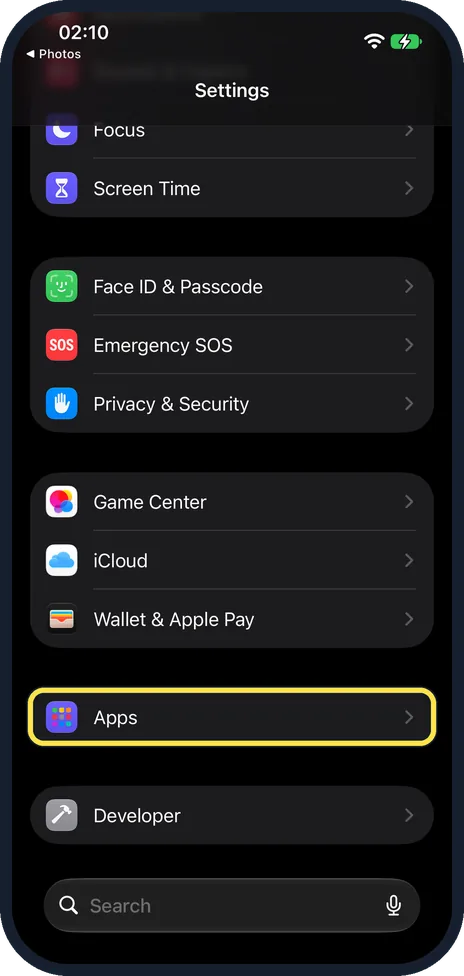
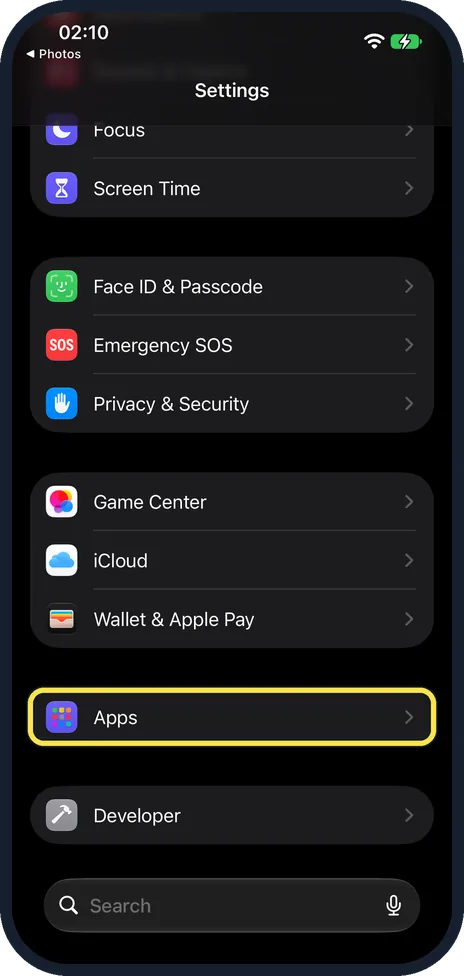
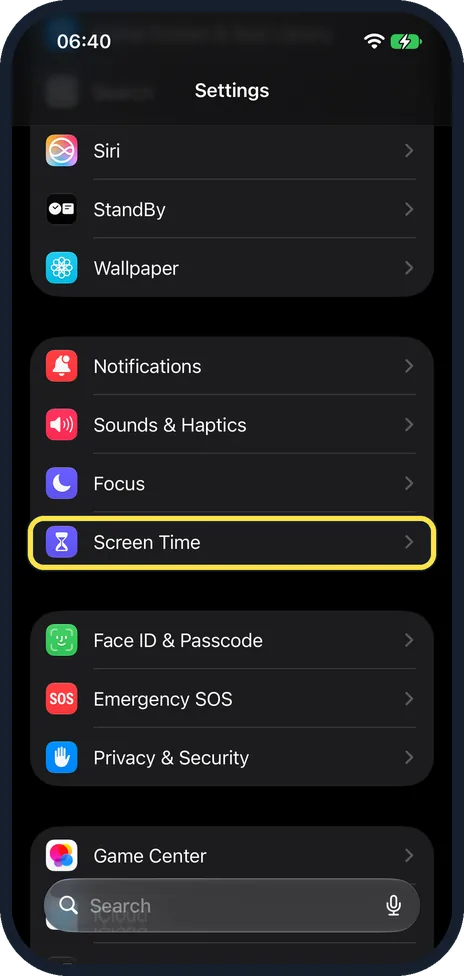
Open Settings, tap Screen Time, then Content & Privacy Restrictions. Screen Distance is under Feature Restrictions: tap it and turn it on. The iPhone then asks you to…
How to make your iPhone read text aloud
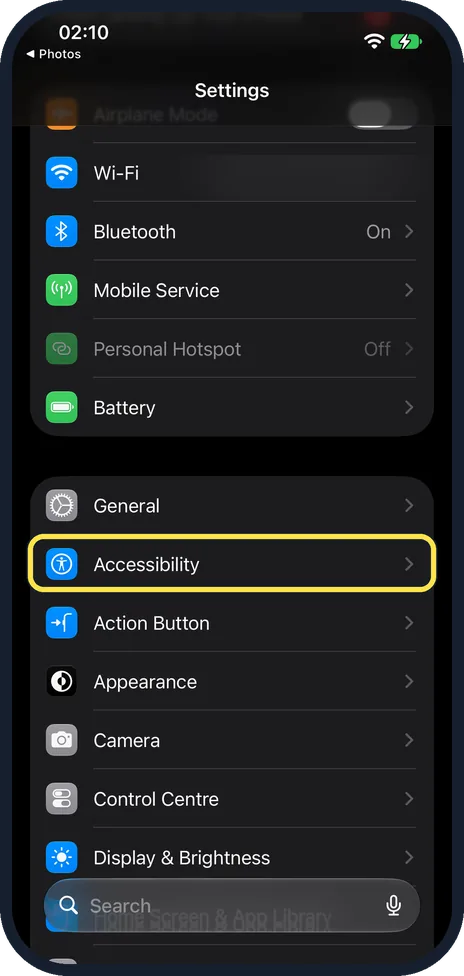
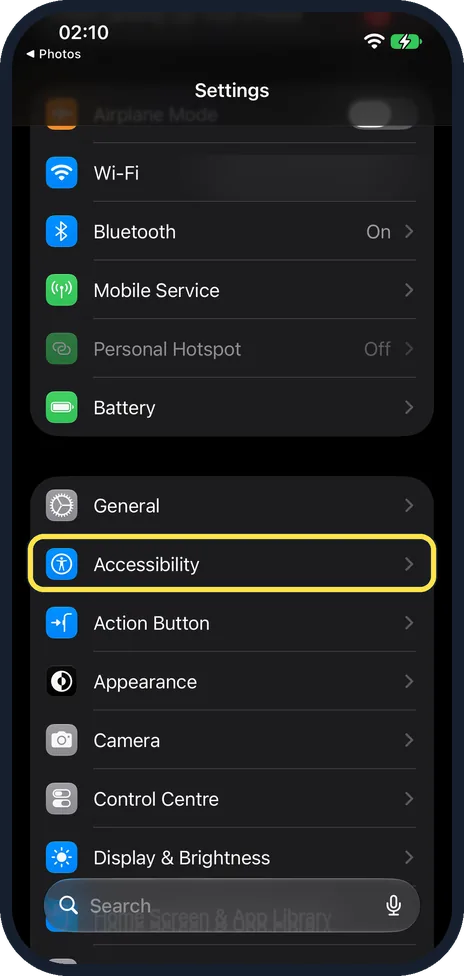
Open Settings, tap Accessibility, then Read & Speak (Spoken Content on older iOS versions). Tap Speak Selection and turn it on. After that, select any text, tap Speak…
How to make text bigger on an iPhone
On iOS 27, open Settings, tap Appearance, then Text Size, and drag the slider to the right. Bold Text is on the same page. For even bigger text, open Accessibility…
How to turn on Dark Mode on an iPhone
On iOS 27, open Settings, tap Appearance and choose Dark. On iOS 26 and earlier, the same choice is under Settings, Display & Brightness. Switch on Automatic to have…
How to turn off auto-brightness on an iPhone
Open Settings, tap Accessibility, then Display & Text Size, scroll to the bottom and switch off Auto-Brightness. The screen then stays at the level you set yourself in…
How to use Back Tap on an iPhone
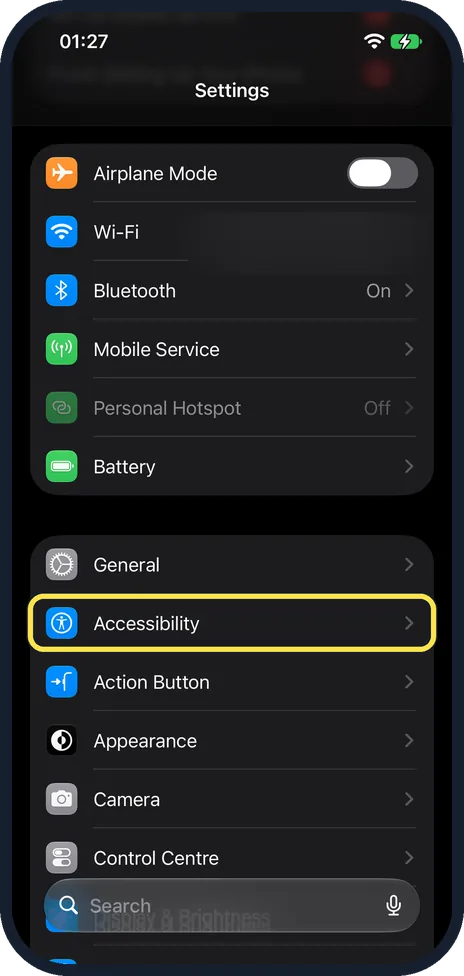
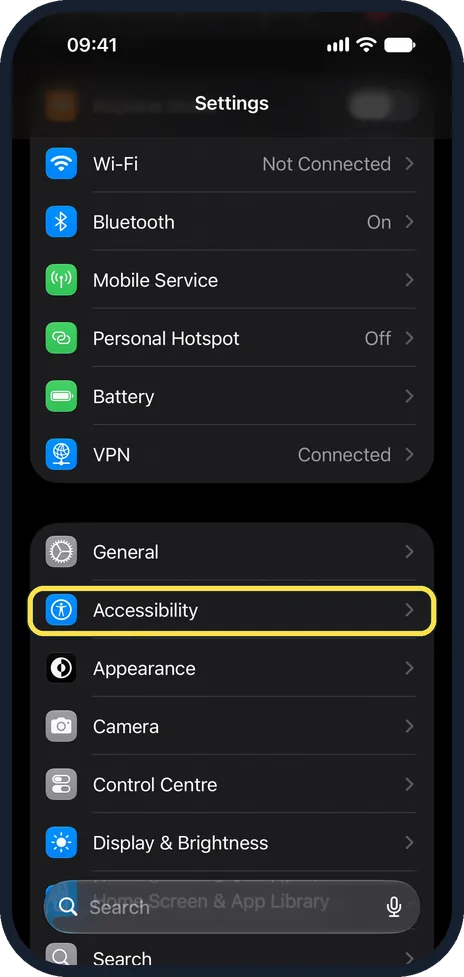
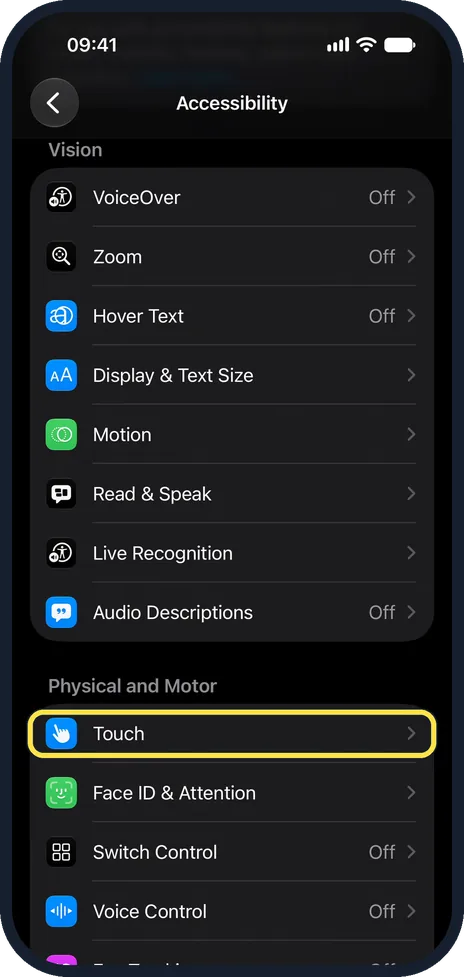
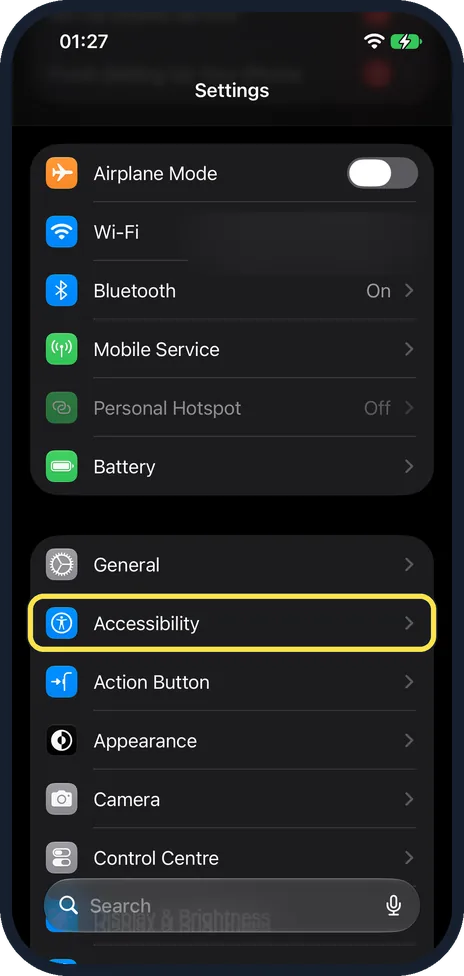
Open Settings, tap Accessibility, Touch, then Back Tap. Choose Double Tap or Triple Tap and pick an action such as Screenshot, Torch or Control Centre. Tapping the back…
How to use AssistiveTouch if an iPhone button is broken
Open Settings, tap Accessibility, Touch, AssistiveTouch and switch it on. A floating button appears. Tap it for a menu with Home, Siri, Control Centre, volume…
How to reduce transparency and increase contrast on an iPhone
Open Settings, tap Accessibility, then Display & Text Size, and switch on Reduce Transparency. Apple describes it as improving contrast by reducing transparency and…
How to turn on subtitles and captions on an iPhone
Open Settings, tap Accessibility, scroll to Hearing and tap Subtitles & Captioning. Switch on Closed Captions + SDH. The iPhone then prefers closed captions or…
How to make an iPhone speak what you type with Live Speech
Open Settings, tap Accessibility, tap Live Speech in the Speech group and switch it on. Apple says you then triple-click the side button, type a sentence and tap Speak…
How to turn off Attention Aware Features on an iPhone
Open Settings, tap Accessibility, then Face ID & Attention, and switch off Attention-Aware Features. The iPhone then stops checking whether you are looking at it before…
How to see what you type in larger text on an iPhone
Open Settings, tap Accessibility, then Keyboards & Typing, then Hover Typing, and switch it on. The iPhone then displays the words you type in larger text. On the same…
How to make an iPhone speak words as you type
Open Settings, tap Accessibility, then Keyboards & Typing, then Typing Feedback, and switch on Speak Words. The iPhone then speaks each whole word while you type. Speak…
How to invert the colours on an iPhone with Smart Invert
Open Settings, tap Accessibility, then Display & Text Size, scroll down and switch on Smart Invert. Apple says this makes the background dark so text and content stand…
How to make an iPhone show information without relying on colour
Open Settings, tap Accessibility, then Display & Text Size, and switch on Differentiate Without Colour. Screen items that rely on colour alone to convey information are…
How to show on and off symbols on iPhone switches
Open Settings, tap Accessibility, then Display & Text Size, and switch on On/Off Labels. Every switch then shows a vertical line when it is on and a circle when it is…
How to turn on Live Captions on an iPhone
Open Settings, tap Accessibility, then Live Captions under Hearing, and switch on Live Captions. The iPhone then shows spoken audio as text in any app, such as FaceTime…
How to change Display Zoom on an iPhone
On iOS 27, open Settings, tap Appearance, scroll down and tap Display Zoom. Choose Larger Text for bigger buttons, icons and text, or Default to fit more on the screen…
How to turn on Reduce Motion on an iPhone
Open Settings, tap Accessibility, tap Motion and switch on Reduce Motion. On our iPhone 17e with iOS 27, the note under the switch says it reduces the motion of the…
How to play Background Sounds like rain on an iPhone
Open Settings, tap Accessibility, then Audio & Visual, then Background Sounds, and switch on Background Sounds. Tap Sound to pick a sound such as Rain and set the…
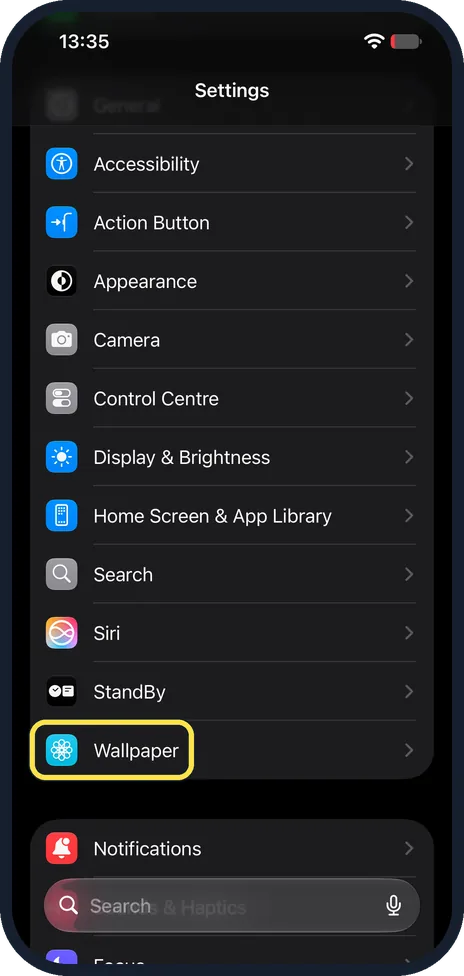
How to change the wallpaper on an iPhone (iOS 27)
Open Settings, tap Wallpaper, then Add New Wallpaper. Pick Photos, Emoji or Colour at the top, or a wallpaper from a set further down, then tap Add. Apple says you then…
How to open Magnifier with the Action button on an iPhone
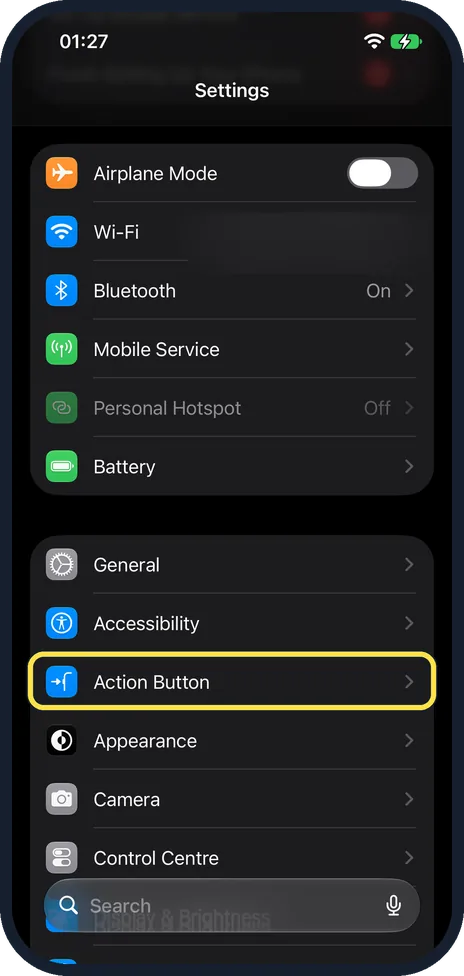
Open Settings, tap Action Button and swipe through the choices until you reach Magnifier. Then press and hold the Action button to open Magnifier and drag its slider to…
Keyboard & Typing
14 guidesHow to add a keyboard language on iPhone
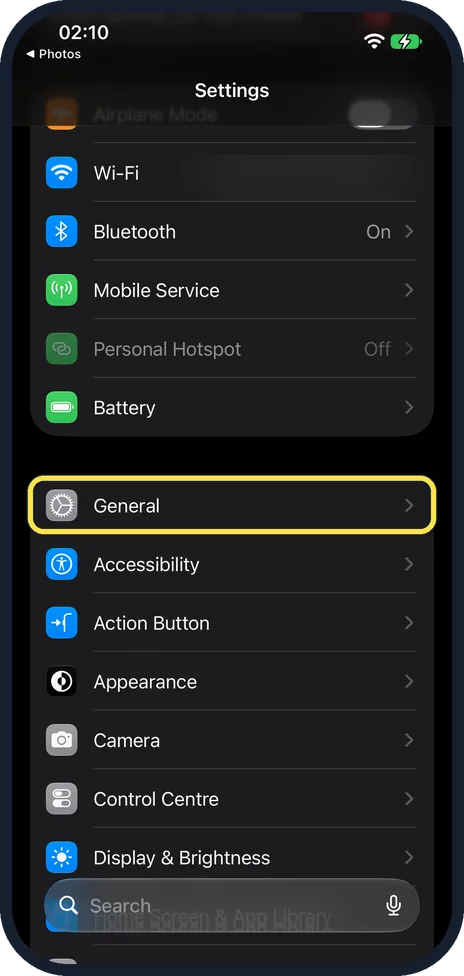
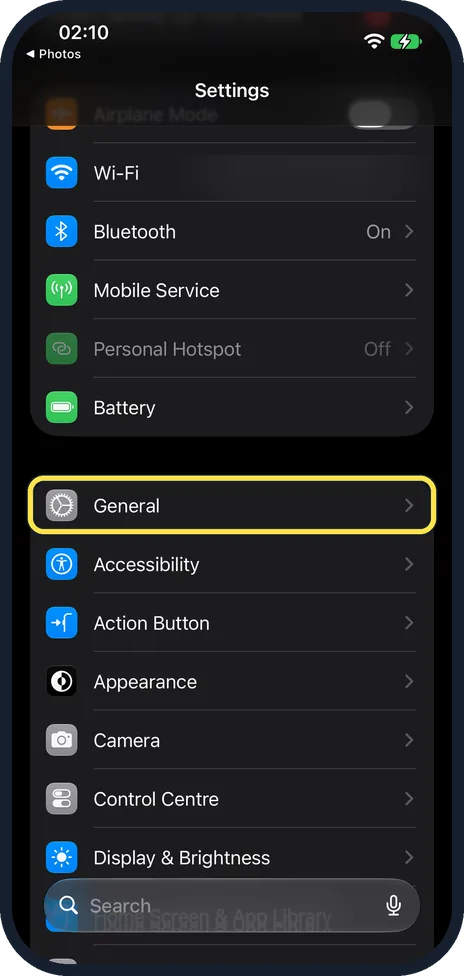
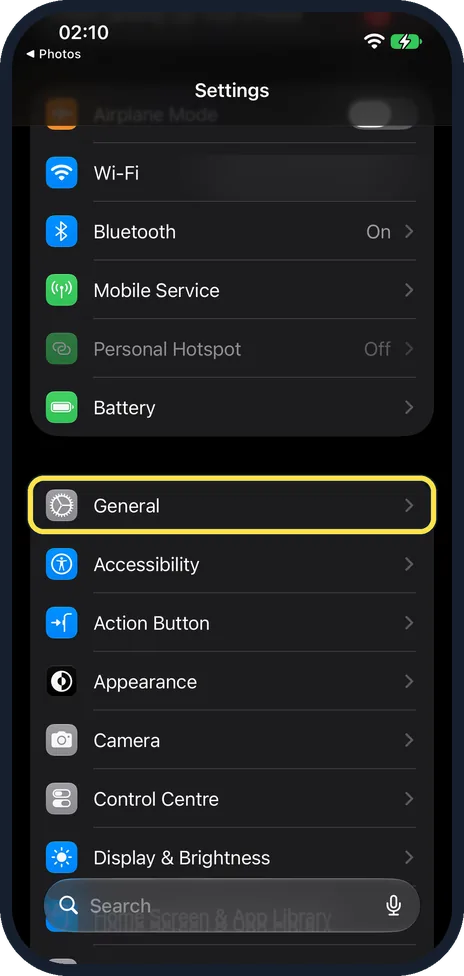
Open Settings, tap General, then Keyboard, then Keyboards, and tap Add New Keyboard. Pick the language. To switch while typing, tap the globe key.
How to turn off autocorrect on iPhone
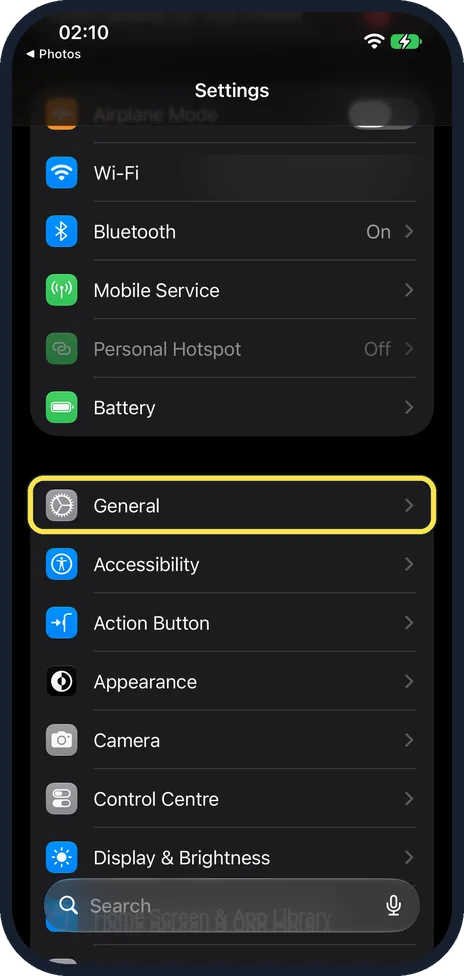
Open Settings, tap General, then Keyboard, and switch off Auto-Correction. The iPhone stops changing words as you type but still underlines spelling mistakes.
How to create text shortcuts on iPhone
Open Settings, tap General, Keyboard, then Text Replacement. Tap the plus button, type the full phrase and a short code such as "omw" or "@@", and tap Save. Typing the…
How to show only capital letters on the iPhone keyboard
Open Settings, tap Accessibility, then Keyboards & Typing, and switch off Show Lowercase Keys. The switch is on at first. According to the note on the page, it affects…
How to turn on Caps Lock on an iPhone
Double-tap the Shift key on the iPhone keyboard. Apple's guide names this gesture for Caps Lock. If the double tap does nothing, open Settings, General, Keyboard and…
How to stop the iPhone typing a full stop after two spaces
Open Settings, tap General, then Keyboard, scroll down and switch off “.” Shortcut. After that, a double tap on the space bar no longer inserts a full stop followed by…
How to turn off swipe typing on an iPhone
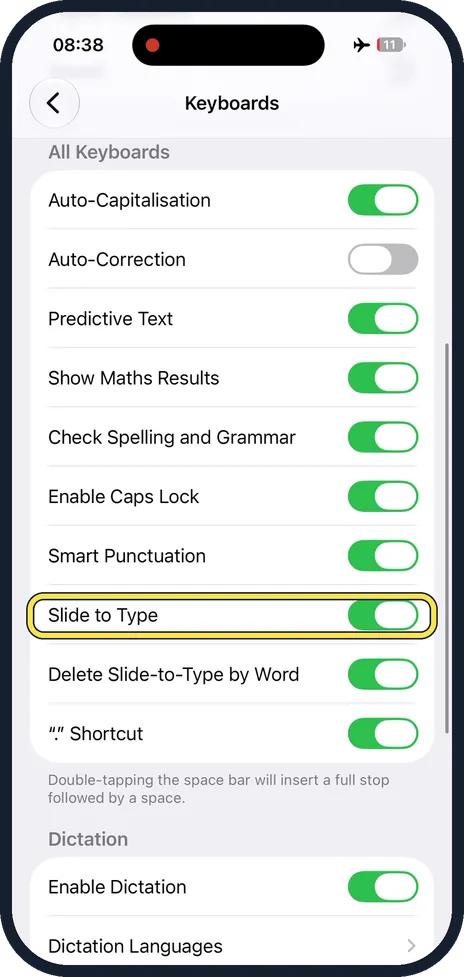
Open Settings, tap General, then Keyboard, scroll down and switch off Slide to Type. The keyboard then only takes single taps, and sliding from letter to letter no…
How to turn off predictive text on an iPhone
Open Settings, tap General, then Keyboard, and switch off Predictive Text under All Keyboards.
How to stop the iPhone capitalising the first letter
Open Settings, tap General, then Keyboard, and switch off Auto-Capitalisation (Auto-Capitalization in US English) under All Keyboards. The keyboard then no longer…
How to use the one-handed keyboard on an iPhone
On the keyboard, touch and hold the emoji or globe key and tap one of the keyboard layouts to move the keys to the left or right side. Or open Settings, General…
How to turn on keyboard vibration on an iPhone
Open Settings, tap Sounds & Haptics, then Keyboard Feedback, and switch on Haptic. The iPhone then gives a light tap for every key you press. There is also a Haptic…
How to turn off keyboard clicks on an iPhone
Open Settings, tap General, then Keyboard, and switch off Sound. On iOS 27 there is also a separate Sound switch under Settings, Sounds & Haptics, Keyboard Feedback…
How to turn off Dictation on an iPhone
Open Settings, tap General, then Keyboard, scroll down to Dictation and switch off Enable Dictation. The microphone key then disappears from the keyboard. Switch it on…
How to remove stickers from the emoji keyboard on an iPhone
Open Settings, tap General, then Keyboard, scroll to the bottom and switch off Stickers under Emoji. The note on the page adds that stickers are always shown in apps…
Notifications & Focus
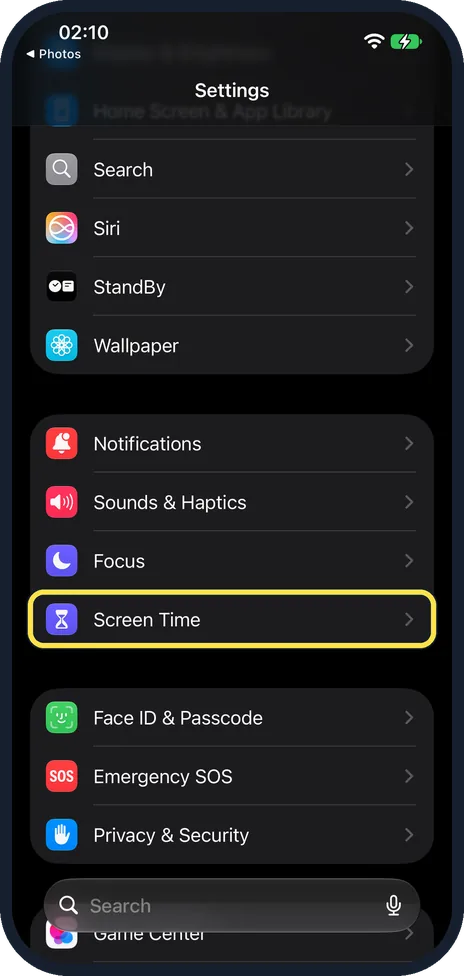
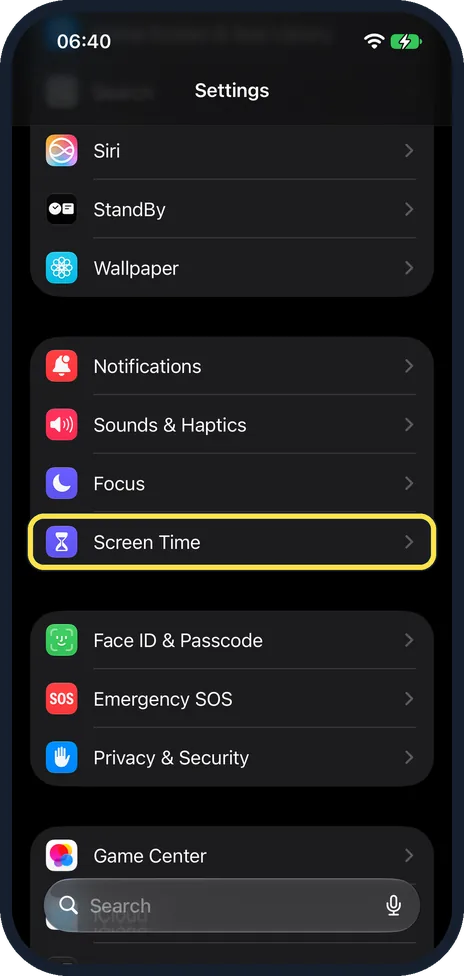
6 guidesHow to turn on Screen Time on iPhone
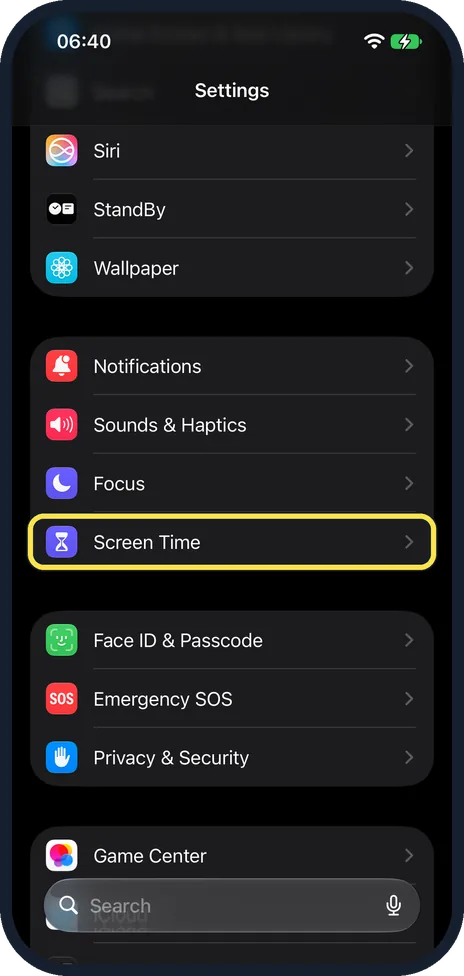
Open Settings and tap Screen Time. On our iPhone 17e with iOS 27 there was no App & Website Activity row, so tap Screen Time Schedule or Time Allowances, then tap Turn…
How to set a daily time limit for apps on iPhone
Open Settings, tap Screen Time, then Time Allowances, which replaced App Limits in iOS 27. Turn on App & Website Activity if the iPhone asks. Use the minus and plus…
How to schedule Downtime on iPhone
Open Settings, tap Screen Time, then Screen Time Schedule, which replaces Downtime on iOS 27. If asked, tap Turn on App and Website Activity. Then turn on Schedule, tap…
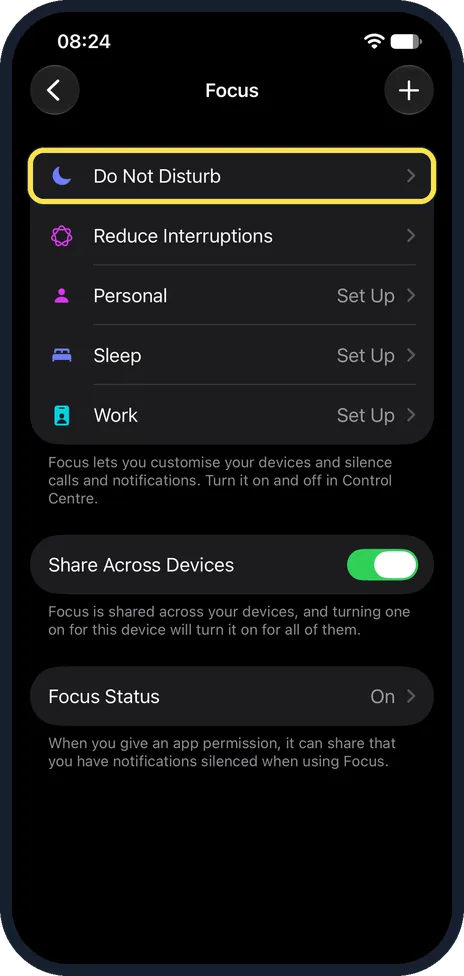
How to turn on Do Not Disturb on an iPhone
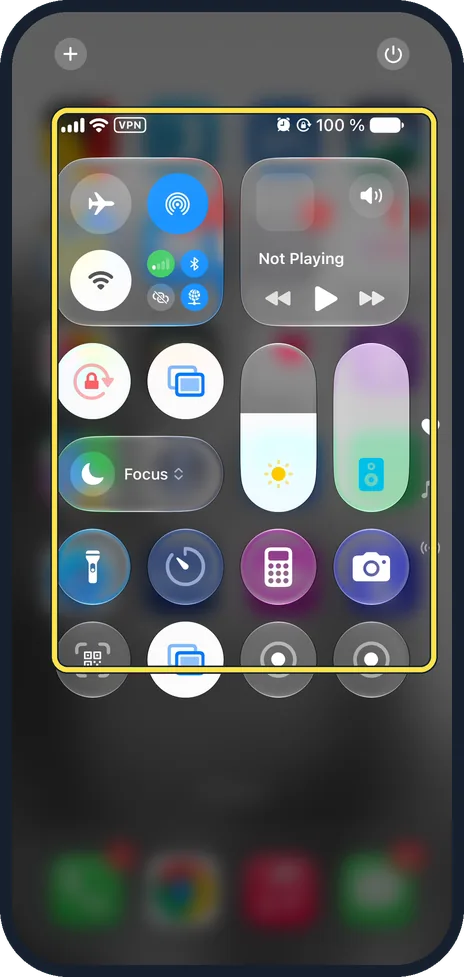
Open Control Centre, tap Focus and tap Do Not Disturb, which then shows On. Notifications are silenced until you turn it off. To set a schedule or allow certain people…
How to screen or silence unknown callers on an iPhone
Open Settings, tap Apps, then Phone. Switch on Silence Unknown Callers to send unsaved numbers to voicemail. If your iPhone shows Apple's Screen Unknown Callers choices…
How to turn on the Driving Focus on an iPhone (iOS 27)
Open Settings, tap Focus, then Driving. If it is not listed, as on our iPhone 17e, tap + at the top right, choose Driving and tap Customise Focus. Tap While Driving and…
Battery, Storage & Updates
11 guidesHow to check your iOS version and free storage on iPhone
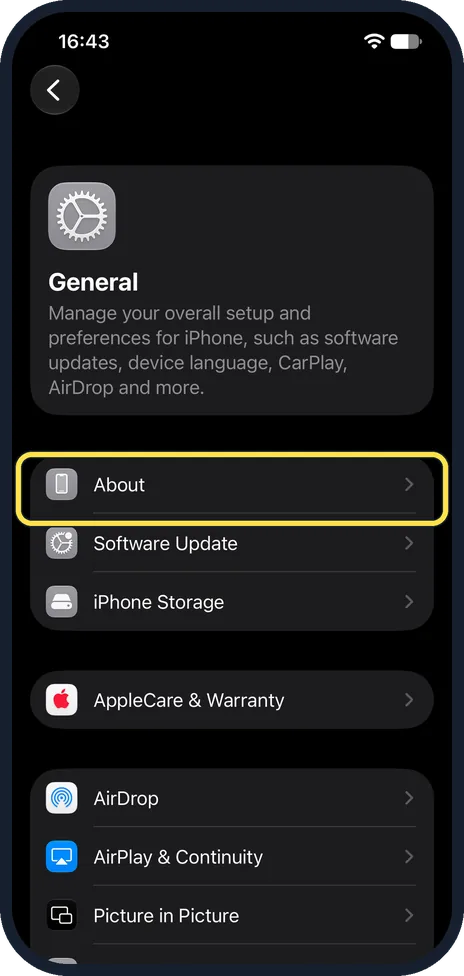
Open Settings, tap General, then About. iOS Version shows the software version. Capacity is the total storage and Available is what is still free.
How to check battery health on an iPhone
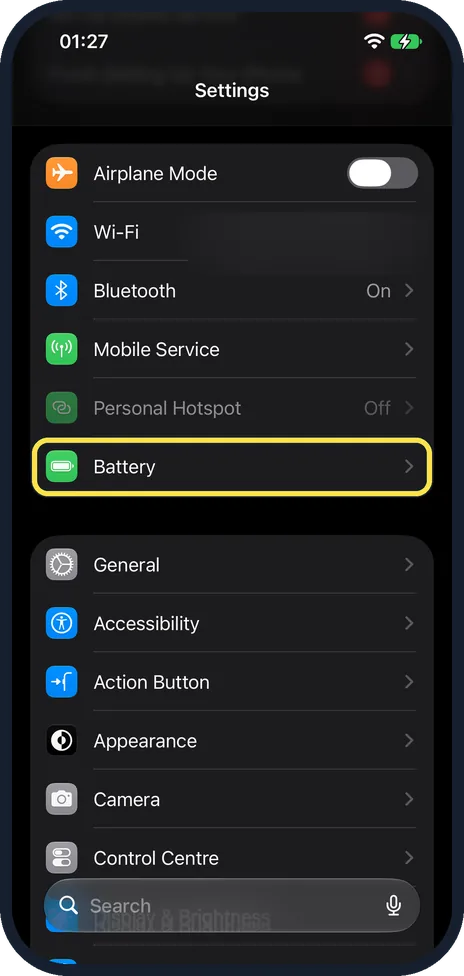
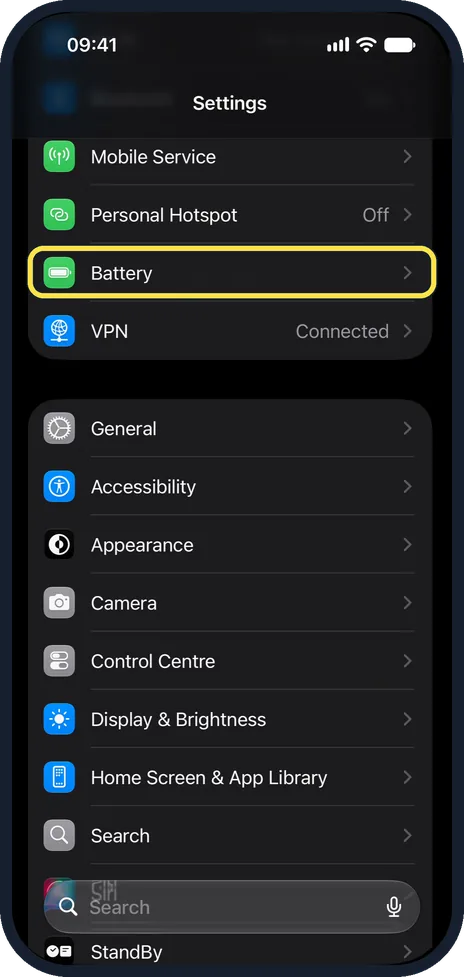
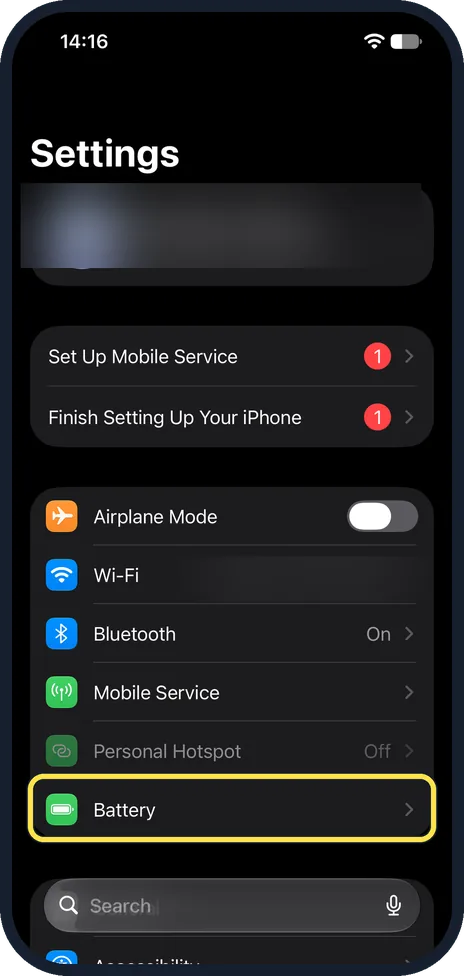
Open Settings, tap Battery, then Battery Health. Maximum Capacity shows how much charge the battery holds compared with when it was new. On our iPhone 17e the page…
How to back up an iPhone to iCloud
Connect to Wi-Fi, open Settings, tap your name, then iCloud, then iCloud Backup. Switch on Back Up This iPhone and tap Back Up Now.
How to turn on Low Power Mode on an iPhone
Open Settings, tap Battery, then Power Mode, and switch on Low Power Mode. On iPhone 14 and earlier the switch is directly on the Battery page. The battery icon turns…
How to turn off iOS beta updates on an iPhone
Open Settings, General, Software Update, tap Beta Updates and choose Off. The iPhone then stops offering betas. If a beta is already installed, it stays until the next…
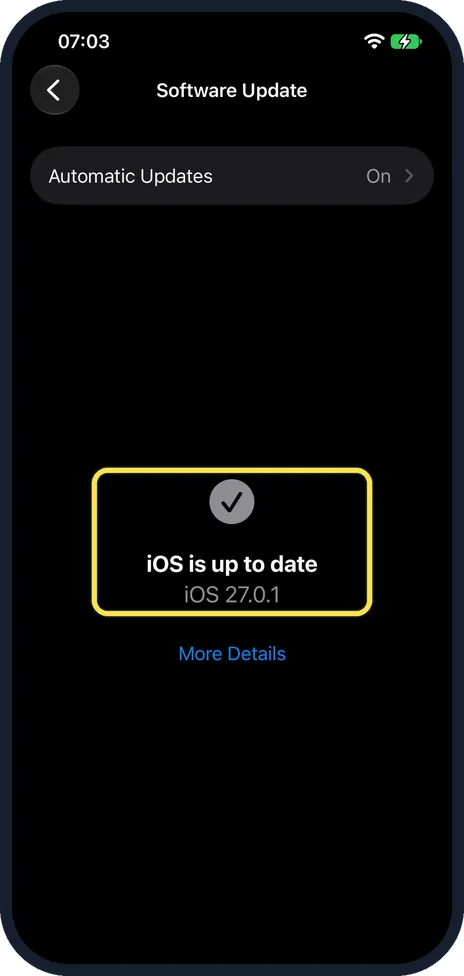
How to update an iPhone
Back up the iPhone, plug it in and connect to Wi-Fi. Open Settings, tap General, then tap Software Update. If an update is offered, Apple says to tap Download and…
How to turn off Background App Refresh on an iPhone
Open Settings, tap General and tap Background App Refresh. Switch off the apps that do not need it, or tap Background App Refresh at the top and choose Off or Wi-Fi.
How to set a charging limit on an iPhone (iOS 27)
Open Settings, tap Battery, then Charging, and drag the Charge Limit slider to 80, 85, 90, 95 or 100 %. The iPhone then stops charging near that level. Apple says this…
How to show the battery percentage on an iPhone (iOS 27)
Open Settings, tap Battery and turn on Battery Percentage. On an iPhone with Face ID the number then shows inside the battery symbol in the status bar. It was off on…
How to set up a sleep schedule on an iPhone (iOS 27)
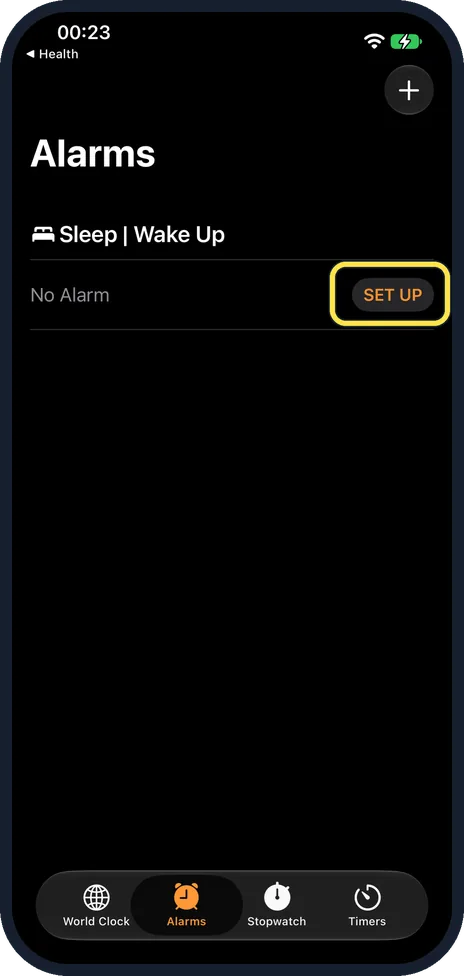
Open Clock, Alarms and tap SET UP next to Sleep | Wake Up. A note says Sleep is now in Health: tap Set Up in Health, Continue, check the goal and times, then Next and…
How to check the warranty or AppleCare cover of an iPhone
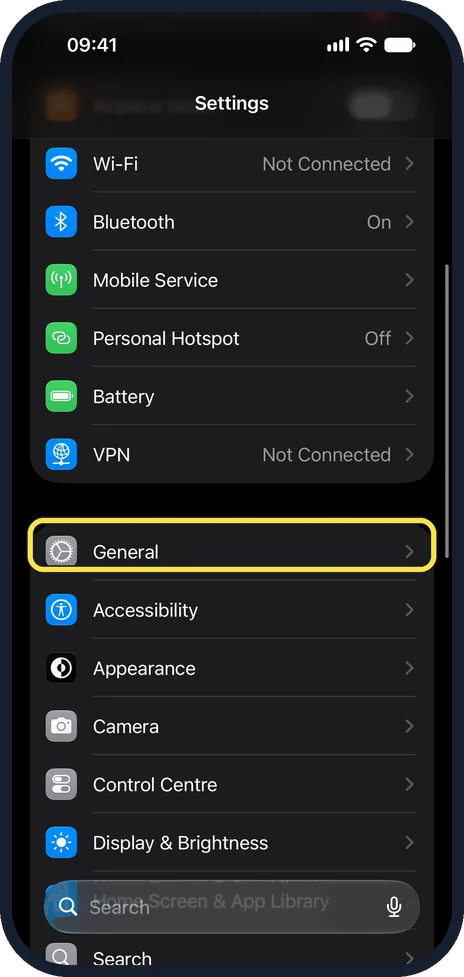
Open Settings, tap General and tap AppleCare & Warranty. Tap your iPhone to see whether it is covered and until when. For a phone you do not have in your hand, enter…
Sound & Alerts
3 guidesHow to change the ringtone on an iPhone
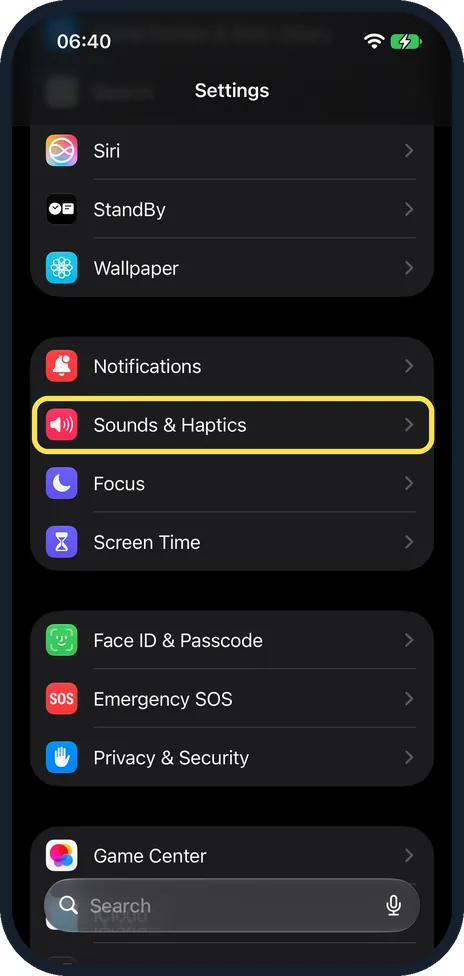
Open Settings, tap Sounds & Haptics, then Ringtone, and tap a sound to hear and select it. You can give single contacts their own ringtone in the Contacts app.
How to use Sound Recognition on an iPhone
Open Settings, Accessibility, Sound & Name Recognition and tap Sound Recognition. Switch it on and choose the sounds you want to be alerted to. The iPhone then shows a…
How to turn on Flash for Alerts on an iPhone (iOS 27)
Open Settings, Accessibility, Audio & Visual and tap Flash for Alerts at the bottom. Turn on Flash for Alerts and choose LED Flash, Screen or Both. Flash in Silent Mode…
More settings
33 guidesHow to change the region, date format and temperature unit on iPhone
Open Settings, tap General, then Language & Region. Tap Region to change the country, Temperature to switch between °C and °F, and Date Format or Number Format to…
How to delete apps on an iPhone
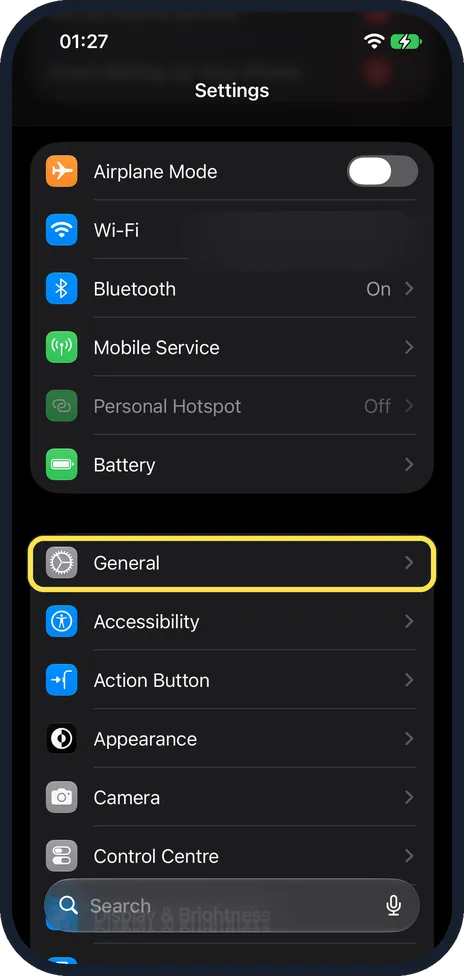
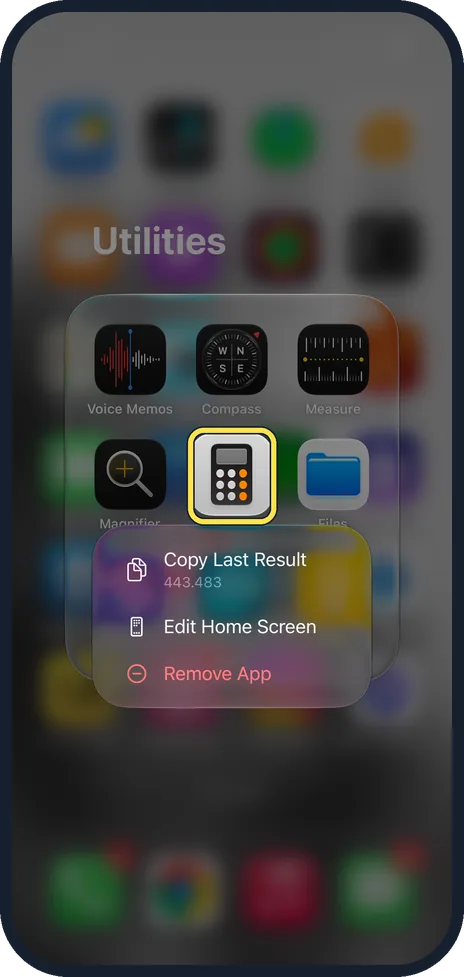
Touch and hold the app icon, tap Remove App, then Delete App. To clear out several, open Settings, General, iPhone Storage, where apps are listed by size.
How to lock or hide an app on an iPhone
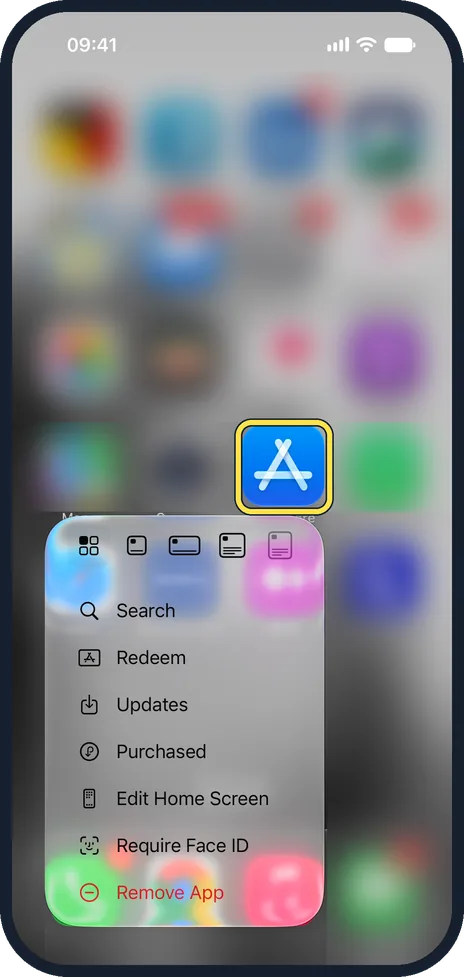
Touch and hold the app icon and tap Require Face ID. Choose Require Face ID to lock the app, or Hide and Require Face ID to move it into a hidden folder in the App…
How to change the name of your iPhone
Open Settings, tap General, then About, then Name. Type the new name and tap Done. The new name is used for AirDrop, Personal Hotspot, Bluetooth and Find My.
How to customise Control Centre on an iPhone
Swipe down from the top right corner, touch and hold an empty area, then drag controls to move them, drag their curved corner handle to resize them, tap the minus to…
How to turn on Stolen Device Protection on an iPhone
Open Settings, tap Face ID & Passcode, enter your passcode, and switch on Stolen Device Protection. Choose Always if you want the extra checks everywhere, or Away from…
How to add an email account to an iPhone
Open Settings, tap Apps, Mail, then Mail Accounts and Add Account. Type your email address, tap Next, then enter your email account information.
How to change what the Action button does on an iPhone
Open Settings and tap Action Button. Swipe sideways through the choices, such as Silent Mode, Camera or Shortcut, and stop on the one you want. Press and hold the…
How to switch an iPhone between metric and imperial units
Open Settings, tap General, then Language & Region, then Measurement System, and tap Metric, US or UK. The choice is separate from the region and from the temperature…
How to change the number format on an iPhone
Open Settings, tap General, then Language & Region, then Number Format, and tap the format you want. The four choices differ in the marks used for thousands and…
How to reduce the Liquid Glass effect on an iPhone
On iOS 27, open Settings, tap Appearance, then Liquid Glass, and drag the slider towards Tinted. Menus and buttons become less see-through and easier to read. On iOS…
What the green and orange dots mean on an iPhone
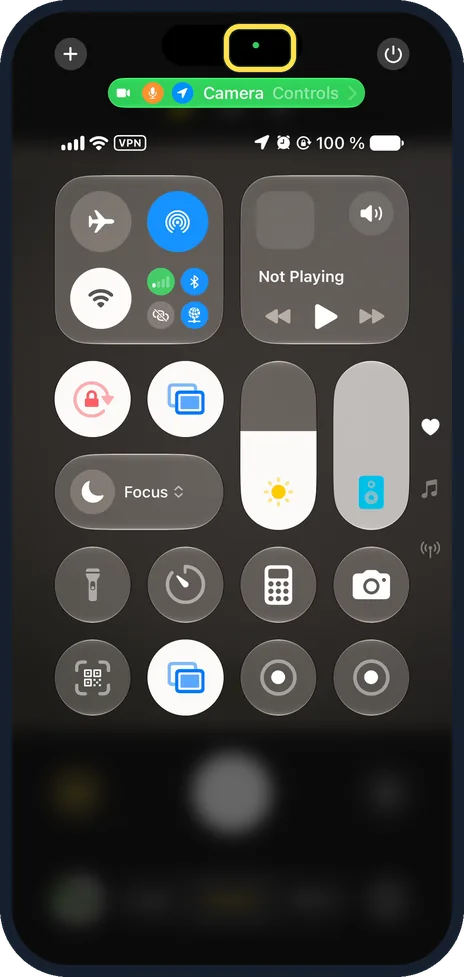
A green dot at the top of the iPhone screen means an app is using the camera, or the camera and microphone. An orange dot means an app is using the microphone. Open…
How to convert units on an iPhone by selecting the text
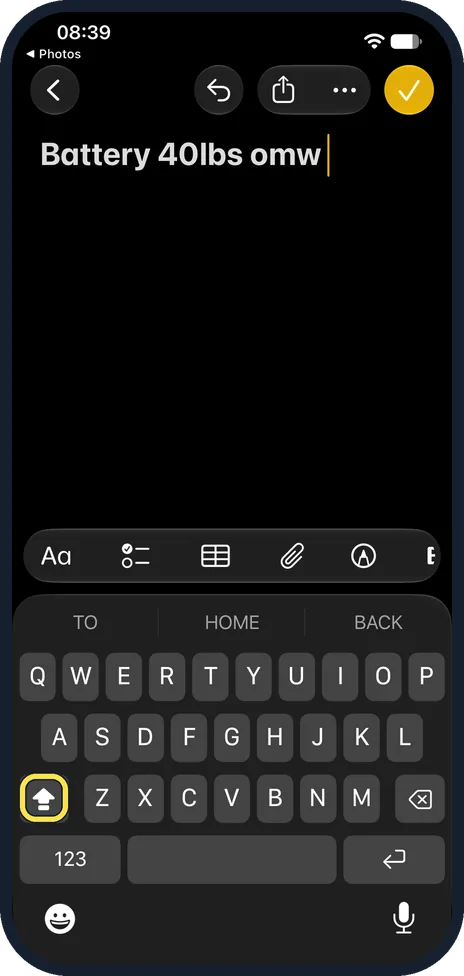
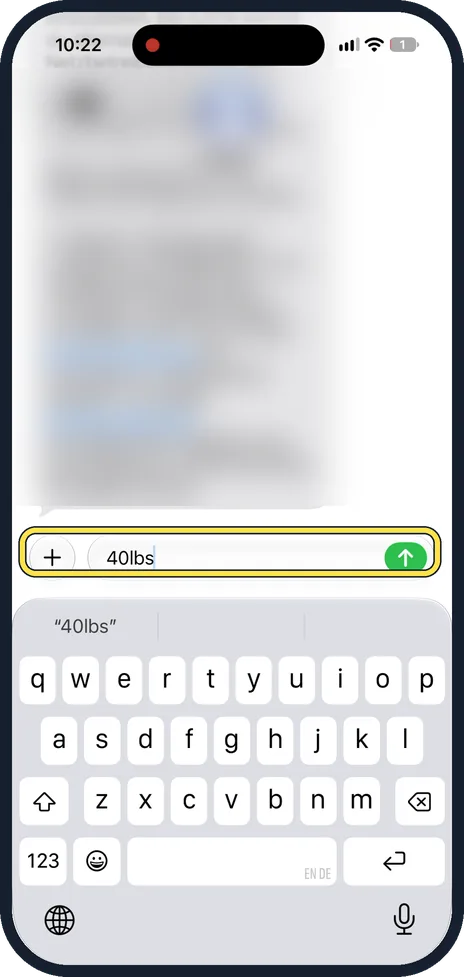
Select a value with its unit, such as 40lbs, in text on the iPhone. In the menu that appears, tap the arrow to see more choices: the converted values, such as 18,14 kg…
How to change how long an iPhone screen stays on (iOS 27)
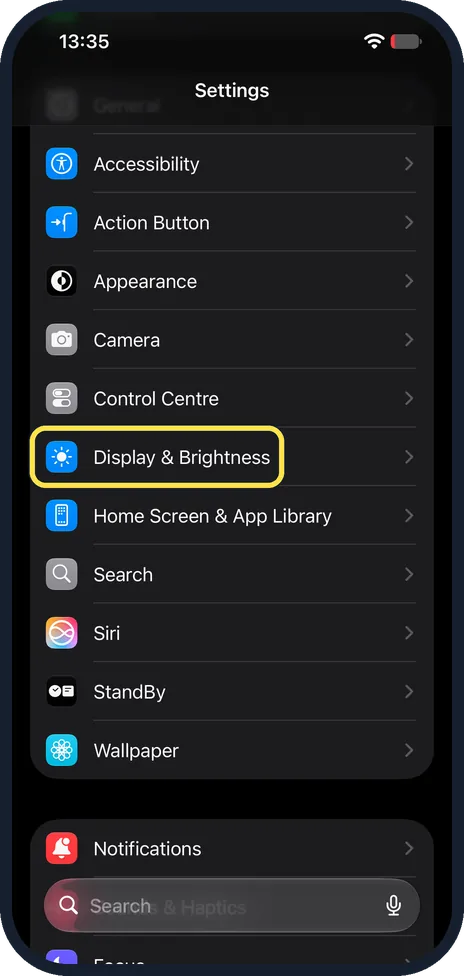
Open Settings, tap Display & Brightness, then Auto-Lock, and choose 30 seconds, 1 to 5 minutes or Never. The screen locks after that long without a touch. With Low…
How to turn on Low Data Mode on an iPhone (iOS 27)
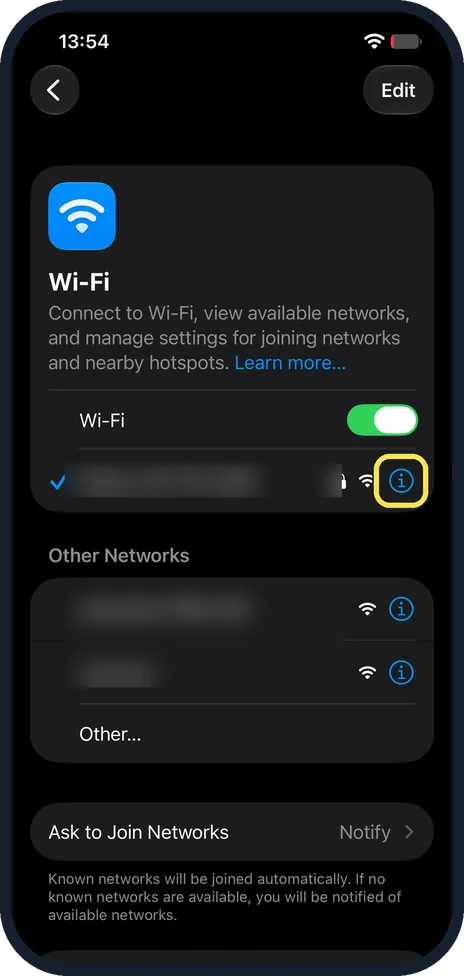
Open Settings, tap Wi-Fi, then the i button next to the network you are connected to, and turn on Low Data mode. It is set for each Wi-Fi network. For mobile data Apple…
How to offload unused apps on an iPhone (iOS 27)
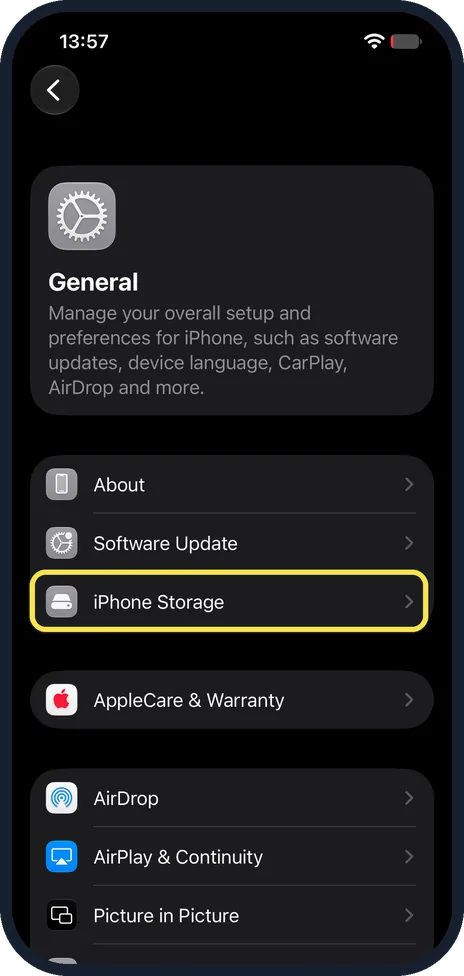
To let the iPhone do it, open Settings, General, iPhone Storage and tap Enable next to Offload Unused Apps. For one app, tap it in the list and tap Offload App…
How to turn read receipts on or off on an iPhone (iOS 27)
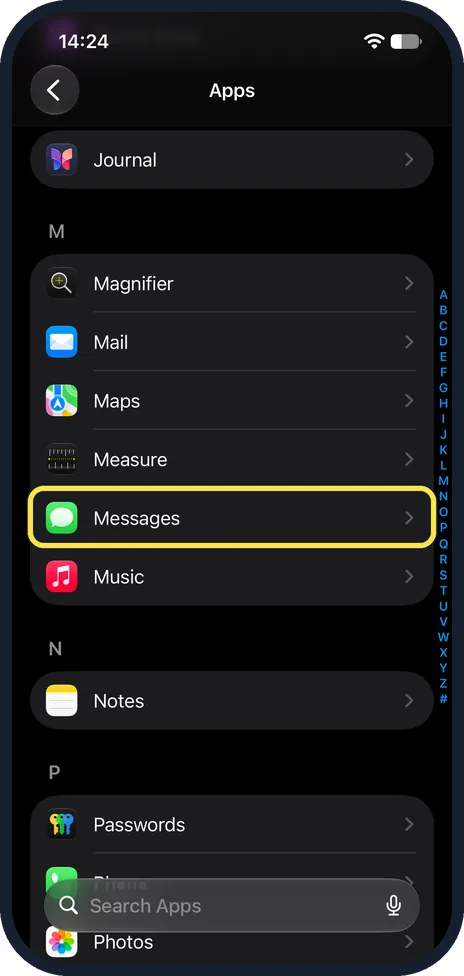
Open Settings, Apps, Messages and turn Send Read Receipts on or off. When it is on, people see when you have read their iMessages. It was off on our iPhone 17e.
How to recover deleted notes on an iPhone (iOS 27)
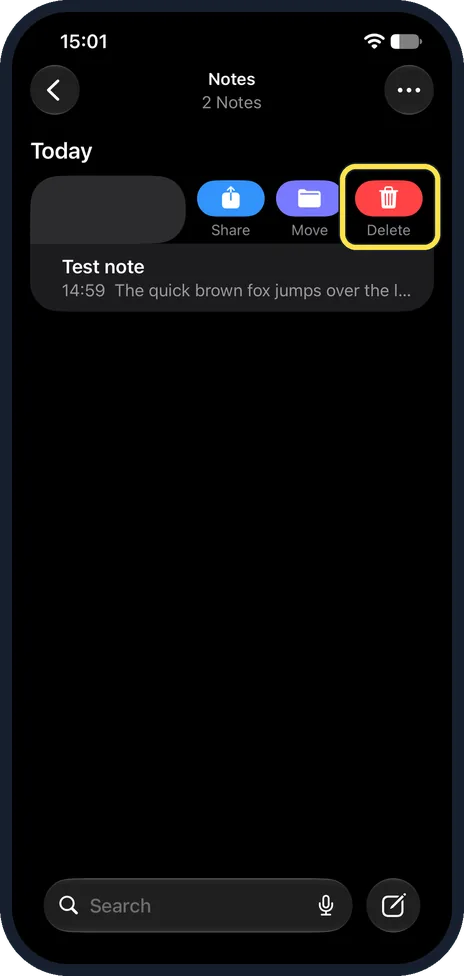
In Notes, go back to Folders and tap Recently Deleted. Touch and hold the note, tap Move and pick a folder, such as Notes. iOS 27 has no Recover button. Deleted notes…
How to make an app folder on an iPhone (iOS 27)
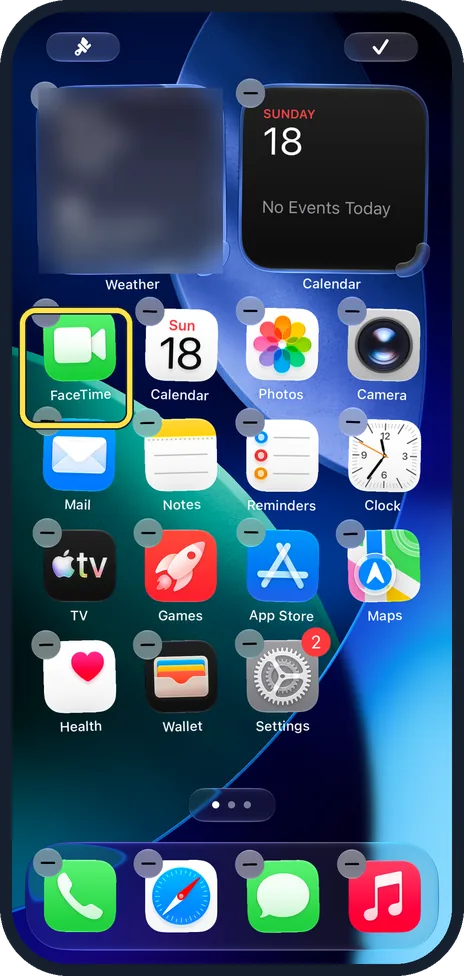
Touch and hold an empty part of the Home Screen until the apps jiggle, then drag one app onto another. iOS makes a folder and names it for you: ours was called…
How to find apps in the App Library on an iPhone (iOS 27)
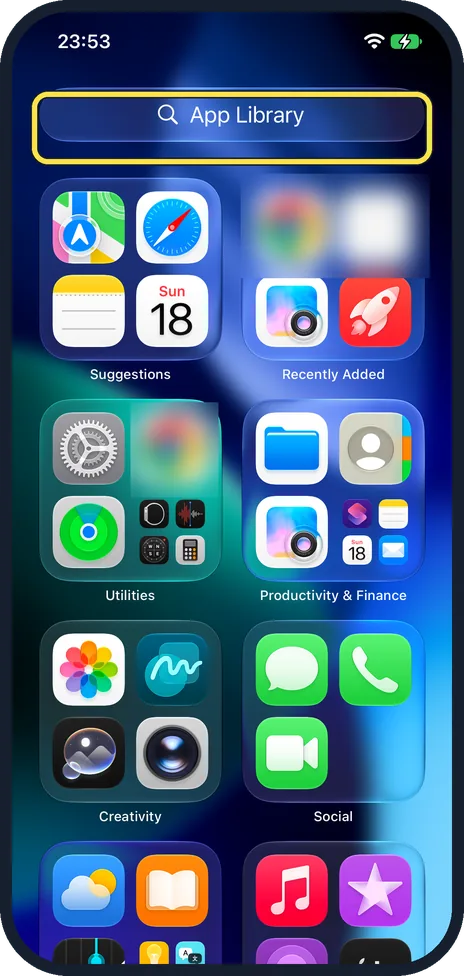
Swipe left past your last Home Screen page to reach App Library. Tap the App Library search box at the top to type a name or scroll an A to Z list of every app. To…
Where Live Activities show on an iPhone 17e without a Dynamic Island
The iPhone 17e has no Dynamic Island, so a Live Activity such as a running timer does not show at the top of the Home Screen. Swipe down from the top to see it on the…
How to use Picture in Picture on an iPhone (iOS 27)
Check that Start PiP Automatically is on in Settings, General, Picture in Picture. Play a video full screen and swipe up to go Home: the video keeps playing in a small…
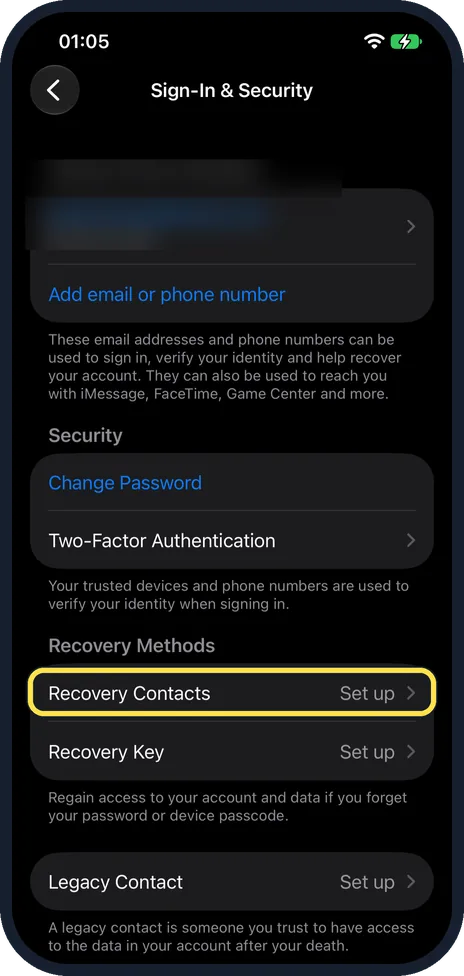
How to add a recovery contact on an iPhone (iOS 27)
Open Settings, tap your name, then Sign-In & Security and Recovery Contacts. Tap Add Recovery Contact, then Choose a Recovery Contact and pick someone you trust. They…
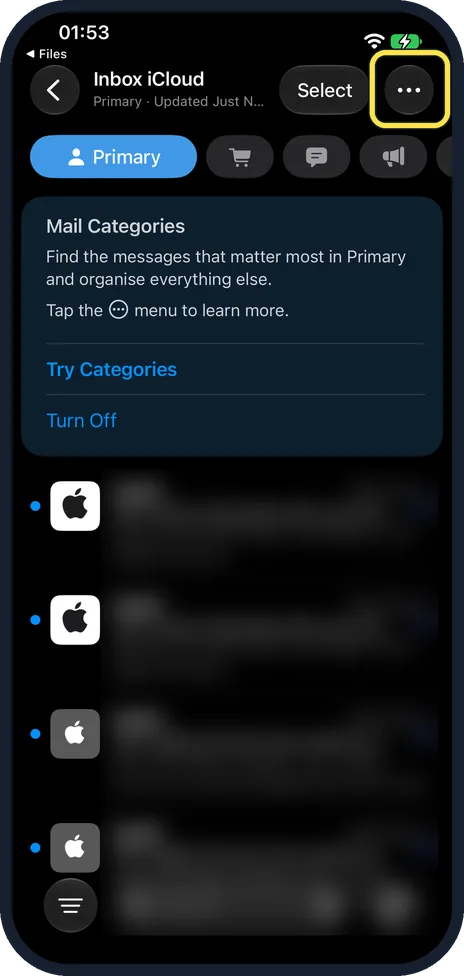
How to turn off Mail categories on an iPhone (iOS 27)
In the Mail inbox, tap the ... button at the top right and untick Show Categories. The Primary, Transactions, Updates and Promotions tabs disappear and you get one…
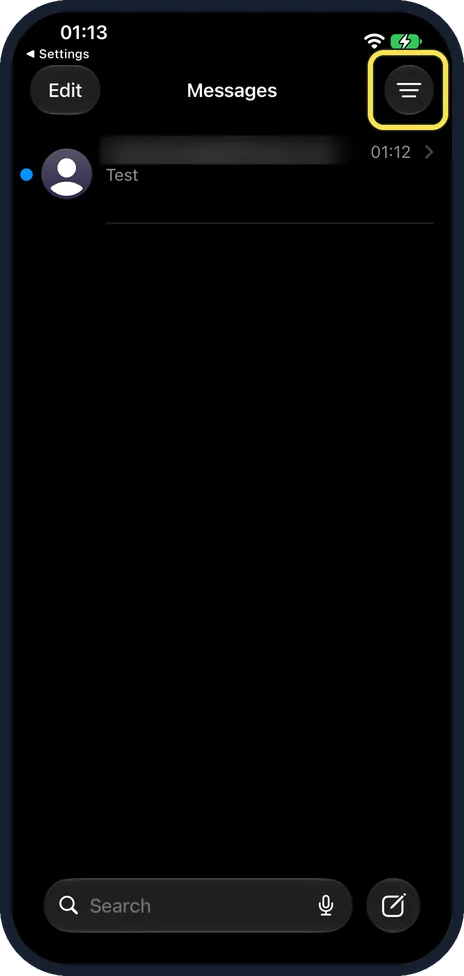
How to recover deleted messages on an iPhone (iOS 27)
In Messages, tap the filter button at the top right and choose Recently Deleted. Tap the conversation, tap Recover, then Recover Messages. Ours said 30 Days, with a…
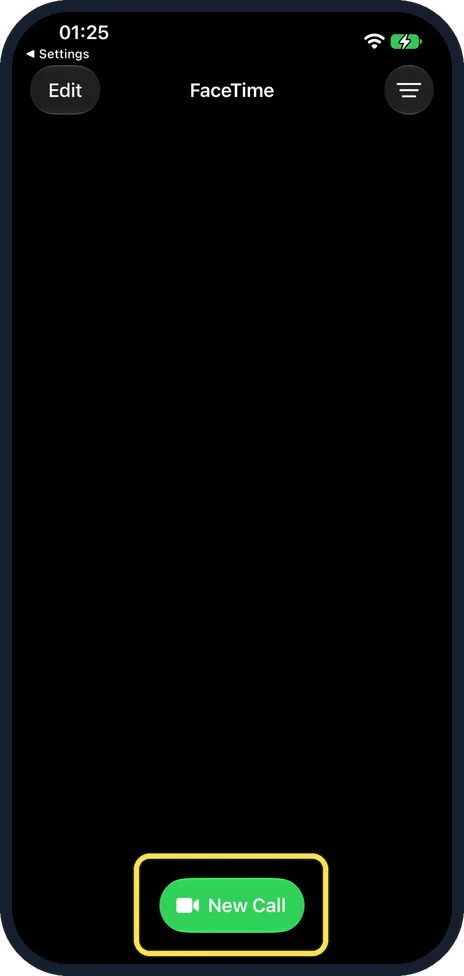
How to create a FaceTime link on an iPhone (iOS 27)
Open FaceTime, tap New Call, then the green link button at the left above the keyboard. Choose how to send it, such as Messages, Mail or Copy. Anyone with the link can…
How to create a shared album on an iPhone
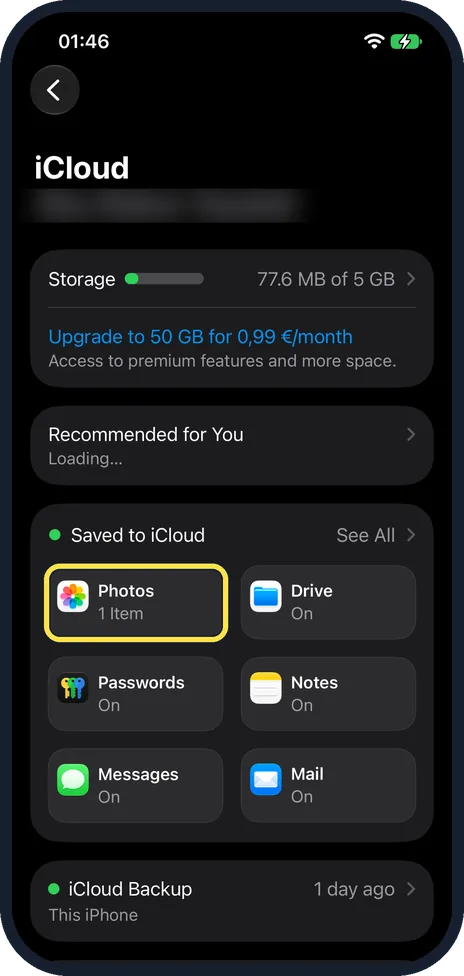
Turn on Shared Albums under Settings, your name, iCloud, Photos. Then open Photos, tap Collections and go to Shared Albums. Create the album (on our iPhone 17e, with no…
How to AirPlay from an iPhone to a Mac
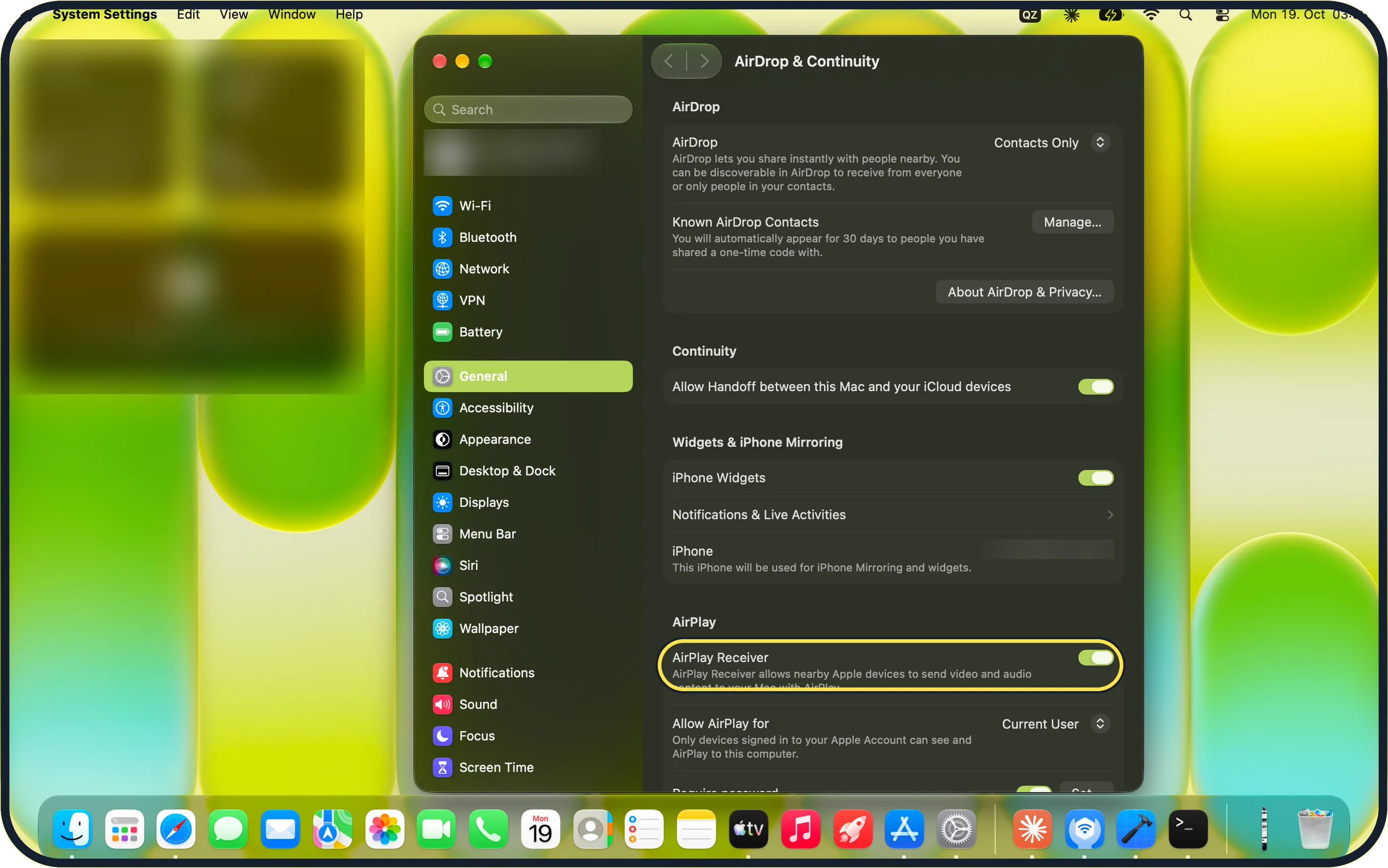
On the Mac, open System Settings, General, AirDrop & Continuity and switch on AirPlay Receiver. On the iPhone, open the photo, tap Share, tap AirPlay and choose the…
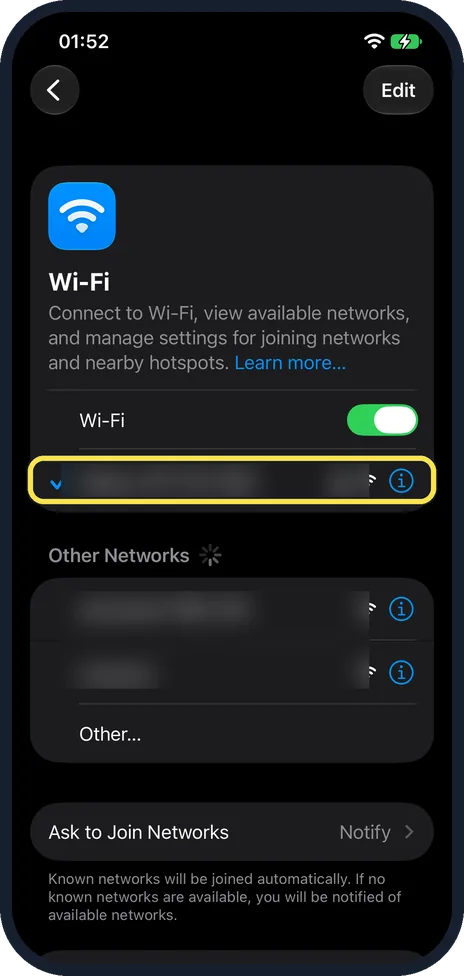
How to turn off Connectivity Assist (Wi-Fi Assist) on an iPhone
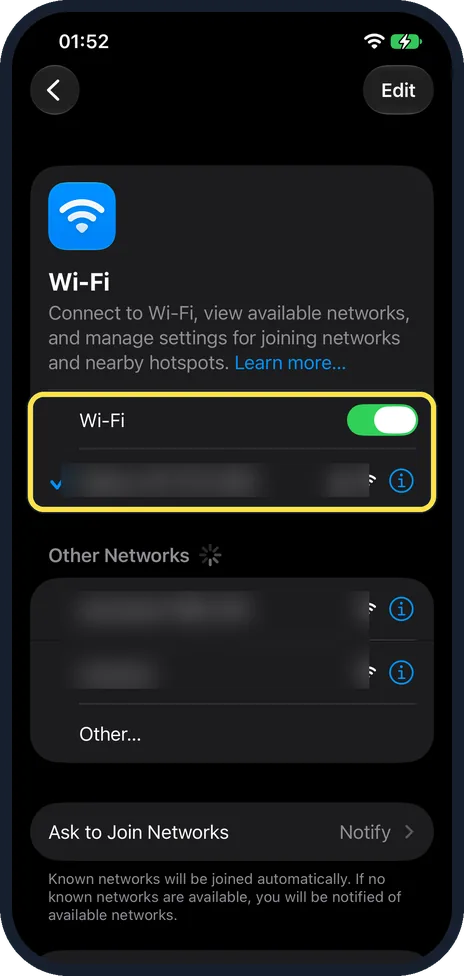
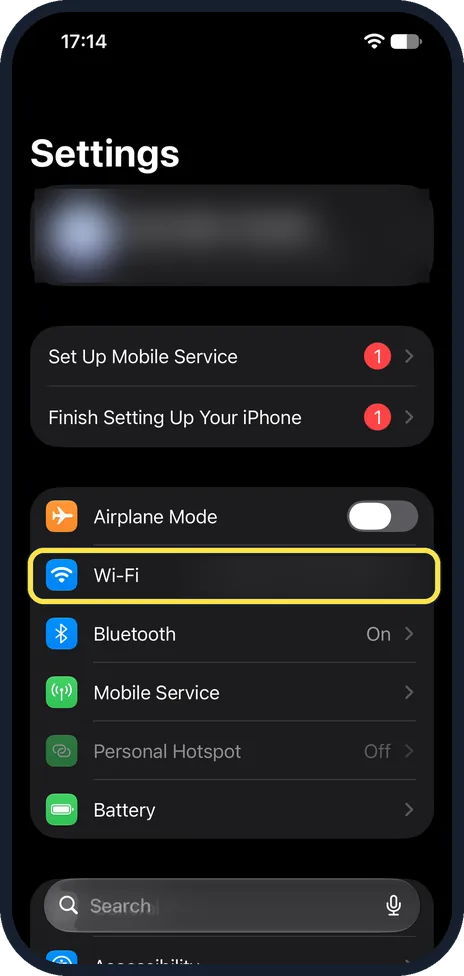
On iOS 27, open Settings, tap Wi-Fi, scroll to the bottom and switch off Connectivity Assist. It replaced Wi-Fi Assist, which used to be under Mobile Data. While it is…
How to change the private Wi-Fi address on an iPhone (iOS 27)
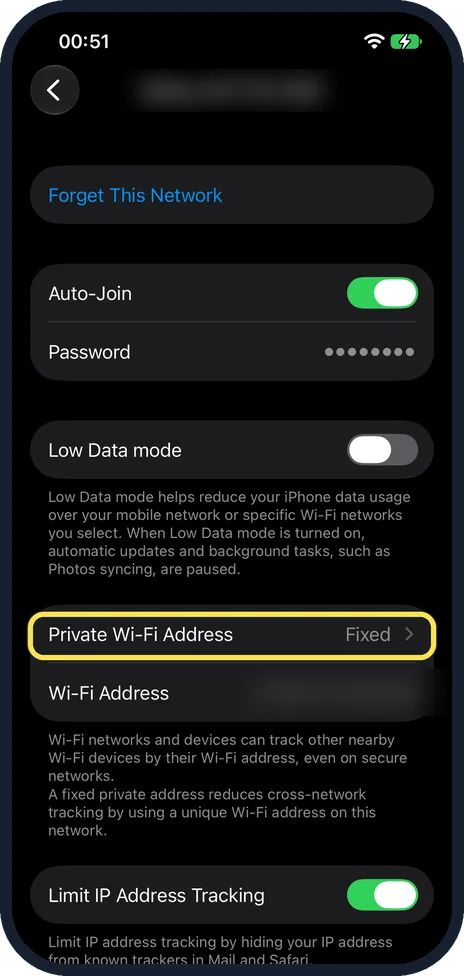
Open Settings, Wi-Fi and tap the i next to your network. Tap Private Wi-Fi Address and choose Off, Fixed or Rotating. Ours was Fixed. Rotating changes the address over…
How to use the iPhone space bar as a trackpad to move the cursor
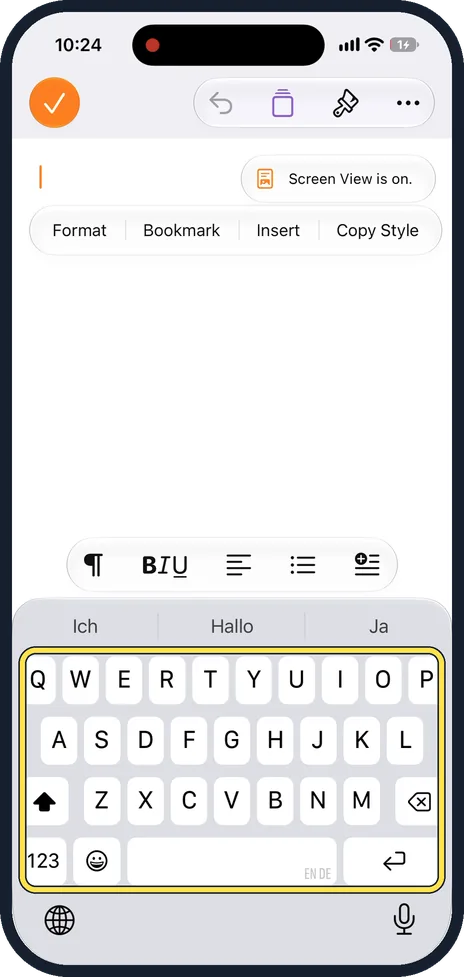
While typing, touch and hold the space bar until the letters on the keyboard disappear. The keyboard is now a trackpad: keep your finger down and slide it to move the…
How to open and create ZIP files on an iPhone (iOS 27)
In the Files app, touch and hold a file or folder and tap Compress: a ZIP with the same name appears next to it. To open a ZIP, tap it: Files unpacks it into a new…
How to make a PDF smaller on an iPhone (iOS 27)
Open the PDF from Files so it opens in Preview. Tap the file name, then Export. Choose PDF, then turn on Optimise Images for Screen and Save Images as JPEG. On ours the…
Guides in other categories that also involve iPhone
2 guidesHow to use Handoff between a Mac and an iPhone
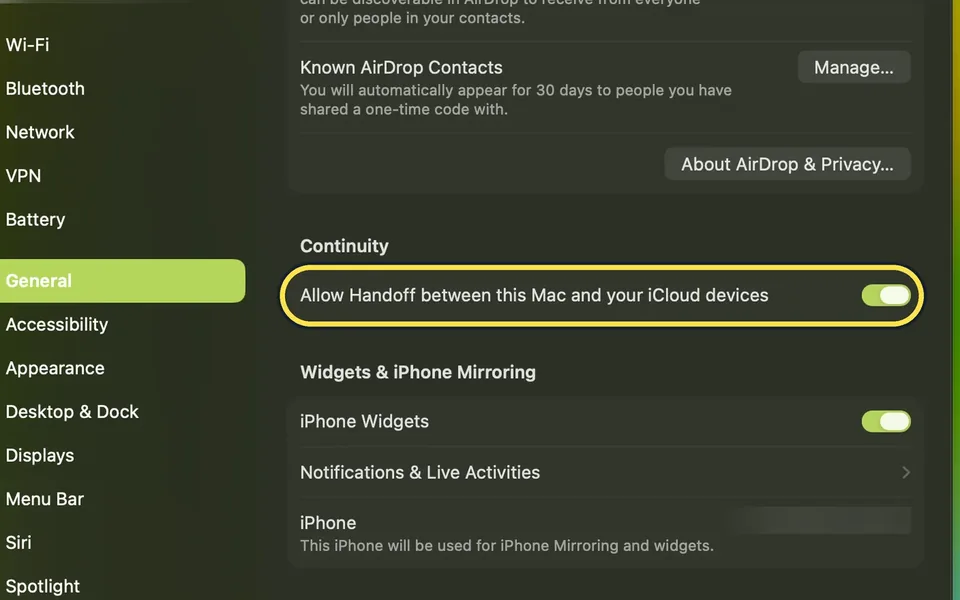
On the Mac, open System Settings, General, AirDrop & Continuity and turn on Allow Handoff. On the iPhone, open Settings, General, AirPlay & Continuity and turn on…
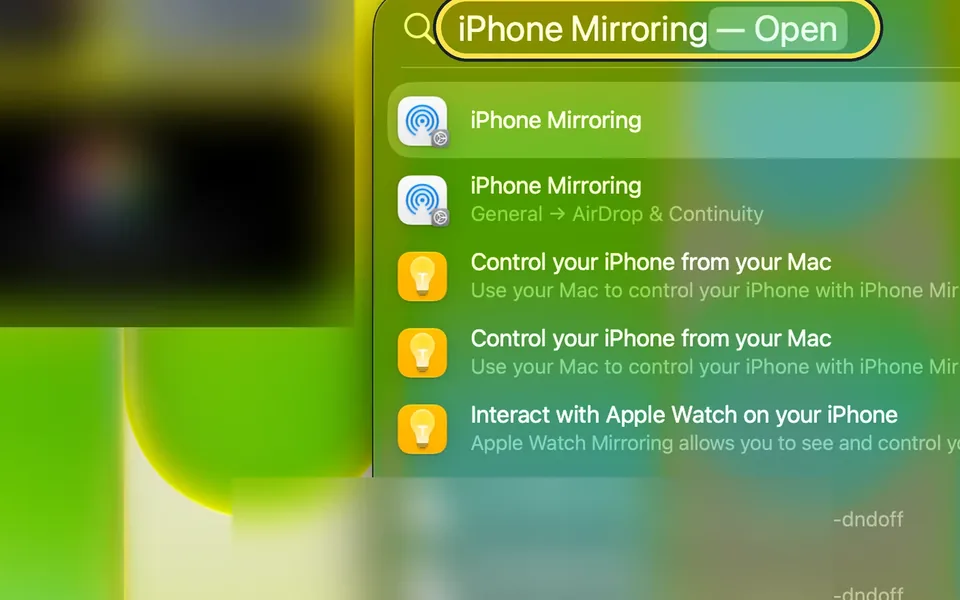
Mac says "iPhone Mirroring is not available in your country or region"
iPhone Mirroring is not available in the EU. Our Mac in Germany showed "Unable to Connect to iPhone" with that message, and only OK. iPhone widgets on the Mac still…