OPPO Guides
Simple, step-by-step answers for your OPPO, with real screenshots and the exact ColorOS version.
Steps that work on any Android phone: Android guides
 Illustration
What do you need help with?
View all topicsFix an OPPO problem
Quick solutions for the most common issues.
Latest OPPO guides
View all OPPO guides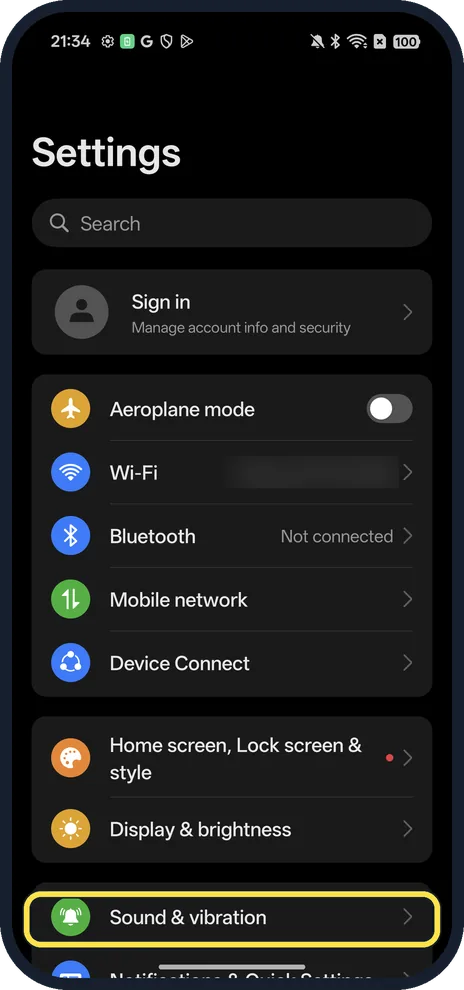 NewHow to use Clear Voice on an OPPO phone (cut background noise on calls)Open Settings, Sound & vibration and tap Clear Voice under Microphone mode, then turn it on…
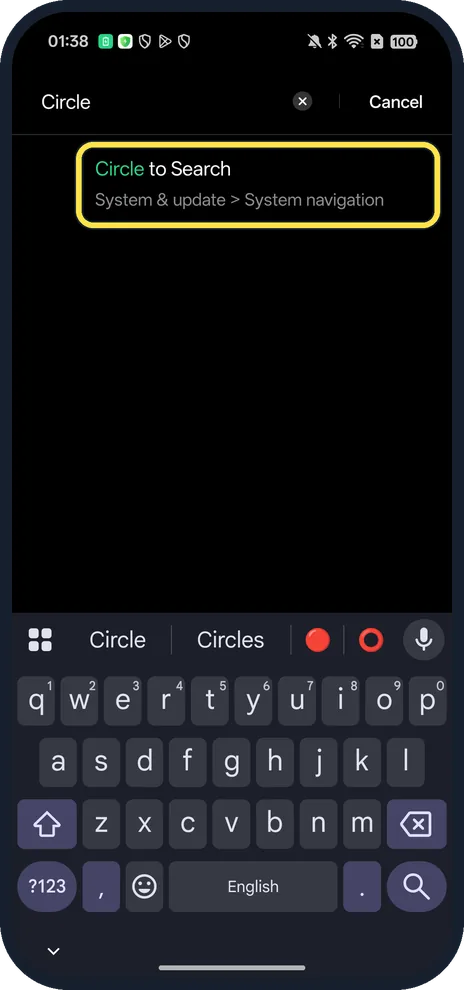 NewHow to use Circle to Search on an OPPO phone (ColorOS 16)Touch and hold the gesture bar at the bottom of the screen (or the Home button with three-key…
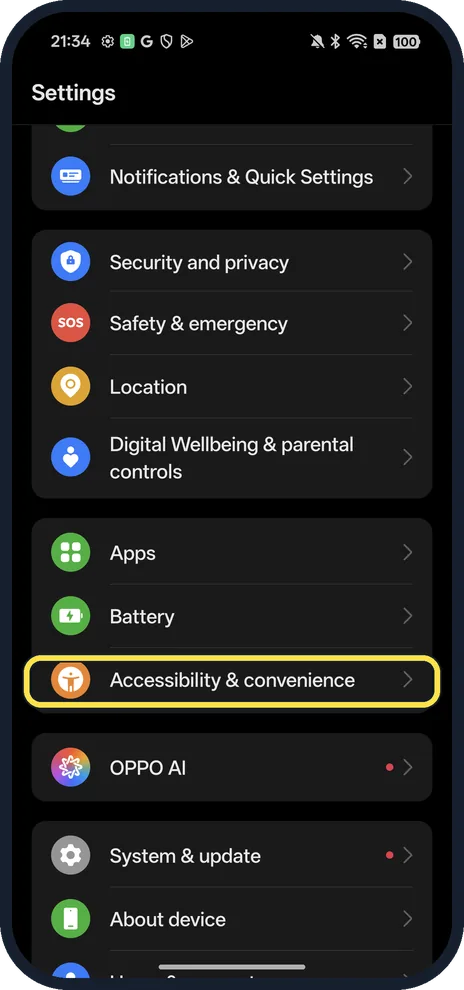 NewHow to turn on Gloves mode on an OPPO phone (ColorOS 16)Open Settings, Accessibility & convenience and turn on Gloves mode. The screen then responds…
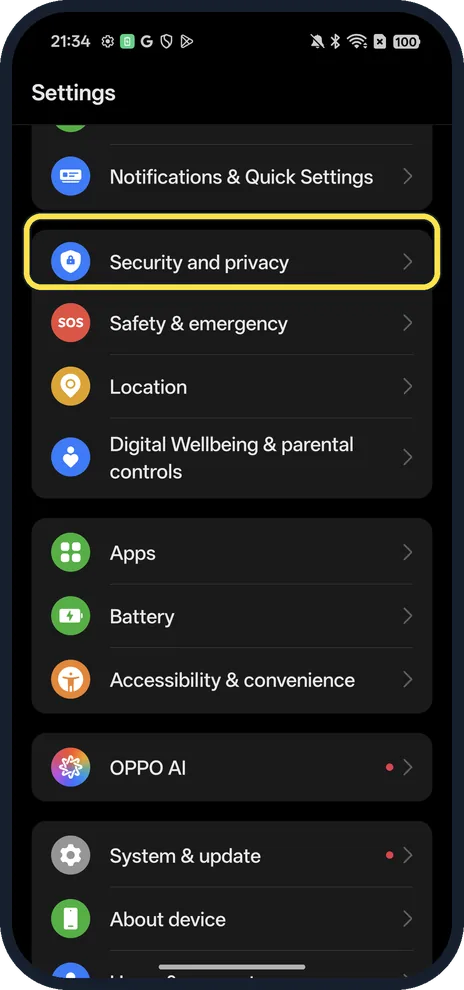 NewHow to turn on Find Hub on an OPPO phone (ColorOS 16)Open Settings, Security and privacy, Device finders, Find Hub. Turn on Allow device to be…
ColorOS 16
All OPPO guides by topic
Apps
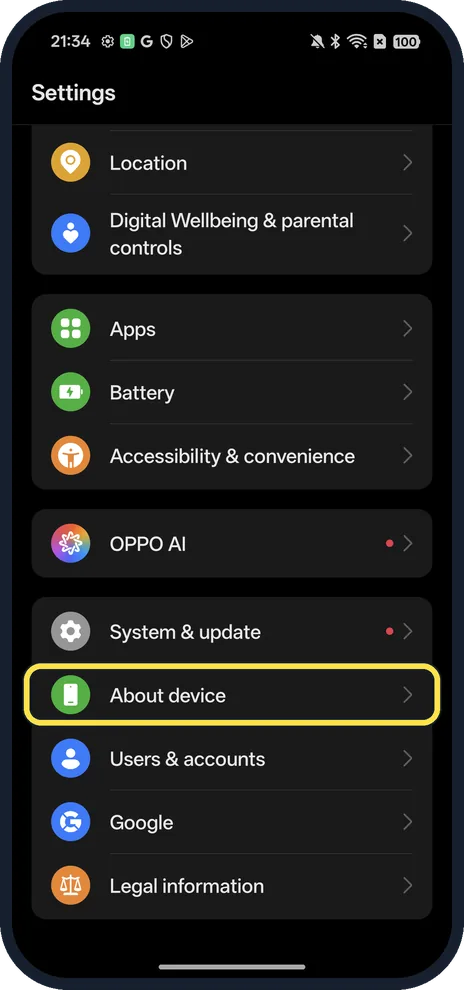
3 guidesHow to turn on Developer Options on an OPPO phone (ColorOS 16)
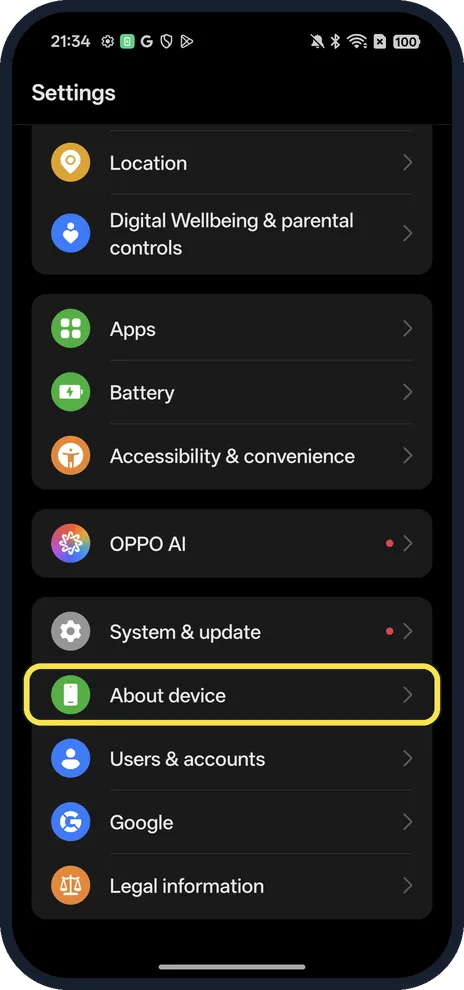
Open Settings, About device, Version and tap Version No. seven times. Developer Options then shows in Settings, System & update.
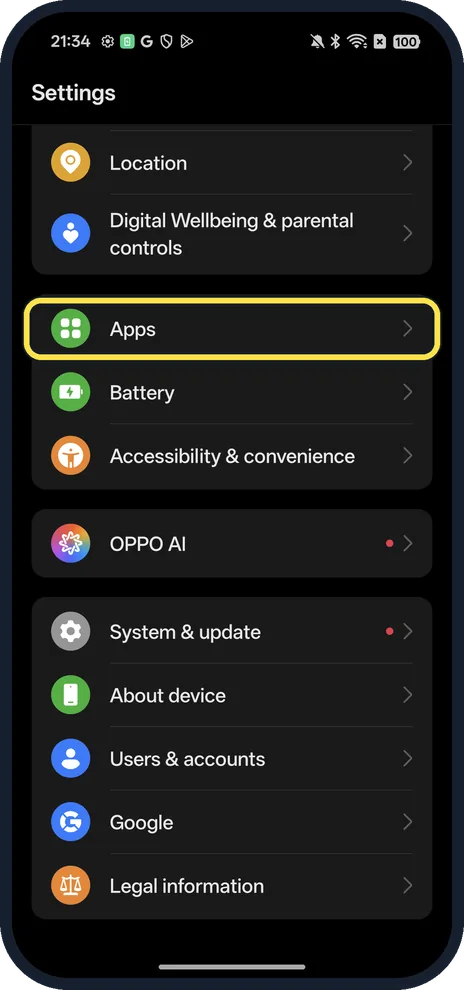
How to clear app cache on an OPPO phone (ColorOS 16)
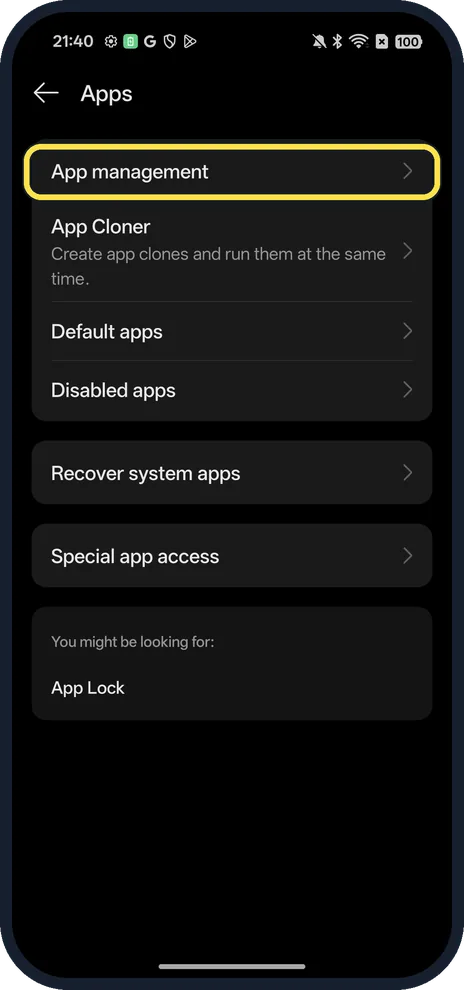
Open Settings, Apps, App management, tap the app, then Storage usage and Clear cache. On ours Chrome's cache went from 7,9 MB to 0 B and its total from 32,1 MB to 24,1…
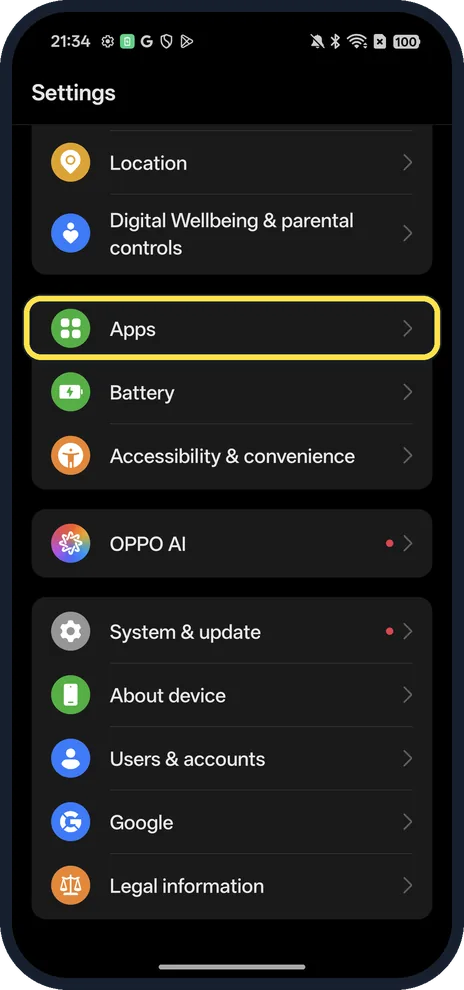
How to change default apps on an OPPO phone (ColorOS 16)
Open Settings, Apps, Default apps, tap the type (Browser app, Phone app, SMS app, Home app and so on) and pick the app. Ours used Chrome as the browser and System…
Display & Accessibility
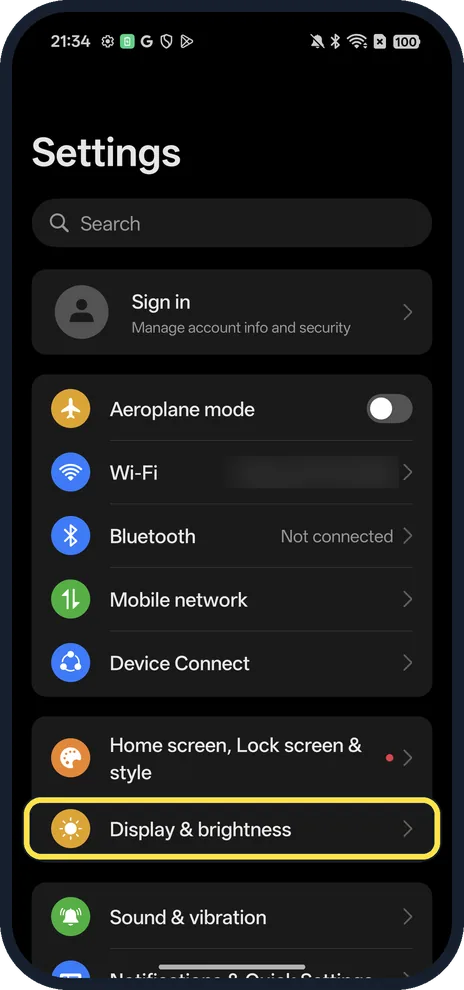
3 guidesHow to turn on Dark mode on an OPPO phone (ColorOS 16)
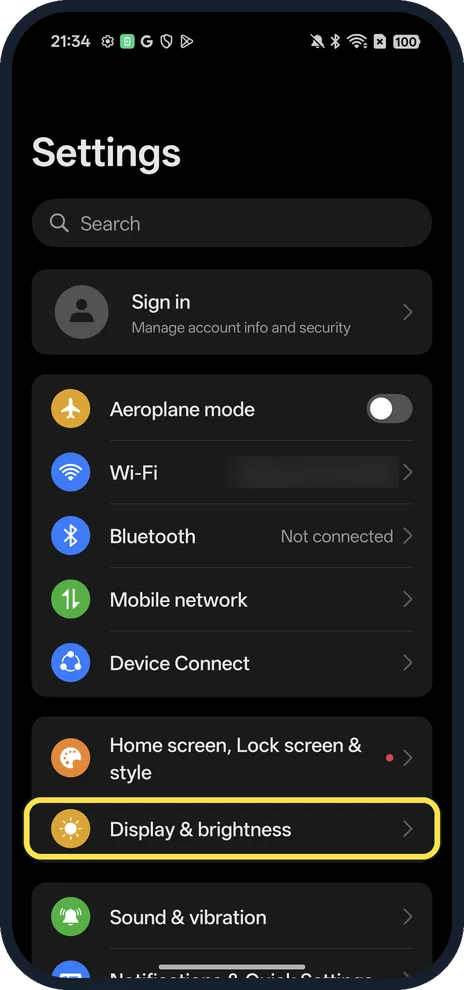
Open Settings, Display & brightness and tap Dark mode. Dark mode settings lets you pick Enhanced, Medium or Gentle and try Dark mode for third-party apps (Beta).
How to change the refresh rate on an OPPO phone (ColorOS 16)
Open Settings, Display & brightness, Screen refresh rate and choose Auto-select, Standard (a maximum of 60 Hz) or High (up to 120 Hz, which may use more battery and…
How to change the wallpaper on an OPPO phone (ColorOS 16)
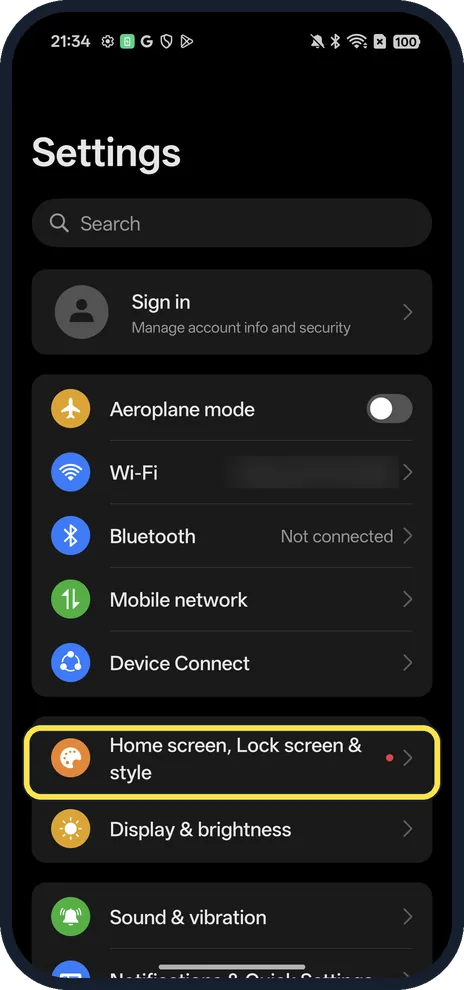
Open Settings, Home screen, Lock screen & style and tap the wallpaper card to open Wallpapers. Pick one from Classic or the other collections, or Choose from album for…
Battery, Storage & Updates
6 guidesHow to show battery percentage on an OPPO phone (ColorOS 16)
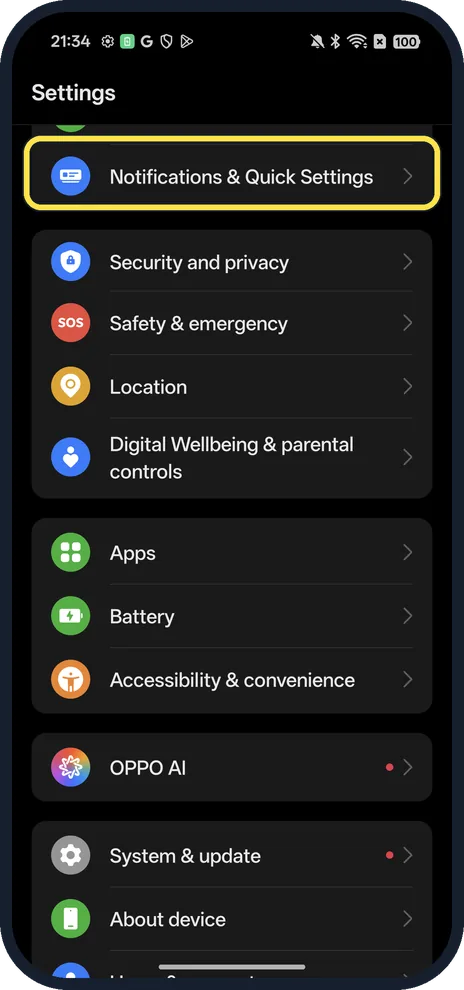
Open Settings, Notifications & Quick Settings, Status bar, Battery percentage and choose Inside battery icon, Outside battery icon or Do not show. Ours was set to…
How to check battery health on an OPPO phone (ColorOS 16)
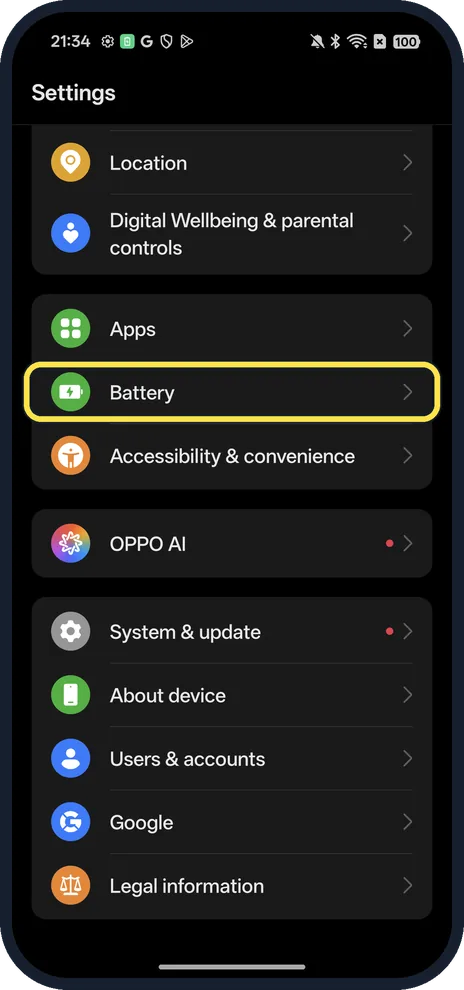
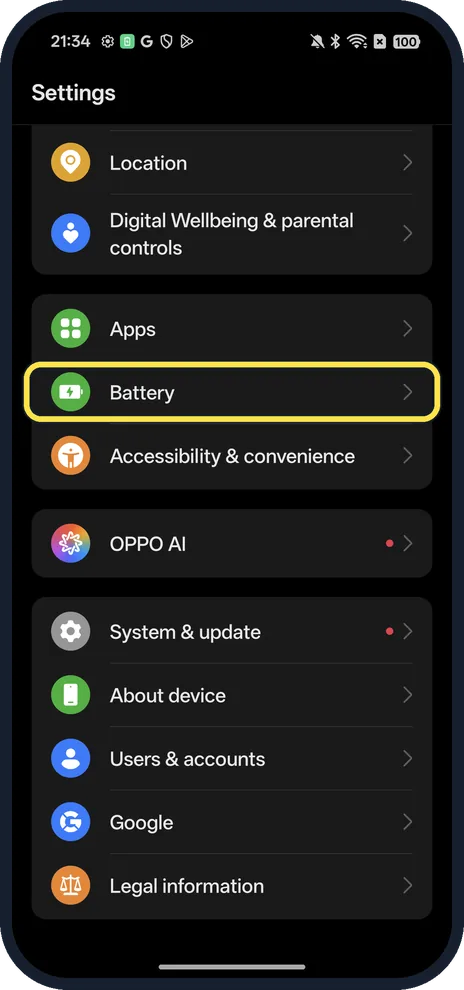
Open Settings, Battery, scroll down and tap Battery health. Maximum capacity shows how much of the original capacity is left (100 % on our Reno13). The same page has…
How to turn on Power saving mode on an OPPO phone (ColorOS 16)
Open Settings, Battery and tap Power saving mode, between Balanced mode and High performance mode. For much longer, turn on Super Power Saving Mode below them. Each…
How to update an OPPO phone (ColorOS 16)
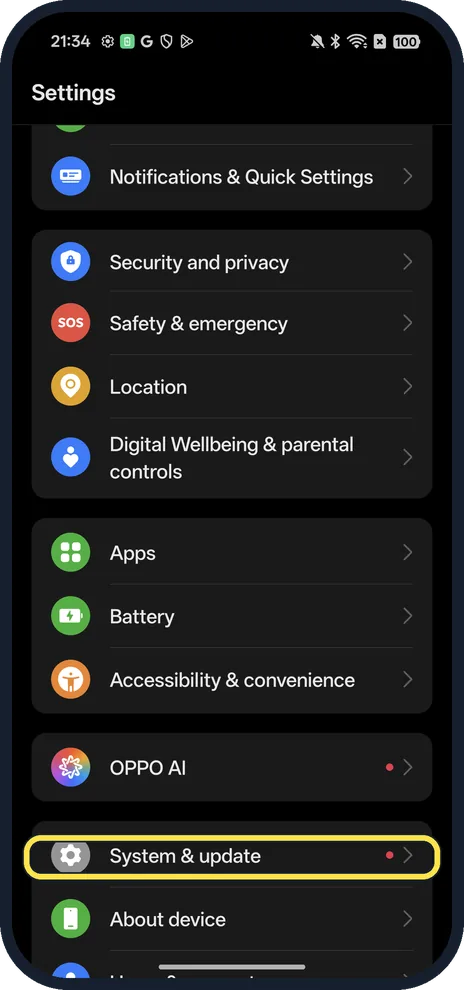
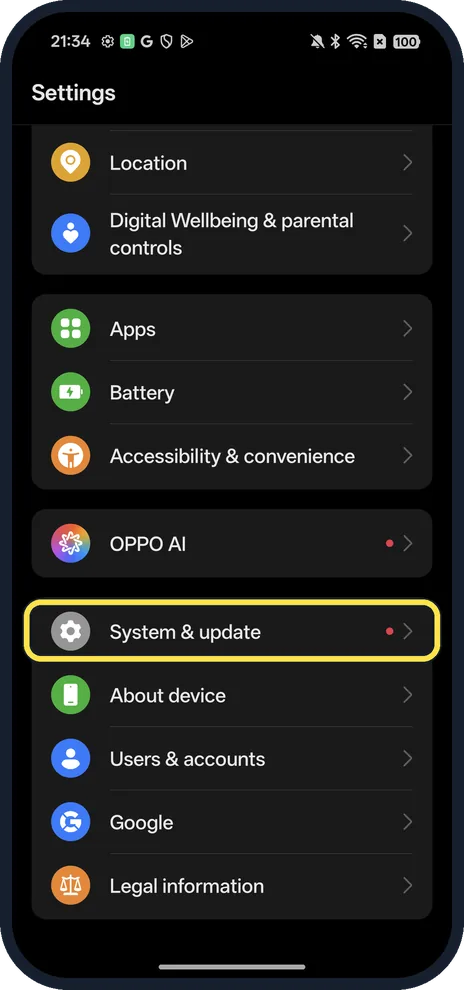
Open Settings, System & update, Software update. It checks automatically; ours said Version up to date, with software version CPH2689_16.0.5.1001. If an update is…
How to factory reset an OPPO phone (ColorOS 16)
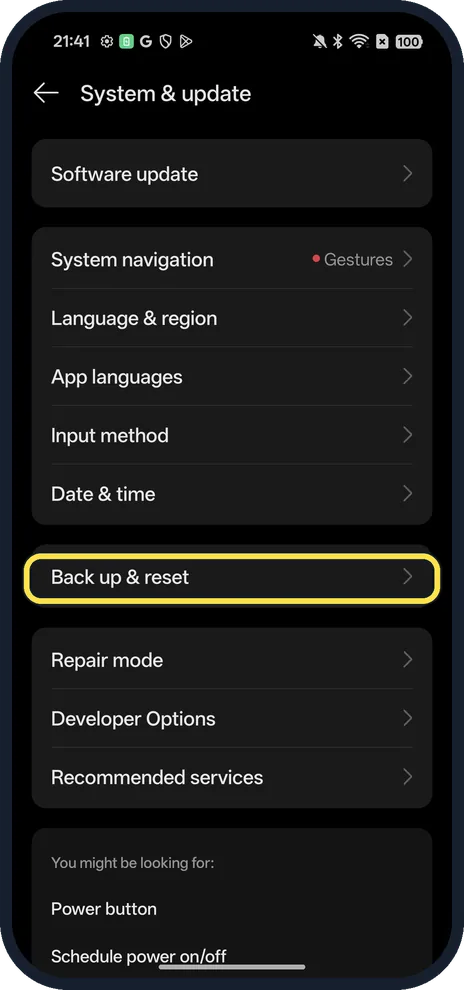
Back up, then open Settings, System & update, Back up & reset, Reset phone, Erase all data. Choose Erase data but retain eSIM profiles or Clear all data. We did not confirm.
How to find your OPPO model and ColorOS version
Open Settings, About device. The card at the top shows the ColorOS version (16.0.5 on our Reno13 5G); scroll down for Model (CPH2689) and Software Version.
More settings
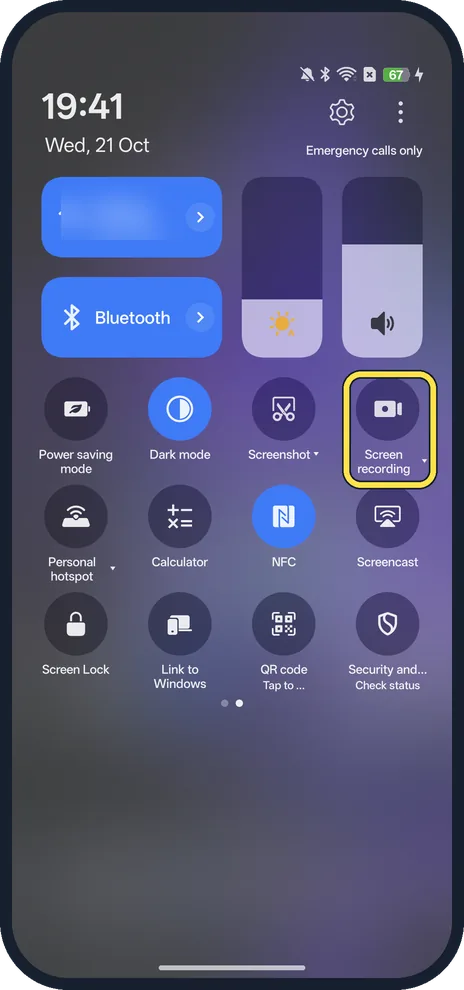
20 guidesHow to screen record on an OPPO phone (ColorOS 16)
Swipe down from the top twice, swipe left to the second page of Quick Settings and tap Screen recording. The first time, allow audio, tap Get started, then Start…
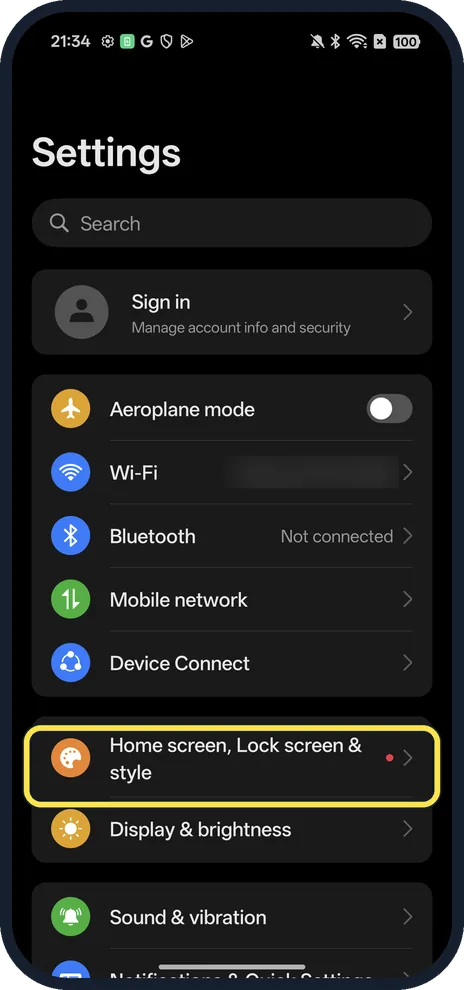
How to turn on Always-On Display on an OPPO phone (ColorOS 16)
Open Settings, Home screen, Lock screen & style, scroll to Always-On Display and turn on its switch. Then pick a Mode: Full screen, Seamless or Classic. It was off on…
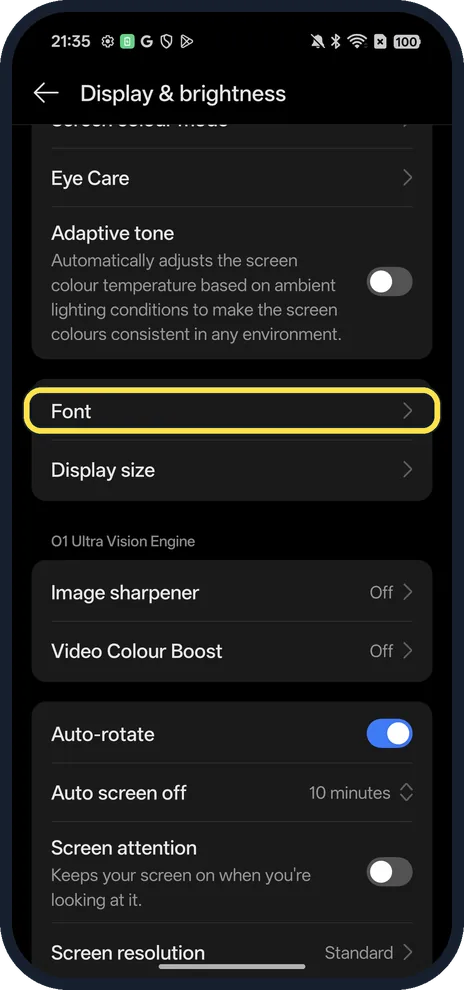
How to change font size on an OPPO phone (ColorOS 16)
Open Settings, Display & brightness, Font and drag the Font size slider. Tap Apply. Fonts (OPPO Sans, OPPO Serif, Roboto, One Sans and more) are on the same page. For…
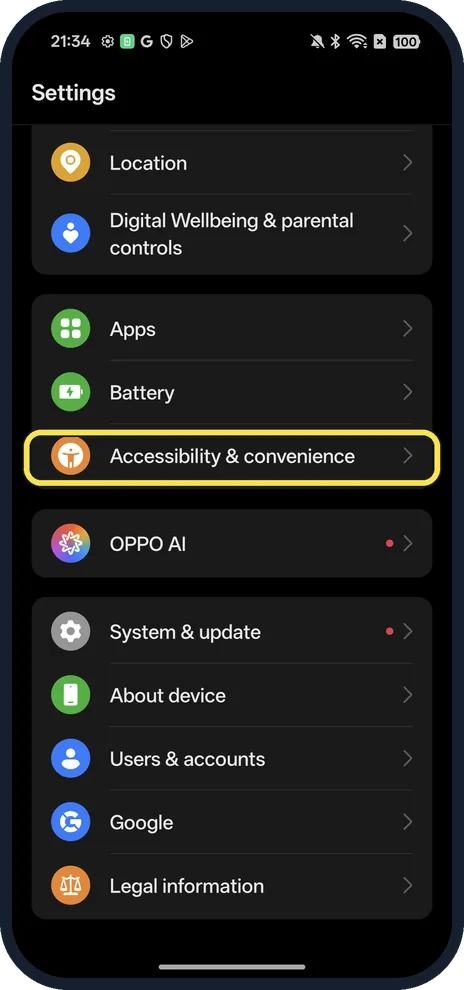
How to change what the power button does on an OPPO phone
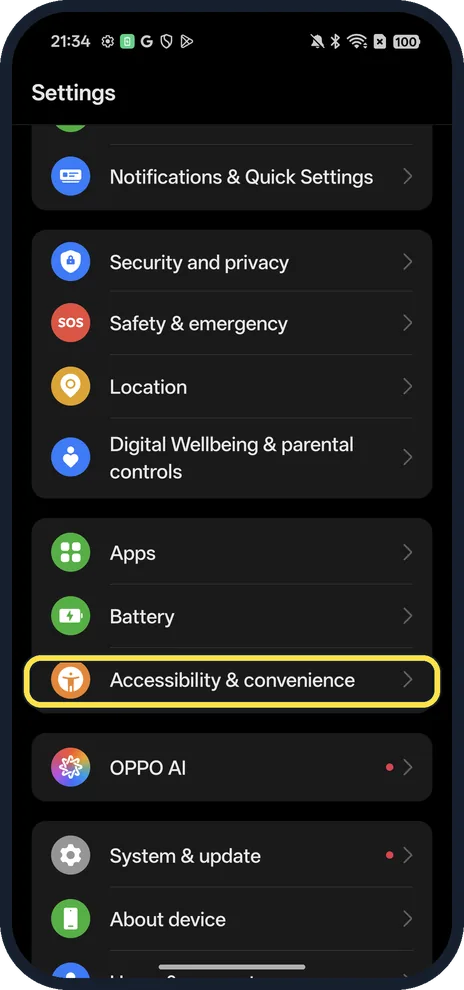
Open Settings, Accessibility & convenience, Power button. On our Reno13, holding Power opened the Digital assistant (Google); tap Press and hold the Power button and…
How to use AI Eraser on an OPPO phone (ColorOS 16)
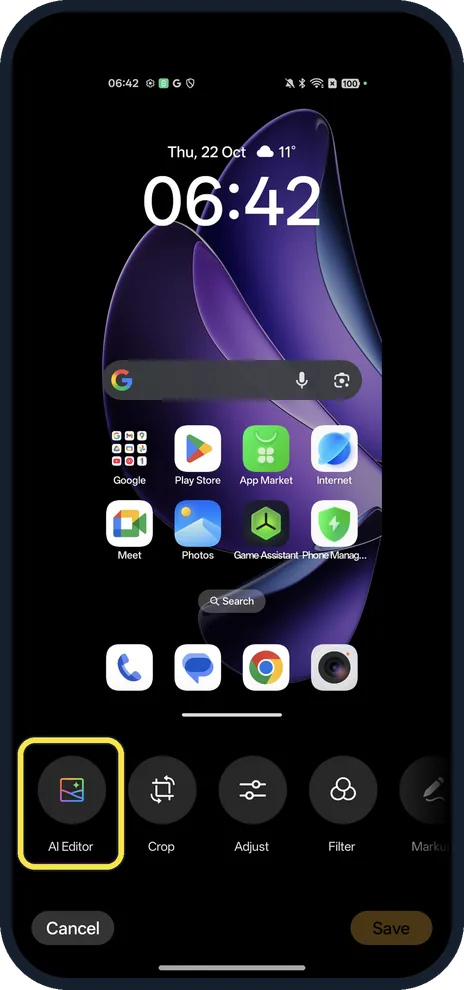
Open the photo in Photos and tap Edit, AI Editor, AI Eraser. Read the information processing notice (Disagree means no AI Eraser), pick Smart lasso, Paint over or…
How to block a number on an OPPO phone (Google Phone app)
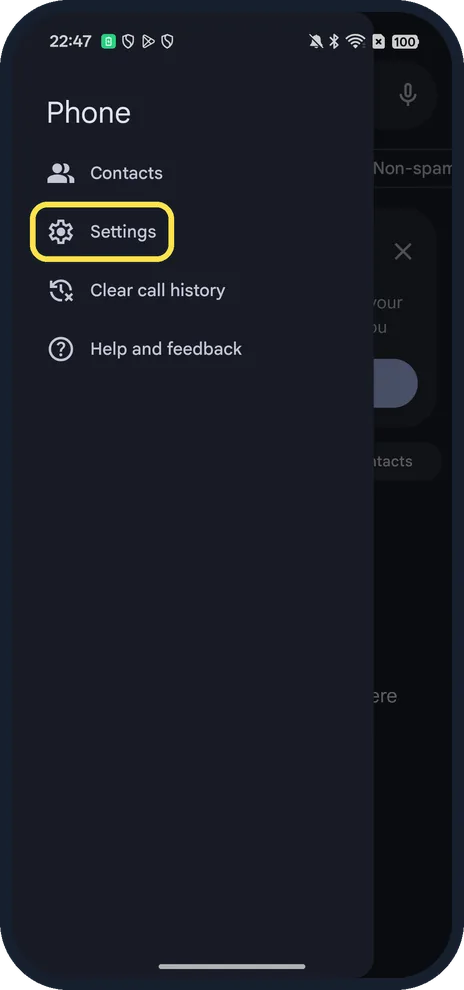
Open the Phone app, open its menu and tap Settings, Blocked numbers. Tap Add a Phone Number, type the number and tap Block. Turn on Unknown to block calls from…
How to use Split View on an OPPO phone (ColorOS 16)
ColorOS 16 calls split screen Split View. With gesture navigation, open an app, swipe up from the bottom of the screen and move towards the top left to show it in Split…
How to use Clear Voice on an OPPO phone (cut background noise on calls)
Open Settings, Sound & vibration and tap Clear Voice under Microphone mode, then turn it on. During voice and video calls it filters out background noise. It can also…
How to turn on Gloves mode on an OPPO phone (ColorOS 16)
Open Settings, Accessibility & convenience and turn on Gloves mode. The screen then responds to touches through gloves; swipe on the screen with gloves on to activate…
How to change app permissions on an OPPO phone (ColorOS 16)
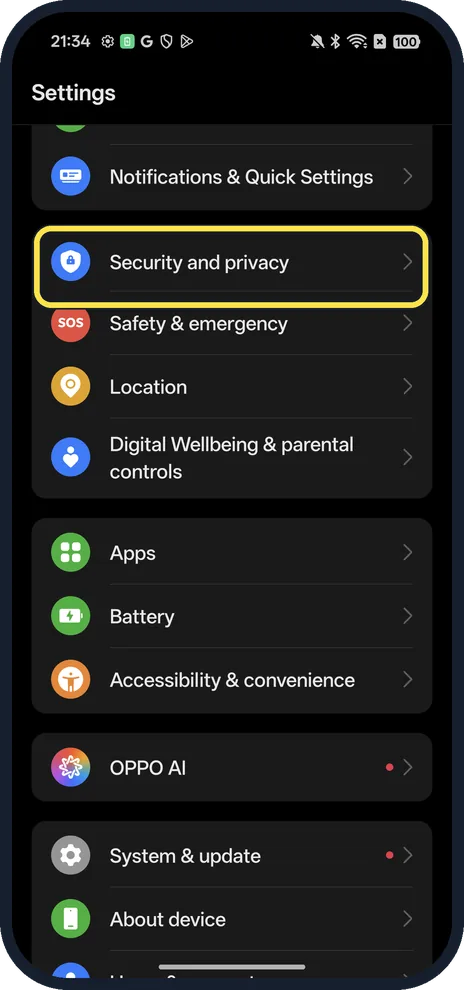
Open Settings, Security and privacy, Privacy controls, Permission manager. Pick a permission such as Location, tap an app, then choose Allow all the time, Allow only…
How to force stop an app on an OPPO phone (ColorOS 16)
Open Settings, Apps, App management, tap the app, tap Force stop and confirm with Force stop. The button greys out while the app is stopped; it opens normally next time.
How to turn on Find Hub on an OPPO phone (ColorOS 16)
Open Settings, Security and privacy, Device finders, Find Hub. Turn on Allow device to be located, and turn on device location: when location is off, Find Hub cannot…
How to use Circle to Search on an OPPO phone (ColorOS 16)
Touch and hold the gesture bar at the bottom of the screen (or the Home button with three-key navigation), then circle or tap what you want to search. If nothing…
No call recording on an OPPO Reno13? Why, and what to check
Our European OPPO Reno13 5G uses Google's Phone app, not an OPPO dialler, and its settings have no Call recording row. Searching Settings for call recording found…
How to lock and hide apps on an OPPO phone (ColorOS 16)
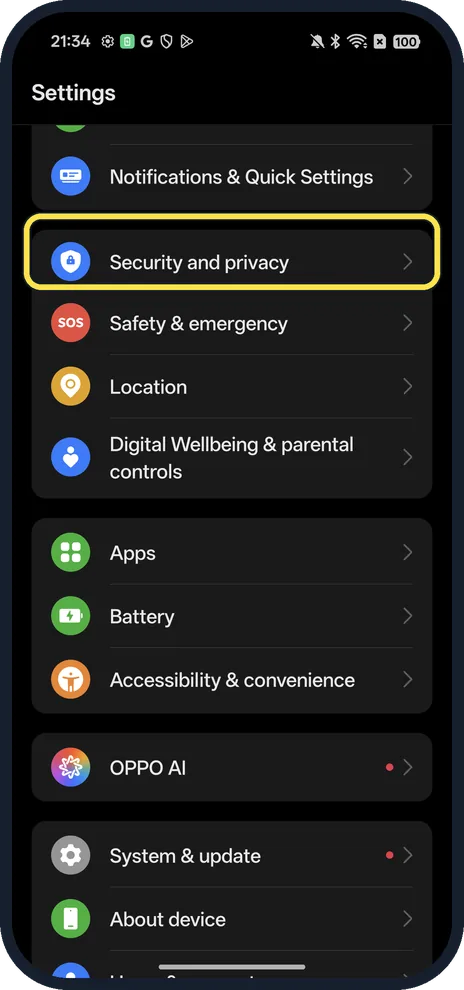
Open Settings, Security and privacy, scroll to Special features: App Lock locks apps behind your privacy password; Hide Apps removes apps from the Home screen…
How to take a screenshot on an OPPO phone (ColorOS 16)
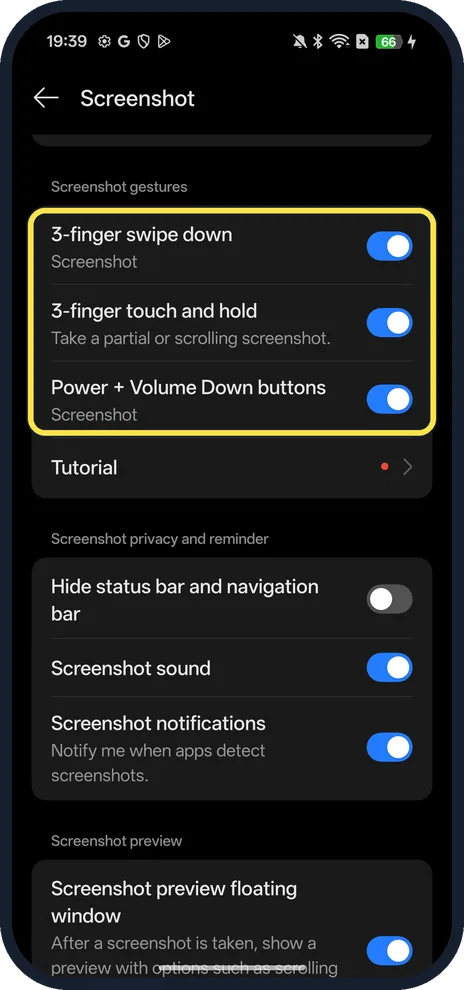
Swipe down on the screen with three fingers, or press Power and Volume Down together. Touch and hold with three fingers for a partial or scrolling screenshot. All three…
How to reset network settings on an OPPO phone (ColorOS 16)
Open Settings, System & update, Back up & reset, Reset phone, then Reset network and Bluetooth settings and confirm with Reset. Wi-Fi, Bluetooth and mobile network…
How to switch between gestures and buttons on an OPPO phone
Open Settings, System & update, System navigation and tap Buttons or Gestures. Ours was on Gestures.
How to turn on the torch with the volume button on an OPPO phone
Open Settings, Accessibility & convenience, Gestures & motions and turn on Turn on/off torch with volume button. Then, with the screen off, press and hold Volume Down…
How to change the ringtone on an OPPO phone (ColorOS 16)
Open Settings, Sound & vibration, scroll to Ringtone & alert sounds and tap Ringtone. Pick a tone from Classic or Nature, or tap On this device to use your own sound…