Vivo guides
Vivo help,
made simple.
Simple, step-by-step answers for your Vivo, with real screenshots and the exact Android version.
Browse all Vivo guides → Illustration
Guide categories
See allStart here: Vivo guides
See allAll Vivo guides by topic
All Vivo guides
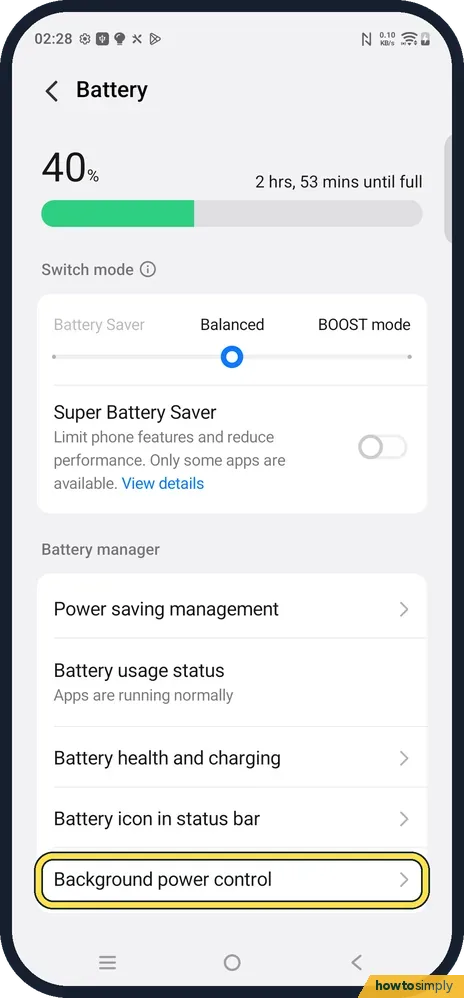
6 guidesvivo notifications late or missing? Settings to check (OriginOS 6)
Open Settings, Battery, Background power control, tap the app and pick Allow background power usage. Then check Power saving management (Battery Saver and Sleep standby…
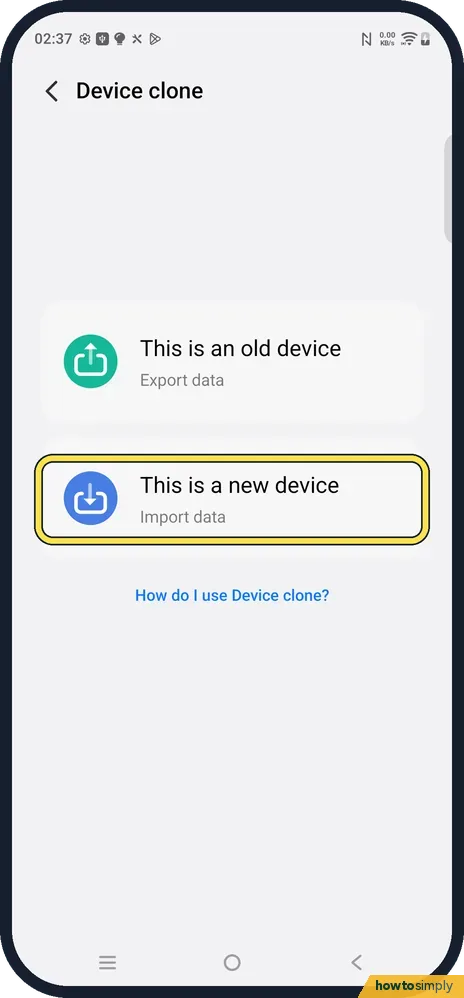
How to move to a vivo phone from an iPhone with Device clone
On the vivo phone open Settings, System management, Device clone and tap This is a new device, then Apple. Install EasyShare on the iPhone from the QR code, open…
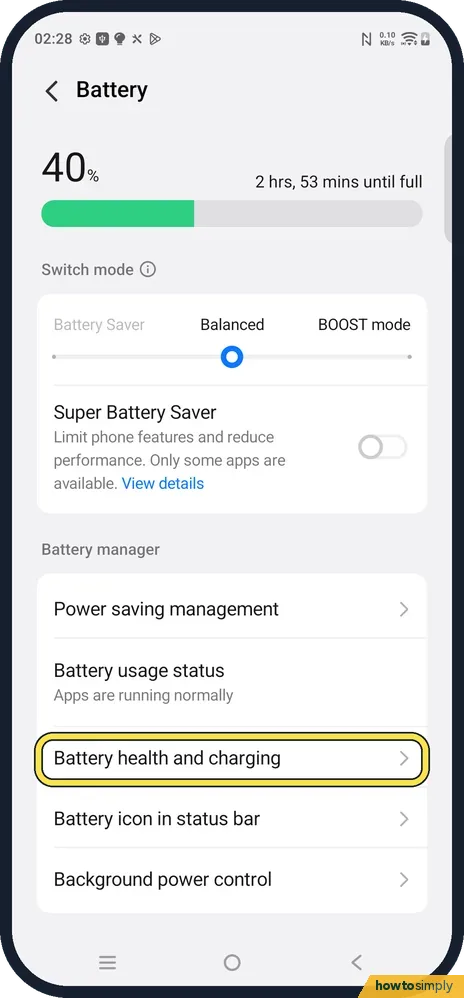
How to check battery health on a vivo phone (OriginOS 6)
Open Settings, Battery, Battery health and charging. Maximum battery capacity shows the health, and the bottom of the page lists the cycle count and the battery…
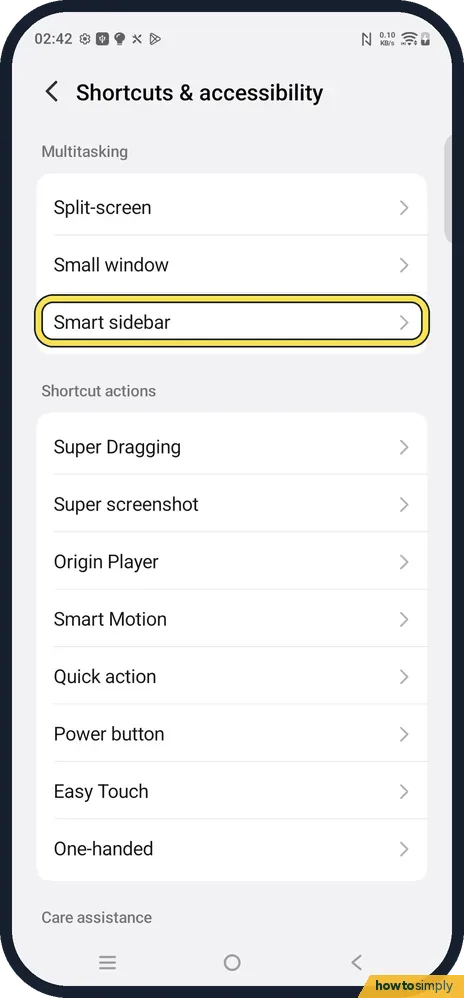
How to open an app in a small window on a vivo phone (Smart sidebar)
Turn on Smart sidebar in Settings, Shortcuts & accessibility, Smart sidebar. Then swipe inward from the thin bar on the right edge and tap an app such as Calculator: it…
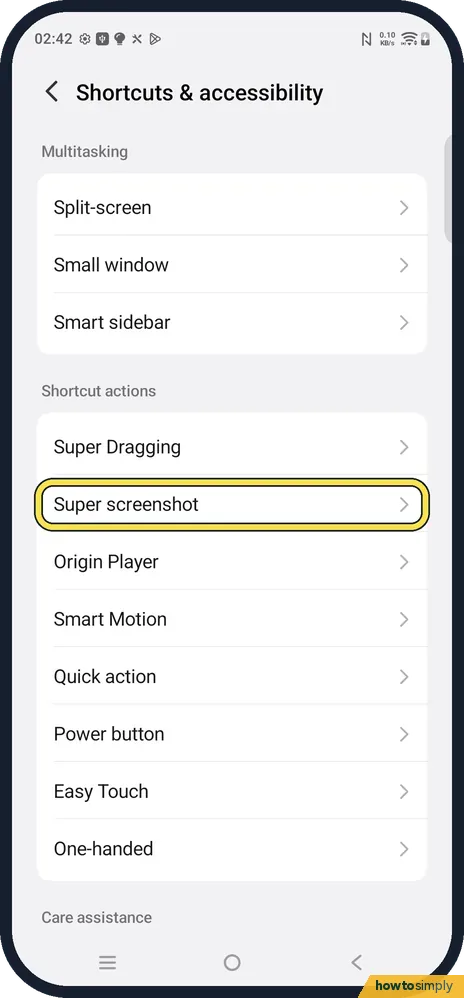
How to take a screenshot on a vivo phone (OriginOS 6)
Press the Power and Volume down buttons together, or swipe down with three fingers in the middle of the screen. The three-finger gesture is set in Settings, Shortcuts &…
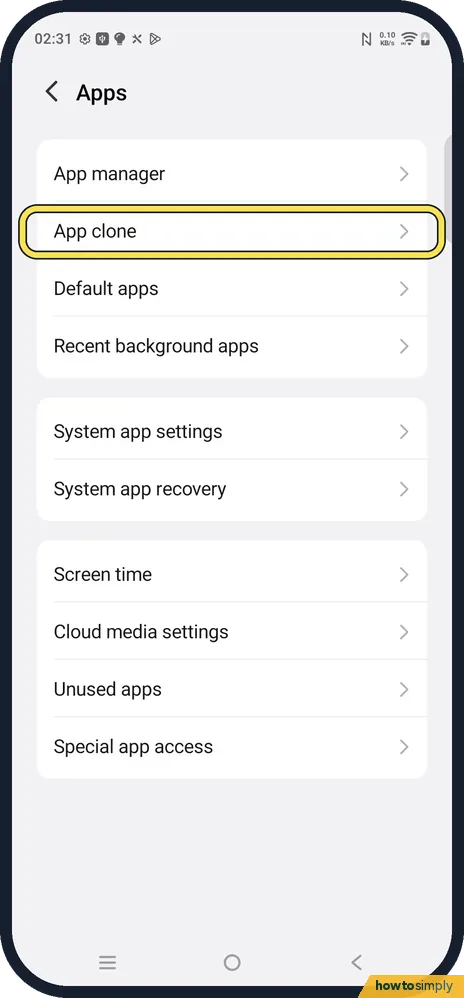
How to clone an app on a vivo phone (two accounts, OriginOS 6)
Open Settings, Apps, App clone and turn on the switch next to the app, such as WhatsApp or Instagram. A second copy appears on the home screen for your other account…