Everyday know-how
Life gets easier.
One how-to at a time.
Clear steps for your home, your devices and everything in between.
Searches guides, articles, quizzes and tools. Press Enter for all results. Use the arrow keys to move through suggestions. Escape closes suggestions.
Continue where you left off
Kept on this browser only.
A good place to start
Browse all articlesOur latest articles
All articles





HowToSimply in numbers
A little know-how. A lot behind it.
Real devices, real screenshots and people behind our guides.
- Device models
- 15Used in our published guides
- Real screenshots
- 5,696Unique captures, counted once
- Named reviewers
- 14Meet the people behind the advice
- Step-by-step guides
- 1,115Clear instructions to follow
- Helpful articles
- 105Everyday questions, explained
Counts reflect our published library and refresh when we publish.
Meet our reviewersWorth a look
Explore these picks
A little inspiration for everyday life.

Article · Home
How to find and turn off your main water valve (UK, US, Germany)

Article · Gardening
How to save an overwatered houseplant: check the roots, trim and repot

Article · Pets
Dog ate chocolate? What to do now, and how much is dangerous
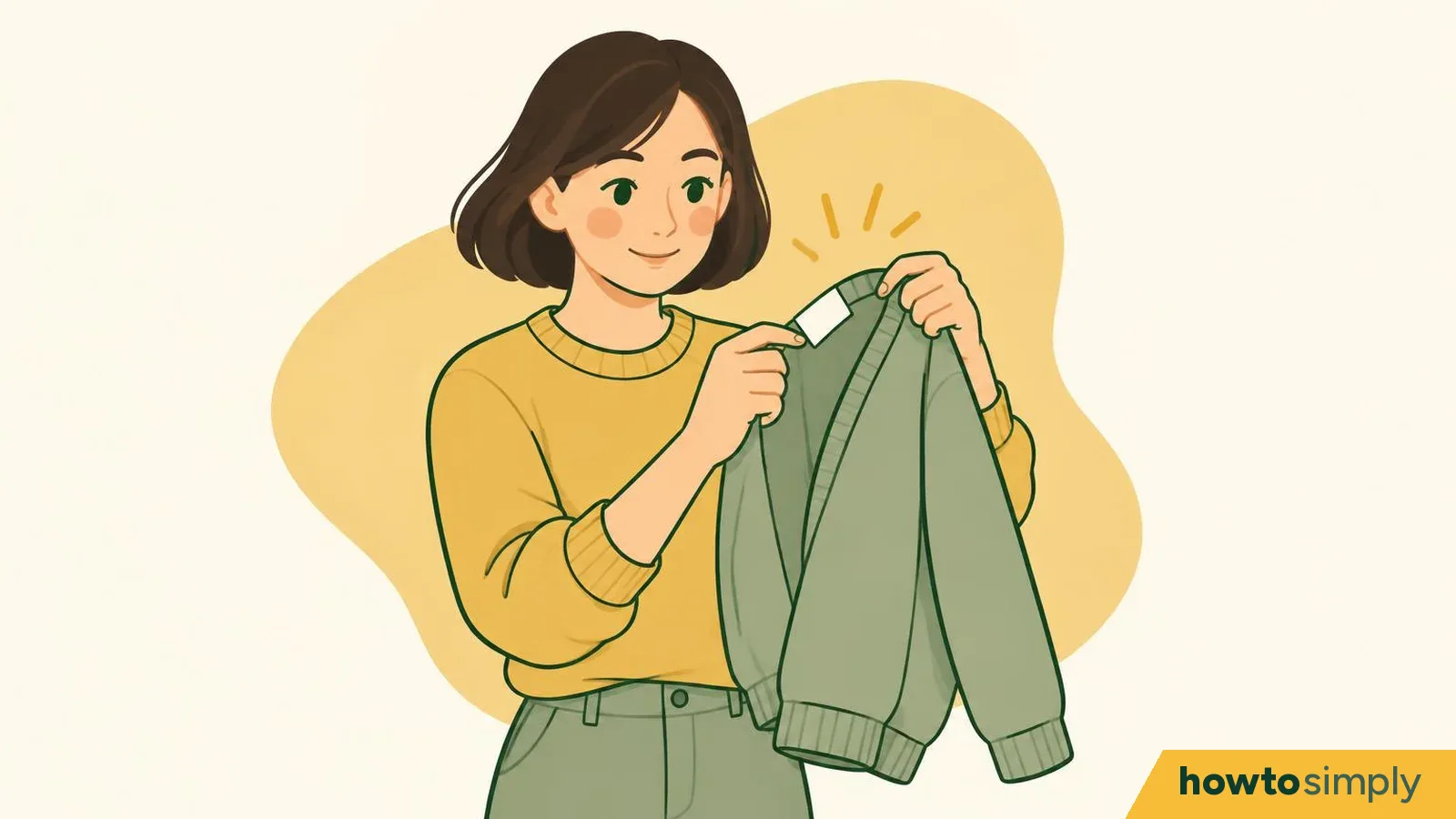
Article · Fashion
How to read clothing care labels: every symbol explained, EU and US

Article · Health
Tired eyes from screens? The 20-20-20 rule, screen distance and helpful settings
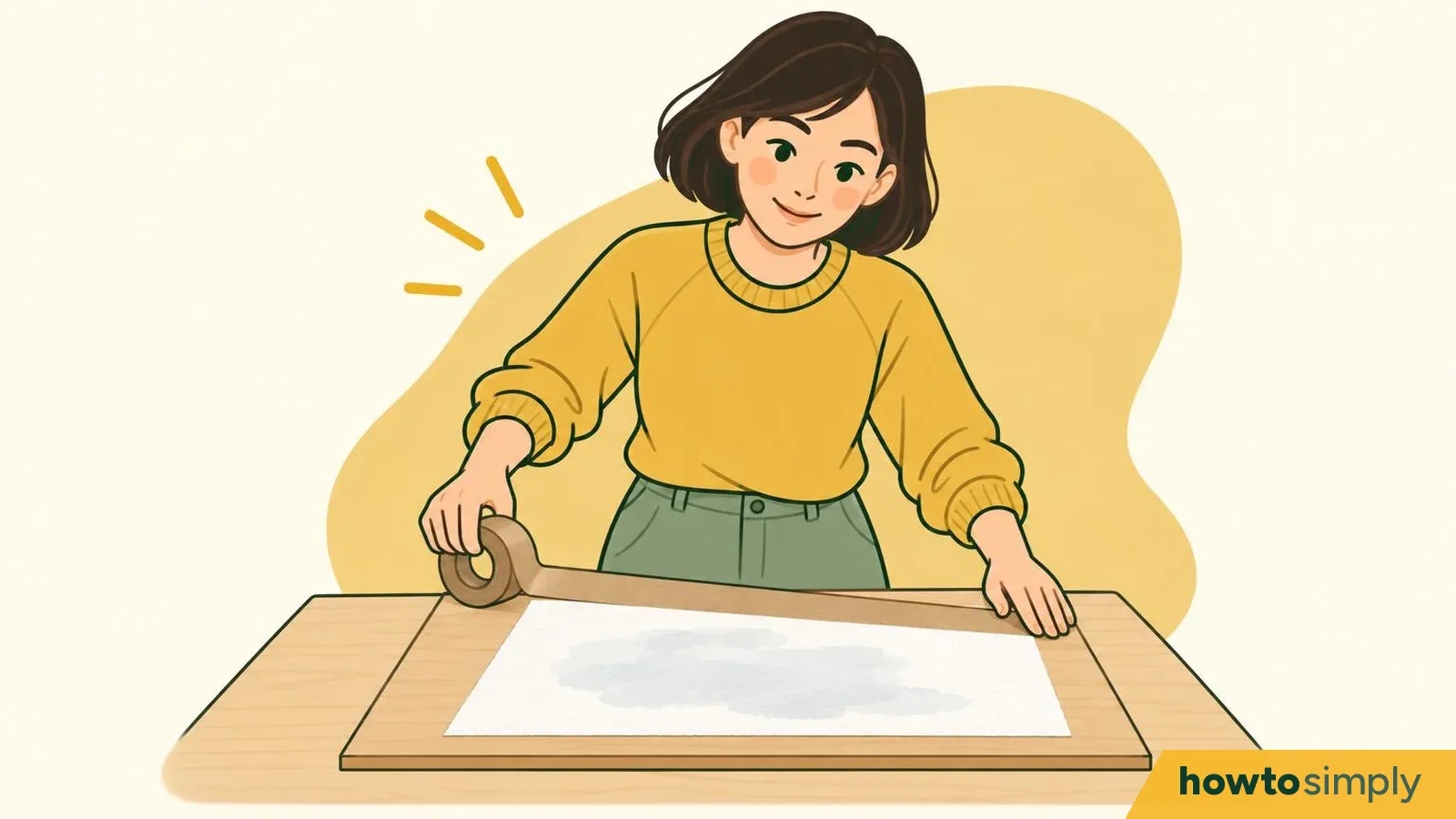
Article · Arts
How to stretch watercolour paper so it dries flat
Selected from our published library.
A little help in the kitchen.
Food & Recipes · Coming soon
Our first food guides are on the way. Meanwhile, explore our home and kitchen guides.
Explore foodMore everyday help
Camera LabSee the same scene, side by side.Useful toolsHandy helpers for everyday tasks.QuizzesTest your knowledge and learn.Little jobs. Clear steps.
More everyday help

Something else to figure out?
Explore articles

Your tech, made simpler.
Explore tech
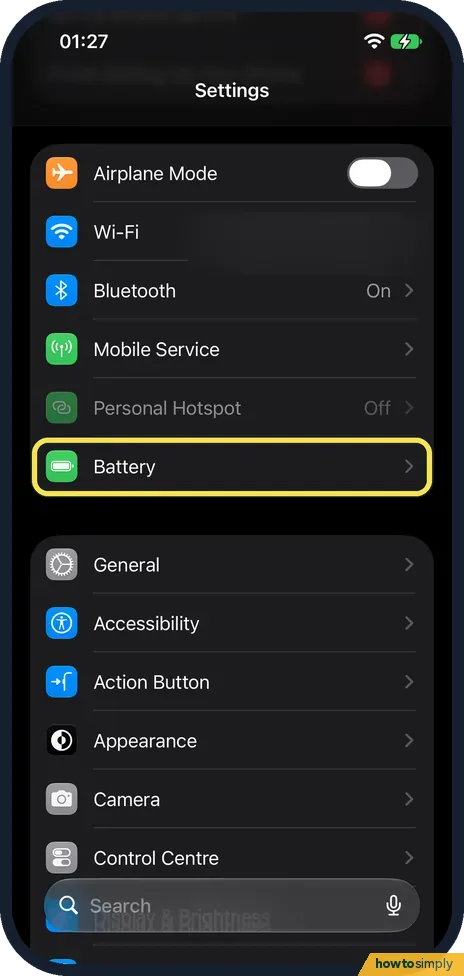
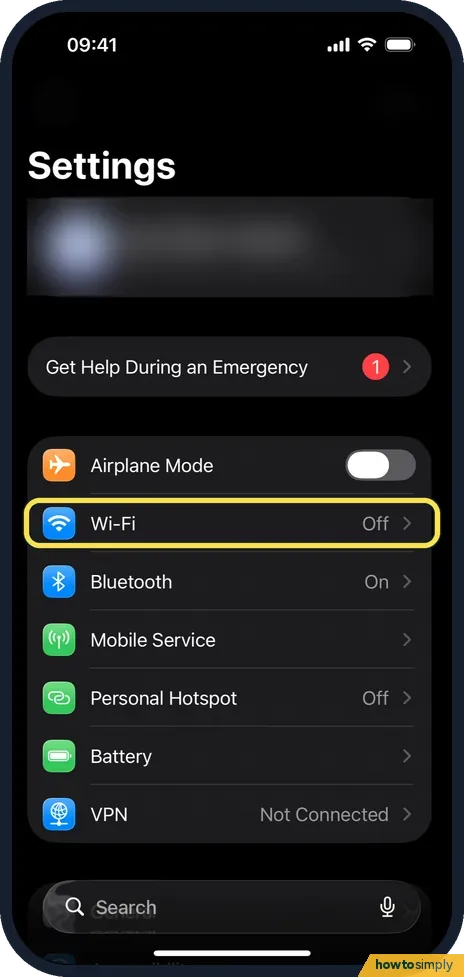
Meet the people behind the guides
About usLeadership
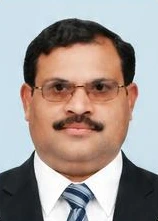
Saadat Rafiq
Founder and Chairman
Associate professor, political science

Umer Saadat
CEO
BSc Mechanical Engineering

Abu Bakar Saadat
Co-founder and Editor-in-Chief
MSc Electrical Engineering
Writers
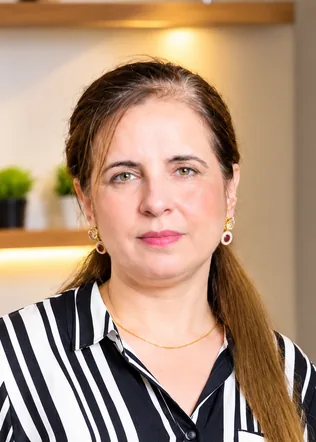
Roshi
Chef, food content creator and video specialist
Food Specialization, COTHM
Specialist reviewers
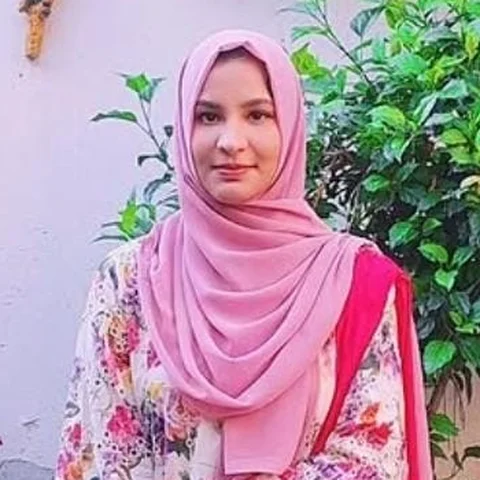
Dr Sumbal Safi Ullah
Medical doctor
MBBS

Dr Aaiman Liaqat
Dentist
BDS
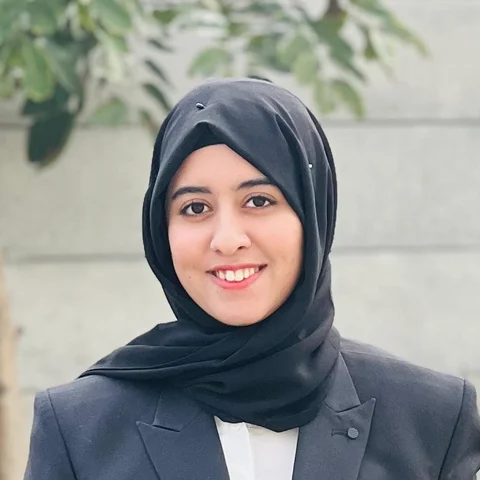
Mehak Fatima
Reviewer, mental health and wellbeing
BS Clinical Psychology

Dr Ramin Khan
Veterinarian
DVM

Sonia Abu Bakar
Early years educator
MSc Botany

Muqadas Fatima
Reviewer, fashion and arts
BFA (Hons)

Moaz Abdullah
Textile engineer
BS Textile Engineering Technology

Malaika Murtaza
HR manager
BS Psychology
Amna Kaneez
Social media manager
BS English Language and Literature
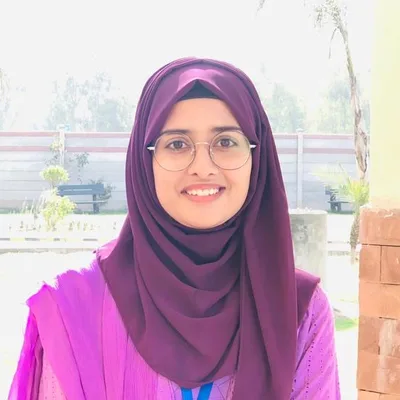
Bushra Tahir
Reviewer, sports, exercise and posture
DPT student (4th year)
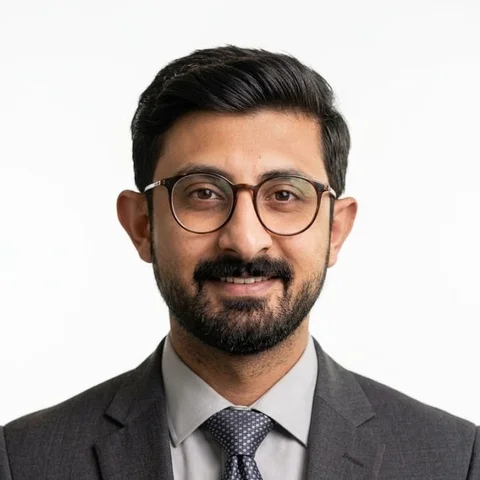
Muhammad Abdullah
English lecturer
MPhil English Literature

Talha Bin Zubair
Software developer
BSc Computer Science