HONOR Guides
Simple, step-by-step answers for your HONOR, with real screenshots and the exact MagicOS version.
Steps that work on any Android phone: Android guides
 Illustration
Latest HONOR guides
View all HONOR guides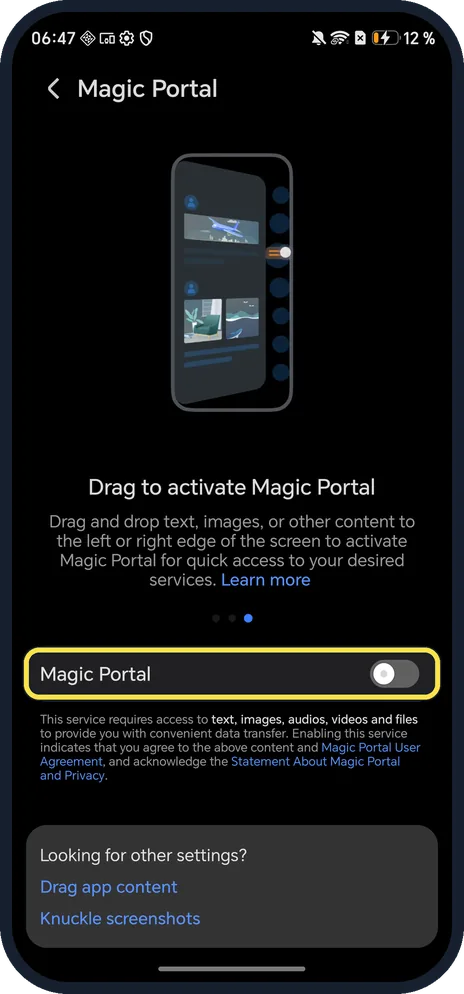 NewHow to use Magic Portal on an HONOR phone (MagicOS 10)Open Settings, Honor AI, Magic Portal and turn on the Magic Portal switch. Then circle…
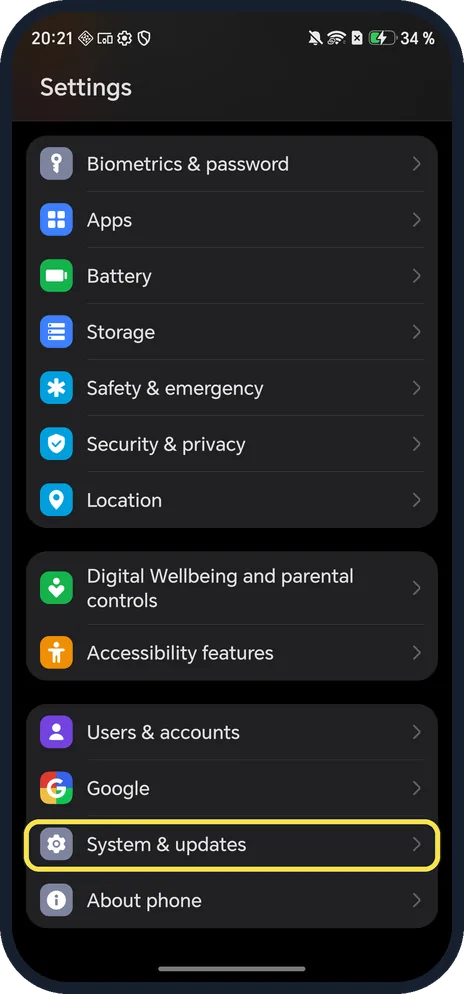 NewHow to update an HONOR phone (MagicOS 10)Open Settings, System & updates, Software update and tap Check for updates. Ours said You're…
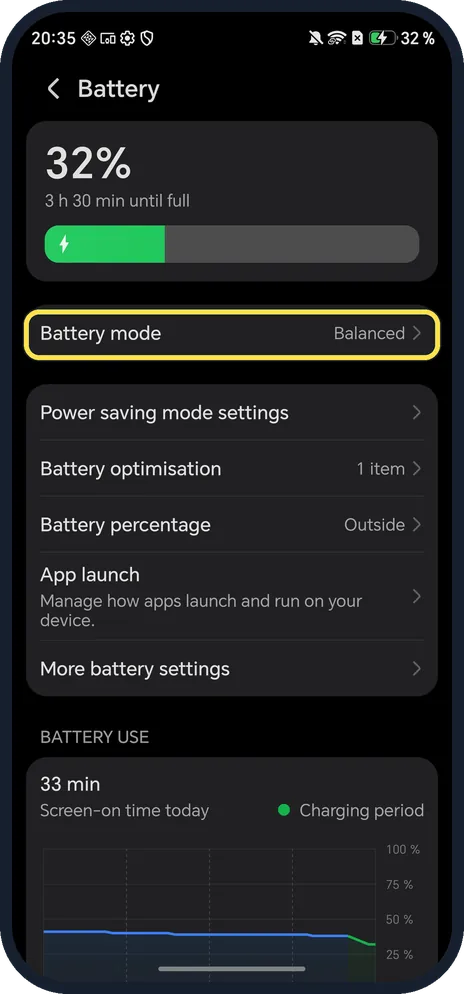 NewHow to turn on Power saving mode on an HONOR phone (MagicOS 10)Open Settings, Battery, tap Battery mode and choose Power saving. On our Magic7 Lite it…
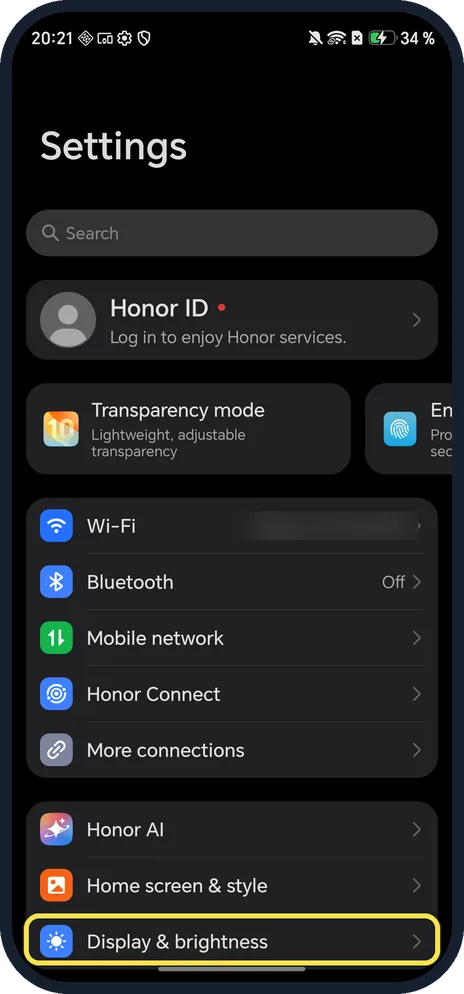 NewHow to turn on Dark mode on an HONOR phone (MagicOS 10)Open Settings, tap Display & brightness and tap the Dark picture at the top, or tap Dark mode…
MagicOS 10
All HONOR guides by topic
All HONOR guides
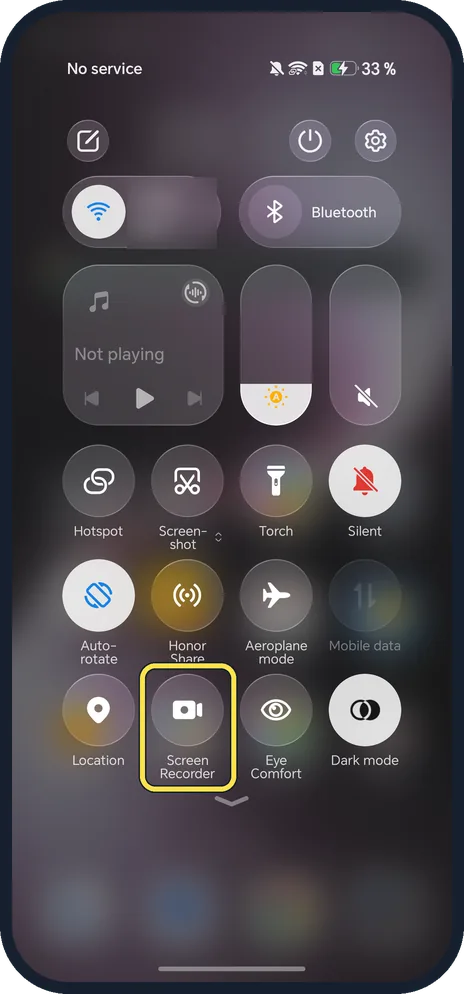
6 guidesHow to screen record on an HONOR phone (MagicOS 10)
Swipe down from the top of the screen to open Control Center and tap Screen Recorder, or press Power and Volume Up together. Allow audio, tap OK, and stop with the red…
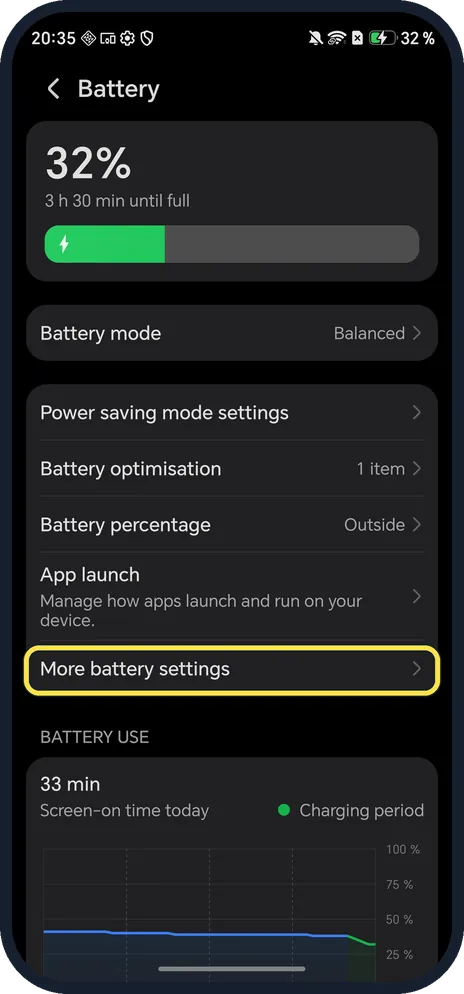
How to check battery health on an HONOR phone (MagicOS 10)
Open Settings, Battery, More battery settings. Battery health shows Maximum capacity (100 % on our Magic7 Lite); scroll down for manufacture date, first use and cycle…
How to turn on Power saving mode on an HONOR phone (MagicOS 10)
Open Settings, Battery, tap Battery mode and choose Power saving. On our Magic7 Lite it estimated 21 h 14 min left against 18 h 30 min on Balanced; Ultra power saving…
How to turn on Dark mode on an HONOR phone (MagicOS 10)
Open Settings, tap Display & brightness and tap the Dark picture at the top, or tap Dark mode in Control Center. Dark mode settings has one switch, Darken the wallpaper…
How to update an HONOR phone (MagicOS 10)
Open Settings, System & updates, Software update and tap Check for updates. Ours said You're up to date on 10.0.0.169(C430E7R2P1) on 21 Oct 2026.
How to use Magic Portal on an HONOR phone (MagicOS 10)
Open Settings, Honor AI, Magic Portal and turn on the Magic Portal switch. Then circle something on screen with one knuckle (Knuckle Circle), or touch and hold it and…