Xiaomi Redmi guides
Redmi help,
made simple.
Simple, step-by-step answers for your Redmi and Xiaomi, with real screenshots and the exact HyperOS version.
Browse all Redmi guides → Illustration
Popular Redmi guides
See allAll Redmi and Xiaomi guides by topic
Troubleshooting
9 guidesXiaomi closing apps in the background? 3 settings to check (HyperOS 3)
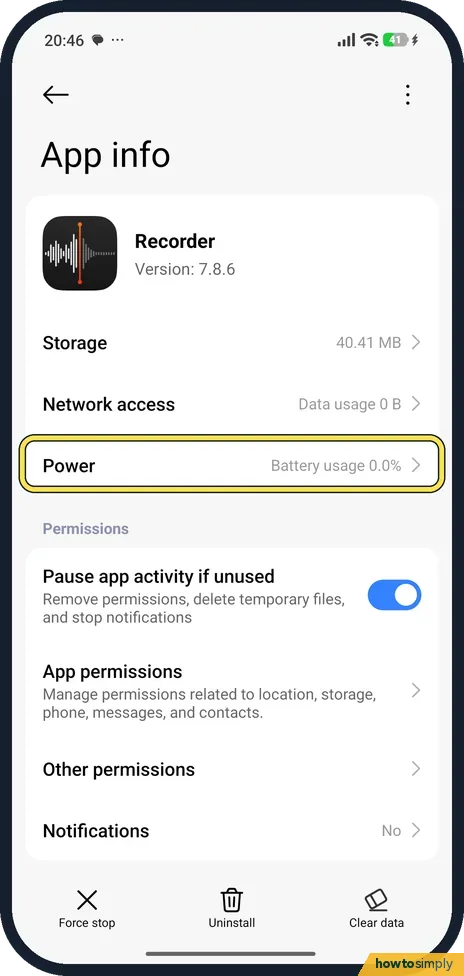
Set the app's battery saver to No restrictions (Settings, Apps, the app, Power), lock its card in Recents, and check that Clear cache when device is locked is set to…
Xiaomi lock screen notifications not showing? How to turn them on (HyperOS 3)
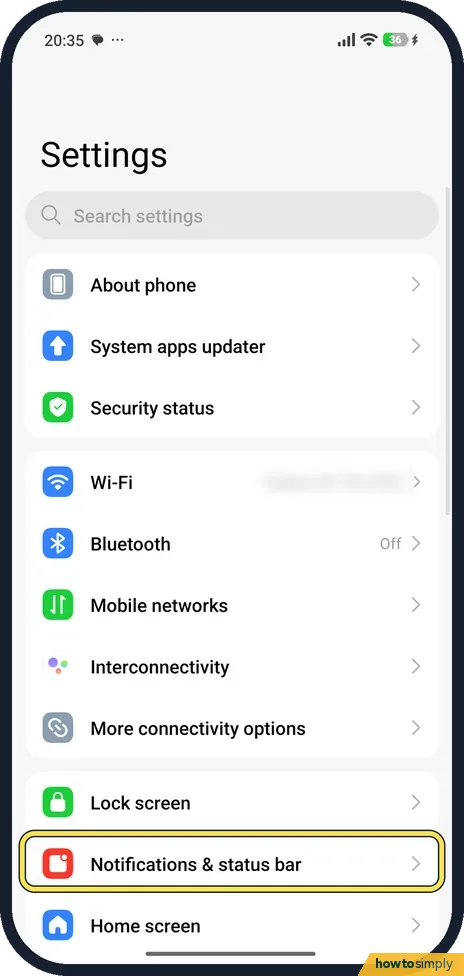
Open Settings, tap Notifications & status bar, then Lock screen. Set Format to Show notification and content, and make sure the switch next to the app is on. HyperOS 3…
Xiaomi Wi-Fi keeps disconnecting? 4 settings to check (HyperOS 3)
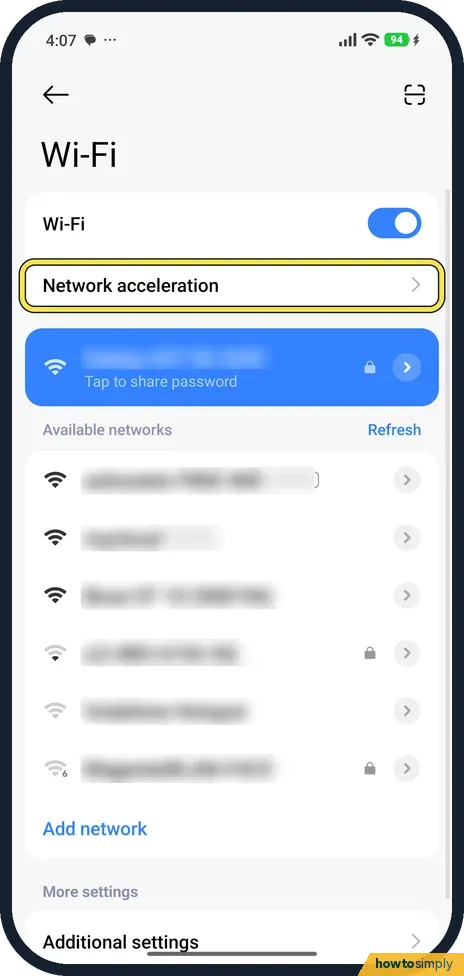
Check Network acceleration, where Switch between networks moves you to mobile data when Wi-Fi is weak. Then check the network's Privacy setting (randomised MAC), forget…
Xiaomi mobile data not working? What to check (HyperOS 3)
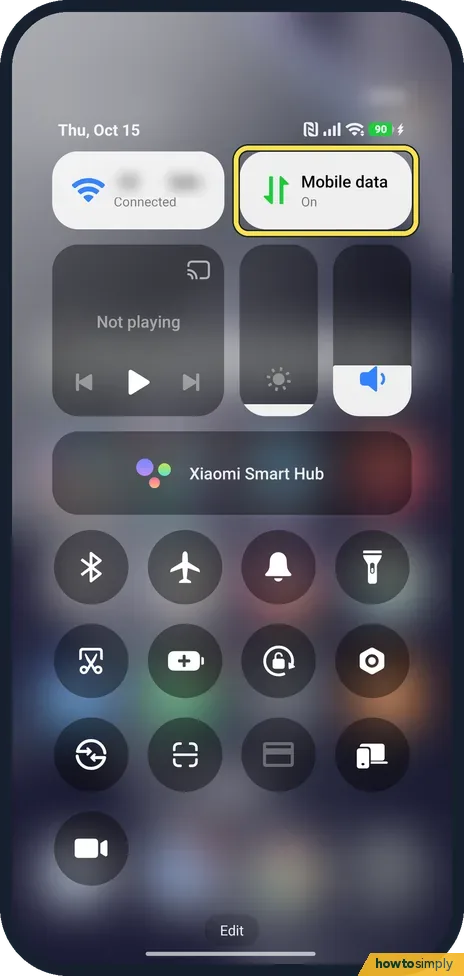
Check the Mobile data tile in Control Centre, then Settings, Mobile networks, Mobile data. Open the SIM and check Access point names, and check Data roaming if you are…
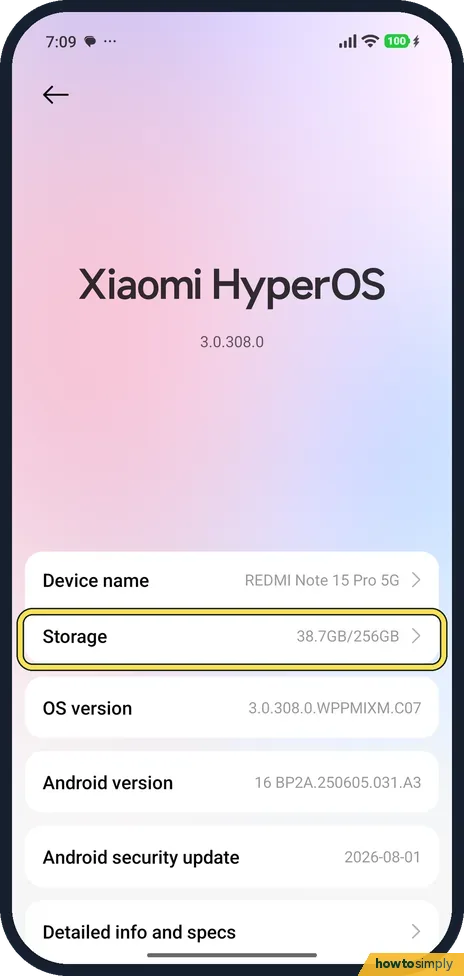
Xiaomi storage full? How to free up space (HyperOS 3)
Go to Settings, About phone, Storage to see what fills the phone. Then open the Security app and tap Deep clean. It lists rarely used apps to uninstall and app data you…
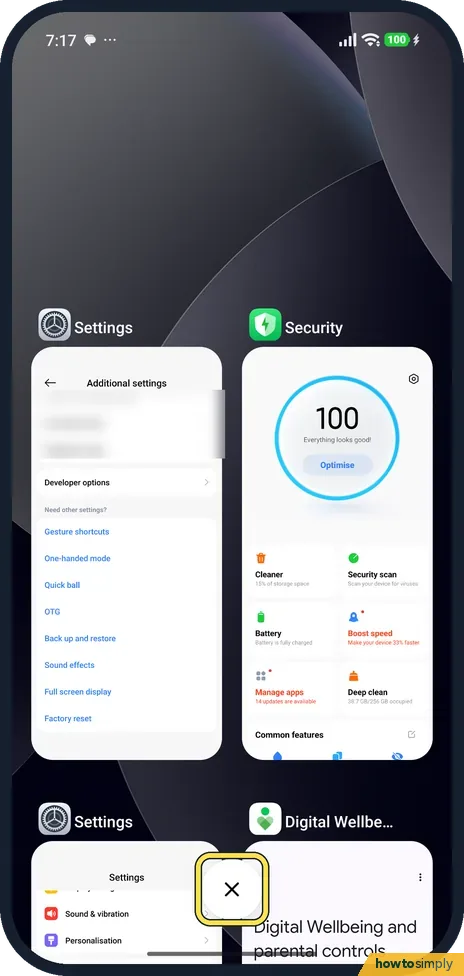
Xiaomi phone slow or lagging? 4 settings to check (HyperOS 3)
Close apps you are not using from Recents, free up storage with Deep clean, check Memory extension in Settings, Additional settings, and, if Developer options is on…
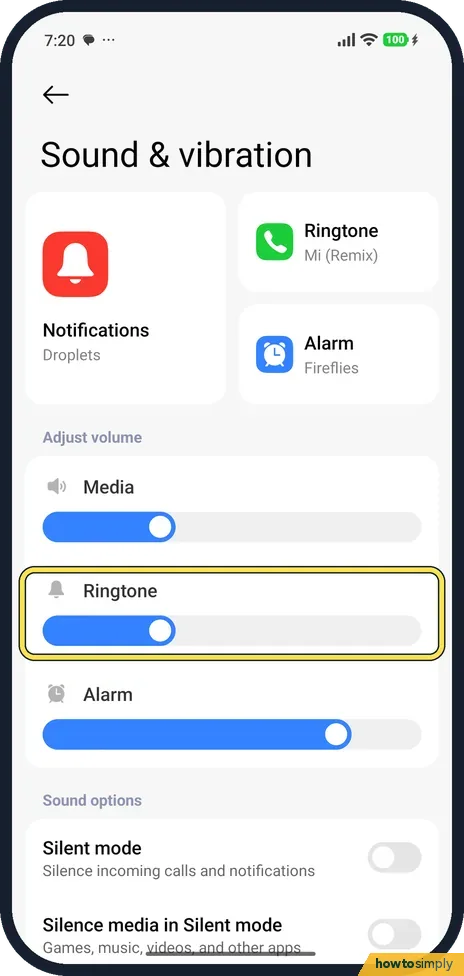
Xiaomi phone not ringing or vibrating? What to check (HyperOS 3)
In Settings, Sound & vibration, check that the Ringtone slider is up, Silent mode is off and Do not disturb is off. For vibration, turn on Vibrate for calls and Vibrate…
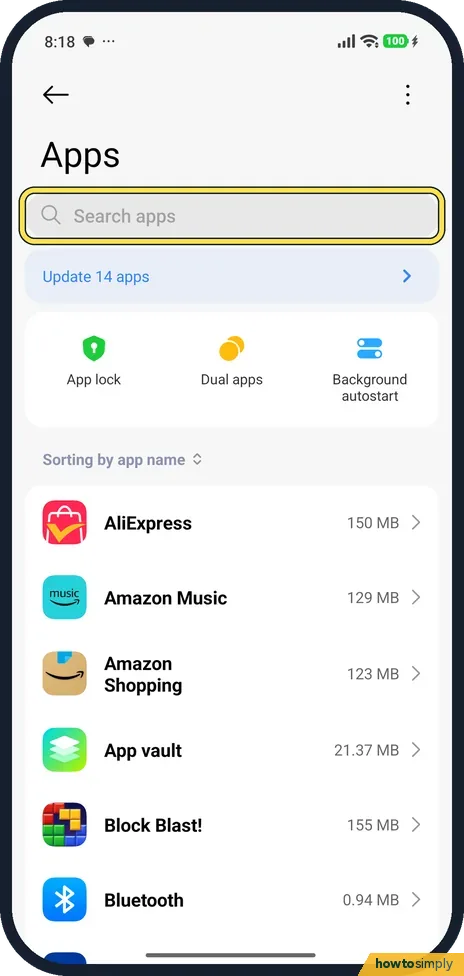
Xiaomi camera not working? What to check (HyperOS 3)
Go to Settings, Apps, Camera. Check App permissions (Camera and Microphone must be allowed), then tap Force stop and open the camera again. If it still fails, open…
Xiaomi battery draining fast? What to check (HyperOS 3)
Open Settings, Battery and look at which apps use the most. Set a heavy app's battery saver, check which apps may start in the background, and check the refresh rate…
Privacy & Security
9 guidesHow to turn off personalised ads and recommendations on a Xiaomi phone (HyperOS 3)
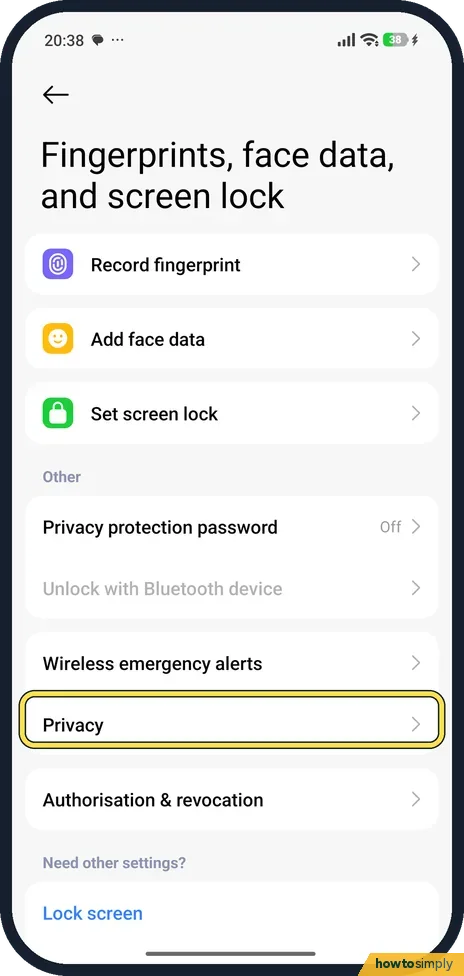
Open Settings, tap Fingerprints, face data, and screen lock, then Privacy, then Ad services, and turn off Personalized ads. Then turn off Receive recommendations in the…
How to customise the lock screen clock on a Xiaomi phone (HyperOS 3)
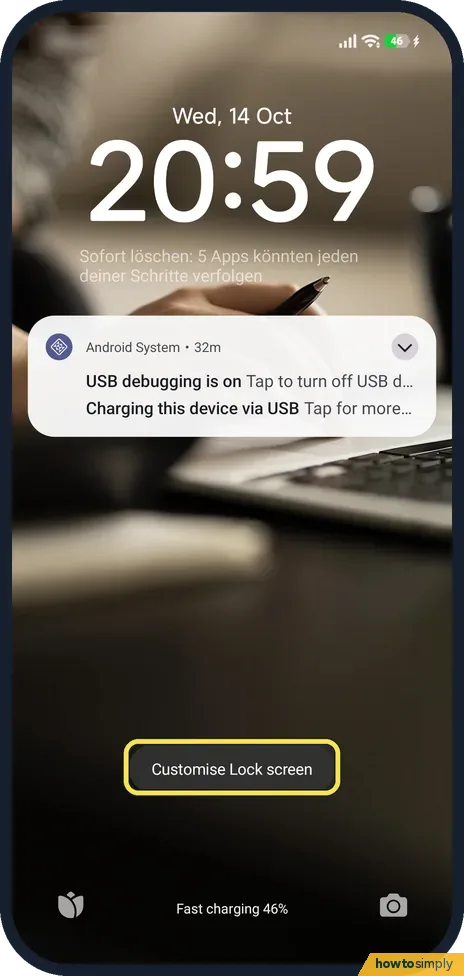
Press and hold an empty part of the lock screen to open the editor, tap Customise, then tap the time to choose a clock style and font. Tap below the time to add a…
How to remove news and stories from the lock screen on a Xiaomi phone (HyperOS 3)
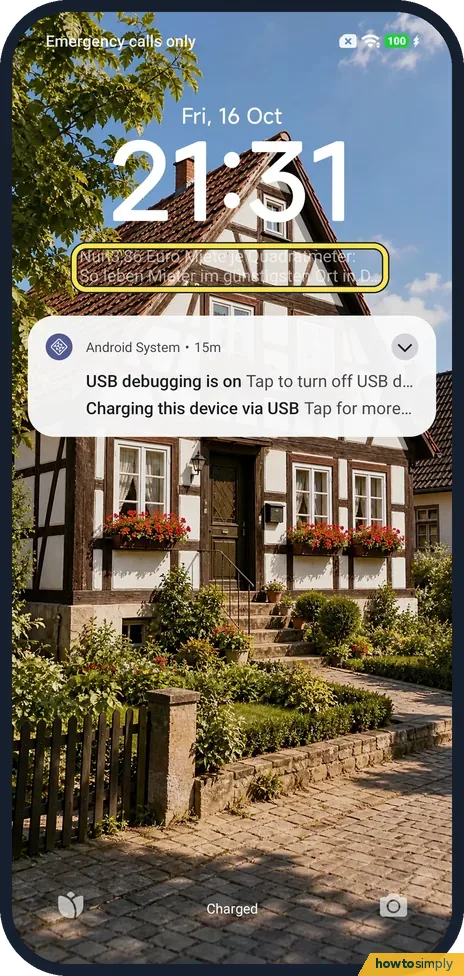
The headlines and story pictures come from Wallpaper Carousel. Go to Settings, Lock screen, Wallpaper Carousel and turn off Lock screen carousel, then tap Turn off…
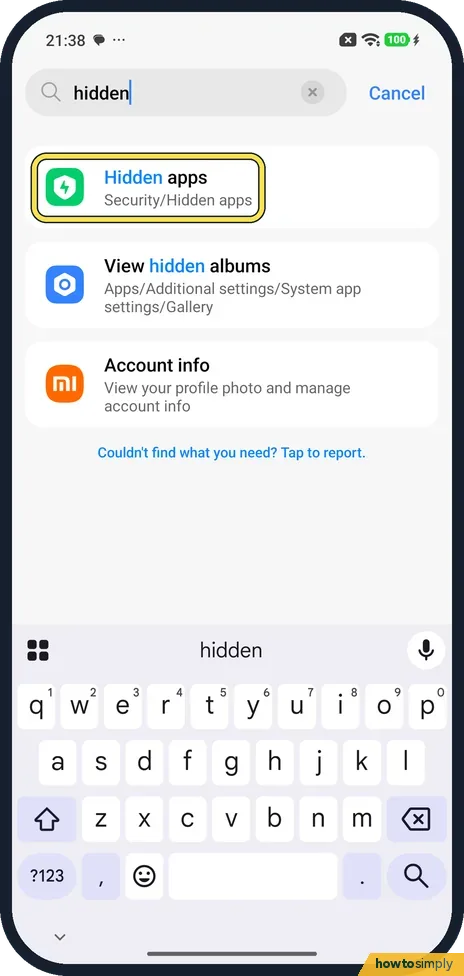
How to hide apps on a Xiaomi phone and find them again (HyperOS 3)
Search Settings for hidden and tap Hidden apps (it is in the Security app). Turn on the switch next to an app to hide its icon. To see hidden apps again, spread two…
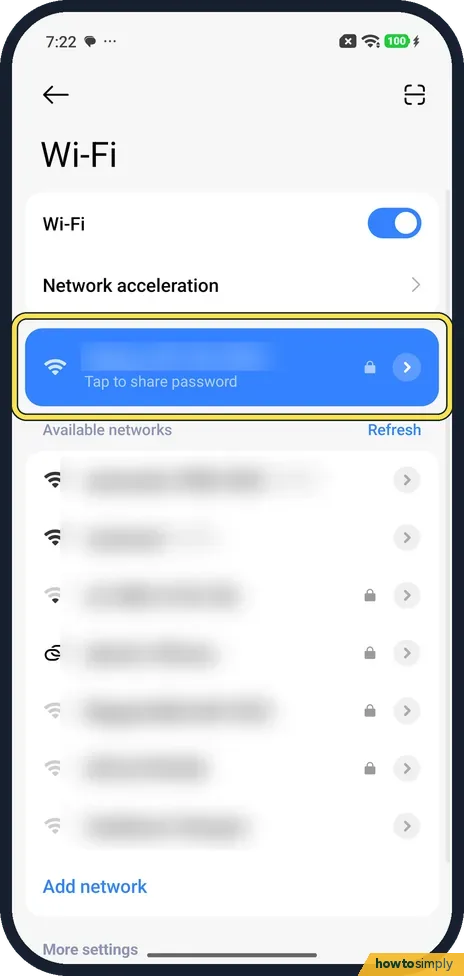
How to share a Wi-Fi password from a Xiaomi phone (HyperOS 3)
Go to Settings, Wi-Fi and tap the network you are connected to, where it says Tap to share password. A Share sheet opens with a QR code, the network name and the…
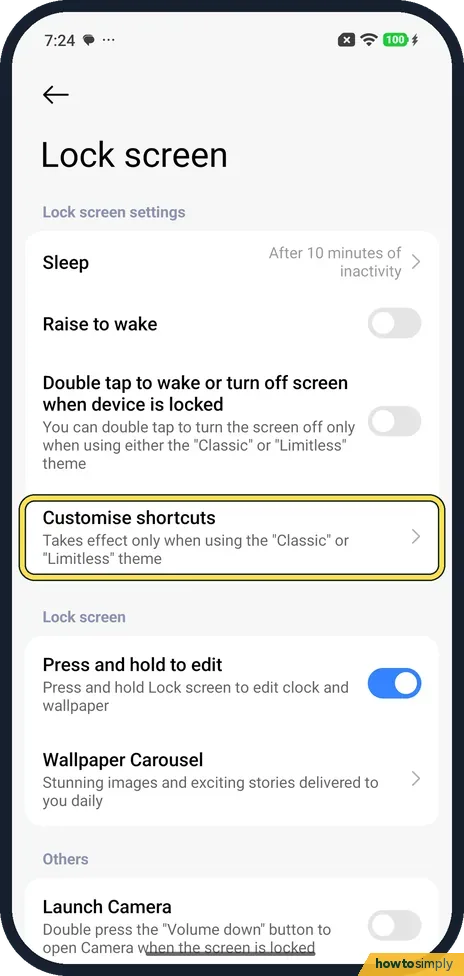
How to change the lock screen shortcuts on a Xiaomi phone (HyperOS 3)
Go to Settings, Lock screen, Customise shortcuts. Pick Left or Right, then tap an option such as Torch, Photo, Calculator, Notes or Compass, or None. It only works with…
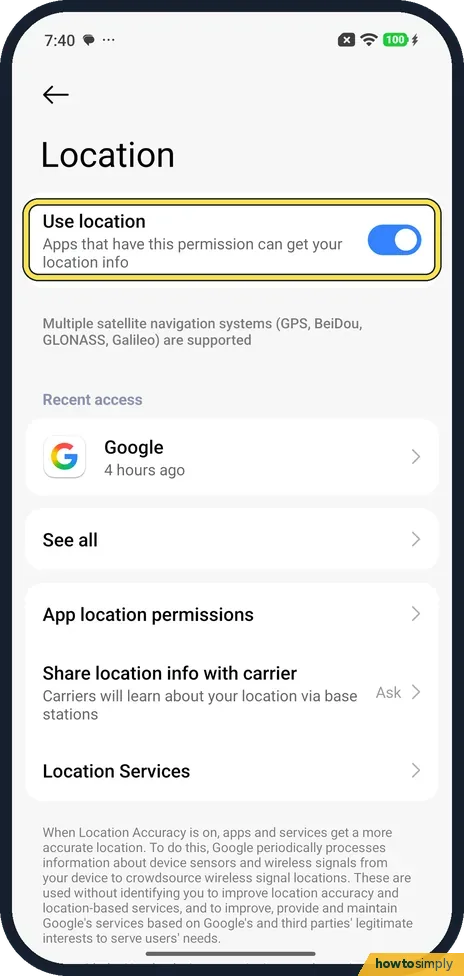
How to change location settings on a Xiaomi phone (HyperOS 3)
Go to Settings, Location and use the Use location switch at the top. App location permissions shows which apps can get your location; tap one to pick Allow all the time…
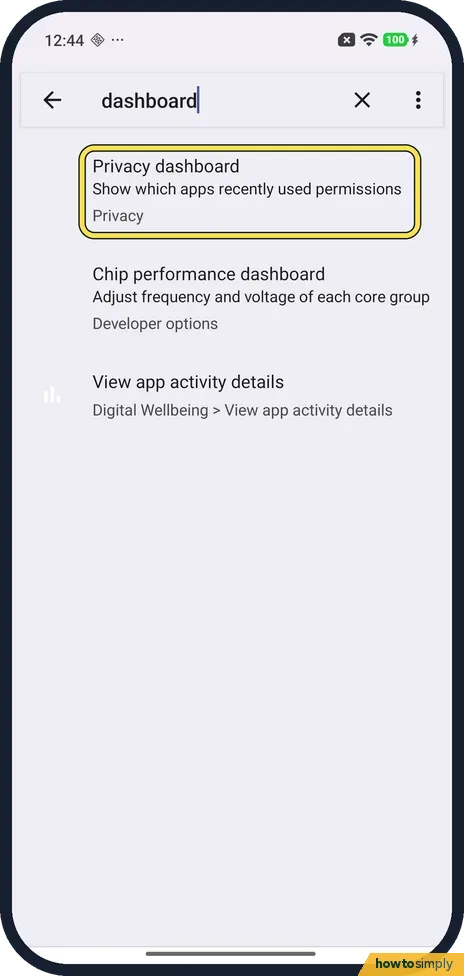
How to open the privacy dashboard on a Xiaomi phone (HyperOS 3)
We found no menu row for it on ours: search Settings for dashboard, tap Privacy dashboard, then Privacy dashboard again on the Privacy page. It shows which apps used…
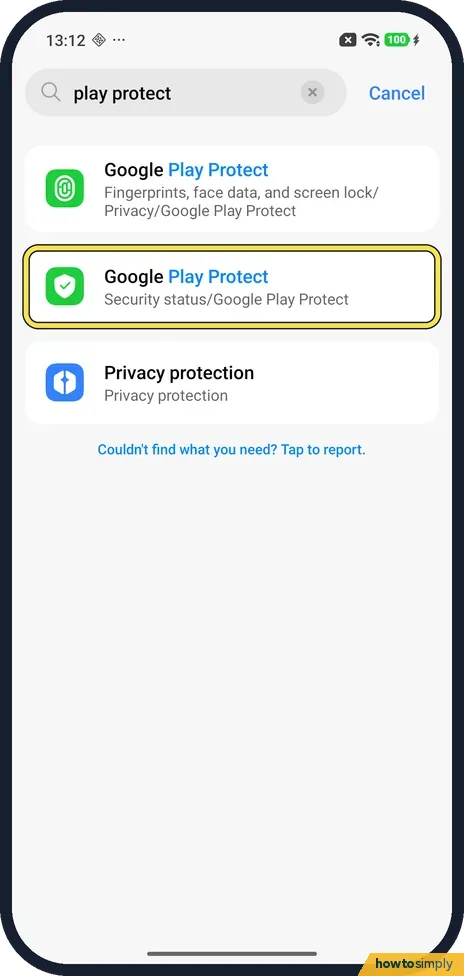
How to scan for harmful apps with Play Protect on a Xiaomi phone (HyperOS 3)
Search Settings for play protect and tap the result under Security status, then Google Play Protect. Tap Scan. Ours finished in seconds: No harmful apps found, Play…
Camera, Photos & Screenshots
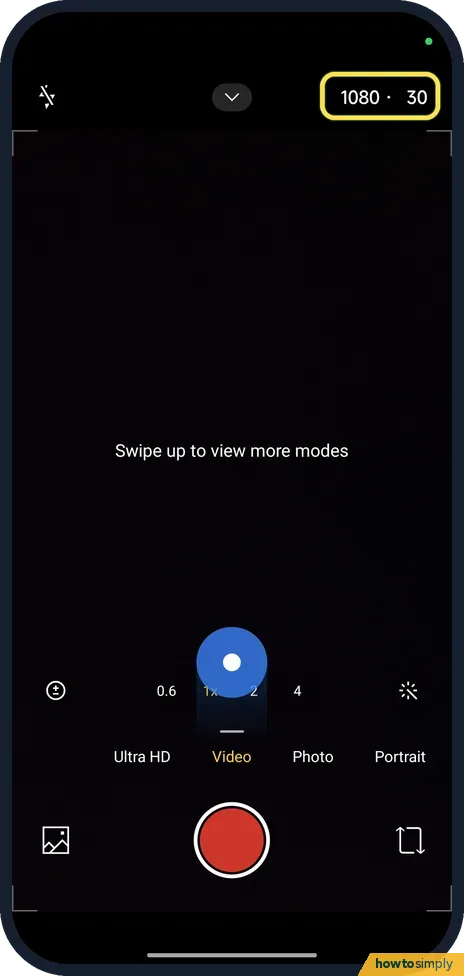
8 guidesHow to record 4K or 60fps video on a Xiaomi phone (HyperOS 3)
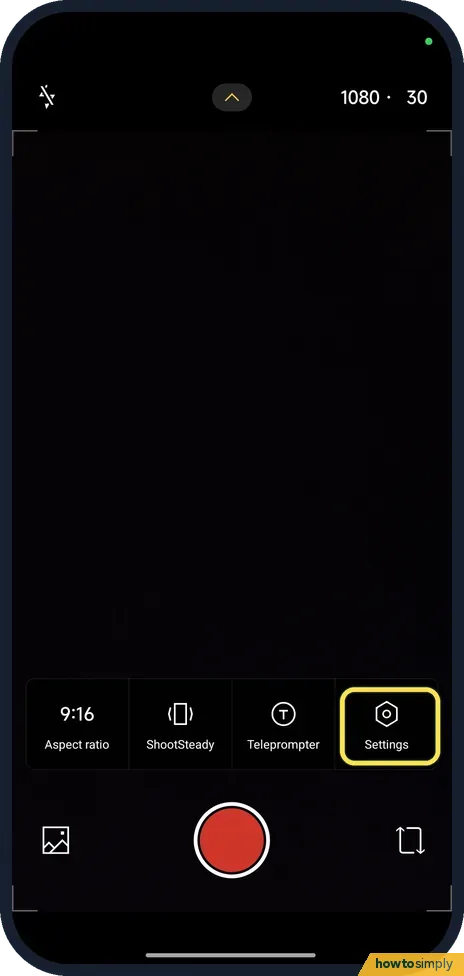
Open Camera, swipe to Video, and tap the 1080 · 30 label at the top right. Tap 4K for 4K video, or stay at 1080 and tap the 30 to switch to 60 frames per second. On our…
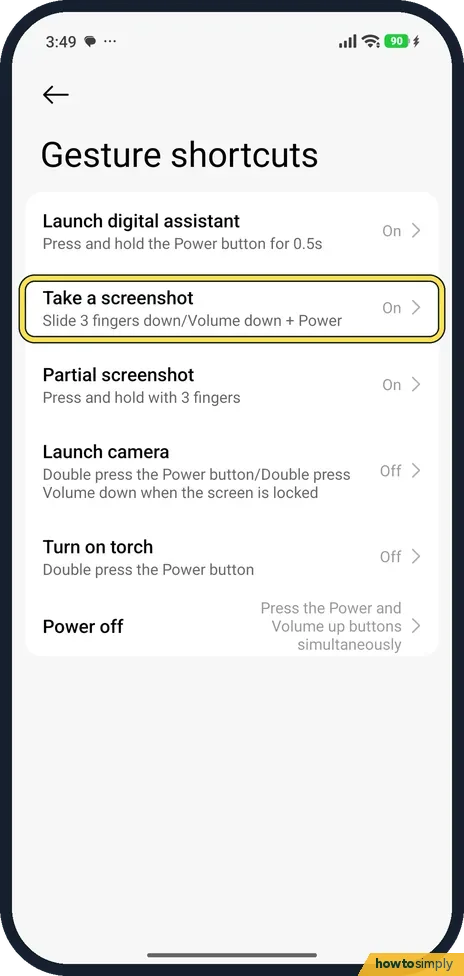
How to take a screenshot on a Xiaomi phone (HyperOS 3)
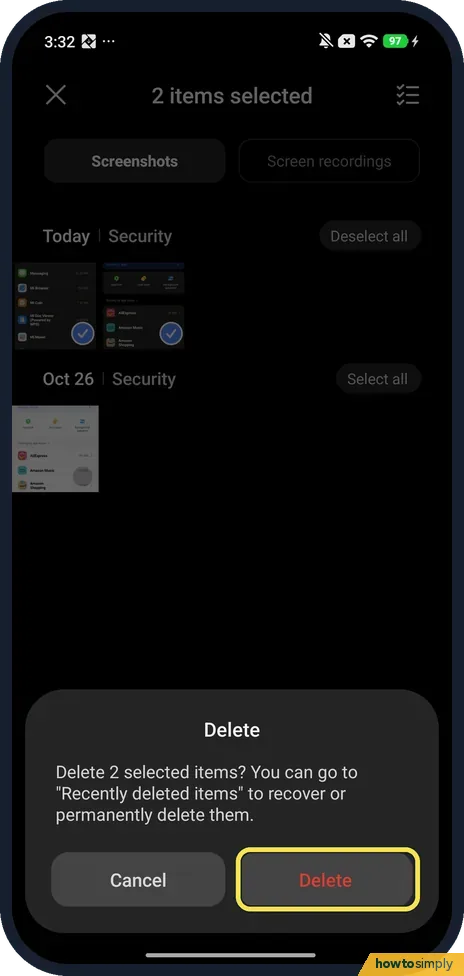
Swipe down with three fingers, or press Volume down and Power together. For a long page, tap Scroll on the preview. For part of the screen, press and hold with three…
How to turn off the camera watermark and shutter sound on a Xiaomi phone (HyperOS 3)
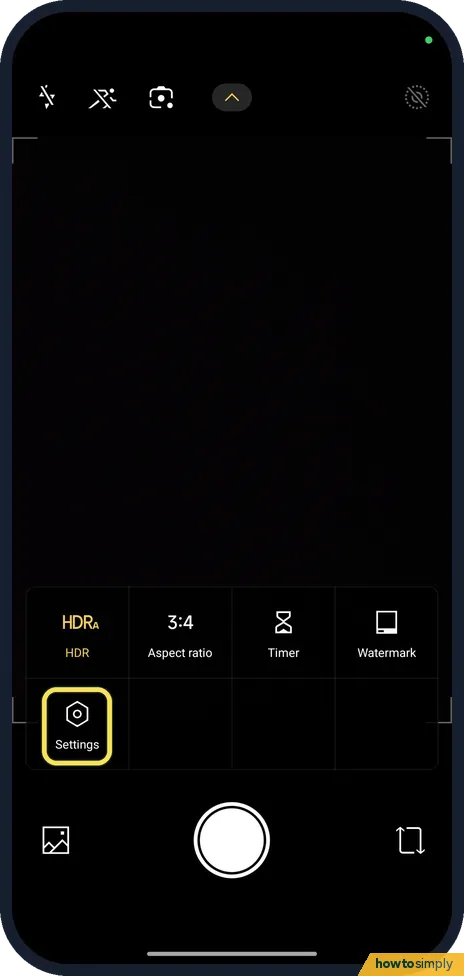
In Camera, open Settings, tap Watermark on the Photo tab and turn off Photo watermark. For the sound, go to the General tab and turn off Shutter sound.
How to use Auto night mode on a Xiaomi camera (HyperOS 3)
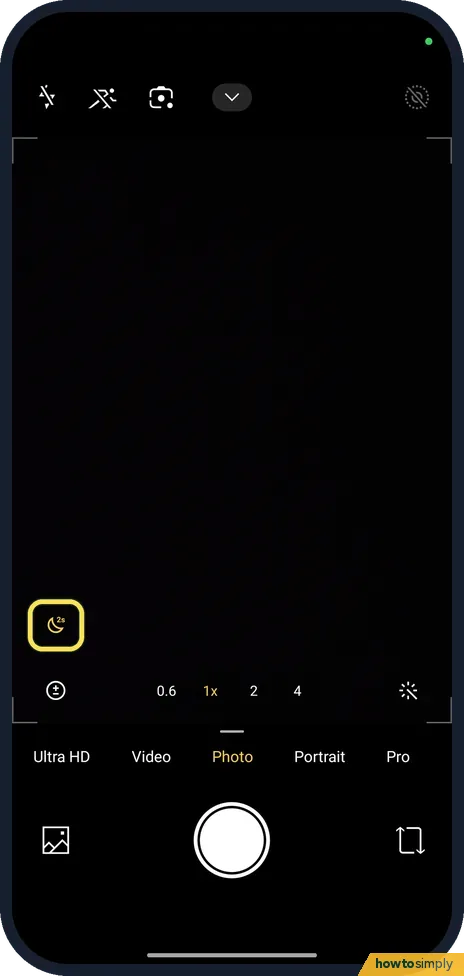
Open Camera in Photo mode. A moon icon at the left means Auto night mode is on; tap it to turn it off or on. The same switch is in Camera Settings, Photo, AI…
How to recover deleted photos on a Xiaomi phone (HyperOS 3)
Open Gallery, tap the three dots at the top right and tap Recently deleted items. Touch and hold a photo, tap any others you want back, then tap Restore. Our Redmi…
How to use palm shutter, voice shutter and the timer on a Xiaomi camera (HyperOS 3)
In Camera, tap the arrow at the top, then Settings. Under Photo, Shutter type has Palm shutter, Audio (say Cheese!), Tap to take a photo and Additional shutter. Under…
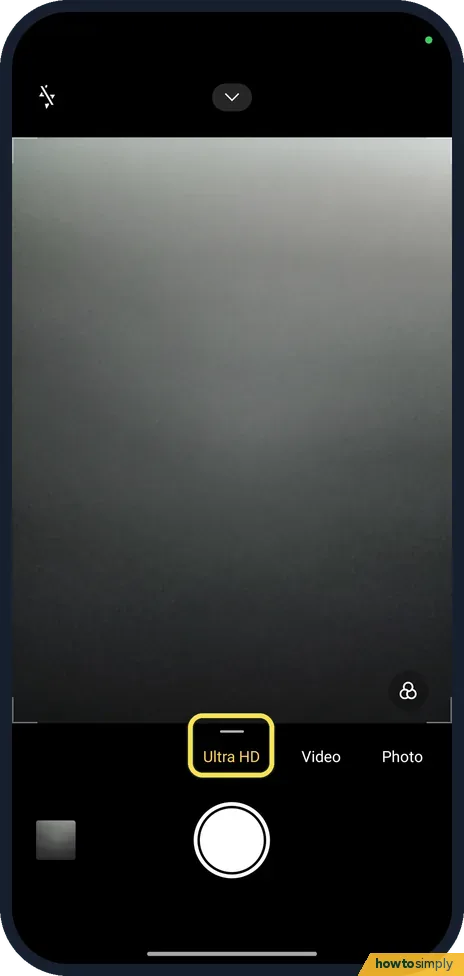
How to take 200 MP Ultra HD photos on a Redmi Note 15 Pro
Open Camera and swipe the mode strip to Ultra HD, then take the photo. On ours an Ultra HD photo was 12240x16320 pixels (200 MP) and 25.63 MB, against 3060x4080 and…
How to take a scrolling screenshot on a Xiaomi phone (HyperOS 3)
Press Power and Volume Down, then tap Scroll on the preview at the top right. HyperOS scrolls the page by itself and stitches it, then opens the editor; tap the tick to…
Apps
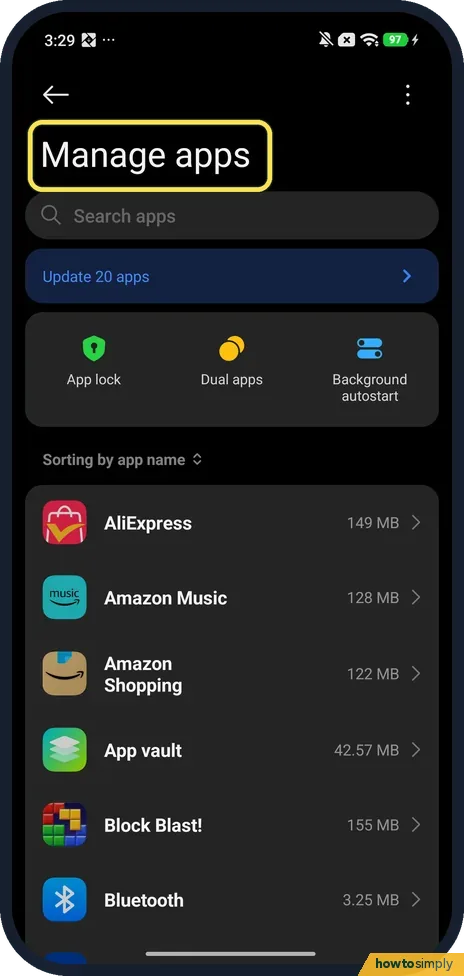
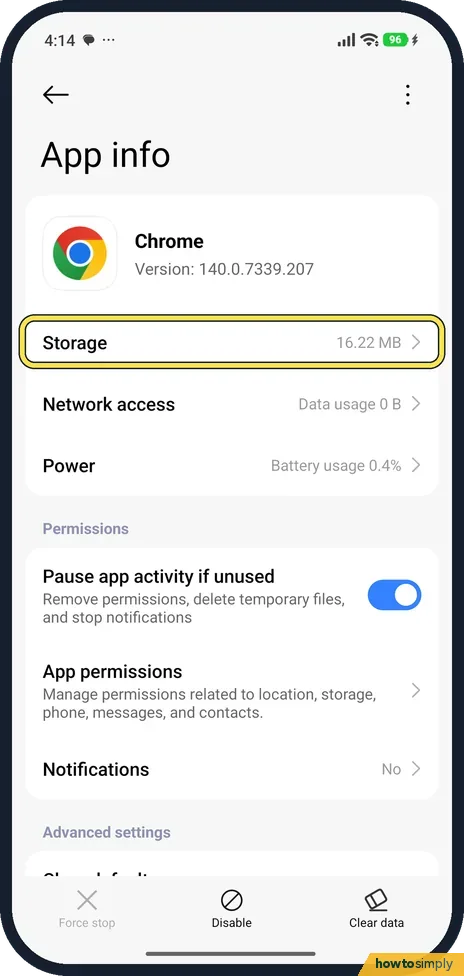
8 guidesHow to clear an app's cache on a Xiaomi phone (HyperOS 3)
Open the app's App info page, tap Storage, then Clear data at the bottom, and choose Clear cache, then OK. Clear cache keeps your logins and settings; Manage space can…
How to uninstall or disable preinstalled apps on a Xiaomi phone (HyperOS 3)
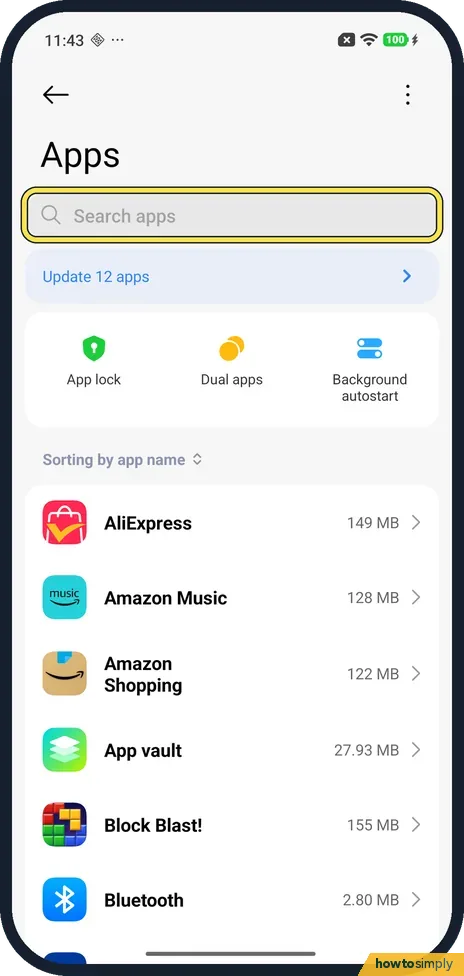
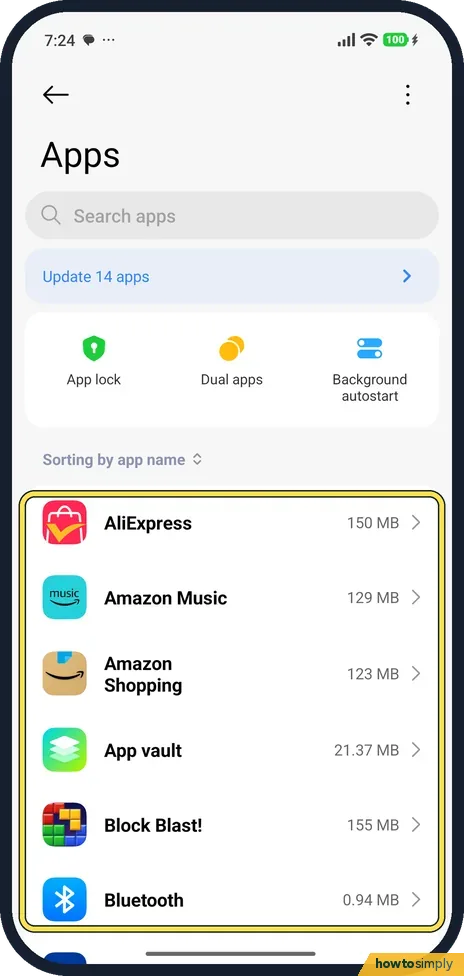
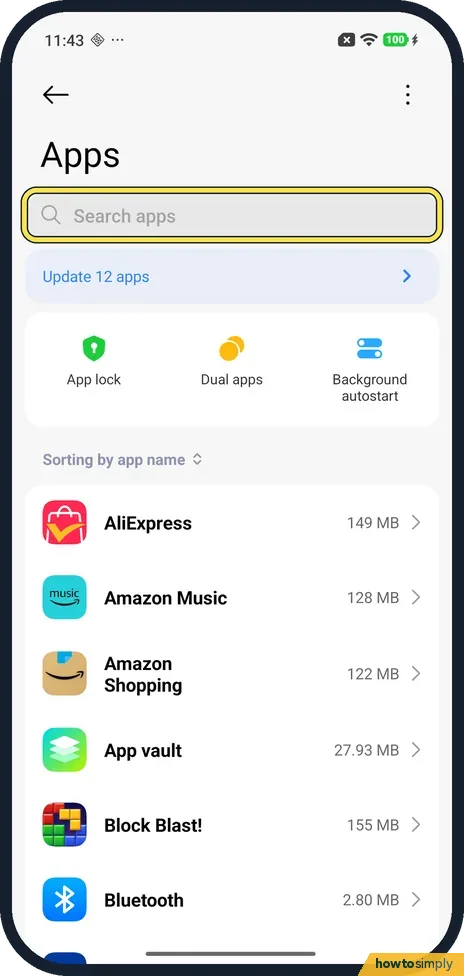
Go to Settings, Apps and tap the app. If the bar at the bottom of App info shows Uninstall, tap it to remove the app. If it shows Disable instead, the app can't be…
How to turn on Developer options on a Xiaomi phone (HyperOS 3)
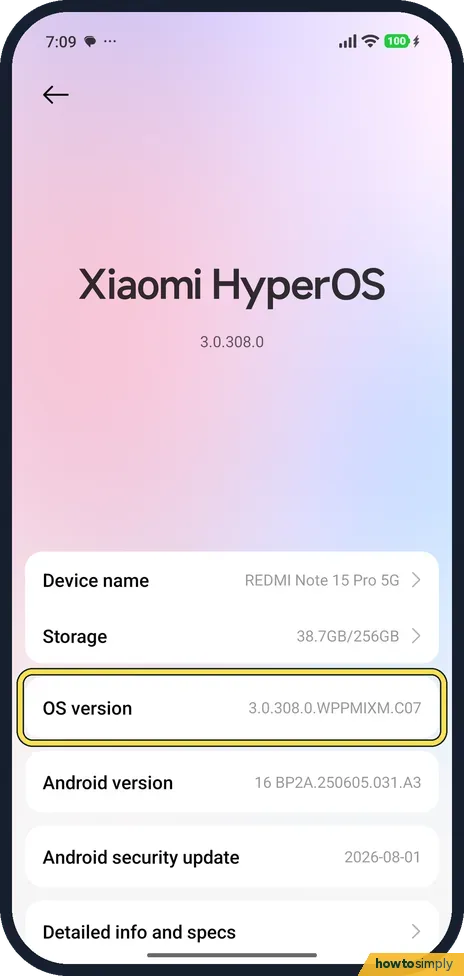
Go to Settings, About phone and tap OS version again and again until a message says you are a developer. Developer options then appears in Settings, Additional…
How to change default apps on a Xiaomi phone (HyperOS 3)
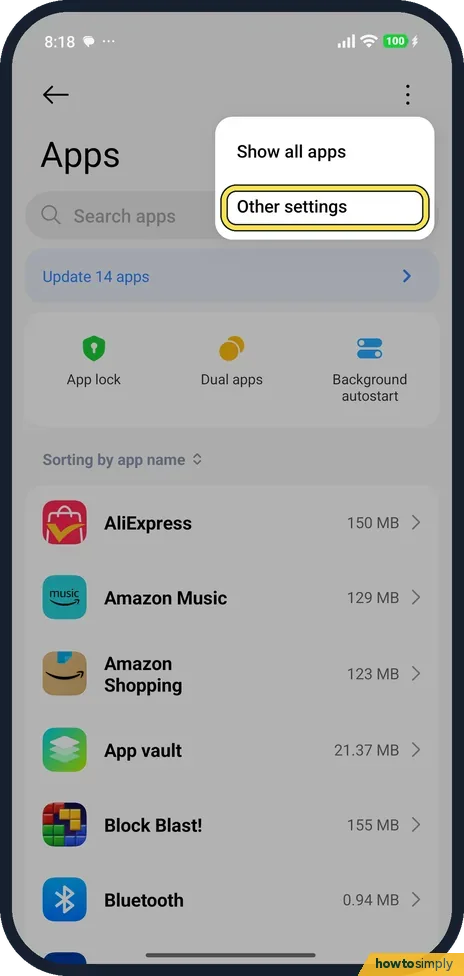
Go to Settings, Apps, tap the three dots at the top right, then Other settings, Default apps. Tap a type, such as Browser, and pick the app. On our Redmi, Chrome was…
How to change the home screen layout on a Xiaomi phone (HyperOS 3)
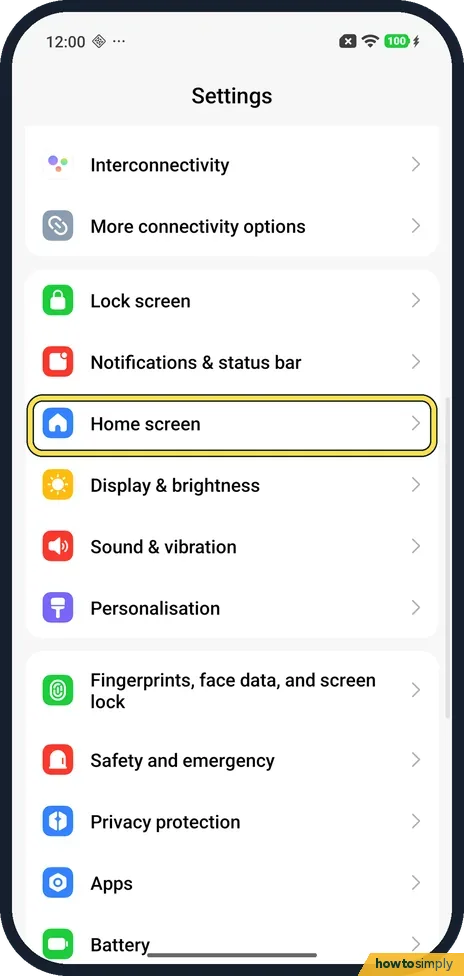
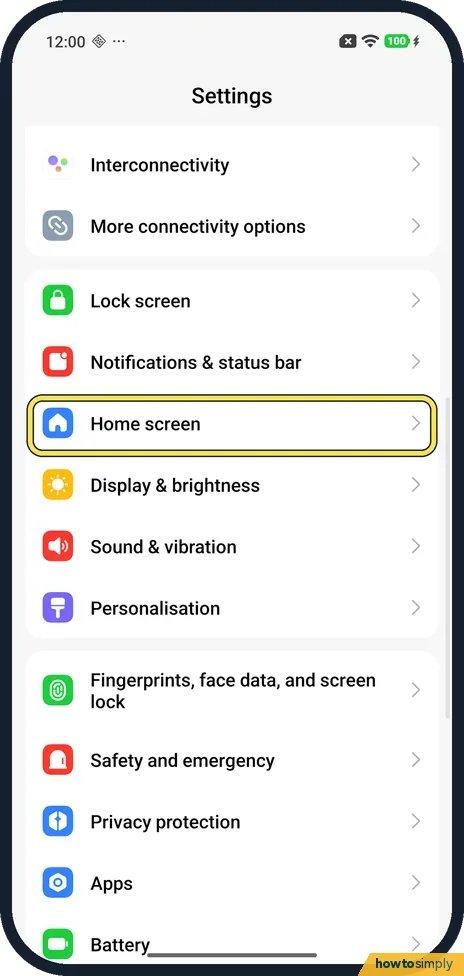
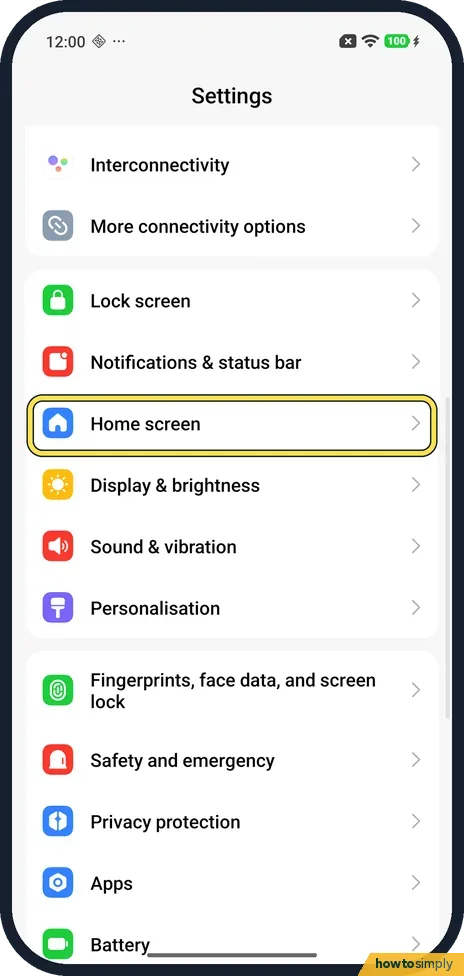
Open Settings and tap Home screen. Under the Home screen layout heading, tap Home screen layout (4×6 on ours). Pick 4x6, 4x7 or 5x8 in the preview and tap Apply. With…
How to add a widget to the home screen on a Xiaomi phone (HyperOS 3)
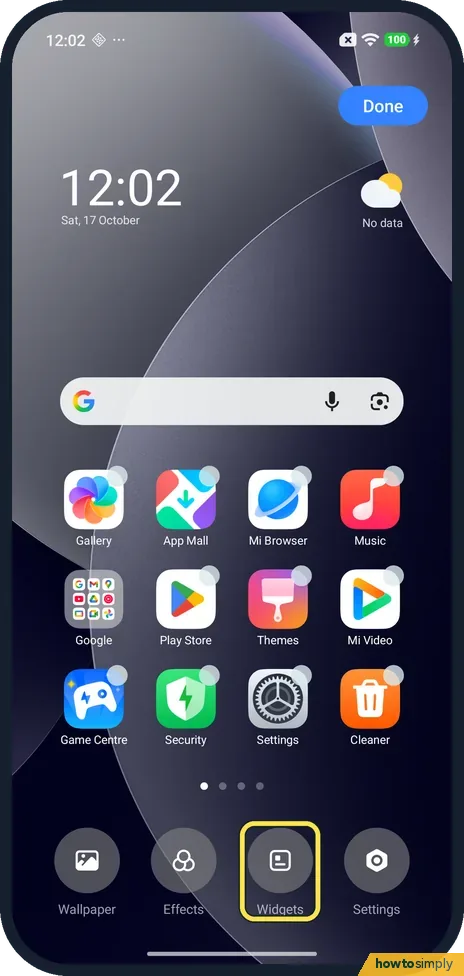
Press and hold an empty spot on the home screen and tap Widgets. In Add widgets, tap Add under the widget you want, such as Clock·Current, then tap Done. Ours went on a…
How to move or remove an app from the home screen on a Xiaomi phone (HyperOS 3)
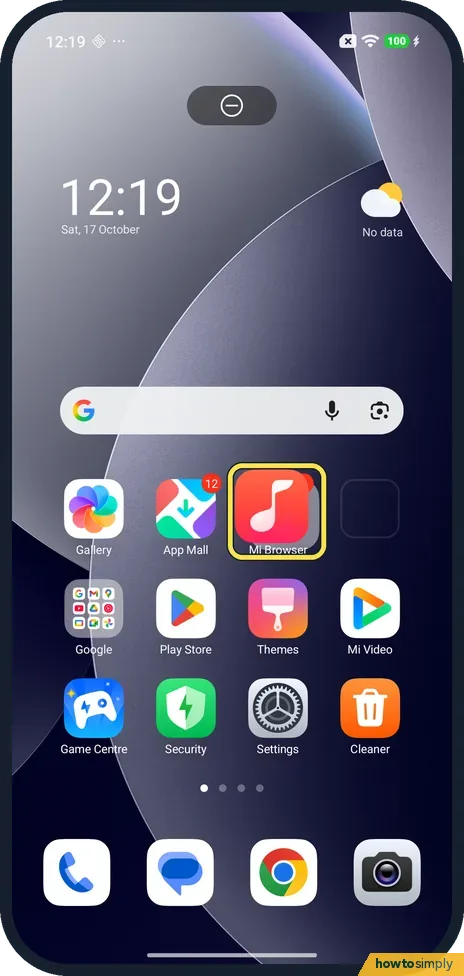
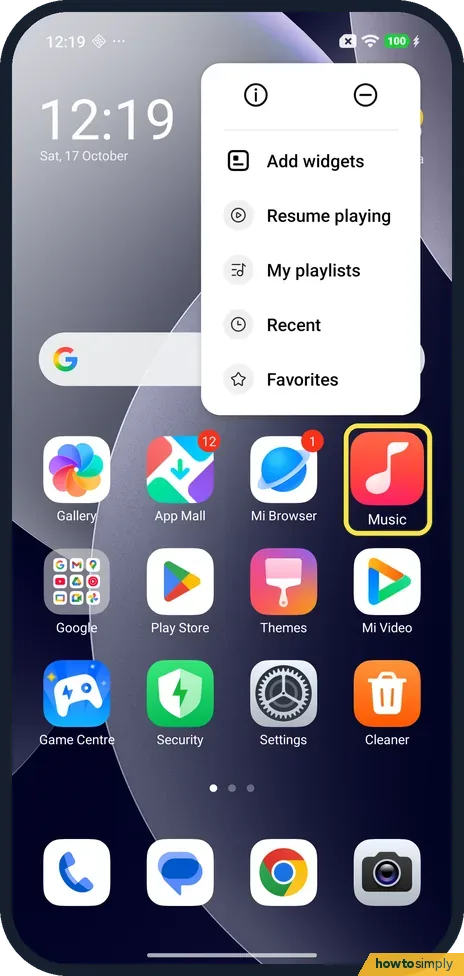
Press and hold the app icon and drag it where you want it; drag it to the screen edge to change page. To take it off, press and hold it, tap the minus icon at the top…
How to lock the home screen layout on a Xiaomi phone (HyperOS 3)
Open Settings, tap Home screen and turn on Lock Home screen layout, under the Home screen layout heading. Apps then stay put: on ours, dragging an icon showed Home…
Display & Accessibility
12 guidesHow to use floating windows and the sidebar on a Xiaomi phone (HyperOS 3)
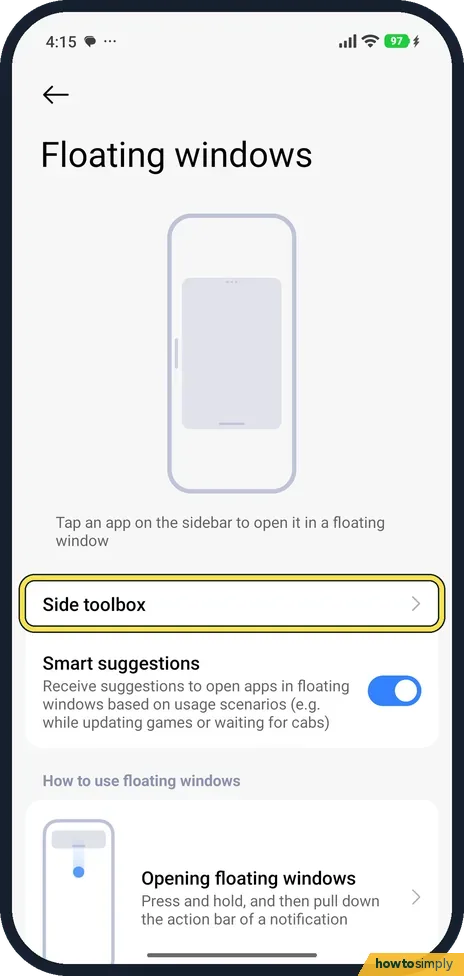
Go to Settings, Additional settings, Floating windows, Side toolbox, and turn on Sidebar. Swipe the small bar at the edge of the screen to open the sidebar and tap an…
How to change the screen timeout on a Xiaomi phone (HyperOS 3)
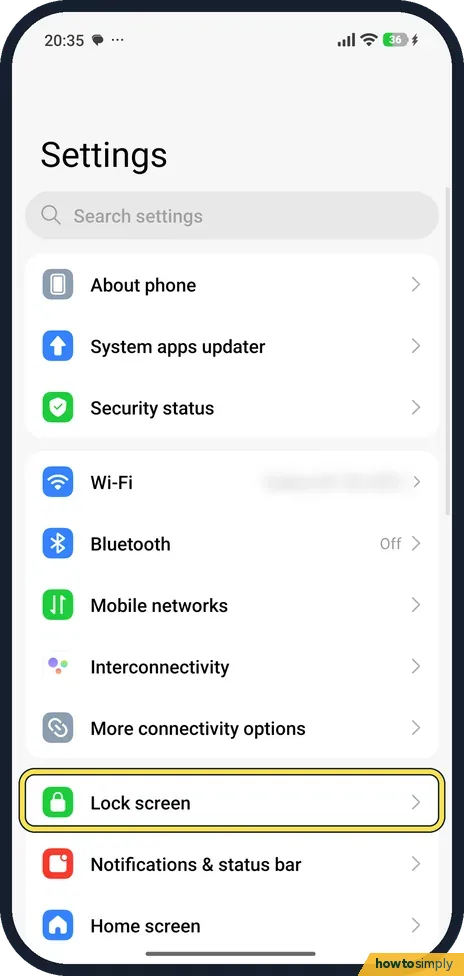
Go to Settings, Lock screen, Sleep, and pick a time: 15 seconds, 30 seconds, 1, 2, 5 or 10 minutes. The screen turns off and locks after that much time without use. On…
How to turn on dark mode on a Xiaomi phone (HyperOS 3)
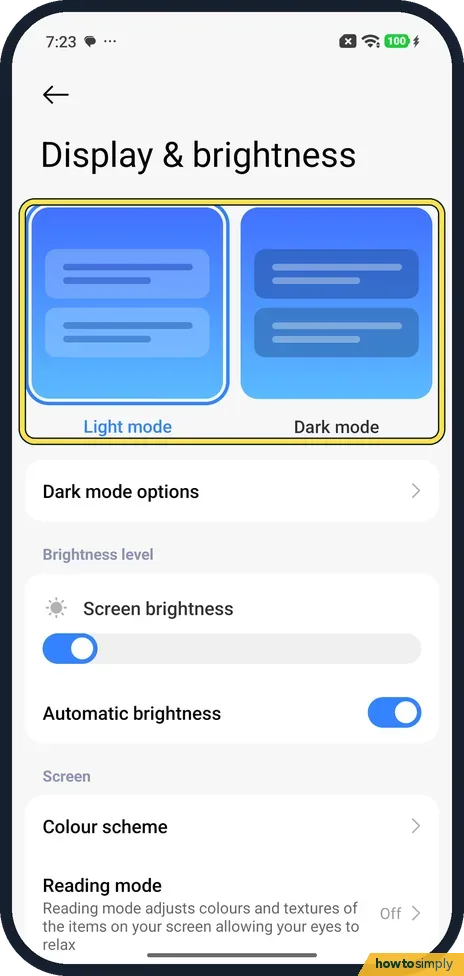
Go to Settings, Display & brightness and tap the Dark mode card. To switch on a schedule, open Dark mode options, turn on Switch to Dark mode automatically and pick…
How to change the torch brightness on a Xiaomi phone (HyperOS 3)
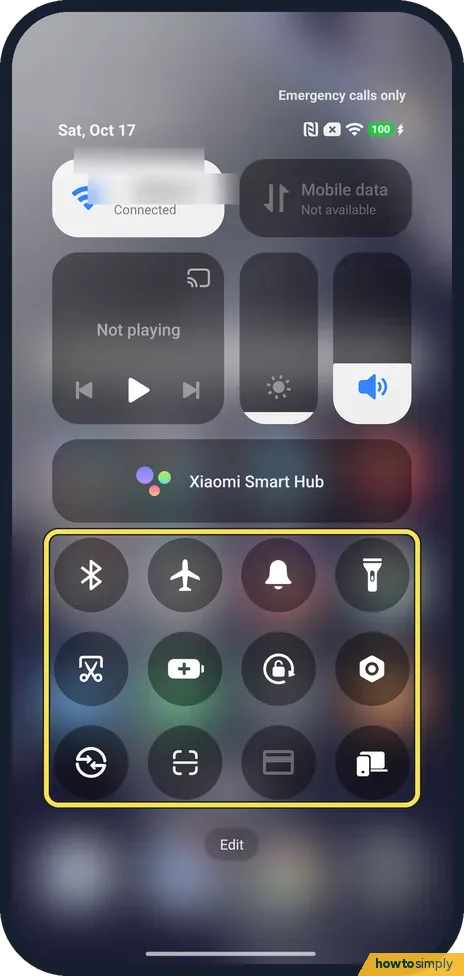
Swipe down from the top right to open Control centre, then touch and hold the Torch tile. A tall brightness slider opens above a round torch button. On our phone the…
How to change the refresh rate on a Xiaomi phone (HyperOS 3)
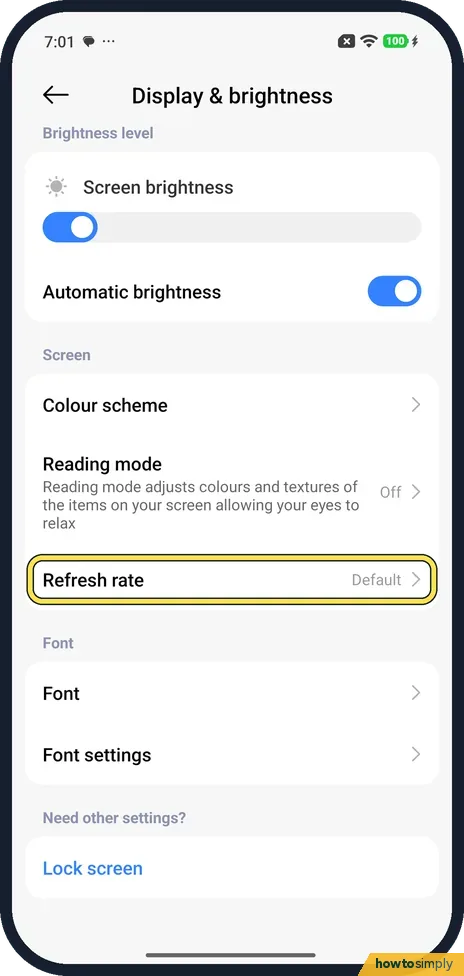
Go to Settings, Display & brightness, Refresh rate. Default (recommended) was ticked on our Redmi and changes the rate by itself, up to 120 Hz. Custom (Prefer selected…
How to change the colour scheme on a Xiaomi phone (HyperOS 3)
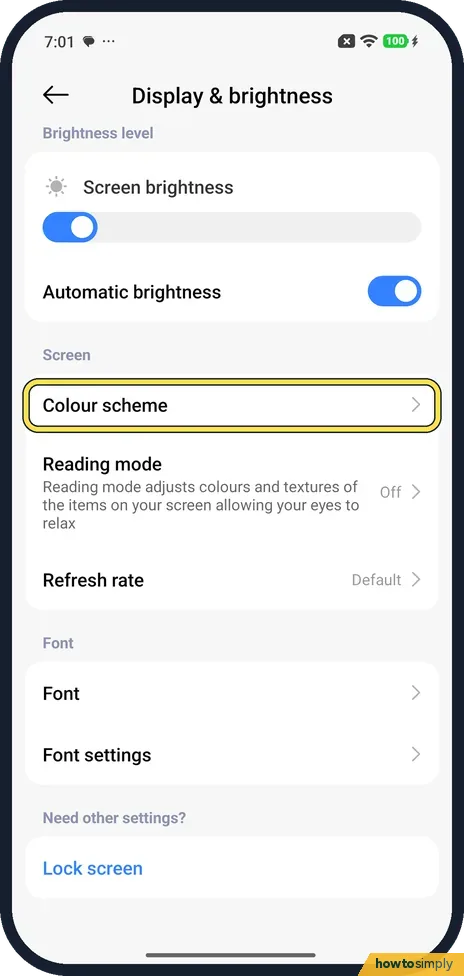
Go to Settings, Display & brightness, Colour scheme. Pick Vivid, Saturated or Standard, or open Advanced settings. Further down, Colour temperature has a colour wheel…
How to change brightness and automatic brightness on a Xiaomi phone (HyperOS 3)
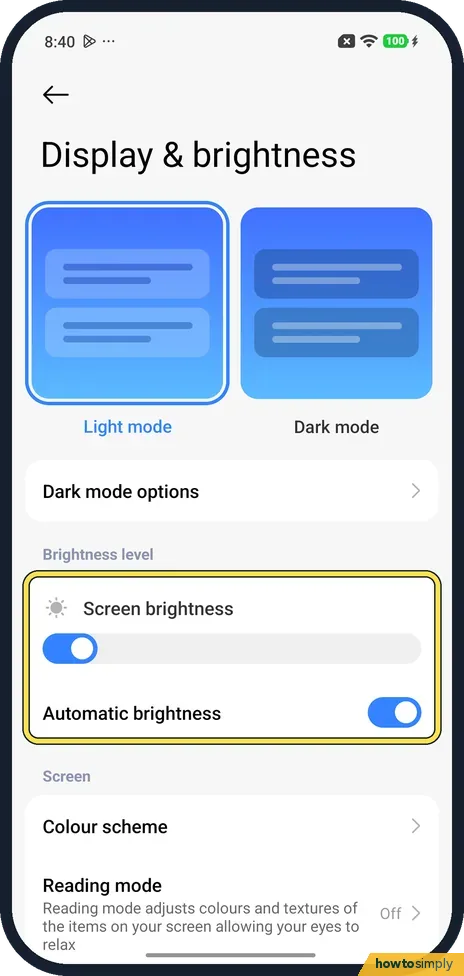
Go to Settings, Display & brightness. Under Brightness level, drag the Screen brightness bar left or right. The Automatic brightness switch below it lets the phone…
How to use colour correction and colour inversion on a Xiaomi phone (HyperOS 3)
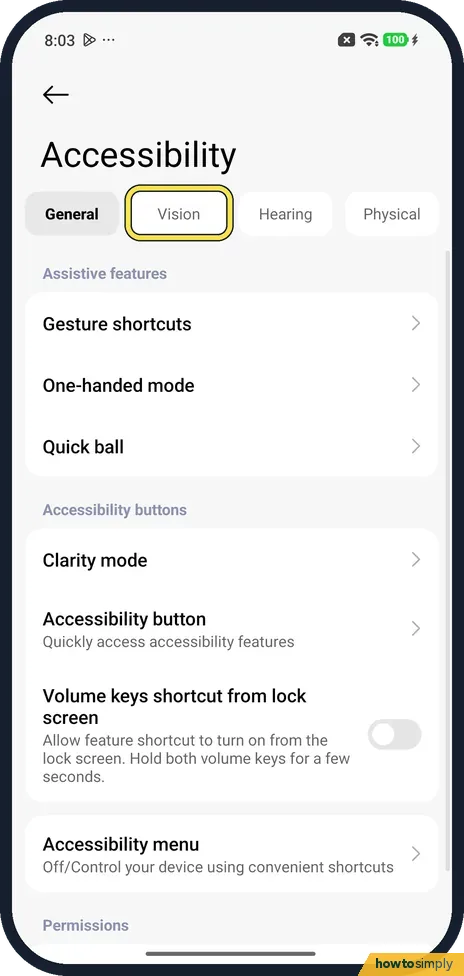
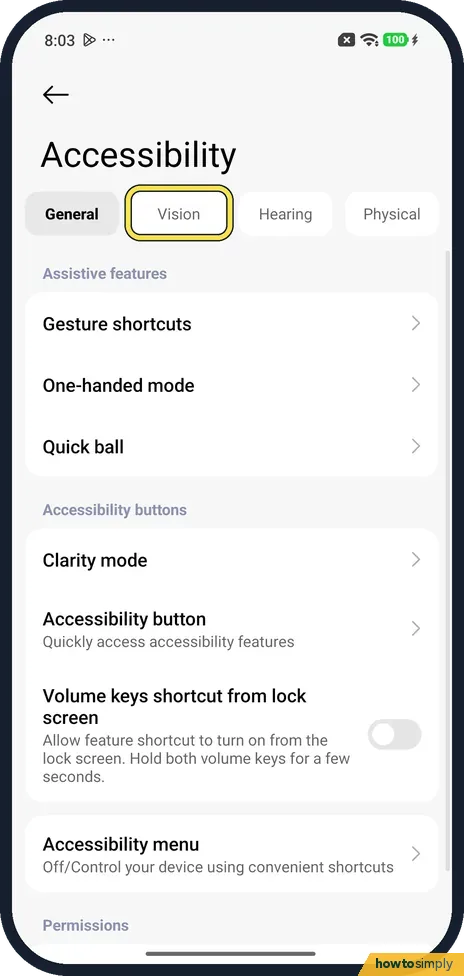
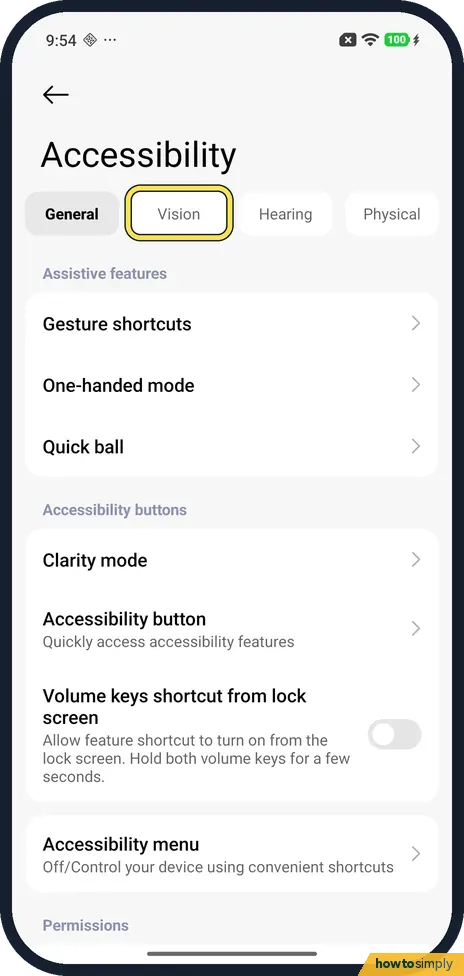
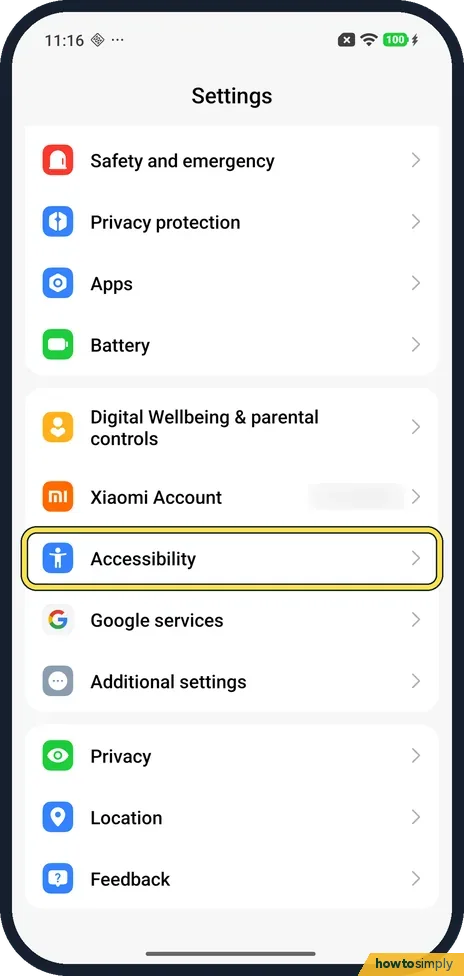
Go to Settings, Accessibility, the Vision tab. In Colour correction, pick a mode such as Red-green or Greyscale and turn on Use colour correction. In Colour inversion…
How to change the wallpaper on a Xiaomi phone (HyperOS 3)
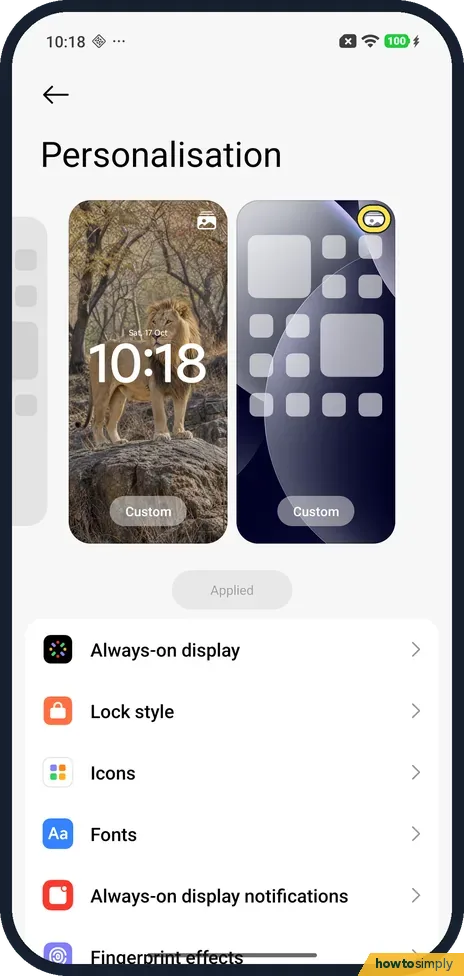
Go to Settings, Personalisation, tap the picture icon on the Home screen preview, then Select and pick a picture, and tap Apply at the top right. Cancel asks Discard…
How to turn on raise to wake and double tap to wake on a Xiaomi phone (HyperOS 3)
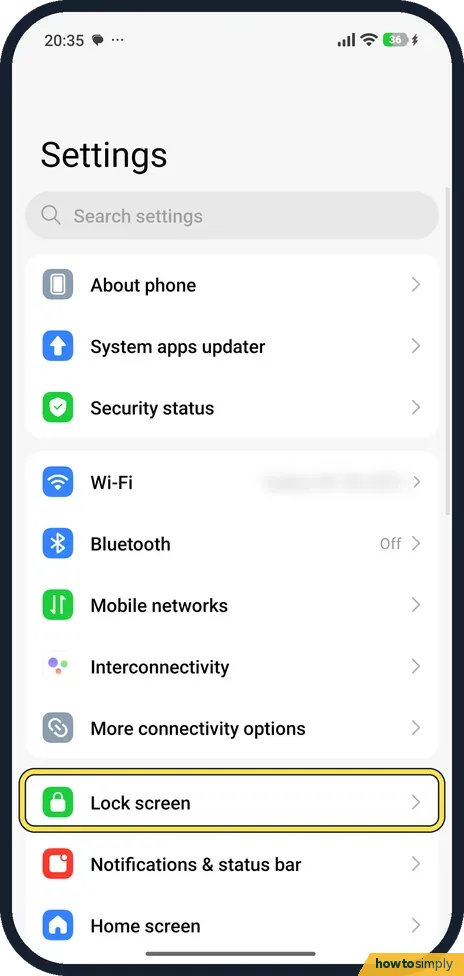
Go to Settings, Lock screen and turn on Raise to wake to light up the screen when you pick the phone up. Double tap to wake or turn off screen when device is locked…
How to use Select to Speak and text-to-speech on a Xiaomi phone (HyperOS 3)
Go to Settings, Accessibility, Vision, Select to Speak and turn on Select to Speak shortcut. Start it with the shortcut and tap text to hear it. Text-to-speech output…
How to use mono audio and audio balance on a Xiaomi phone (HyperOS 3)
Go to Settings, Accessibility and tap the Hearing tab. Turn on Mono audio to combine channels, or drag the Audio balance bar towards Left or Right. On ours Mono audio…
Wi-Fi & Connections
6 guidesHow to turn on NFC and tap to pay on a Xiaomi phone (HyperOS 3)
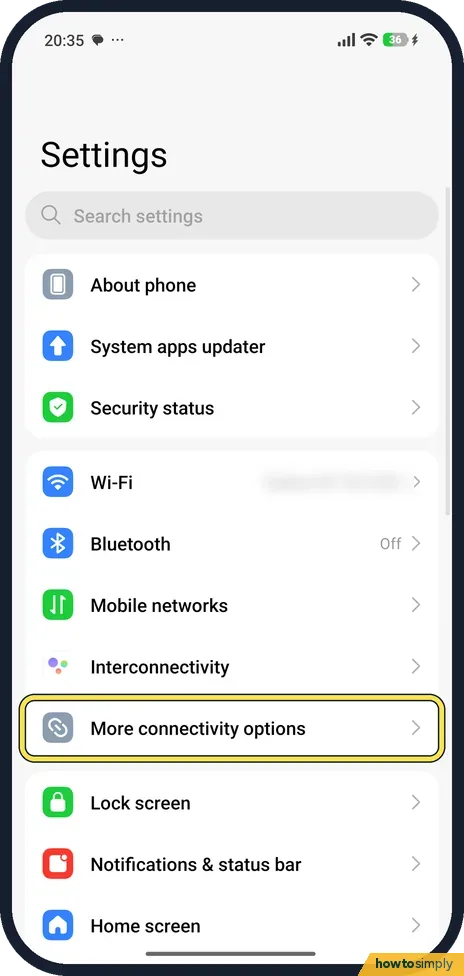
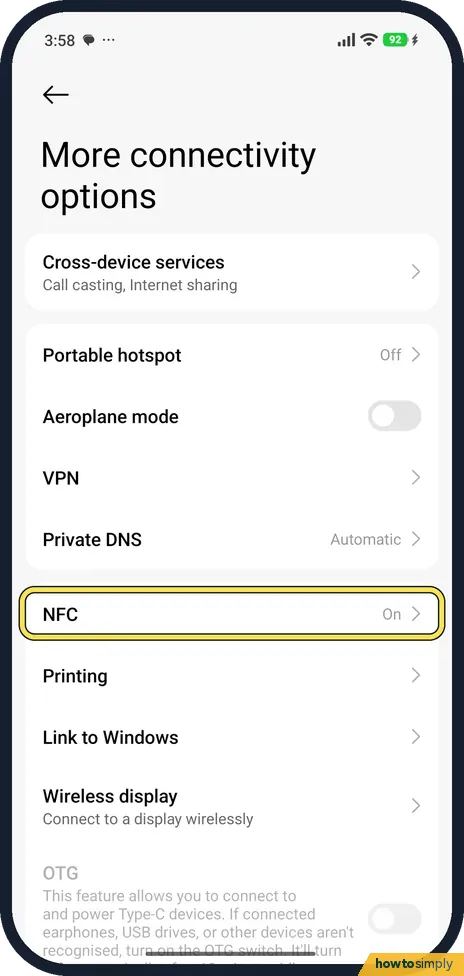
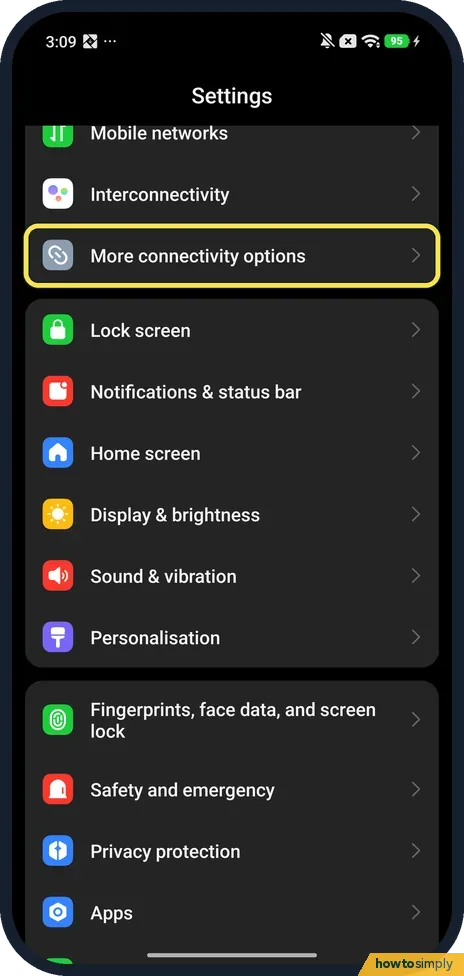
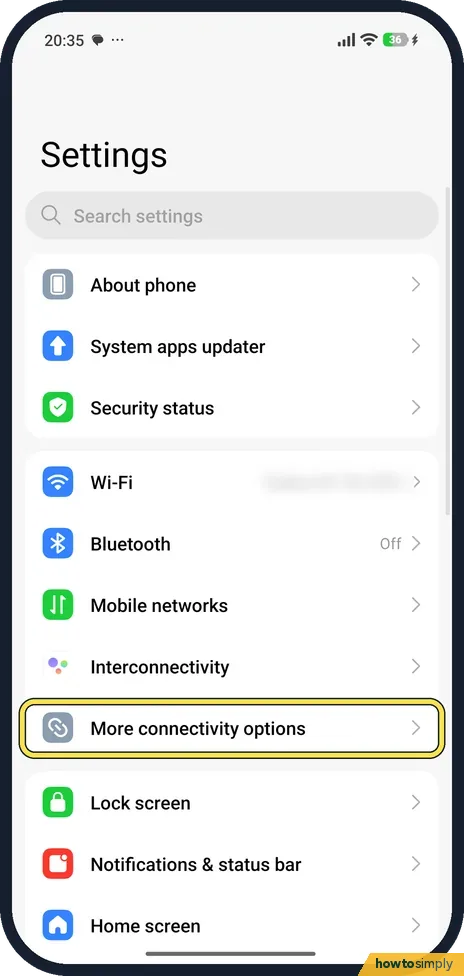
Go to Settings, More connectivity options, NFC, and turn on NFC. Payment default picks the payment app, such as Google Pay. Xiaomi says the Redmi Note 15 Pro 5G does…
How to pair a Bluetooth device with a Xiaomi phone (HyperOS 3)
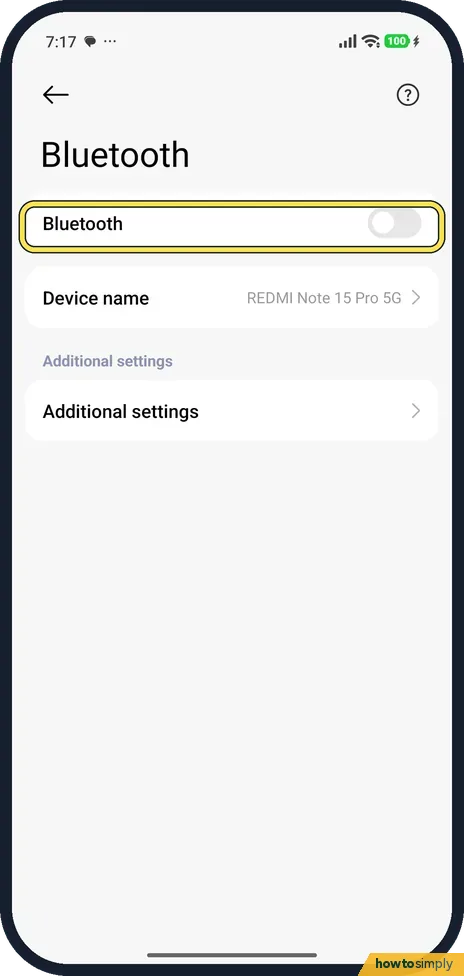
Put your headphones or speaker in pairing mode, then go to Settings, Bluetooth and turn it on. The phone starts looking straight away: tap your device under Available…
How to set up a hotspot on a Xiaomi phone (HyperOS 3)
Open Settings, More connectivity options, Portable hotspot. Tap Set up portable hotspot to check the network name and password, then turn on Portable hotspot at the…
How to reset network settings on a Xiaomi phone (HyperOS 3)
Go to Settings, More connectivity options, Reset Wi-Fi, mobile networks, and Bluetooth, and tap Reset settings at the bottom. It resets Wi-Fi, Mobile data and Bluetooth…
How to show network speed in the status bar on a Xiaomi phone (HyperOS 3)
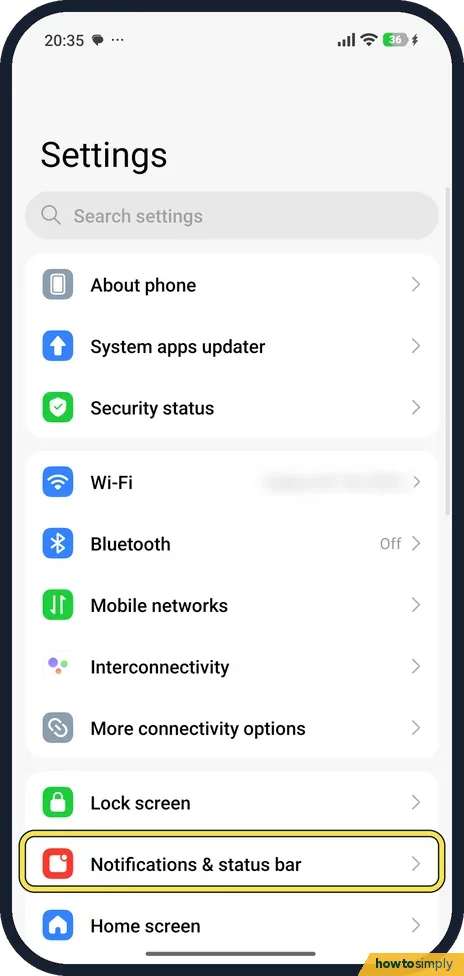
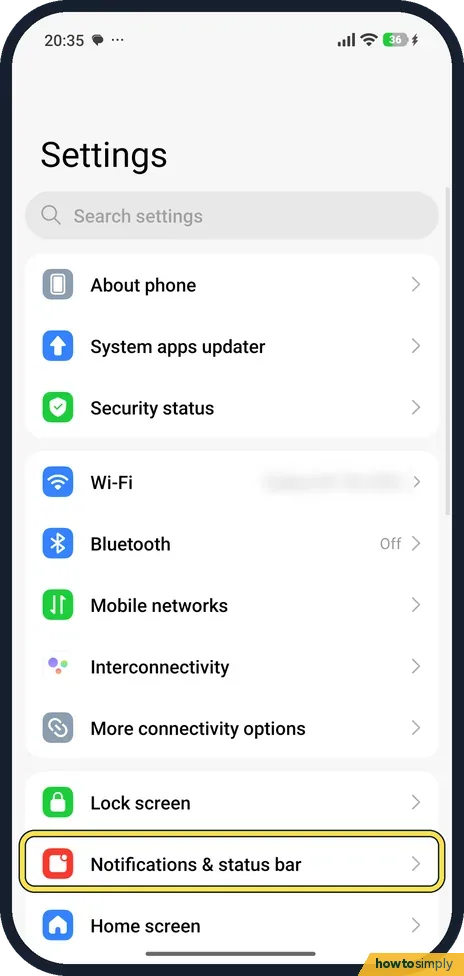
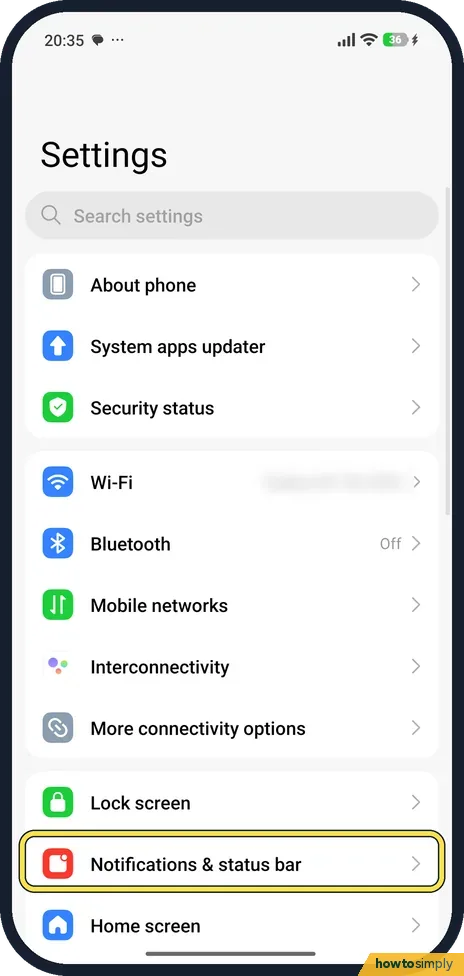
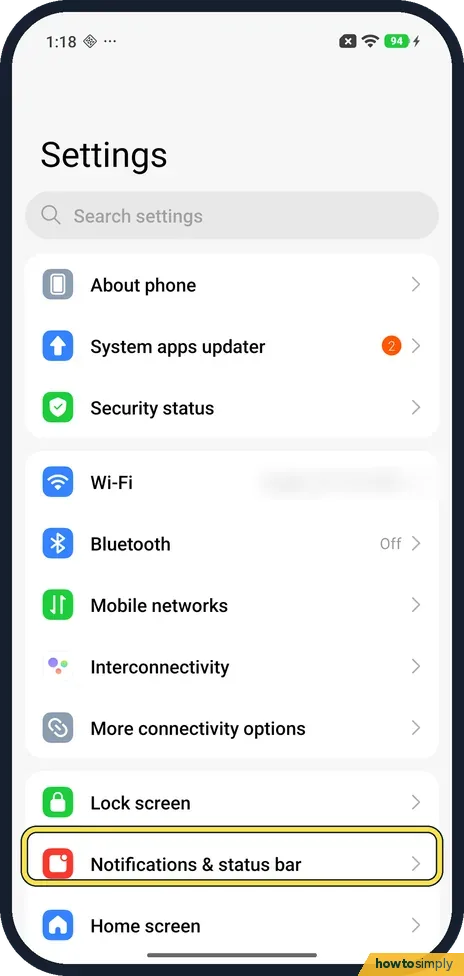
Go to Settings, Notifications & status bar, Customise icon display (under Status bar). Turn on Connection speed, the first switch under System. The speed then shows at…
How to stop an app using mobile data or Wi-Fi on a Xiaomi phone (HyperOS 3)
Open Settings, Apps and tap the app. Tap Network access. Under Manage network connection, turn off Mobile data, Wi-Fi or Background data for that app only. All three…
Notifications & Focus
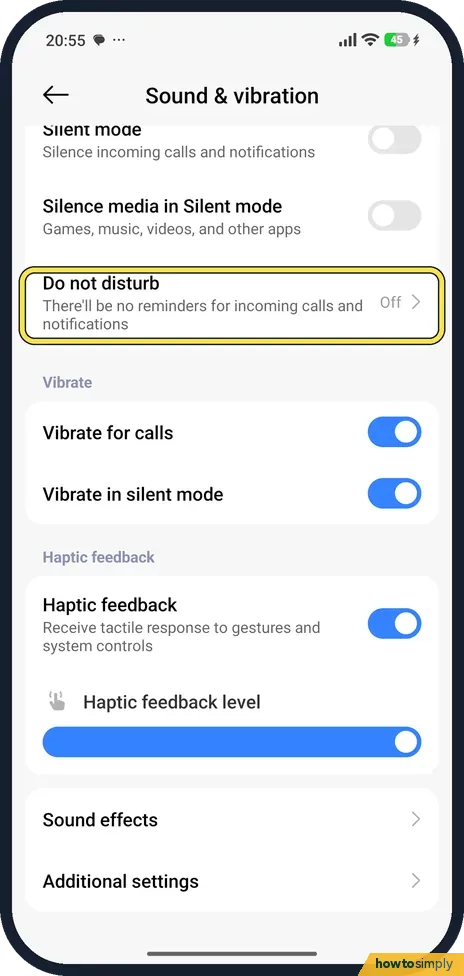
6 guidesHow to use Do not disturb on a Xiaomi phone (HyperOS 3)
Open Settings, tap Sound & vibration, then Do not disturb, and turn it on. Under Notify about calls choose who can still ring you, and use Schedule turn on time to…
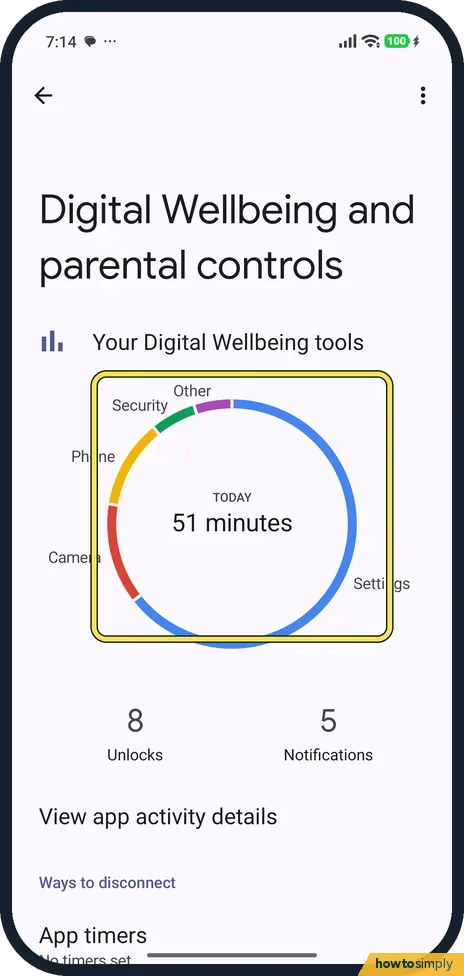
How to see screen time and set app timers on a Xiaomi phone (HyperOS 3)
Go to Settings, Digital Wellbeing and parental controls. The circle shows today's screen time by app. Tap App timers, tap the hourglass next to an app, pick a time and…
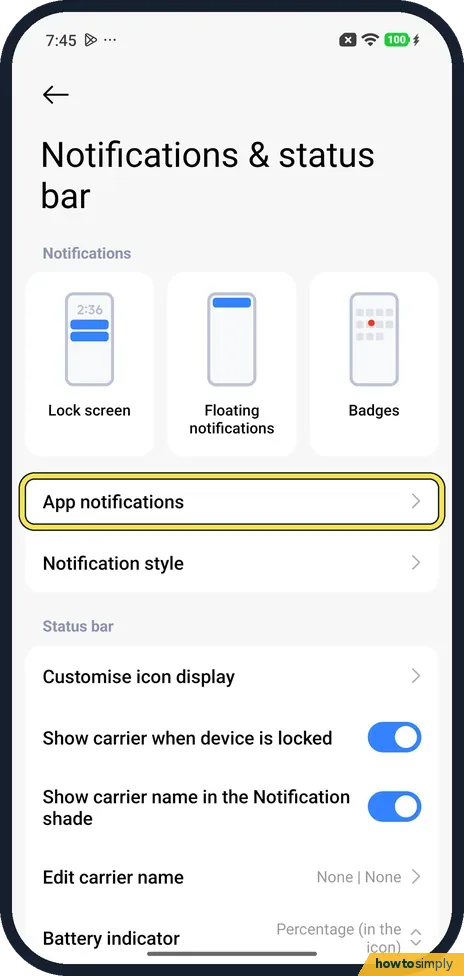
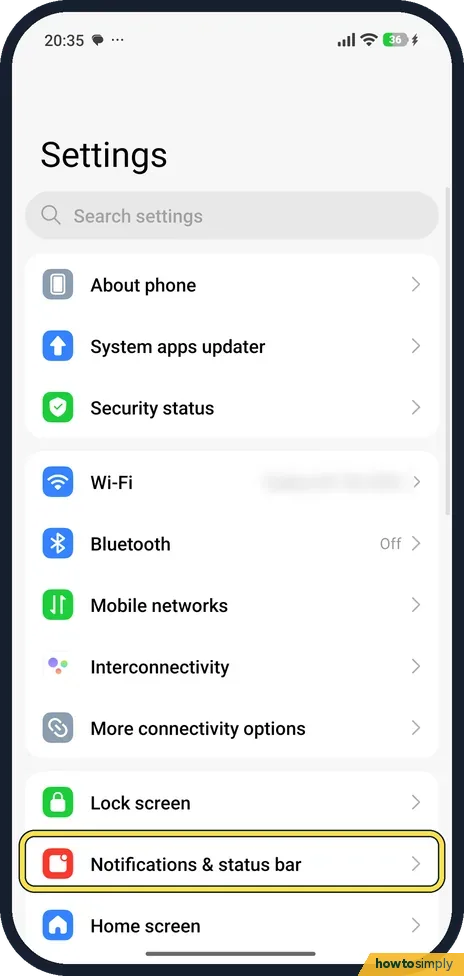
How to turn off notifications for an app on a Xiaomi phone (HyperOS 3)
Go to Settings, Notifications & status bar, App notifications and turn off the switch next to the app. Or tap the app's name and turn off Show notifications. All its…
How to turn off notification badges and floating notifications on a Xiaomi phone (HyperOS 3)
Go to Settings, Notifications & status bar. Tap Badges and turn off the switch for an app to remove the number on its icon. Tap Floating notifications and turn off an…
How to change the notification shade style on a Xiaomi phone (HyperOS 3)
Go to Settings, Notifications & status bar, Notification style and tap Classic or Android on the Notification shade page. Ours had Android: app names, times and an…
How to see notification history on a Xiaomi phone (HyperOS 3)
Go to Settings, Notifications & status bar, Notification history, and turn on Use notification history. It was off on our Redmi, so notifications you dismissed before…
Battery, Storage & Updates
7 guidesHow to change battery mode and see battery use on a Xiaomi phone (HyperOS 3)
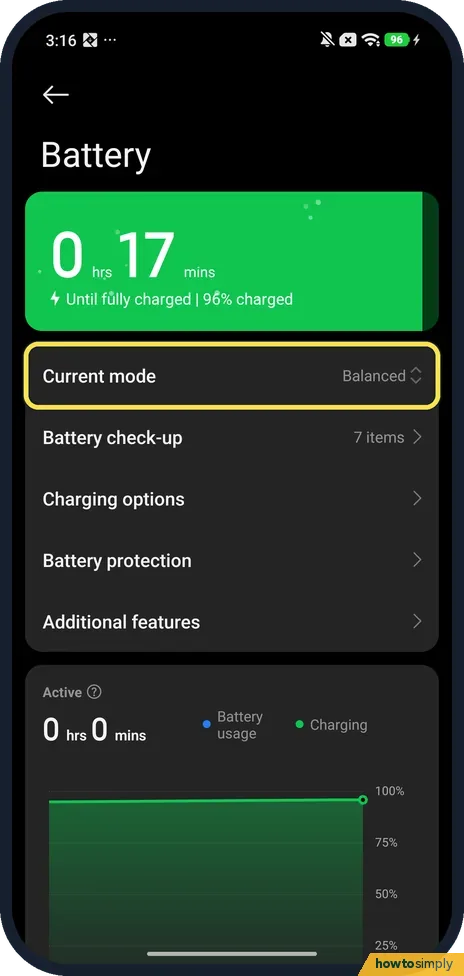
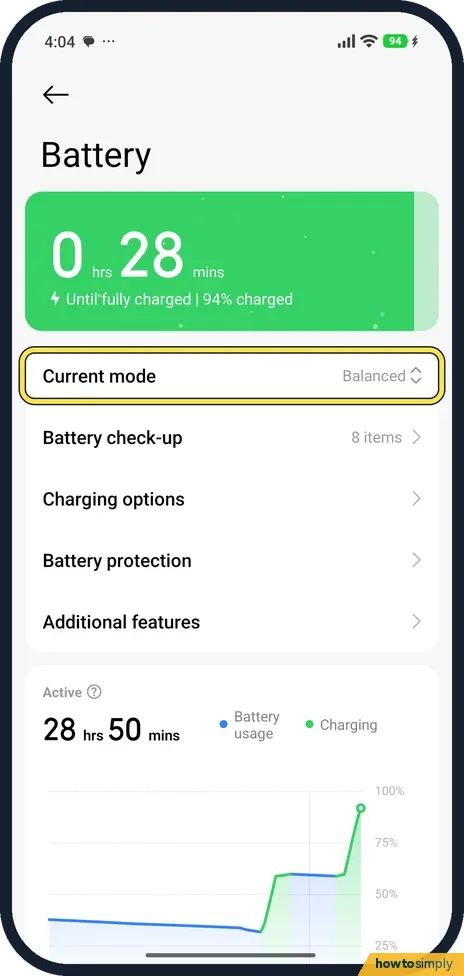
Go to Settings, Battery, tap Current mode and choose Performance mode, Balanced, Battery saver or Ultra battery saver. Scroll down the same page to see which apps used…
How to check battery health on a Xiaomi phone (HyperOS 3)
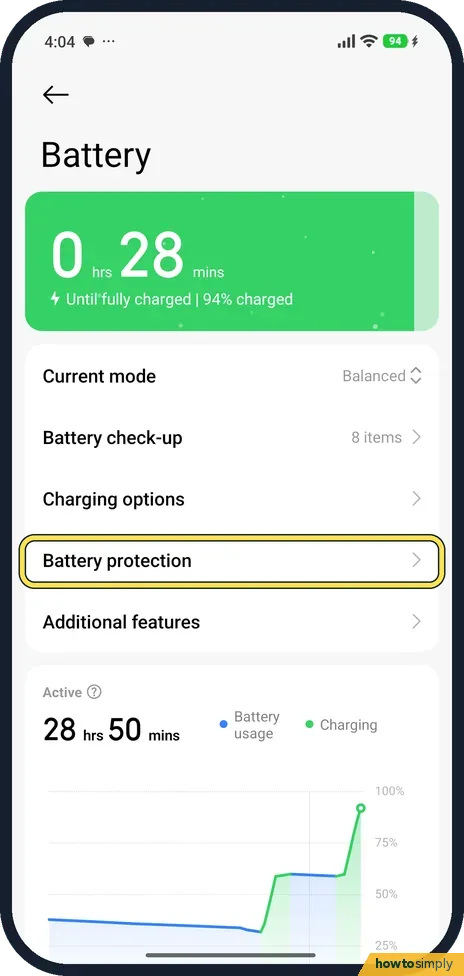
Go to Settings, Battery, Battery protection. Battery health shows a percentage, with Cycles, Manufacture date and First use. Under Charging protection you can choose to…
How to back up a Xiaomi phone (HyperOS 3)
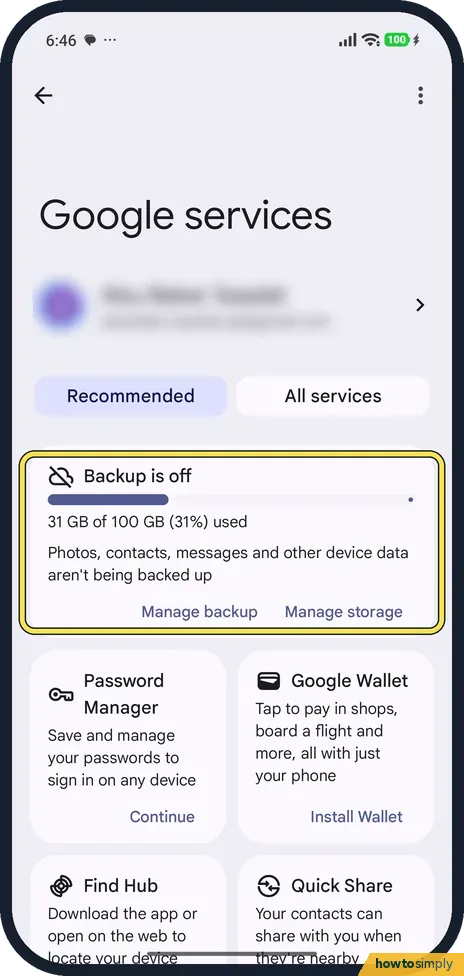
For a Google backup, go to Settings, Google services, All services, Backup, and tap Turn on. For Xiaomi Cloud, go to Settings, Xiaomi Account, Xiaomi Cloud, Backups…
How to update a Xiaomi phone and check the HyperOS version (HyperOS 3)
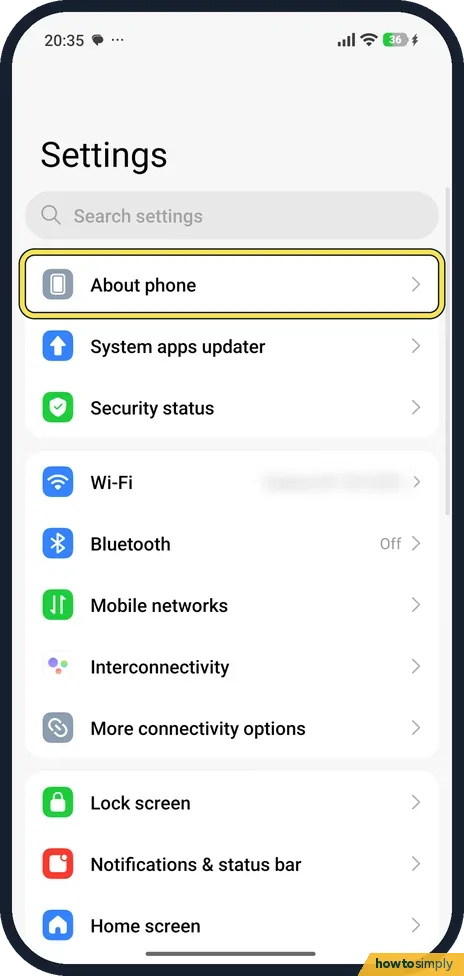
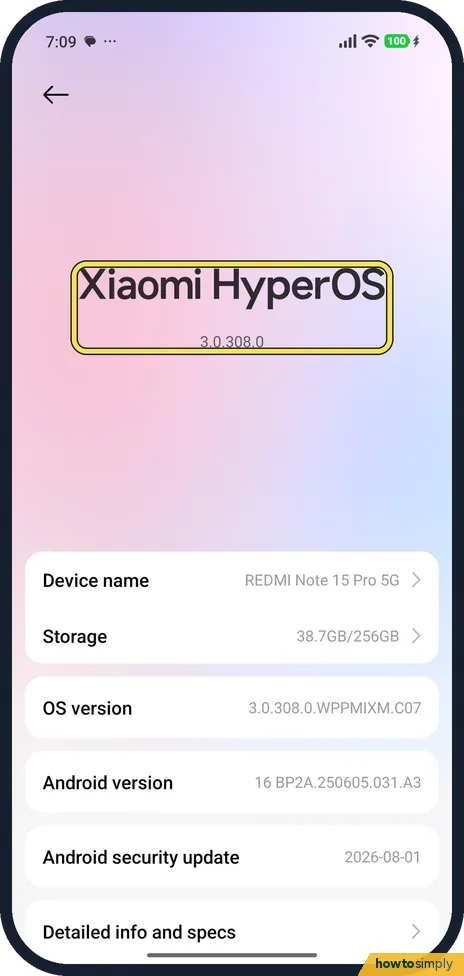
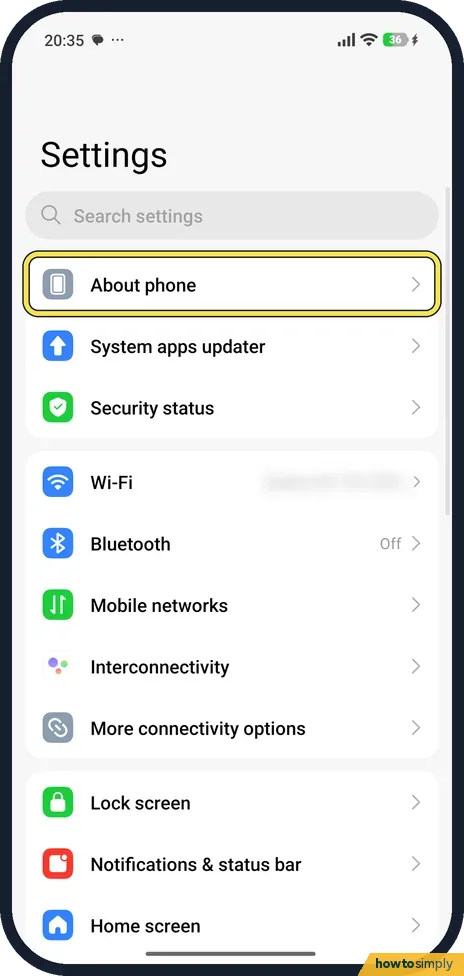
Go to Settings, About phone, and tap the Xiaomi HyperOS tile. The update page shows your version and the notes for it. On our up-to-date phone it had no Check for…
How to factory reset a Xiaomi phone (HyperOS 3)
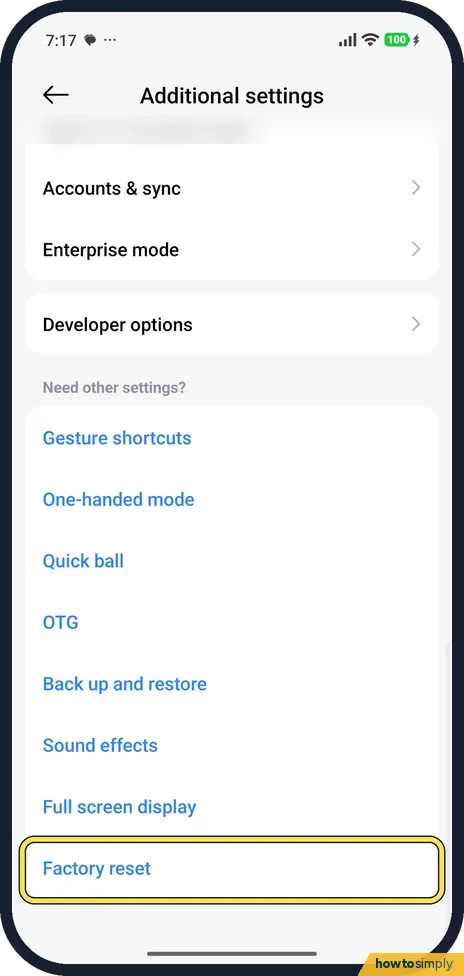
Back up first. Then go to Settings, Additional settings, Factory reset. The page lists what is erased (contacts, photos and videos, apps, accounts, backups, SD card…
How to show battery percentage on a Xiaomi phone (HyperOS 3)
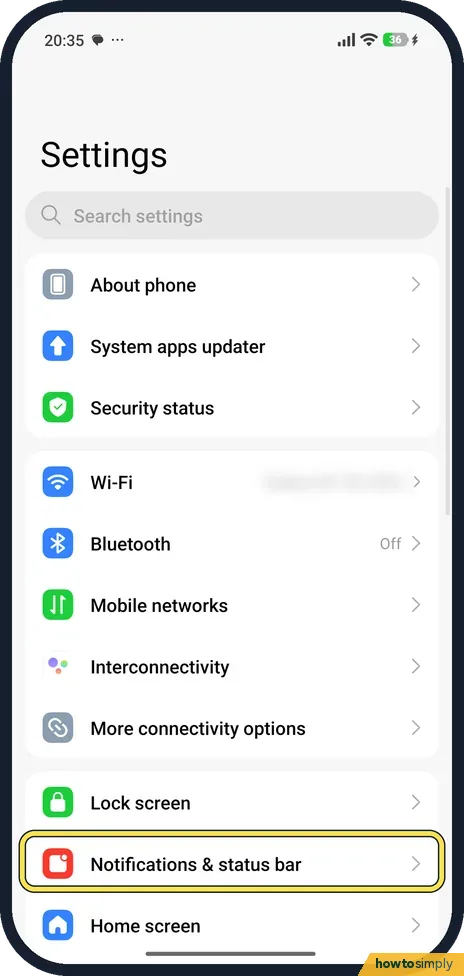
Go to Settings, Notifications & status bar and tap Battery indicator, under Status bar. Pick the battery with the number inside it, or the battery with the percentage…
How to check the security patch on a Xiaomi phone (HyperOS 3)
Open Settings and tap About phone. The Android security update row shows the patch date, 2026-08-01 on our Redmi Note 15 Pro 5G in late October. The HyperOS update page…
Sound & Alerts
3 guidesHow to set and delete an alarm on a Xiaomi phone (HyperOS 3)
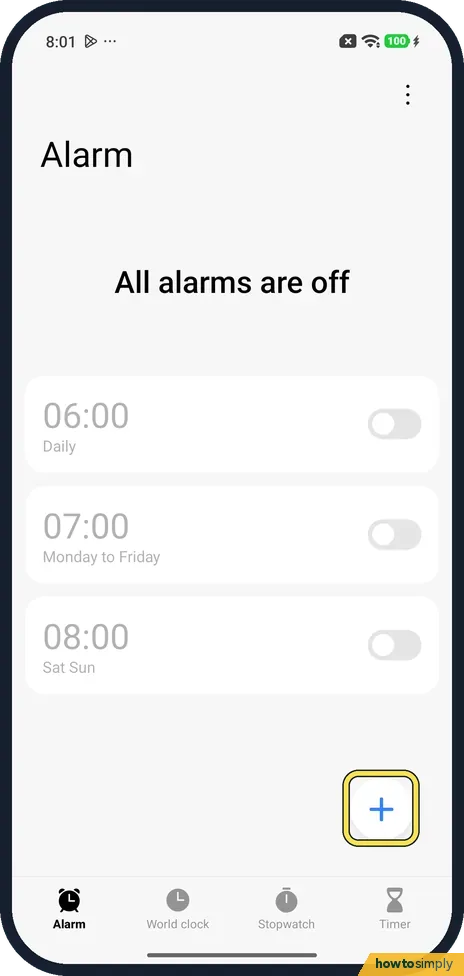
Open the Clock app and tap + on the Alarm tab. Scroll the H and M wheels to the time, set Repeat and tap the tick. To delete an alarm, touch and hold it and tap Delete…
How to use the Accessibility button and volume keys shortcut on a Xiaomi phone (HyperOS 3)
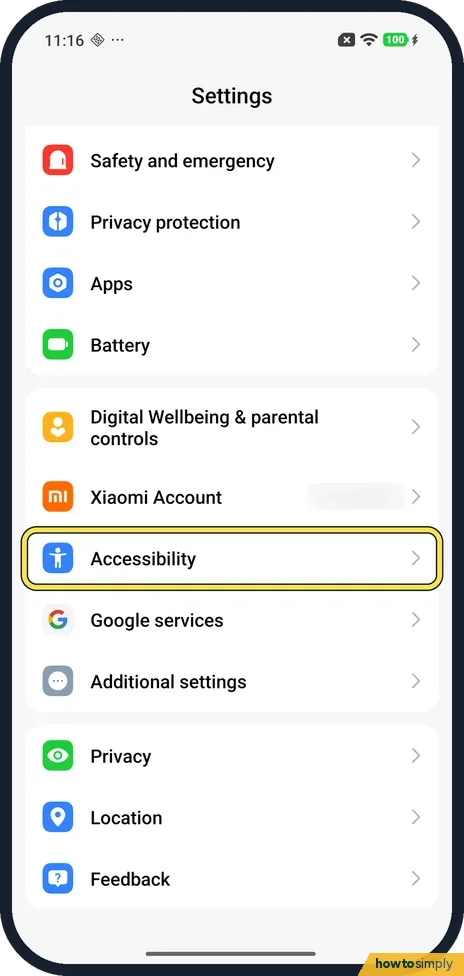
Go to Settings, Accessibility, General. Accessibility button sets the size and fade of the floating button; pick it as a feature's shortcut, such as Magnification's…
How to change wireless emergency alert settings on a Xiaomi phone (HyperOS 3)
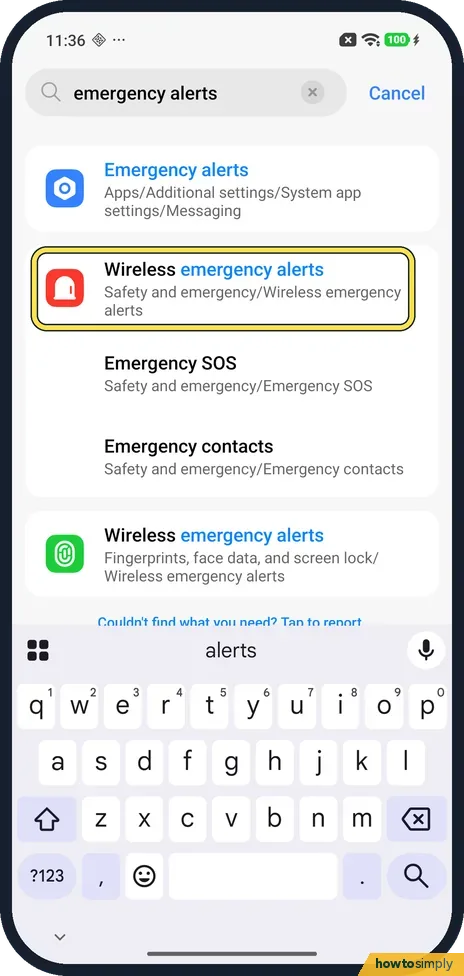
Open Settings and search for emergency alerts, then tap Wireless emergency alerts under Safety and emergency. Allow alerts turns them on or off; below are Extreme…
More settings
41 guidesHow to allow Autostart for an app on a Xiaomi phone (HyperOS 3)
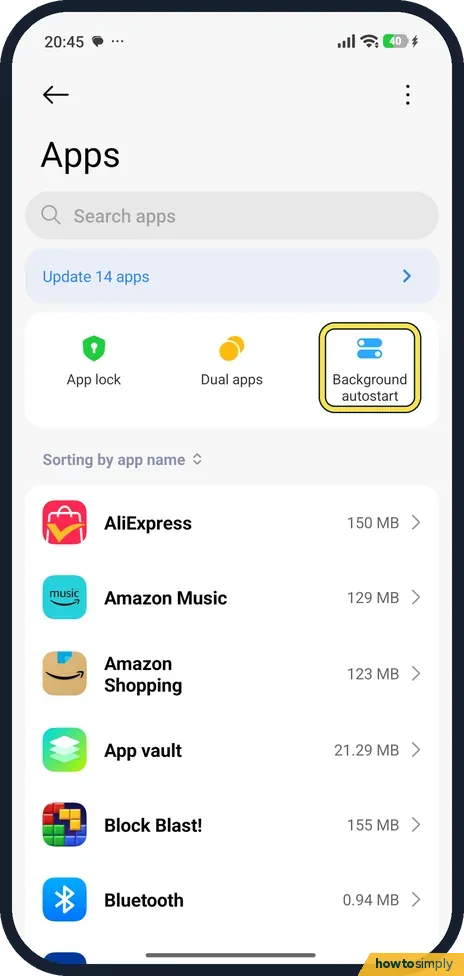
Open Settings, tap Apps, then Background autostart at the top. Find the app in the list of apps that aren't allowed to start in the background and turn its switch on…
How to edit the Control Centre on a Xiaomi phone (HyperOS 3)
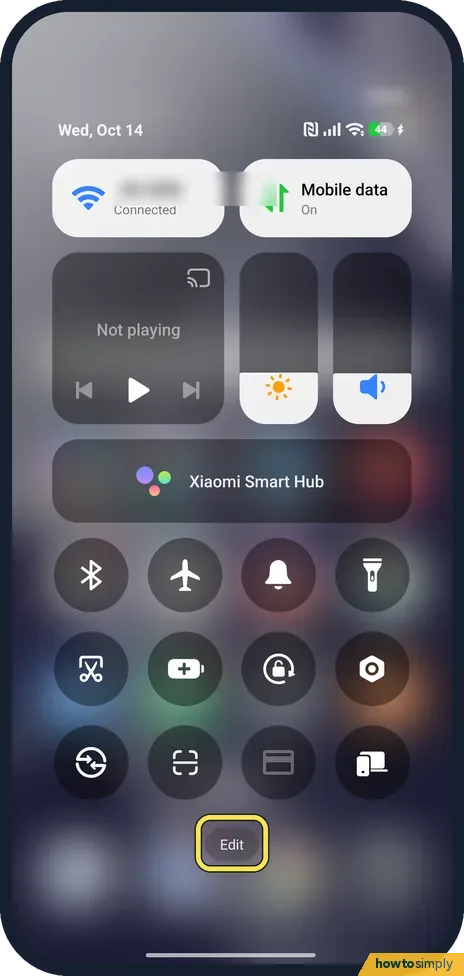
Open Control Centre, tap Edit at the bottom, then tap the red minus on a tile to remove it or the blue plus on a tile below to add it. Tap the tick at the top right to save.
How to turn off or restart a Xiaomi phone (HyperOS 3)
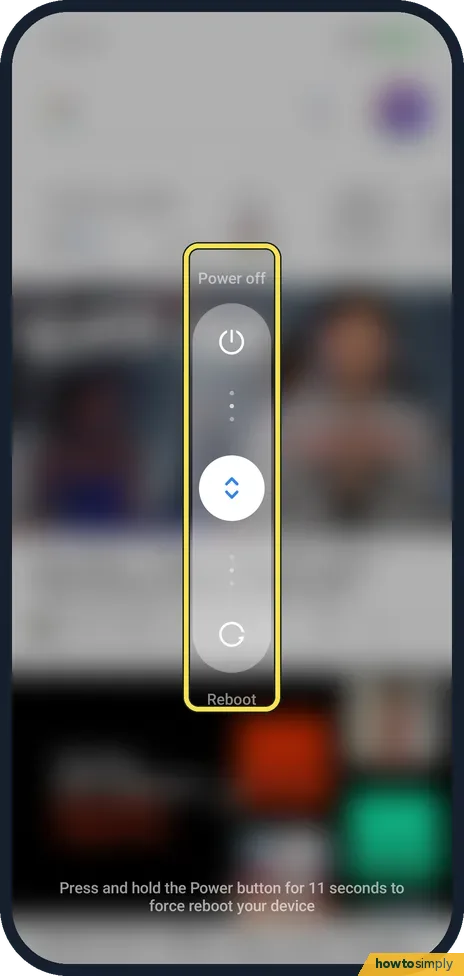
Press and hold the Power button until the power menu appears, then choose Power off or Reboot. If holding it opens Gemini instead, go to Settings, System, Gestures…
How to screen record on a Xiaomi phone (HyperOS 3)
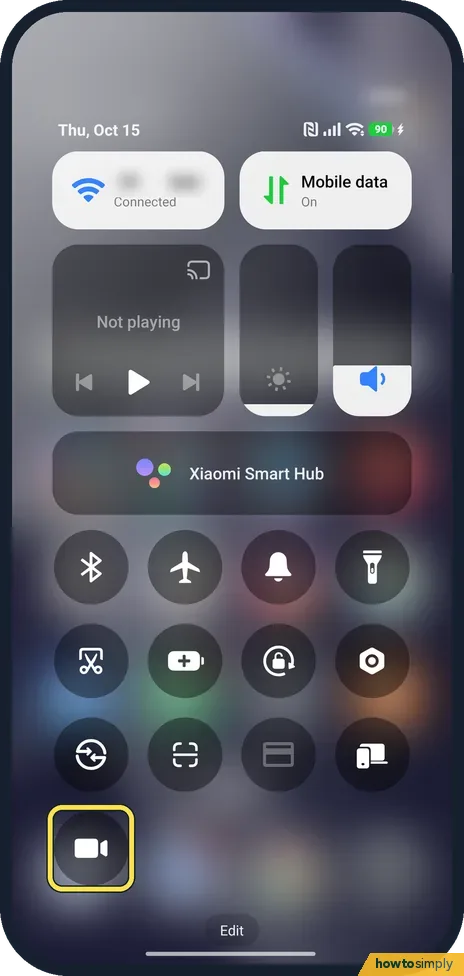
Add the Screen Recorder tile to Control Centre, then swipe down from the top right and tap it. A red button appears on the screen: tap it to start and tap it again to…
How to find the IMEI and model number on a Xiaomi phone (HyperOS 3)
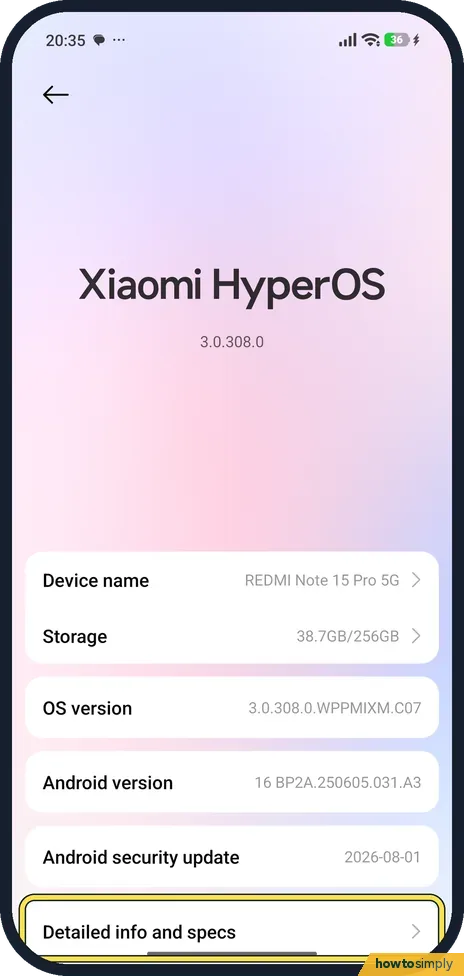
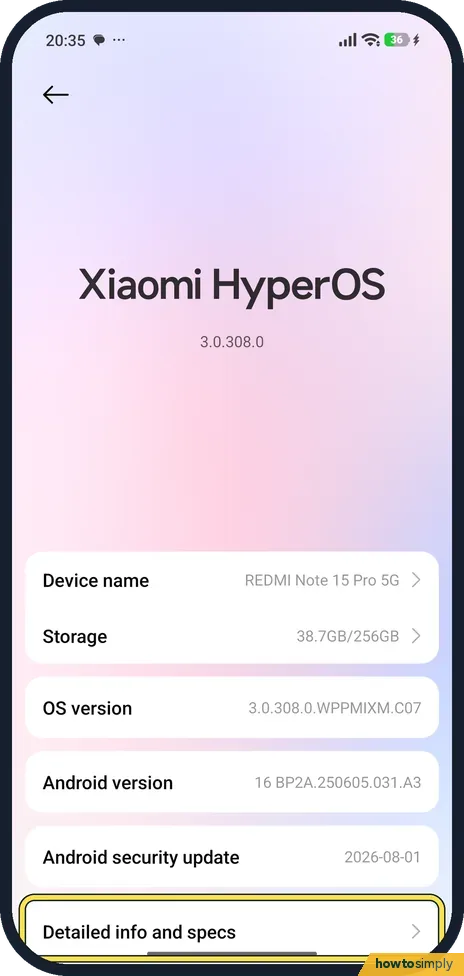
Go to Settings, About phone, Detailed info and specs. Model shows the model number. Scroll down, tap Status, and tap IMEI (Tap to show info) to see the IMEI.
How to open the CIT hardware test on a Xiaomi phone (HyperOS 3)
Go to Settings, About phone, Detailed info and specs, and tap Kernel version five times quickly. Four taps were not enough on our phone. Dialling *#*#6484#*#* in the…
How to turn on Find device on a Xiaomi phone (HyperOS 3)
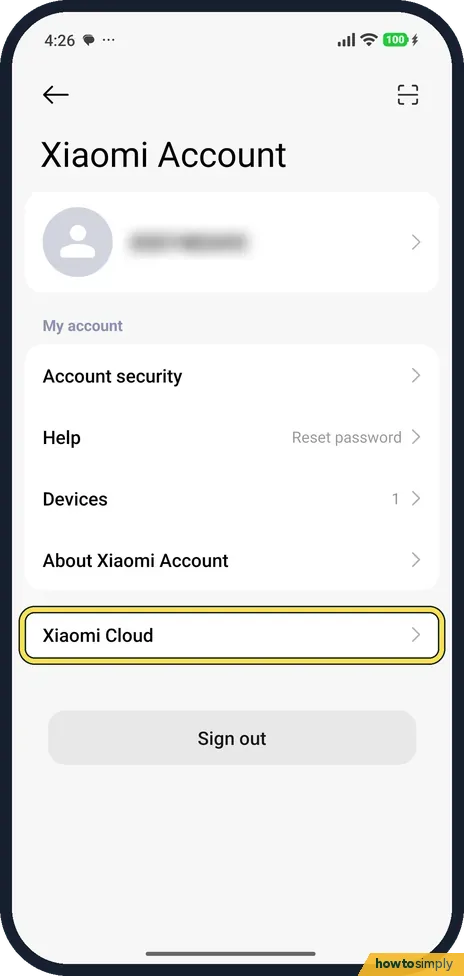
Go to Settings, Xiaomi Account, Xiaomi Cloud, Find device, and turn on the switch. Turning it on sends a paid text message from your SIM to activate it. Google's Find…
How to turn on VoLTE and 5G on a Xiaomi phone (HyperOS 3)
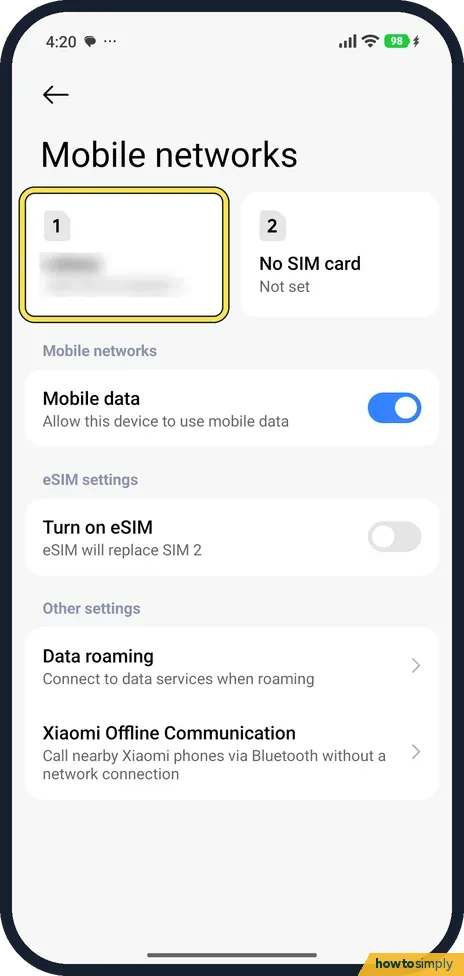
Go to Settings, Mobile networks, tap your SIM, and turn on Use VoLTE. For 5G, tap Preferred network type and choose Prefer 5G. Both need support from your carrier.
How to block a number and hide your caller ID on a Xiaomi phone (HyperOS 3)
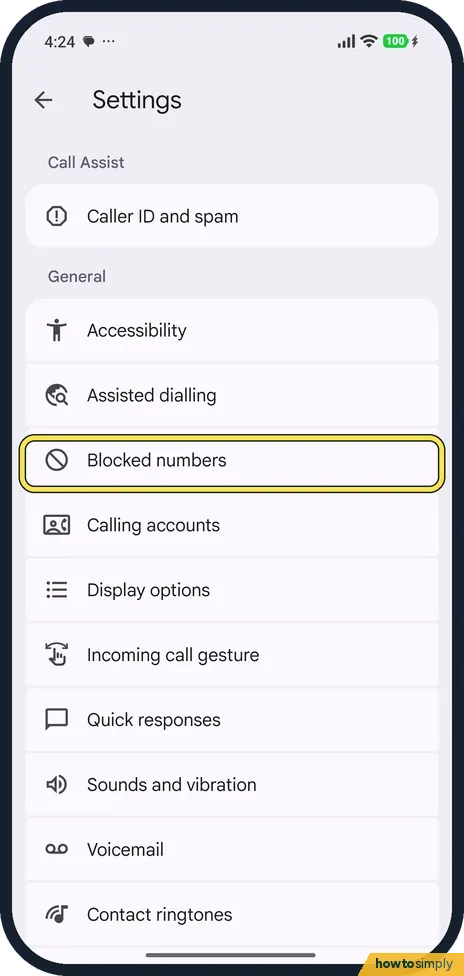
In the Phone app, open Settings, Blocked numbers, and tap Add a number. To hide your number, go to Settings, Calling accounts, Advanced settings, Caller ID, tap Caller…
How to turn on the app drawer on a Xiaomi phone (HyperOS 3)
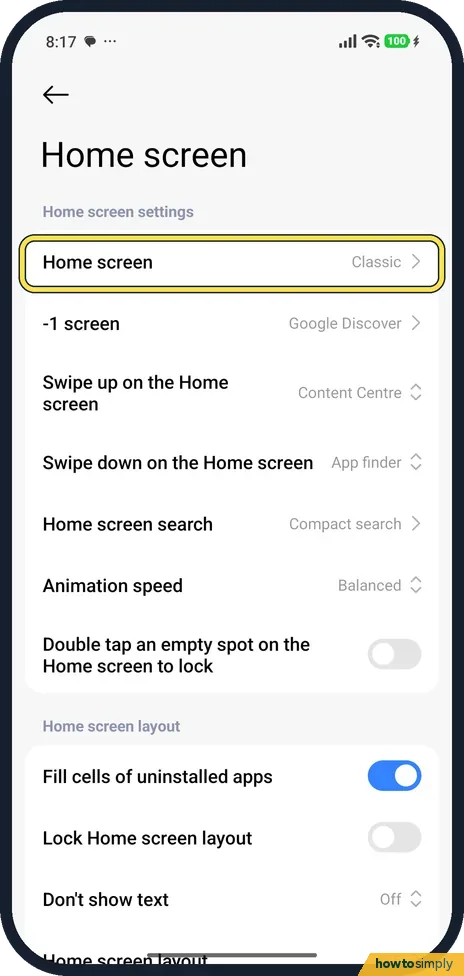
Go to Settings, Home screen, Home screen, and choose With App drawer. Swipe up on the home screen to open the drawer, which has tabs such as All, Communication and…
How to use Second space and Dual apps on a Xiaomi phone (HyperOS 3)
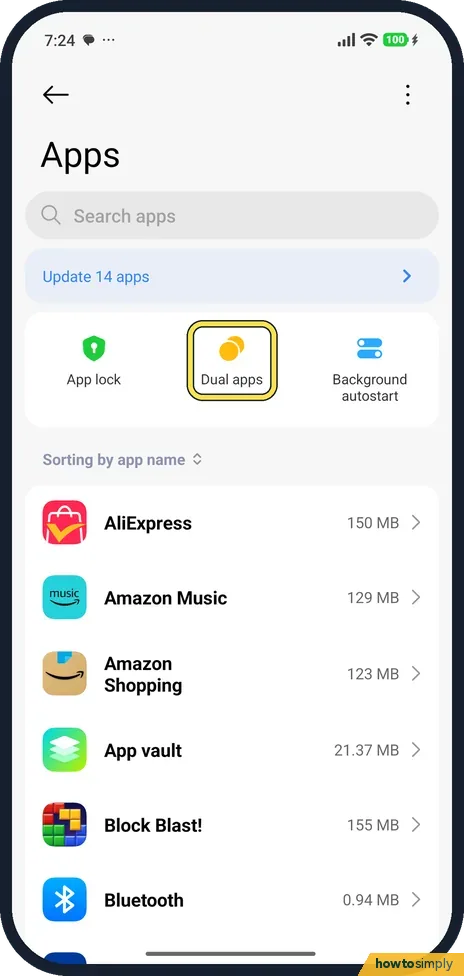
Dual apps makes a second copy of an app for another account: go to Settings, Apps, Dual apps and pick an app. Second space is a separate phone space with its own screen…
How to turn on Quick ball on a Xiaomi phone (HyperOS 3)
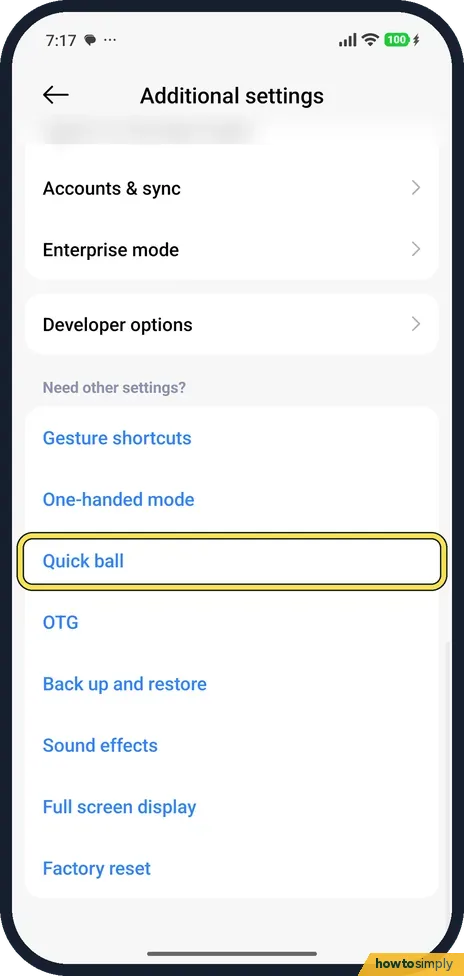
Go to Settings, Additional settings, Quick ball and turn on Quick ball. A small handle appears at the edge of the screen. Tap it to open a fan of shortcut icons. Select…
How to turn on Always-on display on a Xiaomi phone (HyperOS 3)
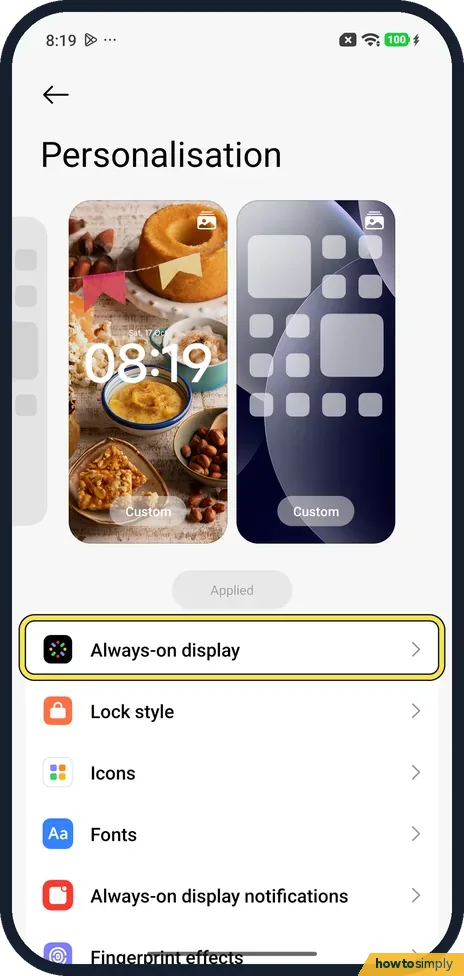
Go to Settings, Personalisation, Always-on display and turn on the switch at the top. Display items sets when it shows. Then pick a style: My theme, Signature, Analog…
How to change the text size and font on a Xiaomi phone (HyperOS 3)
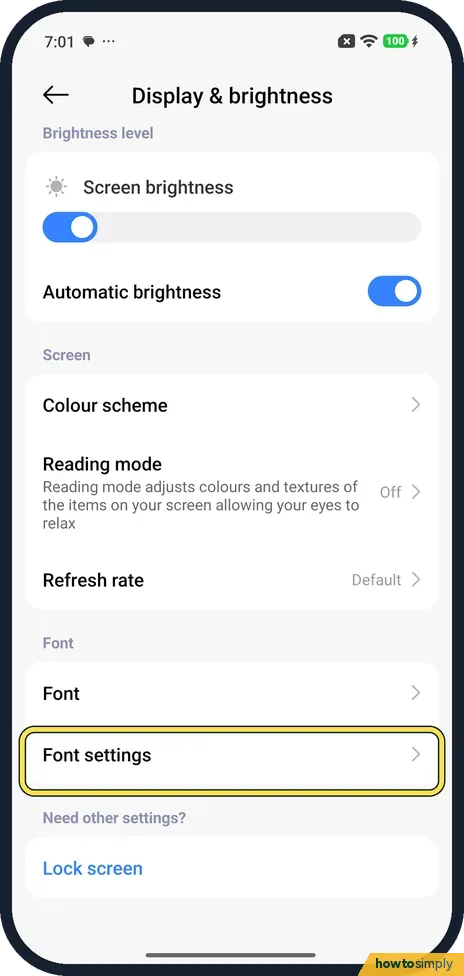
Go to Settings, Display & brightness and tap Font settings. Drag the slider under the percentage to make text bigger or smaller (ours was 100%). The slider below it…
How to allow installing apps from unknown sources on a Xiaomi phone (HyperOS 3)
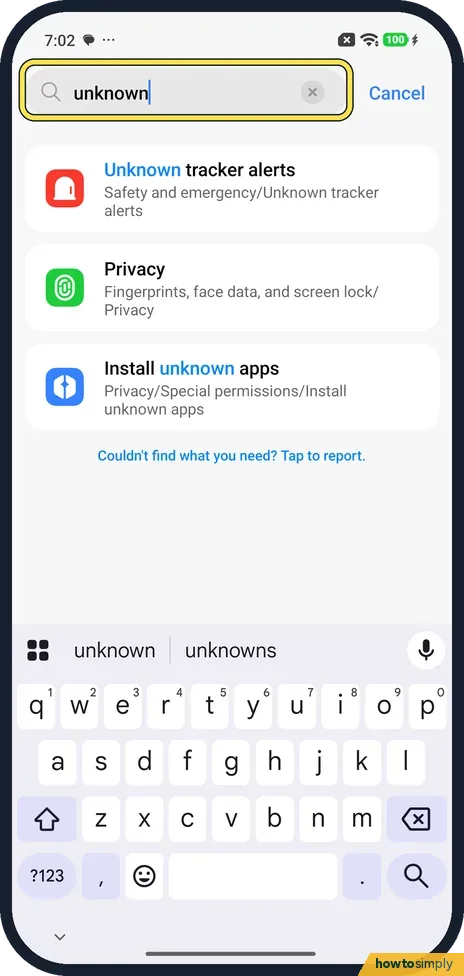
Search Settings for unknown and tap Install unknown apps. On the Special permissions page, tap Install unknown apps, pick the app you download the APK with (for example…
How to change the language on a Xiaomi phone (HyperOS 3)
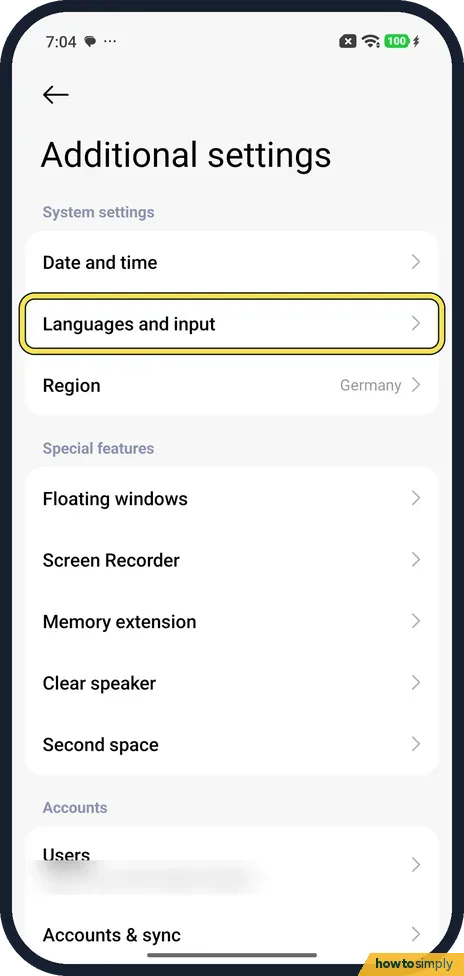
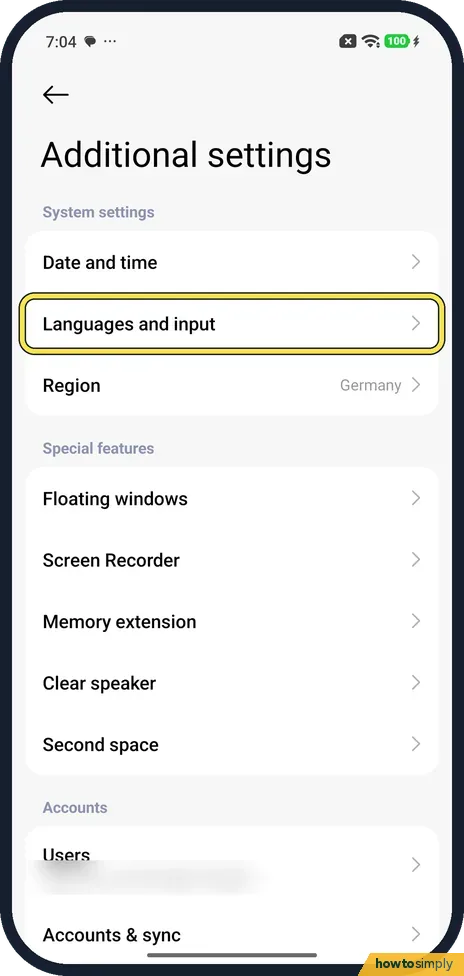
Go to Settings, Additional settings, Languages and input, and tap Languages. Find your language in the list or search for it at the top, and tap it. Each language is…
How to change app permissions on a Xiaomi phone (HyperOS 3)
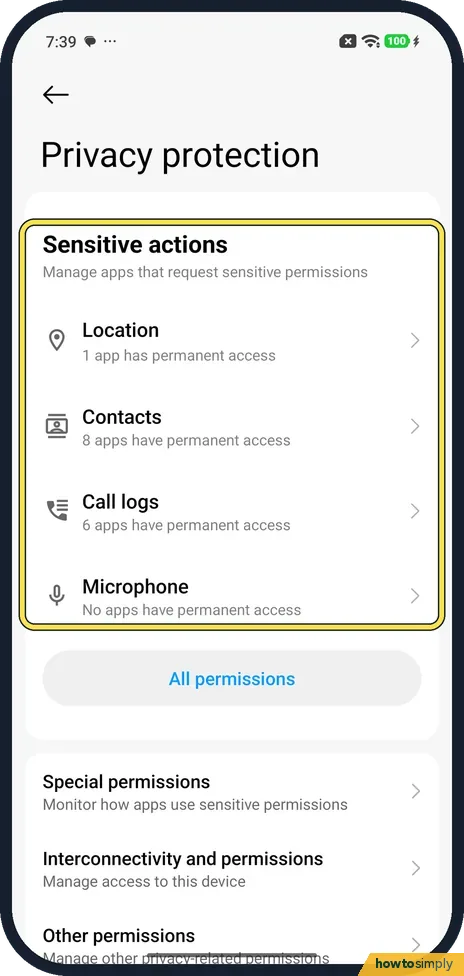
Go to Settings, Privacy protection and tap All permissions. Pick a permission such as Camera to see which apps have it, then tap an app and choose Allow only while…
How to use one-handed mode on a Xiaomi phone (HyperOS 3)
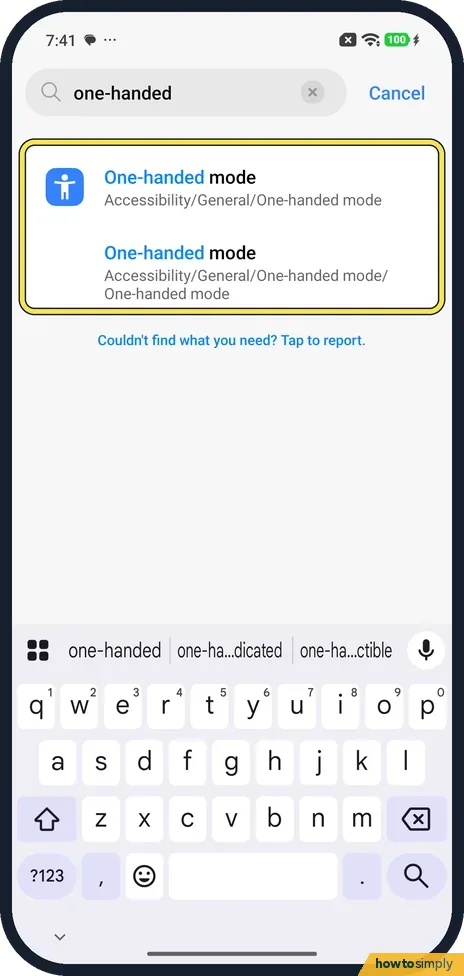
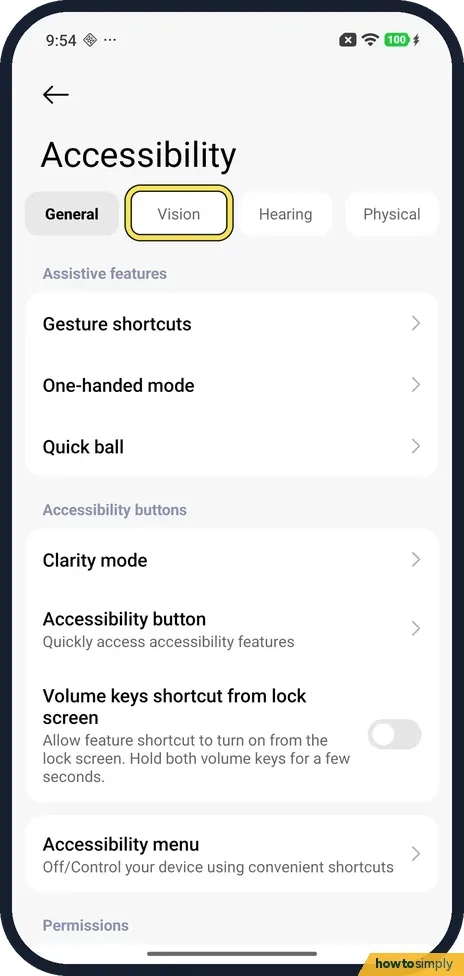
Go to Settings, Accessibility, General, One-handed mode and turn on the switch, or search Settings for one-handed. Then, inside an app, swipe down a little on the line…
How to turn on USB file transfer on a Xiaomi phone (HyperOS 3)
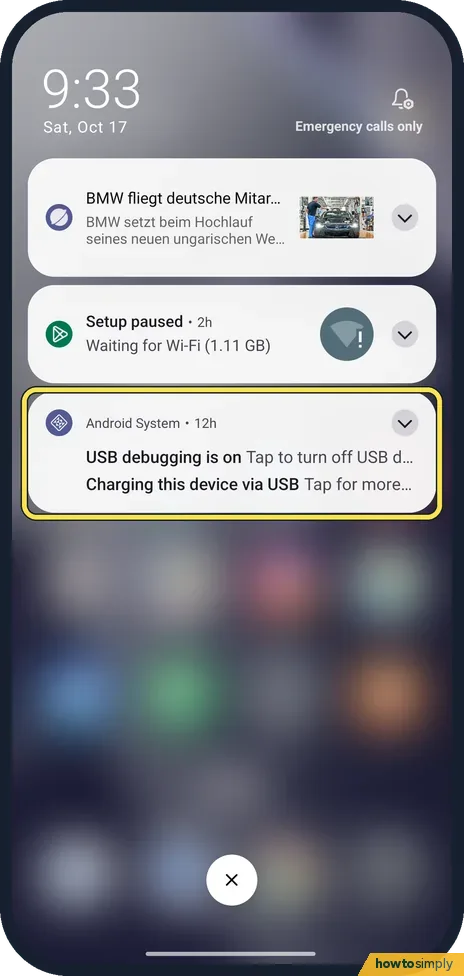
Connect the phone to the computer with a USB cable, swipe down and tap Charging this device via USB, under Android System. Under Use USB for, tap File transfers/Android…
How to force stop an app on a Xiaomi phone (HyperOS 3)
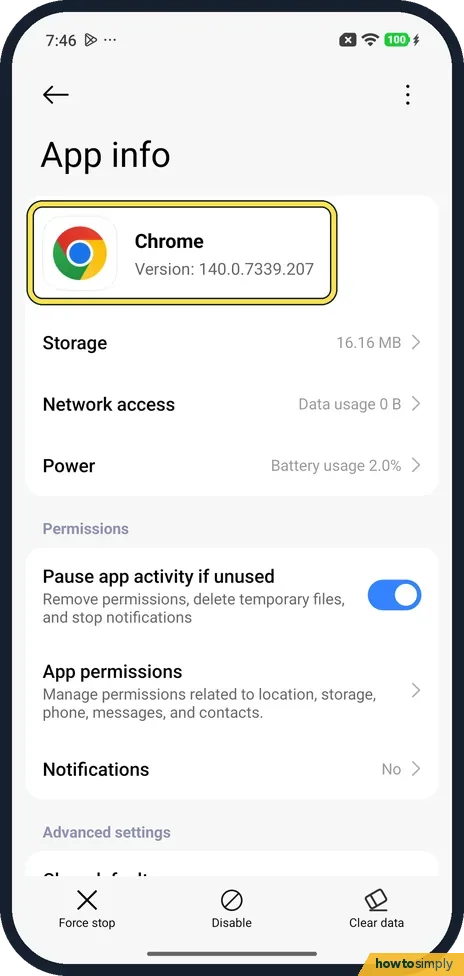
Go to Settings, Apps and tap the app to open App info. Tap Force stop at the bottom left and confirm with OK. The box warns: If you force stop an app, it may misbehave…
How to use magnification on a Xiaomi phone (HyperOS 3)
Go to Settings, Accessibility, the Vision tab, Magnification. Tap Magnification shortcut and pick Accessibility button, Accessibility gesture or Volume keys. Then use…
How to change the device name on a Xiaomi phone (HyperOS 3)
Go to Settings, About phone and tap Device name. A Rename device page opens with the current name, REDMI Note 15 Pro 5G on ours. Type the new name and tap the tick at…
How to turn on 24-hour time on a Xiaomi phone (HyperOS 3)
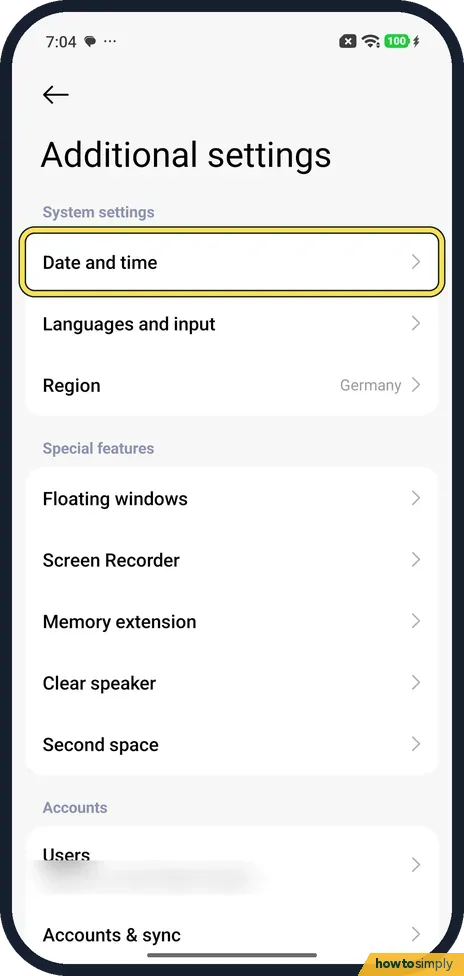
Go to Settings, Additional settings, Date and time. Under Time format, turn on 24-hour format for 13:00, or turn it off for 1:00 pm. On our Redmi it was one switch, and…
How to use Reading mode on a Xiaomi phone (HyperOS 3)
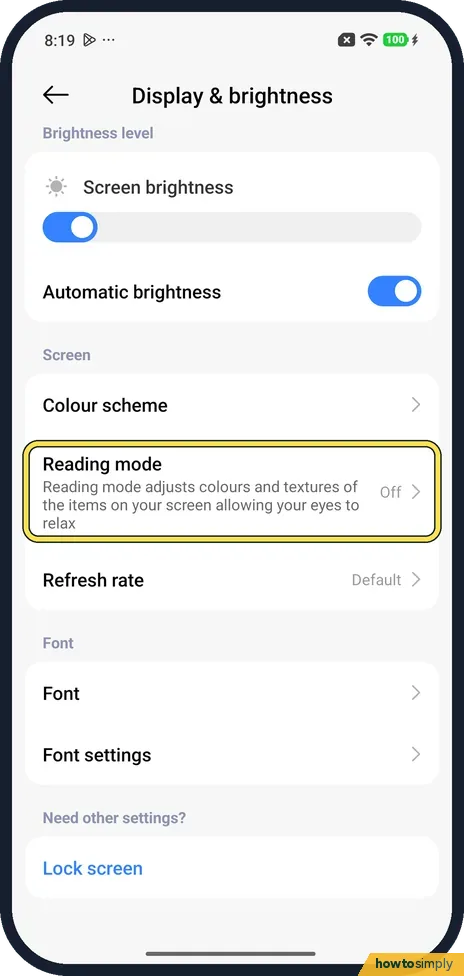
Go to Settings, Display & brightness, Reading mode and turn on the Reading mode switch. Pick Cycle (the default, which changes colours by app and time of day) or…
How to remove animations on a Xiaomi phone (HyperOS 3)
Go to Settings, Accessibility and tap the Vision tab. Under Display, turn on Remove animations; the switch turns blue. It was off on ours. Tap the switch again to bring…
How to change Private DNS on a Xiaomi phone (HyperOS 3)
Go to Settings, More connectivity options, Private DNS and pick Off, Automatic or Private DNS provider hostname. For a hostname, tap the Custom name row that appears…
How to pin apps on a Xiaomi phone (HyperOS 3)
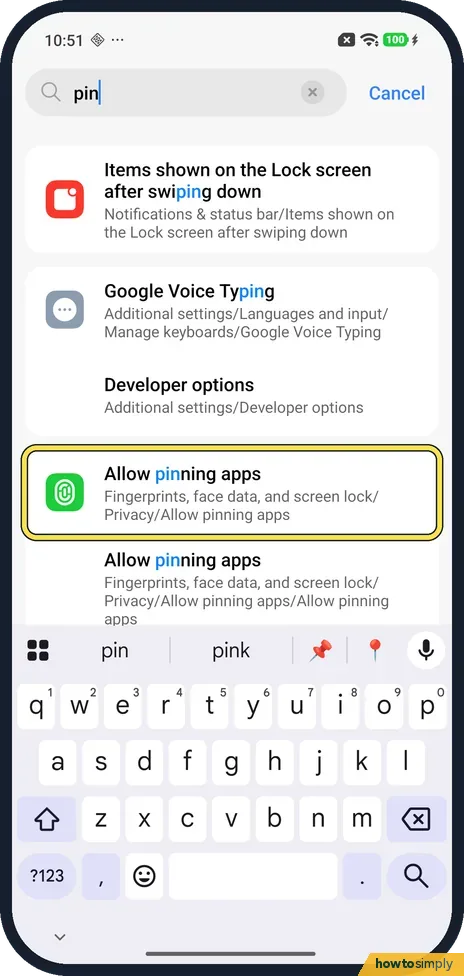
Go to Settings, Fingerprints, face data, and screen lock, Privacy, Allow pinning apps, turn it on and tap OK. Open Recents, touch and hold the card, tap the pin, then…
How to hide or show status bar icons on a Xiaomi phone (HyperOS 3)
Go to Settings, Notifications & status bar and tap Customise icon display, under Status bar. Turn a switch off to hide that icon, or on to show it. There are System…
How to clear an app's defaults on a Xiaomi phone (HyperOS 3)
Open Settings, Apps and tap the app. Under Advanced settings, tap Clear defaults. On our Redmi it acted at once, with no confirm step: the row then read No defaults…
How to make an app folder on a Xiaomi phone (HyperOS 3)
Press and hold an app on the home screen and drag it on top of another app, then lift your finger. Ours made a folder named Tools by itself. To rename it, open it and…
How to use Circle to Search on a Xiaomi phone (HyperOS 3)
Touch and hold the line at the bottom of the screen. The setting is in Settings, Home screen, System navigation: set Press and hold full screen indicator to Circle to…
How to turn on Data Saver on a Xiaomi phone (HyperOS 3)
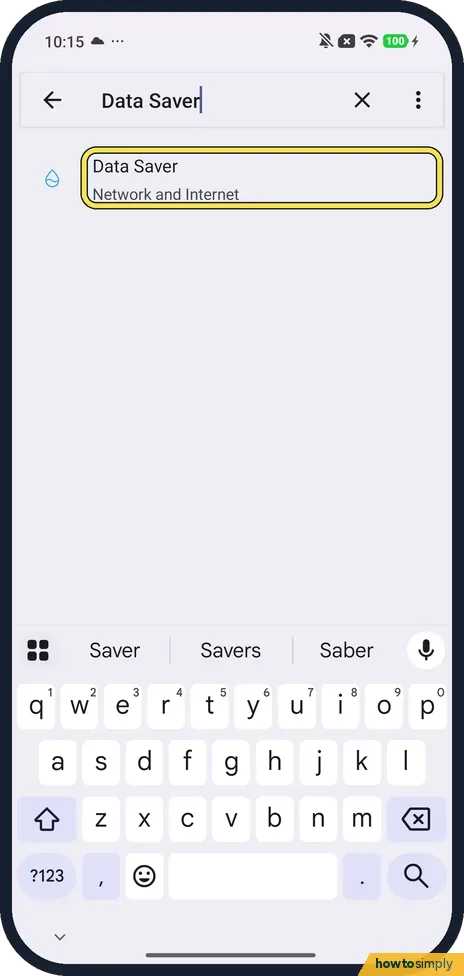
Search Settings for Data Saver, tap Data Saver on the Network and Internet page and turn on Use Data Saver. Apps you add under Unrestricted mobile data keep working in…
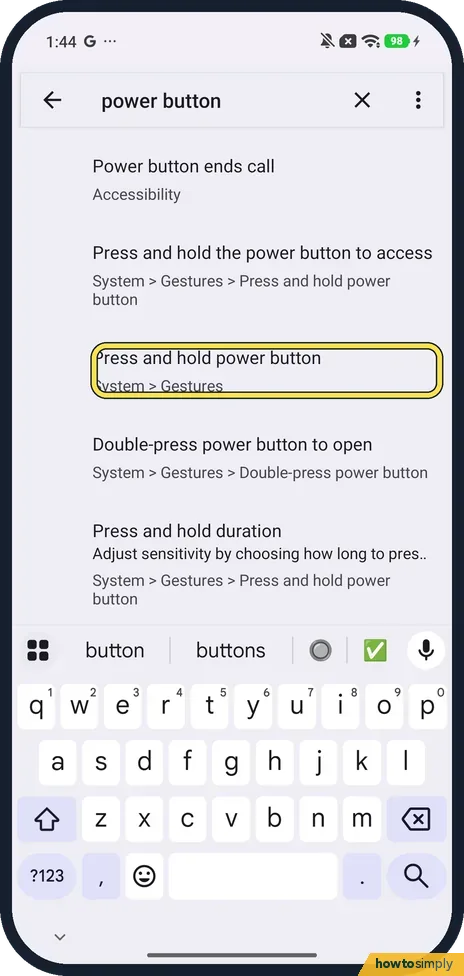
How to change what the power button does on a Xiaomi phone (HyperOS 3)
Go to Settings, System, Gestures, Press and hold power button, and choose Power menu or Digital assistant. Ours was set to Power menu when we checked on 23 October 2026.
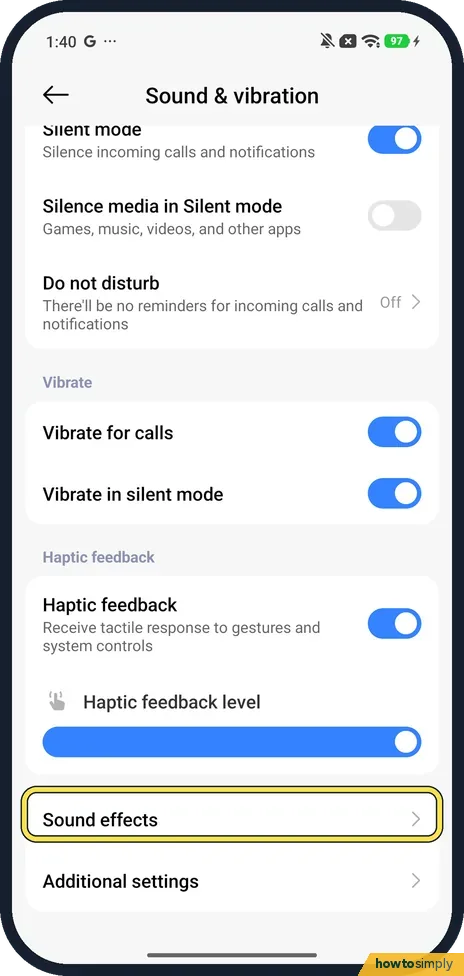
How to turn on Dolby Atmos and use the equaliser on a Xiaomi phone (HyperOS 3)
Go to Settings, Sound & vibration, Sound effects. Set Sound effects to Dolby Atmos (the other choice is Xiaomi Sound) and tap Graphic equalizer for presets like Rock or…
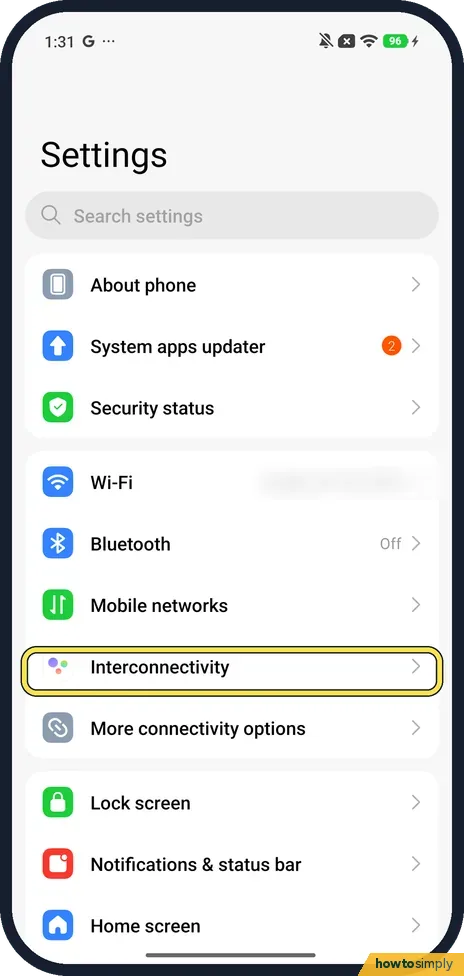
How to use Xiaomi Share and Interconnectivity on a Xiaomi phone (HyperOS 3)
Go to Settings, Interconnectivity and turn it on, then tap Xiaomi Share to let nearby devices find you. Its Supported devices page lists Xiaomi phones and tablets…
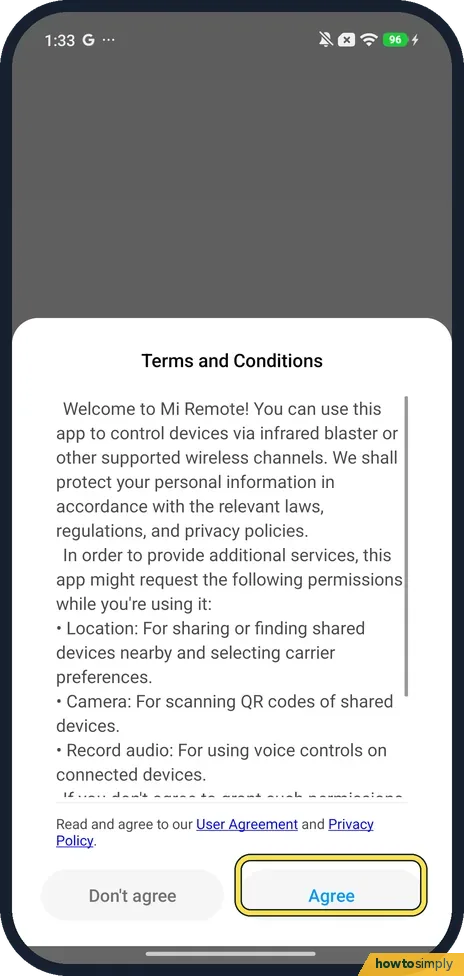
How to use a Xiaomi phone as a TV remote with Mi Remote (HyperOS 3)
Open the Mi Remote app, tap Add remote, choose TV and your TV's brand, say whether the TV is on, then point the phone at the TV and tap Power. If the TV responds, carry…
How to turn off keyboard and touch sounds on a Xiaomi phone (HyperOS 3)
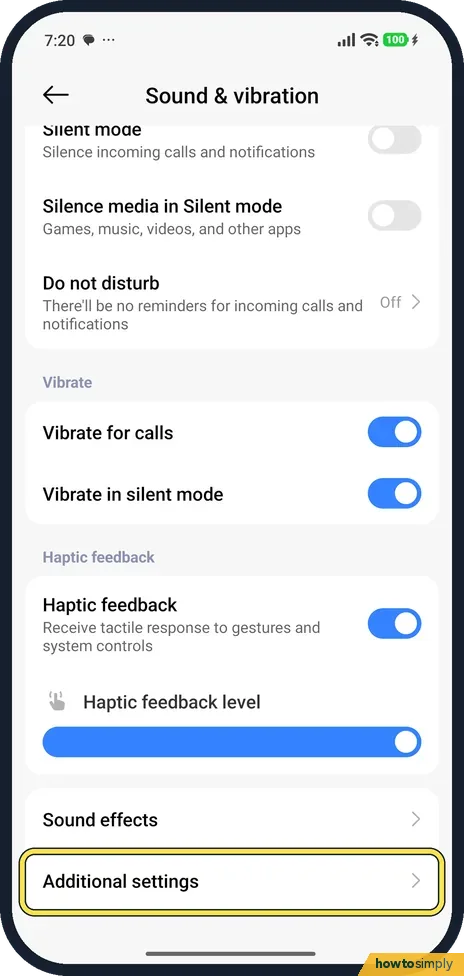
For system sounds, go to Settings, Sound & vibration, Additional settings and turn off Tap sounds, Dial pad tones or the other System sounds. For the keyboard, open…
How to change Gboard keyboard settings on a Xiaomi phone (HyperOS 3)
Go to Settings, Additional settings, Languages and input, Manage keyboards and tap Gboard. Preferences has the number row, emoji, comma and full stop keys, and typing…
How to turn off game suggestions in App finder on a Xiaomi phone
Swipe down on the Home screen to open App finder, tap the three dots next to the search bar, then Settings, then Popular content, and turn off Games. The Games list…
How to switch between gestures and buttons on a Xiaomi phone (HyperOS 3)
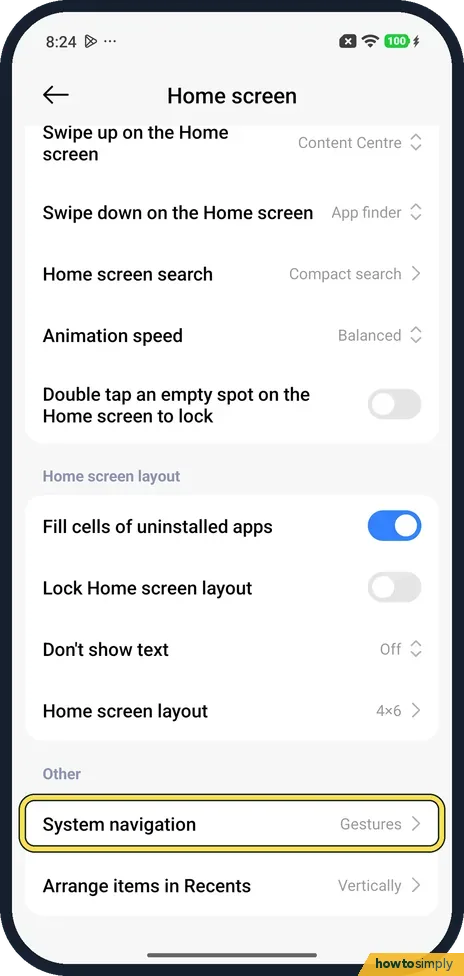
Go to Settings, Home screen, System navigation and tap Gestures or Buttons. With Gestures you swipe up from the bottom to go Home and swipe in from the left or right…
How to use gesture shortcuts on a Xiaomi phone (HyperOS 3)
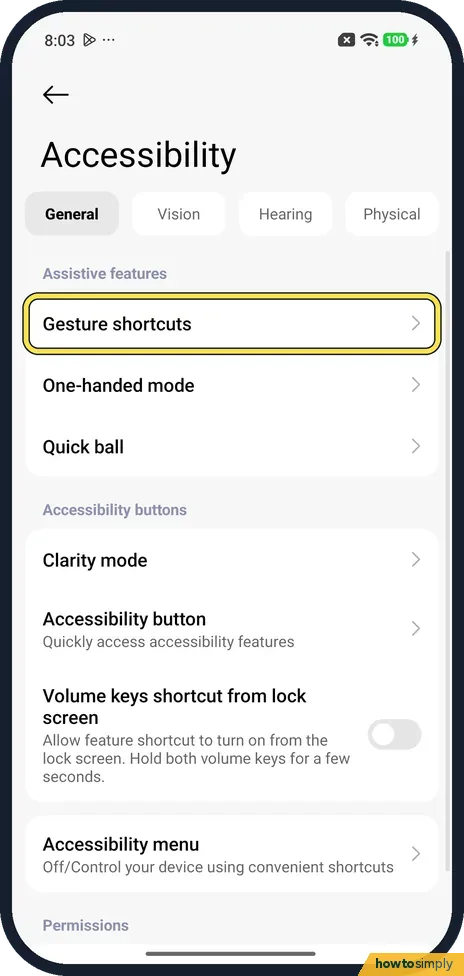
Go to Settings, Accessibility, General, Gesture shortcuts, or search Settings for gesture shortcuts. Tap a shortcut such as Launch camera and turn on its switches. By…