Google Pixel guides
Pixel help,
made simple.
Simple, step-by-step answers for your Google Pixel, with real screenshots and the exact Android version.
Browse all Pixel guides → Illustration
Popular Pixel guides
See all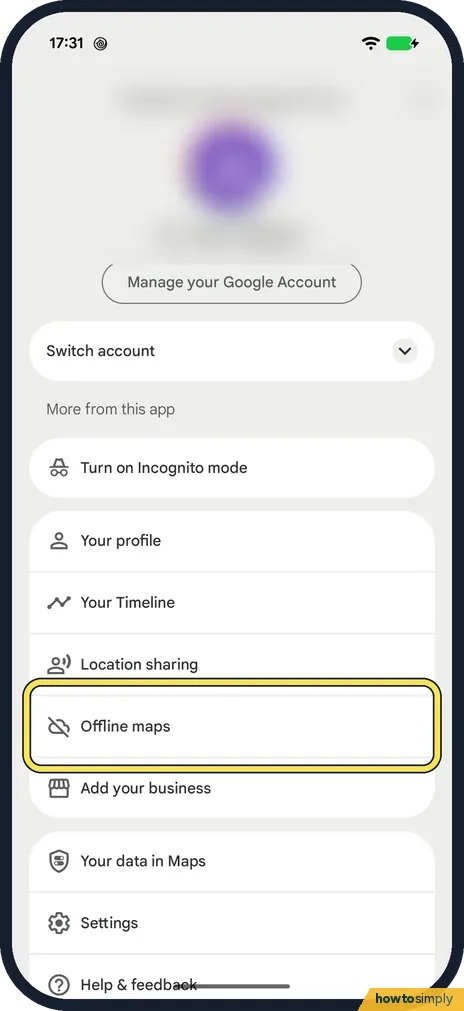 How to download offline maps in Google Maps on AndroidIn Google Maps, tap your profile picture, then Offline maps and Select your own map. Fit the…
 How to change the language of one app on AndroidOpen Settings, tap System, then Language and region, then App languages. Tap the app and…
 How to switch to 3-button navigation on AndroidOpen Settings, tap System, then Navigation mode, and choose 3-button navigation. On a Samsung…
 How to set or change the screen lock on an Android phoneOn a Google Pixel, open Settings, Security and privacy, Device unlock, Screen lock. On a…
 Where does Telegram save photos and files on Android?On our Pixel 10a, Telegram keeps downloads in Android, media, org.telegram.messenger, Telegram…
 WhatsApp notifications delayed on a Pixel? Settings to checkOn a Pixel with Android 17, open Settings, Apps, WhatsApp. Check that App battery usage has…
All Google Pixel guides by topic
WhatsApp, Telegram & Signal
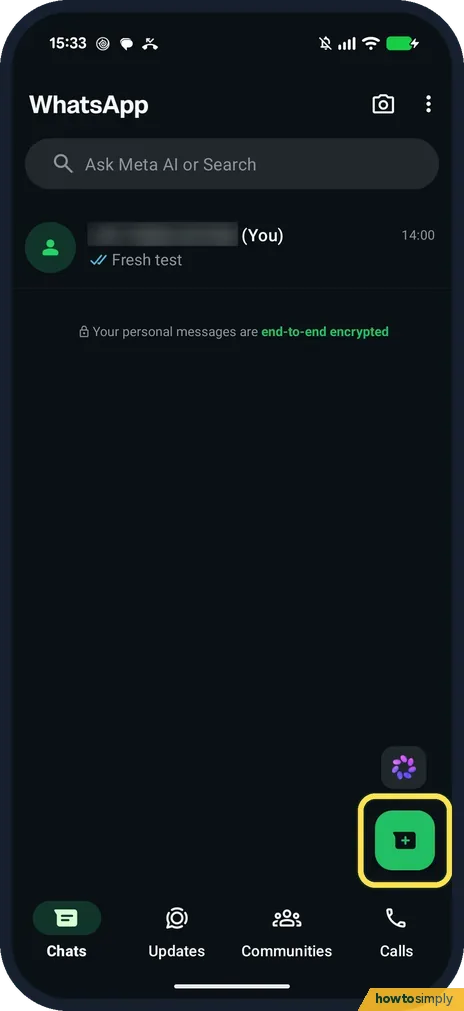
38 guidesHow to message yourself on WhatsApp (Pixel 10a, WhatsApp 2.26)
On the Chats tab, tap the new chat button and pick your own number at the top of Contacts on WhatsApp. A chat with yourself opens; type a note and tap the green send…
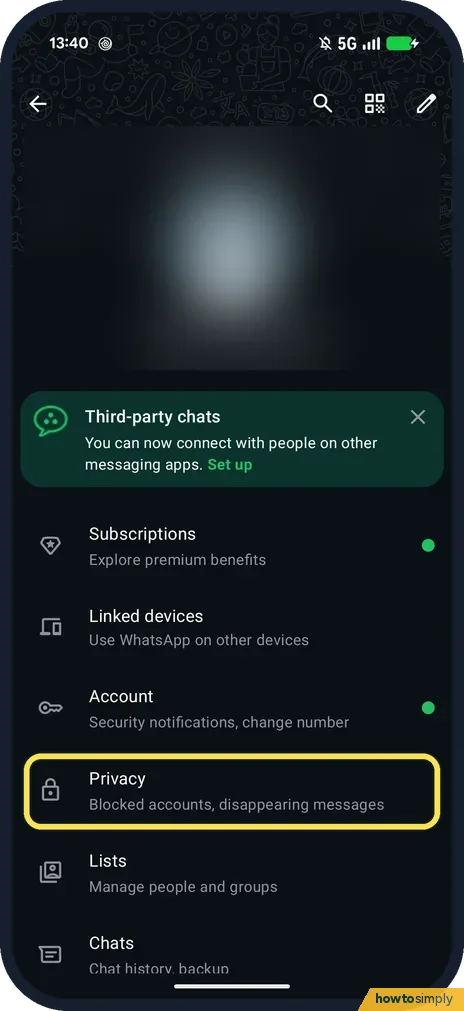
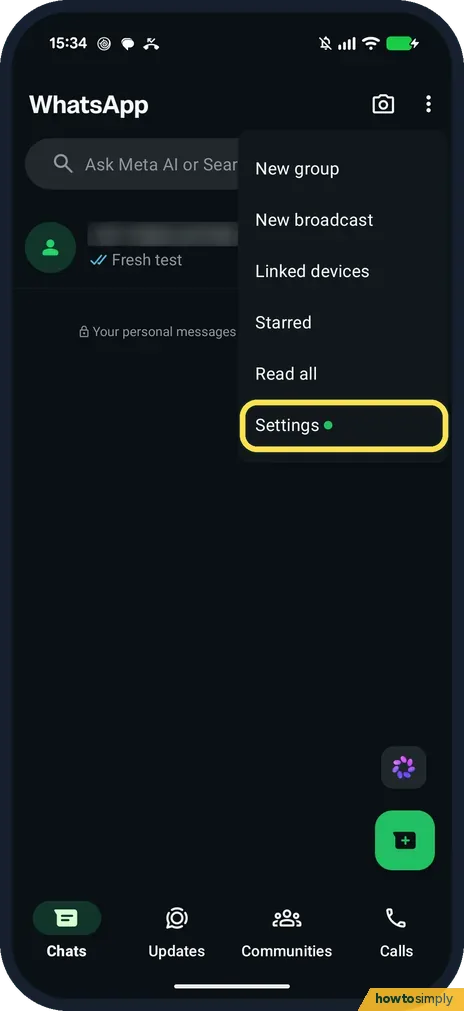
How to hide your last seen on WhatsApp (Pixel 10a, WhatsApp 2.26)
Open WhatsApp Settings, Privacy, Last seen and online. Choose Nobody (or My contacts) under Who can see my last seen, then Same as last seen under Who can see when I'm…
How to turn off read receipts on WhatsApp (Pixel 10a, v2.26)
Open WhatsApp Settings, Privacy and switch off Read receipts. Others then no longer see blue ticks when you read their messages, but you lose theirs too, and group…
How to hide your WhatsApp profile picture (Pixel 10a, v2.26)
Open WhatsApp Settings, Privacy, Profile picture and choose My contacts, My contacts except... or Nobody. Ours was set to Everyone, the default.
How to stop WhatsApp auto-downloading media (Pixel, v2.26)
Open WhatsApp Settings, Storage and data. Under Media auto-download, tap When using mobile data, When connected on Wi-Fi and When roaming in turn, untick Photos, Audio…
How to send HD photos and videos on WhatsApp (Pixel, v2.26)
Open WhatsApp Settings, Storage and data, Media upload quality and choose HD quality, then Save. Ours was on Standard quality. You can also switch one photo to HD with…
How to free up WhatsApp storage on Android (Pixel, v2.26)
Open WhatsApp Settings, Storage and data, Manage storage and tap a chat. Sort its files by Largest, select the big ones, tap the bin and then Delete. Ours: 3 files…
How to clear the WhatsApp cache on a Google Pixel (Android 17)
Open the Pixel's Settings, Apps, WhatsApp, Storage and cache, and tap Clear cache. Do not tap Clear storage. Ours showed WhatsApp 2.26.41.77 with an 8.27 MB cache…
How to turn on WhatsApp disappearing messages by default (Pixel)
Open WhatsApp Settings, Privacy, Default message timer, tap OK on the intro and choose 24 hours, 7 days or 90 days. New one-to-one chats then start with disappearing…
How to change or mute WhatsApp notification sounds on a Pixel
In WhatsApp, open Settings, Notifications and tap Notification tone under Messages. To silence WhatsApp completely, open the Pixel's Settings, Apps, WhatsApp…
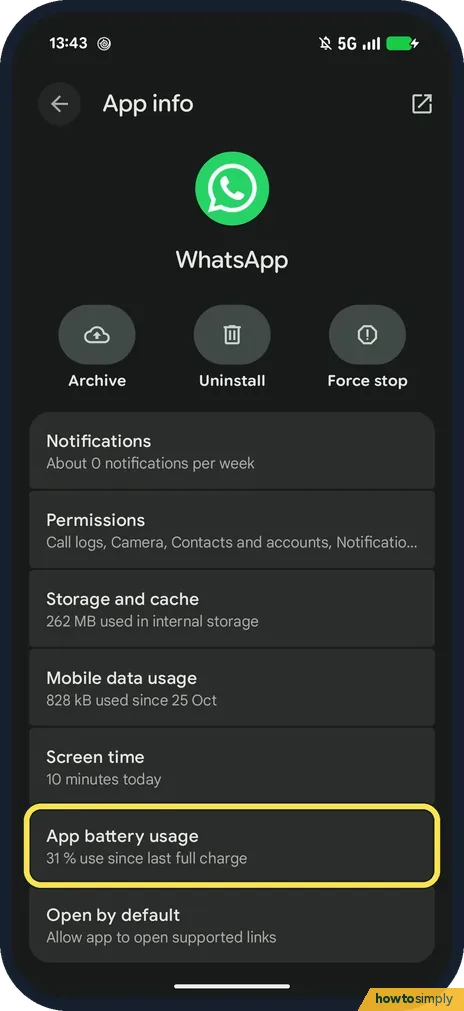
WhatsApp notifications delayed on a Pixel? Settings to check
On a Pixel with Android 17, open Settings, Apps, WhatsApp. Check that App battery usage has Allow background usage on, that Notifications has All WhatsApp notifications…
How to silence unknown callers on WhatsApp (Pixel 10a, v2.26)
Open WhatsApp Settings, Privacy, Calls and switch on Silence unknown callers. Calls from numbers you have not saved stop ringing but still show in the Calls tab and in…
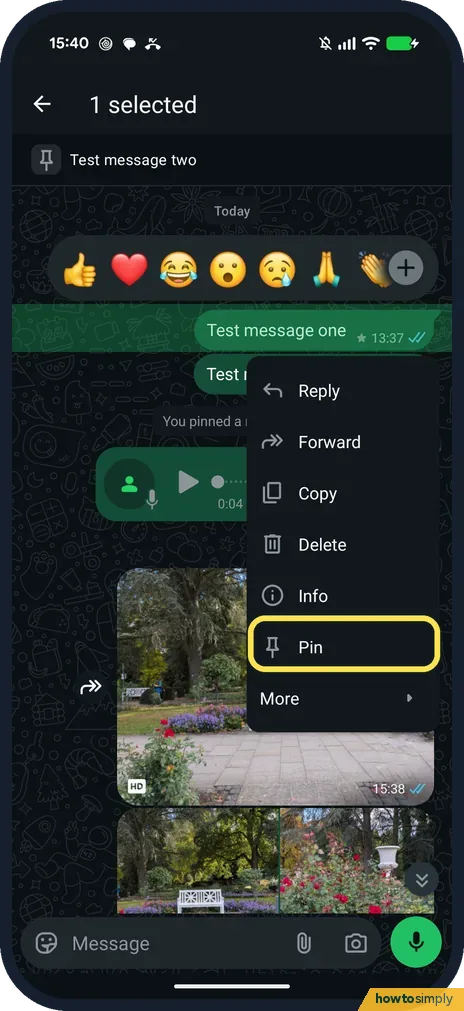
How to pin and star messages on WhatsApp (Pixel 10a, v2.26)
Touch and hold the message and tap Pin (on a message you can still edit, it is under More). Choose 24 hours, 7 days or 30 days and tap Pin. It shows as a banner at the…
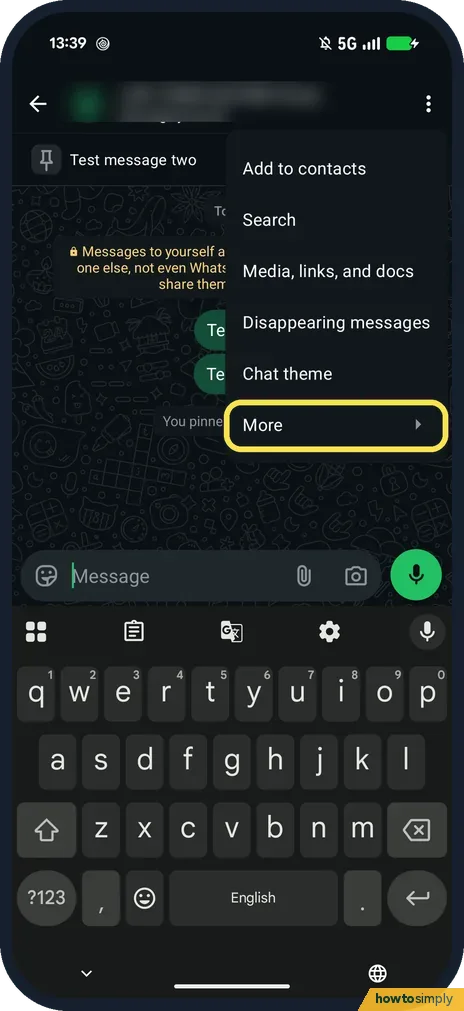
How to export a WhatsApp chat on Android (Pixel 10a, v2.26)
Open the chat, tap the three dots, More, Export chat, then pick where to send the text file in the share sheet. On our Pixel the sheet offered Quick Share, WhatsApp…
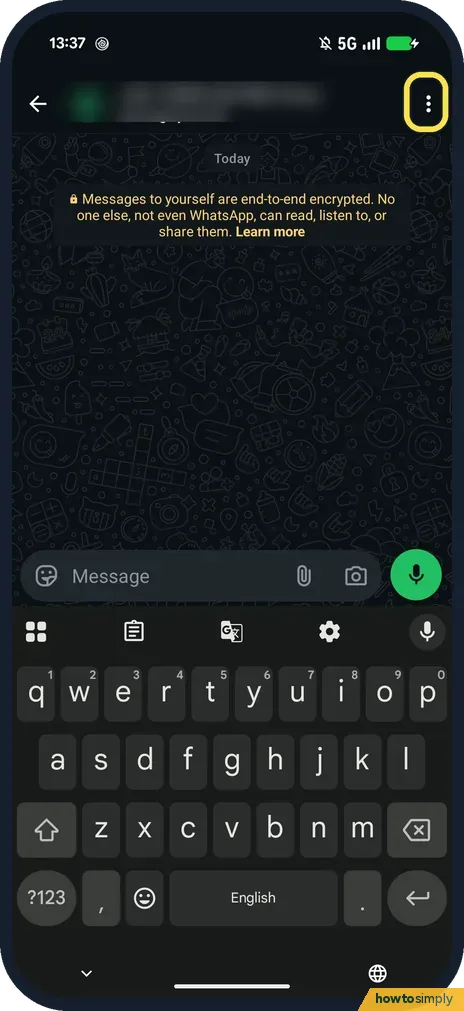
How to change a WhatsApp chat theme and wallpaper (Pixel, v2.26)
Open the chat, tap the three dots, then Chat theme, and pick a theme: it changes the chat bubble and wallpaper together. Chat bubble and Wallpaper below it change them…
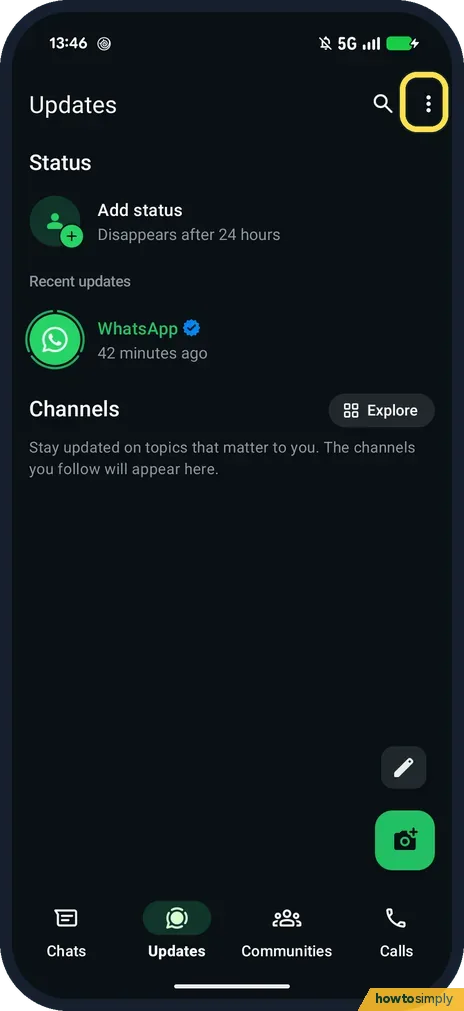
How to choose who sees your WhatsApp Status (Pixel 10a, v2.26)
Open the Updates tab, tap the three dots, then Status privacy, and choose My contacts, My contacts except..., Only share with... or Group status. The change applies to…
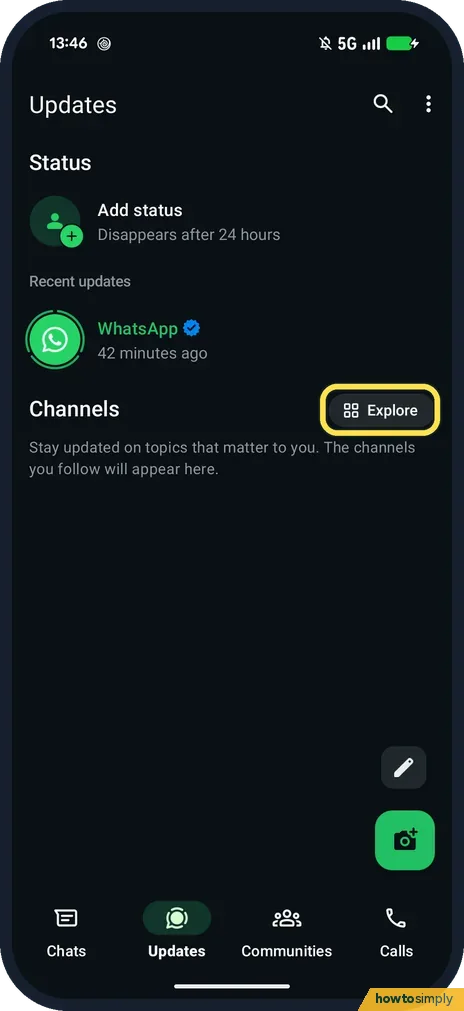
How to find and follow WhatsApp Channels (Pixel 10a, v2.26)
Open the Updates tab and tap Explore next to Channels. The first time, accept the Channels terms with Accept and continue. Then tap Follow next to a channel. Its…
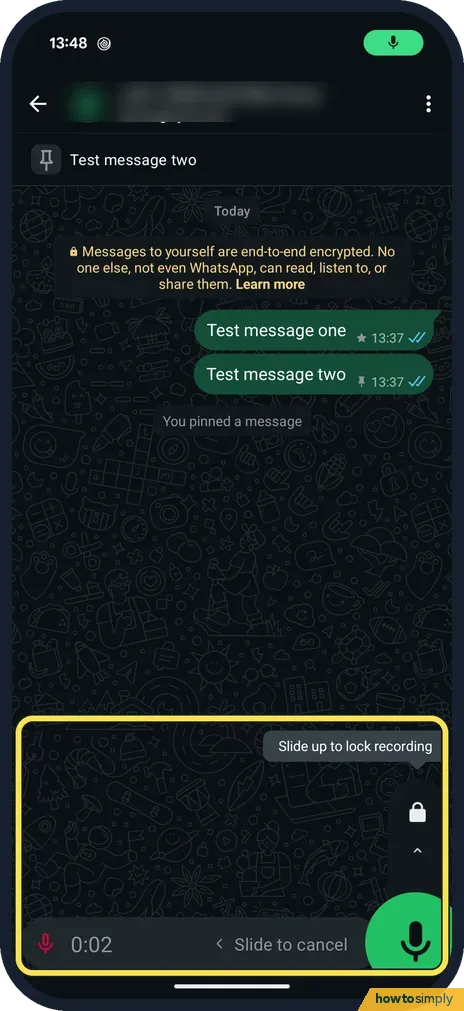
How to share a WhatsApp voice message as an audio file (Pixel)
Touch and hold the voice message, tap More, then Share. Android's share sheet opens with the file, a .opus audio file. On our Pixel the first row offered Quick Share…
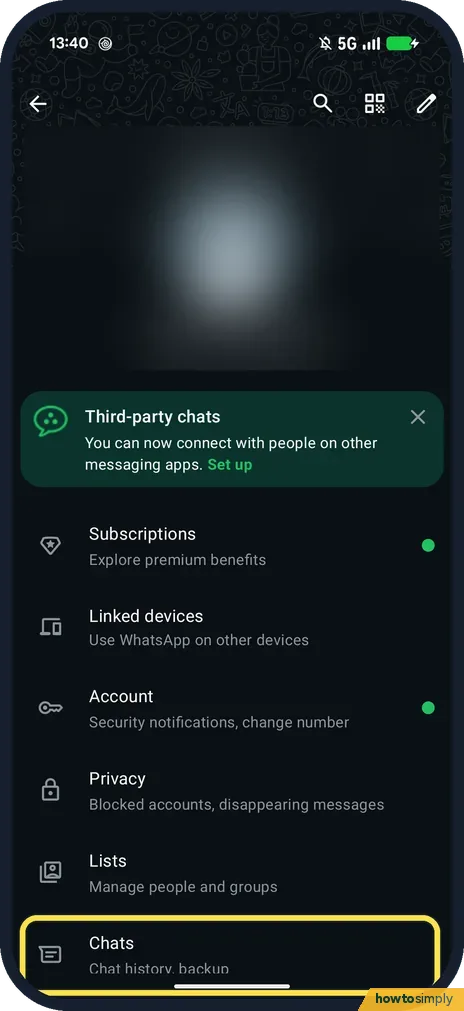
How to check and set up WhatsApp chat backup on Android (Pixel)
Open WhatsApp Settings, Chats, Chat backup. Local and Last Backup show when you last backed up (ours: Never). To back up to Google, tap Google Account, choose your…
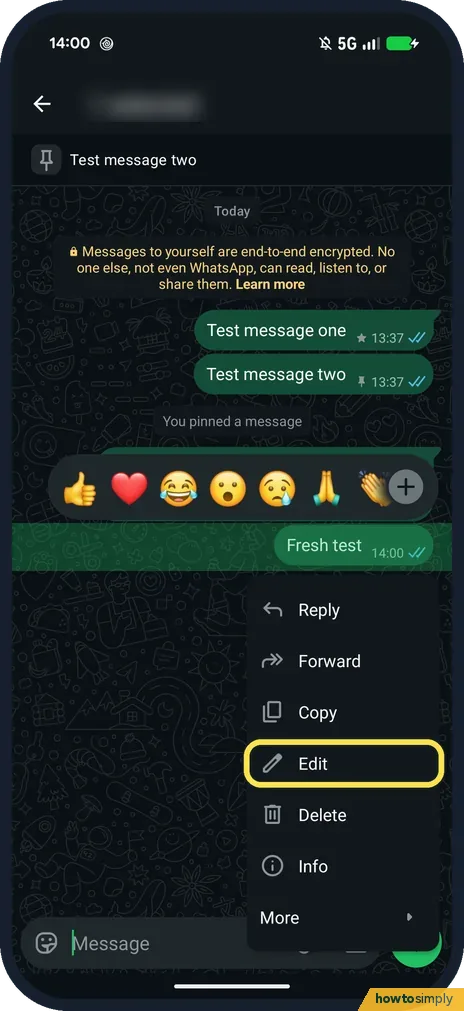
How to edit or delete a WhatsApp message (Pixel 10a, v2.26)
Touch and hold your message and tap Edit, change the text and tap the tick. Edit is only there for 15 minutes after sending. To remove a message, touch and hold it, tap…
How to hide your phone number on Telegram on Android
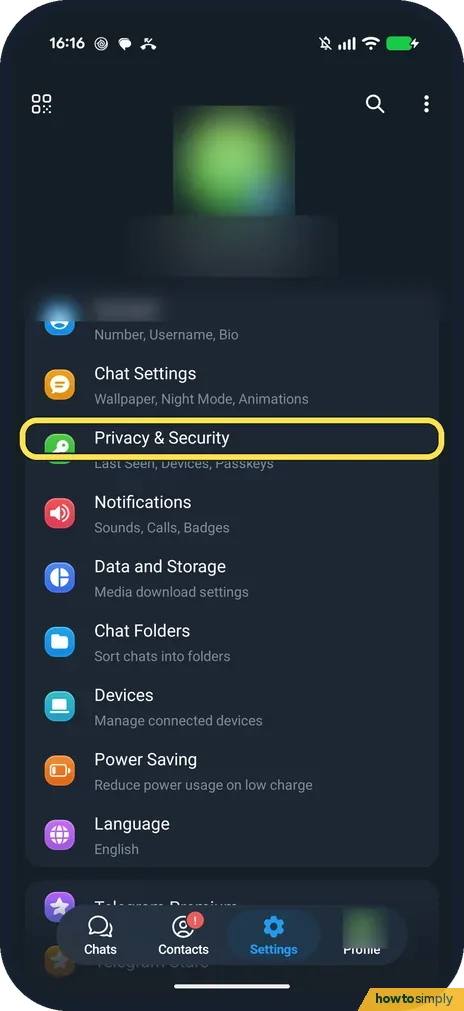
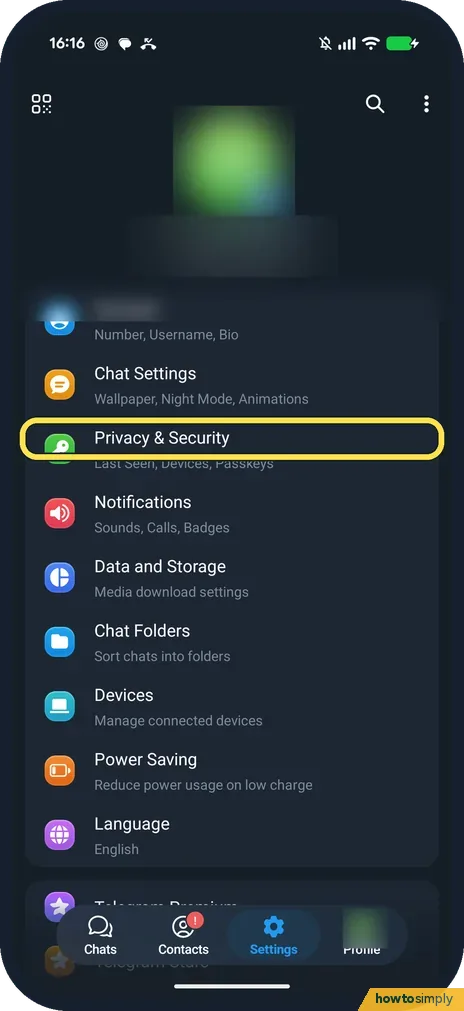
In Telegram, open Settings, Privacy & Security, Phone Number, and choose Nobody. Telegram says people who already have your number saved in their contacts will still see it.
How to hide last seen and online status on Telegram (Android)
Open Telegram Settings, Privacy & Security, Last Seen & Online, and choose Nobody or My Contacts. Telegram says you then stop seeing exact last seen times of people you…
How to stop Telegram auto-downloading photos and videos (Android)
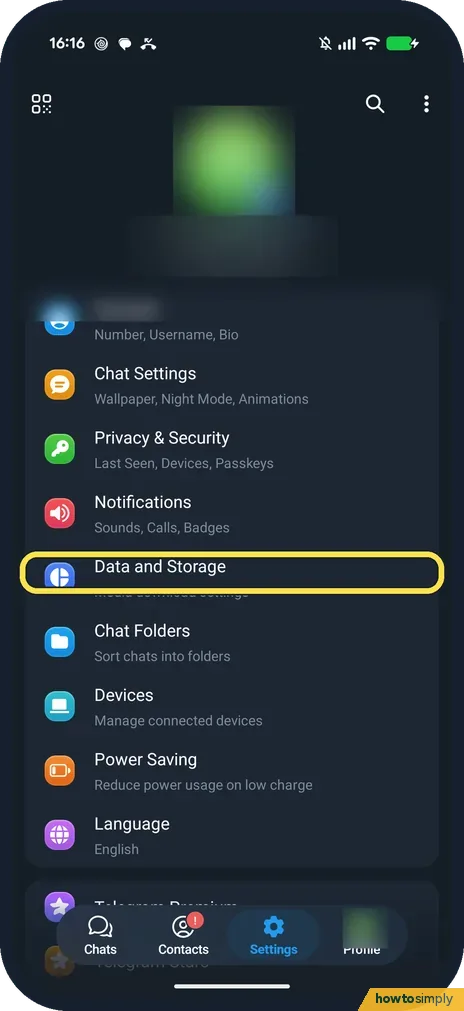
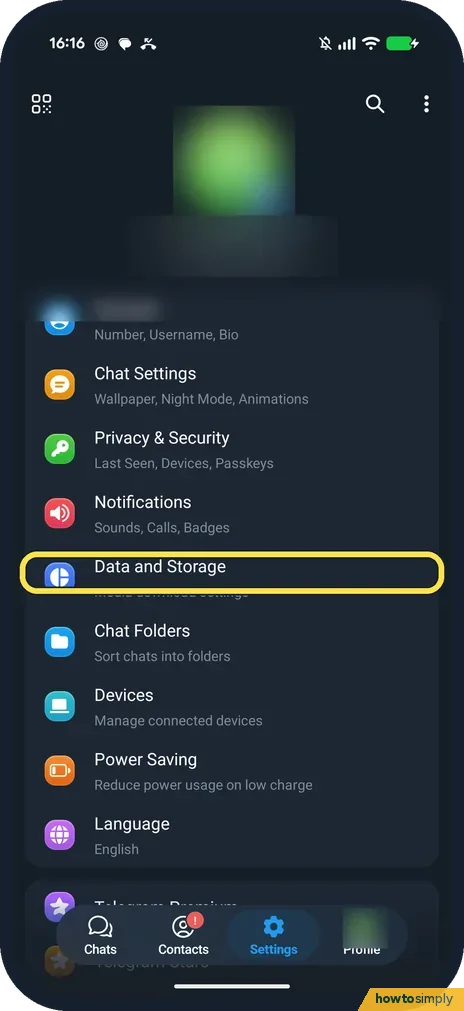
Open Telegram Settings, Data and Storage, tap When using mobile data, and switch off Auto-Download Media. Repeat for When connected to Wi-Fi and When roaming if you want.
How to clear the Telegram cache on Android
Open Telegram Settings, Data and Storage, Storage Usage, tap Clear Cache and confirm. Ours freed 15.6 MB. Telegram says the media stays in its cloud and downloads again…
How to change or turn off Telegram notifications on Android
Open Telegram Settings, Notifications. Switch off Private Chats, Groups or Channels, or tap one to change its sound. To silence Telegram fully, switch off All Telegram…
How to stop people adding you to Telegram groups (Android)
Open Telegram Settings, Privacy & Security, Invites, and choose My Contacts or Nobody under Who can add me? Calls, on the same list, has the same three choices for who…
How to turn on auto-delete messages in Telegram (Android)
Open Telegram Settings, Privacy & Security, Auto-Delete Messages, and pick After 1 day, After 1 week, After 1 month or a custom time. Telegram says it applies to new…
How to see which devices are logged in to Telegram (Android)
Open Telegram Settings, Privacy & Security, Devices. This device is at the top, with any other logins below it. Telegram says to end a session there if a phone is lost.
How to turn off read receipts in Signal on Android
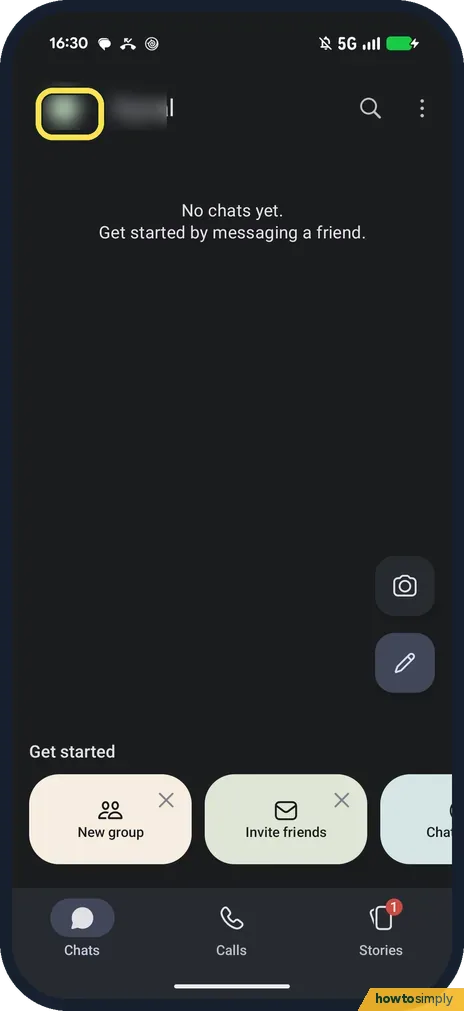
In Signal, tap your profile picture, then Privacy, and switch off Read receipts. Signal says you then also stop seeing read receipts from others. Typing indicators is…
How to set disappearing messages by default in Signal (Android)
Tap your profile picture in Signal, then Privacy, then Default timer for new chats. Pick a time from 30 seconds to 4 weeks, or Custom time, and tap Save. It covers new…
How to hide your phone number in Signal on Android
Tap your profile picture in Signal, then Privacy, Phone number. Set Who can see my number to Nobody, and Who can find me by number to Nobody if you only want people…
How to stop Signal auto-downloading media on Android
Tap your profile picture in Signal, then Data and storage, When using mobile data, and untick Images and Audio. Wi-Fi and roaming have their own lists. Signal always…
How to change or turn off Signal notifications on Android
Tap your profile picture in Signal, then Notifications. Switch off Enable notifications to silence Signal, or tap Customize to change the sound and vibration through…
How to use Saved Messages in Telegram on Android
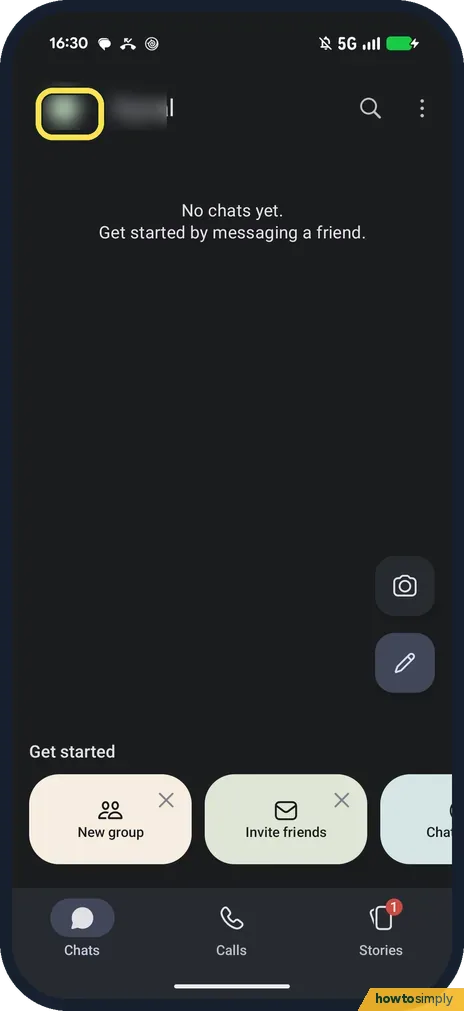
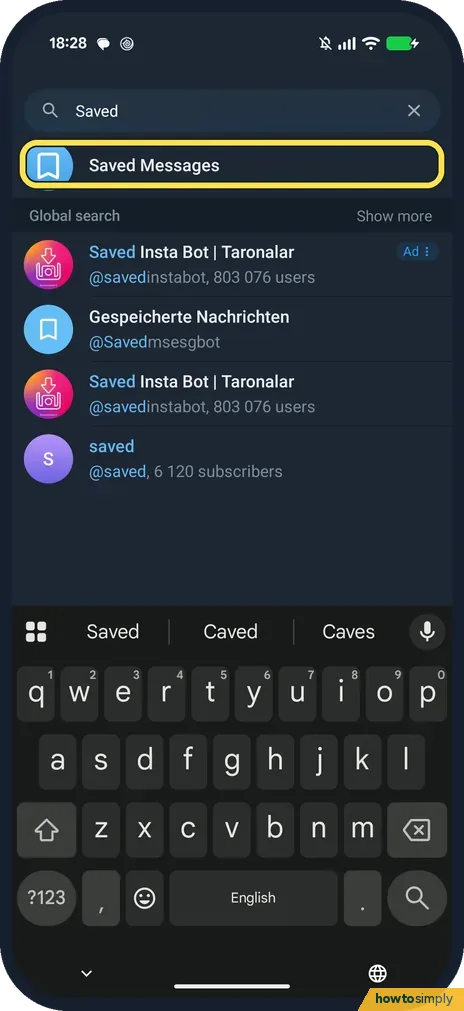
Saved Messages is a chat with yourself. Open it from the Chats search, type a note and send it, or tap the paperclip to save a photo or file. Telegram calls it your…
How to edit, pin or delete a Telegram message on Android
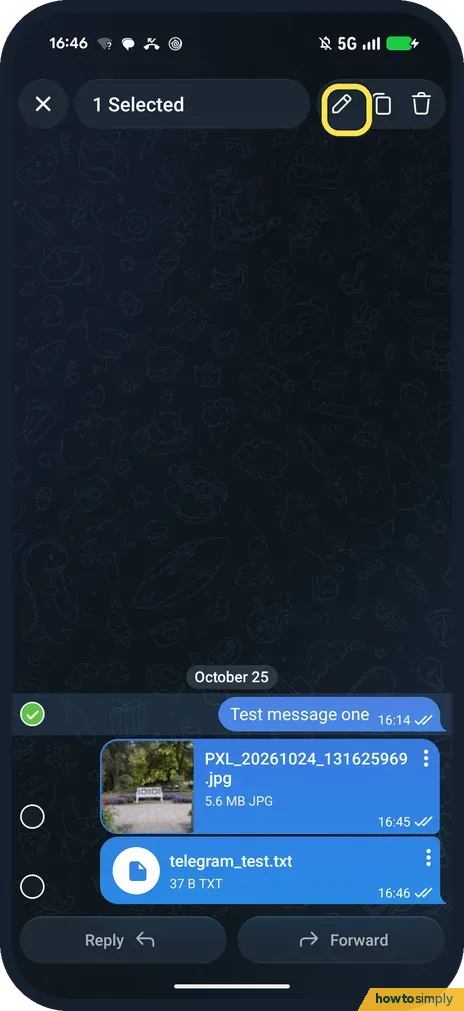
Tap your message to open its menu: Reply, Copy, Forward, Pin, Edit and Delete. Edit changes the text and adds an edited label. Pin keeps it at the top of the chat…
Where does Telegram save photos and files on Android?
On our Pixel 10a, Telegram keeps downloads in Android, media, org.telegram.messenger, Telegram (Telegram Images and Telegram Video), which the Files app can open…
How to use Note to Self in Signal on Android
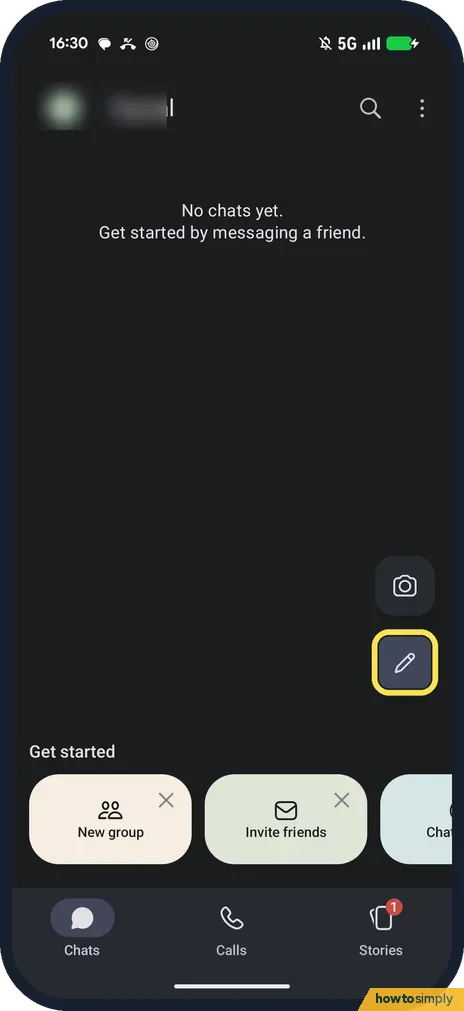
Tap the pencil on Signal's Chats screen and pick Note to Self. Type a note and send it, tap + to add a photo or file, or hold the mic for a voice note. Signal says…
How to turn on Screen security in Signal on Android
Tap your profile picture in Signal, then Privacy, and switch on Screen security. Signal then blocks screenshots in the app and hides its preview in the recent apps…
Troubleshooting
10 guidesGoogle Maps keeps stopping or won't load on Android: what to check
Force stop Maps in Settings, Apps, See all apps, Maps and open it again. If it still crashes or the map stays blank, tap Storage and cache, then Clear cache (not Clear…
YouTube not working on Android? What to check
Force stop YouTube in Settings, Apps, See all apps, YouTube and open it again. Then tap Storage and cache and Clear cache (not Clear storage), check that Wi-Fi or…
Pixel not getting notifications? 6 settings to check (Android 17)
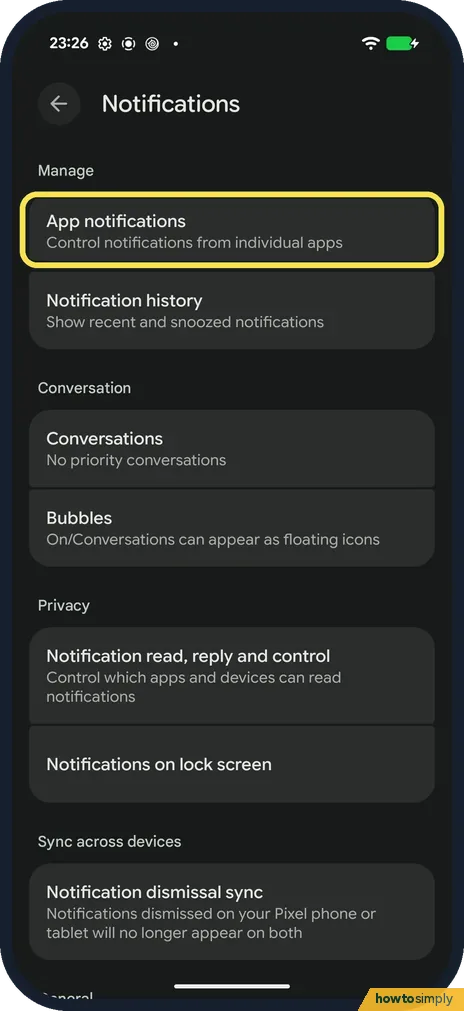
Check that the app's notifications are on under Settings, Notifications, App notifications, and that the type of alert you miss is on in the app's categories. Then let…
Pixel mobile data not working? What to check (Android 17)
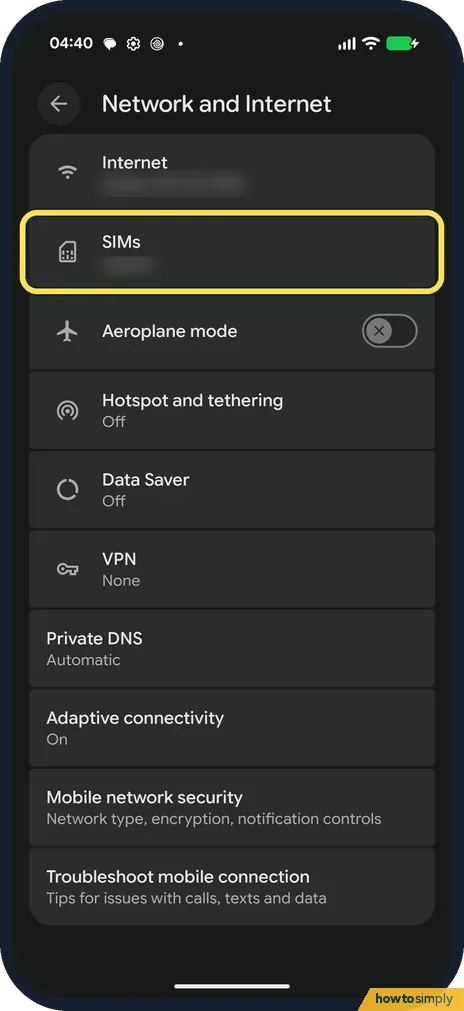
Open Settings, Network and Internet, SIMs, and check that Mobile data is on. Then open your SIM and check Use this SIM, Roaming (if you are abroad) and Access point…
Pixel Wi-Fi keeps disconnecting? What to check (Android 17)
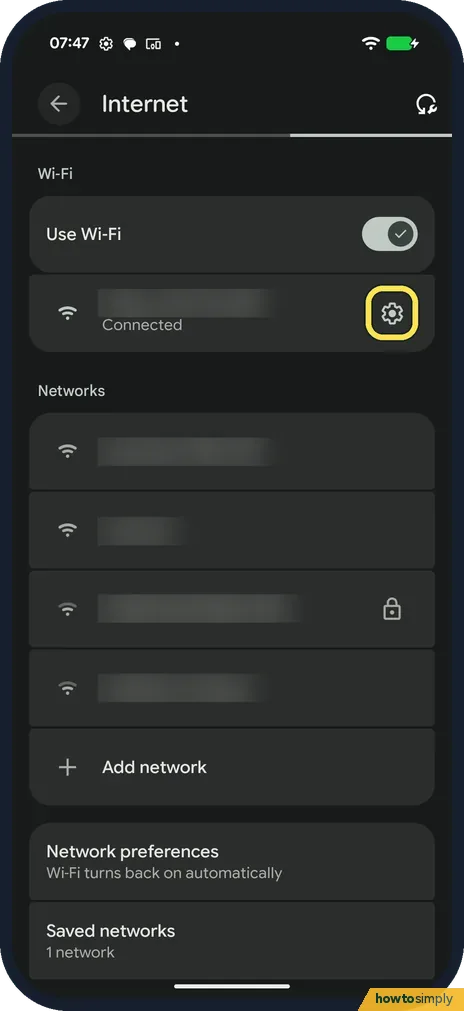
Go to Settings, Network and internet, Internet. Tap the gear next to your network to see its signal and to Forget it and join again. Check Privacy (randomised MAC), and…
Pixel battery draining fast? What to check (Android 17)
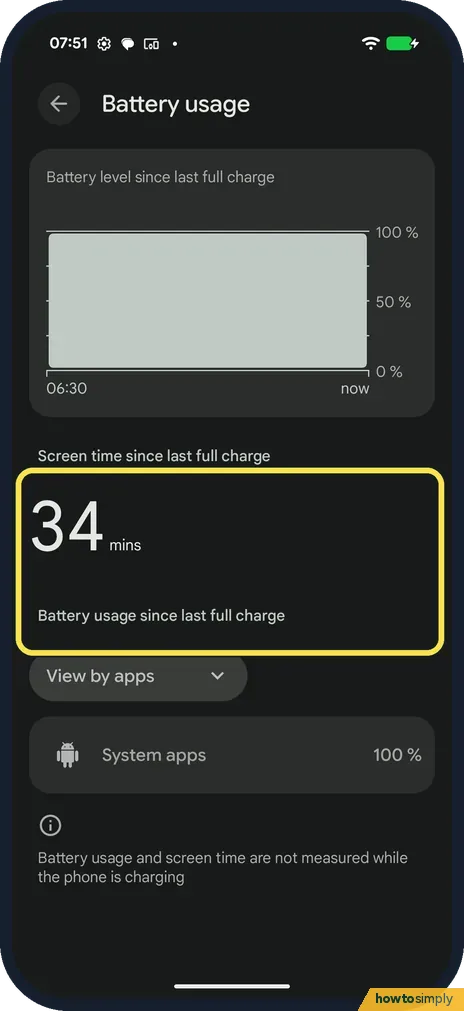
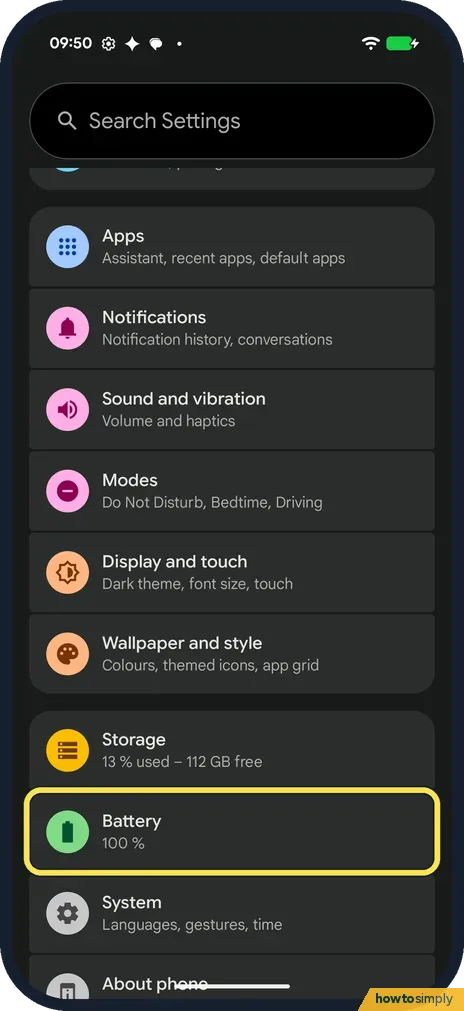
Go to Settings, Battery, Battery usage to see screen time and which apps used the battery. Keep Adaptive Battery on. Settings, About phone, Battery information shows…
Pixel not ringing? What to check (Android 17)
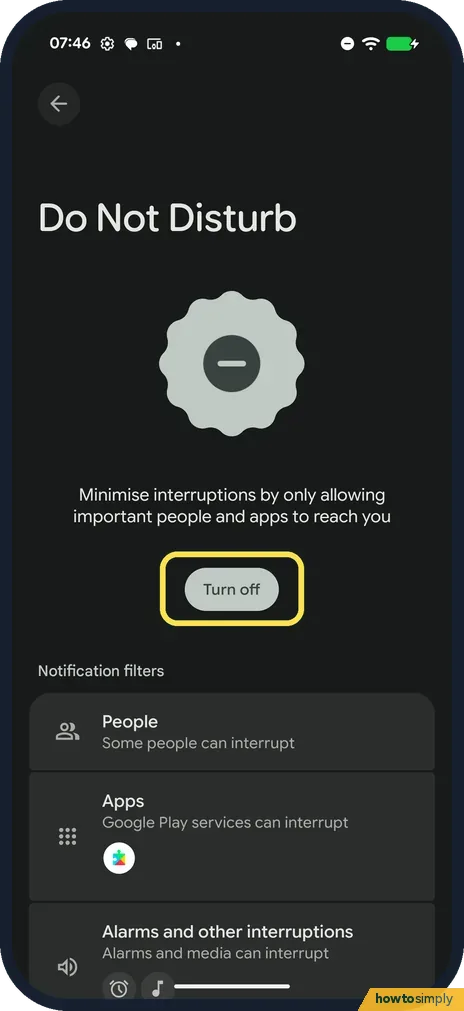
Check that Do Not Disturb is off, then go to Settings, Sound and vibration and turn up Ring volume. For vibration, open Vibration and haptics: Ring vibration sets how…
Should you turn on Theft protection on a Google Pixel? What each lock does (Android 17)
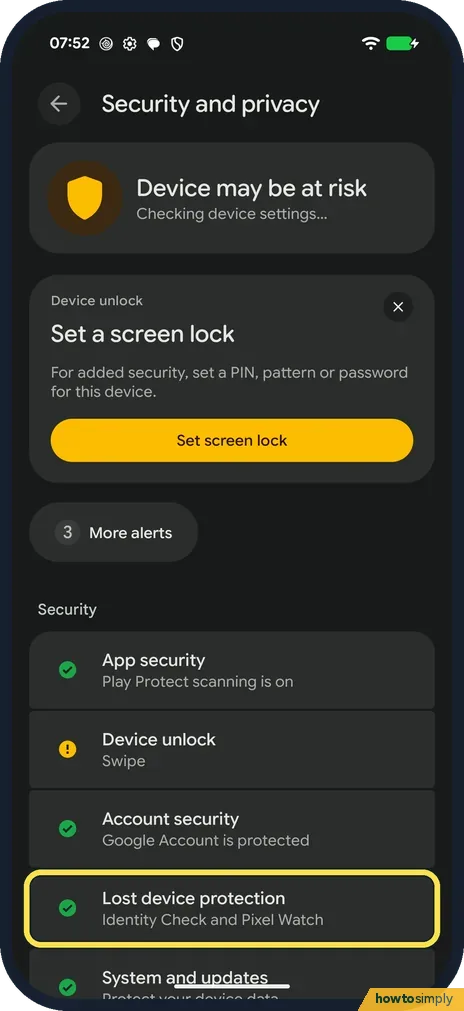
Yes, once the phone has a PIN, pattern or password; without one none of it works. Open Settings, Security and privacy, Lost device protection, Theft protection. Keep…
Android GPS not accurate? 8 ways to fix your location
Turn on Location Accuracy and Wi-Fi scanning under Settings, Location, Location Services, switch on Wi-Fi and turn off Battery Saver. In Google Maps, tap the blue dot…
Where are Adaptive Battery and Adaptive Charging on a Google Pixel? (Android 17)
Adaptive Battery is at Settings, Battery, Battery Saver, Adaptive Battery. Adaptive Charging is at Settings, Battery, Battery health, Charging optimisation. Our Battery…
Privacy & Security
11 guidesHow to stop Chrome offering to save passwords on Android
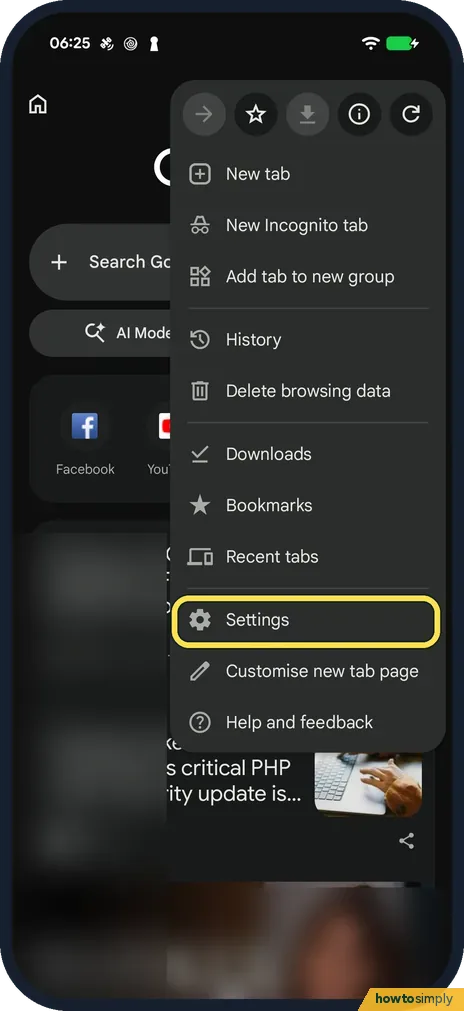
In Chrome, tap the three dots, Settings and Google Password Manager, then tap Settings at the bottom right. Switch off Offer to save passwords. Auto sign-in on the same…
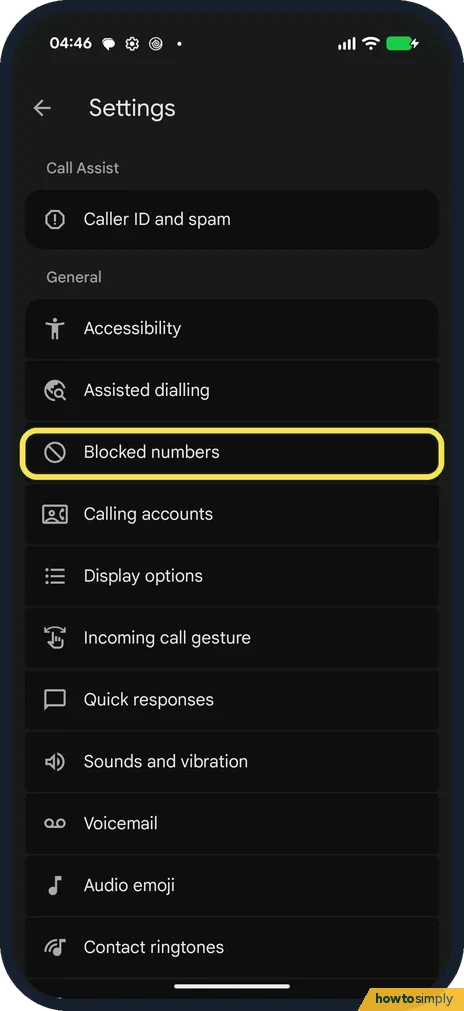
How to block numbers and spam calls on a Google Pixel (Android 17)
In the Phone app, tap the three dots, then Settings, Blocked numbers, and Add a number. Caller ID and spam has Filter spam calls. On our Pixel 10a in Germany there was…
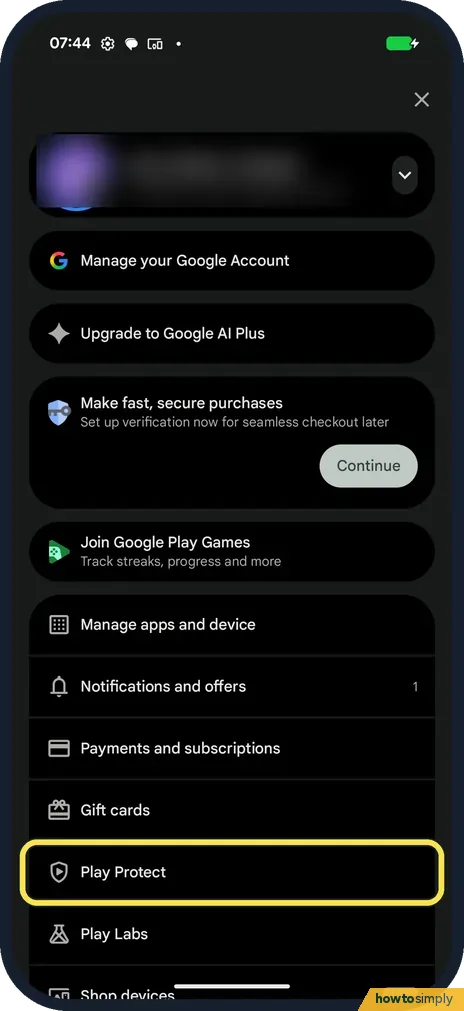
How to scan for harmful apps with Play Protect on a Google Pixel
Open the Play Store, tap your profile picture, then Play Protect, and tap Scan. It checks your apps; ours said No harmful apps found, Play Protect scanned moments ago.
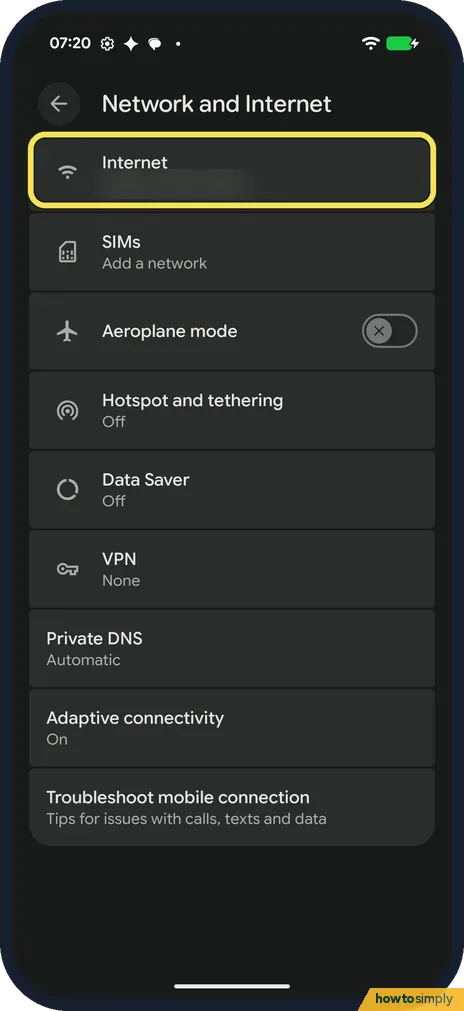
How to share a Wi-Fi password on a Google Pixel (Android 17)
Open Settings, Network and Internet, Internet. Tap the gear next to your network, then Share. The Share Wi-Fi page shows a QR code to scan and the password in plain…
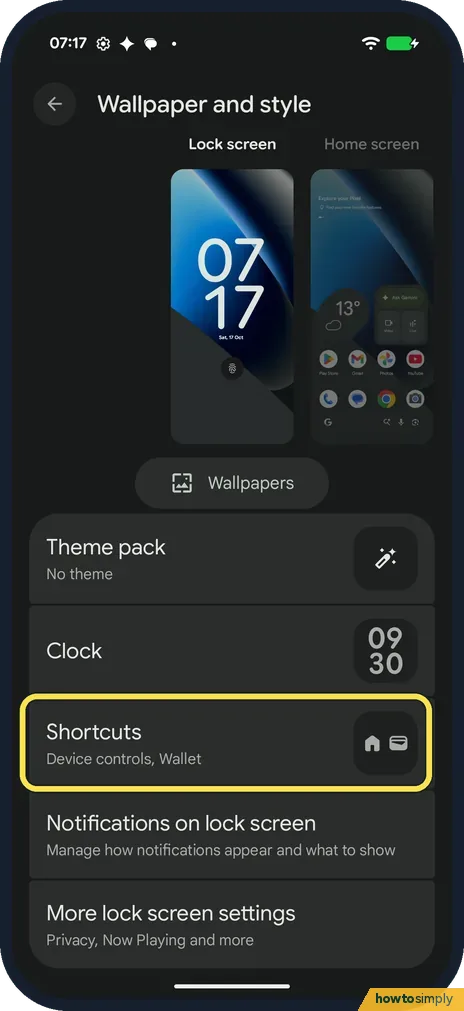
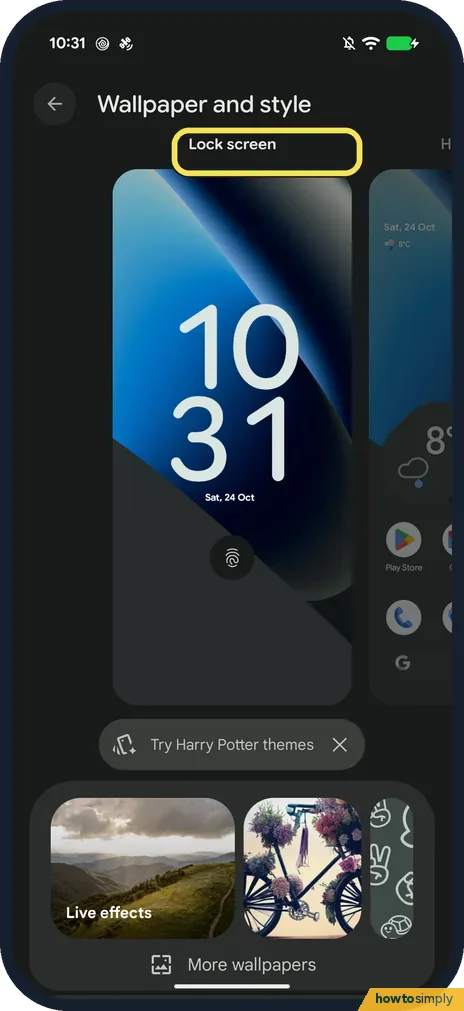
How to change the lock screen shortcuts on a Google Pixel (Android 17)
Open Settings, Wallpaper and style, keep Lock screen selected and tap Shortcuts, below Theme pack and Clock. Tap Left shortcut or Right shortcut, pick one such as…
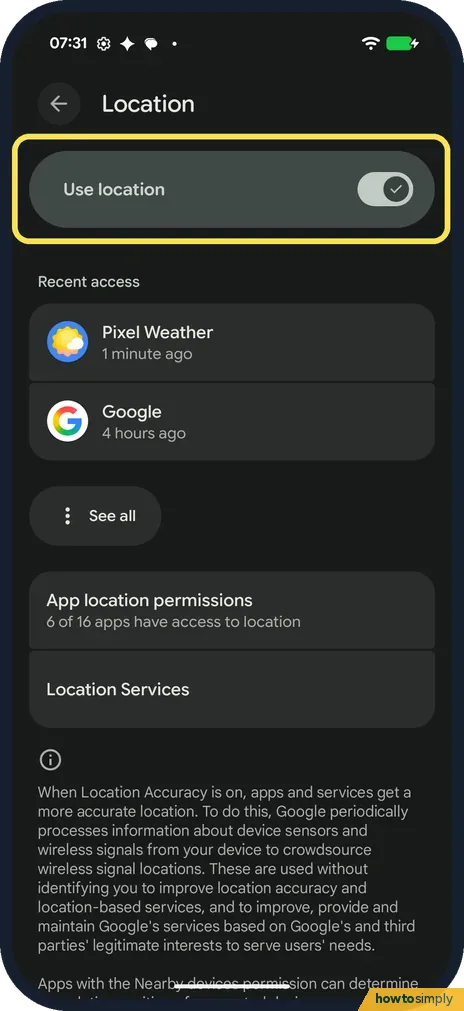
How to change location settings on a Google Pixel (Android 17)
Open Settings, Location. Use location turns it on or off for the whole phone. Recent access shows which apps used it, App location permissions shows which apps may, and…
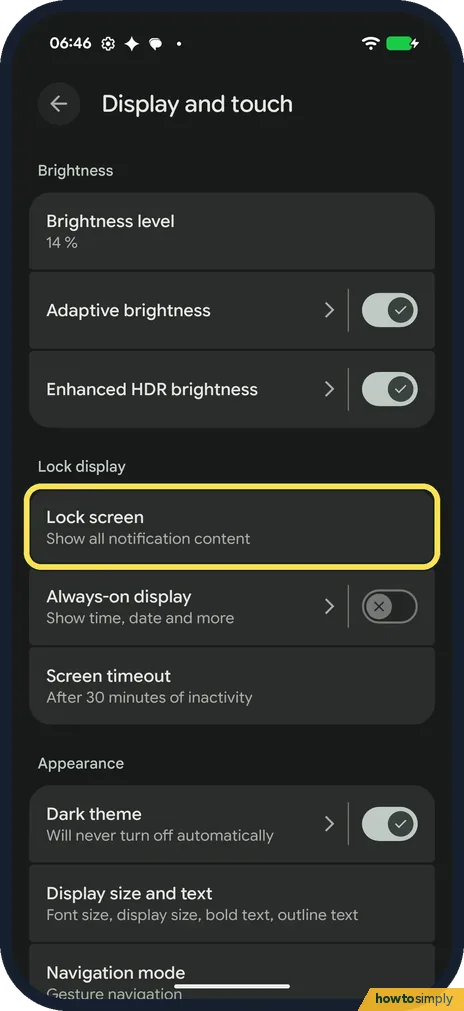
How to hide sensitive content on the lock screen on a Google Pixel (Android 17)
Open Settings, Display and touch, Lock screen, Notifications on lock screen. Turn off Show sensitive content to hide what notifications say. Turn off Show on lock…
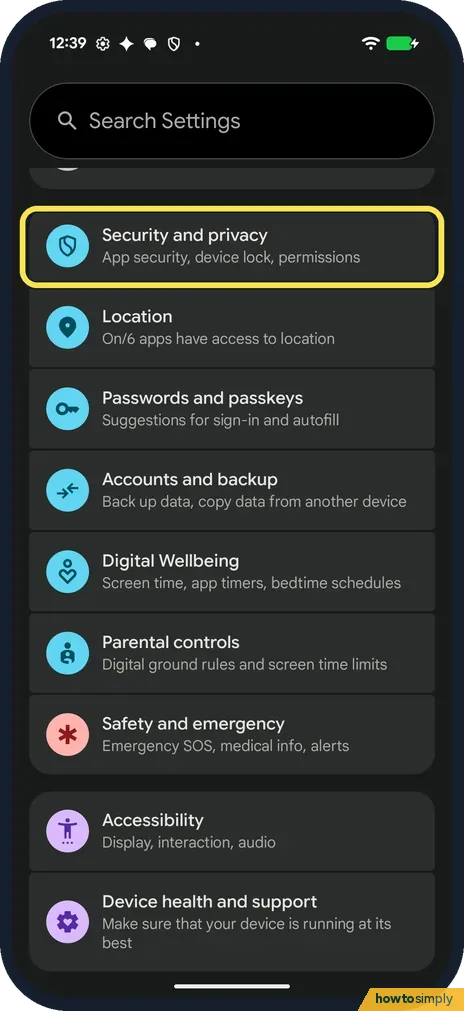
How to use the privacy dashboard on a Google Pixel (Android 17)
Open Settings, tap Security and privacy, then Privacy dashboard under the Privacy heading. It shows which apps used Location, Camera and Microphone in the past 24…
How to change the lock screen clock on a Google Pixel (Android 17)
Touch and hold an empty spot on the home screen, tap Wallpaper and style, stay on the Lock screen tab, scroll down and tap Clock. Pick a clock face, change its width…
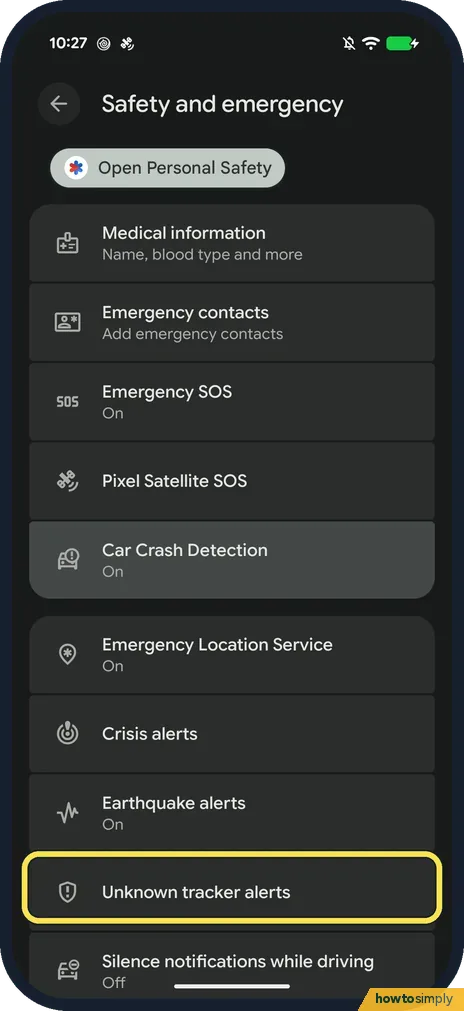
How to scan for unknown trackers like AirTags on a Google Pixel (Android 17)
Go to Settings, Safety and emergency, Unknown tracker alerts and make sure Allow alerts is on. Tap Scan now under Manual scan to look for trackers near you that are…
How to set or change the screen lock on an Android phone
On a Google Pixel, open Settings, Security and privacy, Device unlock, Screen lock. On a Samsung Galaxy, open Settings, Lock screen and AOD, Screen lock and biometrics…
Browser & the web
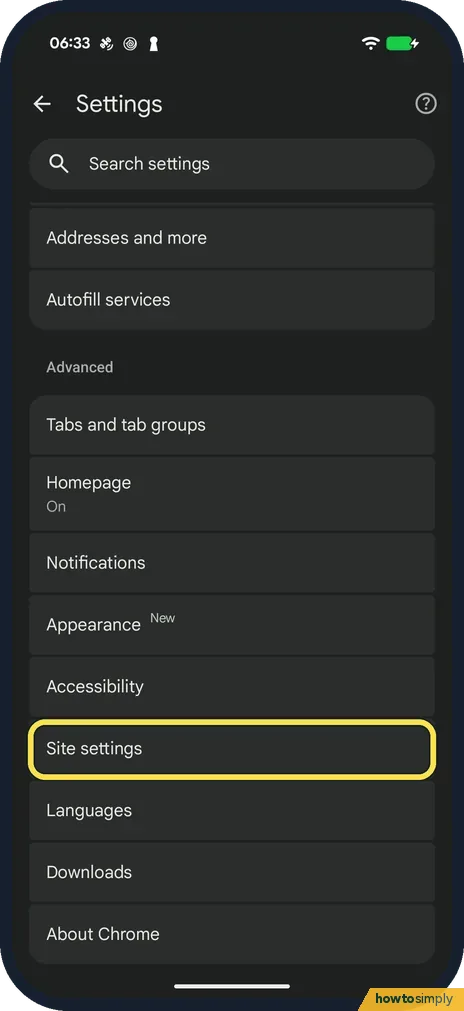
3 guidesHow to stop website notifications in Chrome on Android
In Chrome, tap the three dots, Settings, Site settings, Notifications and choose Don't allow sites to send notifications. To silence all Chrome notifications, open the…
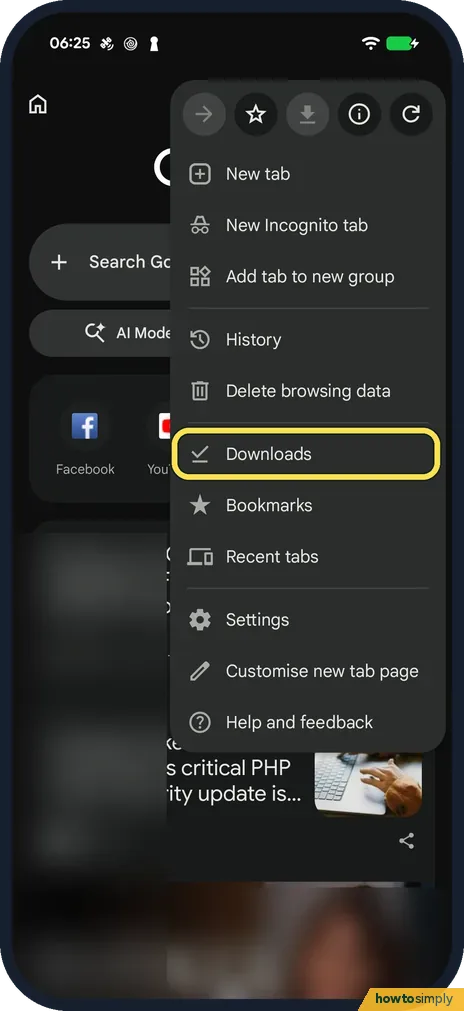
How to find downloads in Chrome on Android
Tap the three dots in Chrome and choose Downloads: the list shows every file Chrome downloaded, newest first. Tap the gear at the top to see the Download location. On…
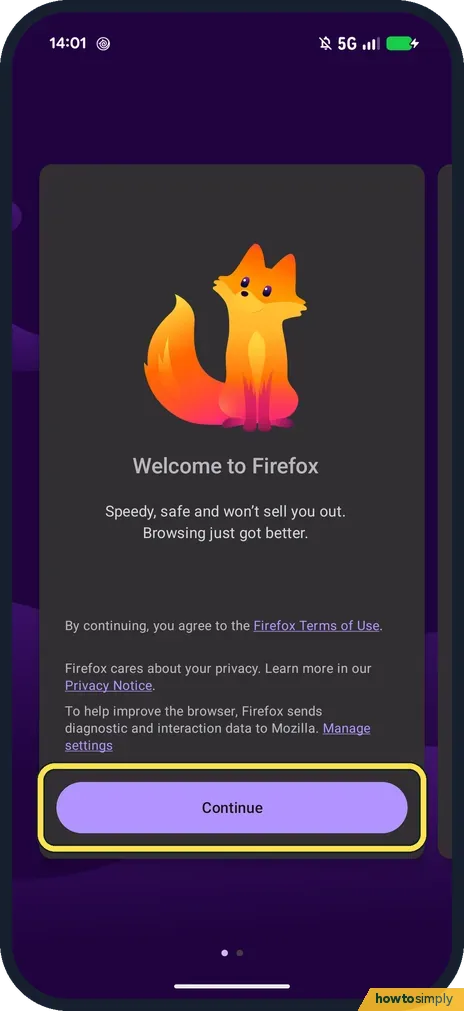
How to make Firefox the default browser on Android (Pixel 10a)
Open Firefox, tap Continue on the welcome screen, and in the Set Firefox as your default browser app? box pick Firefox and tap Set as default. Later, use Settings…
Camera, Photos & Screenshots
10 guidesHow to recover deleted photos on Android
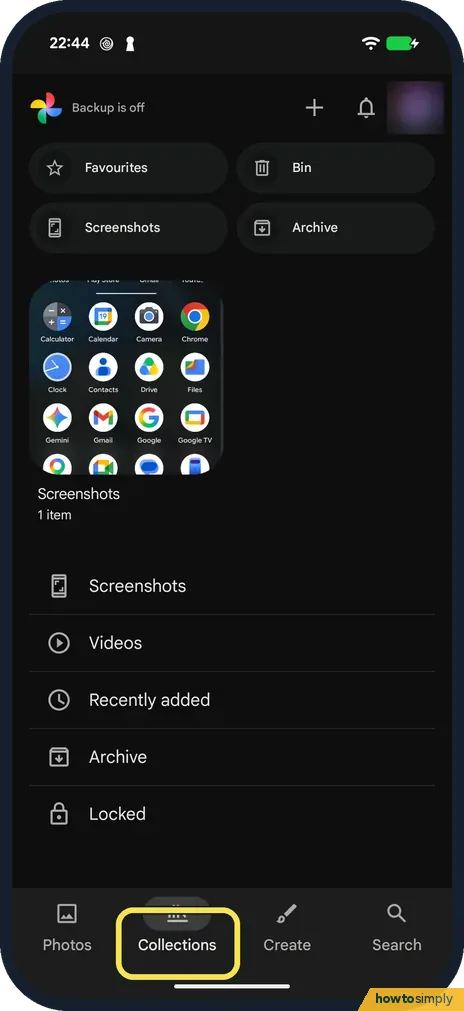
Open Google Photos, tap Collections, then Bin. Touch and hold the photo and tap Restore. Our Pixel's Bin now says items are permanently deleted after 30 days; Google…
How to change the default video quality in YouTube on Android
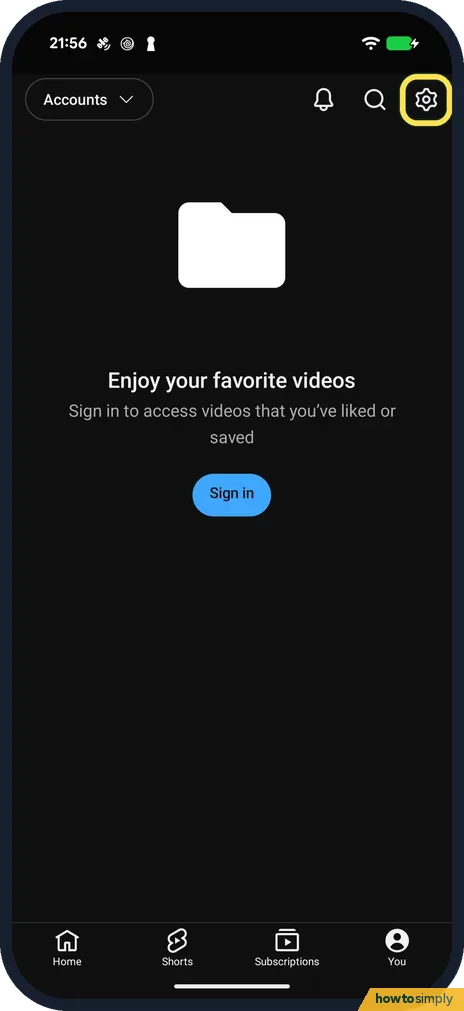
In YouTube tap You, the gear, Video quality preferences. Choose Auto, Higher picture quality or Data saver, separately for mobile networks and Wi-Fi. For one video, tap…
How to take a screenshot or a scrolling screenshot on a Google Pixel (Android 17)
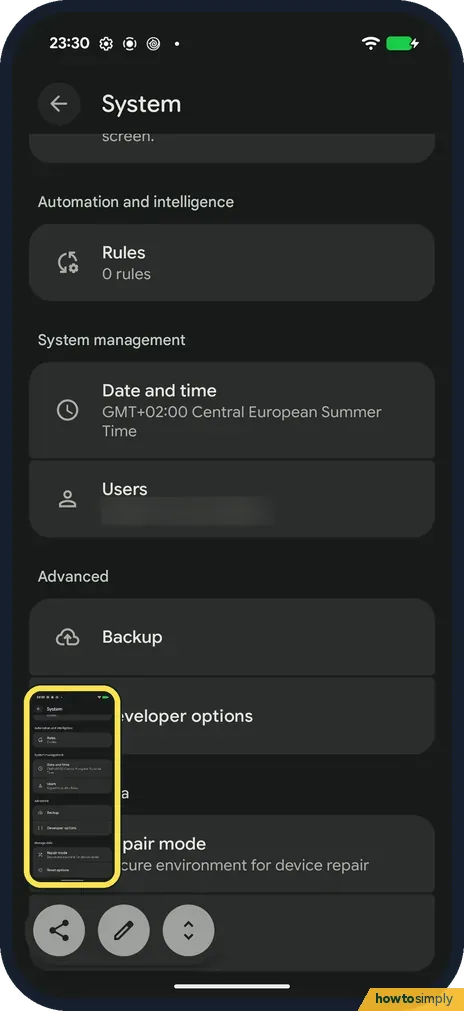
Press the Power and Volume down buttons at the same time. To capture a whole long page, tap Capture more under the preview, drag the bottom of the frame down and tap…
How to turn off camera and microphone access on a Google Pixel (Android 17)
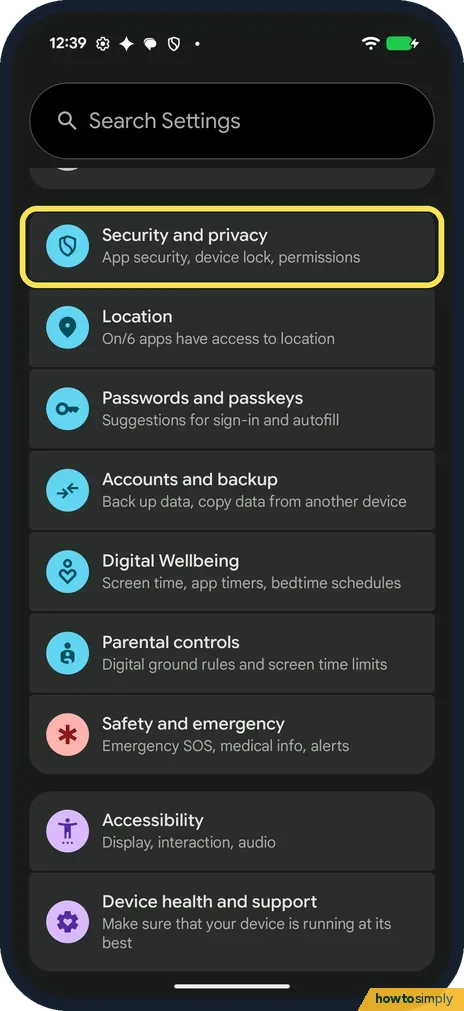
Open Settings, Security and privacy, Privacy controls. Under Controls, turn off Camera access or Microphone access to block it for apps and services. With Camera access…
How to turn on the camera grid on a Google Pixel (Android 17)
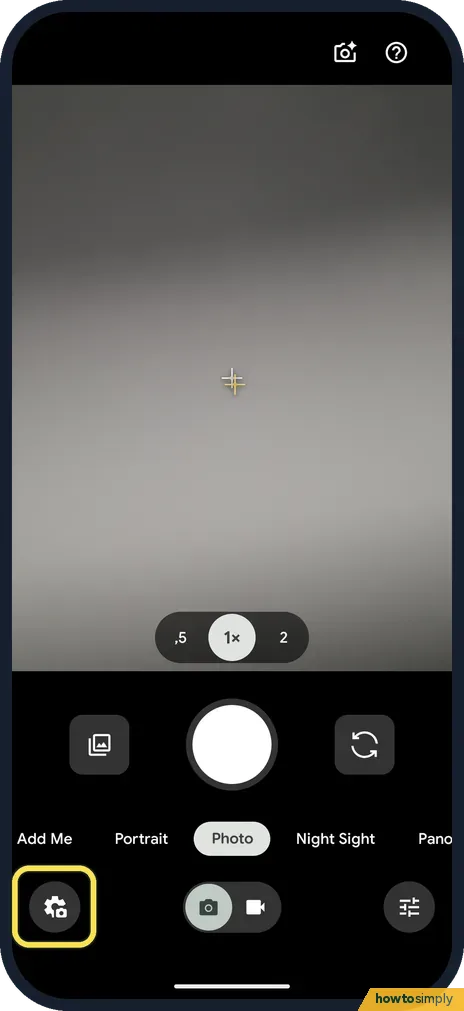
Open Camera and tap the Photo settings button at the bottom left, then the ⋯ button to open Camera settings. Under Composition, tap Grid type, pick 3 x 3, 4 x 4 or…
How to copy text from a photo on Android
Open the photo in Google Photos, tap the three dots at the top right and tap Google Lens. Touch and hold a word, drag the handles over the text you want and tap Copy…
How to remove objects from photos in Snapseed 4.1 on Android
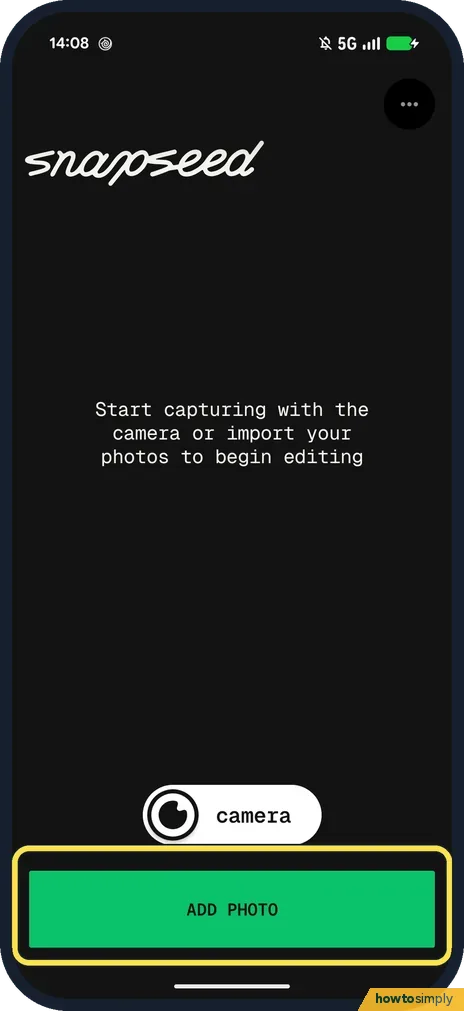
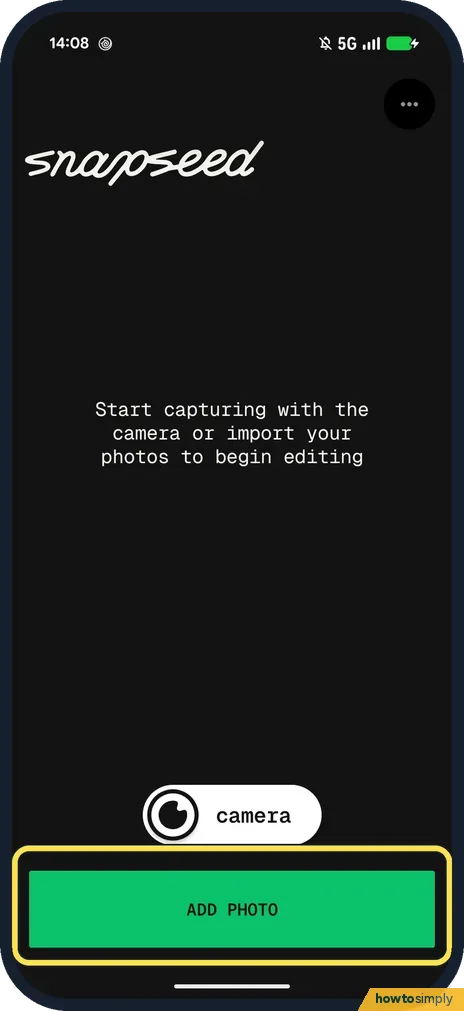
Open Snapseed, tap ADD PHOTO and pick the photo. Tap Healing in the row at the bottom, and brush over the object with your finger. Snapseed fills it in from the area…
How to straighten a photo in Snapseed 4.1 on Android
Open the photo in Snapseed, tap Crop in the row at the bottom, and drag the Angle slider under the photo until the horizon is level. Tap the tick to keep it. Crop also…
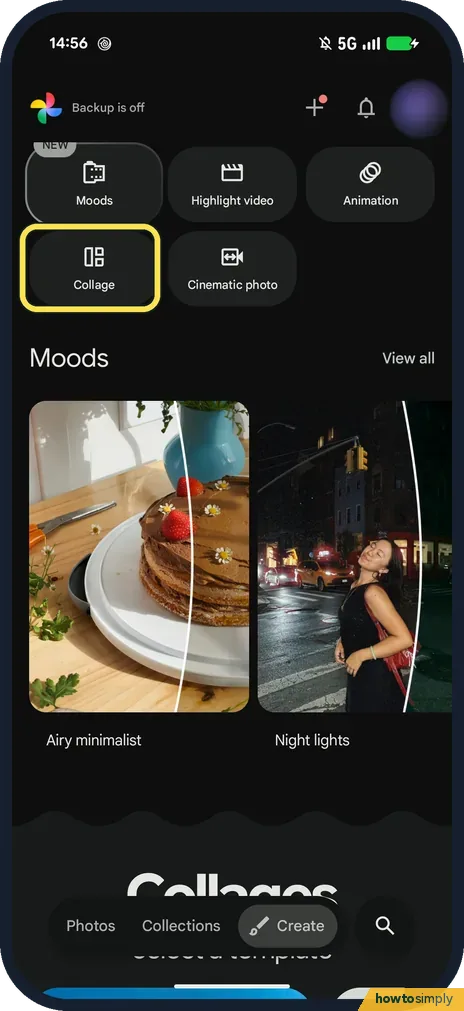
How to make a collage in Google Photos on Android (Pixel 10a)
Open Google Photos, tap Create, then Collage. Tap the + in each empty slot and pick a photo, tap Done, then Save. Templates and Borders at the bottom change the layout…
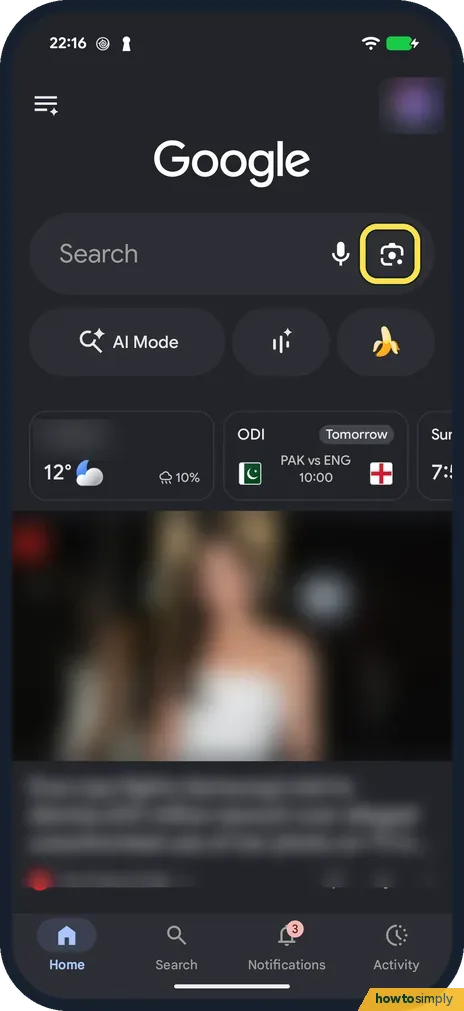
How to use Google Lens on Android to search with your camera
Open the Google app and tap the Lens icon at the right of the search bar. Point the camera at something and tap the search button, or tap the gallery button to search…
Apps
10 guidesHow to avoid tolls, highways or ferries in Google Maps on Android
In Google Maps tap your profile picture, Settings, Navigation and switch on Avoid tolls, Avoid highways or Avoid ferries under Route options. With a route open, tap the…
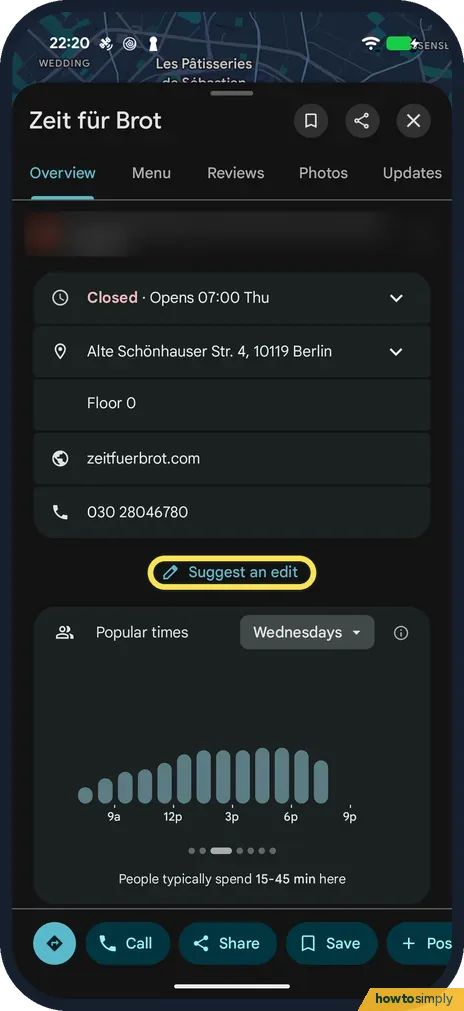
How to report a closed business or wrong place in Google Maps on Android
Open the place in Google Maps, scroll down and tap Suggest an edit. Tap Place is closed or not here, choose the reason (for example Permanently closed or Moved to a new…
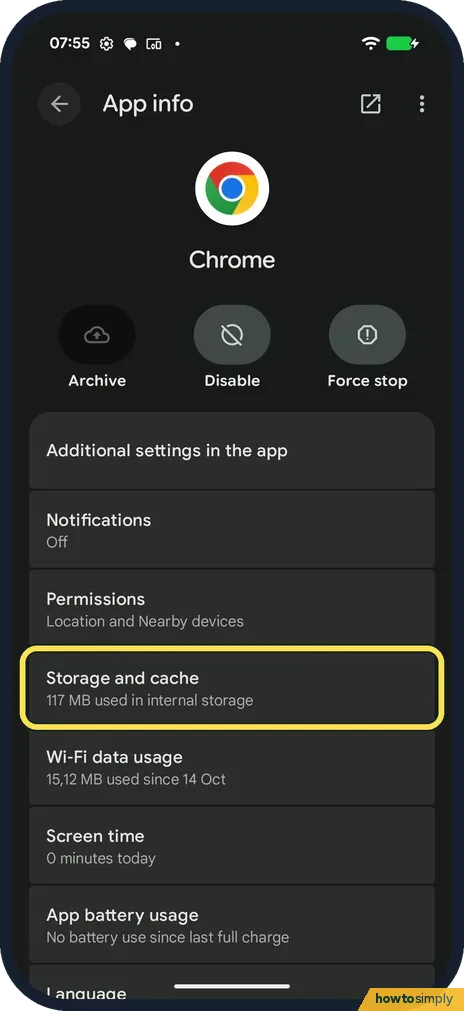
How to clear an app's cache on a Google Pixel (Android 17)
Go to Settings, Apps, pick the app, tap Storage and cache, then Clear cache. It removes temporary files only: on our Pixel, Chrome's cache went from 20.34 MB to 0 byte…
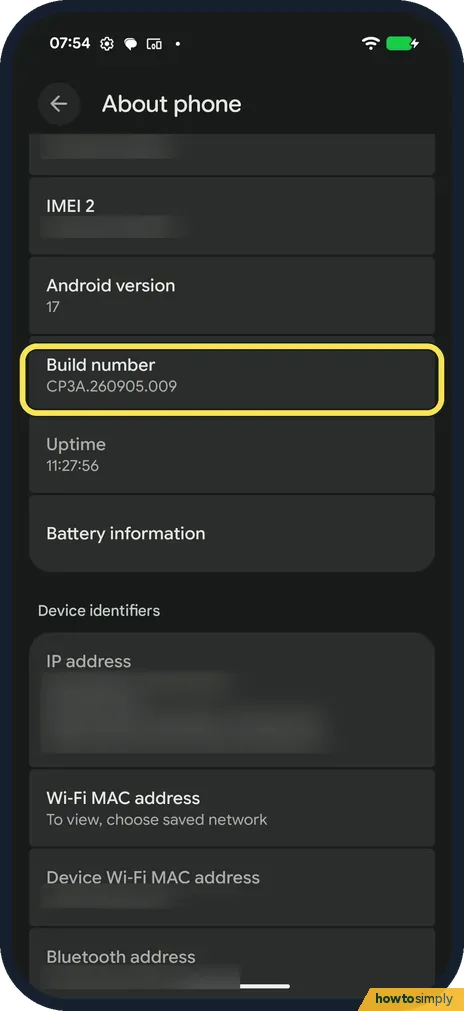
How to turn on Developer options on a Google Pixel (Android 17)
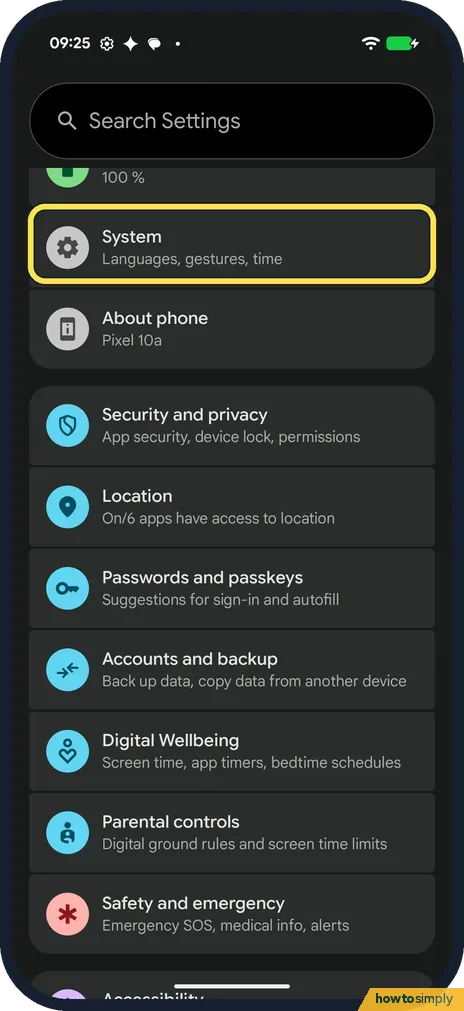
Go to Settings, About phone and tap Build number seven times. Then go to Settings, System, Developer options. Use developer options at the top turns it all off again.
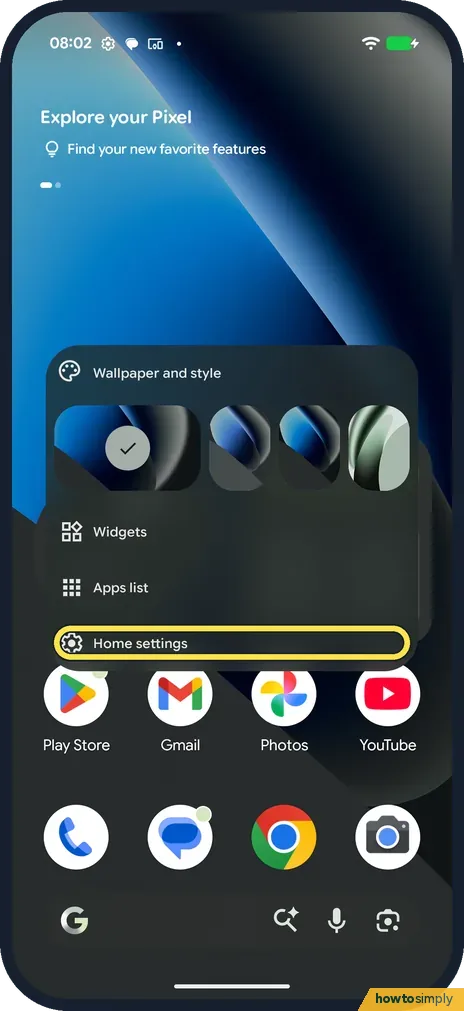
How to change home screen and search settings on a Google Pixel (Android 17)
Press and hold an empty part of the home screen and tap Home settings. Here you set notification dots, At a Glance, new app icons and swipe to Google. Apps list…
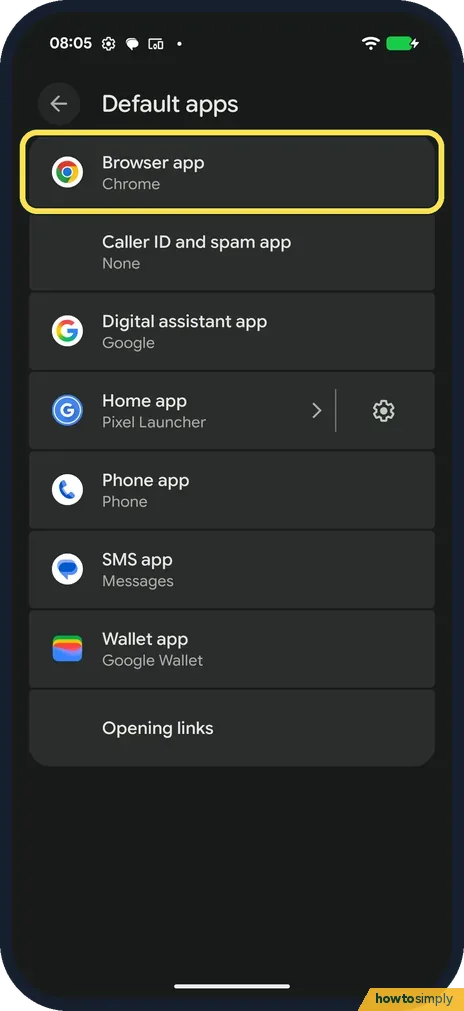
How to change default apps on a Google Pixel (Android 17)
Go to Settings, Apps, Default apps. Tap a type, such as Browser app or Digital assistant app, and pick the app. On our Pixel the only choices were Chrome for the…
How to change the home screen grid on a Google Pixel (Android 17)
Press and hold an empty spot on the home screen and tap Wallpaper and style. On the Home screen side, scroll down and tap Layout. Choose Small, Medium, Large or XL and…
How to add a widget to the home screen on a Google Pixel (Android 17)
Press and hold an empty spot on the home screen, tap Widgets, then Browse. Tap the app, such as Clock, then tap a widget and + Add. Ours asked us to pick a clock face…
How to move or remove an app from the home screen on a Google Pixel (Android 17)
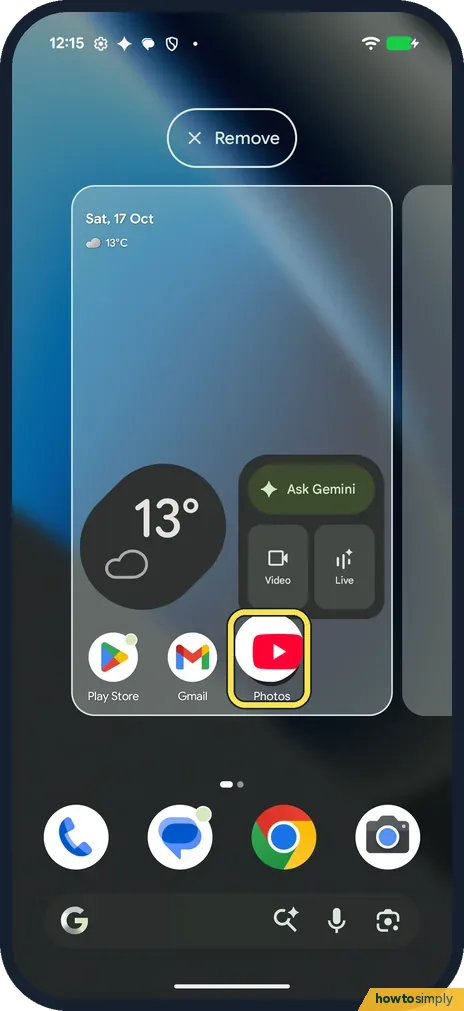
Press and hold the app icon and drag it where you want it, then lift your finger. To take it off the home screen, drag it to Remove at the top. The app stays on the…
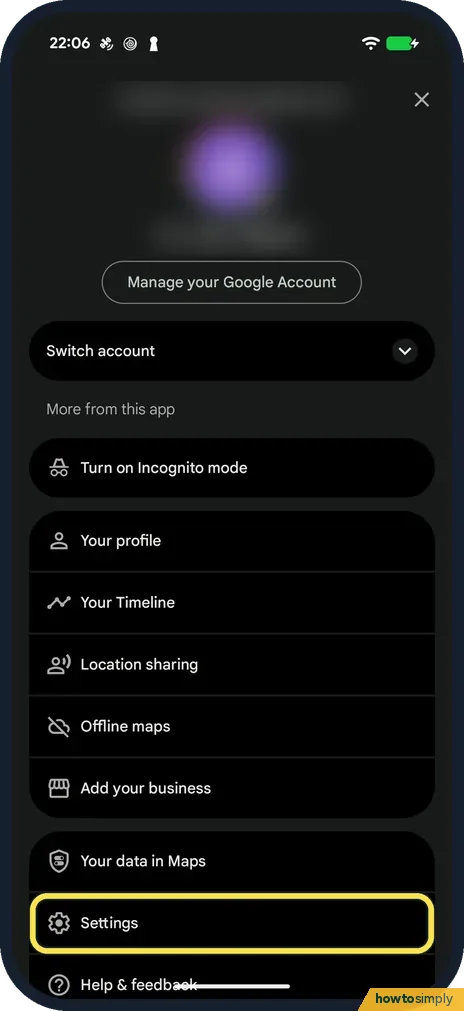
How to download offline maps in Google Maps on Android
In Google Maps, tap your profile picture, then Offline maps and Select your own map. Fit the area in the frame and tap Download. The size estimate can be far too low…
Display & Accessibility
10 guidesHow to turn on captions and change caption size in YouTube on Android
For one video, tap the video, the gear and Captions, and pick a language. For their size, open YouTube Settings, Captions: it opens Android's Caption preferences, where…
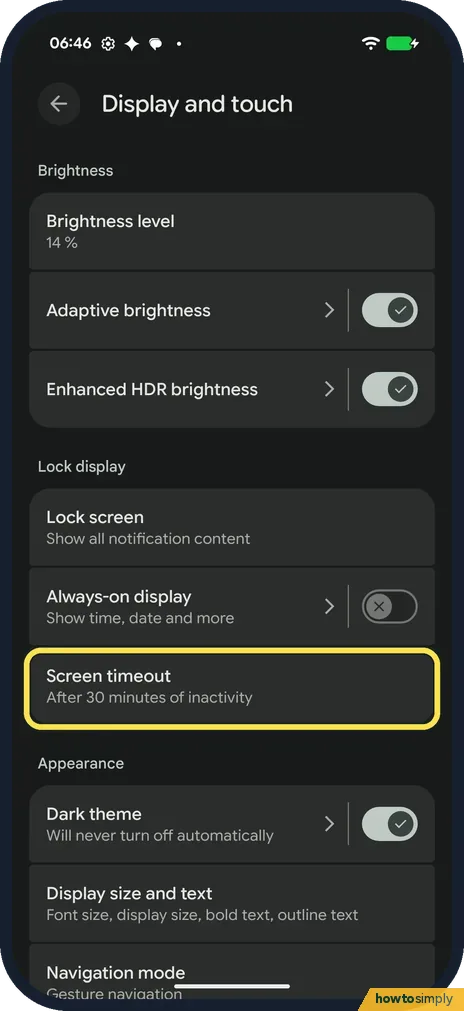
How to change the screen timeout on a Google Pixel (Android 17)
Open Settings, tap Display and touch, then Screen timeout. Pick 15 seconds, 30 seconds, or 1, 2, 5, 10 or 30 minutes. Screen attention on the same page keeps the screen…
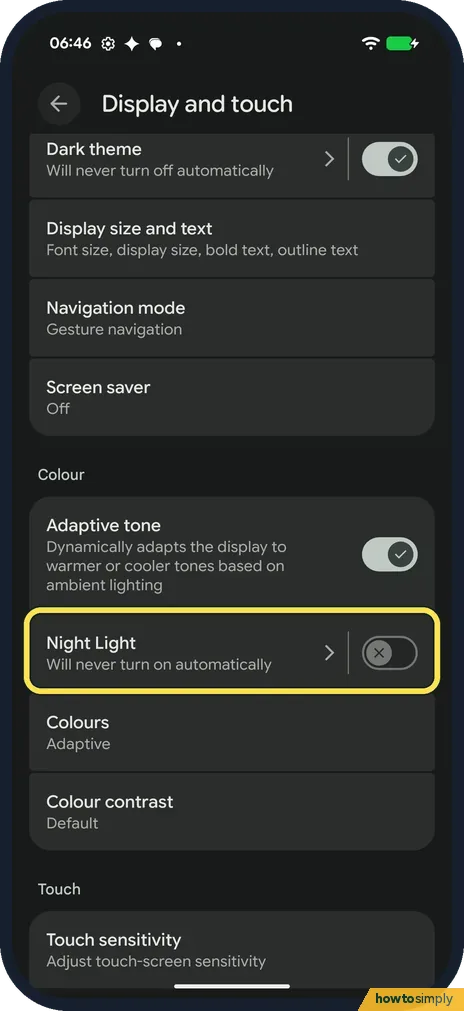
How to use Night Light on a Google Pixel (Android 17)
Open Settings, Display and touch, Night Light, and turn on Use Night Light. It tints the screen amber. Tap Schedule to pick None, Turns on at custom time or Turns on…
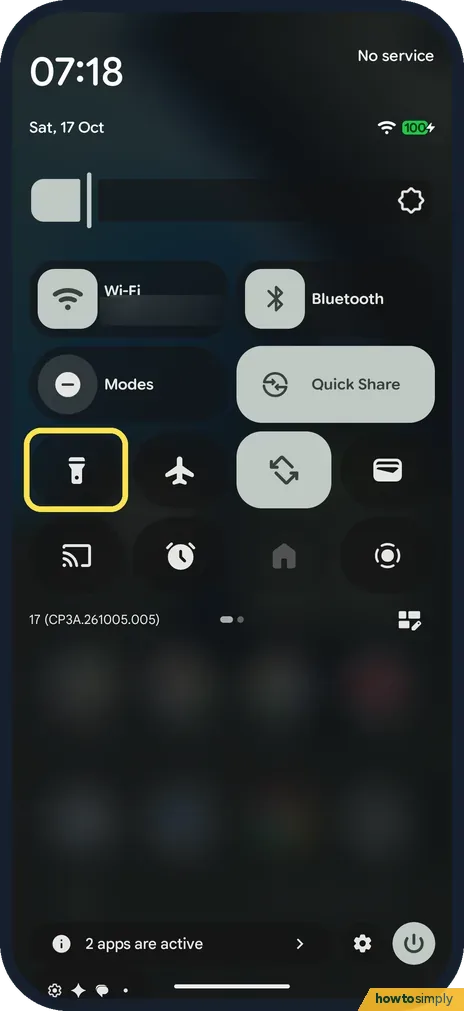
How to change the torch (flashlight) brightness on a Google Pixel (Android 17)
Swipe down twice to open Quick Settings and touch and hold the torch tile. On our Pixel 10a the torch came on and a Torch strength panel opened. Drag the beam in the…
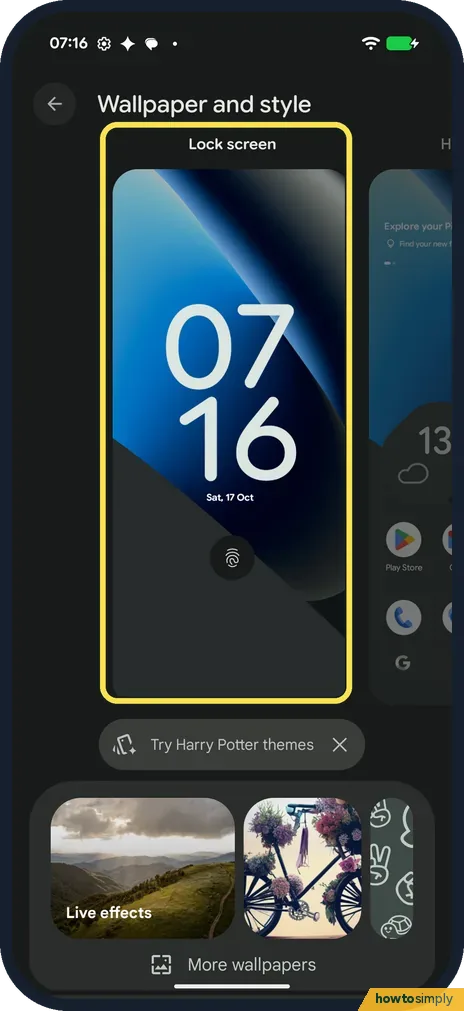
How to change the wallpaper on a Google Pixel (Android 17)
Open Settings, Wallpaper and style. Pick Lock screen or Home screen, then tap Wallpapers. Choose your own photo, a Wallpaper Studio option or a collection. Tap an…
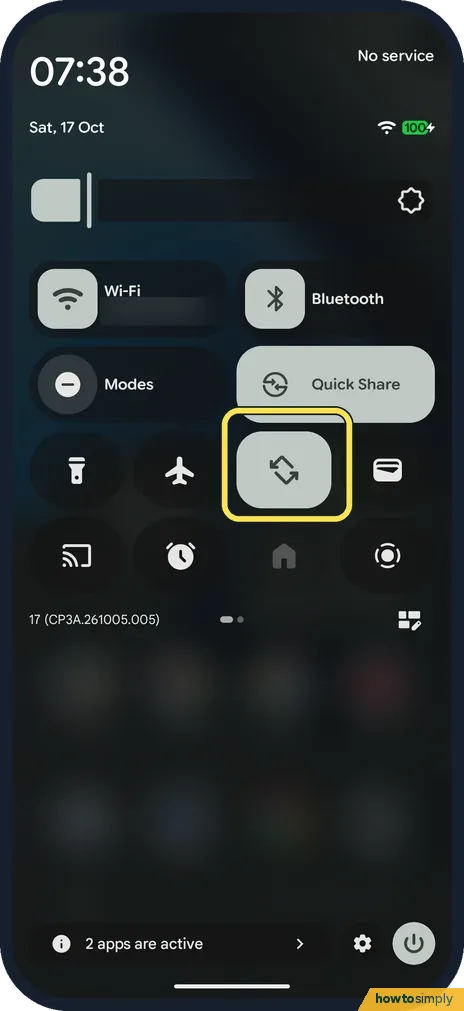
How to turn auto-rotate on or off on a Google Pixel (Android 17)
Swipe down twice and tap the Auto-rotate tile. Or open Settings, Display and touch, Auto-rotate screen, and turn Use auto-rotate on or off. Face detection on the same…
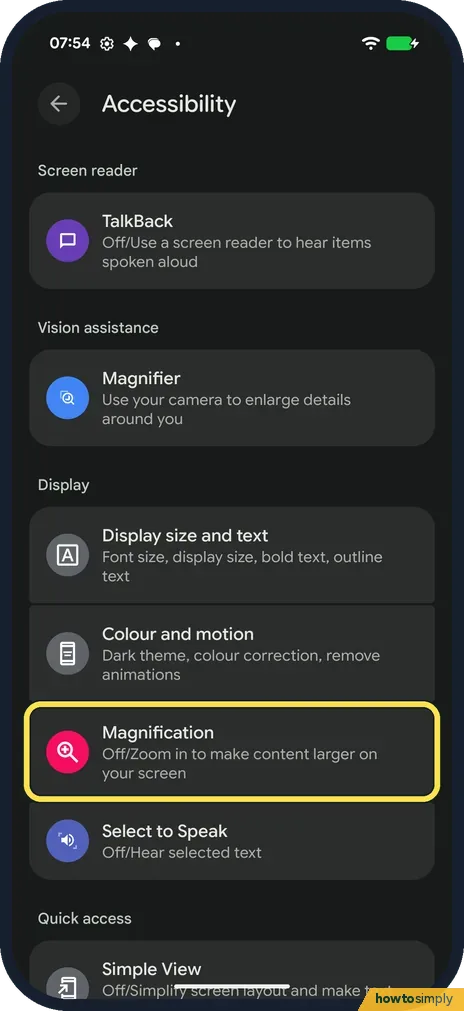
How to zoom in with Magnification on a Google Pixel (Android 17)
Open Settings, Accessibility, Magnification and turn on Magnification shortcut. Tap the row to choose the shortcut: the floating Accessibility button, a 2-finger swipe…
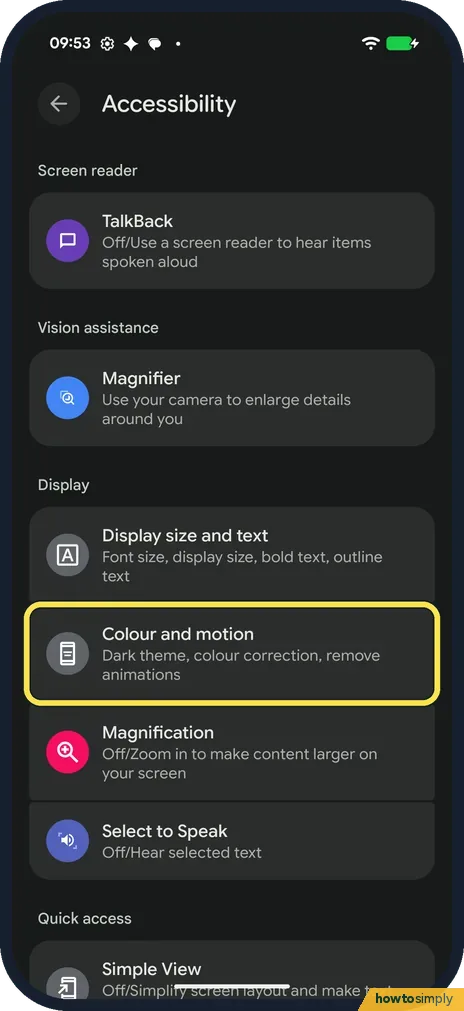
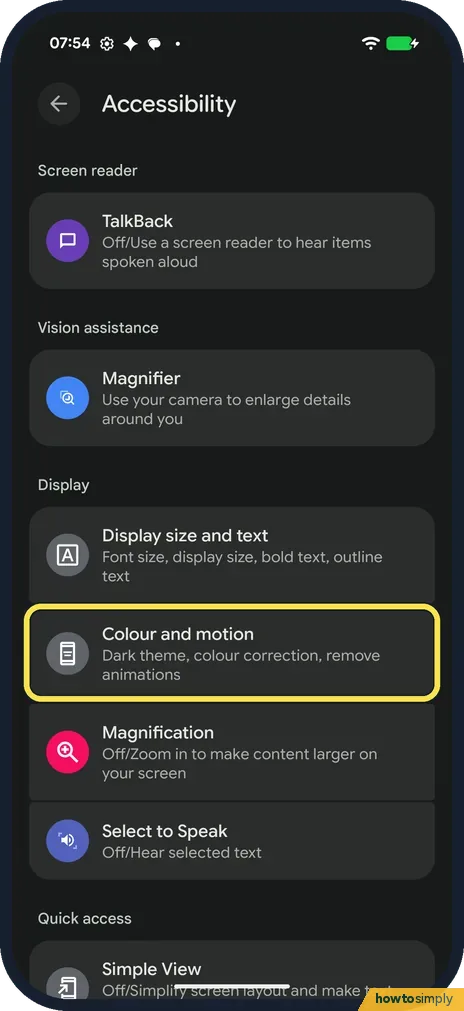
How to use colour correction and greyscale on a Google Pixel (Android 17)
Open Settings, Accessibility, Colour and motion, Colour correction and turn on Use colour correction. Pick Red-green green weak, Red-green red weak, Blue-yellow or…
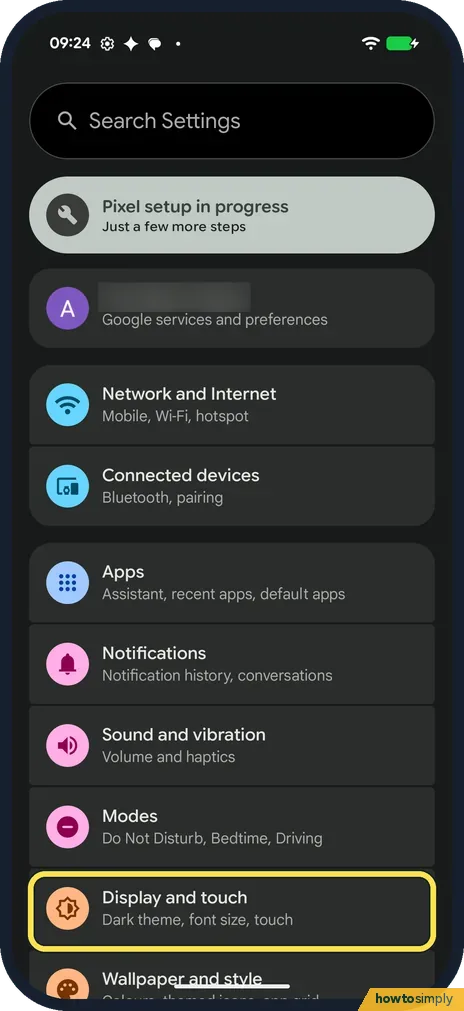
How to change brightness and adaptive brightness on a Google Pixel (Android 17)
Open Settings, Display and touch and tap Brightness level, the first row. A slider opens over the top of the page; drag it. Adaptive brightness, the next row, changes…
How to use mono audio and audio balance on a Google Pixel (Android 17)
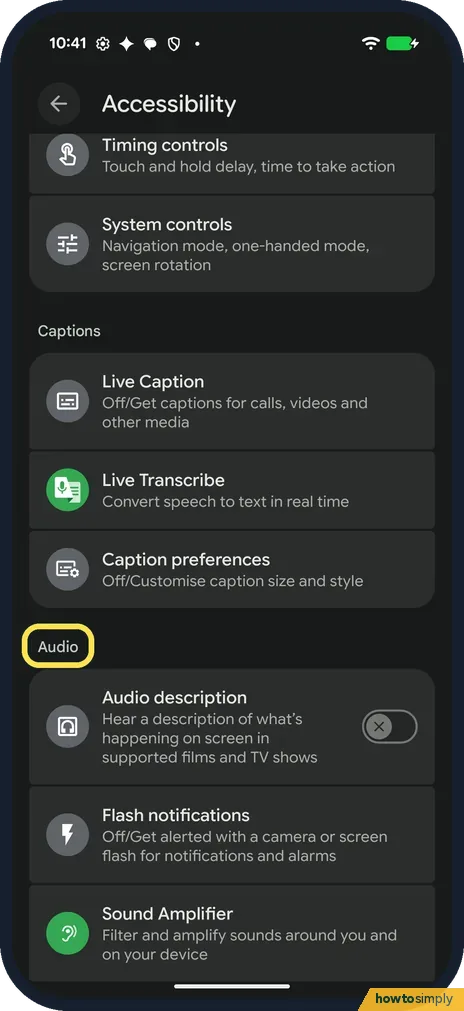
Open Settings, Accessibility and, under Audio, tap Audio adjustment. Turn on Mono audio to combine the left and right channels, or drag the Audio balance slider towards…
Wi-Fi & Connections
7 guidesHow to add an eSIM or second SIM on a Google Pixel (Android 17)
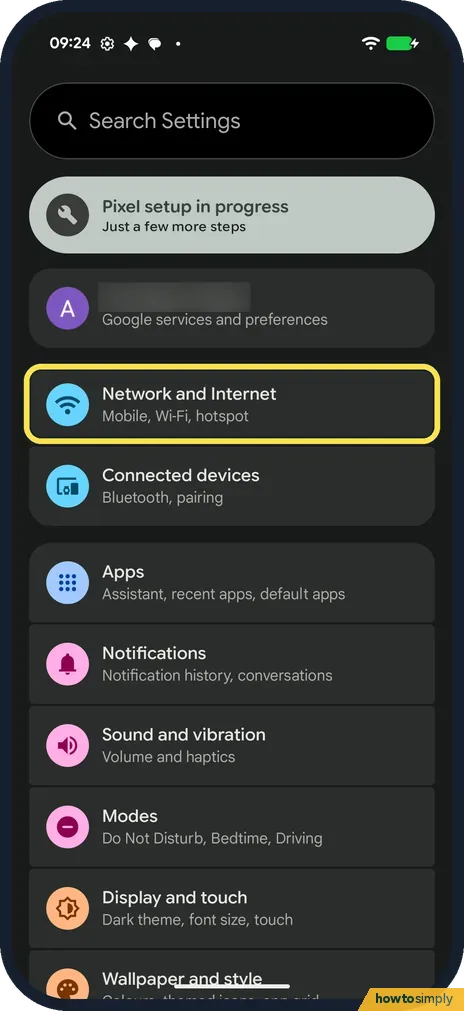
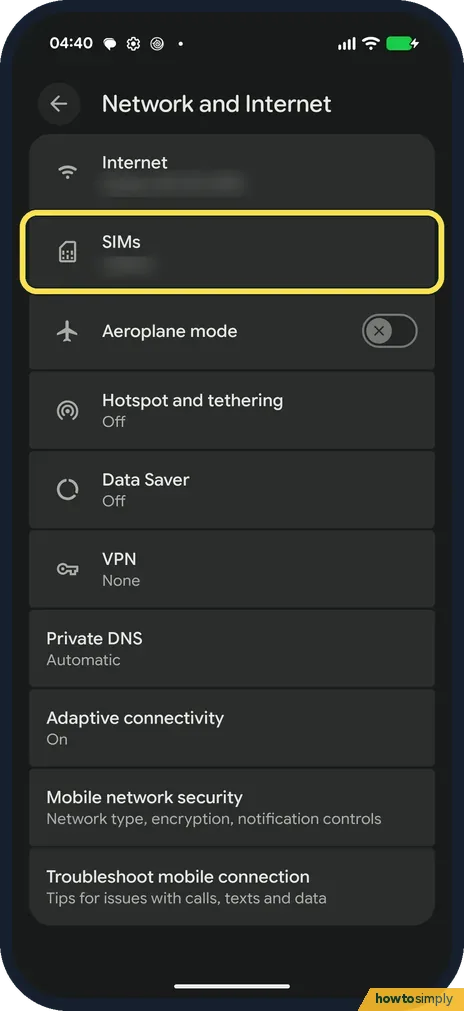
Open Settings, Network and Internet, SIMs, and tap Add SIM. Choose Set up an eSIM for a new eSIM, or Transfer a SIM from another device to move one from your old phone.
How to turn on the Wi-Fi hotspot on a Google Pixel (Android 17)
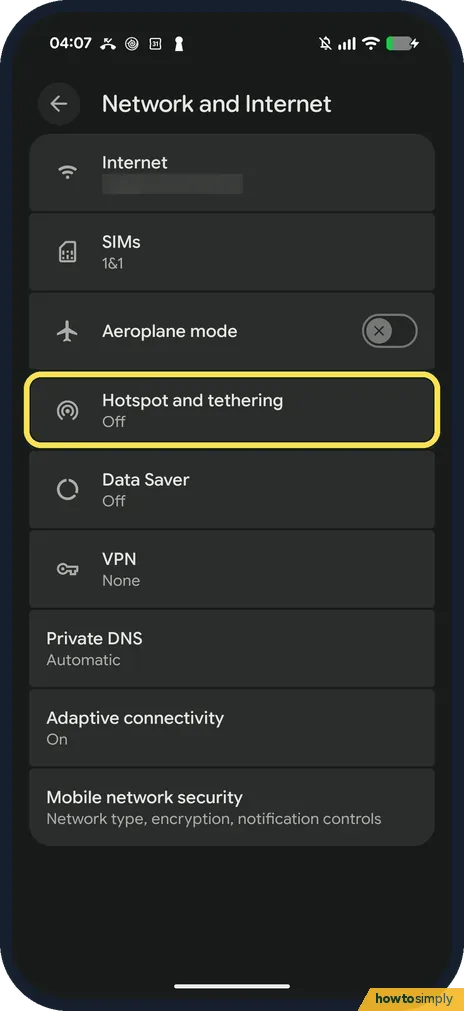
Open Settings, Network and Internet, Hotspot and tethering, Wi-Fi hotspot. Set the Hotspot name and Hotspot password, then turn on Use Wi-Fi hotspot. USB, Bluetooth and…
How to turn on NFC on a Google Pixel (Android 17)
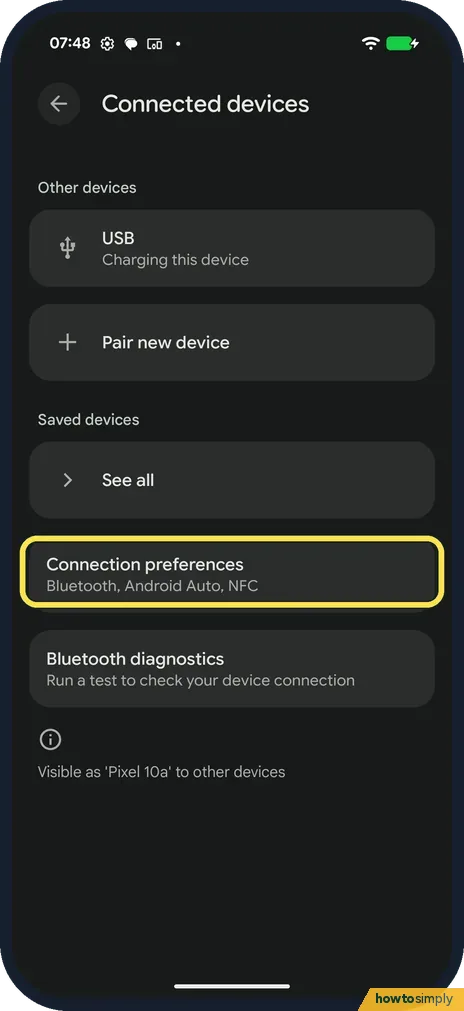
Go to Settings, Connected devices, Connection preferences, NFC and turn on Use NFC. Contactless payments, on the same page, picks the payment app. Require device unlock…
How to reset network settings on a Google Pixel (Android 17)
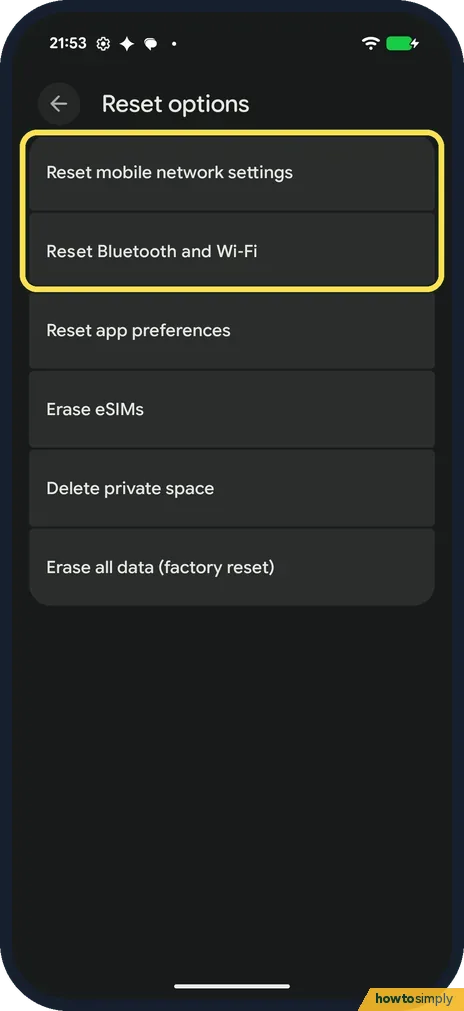
Go to Settings, System, Reset options. Pick Reset mobile network settings for SIM and mobile data problems, or Reset Bluetooth and Wi-Fi for Wi-Fi and Bluetooth…
How to stop a Google Pixel switching to mobile data on weak Wi-Fi (Android 17)
Open Settings, Network and Internet, Adaptive connectivity and turn off Auto-switch to mobile network. It was on on ours, with the note: Ensures connectivity when Wi-Fi…
How to stop Wi-Fi turning on automatically on a Google Pixel (Android 17)
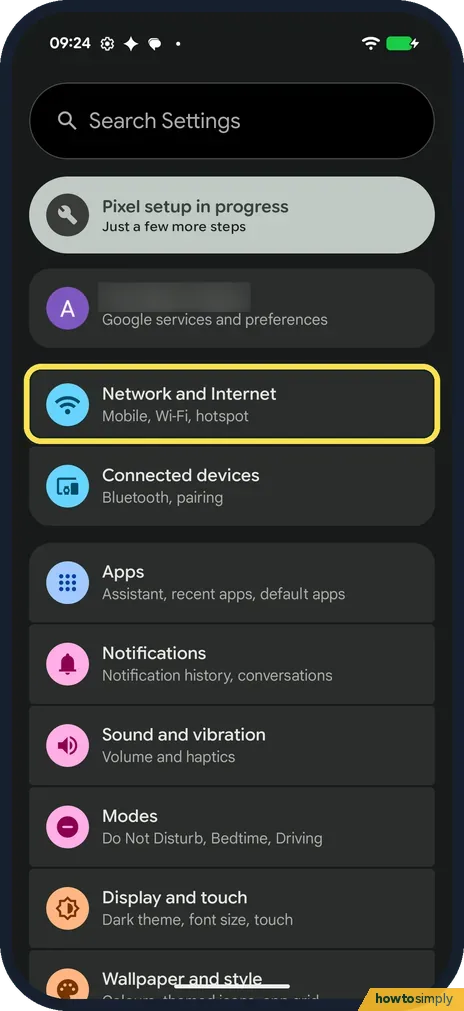
Open Settings, Network and Internet, Internet, scroll to the bottom and tap Network preferences, then turn off Turn on Wi-Fi automatically. It was on on ours: Wi-Fi…
How to receive files with Quick Share on a Google Pixel
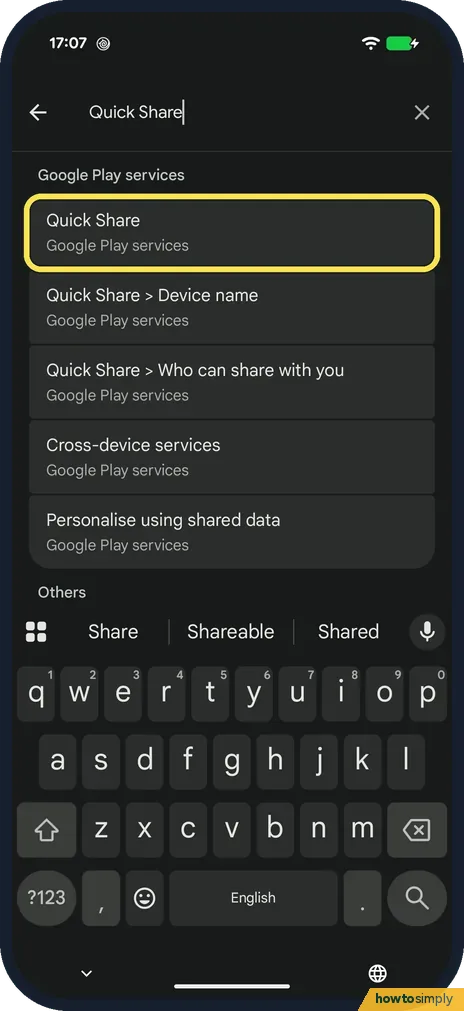
Search Settings for "Quick Share" and tap Who can share with you. Choose Your devices, Contacts or Everyone for 10 minutes. The Pixel has no permanent Everyone. When a…
Keyboard & Typing
3 guidesHow to change Gboard keyboard settings on a Google Pixel (Android 17)
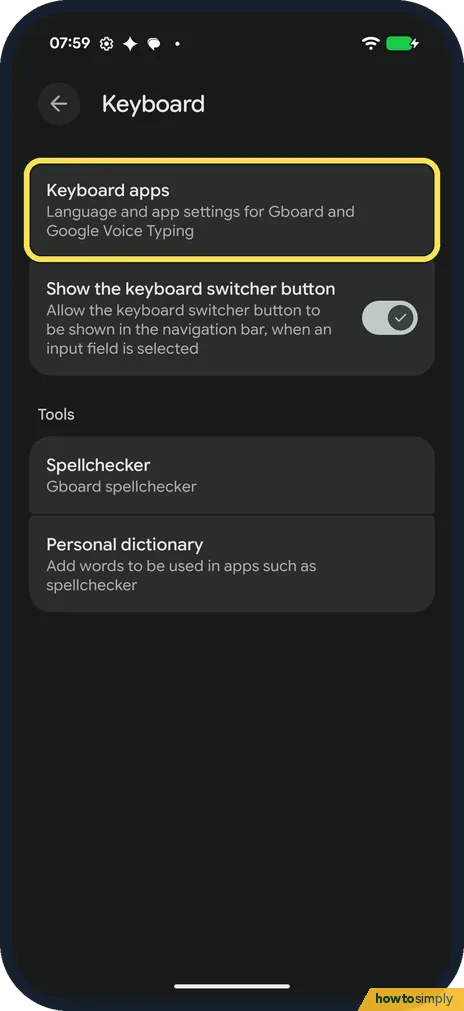
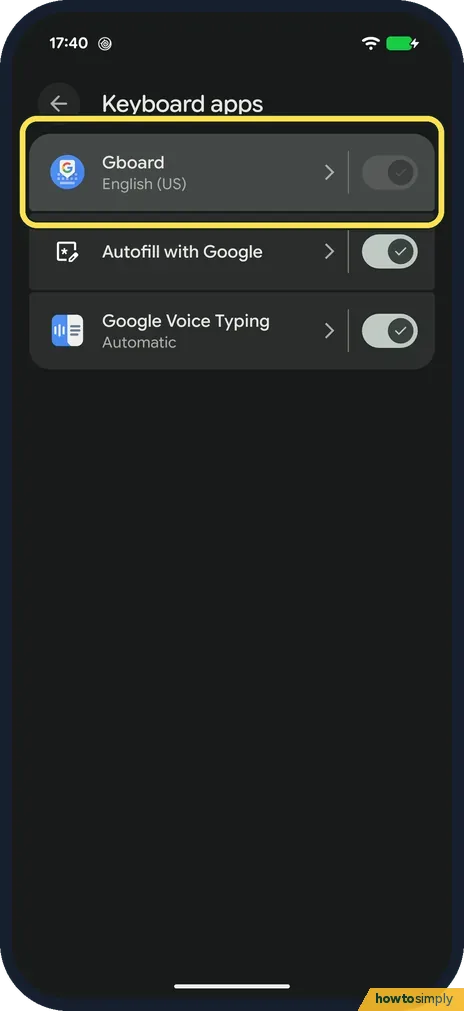
Open Settings, System, Keyboard, Keyboard apps and tap Gboard. Preferences has the number row, emoji key, comma and full stop keys. Theme sets the colours. Corrections…
How to add a keyboard language on Android (Gboard)
Open Gboard settings (Settings, System, Keyboard, Keyboard apps, Gboard), tap Languages, then Add keyboard. Pick the language, choose a layout and tap Done. The space…
How to turn on voice typing on Android (Gboard)
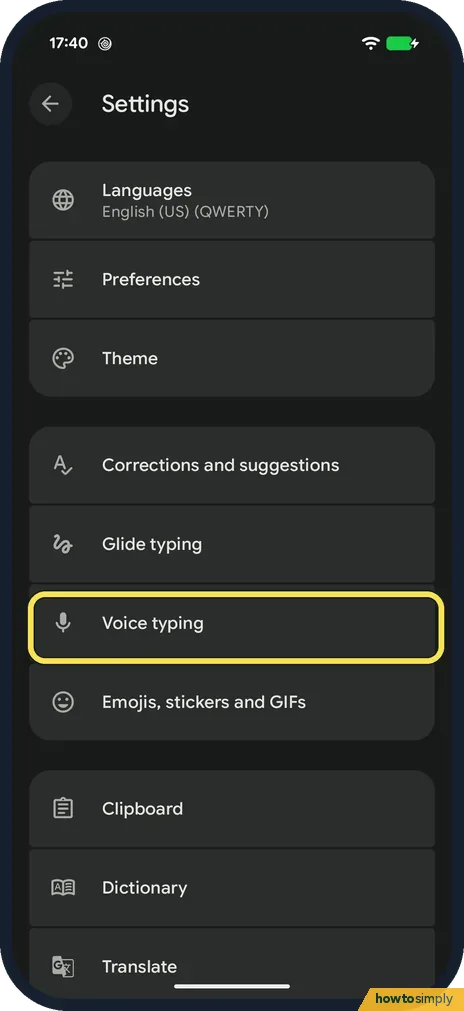
Open Gboard settings, tap Voice typing and switch on Use voice typing. Then tap the microphone at the top right of the keyboard, allow Gboard to record audio the first…
Notifications & Focus
11 guidesHow to turn on Bedtime mode on Android
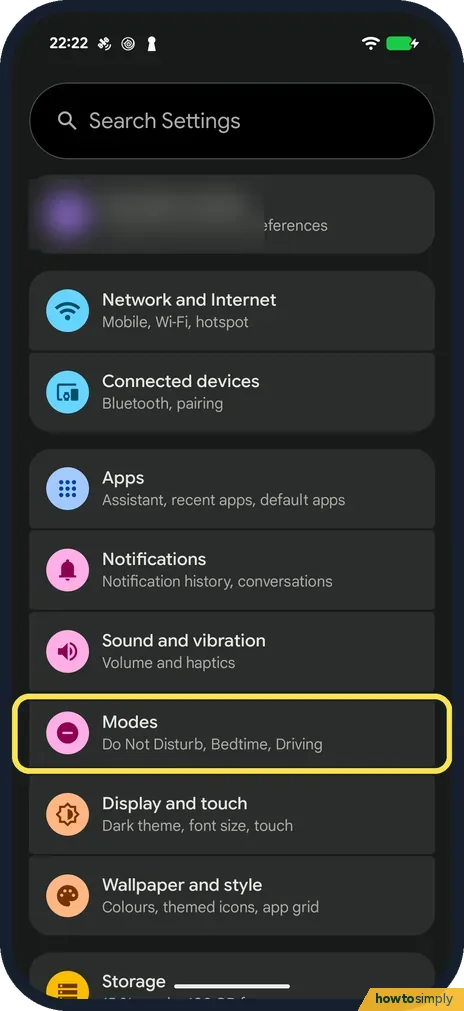
On a Google Pixel with Android 17, open Settings, Modes, Bedtime and tap Bedtime routine to set the hours and days. On a Samsung Galaxy the feature is called Sleep…
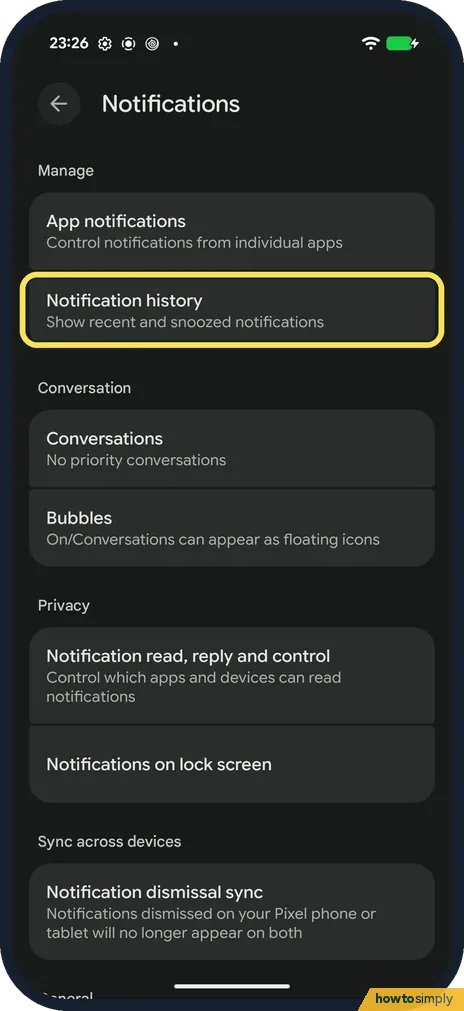
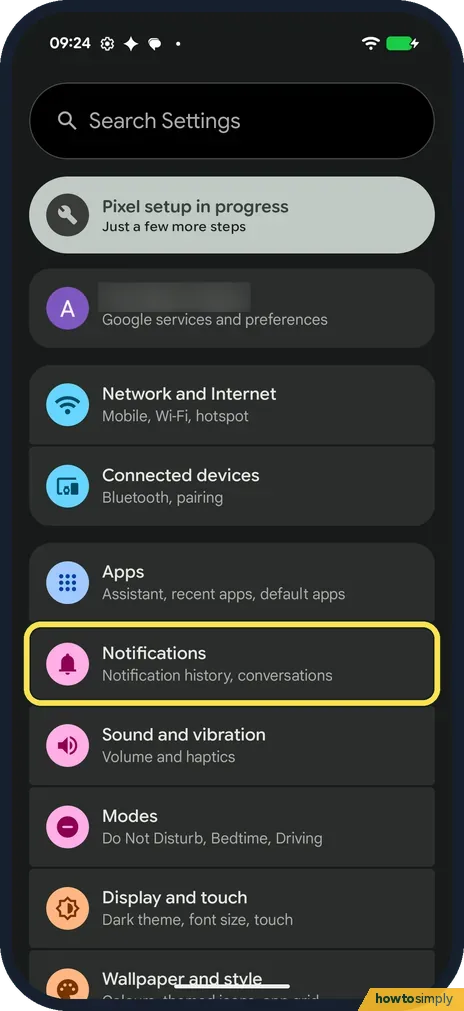
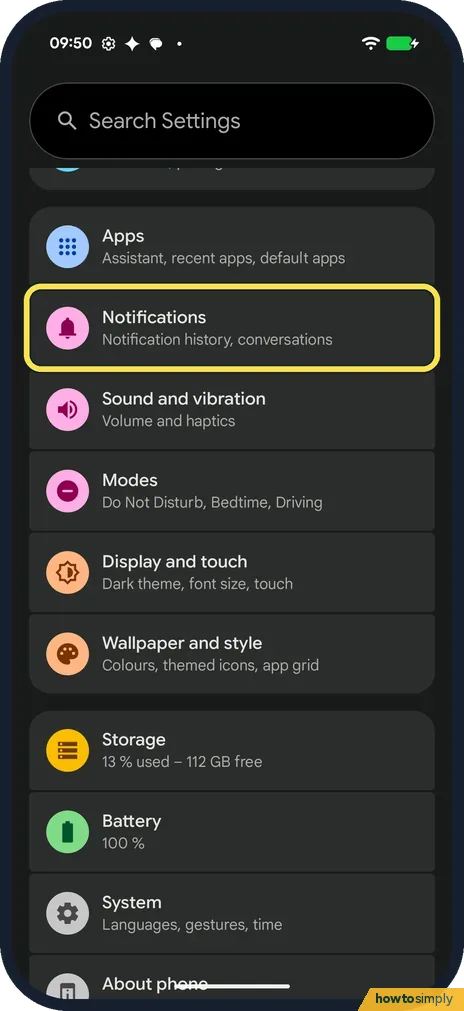
How to see notification history on a Google Pixel (Android 17)
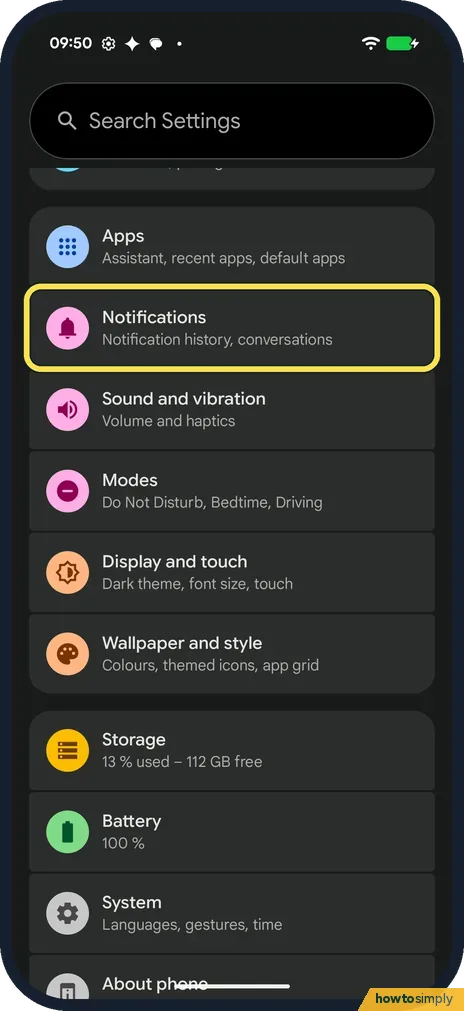
Open Settings, tap Notifications, then Notification history, and turn on Use notification history. It was off on our Pixel. From then on, alerts from the last 24 hours…
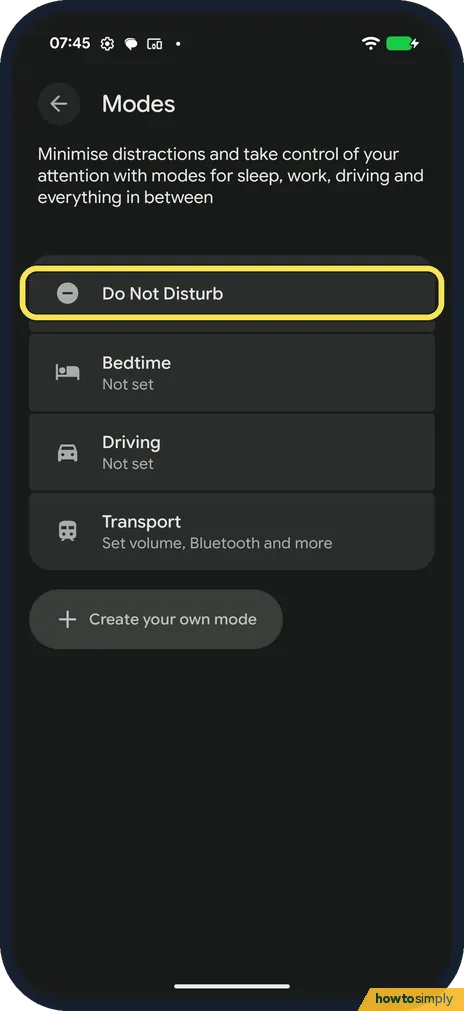
How to use Do Not Disturb and Modes on a Google Pixel (Android 17)
Go to Settings, Modes, Do Not Disturb and tap Turn on now. People and Apps on the same page decide who can still reach you. On Android 17, Do Not Disturb has no…
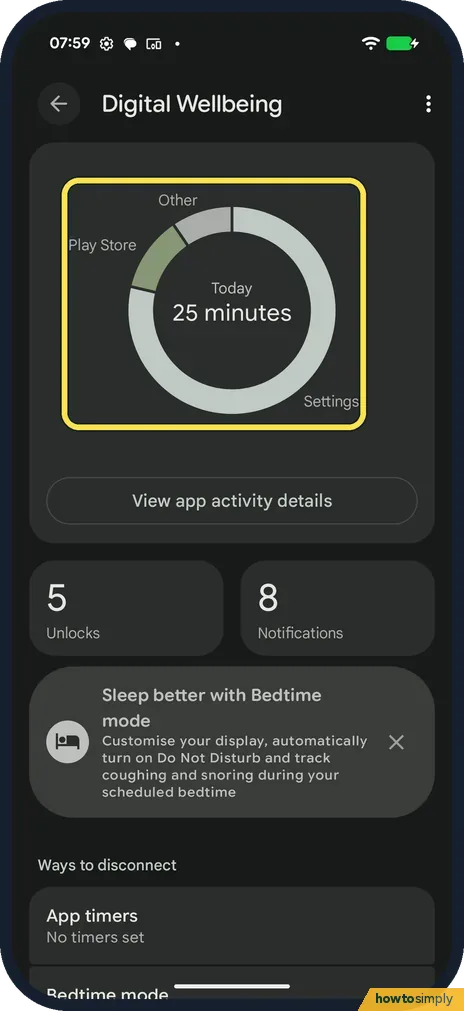
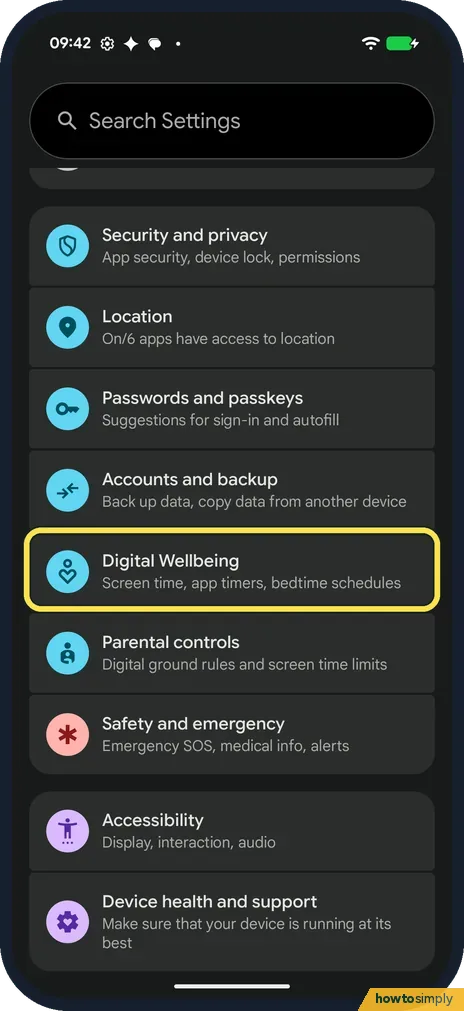
How to see screen time and set app timers on a Google Pixel (Android 17)
Go to Settings, Digital Wellbeing. The circle shows today's screen time. Tap App timers at the bottom, tap the hourglass next to an app, choose a time and tap OK. The…
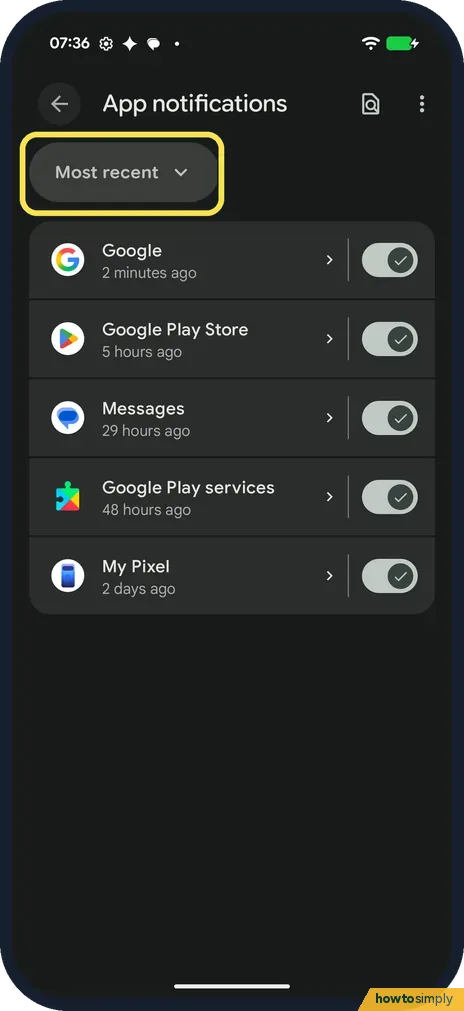
How to turn off notifications for one app on a Google Pixel (Android 17)
Open Settings, Notifications, App notifications. Change the Most recent filter to All apps, find the app and turn off its switch. Or tap the app's name and turn off the…
How to set up Bedtime mode on a Google Pixel (Android 17)
Open Settings, Digital Wellbeing and tap Bedtime mode under Ways to disconnect. Set the Start and End times and the days, then pick Use a schedule or Turn on while…
How to turn on notification snoozing and dots on a Google Pixel (Android 17)
Open Settings, Notifications and, under General, turn on Allow notification snoozing (off on ours); Notification dot on app icon, just below, sets the dots. Then expand…
How to turn on flash notifications on a Google Pixel (Android 17)
Open Settings, Notifications, Flash notifications and turn on Camera flash, Screen flash or both. Our screen flash colour was Yellow. Google says calls and alarms keep…
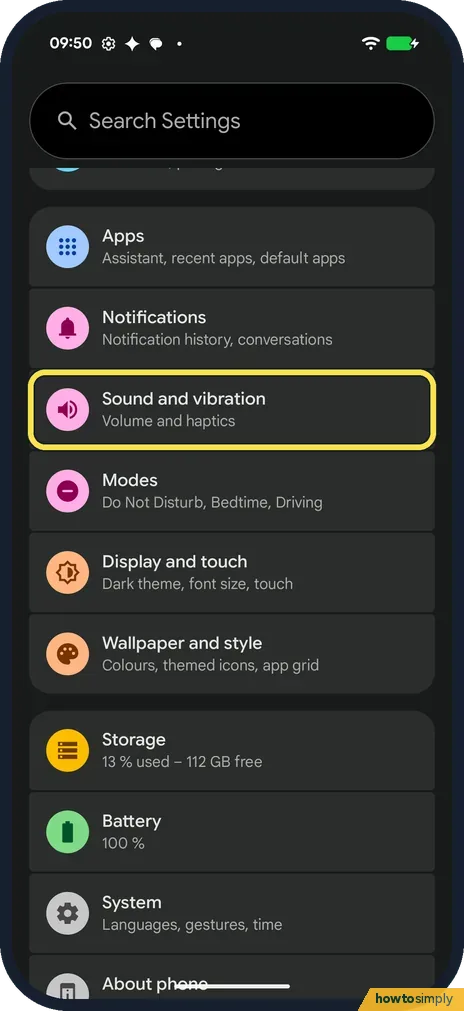
How to change the notification sound on a Google Pixel (Android 17)
Open Settings, Sound and vibration and tap Notification, under Sound and vibration patterns. Open a sound collection such as Pixel Sounds, tap a sound, then tap Save at…
How to turn on notification cooldown on a Google Pixel (Android 17)
Open Settings, Notifications and, under General, tap Notification cooldown. Turn on Use notification cooldown. The page says the phone then lowers its volume and…
How to use Focus mode on Android to pause distracting apps
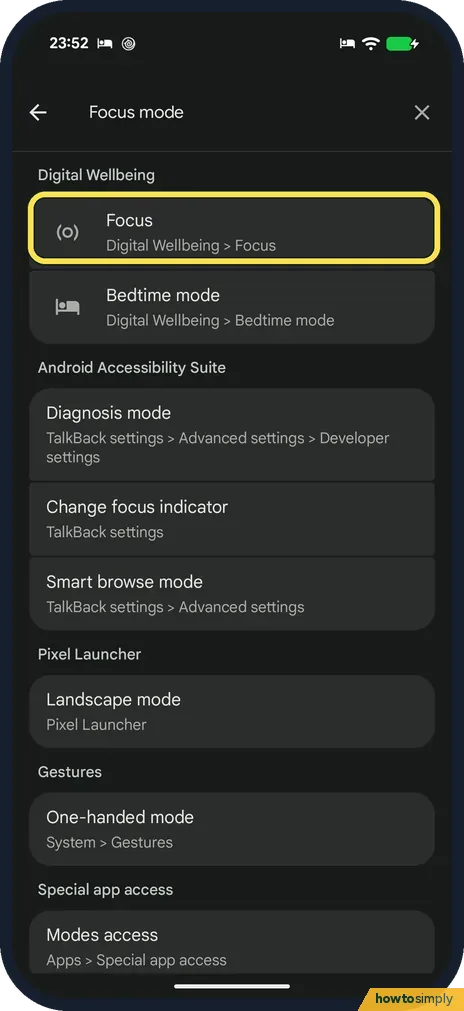
Search Settings for Focus, or open Digital Wellbeing and tap Focus. Tick the apps that distract you, then tap Turn on now. A notification says Distracting apps are…
Battery, Storage & Updates
11 guidesHow to limit charging to 80% on a Google Pixel (Android 17)
Open Settings, tap Battery, then Battery health, then Charging optimisation. Turn on Use charging optimisation and tap Limit to 80 %. Adaptive Charging, the other…
How to update a Google Pixel and its apps (Android 17)
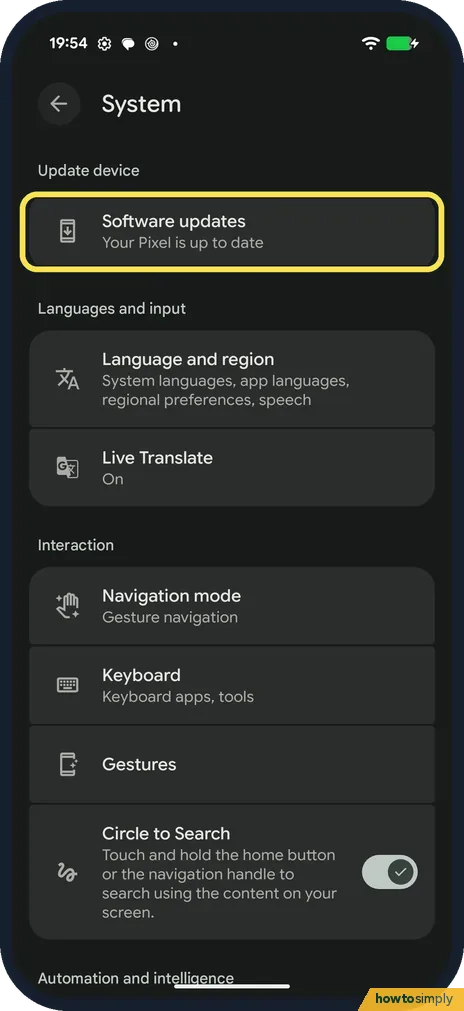
For the system, go to Settings, System, Software updates: it shows whether the phone is up to date and the dates of the last System update and Google Play system…
How to factory reset a Google Pixel (Android 17)
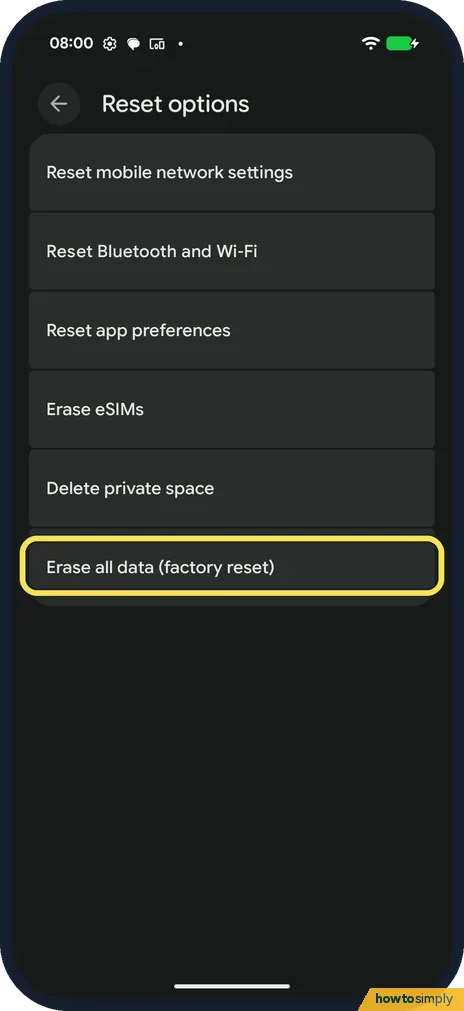
Back up first. Then go to Settings, System, Reset options, Erase all data (factory reset). The page lists what is erased and shows the Google Account you are signed in…
How to back up a Google Pixel (Android 17)
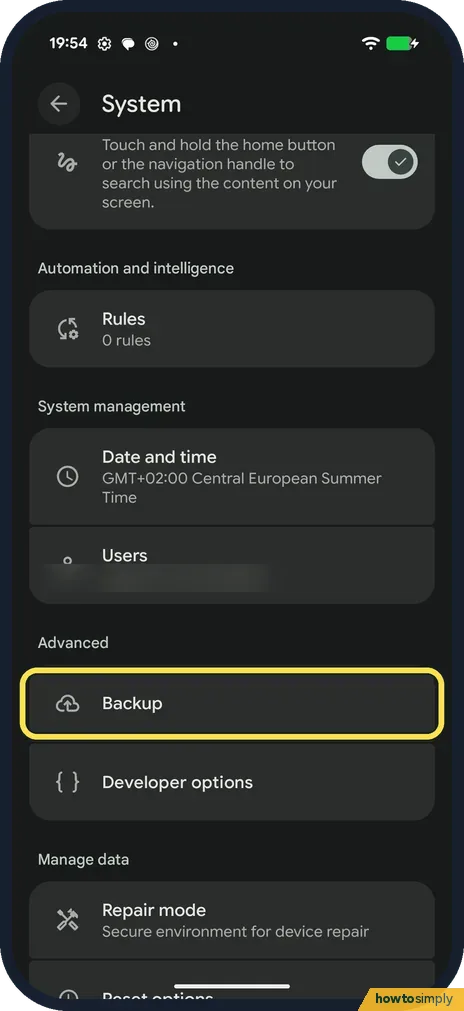
Go to Settings, System, Backup. If backup is off, Back up your device opens: choose Photos and videos and Other device data and tap Confirm. The Backup page then shows…
How to use Battery diagnostics on a Google Pixel (Android 17)
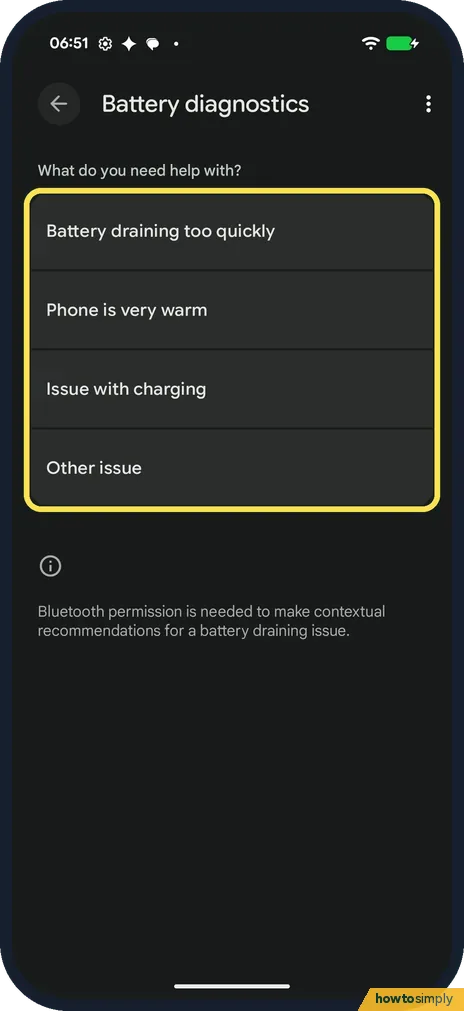
Google says to open Settings, Battery, Battery diagnostics. Pick what you need help with: Battery draining too quickly, Phone is very warm, Issue with charging or Other…
How to free up storage on a Google Pixel (Android 17)
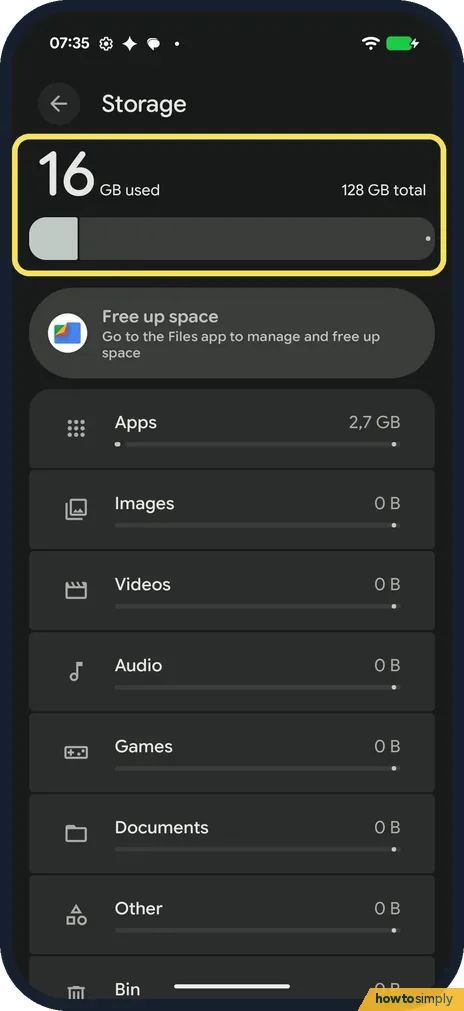
Open Settings, Storage to see what fills the phone: Apps, Images, Videos, System and more. Tap Free up space to open the Files app's Clean page, which shows cleanup…
How to use Battery Saver and Extreme Battery Saver on a Google Pixel (Android 17)
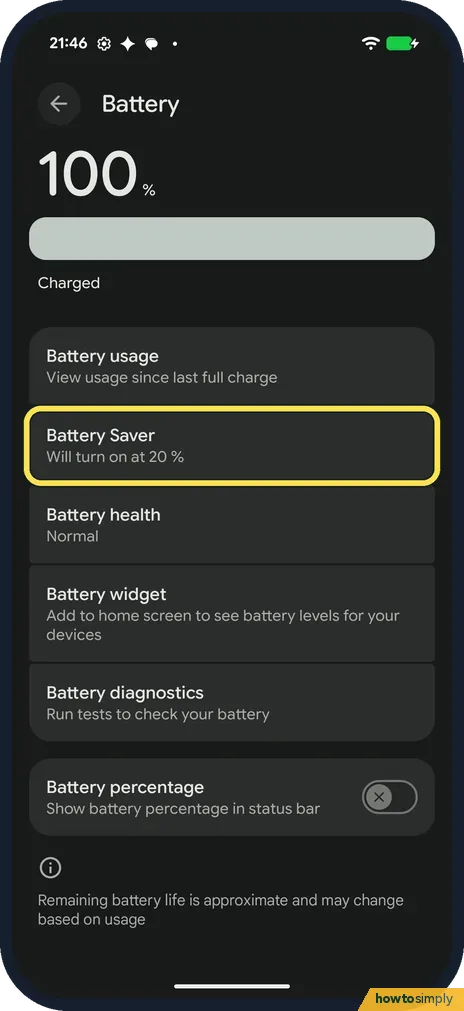
Open Settings, Battery, Battery Saver and turn on Use Battery Saver. Pick Standard, or Extreme to also pause non-essential apps; the gear sets the Essential apps…
How to check battery health on a Google Pixel (Android 17)
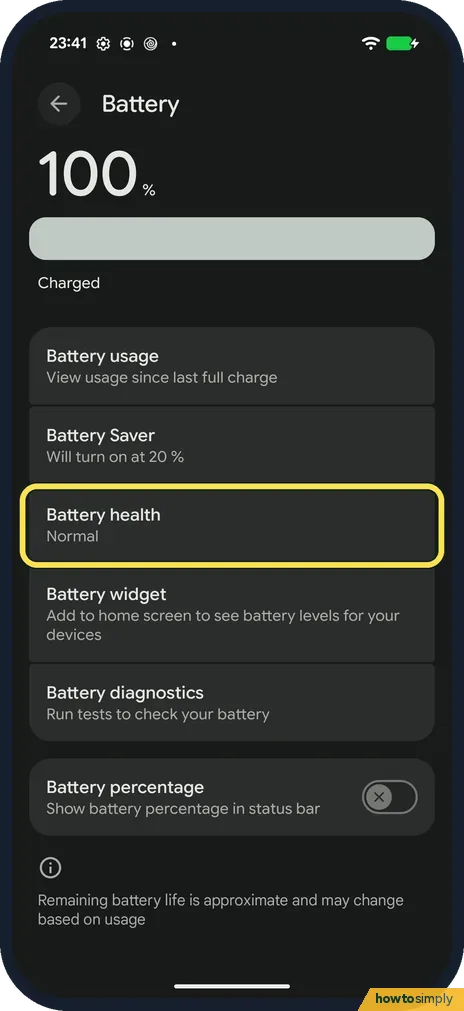
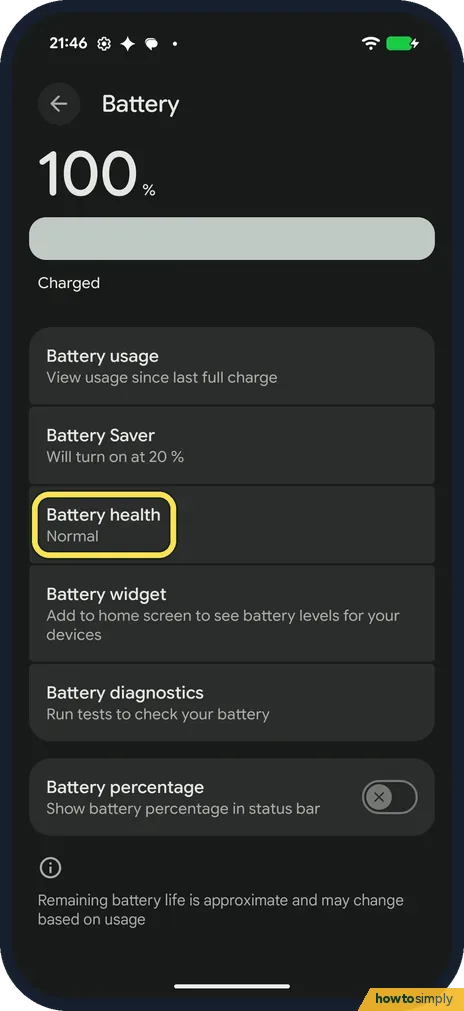
Open Settings, Battery, Battery health. The status at the top says Normal or Reduced; ours said Normal. Tap Battery capacity to see the estimated charge it can hold…
How to see battery use by app and limit background use on a Google Pixel (Android 17)
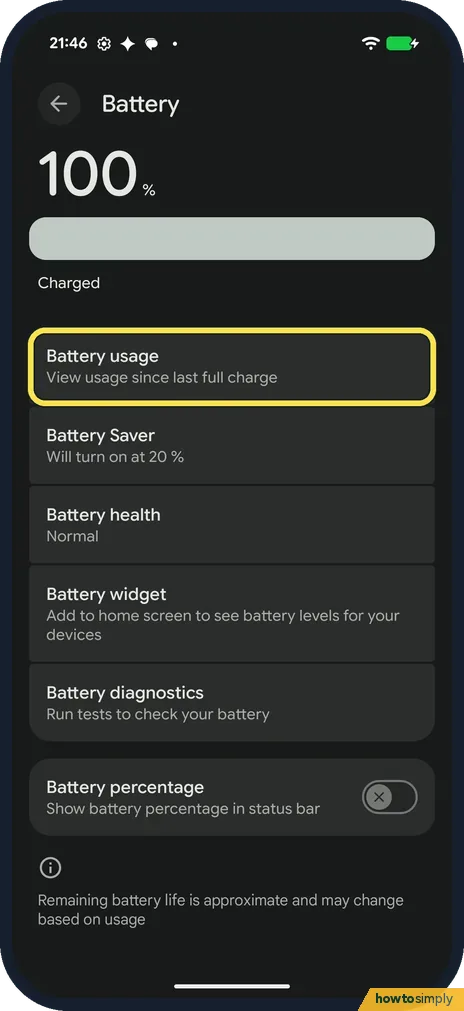
Open Settings, Battery, Battery usage and look under View by apps. To limit an app, open its App battery usage page (Settings, Apps, the app), tap Allow background…
How to show battery percentage on a Google Pixel (Android 17)
Open Settings, Battery and turn on Battery percentage, the last switch on the page: Show battery percentage in status bar. On our Pixel the number then showed inside…
How to check the security patch on a Google Pixel (Android 17)
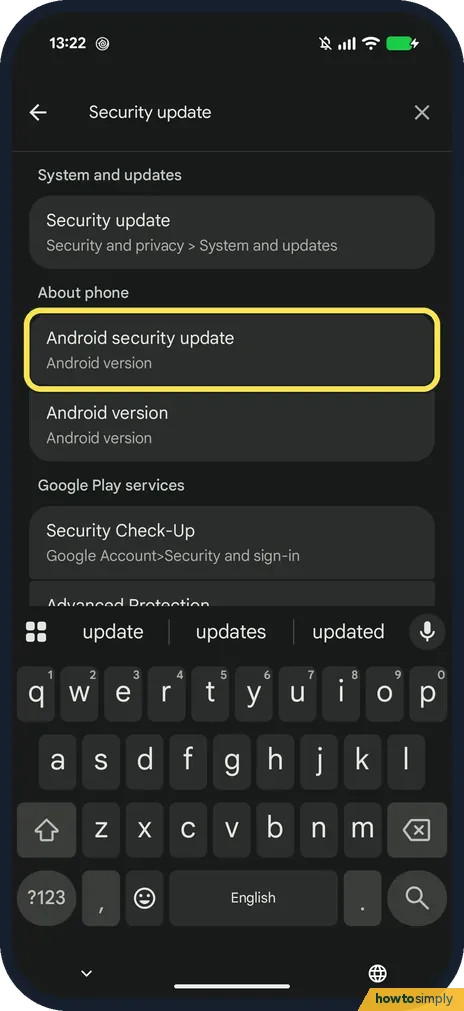
Open Settings, search for security update and tap Android security update. The Android version page shows the patch date: 5 October 2026 on our Pixel 10a in late…
Buttons & Gestures
3 guidesHow to use Quick Tap and other gestures on a Google Pixel (Android 17)
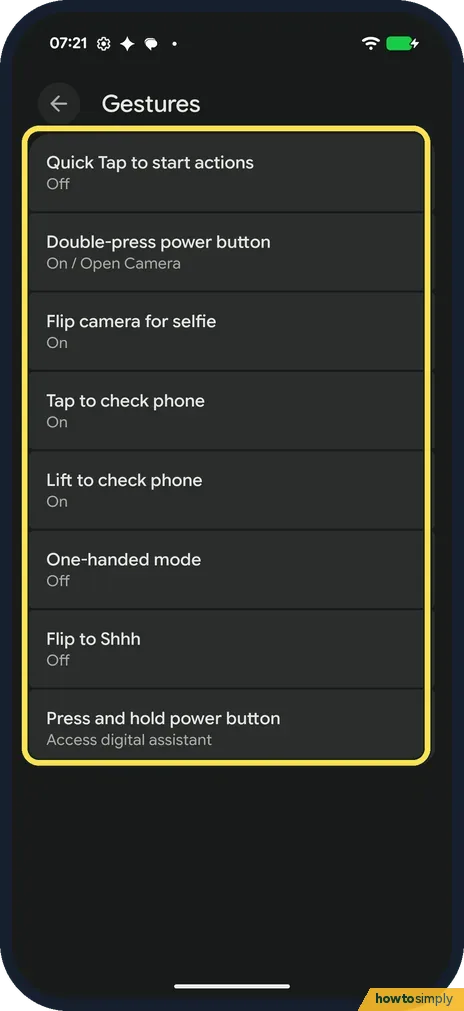
Open Settings, System, Gestures. Quick Tap lets you tap the back of the phone twice to take a screenshot, toggle the torch, open an app and more. Tap to check phone…
How to switch between gestures and 3-button navigation on a Google Pixel (Android 17)
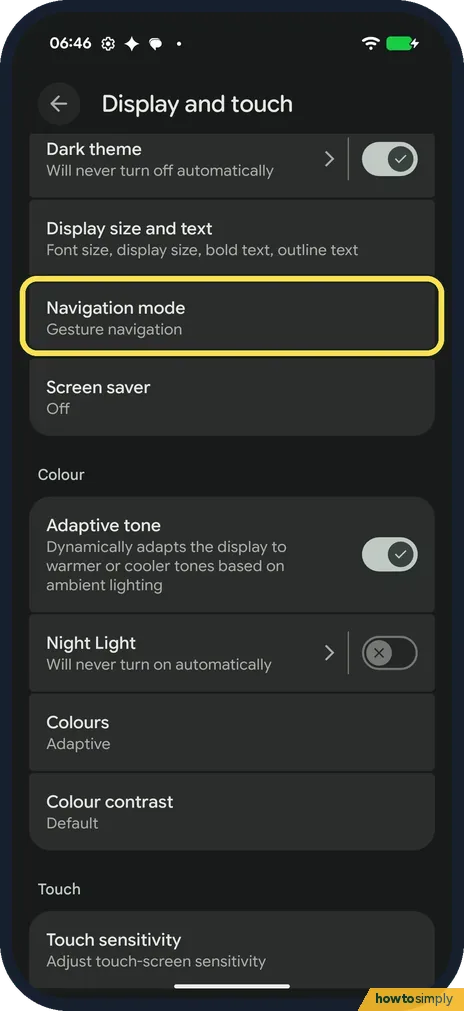
Open Settings, Display and touch, Navigation mode (Google gives Settings, System, Navigation mode), and tap Gesture navigation or 3-button navigation. Gestures use…
How to turn off tap and click sounds on a Google Pixel (Android 17)
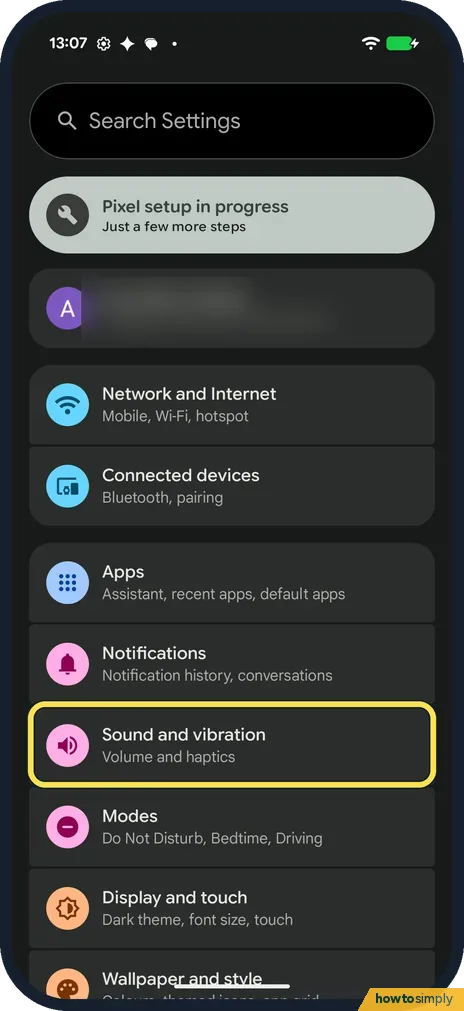
Open Settings, Sound and vibration, and scroll to the bottom. Under System sounds and vibrations, turn off Tap and click sounds. Dial pad tones, Screen locking sound…
Sound & Alerts
6 guidesHow to change the ringtone on a Google Pixel (Android 17)
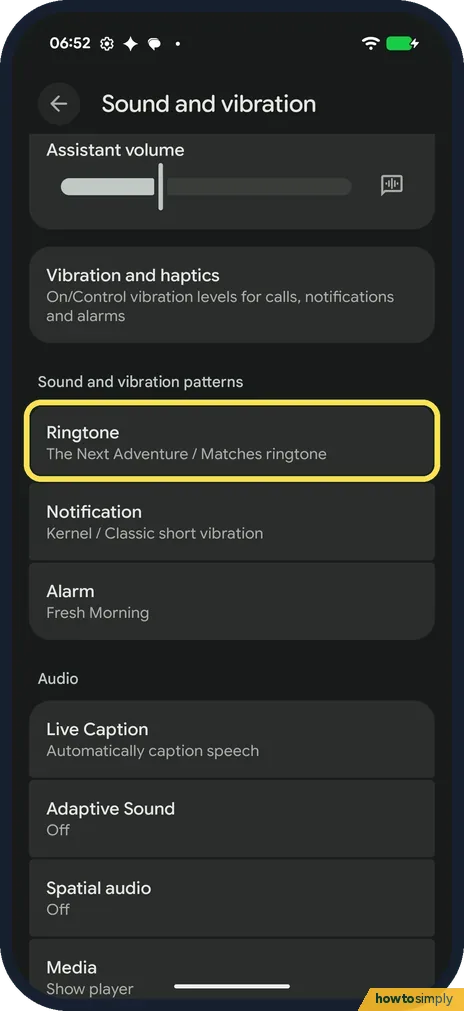
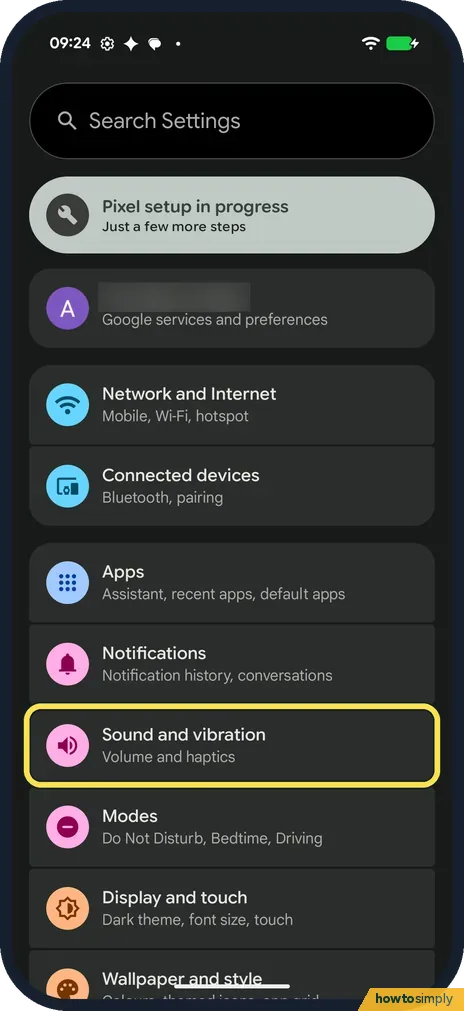
Open Settings, Sound and vibration, Ringtone. Open a sound collection such as Pixel Sounds or Material Adventures, tap a sound to hear it, then tap Save at the top…
How to set and delete an alarm on a Google Pixel (Android 17)
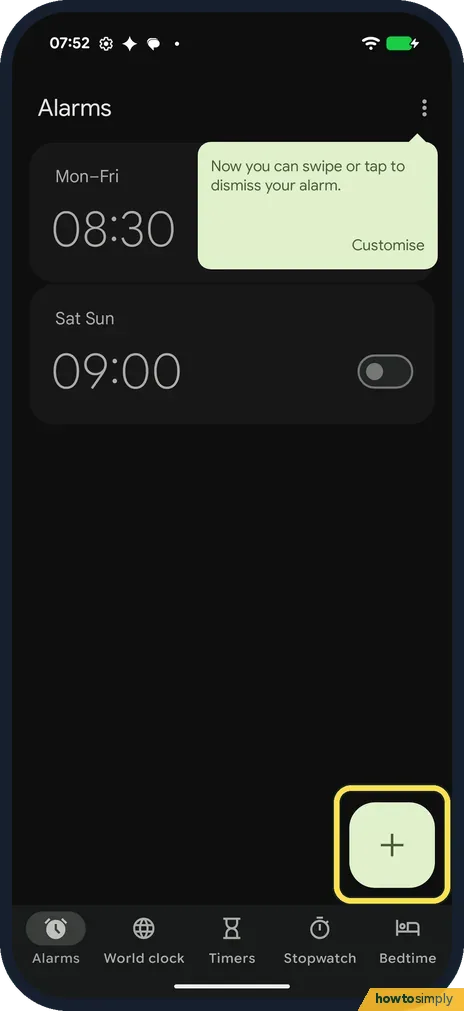
Open the Clock app, tap Alarms, then the + button. Pick the hour and minutes on the dial and tap OK. The new alarm is switched on. Tap the day letters to repeat it…
How to change vibration and haptics on a Google Pixel (Android 17)
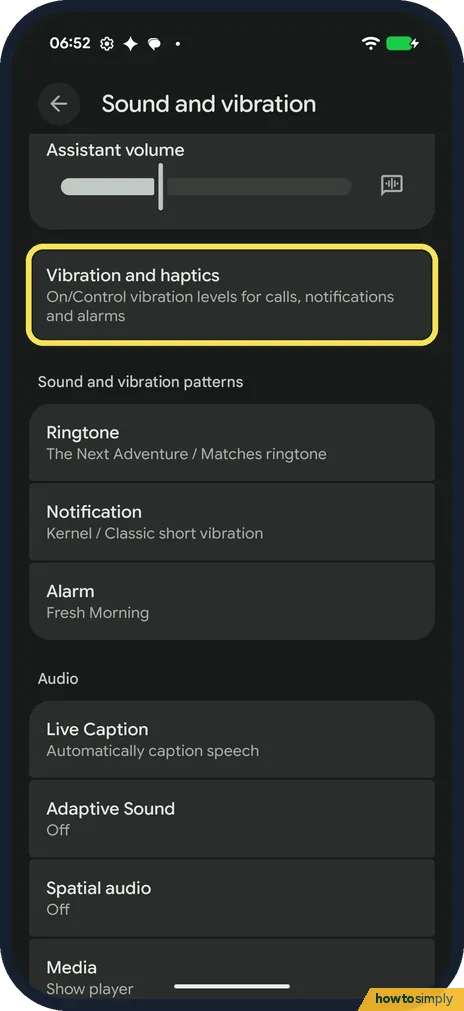
Open Settings, Sound and vibration, Vibration and haptics. Use vibration and haptics turns all of it on or off. Sliders set the strength for ring, notification, alarm…
How to use Adaptive Sound and media player settings on a Google Pixel (Android 17)
Open Settings, Sound and vibration, Adaptive Sound and turn on Use Adaptive Sound to tune the speaker to the room. Media, on the same page, has Pin media player for…
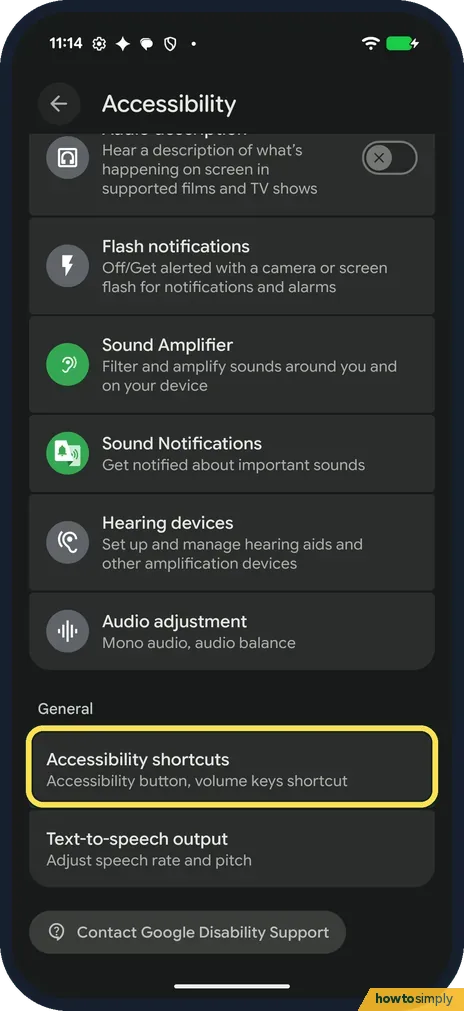
How to use the Accessibility button and volume keys shortcut on a Google Pixel (Android 17)
Each accessibility feature has its own shortcut. Open the feature, such as Settings, Accessibility, Magnification, tap its shortcut row and tick Accessibility button or…
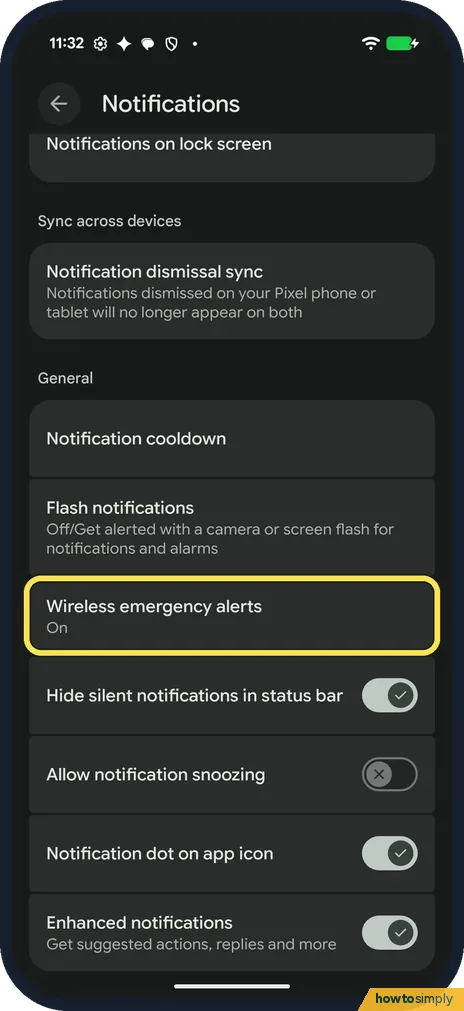
How to change wireless emergency alert settings on a Google Pixel (Android 17)
Open Settings, Notifications, Wireless emergency alerts. Allow alerts turns them on or off. Below are Extreme threats, Severe threats, AMBER alerts and Test alerts…
More settings
49 guidesHow to add a second user or a guest on Android
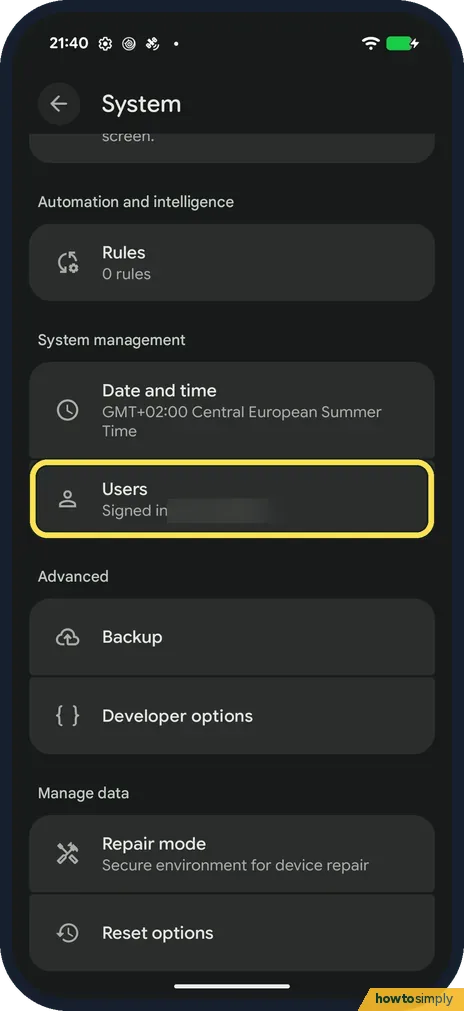
Open Settings, tap System, then Users. Tap Add user to give someone their own space, or Add guest and then Switch to Guest to lend the phone briefly. Switch users from…
How to turn off autoplay in YouTube on Android
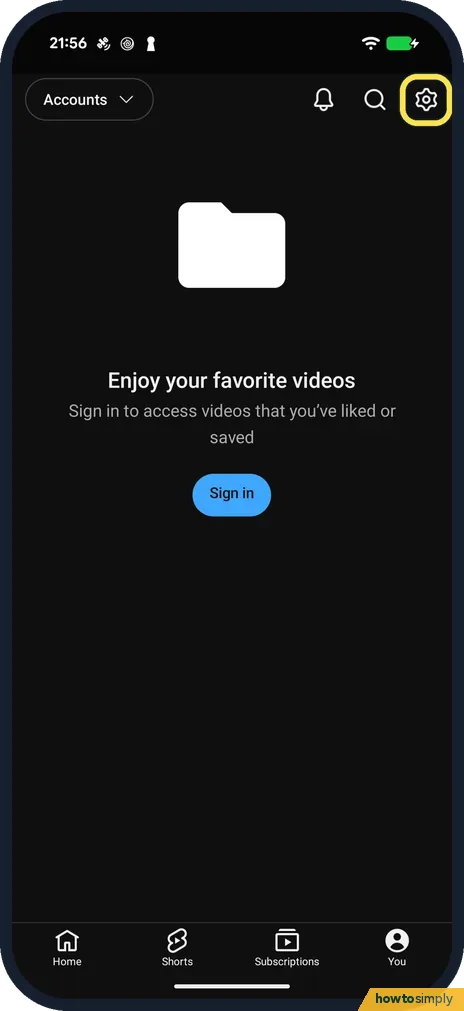
In YouTube tap You, the gear at the top right, Playback and switch off Autoplay next video. The next video no longer starts by itself when one ends.
How to change playback speed in YouTube on Android
Tap the video, the gear at the top right and Playback speed. Tap 0.25, 1.0 (Normal), 1.25, 1.5 or 2.0, or use the minus and plus buttons or the slider for steps in between.
How to turn on Restricted Mode in YouTube on Android
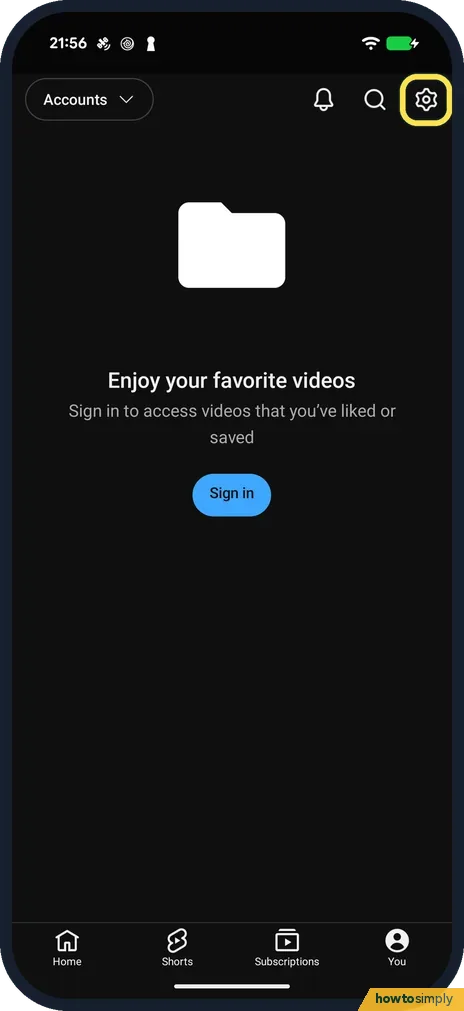
In YouTube tap You, the gear, General and switch on Restricted Mode. It hides potentially mature videos and comments, only in this app on this phone.
How to turn off or restart a Google Pixel (Android 17)
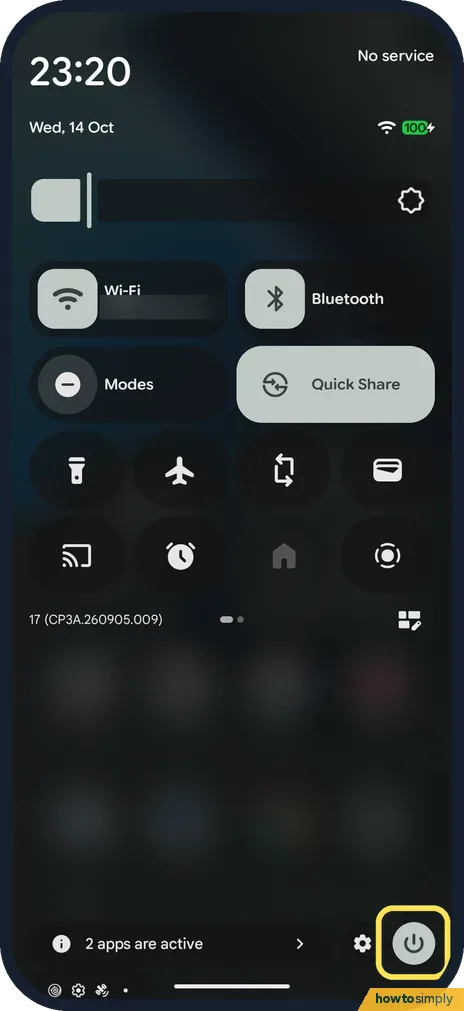
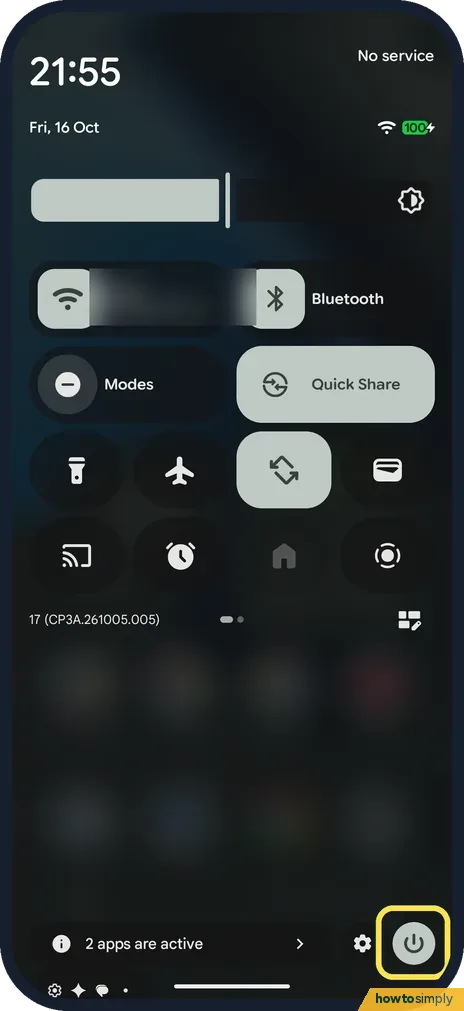
Swipe down twice from the top of the screen and tap the power icon at the bottom right of Quick Settings, then tap Power off or Restart. Or press and hold the Power and…
How to screen record on a Google Pixel (Android 17)
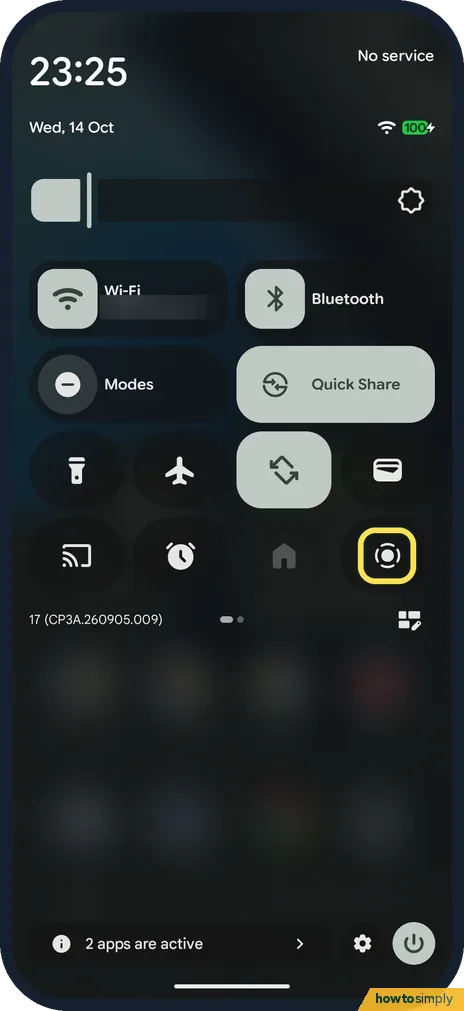
Swipe down twice from the top of the screen and tap Screen record. Choose Single app or Entire screen, turn on Record device audio or Record microphone if you want…
How to turn on 120 Hz Smooth display on a Google Pixel 10a
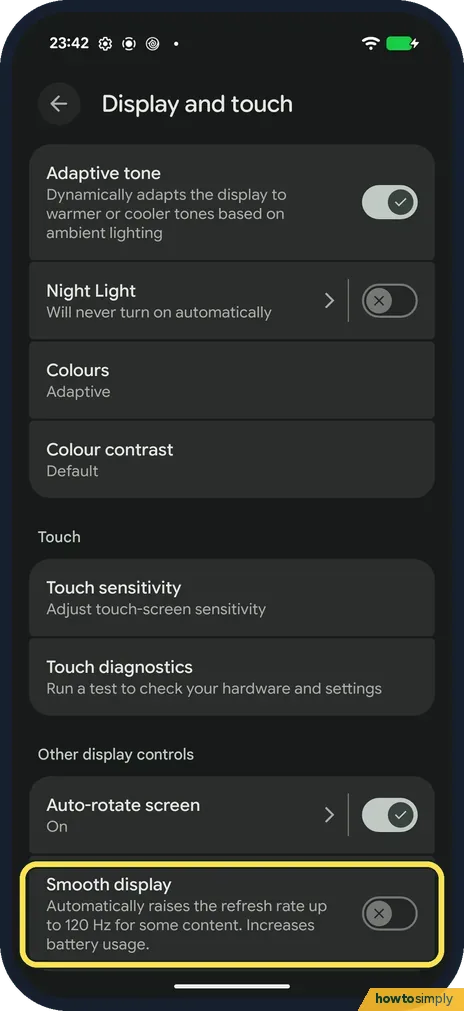
Open Settings, tap Display and touch, scroll to Other display controls and turn on Smooth display. It was off on our Pixel 10a. It raises the refresh rate up to 120 Hz…
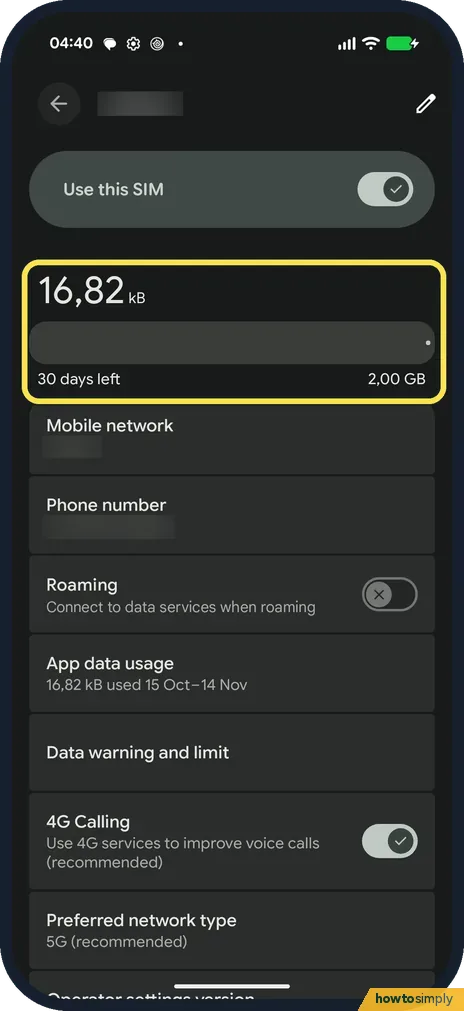
How to turn on 4G calling and 5G on a Google Pixel (Android 17)
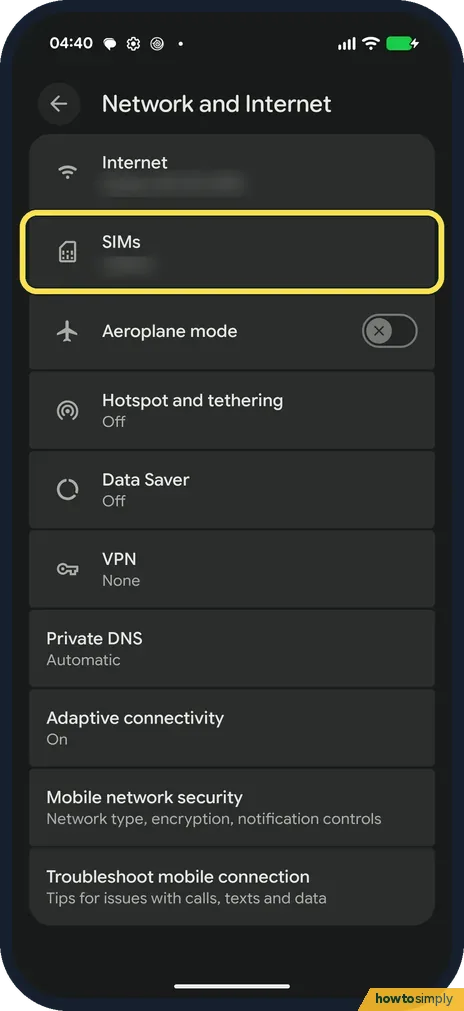
Open Settings, Network and Internet, SIMs, and tap your SIM. Turn on 4G Calling if your SIM page has it, then tap Preferred network type and choose 5G (recommended)…
How to set a data warning and limit on a Google Pixel (Android 17)
Open Settings, Network and Internet, SIMs, your SIM, then Data warning and limit. Turn on Set data warning and choose an amount, and turn on Set data limit to stop…
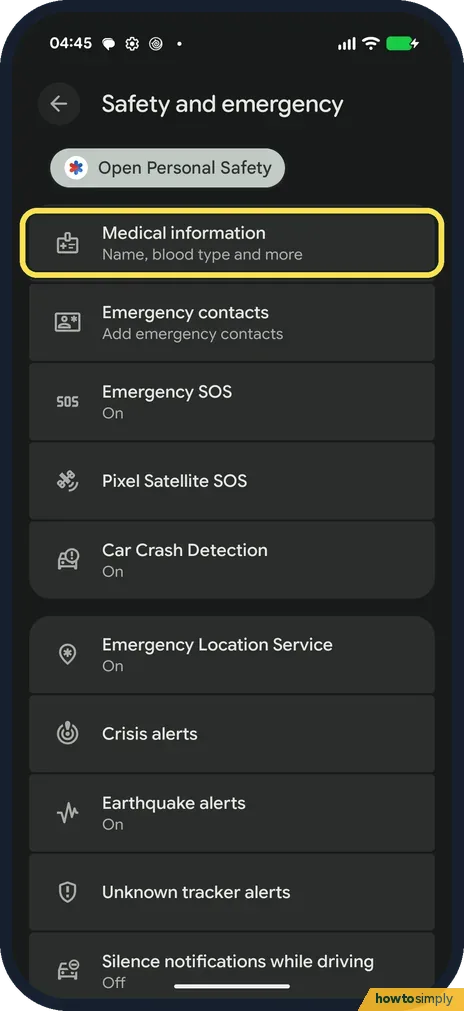
How to check Emergency SOS and safety settings on a Google Pixel (Android 17)
Open Settings, Safety and emergency. It lists Medical information, Emergency contacts, Emergency SOS, Car Crash Detection, Emergency Location Service and emergency…
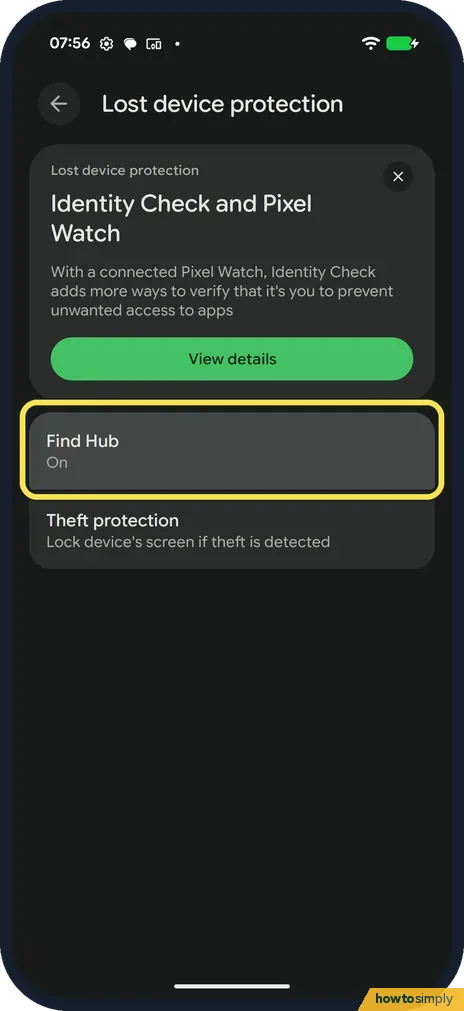
How to check Find Hub is on on a Google Pixel (Android 17)
Go to Settings, Security and privacy, Lost device protection, Find Hub. Allow device to be located should be on. Then a lost phone can be found, locked or erased from…
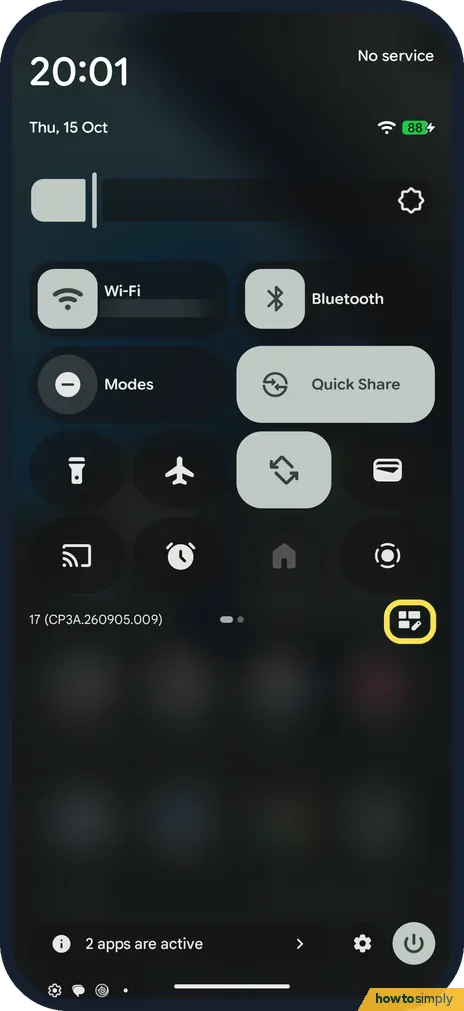
How to edit Quick Settings tiles on a Google Pixel (Android 17)
Swipe down twice from the top and tap the edit (pencil) button. In Edit tiles, your tiles are at the top. Scroll to a group such as Utilities and tap + on a tile to add…
How to scan a QR code on a Google Pixel (Android 17)
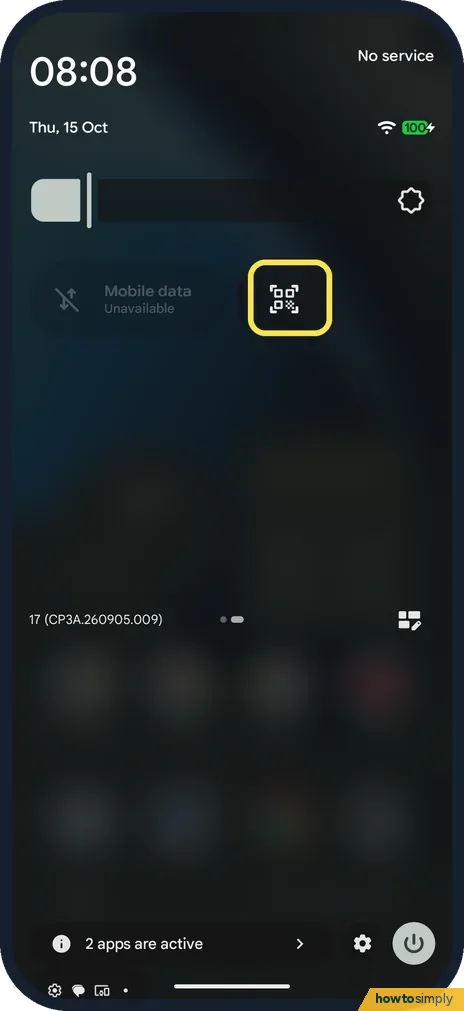
Swipe down twice from the top and tap the QR code scanner tile. Point the phone at the code inside the frame. If the tile isn't there, add it in Edit tiles, under Utilities.
How to use expanded dark theme on a Google Pixel (Android 17)
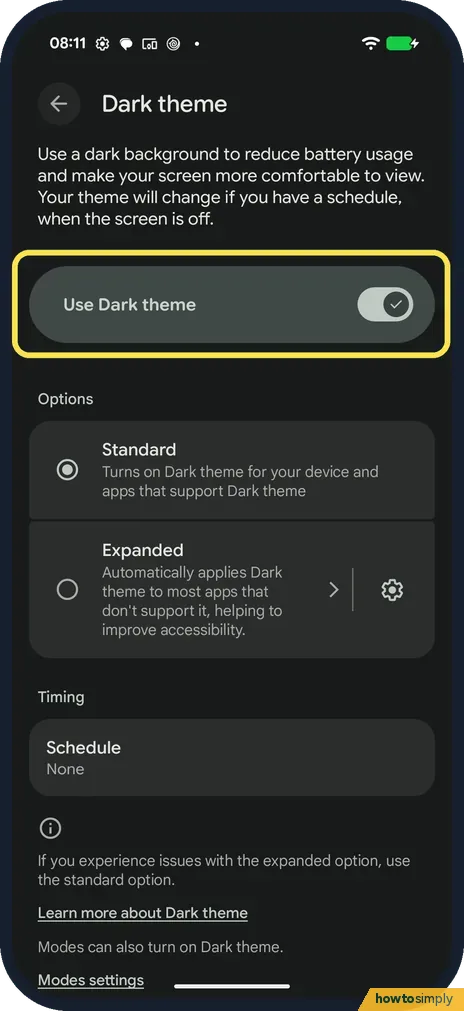
Go to Settings, Display and touch, Dark theme. Turn on Use Dark theme and choose Standard or Expanded. Expanded darkens most apps, even ones without a dark mode; tap…
How to find the IMEI, model and build number on a Google Pixel (Android 17)
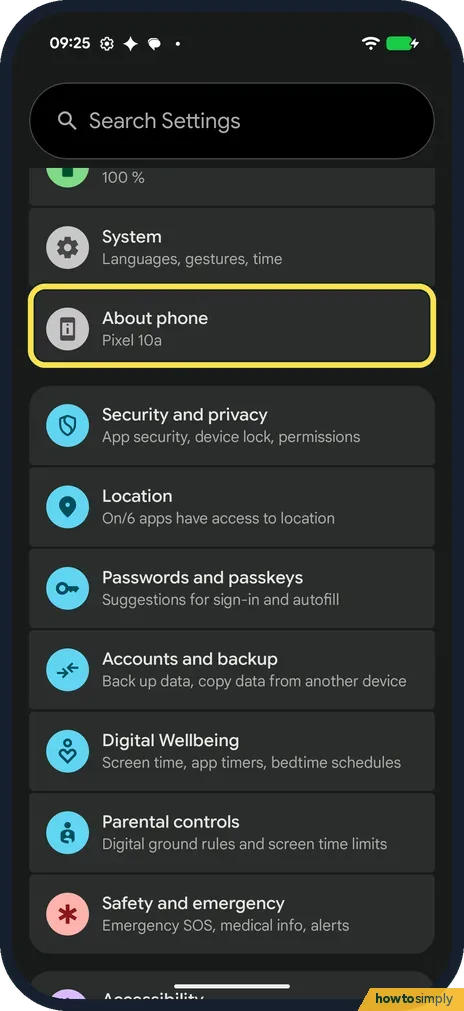
Open Settings and tap About phone. Under Device details you find Model, EID, IMEI 1 and IMEI 2, Android version and Build number. A Pixel 10a has two IMEIs, one for the…
How to start a Google Pixel in safe mode (Android 17)
Swipe down twice, tap the power icon at the bottom right, then touch and hold Power off until Reboot to safe mode appears, and tap OK. In safe mode the apps you…
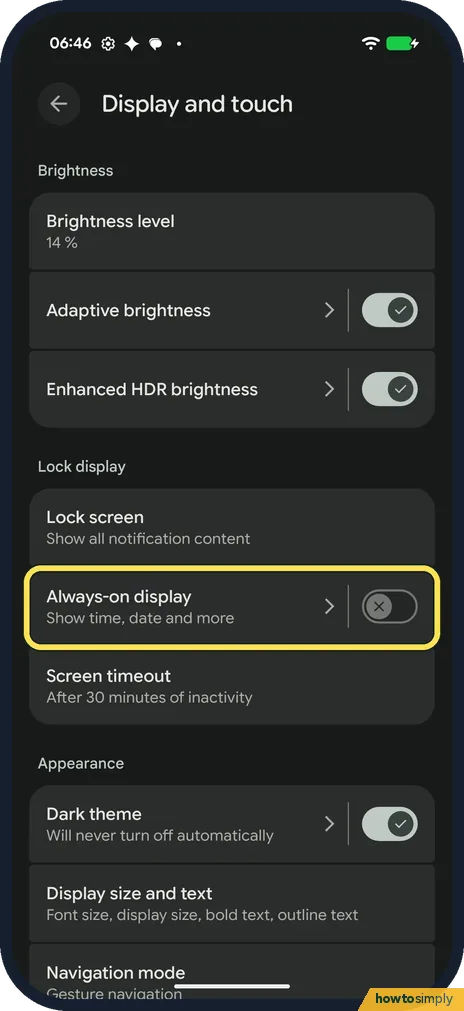
How to turn on Always-on display on a Google Pixel (Android 17)
Open Settings, tap Display and touch, then Always-on display, and turn on the switch. It shows the time, date and more while the screen is off. It isn't on the Lock…
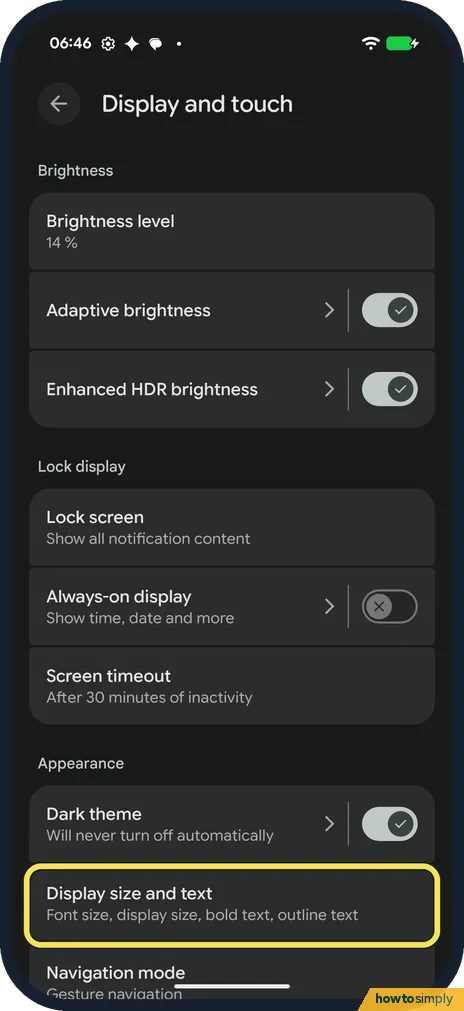
How to change text and display size on a Google Pixel (Android 17)
Open Settings, Display and touch, Display size and text. Move the Font size slider for bigger text and the Display size slider to make everything bigger. Bold text and…
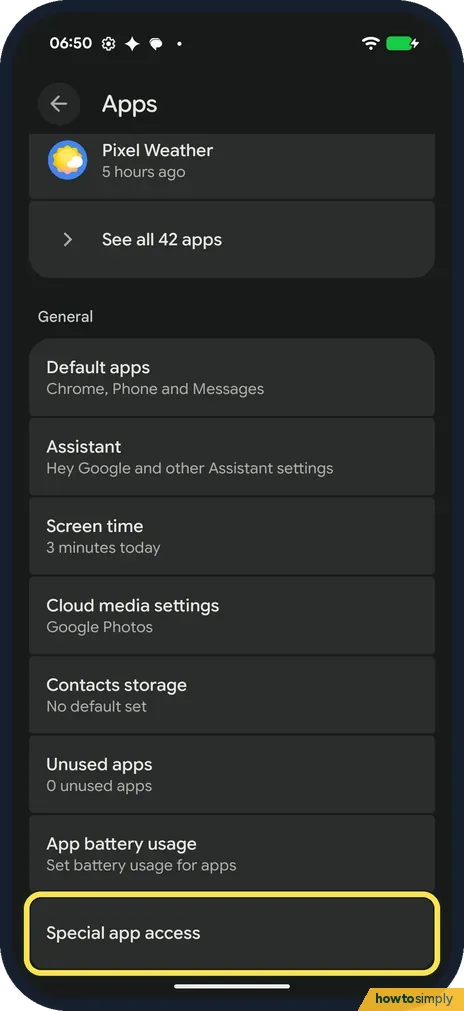
How to allow installing apps from unknown sources (APK) on a Google Pixel (Android 17)
Open Settings, Apps, Special app access, Install unknown apps. Tap the app you open the APK with, such as Chrome or Files by Google, and turn on Allow from this source…
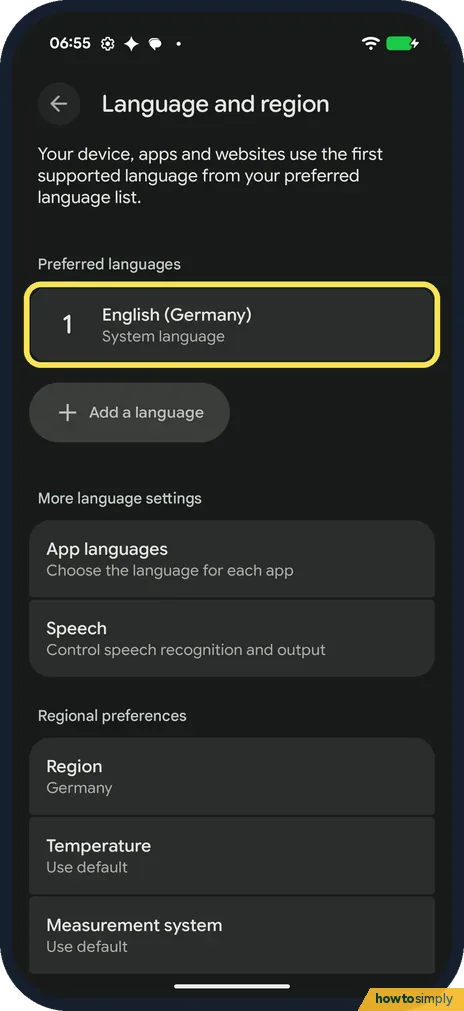
How to change the system language on a Google Pixel (Android 17)
Open Settings, System, Language and region. Tap Add a language and pick yours; it is added as number 2. To make it the phone's language, tap the three dots next to it…
Pixel 10a missing features: what our Pixel 10a doesn't have (Android 17)
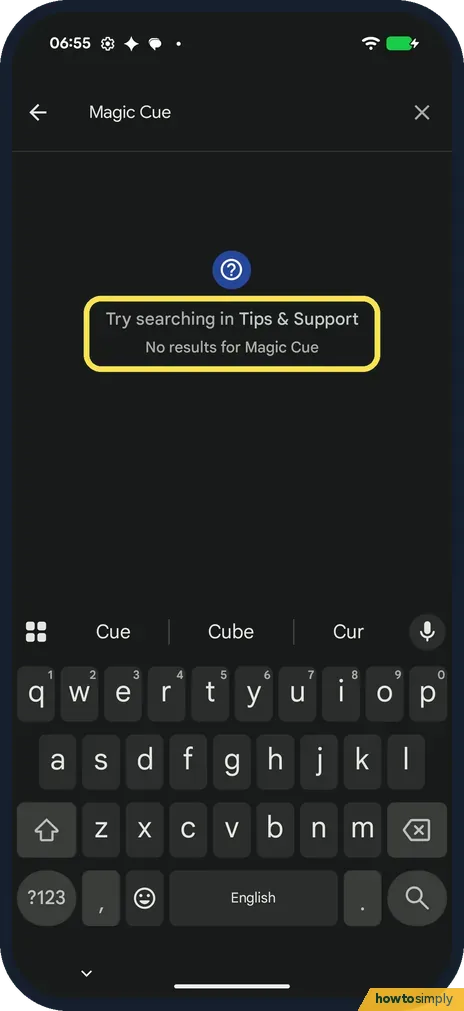
Our Pixel 10a had no Magic Cue, Pixel Screenshots, Notification summaries, Call notes, App lock or Pause Point, no Video Boost or Night Sight video, and no Call Screen…
How to use Data Saver on a Google Pixel (Android 17)
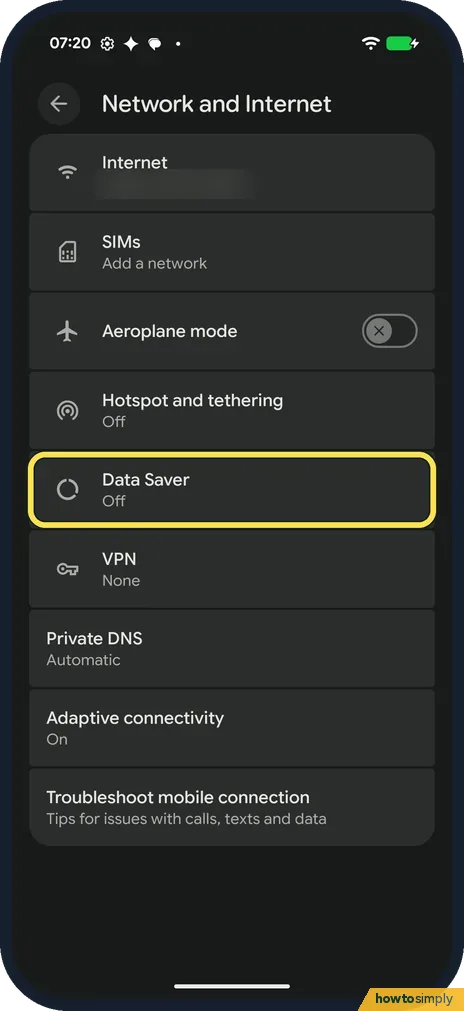
Open Settings, Network and Internet, Data Saver, and turn on Use Data Saver. It stops some apps from using data in the background, and an icon shows in the status bar…
How to change app permissions on a Google Pixel (Android 17)
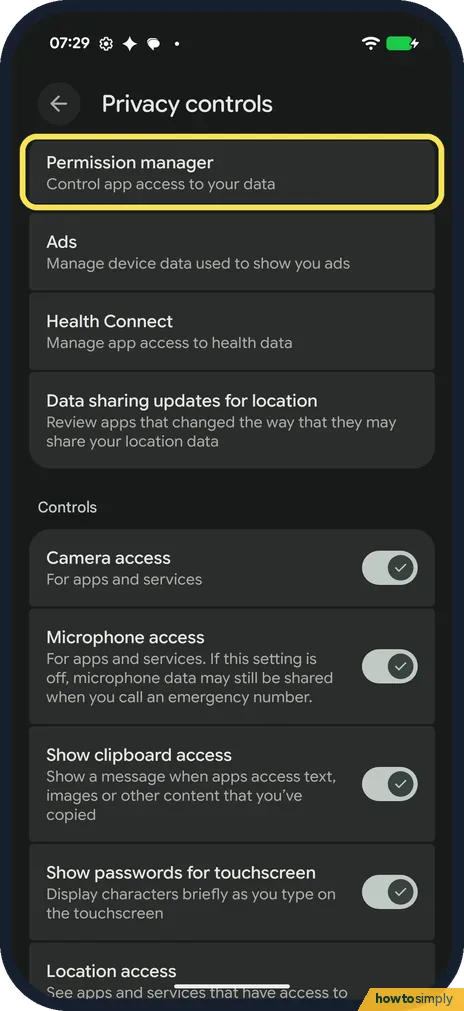
Open Settings, Security and privacy, Privacy controls, Permission manager. Tap a permission such as Camera to see which apps have it, then tap an app and pick Allow…
How to use one-handed mode on a Google Pixel (Android 17)
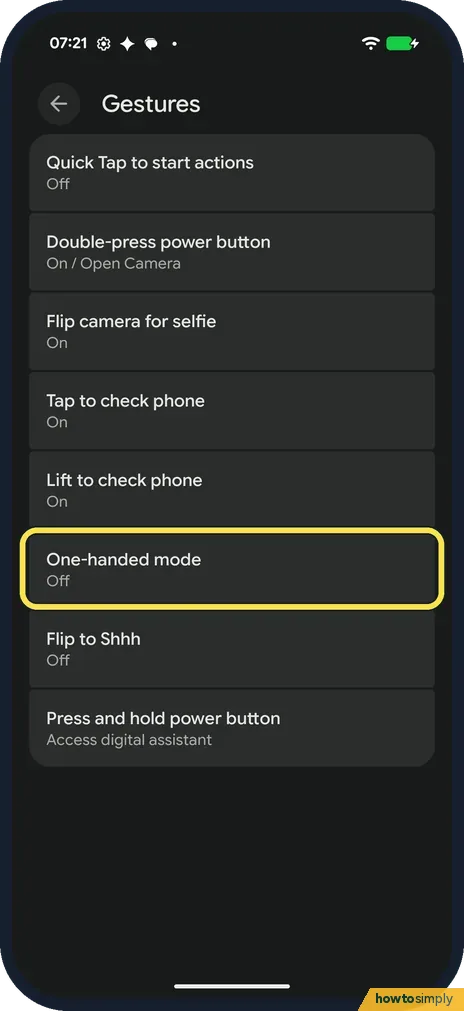
Open Settings, System, Gestures, One-handed mode, and turn on Use one-handed mode. Then swipe down on the bottom edge of the screen to pull the top half down. To exit…
How to turn on USB file transfer on a Google Pixel (Android 17)
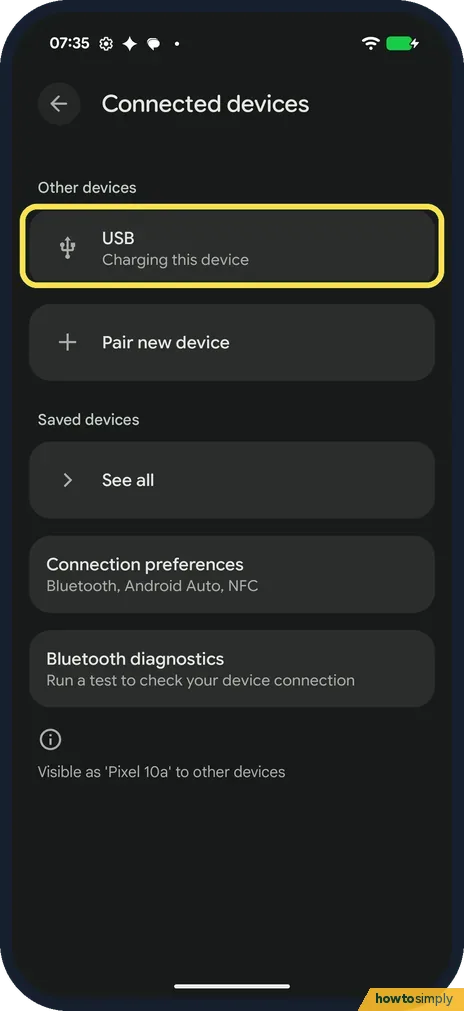
Unlock the Pixel, connect it to the computer and open Settings, Connected devices, USB. Under Use USB for, tap File transfer/Android Auto. Ours stayed on No data…
How to force stop an app on a Google Pixel (Android 17)
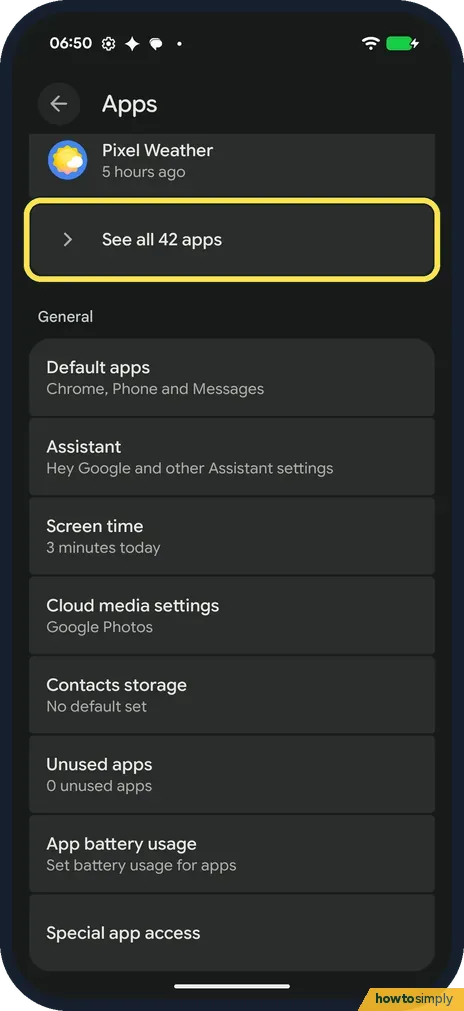
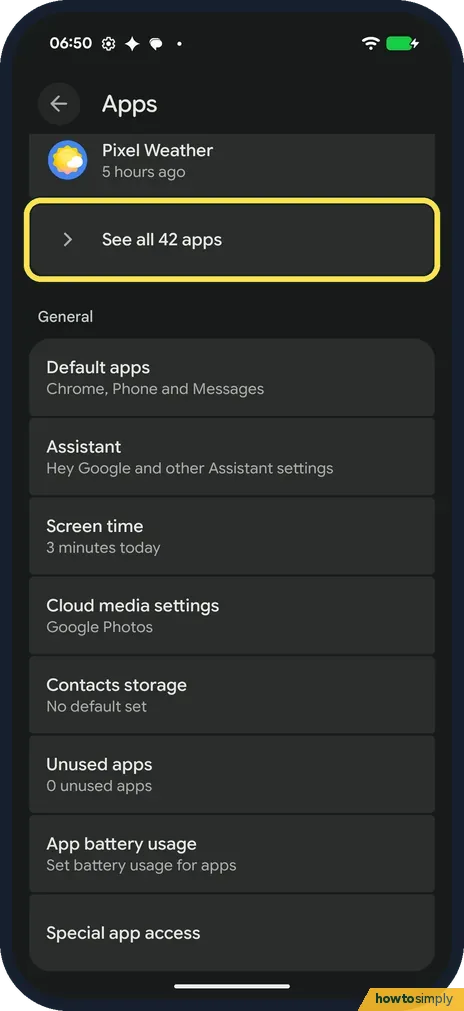
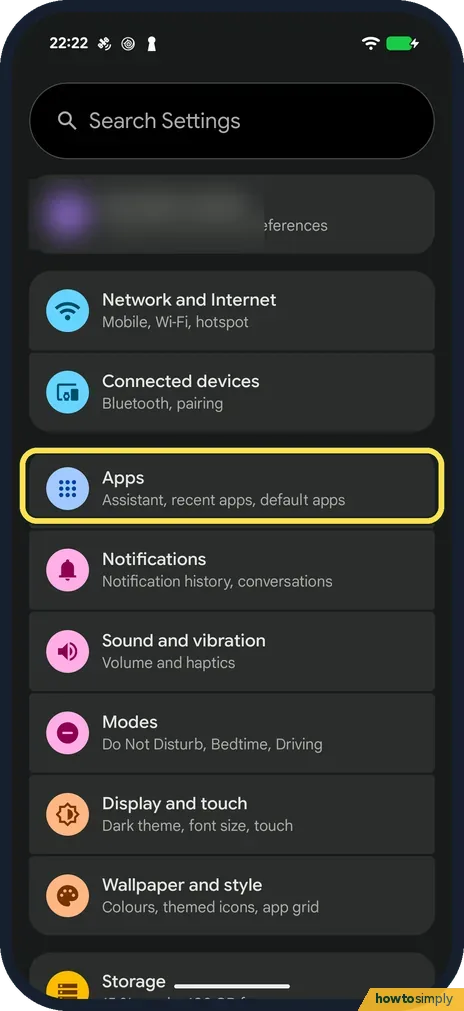
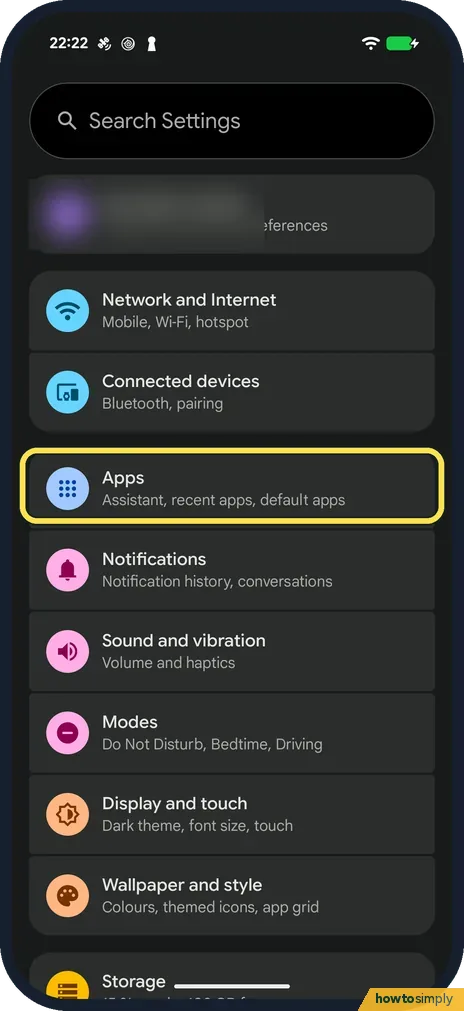
Open Settings, Apps, See all apps and tap the app. On its App info page, tap Force stop, then OK in the Force stop? box. The app closes; it opens again normally next…
How to change the device name on a Google Pixel (Android 17)
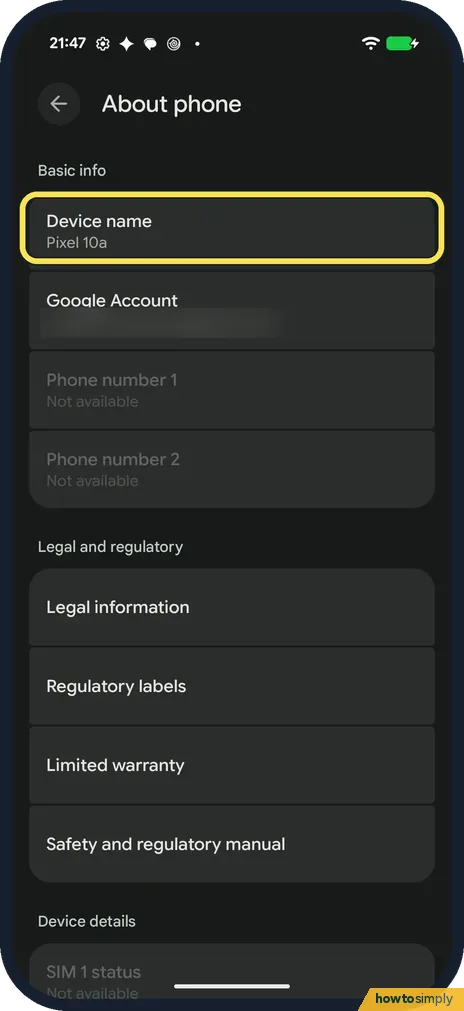
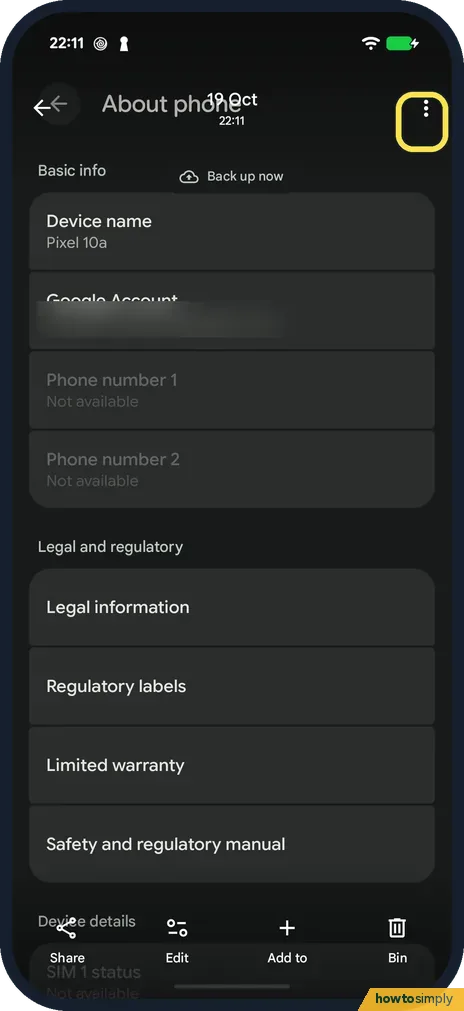
Open Settings, About phone and tap Device name, the first row. Type the new name and tap OK. A second box says the name is visible to apps and may be seen over…
How to switch between 12-hour and 24-hour time on a Google Pixel (Android 17)
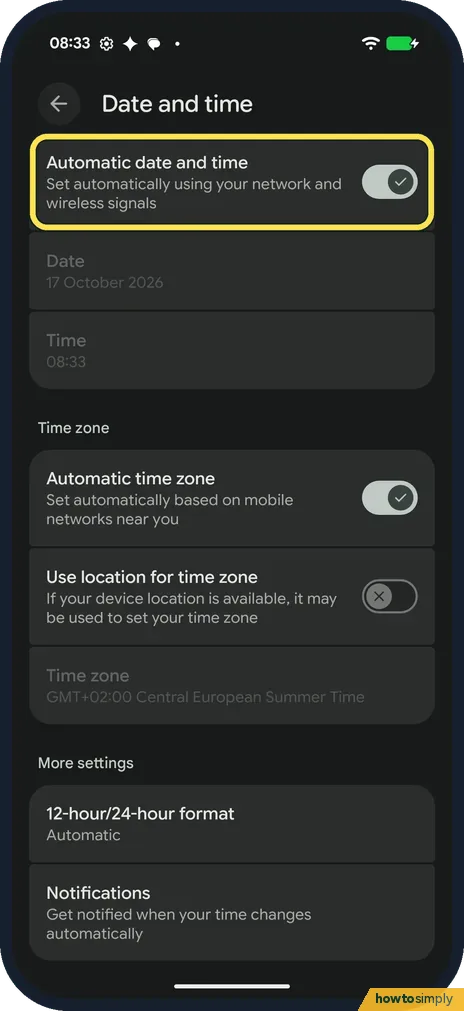
Open Settings, System, Date and time and tap 12-hour/24-hour format under More settings. Pick Automatic (apps follow the app language), 12-hour format (1:00 pm) or…
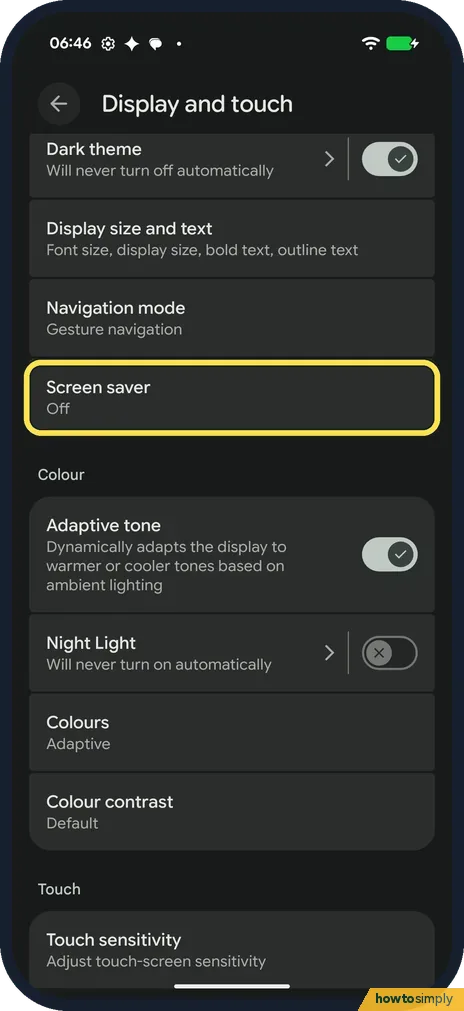
How to set up the screen saver on a Google Pixel (Android 17)
Open Settings, Display and touch, Screen saver and turn on Use screen saver. Pick Everyday clock, Google Photos, Pilot bold clock or Pixel Weather. When to show sets…
How to change the language of one app on a Google Pixel (Android 17)
Open Settings, System, Language and region and tap App languages. Tap the app, then pick a language under Suggested or All languages. The rest of the phone keeps its…
How to remove animations on a Google Pixel (Android 17)
Open Settings, Accessibility, Colour and motion and turn on Remove animations: Reduce movement on the screen. It was off on ours. Tapping the row switched it on…
How to change Private DNS on a Google Pixel (Android 17)
Open Settings, Network and Internet, Private DNS. Pick Off, Automatic or Private DNS provider hostname, type the hostname (such as dns.google) and tap Save. The Private…
How to use app pinning on a Google Pixel (Android 17)
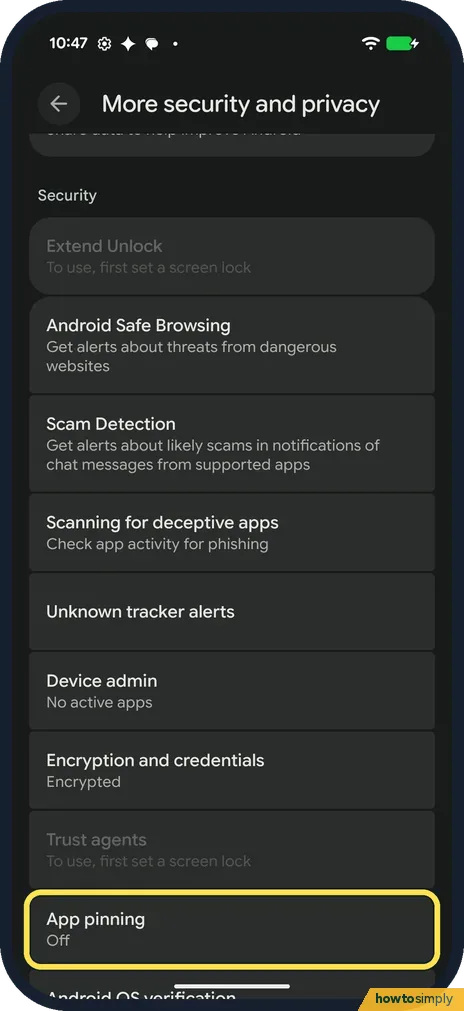
Open Settings, Security and privacy, More security and privacy, App pinning and turn on Use app pinning, then tap OK. In Overview, tap the app icon, tap Pin, then Got…
How to stop an app using background data on a Google Pixel (Android 17)
Open Settings, Apps, See all apps and tap the app. Tap its data row (Wi-Fi data usage on ours) and turn off Background data. The switch says it covers mobile data used…
How to make an app folder on a Google Pixel (Android 17)
Press and hold an app on the home screen and drag it on top of another app, then lift your finger. Ours made a folder and named it Google by itself. Tap the folder…
How to use Circle to Search on a Google Pixel (Android 17)
Touch and hold the navigation handle at the bottom of the screen. The switch is in Settings, System, Circle to Search; ours was on. The first time, ours showed a card…
How to switch to 3-button navigation on Android
Open Settings, tap System, then Navigation mode, and choose 3-button navigation. On a Samsung Galaxy it is Settings, Display, Navigation bar, Buttons. The Back, Home…
How to change the language of one app on Android
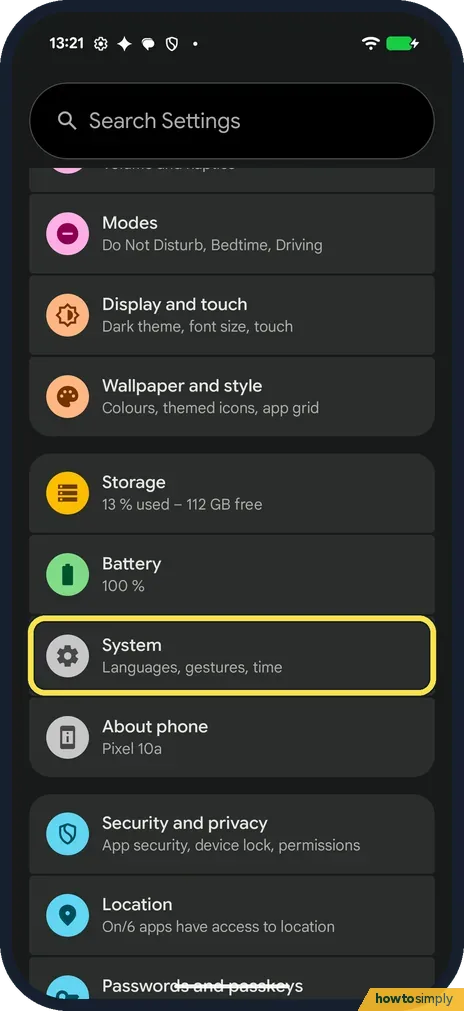
Open Settings, tap System, then Language and region, then App languages. Tap the app and choose the language. On a Samsung Galaxy it is Settings, General management…
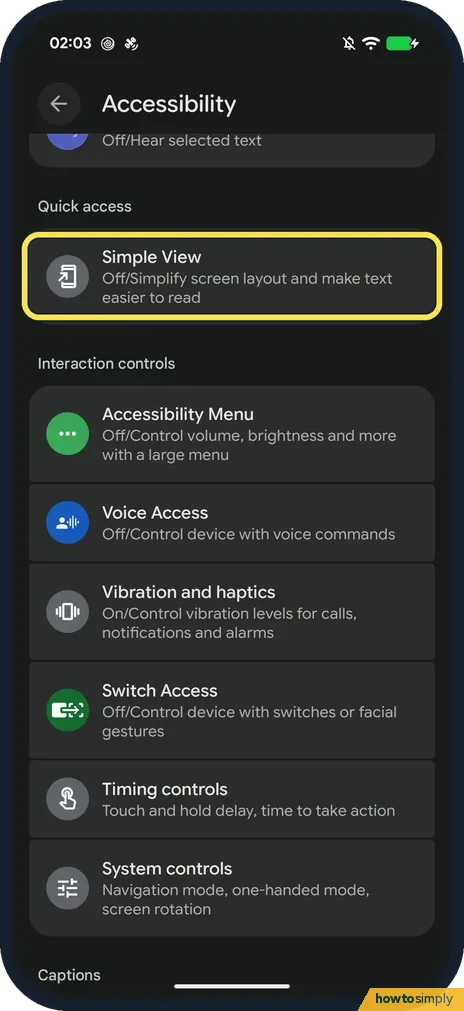
How to turn on Simple View on a Google Pixel (Android 17)
Go to Settings, Accessibility, and under Quick access tap Simple View, then turn on Use Simple View. Text and icons get bigger straight away. Turn the same switch off…
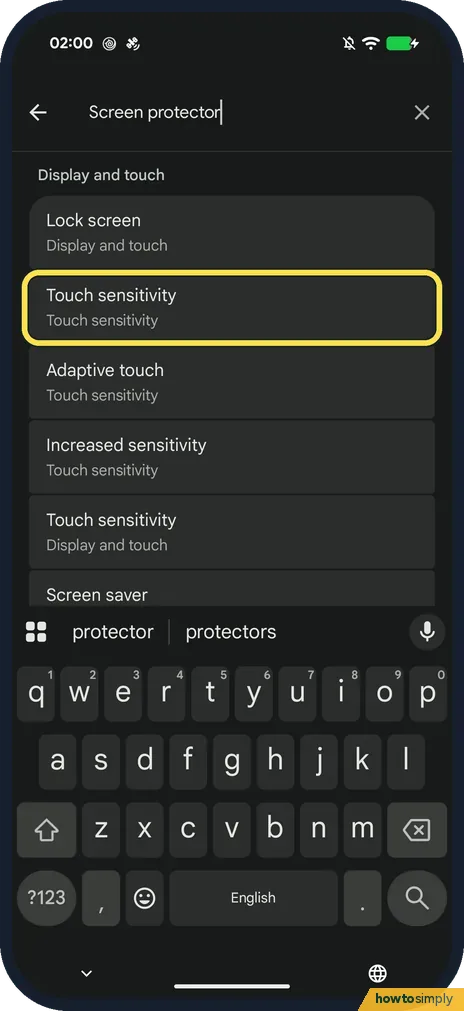
Screen protector mode on a Google Pixel: how to raise touch sensitivity (Android 17)
Go to Settings, Display and touch, Touch sensitivity. On Android 17 there is no Screen protector mode switch: Adaptive touch adjusts for your screen protector…
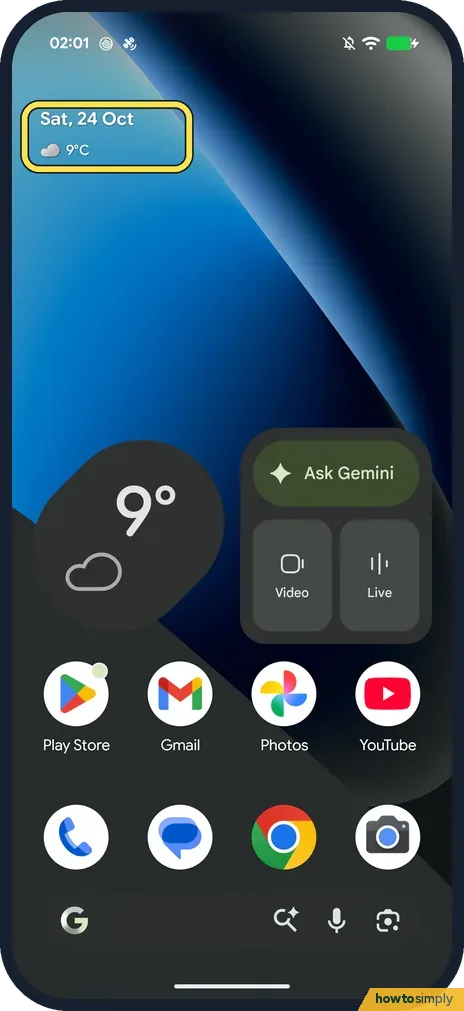
How to change what At a Glance shows on a Google Pixel (Android 17)
Touch and hold the date and weather at the top of your home screen, tap Settings, and turn topics like Weather, Sports, Finance, Air quality, Alerts and Upcoming on or off.
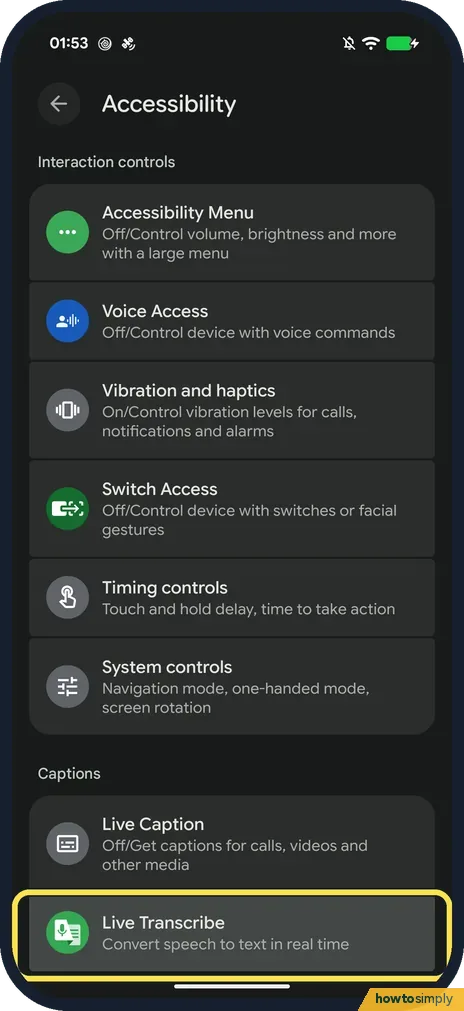
How to use Live Transcribe on a Google Pixel (Android 17)
Go to Settings, Accessibility, Live Transcribe and tap Open Live Transcribe. Allow the microphone, and speech around you appears as text on screen. It is built into…
How to record audio with the Recorder app on a Google Pixel (Android 17)
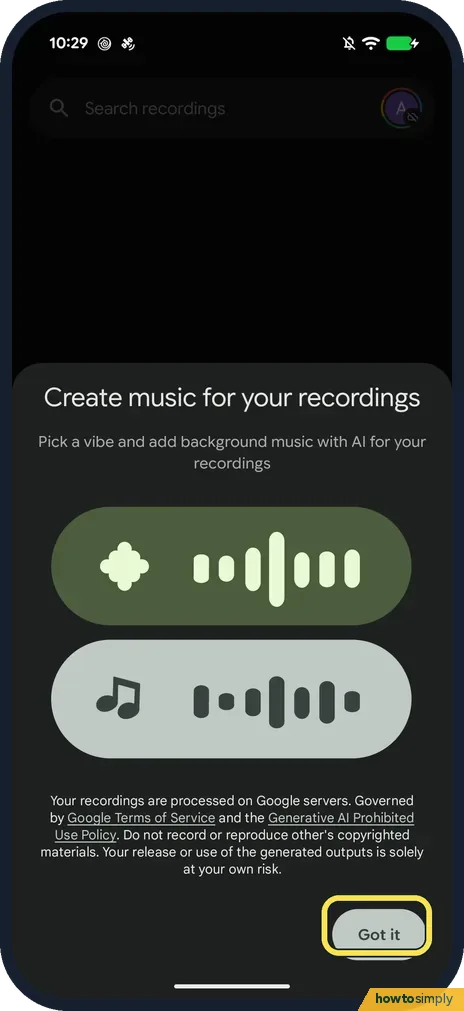
Open Recorder and tap the red record button. Tap Pause or Stop when you're done; the recording is saved with the date and time as its name. Open it to play it back or…
How to turn off Google Discover on a Google Pixel (Android 17)
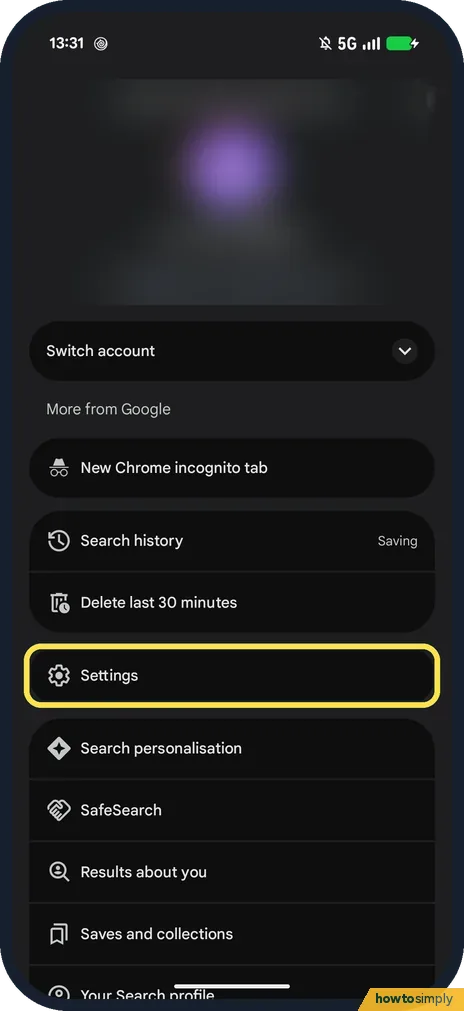
Open the Google app, tap your profile picture, then Settings. Search the settings for Discover and switch it off. The Home tab then shows a Turn on Discover button…
How to block ads in Firefox on Android with uBlock Origin (v158)
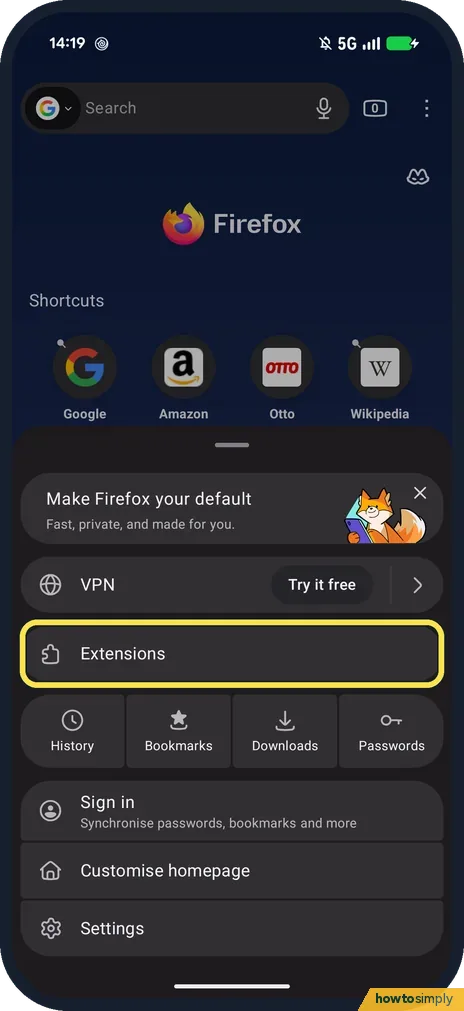
In Firefox, tap the three dots, then Extensions, and tap + next to uBlock Origin. Tap Add on the permissions box, then OK. Mozilla says extensions stay off in private…
How to use Google Translate offline on Android (Pixel 10a)
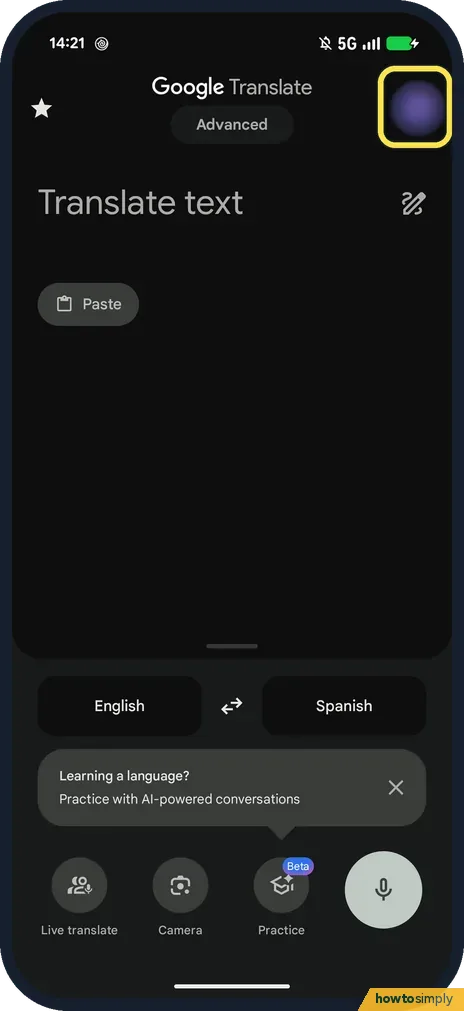
In Google Translate, tap your profile picture, then Downloaded languages, search the language and tap the download arrow, then Download. Choose Wi-Fi only or Wi-Fi or…
How to keep VLC playing in the background on Android (VLC 3.7)
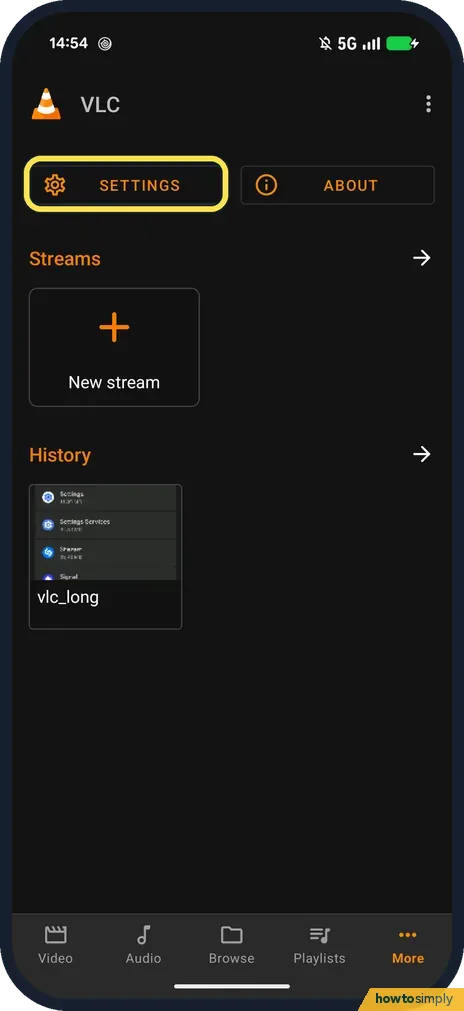
In VLC, tap More, then Settings, and under Video tap Background/PiP mode. Choose Play videos in background for sound only, or Play videos in Picture-in-picture mode for…
How to use split screen and bubbles on a Google Pixel (Android 17)
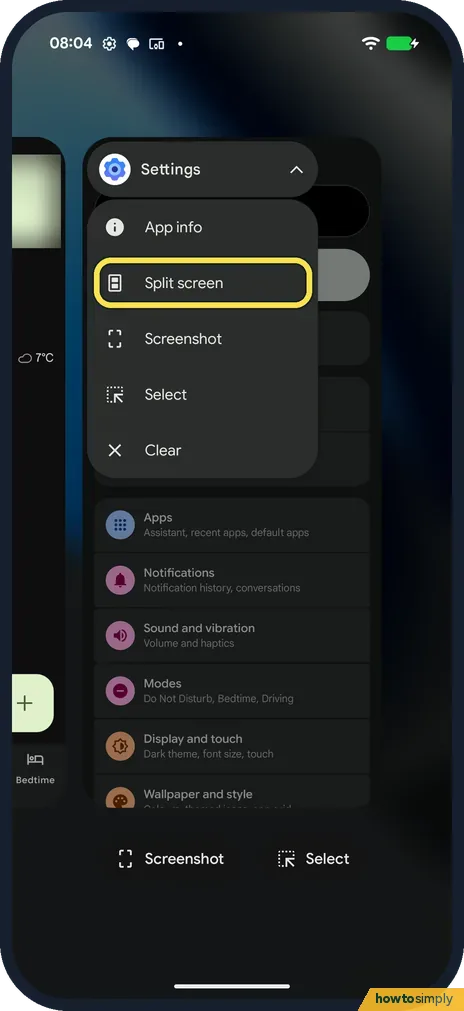
For split screen, open Recents, tap the app's icon above its preview and tap Split screen, then pick a second app. For a bubble, press and hold an app icon and tap…
How to send files from a Google Pixel to a Mac with LocalSend
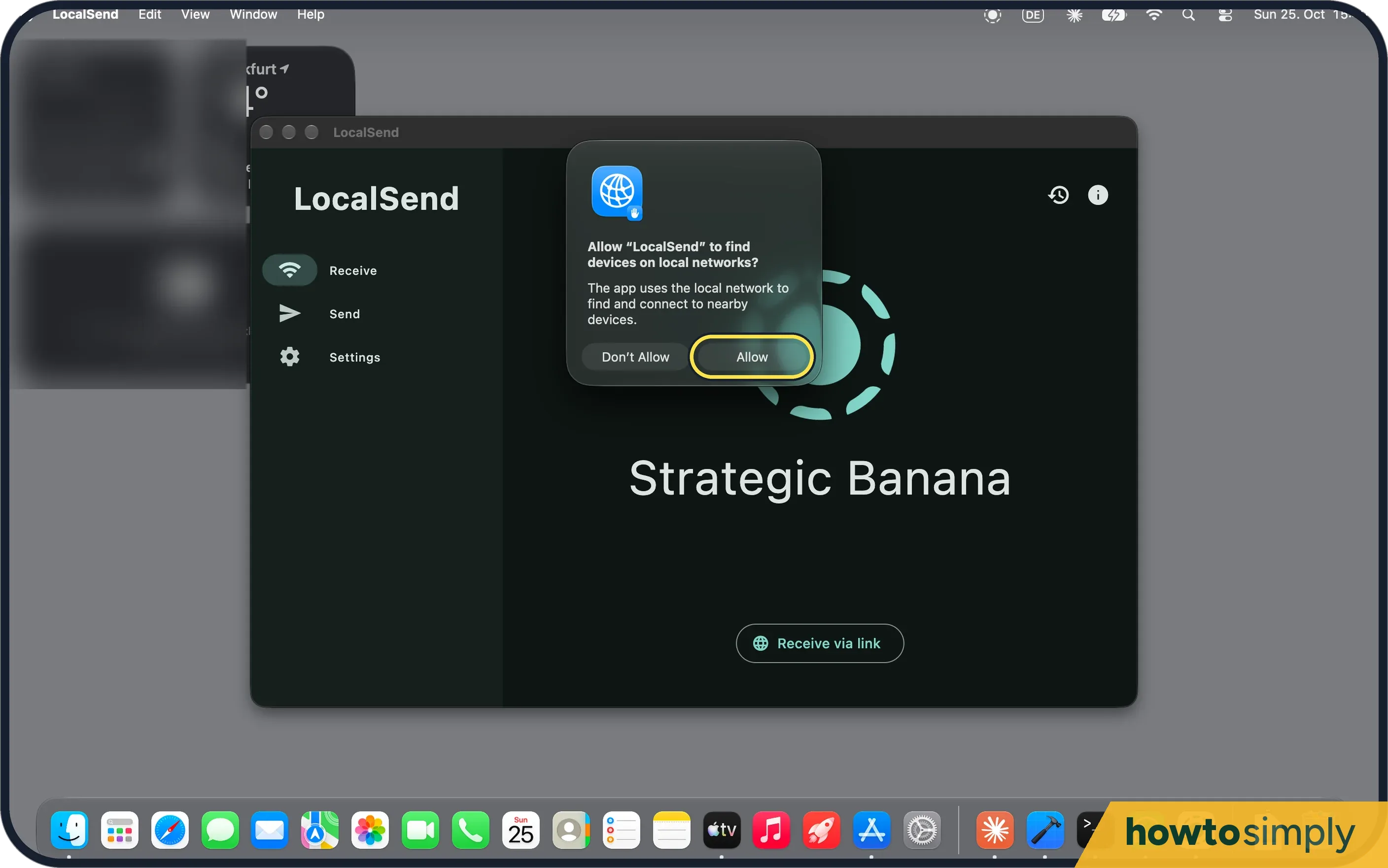
Install the free LocalSend app on both, put them on the same Wi-Fi, pick files on the Pixel, tap your Mac and click Accept on the Mac. On ours, 52 files (1.1 GB) took…