Guide data API
Every How To, Simply guide as free JSON: steps, device and system version, real screenshot links, sources and last-checked date. Free with a link back.
 Stock photo
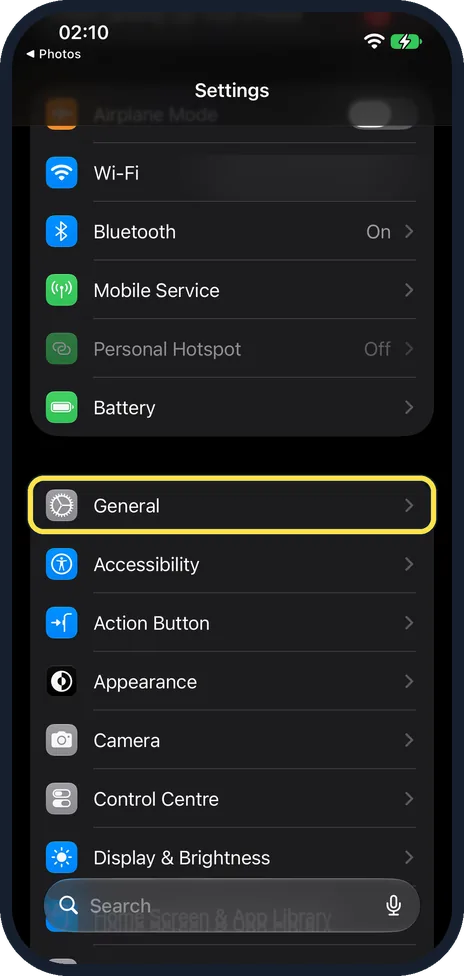
Every live guide on How To, Simply is also published as plain JSON, for AI assistants, search tools and anyone who wants the steps in a structured form. It is free, read-only and needs no key or sign-up. It holds the same 1062 guides you can find on the site, with the device and system version our screenshots came from, the steps, links to our real screenshots, the official sources and the date each guide was last checked.
Files
/api/v1/guides.json: the list of all guides, with title, page URL, device, system versions, last update and the link to each guide's own file./api/v1/guides/<slug>.json: one guide in full. Example:/api/v1/guides/airdrop-not-working-on-a-mac-7-fixes-to-try.json
The files are rebuilt every time the site is published. Use the updated date in the list to fetch only the guides that changed since your last visit.
What a guide record holds
title,url,answer: the guide, its page and its one-line answer.device,brands,systems: the phone or computer and the exact system version the screenshots show, for example "iOS 27.0.1 (iPhone 17e)".steps: numbered steps, each with its text and, where there is one, a link to our own screenshot of that step.if_option_missing,if_not_working,find_the_cause: differences between models and versions, and fixes when the steps don't work.published,updated,verified: when the guide went up, when its content last changed and when it was last checked.sources,video,attribution: the official pages we used, our video of the steps where there is one, and how to credit us.
A field we don't have for a guide is left out, never guessed.
Terms of use
Free to read and use, including in AI answers, if you name "How To, Simply" and link to the guide URL given in each record, visible next to the content you use. Short quotes and individual steps are fine. Do not republish whole guides or our screenshots as your own pages, and do not present the steps as tested by you. Screenshots stay ours: show them only with the same credit and link.
In practice: when an answer uses one of our guides, show "Source: How To, Simply" with a link to the guide's url. Menus can change after software updates, so tell your users which system version the steps are for (the systems field).
Mistakes and questions
If a step is wrong for your device or version, tell us through the contact page and name the guide. We fix the guide, and the file changes with it.