13 phone settings that protect older parents from scams
Reviewed by Mehak Fatima✓, BS Clinical Psychology
By Abu Bakar Saadat6 min readPublisher: Saadat Rafiq
Last updated: 8 November 2026References
 Illustration
On this page 9 sections
In short
"Hi Mum, it's me, I've lost my phone." Here's how to set up your parents' phones so fewer scam calls and texts get through, plus the family rules that catch the rest.
At a glance
- Biggest single win
- Silence or screen unknown callers
- Scam text?
- Forward to 7726, then delete and block
- "Your bank" on the phone?
- Hang up and ring the number on the card, or 159 (UK)
- Already paid?
- Call the bank first, then report it
- Who loses most
- People 80+ report the highest median loss (FTC, 2024)
- Checked
- November 2026
Ruth got a text last month: "Hi Mum, this is my new number, my phone's broken. Can you help me with a bill?" Her purse was already open when her daughter Tanya walked in. Ruth's husband Desmond has his own habit. He answers every unknown number, because "it might be the hospital".
Scammers go after everyone, but older people tend to lose more when it works. In US Federal Trade Commission figures for 2024, people aged 80 and over reported a median loss of more than $1,600, higher than any younger group. Here are 13 settings and habits to set up on your parents' phones, most of them in one visit.
Calls
1. Silence or screen unknown callers on an iPhone

Open Settings, tap Apps, then Phone, and switch on Silence Unknown Callers. Calls from numbers that aren't saved go straight to voicemail. Some iPhones show Screen Unknown Callers instead, which can ask the caller why they're ringing before it lets the call through. Our step-by-step guide with real screenshots: how to screen or silence unknown callers on an iPhone.
2. Block spam calls on a Samsung Galaxy

In the Phone app, tap the three dots, then Settings, then Block numbers. Turn on Block calls from unknown numbers, and check that Caller ID and spam protection is on so suspected spam gets flagged. Desmond was not convinced. He let Tanya do it anyway. See how to block numbers and spam calls on a Samsung Galaxy.
3. Do the same on a Pixel or other Android phone
The menus differ from brand to brand, but most Android phones can block a number and filter spam from the Phone app. We have screenshot guides for Google Pixel and Xiaomi.
4. Silence unknown callers on WhatsApp
Scam calls come through WhatsApp too, and the phone settings above don't cover them. In WhatsApp, go to Settings, Privacy, Calls and switch on Silence unknown callers. The calls stop ringing but still show in the Calls tab, so nothing real gets lost. See how to silence unknown callers on WhatsApp.
5. Save the numbers that matter first

Silencing only works if the people who really need to reach your parents are saved. Add the GP surgery, the pharmacy, the hospital, the bank and every family member to Contacts. Ten minutes with the address book means Desmond can stop answering everything "in case it's the hospital". (Our suggestion.)
Texts and messages
6. Don't tap, don't reply
If a text arrives out of the blue and asks for personal or financial details, don't click any link in it, the FTC says. If it might be real, contact the company using a phone number or website you know is genuine, not the details in the message.
7. Forward scam texts to 7726
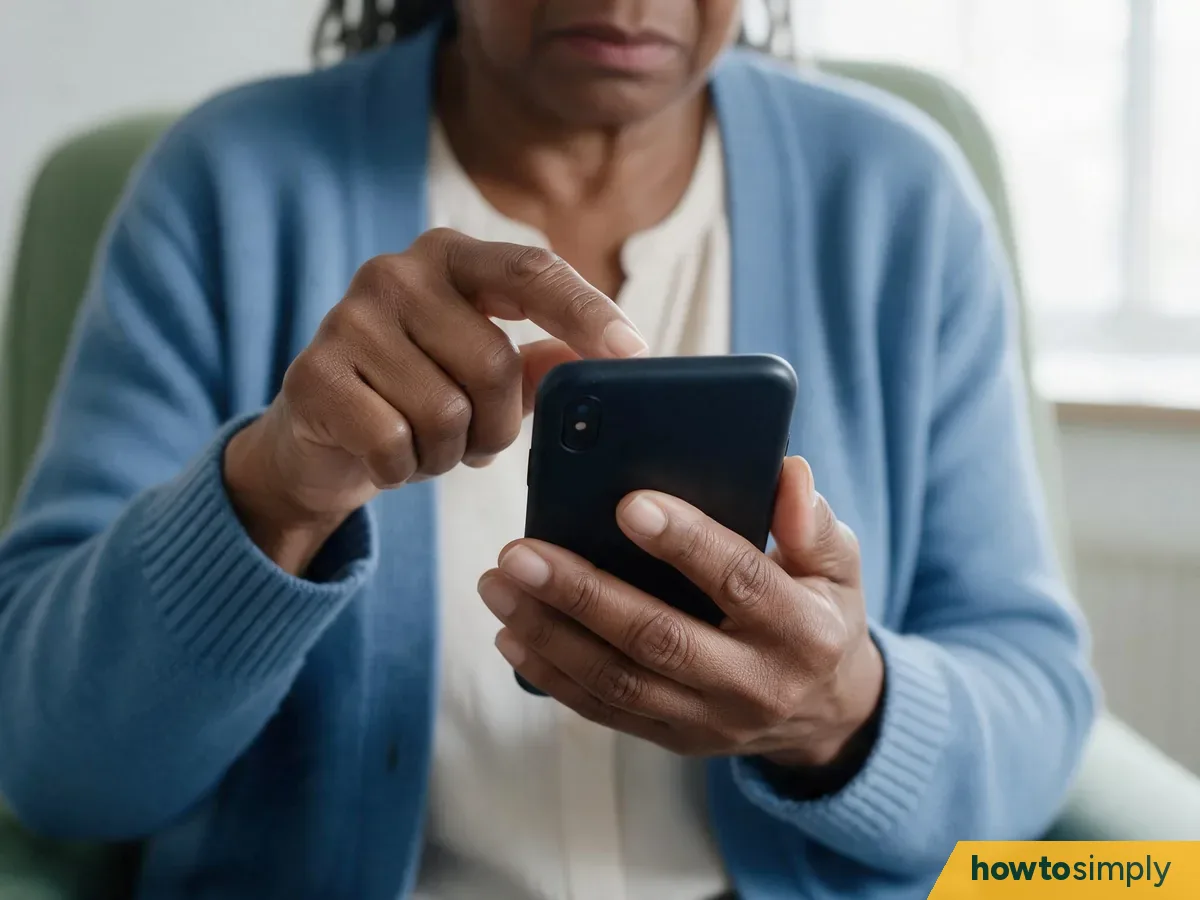
In the UK and the US, you can forward a scam text to 7726, which spells SPAM on a phone keypad. In the UK it's free, and it lets the network investigate and block the sender. Then delete the text and block the number.
8. Agree a family code word

The "Hi Mum, new number" scam works because it sounds like family. Pick a silly word that any real family member will use if they ever ask for money from a new number. Ruth's family chose "custard". (Our suggestion.)
Try saying: "If anyone says they're me on a new number and asks for money, ask for the custard word. If they can't say it, it isn't me."
Safety settings
9. Set up emergency details and contacts

On an iPhone, Medical ID in the Health app can show emergency contacts and key details on the Lock Screen when Show When Locked is on. Tanya added herself and Desmond as Ruth's emergency contacts. Guides: Medical ID on an iPhone and Emergency SOS and safety settings on a Pixel.
10. Keep the phone updated

Installing updates is one of the most important and quickest things you can do to stay safe online, says the UK's National Cyber Security Centre, and it suggests turning on automatic updates. Ruth's iPhone now updates overnight while it charges. On a Galaxy: check for and schedule software updates.
11. Put the bank's real number by the phone
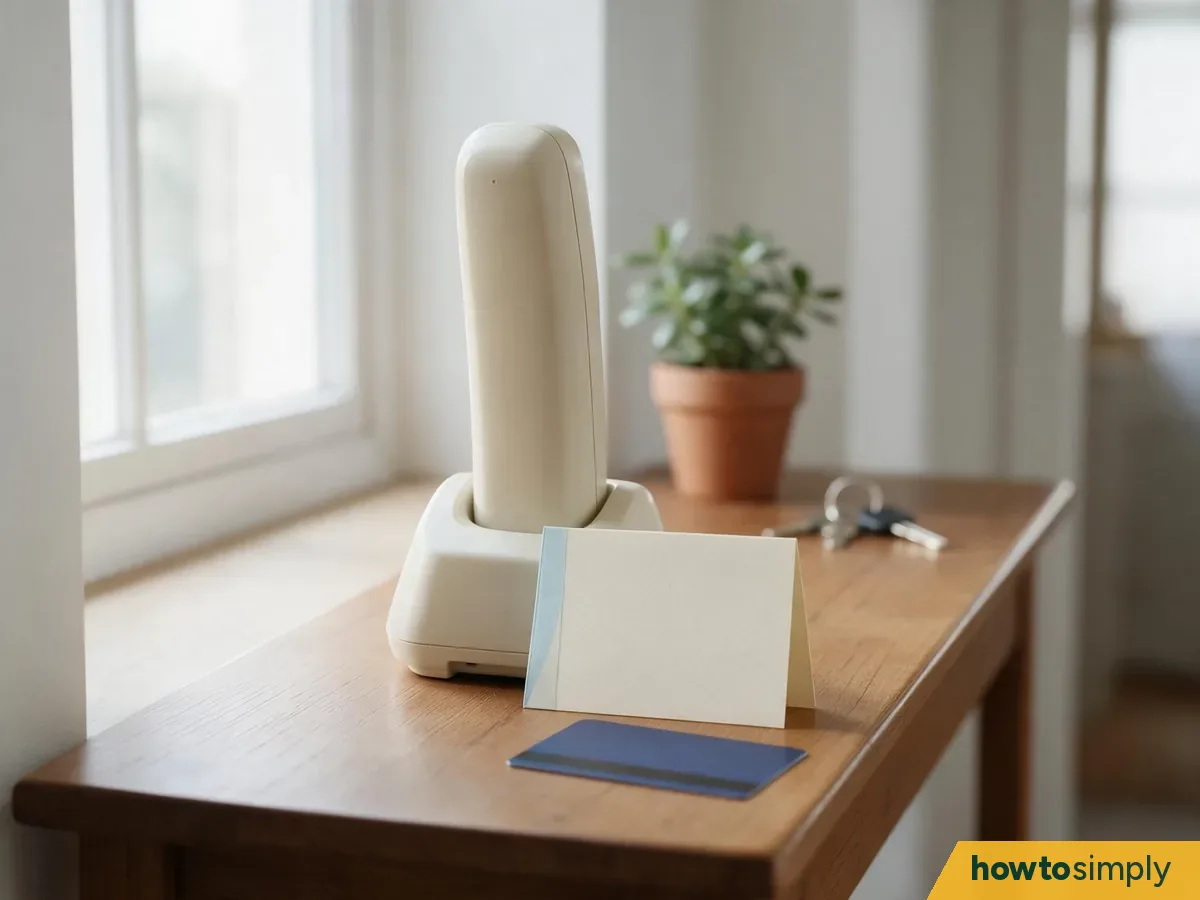
Write the number from the back of the bank card on a card next to the phone. If anyone rings claiming to be the bank, hang up and call that number back. In the UK, 159 also connects to the customer's own bank: Stop Scams UK says it covers more than 99% of UK retail bank current accounts and can't be spoofed.
Habits that beat scammers
12. Spot the pressure
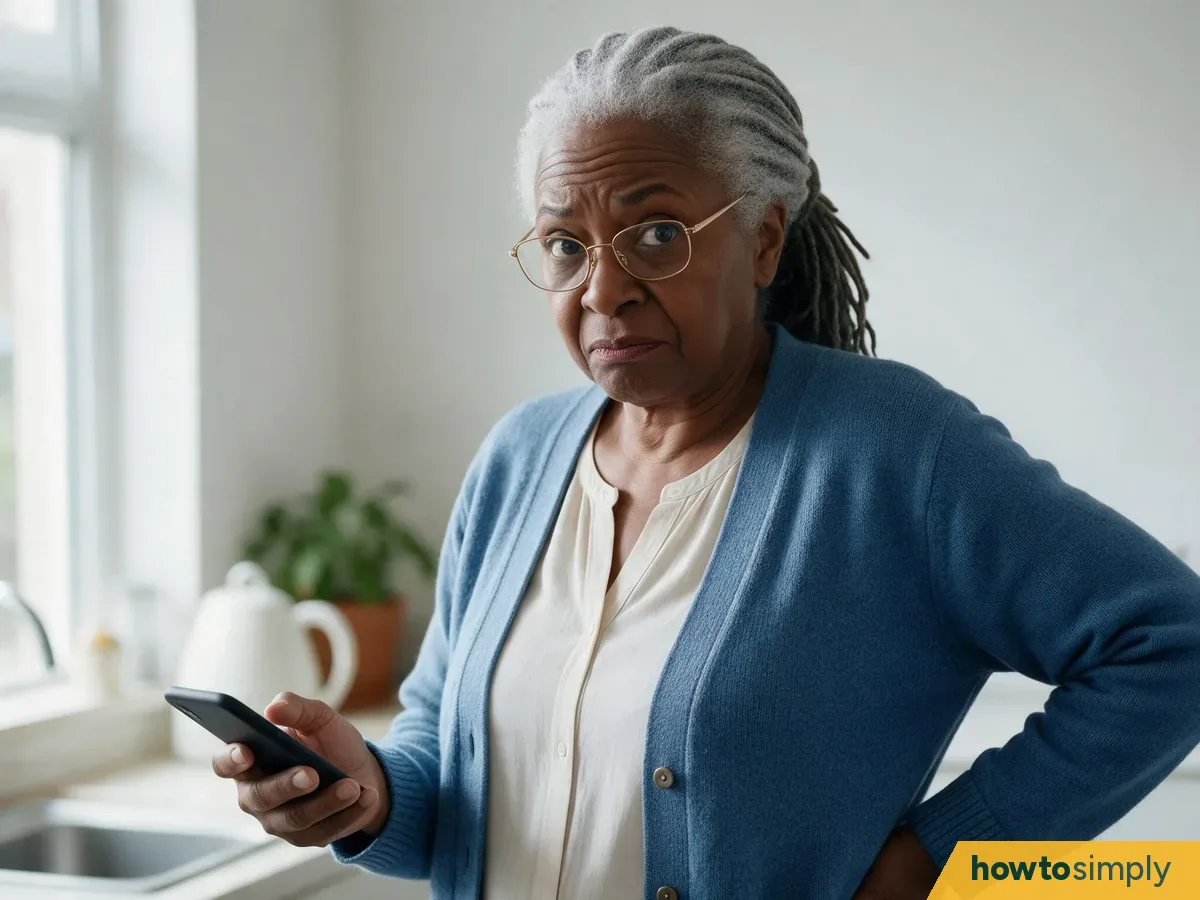
Most scams try to rush you. The NCSC lists being urged to act immediately, or within a time limit, as a warning sign. The message might claim to be the bank, the tax office or the police, or say you've won something. Any message that tries to hurry you is a reason to stop and check with someone.
13. Make it OK to ask, and OK to get caught out

Many people never report a scam because they feel embarrassed. Tell your parents they can always ring you to double-check, and that if they do get caught, the first job is to tell their bank. The NCSC's advice is the same: if you've lost money, tell your bank and report it.
Try saying: "Scammers do this for a living. If it ever happens, ring the bank and then ring me. Nobody will be cross."
Who to call
| Situation | UK | US |
|---|---|---|
| A scam text | Forward to 7726 (free), then delete and block | Forward to 7726; report at ReportFraud.ftc.gov |
| A call "from the bank" | Hang up, call the number on the card or 159 | Hang up, call the number on the card |
| Money already sent | Call the bank, then Report Fraud: reportfraud.police.uk or 0300 123 2040 (Scotland: 101) | Call the bank, then report at ReportFraud.ftc.gov |
| Someone is in danger | 999 | 911 |
Scam-proofing checklist
- Unknown callers are silenced or screened, on the phone and on WhatsApp.
- The GP, pharmacy, hospital, bank and family are saved in Contacts.
- They know the rule: don't tap, don't reply, forward to 7726.
- We've agreed a family code word.
- Emergency details are set up and automatic updates are on.
- The bank's real number is written down by the phone.
If this doesn't work
- Scam calls still get through: check the setting is still on after an update, and ask the phone network what call blocking it offers.
- A real caller ended up in voicemail: save that number in Contacts so it rings next time.
- Money has already gone: call the bank straight away using the number on the card. In England, Wales and Northern Ireland, report it to Report Fraud at reportfraud.police.uk or on 0300 123 2040. In Scotland, call Police Scotland on 101. In the US, report it at ReportFraud.ftc.gov.
Your turn: what's the most convincing scam text your parents (or you) have ever had? Share it in the comments with personal details removed, so someone else spots it in time.
Questions readers ask
What is the single most useful setting to protect an older parent from scam calls?
Silencing unknown callers. On an iPhone it is Settings, Apps, Phone, Silence Unknown Callers; on a Samsung Galaxy the Phone app has Block numbers and Caller ID and spam protection. Save the GP, pharmacy, hospital and bank in Contacts first, or their calls will go to voicemail too.
Where do I forward a scam text?
In the UK and the US, forward it to 7726, which spells SPAM on a keypad. It is free in the UK, and it helps mobile networks block similar messages. Then delete it and block the sender.
What should my parent do if someone calls claiming to be their bank?
Hang up and call the number on the back of their bank card. In the UK they can also call 159, which connects to most banks and cannot be spoofed.
What should we do if my parent has already sent money to a scammer?
Call the bank straight away using the number on the card. In England, Wales and Northern Ireland, report it to Report Fraud at reportfraud.police.uk or on 0300 123 2040; in Scotland, call Police Scotland on 101. In the US, report it at ReportFraud.ftc.gov.
Did this solve the problem?
What needs work?
What did you think?
Reaction counts are loading.
Spotted a mistake? If a step is unclear or a picture is inaccurate, tell us the step number and what needs correcting. Email us about this page or use the contact form. We read every report, and fixes are listed on What changed.
Liked this article?
Follow us for new articles and short how-to videos.
Sources
We use primary, official and specialist sources appropriate to the topic.
- FTC: Annual report to Congress on protecting older adults, 2024-2025 (press release, Dec 2025)
- FTC: How to recognize and report spam text messages
- NCSC: Report a scam text
- NCSC: Data breaches, guidance for individuals and families
- NCSC: Install the latest software and app updates
- Stop Scams UK: 159 phone number
- GOV.UK: Report Fraud, new service from City of London Police (Dec 2025)