Saadat Rafiq
Saadat Rafiq publishes How To, Simply and is responsible for every guide on it. His name is on each guide because a reader should know who stands behind the steps and whom to tell when one is wrong.
How the guides are made
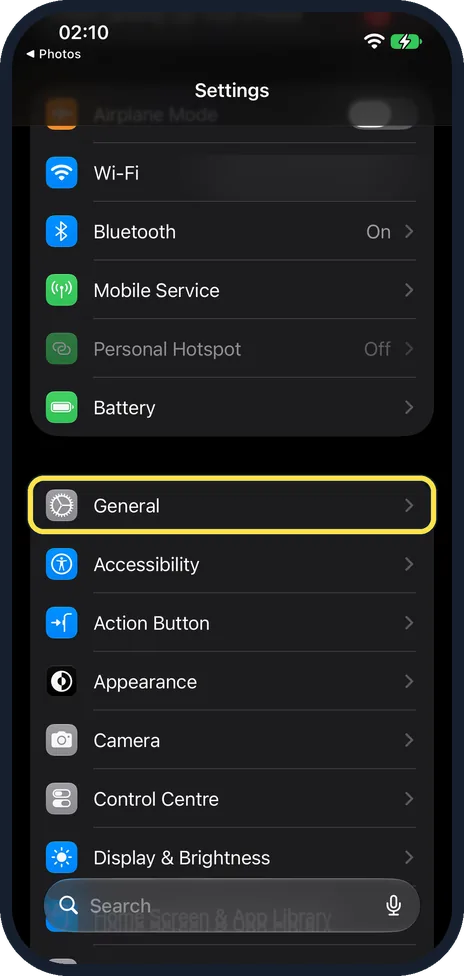
- Screens from real devices. New guides show our own screenshots: an iPhone 14 Pro with iOS 27.0.1, a Samsung Galaxy A57 with One UI 8.5 and Android 16, a Mac with macOS Tahoe 26 and Windows 11. Some older iPhone guides and the Apple Watch guides show screens from Apple's simulator (iOS 26.5 on an iPhone 17, watchOS 26), labelled with that version. A few guides use our own drawings of the screen instead, and the box at the top says so.
- Labelled. The box at the top of each guide names the device, the system version of its screenshots, how many steps have a real screenshot and when the guide was checked.
- Looked at, not claimed. We photograph where a setting is and what the screen says. Where we did not try something, such as a reset, we do not say we did; the step then relies on the maker's instructions, which are linked.
- Checked against the maker. Every step, rule and number is compared with the official support pages of Apple, Samsung, Google or Microsoft, or with the authority itself. The sources are linked at the end of the guide with the date the links were checked.
- Private details hidden. Names, phone numbers, network names and similar details on our screens are blurred before publication.
When something changes
When a system update moves or renames a setting, we take new screenshots and change the guide. The date at the top then says Updated, and a line under it says what changed. If nothing changed, the guide keeps the date it was first published.
Corrections
If a step does not match what you see, write to hello@howtosimply.com with the guide and what your screen shows. We check it against our device and the maker's instructions and correct the guide. Corrections are listed the same way, in the What changed line.