How to wipe an old phone before you sell, give it away or recycle it
In short: Back up, move your things to the new phone, then sign out of your Apple or Google account and erase the phone from Settings. Take out the SIM, remove the phone from your account, and hand it in at a shop that takes old phones back.
Co-authored by Sonia Abu Bakar✓, MSc Botany
By Abu Bakar Saadat7 min readPublisher: Saadat Rafiq
Last updated: 30 October 2026References
 Illustration
At a glance
- Takes
- Up to an hour for the reset (Google)
- Battery
- At least 70% for Android (Google)
- iPhone
- Sign out, then Erase All Content and Settings (Apple)
- Android
- Remove your Google Account, then reset (Google)
- Keep
- Your SIM and memory card
- Recycle
- Big shops take small electricals free (UK, Germany)
- Checked
- October 2026
Before an old phone leaves your hands, make sure your things are safe, your accounts are off it, and it's wiped clean. Do it in the order below: back up, sign out, then erase. On an Android phone, if you erase it before removing your Google Account, the next owner may not be able to use it (Google). For the exact screens on your phone, follow our screenshot guides linked in each step.
Don't erase first. Back up and move your things before you reset. A reset erases everything on the phone, and apps and their data are removed (Google).
Where are you?
I still have the phone
Back up, sign out, erase. Start at Before you erase.
It's already wiped
Tidy up your accounts. Go to After it's erased.
I already gave it away
Erase it remotely. Go to If the phone has already gone.
Before you erase
Back up the old phone.
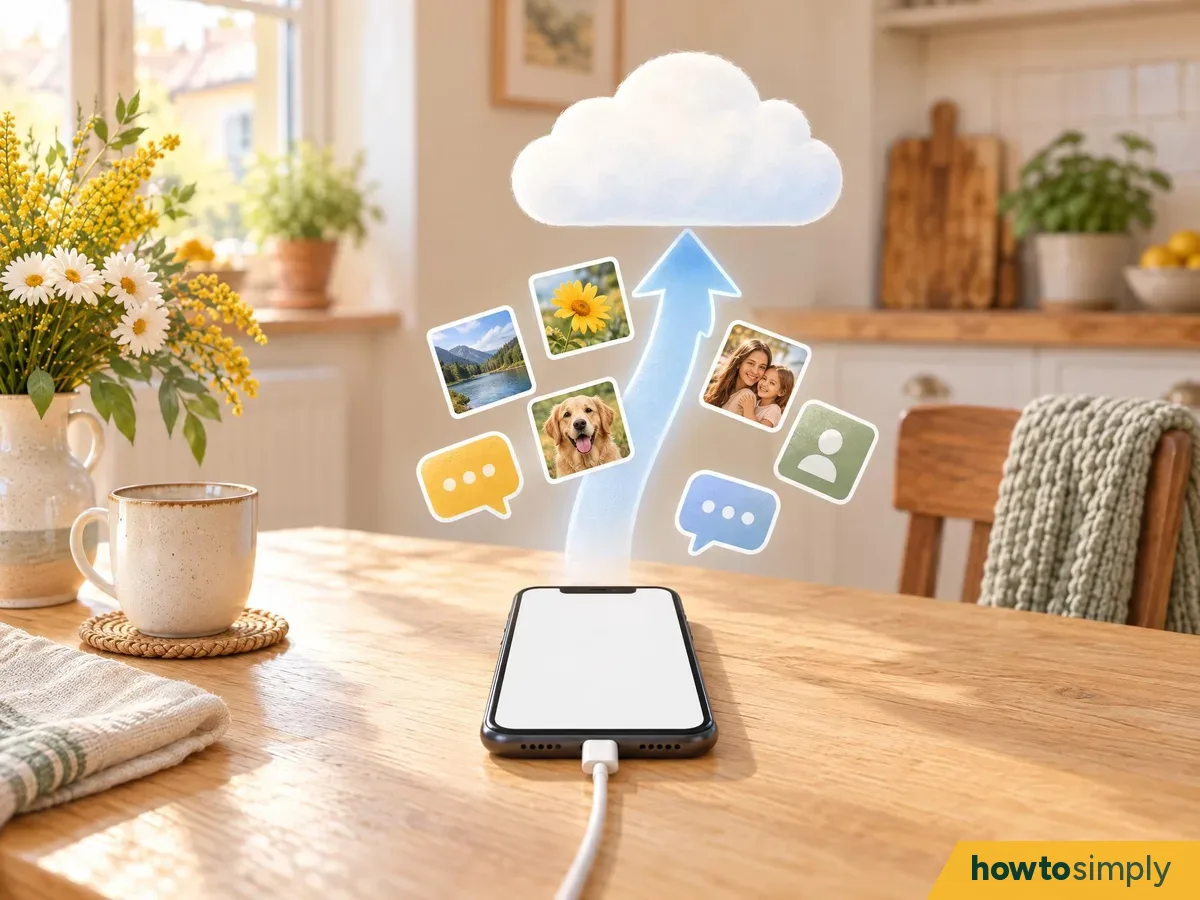
Illustration Apple lists a backup as the first step. On Android, check your data is in your Google Account before a reset (Google). Our screenshot guides: back up an iPhone to iCloud, back up an Android phone to your Google Account, back up a Pixel, back up a Xiaomi phone. Chats in WhatsApp have their own backup: check WhatsApp chat backup on Android.
Move your things to the new phone, and check they arrived.
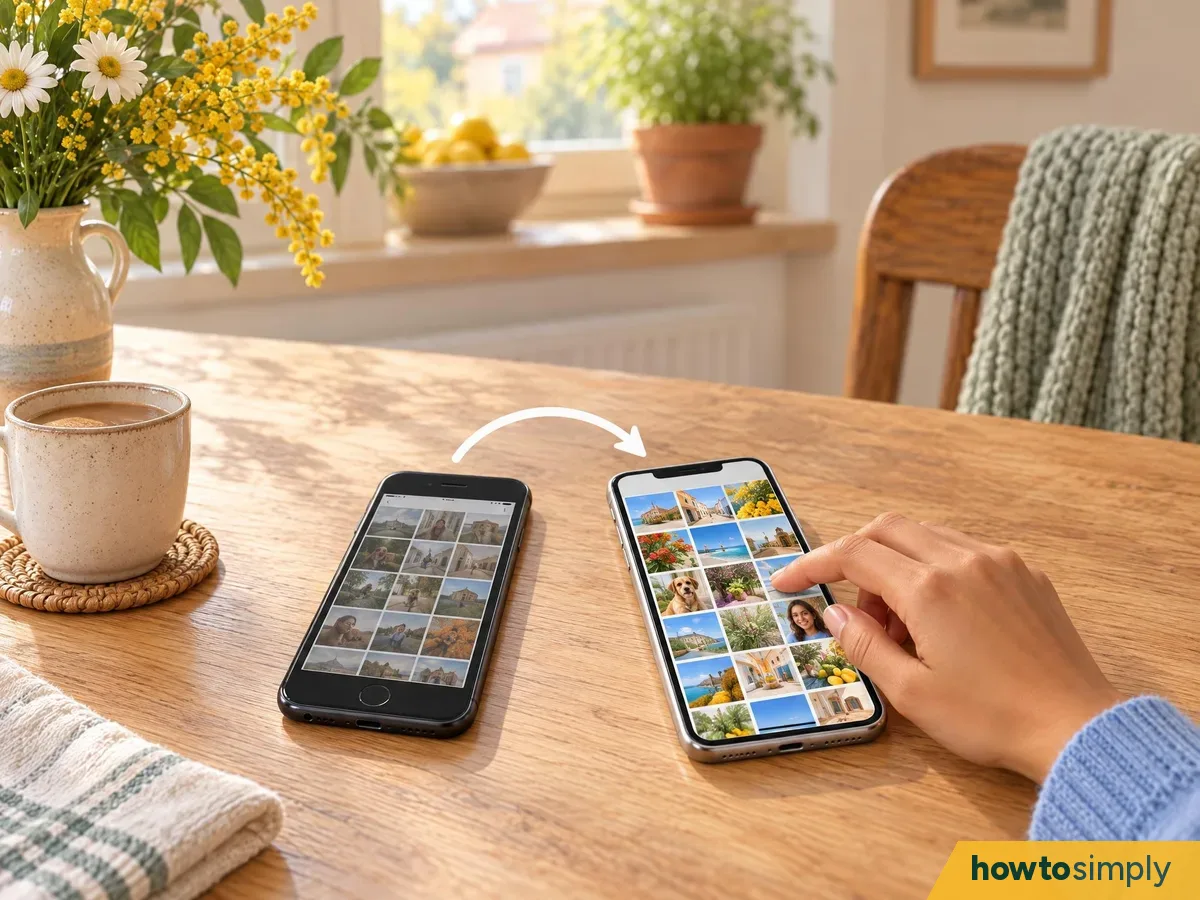
Illustration Apple says to transfer your information to the new device, with Quick Start on iOS 11 or later. If your phone number will change, add a trusted phone number to your Apple Account first (Apple). Before you go on, open your photos, contacts and chats on the new phone and check they're there.
Unpair your watch.
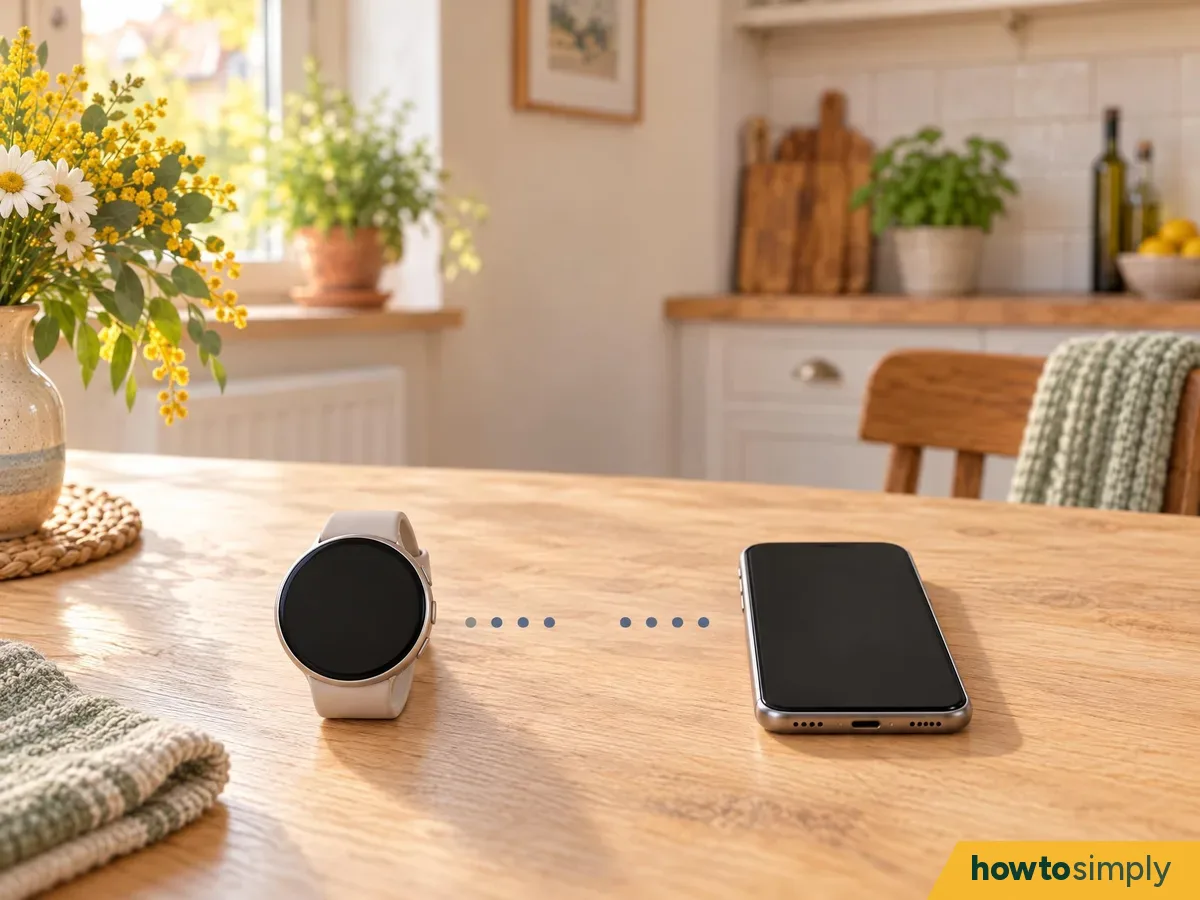
Illustration If an Apple Watch is paired with your iPhone, Apple says to unpair it before you erase the phone. Apple also says to cancel your AppleCare plan or transfer it to the new owner.
Note your passwords, and wait a day if you just changed your Google password.
Illustration Google says to know your Google Account username and password and your screen lock, and to check the password by signing in on another device. If you reset your Google Account password recently, wait 24 hours before you reset the phone (Google).
Sign out of your accounts
iPhone: sign out of your Apple Account.
Illustration Open Settings, tap your name, scroll down and tap Sign Out (iOS 26 or later). Apple then offers Erase this iPhone or Sign Out But Don't Erase; if asked which account, tap Sign out of iCloud and Store. On iOS 18 or earlier, tap Sign Out, enter your Apple Account password and tap Turn Off (Apple). If you're moving to a non-Apple phone, deregister iMessage too (Apple).
Android: remove your Google Account before you reset.
Illustration After a factory reset, Android asks for a Google Account that was synced to the phone, and without it the phone can't be used at all (Google). Remove your account in Settings first, so the next owner can set it up. Remove any other phone-maker account too. Pixel Help warns that if you remove your Google Account, your backup will be deleted, so only do this once the new phone has everything (step 2).
Remove your payment cards.
Illustration Apple says that if you use Apple Pay, you should remove your cards and passes in Wallet. Do the same in any payment app on an Android phone, so no card is left on it.
Erase the phone
Charge it and connect to Wi-Fi.
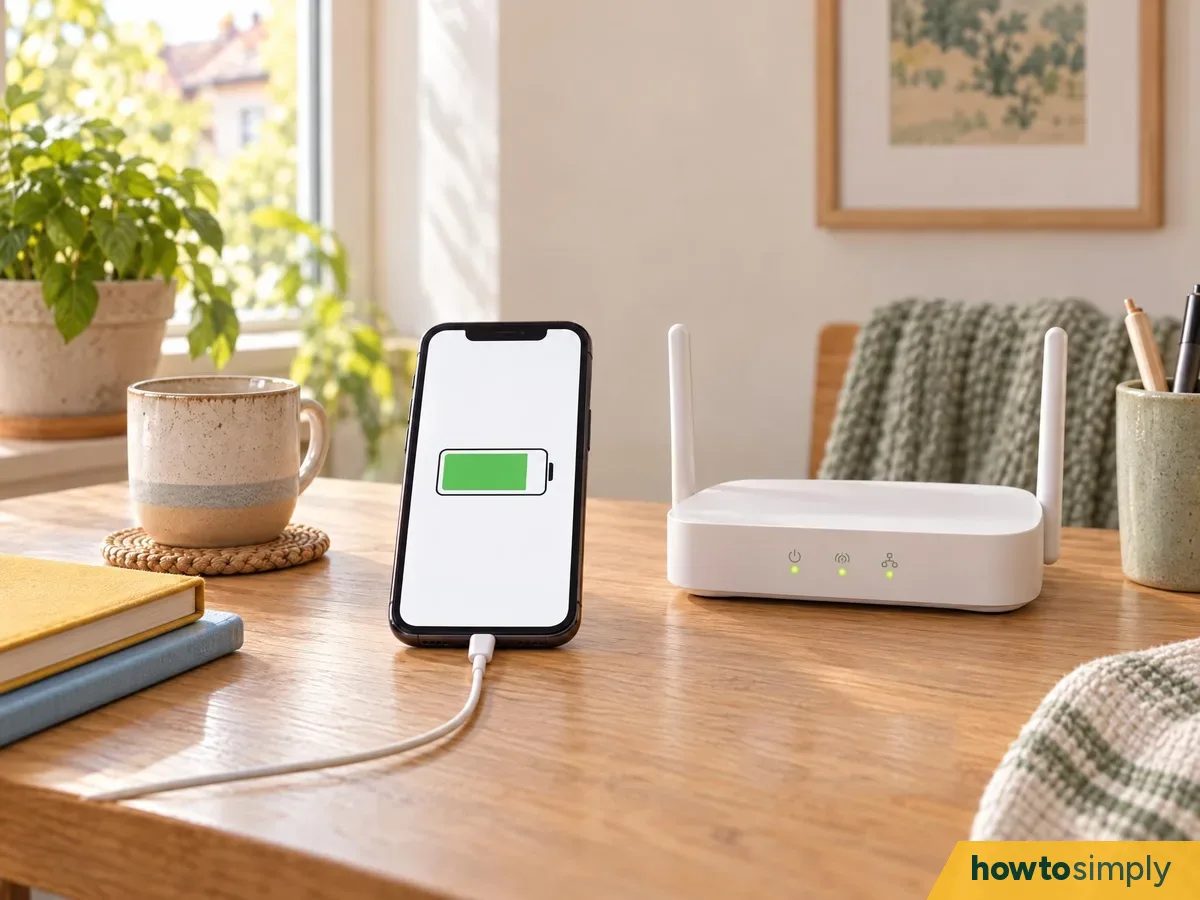
Illustration Google says to charge an Android phone to at least 70% and connect to Wi-Fi or mobile data, because a reset can take up to an hour.
Erase it from Settings.
Illustration On an iPhone, go to Settings, General, Transfer or Reset iPhone, Erase All Content and Settings, and enter your passcode if asked. If it asks about your eSIM, choose to erase both the phone and the eSIM (Apple). On a Pixel, go to Settings, System, Reset options, Erase all data (factory reset) (Google Pixel Help). Our step-by-step screenshot guides for each phone: iPhone, Samsung Galaxy, Google Pixel, Xiaomi, OnePlus, OPPO, HONOR, Nothing.
Stop at the welcome screen.
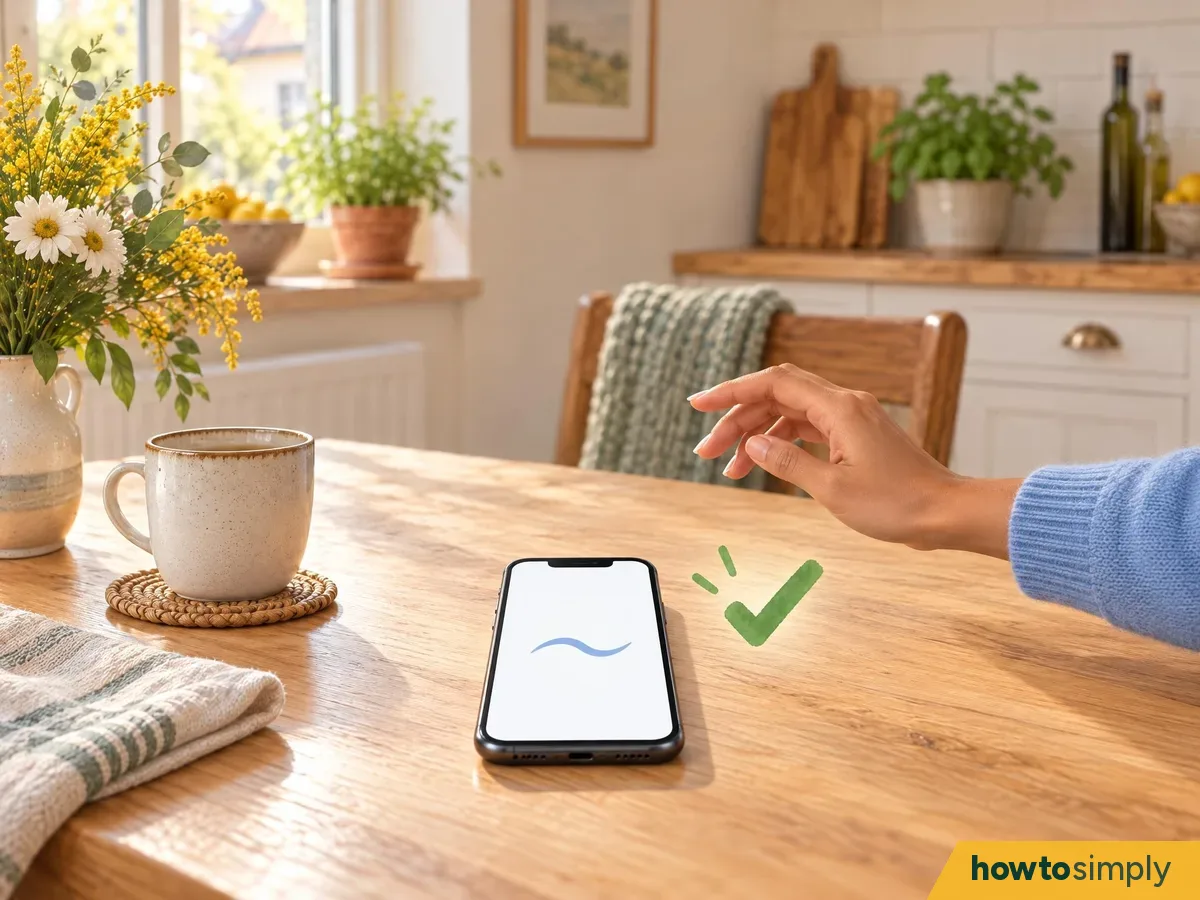
Illustration When the phone restarts, it shows the setup screen a new phone has. Don't set it up again with your account: leave it there for the new owner.
Take out your SIM and memory card.
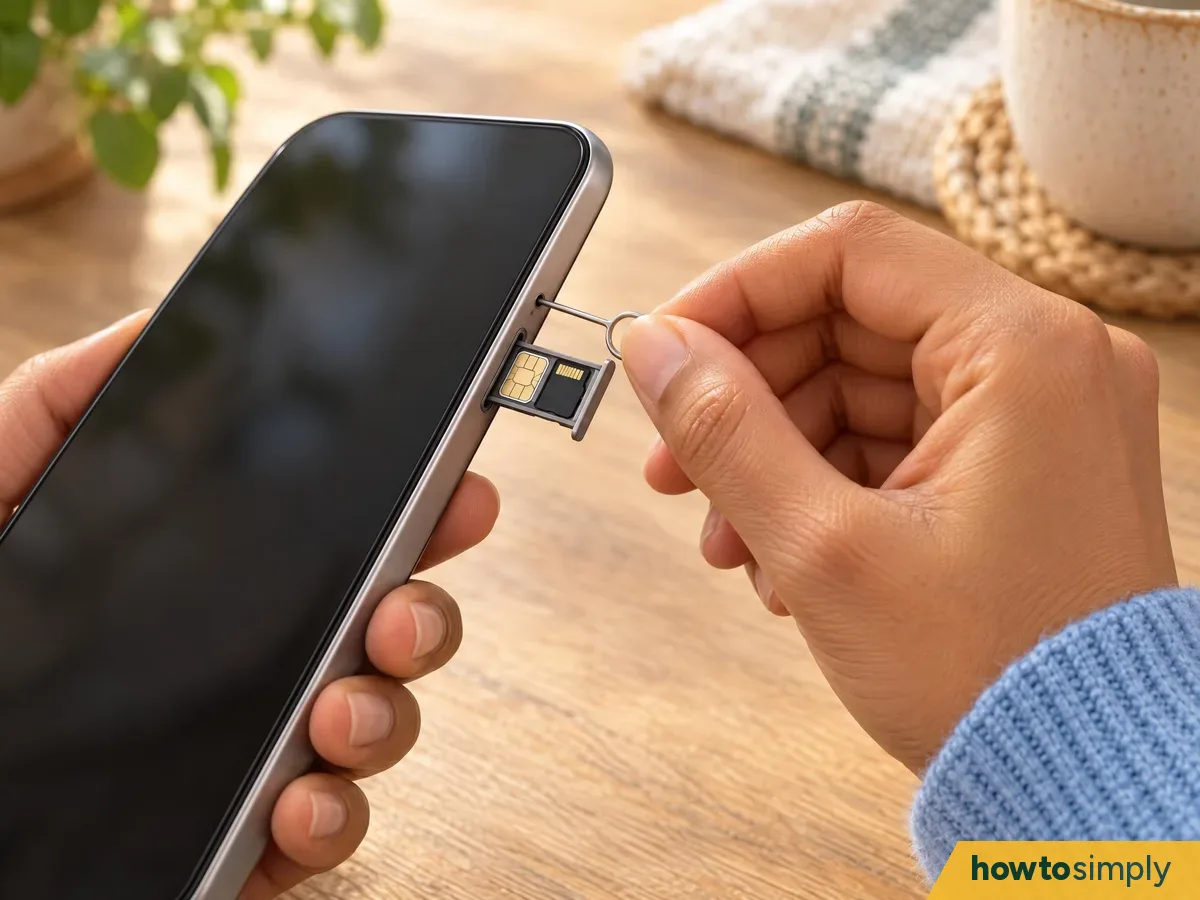
Illustration Keep your SIM card and any memory card: they aren't part of the phone you're passing on. If you use an eSIM only, contact your mobile network to move your service (Apple).
After it's erased
Remove the old phone from your account.
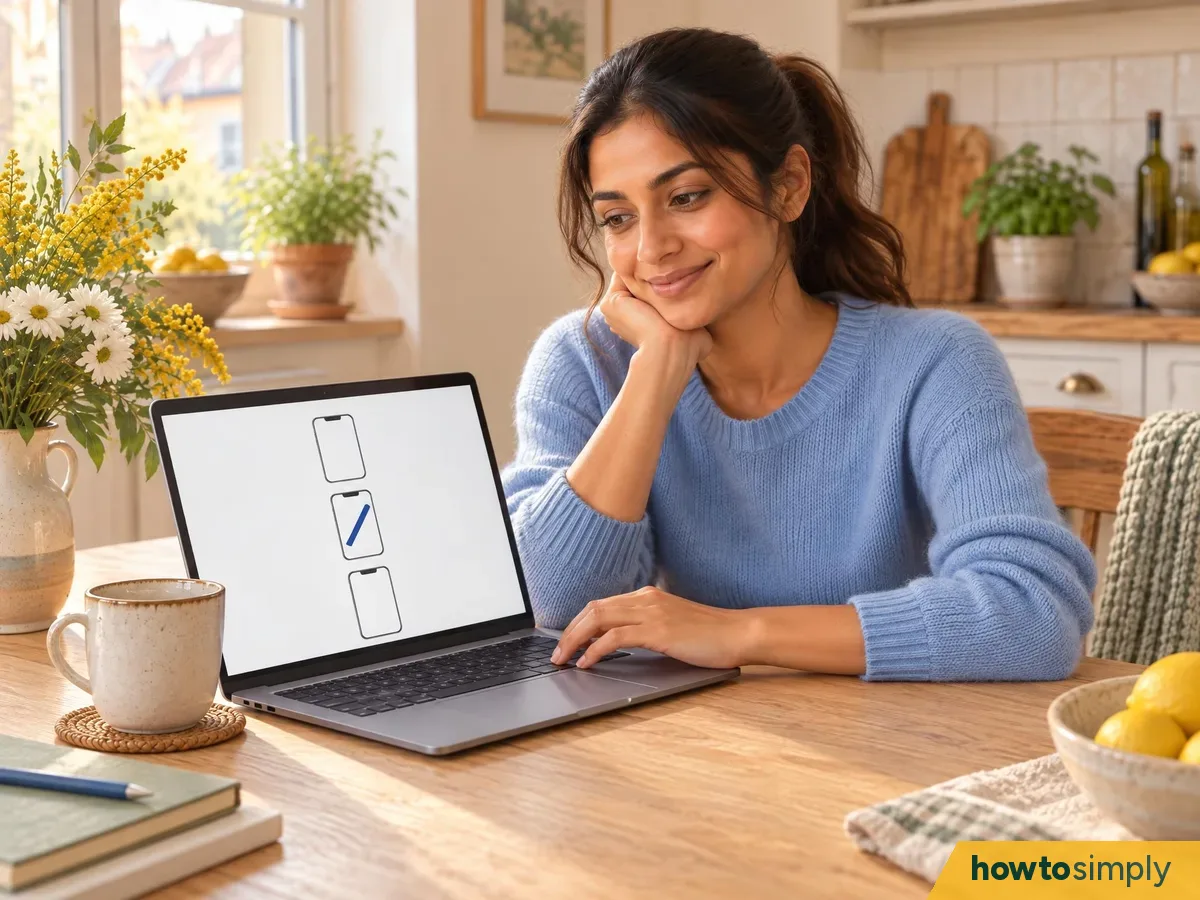
Illustration Apple says to remove your old device from your list of trusted devices. For a Google Account, go to myaccount.google.com, then Security, then Your devices, choose the phone, and sign out (Google Pixel Help).
Sell it, give it away, or hand it in for recycling.
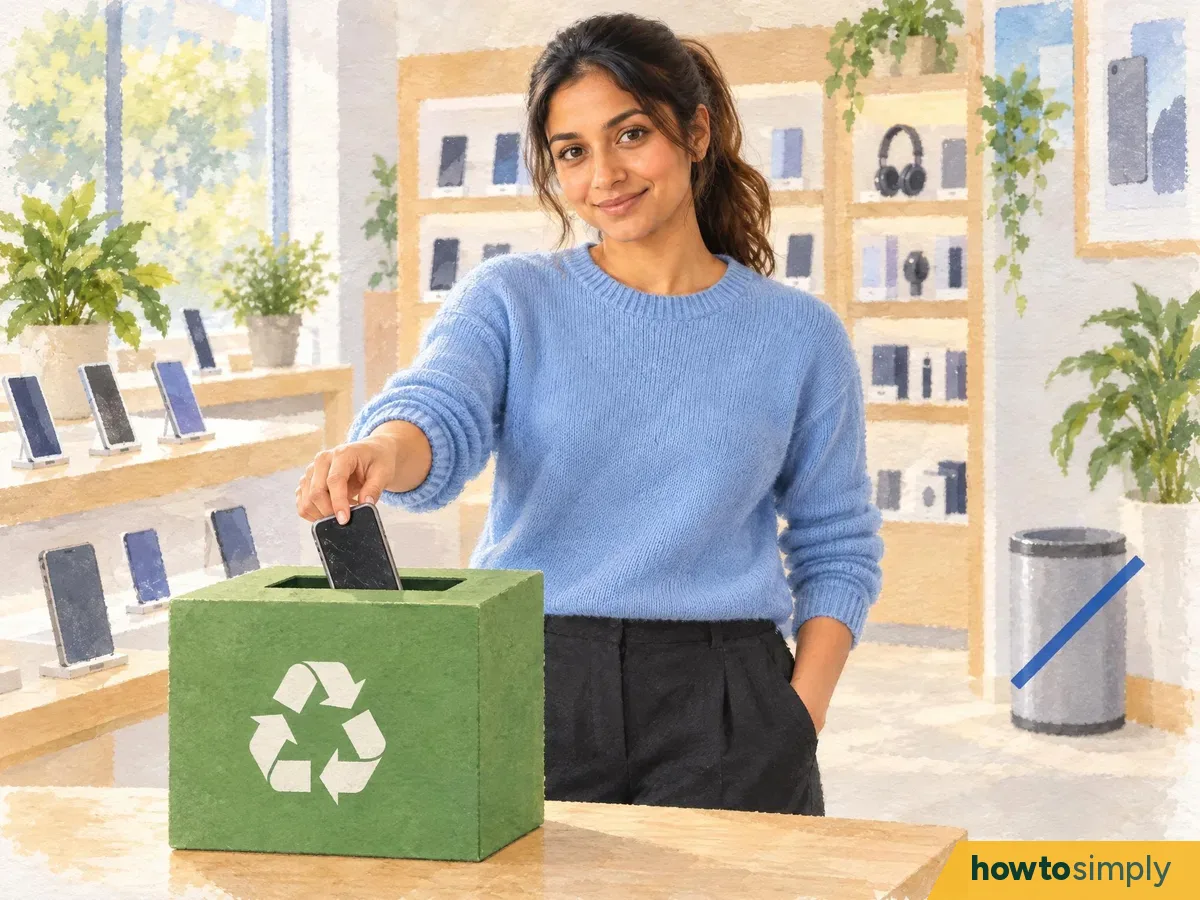
Illustration A working phone can go to a buyer or a friend. If it's finished, don't put it in the bin: larger shops take small electricals back for free in the UK (GOV.UK) and Germany (ElektroG). The US EPA says manufacturers and retailers offer donation and recycling, and to delete all personal information first. See the table below.
If the phone has already gone
Erase it remotely, and change your password.

Illustration For an iPhone, ask the new owner to erase it with Erase All Content and Settings. If it's lost or stolen, erase it in Find Devices on iCloud.com. Then remove it from your trusted devices, change your Apple Account password and remove cards from Wallet (Apple). For Android, sign it out from Your devices in your Google Account (Google Pixel Help).
Recycling and selling rules in the UK, Germany, the US and Pakistan
| UK | Germany | US | Pakistan | |
|---|---|---|---|---|
| Hand in an old phone without buying | Shops with more than 400 square metres of electrical sales area must take back items under 25 cm for free, whether you buy or not (GOV.UK) | Electronics shops of at least 400 m² and food shops of at least 800 m² that sell electricals must take back up to 3 devices of a type, no side over 25 cm, free and without a purchase (ElektroG § 17) | Manufacturers and retailers offer donation and recycling options (EPA) | No take-back rule found |
| When you buy a new one | Shops must offer to take back an old item of the same type (GOV.UK) | Those shops must take back an old device of the same type for free (ElektroG § 17) | Check the shop's own scheme (EPA) | No rule found |
| Before you hand it over | Erase it as above; nobody else will do it for you | "Delete all personal information" (EPA) | Buyers can check a phone's IMEI by SMS to 8484 (PTA DIRBS) | |
How to tell it worked
- Your photos, contacts and chats are on the new phone.
- The old phone shows the setup screen when you switch it on.
- The old phone isn't in your account's device list any more (Apple, Google).
- Your SIM and memory card are with you.
If something goes wrong
| What happens | What it means | What to do |
|---|---|---|
| After the reset, the phone asks for your Google Account | The account wasn't removed first | Sign in with that account (Google), remove it in Settings, then reset again |
| Sign Out on an iPhone asks for a password | It needs your Apple Account password | Enter it, then tap Turn Off (Apple) |
| The reset won't start on Android | Battery too low, or no connection | Charge to 70% and connect to Wi-Fi (Google) |
| Something didn't move to the new phone | It wasn't in the backup | Don't erase yet; back up again and check (Apple, Google) |
| You can't get the old phone back | It's already with someone else | Erase it remotely and change your password (Apple) |
Questions readers ask
Is a factory reset enough to wipe my phone?
On an iPhone, Apple says to sign out of your Apple Account first and then use Erase All Content and Settings. On Android, Google says a factory reset erases your data from the phone, and the phone may still ask for a Google Account that was on it, so remove your account first.
Will I lose my photos?
A reset erases everything on the phone (Google). Back up first, and check your backup or new phone has your photos before you erase the old one.
Why does the phone still ask for my Google Account after a reset?
After a factory reset, Android asks for a Google Account that was previously synced to the phone. If the new owner can't give one, they can't use the phone at all (Google). Removing your account before the reset avoids this.
What do I do with my eSIM?
On an iPhone, when it asks whether to erase the device and the eSIM, Apple says to erase both. If you don't use a physical SIM, contact your mobile network to move your service (Apple).
I already gave the phone away. What now?
For an iPhone, ask the new owner to erase it, or erase it in Find Devices on iCloud.com, then change your Apple Account password (Apple). For Android, sign the phone out of your Google Account from the Your devices page of your Google Account (Google Pixel Help).
Can I put an old phone in the bin?
No. In the UK, larger shops must take back small electricals like phones for free (GOV.UK), and in Germany larger electronics and food shops must too (ElektroG). The table above has each country.
What did you think?
Reaction counts are loading.
Spotted a mistake? Menus change with updates, and we want every step to match your screen. Email us about this page or use the contact form. We read every report, and fixes are listed on What changed.
Liked this article?
Follow us for new articles and short how-to videos.
Sources
We use primary, official and specialist sources appropriate to the topic.
- Apple Support: What to do before you sell, give away, or trade in your iPhone or iPad (published 29 May 2026)
- Android Help: Reset your Android device to factory settings (no page date)
- Android Help: Prevent others from using your device without permission (no page date)
- Pixel Phone Help: How to factory reset your Google Pixel phone (no page date)
- GOV.UK: Electrical waste: retailer and distributor responsibilities, take back waste in store (no date shown)
- ElektroG § 17 Rücknahmepflicht der Vertreiber (German, gesetze-im-internet.de)
- US EPA: Electronics donation and recycling (updated 19 December 2025)
- PTA DIRBS: FAQs (no page date)