Cracked phone screen? What to do first (iPhone, Galaxy, Pixel)
Apple says not to use an iPhone with cracked glass because it can cut you. Back up straight away, keep the phone dry and book a repair. If the touchscreen is dead, a Galaxy can still be backed up from a computer.
By Abu Bakar SaadatPublished 28 October 20264 min readPublisher: Saadat Rafiq
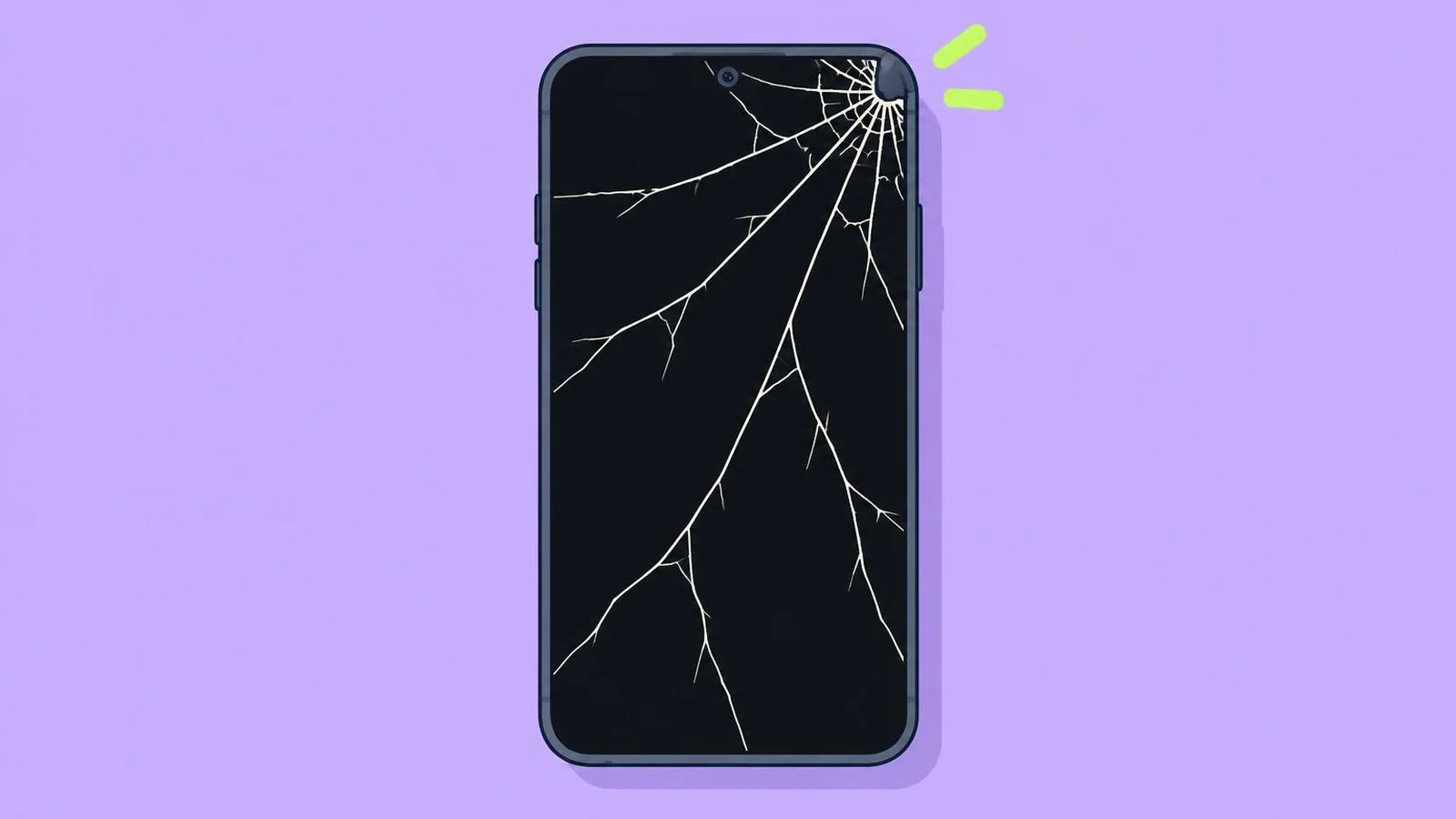 Illustration
At a glance
- Keep using it?
- Not with cracked glass: Apple says it may cause injury
- Do first
- Back up, then book a repair
- Water resistance
- Not permanent; liquid damage isn't covered by Apple's warranty
- Warranty
- Accidental damage isn't covered (Apple, Google)
- Advice from
- Apple, Samsung and Google support pages, read 28 October 2026
- Applies to
- iOS 26, iOS 27
- Checked
- October 2026
Short answer: stop using the phone if the glass is chipping, keep your fingers off the cracks, back up today, keep it away from water and book a repair.
1. Check what is actually broken
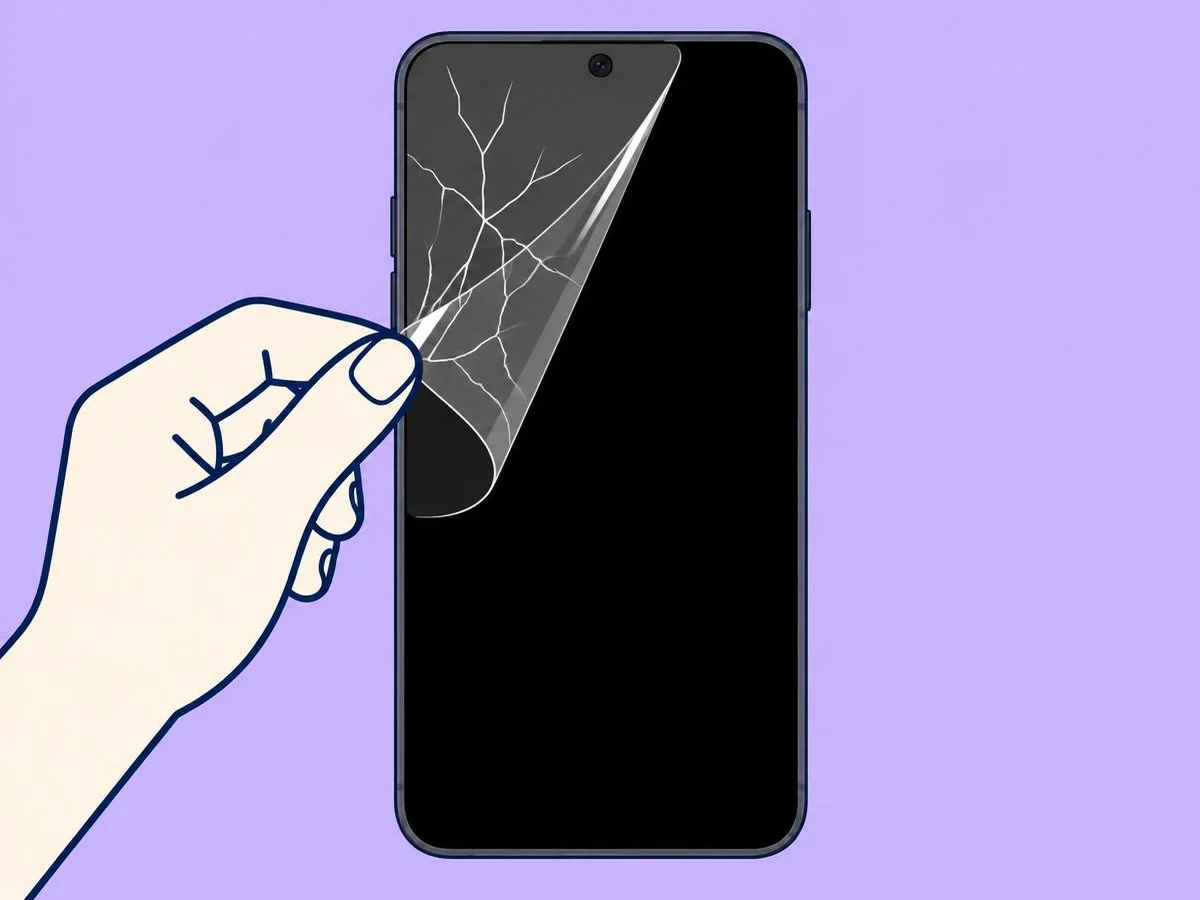
- Only the stick-on screen protector is cracked: peel it off from a corner. If the glass underneath is smooth, you only need a new protector.
- The glass is cracked but the picture is fine: the outer glass is broken. Samsung recommends repair as soon as possible.
- Black spots, ink-like marks, lines or odd colours: the display panel inside is damaged. Samsung says this can spread over time and usually needs a display repair, even when the glass looks fine.
- Touch doesn't respond: go straight to step 3 to get your data off.
2. Make it safe to handle
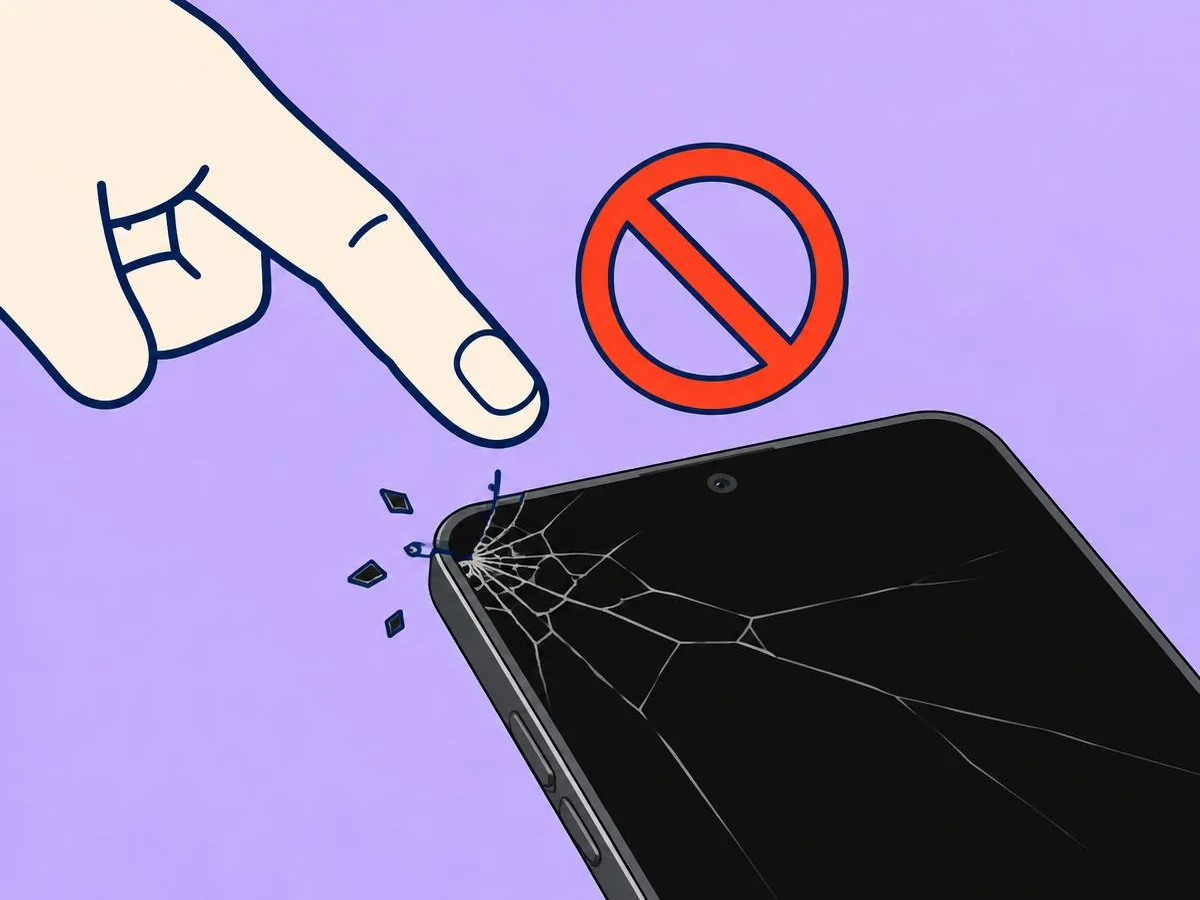
Apple's safety information says not to use an iPhone with cracked glass, as it may cause injury. Don't pick at loose splinters: Apple's repair instructions say not to remove chipped or cracked glass without protection such as safety glasses and cut-resistant gloves. A case can help stop further damage, Samsung says, but it doesn't replace a repair.
3. Back up now, while the phone still works
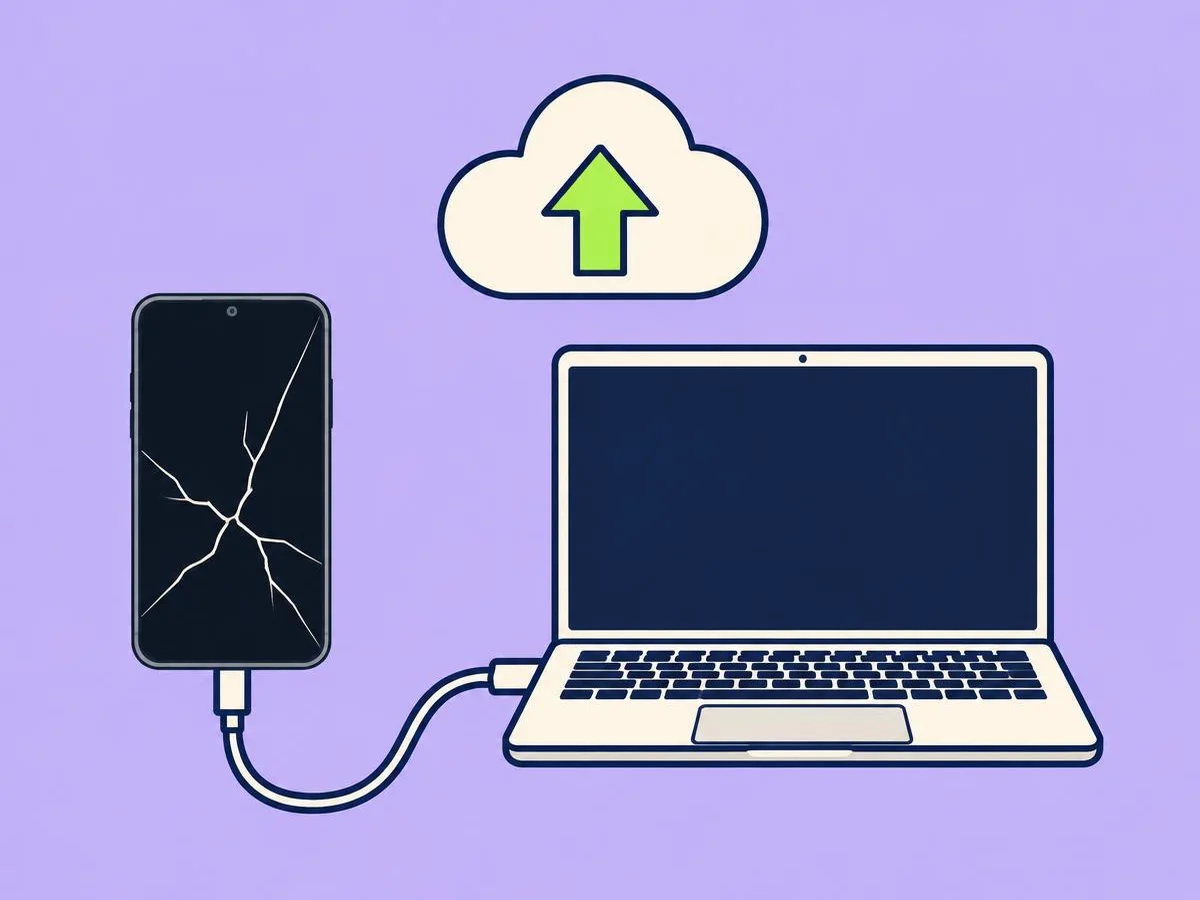
A cracked screen can stop responding at any time, so back up before anything else.
- iPhone: open Settings, tap your name, then iCloud, and check that the status next to Saved to iCloud is green (Apple).
- Galaxy: back up with Smart Switch on a computer (connect by USB, choose Backup, tap Allow on the phone), or from a computer at findmymobile.samsung.com, choose Back up (Samsung).
- Pixel: back up your data. Google asks you to do this before any repair.
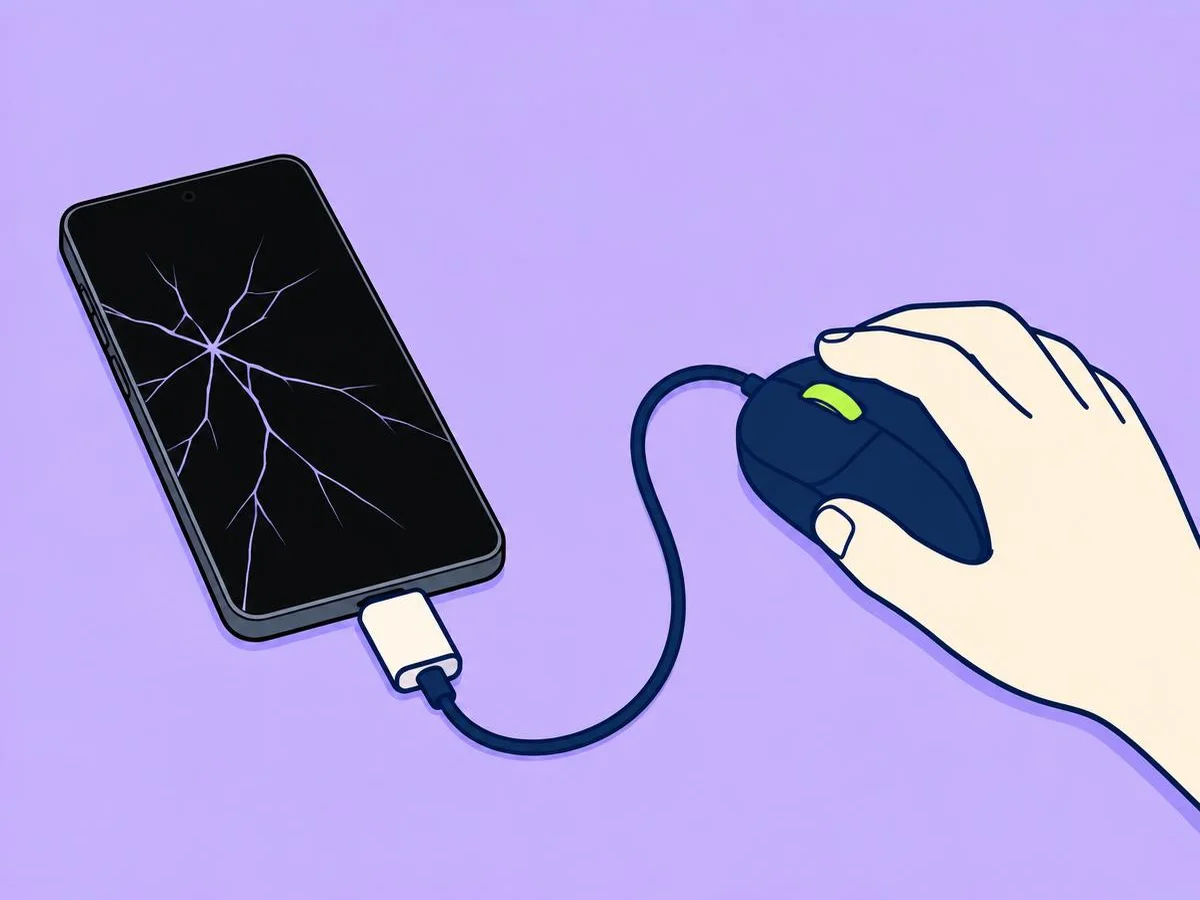
If the touchscreen doesn't work on a Galaxy, Samsung lists six ways in: plug in a USB mouse or keyboard with an adapter to unlock it and move around; connect it to a TV or monitor with a USB-C to HDMI adapter; copy files to a computer by USB (the phone must be unlocked); take out the memory card if it has one; back up remotely with Find My Mobile; or back up with Smart Switch.
If the touchscreen doesn't work on an iPhone, Apple says to do as many of its preparation steps as you can, and that some can be done on the web, on your Apple Account page or at icloud.com/find.
4. Keep it dry
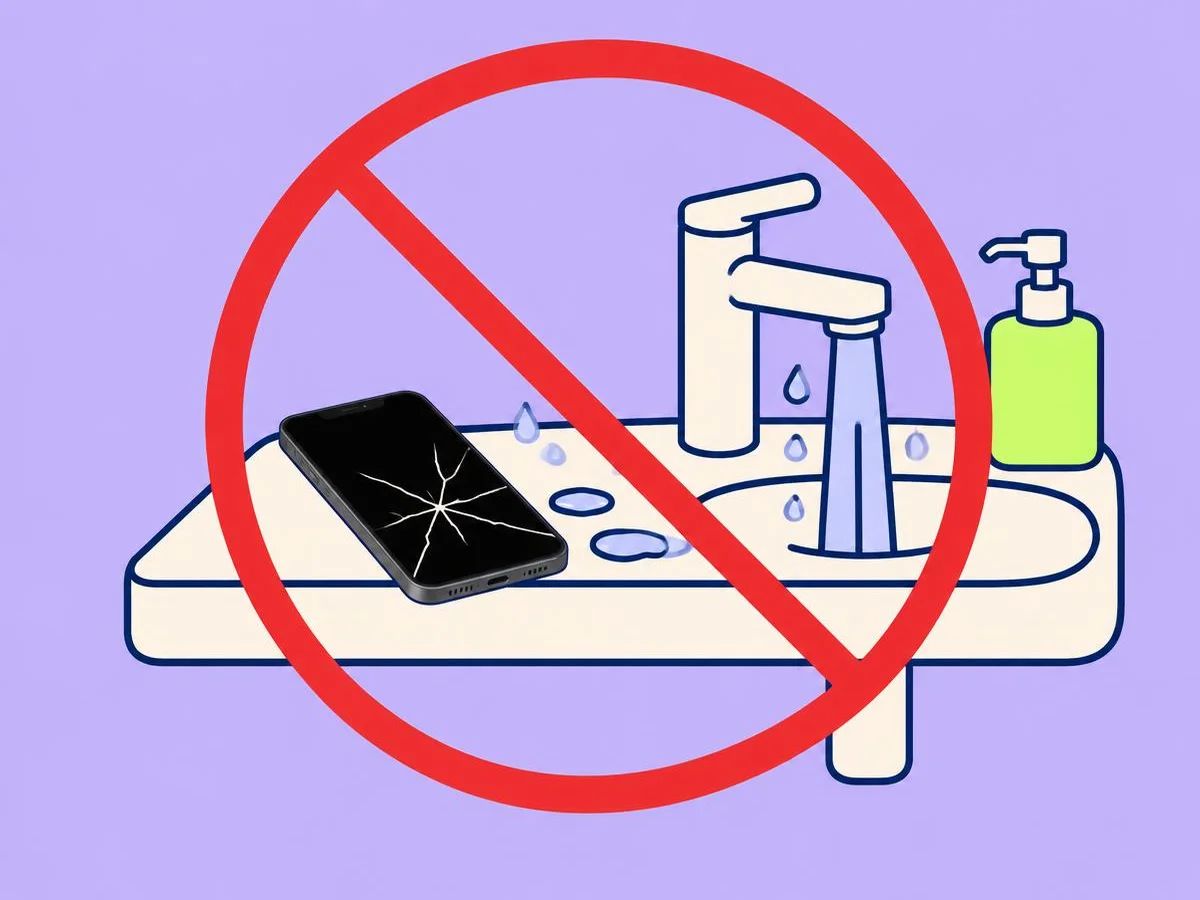
Apple says splash, water and dust resistance are not permanent and can decrease with normal wear, and that liquid damage isn't covered by its warranty. With a crack in the glass, treat the phone as no longer water-resistant. If it does get wet, see wet phone: what to do.
5. Get it ready for repair
| Step | iPhone (Apple) | Pixel (Google) |
|---|---|---|
| Back up | Yes, and check iCloud shows green | Yes |
| Find My or repair mode | iOS 27: turn on Ready for Repair or Trade-In in the Find My app. iOS 26 and earlier: turn off Find My | Turn on repair mode if your phone has it; otherwise factory reset it (the repair partner resets it if you can't) |
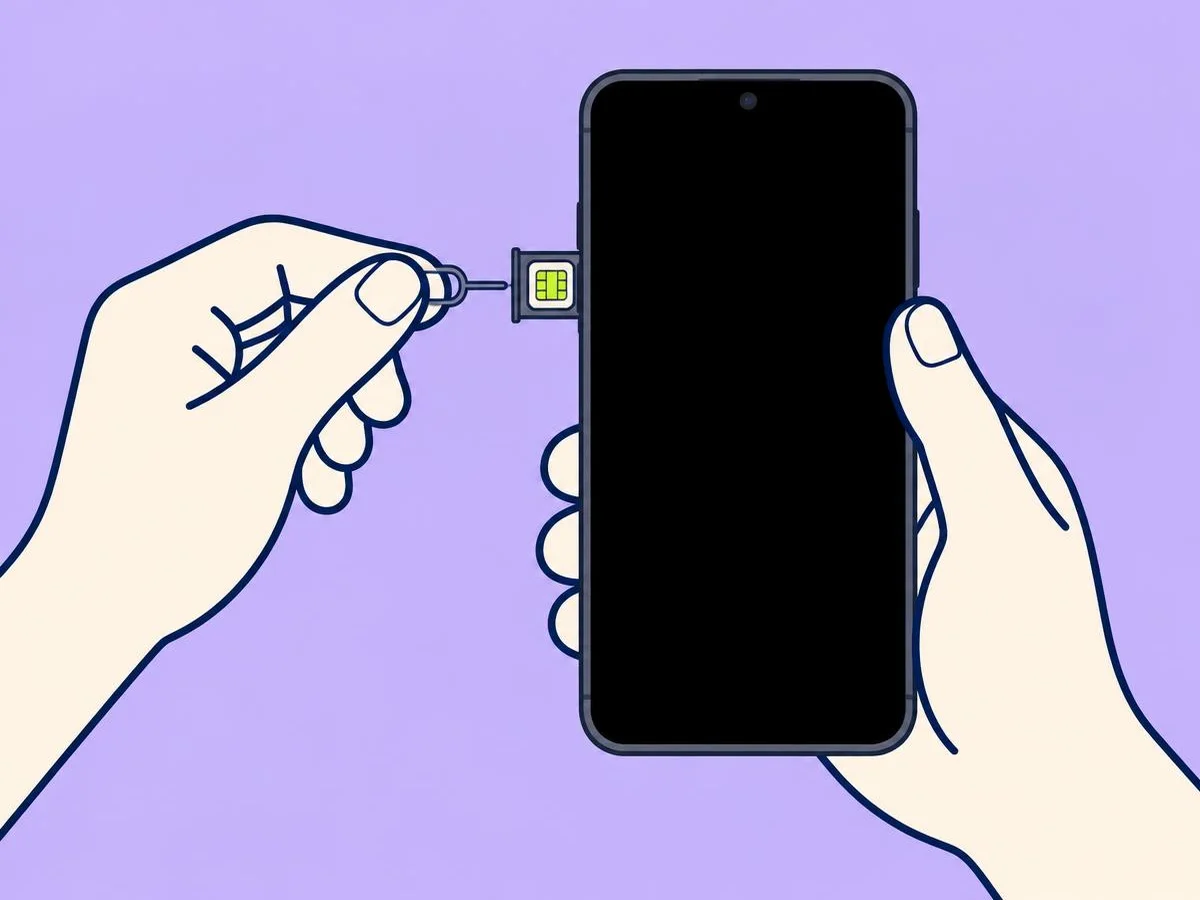
| Take out | Cards and passes in Apple Wallet, and Apple Cash | The SIM card |
| Passcode | Never give anyone your Apple Account password or passcode; stay with the technician if they need it | - |
Galaxy: back up first (step 3). The Samsung pages we used don't list other preparation steps, so ask the service centre when you book.
If your SIM tray is stuck, see how to open the SIM tray.
6. Book the repair
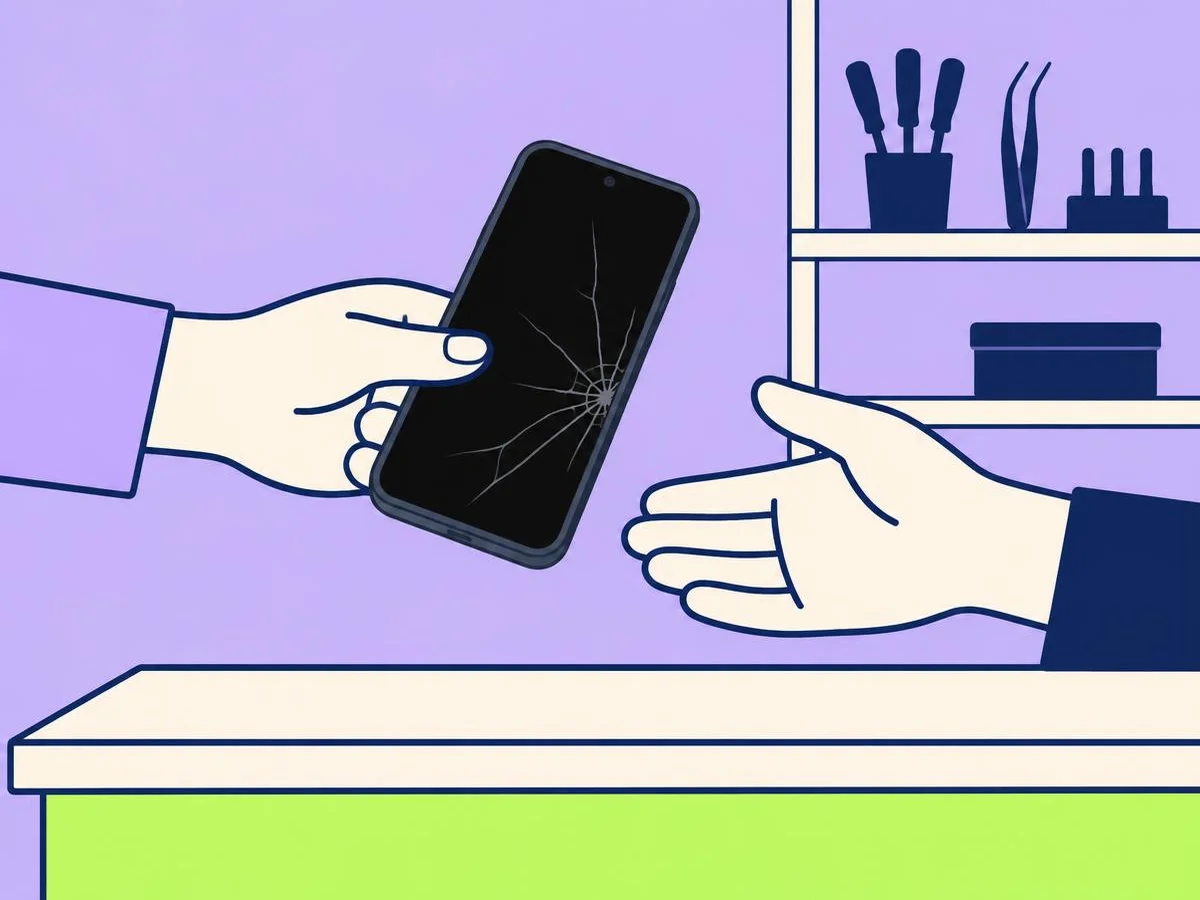
- iPhone: at an Apple Store, at an Apple Authorized Service Provider, or by mail-in (Apple sends a prepaid box). Authorized providers set their own fees and give an estimate after inspecting the phone (Apple).
- Galaxy: Samsung recommends a Samsung service centre for inspection and repair.
- Pixel: mail-in, or walk-in for phones in some countries. Sign in to Google Store repair services with the phone's IMEI or serial number. Walk-in partners inspect the phone and give the cost first; the repair starts only after you approve it (Google).
Will it cost money? Apple and Google say their warranty doesn't cover accidental damage, so a dropped phone is normally a paid repair. Apple says AppleCare covers repairs for drops and spills. If you have a protection plan or phone insurance, check it before you book.
Don't repair it yourself unless you know how
Apple's safety information says not to open an iPhone or try to repair it yourself, because it can damage it and remove its splash and water resistance.
Related
Wet phone: what to do · Force restart a frozen phone · Charging port not working
Questions readers ask
Is it safe to keep using a phone with a cracked screen?
Apple's safety information says not to use an iPhone with cracked glass, as it may cause injury. Don't press on the cracks or pick at loose glass.
Will the crack spread?
Samsung says black spots or ink-like marks come from damage to the panel inside and may spread over time, and recommends repair as soon as possible.
Is a cracked screen covered by warranty?
Not if it was an accident: Apple and Google say their warranty doesn't cover accidental damage. Apple says AppleCare covers repairs for drops and spills. Check any protection plan or phone insurance you have.
Can I still back up if the touchscreen doesn't work?
On a Galaxy, yes: Samsung lists six ways, including Smart Switch on a computer and Find My Mobile. On an iPhone, Apple says to do as many of its preparation steps as you can, some of them on icloud.com.
Sources
We base our articles on the makers' official documentation.
- Apple: Important safety information for iPhone (iPhone User Guide)
- Apple: iPhone Broken Glass Safety
- Apple: About splash, water and dust resistance of iPhone 7 and later
- Apple: Prepare your iPhone or iPad for a service appointment
- Apple: Service and repair for iPhone
- Apple: Service and repair for iPhone screens
- Samsung UK: What to do when your Samsung Galaxy device screen is cracked or damaged
- Samsung UK: I smashed my screen and can't use the touchscreen. Is there any way to access my data?
- Google Store Help: Start a repair for your Pixel