How-to
Wet phone? What to do on an iPhone, Samsung Galaxy or Google Pixel
Unplug it, wipe it, tap it gently with the port facing down, then let it air-dry with airflow. Don't charge it with a cable until it is dry: Apple says wait at least 5 hours. No rice, no hair dryer. What Apple, Samsung and Google each say.
By Abu Bakar Saadat · Publisher: Saadat Rafiq · 3 min read · Published 27 October 2026
- Wait before cable charging
- iPhone: at least 5 hours (Apple); Galaxy: usually 1 to 2 hours (Samsung)
- Never
- Rice, heat, compressed air, anything in the port
- Wireless charging
- OK once the outside is dry
- Advice from
- Apple, Samsung and Google support pages, read 27 October 2026
- Applies to
- iPhone 17e, iPhone 18 Pro, iPhone 14 Pro, Galaxy S26, Galaxy A57, Pixel 10a
- Checked
- October 2026
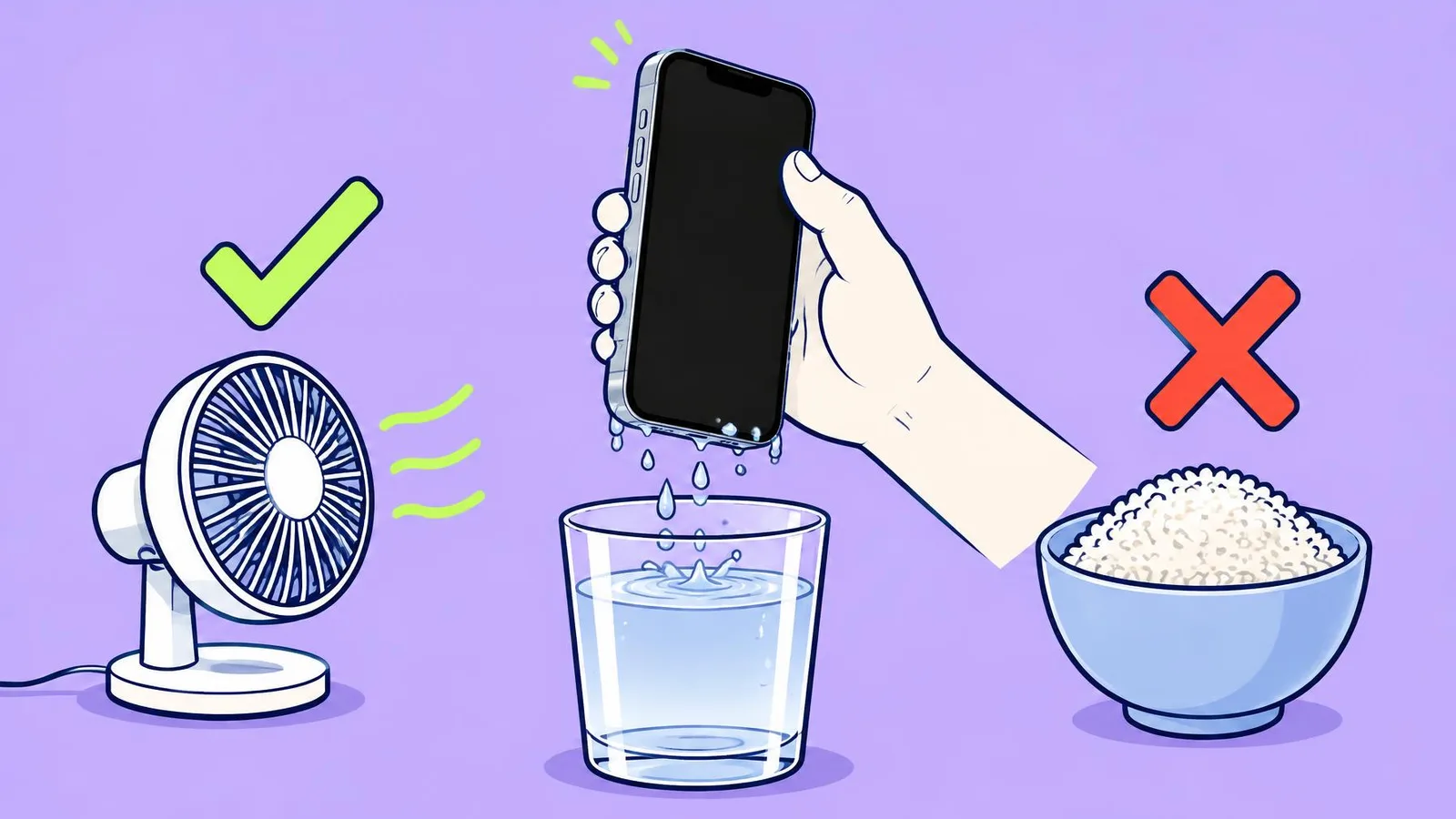
How water resistant is your phone?
| Phone | Rating | Tested to (maker's lab, fresh water) |
|---|---|---|
| iPhone 17e | IP68 | 6 m for 30 minutes |
| iPhone 18 Pro | IP68 | 6 m for 30 minutes |
| iPhone 14 Pro | IP68 | 6 m for 30 minutes |
| Galaxy S26 | IP68 | 1.5 m for 30 minutes |
| Galaxy A57 | IP68 | 1.5 m for 30 minutes |
| Pixel 10a | IP68 | Google's specs give no depth |
A rating is not a promise. Every maker says resistance wears down over time, and none of them covers liquid damage under warranty. Salt water, pool water, soap and drinks are not part of the test.
Do this straight away
1. Get it out and unplug everything
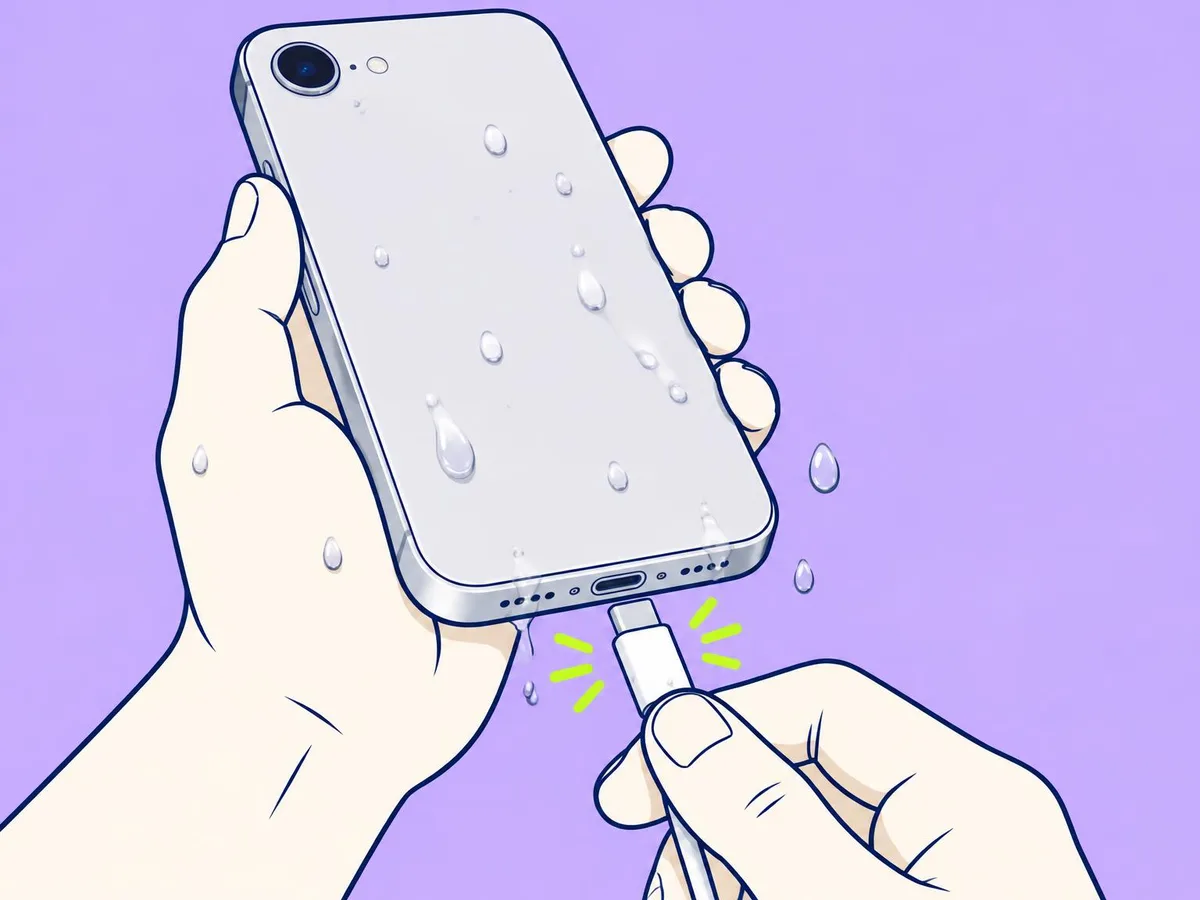
Pull out the charging cable, headphones and any accessory.
2. If it wasn't plain water, rinse it, then wipe it
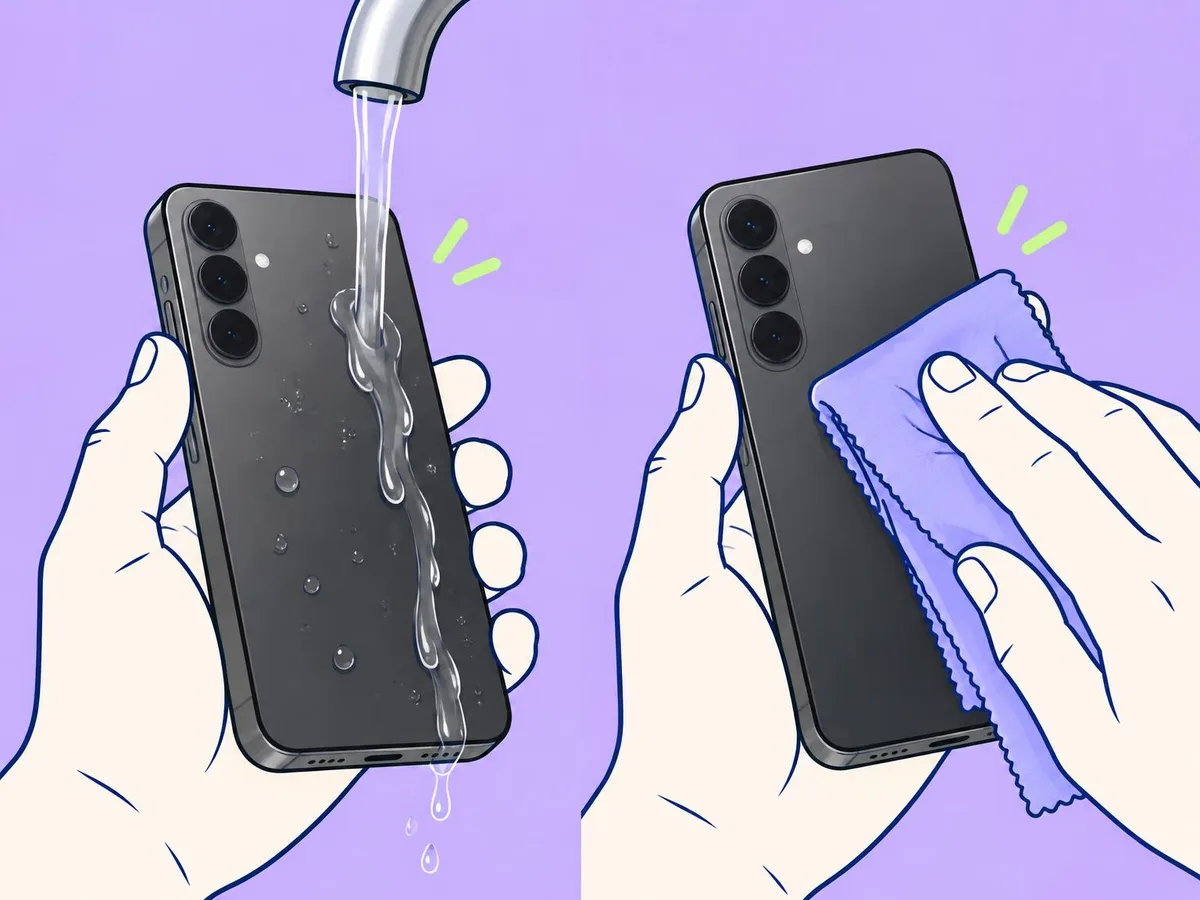
After salt water, a drink or soap, Apple and Samsung both say to rinse the affected area with fresh tap water. Then wipe the phone with a soft, lint-free cloth. After plain water, skip the rinse and just wipe it.
3. Tap the water out
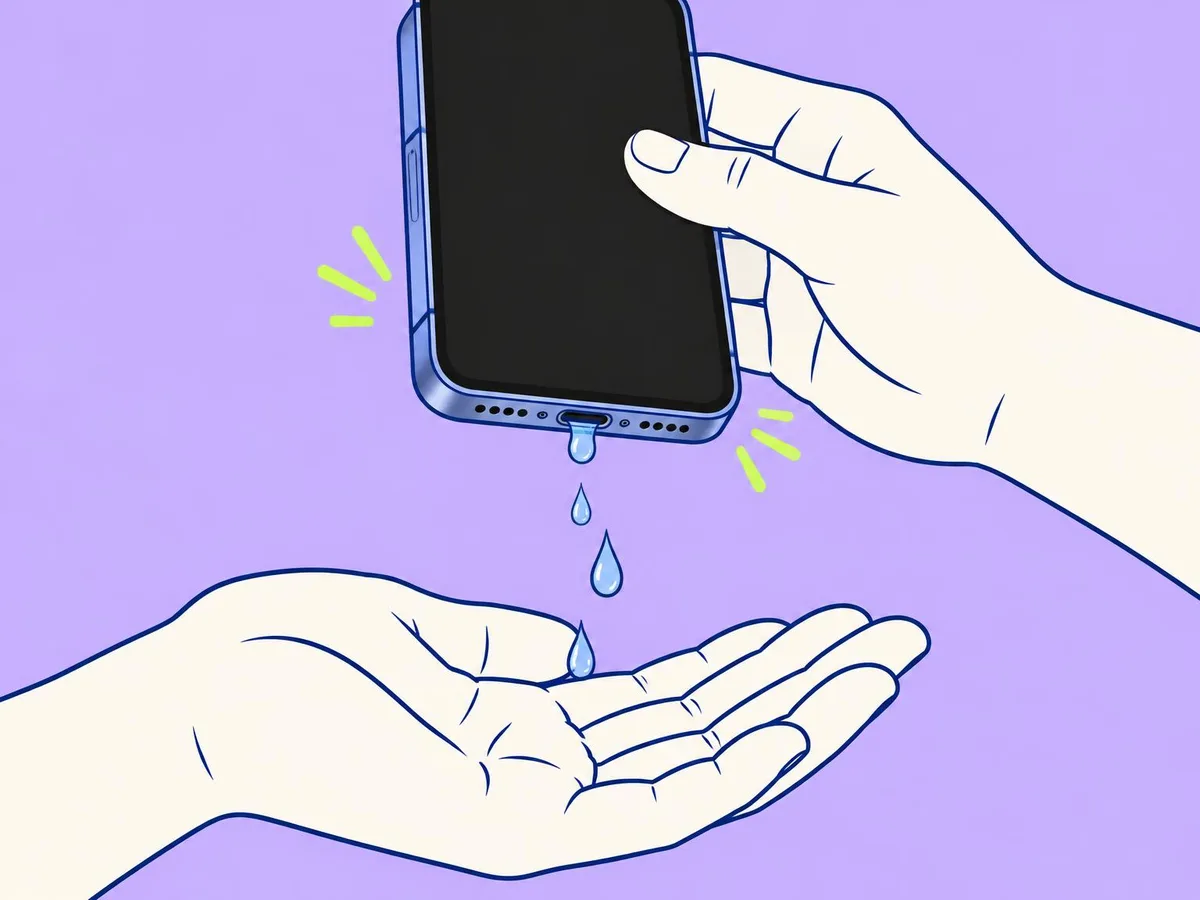
Hold the phone with the charging port facing down and tap it gently against your palm a few times. Samsung says to shake it gently with the port down.
4. Speaker sounds muffled?
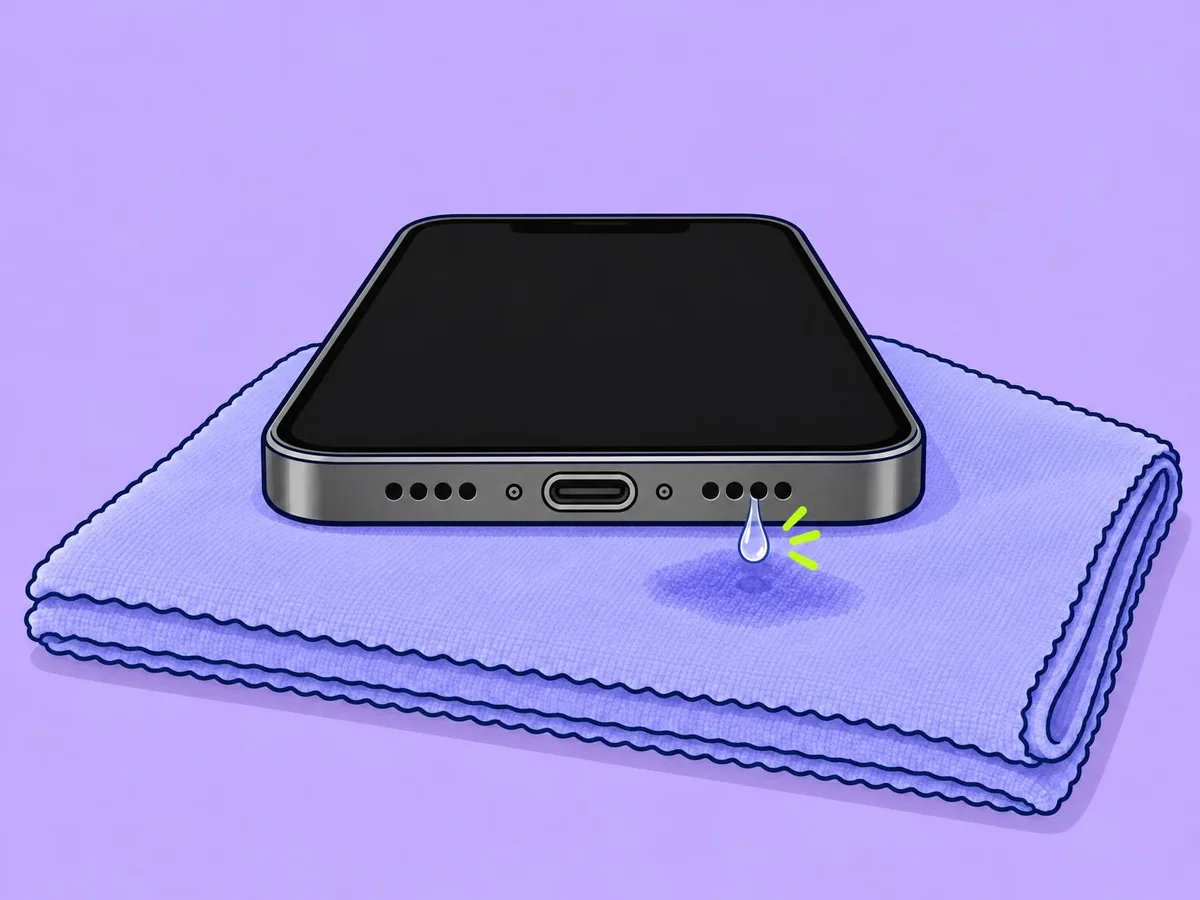
Lay the phone speaker side down on a lint-free cloth and let the water drip out, as Apple advises.
5. Let it air-dry, then wait before charging with a cable
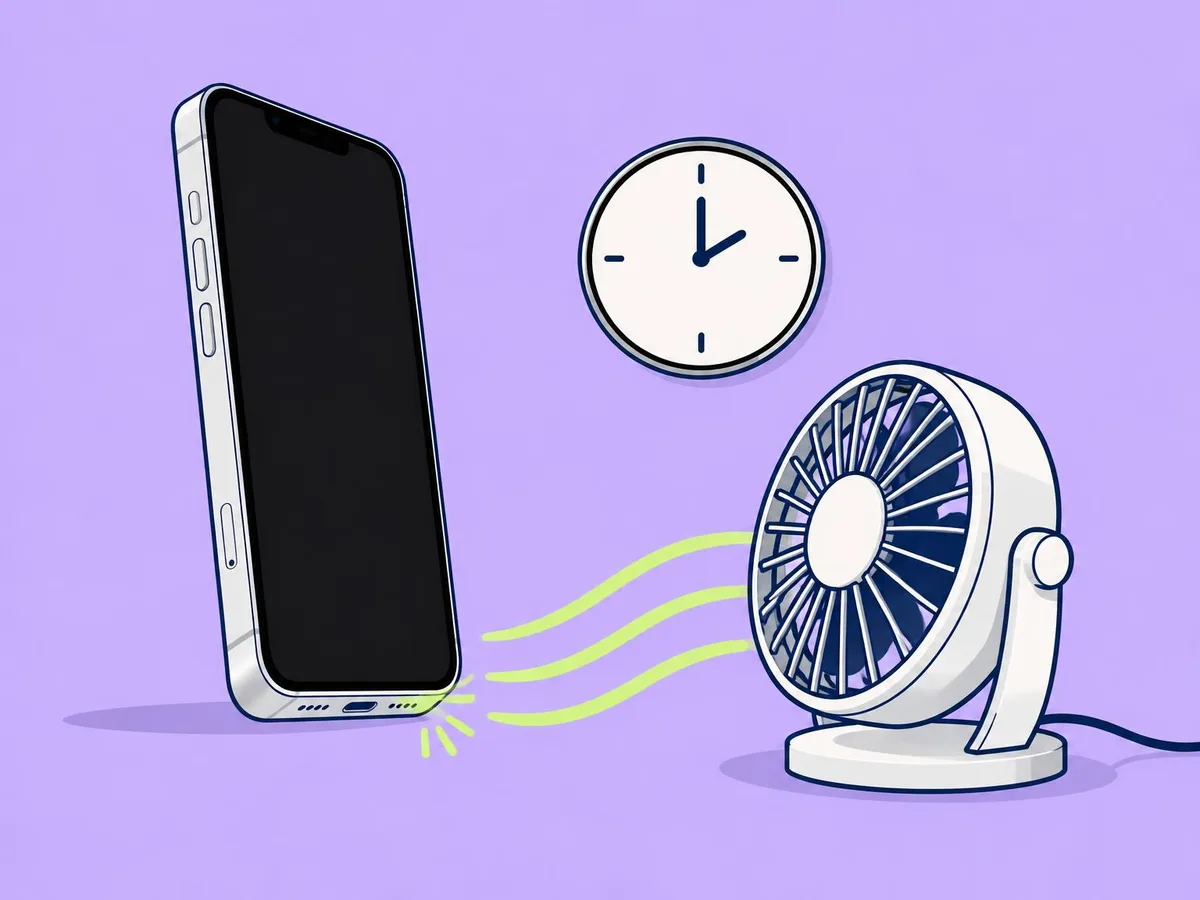
Leave it somewhere dry with some airflow. Apple says a fan blowing cool air straight into the port can help. Then wait:
- iPhone: at least 5 hours before charging with a cable (Apple).
- Galaxy: moisture usually evaporates in 1 to 2 hours (Samsung).
- Pixel: let it dry at room temperature and wait for "OK to use USB port".
Don't
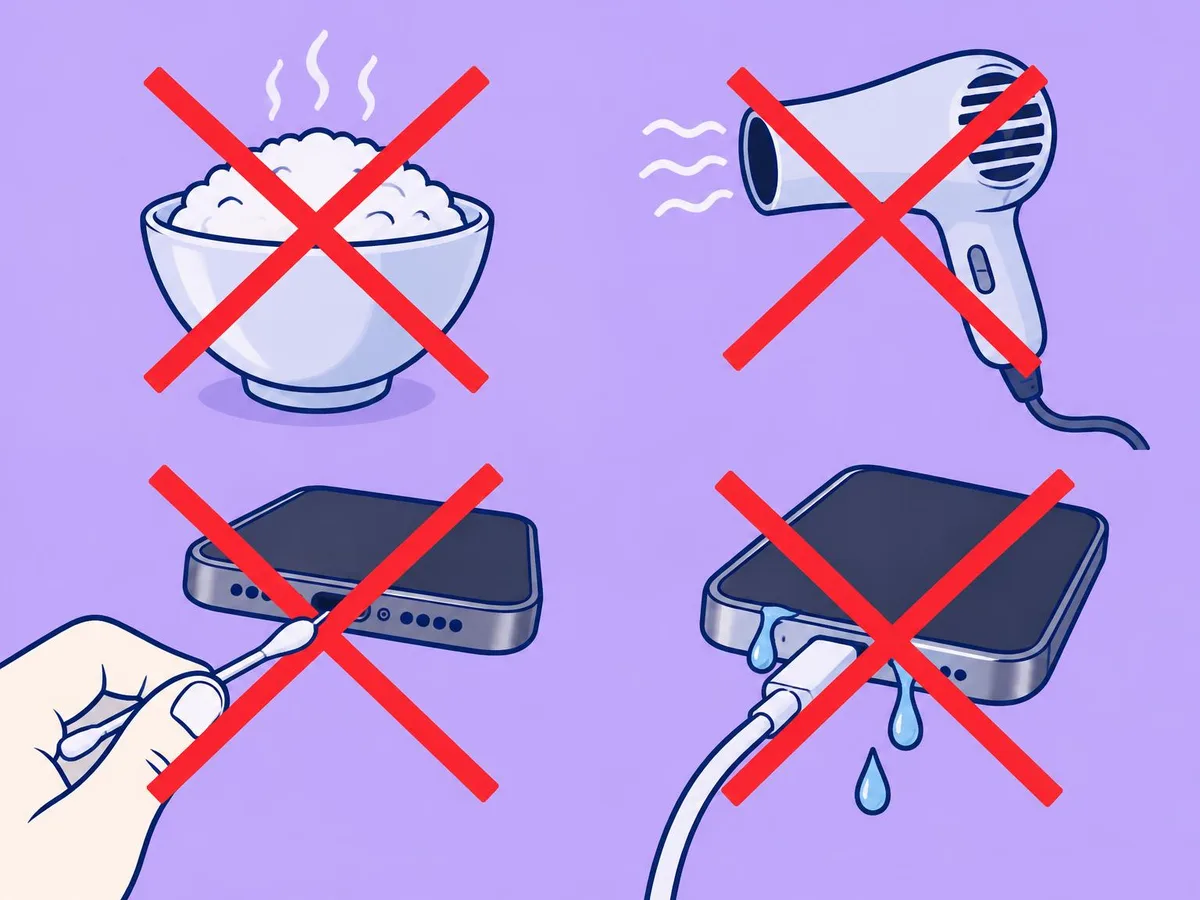
- Don't use rice. Apple says so on its liquid-detection page.
- Don't use a hair dryer or any other heat, and don't use compressed air.
- Don't push anything into the port: no cotton swabs, paper towels or pins.
- Don't charge with a cable while it is wet. Wet pins can corrode.
- Don't open the SIM tray until the phone is dry (Apple).
What your phone shows, and what to do
| Phone | Alert | What to do |
|---|---|---|
| iPhone | "Liquid Detected in USB-C Connector" (Lightning on the 14 Pro), or "Charging Not Available" | Unplug and dry it. Try again after at least 30 minutes; leave it for up to a day if the alert comes back. Apple offers an emergency override but warns it can damage the connector. |
| Galaxy | Moisture warning, with an alarm that keeps sounding until you unplug | Unplug, shake gently and air-dry for 1 to 2 hours. Wireless charging still works once the outside is dry. |
| Pixel | "Liquid or debris in USB port" or "Unplug charger" | Unplug, power off and dry at room temperature. If the message lasts 2 hours or more, Google says to contact support. |
These are the makers' own descriptions. We won't wet a phone on purpose to capture them.
Still not right?
- The warning won't go away but the port looks dry: on Galaxy and Pixel, the makers suggest clearing the cache of the USB Settings system app (Settings, Apps, show system apps, USB Settings, Storage, Clear cache).
- The port looks burned, melted or corroded: stop charging by cable and contact the maker or an authorised repair shop.
- It won't turn on, or the screen shows lines or fog: don't keep trying to charge it. Back up if you can and book a repair. If it is only frozen, see how to force restart a frozen phone.
Related
How to clean your iPhone · Phone frozen? How to force restart it
Questions readers ask
Does rice work?
Apple's liquid-detection page says plainly not to put your iPhone in a bag of rice. Tapping out the water and air-drying it is the method all three makers give.
Can I swim or shower with an IP68 phone?
Apple lists swimming, bathing, showering and saunas as things to avoid, even on IP68 iPhones. Samsung says its phones are not advised for beach or pool use.
Can I charge wirelessly while it is drying?
Yes, once the outside is wiped dry. Apple and Samsung both say so.
Is water damage covered by the warranty?
No. Apple, Samsung and Google do not cover liquid damage under warranty, though consumer law in your country may still apply.
- Apple: About splash, water, and dust resistance of iPhone
- Apple: If you see a liquid-detection alert on your iPhone
- Apple: iPhone 18 Pro Tech Specs
- Samsung UK: What to do if there is moisture in your water-resistant phone or tablet
- Samsung UK: Galaxy phone water resistance
- Google Pixel Help: Fix "Unplug charger" or "Liquid or debris in USB port"
- Google Pixel Help: Pixel phone hardware tech specs
This article is based on the sources above. We have not tested these products ourselves. Prices and availability change; check the maker's website before you buy.