
howtosimply.com/guides/how-to-take-200mp-ultra-hd-photos-on-a-redmi-note-15-pro/ · Checked October 2026 · Xiaomi Redmi Note 15 Pro 5G (25080RABDG), HyperOS 3.0.308.0, Android 16
In this guide
Open Camera and swipe the mode strip to Ultra HD, then take the photo. On ours an Ultra HD photo was 12240x16320 pixels (200 MP) and 25.63 MB, against 3060x4080 and 1.89 MB in Photo mode: over 13 times bigger. Swipe back to Photo for everyday shots.
- Device
- Android
- Shown on
- Xiaomi Redmi Note 15 Pro 5G (25080RABDG), HyperOS 3.0.308.0, Android 16
- App
- Camera
- Path
- Camera › Ultra HD
- Real screenshots
- 4 of 4 steps
- Checked
- October 2026
- Sources
- 1 official, linked below
Step by step
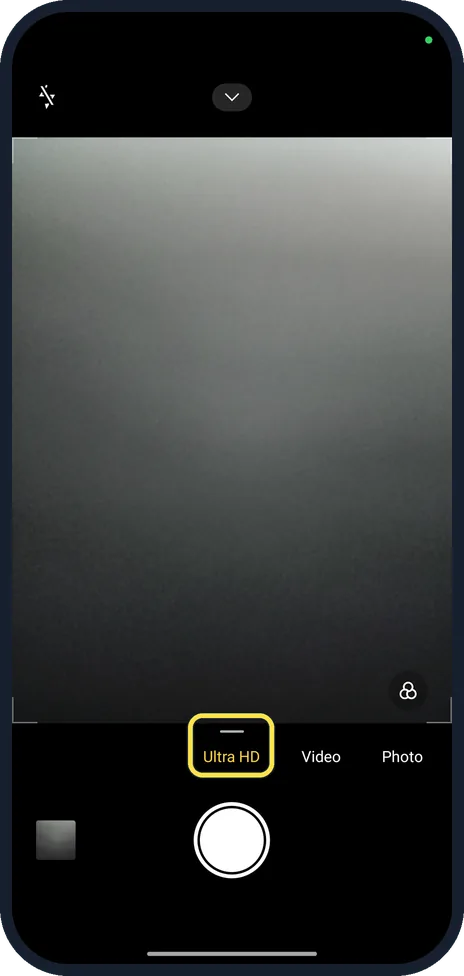
Swipe to Ultra HD
Open Camera and swipe the modes above the shutter button until Ultra HD is selected (yellow).
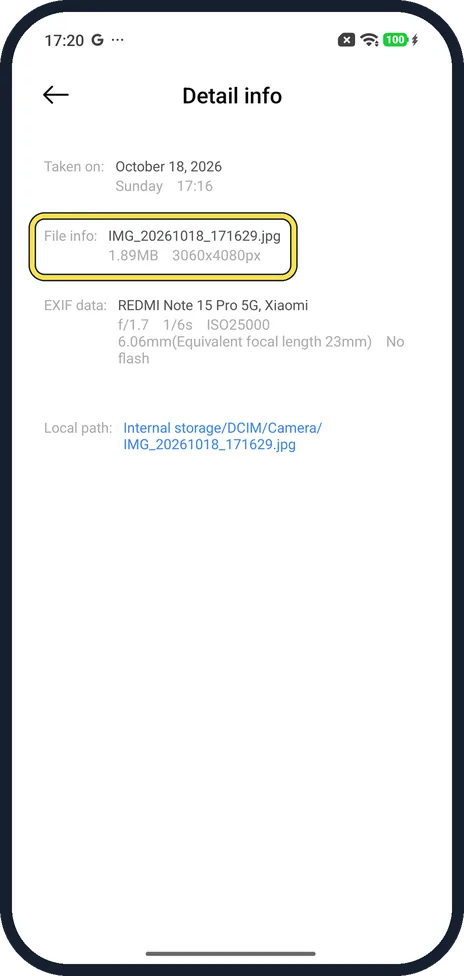
Compare with a Photo mode picture
In Gallery, open a photo and its details. Our Photo mode picture was 3060x4080 px, 1.89 MB.
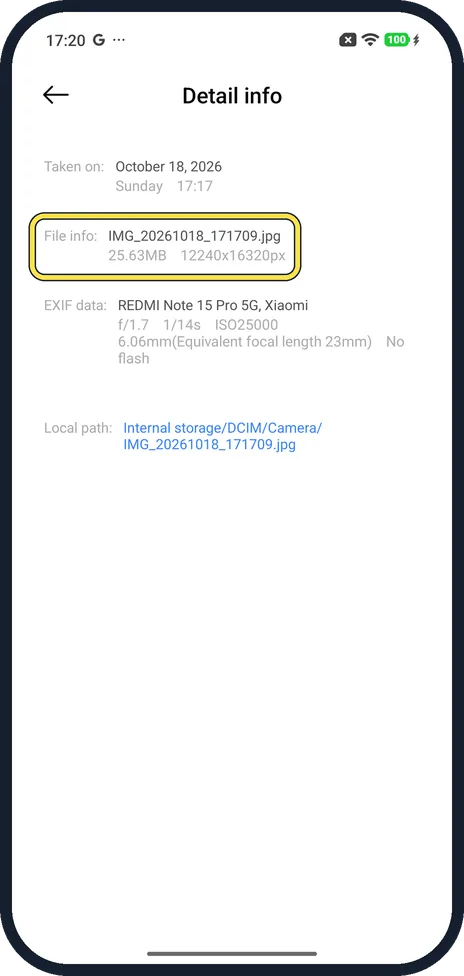
Check the Ultra HD photo
Our Ultra HD picture of the same scene was 12240x16320 px, 25.63 MB.
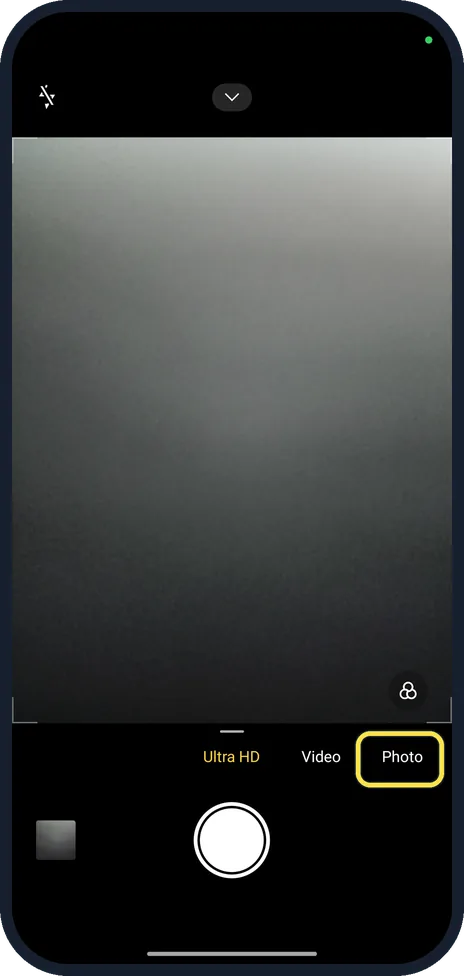
Go back to Photo
Ultra HD files fill storage fast. Swipe back to Photo when you are done.
If you do not see this option
- No Ultra HD in the mode strip? Swipe the whole mode strip, including More at the end if your phone has it. Camera settings, General also has a Camera modes page. Not every Xiaomi phone has a 200 MP camera. Source: Generic User Guide for HyperOS 3.0
- Photo details missing? Open the photo in Gallery and tap the details (i) button. Source: Generic User Guide for HyperOS 3.0
If this does not work
- Storage filling up? Each Ultra HD photo was 25.63 MB on ours. Free up space on a Xiaomi phone.
- Ultra HD photo looks noisy? Full resolution needs good light. In dim light, Photo mode merges pixels and usually looks cleaner. Source: Generic User Guide for HyperOS 3.0
About this guide
The 200 MP sensor shoots full resolution only in Ultra HD mode; Photo mode saves 12.5 MP pictures. There is no 200 MP switch in Photo mode.
The screenshots are from our Redmi Note 15 Pro 5G with Xiaomi HyperOS 3.0.308.0 and Android 16, in Light mode, taken on 18 October 2026. The camera viewfinder is dark in Light mode. We took one photo in each mode and deleted both.
Good to know
Other camera settings: turn off the camera watermark and shutter sound on a Xiaomi phone.
In short: Camera, swipe to Ultra HD, shoot. 200 MP, about 25 MB a photo. Swipe back to Photo.
Links checked in October 2026. Menus and features can change after software updates. These steps match the version named at the top.
Did this guide work for you?
Sorry about that. What happened?