Tired eyes from screens? The 20-20-20 rule, screen distance and helpful settings
Every 20 minutes, look at something about 20 feet (6 m) away for 20 seconds. Keep a computer screen 40 to 75 cm away with its top at or just below eye level, cut glare and remember to blink. Screens can tire your eyes; there is no evidence they damage them.
By Abu Bakar SaadatPublished 27 October 20262 min readPublisher: Saadat Rafiq
 Illustration
At a glance
- 20-20-20
- Every 20 min, look 20 ft (6 m) away for 20 s (College of Optometrists)
- Computer screen
- 40 to 75 cm away, top at or slightly below eye level
- iPhone Screen Distance
- Warns under 12 in (30 cm); needs Face ID (Apple)
- Advice from
- College of Optometrists and Apple, read 27 October 2026
- Checked
- October 2026
Reviewed by Dr Aiman Umer, BDS (Army Medical College, Pakistan), on 27 October 2026.
Step 1: set the screen distance and height
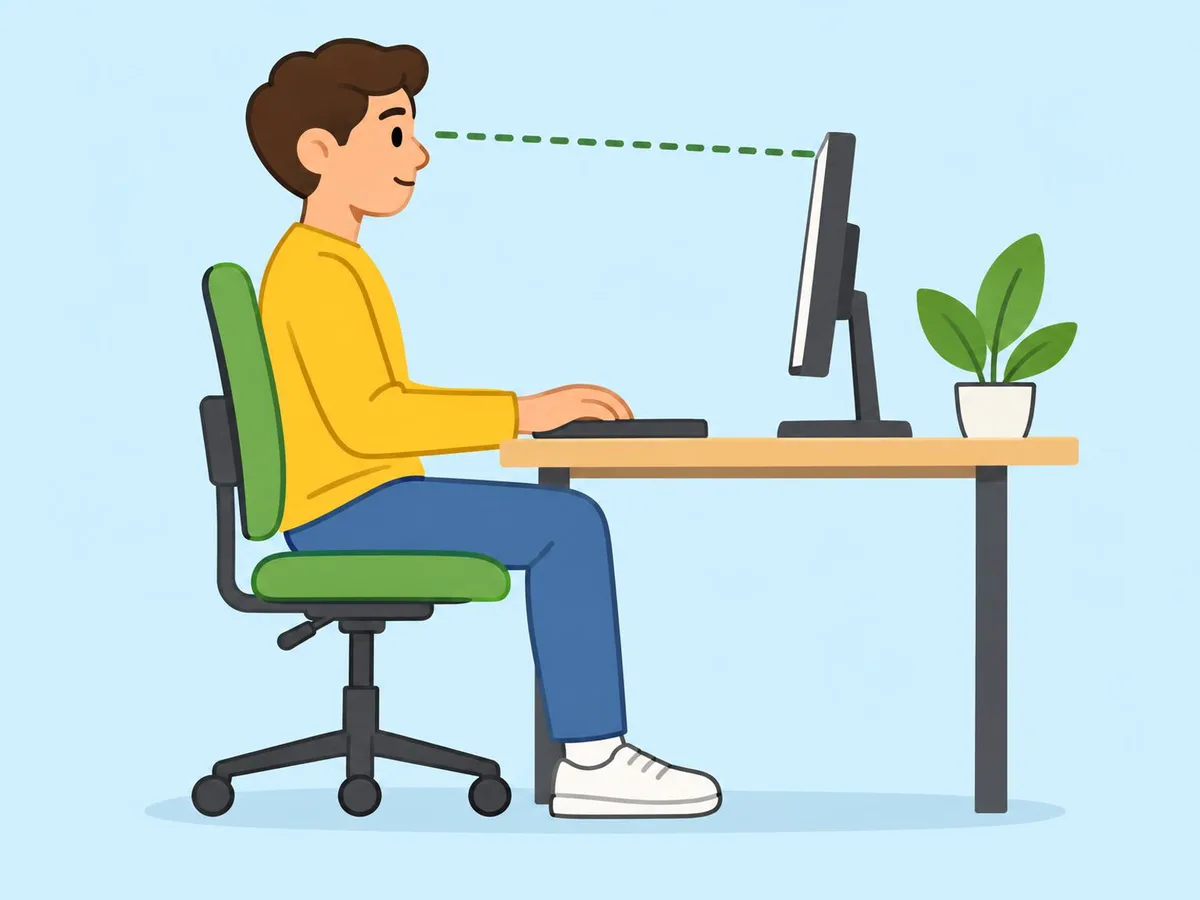
Put a computer screen 40 to 75 cm from your eyes, roughly an arm's length, with its top level with or slightly below your eyes (College of Optometrists).
Step 2: cut the glare
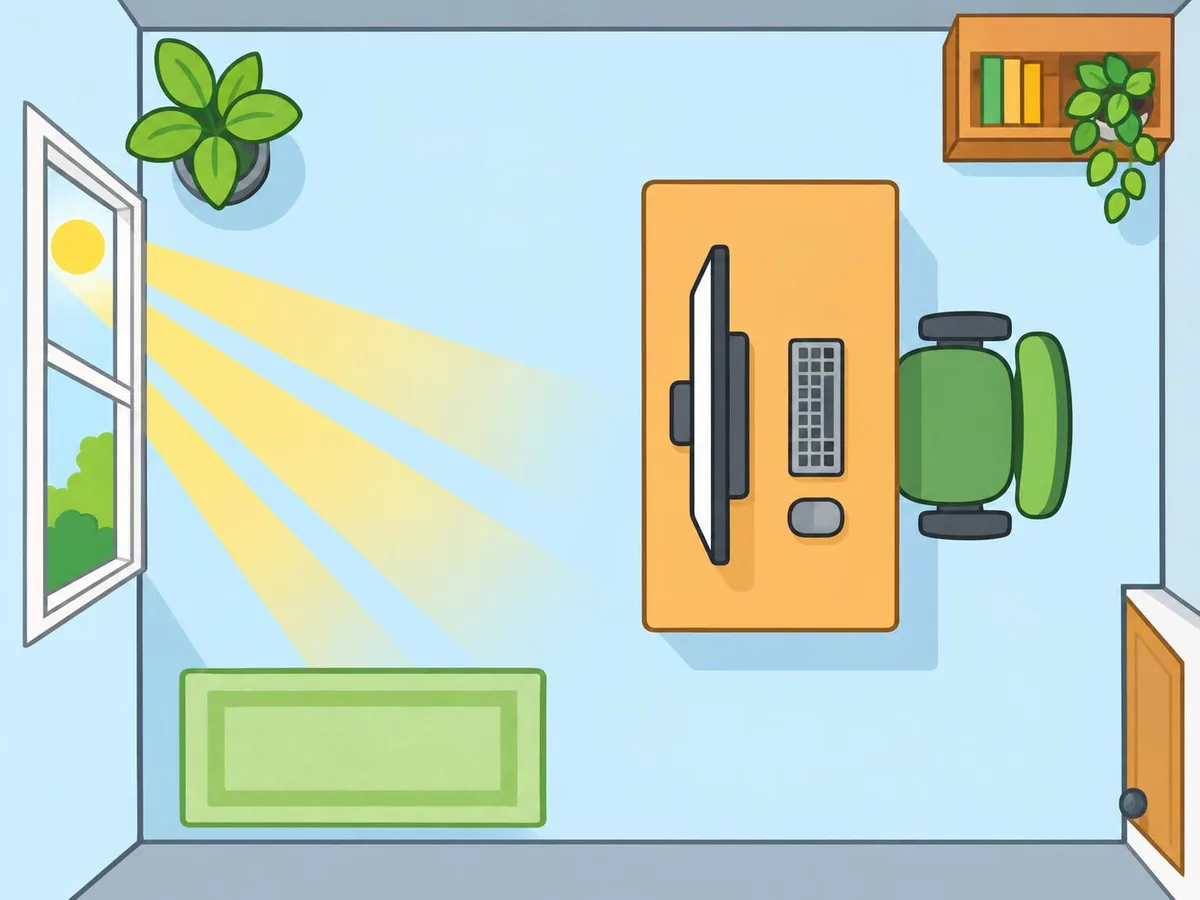
Turn the screen so windows and lamps don't reflect in it (College of Optometrists).
Step 3: use the 20-20-20 rule
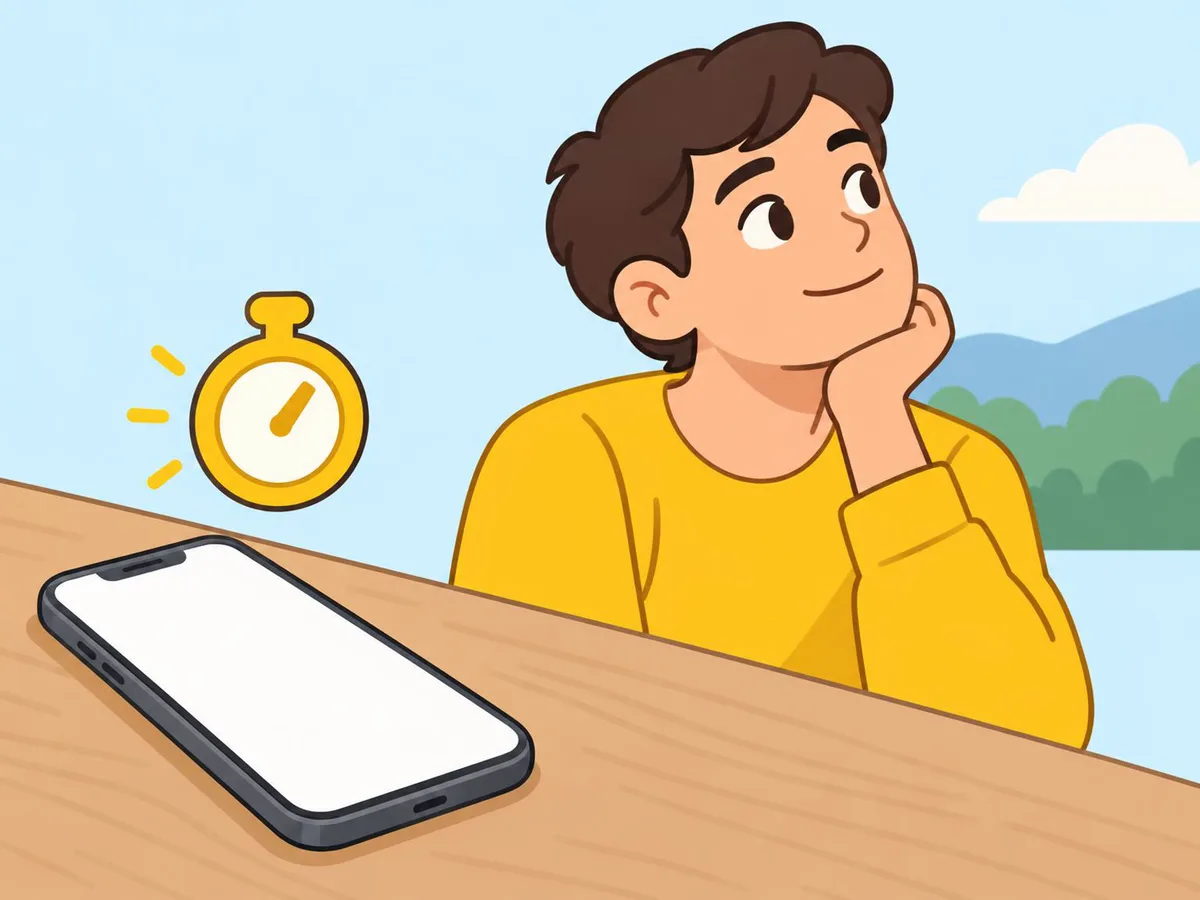
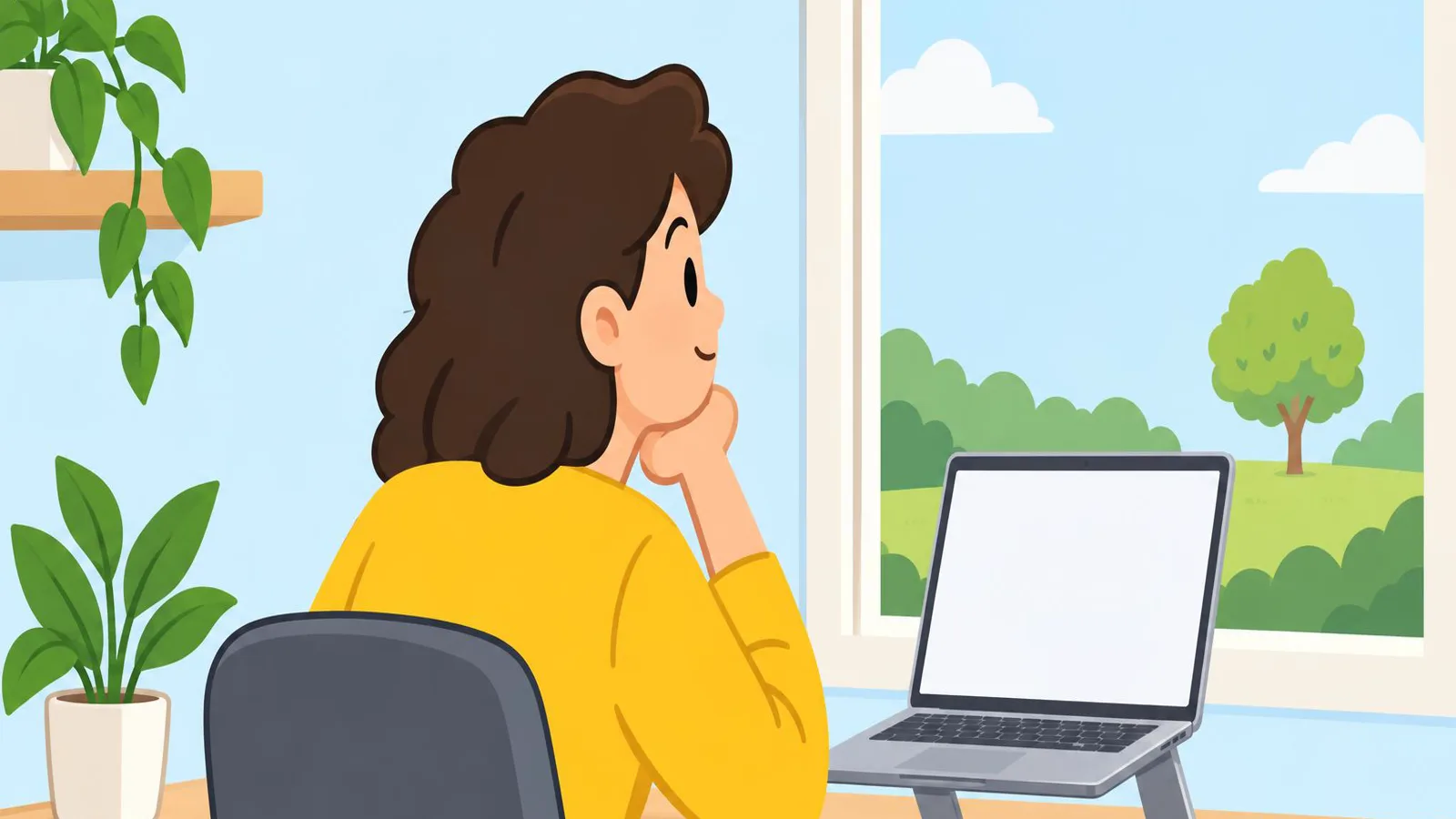
Every 20 minutes, look at something about 20 feet (6 m) away for 20 seconds. A phone timer helps you remember (College of Optometrists; the American Academy of Ophthalmology gives the same rule).
Step 4: blink
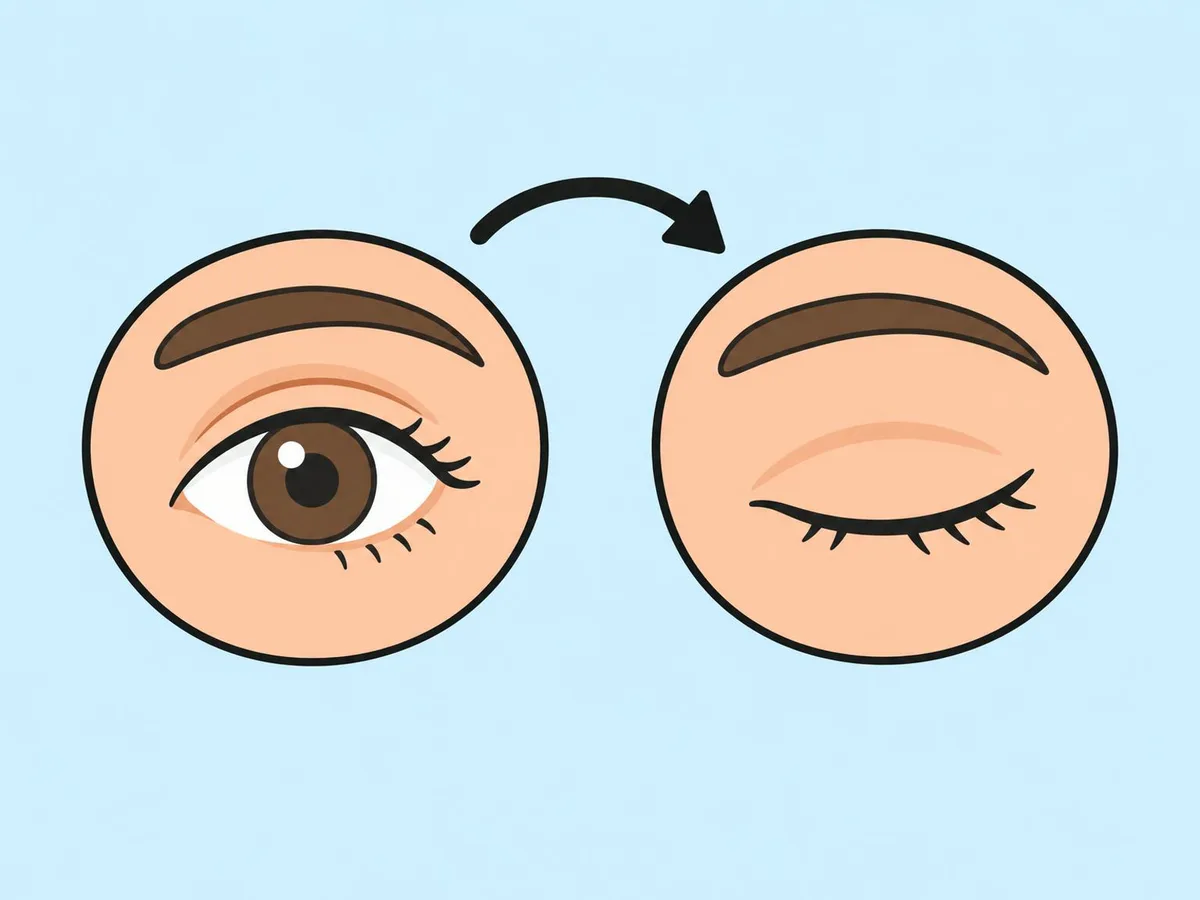
Staring at a screen makes you blink less, which can dry your eyes (College of Optometrists). Blink fully a few times each time you look away.
Step 5: hold your phone further away
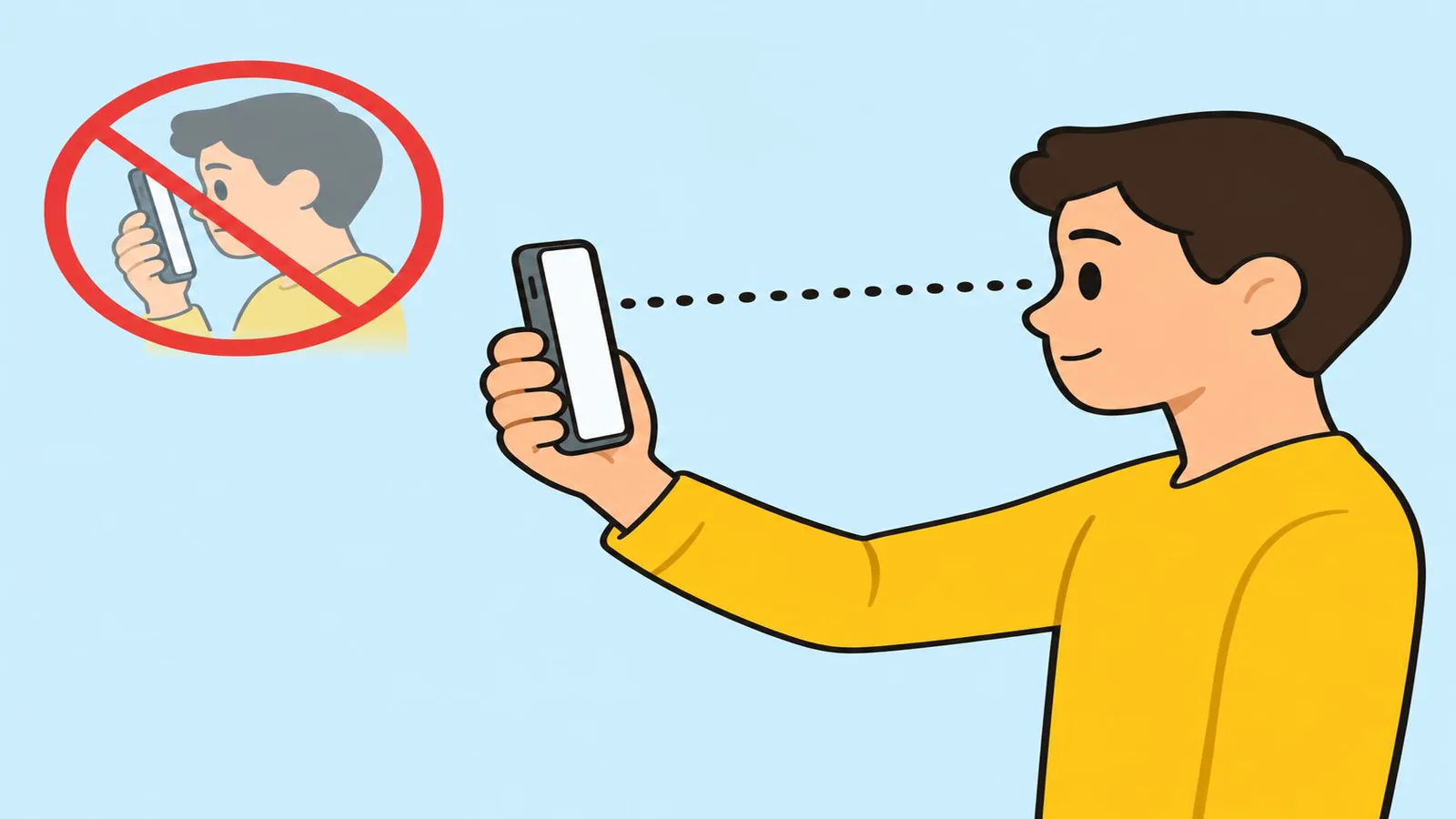
Make text bigger instead of bringing the phone closer (College of Optometrists: make text larger if it's hard to read). On an iPhone, Screen Distance warns you when you hold it closer than 12 inches (30 cm) for a while. It needs iOS 17 or later and Face ID set up (Apple).
Settings that help, with our real screenshots
| Device | Setting |
|---|---|
| iPhone | Screen Distance · Screen Time · Dark mode |
| Galaxy | Font size · Extra dim · Eye comfort shield |
| Pixel | Night Light · Screen time |
| OnePlus, OPPO, HONOR | OnePlus · OPPO · HONOR Eye comfort |
| Mac | Night Shift · Screen Time |
Warmer colours and dark mode are comfort settings. The College of Optometrists has said there is no evidence that dark mode prevents eye strain.
Signs of eye strain
The College of Optometrists lists blurry vision, difficulty focusing, and red or painful eyes as symptoms people often put down to eye strain. Its other tips: make text bigger if you're struggling to read it, and use drops if your eyes feel dry. If your vision has got worse, or your eyes are red or painful, contact a local optometrist and ask whether you need an appointment.
Get your eyes checked if
You have blurred vision or painful eyes, or the tiredness keeps coming back even with breaks: see an optician or optometrist. Have regular sight tests and wear your prescribed glasses. For dry eyes, a pharmacist or optometrist can suggest lubricating drops (College of Optometrists).
Questions readers ask
Can screens damage my eyes?
The College of Optometrists says there is no evidence that screen use damages the eyes. Long sessions can make them feel tired, and that passes with rest.
Does dark mode or a night filter prevent eye strain?
The College of Optometrists has said there is no evidence that dark mode prevents eye strain. Use these settings if they feel more comfortable.
Why can't I find Screen Distance on my iPhone?
Apple says it needs iOS 17 or later, an iPhone with a TrueDepth camera, and Face ID set up.
Sources
We base our articles on the makers' official documentation.