
Six questions on taking screenshots, with real screens from our Pixel 10a and Galaxy A57.
Fun with friends? Share it:WhatsApp
All the questions
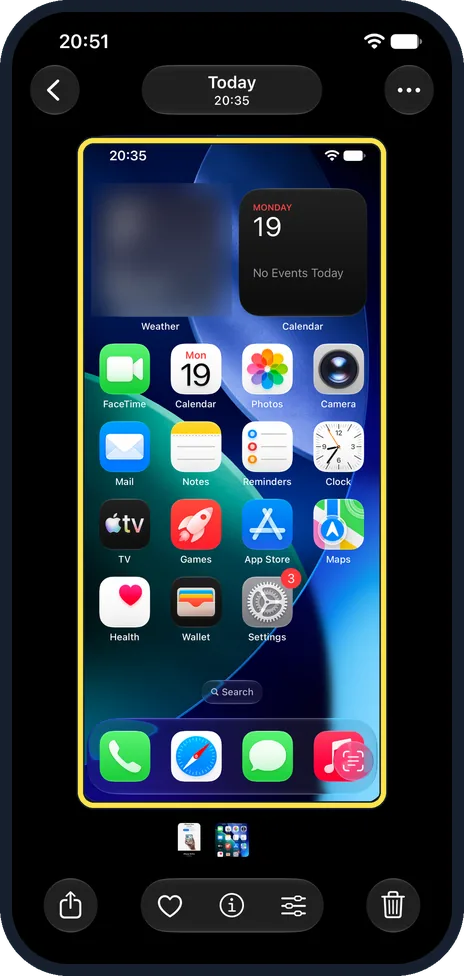
- iPhone with Face ID: which two buttons take a screenshot?
- Side button and volume up
- Side button and volume down
- Both volume buttons
- Side button alone
- After a Pixel screenshot, which of these buttons captures a whole long page?
- Share
- Edit (the pencil)
- Capture more (up and down arrows)
- Delete
- Which Galaxy setting lets you take a screenshot with the edge of your hand?
- Palm swipe to capture
- Hand wave
- Air gesture
- Smart capture
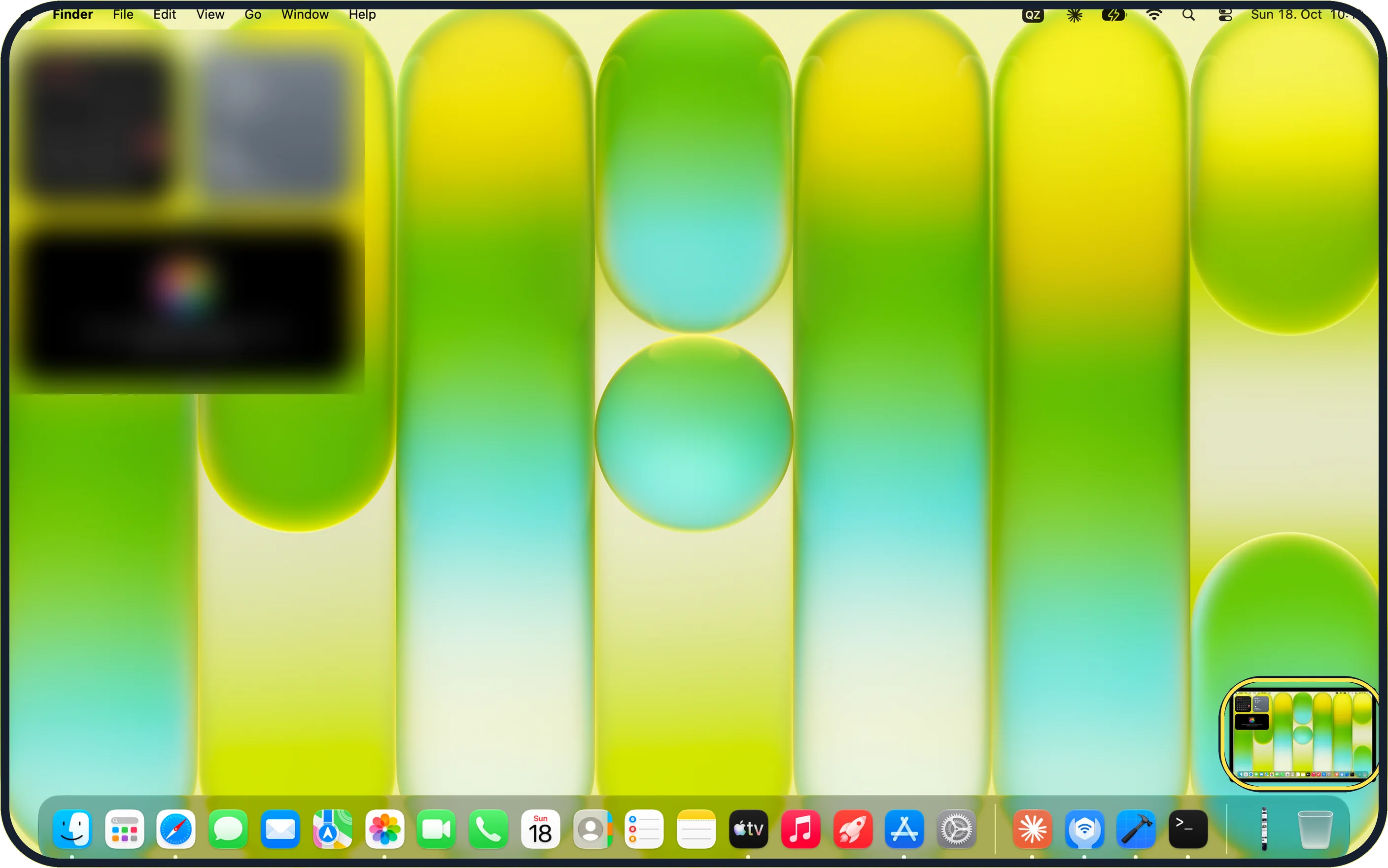
- On a Mac, which shortcut captures just part of the screen?
- Shift + Command + 3
- Shift + Command + 4
- Command + P
- Option + S
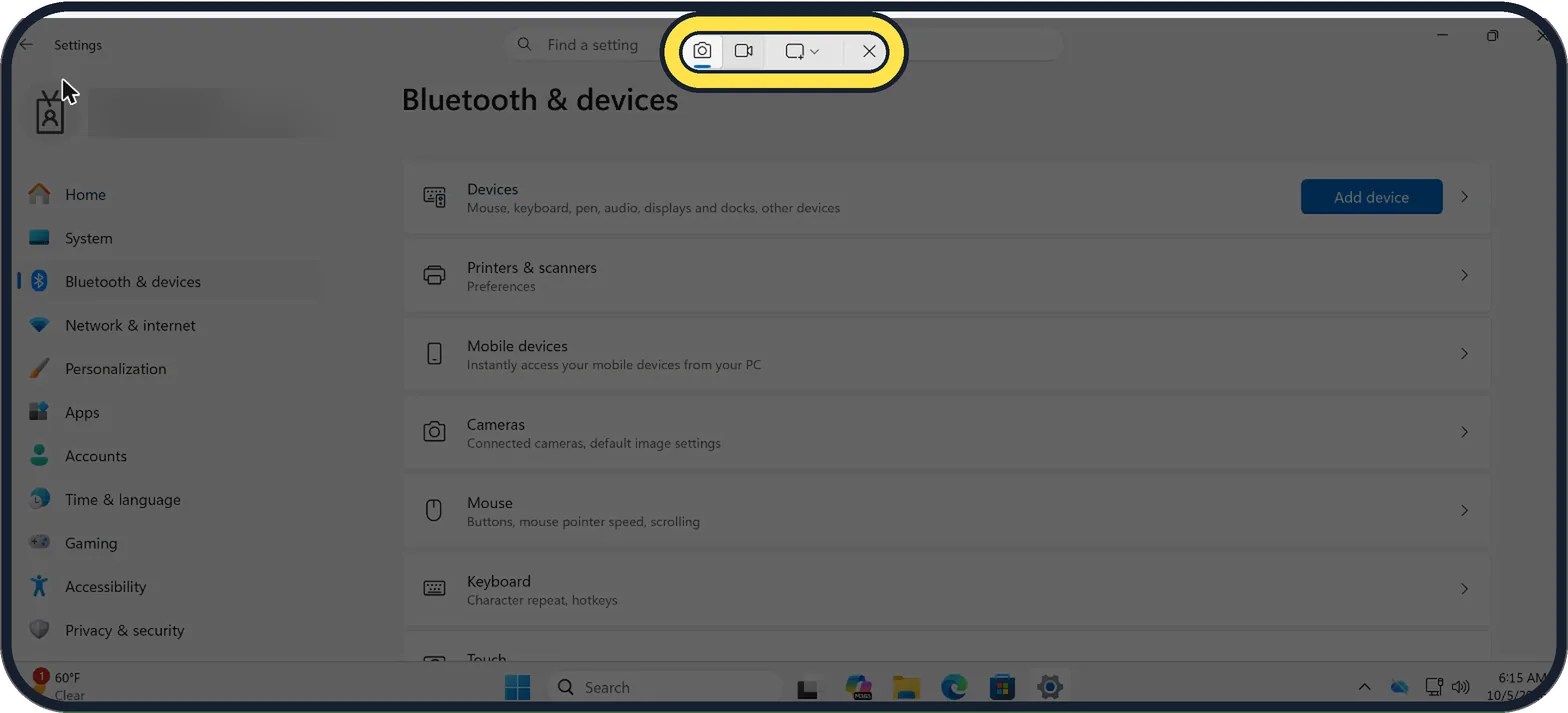
- On Windows 11, Windows + PrtSc does what?
- Opens Paint
- Saves the whole screen straight to Pictures > Screenshots
- Prints the page
- Locks the PC
- Want a whole web page from Safari on an iPhone in one file? Tap…
- Full Page in the screenshot editor
- Reader
- Share, Copy
More quizzes
 Phones & tech habits
Wi-Fi woes and data bills
6 questions · about 3 min Phones & tech habits
Screen time showdown
6 questions · about 3 min Just for fun
Spot the phone: Camera Lab challenge
5 questions · about 3 min Phones & tech habits
Help! Your phone's emergency features
6 questions · about 3 min Computers
Mac tricks you will use every day
6 questions · about 3 min Computers
Windows 11 tricks you will use every day
6 questions · about 3 minLearn more: 3 tips
- Mac: add the Control key to any screenshot shortcut to copy the picture instead of saving it, then paste with Command + V. Source: Apple Support: Take a screenshot on Mac
- Windows: each snip is also copied to the Snipping Tool window, where you can crop it or draw on it (Microsoft). Source: Microsoft Support: Use Snipping Tool to capture screenshots
- Pixel without buttons: swipe up and hold to see your open apps, then tap Screenshot under the app (Google). Source: Pixel Phone Help: Take a screenshot on your Pixel phone or tablet
You might also like
Sources
Every answer comes from our own pages and the sources they cite:
- Apple Support: Take a screenshot on your iPhone
- Pixel Phone Help: Take a screenshot on your Pixel phone or tablet
- Samsung US: How to take a screenshot on a Samsung phone or tablet
- Apple Support: Take a screenshot on Mac
- Microsoft Support: Keyboard shortcuts in Windows
- Microsoft Support: Use Snipping Tool to capture screenshots
- Apple iPhone User Guide: Take a screenshot on iPhone
Did you enjoy this quiz?