
All the questions
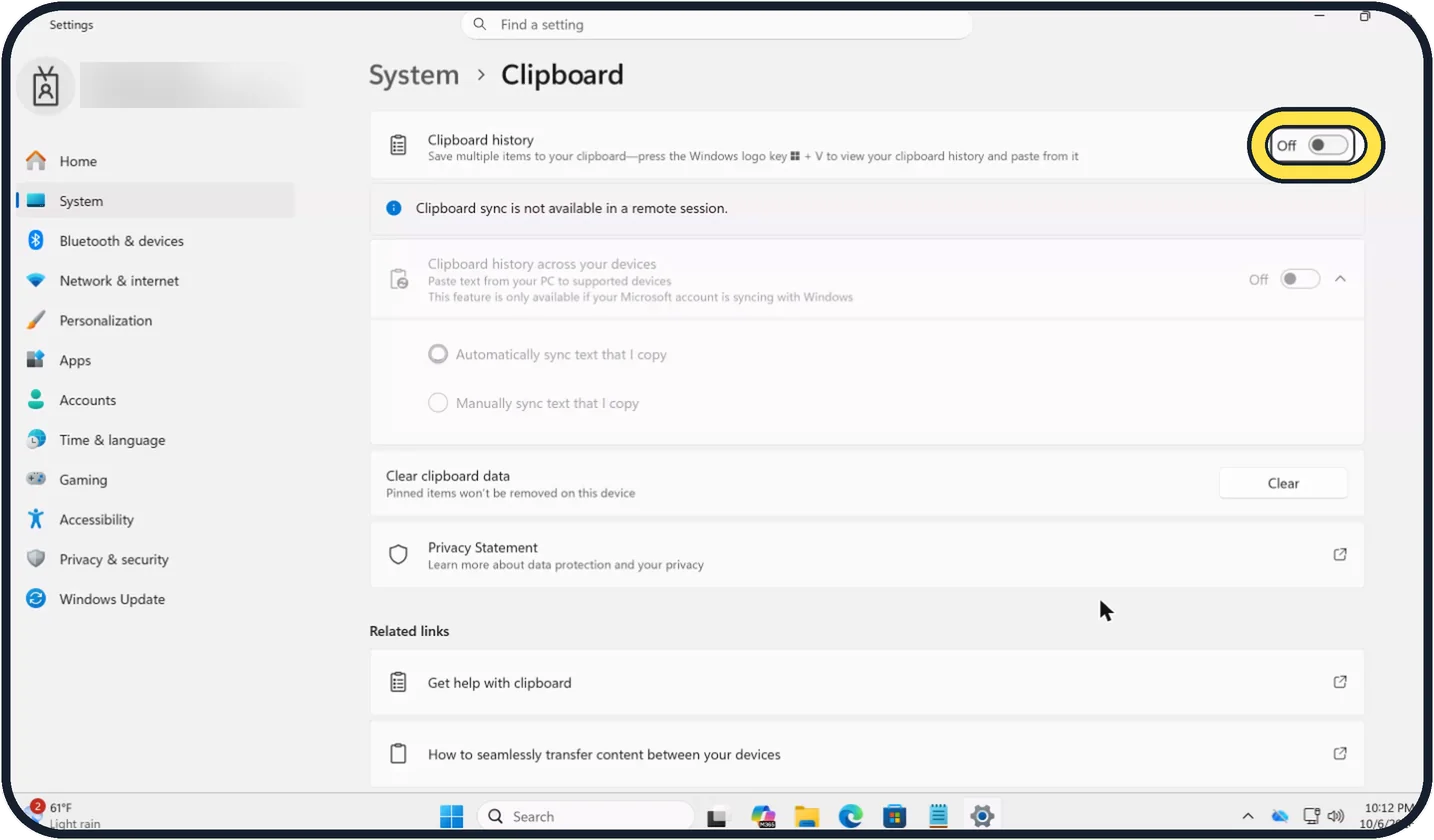
- Which shortcut shows everything you copied recently?
- Ctrl + V
- Windows + V
- Alt + C
- Ctrl + H
- What happens to clipboard history when the PC restarts?
- It is kept forever
- It is cleared, except pinned items
- It moves to the Recycle Bin
- It is emailed to you
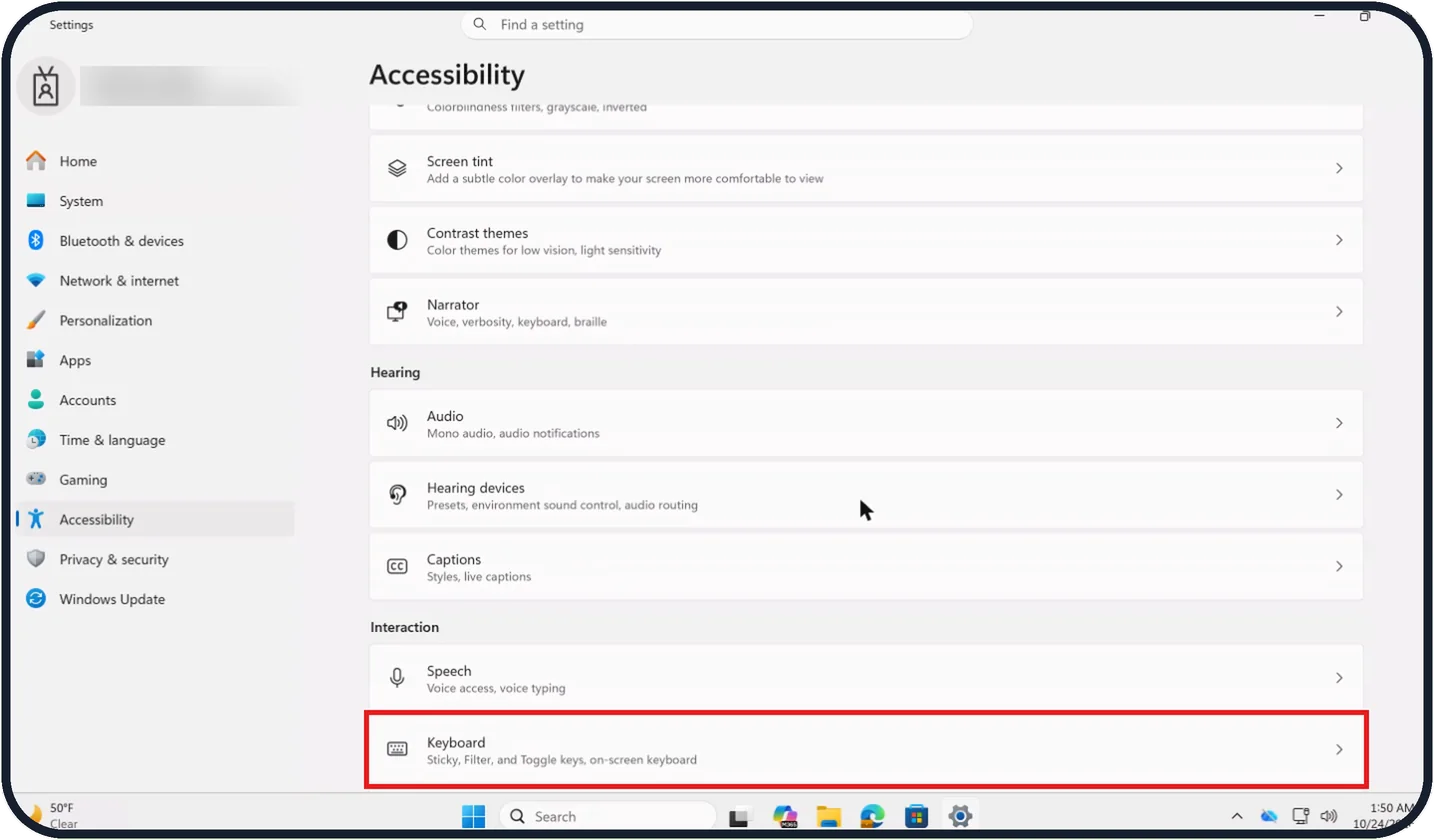
- Pressing which key five times turns Sticky Keys on?
- Ctrl
- Shift
- Space
- Esc
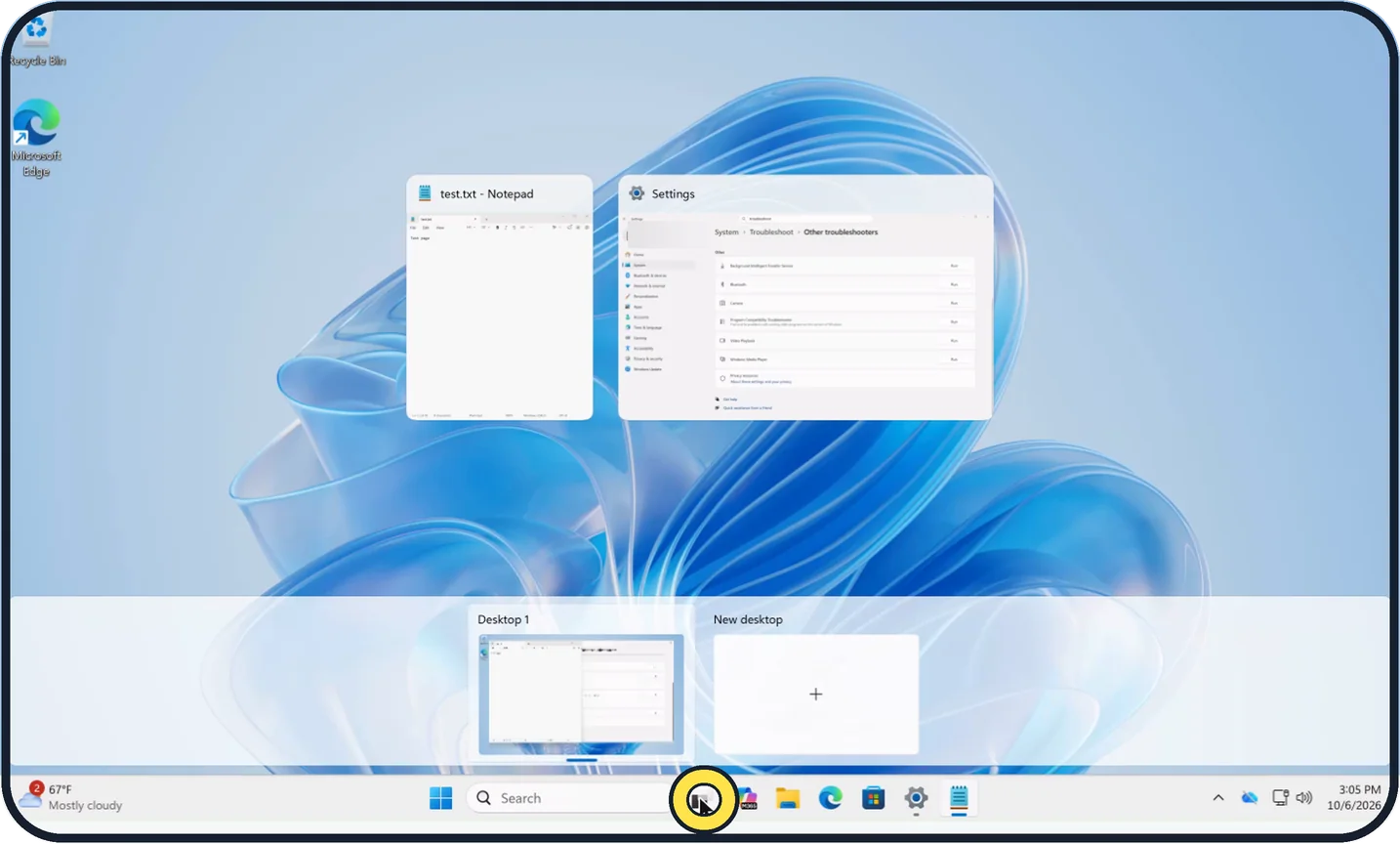
- Which shortcut creates a new virtual desktop?
- Windows + Ctrl + D
- Windows + D
- Ctrl + N
- Alt + Tab
- You close a virtual desktop. What happens to its windows?
- They close
- They move to the neighbouring desktop
- They are minimised forever
- They are deleted
- Storage Sense, default setting: after how long are files in the Recycle Bin deleted?
- 1 day
- 30 days
- Never
- 1 year
More quizzes
 Phones & tech habits
Private browsing: what does it really hide?
6 questions · about 3 min Just for fun
How winter-ready is your home?
6 questions · about 3 min Kitchen & cleaning
Kitchen and home myths: fact or fiction?
7 questions · about 4 min Home & safety
Burst pipe! Could you stop the water in time?
6 questions · about 3 min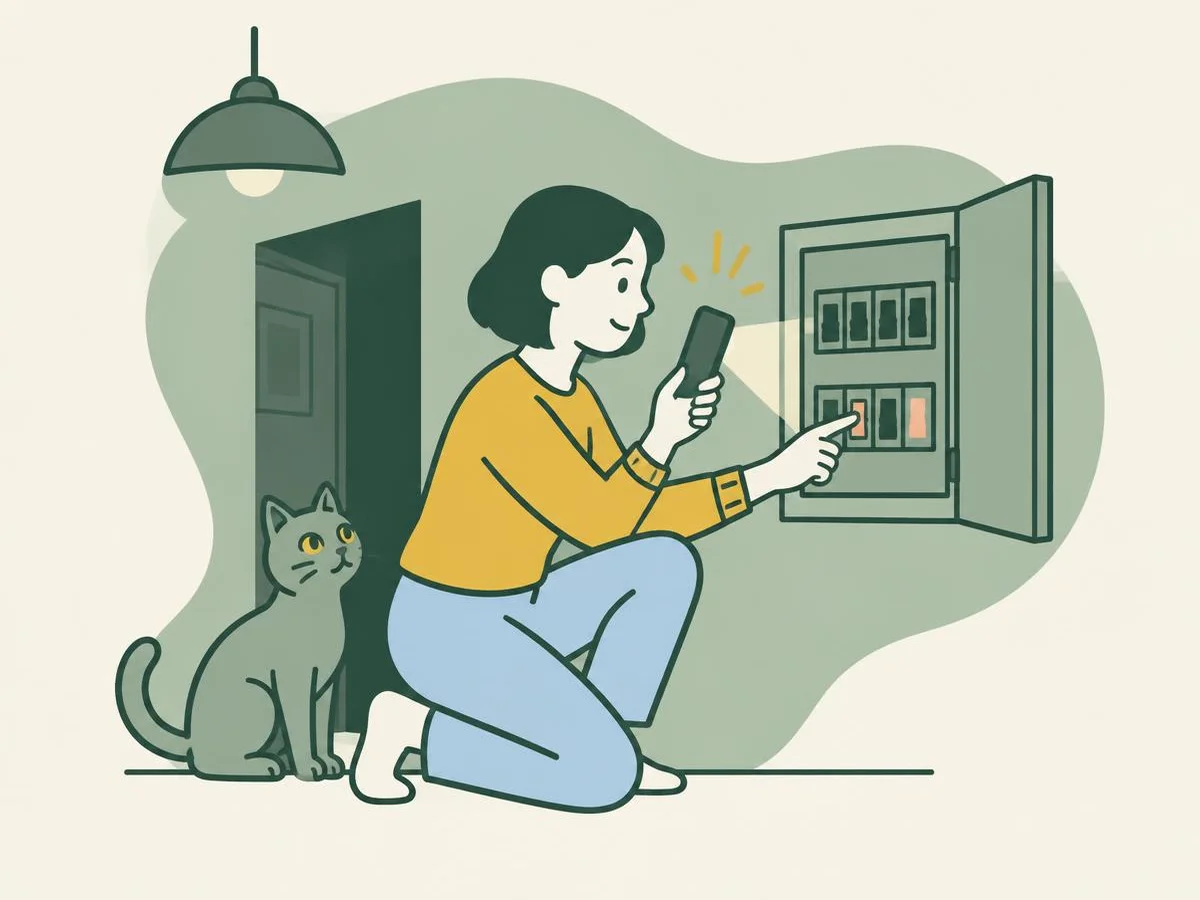 Home & safety
Lights out! The fuse box quiz
6 questions · about 3 min Home & safety
Winter warm-up: radiators and boilers
7 questions · about 4 minLearn more: 3 tips
- Leave Clipboard history across your devices off if you copy passwords. Our suggestion.
- A different background for each desktop works only with a picture, not a slideshow or a solid colour (Microsoft). Source: Microsoft Support: Configure Multiple Desktops in Windows
- Storage Sense only runs when you have been signed in and online for more than ten minutes (Microsoft). Source: Microsoft Support: Manage drive space with Storage Sense
You might also like
Sources
Every answer comes from our own pages and the sources they cite:
Did you enjoy this quiz?