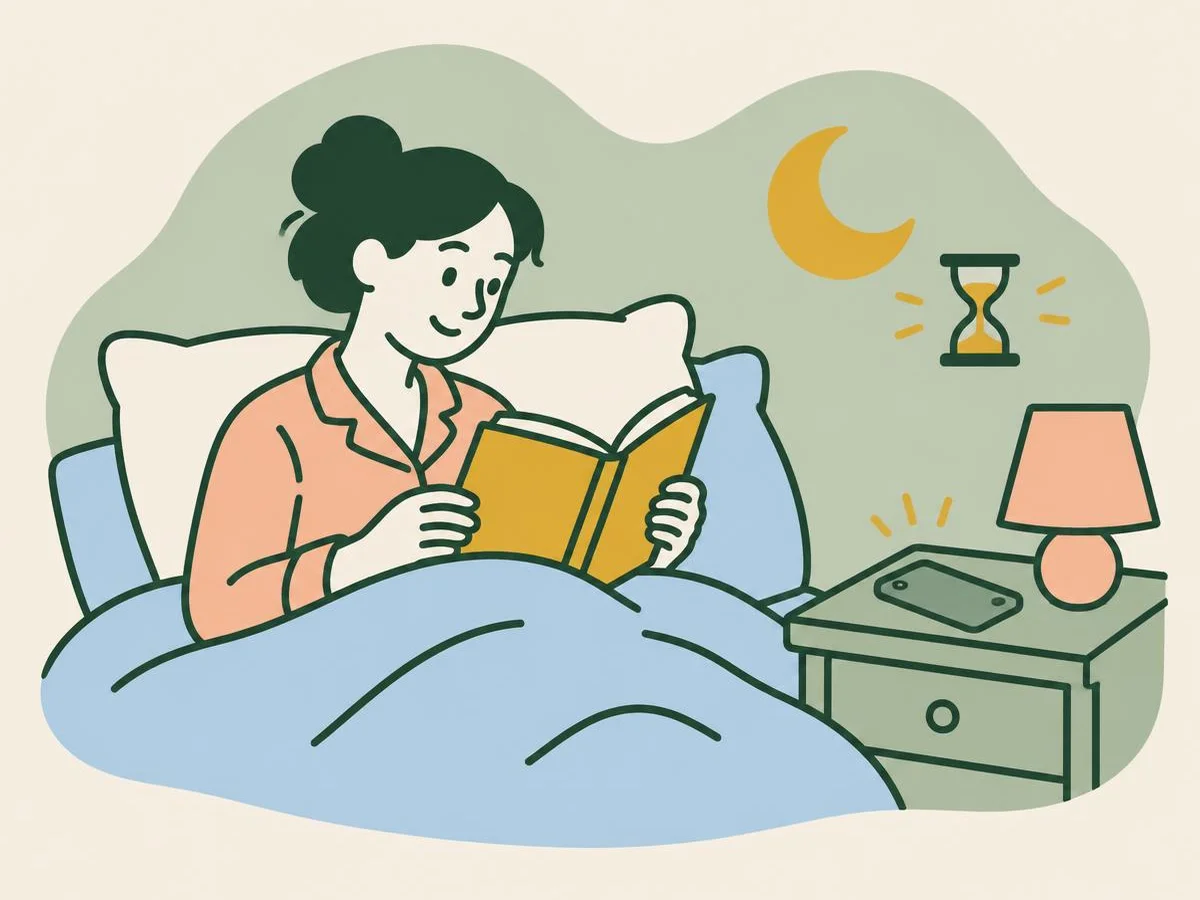
Six questions on the tools that help you put the phone down, on iPhone, Pixel and Galaxy.
Fun with friends? Share it:WhatsApp
All the questions
- A Pixel app timer runs out. What happens to the app?
- It is deleted
- It is paused and its icon turns grey until midnight
- It keeps running
- The phone locks for a day
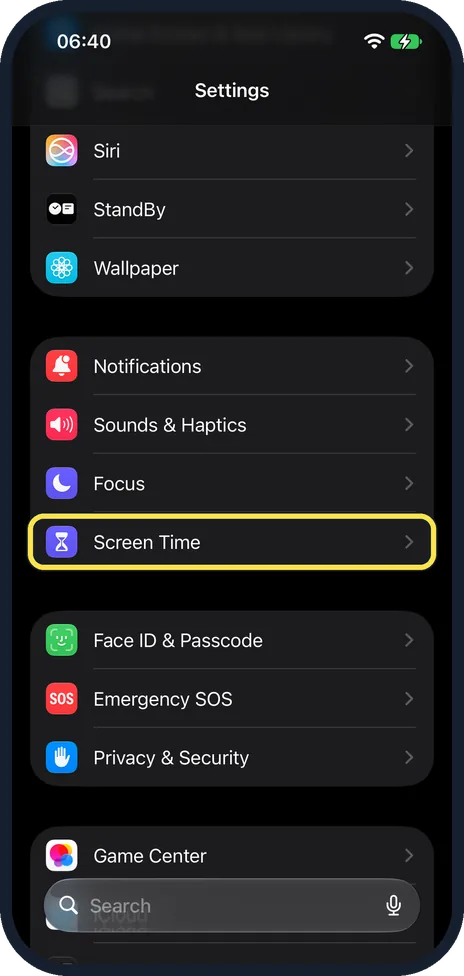
- In iOS 27, what replaced Downtime and App Limits in Screen Time?
- Bedtime and Timers
- Screen Time Schedule and Time Allowances
- Quiet Hours and Caps
- Nothing changed
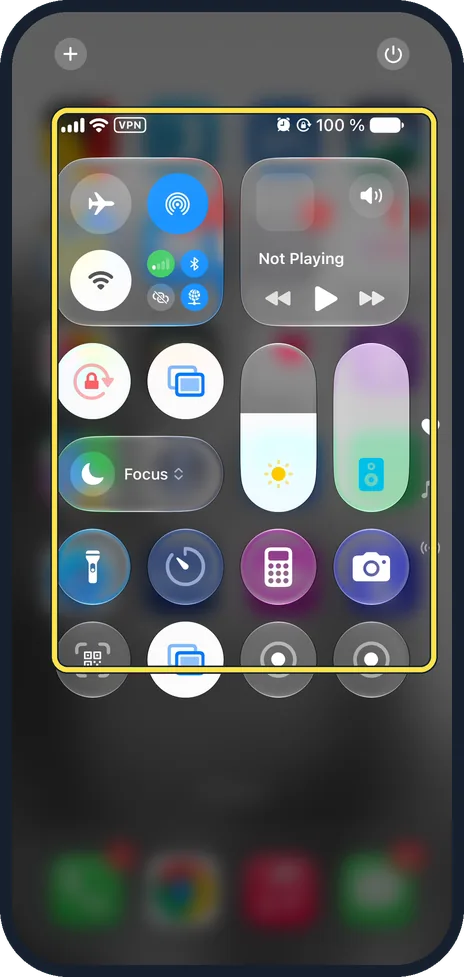
- Quickest way to turn on Do Not Disturb on an iPhone?
- Settings, General
- Control Centre, Focus, Do Not Disturb
- Hold the volume button
- Phone app
- Galaxy on Do not disturb: an urgent call stayed silent. What should you check?
- Ringtone volume
- Calls and messages under Allowed during Do not disturb
- Bluetooth
- Screen brightness
- Driving Focus keeps switching on when you are a passenger. Which setting helps?
- Turn off Bluetooth
- Choose When Connected to Car Bluetooth or Manually instead of Automatically
- Delete Maps
- Nothing can be done
- Pixel Bedtime mode is still on in the morning. When does Google say it turns off?
- Never
- At your next alarm
- At noon
- When you open Instagram
More quizzes
 Just for fun
Spot the phone: Camera Lab challenge
5 questions · about 3 min Phones & tech habits
Help! Your phone's emergency features
6 questions · about 3 min Computers
Mac tricks you will use every day
6 questions · about 3 min Computers
Windows 11 tricks you will use every day
6 questions · about 3 min Phones & tech habits
Private browsing: what does it really hide?
6 questions · about 3 min Just for fun
How winter-ready is your home?
6 questions · about 3 minLearn more: 3 tips
- Lock your Screen Time settings with a four-digit code under Manage Screen Time (Apple). Our tip: make it different from your phone passcode. Source: Apple iPhone User Guide: Set up Screen Time for yourself on iPhone
- Pixel Bedtime mode can turn the screen grey and keep it dark: Google lists Grayscale and Dark theme among its options. Source: Google Android Help: Manage how you spend time on your Android phone with Digital Wellbeing
- Messages may show others that you have notifications silenced; turn off Focus Status under Settings, Focus if you prefer. Source: Apple Support: Turn a Focus on or off on iPhone
You might also like

Sources
Every answer comes from our own pages and the sources they cite:
- Google Android Help: Manage how you spend time on your Android phone with Digital Wellbeing
- Apple iPhone User Guide: Set up Screen Time for yourself on iPhone
- Apple Support: Turn a Focus on or off on iPhone
- Samsung US: Use Do not disturb mode on your Galaxy phone
- Apple iPhone User Guide: Stay focused while driving with iPhone
Did you enjoy this quiz?