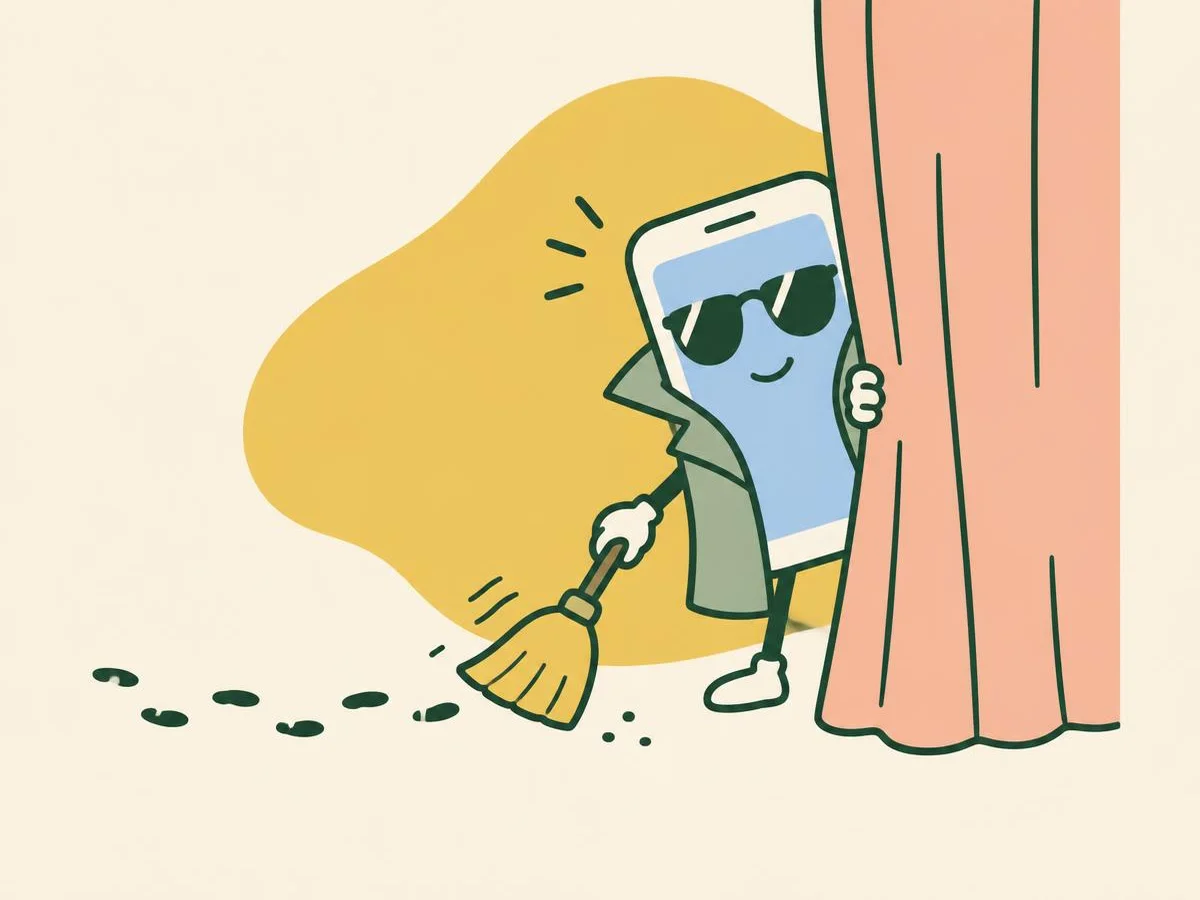
Six questions on browsing history, private tabs and cookies in Safari, Chrome and YouTube.
Fun with friends? Share it:WhatsApp
All the questions
- Myth or fact: Private Browsing makes you invisible to your internet provider.
- Fact
- Myth: your provider, your employer's network and the websites still see the visit
- You clear Safari's history and website data. What else happens?
- Your photos are deleted
- Cookies go too, so websites may sign you out
- Your contacts are removed
- Nothing else
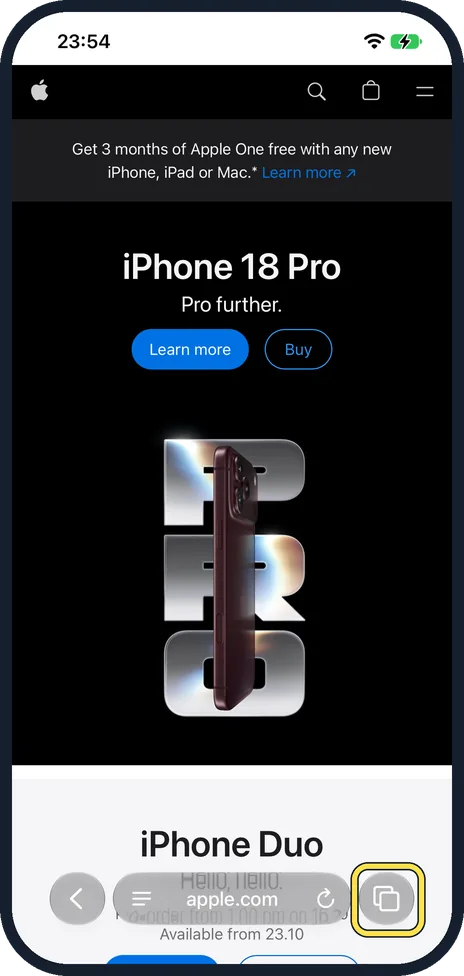
- "Clear History and Website Data" is greyed out. One cause Apple gives?
- Low battery
- Screen Time web content restrictions are on
- Dark mode
- Wi-Fi is off
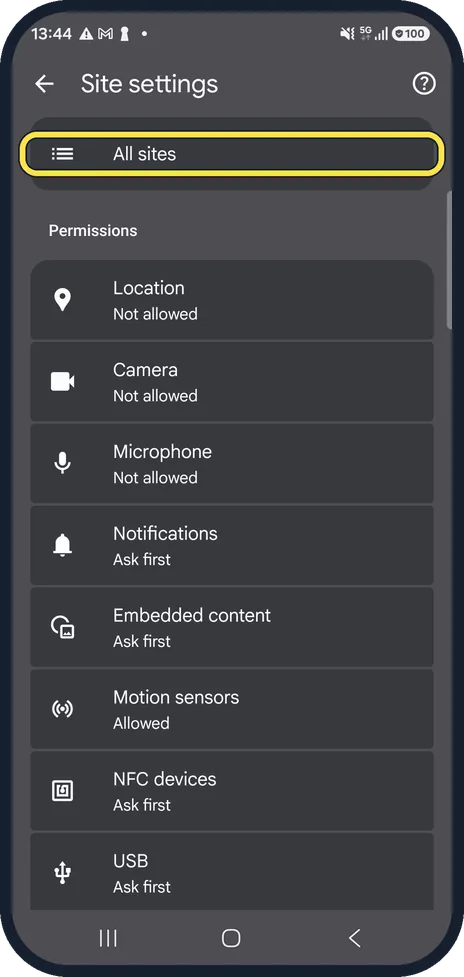
- In Chrome on Android, can you delete cookies for just one website?
- No, it is all or nothing
- Yes: Site settings, All sites, the bin next to the site
- Only on a computer
- Only in Incognito
- YouTube Incognito on Android switches itself off after how long without activity?
- 5 minutes
- 90 minutes
- 24 hours
- Never
- You pause YouTube history. What happens to what is already saved?
- It is deleted at once
- It stays until you delete it
- It moves to Incognito
- It is shared publicly
More quizzes
 Just for fun
How winter-ready is your home?
6 questions · about 3 min Kitchen & cleaning
Kitchen and home myths: fact or fiction?
7 questions · about 4 min Home & safety
Burst pipe! Could you stop the water in time?
6 questions · about 3 min Home & safety
Lights out! The fuse box quiz
6 questions · about 3 min Home & safety
Winter warm-up: radiators and boilers
7 questions · about 4 min Life in Germany
Damp, drips and mould: myth or fact?
6 questions · about 3 minLearn more: 3 tips
- Private tabs can lock behind Face ID or your passcode: Apple says they lock when not in use if the iPhone has a passcode. Source: Apple iPhone User Guide: Browse the web privately in Safari on iPhone
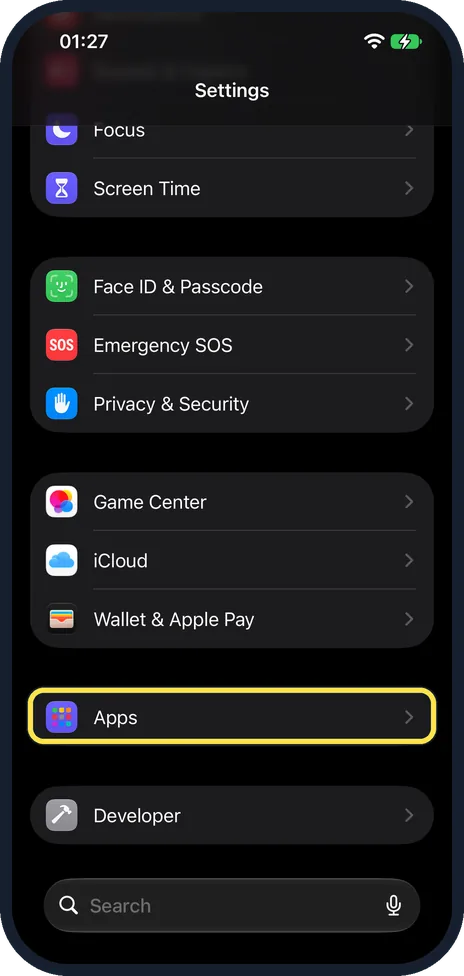
- Clearing Safari history doesn't clear the histories websites keep themselves, or your history in other apps (Apple). Source: Apple iPhone User Guide: Clear your cache and cookies on iPhone
- Paused YouTube history can leave your home feed nearly empty; turn it back on to get recommendations back (YouTube). Source: YouTube Help: View, delete, or turn on or off watch history (Android)
You might also like
Sources
Every answer comes from our own pages and the sources they cite:
- Apple iPhone User Guide: Browse the web privately in Safari on iPhone
- Apple Support: Delete your Safari history, cache, and cookies on iPhone
- Apple iPhone User Guide: Clear your cache and cookies on iPhone
- Google Chrome Help: Delete, allow and manage cookies in Chrome (Android)
- YouTube Help: Browse YouTube while incognito on mobile devices
- YouTube Help: View, delete, or turn on or off watch history (Android)
Did you enjoy this quiz?