MAC
Mac says "iPhone Mirroring is not available in your country or region"

 Real screenshot · MacBook Neo, macOS 27.0.1
In short
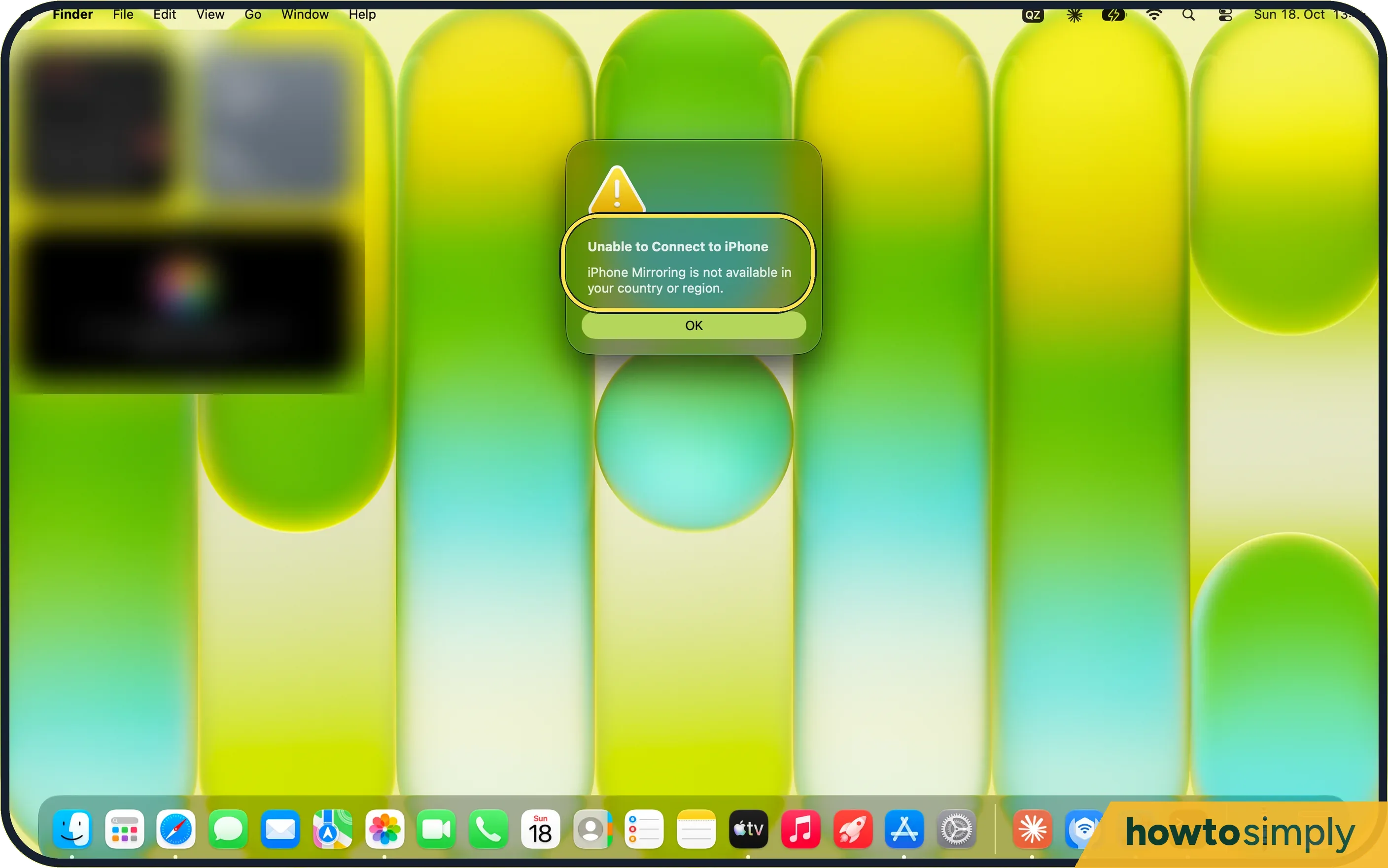
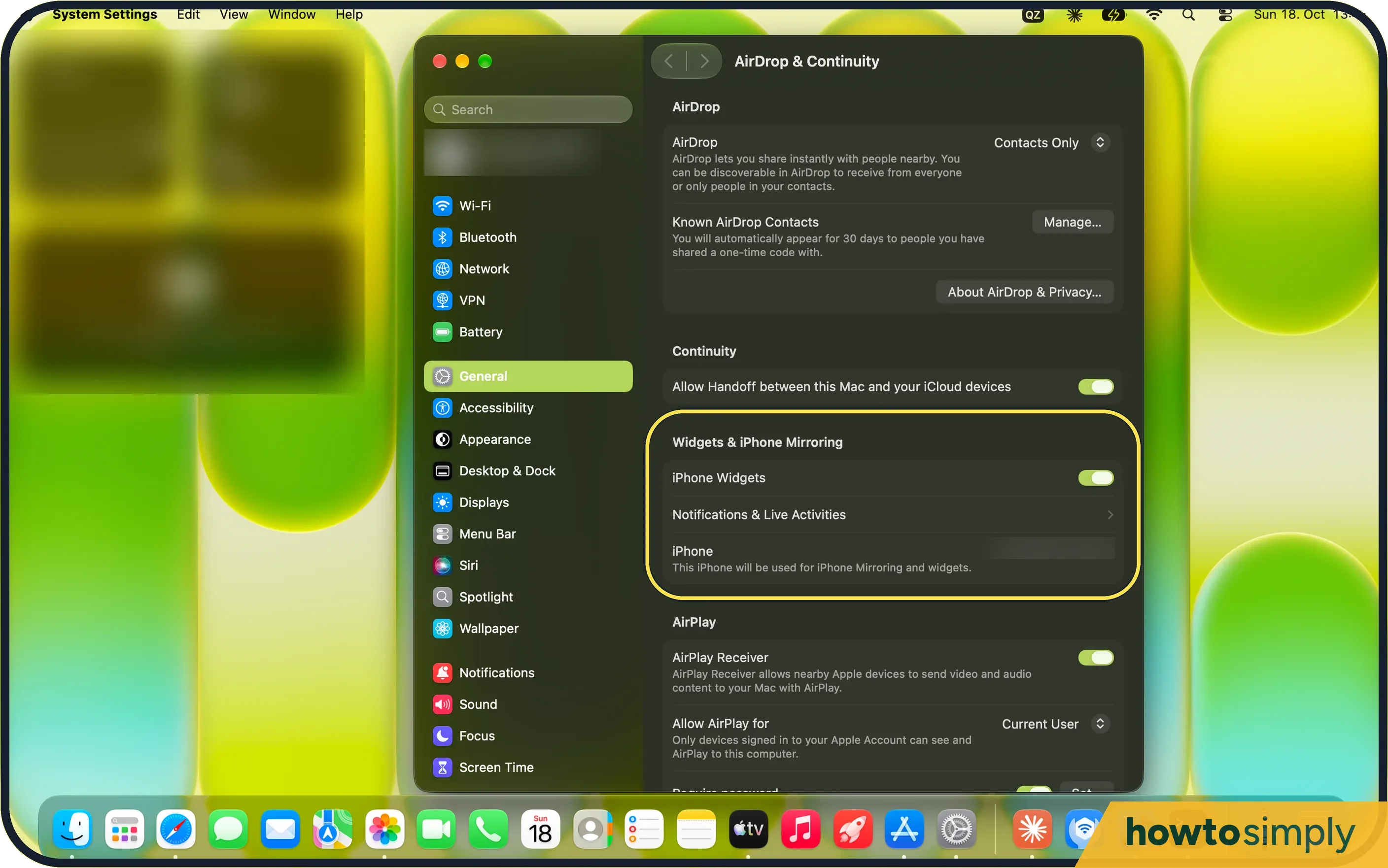
iPhone Mirroring is not available in the EU. Our Mac in Germany showed "Unable to Connect to iPhone" with that message, and only OK. iPhone widgets on the Mac still work: they are in System Settings, General, AirDrop & Continuity.
3 of 3 steps show a real screenshot from our MacBook Neo. Each step was checked against the maker's own instructions, linked at the end.
Steps
- 1
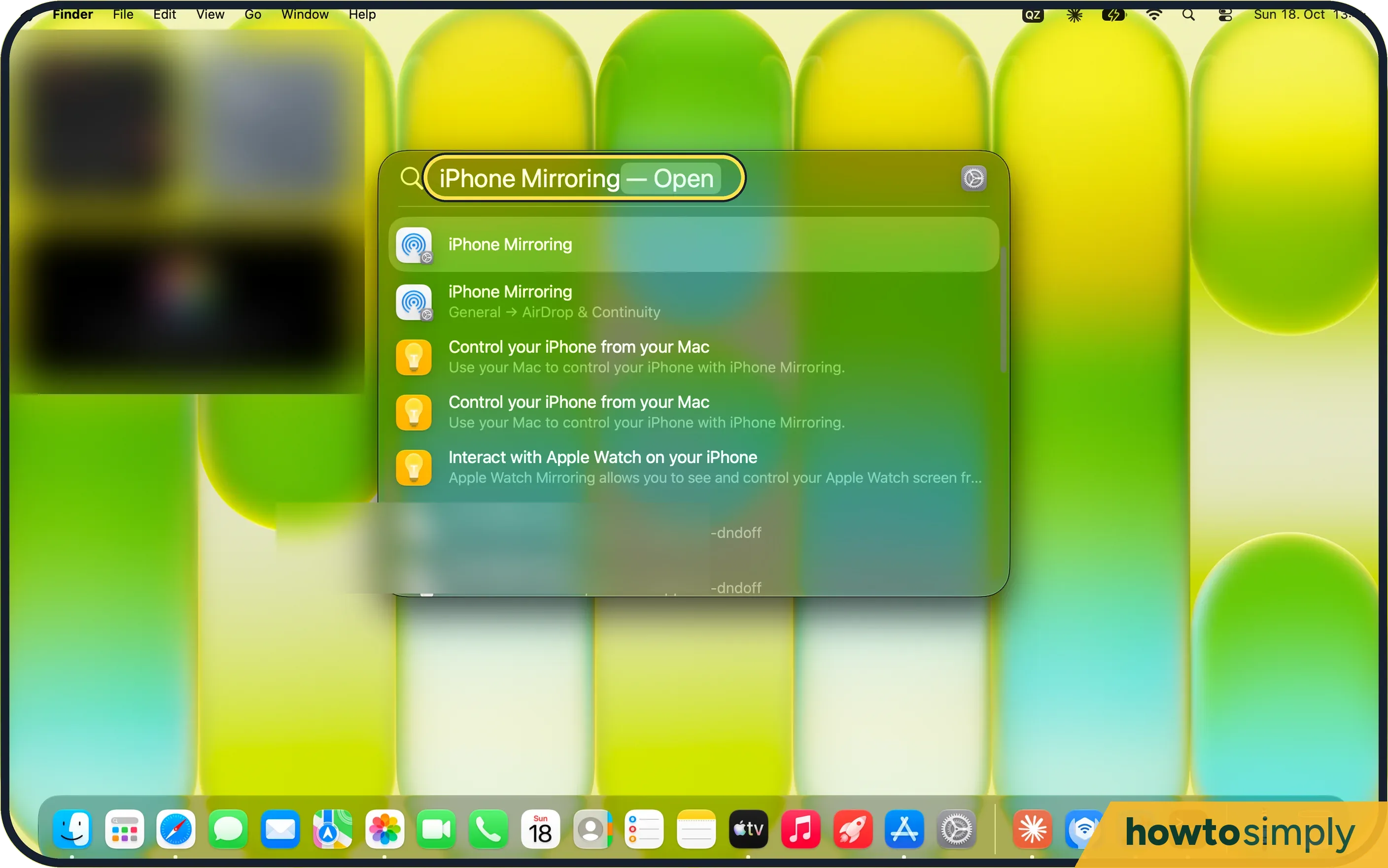
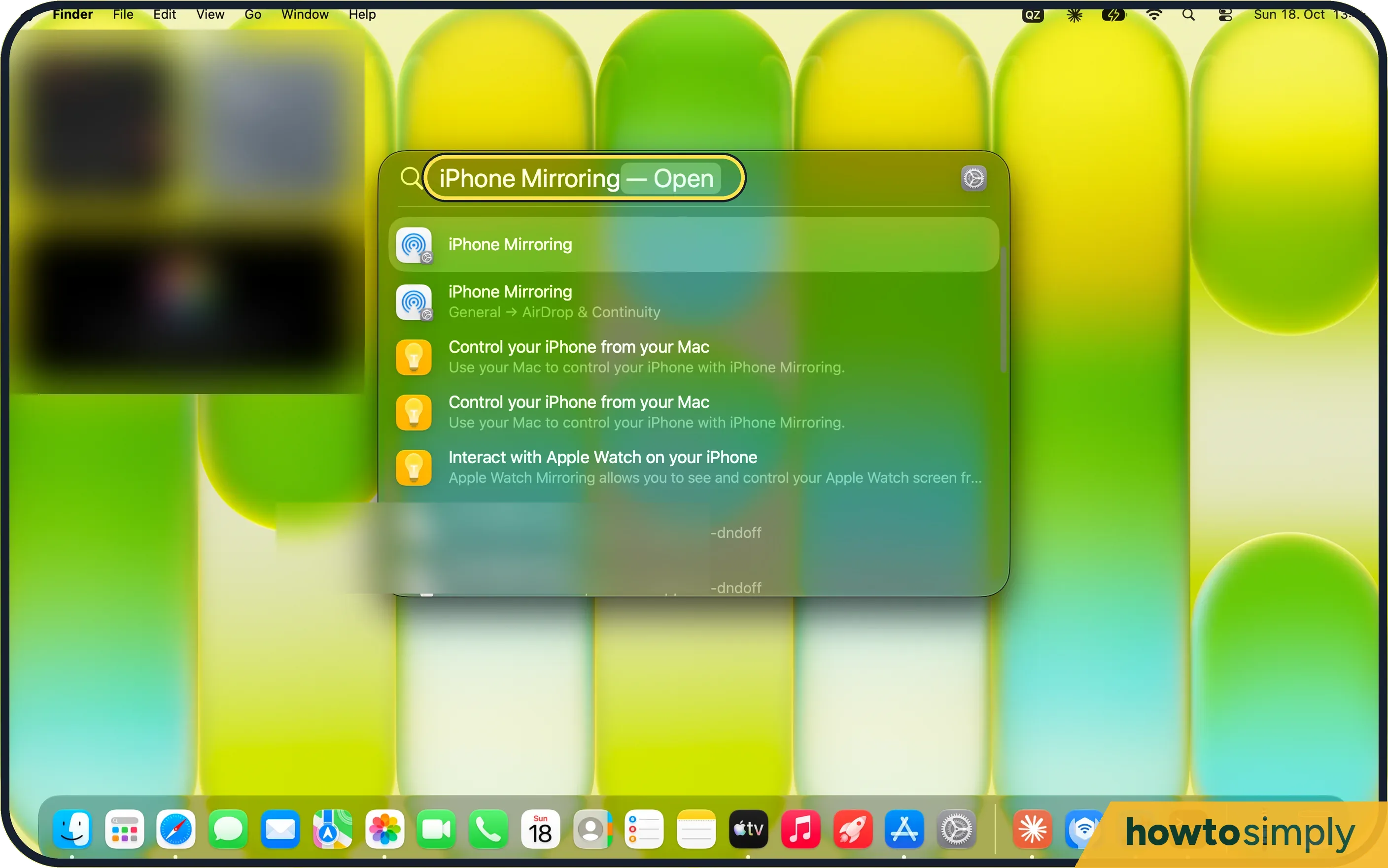
Open iPhone Mirroring
Search for it with Spotlight (Command-Space). Its settings are in General, AirDrop & Continuity.
- 2
Read the message
Ours said Unable to Connect to iPhone: iPhone Mirroring is not available in your country or region. There is only OK.
- 3
Use what does work
In AirDrop & Continuity, Widgets & iPhone Mirroring still has iPhone Widgets, on for ours. Handoff and AirPlay Receiver are there too.
If you do not see this option
- Outside the EU? Apple lists what it needs: a Mac with Apple silicon or a T2 chip on macOS Sequoia 15 or later, an iPhone on iOS 18 or later with a passcode, the same Apple Account with two-factor authentication, and Bluetooth and Wi-Fi on. The iPhone must be locked and near the Mac, and the Mac must not be sharing its internet connection or using AirPlay or Sidecar. Source: iPhone Mirroring: Use your iPhone from your Mac
- Settings in a different place? Apple says macOS 26.4 or later has them in AirDrop & Continuity, as on ours; earlier versions put them in Desktop & Dock. Source: iPhone Mirroring: Use your iPhone from your Mac
If this does not work
- Need to see the iPhone screen? Apple suggests viewing it on an AirPlay-compatible device instead (view only, no control). Our Mac had AirPlay Receiver on (step 3).
- Fails outside the EU? Apple says to update and restart both devices, check VPN, firewall and security software, revoke the iPhone in iPhone Mirroring settings and set it up again, and cut heavy Bluetooth or Wi-Fi use. Last resort: sign out of the Apple Account on both devices, restart, and sign back in.
- Want to carry on from the iPhone? Handoff was on in our AirDrop & Continuity settings (step 3): it hands apps over without mirroring.
- Need a photo or file from the iPhone? Apple's iPhone Mirroring page points to Universal Clipboard and AirDrop as other ways to move items between devices. With Universal Clipboard you copy on one device and paste on the other; Apple says both need to be nearby, signed in to the same Apple Account, with Bluetooth, Wi-Fi and Handoff on.
Good to know
What else changed in macOS 27.
Nothing on either device needs changing after you close the message. Other Continuity features were still in AirDrop & Continuity on ours, including iPhone Widgets, Handoff and AirPlay Receiver. If you mainly want to continue a task from the iPhone on the Mac, see how to use Handoff between a Mac and an iPhone.
About this guide
- Device
- Mac
- Shown on
- macOS 27.0.1 (MacBook Neo)
- App
- iPhone Mirroring
- Path
- iPhone Mirroring
- Real screenshots
- 3 of 3 steps
- Checked
- October 2026
- Sources
- 2 official, linked below
Sources
Links checked October 2026. Menus and features can change with updates.Spotted a mistake? Menus change with updates, and we want every step to match your screen. Email us about this page or use the contact form. We read every report, and fixes are listed on What changed.
Liked this guide?
Follow us for new guides and short how-to videos.
Did this guide work for you?
Sorry about that. What happened?