
Quick-fire true or false on everyday phone habits, each checked against the maker's own help pages.
Fun with friends? Share it:WhatsApp
All the questions
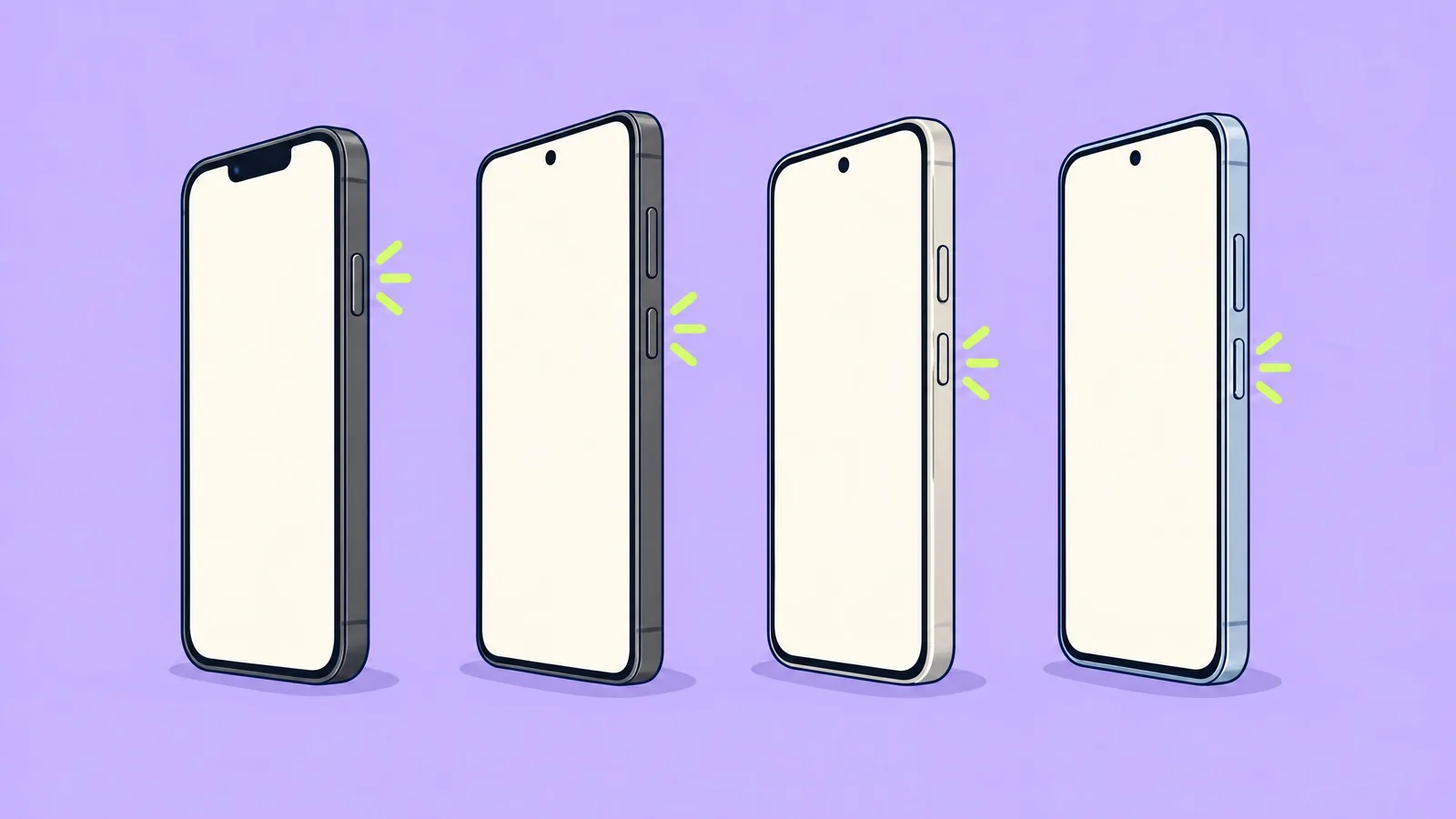
- True or false: pressing a Galaxy's side key and volume down quickly force-restarts it.
- True
- False: a quick press takes a screenshot; you have to hold for more than 7 seconds
- True or false: a toothpick is the maker-approved way to clean a charging port.
- True
- False: no maker lists it, and it can scratch the contacts
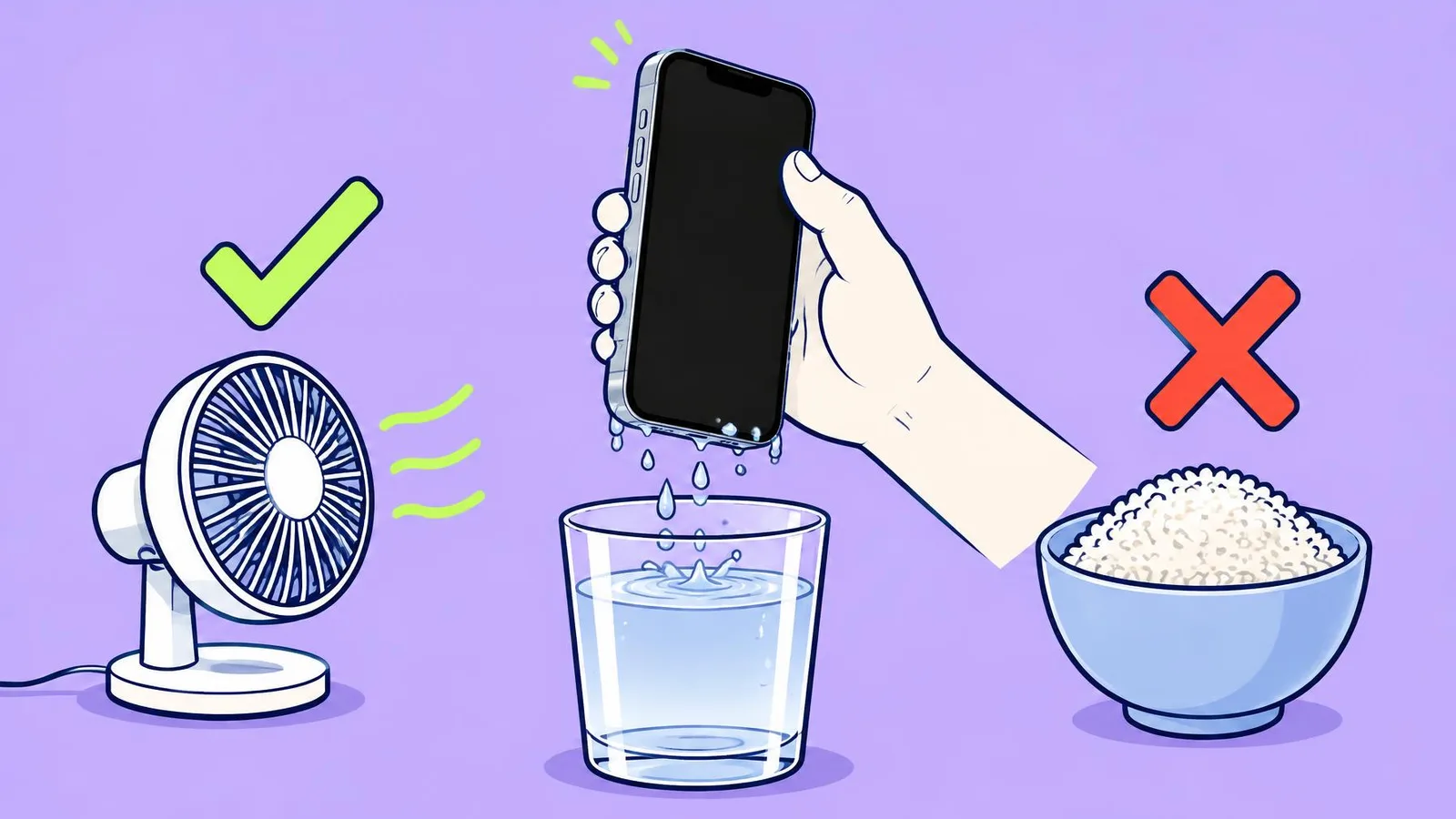
- True or false: you should open the SIM tray to help a wet iPhone dry.
- True
- False: Apple says not until the phone is dry
- True or false: a Galaxy's screen can be set to never turn off.
- True
- False: Samsung says only the listed times, up to 10 minutes
- True or false: after a force restart, Face ID works straight away.
- True
- False: you enter your passcode once first
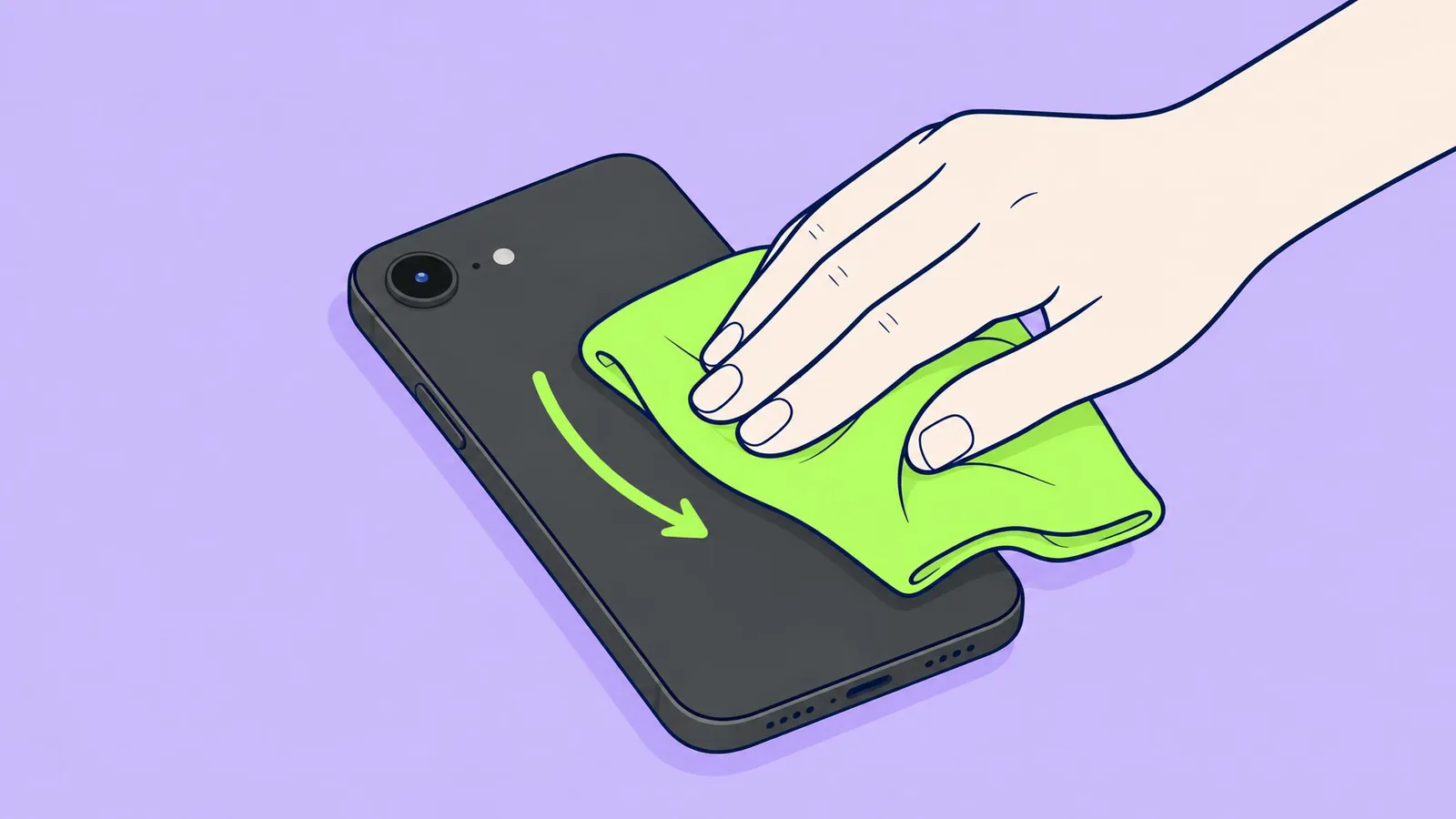
- True or false: paper towels are fine for wiping an iPhone screen.
- True
- False: Apple lists paper towels among things not to use
More quizzes
 Phones & tech habits
Snap it! Screenshot skills on every device
6 questions · about 3 min Phones & tech habits
Wi-Fi woes and data bills
6 questions · about 3 min Phones & tech habits
Screen time showdown
6 questions · about 3 min Just for fun
Spot the phone: Camera Lab challenge
5 questions · about 3 min Phones & tech habits
Help! Your phone's emergency features
6 questions · about 3 min Computers
Mac tricks you will use every day
6 questions · about 3 minLearn more: 3 tips
- Moisture warning won't go away but the port looks dry? On Galaxy and Pixel the makers suggest clearing the cache of the USB Settings system app. Source: Samsung UK: What to do if there is moisture in your water-resistant phone or tablet; Google Pixel Help: Fix "Unplug charger" or "Liquid or debris in USB port"
- Selfies blurry? Wipe the front camera at the top of the screen as well. Our suggestion.
- Keep at least 10% of storage free: Google lists it among the fixes for a phone that keeps freezing. Source: Google Pixel Phone Help: Fix a Pixel phone that freezes
You might also like
Sources
Every answer comes from our own pages and the sources they cite:
- Samsung US: Different ways to restart your Galaxy phone or tablet
- Samsung US: How to take a screenshot on a Samsung phone or tablet
- Apple Support: Cleaning your iPhone
- Samsung MY: Why your Galaxy device may be charging slowly or not charging at all
- Apple: If you see a liquid-detection alert on your iPhone
- Samsung CA: Change the screen timeout on your Samsung Galaxy to save power
- Apple iPhone User Guide: Force restart iPhone
- Samsung UK: What to do if there is moisture in your water-resistant phone or tablet
- Google Pixel Help: Fix "Unplug charger" or "Liquid or debris in USB port"
- Google Pixel Phone Help: Fix a Pixel phone that freezes
Did you enjoy this quiz?