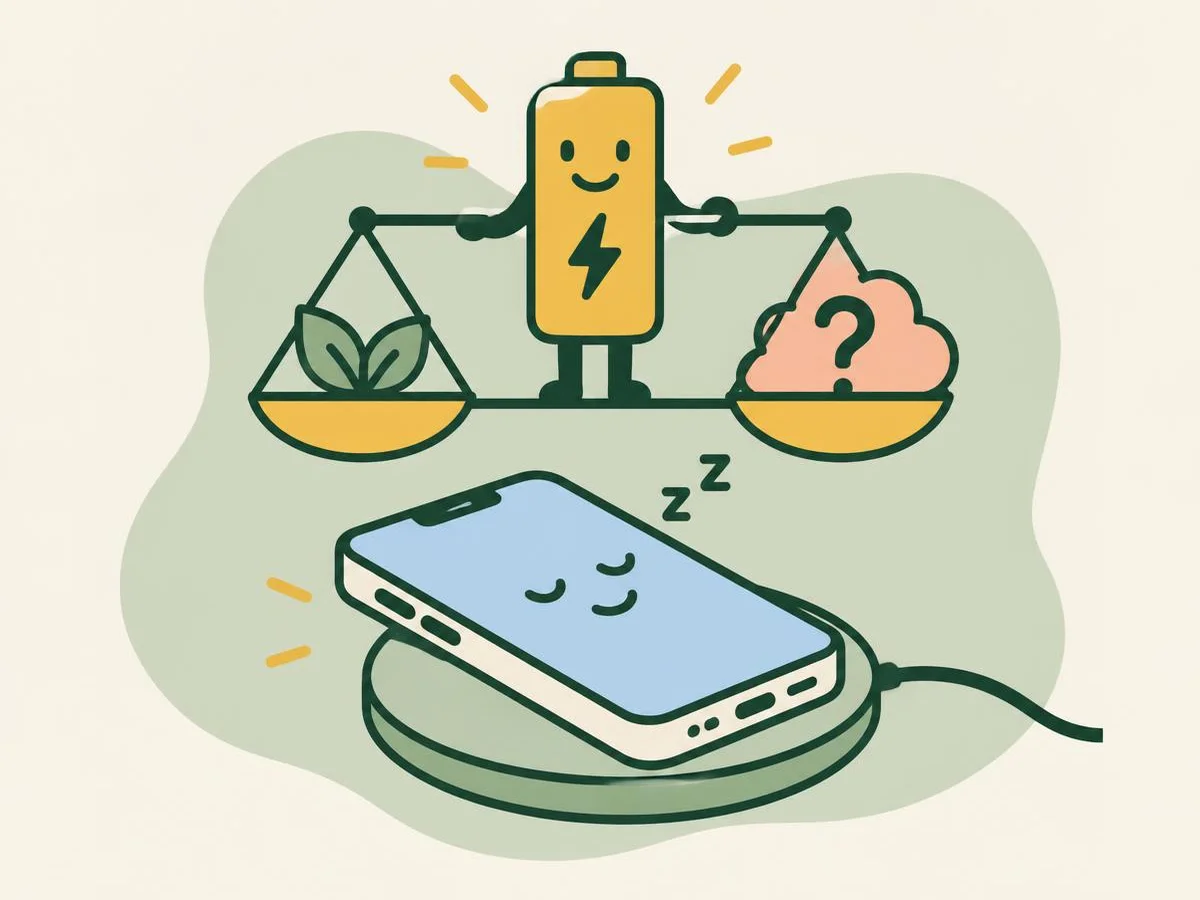
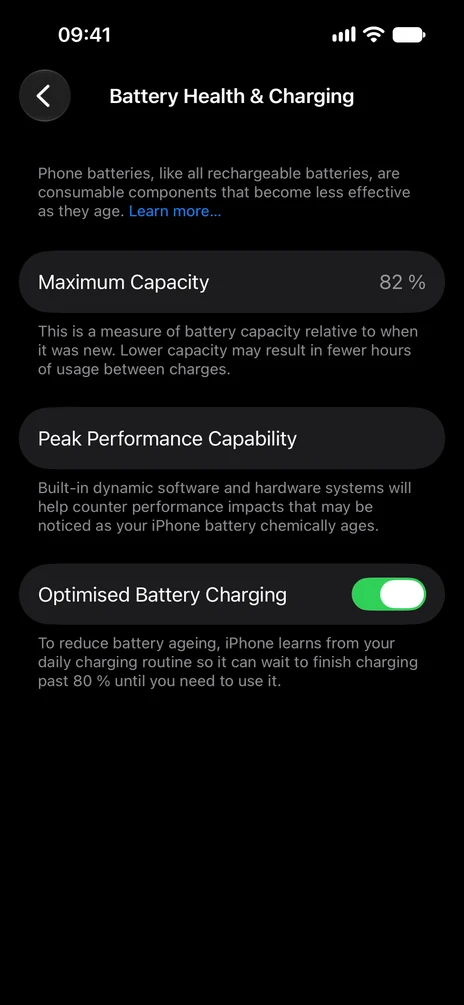
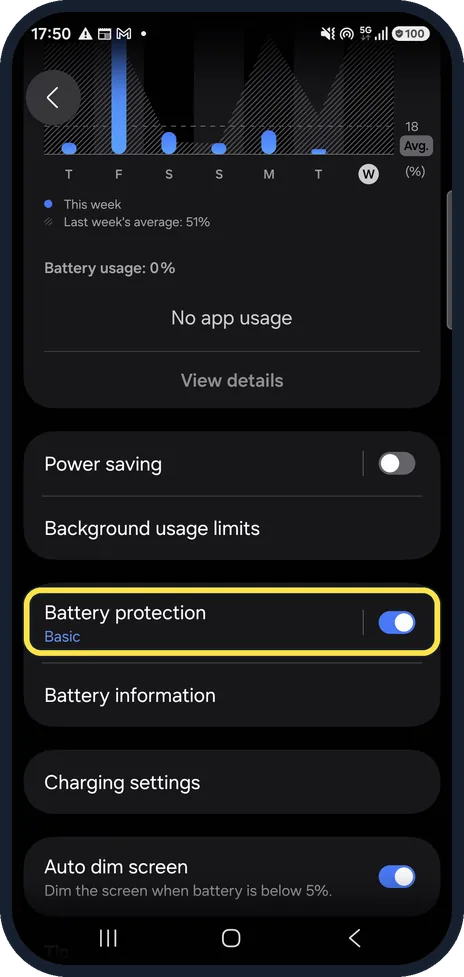
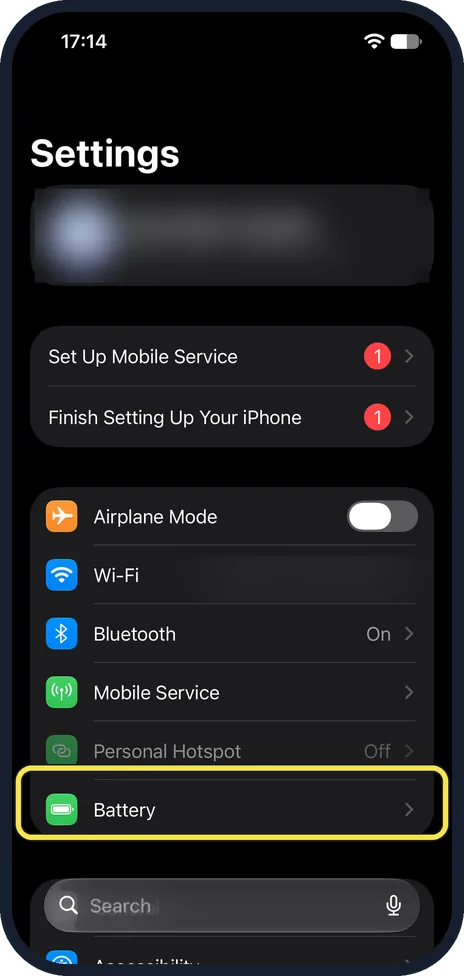
Seven battery questions, several with real screenshots from our own iPhone 17e, iPhone 14 Pro and Galaxy A57.
Fun with friends? Share it:WhatsApp
All the questions
- Your Galaxy unplugs at 96% every morning. Which option on this real screen explains it?
- Basic
- Maximum
- Sleep time protection
- None: the battery is faulty
- Which charge limits can you pick on an iPhone 17e with iOS 27?
- Any number from 50 to 100
- 80, 85, 90, 95 or 100%
- Only 80%
- There is no limit
- Myth or fact: every iPhone shows its battery cycle count in Settings.
- Fact
- Myth: Apple says iPhone 15 models and later
- What does "Maximum Capacity" on an iPhone mean?
- How fast it charges
- How much charge the battery holds now compared with when it was new
- The biggest charger it accepts
- Storage space
- Low Power Mode on an iPhone switches itself off when…
- It is midnight
- The phone is charged to 80%
- An hour has passed
- Never
- A Pixel 10a says battery health "Reduced". What does Google say that means?
- Low on charge right now
- Capacity is below 80%: consider a replacement
- Battery Saver is on
- It is too cold
- Which sign does Samsung list for a Galaxy battery that needs replacing?
- The case feels warm in summer
- It turns off unexpectedly, especially in the cold
- The wallpaper fades
- Calls sound quiet
More quizzes
 Phones & tech habits
Everyday phone habits: true or false?
6 questions · about 3 min Phones & tech habits
Snap it! Screenshot skills on every device
6 questions · about 3 min Phones & tech habits
Wi-Fi woes and data bills
6 questions · about 3 min Phones & tech habits
Screen time showdown
6 questions · about 3 min Just for fun
Spot the phone: Camera Lab challenge
5 questions · about 3 min Phones & tech habits
Help! Your phone's emergency features
6 questions · about 3 minLearn more: 3 tips
- Galaxy: Sleep time protection holds at 80% overnight and finishes to 100% just before you wake; Samsung says it learns your sleep times over about 2 weeks. Source: Samsung CA: Set a maximum charge level on your Samsung Galaxy; Samsung UK: Galaxy Battery protection feature in One UI 6.1
- Pixel: Google suggests charging in a cool room, about 25°C, and storing the phone with at least 50% charge if you won't use it for more than 30 days. Source: Pixel Phone Help: Understand your Pixel battery
- Older Galaxy without a Battery information page: Samsung Members, Support, then Battery status. Source: Samsung US: Check your Samsung Galaxy device status and run diagnostics
You might also like
Sources
Every answer comes from our own pages and the sources they cite:
- Samsung CA: Set a maximum charge level on your Samsung Galaxy
- Samsung UK: Galaxy Battery protection feature in One UI 6.1
- Apple Support: About Charge Limit and Optimised Battery Charging on iPhone
- Apple iPhone User Guide (iOS 27): Understand your iPhone battery usage and health
- Apple Support: Use Low Power Mode to save battery life on your iPhone
- Pixel Phone Help: Understand your Pixel battery
- Samsung US: Determine when your Samsung Galaxy phone battery needs replacing
- Samsung US: Check your Samsung Galaxy device status and run diagnostics
Did you enjoy this quiz?