
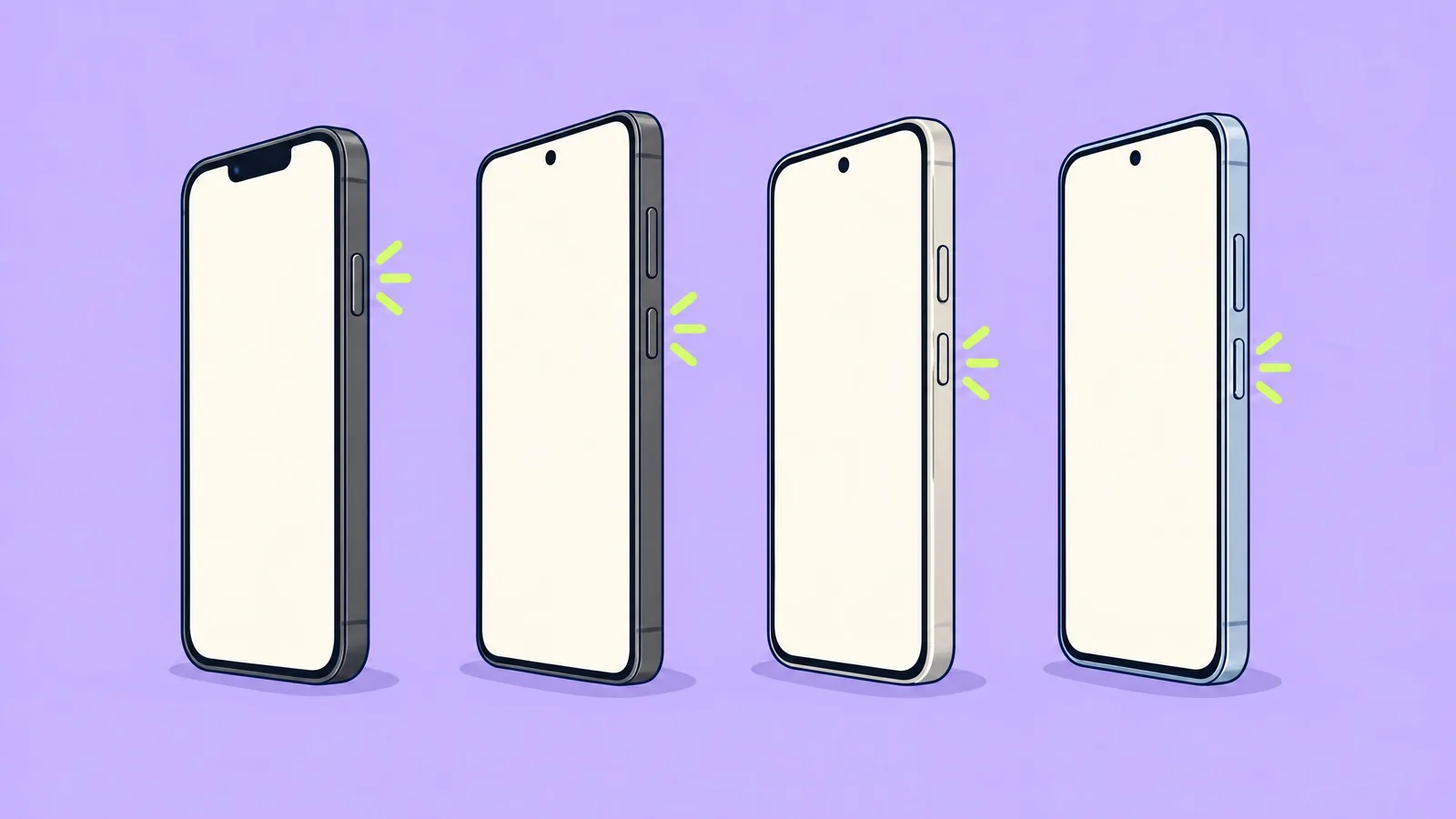
A frozen screen and nothing responds. Six questions on each maker's force-restart combination, straight from their support pages.
Fun with friends? Share it:WhatsApp
All the questions
- How do you force restart an iPhone 17e?
- Hold the side button for 2 seconds
- Tap volume up, tap volume down, then hold the side button until the Apple logo
- Hold both volume buttons
- Tap the screen three times
- This Galaxy S26 owner is force-restarting. How long does Samsung say to hold these two keys?
- A quick press
- More than 7 seconds
- Exactly 60 seconds
- 2 minutes
- How long does Google's current help page say to hold a frozen Pixel's power button?
- 5 seconds
- About 30 seconds
- About 60 seconds
- 10 minutes
- OnePlus Nord 5: which buttons?
- Power and volume up together, at least 10 seconds
- The Plus Key
- Volume down alone
- Power, 1 second
- The screen is black, not frozen. What should you try first?
- Factory reset
- Plug it in: a flat battery looks exactly like a frozen phone
- Take the SIM out
- Hold every button
- Redmi Note 15 Pro 5G: Xiaomi says to hold the power button for…
- More than 10 seconds
- 1 second
- It can't be force restarted
- Exactly 3 minutes
More quizzes
 Phones & tech habits
Charging port detective
6 questions · about 3 min Kitchen & cleaning
Shiny screen: clean your phone the right way
6 questions · about 3 min Phones & tech habits
Crack! Your first moves with a broken screen
6 questions · about 3 min Phones & tech habits
Why are my photos blurry? Solve the mystery
6 questions · about 3 min Phones & tech habits
SIM, eSIM or no tray at all?
6 questions · about 3 min Phones & tech habits
Lights off: your phone's screen settings
6 questions · about 3 minLearn more: 3 tips
- It freezes again soon after? Update the system and apps and keep at least 10% of storage free (Google). Source: Google Pixel Phone Help: Fix a Pixel phone that freezes
- Nothing Phone (4a) Pro: hold power and volume up until the Nothing logo; if nothing happens, hold power alone for 15 seconds (Nothing). Source: Nothing Support: How do I force restart Nothing Phone
- Don't reach for a factory reset yet: it erases the phone. Back up first, or wait until the maker's support tells you to. Our suggestion.
You might also like
Sources
Every answer comes from our own pages and the sources they cite:
- Apple iPhone User Guide: Force restart iPhone
- Samsung US: Different ways to restart your Galaxy phone or tablet
- Google Pixel Phone Help: Fix a Pixel phone that freezes
- OnePlus Support: How to force restart my phone
- Google Pixel Help: Fix a Pixel phone that won't charge
- Xiaomi: Why is the screen of the REDMI Note 13 5G frozen and unresponsive?
- Nothing Support: How do I force restart Nothing Phone
Did you enjoy this quiz?