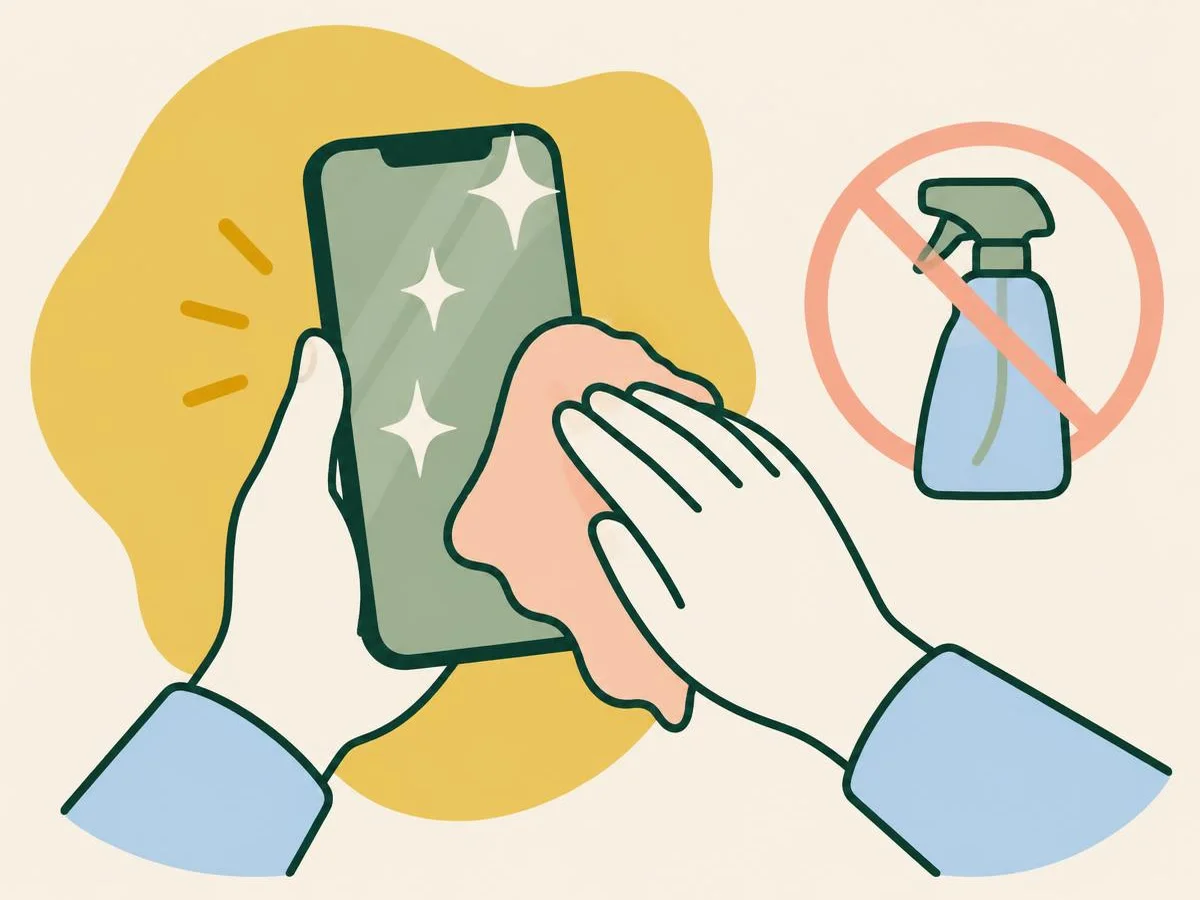
Six questions on cleaning an iPhone without wearing off the coating or letting liquid in, from Apple's own cleaning pages.
Fun with friends? Share it:WhatsApp
All the questions
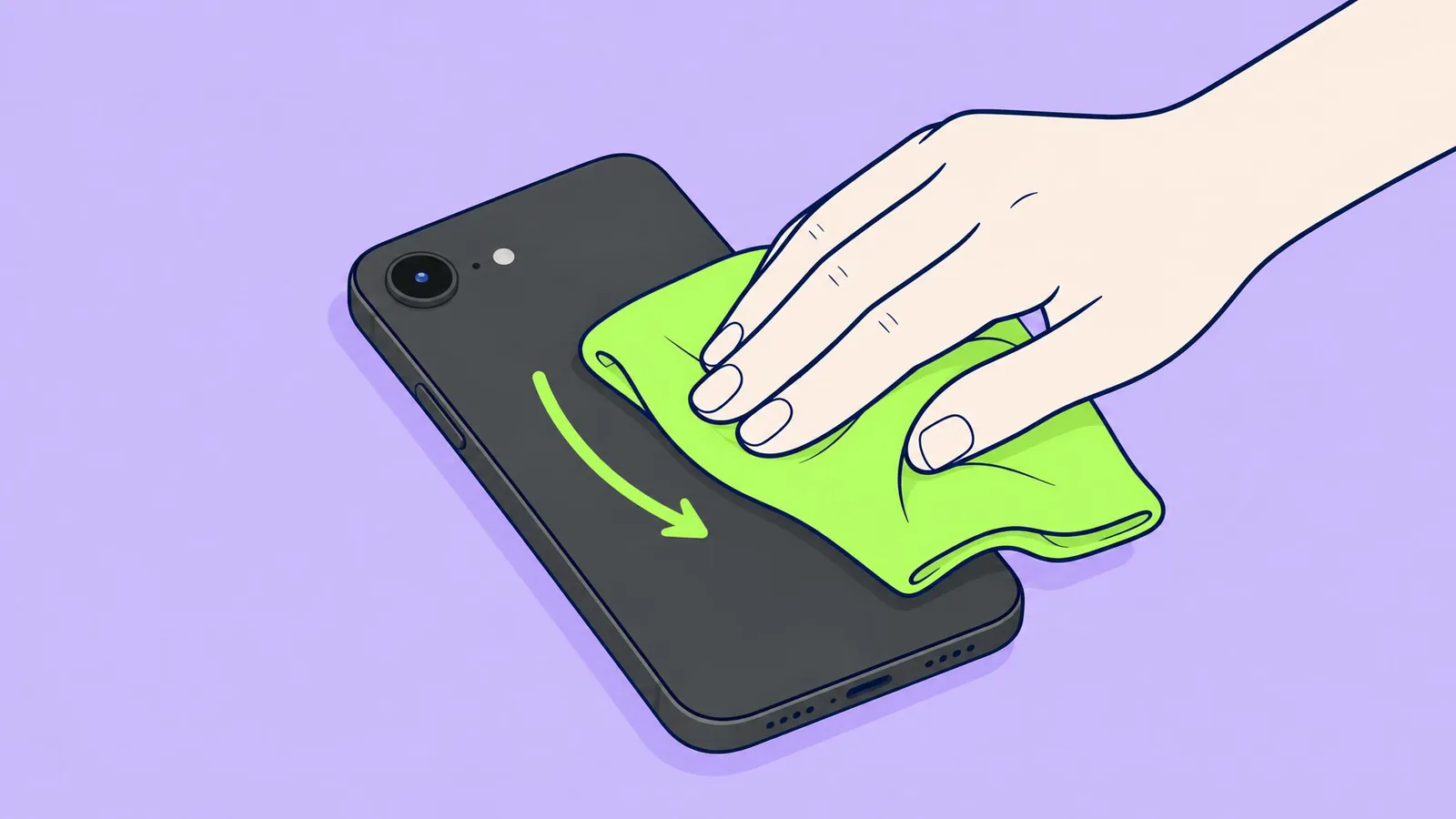
- What should you wipe the screen with?
- Kitchen roll
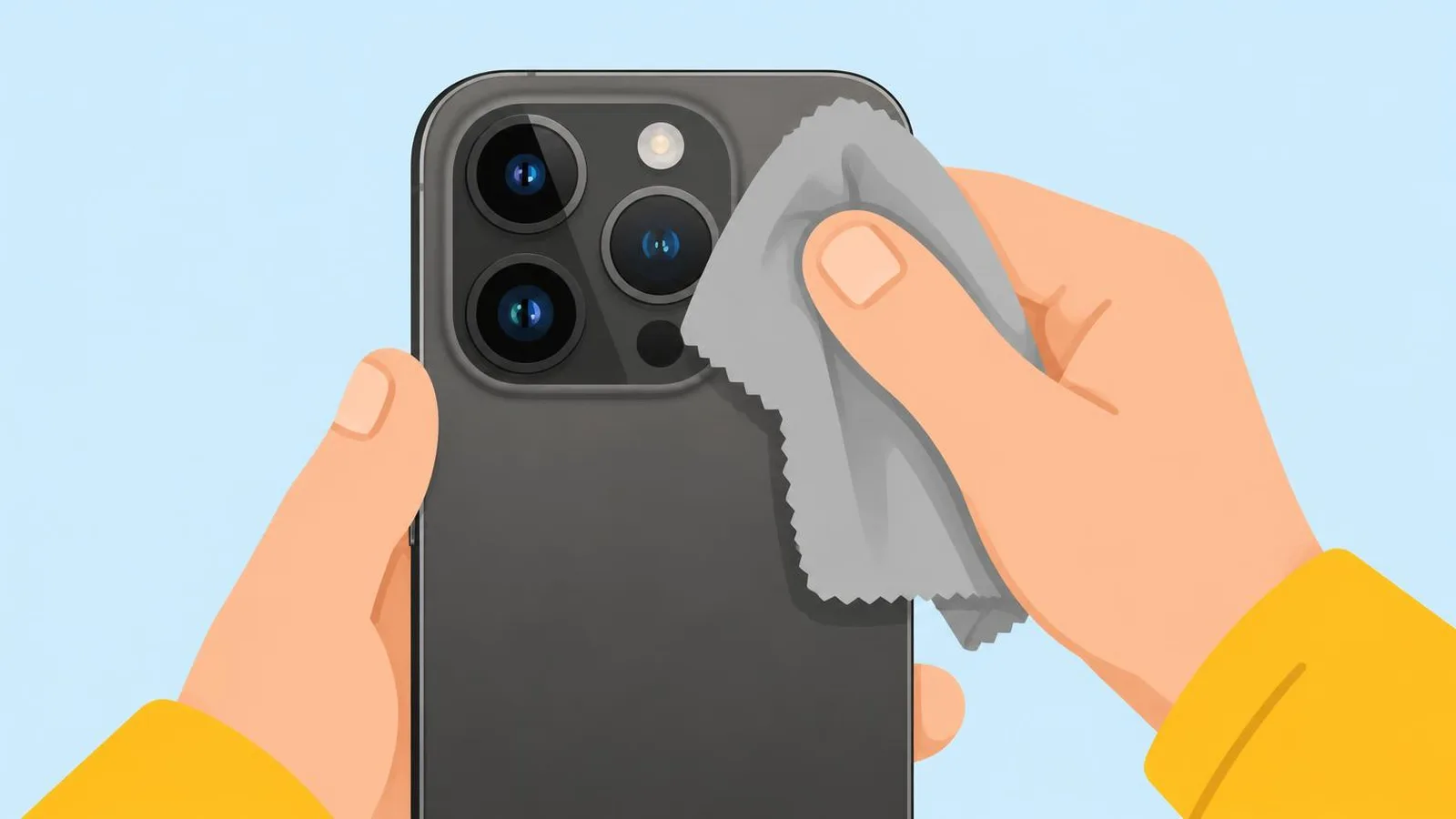
- A clean microfibre cloth, slightly damp with water if needed
- Window cleaner
- A scouring sponge
- Which of these does Apple list as OK for disinfecting the outside?
- Bleach
- A 70% isopropyl alcohol wipe
- Hydrogen peroxide
- Ammonia
- Fact or fiction: an IP68 iPhone can be rinsed under the tap to clean it.
- Fact
- Fiction: Apple says not to submerge it in cleaning agents, and liquid damage isn't covered
- What should you do before you start wiping?
- Turn the brightness up
- Take the case off, unplug every cable and turn the iPhone off
- Charge it to 100%
- Open the SIM tray
- Photos look hazy. What is the first thing to clean?
- The screen
- Every camera lens, including the small windows on the camera bump
- The speaker
- The charging port
- After cleaning, "Liquid Detected" pops up. What now?
- Override it and charge
- Unplug, tap it port-down, wait at least 30 minutes, then try again
- Put it in rice
- Use a hair dryer
More quizzes
 Phones & tech habits
Crack! Your first moves with a broken screen
6 questions · about 3 min Phones & tech habits
Why are my photos blurry? Solve the mystery
6 questions · about 3 min Phones & tech habits
SIM, eSIM or no tray at all?
6 questions · about 3 min Phones & tech habits
Lights off: your phone's screen settings
6 questions · about 3 min Phones & tech habits
Phone battery: myth or fact?
7 questions · about 4 min Phones & tech habits
Everyday phone habits: true or false?
6 questions · about 3 minLearn more: 3 tips
- A mark that looks like a scratch is often material rubbed off something else, Apple says; a slightly damp cloth usually wipes it away. Source: Apple Support: Cleaning your iPhone
- FineWoven or TechWoven case: mild soapy water, rinse, and let it dry fully before it goes back on. Source: Apple Support: How to clean your Apple products
- Don't let liquid run into the gaps around the buttons. Source: Apple Support: Cleaning your iPhone
You might also like
Sources
Every answer comes from our own pages and the sources they cite:
- Apple Support: Cleaning your iPhone
- Apple: About splash, water, and dust resistance of iPhone
- Samsung US: Fix blurry or poor photo and video quality on your Galaxy device
- Google Pixel Camera Help: Fix your Camera app on your Pixel phone
- Apple: If you see a liquid-detection alert on your iPhone
- Apple Support: How to clean your Apple products
Did you enjoy this quiz?