
Most blurry photos are fixed in the first two steps. Six questions from Apple, Samsung and Google.
Fun with friends? Share it:WhatsApp
All the questions
- What is the very first thing to try?
- Factory reset
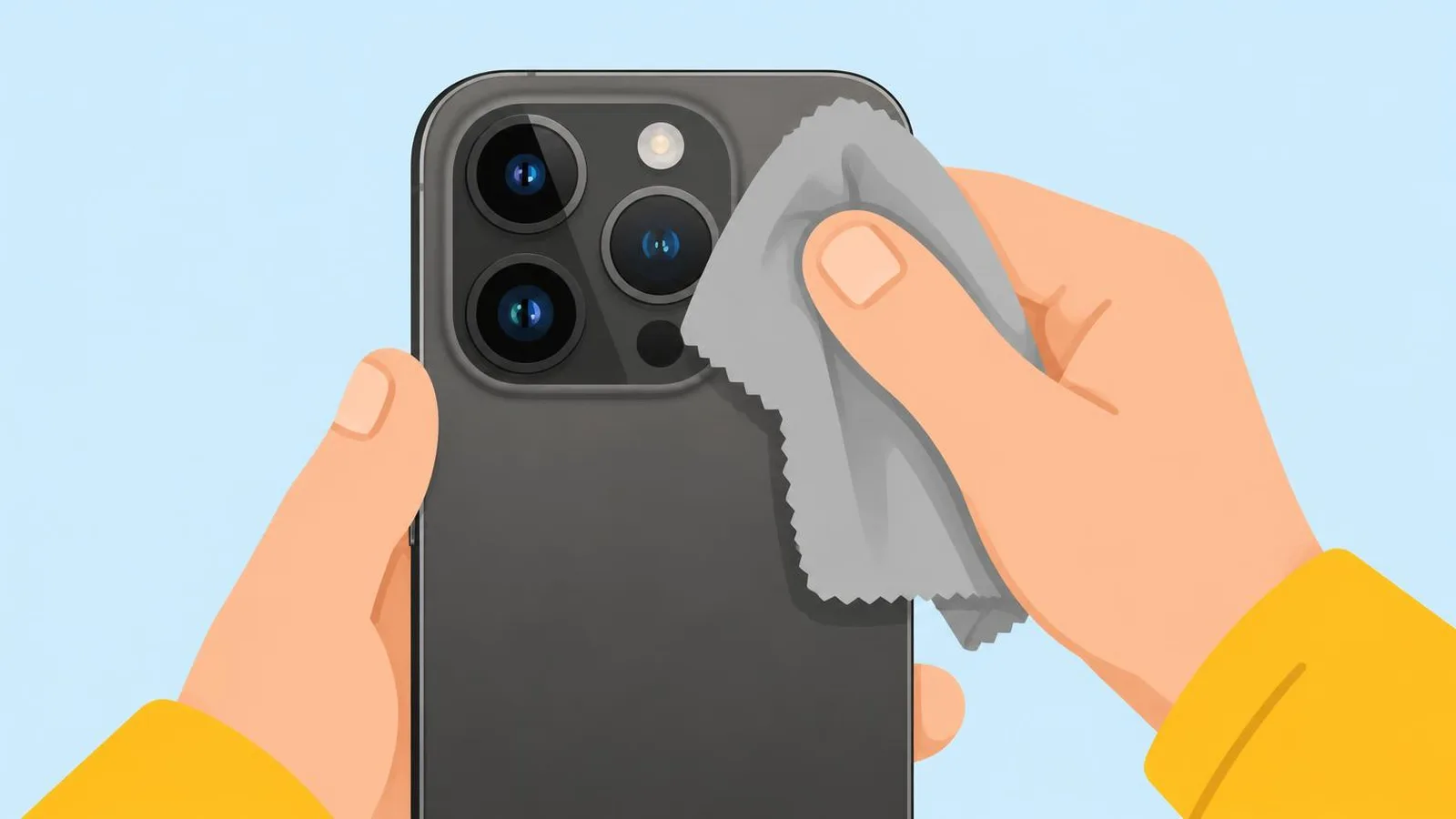
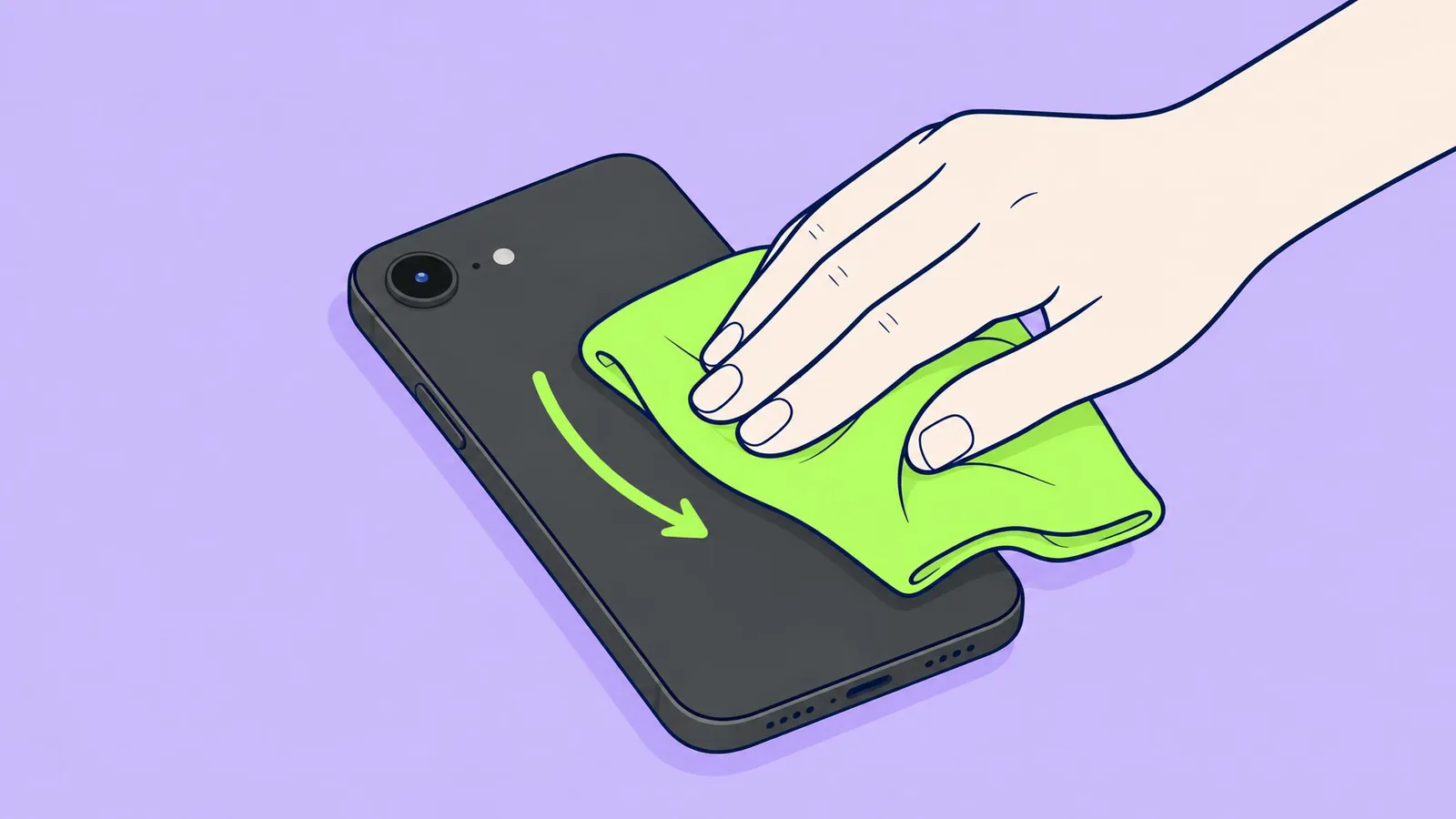
- Clean every lens with a soft, dry microfibre cloth
- Buy a new phone
- Turn off Wi-Fi
- A clip-on magnetic lens mount could be the problem. Why?
- It blocks Wi-Fi
- Apple says to remove accessories that block the camera or put a magnet near it
- It drains the battery
- It can't
- On a Galaxy, from how close does the main lens work best, by Samsung's figures?
- 1 cm
- About 12 inches (30 cm)
- 5 metres
- Any distance
- You came in from the cold and photos look foggy. What does Samsung say?
- The lens is broken
- It may be condensation: leave it at room temperature and wait
- Heat it with a hair dryer
- Clean inside the camera
- Fact or fiction: a slight rattle when you shake a Pixel means the camera is broken.
- Fact
- Fiction: Google says it is normal, from parts that help the camera focus
- Apple warns about mounting an iPhone on which vehicle?
- A bicycle basket
- The handlebars of a high-power motorcycle
- A car dashboard
- A pram
More quizzes
 Phones & tech habits
SIM, eSIM or no tray at all?
6 questions · about 3 min Phones & tech habits
Lights off: your phone's screen settings
6 questions · about 3 min Phones & tech habits
Phone battery: myth or fact?
7 questions · about 4 min Phones & tech habits
Everyday phone habits: true or false?
6 questions · about 3 min Phones & tech habits
Snap it! Screenshot skills on every device
6 questions · about 3 min Phones & tech habits
Wi-Fi woes and data bills
6 questions · about 3 minLearn more: 3 tips
- Hold the phone with both hands, tap your subject on the screen, and keep still until the shot is taken (Samsung). Source: Samsung US: Fix blurry or poor photo and video quality on your Galaxy device
- iPhone with macro: if close-ups go blurry, back up or tap .5x. Settings, Camera, Macro Control shows the Auto Macro button (Apple). Source: Apple iPhone User Guide: Take macro photos and videos
- Pixel: if other camera apps fail too, Google says it is likely hardware. Source: Google Pixel Camera Help: Fix your Camera app on your Pixel phone
You might also like

Sources
Every answer comes from our own pages and the sources they cite:
- Samsung US: Fix blurry or poor photo and video quality on your Galaxy device
- Google Pixel Camera Help: Fix your Camera app on your Pixel phone
- Apple: If the camera or flash on your iPhone or iPad isn't working
- Apple: Exposure to vibrations might impact iPhone cameras
- Apple iPhone User Guide: Take macro photos and videos
Did you enjoy this quiz?