HowToSimply Quizzes Surprise me

Quiz · 6 questions · about 3 min

SIM, eSIM or no tray at all?

Pinholes, cut corners and phones with no tray: test your SIM know-how.

Start the quiz

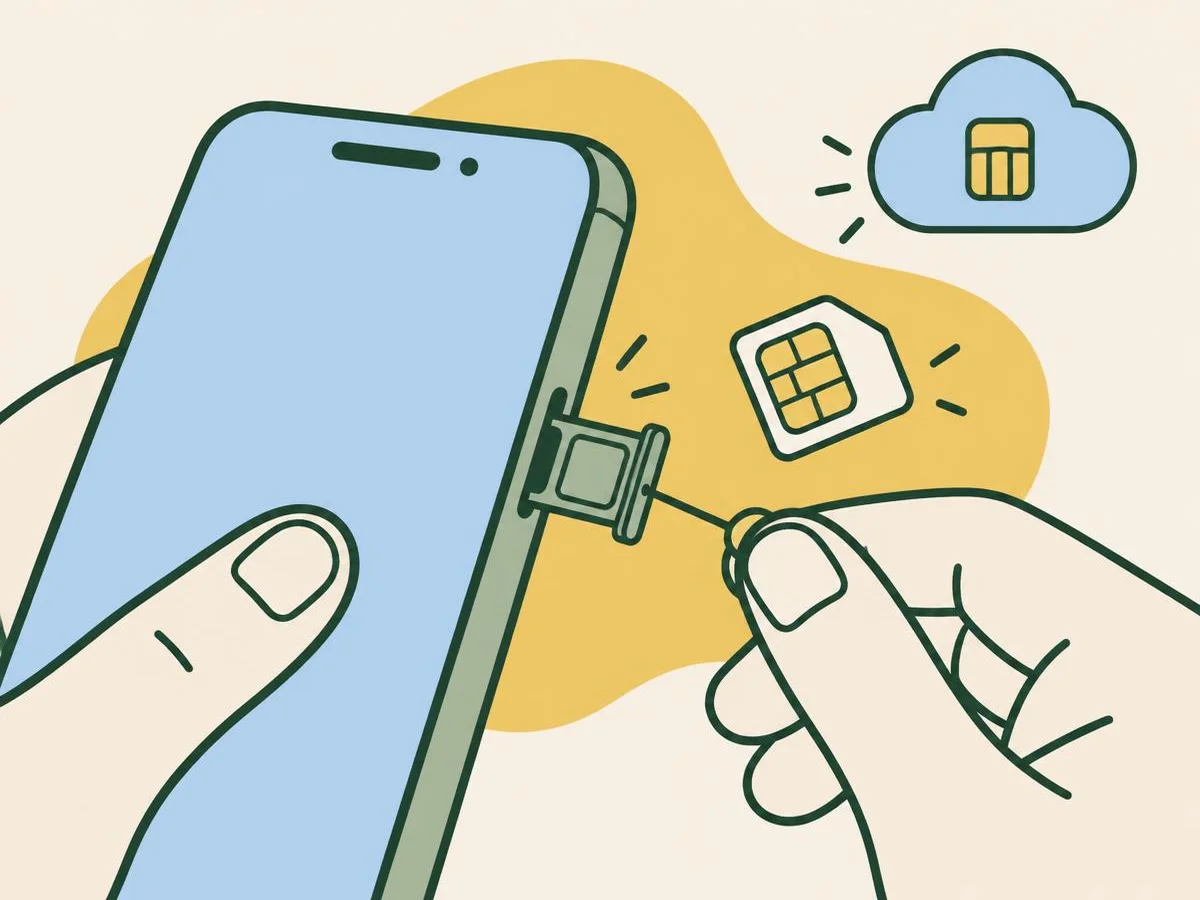
Illustration for the quiz: SIM, eSIM or no tray at all?

Six questions on getting a SIM in, or an eSIM on, from Apple, Samsung and Google.

Fun with friends? Share it:WhatsApp

The questions

  1. Question 1 of 6An iPhone 17e bought in the US: where is the SIM tray?
    Show answer

    Answer: There is none: it is eSIM-only

    The iPhone 17e has no tray in the US and 12 other countries on Apple's list; elsewhere the tray is on the left side.

    Source: Apple: Identify your iPhone model; Apple: Remove or switch the SIM card in your iPhone

    How to open the SIM tray

  2. Question 2 of 6Samsung warns about one mistake with the SIM pin. Which?
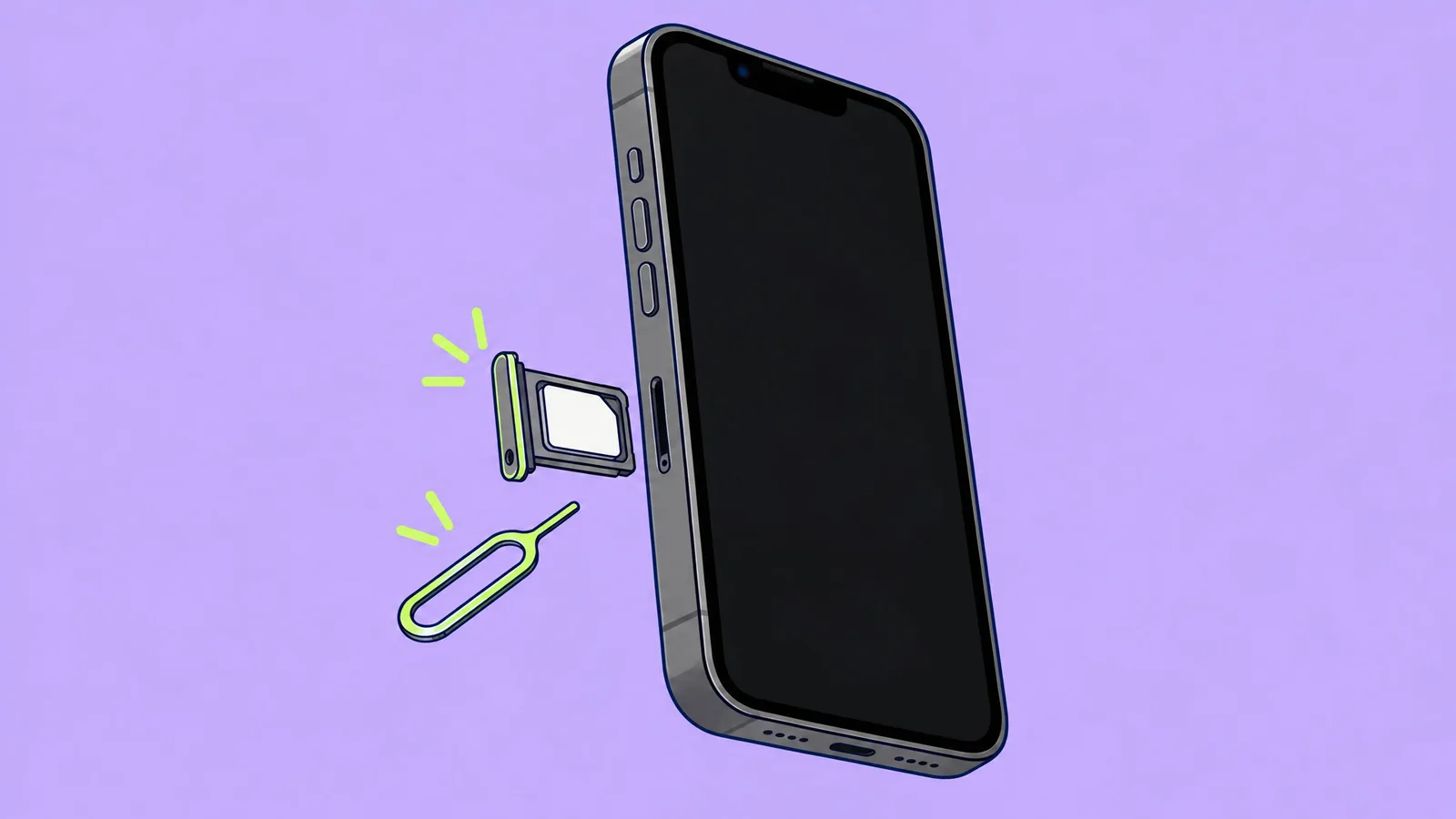
    Illustration of a SIM tool pushed straight into the pinhole of the SIM tray on the left side of an iPhone, below the volume buttons
    Illustration
    Show answer

    Answer: Pushing it into a microphone hole by mistake

    Samsung warns not to push the pin into a microphone hole. Use the hole that is part of the tray's thin outline, and hold the pin straight, not at an angle.

    Source: Samsung UK: How to install or change a SIM or SD memory card on Galaxy phone

    How to open the SIM tray

  3. Question 3 of 6How does the SIM know which way round it goes?
    Show answer

    Answer: Match the SIM's cut corner to the tray's cut corner

    Match the cut corner of the SIM to the cut corner of the tray; it fits only one way. Samsung says gold contacts face down.

    Source: Samsung UK: How to install or change a SIM or SD memory card on Galaxy phone

    How to open the SIM tray

  4. Question 4 of 6Why push the tray in until it is perfectly flush?
    Show answer

    Answer: Samsung says it must be dry and fully closed, or water can get in

    Samsung says the tray must be completely dry and fully closed, otherwise water can get in.

    Source: Samsung UK: How to install or change a SIM or SD memory card on Galaxy phone

    How to open the SIM tray

  5. Question 5 of 6Lost the tray? Can you use one from another iPhone model?
    Show answer

    Answer: No: Apple says use only the tray that came with your phone

    Apple says to use only the tray that came with your iPhone; a tray from another model won't fit.

    Source: Apple: Remove or switch the SIM card in your iPhone

    How to open the SIM tray

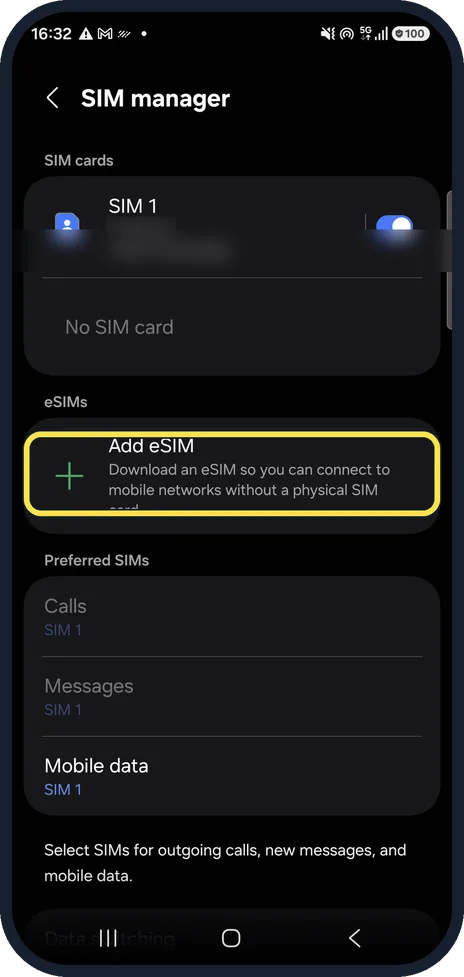
  6. Question 6 of 6On a Galaxy, where do you add an eSIM?
    Galaxy A57 Add eSIM options: transfer from a Galaxy or Android phone, transfer from an iPhone, or scan a QR code
    Real screenshot: Galaxy A57, One UI 8.5
    Show answer

    Answer: Settings, Connections, SIM manager, Add eSIM

    Open Settings, Connections, SIM manager and tap Add eSIM: transfer from an old Galaxy, Android phone or iPhone, or scan your carrier's QR code. Keep the phone online while it downloads.

    Source: Samsung IE: How to use an eSIM with your Galaxy phone

    Add an eSIM on a Galaxy

Your score

Check each answer to see your score here.

All the questions

  1. An iPhone 17e bought in the US: where is the SIM tray?
    • Left side
    • There is none: it is eSIM-only
    • Under the battery
    • Right side
  2. Samsung warns about one mistake with the SIM pin. Which?
    • Using the pin from the box
    • Pushing it into a microphone hole by mistake
    • Holding the phone face down
    • Doing it at night
  3. How does the SIM know which way round it goes?
    • It doesn't, any way works
    • Match the SIM's cut corner to the tray's cut corner
    • Shiny side up
    • Shake it in
  4. Why push the tray in until it is perfectly flush?
    • Looks nicer
    • Samsung says it must be dry and fully closed, or water can get in
    • To save battery
    • No reason
  5. Lost the tray? Can you use one from another iPhone model?
    • Yes, they are all the same
    • No: Apple says use only the tray that came with your phone
  6. On a Galaxy, where do you add an eSIM?
    • Settings, Connections, SIM manager, Add eSIM
    • Camera app
    • Galaxy Store
    • Phone app, Contacts

More quizzes

See all quizzes

Learn more: 3 tips

  • Not sure your iPhone has a tray? Settings, General, About, Model Number, then compare with Apple's model list. Source: Apple: Identify your iPhone model
  • "No SIM" after inserting: take the tray out, check the SIM sits flat and the right way round, then restart the phone. Our suggestion.
  • Tray won't move? Don't force it: Apple says to take it to your carrier or an Apple Store. Source: Apple: Remove or switch the SIM card in your iPhone

You might also like
Sources

Every answer comes from our own pages and the sources they cite: