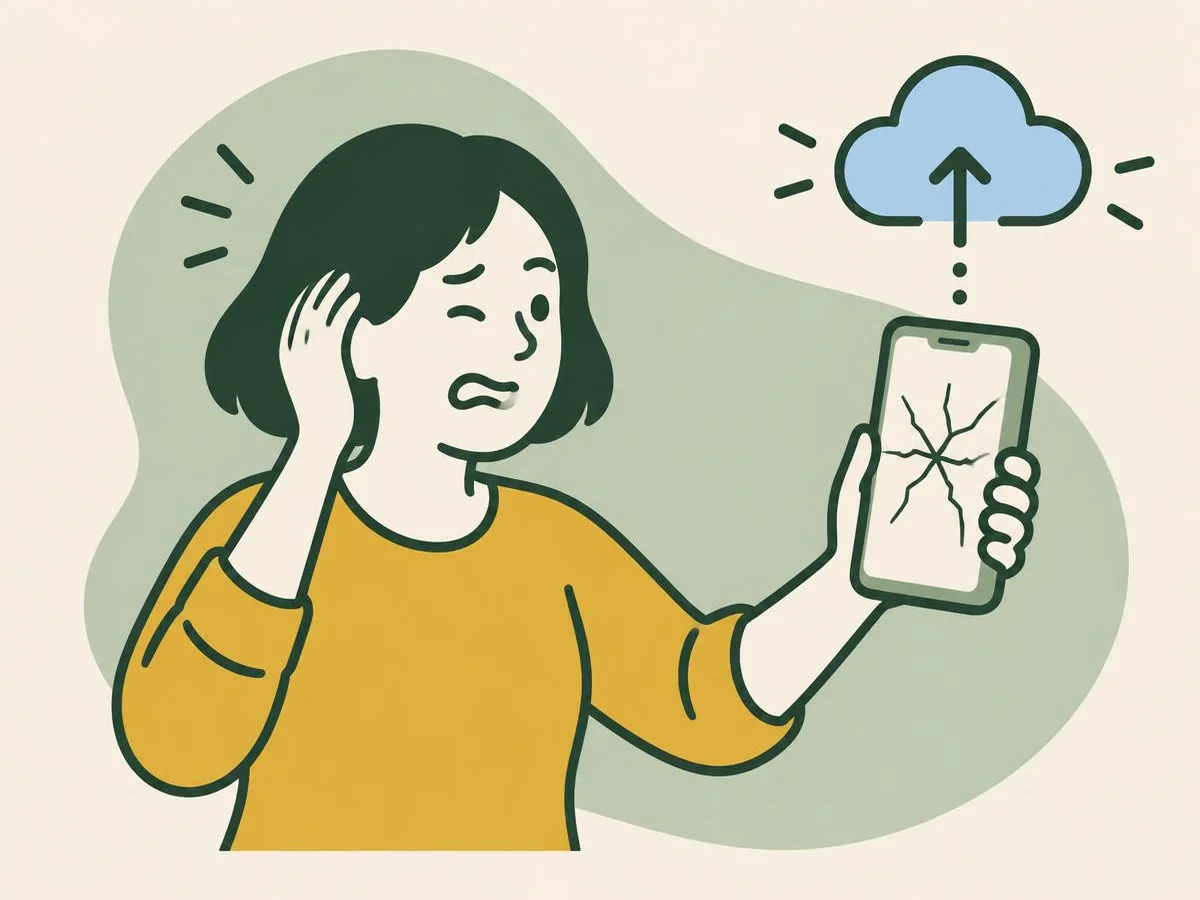
You dropped it. Six questions on staying safe, saving your data and getting it repaired.
Fun with friends? Share it:WhatsApp
All the questions
- Only the stick-on protector looks cracked. How can you tell?
- Shake the phone
- Peel it off from a corner: if the glass underneath is smooth, you only need a new protector
- Look at the battery level
- Restart it
- Black spots or ink-like marks spread across the screen. What does Samsung say that means?
- Dirt
- The display panel inside is damaged
- A wallpaper bug
- Low battery
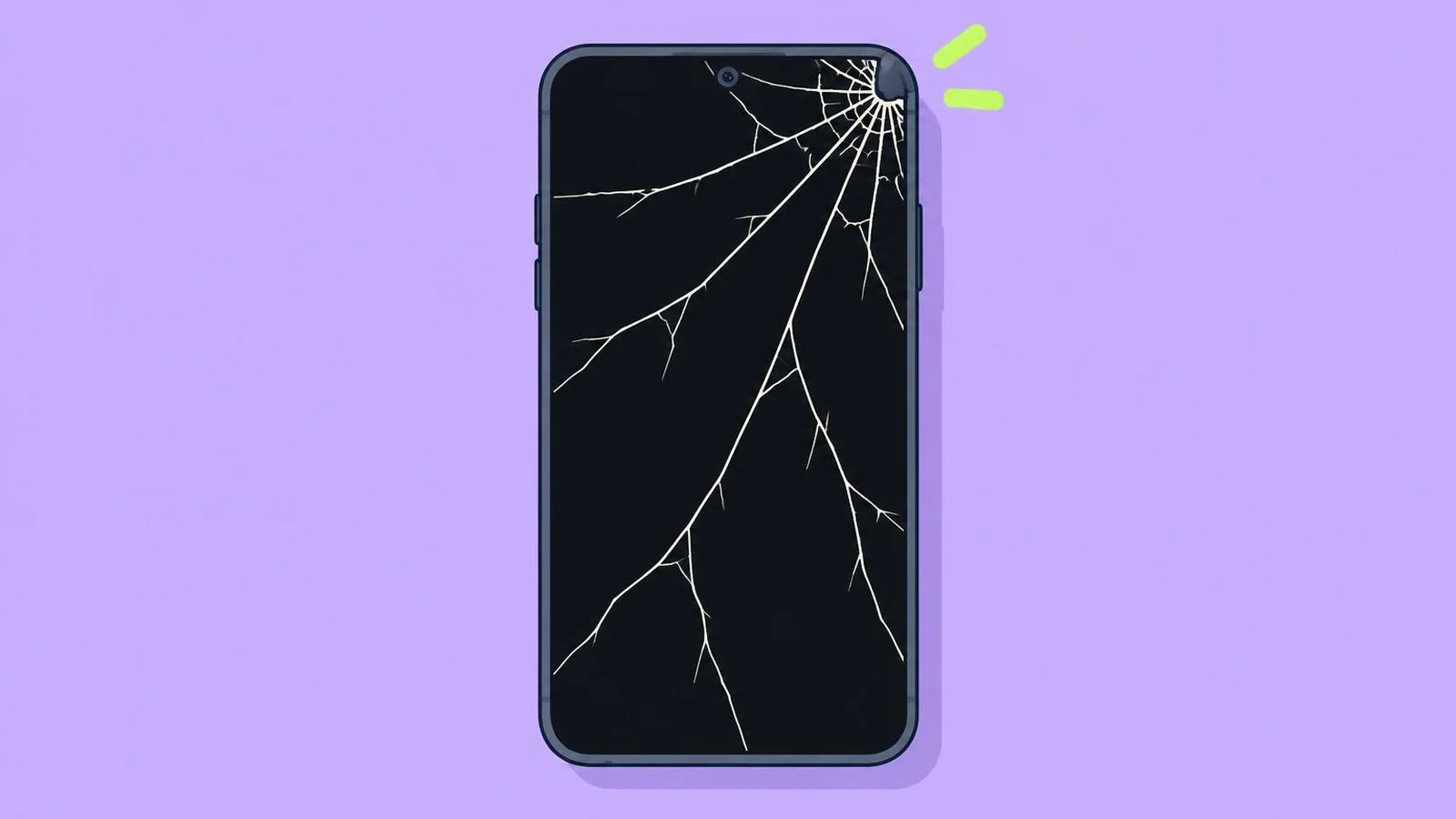
- What does Apple's safety information say about using an iPhone with cracked glass?
- It's fine with a case
- Don't use it: it may cause injury
- Only use it at night
- Use it with gloves
- What should you do today, while the touchscreen still works?
- Change the wallpaper
- Back up
- Update every app
- Take it swimming
- Galaxy touchscreen dead? Which of these is on Samsung's list of ways in?
- A USB mouse with an adapter
- Shouting at it
- A magnet
- None of these
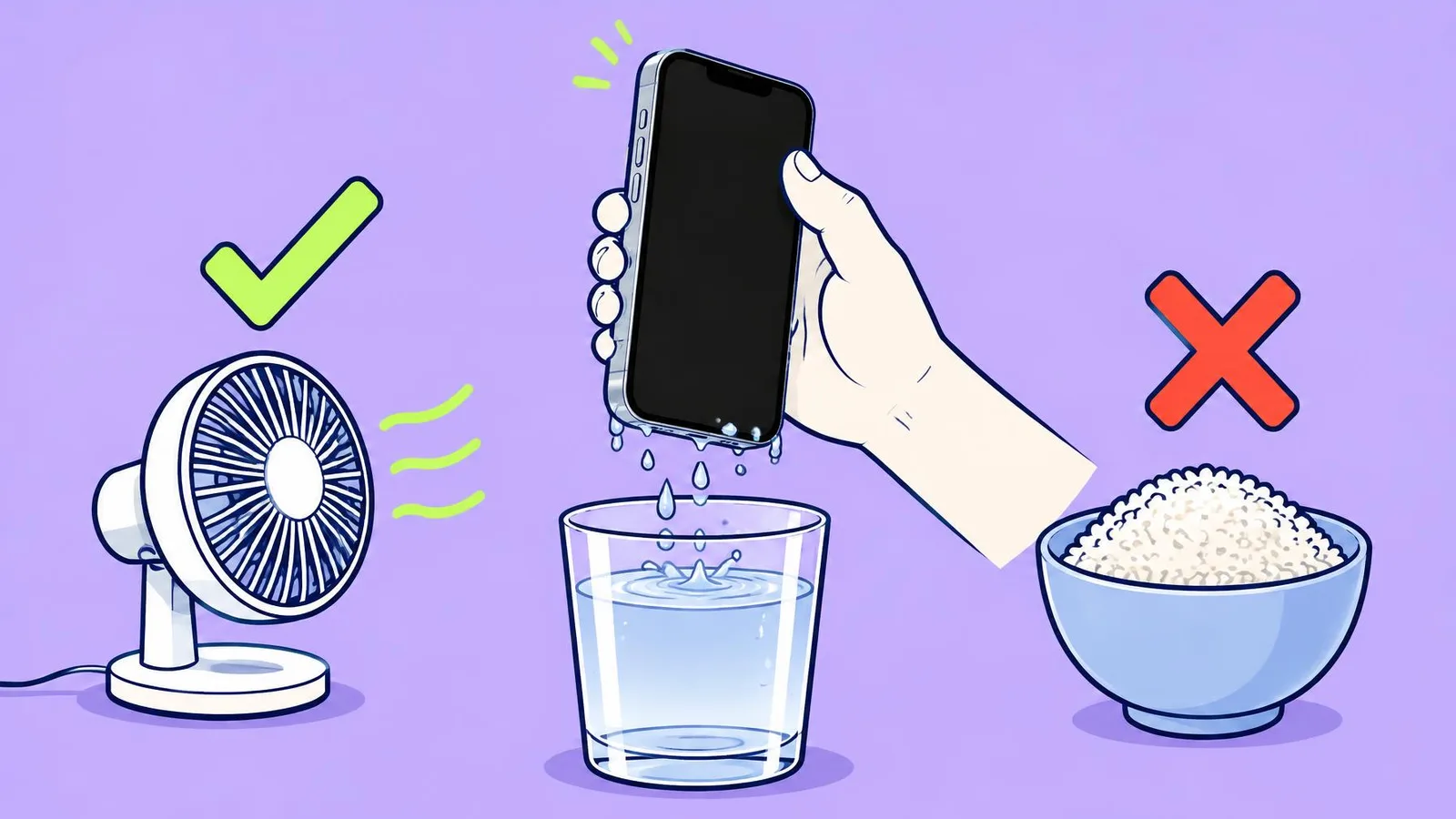
- With a crack in the glass, is the phone still water-resistant?
- Yes, IP68 is forever
- Treat it as no longer water-resistant
More quizzes
 Phones & tech habits
Why are my photos blurry? Solve the mystery
6 questions · about 3 min Phones & tech habits
SIM, eSIM or no tray at all?
6 questions · about 3 min Phones & tech habits
Lights off: your phone's screen settings
6 questions · about 3 min Phones & tech habits
Phone battery: myth or fact?
7 questions · about 4 min Phones & tech habits
Everyday phone habits: true or false?
6 questions · about 3 min Phones & tech habits
Snap it! Screenshot skills on every device
6 questions · about 3 minLearn more: 3 tips
- A case can help stop further damage, Samsung says, but it doesn't replace a repair. Source: Samsung UK: What to do when your Samsung Galaxy device screen is cracked or damaged
- Never give anyone your Apple Account password or passcode; stay with the technician if they need it. Source: Apple: Prepare your iPhone or iPad for a service appointment
- Apple and Google say their warranty doesn't cover accidental damage, so a dropped phone is normally a paid repair. Check any protection plan or insurance first. Source: Apple: Service and repair for iPhone; Google Store Help: Start a repair for your Pixel
You might also like
Sources
Every answer comes from our own pages and the sources they cite:
- Samsung UK: What to do when your Samsung Galaxy device screen is cracked or damaged
- Apple: Important safety information for iPhone (iPhone User Guide)
- Apple: iPhone Broken Glass Safety
- Google Store Help: Start a repair for your Pixel
- Samsung UK: I smashed my screen and can't use the touchscreen. Is there any way to access my data?
- Apple: About splash, water and dust resistance of iPhone 7 and later
- Apple: Prepare your iPhone or iPad for a service appointment
- Apple: Service and repair for iPhone
Did you enjoy this quiz?