
Your phone won't charge. Before you book a repair, test your detective skills with six questions from Apple, Samsung and Google.
Fun with friends? Share it:WhatsApp
All the questions
- The plug feels loose and sits slightly proud. What is the classic cause?
- A software bug
- Pocket lint packed at the back of the port
- A weak battery
- The wrong language setting
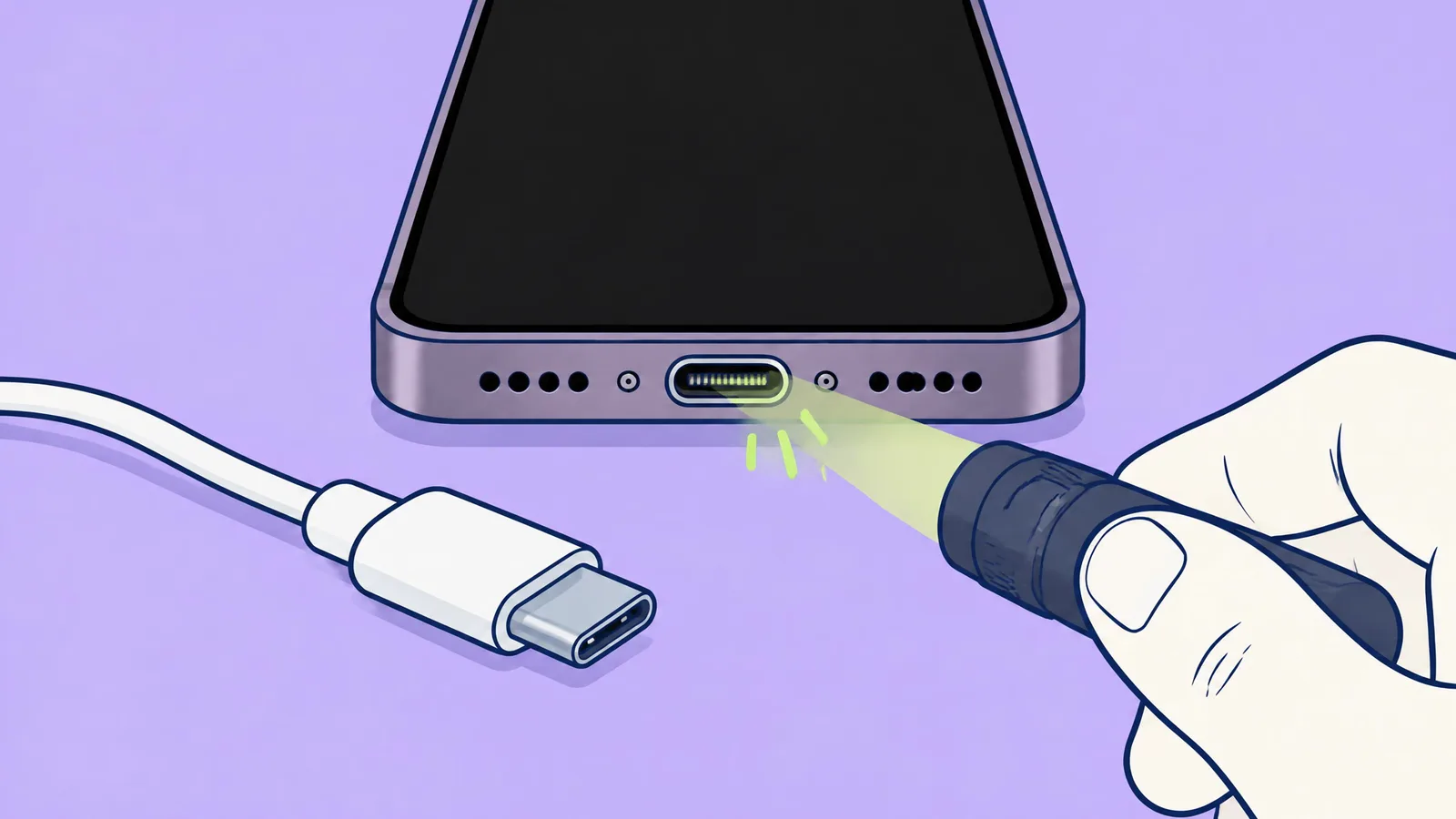
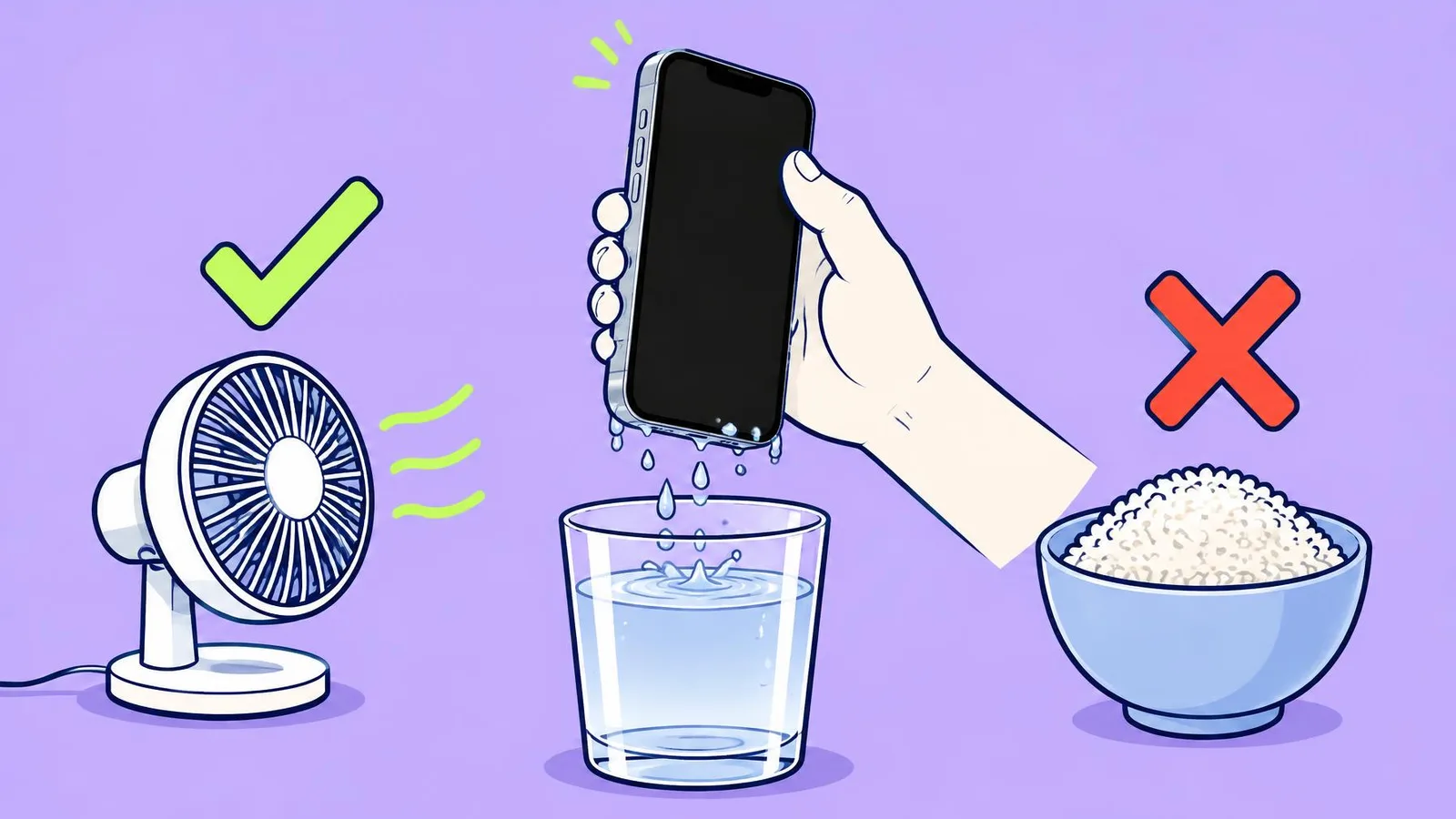
- What does Apple say NOT to use on an iPhone's port?
- Your eyes
- Compressed air, cotton swabs or paper towels
- A torch
- A different cable
- According to Samsung, what is the most common cause of charging trouble?
- The port
- Damaged or incompatible cables and adapters
- Cold weather
- Too many apps
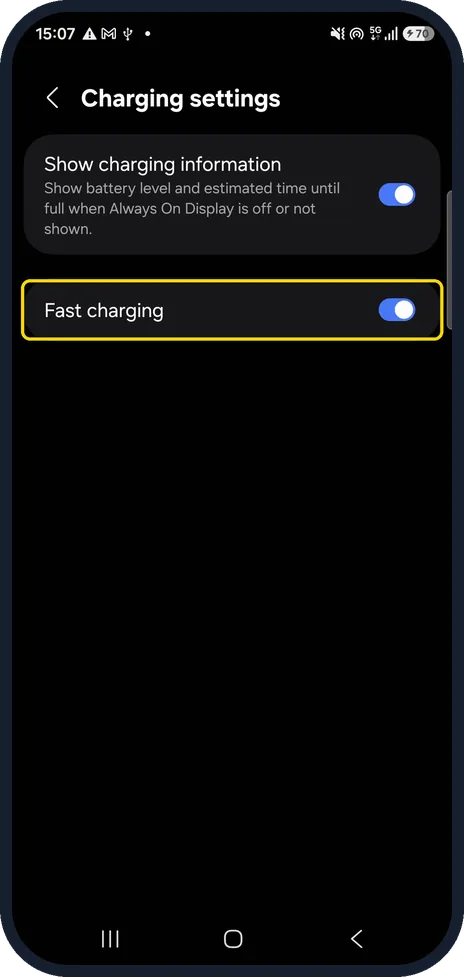
- Your Galaxy charges slowly. Where is the Fast charging switch?
- Settings, Battery, Charging settings
- Settings, Display
- Camera app
- There isn't one
- Your iPhone 17e always stops near 80%. Is the port broken?
- Yes, book a repair
- Probably not: check the Charge Limit, Optimised Battery Charging or heat
- Wireless charging works, but every cable fails. What does that tell you?
- The battery is dead
- The port is the problem: time for a repair
- The charger is too new
- Nothing
More quizzes
 Kitchen & cleaning
Shiny screen: clean your phone the right way
6 questions · about 3 min Phones & tech habits
Crack! Your first moves with a broken screen
6 questions · about 3 min Phones & tech habits
Why are my photos blurry? Solve the mystery
6 questions · about 3 min Phones & tech habits
SIM, eSIM or no tray at all?
6 questions · about 3 min Phones & tech habits
Lights off: your phone's screen settings
6 questions · about 3 min Phones & tech habits
Phone battery: myth or fact?
7 questions · about 4 minLearn more: 3 tips
- Use a wall socket, not a computer, and leave it plugged in for 30 minutes before you decide (Apple). Source: Apple: If your iPhone won't charge
- Pixel says "Check charging accessory"? Google recommends a 30 W PPS charger, or USB PD at 15 W or more. Source: Google Pixel Help: Fix a Pixel phone that won't charge
- Phone hot? Apple, Samsung and Google all pause or slow charging when it's hot. Let it cool down first. Our suggestion.
You might also like
Sources
Every answer comes from our own pages and the sources they cite:
- Samsung MY: Why your Galaxy device may be charging slowly or not charging at all
- Apple Support: Cleaning your iPhone
- Apple: If your iPhone won't charge
- Samsung Latin: How to enable fast charging and fast wireless charging on your Samsung Galaxy device
- Samsung Latin: How to fast charge on your Galaxy device
- Apple Support: About Charge Limit and Optimised Battery Charging on iPhone
- Google Pixel Help: Fix a Pixel phone that won't charge
Did you enjoy this quiz?