
Six questions on screen timeout and display settings, with real screens from our Galaxy A57 and iPhone 17e.
Fun with friends? Share it:WhatsApp
All the questions
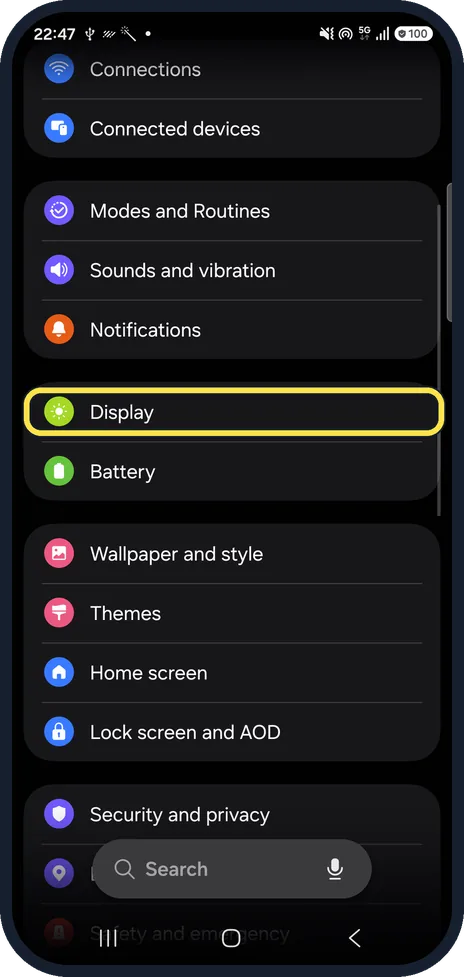
- What is the longest screen timeout on this real Galaxy screen?
- 5 minutes
- 10 minutes
- 30 minutes
- Never
- How does Keep screen on while viewing know you are looking?
- It listens
- The front camera detects your face
- Your smartwatch tells it
- It guesses
- To save battery, what screen timeout does Samsung suggest?
- 1 minute or less
- 10 minutes
- Never
- Exactly 7 minutes
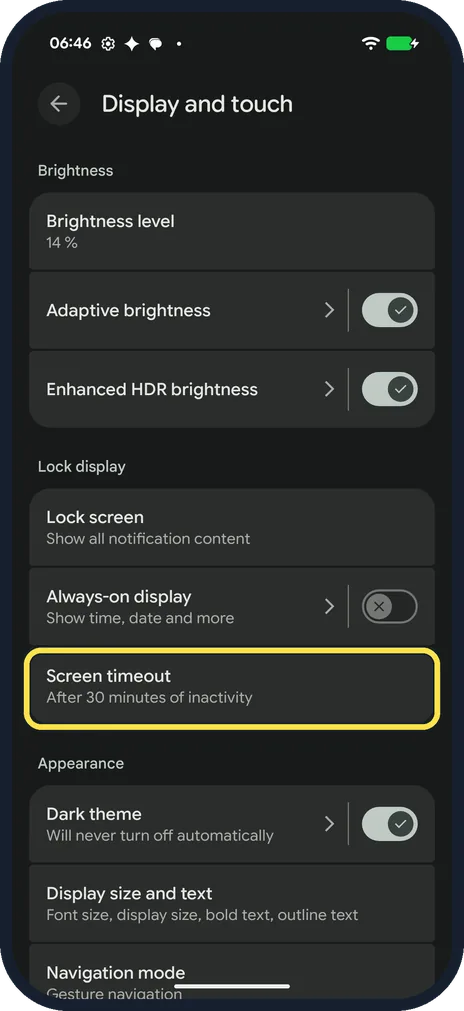
- On our Pixel 10a with Android 17, what was the longest timeout on offer?
- 10 minutes
- 30 minutes
- 1 hour
- Never
- The Pixel's Screen attention uses the front camera. What does the settings page say about the images?
- They go to Google Photos
- They are never stored or sent to Google
- They are kept for a week
- They are shared with apps
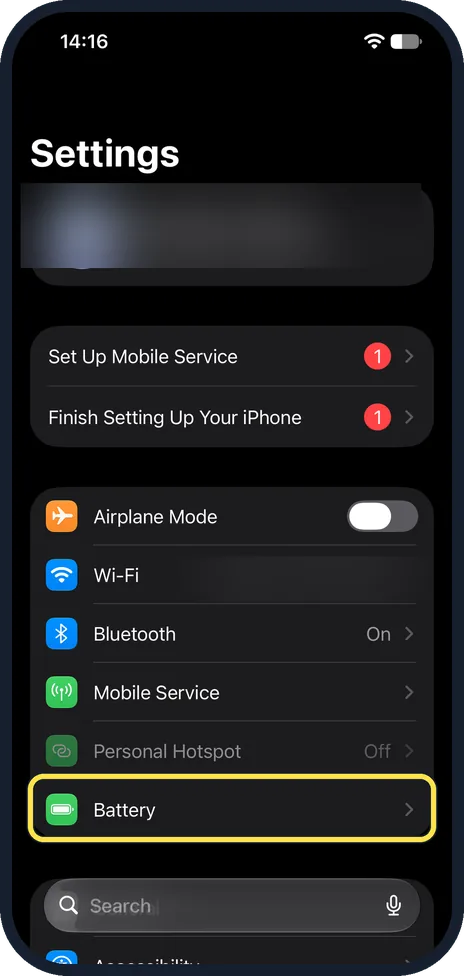
- With Battery Percentage switched on, where does an iPhone with Face ID show the number?
- On the lock screen only
- Inside the battery symbol in the status bar
- On the Settings icon
- Nowhere
More quizzes
 Phones & tech habits
Phone battery: myth or fact?
7 questions · about 4 min Phones & tech habits
Everyday phone habits: true or false?
6 questions · about 3 min Phones & tech habits
Snap it! Screenshot skills on every device
6 questions · about 3 min Phones & tech habits
Wi-Fi woes and data bills
6 questions · about 3 min Phones & tech habits
Screen time showdown
6 questions · about 3 min Just for fun
Spot the phone: Camera Lab challenge
5 questions · about 3 minLearn more: 3 tips
- Samsung says Screen timeout applies to the main screen: the lock screen may turn off sooner, and that can't be changed. Source: Samsung CA: Change the screen timeout on your Samsung Galaxy to save power
- A video in a browser lets the Galaxy screen go dark? Samsung says tap the video, then its full screen icon; apps such as YouTube keep the screen on while a video plays. Source: Samsung CA: Change the screen timeout on your Samsung Galaxy to save power
- A long timeout drains the battery faster: the Pixel's own settings page says so. Source: Pixel Phone Help: Manage screen & display settings on a Pixel phone
You might also like
Sources
Every answer comes from our own pages and the sources they cite:
Did you enjoy this quiz?