XIAOMI REDMI
How to open the CIT hardware test on a Xiaomi phone (HyperOS 3)
Go to Settings, About phone, Detailed info and specs, and tap Kernel version five times quickly. Four taps were not enough on our phone. Dialling *#*#6484#*#* in the Phone app opened the same hardware test (CIT) list.

6 of 6 steps show a real screenshot from our Redmi Note 15 Pro 5G. Each step was checked against the maker's own instructions, linked at the end.
Steps
- 1
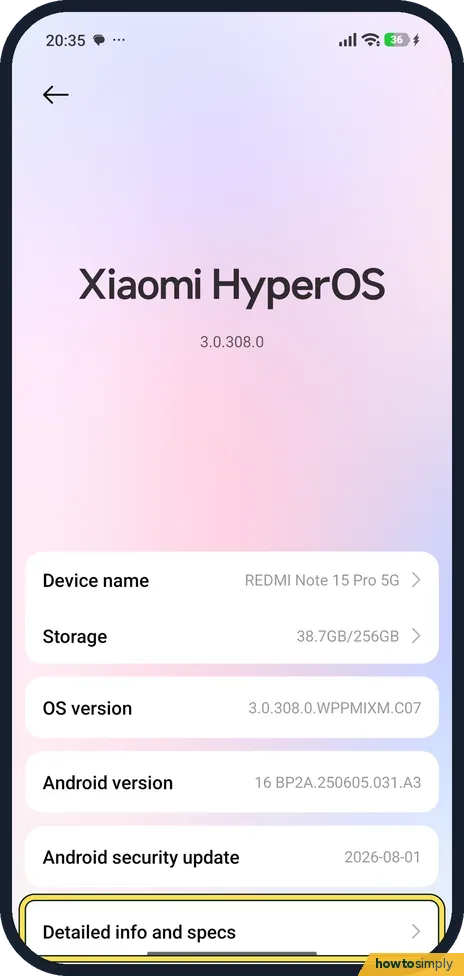
Open Detailed info and specs
Go to Settings, About phone, Detailed info and specs.
- 2
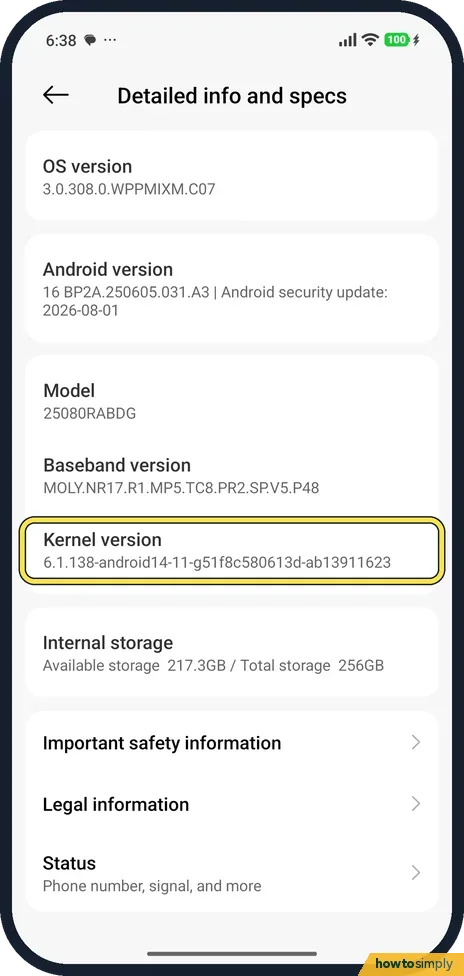
Tap Kernel version five times
Tap Kernel version five times quickly. This picture was taken after four taps: the page is still open. The fifth tap opened CIT.
- 3
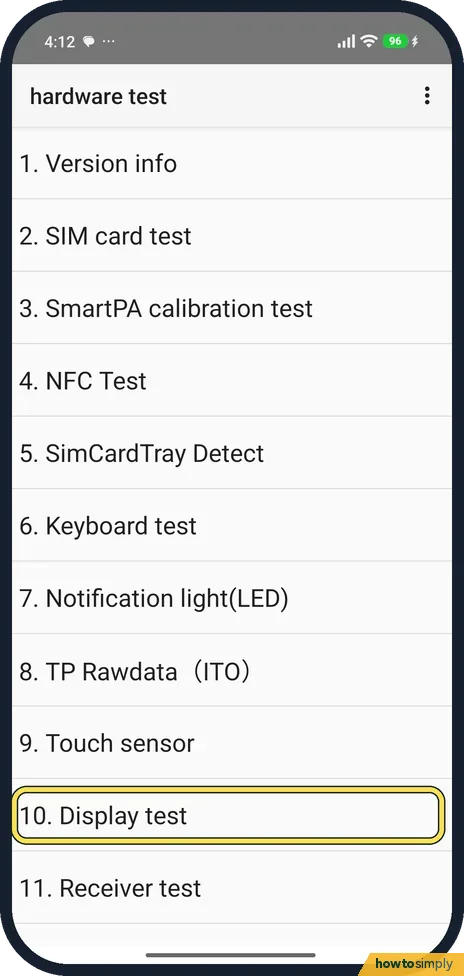
Pick a test
The hardware test list opens: Version info, SIM card test, NFC Test, Touch sensor, Display test and more. Tap a test to run it.
- 4
Follow the test
The Display test fills the screen with one colour at a time. Look for dead pixels or marks, then tap NEXT.

- 5
Mark the result
After the last colour, the test ends on a screen with Pass, Retest and Fail. Tap Pass if the screen looked right, Fail if not, or Retest to see the colours again.

- 6
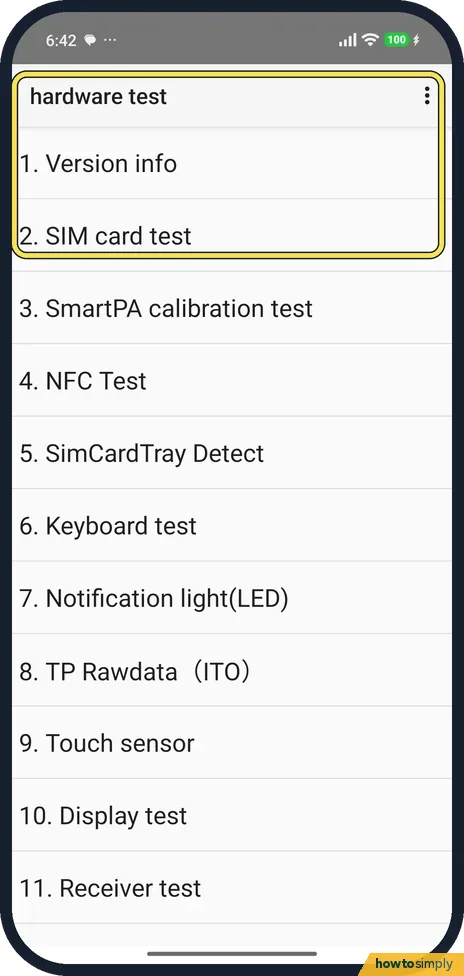
Or use the dial code
In the Phone app, dial *#*#6484#*#*. On our phone the same hardware test list opened.
If you do not see this option
- Nothing happens after four taps? Our phone needed five. Tap quickly, or use the dial code *#*#6484#*#*.
- Dial code does nothing? Type it in the Phone app's keypad. Xiaomi's support pages list *#*#6484#*#* for its phones; it worked on ours. Source: How to perform hardware detection on the Xiaomi 14T Pro?
If this does not work
- Not sure what to tap at the end? The result screen has three buttons: Pass, Retest and Fail. We only looked at it and tapped none of them.
- A test fails? Tap Retest to run it again before you judge the phone. A failed test points to the part to have checked.
- Test list looks different on another Xiaomi? The tests depend on the hardware. A phone without NFC, for example, has nothing for an NFC Test to check, so the list may differ between models.
- Can't get out of a test? Use the buttons the test shows, such as NEXT or the result buttons. If a test seems stuck, restarting the phone closes CIT.
- Touch test shows gaps in the lines? Clean the screen and dry your fingers, then run Touch sensor again. A thick or damaged screen protector can also affect touch, so bear that in mind before you judge the result.
Good to know
IMEI and model are on the same pages: how to find the IMEI on a Xiaomi phone.
Running the display test changed nothing on our phone, so there was nothing to undo afterwards. The menu stays hidden from the normal app list, so you need the taps or the dial code again next time.
If a test points to a fault, note which one and when it failed, then contact Xiaomi support or an authorised service centre. Back up first before handing the phone in for repair. For the details they will ask for, see find the IMEI and model number and check the HyperOS version.
About this guide
- Device
- Android
- Shown on
- Xiaomi Redmi Note 15 Pro 5G (25080RABDG), HyperOS 3.0.308.0, Android 16
- App
- Settings
- Path
- Settings › About phone › Detailed info and specs
- Real screenshots
- 6 of 6 steps
- Checked
- October 2026
- Sources
- 2 official, 1 other, linked below
Sources
Links checked October 2026. Menus and features can change with updates.Spotted a mistake? Menus change with updates, and we want every step to match your screen. Email us about this page or use the contact form. We read every report, and fixes are listed on What changed.
Liked this guide?
Follow us for new guides and short how-to videos.
Did this guide work for you?
Sorry about that. What happened?