HOWTOSIMPLY CAMERA LAB
Same scene.
Eleven phones.
Real photos from the phones we own, taken minutes apart in the same light. Look closer, compare two side by side, and see the settings each phone used.

✧
Shot 24 October 2026Palmengarten, Frankfurt · sunny afternoon
i
Real photos, no scores. Every picture here was taken by us on the phone named. Location data removed, people blurred, no colour edits. How we test
SIX SCENES
Pick a scene.
See every phone.
THE PHONES
Eleven phones.
One shared view.
No phones found.
Try another name or clear your filters.
SIDE BY SIDE
The difference
is in the details.
Choose two phones and a scene.
Switch views and look at your own pace.
vs
WRITTEN UP
First comparisons
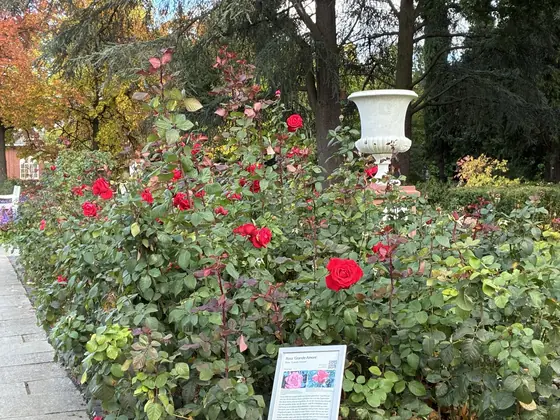
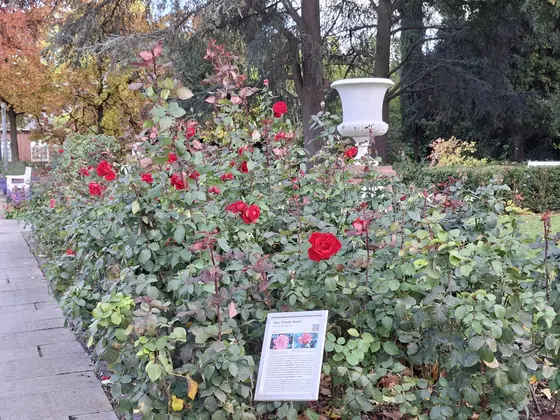 iPhone 17e vs Samsung Galaxy A576 scenes side by side, with centre crops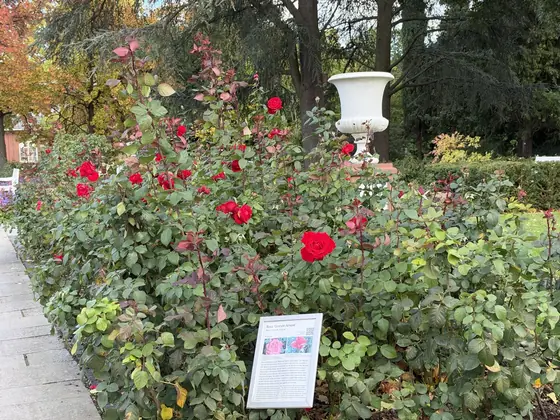
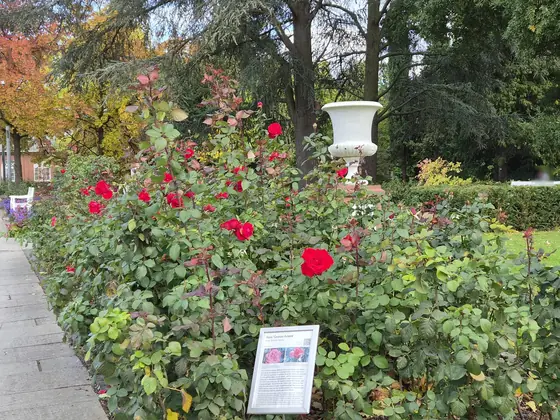 iPhone 18 Pro vs Samsung Galaxy S266 scenes side by side, with centre crops
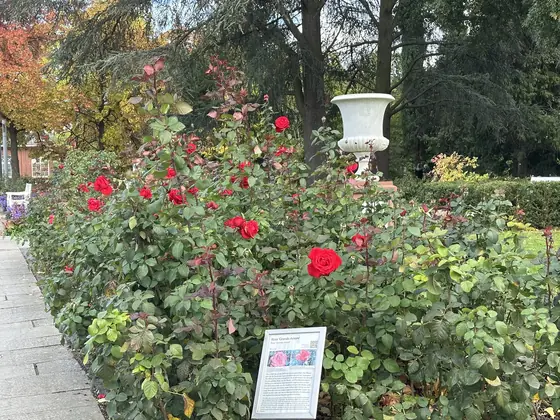 iPhone 14 Pro vs iPhone 17e6 scenes side by side, with centre crops
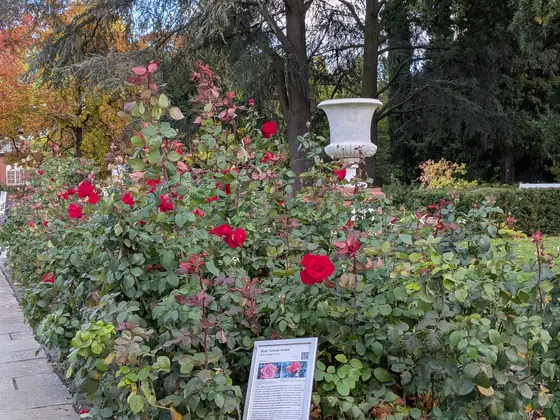 iPhone 17e vs Google Pixel 10a6 scenes side by side, with centre cropsSamsung Galaxy A57 vs Google Pixel 10a6 scenes side by side, with centre crops
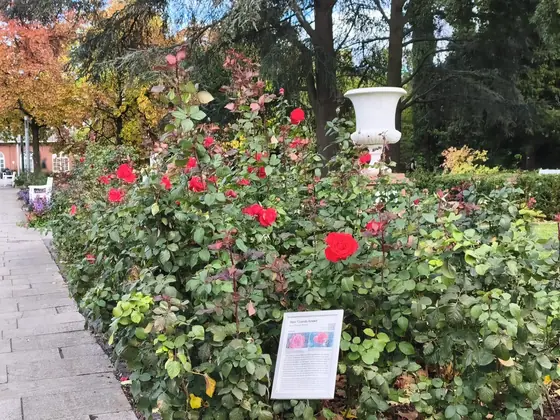 Samsung Galaxy A57 vs Redmi Note 15 Pro 5G6 scenes side by side, with centre cropsSamsung Galaxy S26 vs Google Pixel 10a6 scenes side by side, with centre cropsiPhone 18 Pro vs iPhone 17e6 scenes side by side, with centre crops
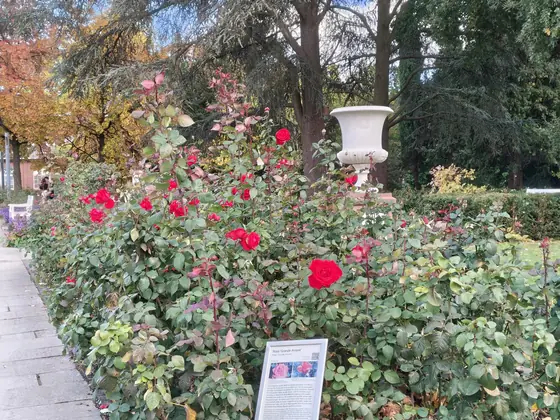 Nothing Phone (4a) Pro vs Google Pixel 10a6 scenes side by side, with centre crops
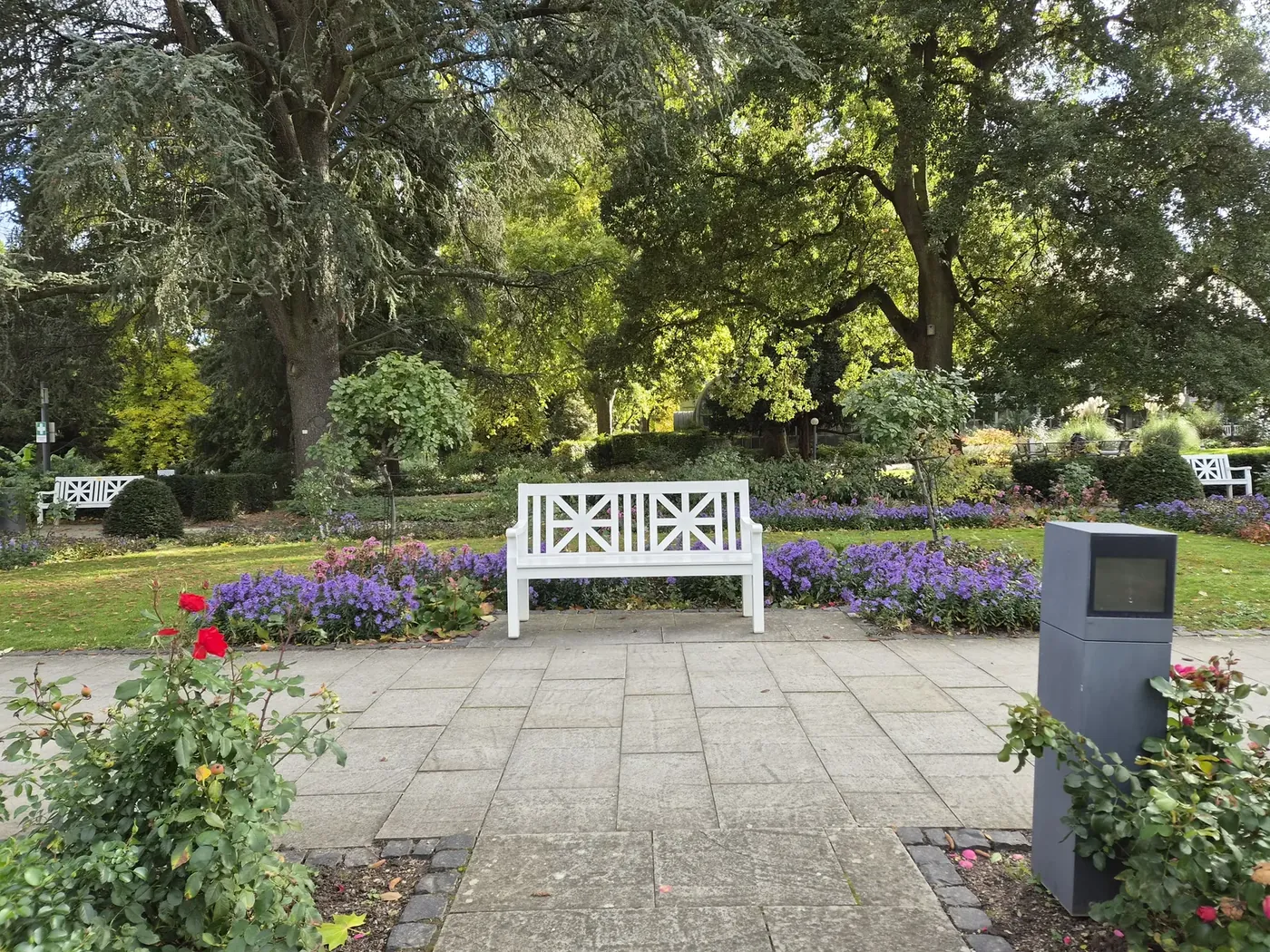 Galaxy S26 · our photo
HOW WE TEST
Same place.
Same light.
All 11 phones took each scene within a few minutes of each other, on 24 October 2026 in Frankfurt.
- 01Match the scene.
Same spot, same tripod, default settings, every phone before moving on.
- 02Show the settings.
Lens, aperture, ISO and shutter speed, read from each phone's own file.
- 03No scores.
We show what we see. You decide what you like.