Forgotten Subscriptions: How to Find and Cancel Them (Save Every Month)
2 min read · 6 steps · Updated 2 October 2026
Small monthly payments are easy to forget, and together they can cost you hundreds a year. How to find every subscription (bank statements, iPhone and Android subscription lists, PayPal, yearly plans), add them up, sort them, cancel the right way, downgrade or share, and handle free trials.

Streaming, music, cloud storage, an app you tried once. Small monthly payments are easy to forget, and together they can cost you hundreds a year. Here's how to find every subscription you pay for, and cut the ones you don't need.
First, why do subscriptions add up so fast? Because they're designed to be easy to start and easy to forget. Free trials turn into paid plans, prices go up quietly, and a few euros a month doesn't feel like much, until you add it all up.
Step by step
Find every subscription
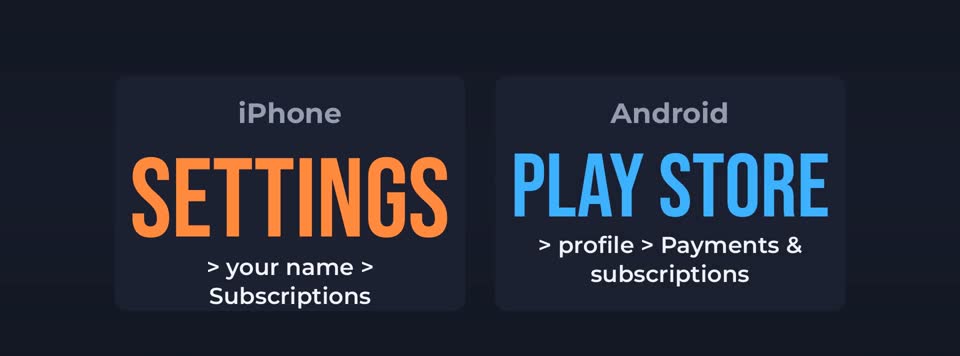
Go through your last three months of bank and card statements, and mark every payment that repeats. Then check the subscription lists in your phone. On an iPhone, open Settings, tap your name, then Subscriptions. On Android, open the Play Store, tap your profile, then Payments and subscriptions.
Don't forget PayPal, your mobile phone bill, and annual payments. A yearly charge only shows up once, so look back twelve months if you can.

Add it all up
Write each one down with its monthly cost. Turn yearly plans into a monthly number. Most people are surprised by the total.
Sort them into three groups
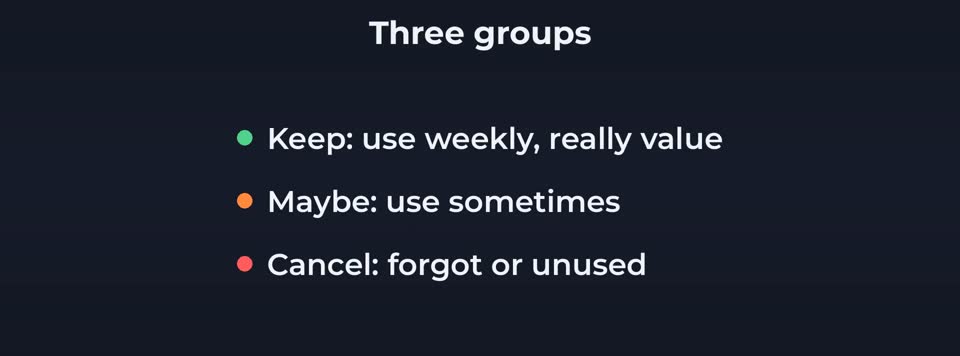
Keep: things you use every week and really value. Maybe: things you use sometimes. Cancel: things you forgot you had, or haven't used in a month.
Cancel the right way
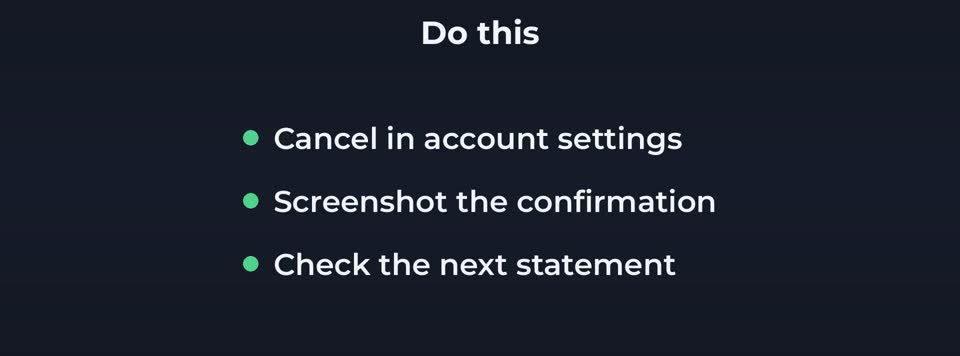
Cancel inside the app store or the service's own account settings, not just by deleting the app. Deleting an app doesn't stop the payment. Take a screenshot of the confirmation, and check your next statement to make sure it really stopped.

Downgrade or share instead
For the maybe group, look for a cheaper plan, a version with ads, or a family plan you can share with people in your household, if the rules allow it. You can also rotate. Keep one streaming service at a time, and switch every month or two.

Watch out for free trials
When you start a free trial, set a reminder for two days before it ends. Many services let you cancel straight away and still use the trial until the end.
Good to know
And ask before you cancel. Some companies offer a discount to keep you. If you were going to cancel anyway, it costs nothing to see the offer.
Finally, check again every few months. New subscriptions creep back in.
In short: Find every subscription, add them up, sort them, cancel properly, downgrade or share, and watch your free trials.